Download to read offline
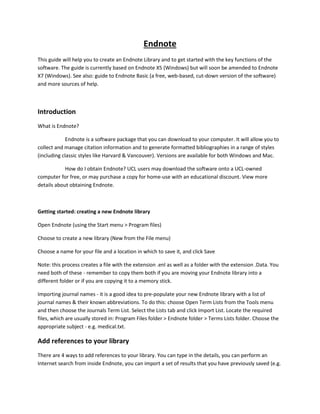
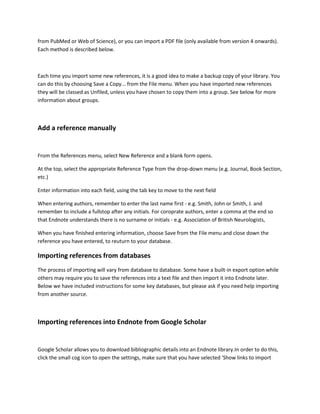
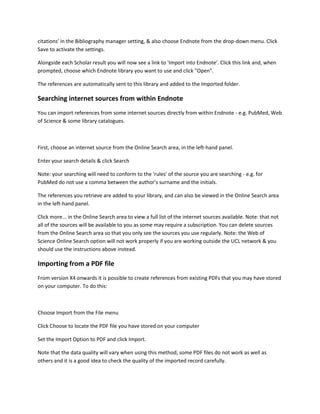


This document provides an overview of how to use Endnote software to create an Endnote library, import references from various sources like databases and PDFs, and cite references in a Word document using the Cite While You Write feature. Key steps include downloading and installing Endnote, creating a new library, importing journal names and references from sources like Google Scholar and PubMed, manually adding references, and inserting citations in Word to automatically generate a bibliography.


