Download to read offline

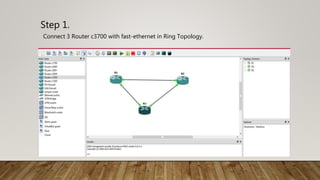
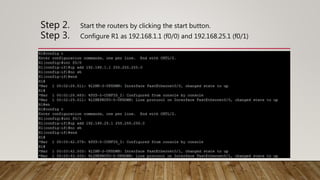
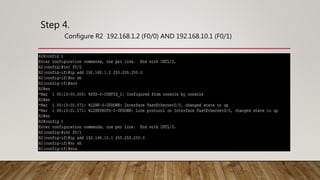
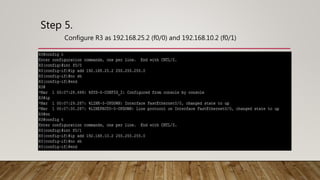
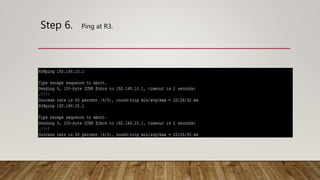
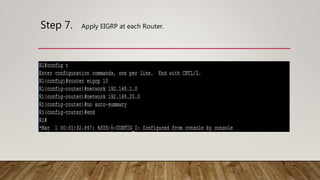
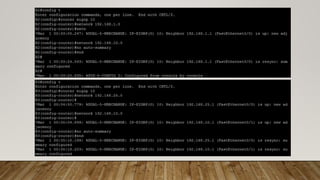
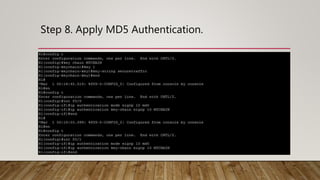
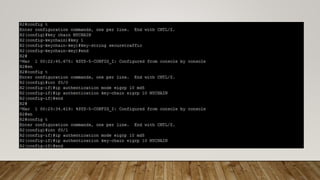
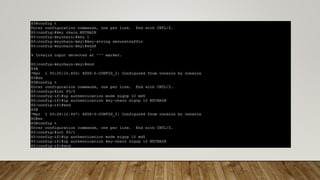
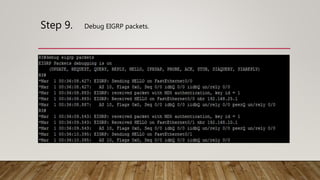

The document outlines the steps to implement EIGRP with MD5 authentication using GNS3, including configuring three routers in a ring topology. It details IP address assignments, commands to apply EIGRP and MD5, and concludes with successful implementation. Debugging EIGRP packets is also suggested as part of the process.


![[Deck] What's New in Spark-Iceberg Integration via DSV2.pptx](https://cdn.slidesharecdn.com/ss_thumbnails/deckwhatsnewinspark-icebergintegrationviadsv2-260210005337-25955b12-thumbnail.jpg?width=640&height=640&fit=bounds)


