E-Learning Overvew2007
1234567891011Table of ContentsE-Learning E-Learning SystemE-Learning offersE-Learning requiresThe Development ProcessAsynchronous E-LearningSynchronous E-LearningE-Learning is PartnershipDesignTeaching StrategiesTechnologies & Solutions
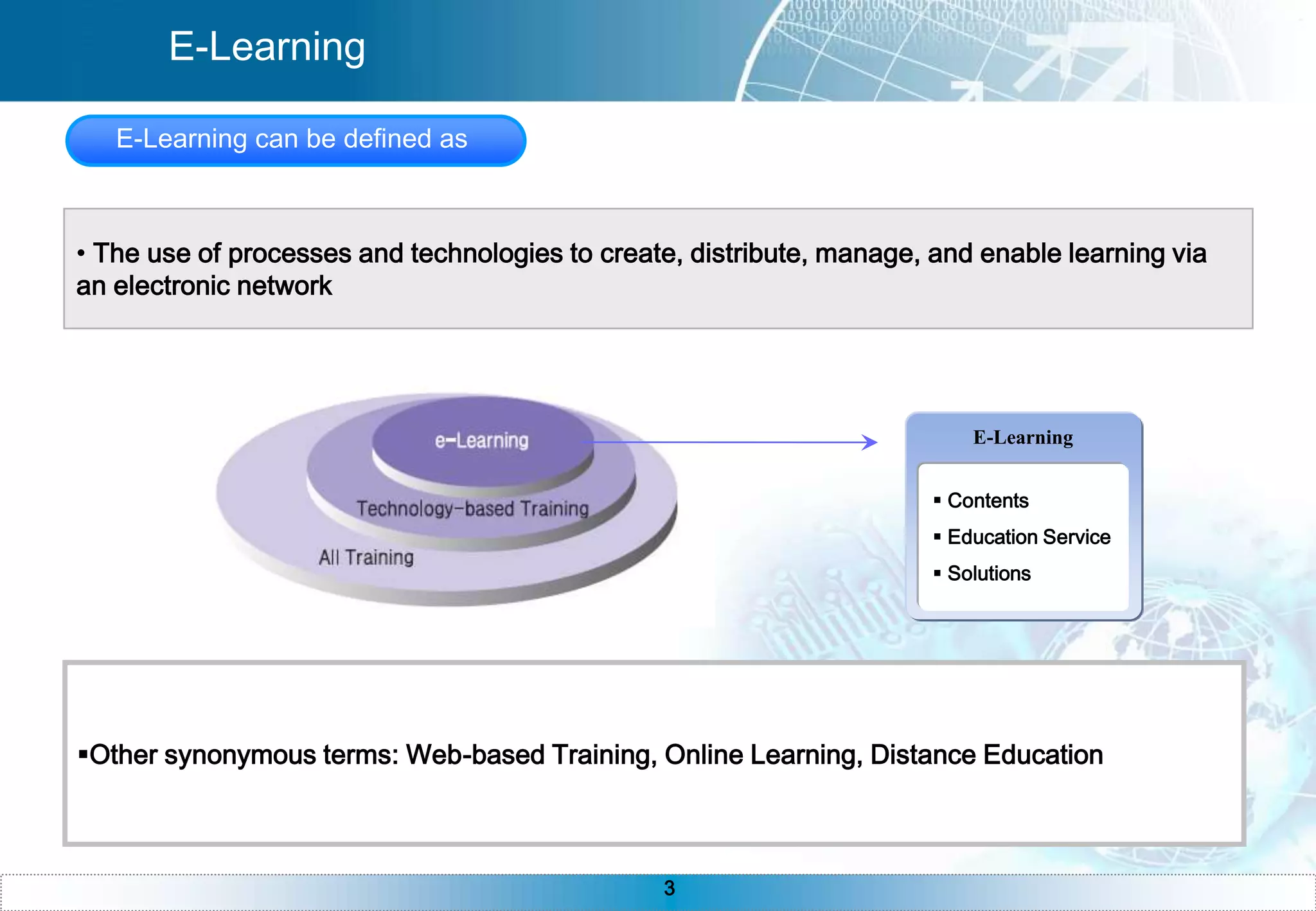
E-LearningE-Learning can be defined as  The use of processes and technologies to create, distribute, manage, and enable learning via an electronic networkE-Learning Contents
 Education Service
 Solutions
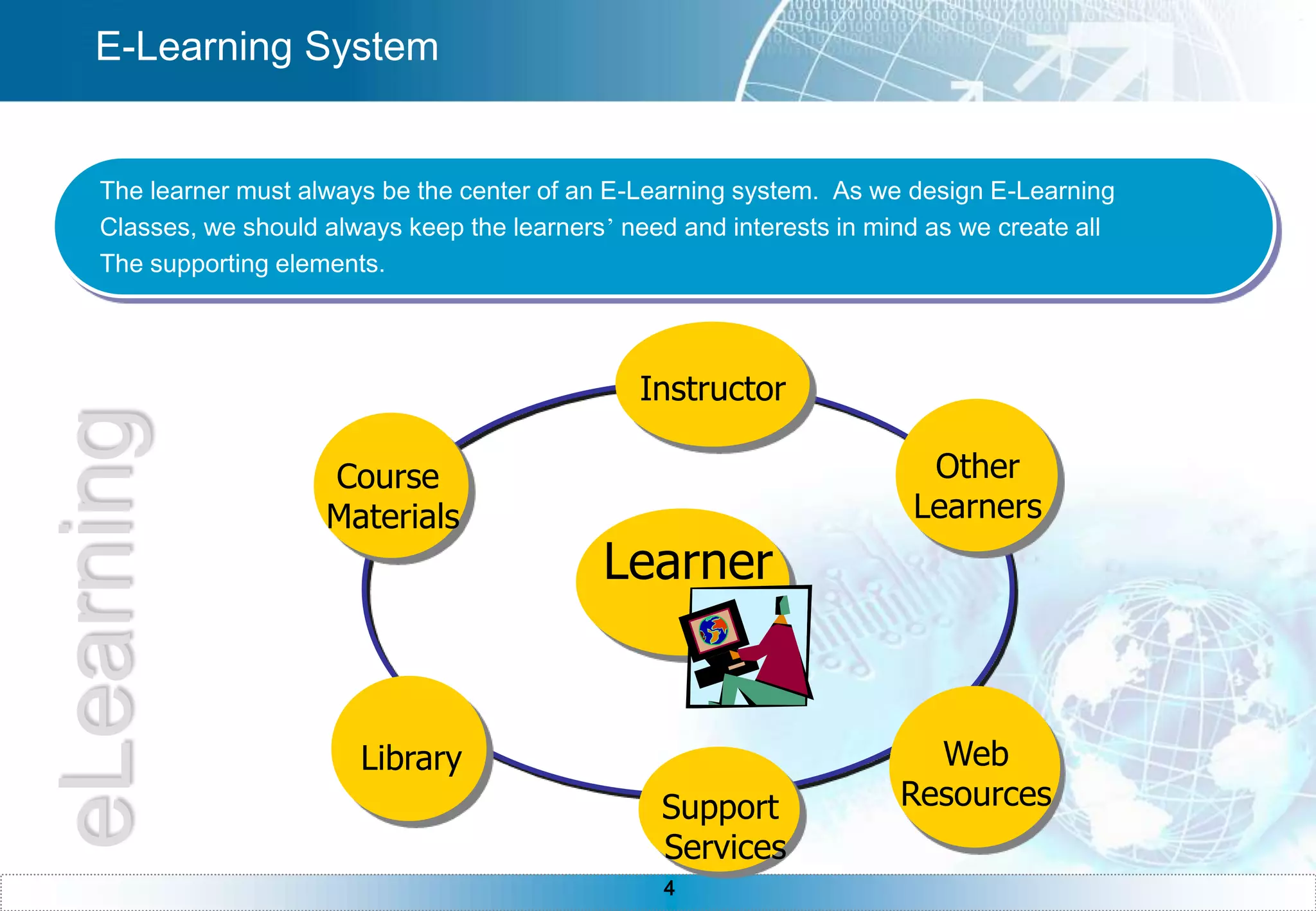
Other synonymous terms: Web-based Training, Online Learning, Distance EducationInstructorCourse MaterialsOther LearnersWeb ResourcesLibrarySupport ServicesE-Learning SystemThe learner must always be the center of an E-Learning system.  As we design E-Learning Classes, we should always keep the learners’ need and interests in mind as we create all The supporting elements.LearnereLearning
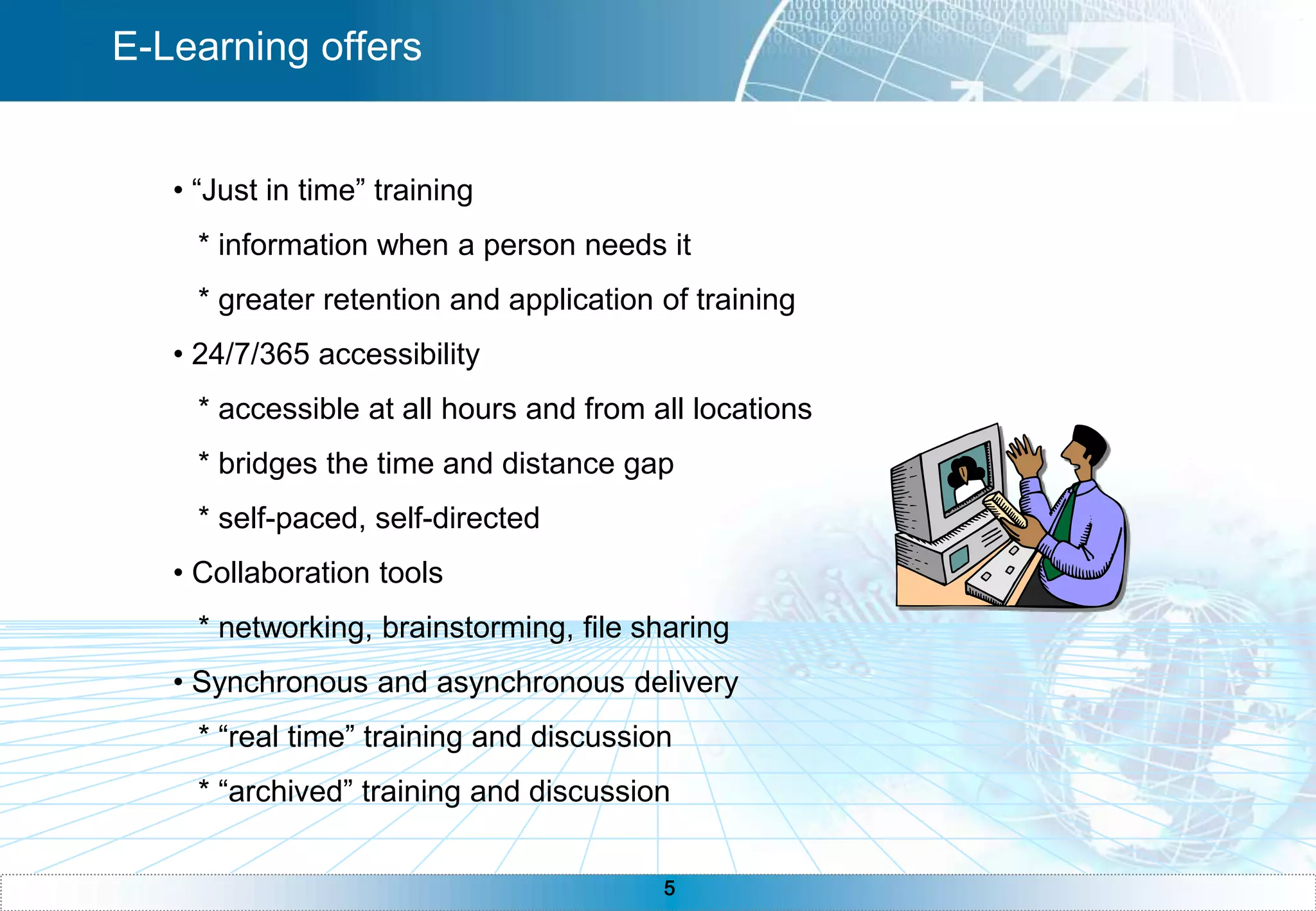
E-Learning offers “Just in time” training   * information when a person needs it   * greater retention and application of training 24/7/365 accessibility   * accessible at all hours and from all locations   * bridges the time and distance gap   * self-paced, self-directed Collaboration tools   * networking, brainstorming, file sharing Synchronous and asynchronous delivery   * “real time” training and discussion   * “archived” training and discussion
E-Learning requires Technology   * computer systems   * connections (networks, internet, intranet)   * bandwidth Technique   * computer skills   * communication skills   * self dicipline   * time management   * patience
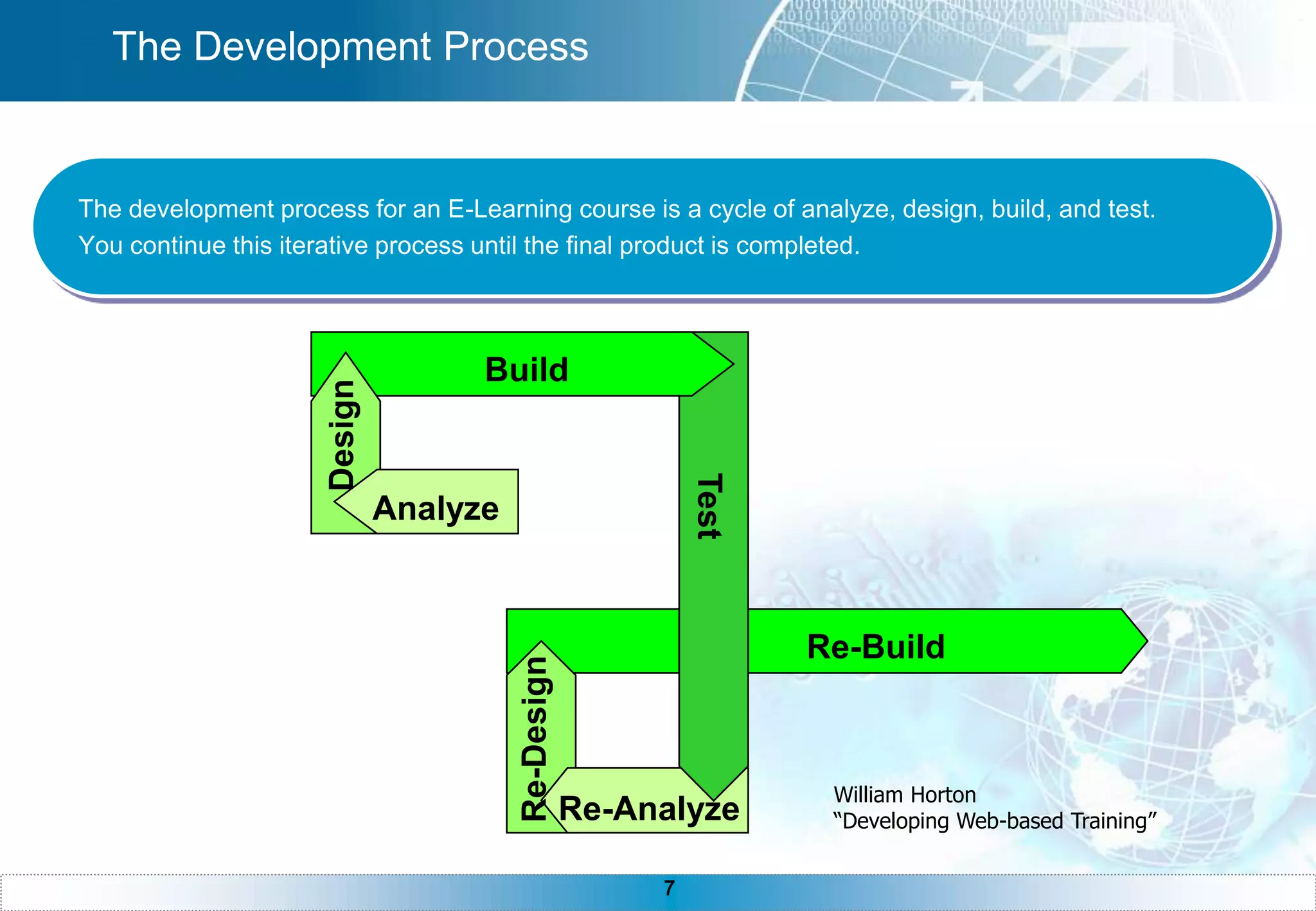
BuildDesignAnalyzeTestRe-BuildRe-DesignRe-AnalyzeThe Development ProcessThe development process for an E-Learning course is a cycle of analyze, design, build, and test.You continue this iterative process until the final product is completed. William Horton “Developing Web-based Training”
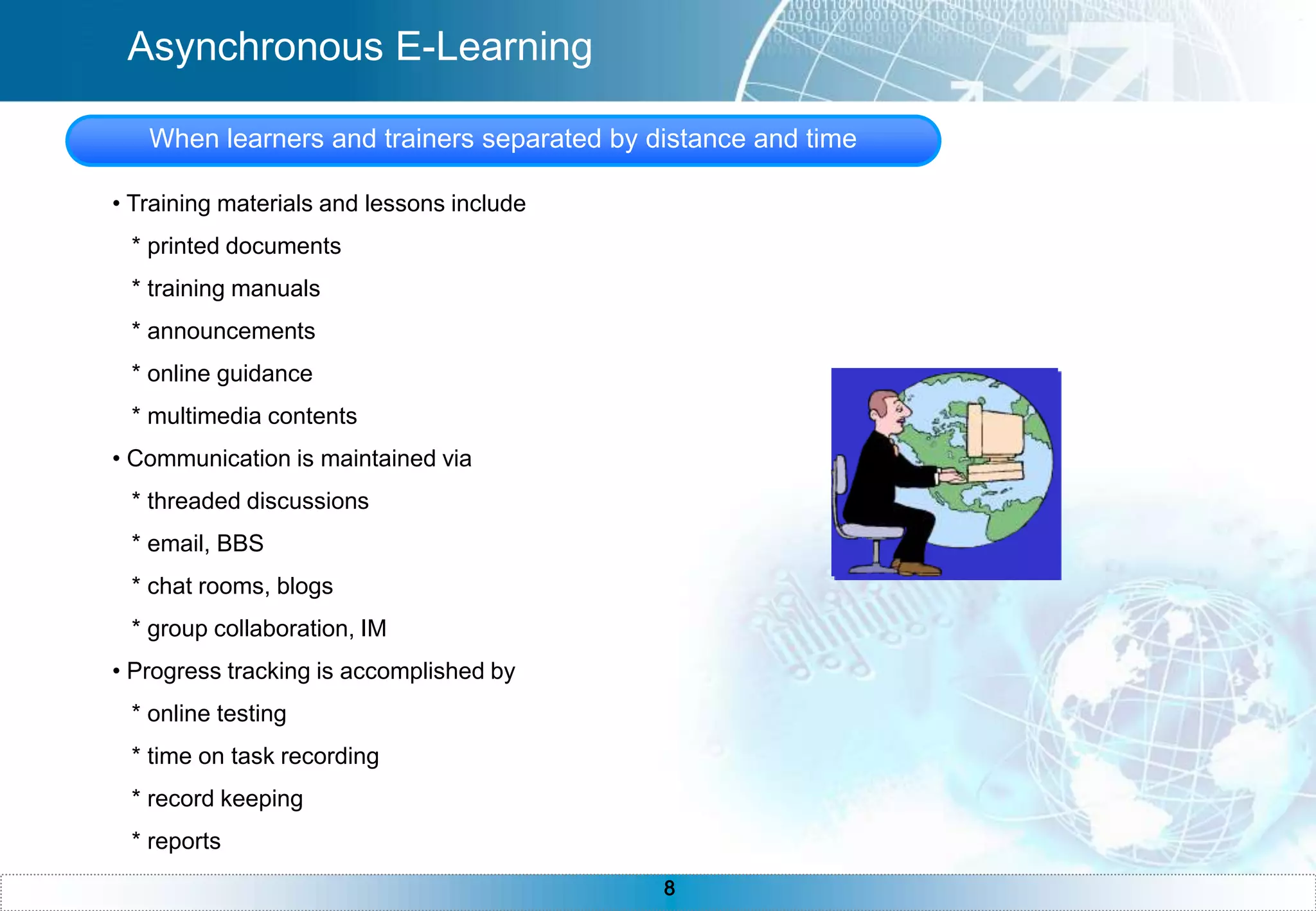
Asynchronous E-LearningWhen learners and trainers separated by distance and time Training materials and lessons include   * printed documents   * training manuals   * announcements   * online guidance   * multimedia contents Communication is maintained via   * threaded discussions   * email, BBS   * chat rooms, blogs   * group collaboration, IM Progress tracking is accomplished by    * online testing   * time on task recording   * record keeping   * reports
Synchronous E-LearningWhen learners and trainers separated by distance but meet at the same time Training materials and lessons include   * visual images   * videos   * audio Interactivity is achieved through   * electronic white board   * application sharing, web tour   * chat   * group collaboration Progress tracking is accomplished by    * online testing   * record keeping   * reports
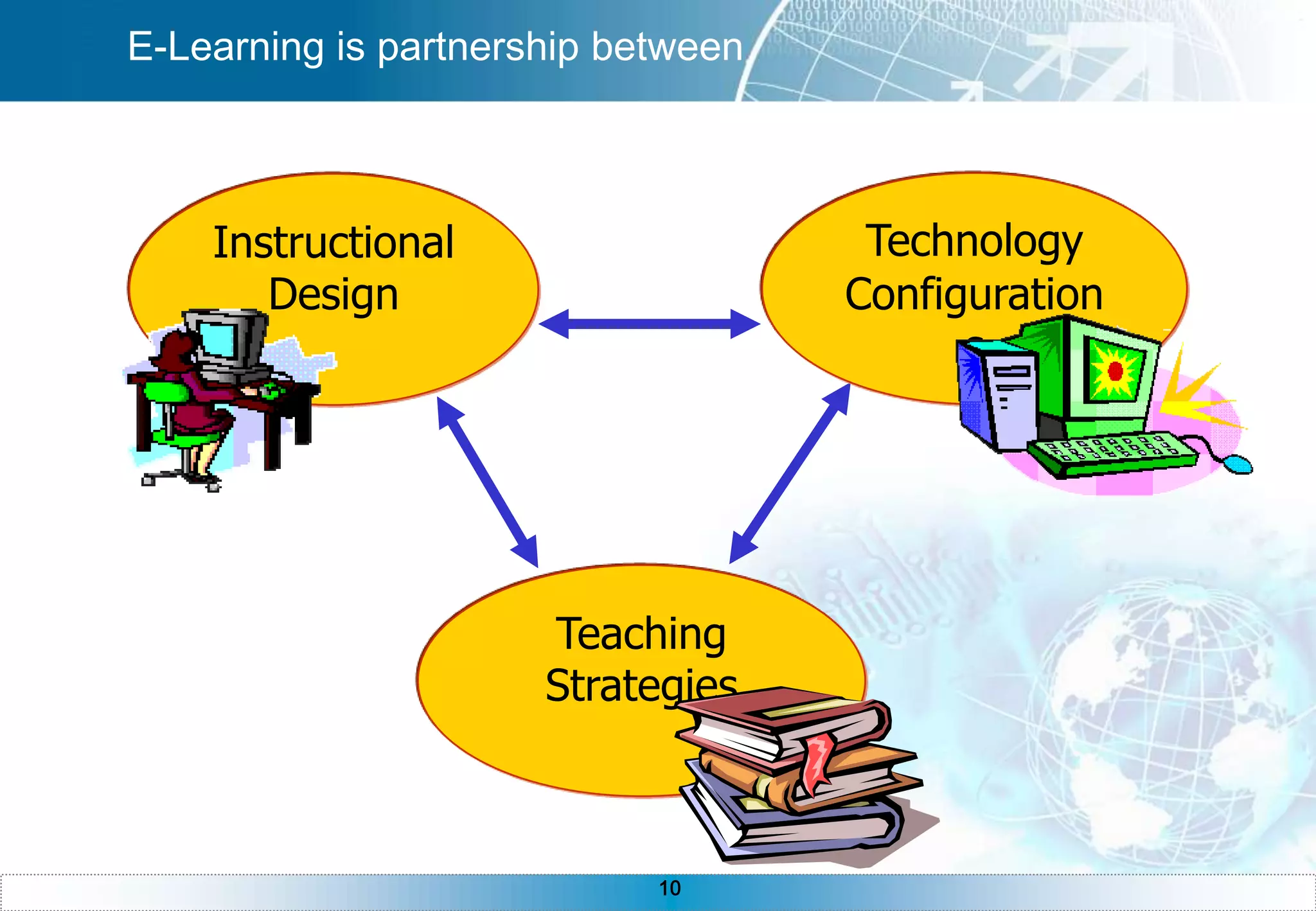
Instructional Design Technology Configurations Teaching Strategies E-Learning is partnership between
DesignKey is Training Goals and Audience characteristicsMany instructional Designs methods are available:ADDIE : a linear model named for its method (analysis, design, development, imple       -mentation, and evaluation). > most commonModels using iterations and prototypes, rapid prototyping design and successive appro       -ximation.Overall, all models are used for effective instruction. And Nearly all design models include ** Key components**LearnersObjectivesMethodsEvaluationNo One model is superior to anotherThe most cost-effective, efficient process is the goal of the instructional designer
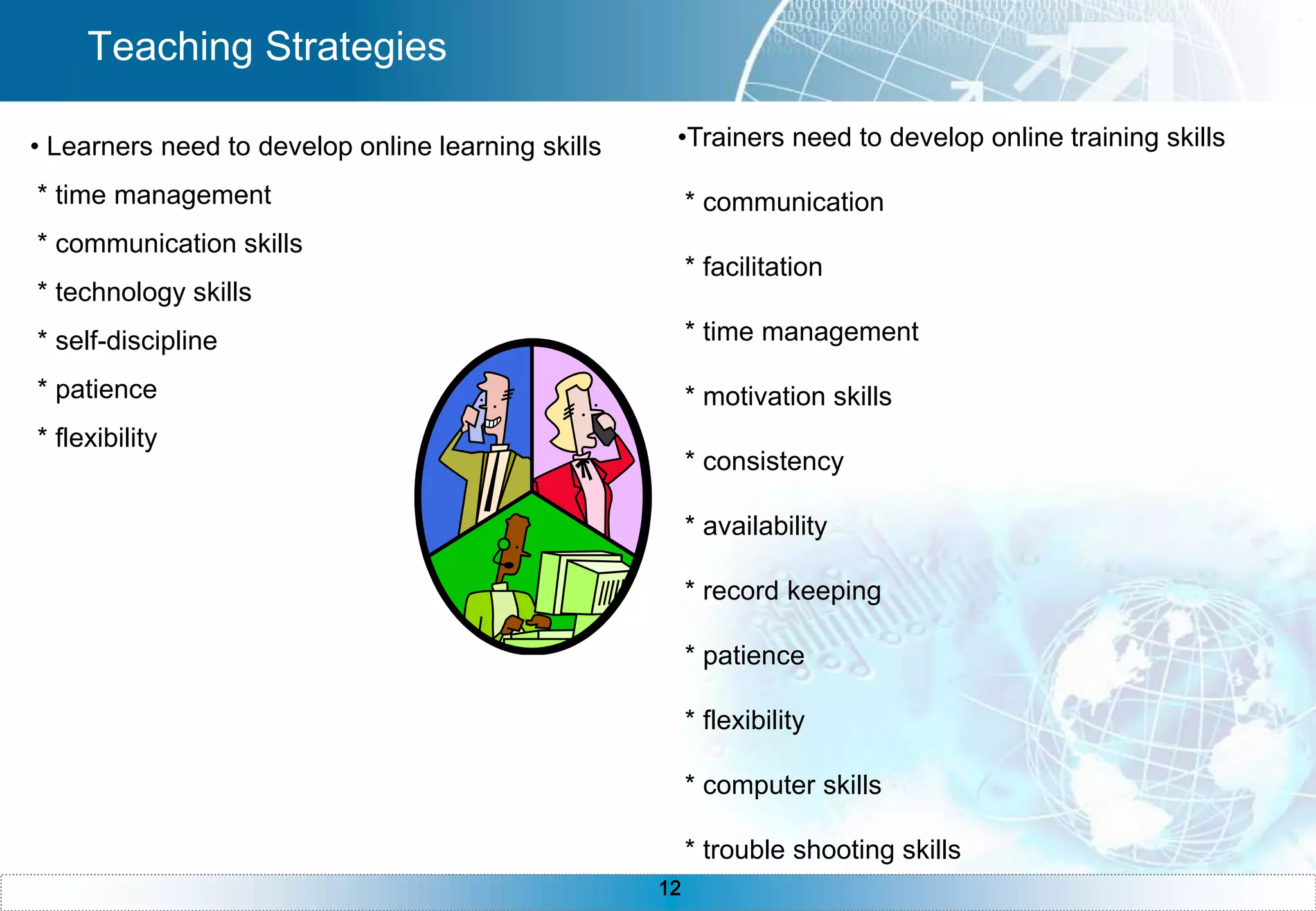
Teaching StrategiesTrainers need to develop online training skills  * communication * facilitation * time management * motivation skills * consistency * availability * record keeping * patience * flexibility * computer skills * trouble shooting skills Learners need to develop online learning skills * time management * communication skills * technology skills * self-discipline * patience * flexibility
Technology & Solutions LMS & LCMS
 Authoring Tool
 Collaboration Tool
 Podcasts
 Wiki
 Blog

Distance Learning Ict1[1]

  • 1.
  • 2.
    1234567891011Table of ContentsE-LearningE-Learning SystemE-Learning offersE-Learning requiresThe Development ProcessAsynchronous E-LearningSynchronous E-LearningE-Learning is PartnershipDesignTeaching StrategiesTechnologies & Solutions
  • 3.
    E-LearningE-Learning can bedefined as The use of processes and technologies to create, distribute, manage, and enable learning via an electronic networkE-Learning Contents
  • 4.
  • 5.
  • 6.
    Other synonymous terms:Web-based Training, Online Learning, Distance EducationInstructorCourse MaterialsOther LearnersWeb ResourcesLibrarySupport ServicesE-Learning SystemThe learner must always be the center of an E-Learning system. As we design E-Learning Classes, we should always keep the learners’ need and interests in mind as we create all The supporting elements.LearnereLearning
  • 7.
    E-Learning offers “Justin time” training * information when a person needs it * greater retention and application of training 24/7/365 accessibility * accessible at all hours and from all locations * bridges the time and distance gap * self-paced, self-directed Collaboration tools * networking, brainstorming, file sharing Synchronous and asynchronous delivery * “real time” training and discussion * “archived” training and discussion
  • 8.
    E-Learning requires Technology * computer systems * connections (networks, internet, intranet) * bandwidth Technique * computer skills * communication skills * self dicipline * time management * patience
  • 9.
    BuildDesignAnalyzeTestRe-BuildRe-DesignRe-AnalyzeThe Development ProcessThedevelopment process for an E-Learning course is a cycle of analyze, design, build, and test.You continue this iterative process until the final product is completed. William Horton “Developing Web-based Training”
  • 10.
    Asynchronous E-LearningWhen learnersand trainers separated by distance and time Training materials and lessons include * printed documents * training manuals * announcements * online guidance * multimedia contents Communication is maintained via * threaded discussions * email, BBS * chat rooms, blogs * group collaboration, IM Progress tracking is accomplished by * online testing * time on task recording * record keeping * reports
  • 11.
    Synchronous E-LearningWhen learnersand trainers separated by distance but meet at the same time Training materials and lessons include * visual images * videos * audio Interactivity is achieved through * electronic white board * application sharing, web tour * chat * group collaboration Progress tracking is accomplished by * online testing * record keeping * reports
  • 12.
    Instructional Design TechnologyConfigurations Teaching Strategies E-Learning is partnership between
  • 13.
    DesignKey is TrainingGoals and Audience characteristicsMany instructional Designs methods are available:ADDIE : a linear model named for its method (analysis, design, development, imple -mentation, and evaluation). > most commonModels using iterations and prototypes, rapid prototyping design and successive appro -ximation.Overall, all models are used for effective instruction. And Nearly all design models include ** Key components**LearnersObjectivesMethodsEvaluationNo One model is superior to anotherThe most cost-effective, efficient process is the goal of the instructional designer
  • 14.
    Teaching StrategiesTrainers needto develop online training skills * communication * facilitation * time management * motivation skills * consistency * availability * record keeping * patience * flexibility * computer skills * trouble shooting skills Learners need to develop online learning skills * time management * communication skills * technology skills * self-discipline * patience * flexibility
  • 15.
  • 16.
  • 17.
  • 18.
  • 19.
  • 20.
  • 21.
  • 22.
    IM >Video Messenger
  • 23.
  • 24.
    Web2.0 MostFrequently Asked QuestionsOf E-Learning
  • 25.
    What is E-Learning?Whattypes of organizations use E-Learning?How do I know whether E-Learning is right for our organization?What is E-Learning used for?How does someone learn online?What if someone is not very good on the computer?What does E-Learning look like?FAQs 1
  • 26.
    FAQs 2How isE-Learning different from Web sites with text, graphics, video, etc?What type of interaction is used in E-Learning?How long has E-Learning been around?What methods are used to deliver E-Learning?What types of E-Learning products do organizations develop?Why is E-Learning popular?Why would I use traditional classroom instruction over E-Learning?
  • 27.
    FAQs 3What differenttypes of E-Learning tools are available?What types of team does an organization need to implement E-Learning?How do I know what tools and methods are right for my organization?Are there any industry standards associated with E-Learning?What is asynchronous E-Learning?What is synchronous E-Learning?
  • 28.
    FAQs 4What isblended learning?What type of infrastructure is required to support E-Learning?What are advantages associated with E-Learning?Are there disadvantages associated with E-Learning?How do you measure effectiveness of E-Learning?How long does it take to develop a typical E-Learning course?
  • 29.
    FAQs 5What arethe various delivery systems for E-Learning?What is an LMS?What is an LCMS?What is beyond E-Learning of today?
  • 30.