






























Wordpress Workshop
Keith FeigheryDirector of Digital Strategy
SummaryDirector of Digital Strategy with Digital Insights14 Years experience developing and marketing web and digital applicationsLecturer with DIT on MA in Digital Media TechnologiesLecturer with Dublin Business School, Griffith College, Champlain College & IBAT in Online Marketing and Digital Strategy
Contact Details086 6070274www.linkedin.com/in/keithfeigherywww.twitter.com/kfeigherywww.faceboook.com/keith.feigherykeith.feighery@digitalinsights.ie
AgendaIntroduction to WordpressWordpress Case Studies and ExamplesSetting up Site on Wordpress.comSetting up Wordpress.org self-hosted systemDownload and CustomiseWordpress.orgWalk through of Wordpress FeaturesAdministration, Themes, Plugins, Post & Pages, SEOWalk through of Using Wordpress Bought ThemesExamples using Woo Canvas Theme
Wordpress OverviewExcellent low barrier to entry publishing platformOpen source platformEasy to use CMS system to produce and distribute all forms of digital media – text, Images, audio, video, RSSEasy to Connect Wordpress site with other social media sitesTwitter, Facebook etc…Very extensible platform where further functionality can be addedSearch Engine Friendly infrastructure along with SEO plugins
Wordpress.com Vs Wordpress.org
Wordpress.comWordpress.comA managed environment to set up Websites and blogs provided for free (basic set-up)Basic version will have wordpress in the url – e.g. http://www.website.wordpress.comCan map an existing domain (www.website.com) to a wordpress.com websiteLimited functionality on wordpress.com in comparison to wordpress.orgNo plugin functionalityLimited Theme Customisation
Wordpress.orgWordpress.orgOpen source version of wordpressSelf-Managed system where users have to download the software from wordpress.orgUsers have to have domain name registered and hosting packageUsers have to upload wordpress on to webserver and set up databaseOnce deployed, users have complete control over the customisation and functionality of the wordpress.org siteUsers respoonsible for security, back-ups, maintenance and support of their own site
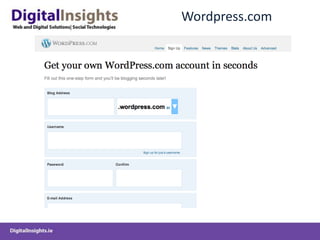
Wordpress.com
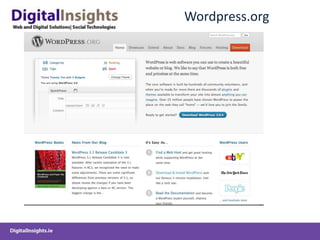
Wordpress.org
Irish Wordpress CMS Sites
DMI
Digital Insights
James Whelan Butchers
Blogs
IIA Blog
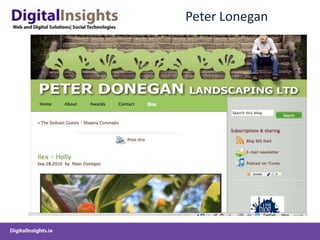
Peter Lonegan
DonalSkehan
Make Up and Beauty
Using Wordpress.com
Wordpress.com
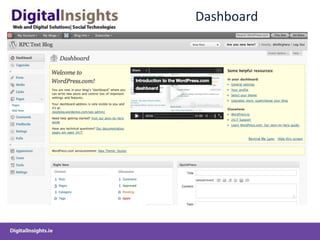
Dashboard
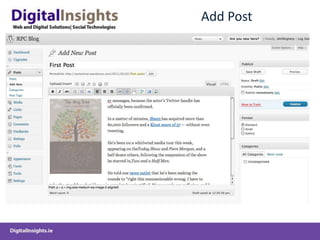
Add Post
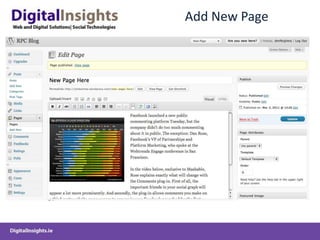
Add New Page
Add Media
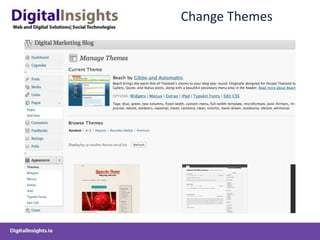
Change Themes
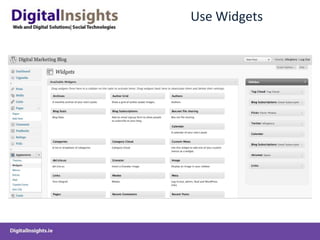
Use Widgets
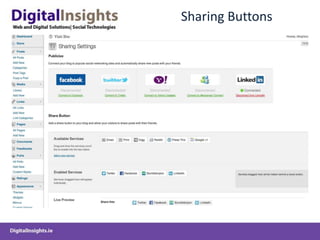
Sharing Buttons
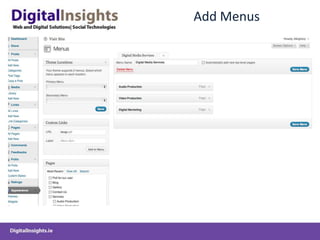
Add Menus
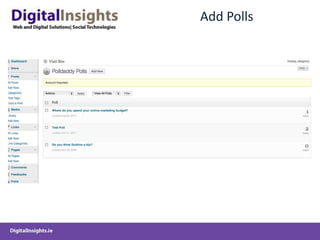
Add Polls
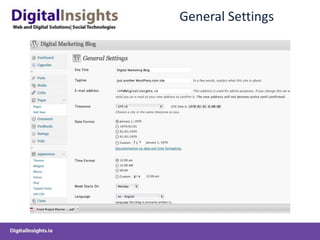
General Settings
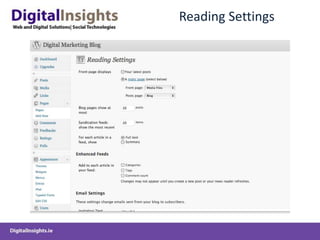
Reading Settings
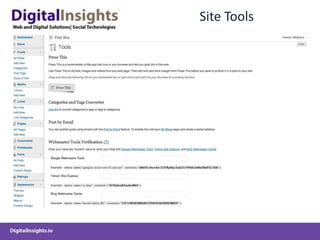
Site Tools
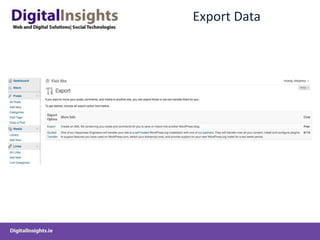
Export Data
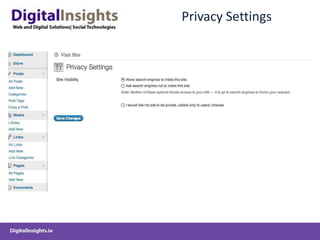
Privacy Settings
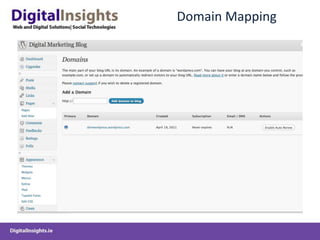
Domain Mapping
Front End
Process of Registering and Deploying Wordpress.org CMS on hosted server
GoDaddy
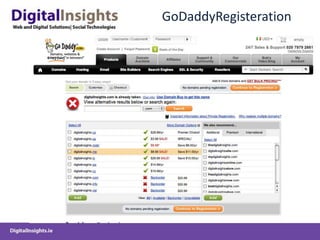
GoDaddyRegisteration
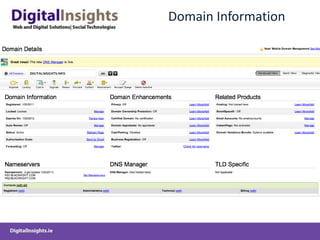
Domain Information
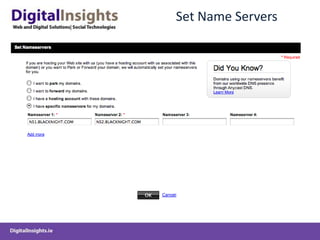
Set Name Servers
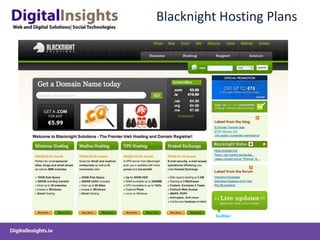
Blacknight Hosting Plans
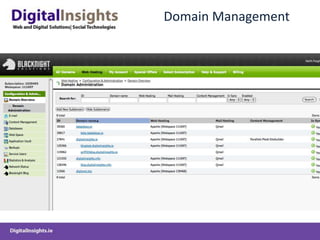
Domain Management
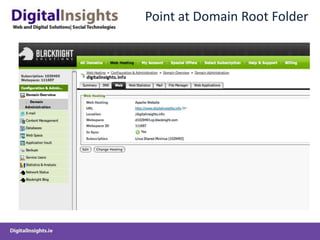
Point at Domain Root Folder
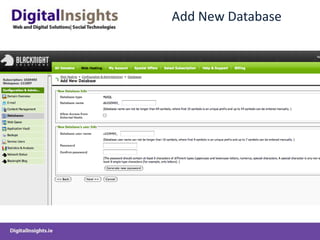
Add New Database
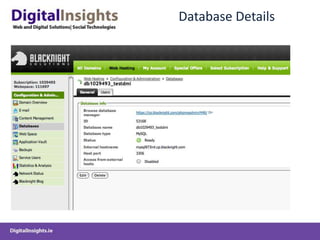
Database Details
Wordpress.org Download
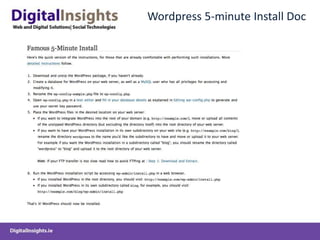
Wordpress 5-minute Install Doc
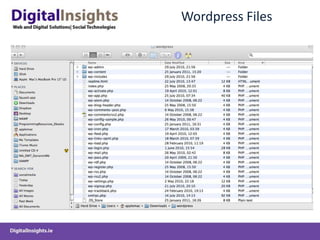
Wordpress Files
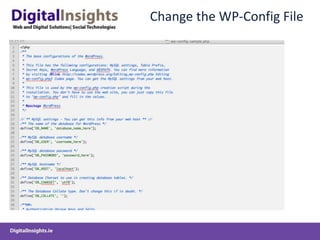
Change the WP-Config File
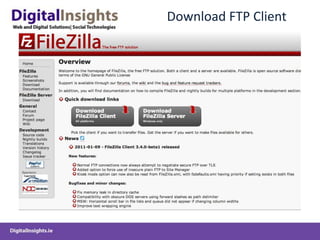
Download FTP Client
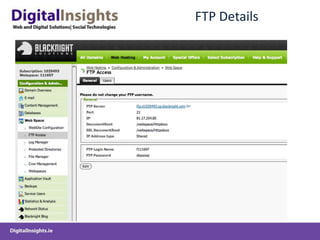
FTP Details
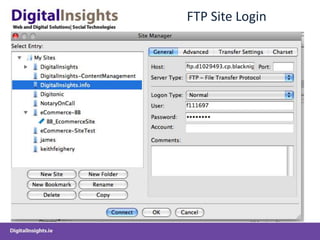
FTP Site Login
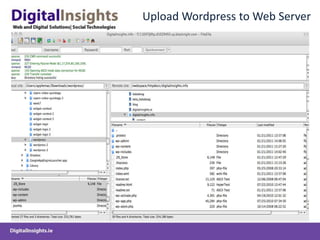
Upload Wordpress to Web Server
Run Script: http://www.website.com/wordpress-folder.com/wp-installThis Installs Wordpress Database and Configures Deployment
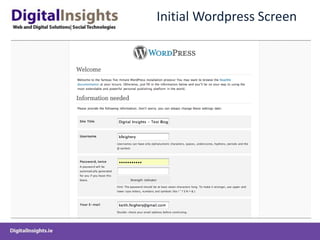
Initial Wordpress Screen
Wordpress Backend Administration
Login to Backend – www.website.com/wp-admin
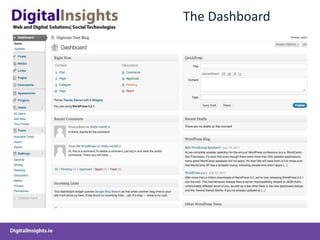
The Dashboard
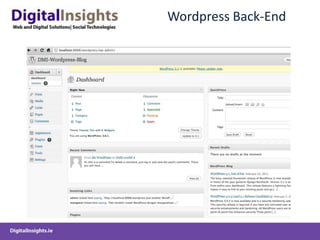
Wordpress Back-End
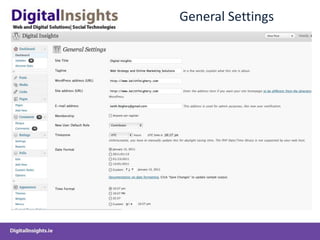
General Settings
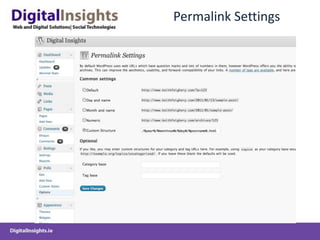
Permalink Settings
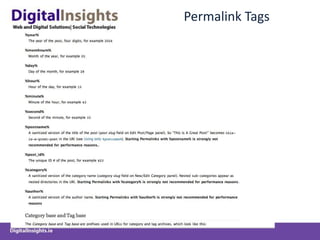
Permalink Tags
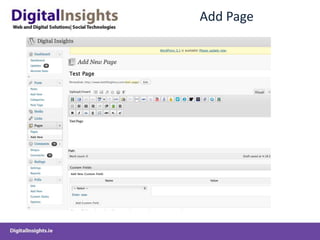
Add Page
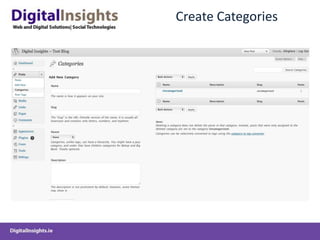
Create Categories
Appearance
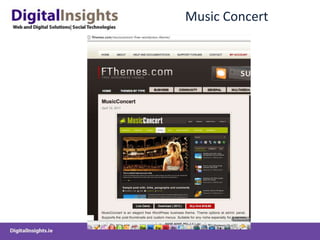
Music Concert
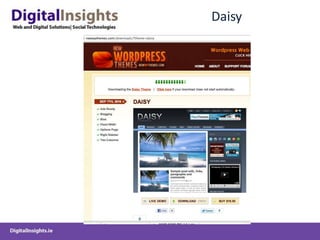
Daisy
Skeptcial
WordpressPlugins
Content Plugins
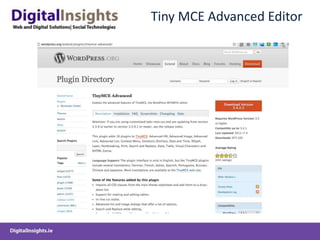
Tiny MCE Advanced Editor
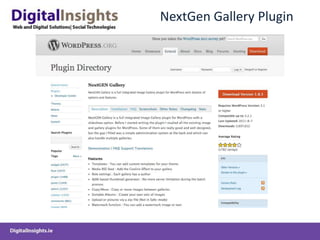
NextGen Gallery Plugin
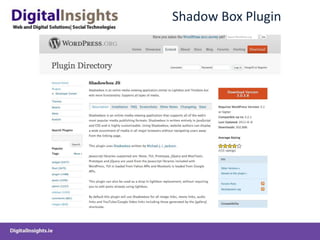
Shadow Box Plugin
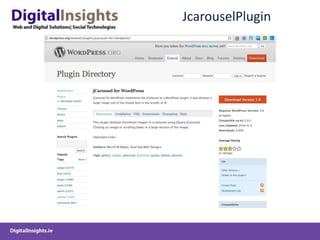
JcarouselPlugin
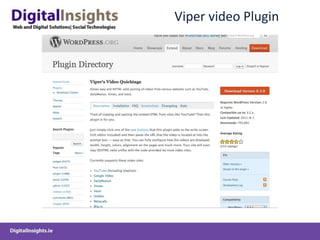
Viper video Plugin
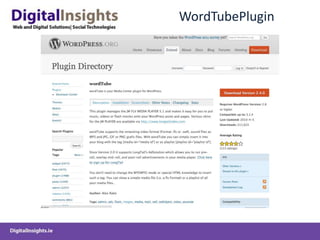
WordTubePlugin
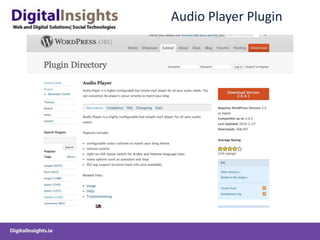
Audio Player Plugin
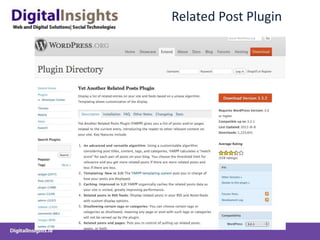
Related Post Plugin
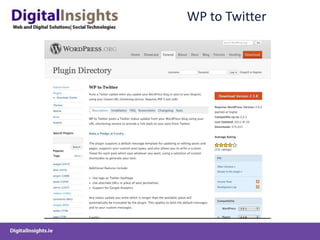
WP to Twitter
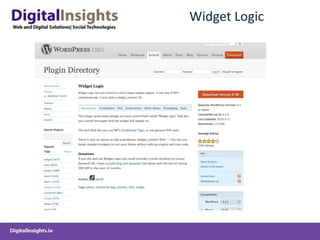
Widget Logic
Analytics
Google Analytics Plugin
Google Analyticator
SEO Plugins
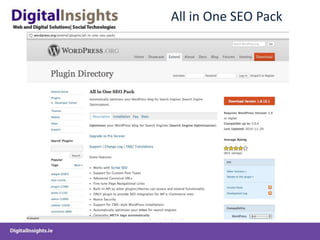
All in One SEO Pack
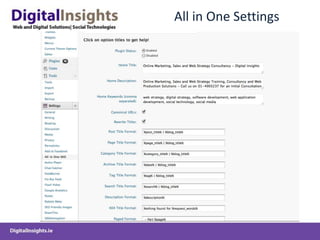
All in One Settings
SEO Friendly Images
Posts and Pages Plugins
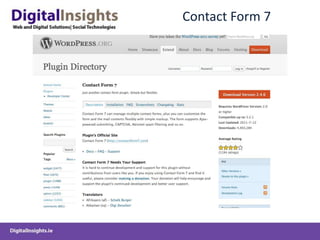
Contact Form 7
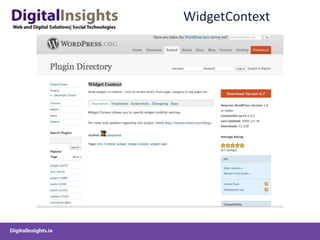
WidgetContext
Related Posts Plugin
Share Plugins
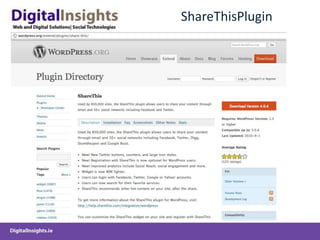
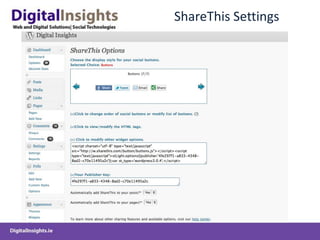
ShareThisPlugin
ShareThis Settings
Mobile Plugins
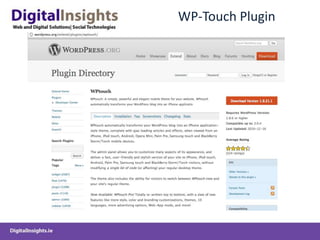
WP-Touch Plugin
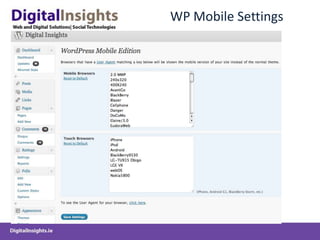
WP Mobile Settings
Website Admin and Infrastructure Plugins
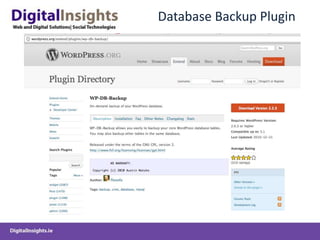
Database Backup Plugin
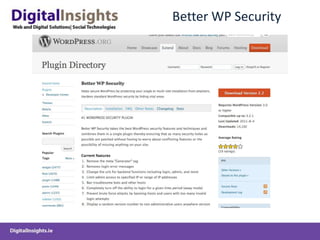
Better WP Security
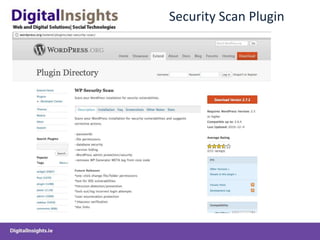
Security Scan Plugin
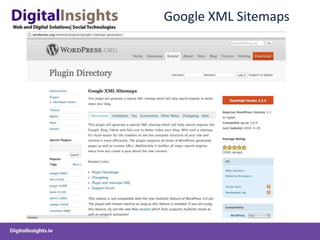
Google XML Sitemaps
Wordpress Bought Themes and Frameworks
Bought ThemesProvide Out of the Box Design and FunctionalityEnable easy cutomisation of Themes without having to handcraft CSS code Provide in-built plugin functionality for SEO, Backups, No-follows, Google Analytics, JQuery Sliders, Security etc..Provide multiple theme templates to facilitate creation of Content Management Systems
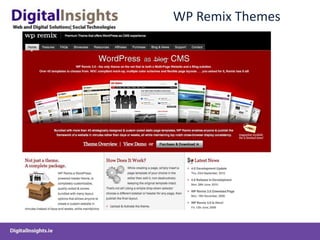
WP Remix Themes
Woo Themes
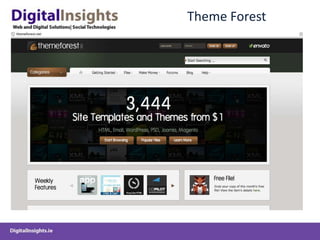
Theme Forest
SmallFolio
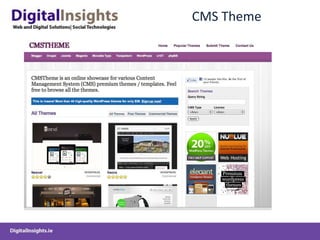
CMS Theme
DIY Themes
Studio Press
Building WP CMS System from Theme FrameworkCANVAS Theme – Woo Themes
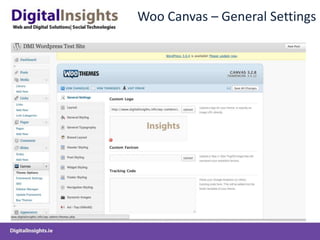
Woo Canvas – General Settings
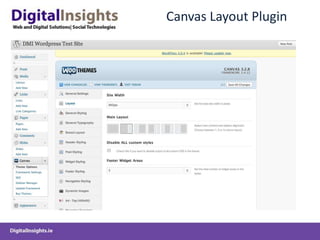
Canvas Layout Plugin
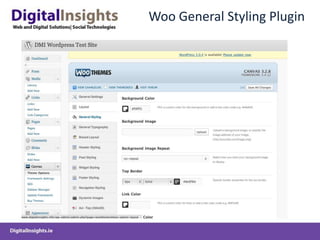
Woo General Styling Plugin
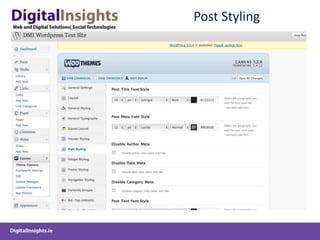
Post Styling
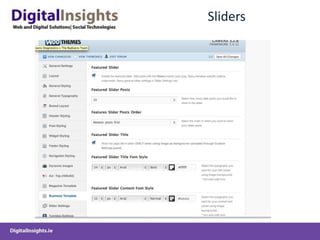
Sliders
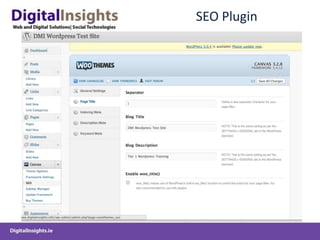
SEO Plugin
Other Examples of WOO Themes
Bizznet
Inspire
Thank You

DigitalInsights-ECM-WordPress-Session