Wordpress SessionKeith Feighery
AgendaOverview of Content Management Systems and Blogging PlatformsWordpress Case Studies and ExamplesRegistering a Domain & Setting up Wordpress self-hosted systemWalk through of Wordpress FeaturesAdministration, Themes, Plugins, Post & Pages, SEO etc..Class Exercise: Download and CustomiseWordpress.orgWalk through of Using Wordpress Bought ThemesExamples using Woo Canvas Theme
Content Management Systems & Blogging Platforms
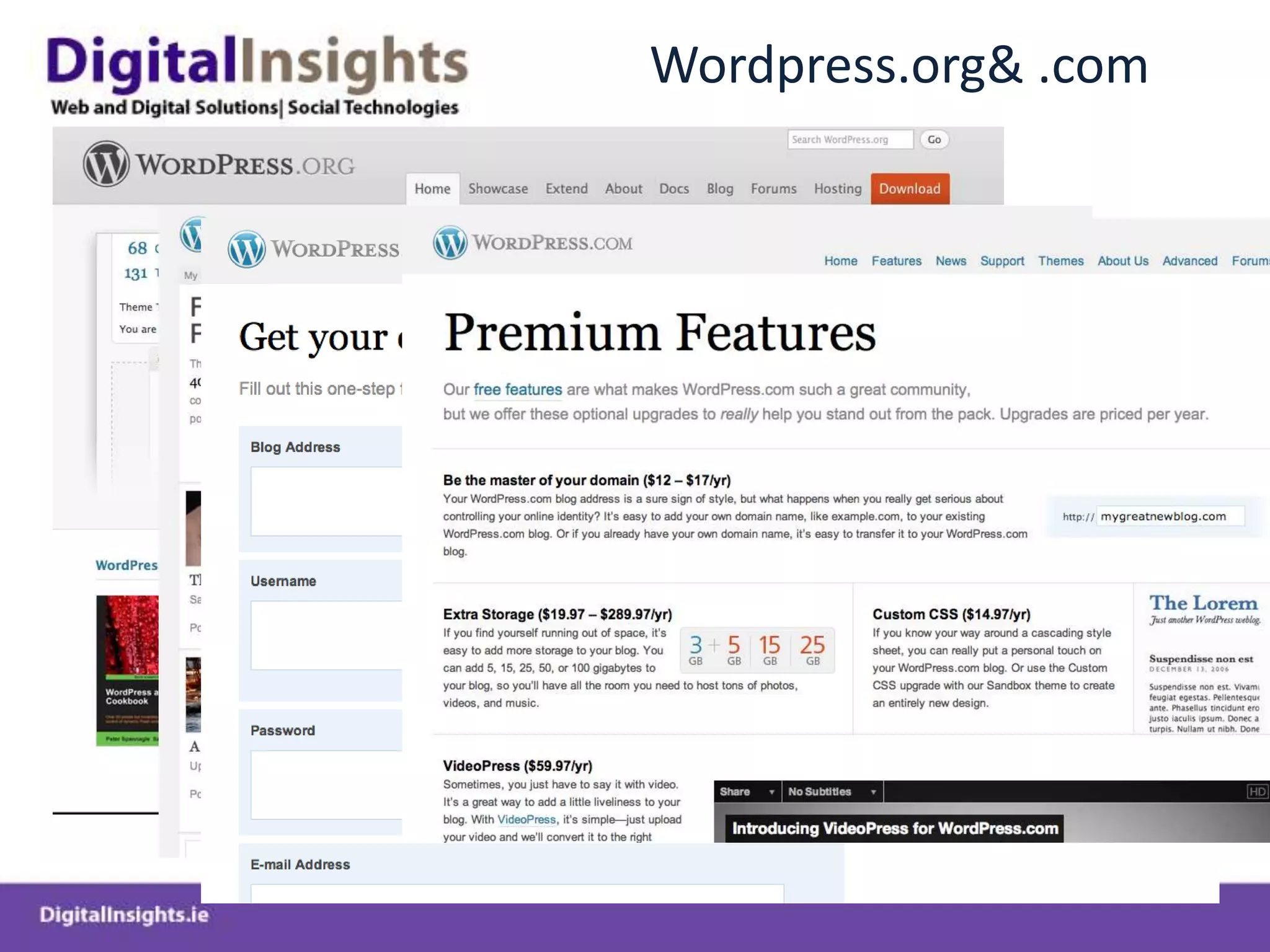
Wordpress.org & .com
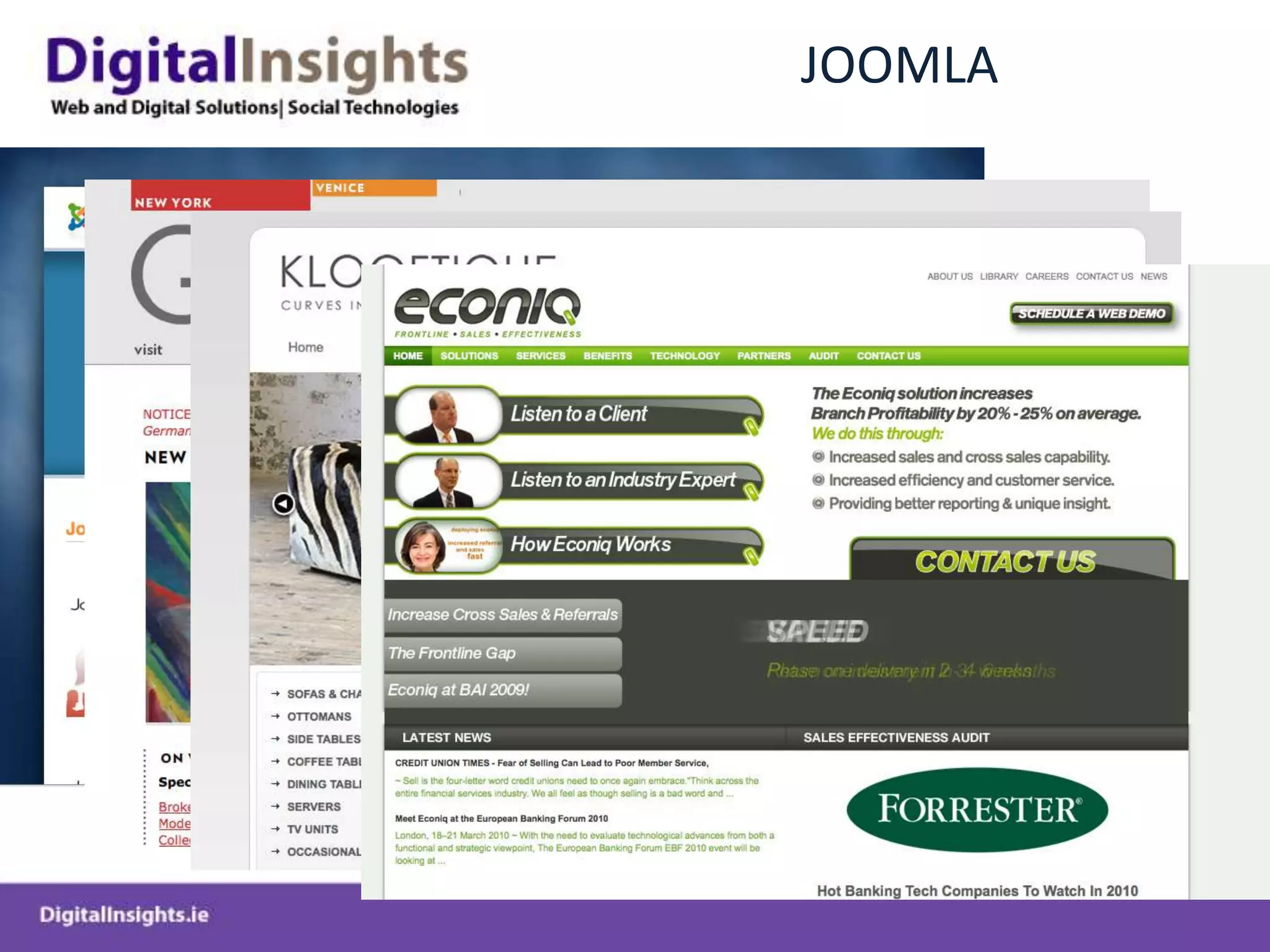
JOOMLA
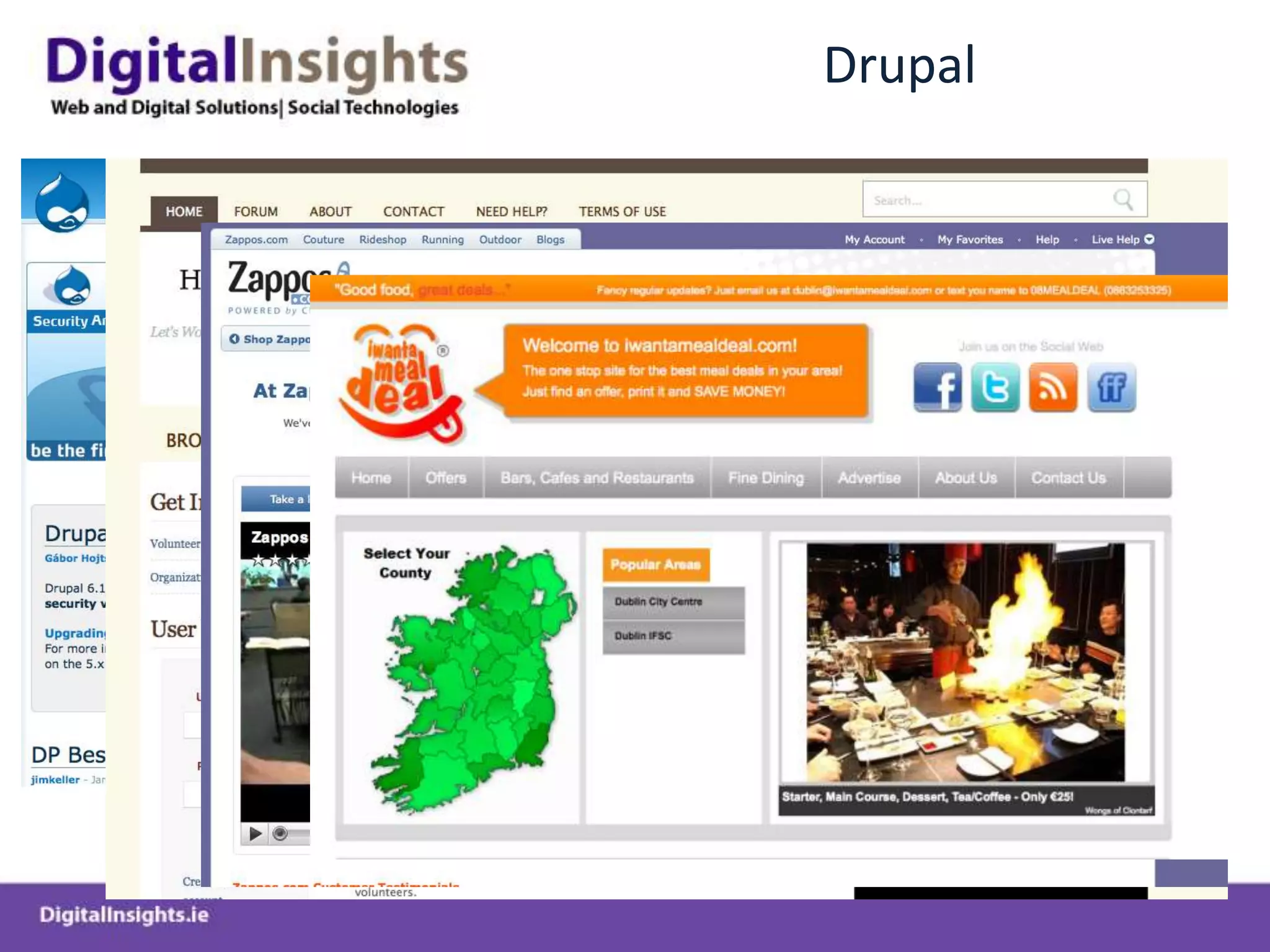
Drupal
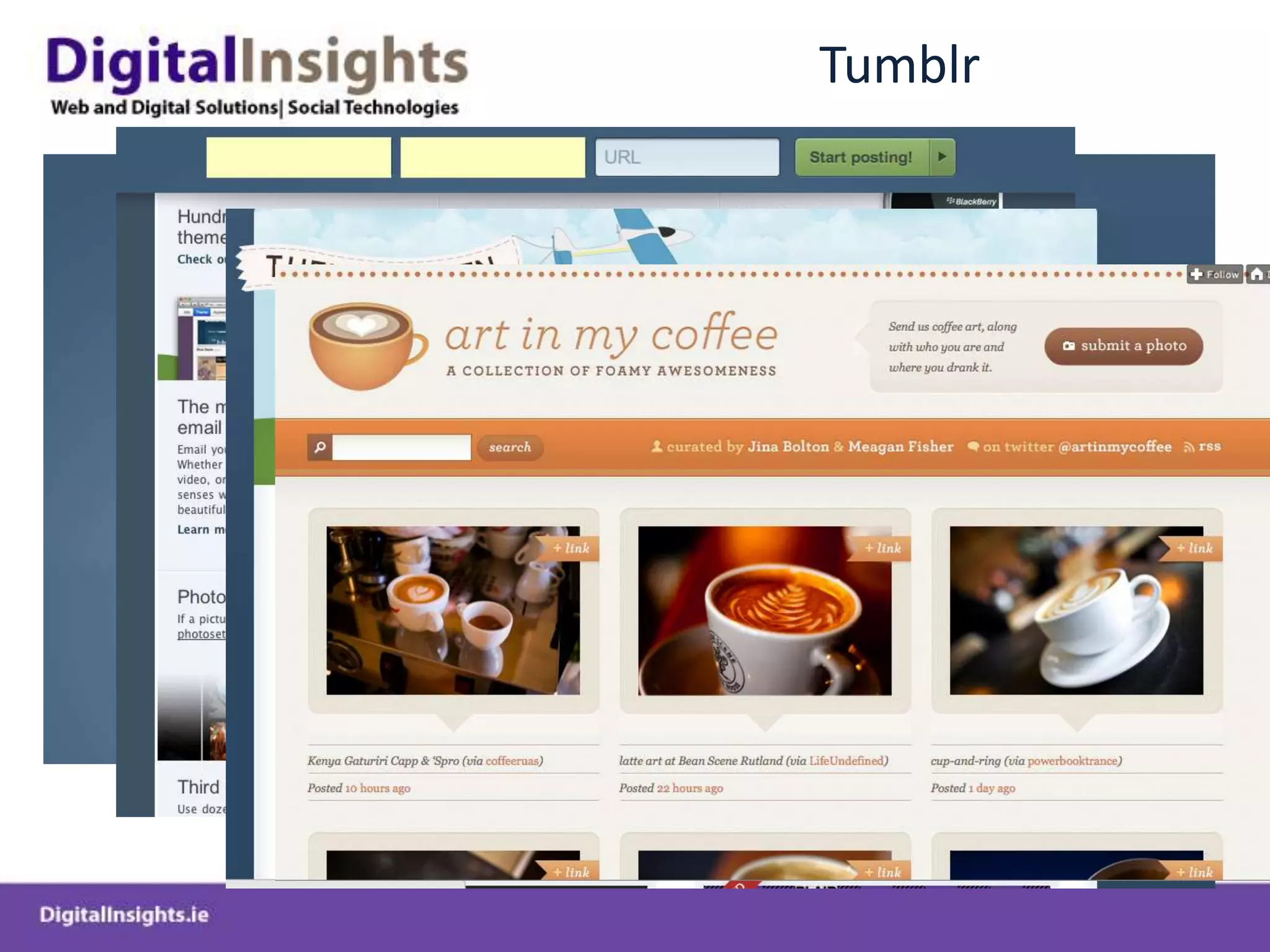
Tumblr
Blogging Overview
Introduction to BloggingCommon Blogging PlatformsWordPress, TypePad, BloggerExcellent low barrier to entry publishing platformEasy to use CMS system to produce and distribute all forms of digital media – text, audio, video, RSSVery effective way of building engaged community and improving SEOProvides a channel for businesses to use a more informal style to communicateProvides a hub for business to participate in wider conversations and discussion  Leave comments, interact, generate interest, etc..Search Engines Love regularly well formatted updated content Blogs are designed to be part of a connected eco-system which is at the heart of good SEO
Blogging TipsConnect to your most important keywords.Important for Search Engine OptimisationGrow the number of influential referral sites. Critical to get authoritative inbound links to your siteCreate outbound links using relevant anchor textBe generous with links to other blogs and websites and others will return the favor and build your traffic for you.Understand the location of your audience. Comparing the geographical distribution of your blog to your company’s website should give you a sense of whether your blog is hitting with the same areas of the world as your website. It could also reveal potential new areas of focus for your salespeople.Measure endurance.Measure return visitor and length of time spent on site
Blogging Tips cont.Find and nurture your most important readers and constituents
Make sure you respond to key people – thos who subsribe and comment
Use Twitter and Facebook to promote blog
 If Twitter isn’t one of your highest-ranking referral sites, you’re not using it properly.
Monitor conversations on both Facebook and Twitter
Use URL shorteners to gauge subject interest.
UseURL shortener like bit.ly within a Tweet, you can track how many people click on the content link you offer in your tweets (Use Vanity Urls)
Build cross-referencing across social media tools.
No social media tool is an island. Tools should cross-reference each other – But don’t necessarily re-publish the same content on each platform
Embed and measure calls to action. If we can get people to a landing page, we should. Blogs
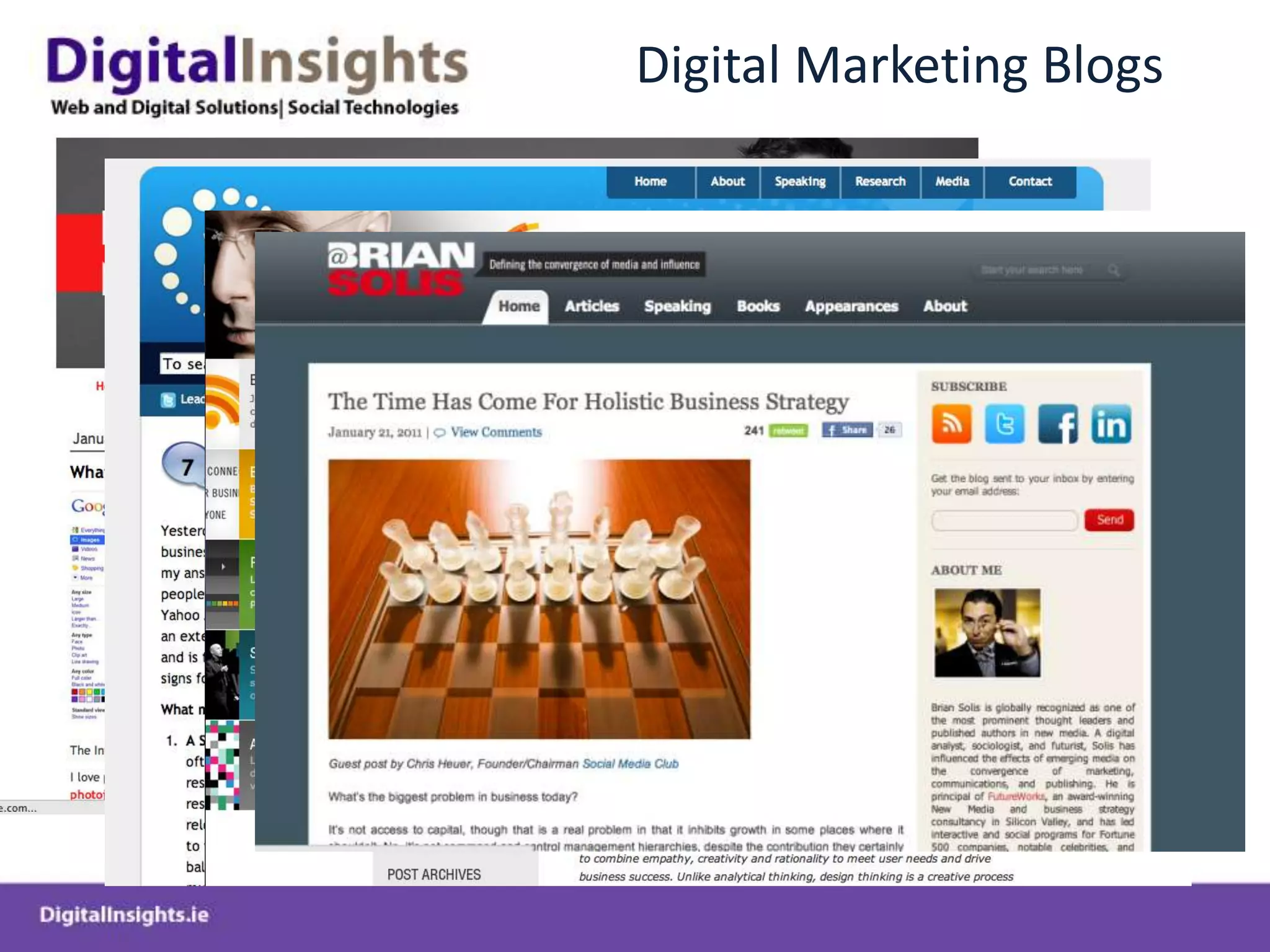
Digital Marketing Blogs
Some Irish Blogs
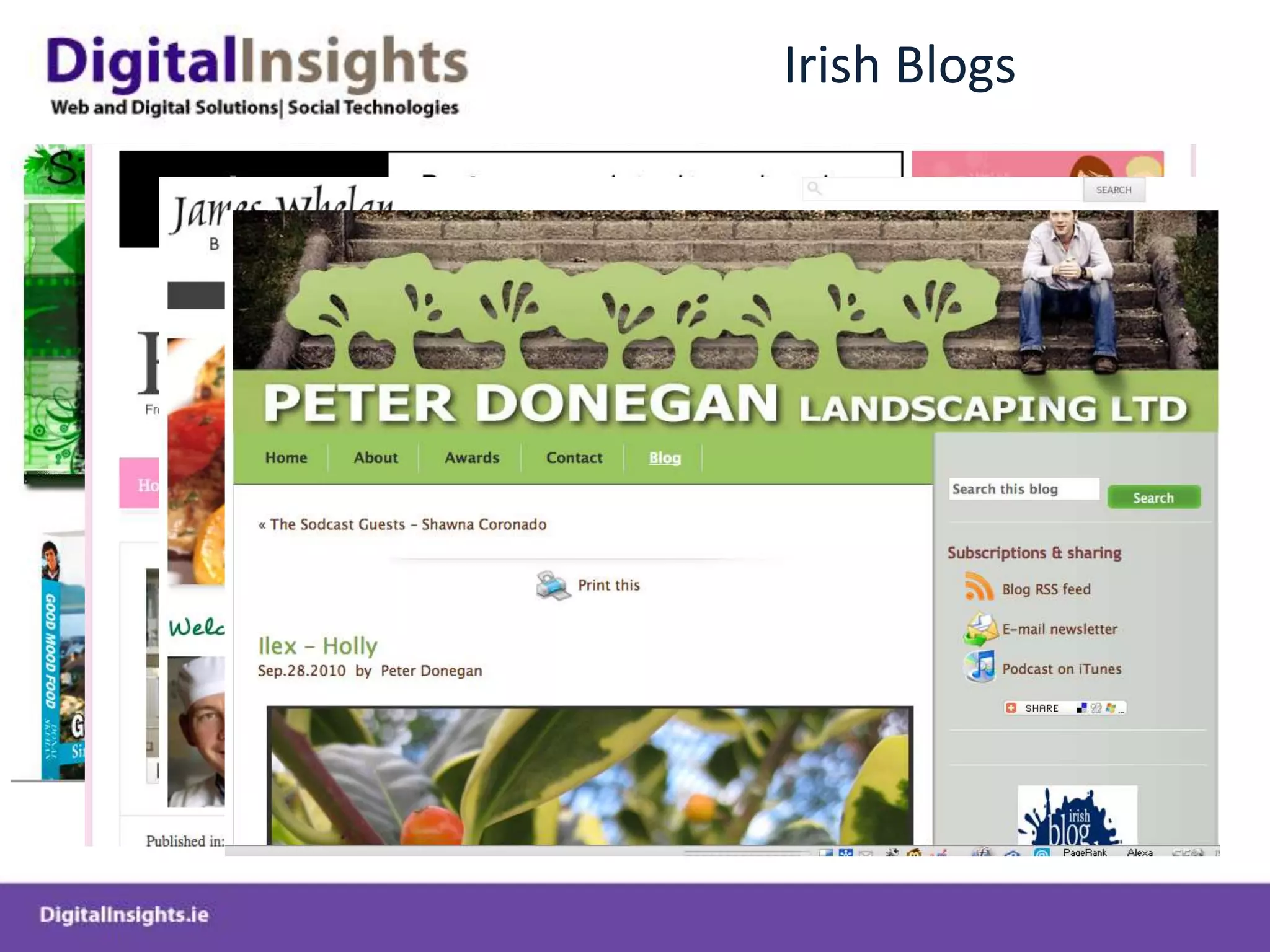
Irish Blogs
Irish Blogs
Wordpress Case Studies – CMS & Blogs
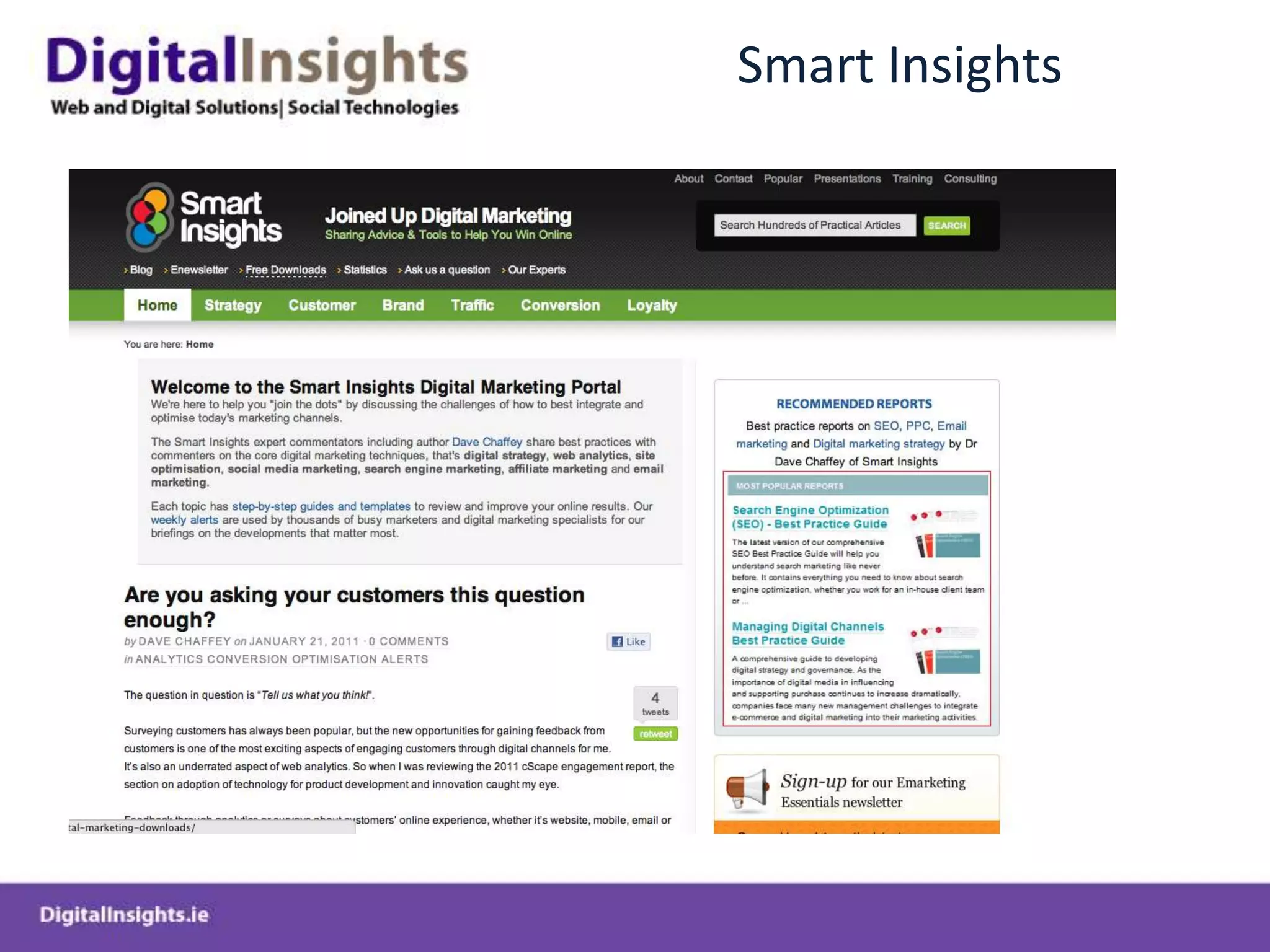
Smart Insights
Notary on Call
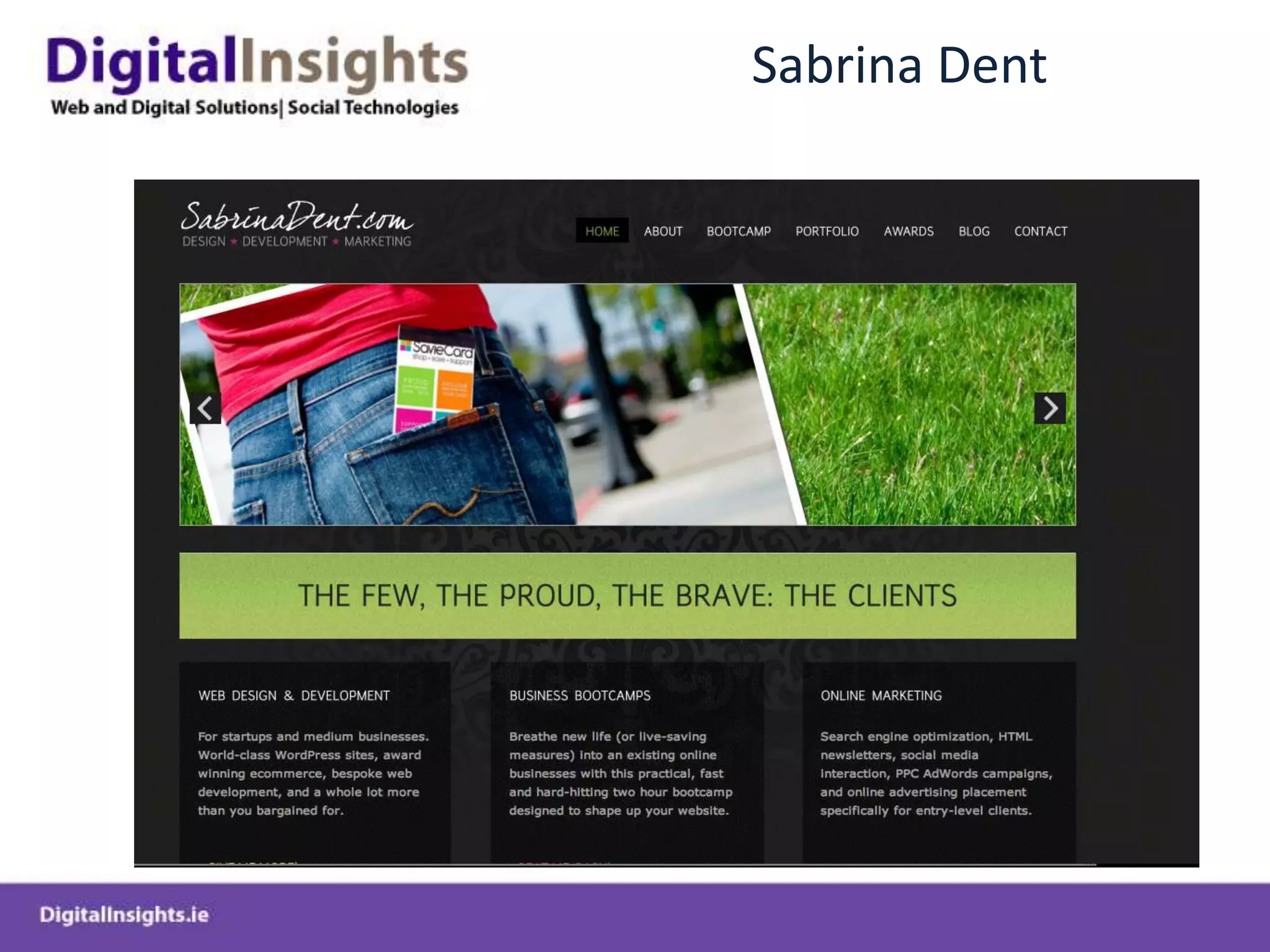
Sabrina Dent
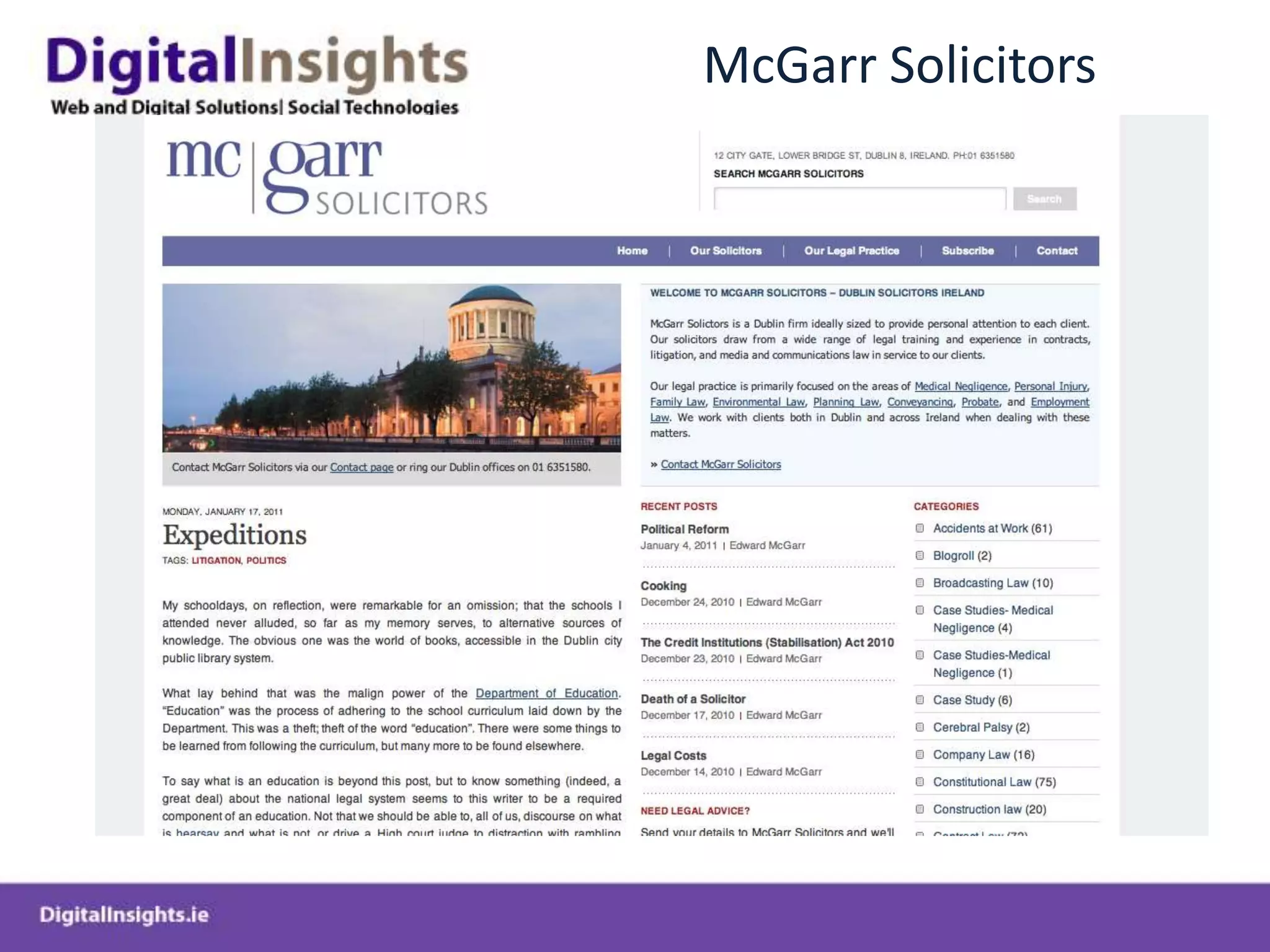
McGarr Solicitors
Bloom
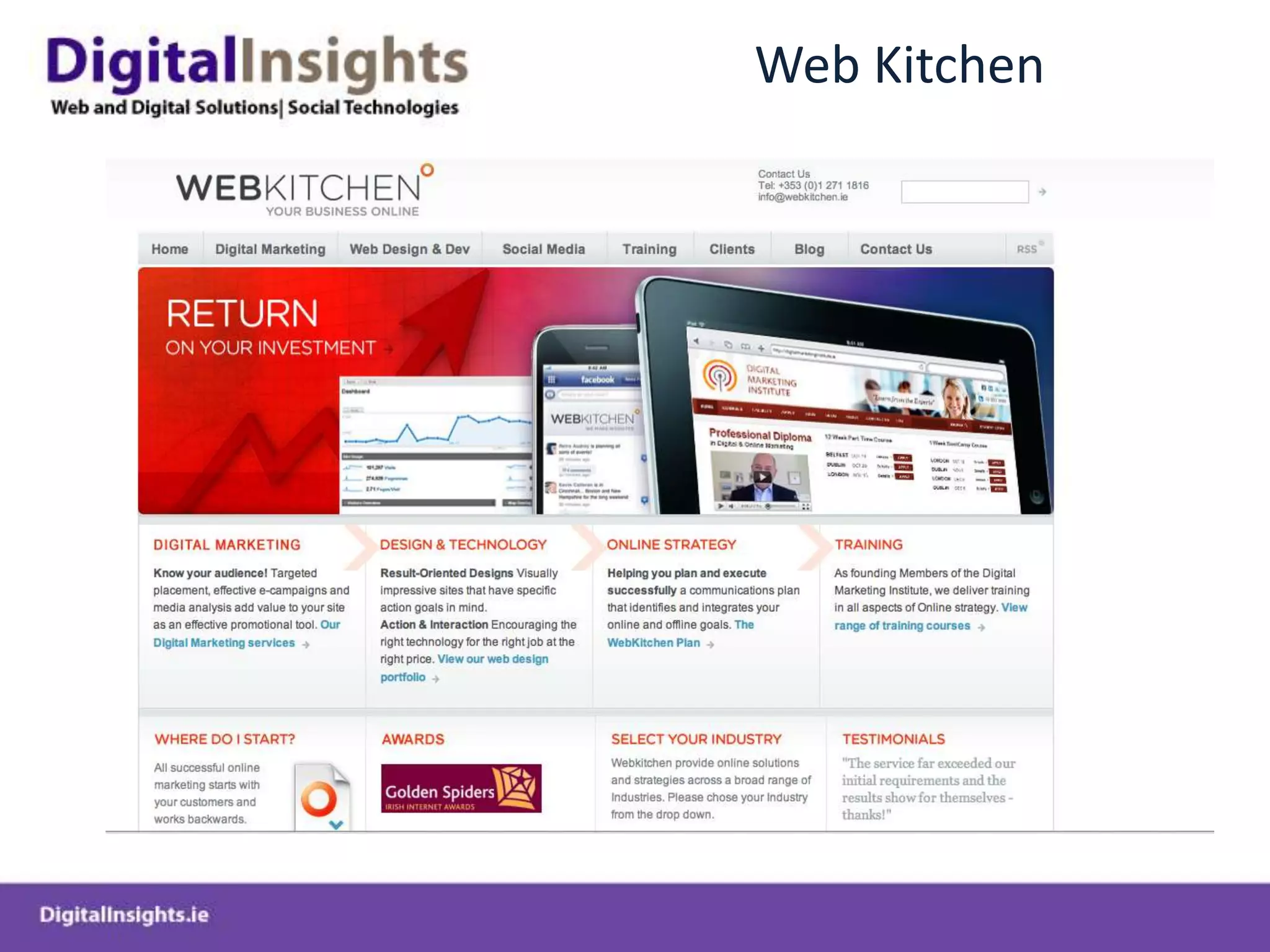
Web Kitchen
Wordpress.com Sites
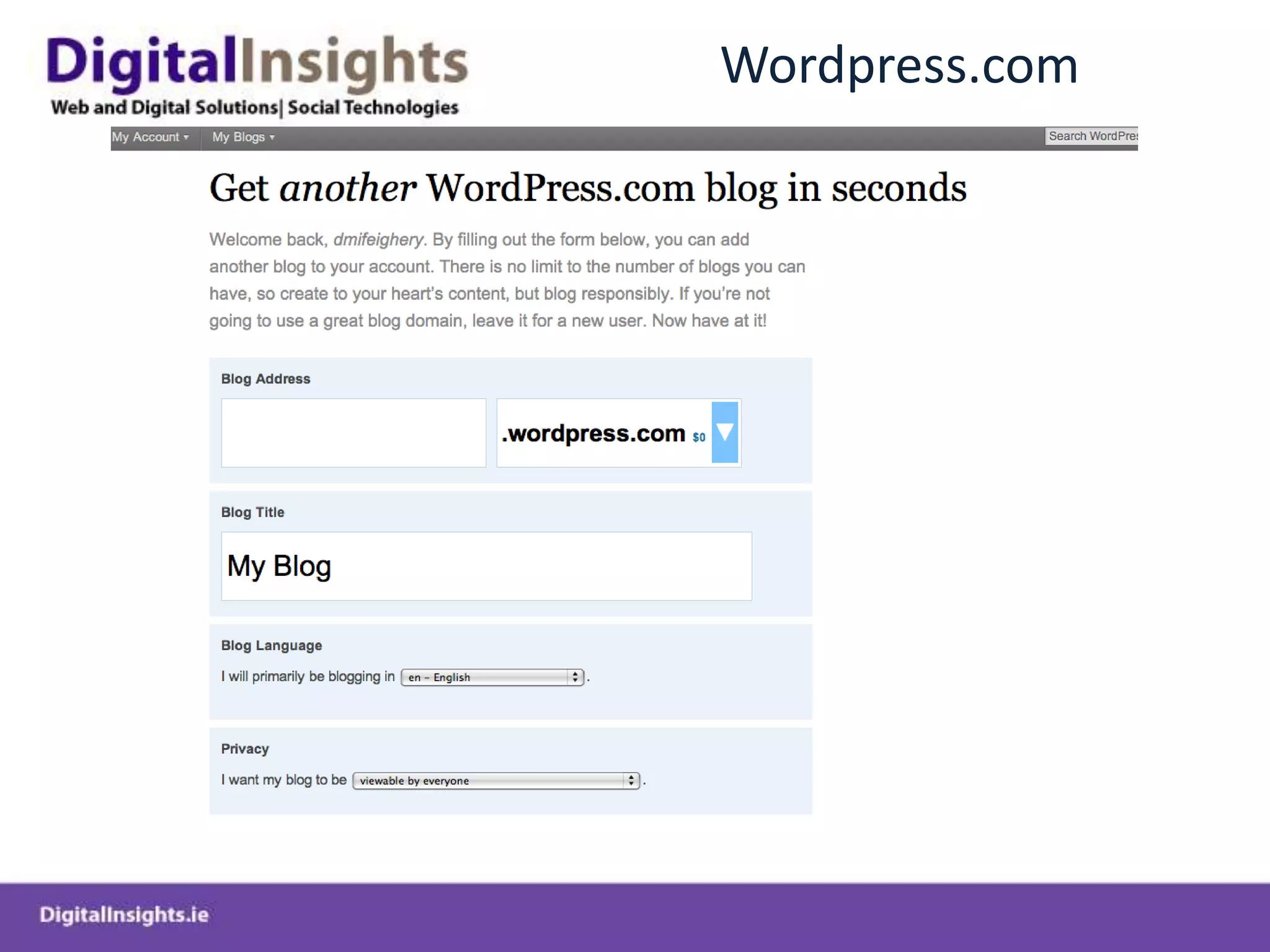
Wordpress.com
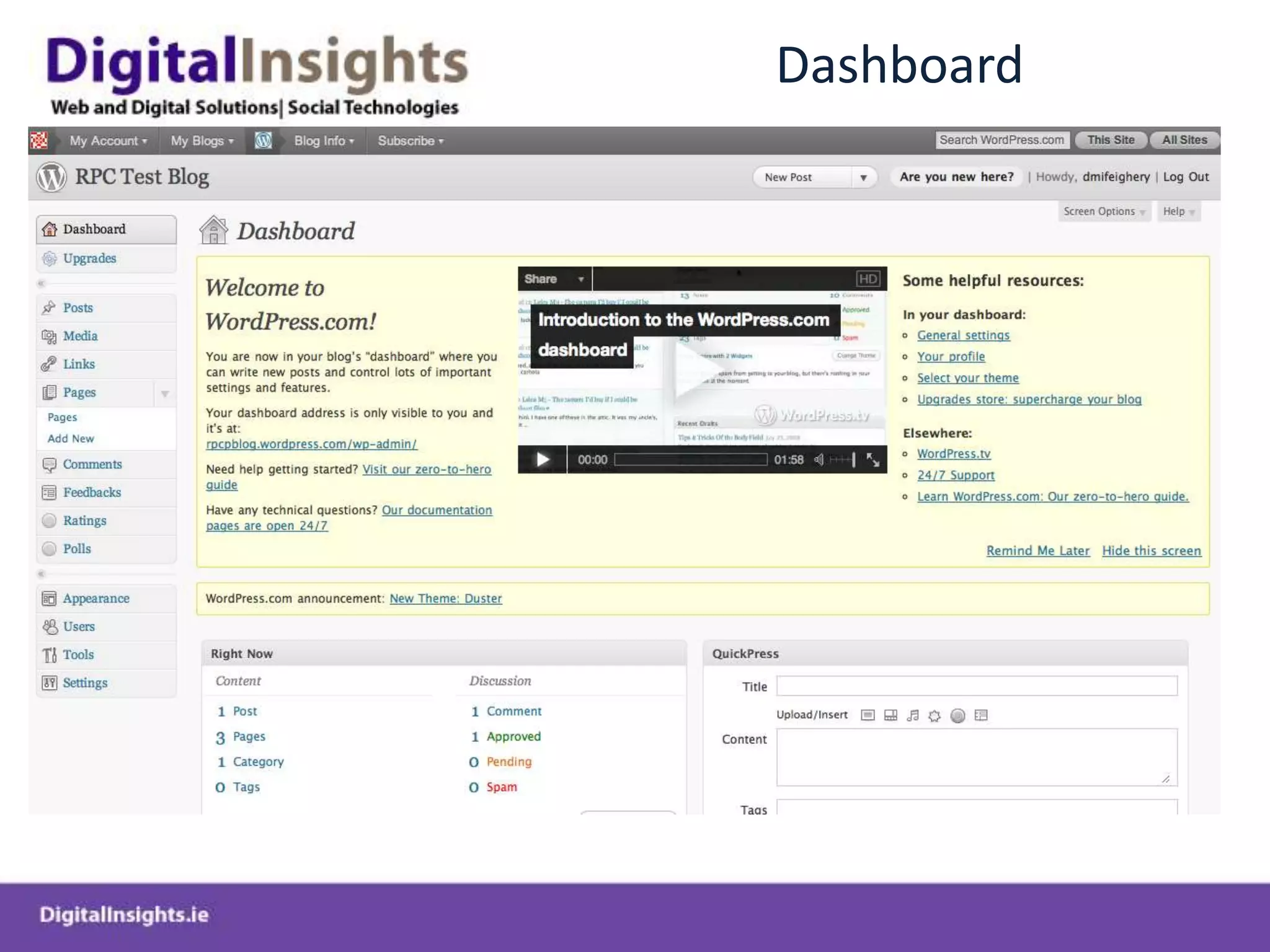
Dashboard
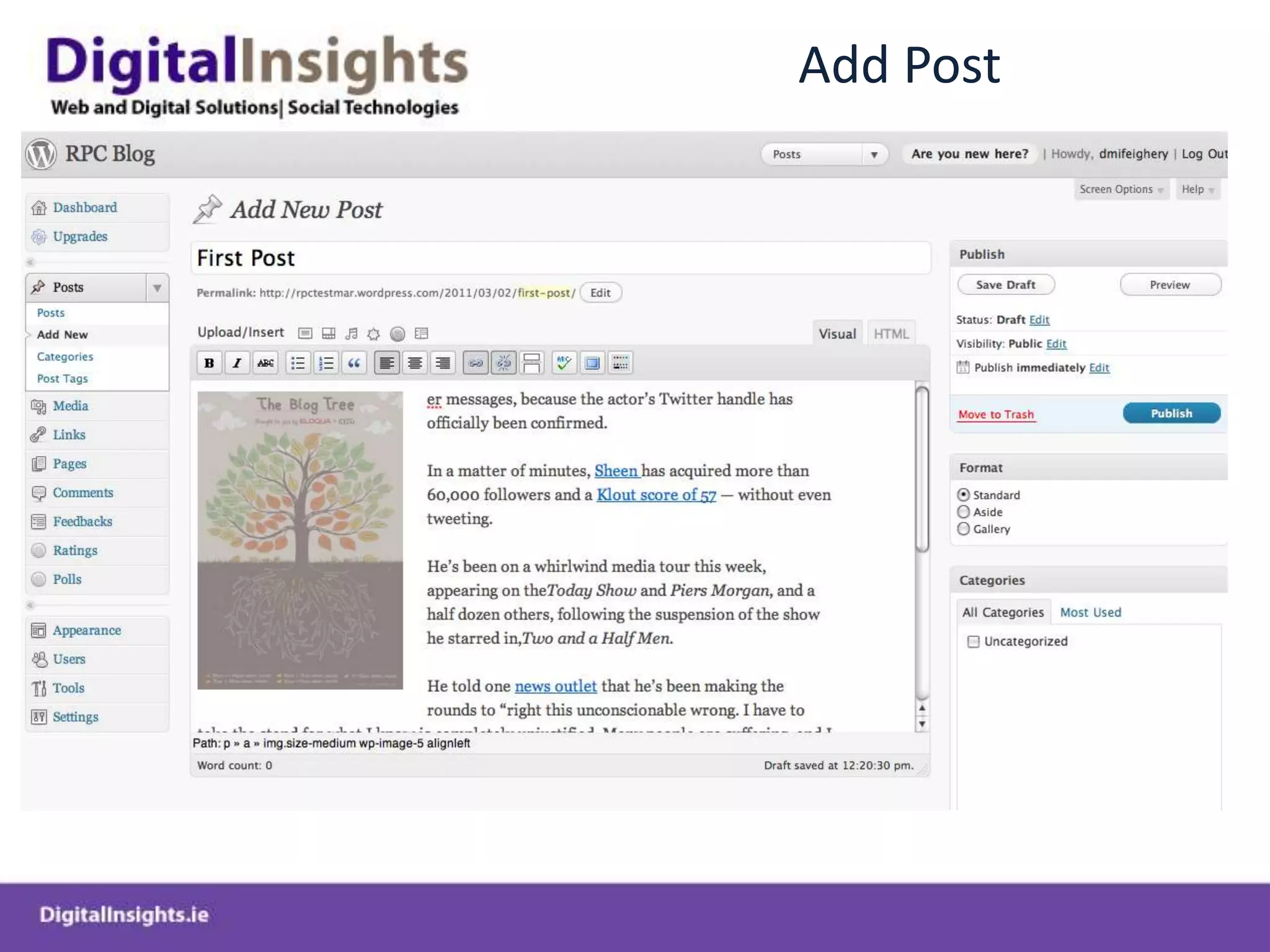
Add Post
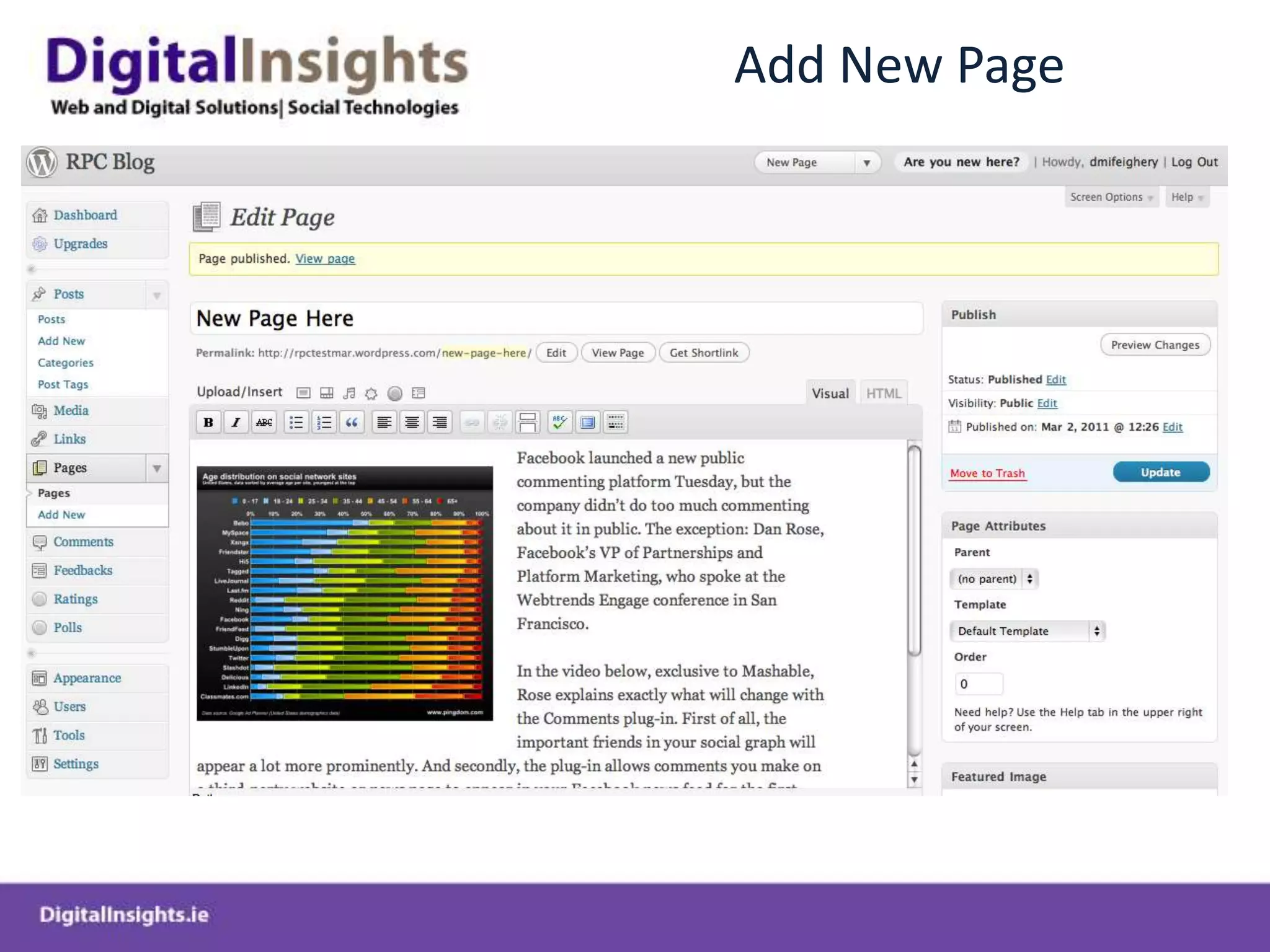
Add New Page
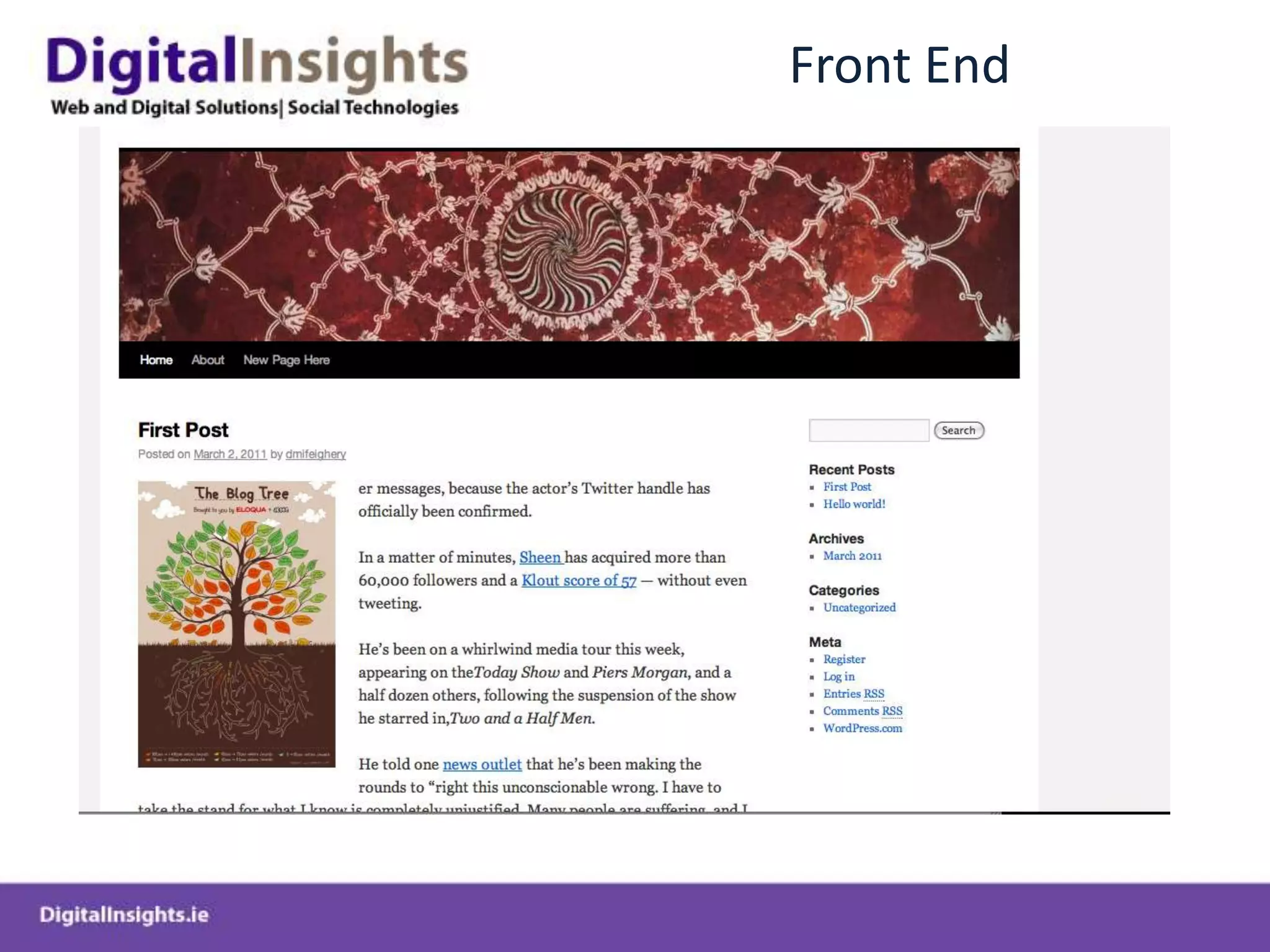
Front End
Process of Registering and Deploying Wordpress.org CMS on hosted server
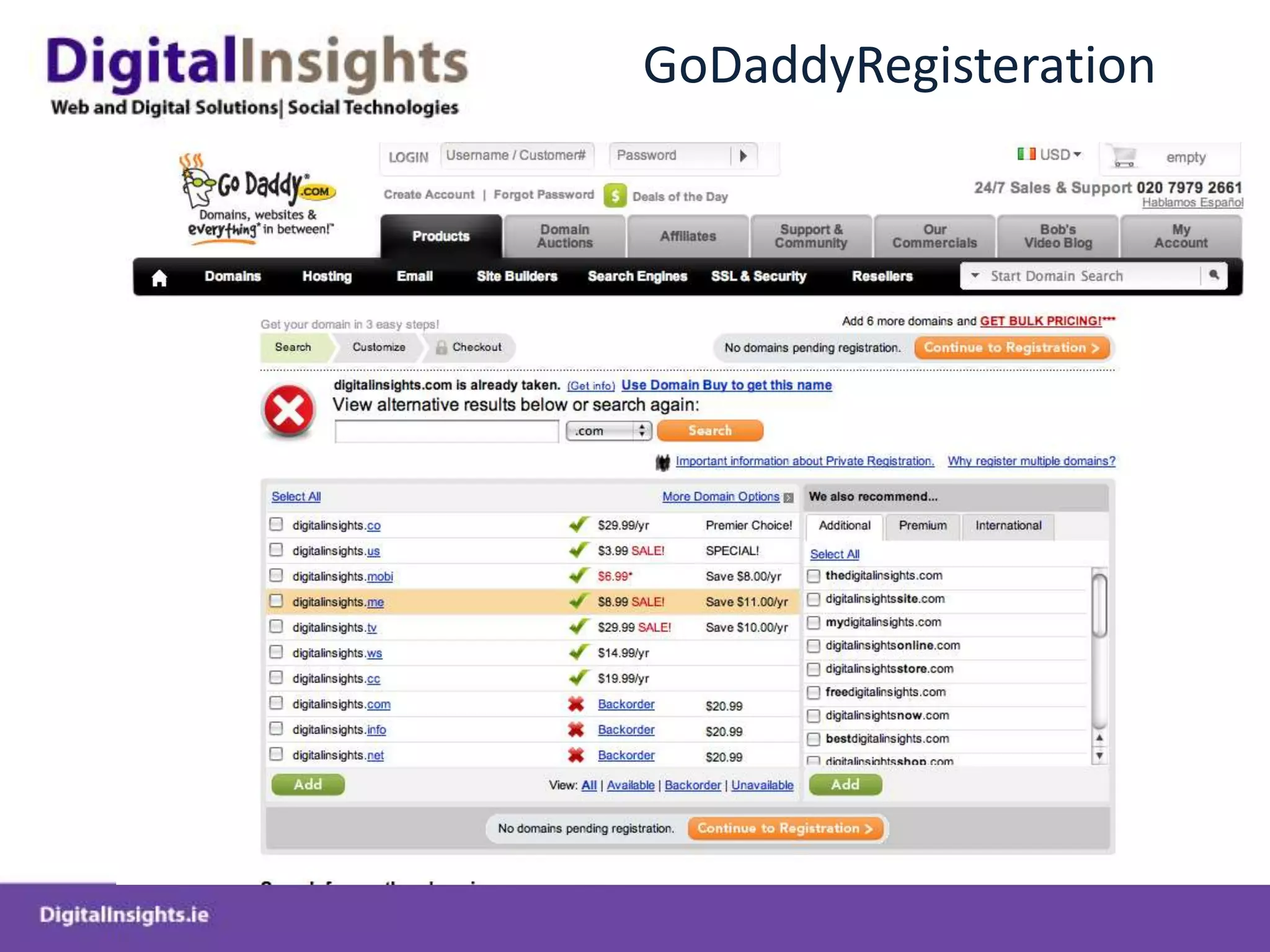
GoDaddy
GoDaddyRegisteration
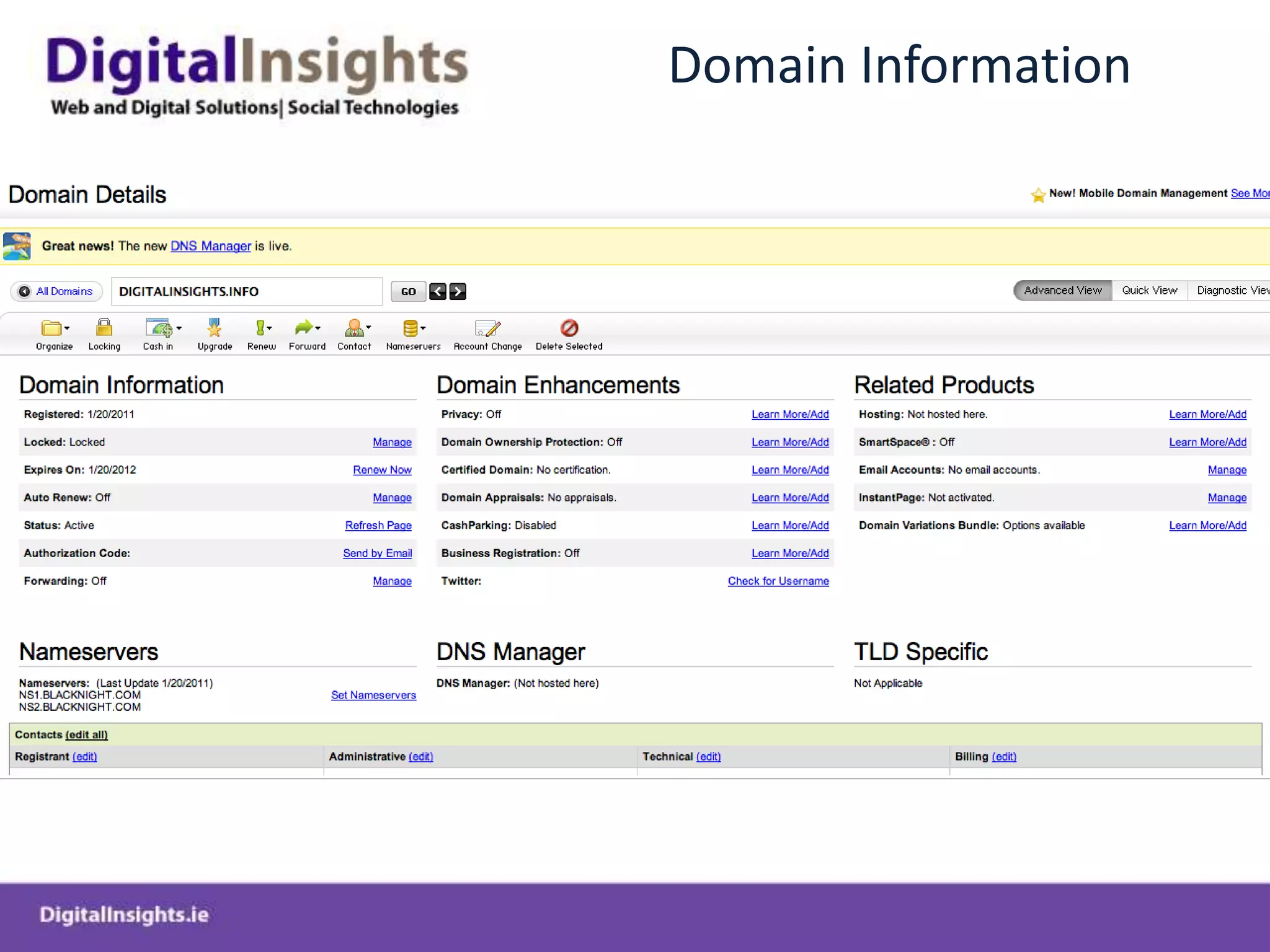
Domain Information
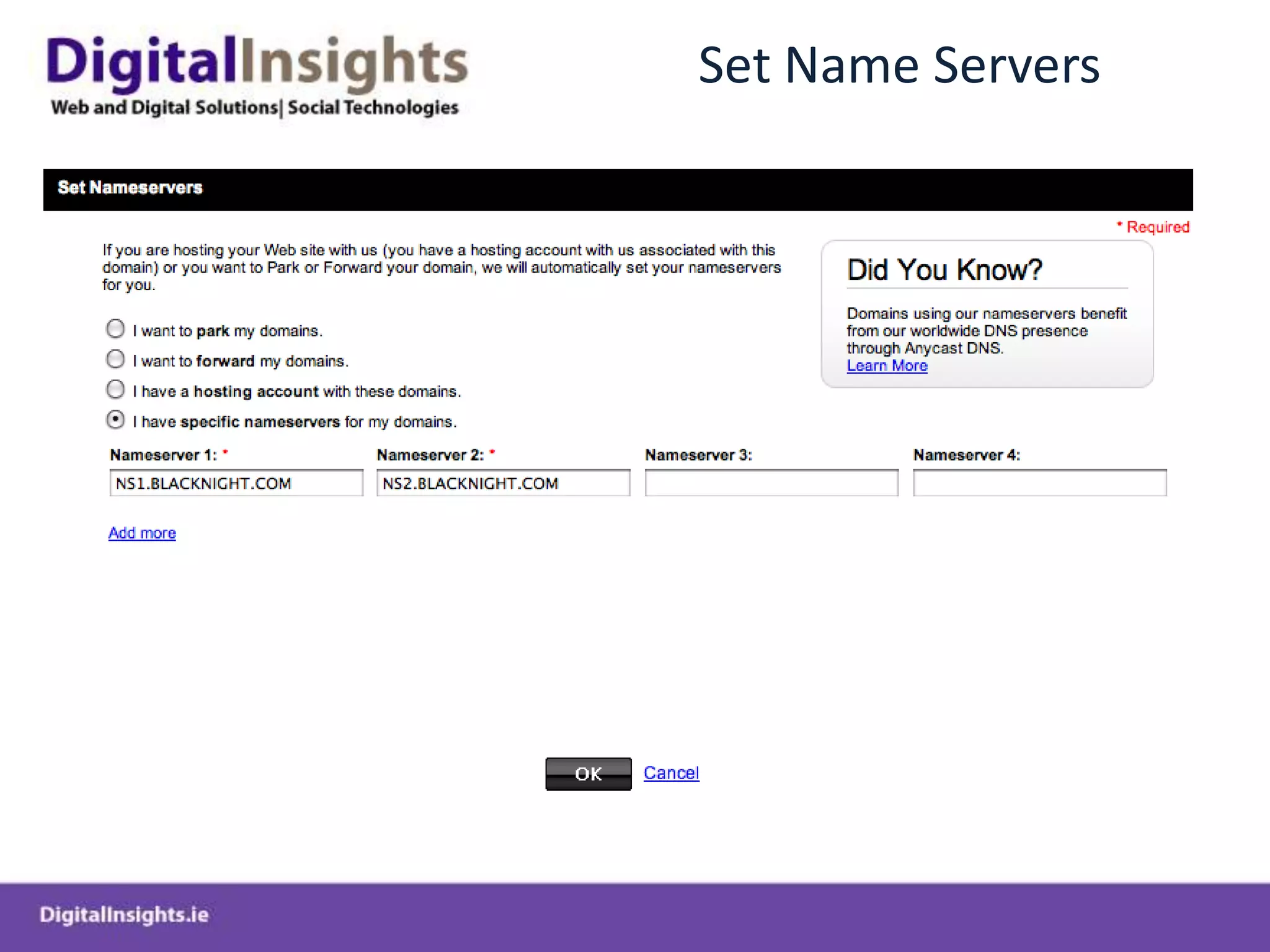
Set Name Servers
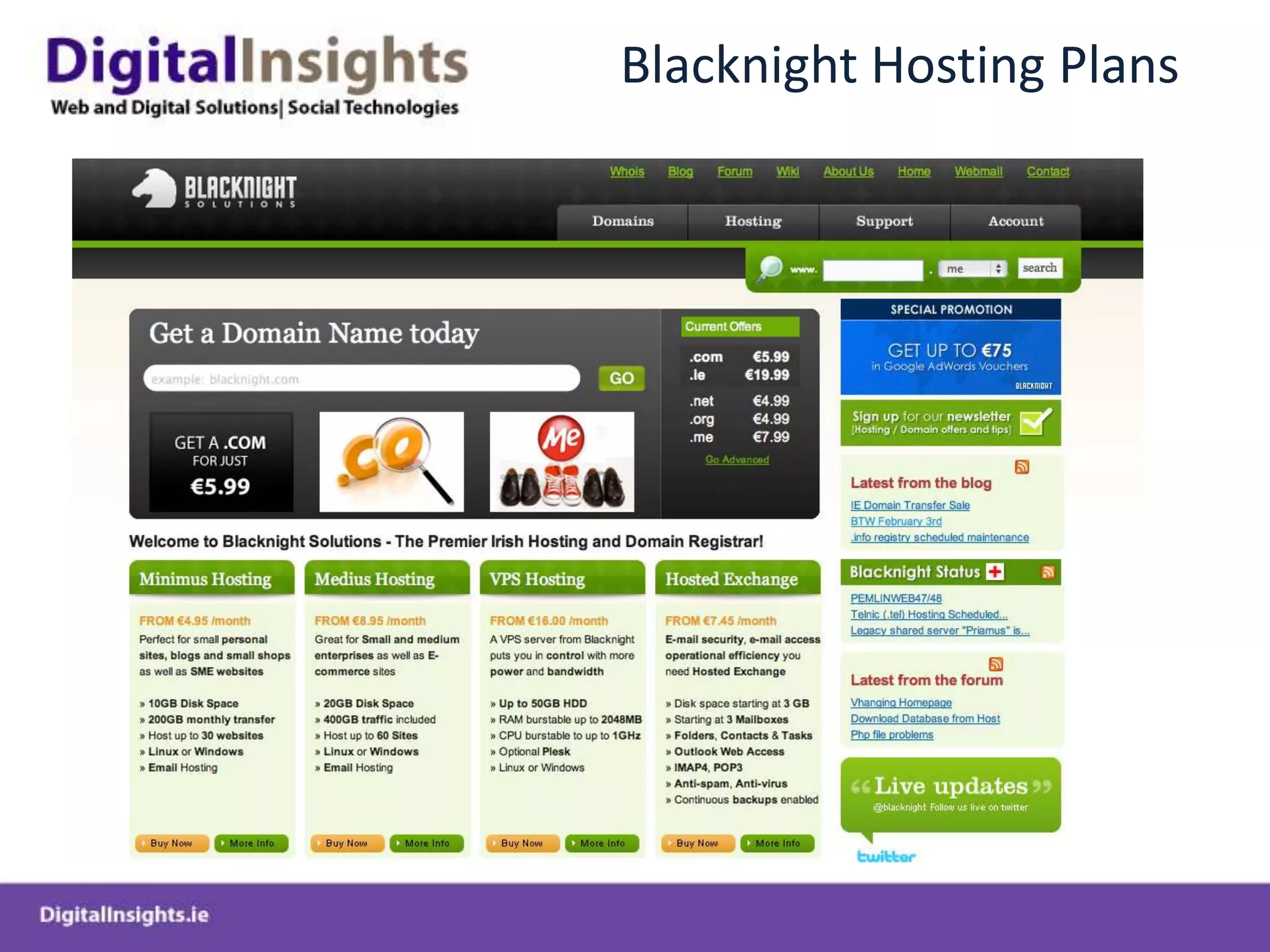
Blacknight Hosting Plans
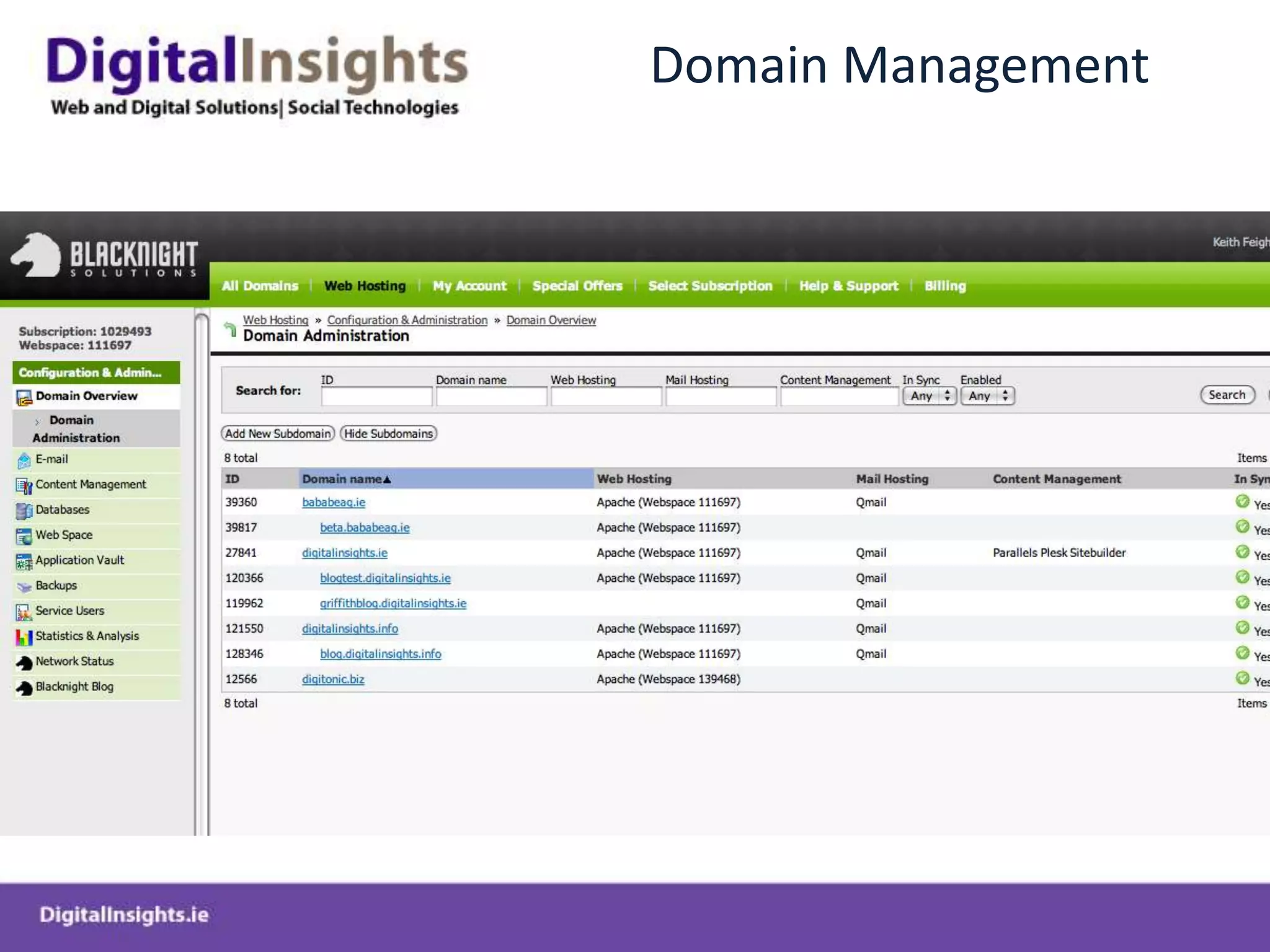
Domain Management
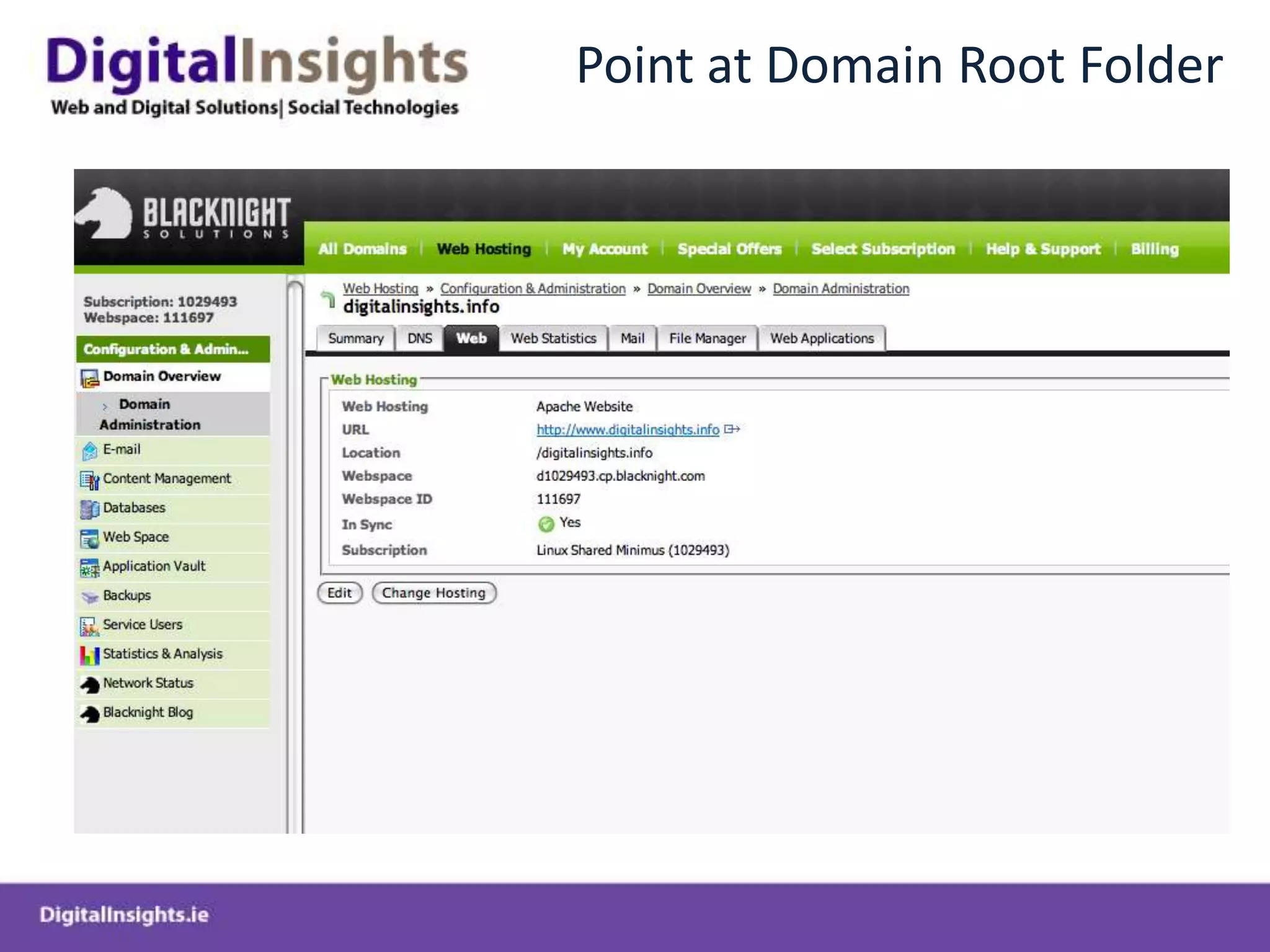
Point at Domain Root Folder
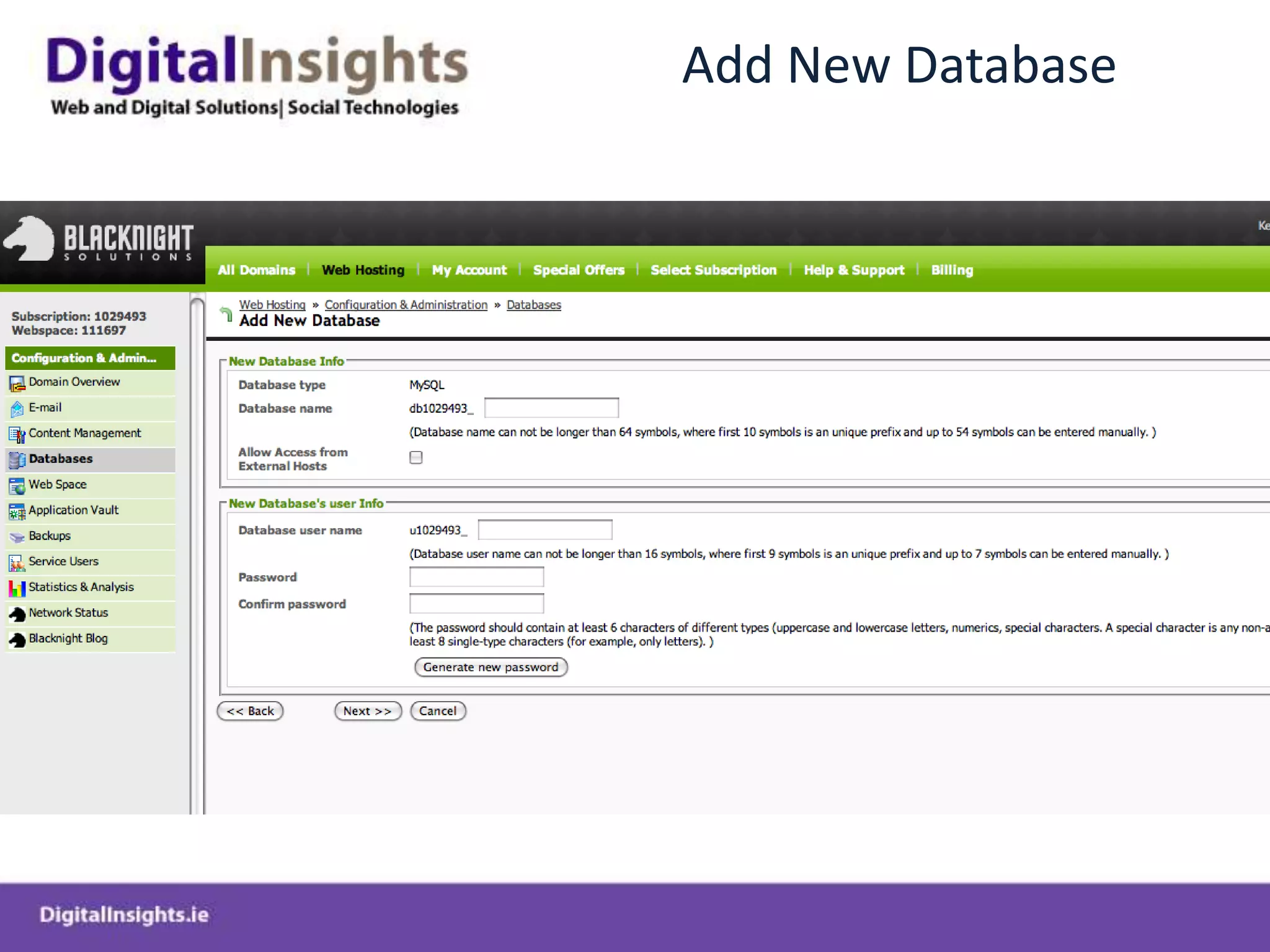
Add New Database
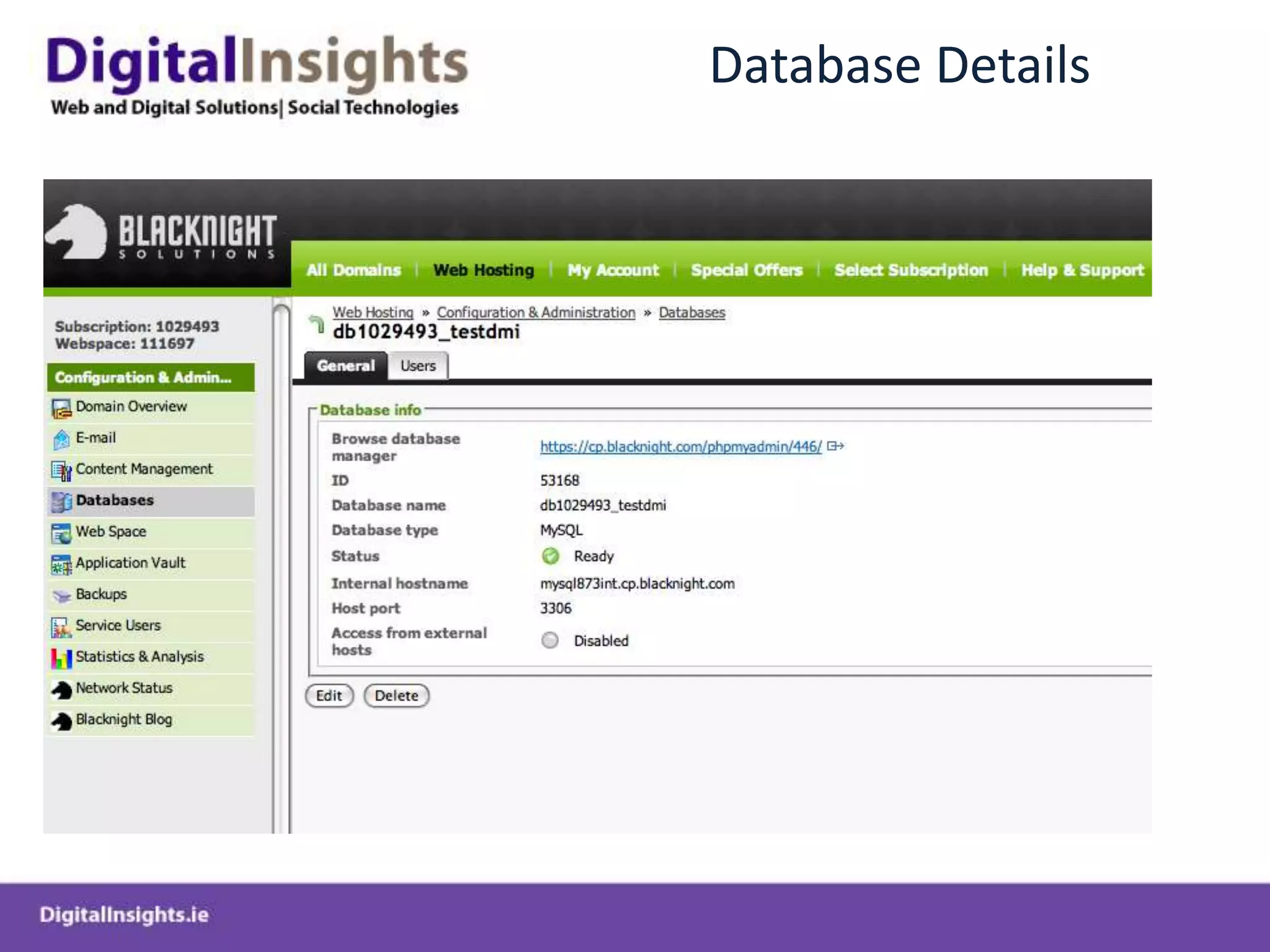
Database Details
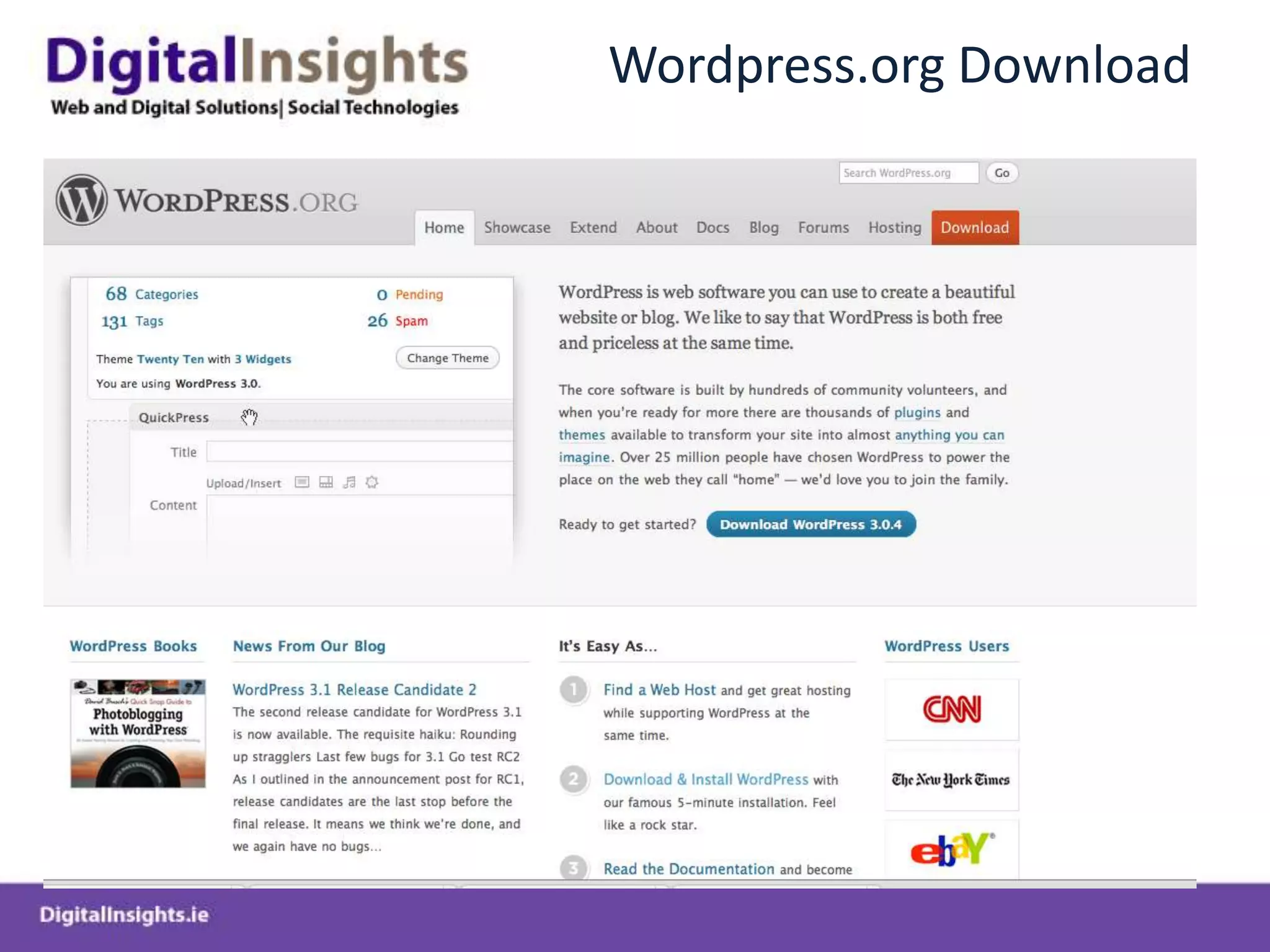
Wordpress.org Download
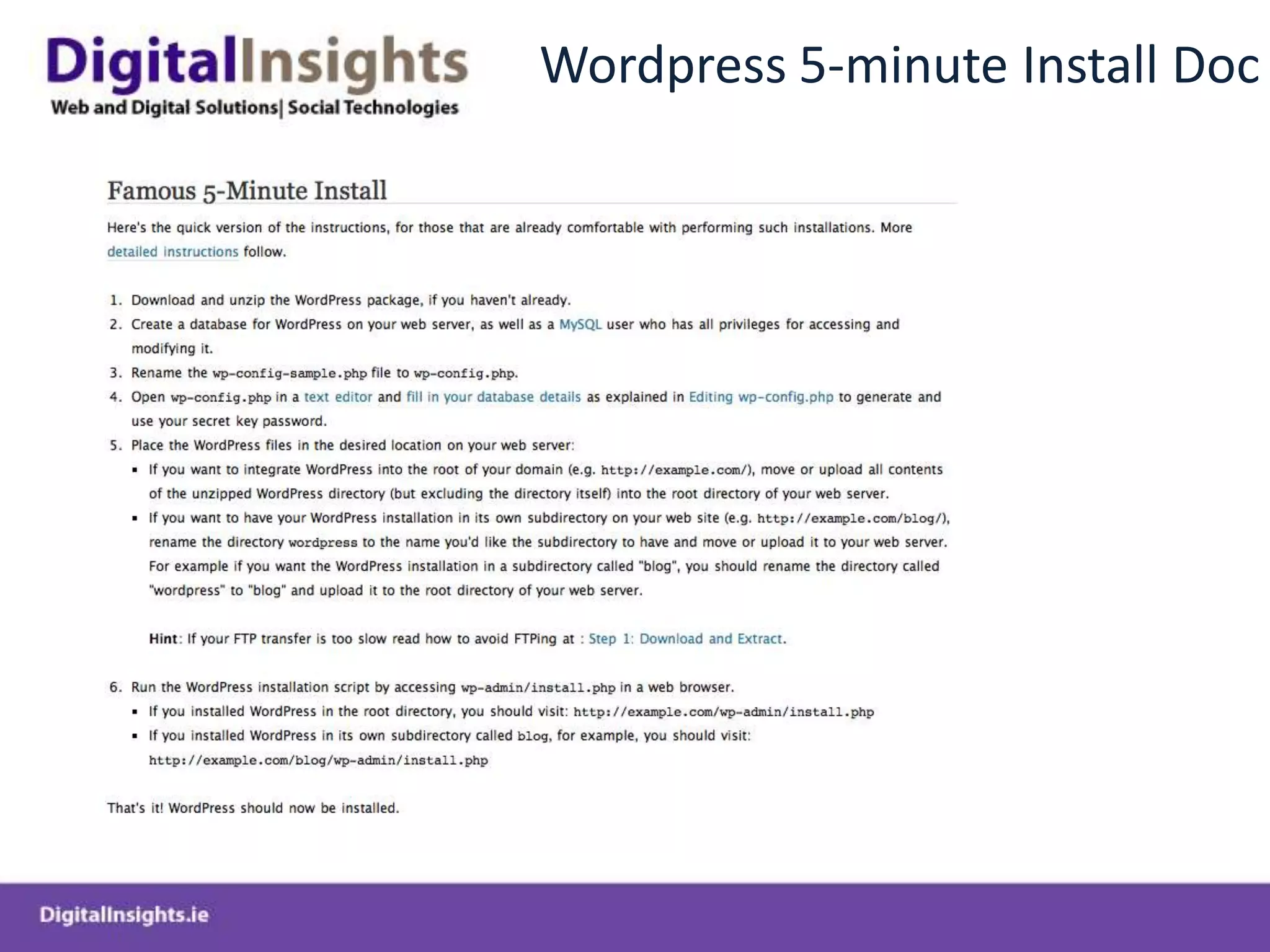
Wordpress 5-minute Install Doc
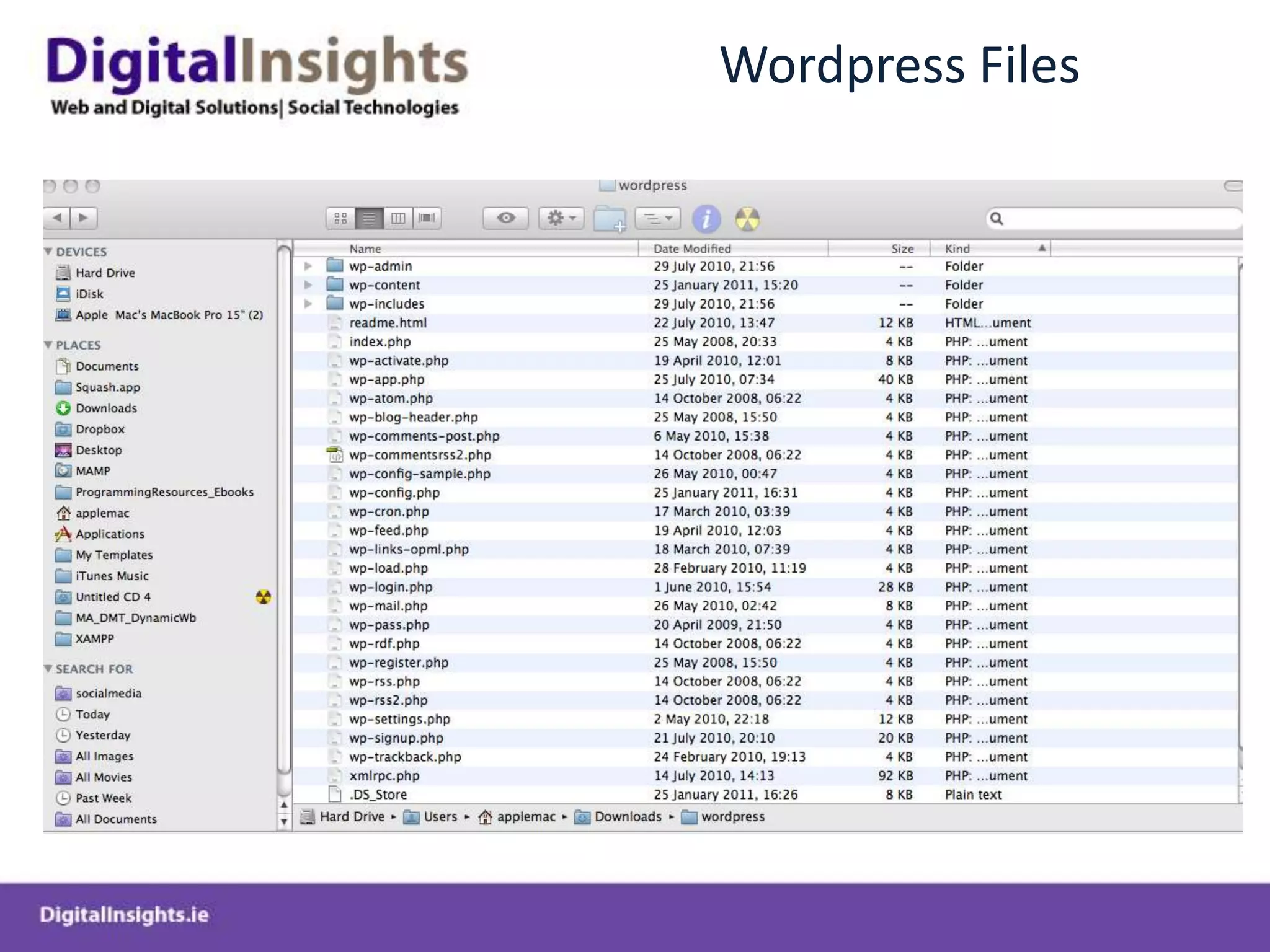
Wordpress Files
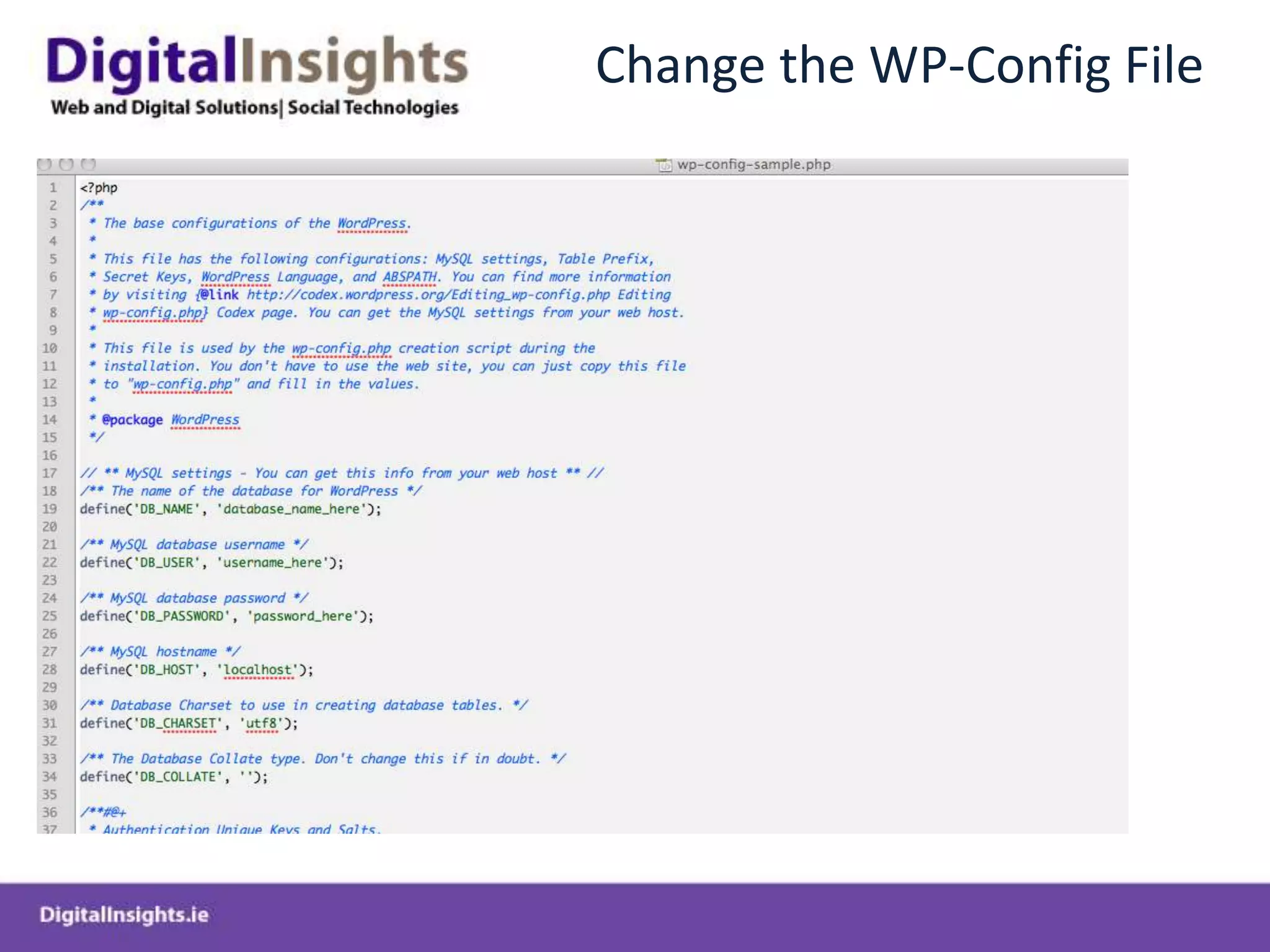
Change the WP-Config File
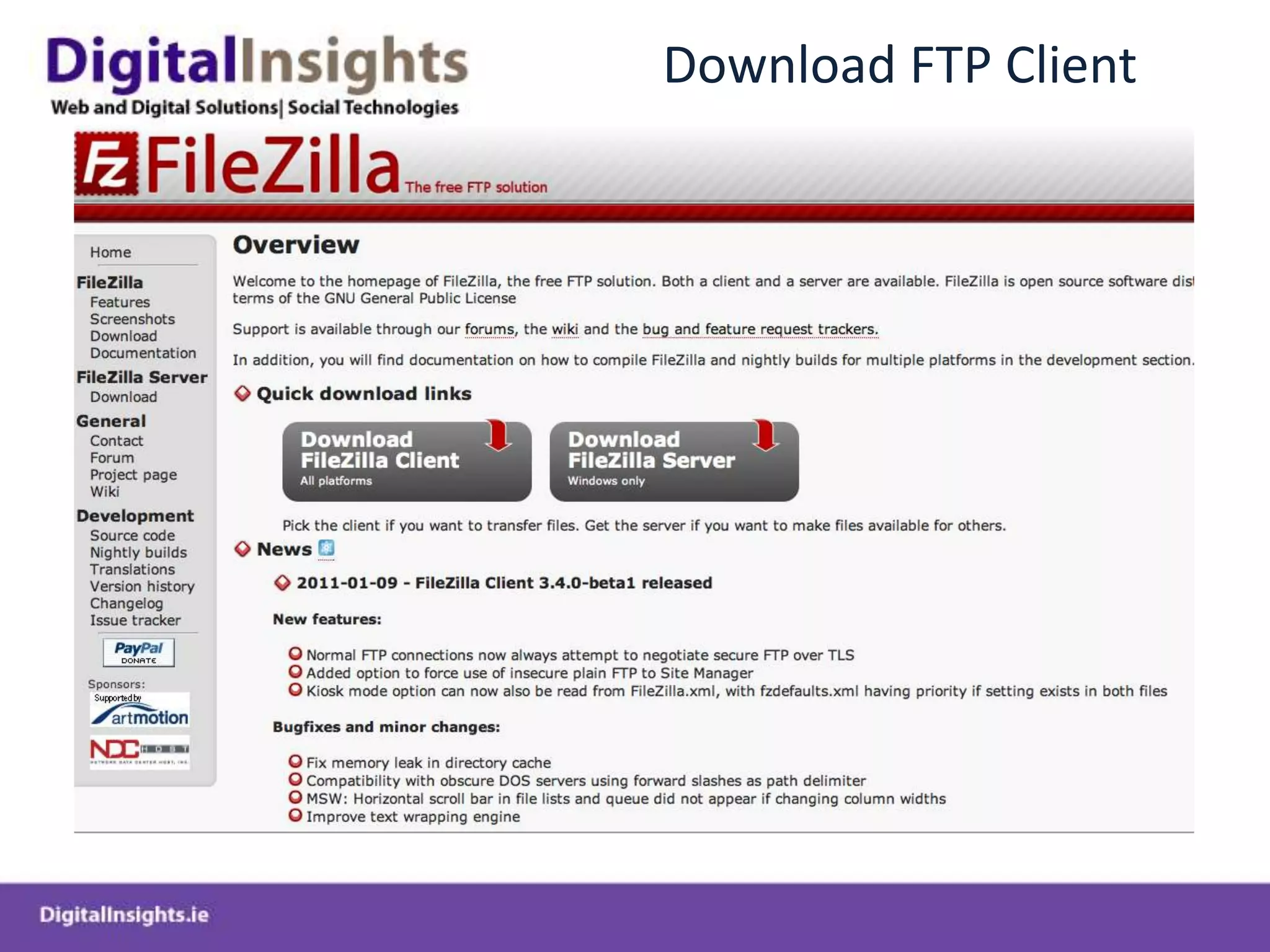
Download FTP Client
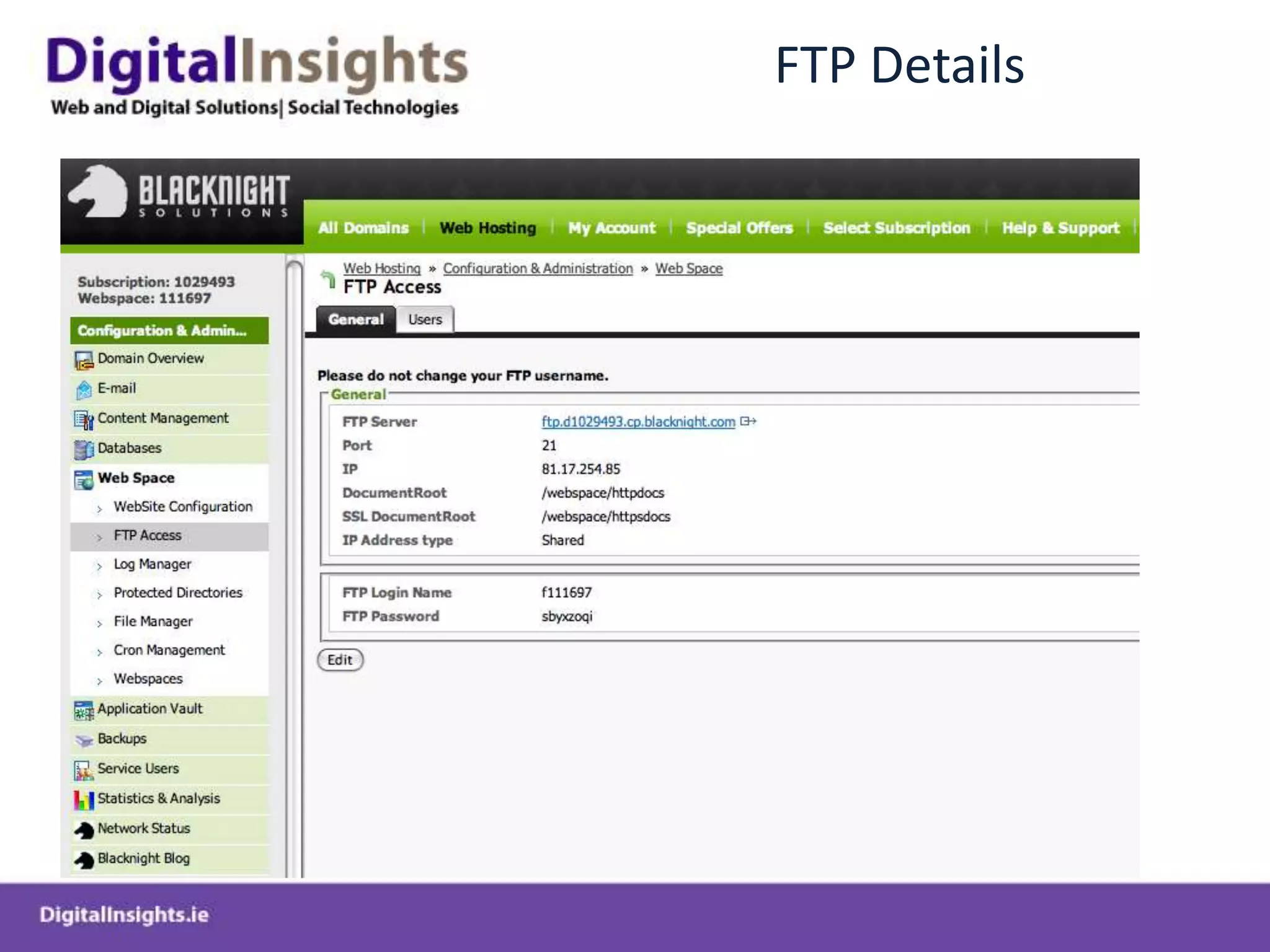
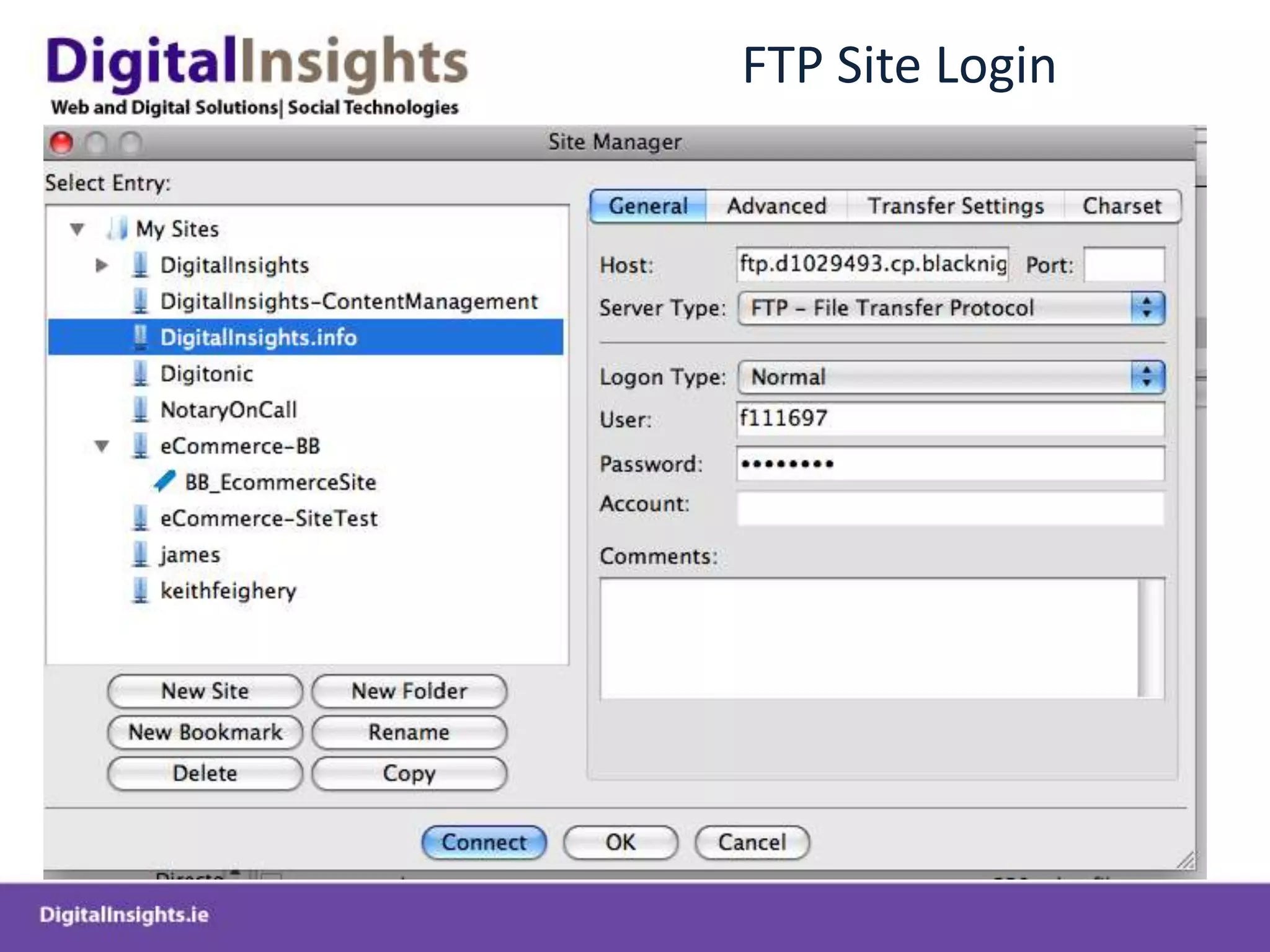
FTP Details
FTP Site Login
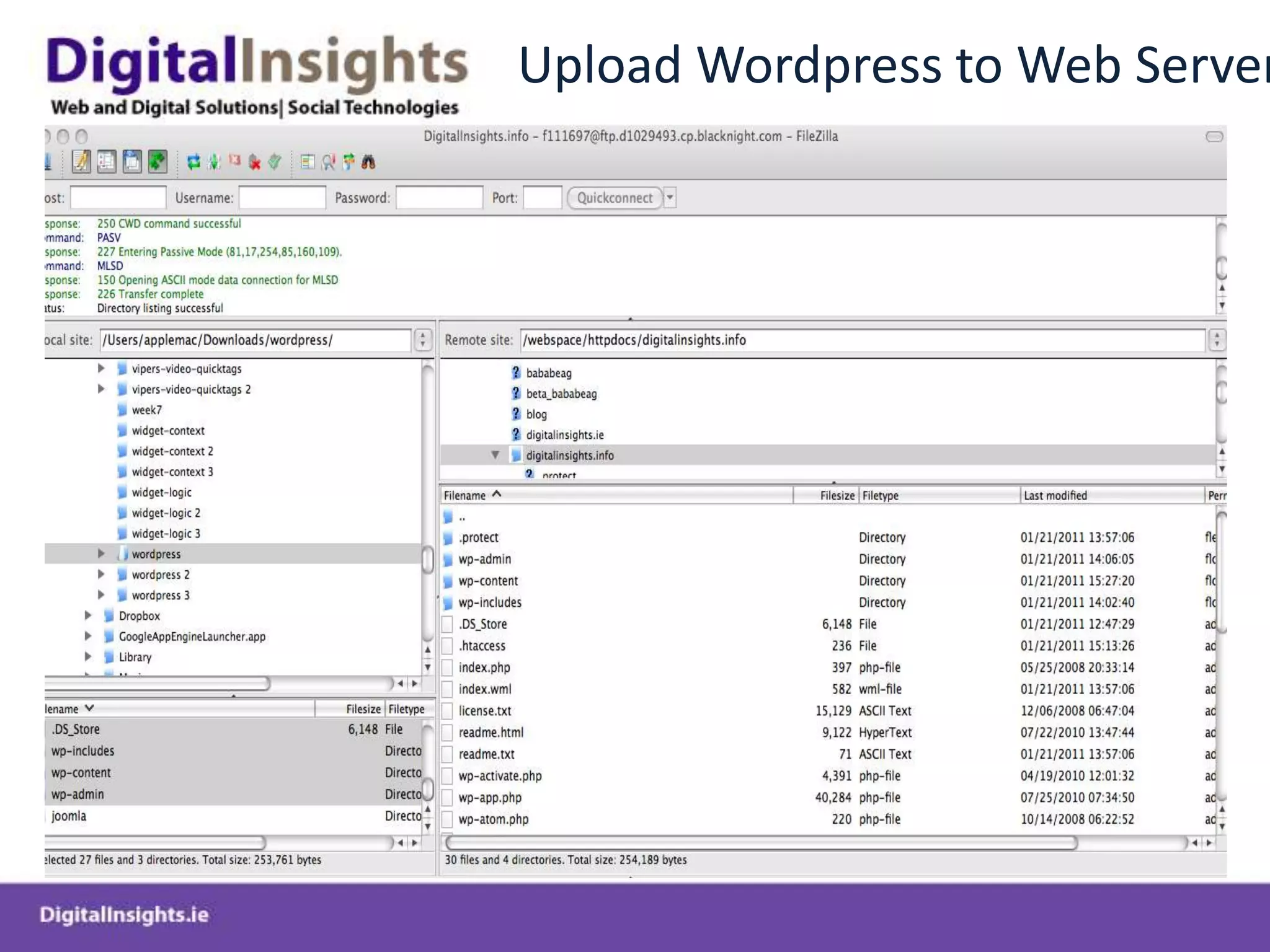
Upload Wordpress to Web Server
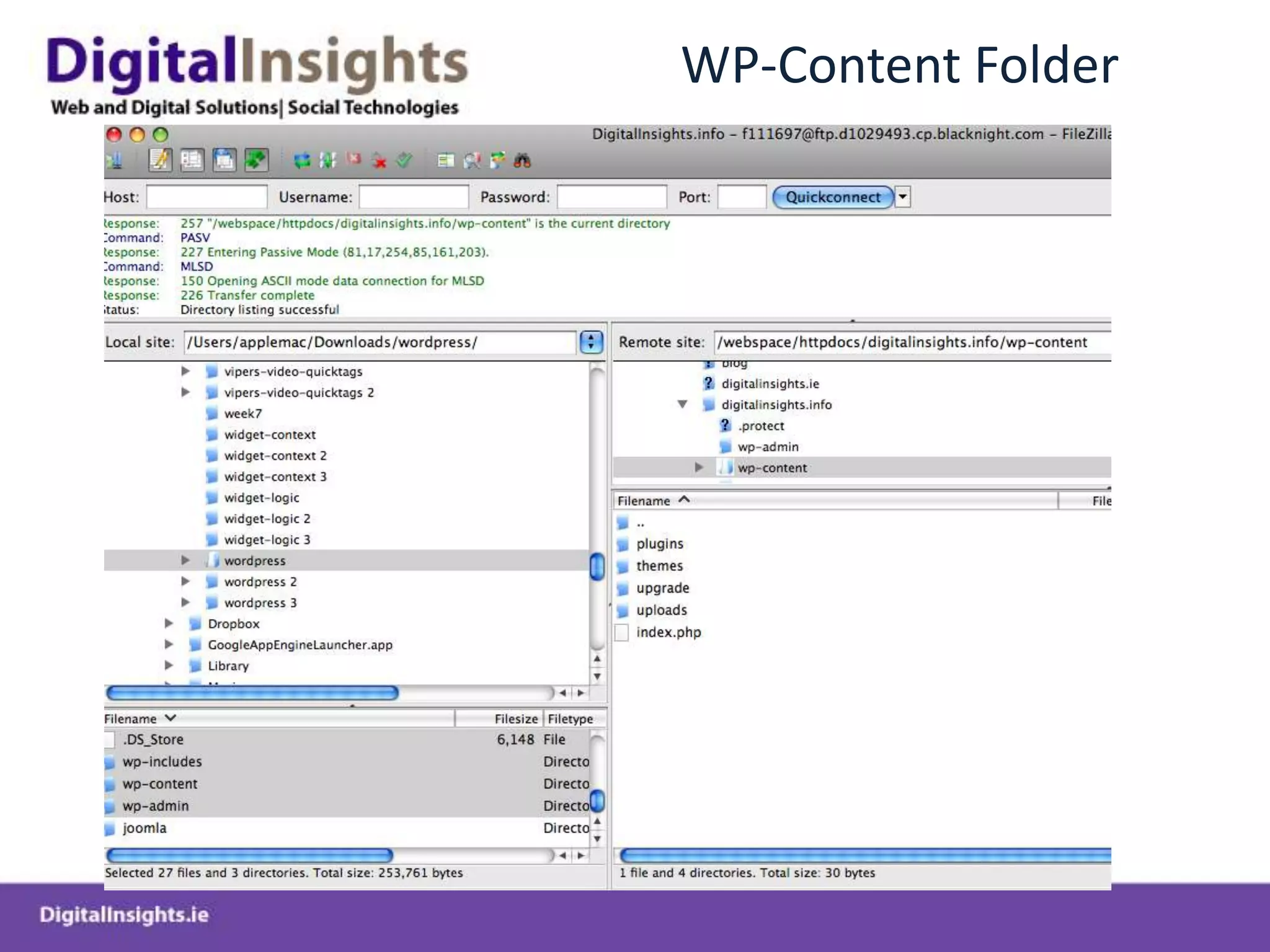
WP-Content Folder
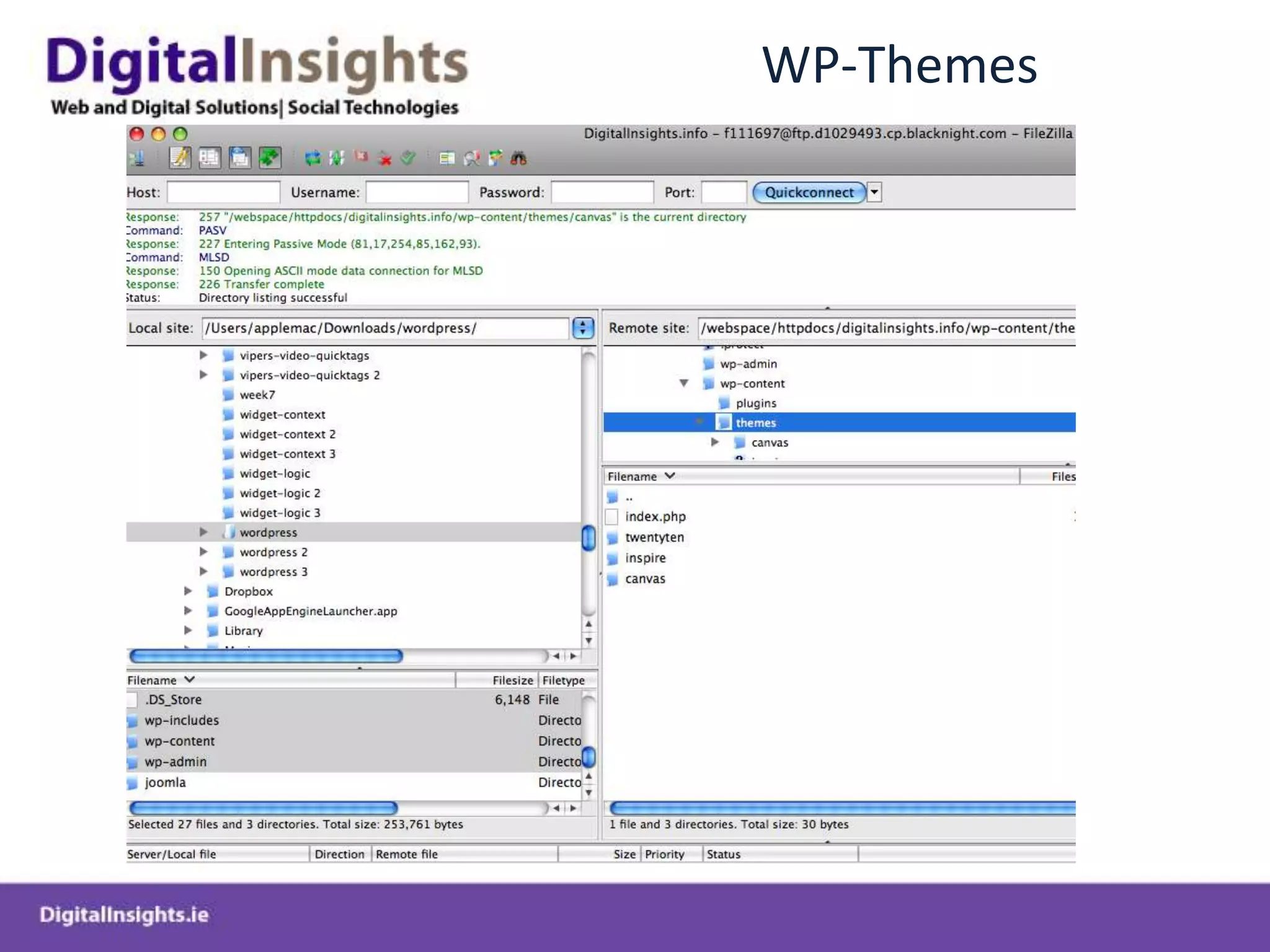
WP-Themes
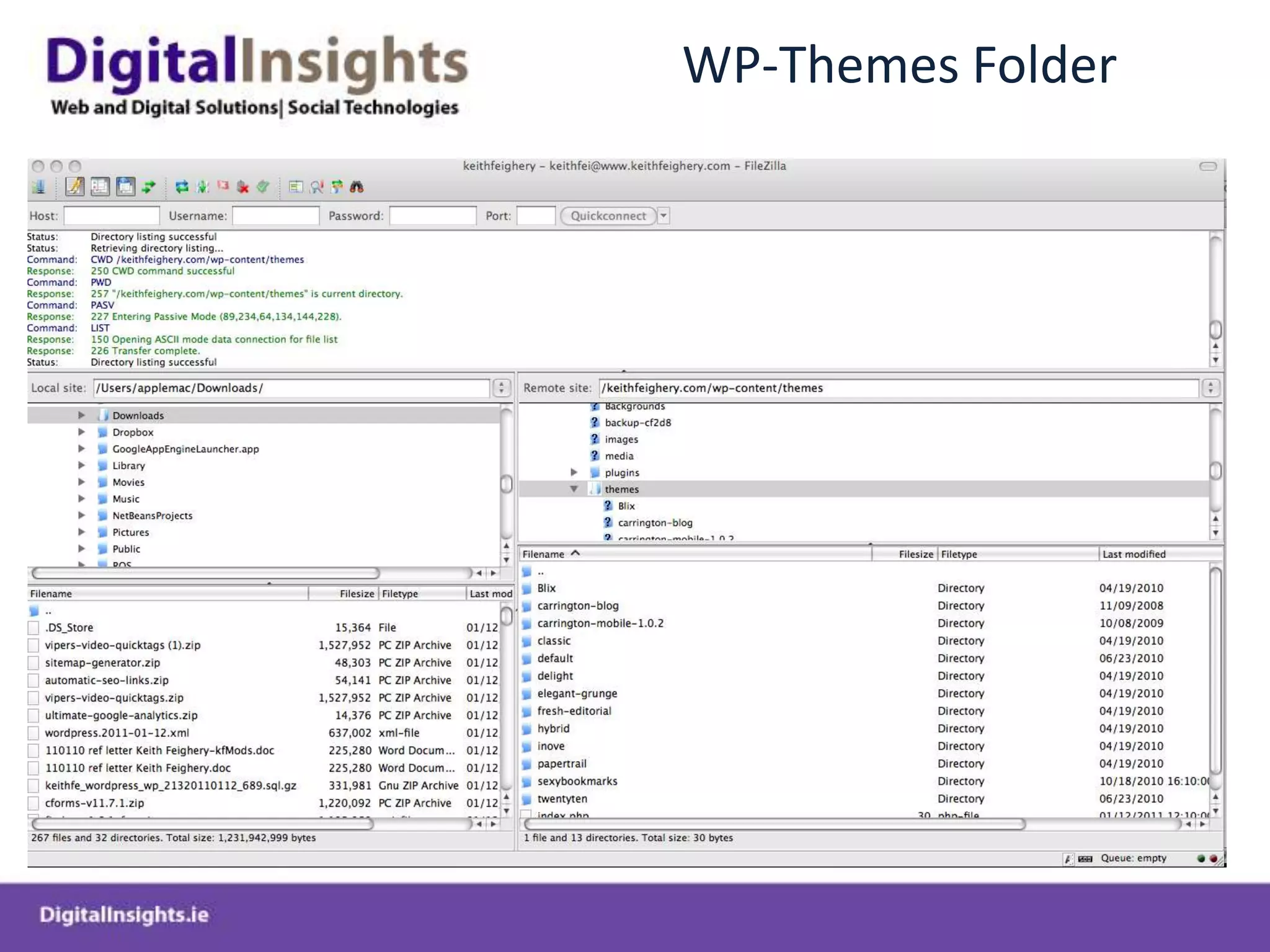
WP-Themes Folder
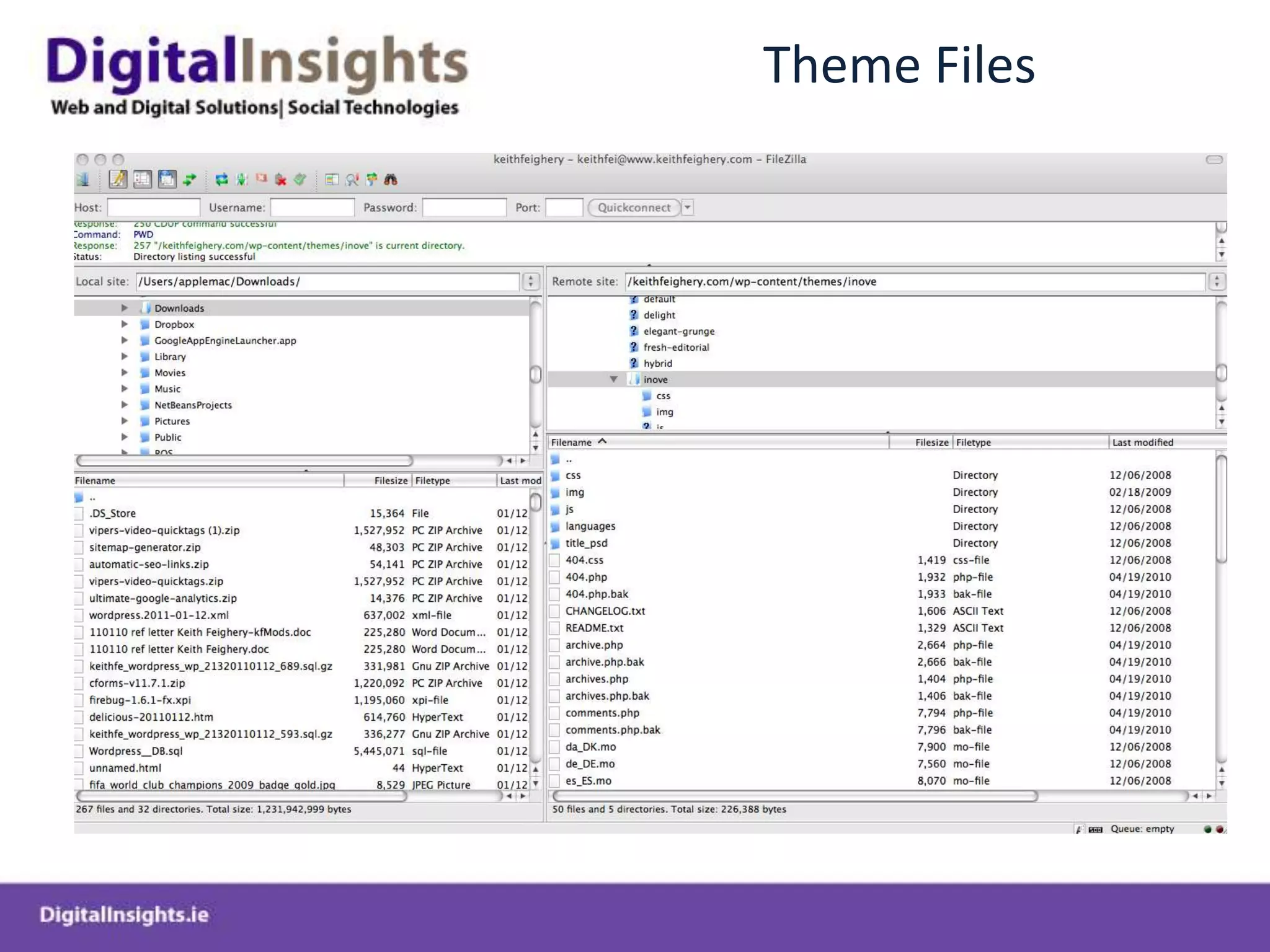
Theme Files
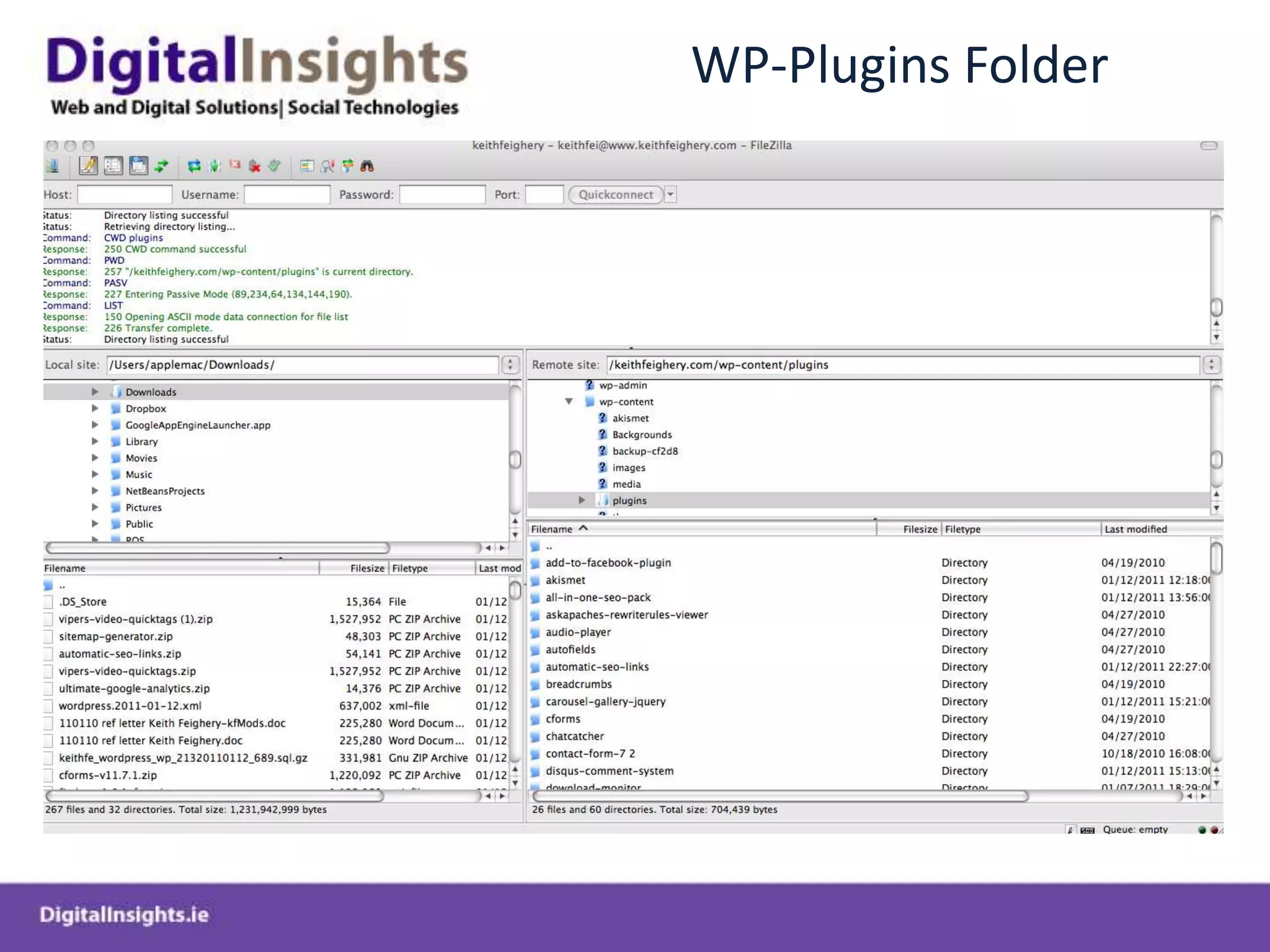
WP-Plugins Folder
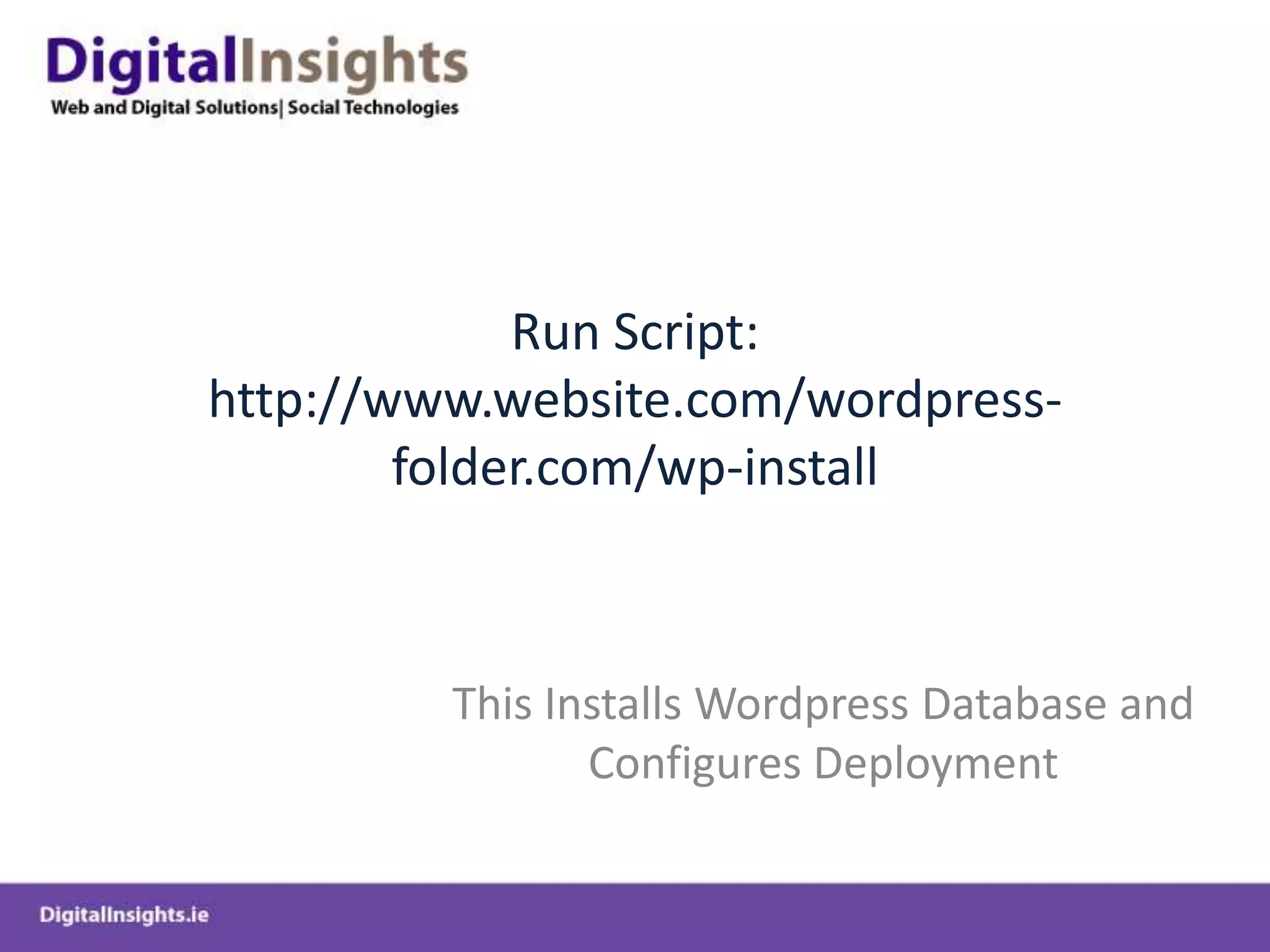
Run Script: http://www.website.com/wordpress-folder.com/wp-installThis Installs Wordpress Database and Configures Deployment
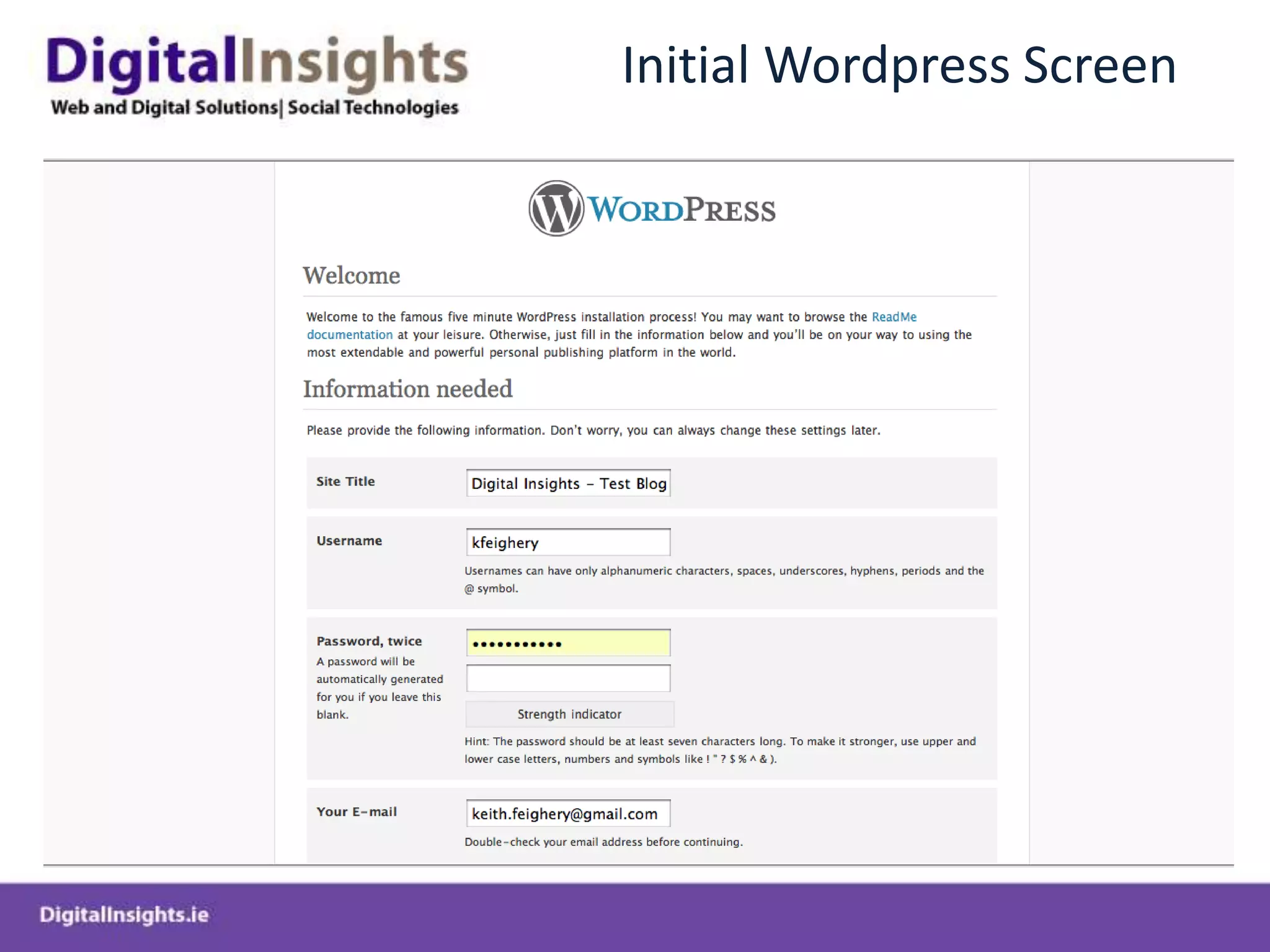
Initial Wordpress Screen
Wordpress Backend Administration
Login to Backend – www.website.com/wp-admin
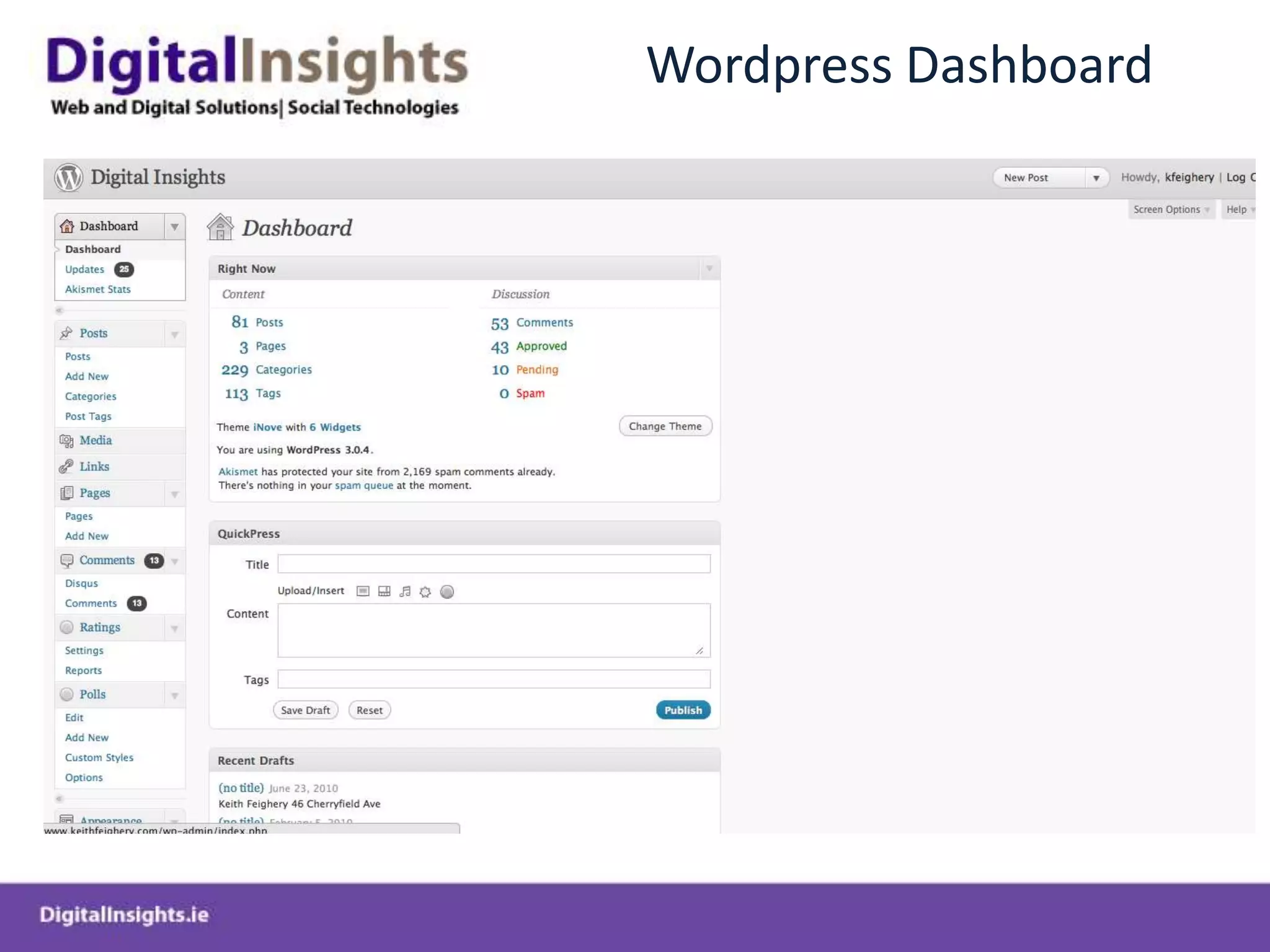
Wordpress Dashboard
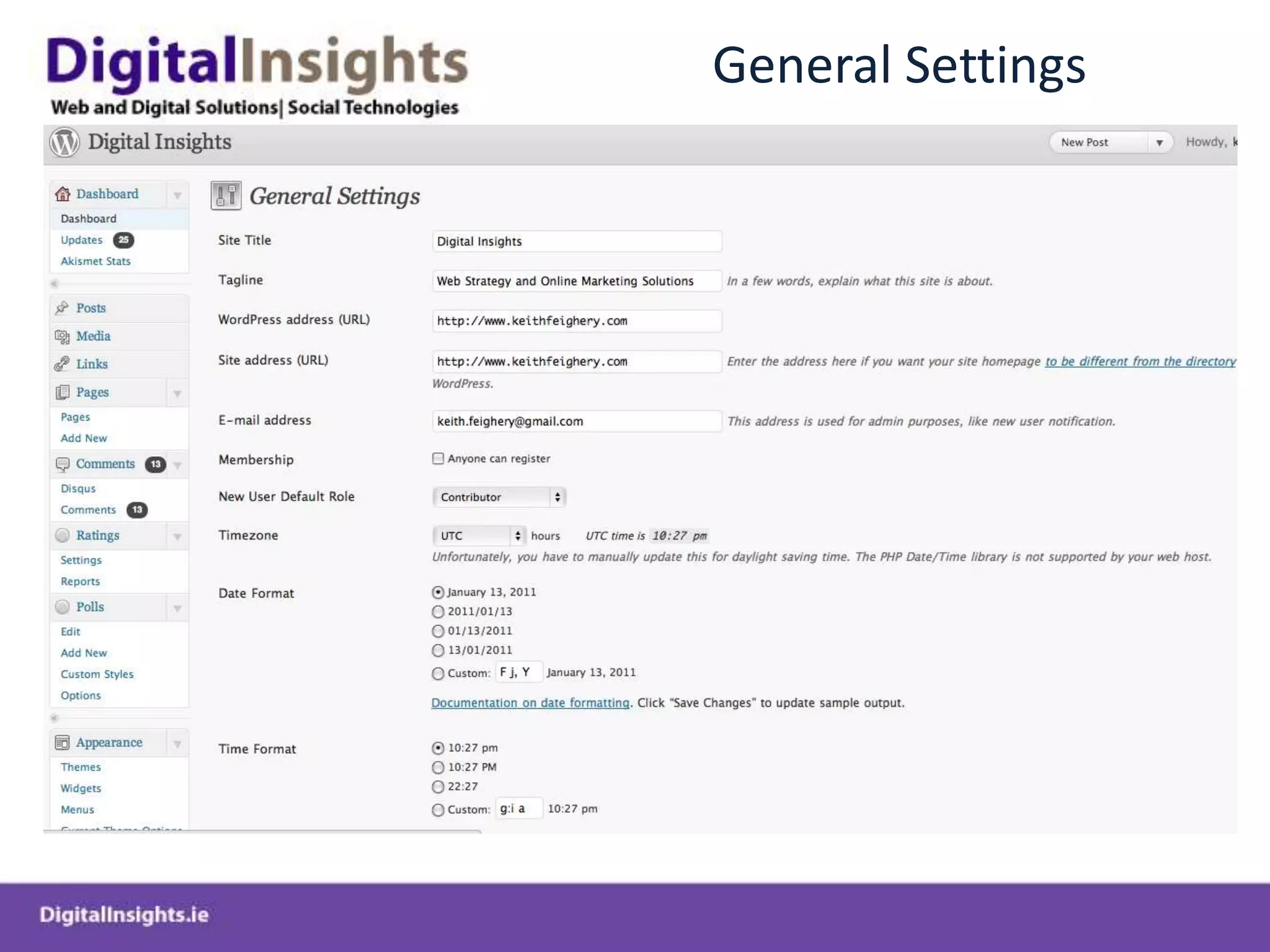
General Settings
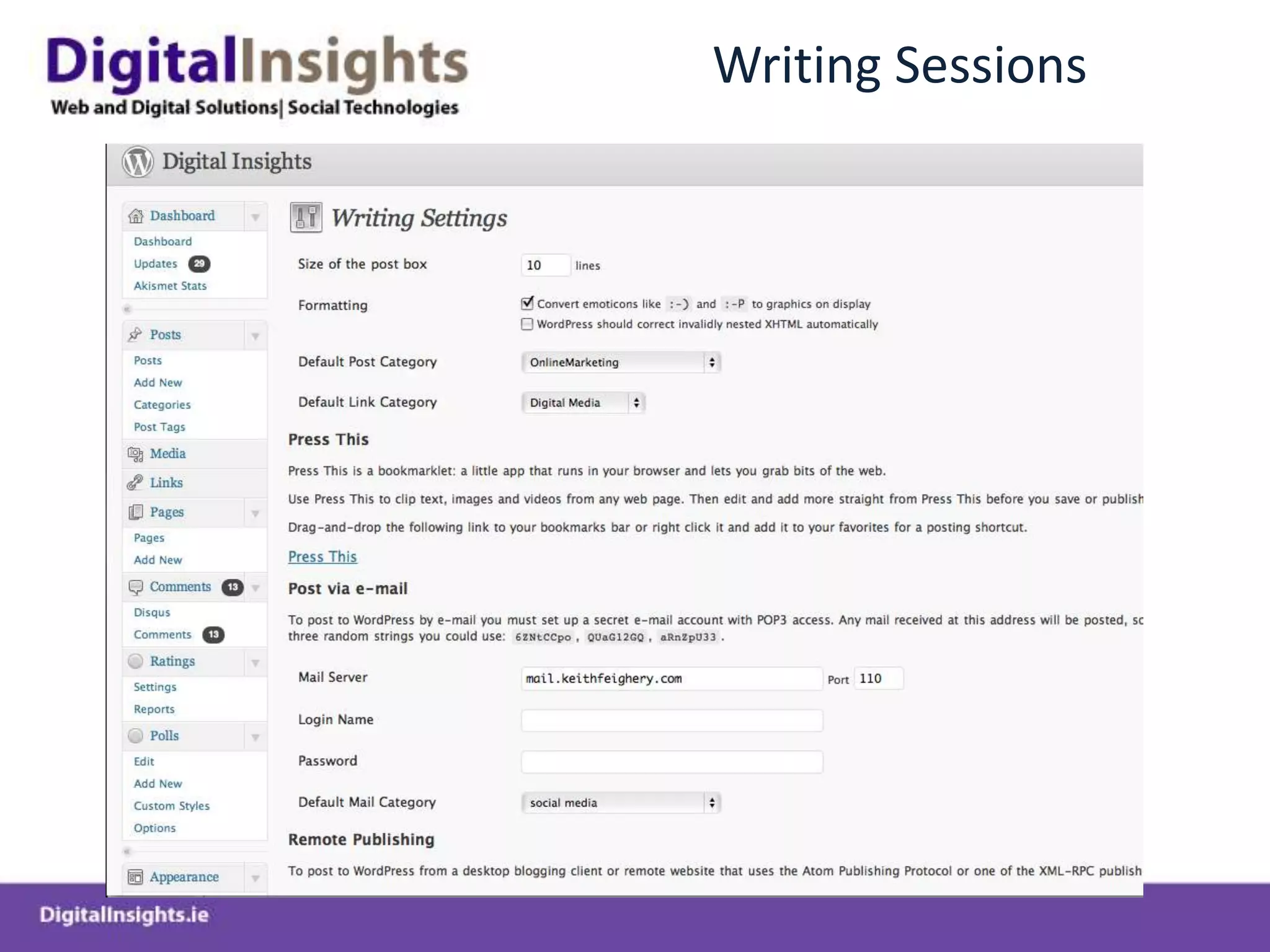
Writing Sessions
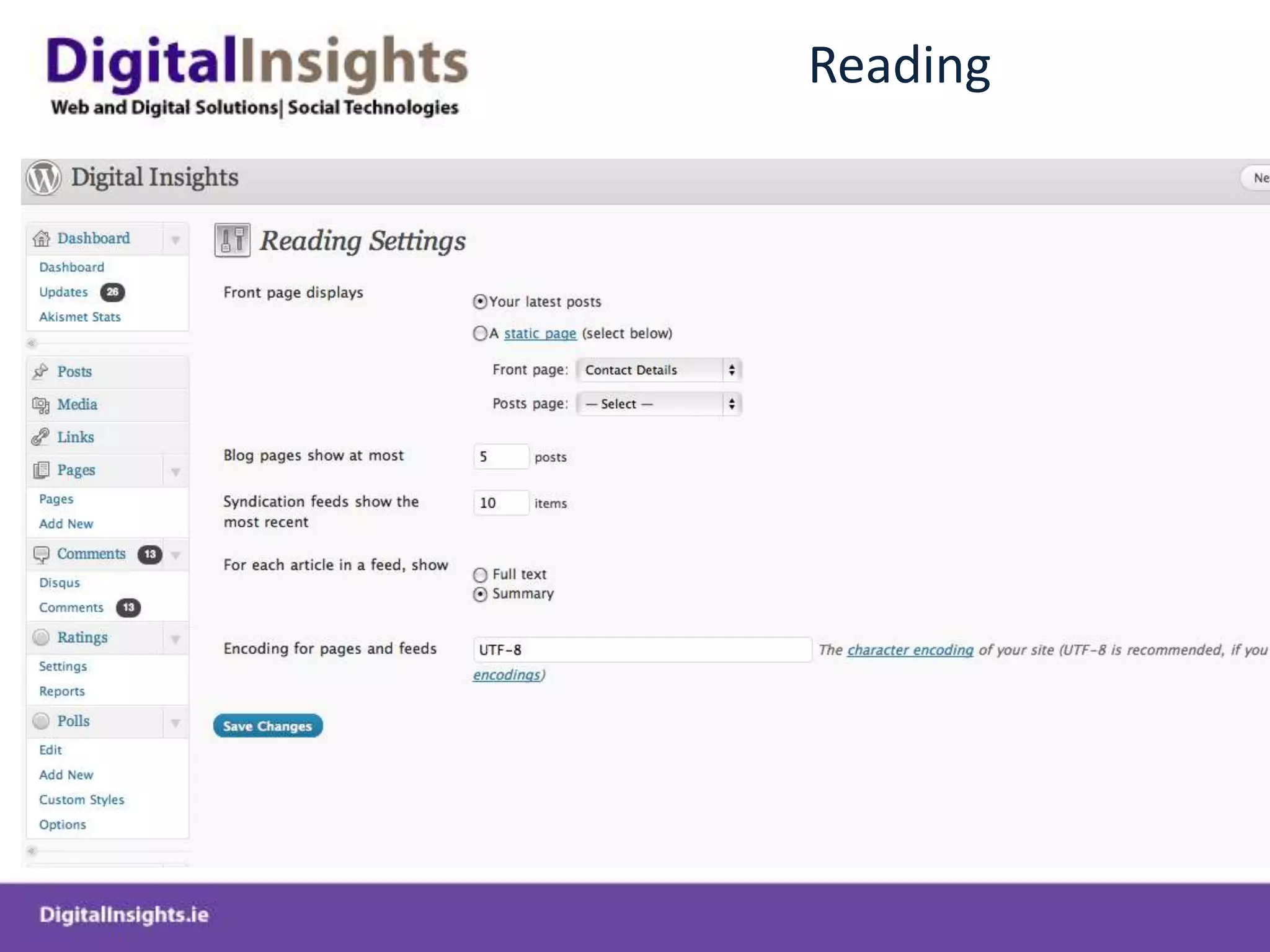
Reading
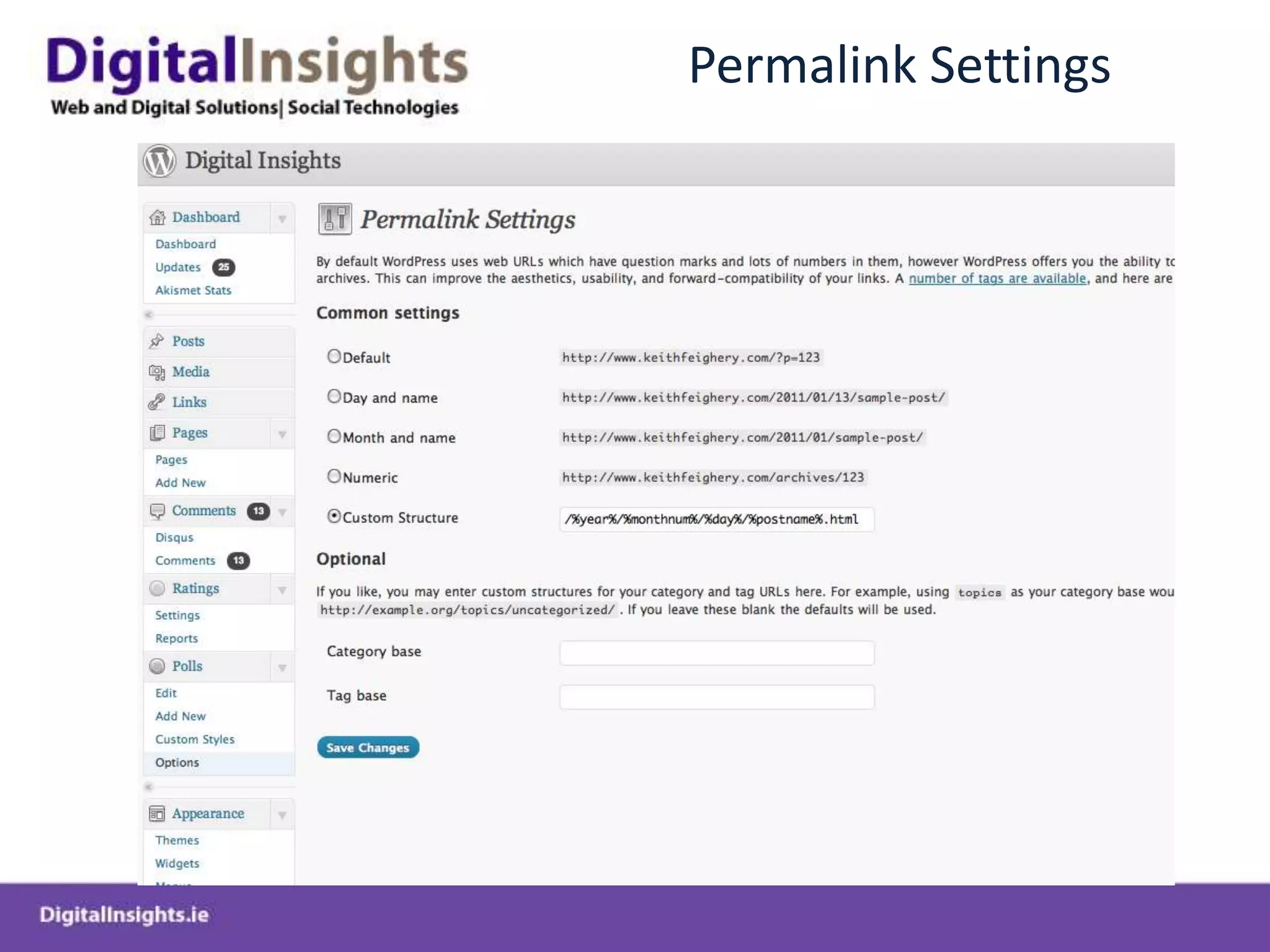
Permalink Settings
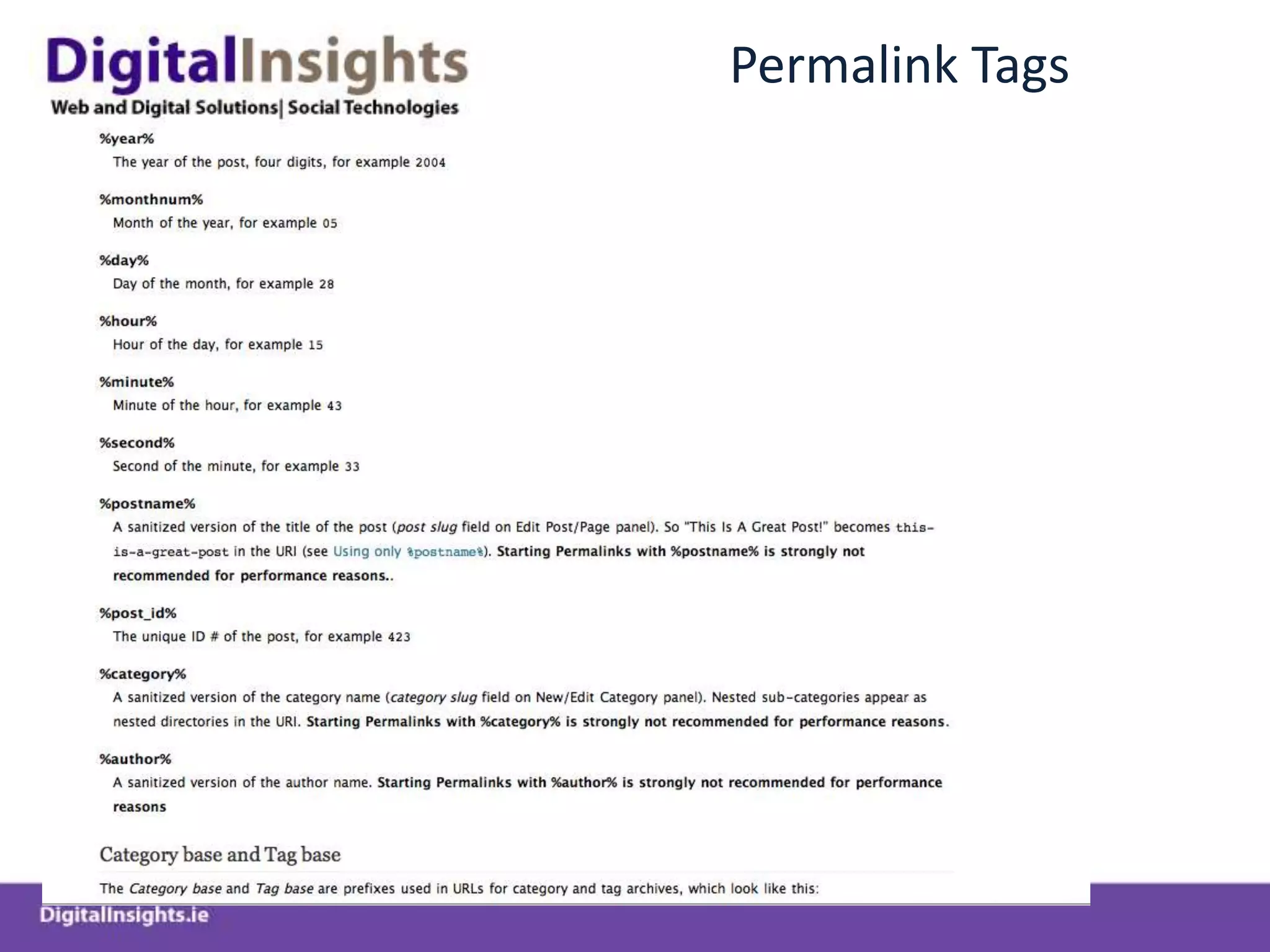
Permalink Tags
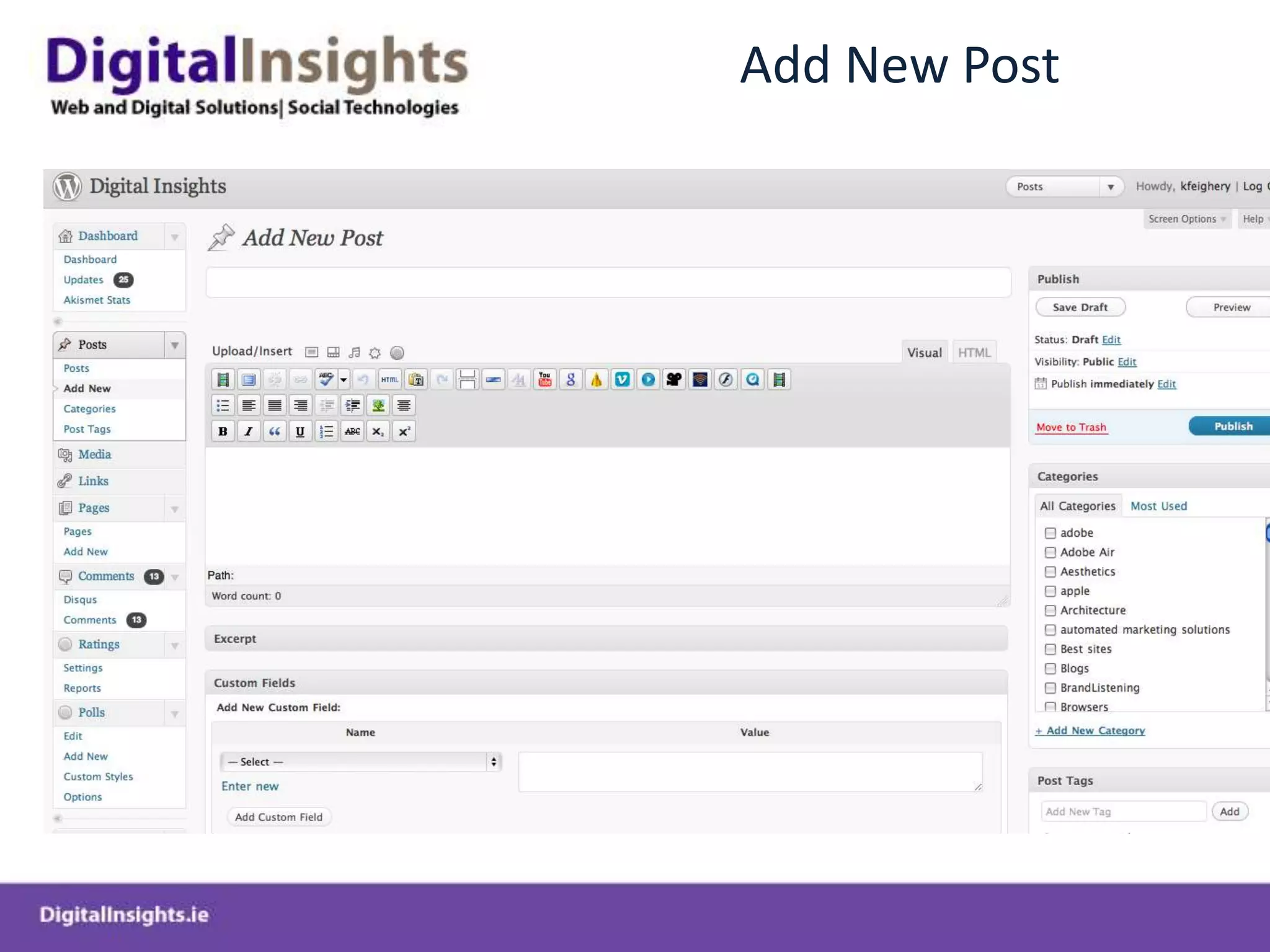
Add New Post
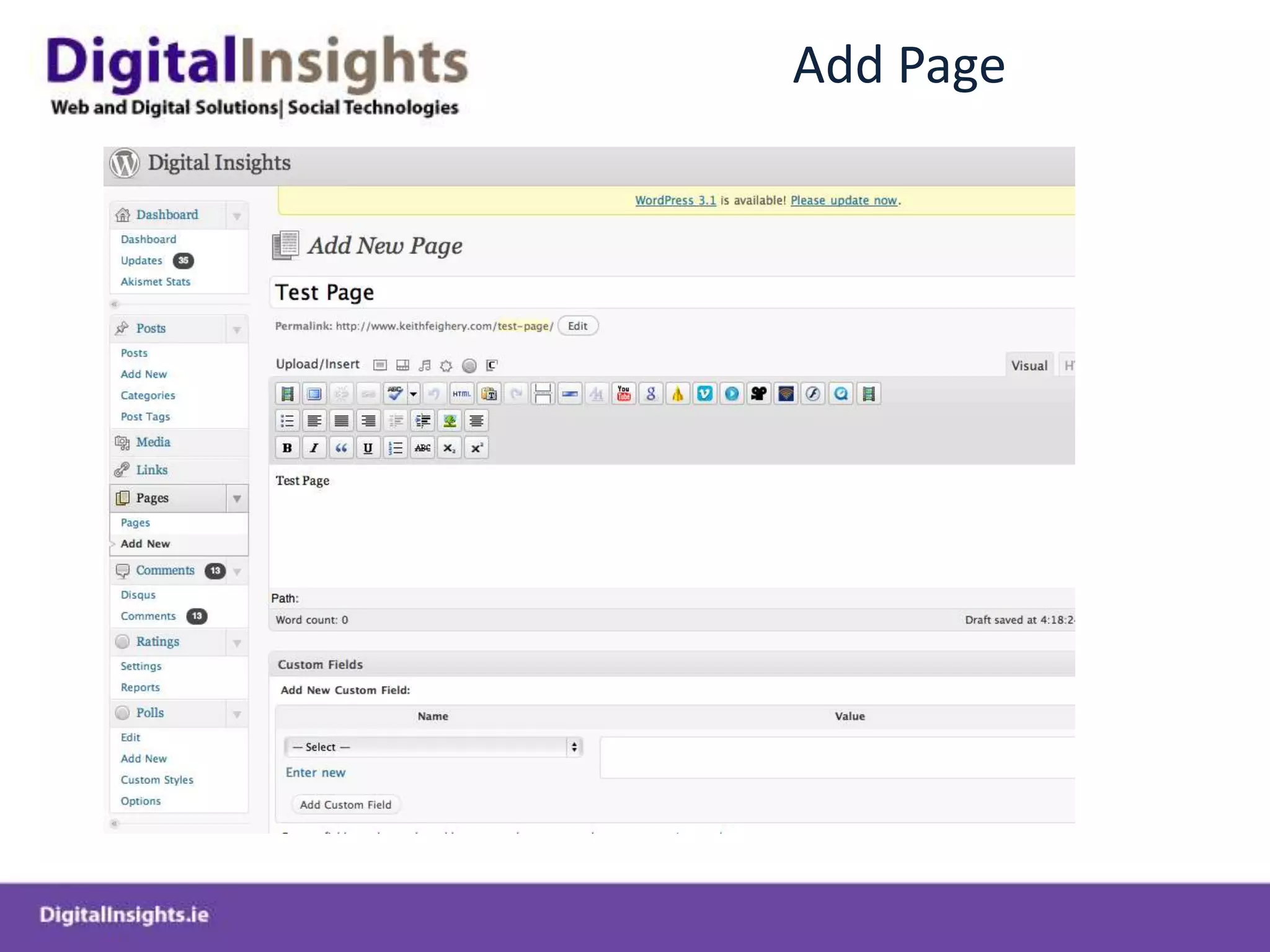
Add Page
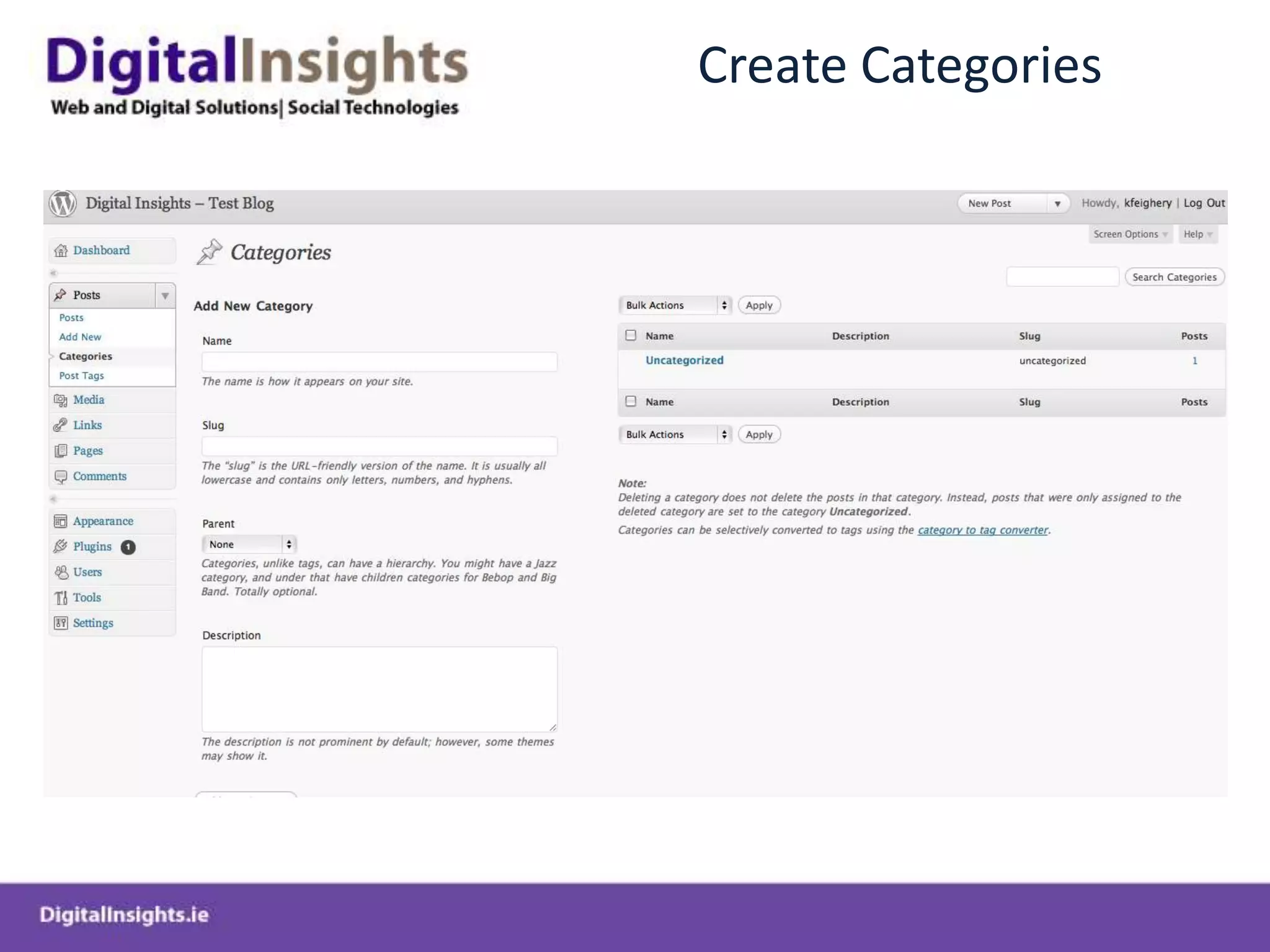
Create Categories
WordpressPlugins
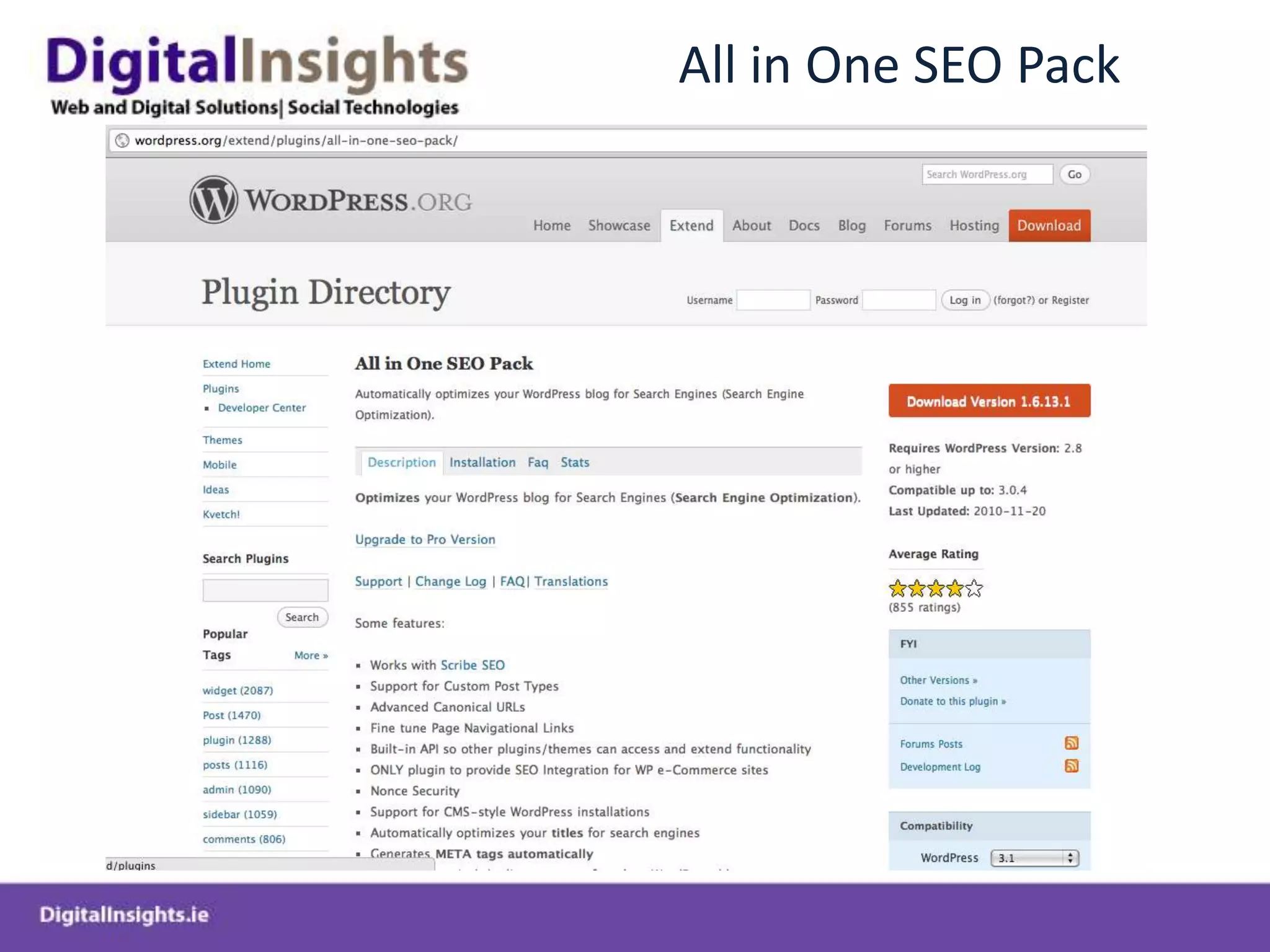
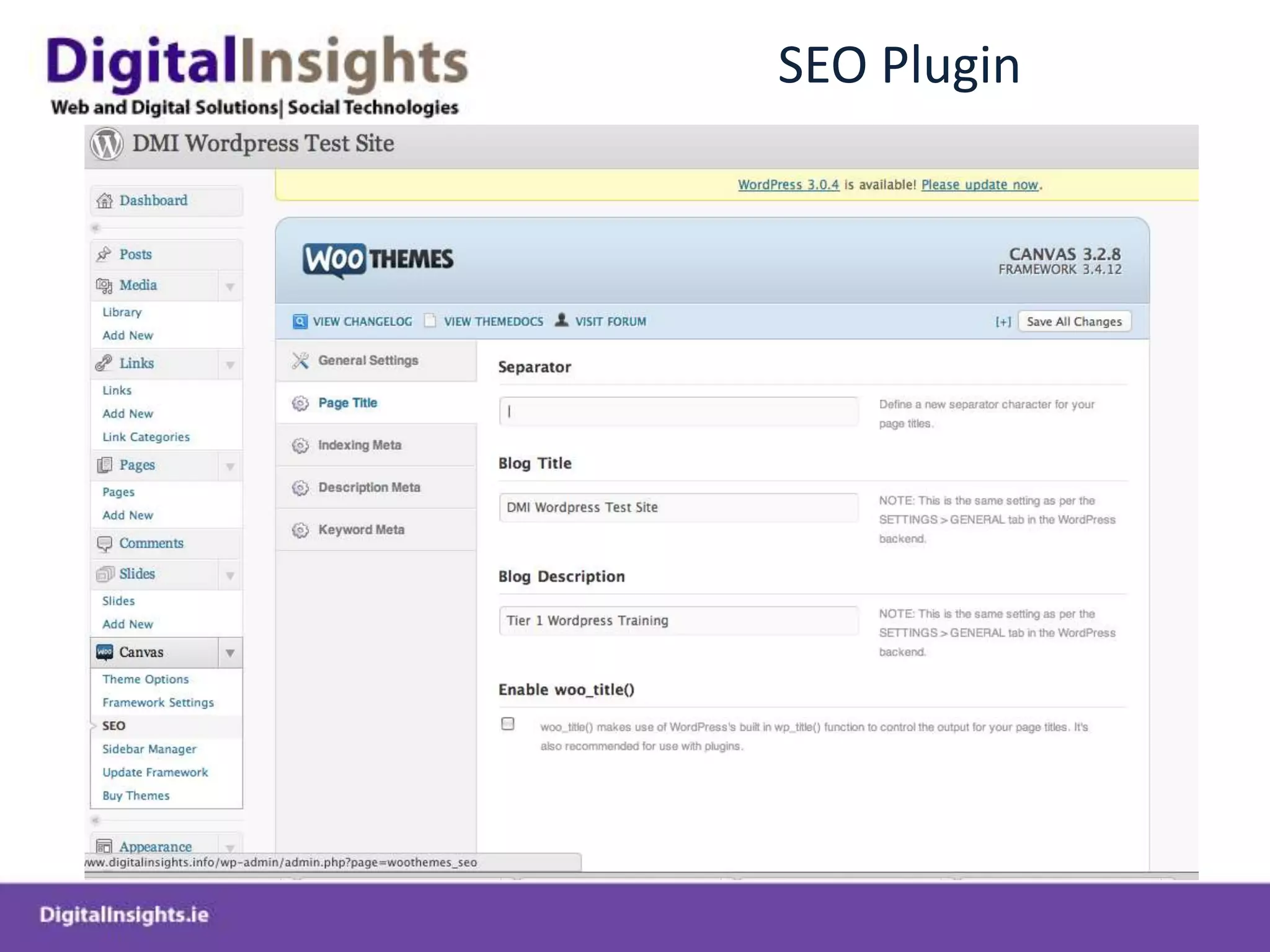
All in One SEO Pack
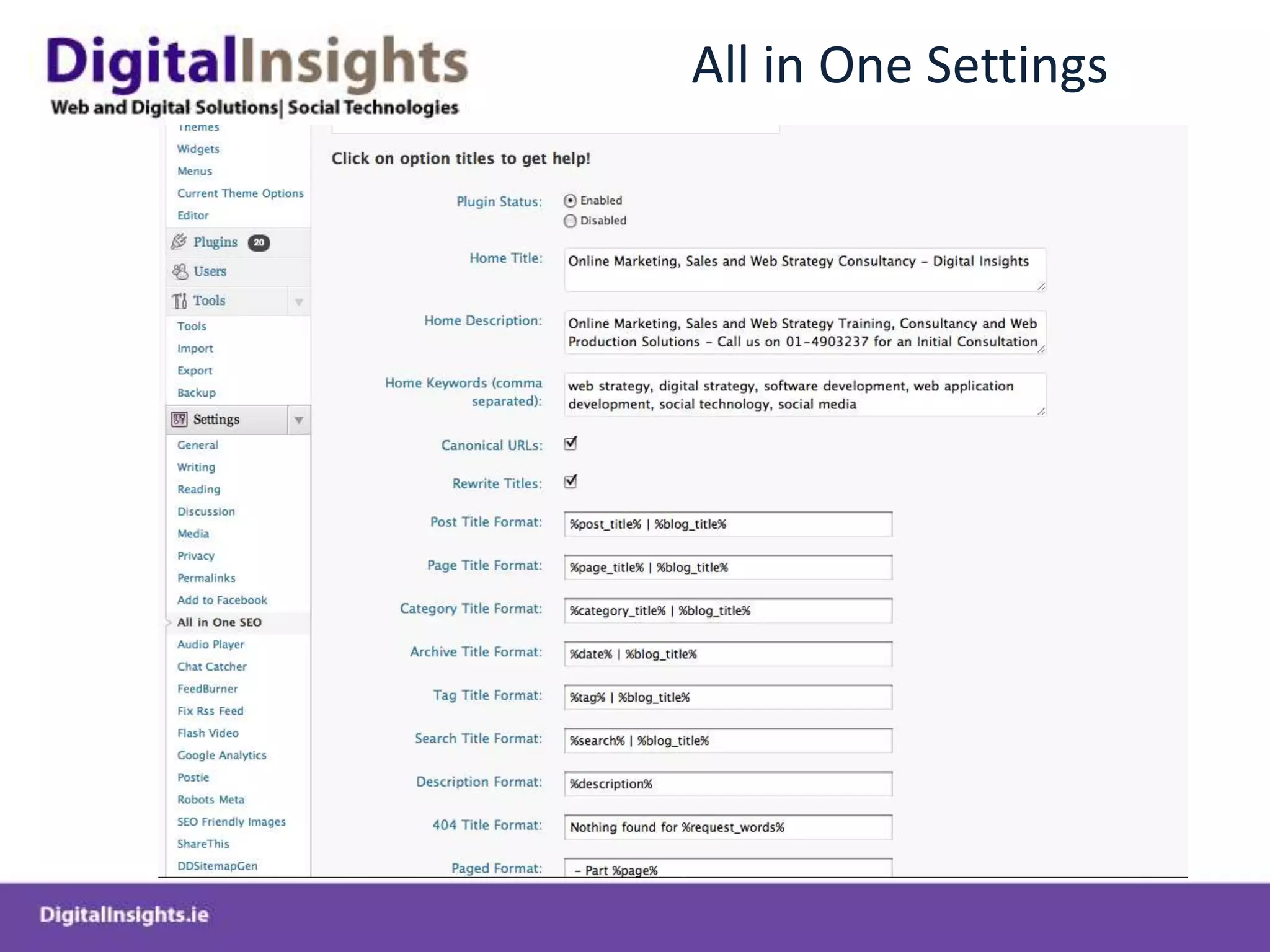
All in One Settings
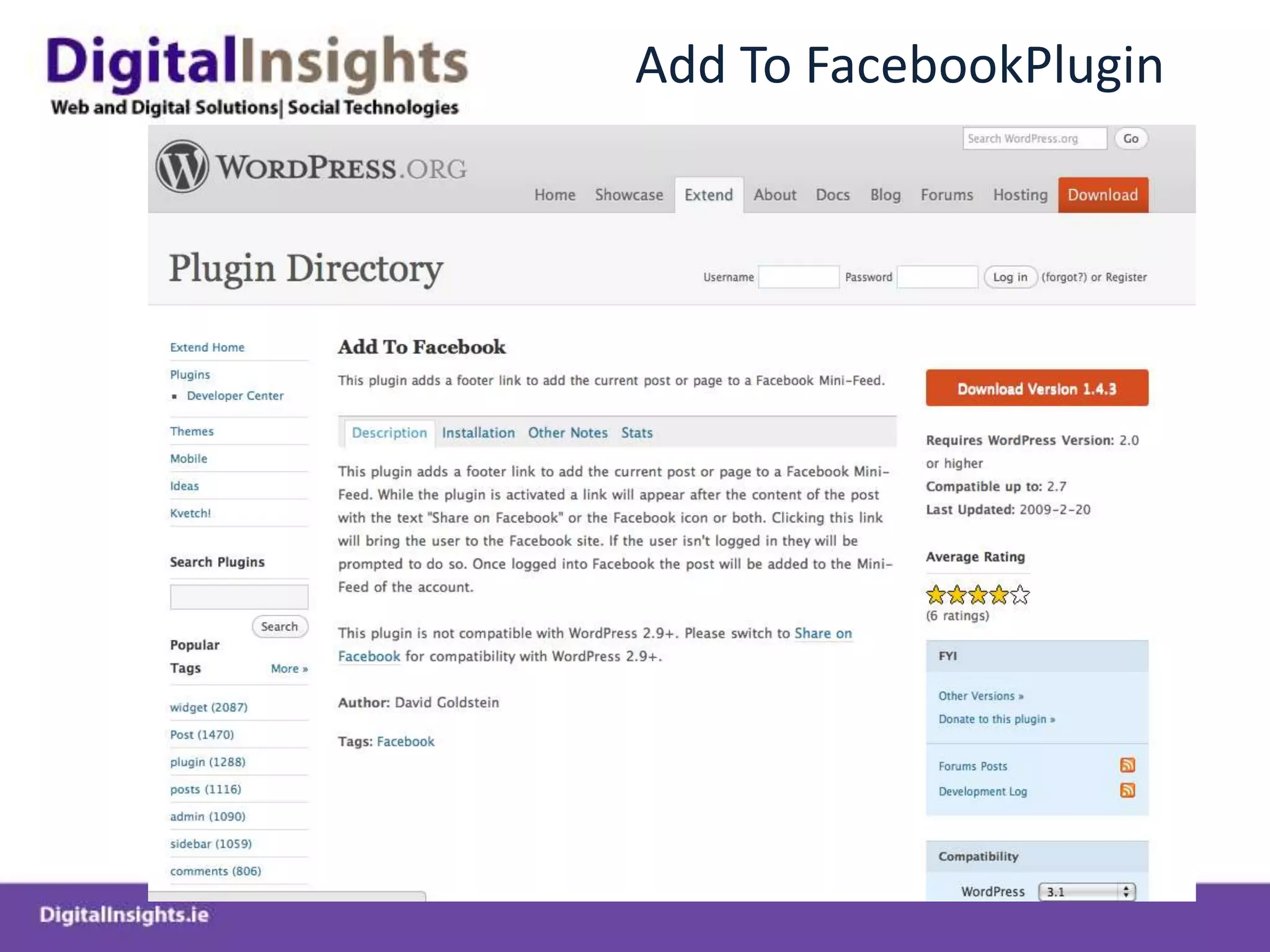
Add To FacebookPlugin
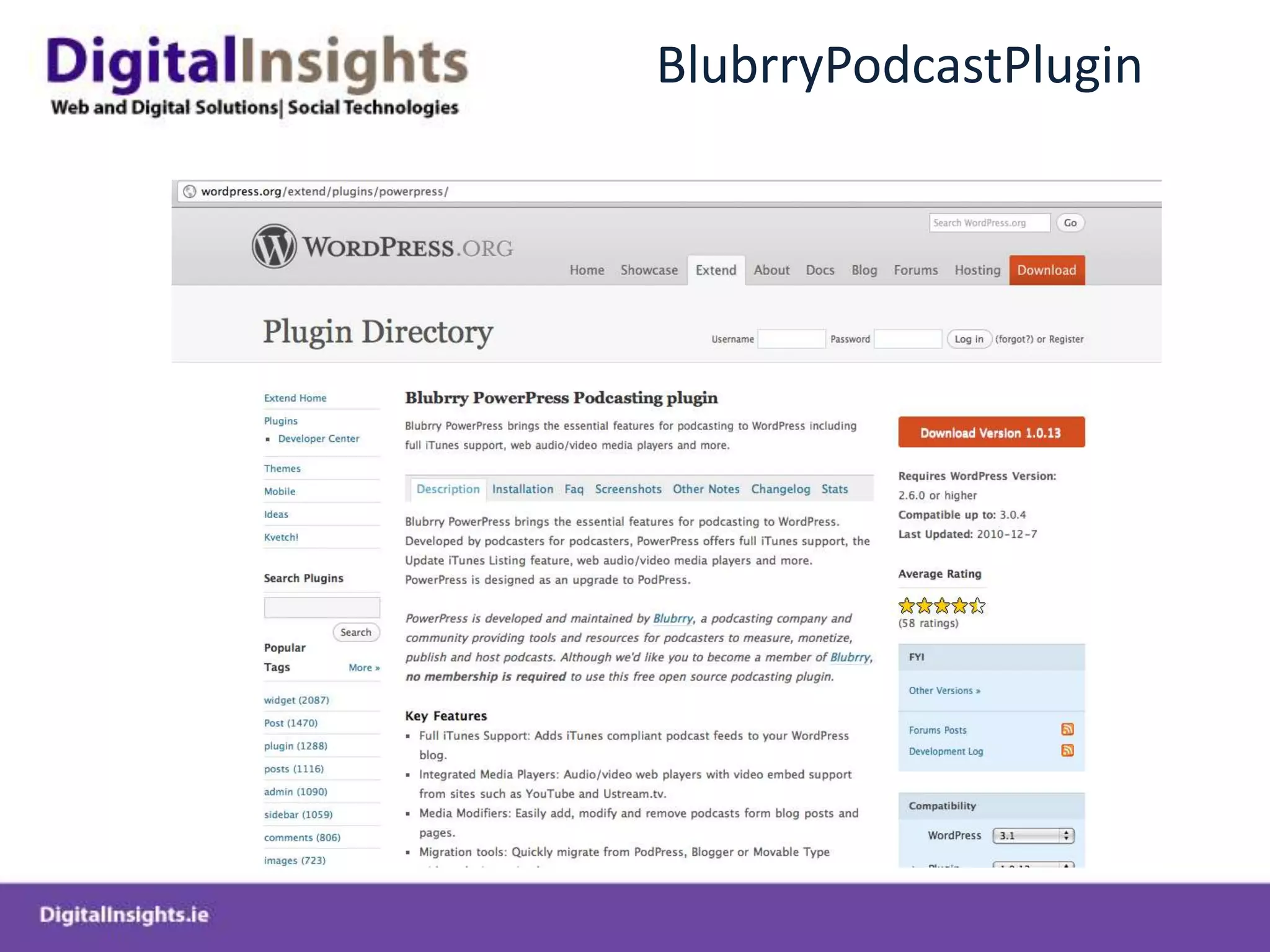
BlubrryPodcastPlugin
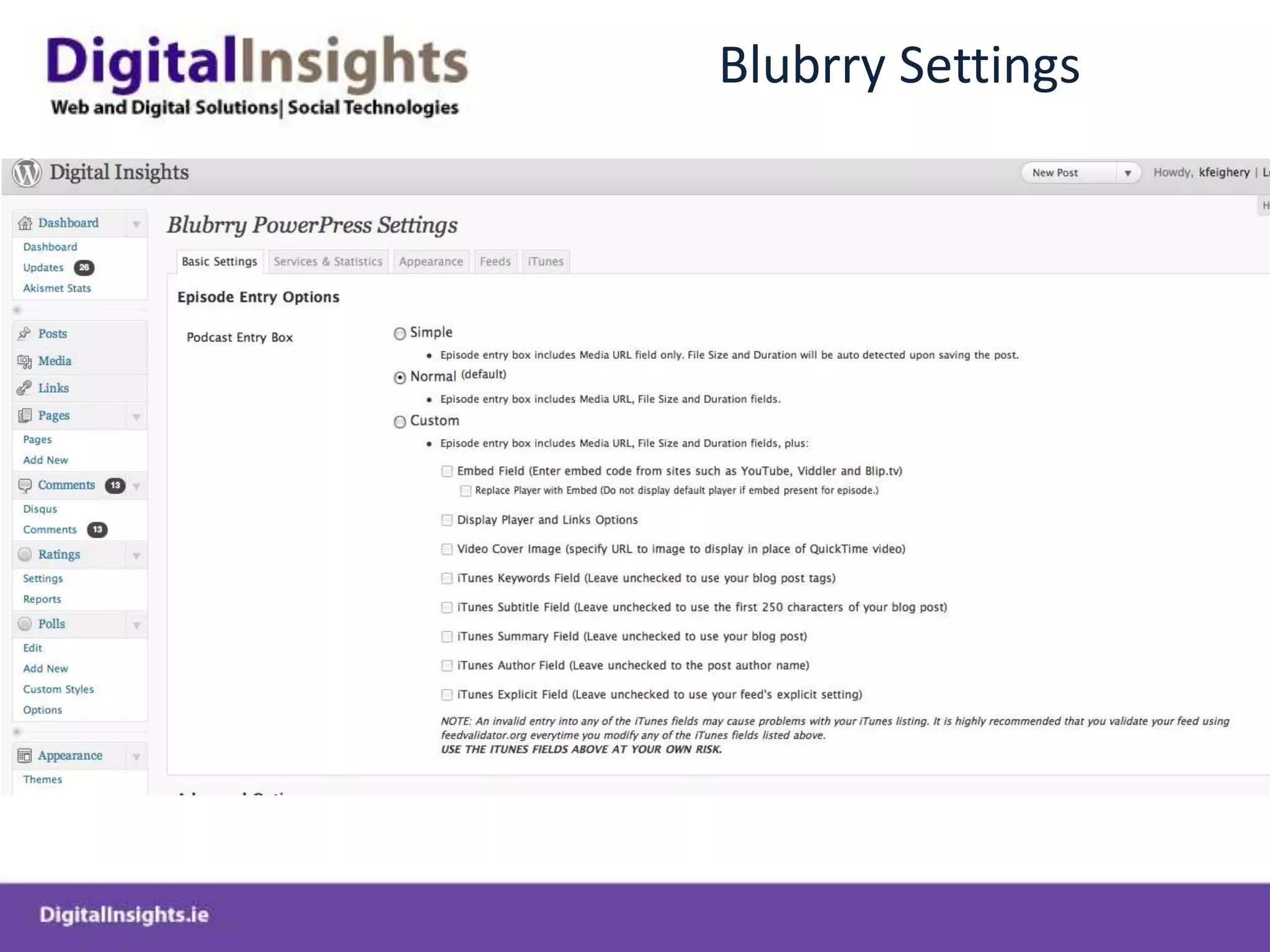
Blubrry Settings
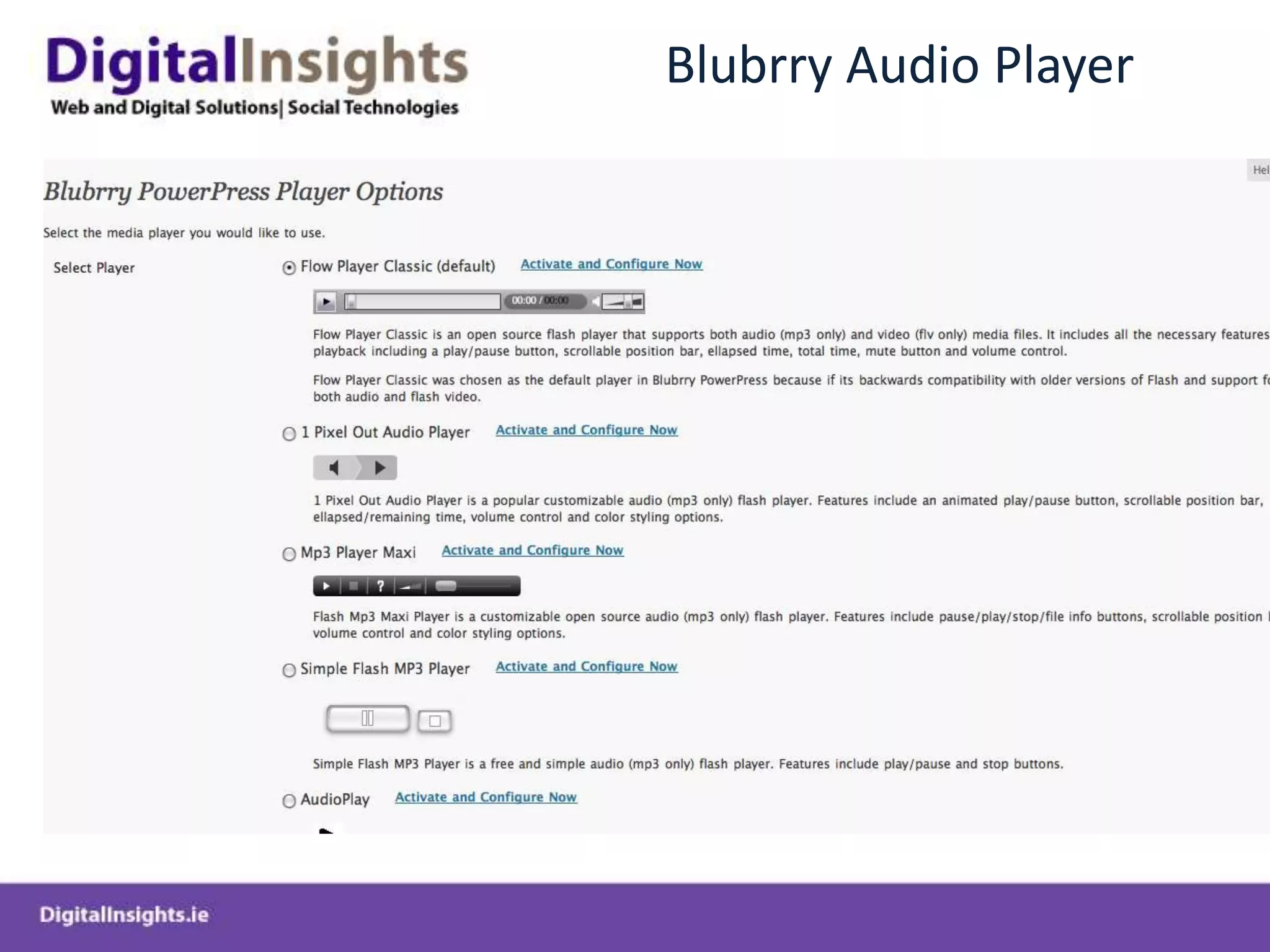
Blubrry Audio Player
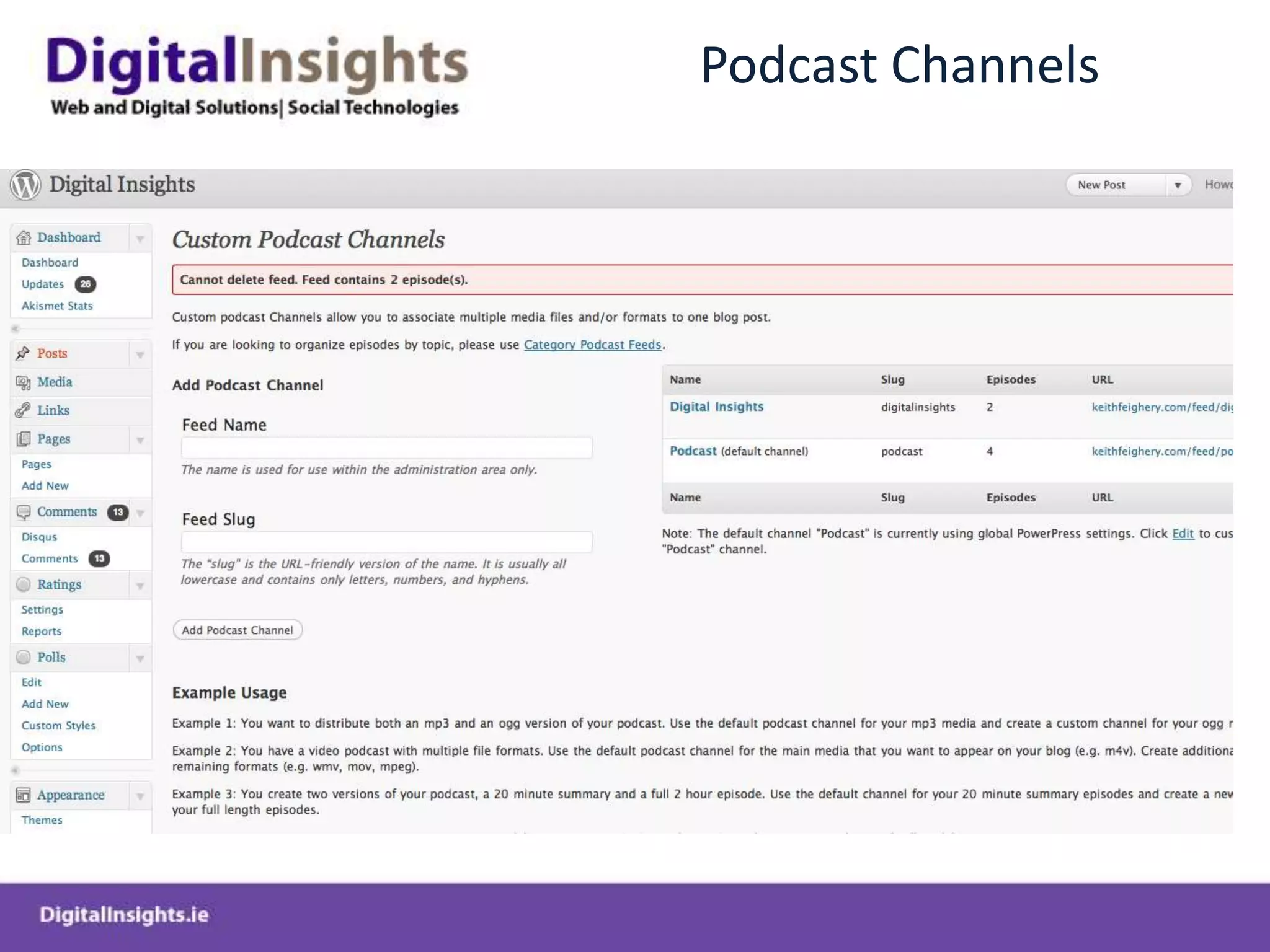
Podcast Channels
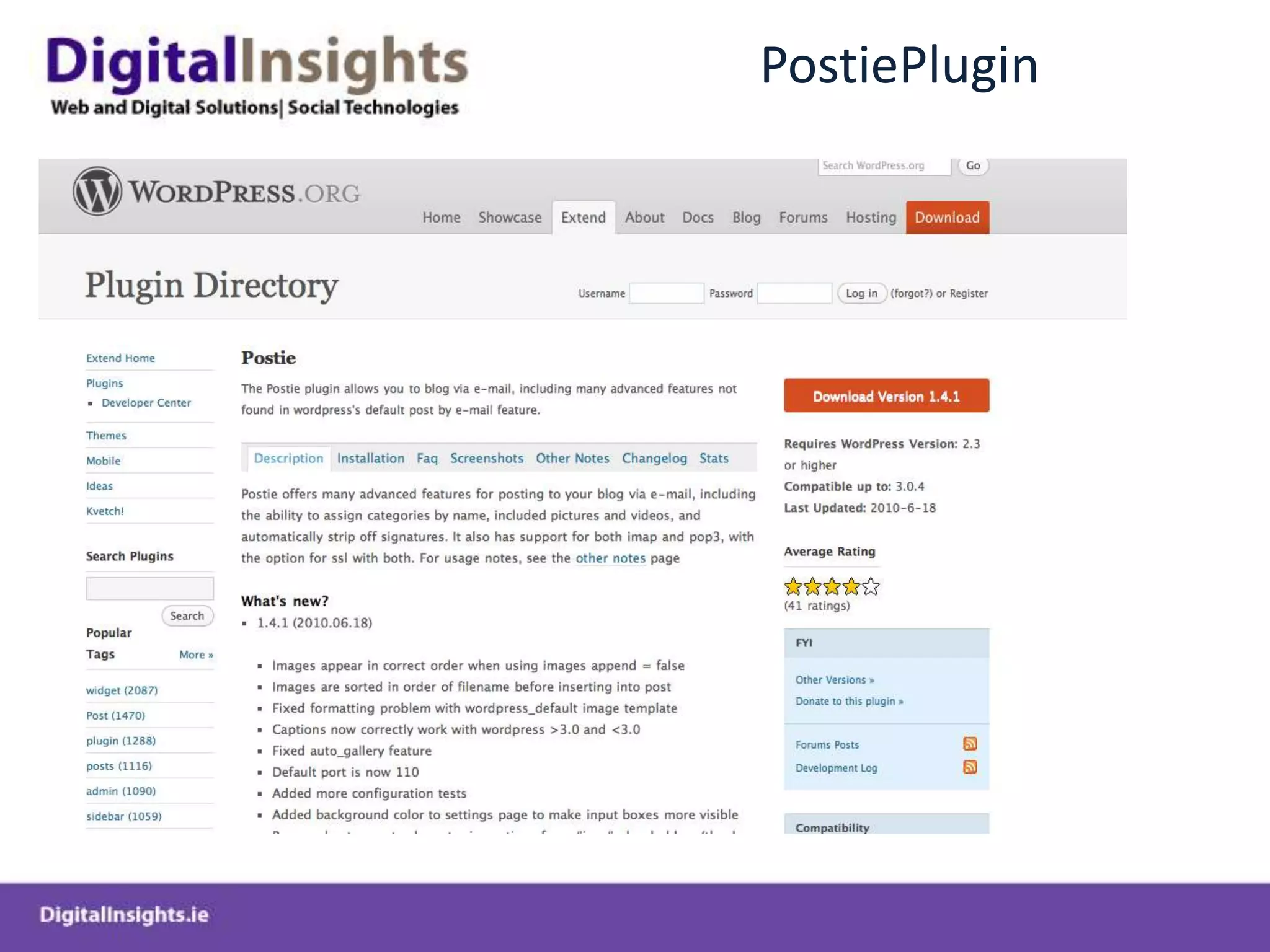
PostiePlugin
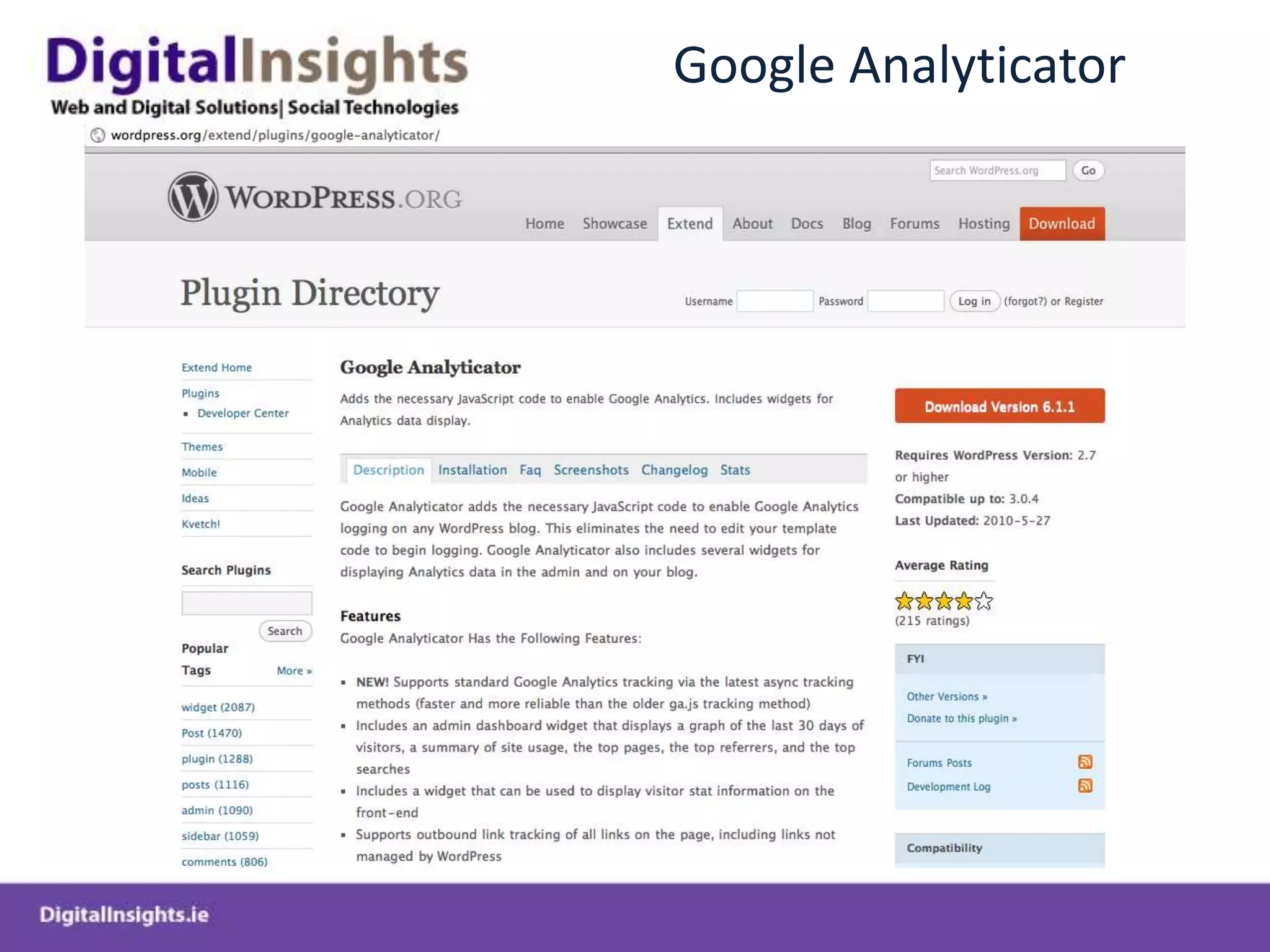
Google Analyticator
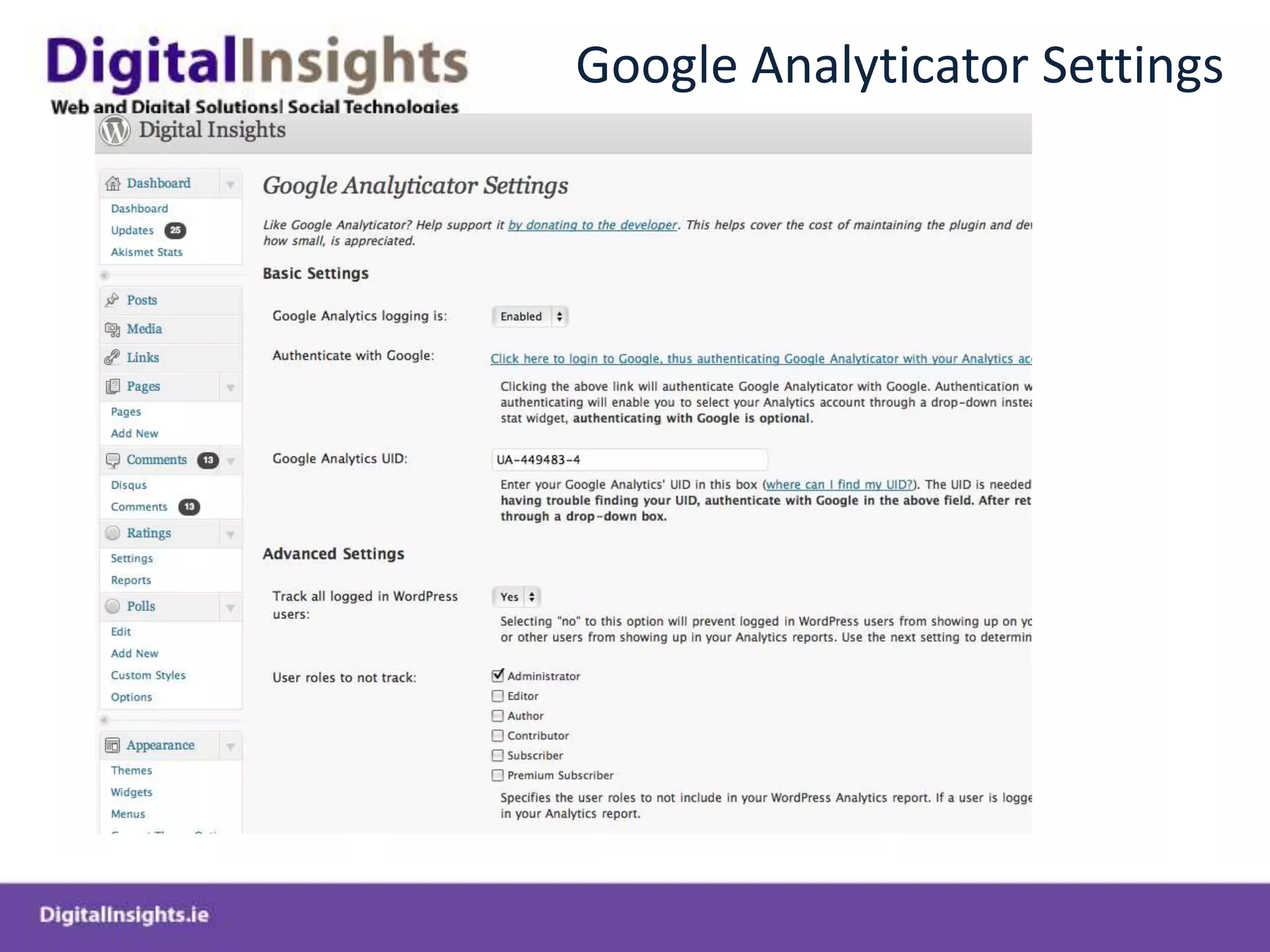
Google Analyticator Settings
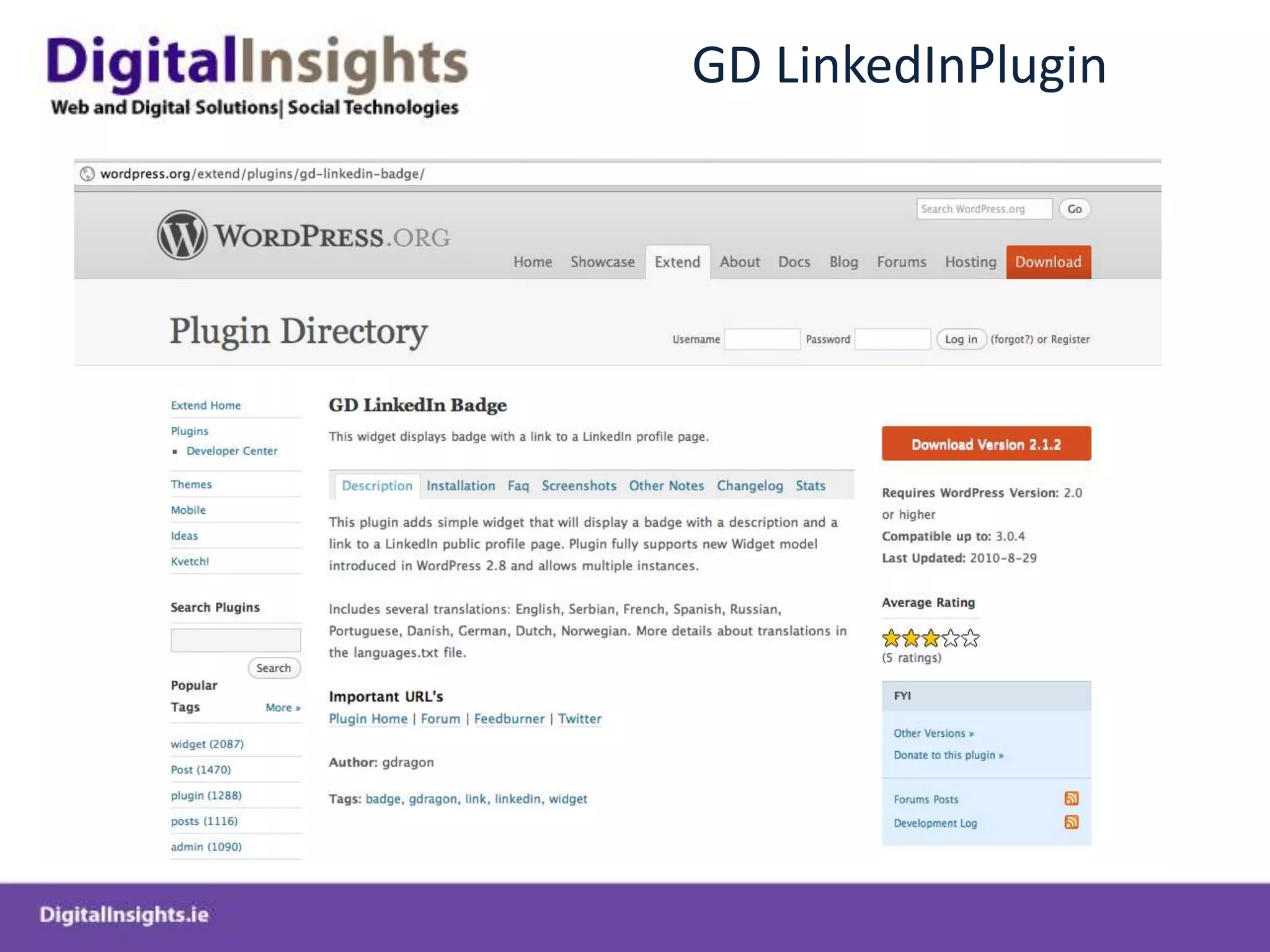
GD LinkedInPlugin
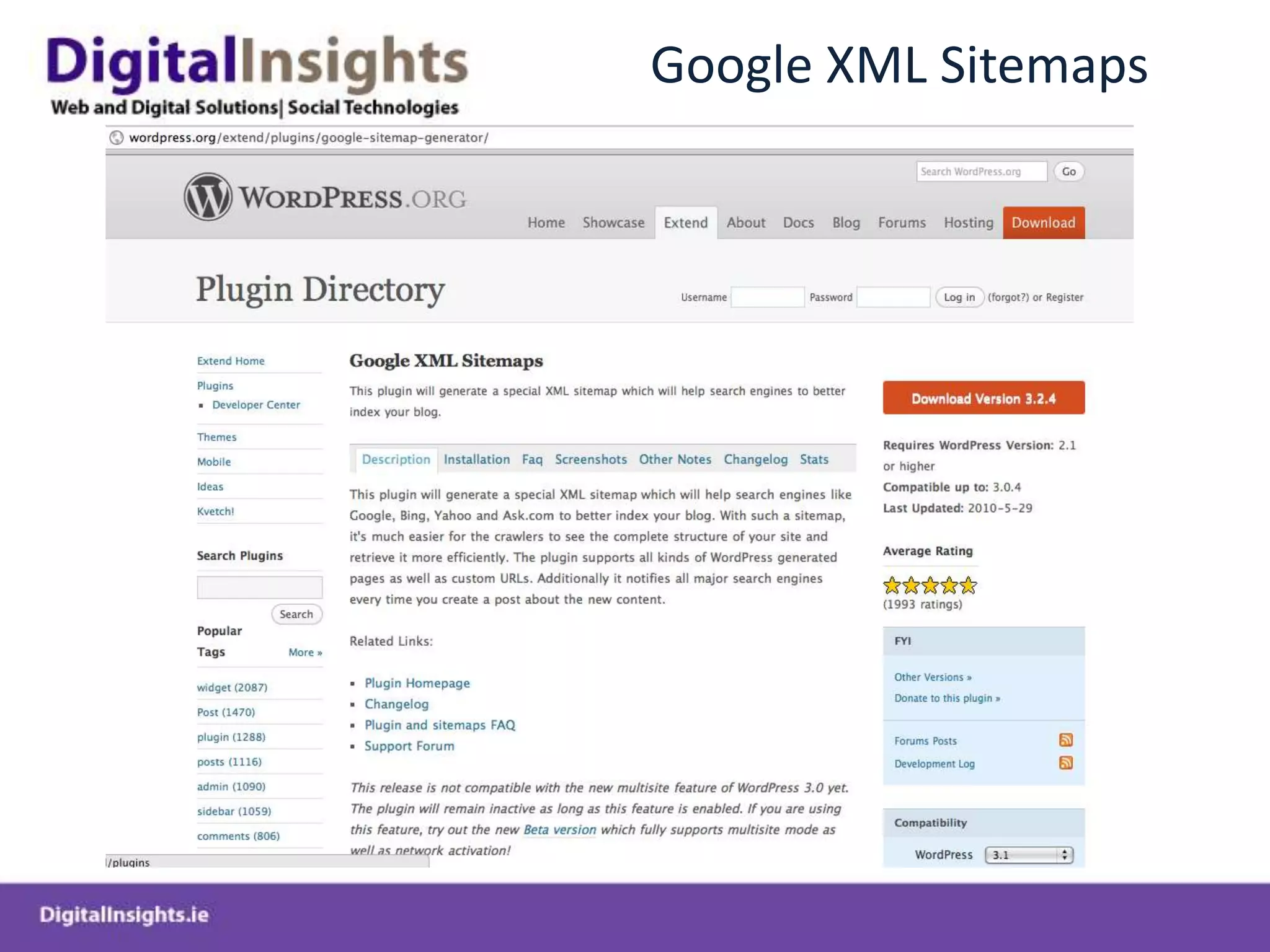
Google XML Sitemaps
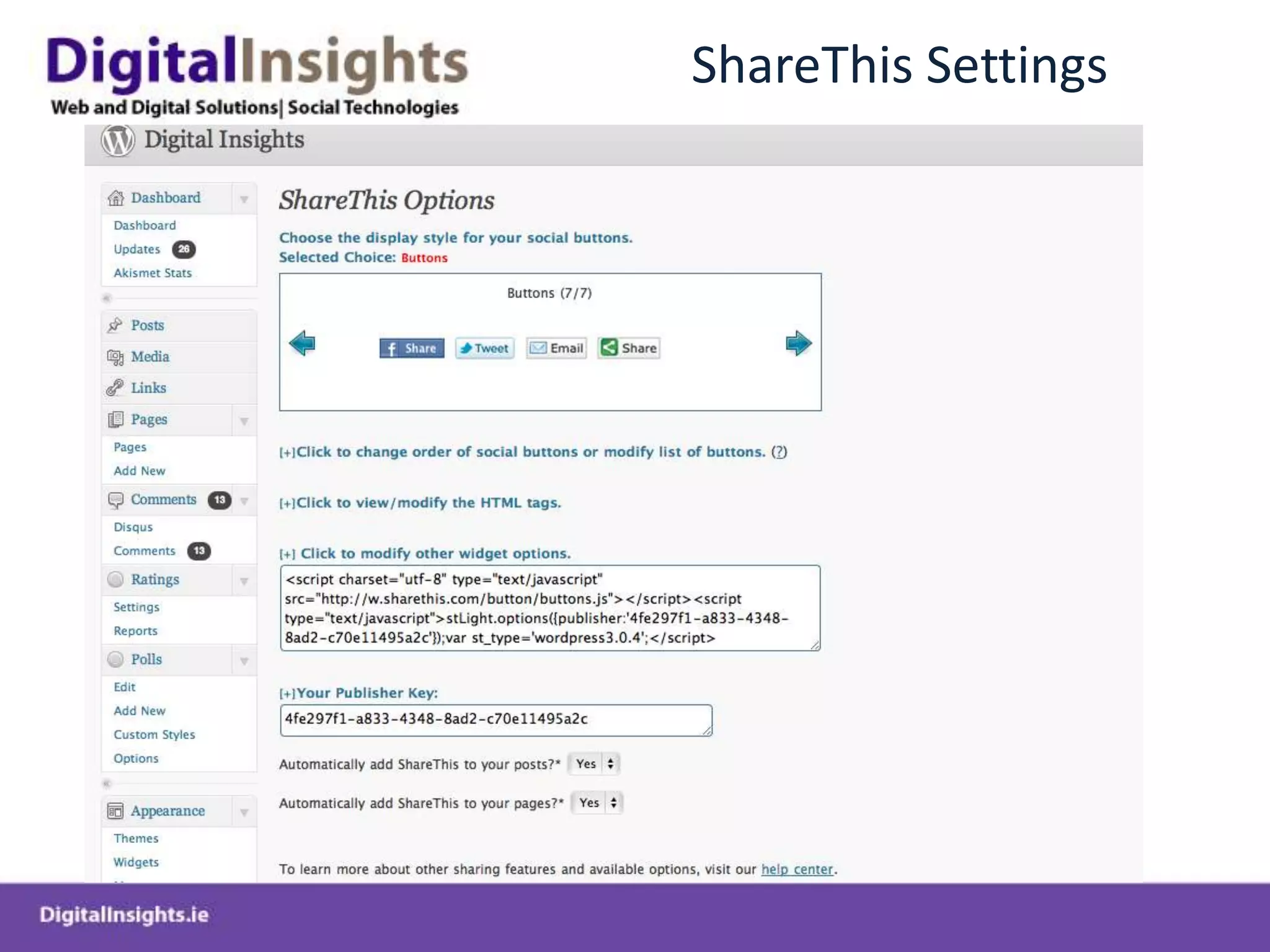
ShareThis Settings
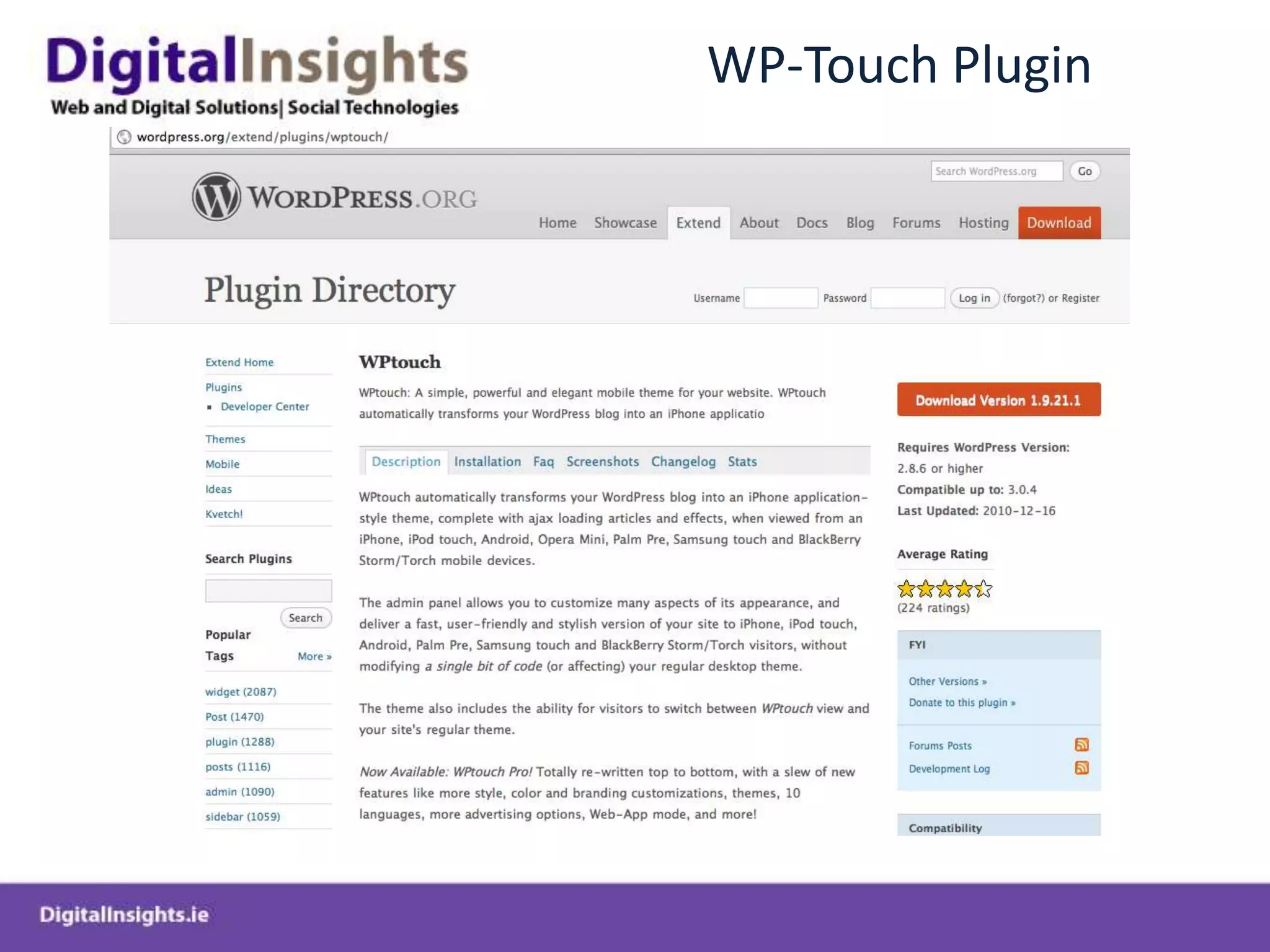
WP-Touch Plugin
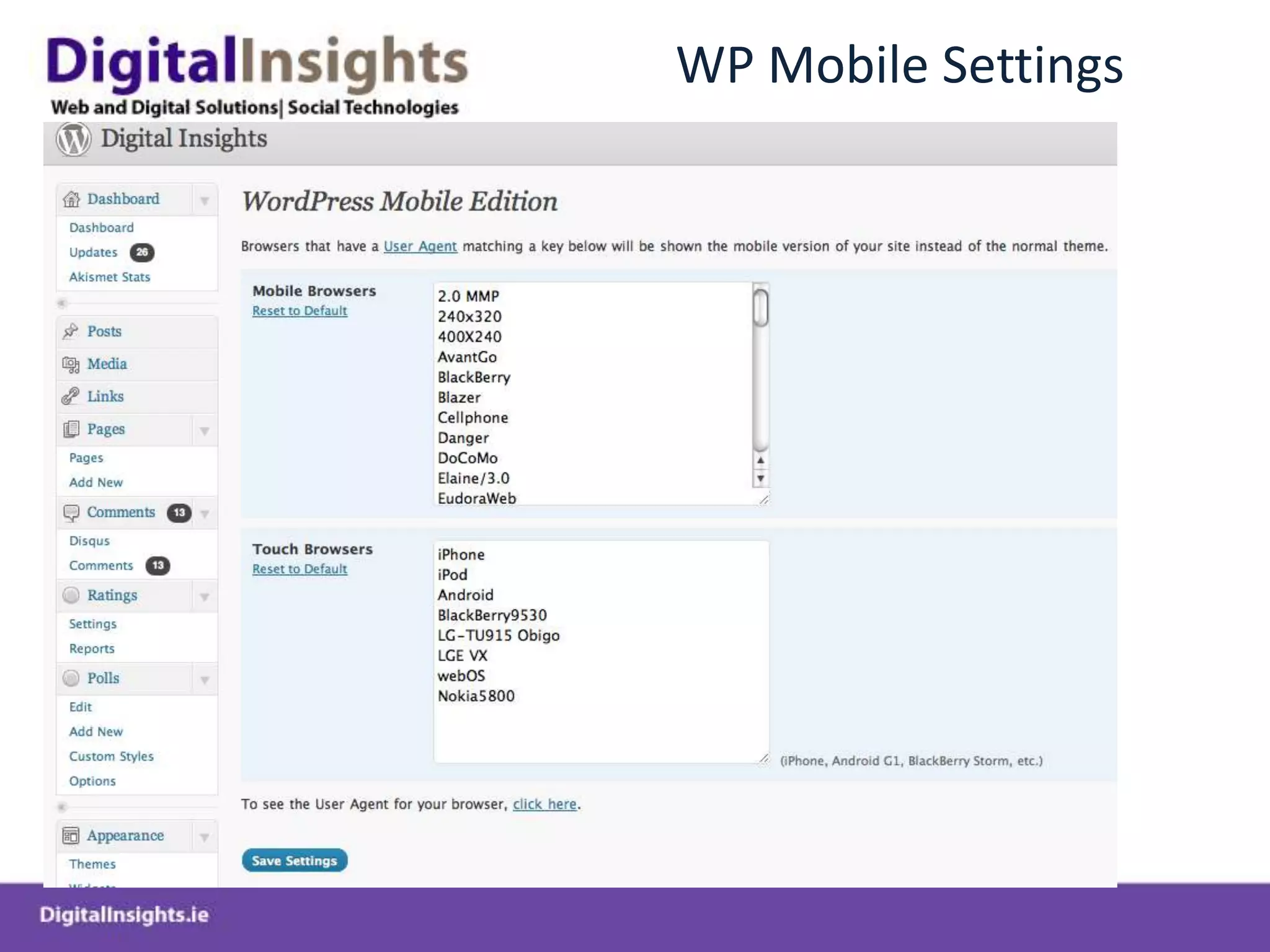
WP Mobile Settings
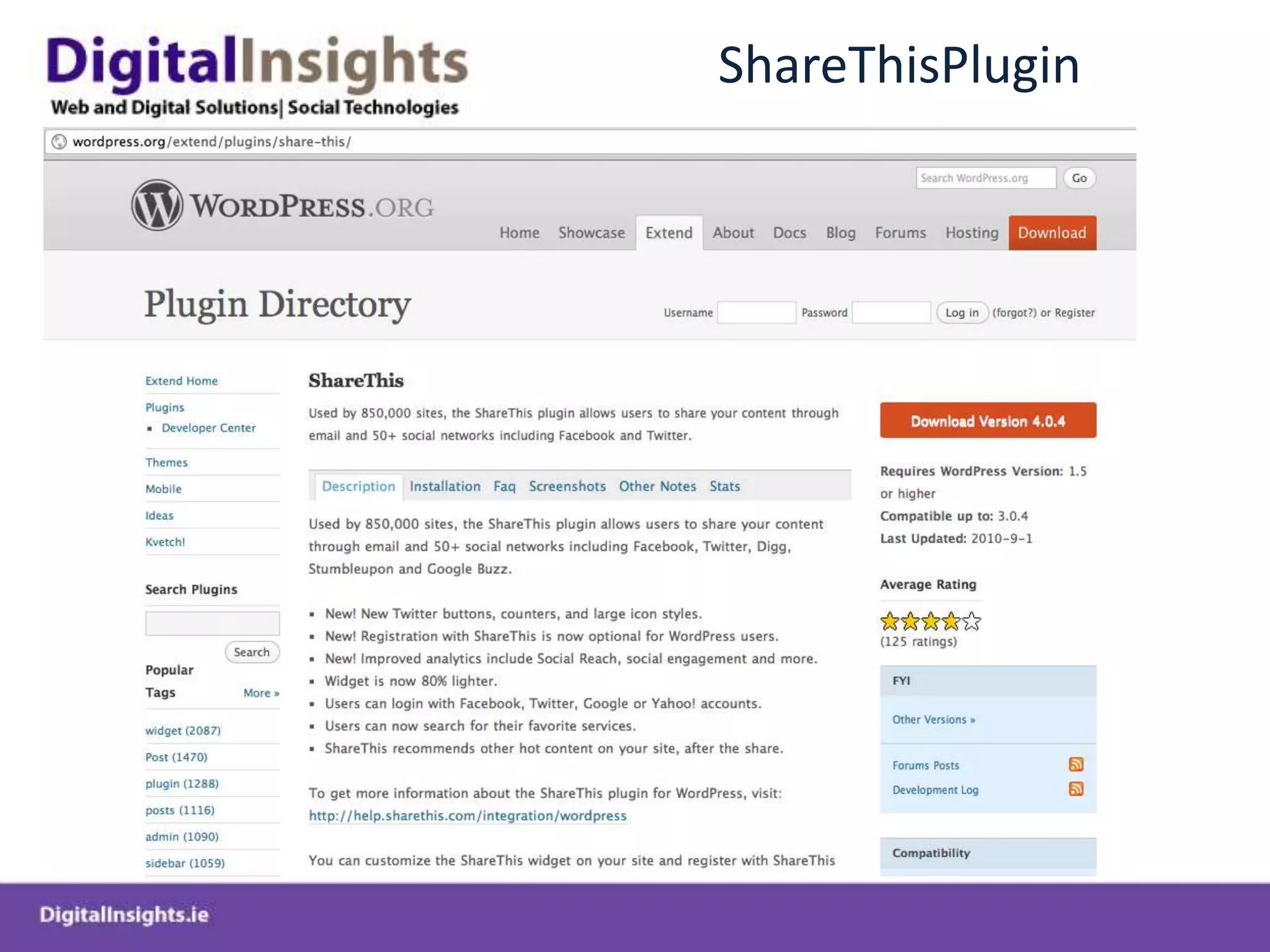
ShareThisPlugin
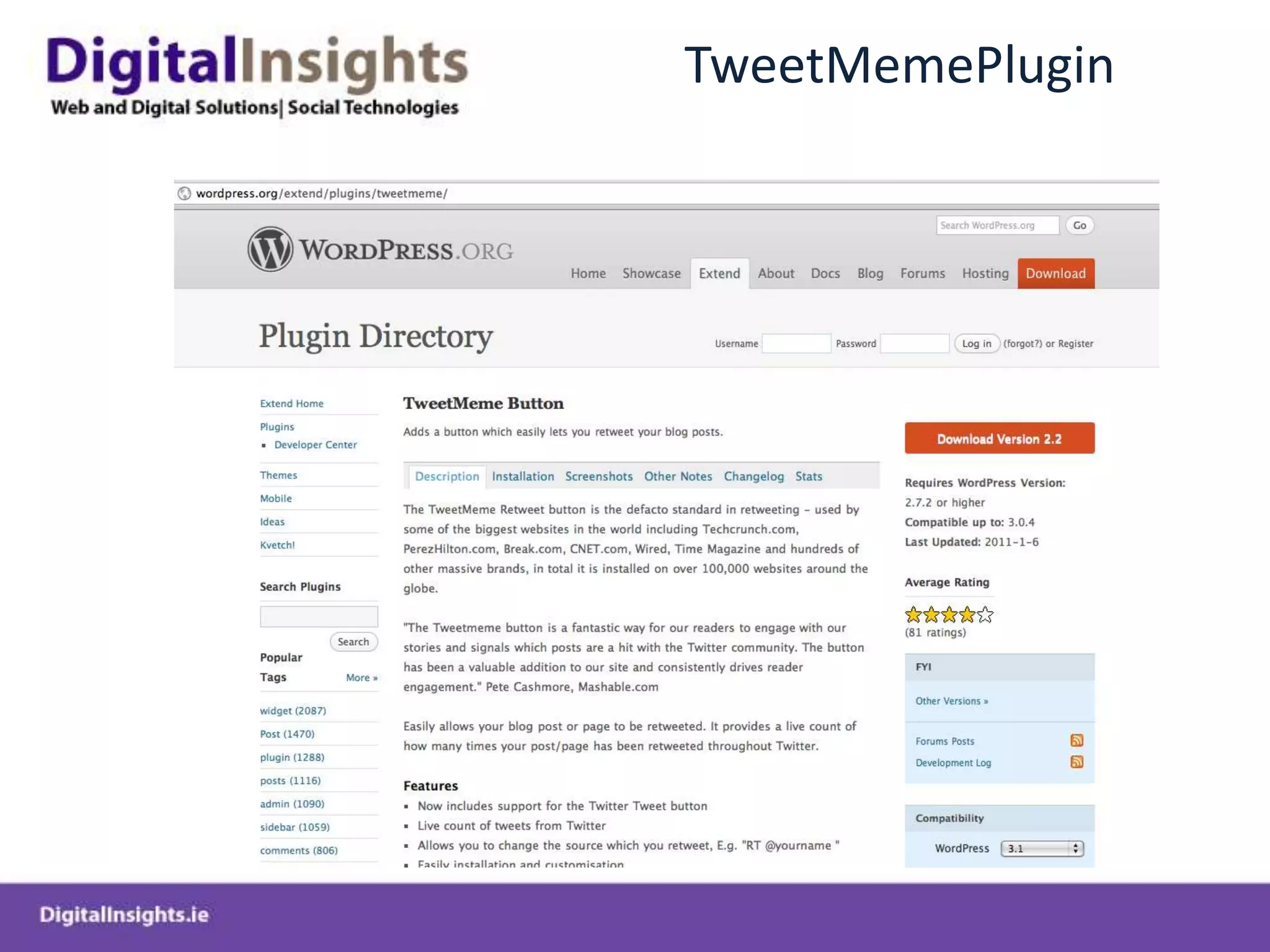
TweetMemePlugin
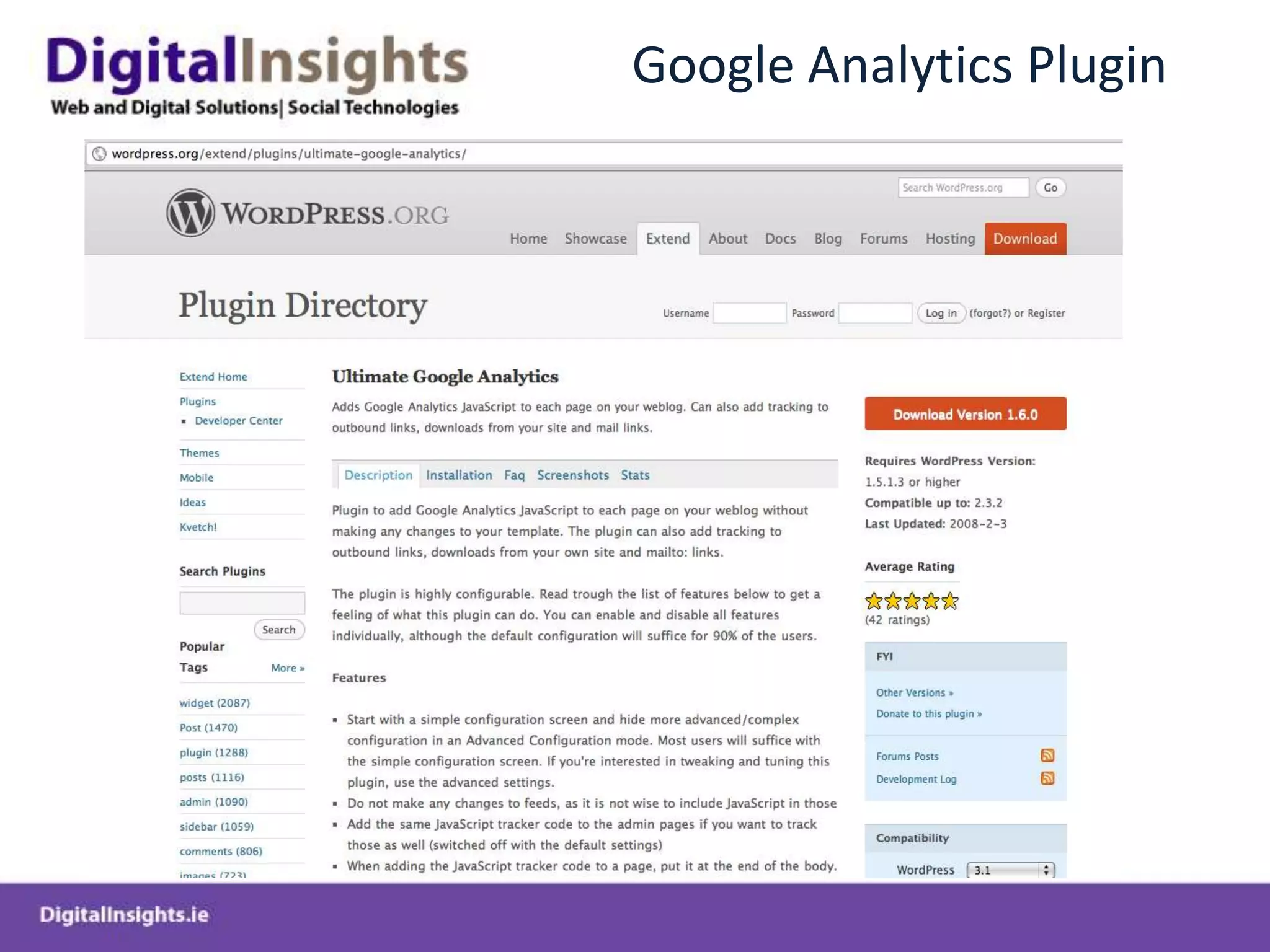
Google Analytics Plugin
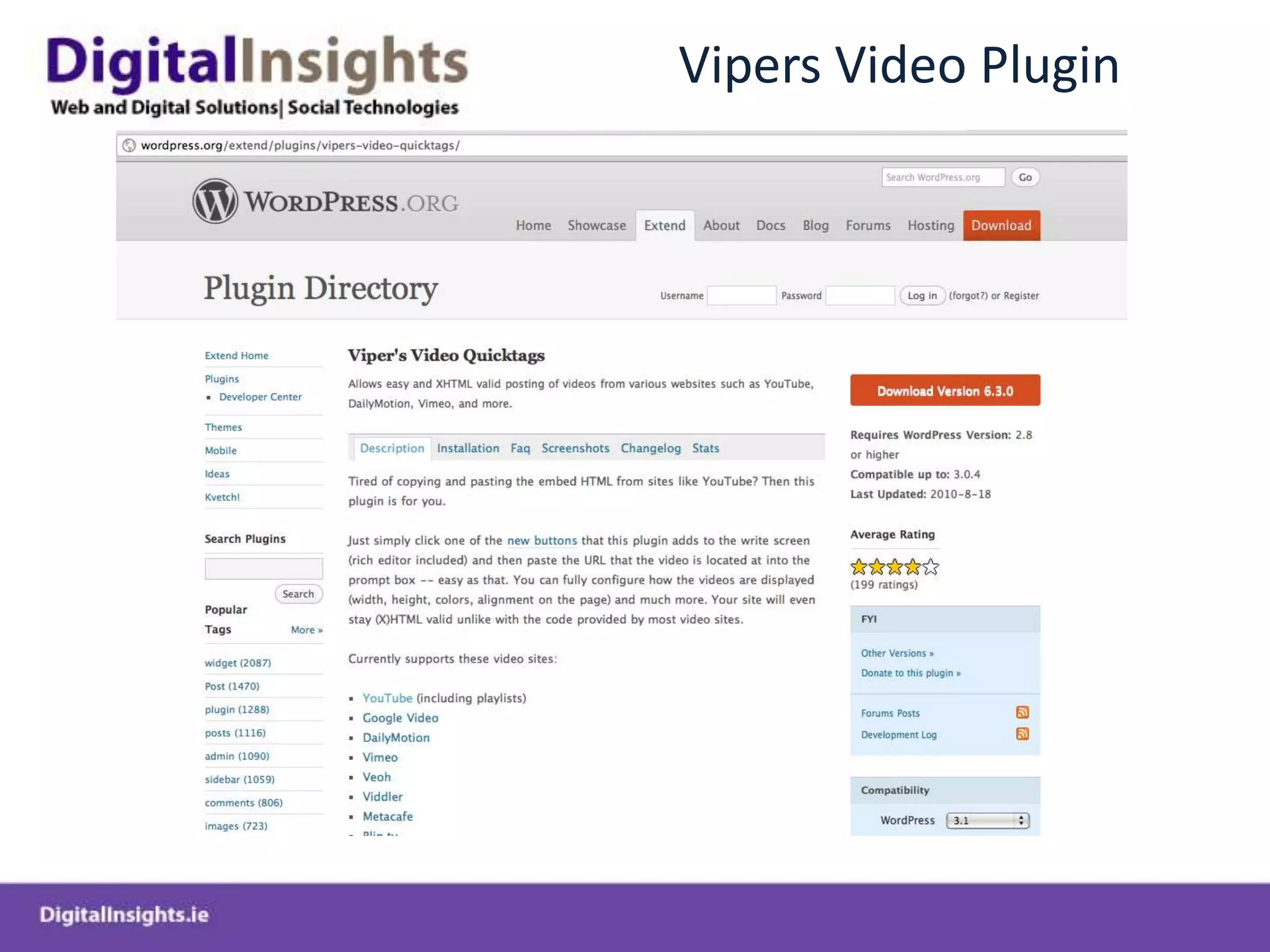
Vipers Video Plugin
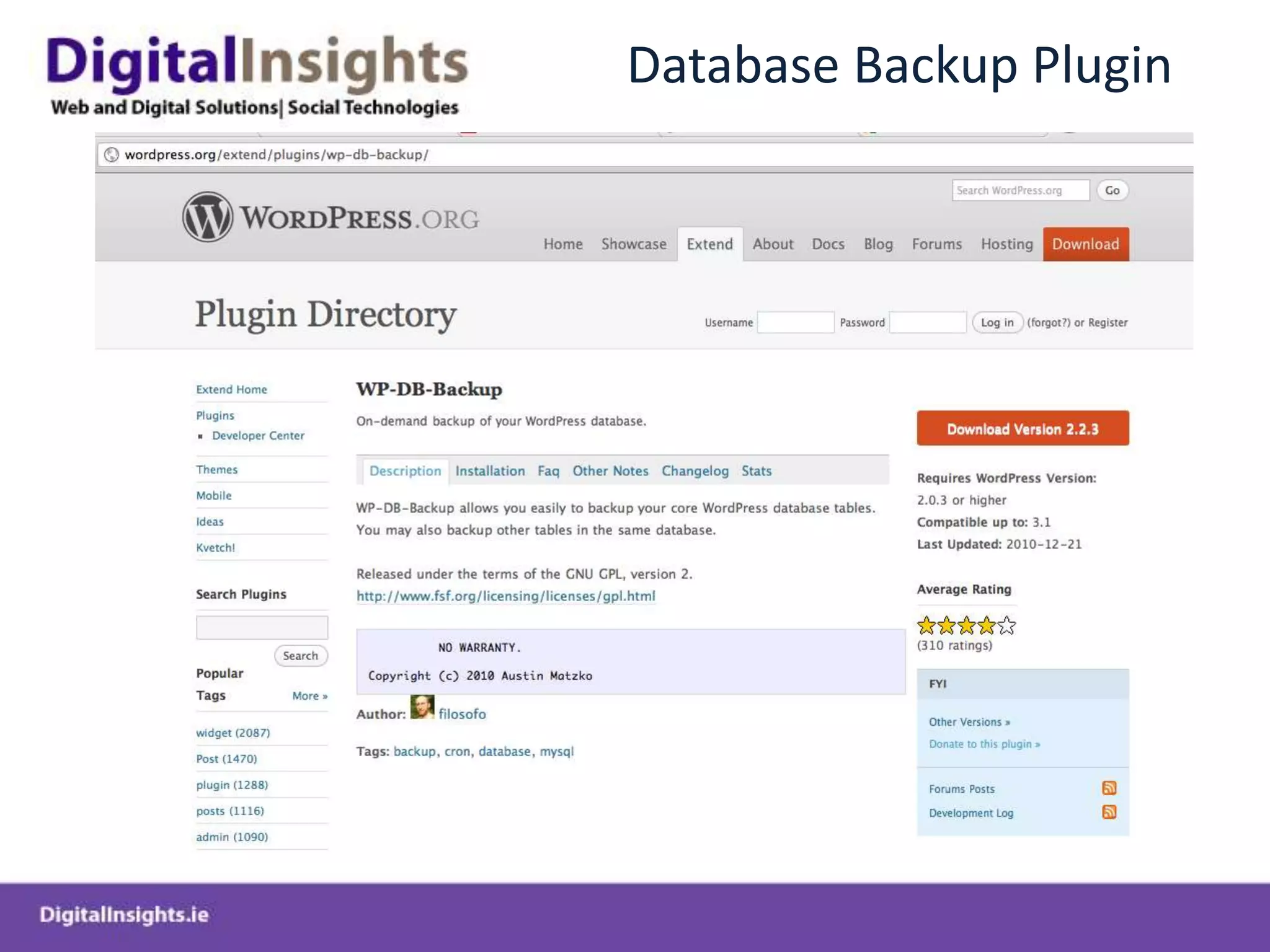
Database Backup Plugin
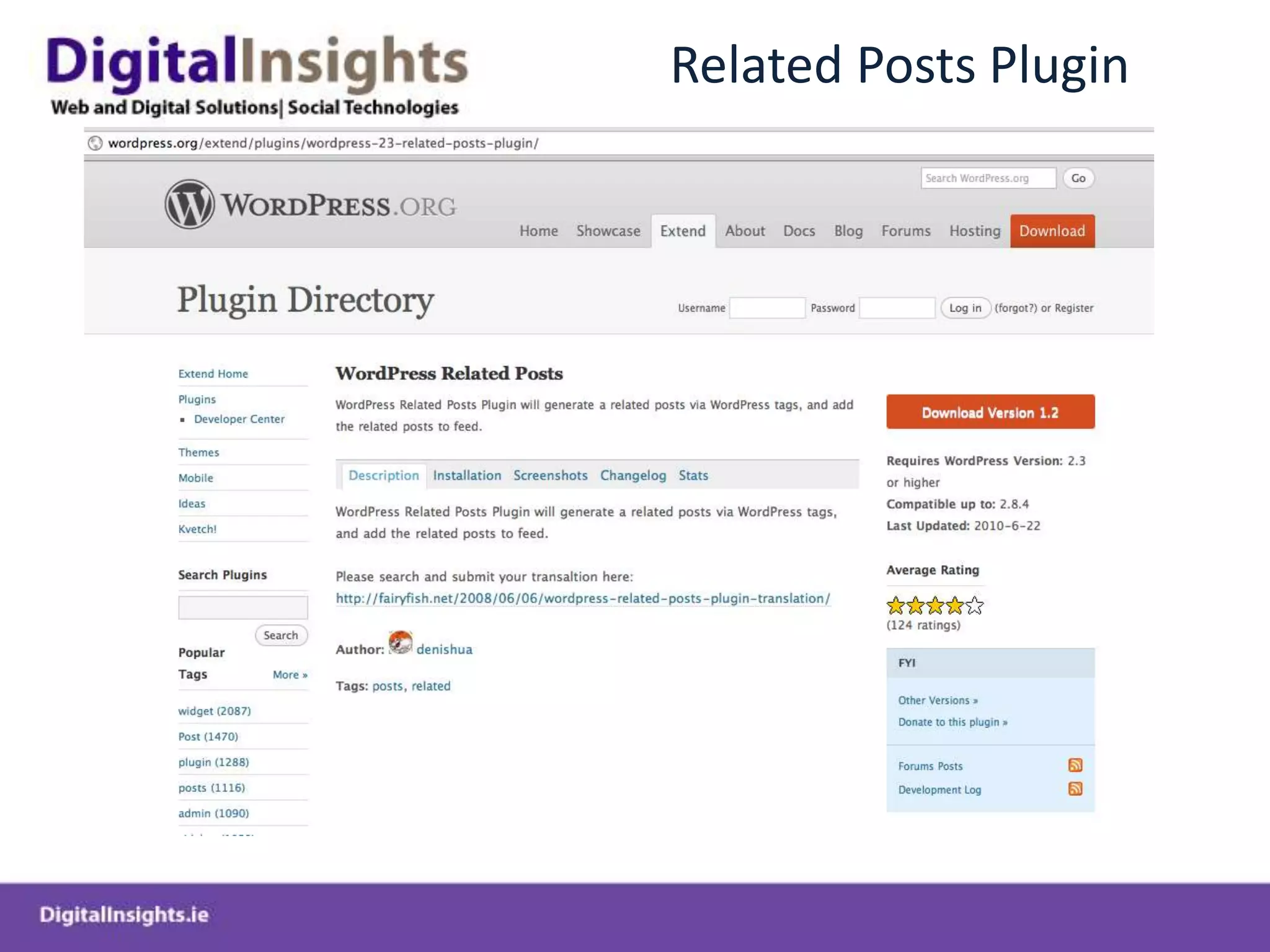
Related Posts Plugin
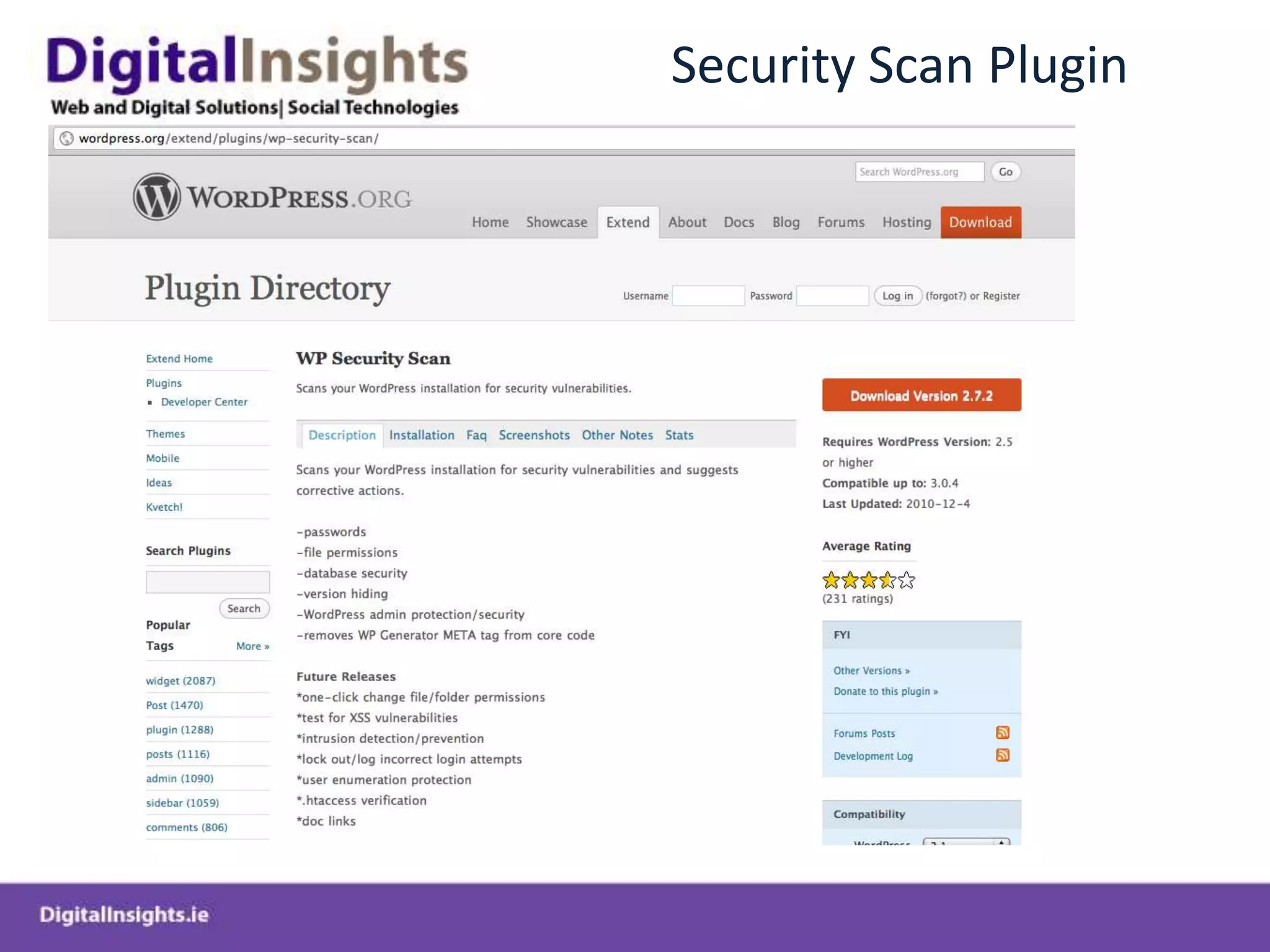
Security Scan Plugin
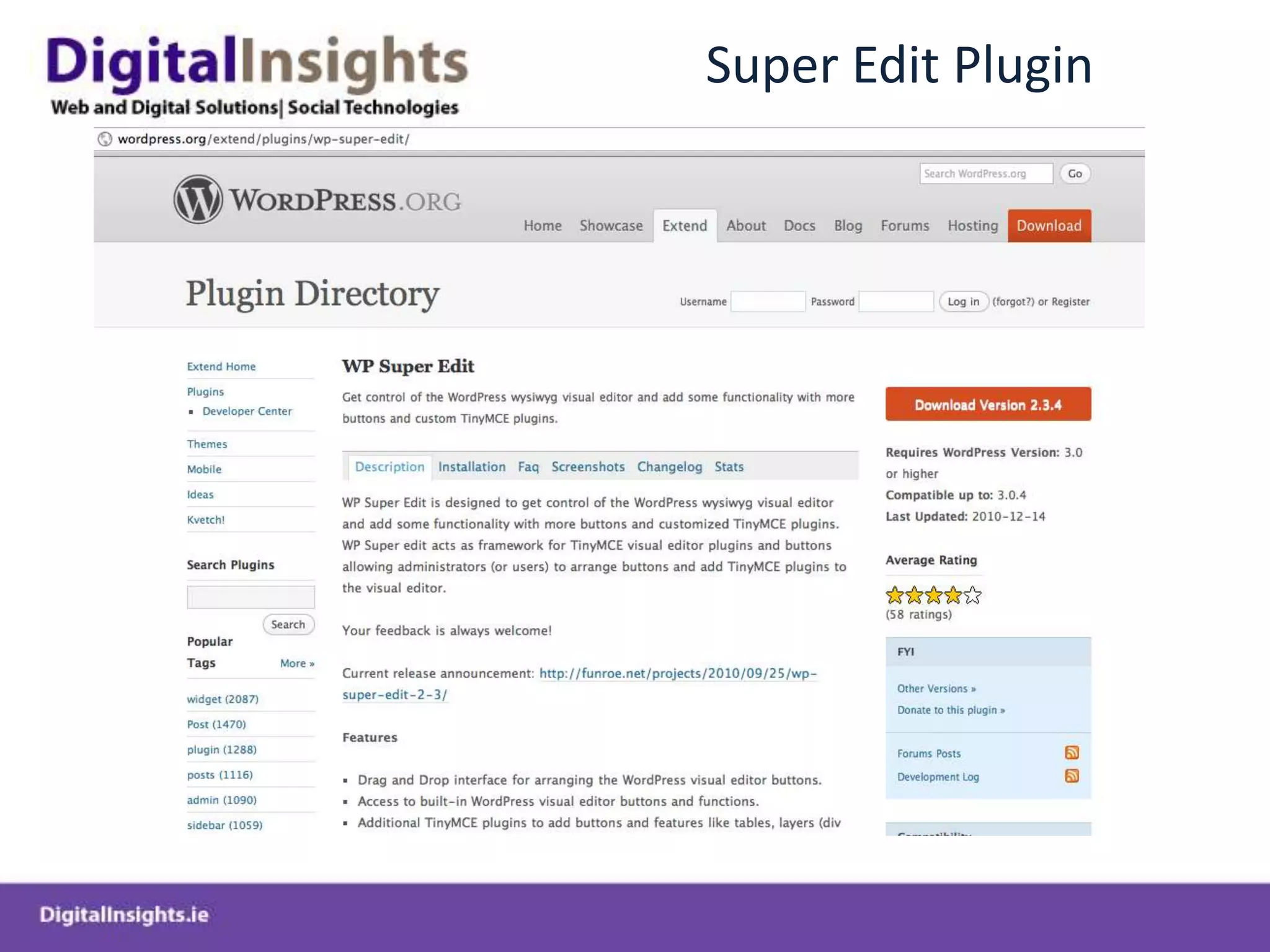
Super Edit Plugin
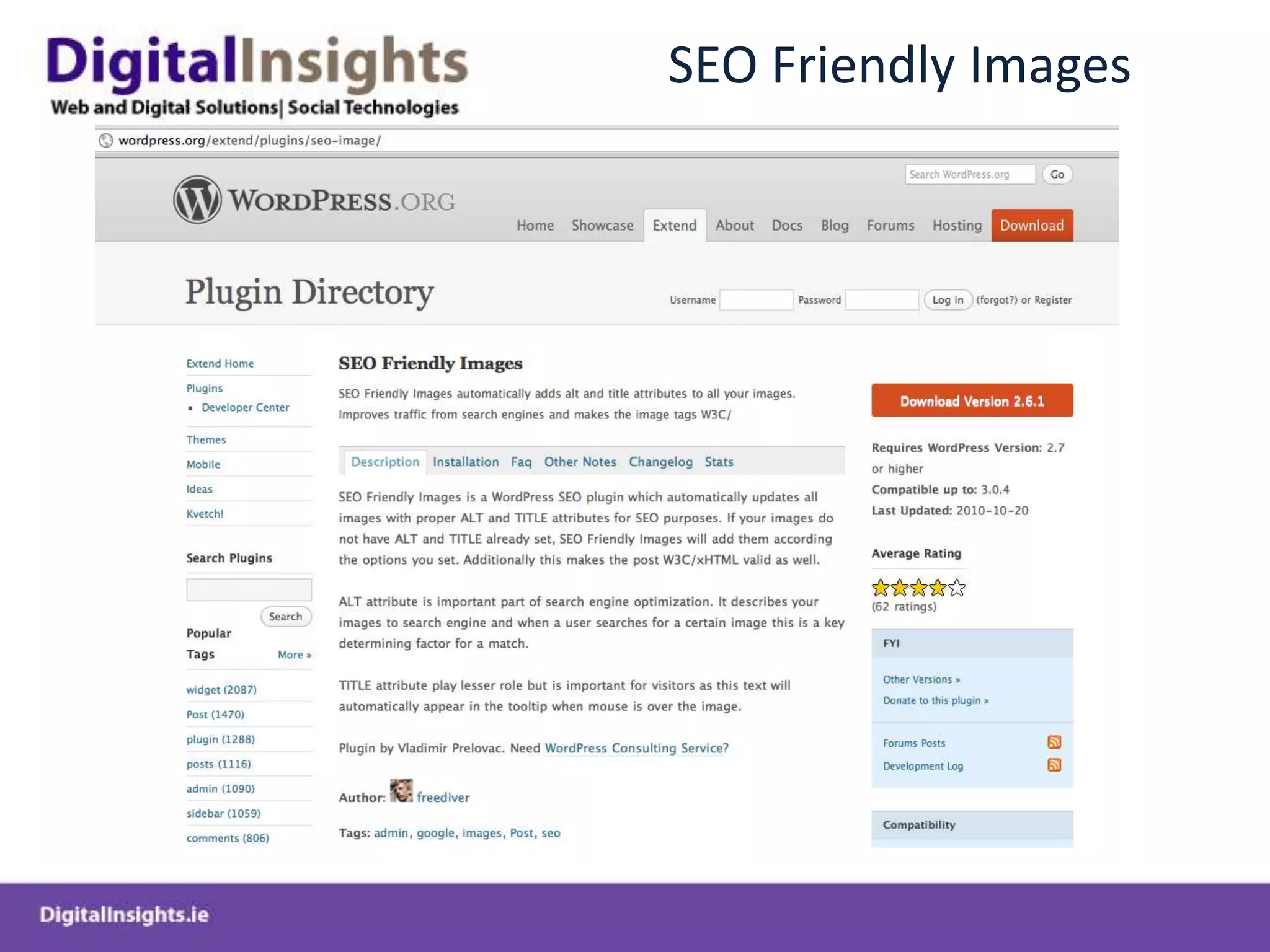
SEO Friendly Images
Appearance
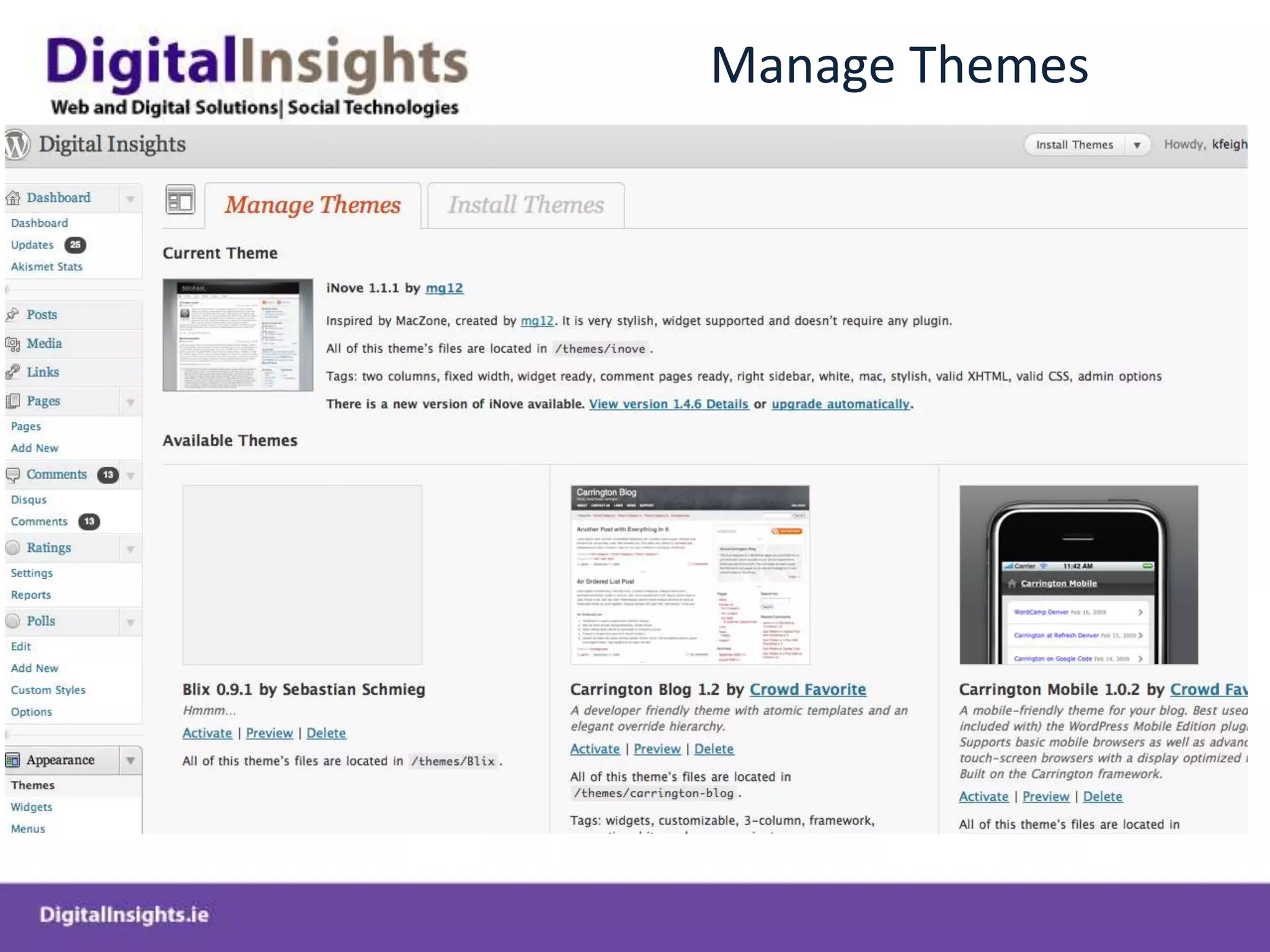
Manage Themes
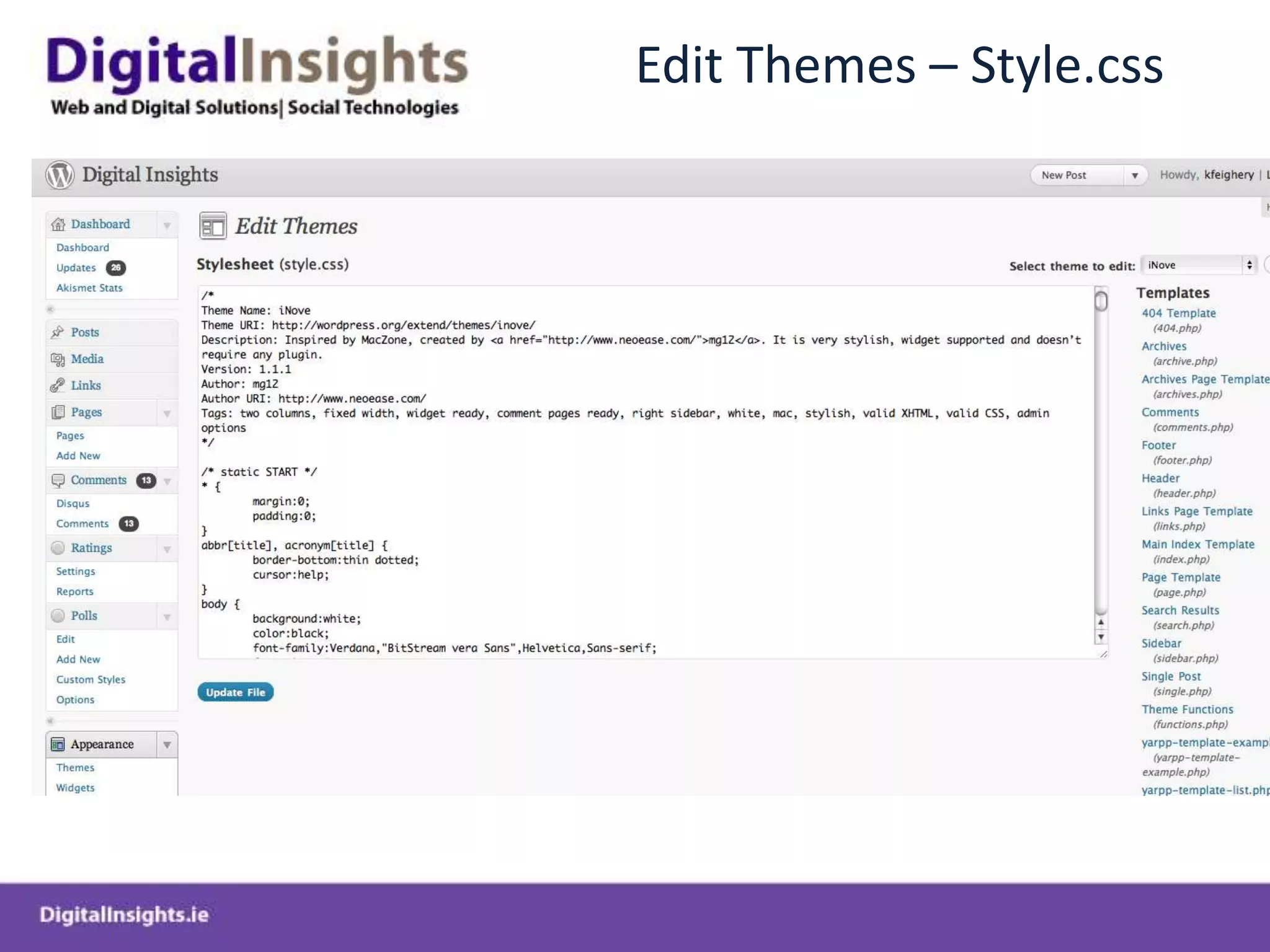
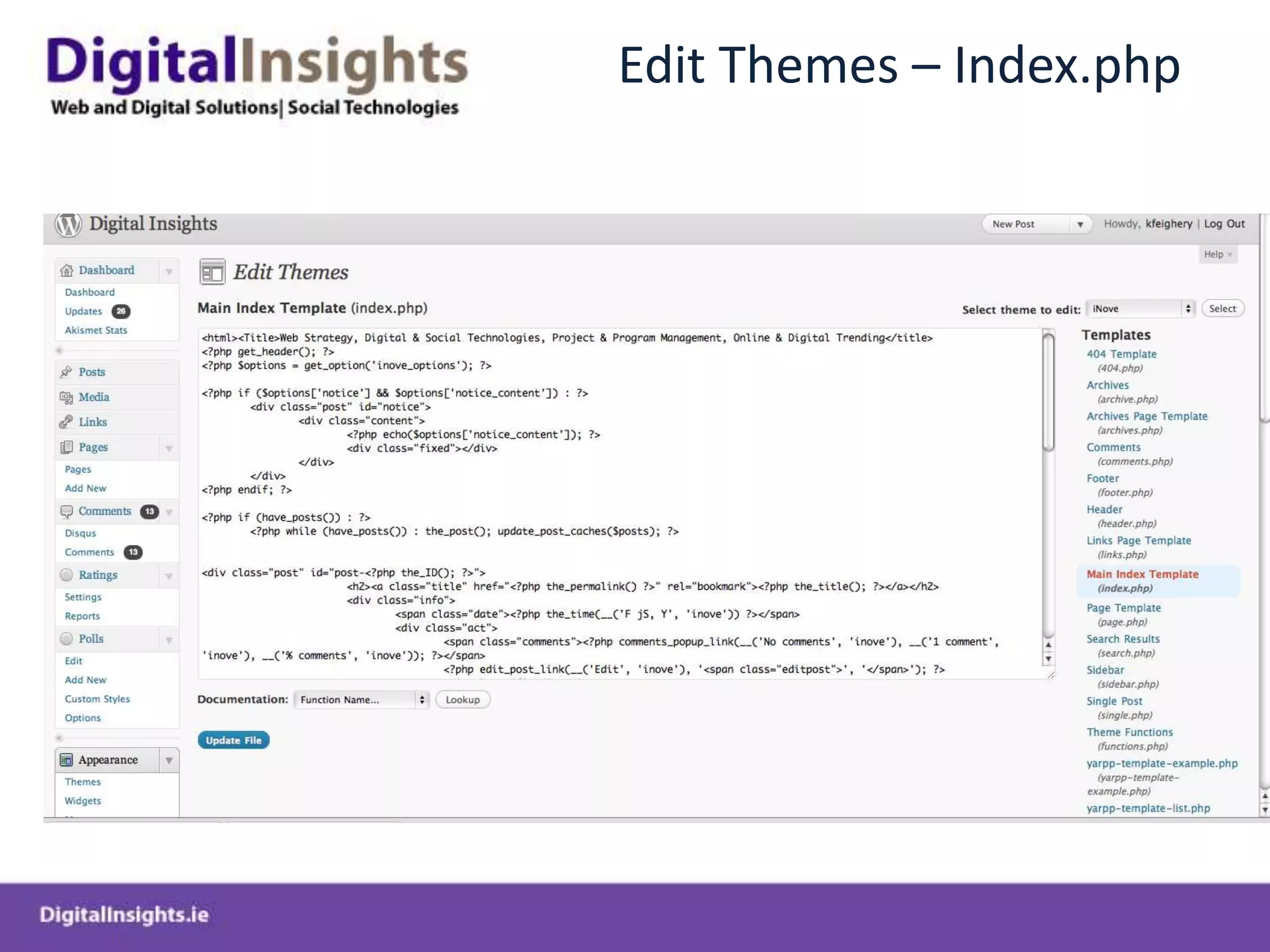
Manually Editing Themes
Edit Themes – Style.css
Edit Themes – Index.php
Deploying Wordpress Locally using Webserver
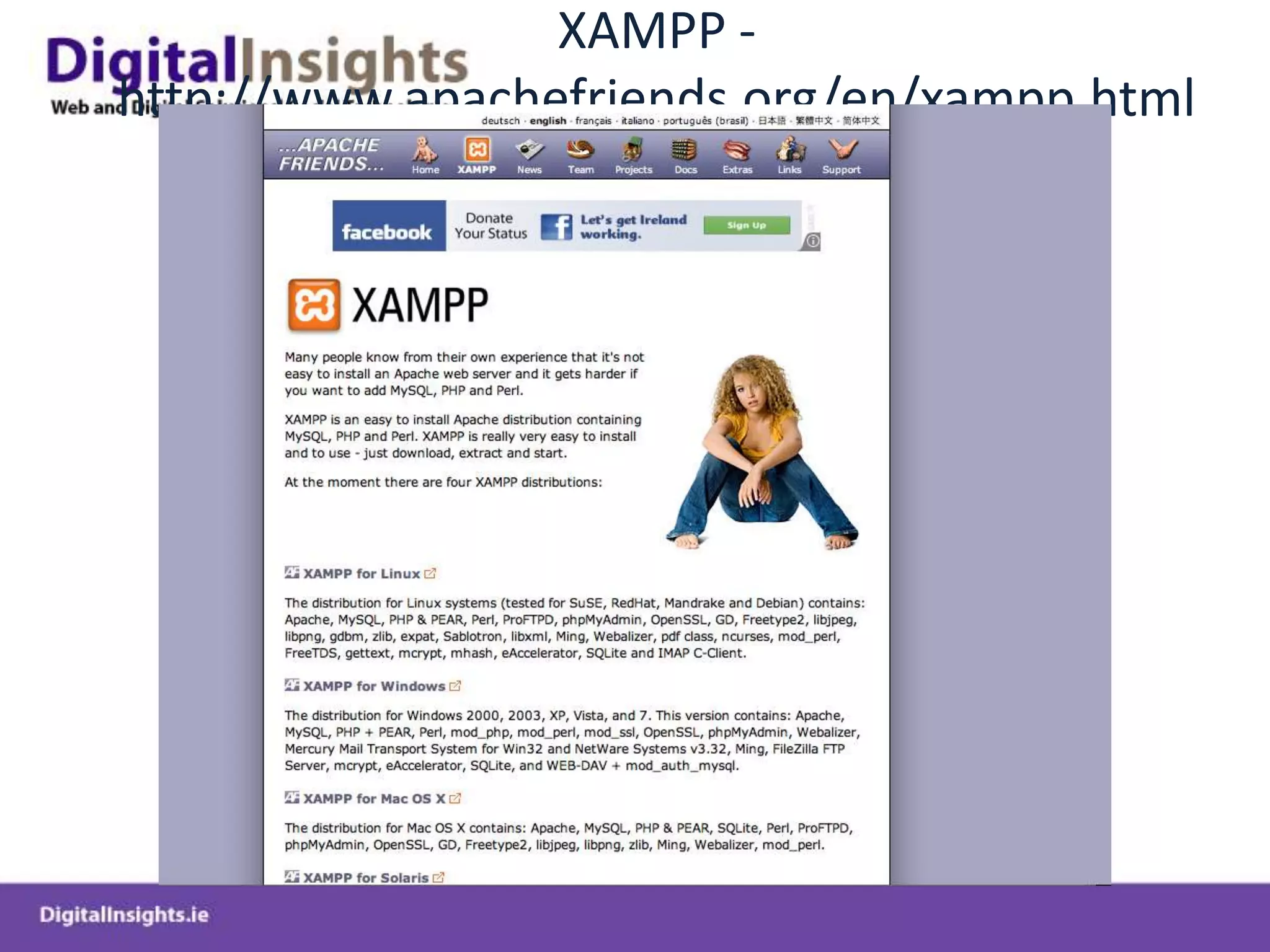
XAMPP - http://www.apachefriends.org/en/xampp.html
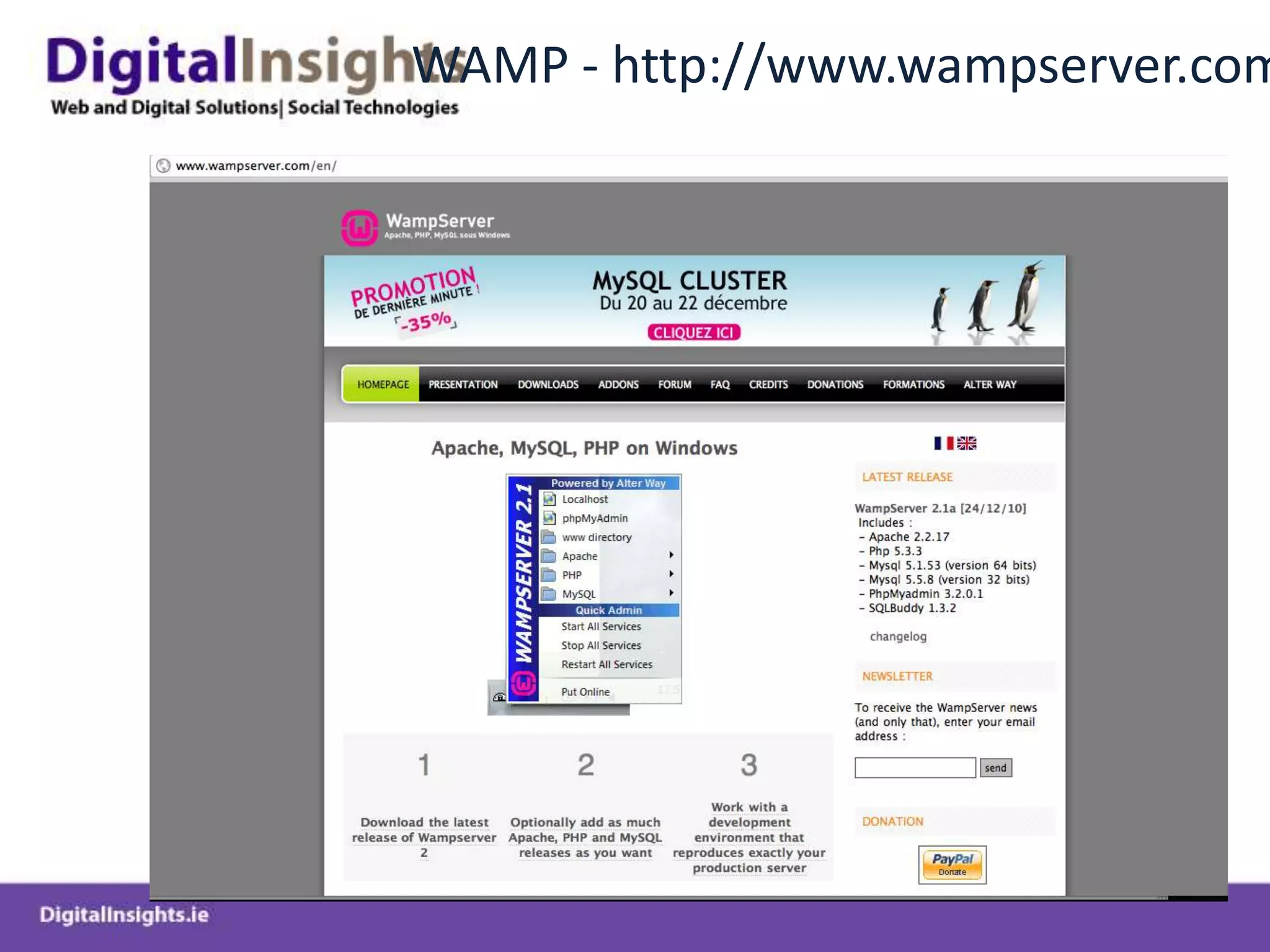
WAMP - http://www.wampserver.com/en/
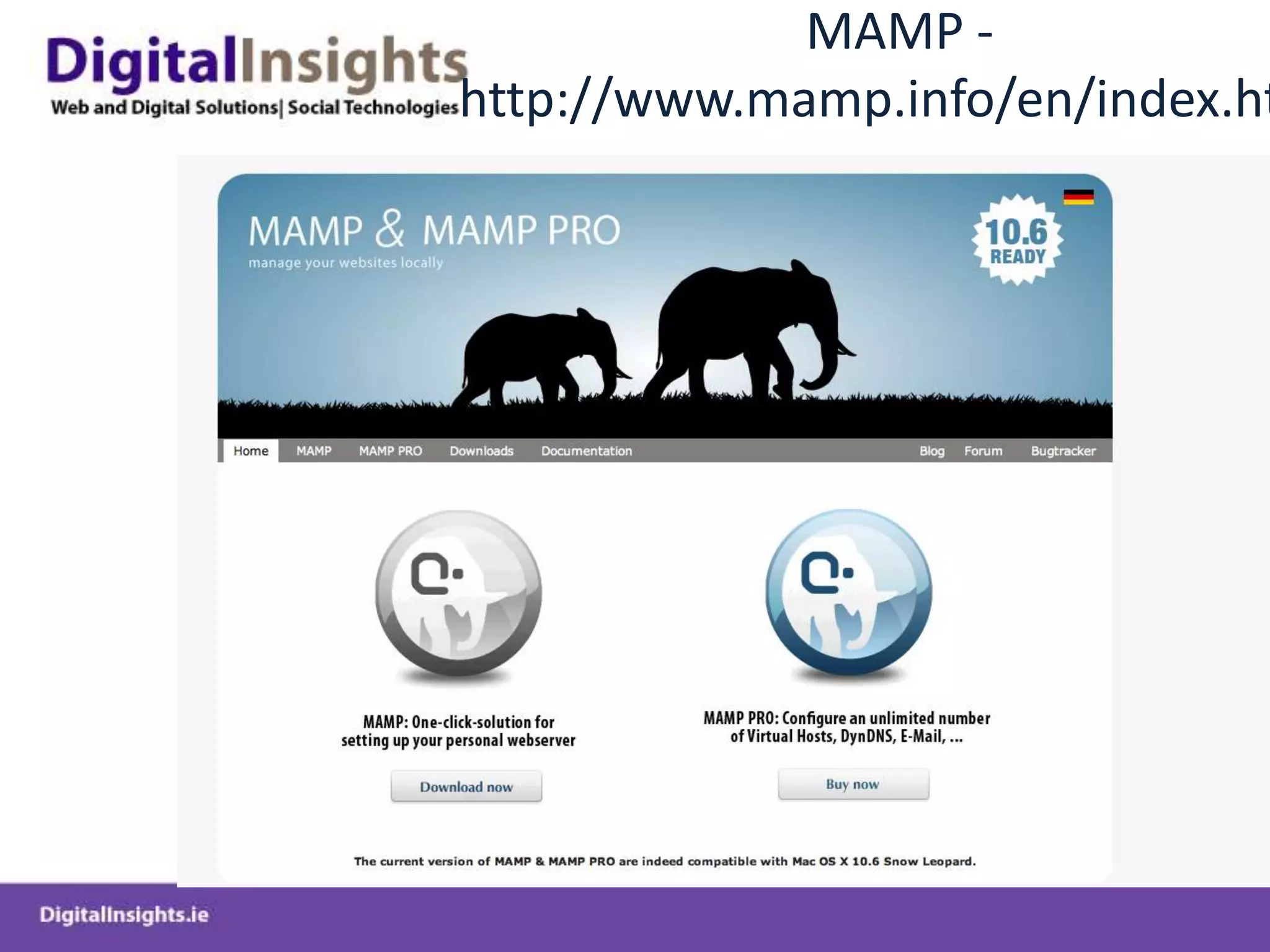
MAMP - http://www.mamp.info/en/index.html
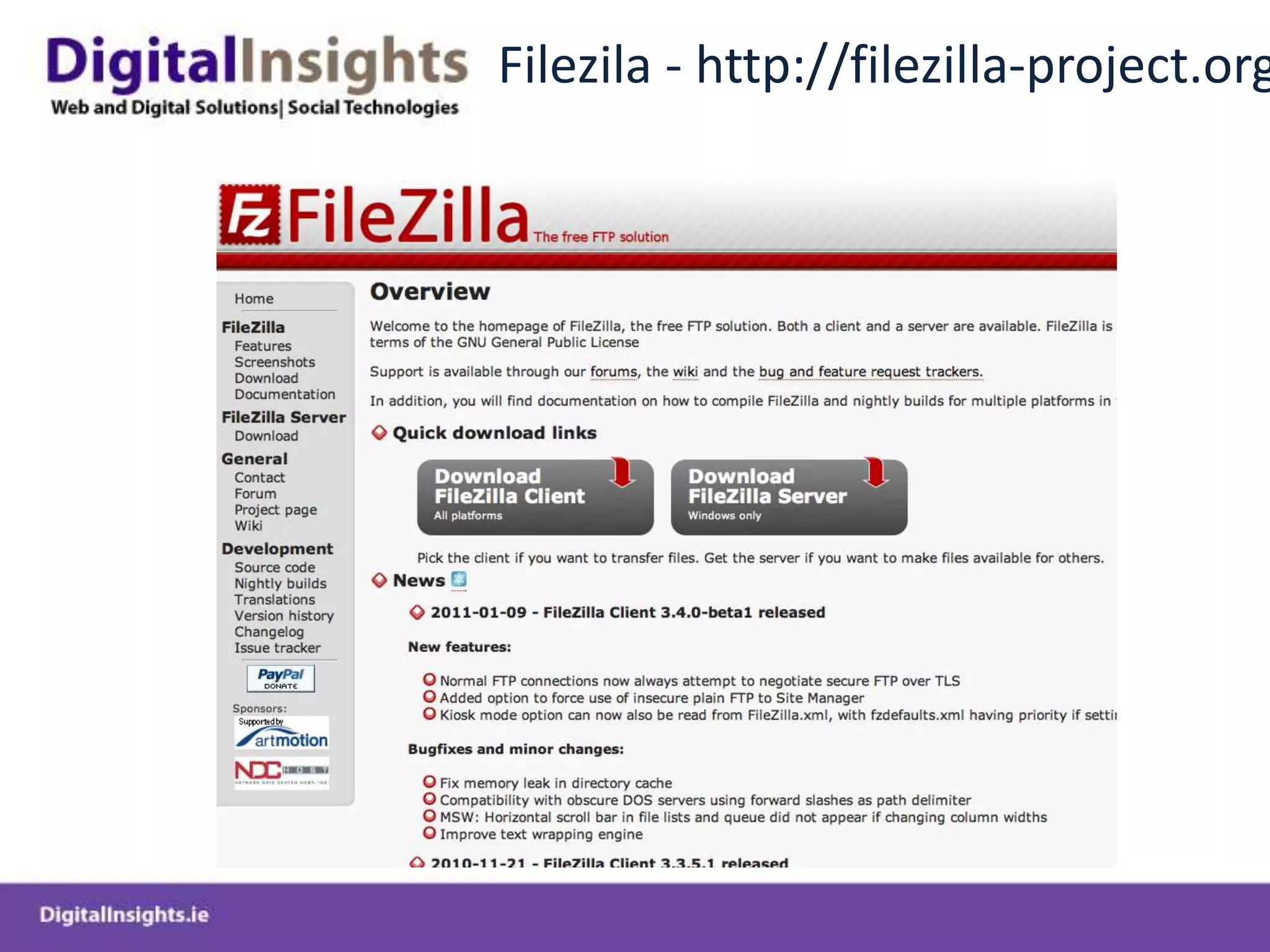
Filezila - http://filezilla-project.org/
Deploying WP Locally
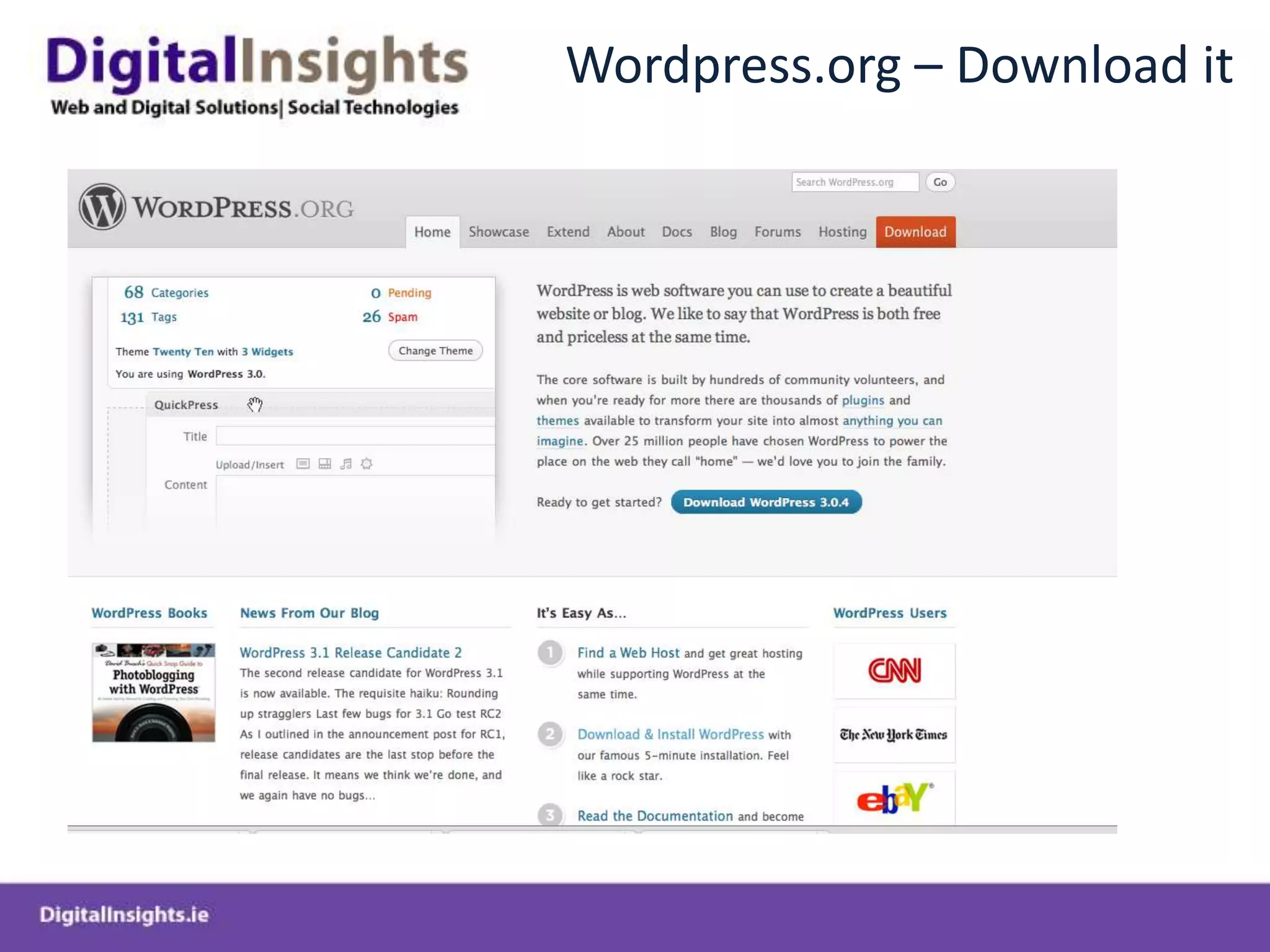
Wordpress.org – Download it
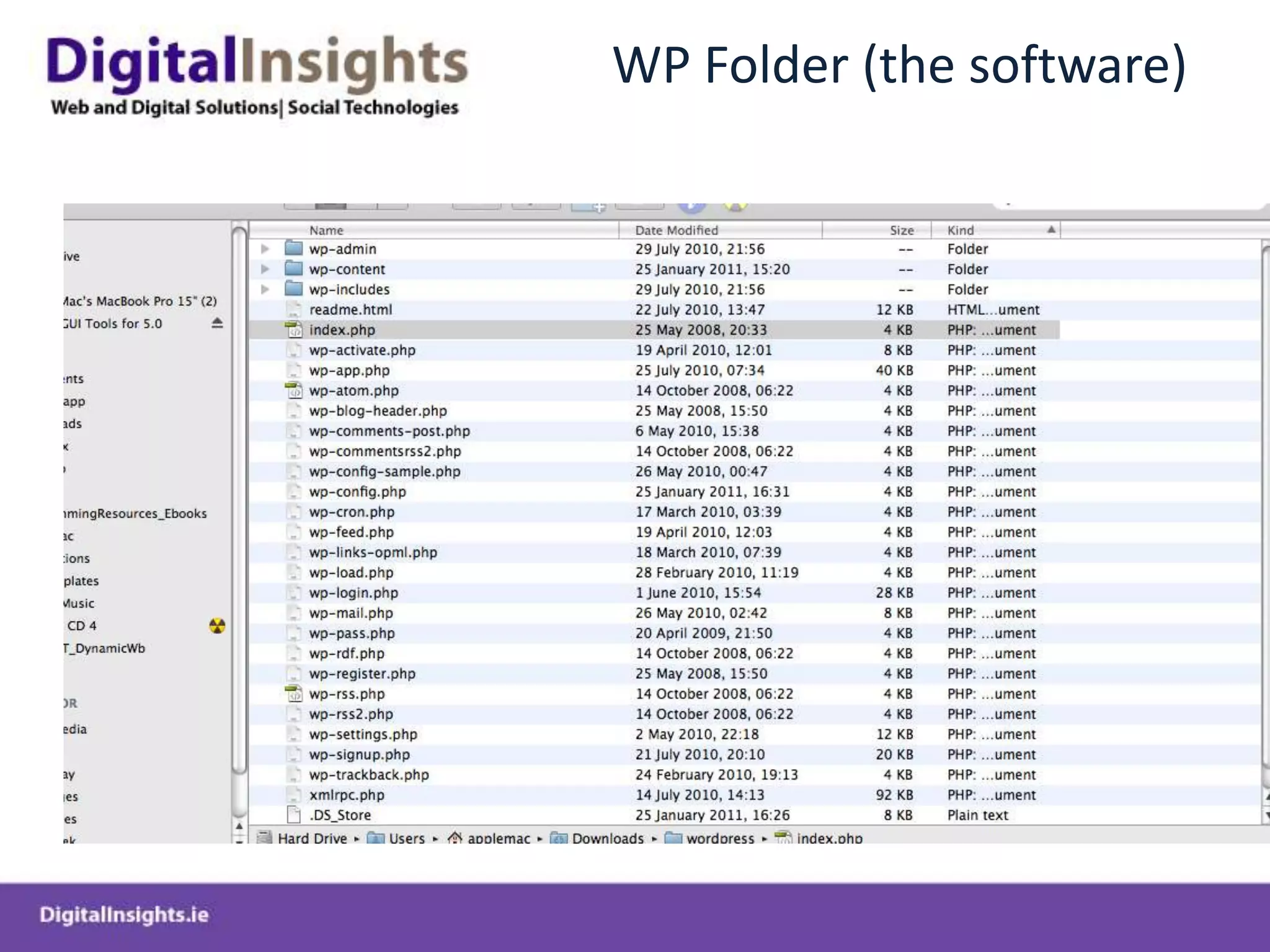
WP Folder (the software)
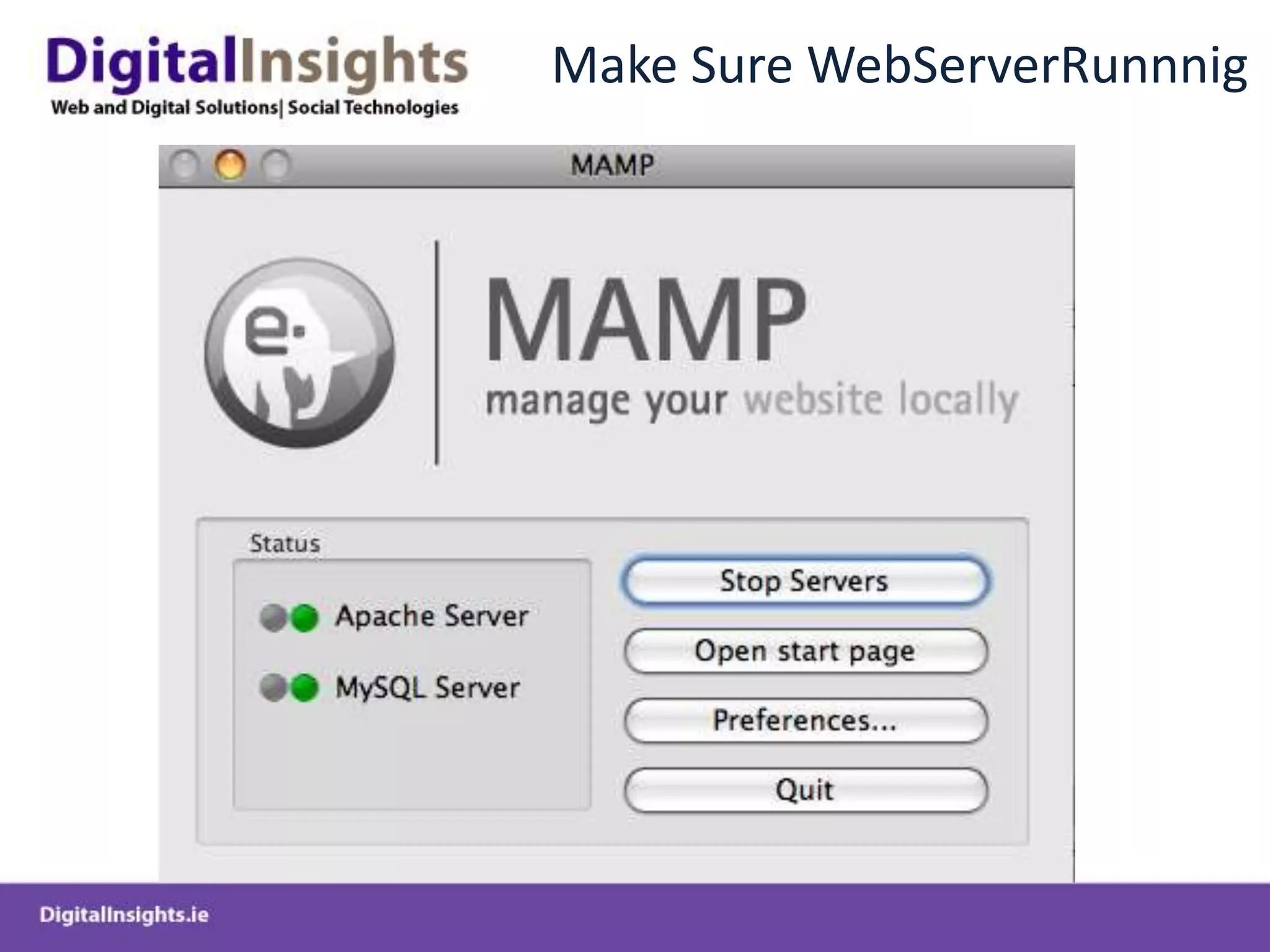
Make Sure WebServerRunnnig
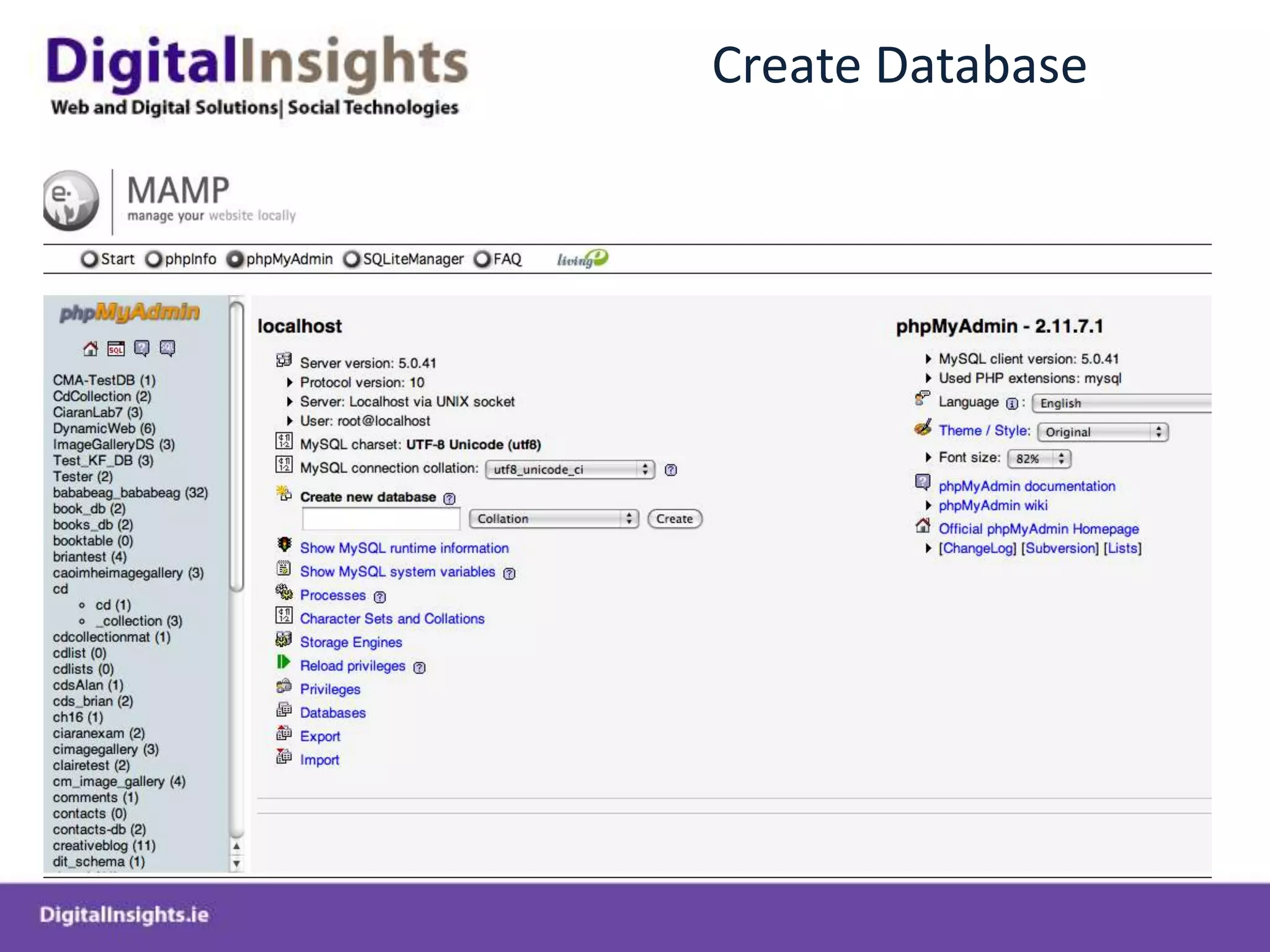
Create Database
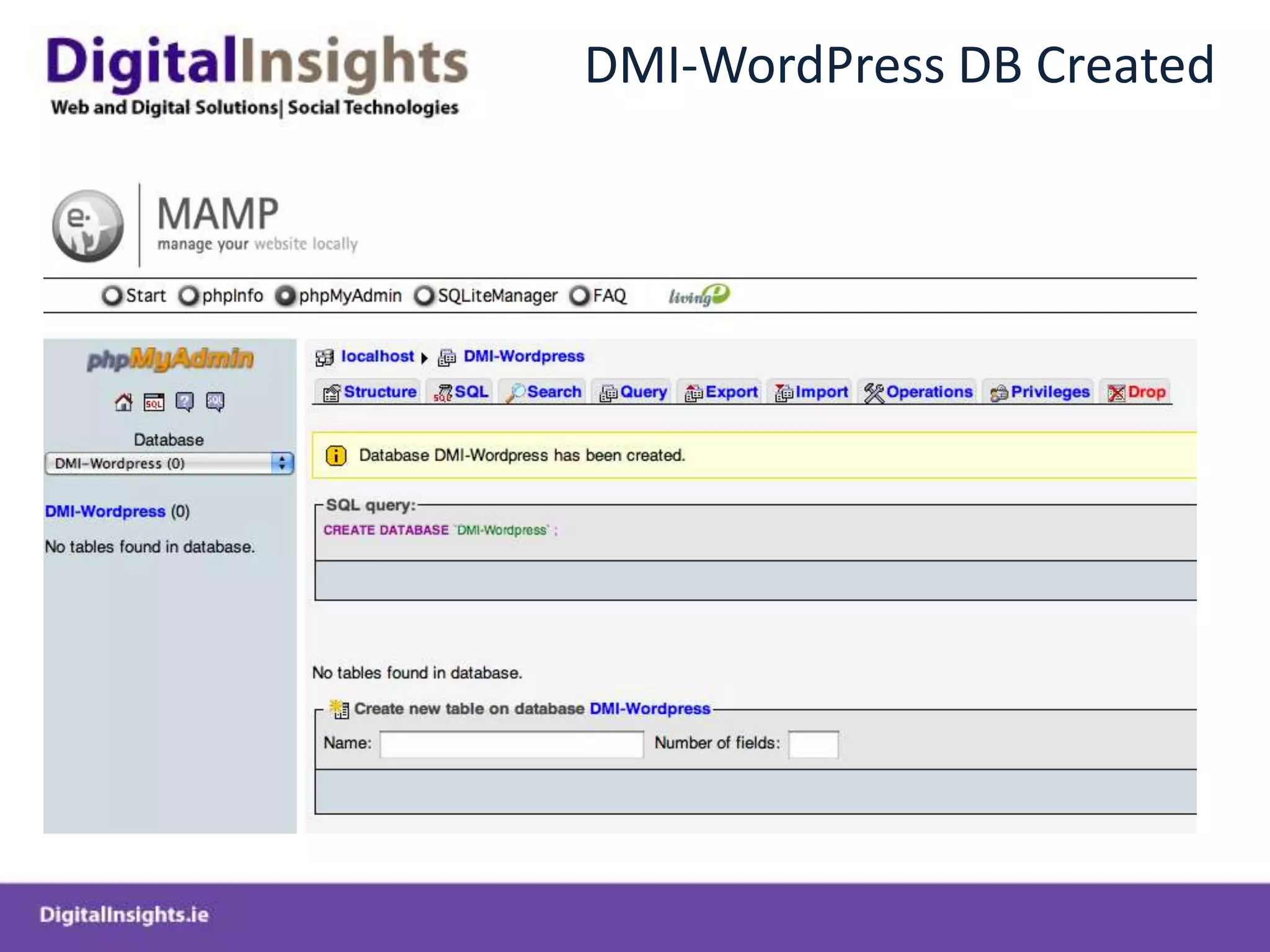
DMI-WordPress DB Created
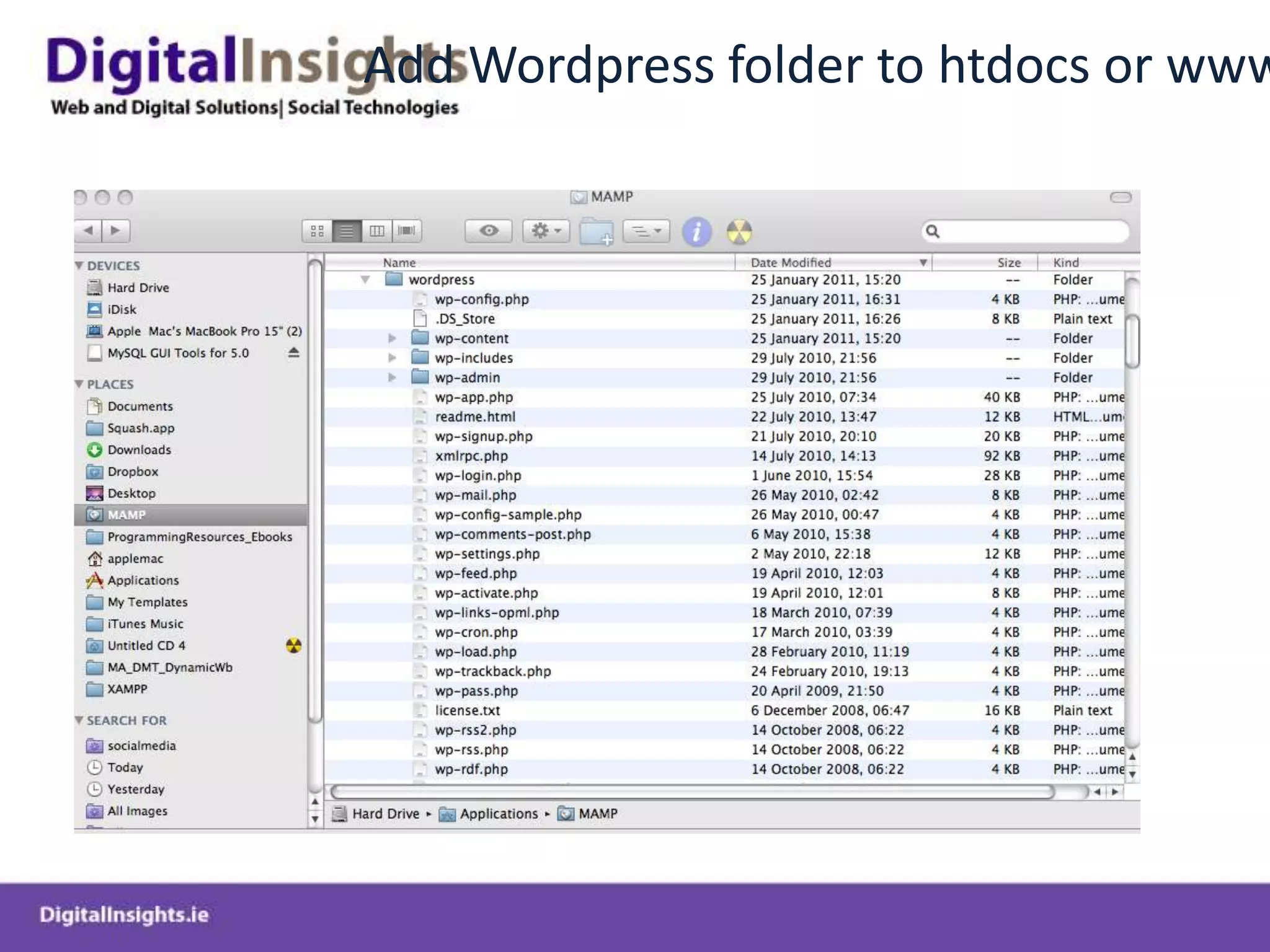
Add Wordpress folder to htdocs or www folder
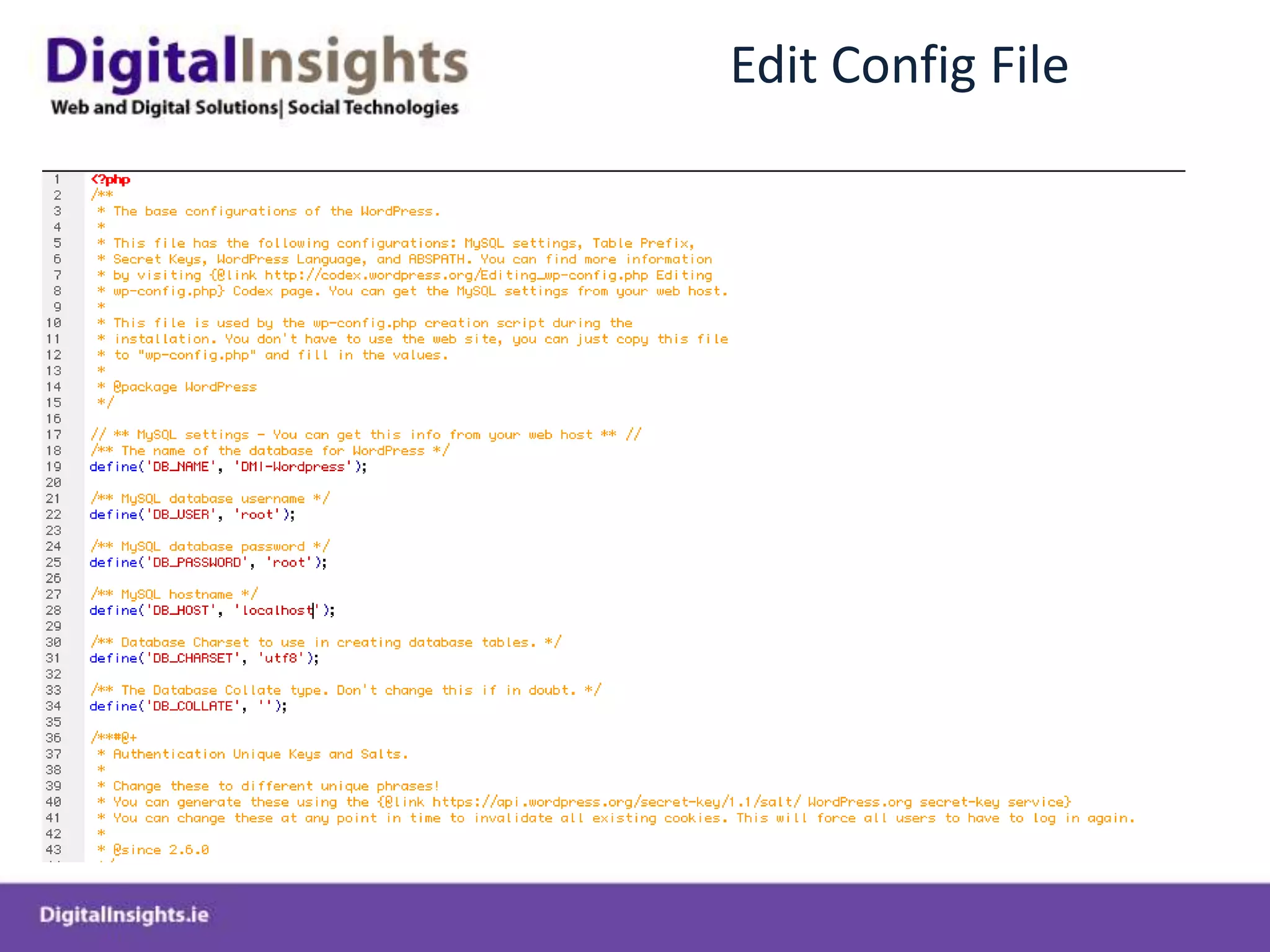
Edit Config File
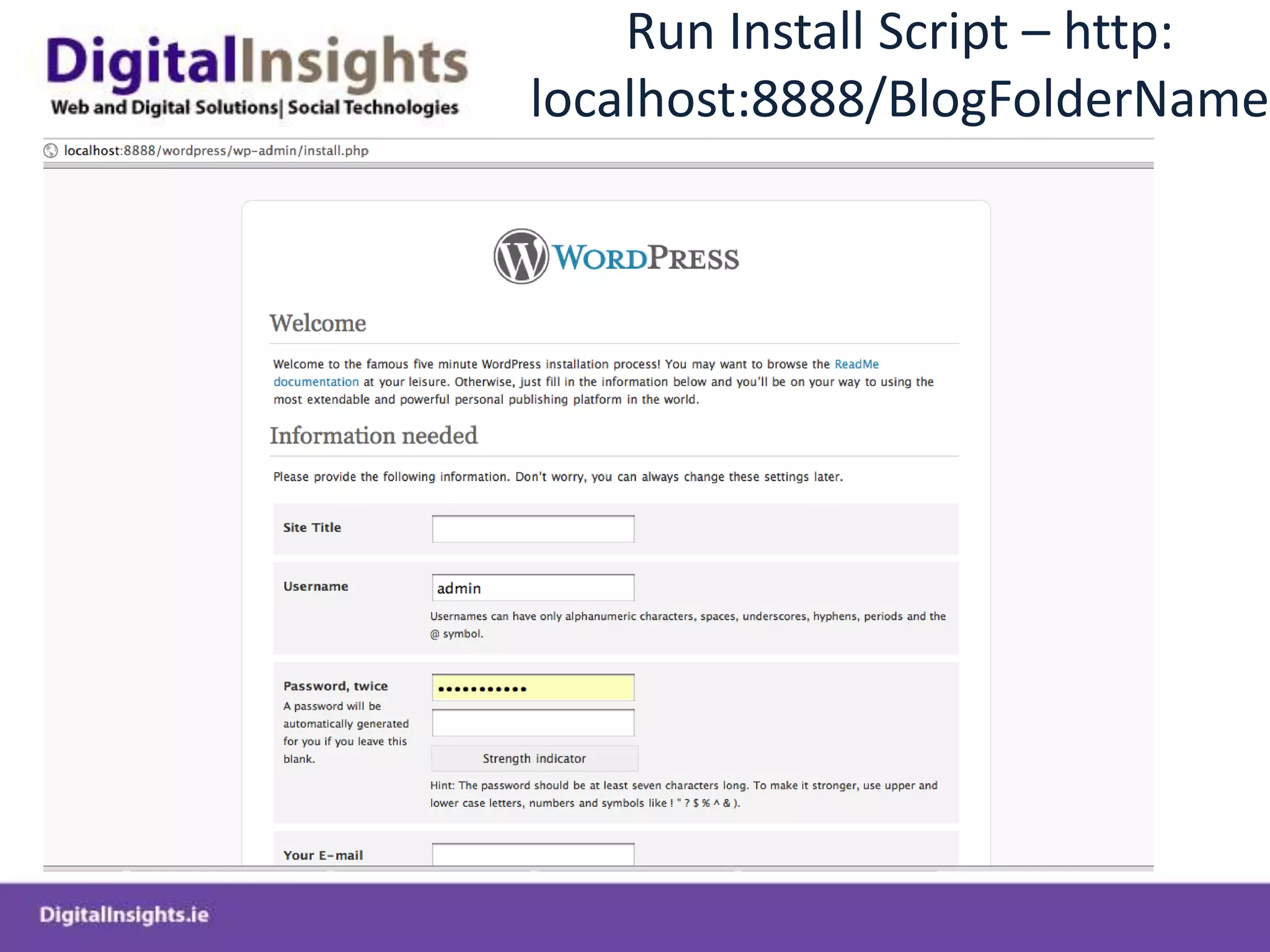
Run Install Script – http: localhost:8888/BlogFolderName
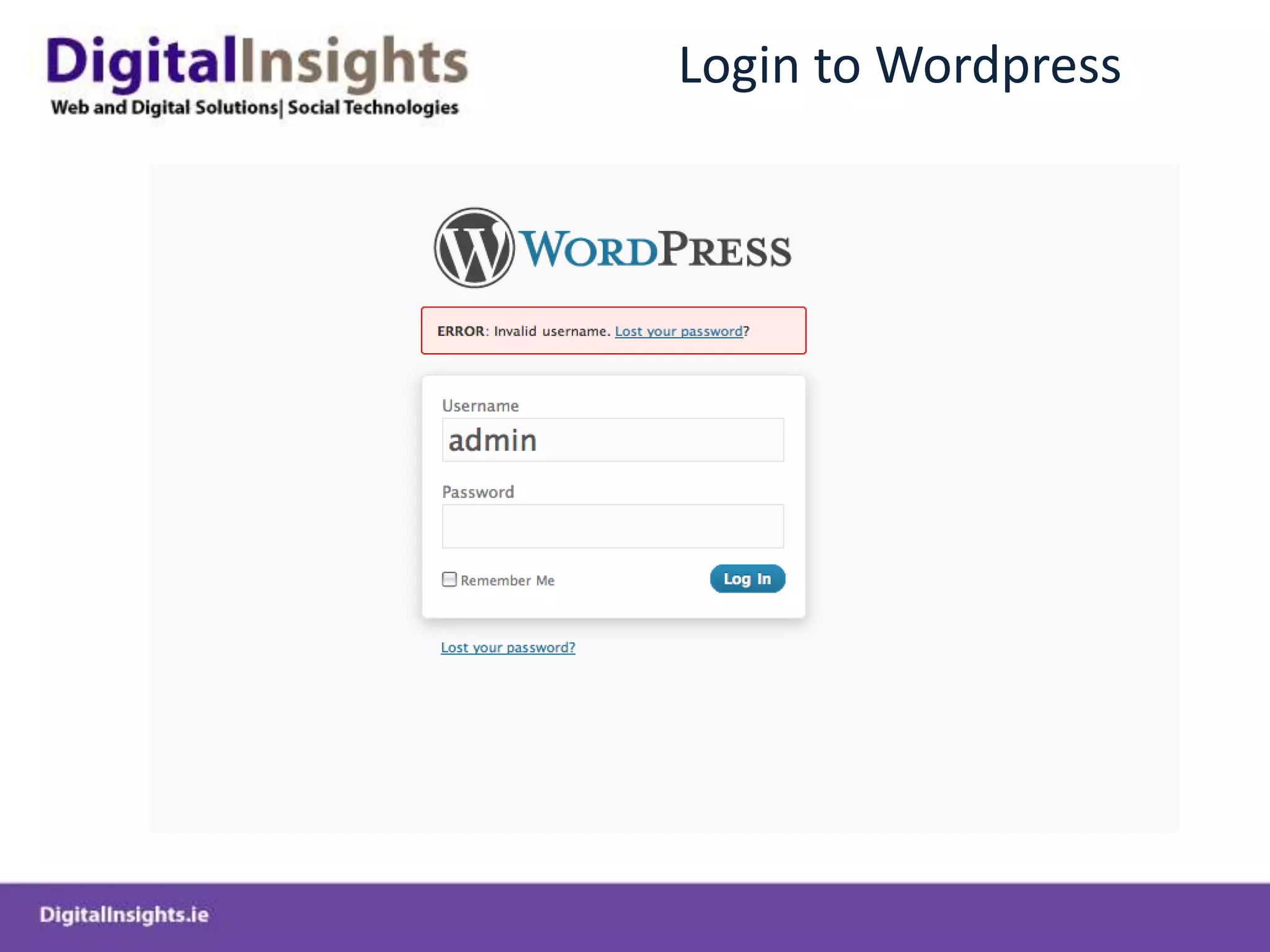
Login to Wordpress
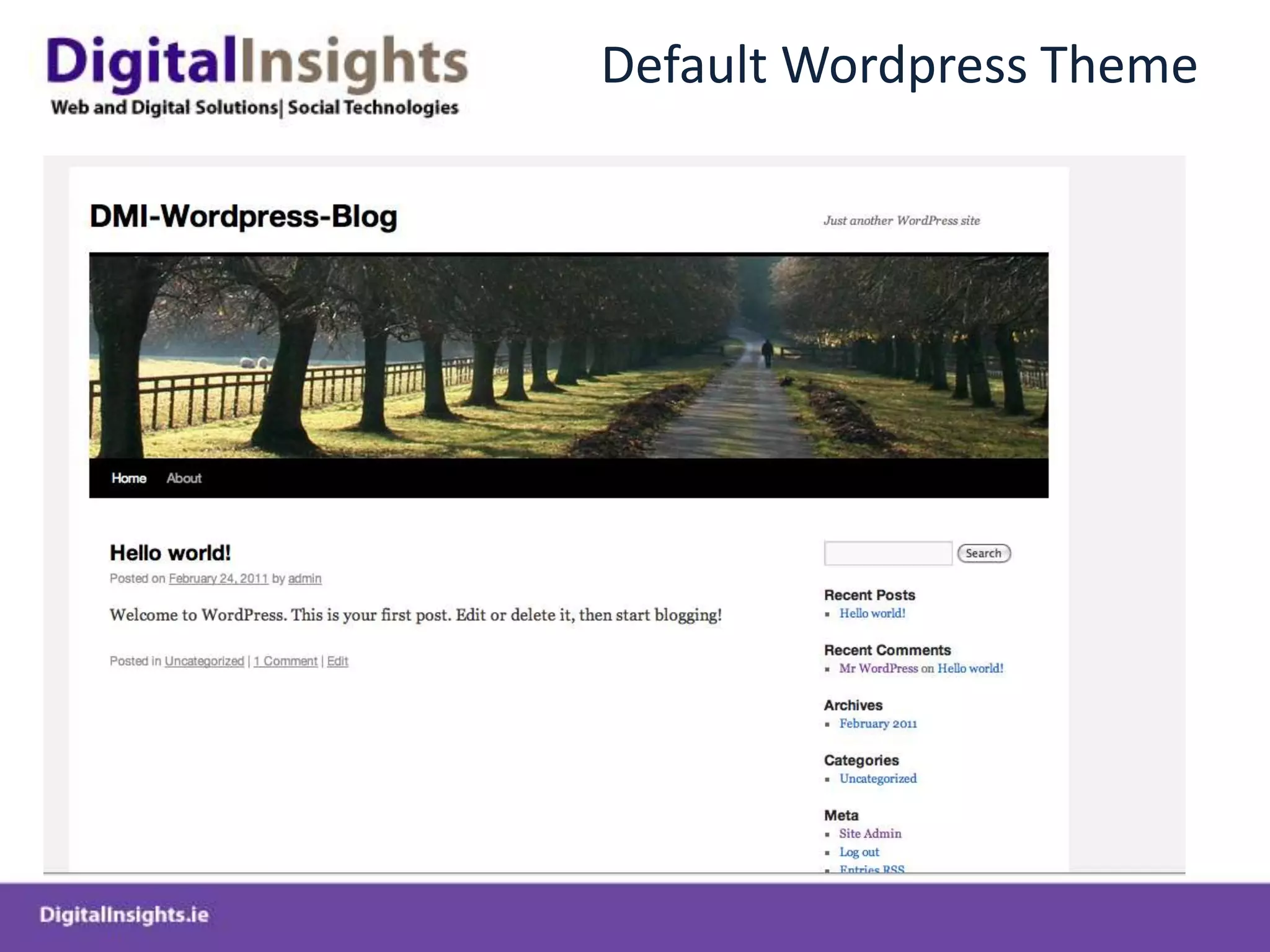
Default Wordpress Theme
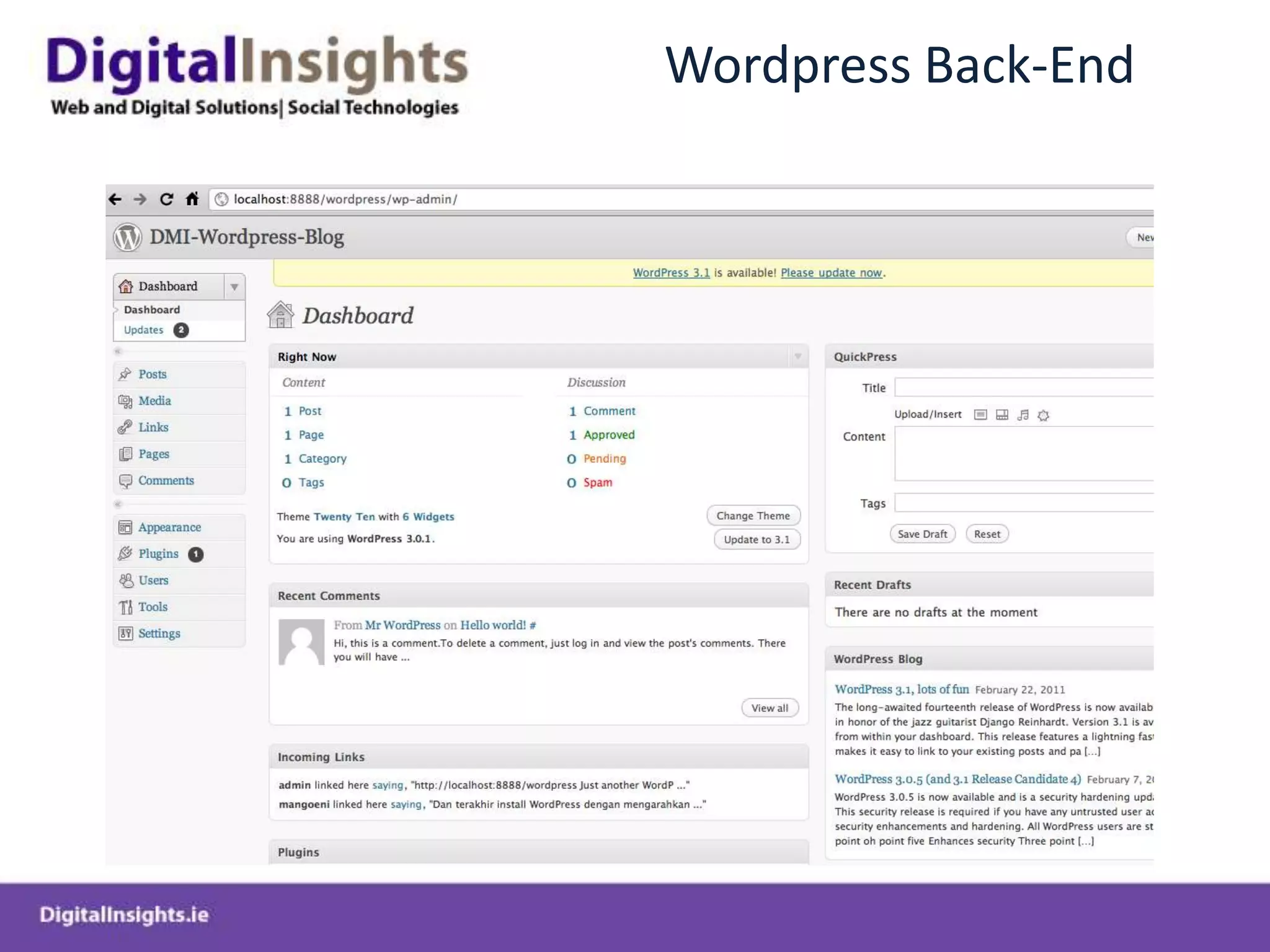
Wordpress Back-End
Wordpress Bought Themes and Frameworks
Bought ThemesDifferent Licensing and Usage TermsSingle Use, Developer, Enterprise EditionsPricing reflects flexibility of usage and provided functionalityProvide Out of the Box Design and FunctionalityEnable easy cutomisation of Themes without having to handcraft CSS code Provide in-built plugin functionality for SEO, Backups, No-follows, Google Analytics, JQuery Sliders, Security etc..Provide multiple theme templates to facilitate creation of Content Management Systems
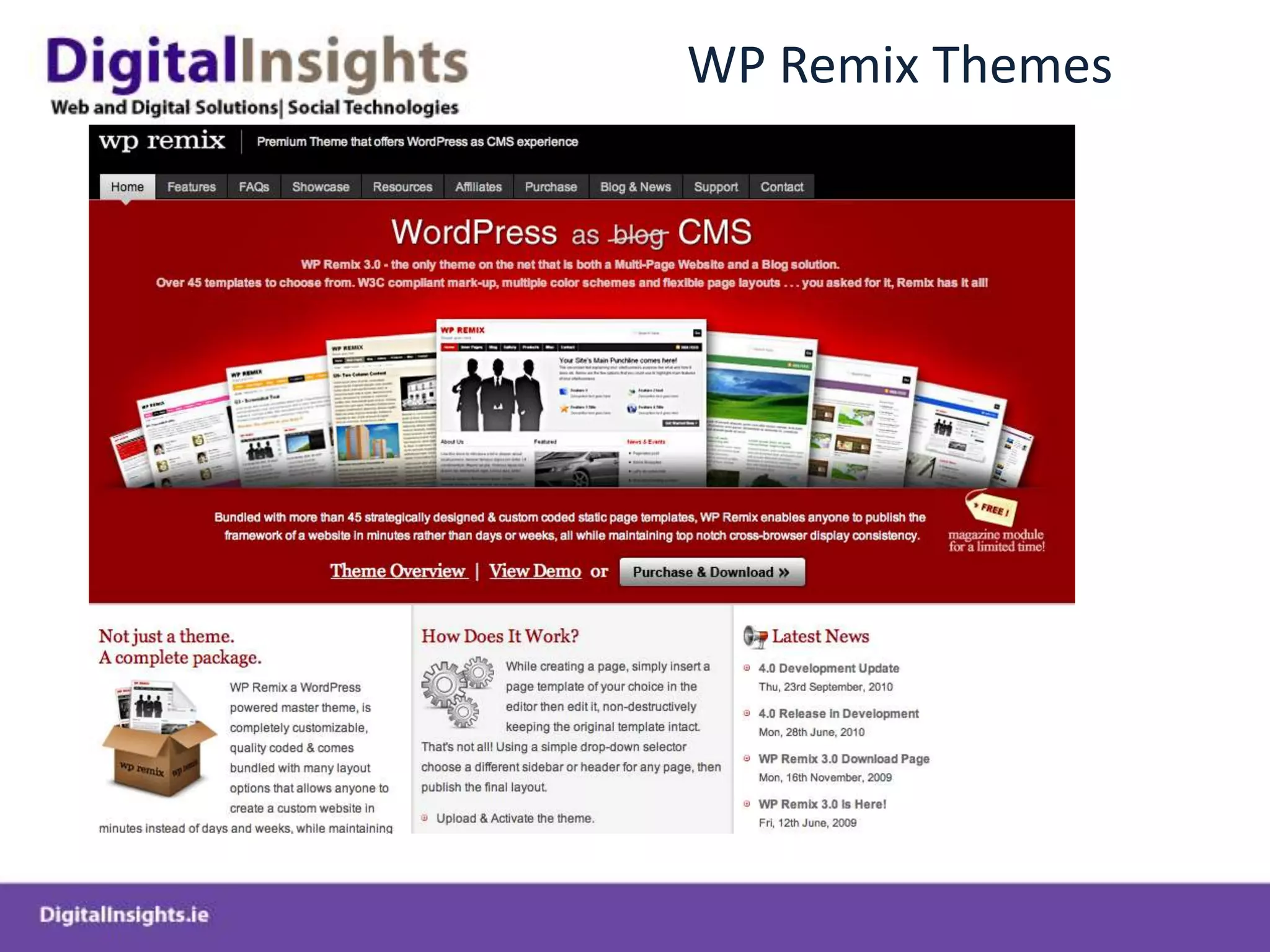
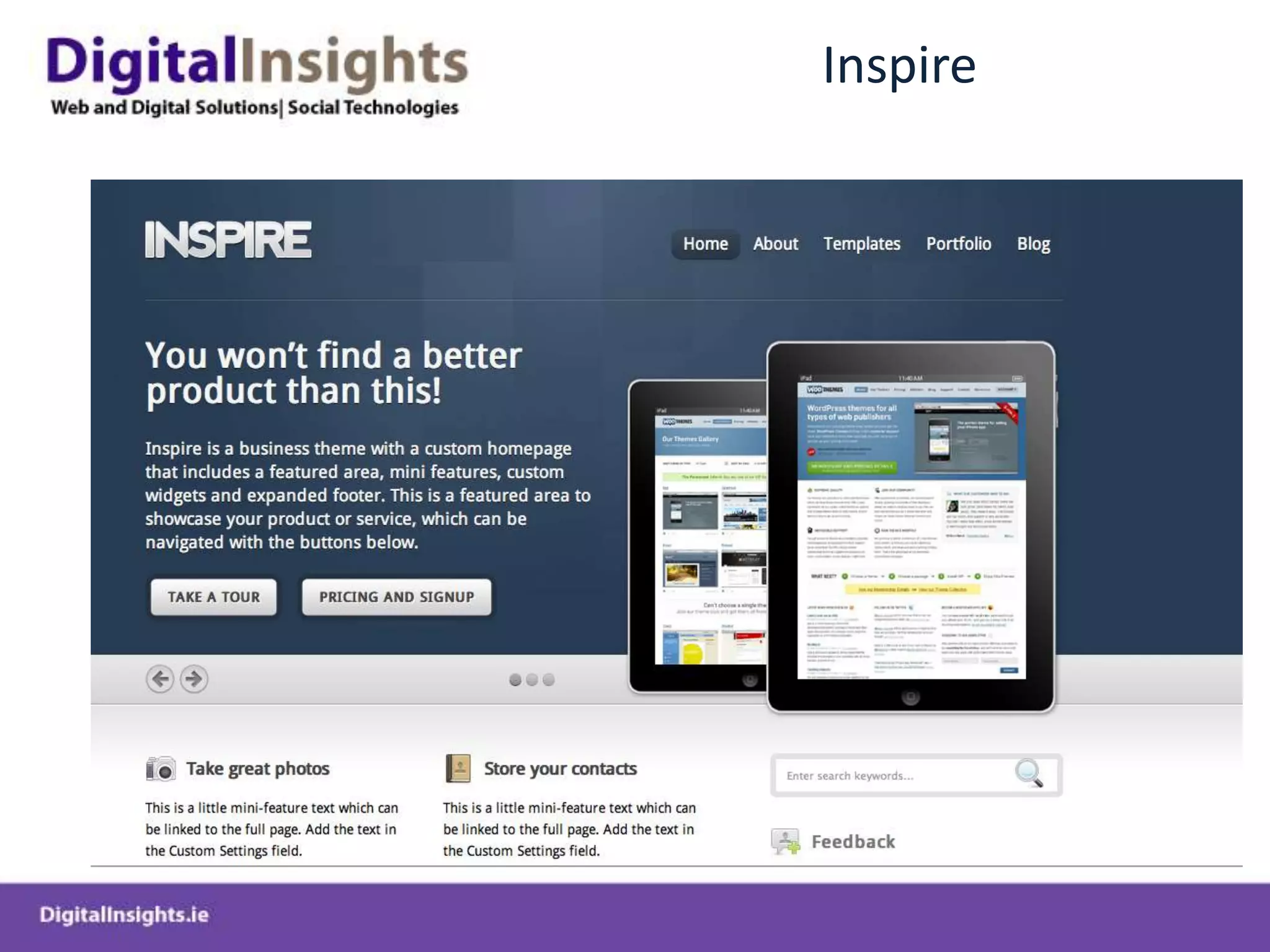
WP Remix Themes
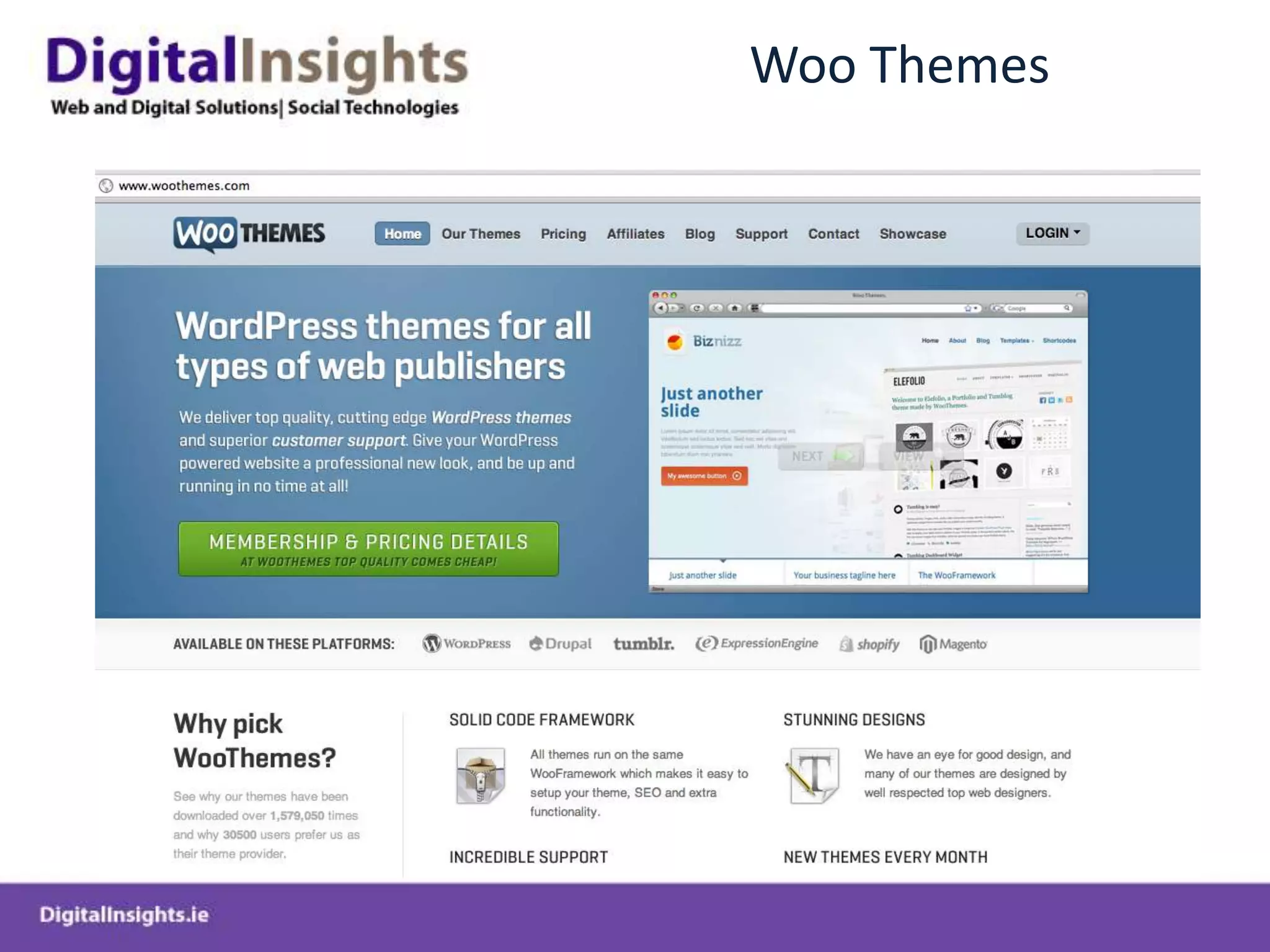
Woo Themes
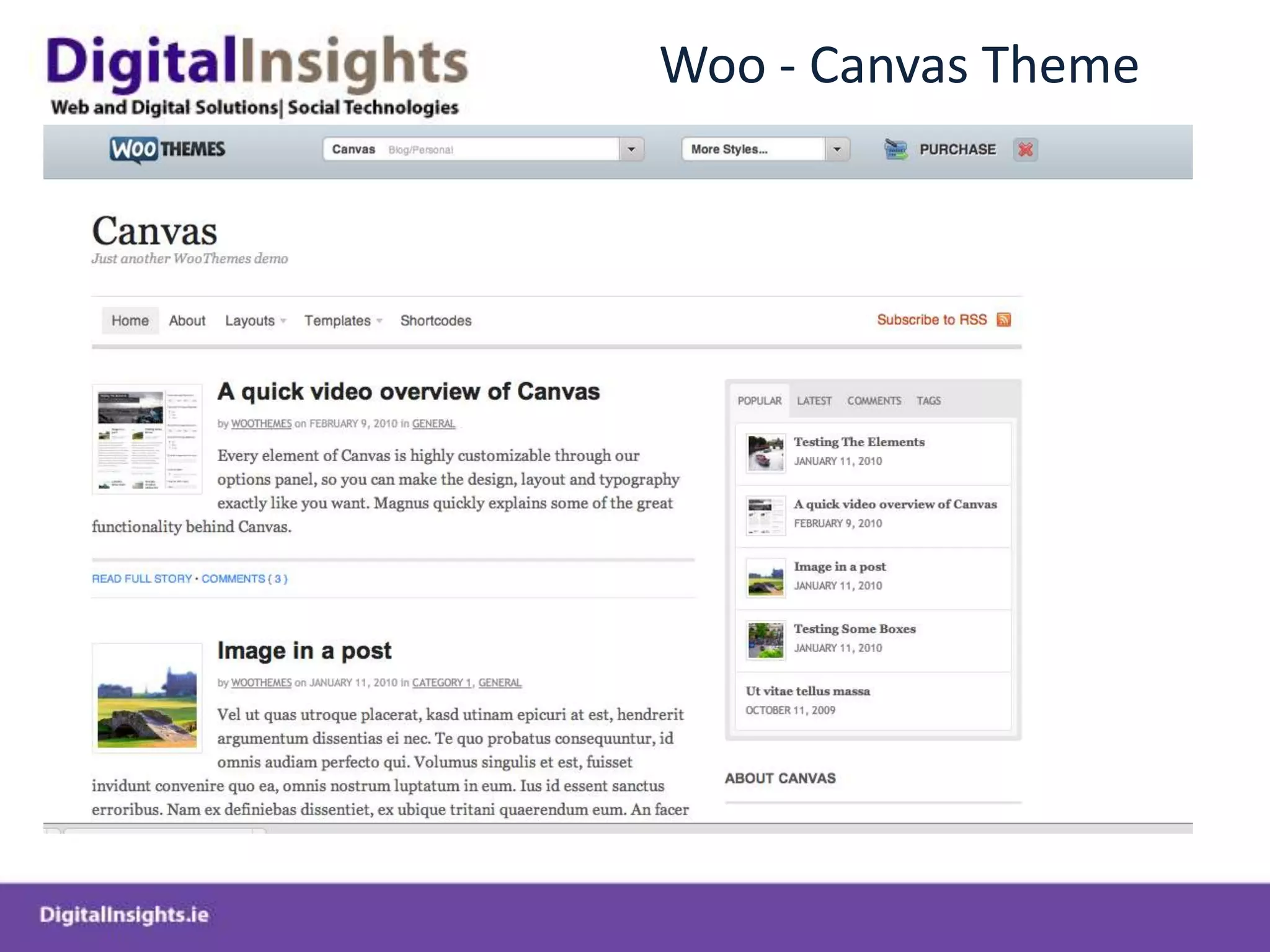
Woo - Canvas Theme
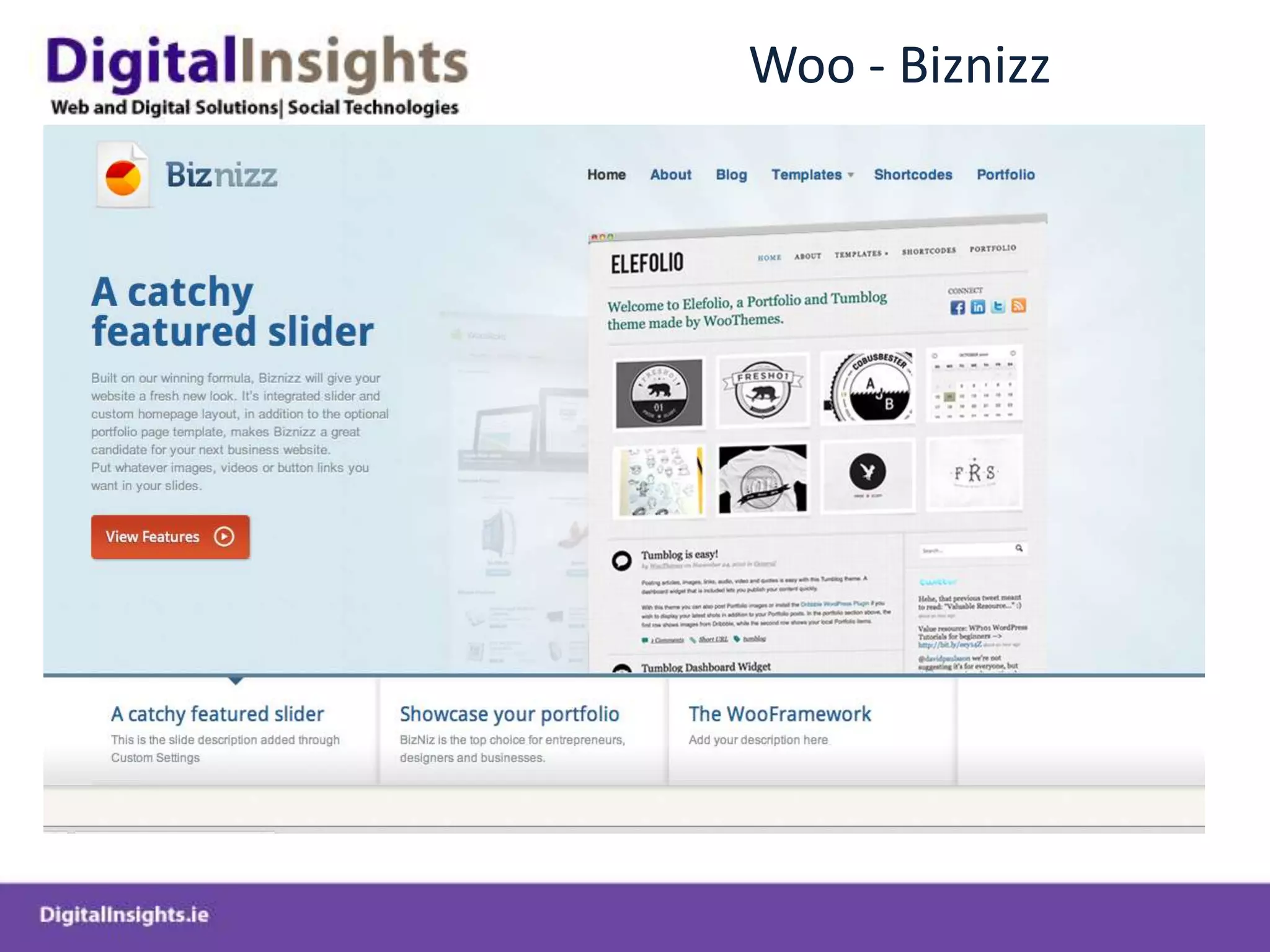
Woo - Biznizz
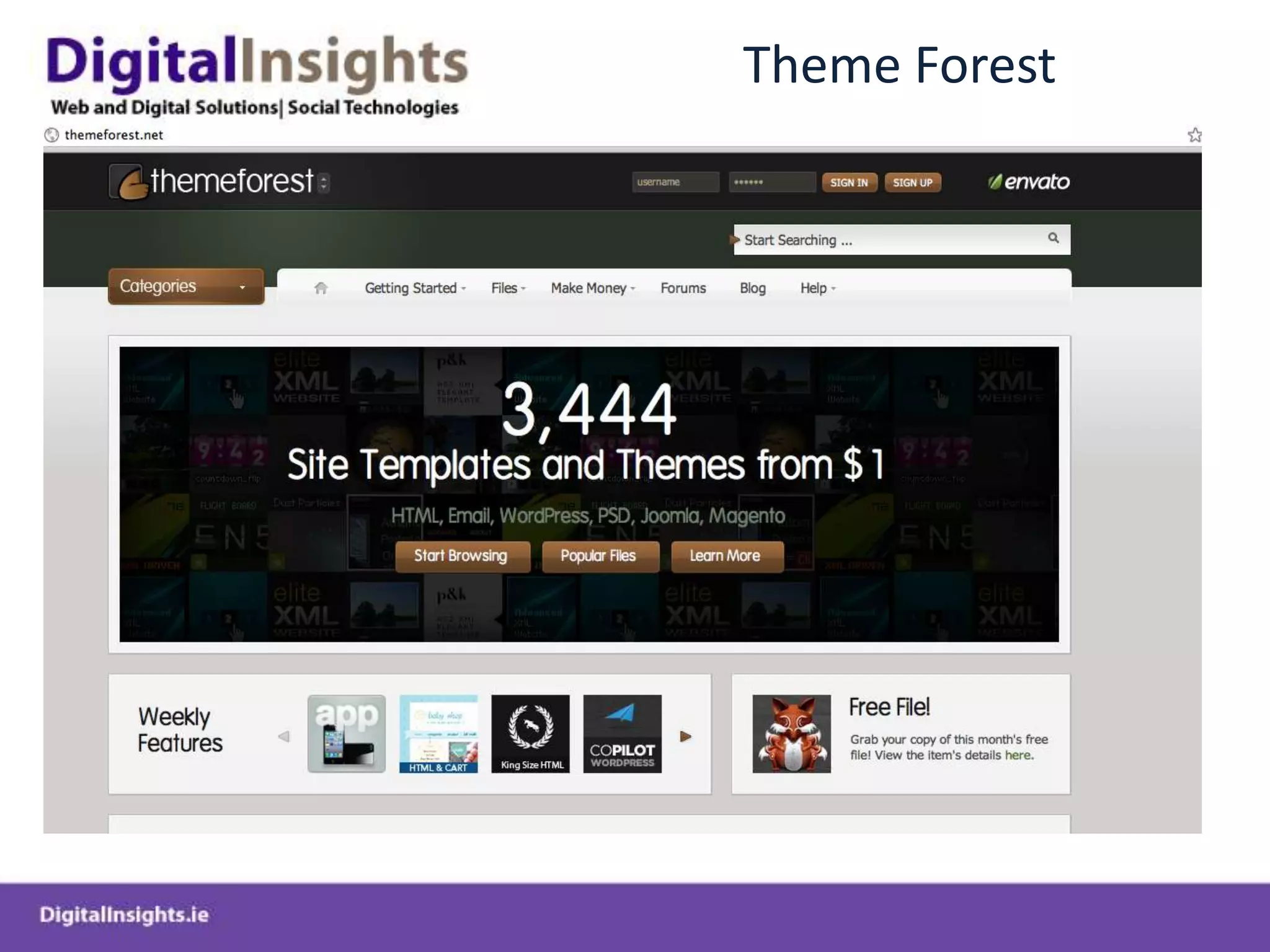
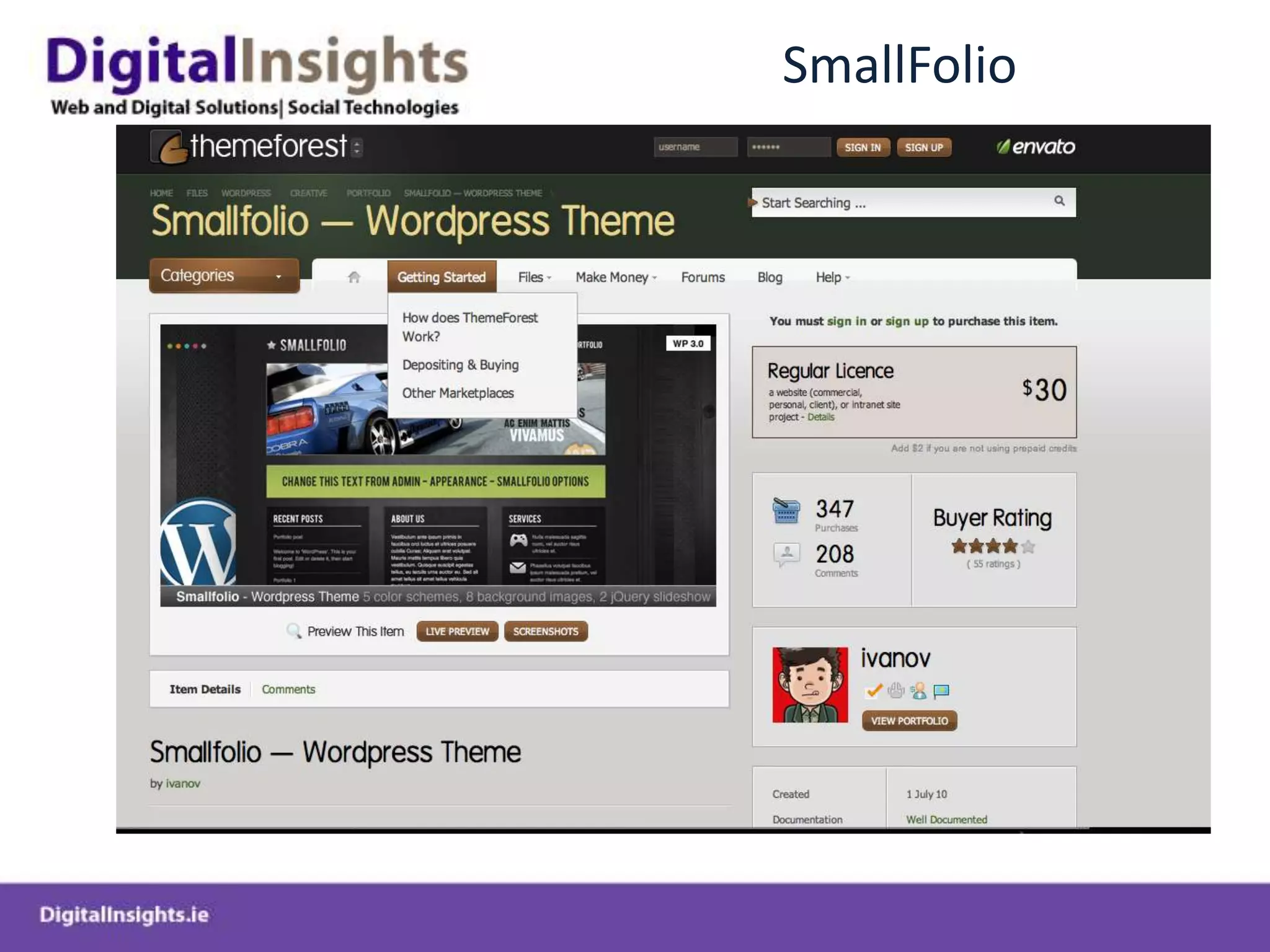
Theme Forest
SmallFolio
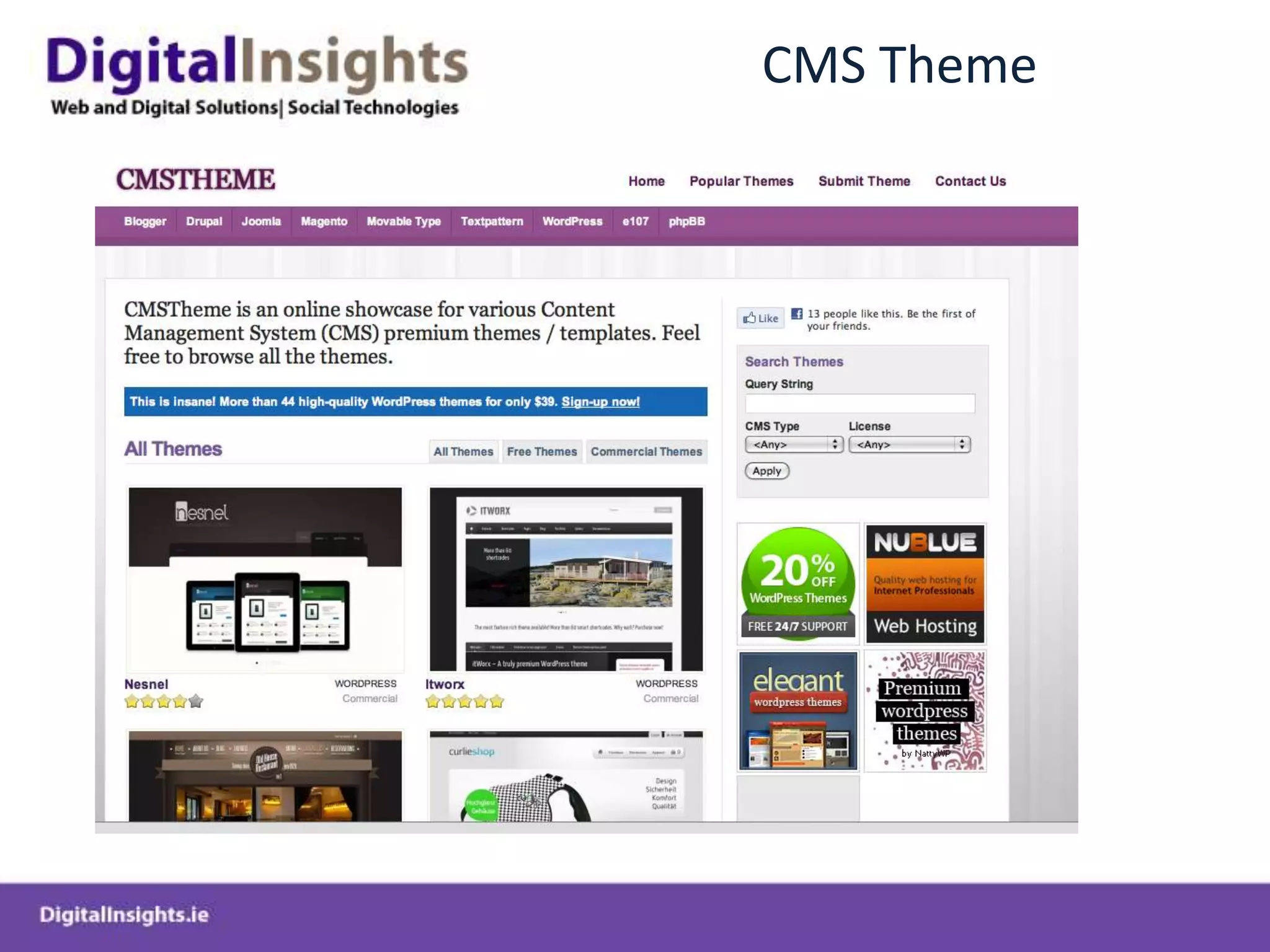
CMS Theme
DIY Themes
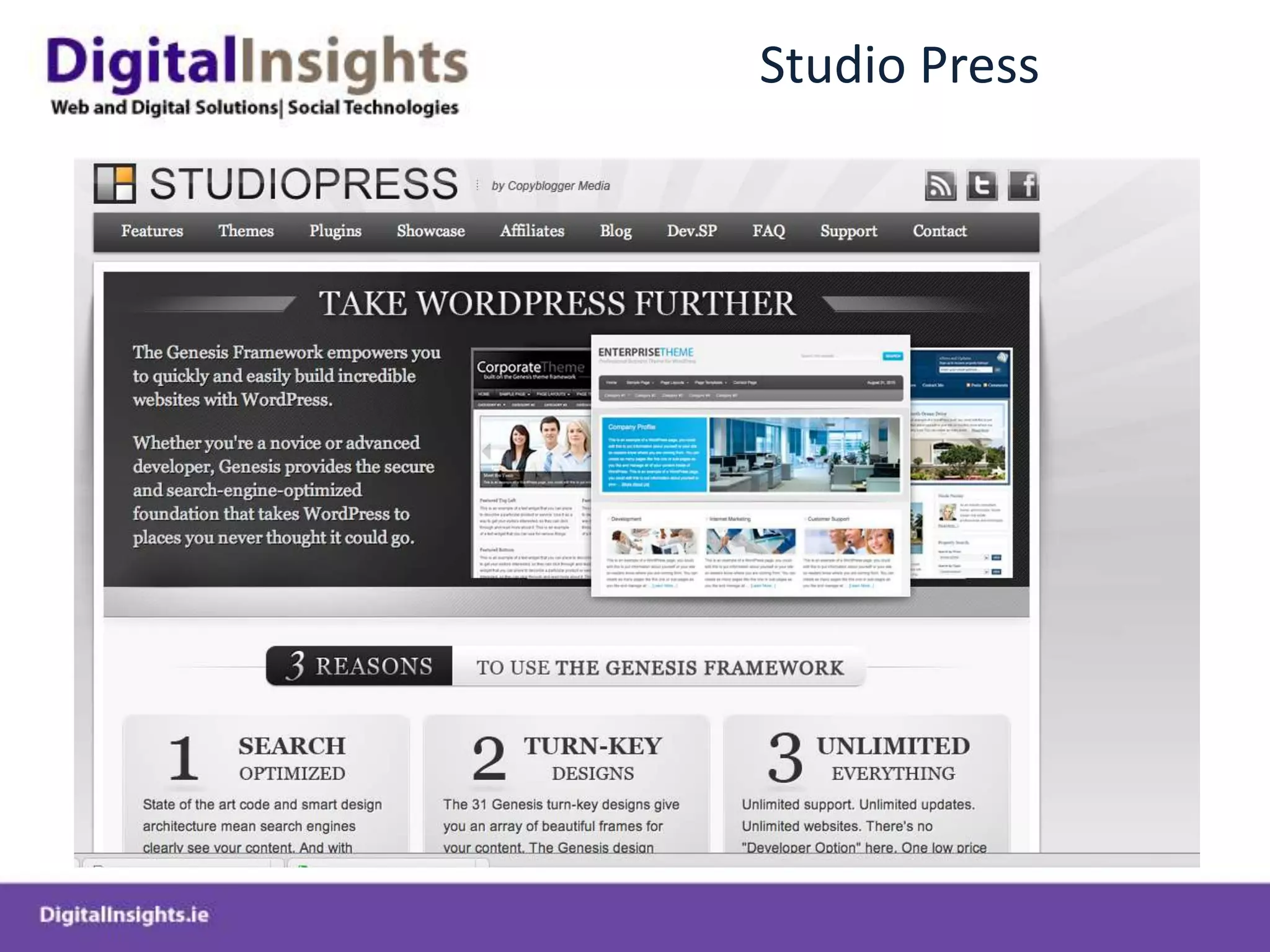
Studio Press
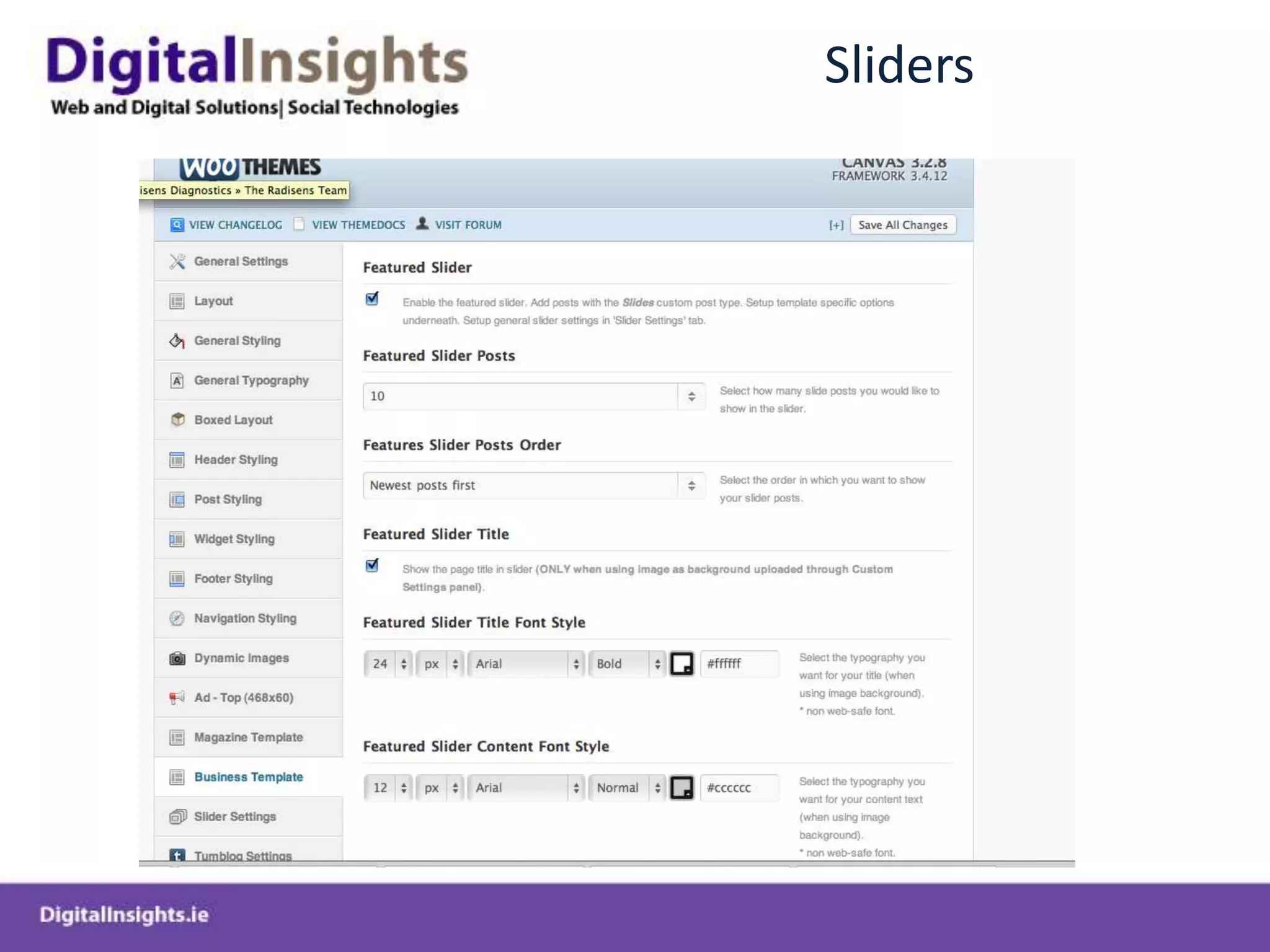
Building WP CMS System from Theme FrameworkCANVAS Theme – Woo Themes
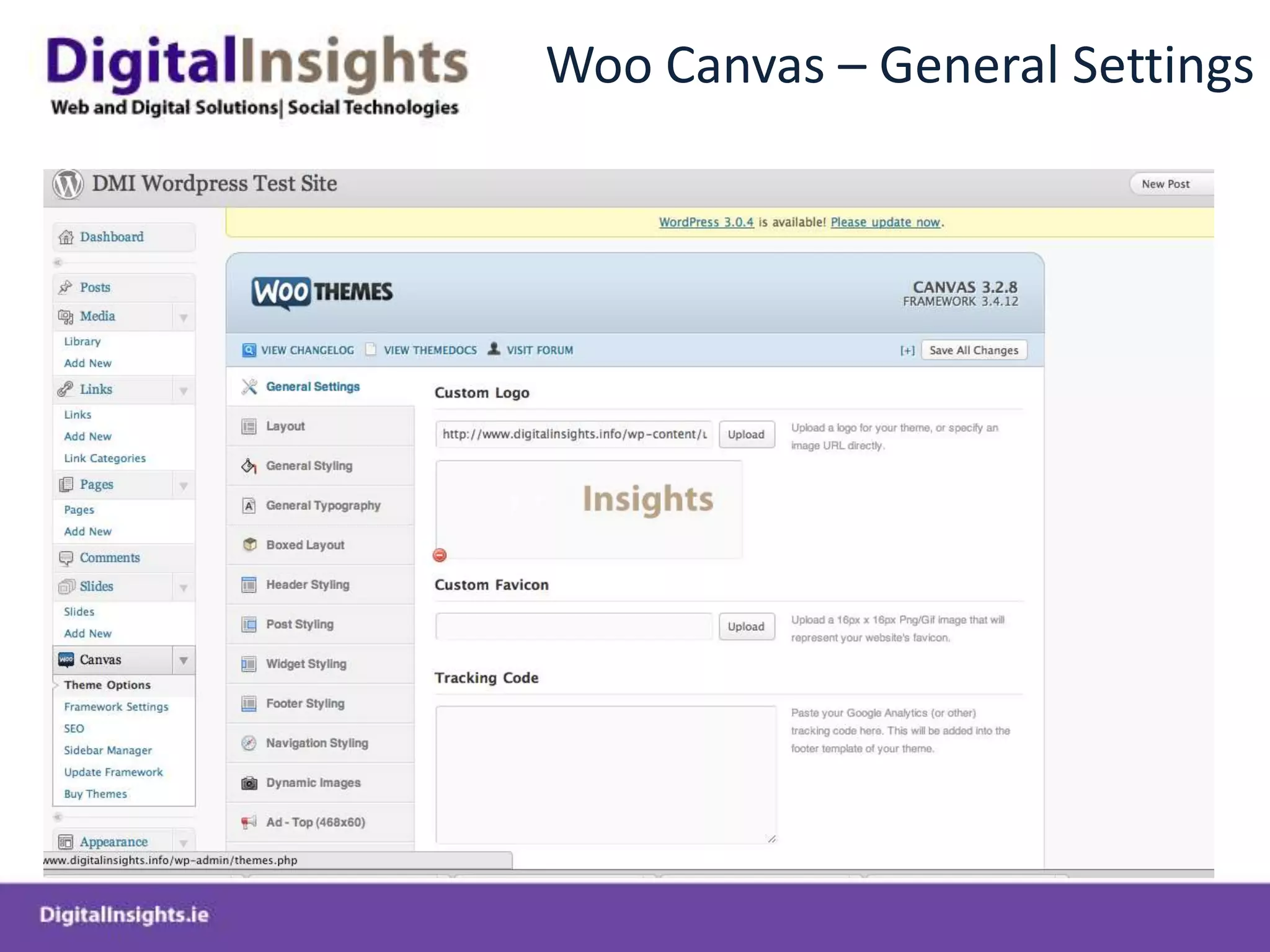
Woo Canvas – General Settings
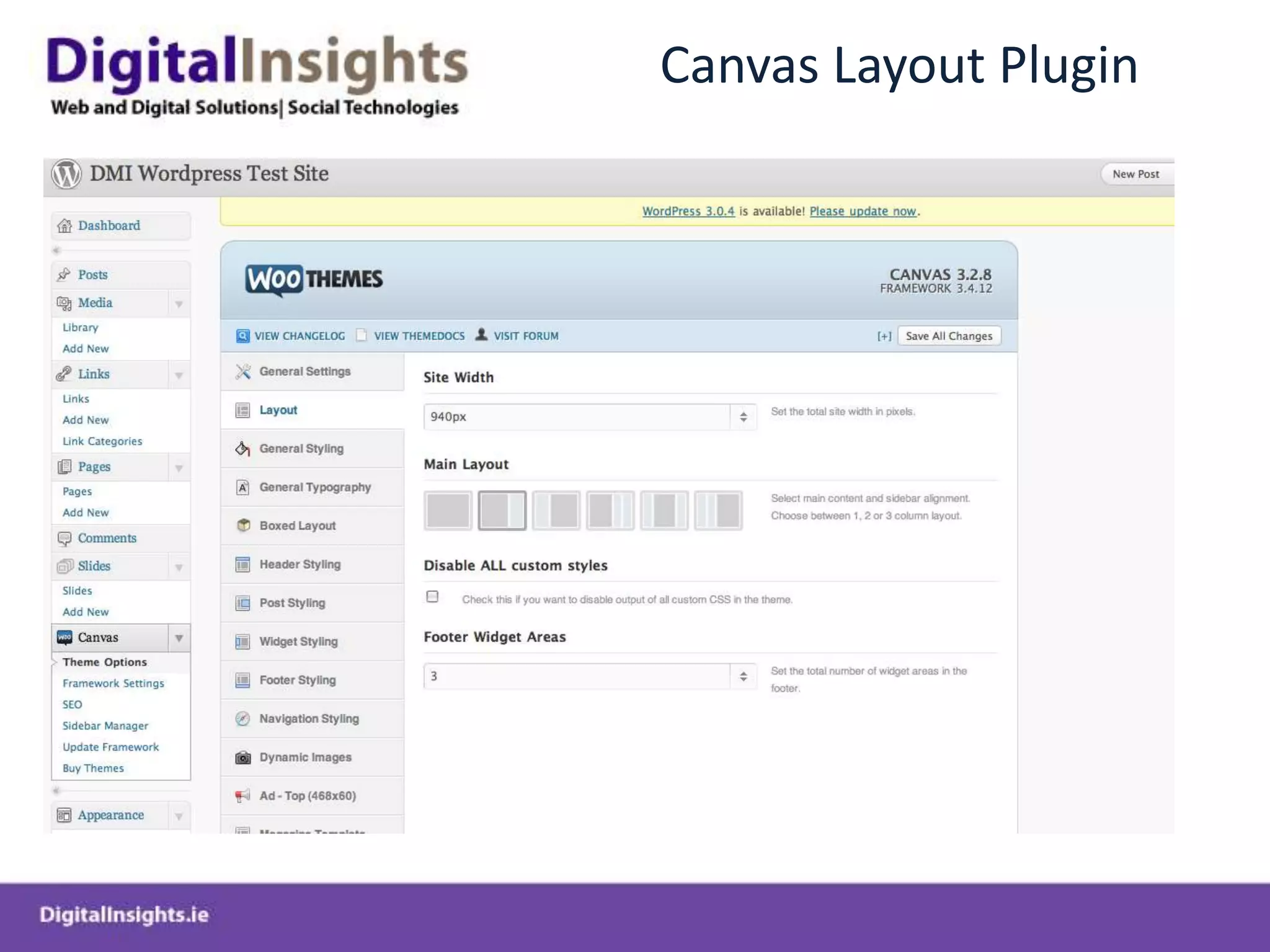
Canvas Layout Plugin

DBS-Wordpress-Session