
CC BY-SA 2.0 · Jeff Vier @ Flickr
From Wordpress.com
to Self-hosted
The Vancouver WordPress Meetup Group · March 27, 2014
Luiza Libardi · @luizalibardi

Access public slides
http://luizalibardi.com/slides/wordpress-self-hosted.pdf

Roadmap
•	Common questions
•	What is WordPress
•	WordPress.com
•	Self-hosting
•	Installing WordPress
•	Understanding your site
•	Migrating content
•	Customizing
•	Self-hosting: is it for me?

Common questions
•	How do I transition from wordpress.com?
•	Why should I do this?
•	Is it for me?
•	Can I handle my own WordPress site?
•	Do I have to code?

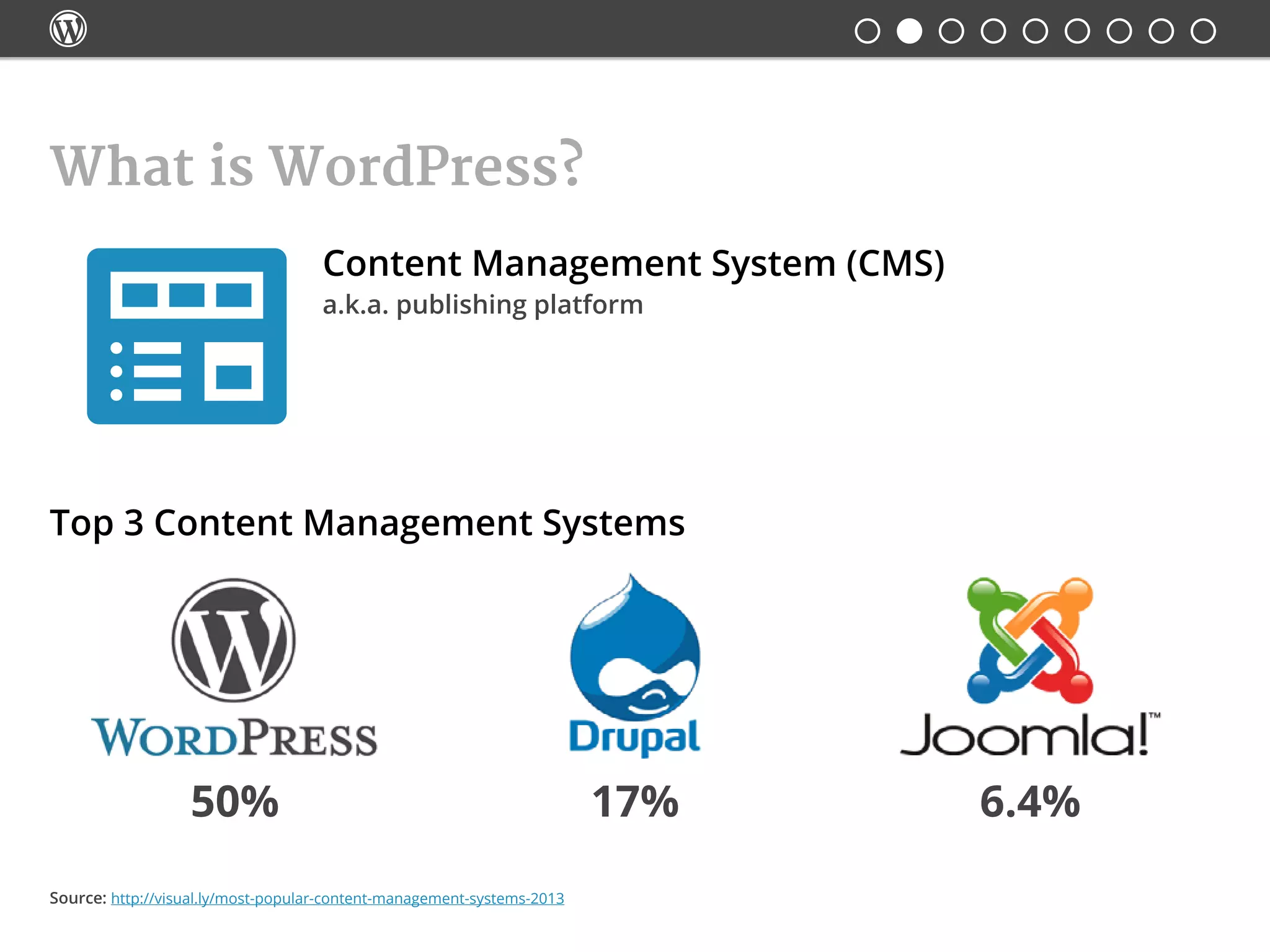
What is WordPress?
Content Management System (CMS)
Top 3 Content Management Systems
a.k.a. publishing platform
50% 17% 6.4%
Source: http://visual.ly/most-popular-content-management-systems-2013

What is WordPress?
Open Source
GPLv2
The GNU General Public License is the most widely used, free
software license, which guarantees individuals, organizations
or companies the freedom to use, study, share, and modify
the software. The GPL guarantees:
•	 the freedom to use the software for any purpose
•	 the freedom to change the software to suit your needs
•	 the freedom to share the software
•	 the freedom to share the changes you make

•	Create an account
•	Free hosting
•	Free subdomains name.wordpress.com
•	Abide to their Terms of Service
•	Restricted customization
•	No access to FTP files or database
WordPress.com
   

Self-hosting: WordPress.org
•	WordPress CMS repository (no login required)
•	Themes and Plugins repository (no login required)
•	Information about WordPress (no login required)
•	Forums (login required)
   

Self-hosting: choosing a hosting company
Minimum requirements to run WP:
•	 PHP version 5.2.4 or greater
•	 MySQL version 5.0 or greater
•	 Memory usage 512MB
Also good to check:
•	 Active 24/7 support
•	 Uptime
Useful resource: https://wordpress.org/about/requirements/

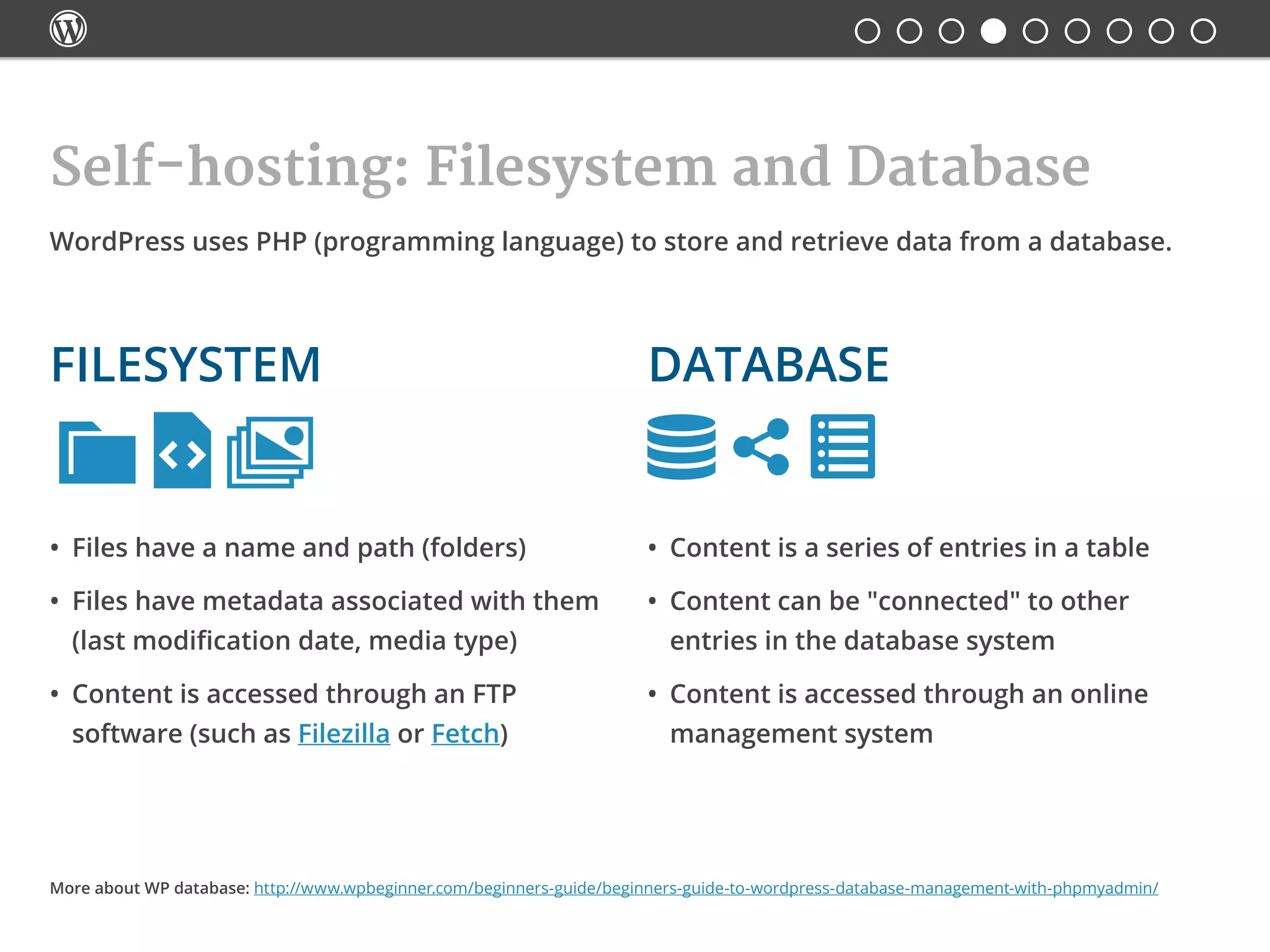
Self-hosting: Filesystem and Database

•	 Files have a name and path (folders)
•	 Files have metadata associated with them
(last modification date, media type)
•	 Content is accessed through an FTP
software (such as Filezilla or Fetch)
•	 Content is a series of entries in a table
•	 Content can be "connected" to other
entries in the database system
•	 Content is accessed through an online
management system
WordPress uses PHP (programming language) to store and retrieve data from a database.
Databasefilesystem
More about WP database: http://www.wpbeginner.com/beginners-guide/beginners-guide-to-wordpress-database-management-with-phpmyadmin/

Installing WordPress
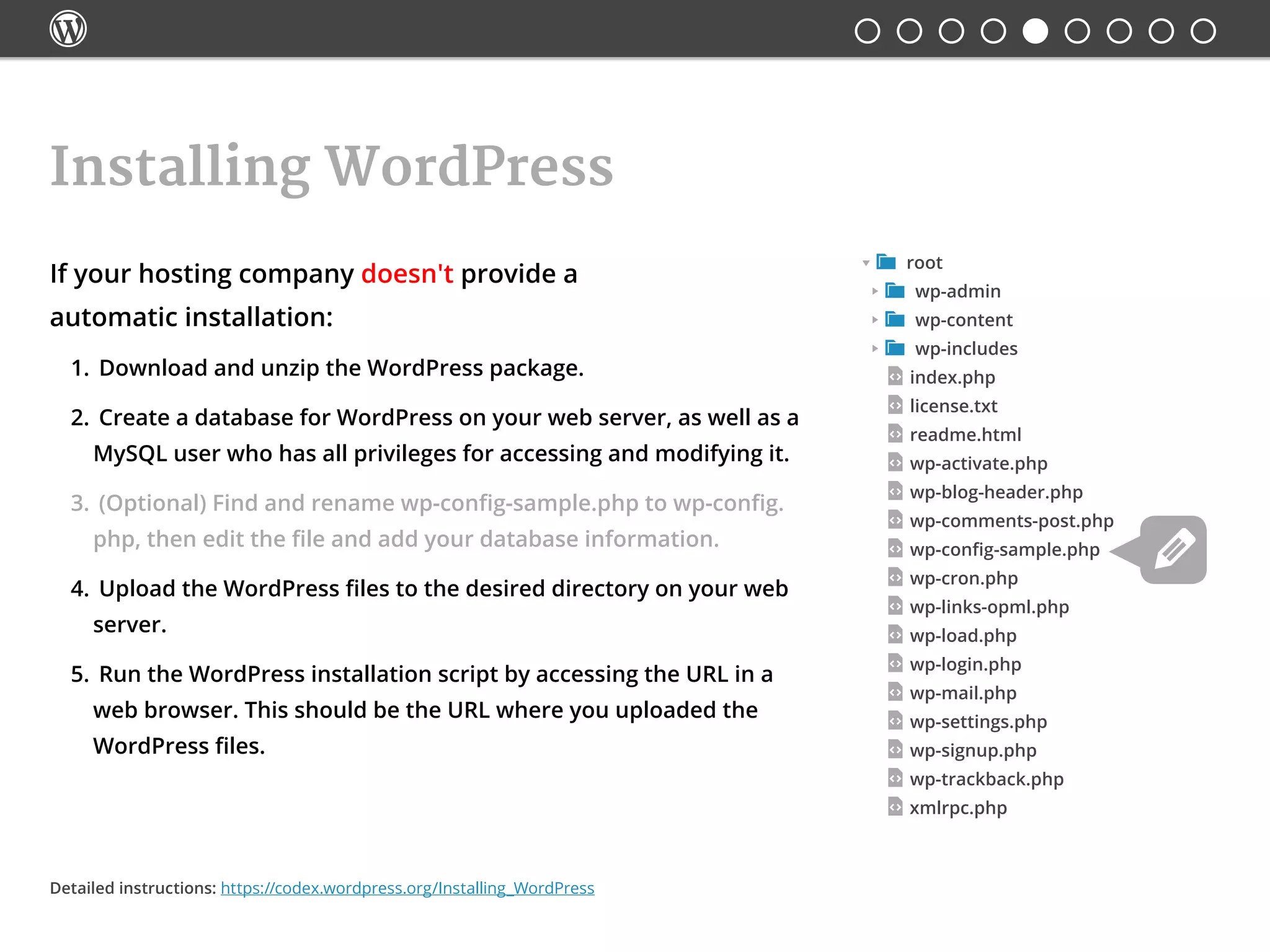
 root
 wp-admin
 wp-content
 wp-includes
index.php
license.txt
readme.html
wp-activate.php
wp-blog-header.php
wp-comments-post.php
wp-config-sample.php
wp-cron.php
wp-links-opml.php
wp-load.php
wp-login.php
wp-mail.php
wp-settings.php
wp-signup.php
wp-trackback.php
xmlrpc.php
If your hosting company doesn't provide a
automatic installation:
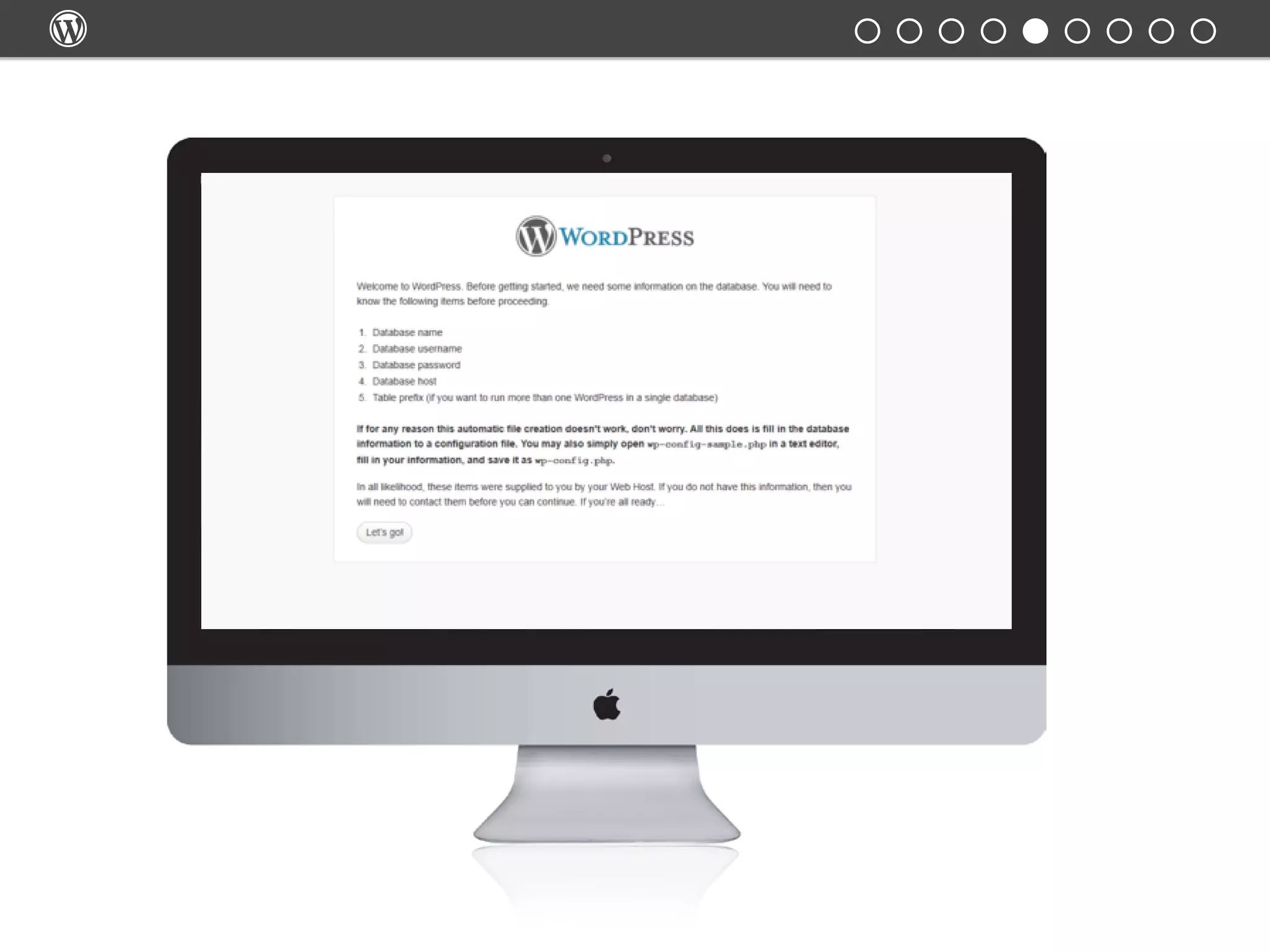
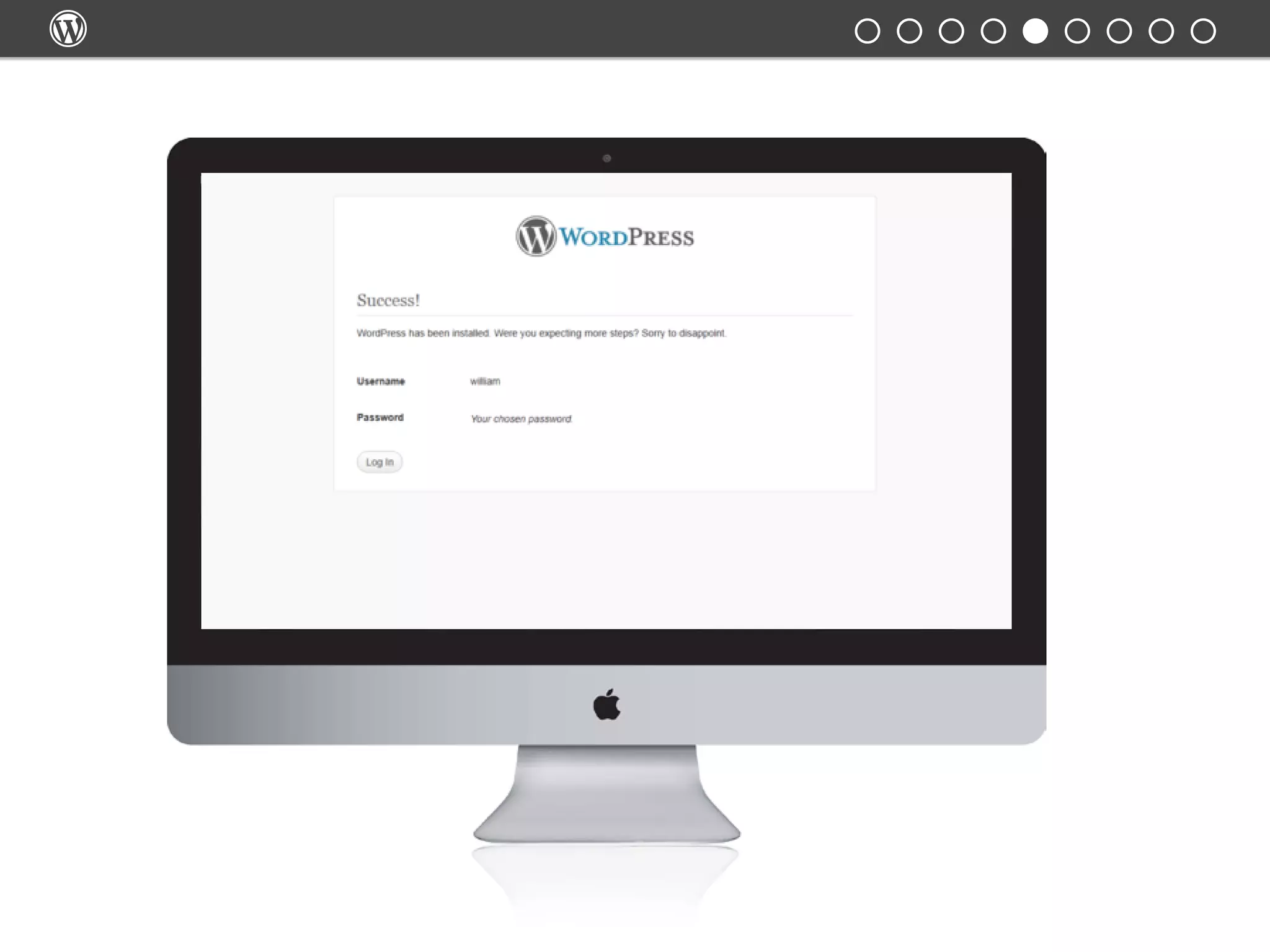
1.	 Download and unzip the WordPress package.
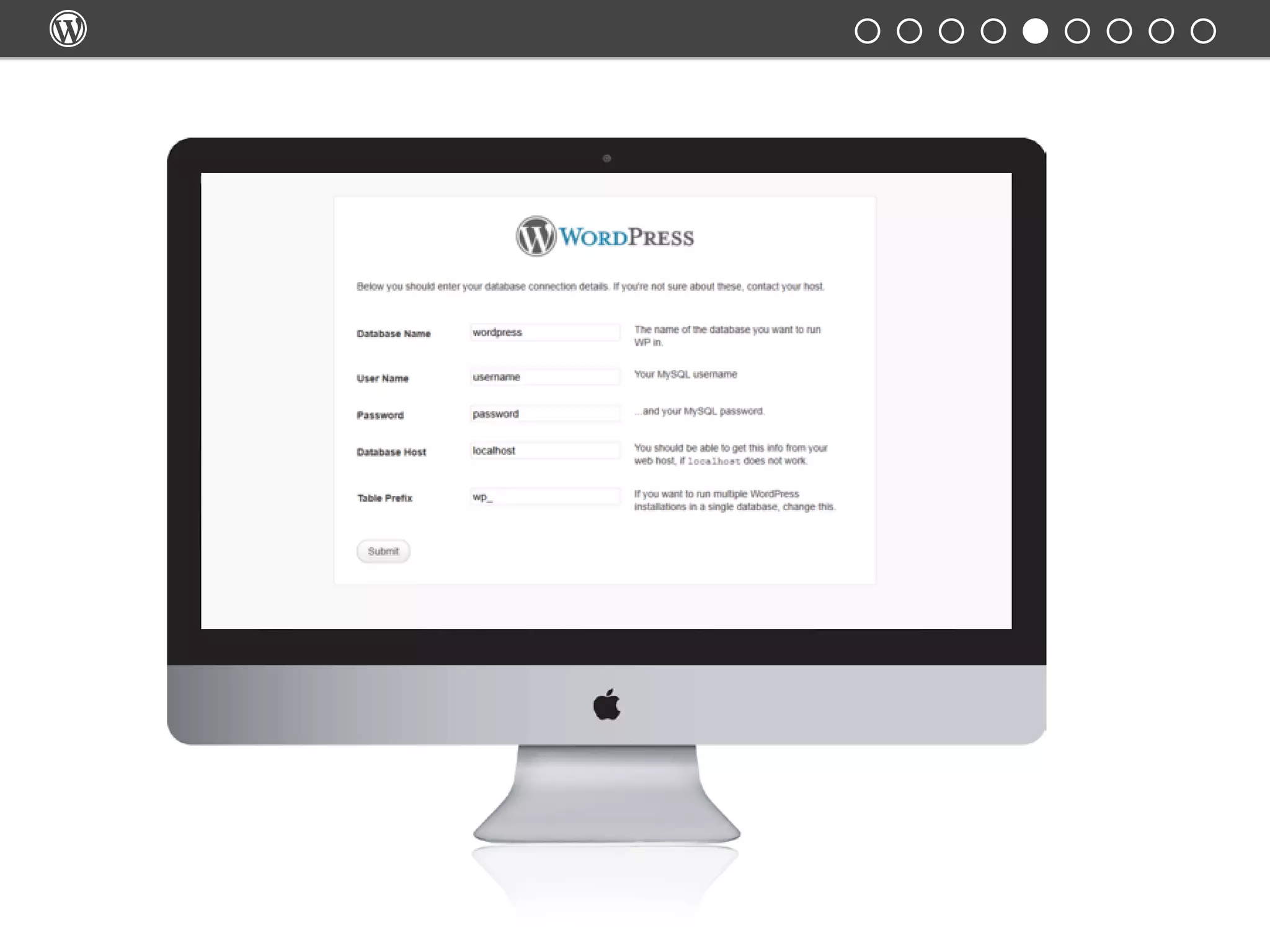
2.	 Create a database for WordPress on your web server, as well as a
MySQL user who has all privileges for accessing and modifying it.
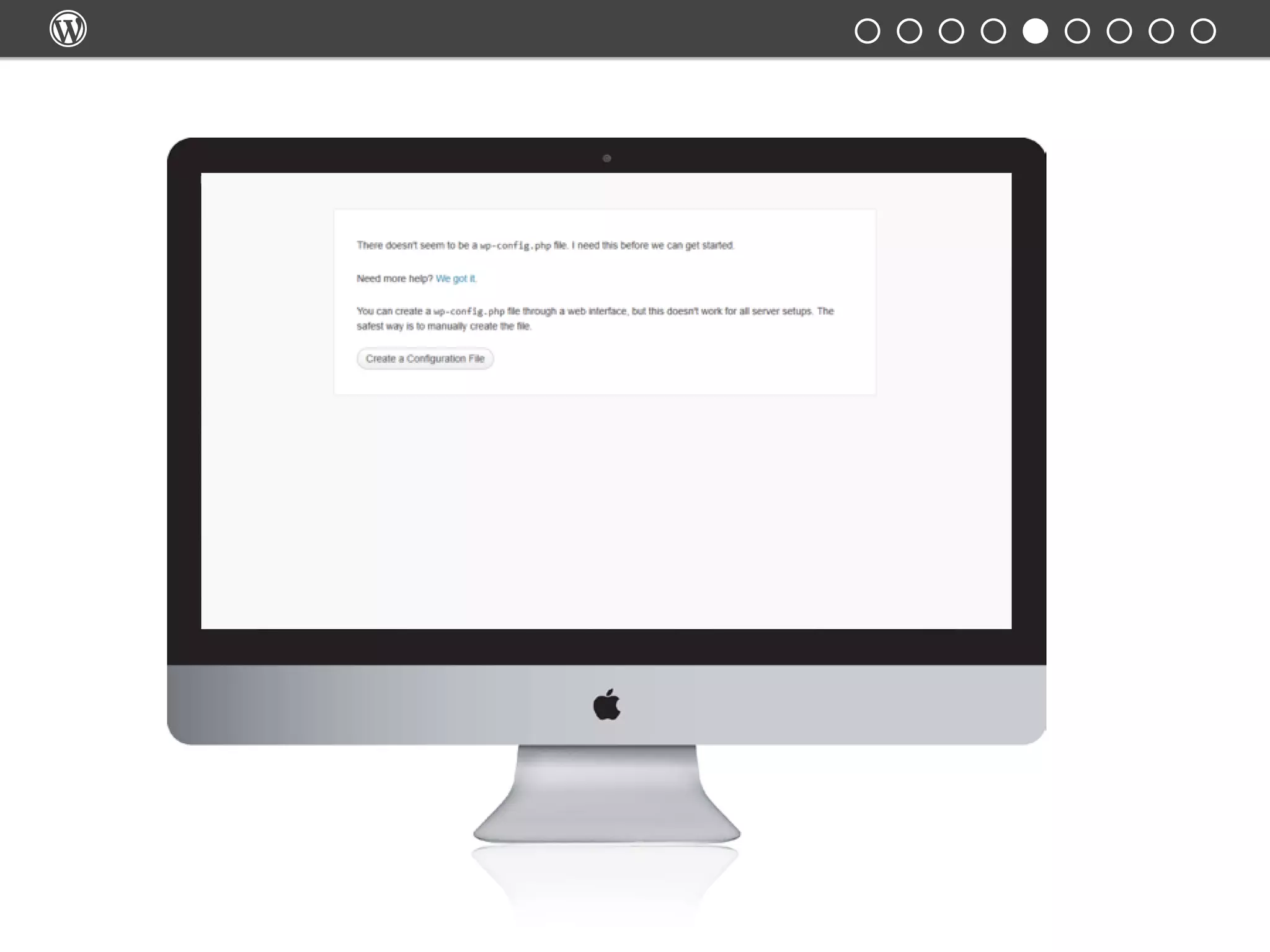
3.	 (Optional) Find and rename wp-config-sample.php to wp-config.
php, then edit the file and add your database information.
4.	 Upload the WordPress files to the desired directory on your web
server.
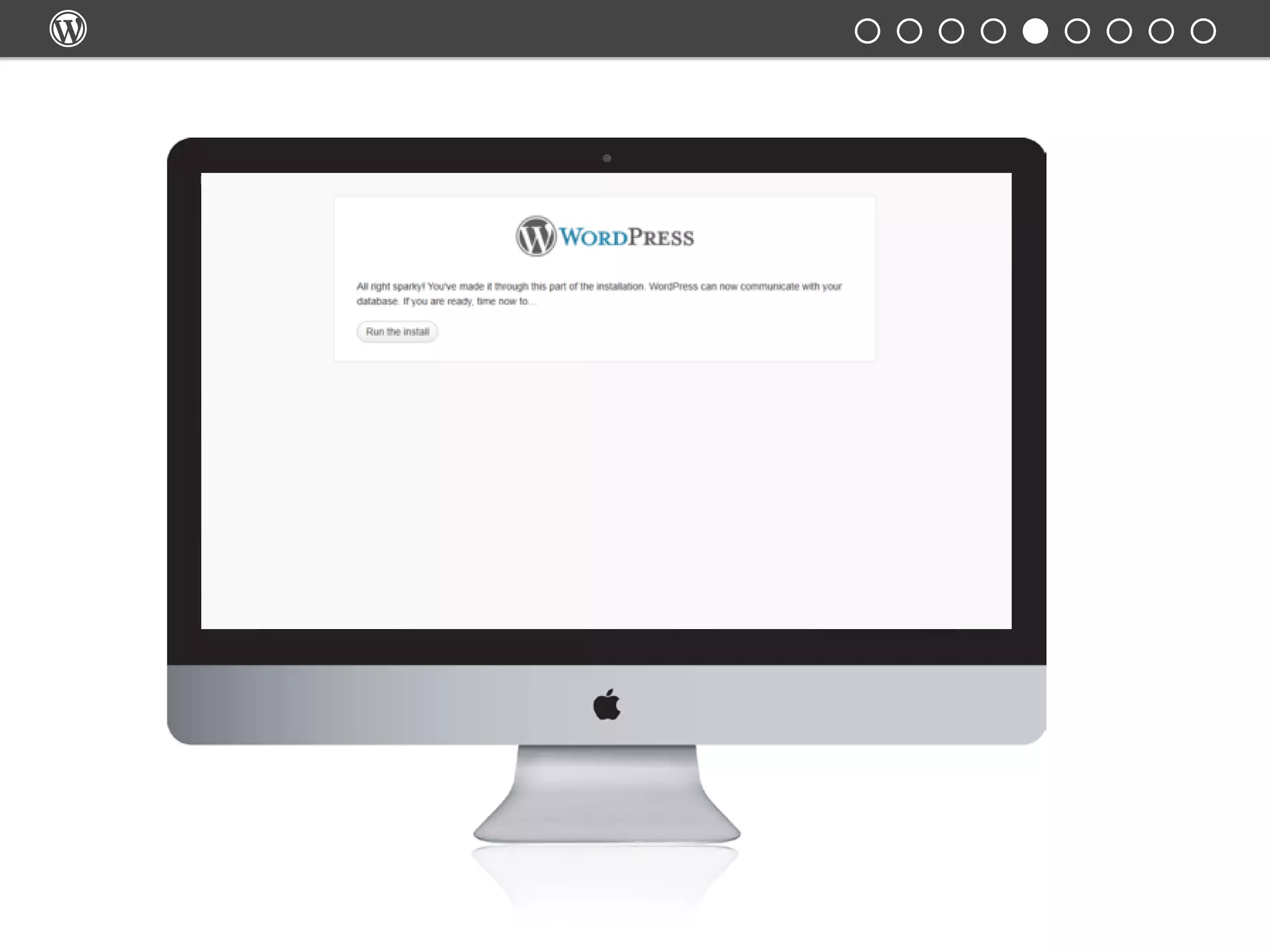
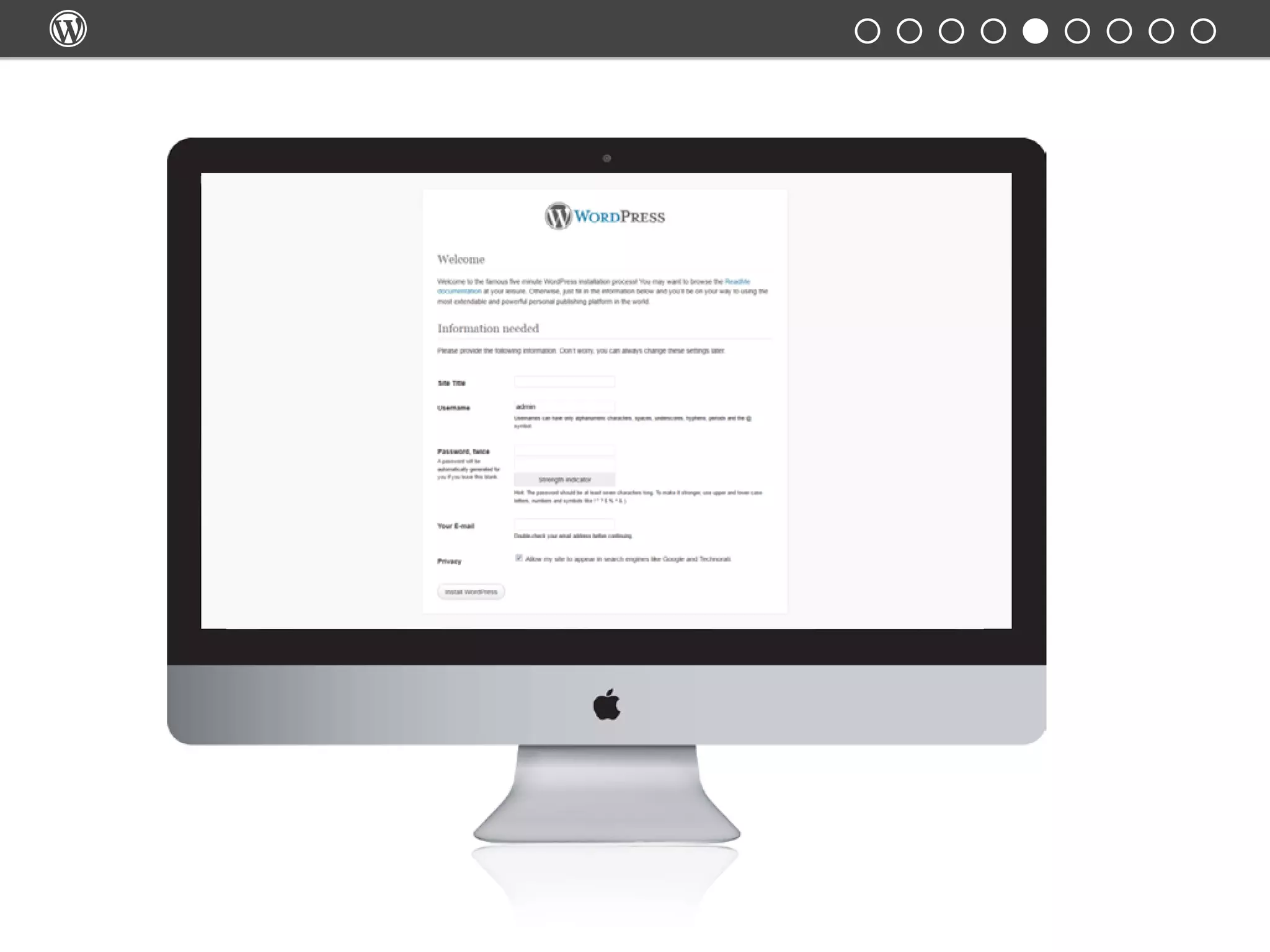
5.	 Run the WordPress installation script by accessing the URL in a
web browser. This should be the URL where you uploaded the
WordPress files.
Detailed instructions: https://codex.wordpress.org/Installing_WordPress







Understanding your site
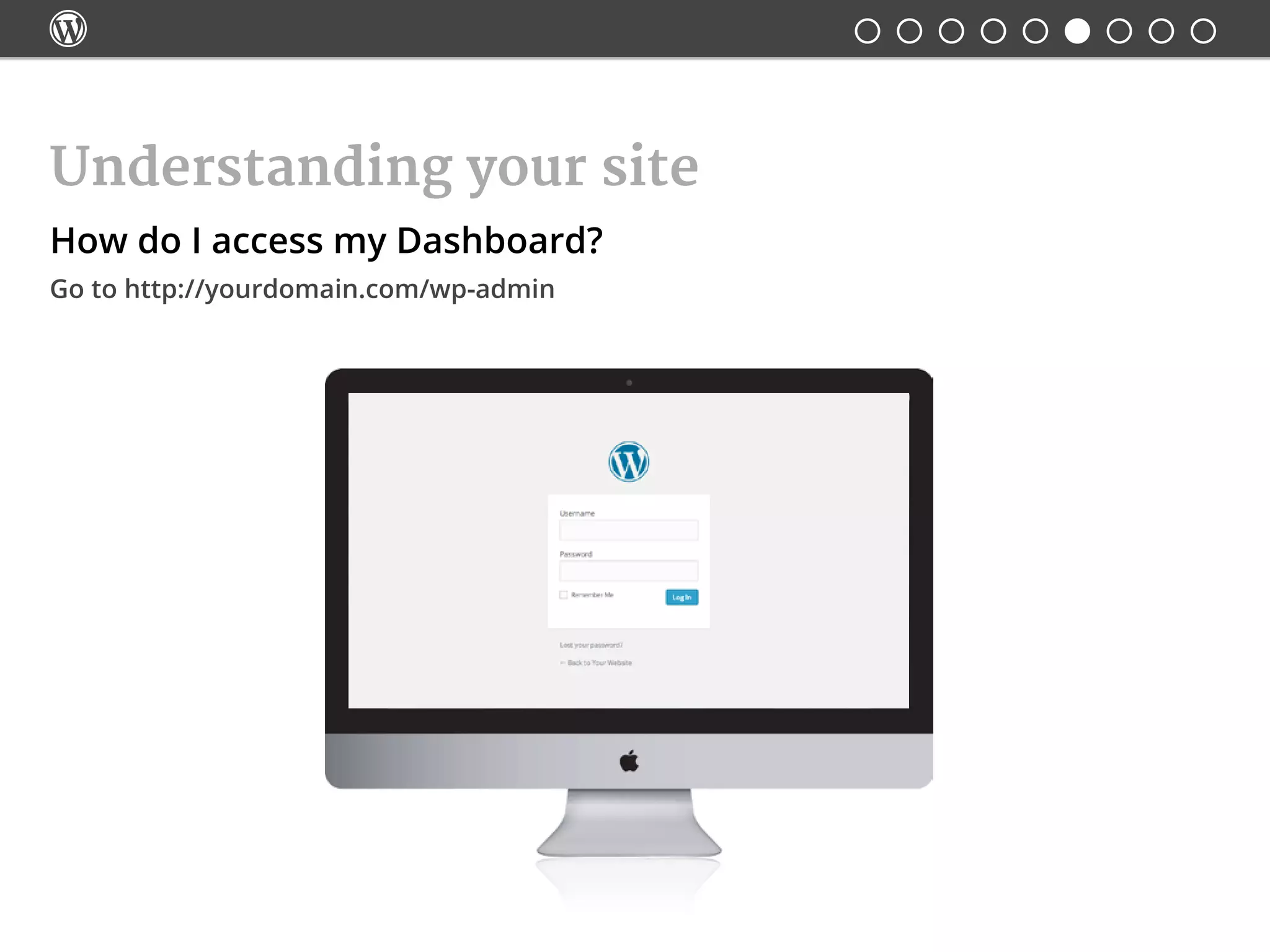
How do I access my Dashboard?
Go to http://yourdomain.com/wp-admin

Understanding your site
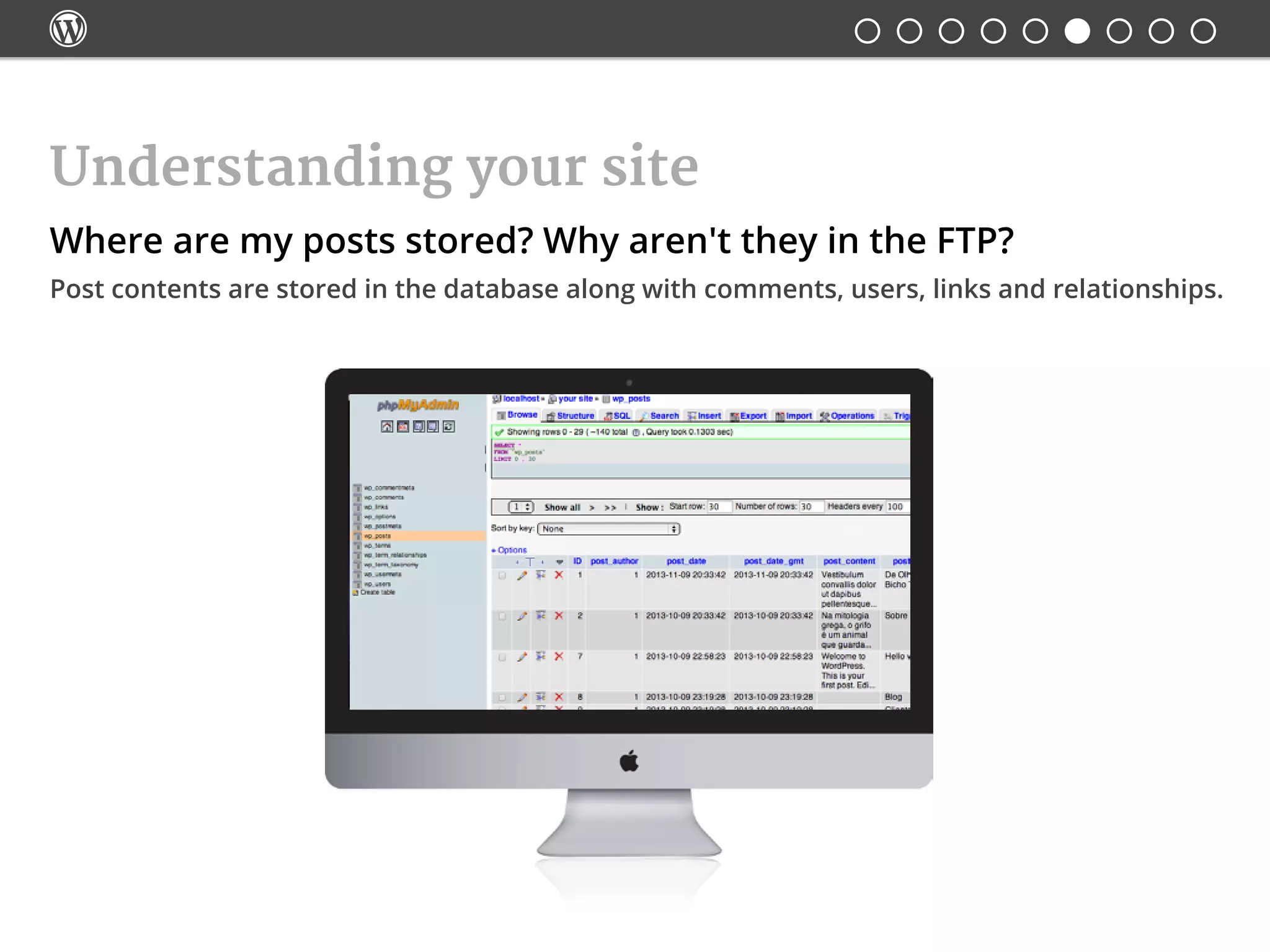
Where are my posts stored? Why aren't they in the FTP?
Post contents are stored in the database along with comments, users, links and relationships.

Understanding your site
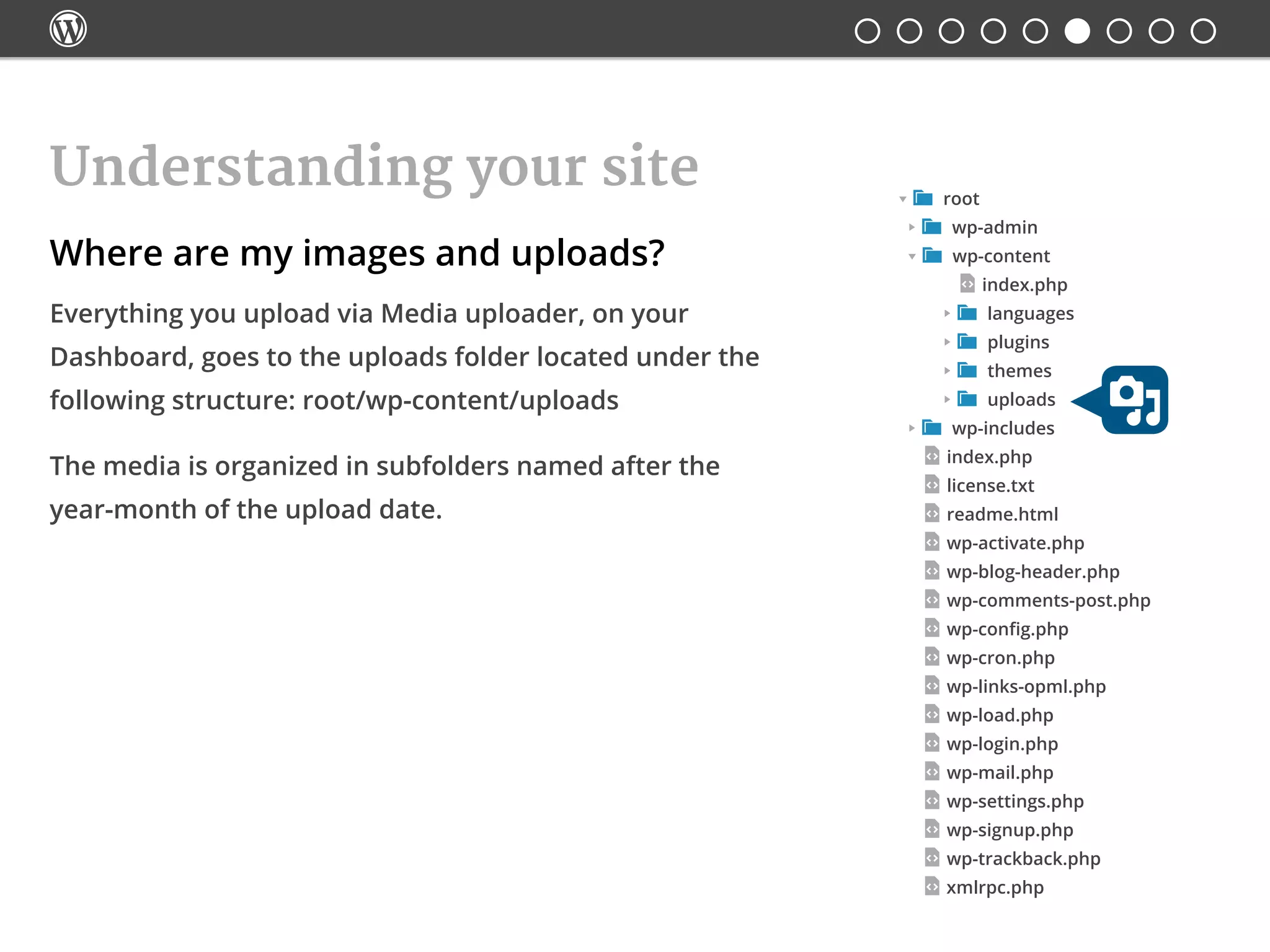
Where are my images and uploads?
Everything you upload via Media uploader, on your
Dashboard, goes to the uploads folder located under the
following structure: root/wp-content/uploads
The media is organized in subfolders named after the
year-month of the upload date.
 root
 wp-admin
 wp-content
	 index.php
	  languages
	  plugins
	  themes
	  uploads
 wp-includes
index.php
license.txt
readme.html
wp-activate.php
wp-blog-header.php
wp-comments-post.php
wp-config.php
wp-cron.php
wp-links-opml.php
wp-load.php
wp-login.php
wp-mail.php
wp-settings.php
wp-signup.php
wp-trackback.php
xmlrpc.php

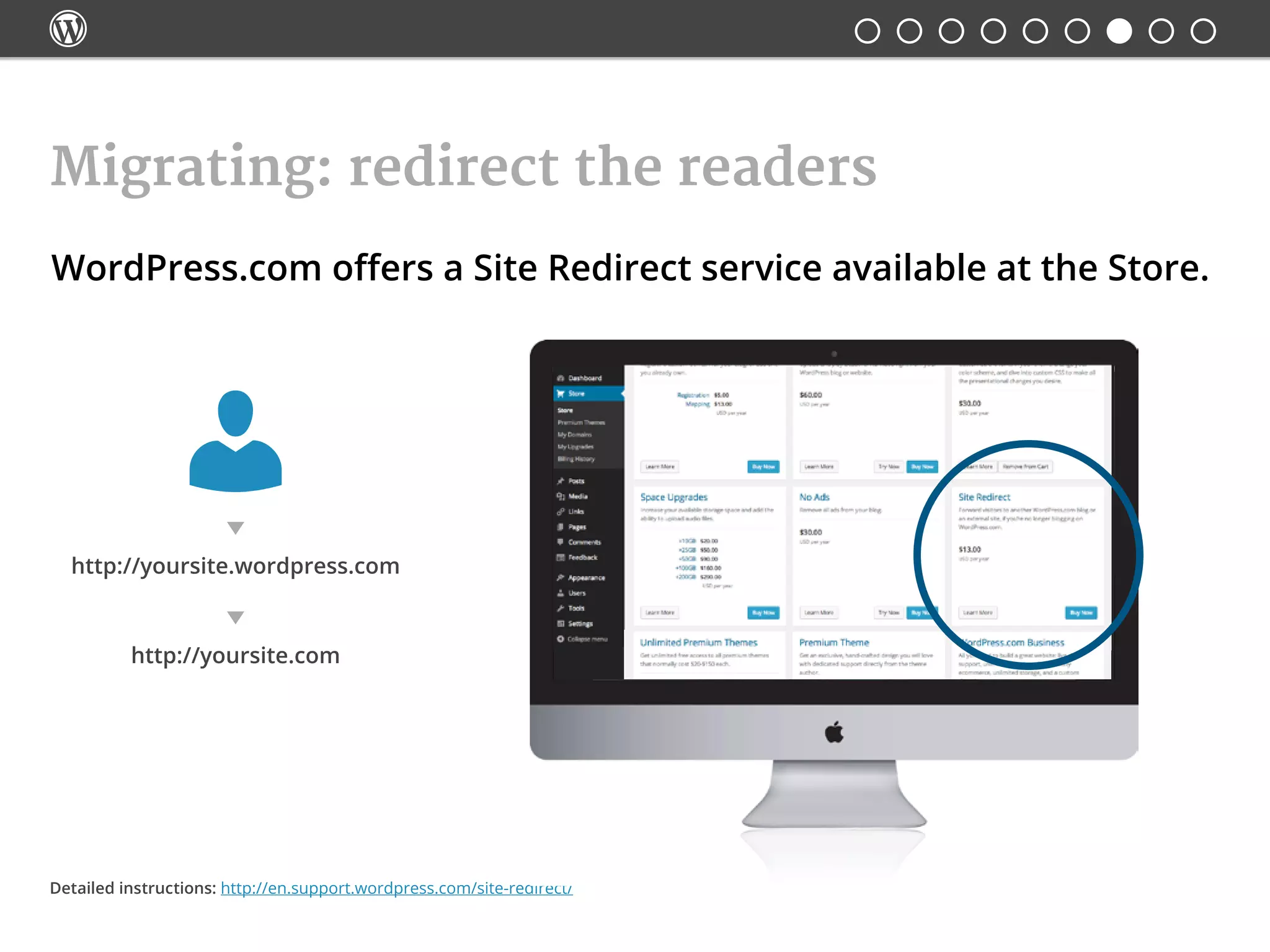
WordPress.com offers a Site Redirect service available at the Store.
Migrating: redirect the readers
Detailed instructions: http://en.support.wordpress.com/site-redirect/
http://yoursite.wordpress.com
http://yoursite.com

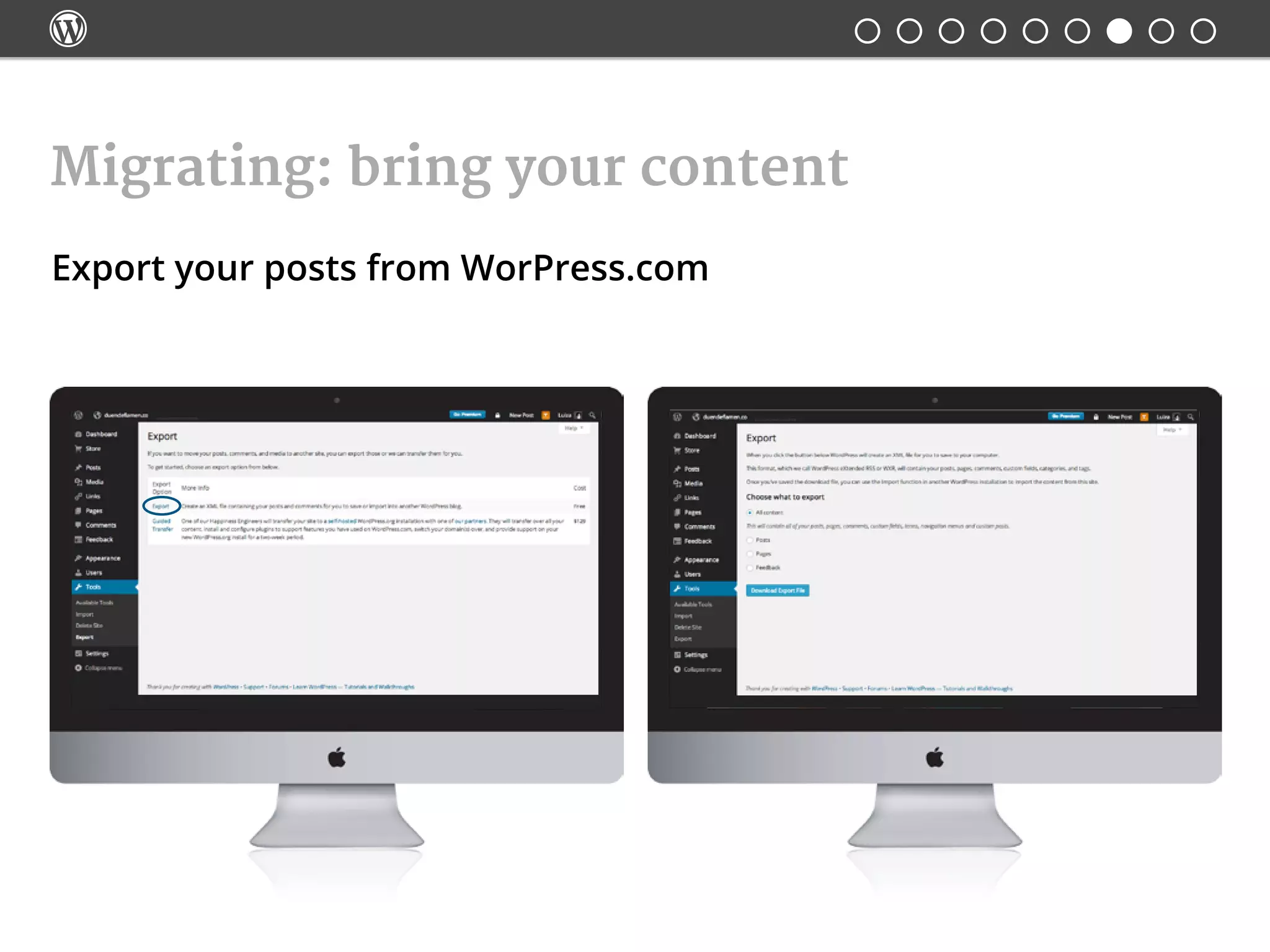
Export your posts from WorPress.com
Migrating: bring your content

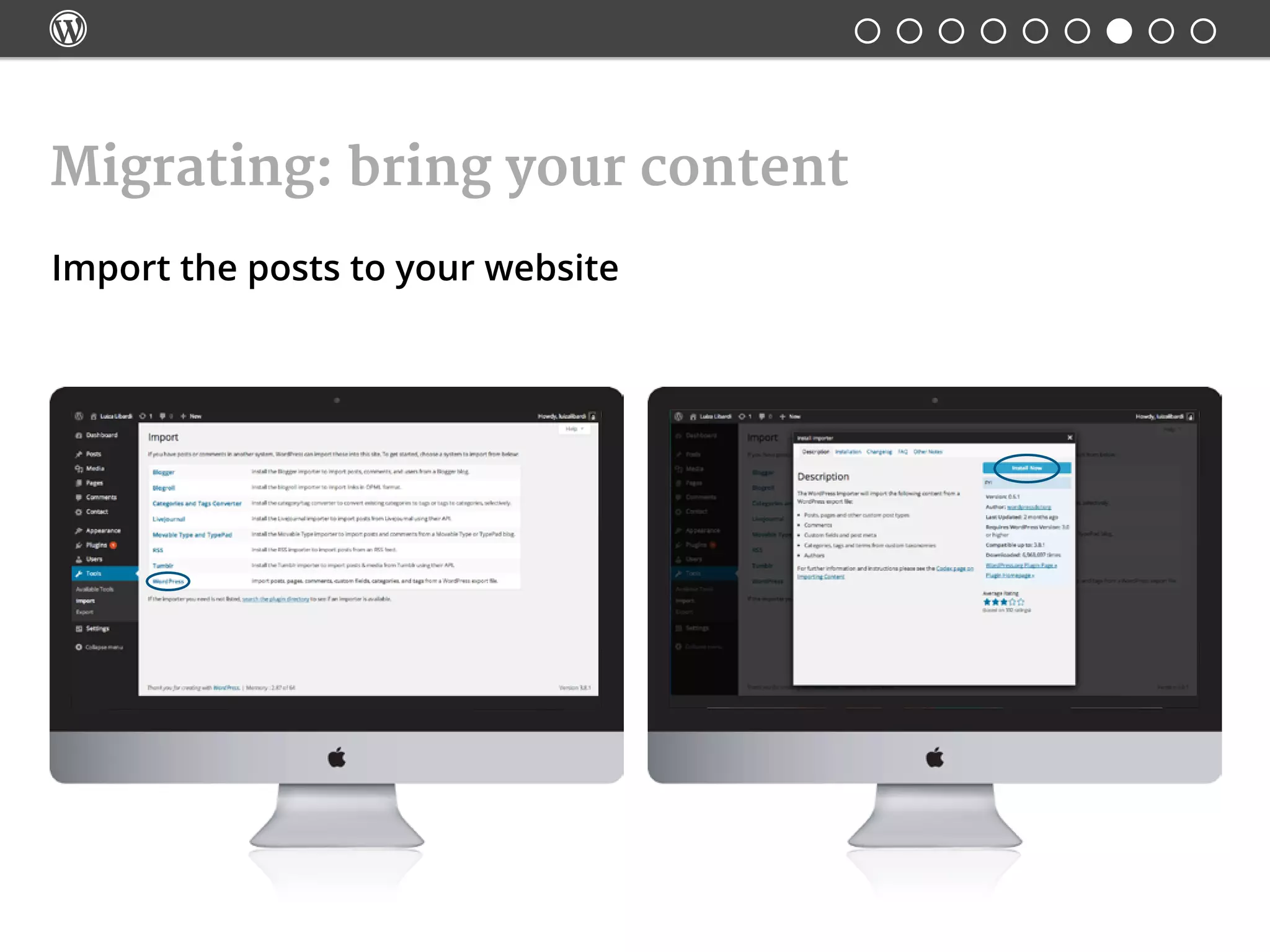
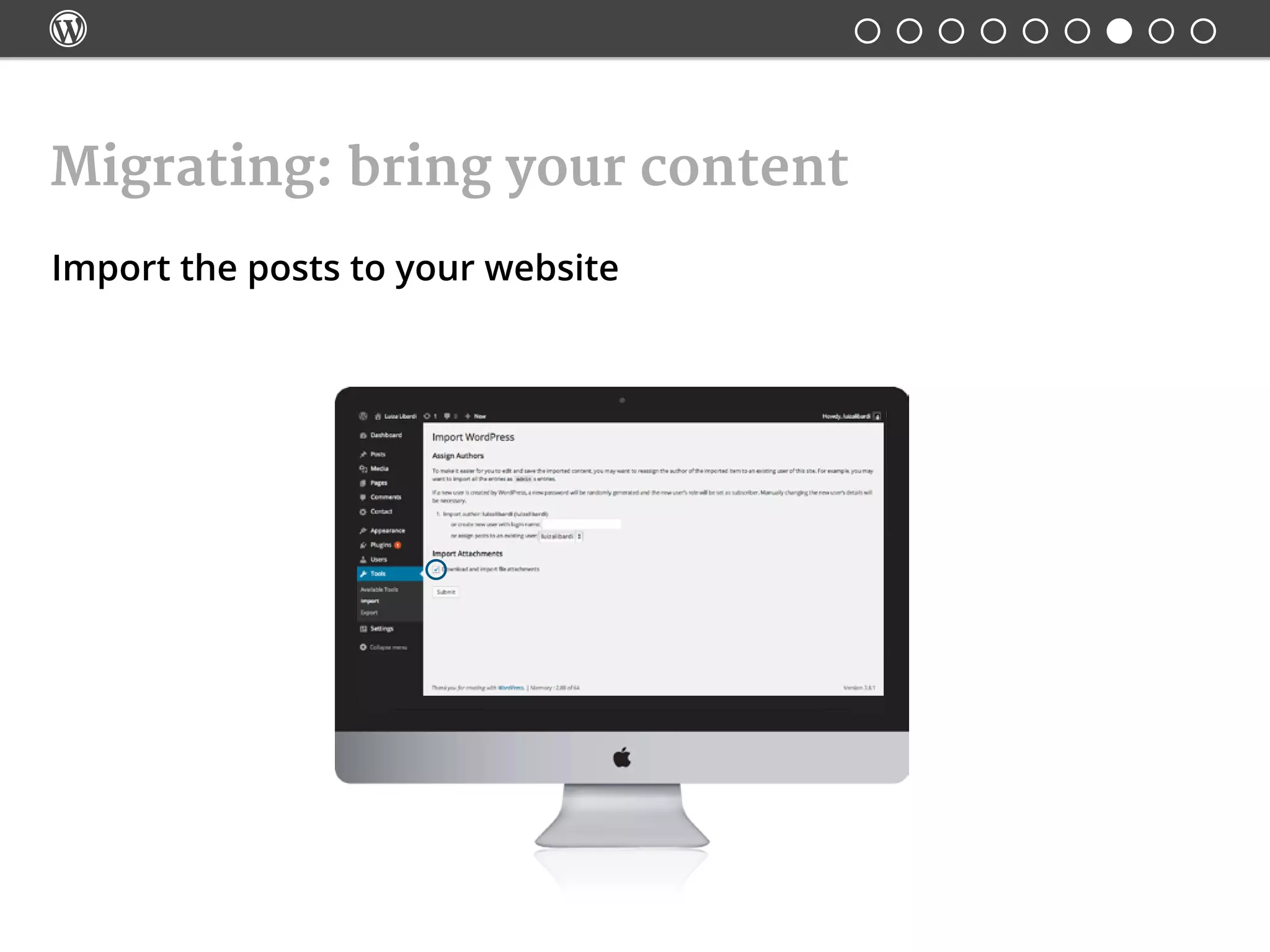
Import the posts to your website
Migrating: bring your content

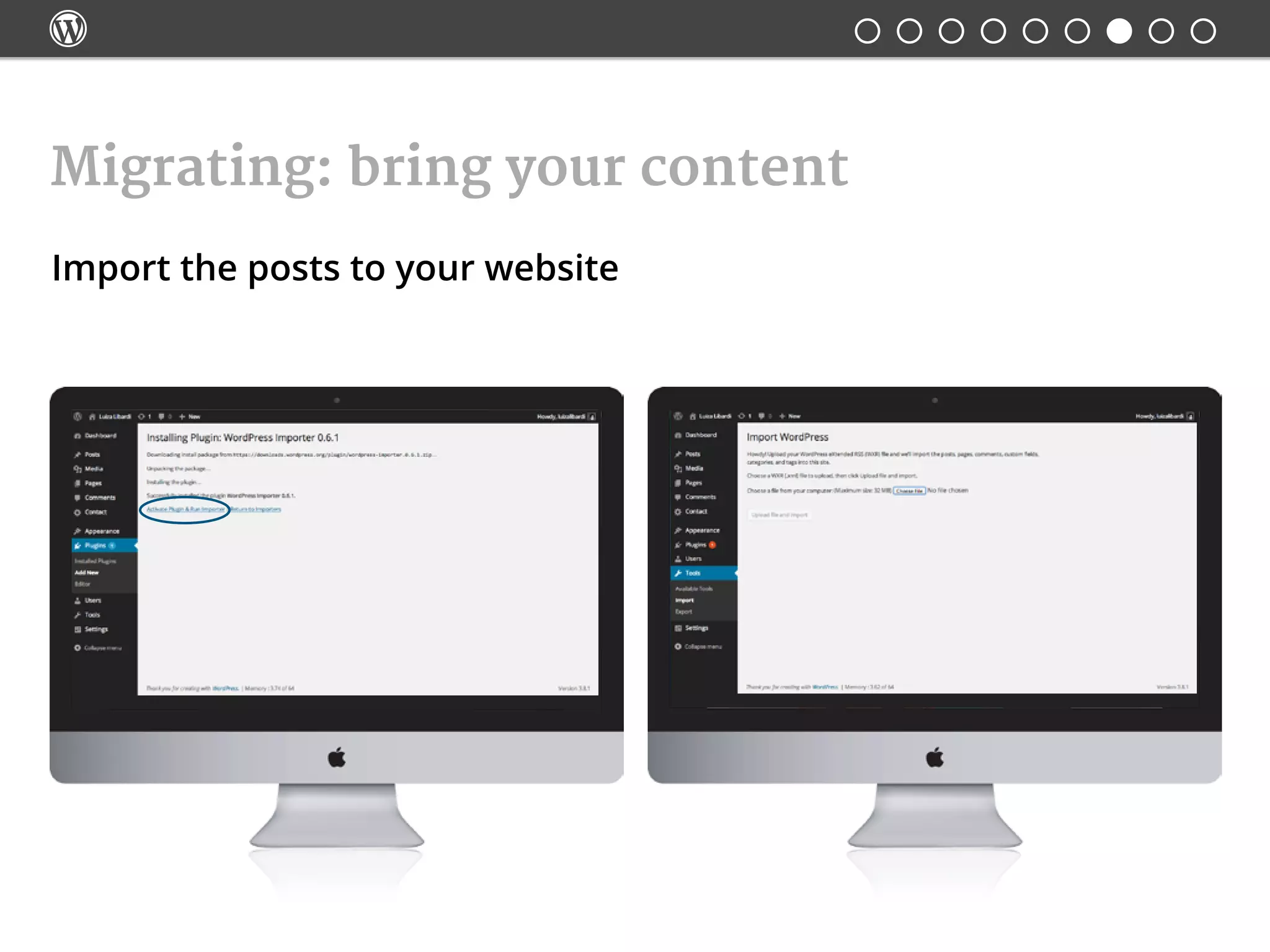
Import the posts to your website
Migrating: bring your content

Import the posts to your website
Migrating: bring your content

Now, the fun part!

Customizing WordPress: Themes
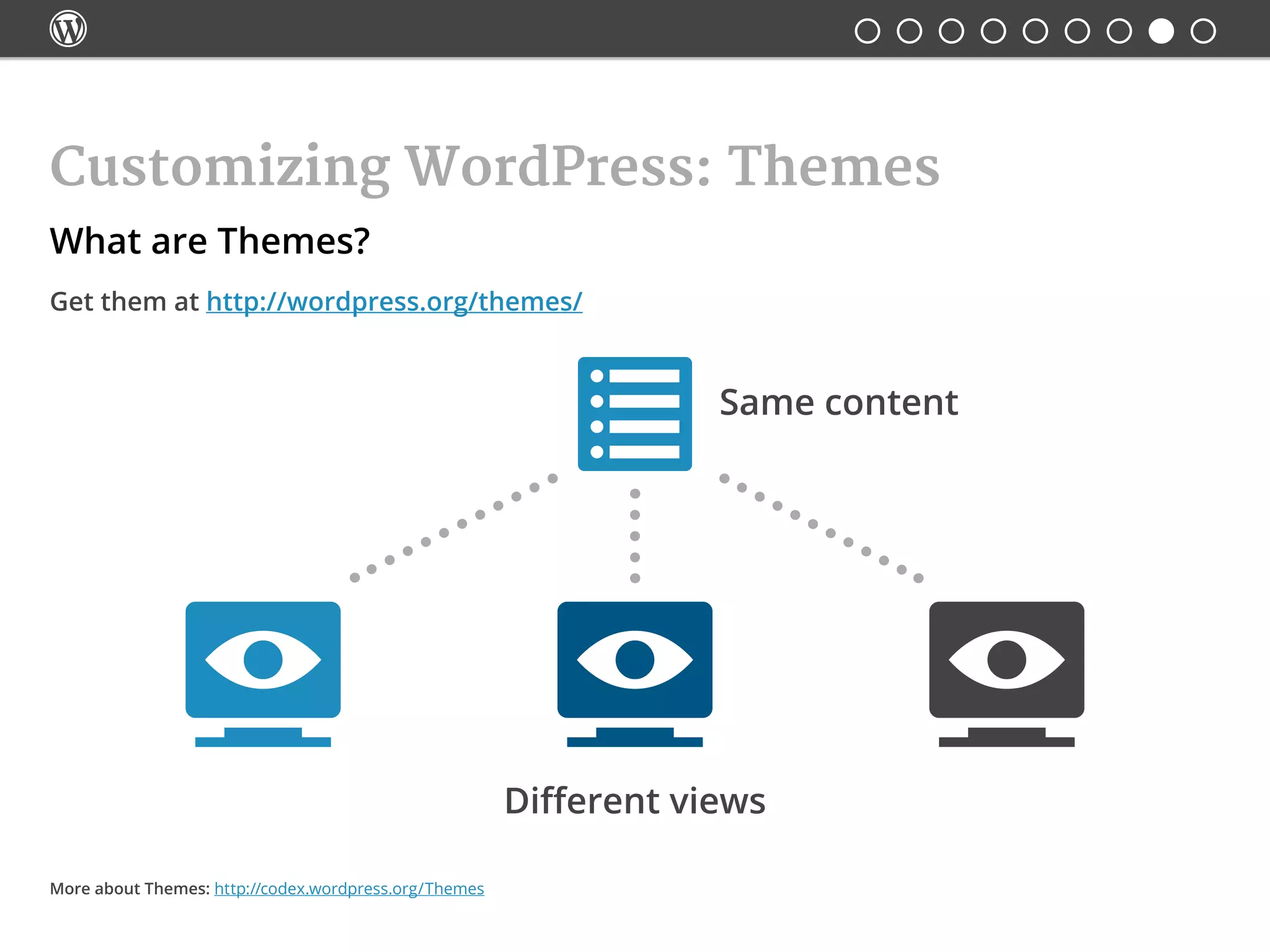
What are Themes?
Get them at http://wordpress.org/themes/
Same content
Different views
More about Themes: http://codex.wordpress.org/Themes

Customizing WordPress: Themes
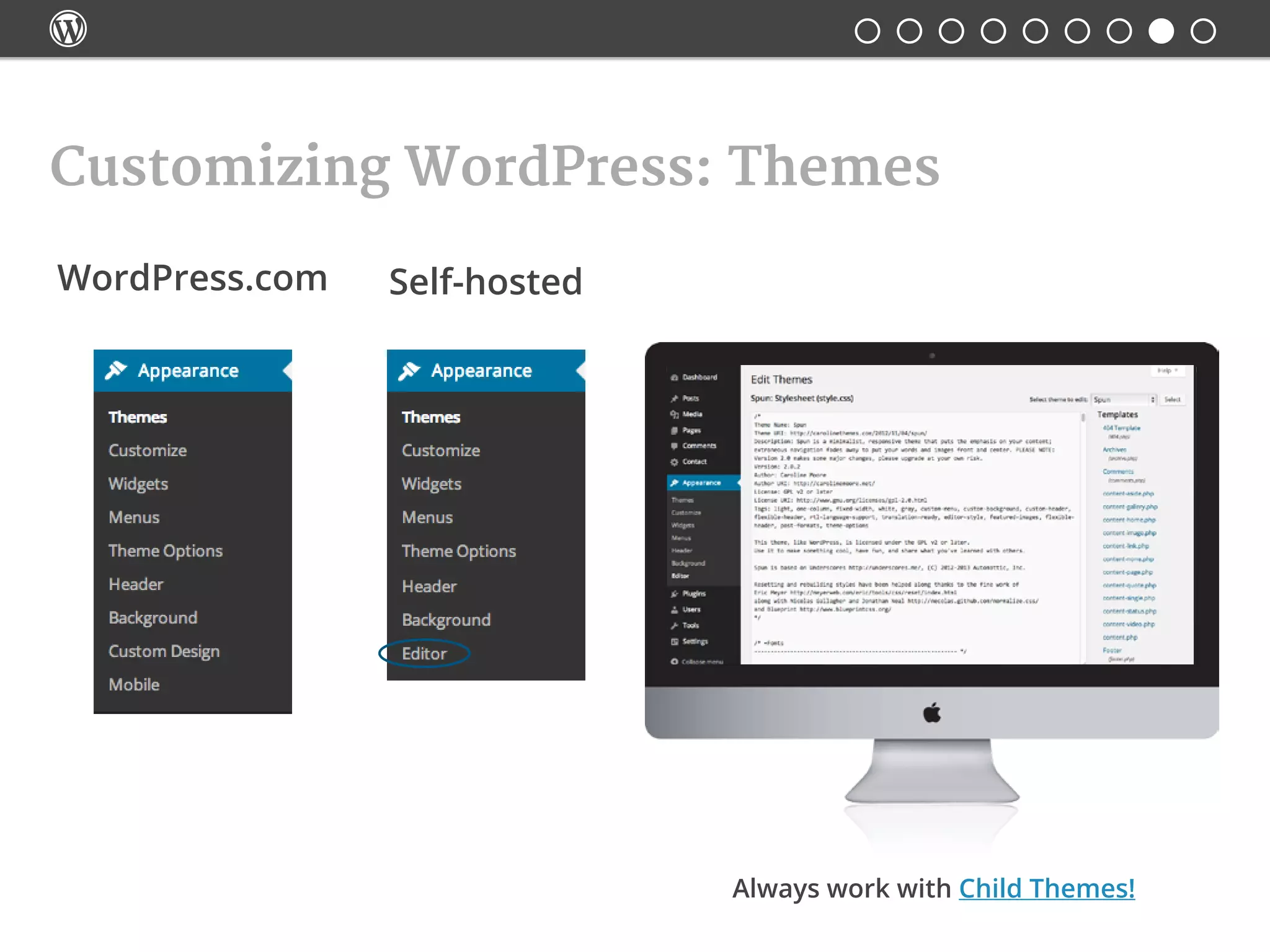
WordPress.com Self-hosted
Always work with Child Themes!

Customizing WordPress: Themes
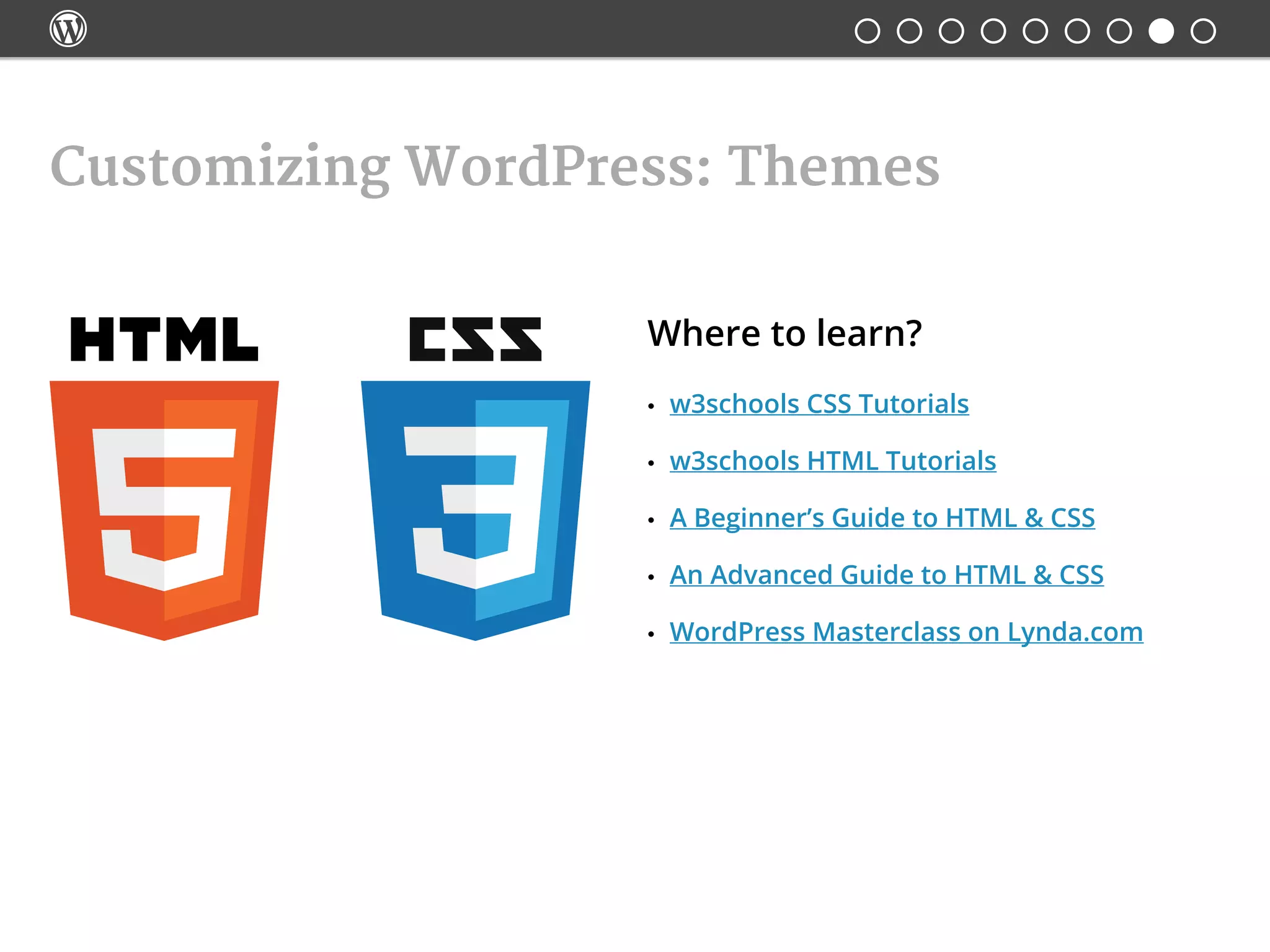
Where to learn?
•	 w3schools CSS Tutorials
•	 w3schools HTML Tutorials
•	 A Beginner’s Guide to HTML & CSS
•	 An Advanced Guide to HTML & CSS
•	 WordPress Masterclass on Lynda.com

Customizing WordPress: Plugins
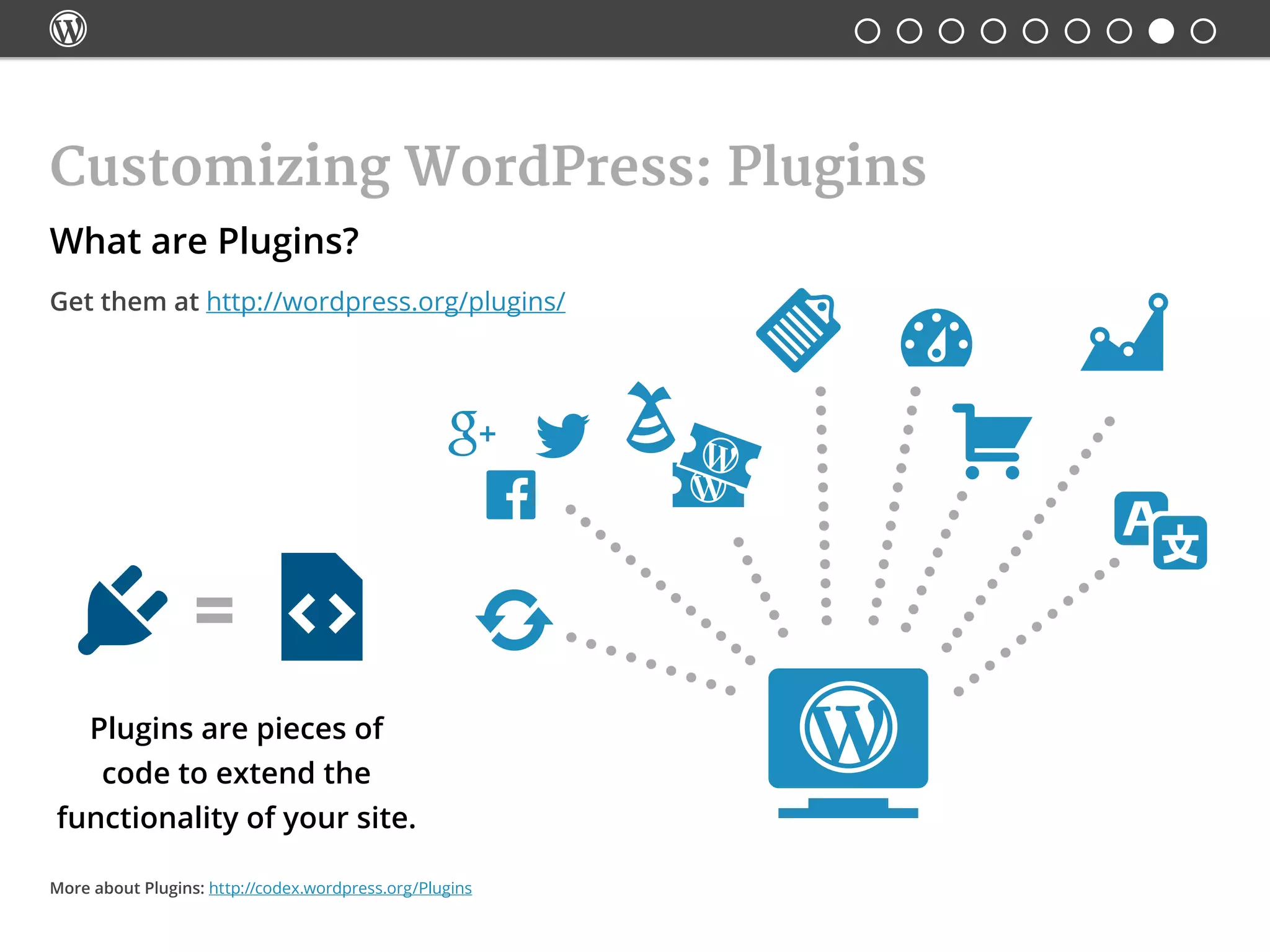
Plugins are pieces of
code to extend the
functionality of your site.
More about Plugins: http://codex.wordpress.org/Plugins
What are Plugins?
Get them at http://wordpress.org/plugins/

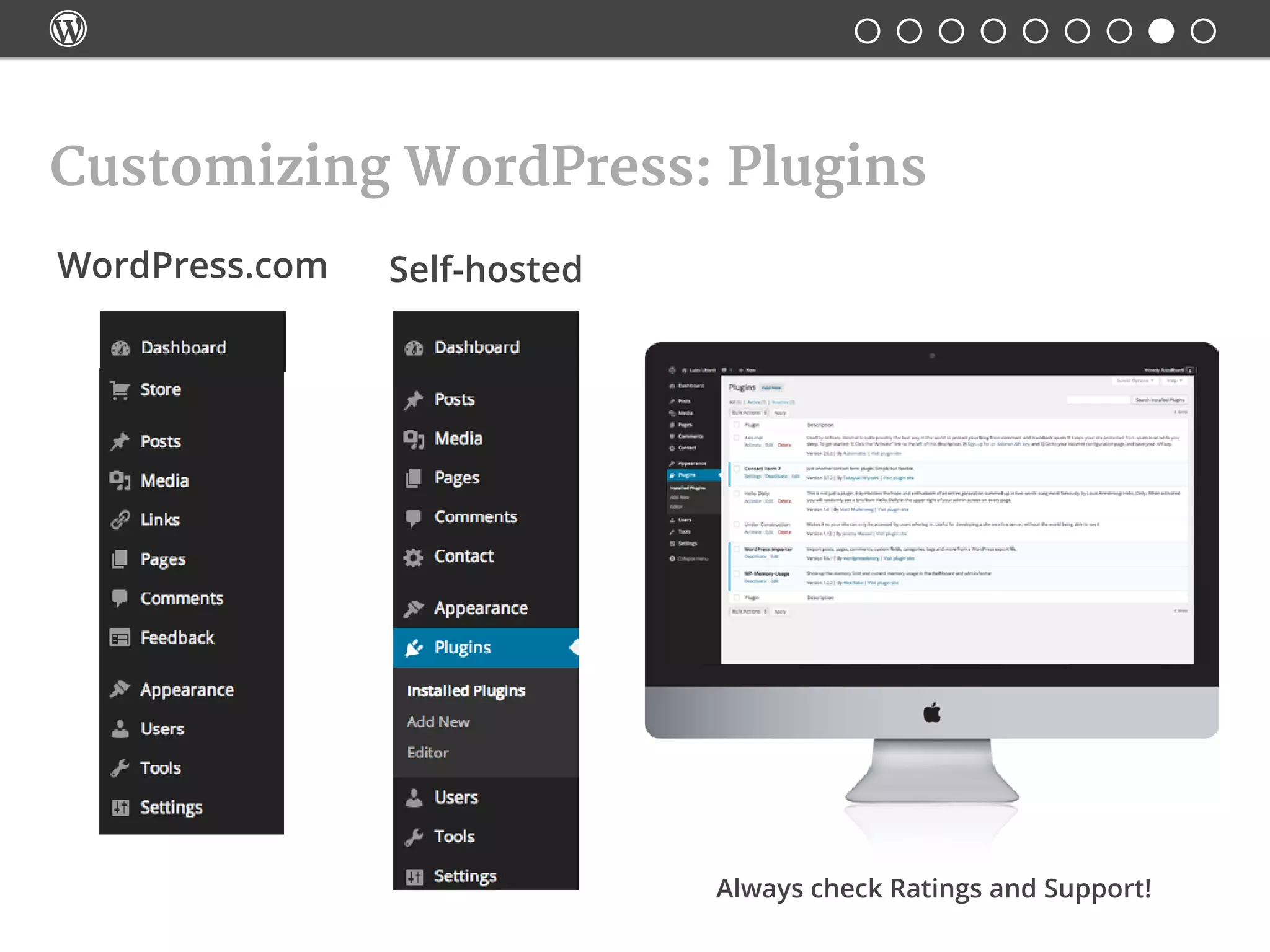
Customizing WordPress: Plugins
WordPress.com Self-hosted
Always check Ratings and Support!

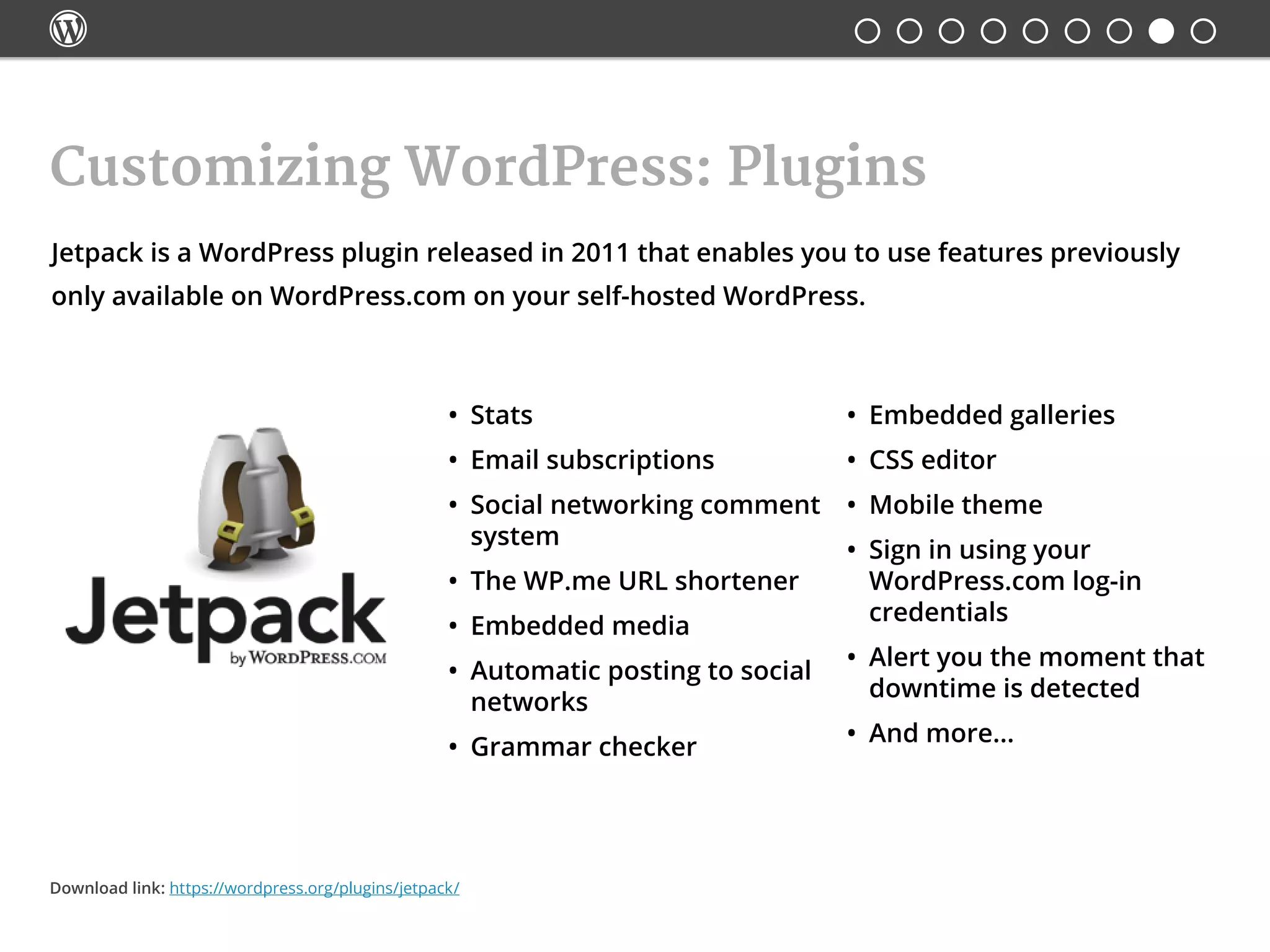
Jetpack is a WordPress plugin released in 2011 that enables you to use features previously
only available on WordPress.com on your self-hosted WordPress.
Customizing WordPress: Plugins
•	 Stats
•	 Email subscriptions
•	 Social networking comment
system
•	 The WP.me URL shortener
•	 Embedded media
•	 Automatic posting to social
networks
•	 Grammar checker
•	 Embedded galleries
•	 CSS editor
•	 Mobile theme
•	 Sign in using your
WordPress.com log-in
credentials
•	 Alert you the moment that
downtime is detected
•	 And more...
Download link: https://wordpress.org/plugins/jetpack/

Self-hosting: is it for me?
$ Costs
•	Domain (~$10/year)
•	Hosting (~$20/month)
FYI: Worpress.com offers
domain mapping for $13/year
 Time
•	Learning
•	Developing
•	Designing
•	Creating content
•	Promoting your site
 Goals
•	What is your site for?
•	Who is your audience?
•	Comparative advantage:
what do you do best?
Interesting article: http://on.mash.to/1jED6q6

Thank you!
 luizalibardi.com
luizalibardi

From Wordpress.com to Self-hosted

  • 1.
     CC BY-SA 2.0· Jeff Vier @ Flickr From Wordpress.com to Self-hosted The Vancouver WordPress Meetup Group · March 27, 2014 Luiza Libardi · @luizalibardi
  • 2.
  • 3.
     Roadmap • Common questions • What isWordPress • WordPress.com • Self-hosting • Installing WordPress • Understanding your site • Migrating content • Customizing • Self-hosting: is it for me?
  • 4.
     Common questions • How doI transition from wordpress.com? • Why should I do this? • Is it for me? • Can I handle my own WordPress site? • Do I have to code?
  • 5.
     What is WordPress? ContentManagement System (CMS) Top 3 Content Management Systems a.k.a. publishing platform 50% 17% 6.4% Source: http://visual.ly/most-popular-content-management-systems-2013
  • 6.
     What is WordPress? OpenSource GPLv2 The GNU General Public License is the most widely used, free software license, which guarantees individuals, organizations or companies the freedom to use, study, share, and modify the software. The GPL guarantees: • the freedom to use the software for any purpose • the freedom to change the software to suit your needs • the freedom to share the software • the freedom to share the changes you make
  • 7.
     • Create an account • Freehosting • Free subdomains name.wordpress.com • Abide to their Terms of Service • Restricted customization • No access to FTP files or database WordPress.com    
  • 8.
     Self-hosting: WordPress.org • WordPress CMSrepository (no login required) • Themes and Plugins repository (no login required) • Information about WordPress (no login required) • Forums (login required)    
  • 9.
     Self-hosting: choosing ahosting company Minimum requirements to run WP: • PHP version 5.2.4 or greater • MySQL version 5.0 or greater • Memory usage 512MB Also good to check: • Active 24/7 support • Uptime Useful resource: https://wordpress.org/about/requirements/
  • 10.
     Self-hosting: Filesystem andDatabase  • Files have a name and path (folders) • Files have metadata associated with them (last modification date, media type) • Content is accessed through an FTP software (such as Filezilla or Fetch) • Content is a series of entries in a table • Content can be "connected" to other entries in the database system • Content is accessed through an online management system WordPress uses PHP (programming language) to store and retrieve data from a database. Databasefilesystem More about WP database: http://www.wpbeginner.com/beginners-guide/beginners-guide-to-wordpress-database-management-with-phpmyadmin/
  • 11.
     Installing WordPress  root wp-admin  wp-content  wp-includes index.php license.txt readme.html wp-activate.php wp-blog-header.php wp-comments-post.php wp-config-sample.php wp-cron.php wp-links-opml.php wp-load.php wp-login.php wp-mail.php wp-settings.php wp-signup.php wp-trackback.php xmlrpc.php If your hosting company doesn't provide a automatic installation: 1. Download and unzip the WordPress package. 2. Create a database for WordPress on your web server, as well as a MySQL user who has all privileges for accessing and modifying it. 3. (Optional) Find and rename wp-config-sample.php to wp-config. php, then edit the file and add your database information. 4. Upload the WordPress files to the desired directory on your web server. 5. Run the WordPress installation script by accessing the URL in a web browser. This should be the URL where you uploaded the WordPress files. Detailed instructions: https://codex.wordpress.org/Installing_WordPress
  • 12.
  • 13.
  • 14.
  • 15.
  • 16.
  • 17.
  • 18.
     Understanding your site Howdo I access my Dashboard? Go to http://yourdomain.com/wp-admin
  • 19.
     Understanding your site Whereare my posts stored? Why aren't they in the FTP? Post contents are stored in the database along with comments, users, links and relationships.
  • 20.
     Understanding your site Whereare my images and uploads? Everything you upload via Media uploader, on your Dashboard, goes to the uploads folder located under the following structure: root/wp-content/uploads The media is organized in subfolders named after the year-month of the upload date.  root  wp-admin  wp-content index.php  languages  plugins  themes  uploads  wp-includes index.php license.txt readme.html wp-activate.php wp-blog-header.php wp-comments-post.php wp-config.php wp-cron.php wp-links-opml.php wp-load.php wp-login.php wp-mail.php wp-settings.php wp-signup.php wp-trackback.php xmlrpc.php
  • 21.
     WordPress.com offers aSite Redirect service available at the Store. Migrating: redirect the readers Detailed instructions: http://en.support.wordpress.com/site-redirect/ http://yoursite.wordpress.com http://yoursite.com
  • 22.
     Export your postsfrom WorPress.com Migrating: bring your content
  • 23.
     Import the poststo your website Migrating: bring your content
  • 24.
     Import the poststo your website Migrating: bring your content
  • 25.
     Import the poststo your website Migrating: bring your content
  • 26.
  • 27.
     Customizing WordPress: Themes Whatare Themes? Get them at http://wordpress.org/themes/ Same content Different views More about Themes: http://codex.wordpress.org/Themes
  • 28.
     Customizing WordPress: Themes WordPress.comSelf-hosted Always work with Child Themes!
  • 29.
     Customizing WordPress: Themes Whereto learn? • w3schools CSS Tutorials • w3schools HTML Tutorials • A Beginner’s Guide to HTML & CSS • An Advanced Guide to HTML & CSS • WordPress Masterclass on Lynda.com
  • 30.
     Customizing WordPress: Plugins Pluginsare pieces of code to extend the functionality of your site. More about Plugins: http://codex.wordpress.org/Plugins What are Plugins? Get them at http://wordpress.org/plugins/
  • 31.
     Customizing WordPress: Plugins WordPress.comSelf-hosted Always check Ratings and Support!
  • 32.
     Jetpack is aWordPress plugin released in 2011 that enables you to use features previously only available on WordPress.com on your self-hosted WordPress. Customizing WordPress: Plugins • Stats • Email subscriptions • Social networking comment system • The WP.me URL shortener • Embedded media • Automatic posting to social networks • Grammar checker • Embedded galleries • CSS editor • Mobile theme • Sign in using your WordPress.com log-in credentials • Alert you the moment that downtime is detected • And more... Download link: https://wordpress.org/plugins/jetpack/
  • 33.
     Self-hosting: is itfor me? $ Costs • Domain (~$10/year) • Hosting (~$20/month) FYI: Worpress.com offers domain mapping for $13/year  Time • Learning • Developing • Designing • Creating content • Promoting your site  Goals • What is your site for? • Who is your audience? • Comparative advantage: what do you do best? Interesting article: http://on.mash.to/1jED6q6
  • 34.