Table of Contents [hide]
ELEGANT TOOLS REVIEW , PASSIVE INCOME
How to Start a Blog on a Budget in 2018
Last updated on February 20, 2018 by Editorial Staff
Are you planning on starting a blog? Are you wondering where to start? You need to be
aware of what it takes to start a blog. Not only setting up a blog but also on a budget that
suits you.
One key issue to note is that creating a blog is very easy as long as you have the right
materials at hand. You don’t need to be a tech wizard to have this valuable skill. All you need
is to plan and strategize on how your blog will look like, what you will be writing and what is
the aim of making the blog.
How to Start a Blog on a Budget (Step by step)
Step 1: Choosing a Niche
Step 2: Choosing a Blogging Platform
WordPress
Tumblr
Blogger
Wix
Medium
Step 3: Choosing a Domain Name and Web Hosting Provider
HostGator
Bluehost
Step 4: Install WordPress
Step 5: Designing Your Blog
Step 6: How to Blog
Final Verdict
Related
How to Start a Blog on a Budget (Step by step)
As there are thousands of guide to help you create a blog. My main focus will be the right
budget for you as you aim your way to a successful blog. The step by step guide, I will
provide in this guide will help you establish yourself and end up becoming an expert in this
field without spending too much money.
Step 1: Choosing a Niche
Choosing a niche involves choosing the topic to write. The topic will be dependent on what
you want to achieve at the end. Some may blog to make money or expand their businesses
reach online. Others may blog because they have a passion for the topic they want to write,
which is for most bloggers.
Various reasons can make you start a blog as seen. The only problem is choosing a topic to
write on especially for beginners. There are many topics that one can write but you got to
have an interest in such topics and enjoy writing about it. Here is a list of a few topics that
you may choose.
Politics
Environment
Relationships
Sports
Health
Travelling
Technology
Business
Parenting
Education
Animals among others
Instead of choosing a topic as a whole, you can narrow your approach. For instance, in
sports, you may choose to blog only about football. Being specific on a certain topic helps
you to do a proper research and stand out from the rest bloggers.
Step 2: Choosing a Blogging Platform
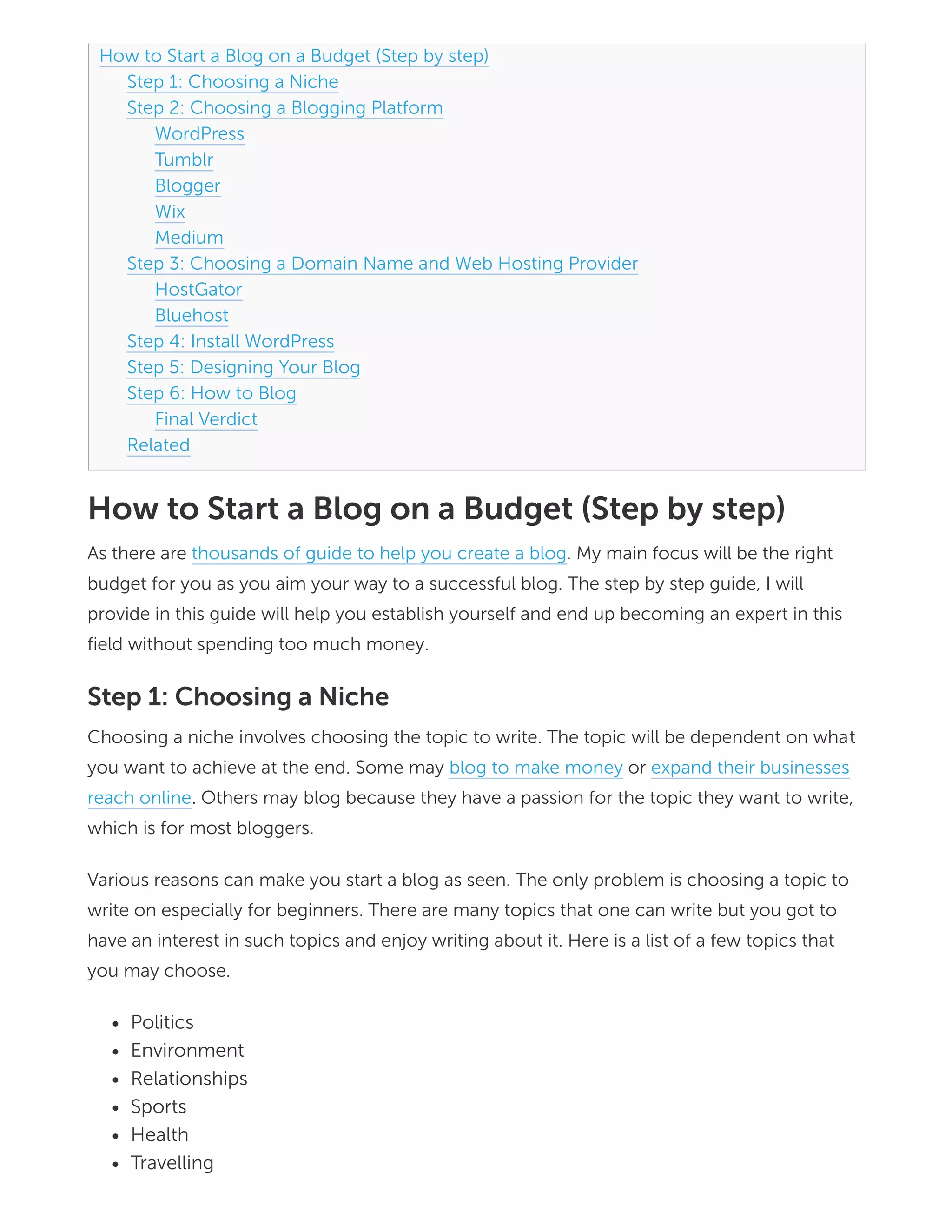
Before you start wondering how the blog will look like, you have to choose a blogging
platform. These are some of the top blogging platforms you can use, Here is the list of CMS
on Wikipedia.
WordPress
Tumblr
Blogger
TypePad
Drupal
Joomla
Ghost
Wix
Medium
We are going to discuss some of these platforms and why they are preferred by most
bloggers.
WordPress
It is the most widely used blogging platform due to its unique Content Management System
(CMS). This platform is mainly used because it’s highly customizable and secured enough.
With its various themes, plugins and additional functionality to your blog, I don’t see why you
shouldn’t start using the platform especially when you are a beginner.
The constant software upgrades make this platform secure so you do not expect any attacks.
WordPress is also easier to use. It gives you complete control and has an excellent and
vibrant community to help you out in case you are stuck somewhere while using the
platform.
WordPress has two websites the WordPress.org and WordPress.com. You have to
differentiate between the two websites. At WordPress.com you can choose to start with the
free package then upgrade to the premium version once you start generating traffic. The free
version is however limited compared to the premium version in terms of customization.
For the WordPress.org it is a self-hosted platform whereby you are able to host your blog
that is already set up, the domain name and manage all these by yourself. It is completely
free to use but customization is done by you on all items concerning the domain, themes,
and hosting.
Tumblr
Tumblr is easier to use and you can start your first blog using this platform. With its built-in
layouts and lodged into flash players, you are able to easily add music or videos to your blog.
It has a customization feature giving you complete control on your blog page.
Tumblr allows publishing of seven posts types which include: audio, text, link, photo, video,
quote, and chat. If you are looking for a visually appealing platform with a large fan base then
Tumblr is the right choice for you.
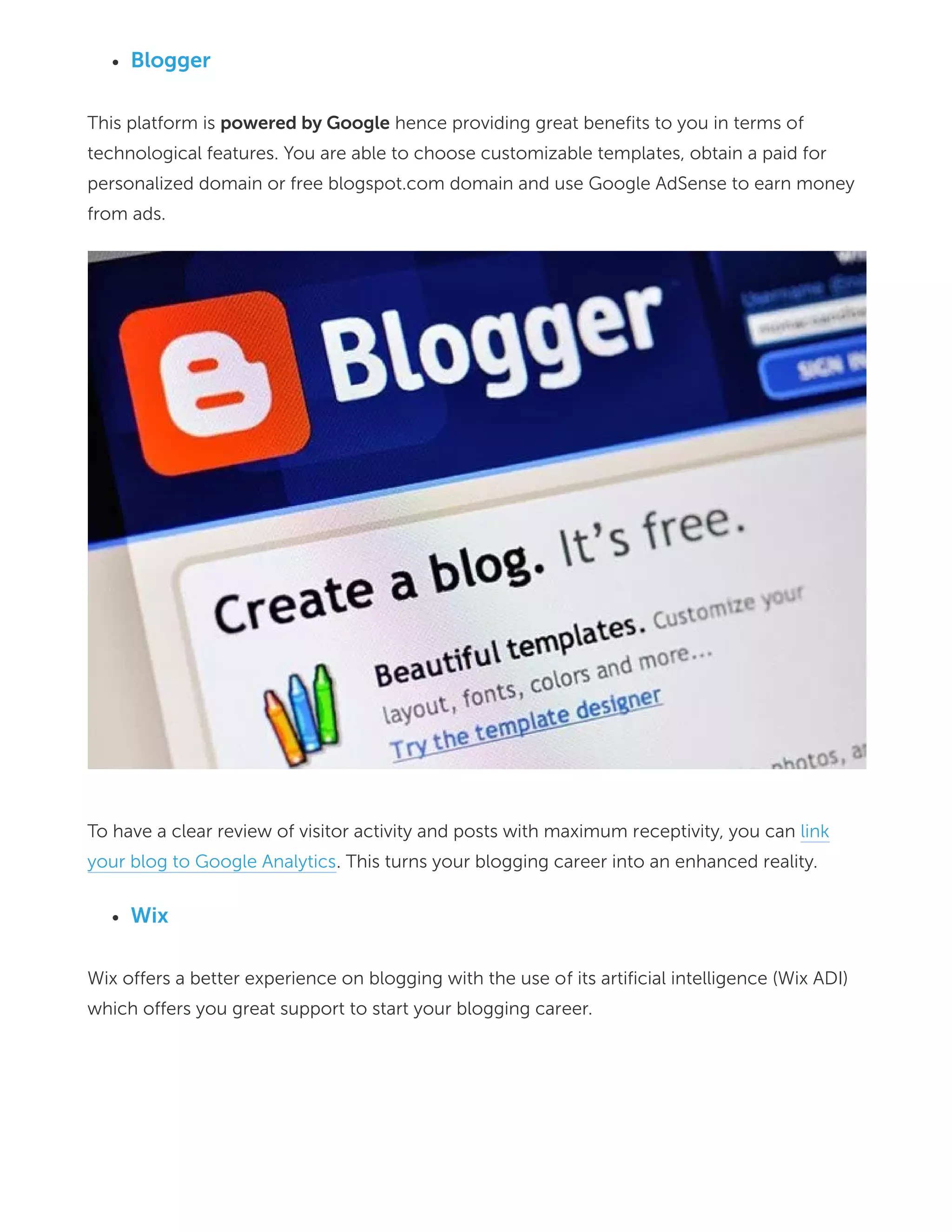
Blogger
This platform is powered by Google hence providing great benefits to you in terms of
technological features. You are able to choose customizable templates, obtain a paid for
personalized domain or free blogspot.com domain and use Google AdSense to earn money
from ads.
To have a clear review of visitor activity and posts with maximum receptivity, you can link
your blog to Google Analytics. This turns your blogging career into an enhanced reality.
Wix
Wix offers a better experience on blogging with the use of its artificial intelligence (Wix ADI)
which offers you great support to start your blogging career.
You are able to easily create spellbinding and stylish websites using the user interface and
the various templates.
Medium
Medium platform allows you to publish content from Android and IOS apps as well as your
desktop. This makes it easier to use and allow you to share a platform with countless experts
in different fields. It can be customized to suit your needs and improve your blogging
experience.
All these platforms can fall under any of these categories.
Self-hosted platforms –WordPress.org
Free platforms –WordPress.com, Blogger, Tumblr
Freemium platforms- TypePad (allows a free trial before you start paying)
It is not advisable to use the free platforms because of the following reasons.
No control over your content
Advertisements are not allowed
A sign of inexperienced starter
You can’t customize
Choosing the right platform is crucial depending on your budget and your personal needs. A
self-host platform is mostly recommended by most bloggers because of its advanced
features and customization feature.
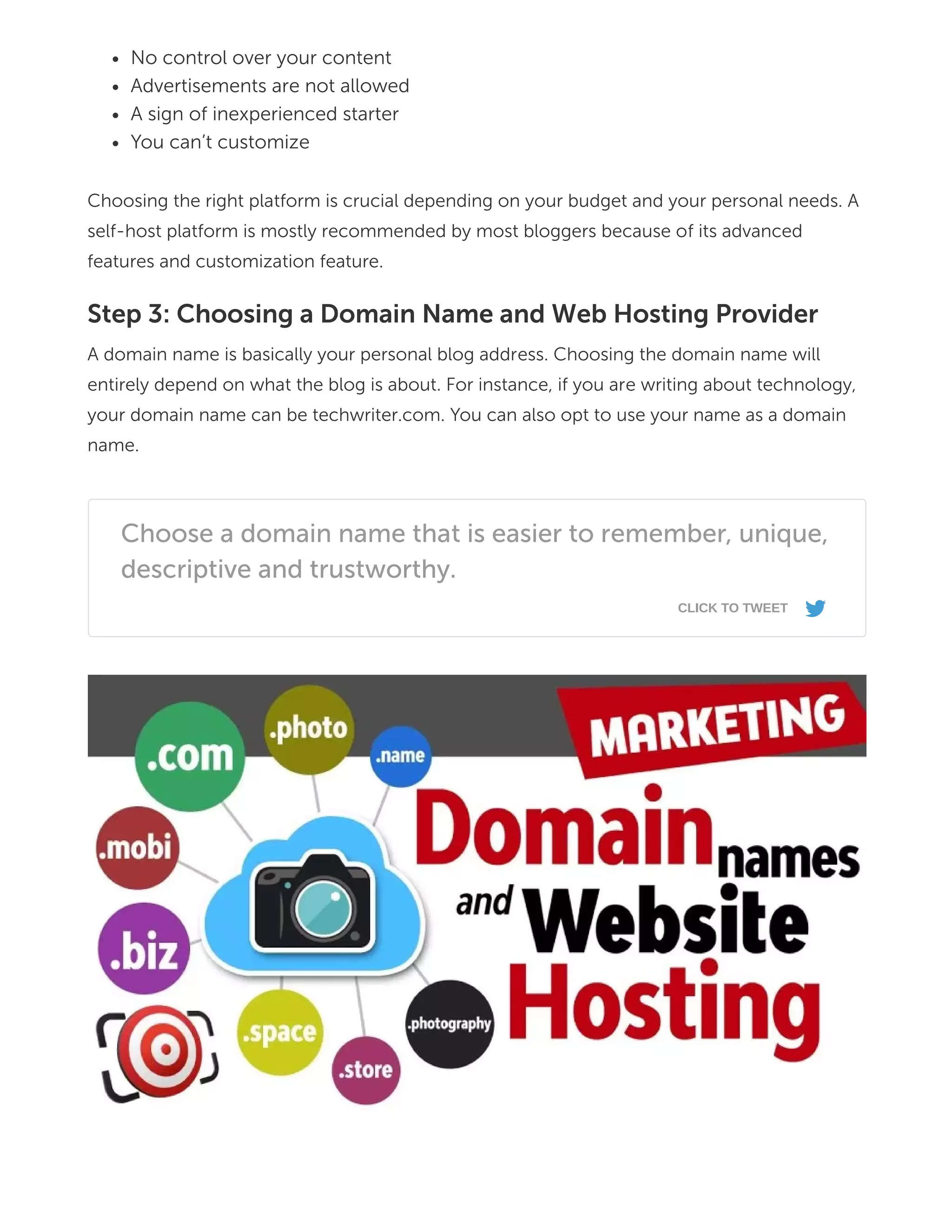
Step 3: Choosing a Domain Name and Web Hosting Provider
A domain name is basically your personal blog address. Choosing the domain name will
entirely depend on what the blog is about. For instance, if you are writing about technology,
your domain name can be techwriter.com. You can also opt to use your name as a domain
name.
Choose a domain name that is easier to remember, unique,
descriptive and trustworthy.
CLICK TO TWEET
s
To use the domain name you have come up with you need to find a web hosting provider.
The provider will enable your blog to be online for visitors to access and also store your blog
content. The cost of web hosting normally ranges from 2 to 5 dollars per month.
Choose a web hosting provider that allows instant page load and uptime is 100% and the
cost of hosting meets your budget. There are various hosting providers you can choose
depending on what they charge and services they offer. Here are some of them.
HostGator
With its great performance, HostGator is probably the best choice for beginners. Having
chosen a domain name log onto www.hostgator.com and register your domain.
It is recommended that you use the hatchling plan as a beginner. In the registration process
provide your contact and billing information. You will be able to customize the package a
little bit later after completing the registration and paying the required hosting fees,
depending on which package suits you and the budget that you have got.
Bluehost
Bluehost is preferable because of its reliability, simple installation process, and great
customer service. All you need is to sign up to the platform and host your domain name with
the right plan for you. There is the basic, plus and prime packages. The latter two are
recommended due to their unlimited features.
The platform also allows a refund if you are not satisfied with their services within 30 days.
Other hosting providers include:
Siteground and Godaddy
DreamHost web hosting
HostWinds web hosting among others
All these providers have different hosting fees depending on features that they have. Before
heading to the installation of WordPress which is the next step, let’s have a look at the types
of hosting in order to understand more about the various options you can choose.
Shared hosting- In this plan, your website is placed on same servers as other websites. This
implies that you will share the resources and space with others although there is separation
from one another.
Dedicated hosting- This option is chosen by many bloggers since you have an entire server
to your websites making it the highest level of hosting plan.
Virtual Private Server- The virtual private server will have a virtual wall that separates you
from others although your website is placed on the same server as other websites. You will
be guaranteed the use of resources and power as if you were on a different server.
Cloud hosting- With this plan, you are able to store your website across multiple servers
hence it provides additional resources when the need arises.
Step 4: Install WordPress
At this step, installation of WordPress will depend on hosting platform you chose for your
blog. For Hostgator just log into the Hostgator control panel, click on getting started with
WordPress. If it isn’t there, click on quick install, where the software and services section is
located. You will then be directed to Mojomarket.com where there will be the install button.
Click on this button, after the installation is complete you will be able to have a look at login
credentials. Here is a step by step documentation about installing WordPress on Hostgator.
You can also install WordPress manually by downloading files from WordPress.org and later
upload them to your web host. This is the process. After downloading, unzip the package to
your PC. A database is then created on your web server and MySQL which allows access and
modification to be done. The wp-config-sample-PHP is then renamed to wp-config.php.
Open the renamed file in text editor and fill in the details of your database.
Once you have done that place the files in the location that you want on your web server.
After that, the WordPress installation script is run through accessing of admin/install.php in
your web browser. The process is then complete. For beginners, this should not worry you
since there is an Auto WordPress installation method that is fairly easy to use.
All you need is to have Softaculous and Installatron installers. With a few clicks, you will be
done with installation in less than 5 minutes. For the Bluehost web provider, the process is
the same as that of Host gator in the installation of WordPress.
Step 5: Designing Your Blog
In this step, I am going to show you how to design your blog. The first thing to start with is
changing the blog design which involves themes and layouts. There are 2000 professionally
designed, customizable premium and free themes. All you have to do is click on the
appearance section after login in for the first time.
Click on themes and several themes will appear. Click the Add New button and you will be
taken through featured and new themes. Click on the filter option you want and click on the
apply filter located on the left side. If this is challenging to you just search a theme by
keyword and click install.
The next step is configuring your blog to become search-friendly. Choose URL-s that are
short, clean and neat. You can do this by clicking on settings then Permalinks. Later you can
be able to customize the logo, footer, navigation menu, sidebar and more depending on the
theme you selected.
Step 6: How to Blog
Now that everything is set up you need to start blogging and publish your content for the
world to see. To do this, click on Post then add new on the menu on the right side of your
WordPress blog. On this platform, there are various methods of editing what you have
written just like in Ms word. You will also have the option of adding pictures, videos, and
links.
After publishing certain contents, you need to also learn how to generate traffic. Most of all,
it’s the SEO of your blog to get traffic from search engines directly, and others can be
through social media platforms, emails, guest posting and YouTube channels. The content
you write should be of great quality and consistent. You can also monetize your blog
through affiliate marketing and Google Adsense.
Final Verdict
Starting a blog in 2018 on a budget is very easy all you need is to follow the steps above and
you will be on your way to a great blogging career. You need to have a passion for writing in
order to start any blog. This will make it easier to sell your content and have a following for
the blog you have just set up.
oj b s h f 27
SHARES
Related
How to Add a Contact Form to WordPress
December 13, 2017
In "WordPress Tutorial"
How to Design a Website Using WordPress and
Genesis Framework
November 23, 2017
In "Design & Development"
Leave a Reply
Your email address will not be published. Required fields are marked *
Comment
Name *
Email *
Website
How to Use Advanced Custom Fields on
WordPress
January 24, 2018
In "WordPress Tutorial"
Notify me of follow-up comments by email.
Notify me of new posts by email.
Don’t Miss Out!
Subscribe to our newsletter to get revamp/customization resource for WordPress
E-Mail Address
By joining our newsletter, you agree to our Terms of Services and Non-Disclosure. Got
questions? Check the contact.
Search your query…
Popular Guide
POST COMMENT
SUBSCRIBE
Start a Blog on Budget
Best Keyword Research Tools
Learn About
Find Us On
    
Code Snippets
Bootstrap Breadcrumbs to WordPress
Best WordPress Hosting Companies
Build eCommerce Website Using WooCommerce
Best Practices WordPress SEO OnPage Guide
Best Paypal Alternative For Business
Guide to Build a Profitable Online Business
Securing Your WordPress Website
Design & Development
Elegant Tools Review
Freelancing
Online Business
Passive Income
Performance Optimization
Web Programming
WordPress SEO
WordPress Tutorial
jQuery Modal Image
WordPress Speed Optimization via .htaccess
Remove Query Strings WordPress
Enabling Browser Caching via .htaccess
RainaStudio Blog is a premier publishing resource for beginners. We write about
WordPress Design & Development, Documentation, Start Online Business and
Digital Marketing.
Copyright ©2017-2018 · RainaStudio.com · Built on WordPress

How to Start a Blog on a Budget in 2018

  • 1.
    Table of Contents[hide] ELEGANT TOOLS REVIEW , PASSIVE INCOME How to Start a Blog on a Budget in 2018 Last updated on February 20, 2018 by Editorial Staff Are you planning on starting a blog? Are you wondering where to start? You need to be aware of what it takes to start a blog. Not only setting up a blog but also on a budget that suits you. One key issue to note is that creating a blog is very easy as long as you have the right materials at hand. You don’t need to be a tech wizard to have this valuable skill. All you need is to plan and strategize on how your blog will look like, what you will be writing and what is the aim of making the blog.
  • 2.
    How to Starta Blog on a Budget (Step by step) Step 1: Choosing a Niche Step 2: Choosing a Blogging Platform WordPress Tumblr Blogger Wix Medium Step 3: Choosing a Domain Name and Web Hosting Provider HostGator Bluehost Step 4: Install WordPress Step 5: Designing Your Blog Step 6: How to Blog Final Verdict Related How to Start a Blog on a Budget (Step by step) As there are thousands of guide to help you create a blog. My main focus will be the right budget for you as you aim your way to a successful blog. The step by step guide, I will provide in this guide will help you establish yourself and end up becoming an expert in this field without spending too much money. Step 1: Choosing a Niche Choosing a niche involves choosing the topic to write. The topic will be dependent on what you want to achieve at the end. Some may blog to make money or expand their businesses reach online. Others may blog because they have a passion for the topic they want to write, which is for most bloggers. Various reasons can make you start a blog as seen. The only problem is choosing a topic to write on especially for beginners. There are many topics that one can write but you got to have an interest in such topics and enjoy writing about it. Here is a list of a few topics that you may choose. Politics Environment Relationships Sports Health Travelling
  • 3.
    Technology Business Parenting Education Animals among others Insteadof choosing a topic as a whole, you can narrow your approach. For instance, in sports, you may choose to blog only about football. Being specific on a certain topic helps you to do a proper research and stand out from the rest bloggers. Step 2: Choosing a Blogging Platform Before you start wondering how the blog will look like, you have to choose a blogging platform. These are some of the top blogging platforms you can use, Here is the list of CMS on Wikipedia. WordPress Tumblr
  • 4.
    Blogger TypePad Drupal Joomla Ghost Wix Medium We are goingto discuss some of these platforms and why they are preferred by most bloggers. WordPress It is the most widely used blogging platform due to its unique Content Management System (CMS). This platform is mainly used because it’s highly customizable and secured enough. With its various themes, plugins and additional functionality to your blog, I don’t see why you shouldn’t start using the platform especially when you are a beginner. The constant software upgrades make this platform secure so you do not expect any attacks. WordPress is also easier to use. It gives you complete control and has an excellent and vibrant community to help you out in case you are stuck somewhere while using the platform.
  • 5.
    WordPress has twowebsites the WordPress.org and WordPress.com. You have to differentiate between the two websites. At WordPress.com you can choose to start with the free package then upgrade to the premium version once you start generating traffic. The free version is however limited compared to the premium version in terms of customization. For the WordPress.org it is a self-hosted platform whereby you are able to host your blog that is already set up, the domain name and manage all these by yourself. It is completely free to use but customization is done by you on all items concerning the domain, themes, and hosting. Tumblr Tumblr is easier to use and you can start your first blog using this platform. With its built-in layouts and lodged into flash players, you are able to easily add music or videos to your blog. It has a customization feature giving you complete control on your blog page. Tumblr allows publishing of seven posts types which include: audio, text, link, photo, video, quote, and chat. If you are looking for a visually appealing platform with a large fan base then Tumblr is the right choice for you.
  • 6.
    Blogger This platform ispowered by Google hence providing great benefits to you in terms of technological features. You are able to choose customizable templates, obtain a paid for personalized domain or free blogspot.com domain and use Google AdSense to earn money from ads. To have a clear review of visitor activity and posts with maximum receptivity, you can link your blog to Google Analytics. This turns your blogging career into an enhanced reality. Wix Wix offers a better experience on blogging with the use of its artificial intelligence (Wix ADI) which offers you great support to start your blogging career.
  • 7.
    You are ableto easily create spellbinding and stylish websites using the user interface and the various templates. Medium Medium platform allows you to publish content from Android and IOS apps as well as your desktop. This makes it easier to use and allow you to share a platform with countless experts in different fields. It can be customized to suit your needs and improve your blogging experience. All these platforms can fall under any of these categories. Self-hosted platforms –WordPress.org Free platforms –WordPress.com, Blogger, Tumblr Freemium platforms- TypePad (allows a free trial before you start paying) It is not advisable to use the free platforms because of the following reasons.
  • 8.
    No control overyour content Advertisements are not allowed A sign of inexperienced starter You can’t customize Choosing the right platform is crucial depending on your budget and your personal needs. A self-host platform is mostly recommended by most bloggers because of its advanced features and customization feature. Step 3: Choosing a Domain Name and Web Hosting Provider A domain name is basically your personal blog address. Choosing the domain name will entirely depend on what the blog is about. For instance, if you are writing about technology, your domain name can be techwriter.com. You can also opt to use your name as a domain name. Choose a domain name that is easier to remember, unique, descriptive and trustworthy. CLICK TO TWEET s
  • 9.
    To use thedomain name you have come up with you need to find a web hosting provider. The provider will enable your blog to be online for visitors to access and also store your blog content. The cost of web hosting normally ranges from 2 to 5 dollars per month. Choose a web hosting provider that allows instant page load and uptime is 100% and the cost of hosting meets your budget. There are various hosting providers you can choose depending on what they charge and services they offer. Here are some of them. HostGator With its great performance, HostGator is probably the best choice for beginners. Having chosen a domain name log onto www.hostgator.com and register your domain. It is recommended that you use the hatchling plan as a beginner. In the registration process provide your contact and billing information. You will be able to customize the package a little bit later after completing the registration and paying the required hosting fees, depending on which package suits you and the budget that you have got. Bluehost Bluehost is preferable because of its reliability, simple installation process, and great customer service. All you need is to sign up to the platform and host your domain name with the right plan for you. There is the basic, plus and prime packages. The latter two are recommended due to their unlimited features.
  • 10.
    The platform alsoallows a refund if you are not satisfied with their services within 30 days. Other hosting providers include: Siteground and Godaddy DreamHost web hosting HostWinds web hosting among others All these providers have different hosting fees depending on features that they have. Before heading to the installation of WordPress which is the next step, let’s have a look at the types of hosting in order to understand more about the various options you can choose. Shared hosting- In this plan, your website is placed on same servers as other websites. This implies that you will share the resources and space with others although there is separation from one another. Dedicated hosting- This option is chosen by many bloggers since you have an entire server to your websites making it the highest level of hosting plan. Virtual Private Server- The virtual private server will have a virtual wall that separates you from others although your website is placed on the same server as other websites. You will be guaranteed the use of resources and power as if you were on a different server.
  • 11.
    Cloud hosting- Withthis plan, you are able to store your website across multiple servers hence it provides additional resources when the need arises. Step 4: Install WordPress At this step, installation of WordPress will depend on hosting platform you chose for your blog. For Hostgator just log into the Hostgator control panel, click on getting started with WordPress. If it isn’t there, click on quick install, where the software and services section is located. You will then be directed to Mojomarket.com where there will be the install button. Click on this button, after the installation is complete you will be able to have a look at login credentials. Here is a step by step documentation about installing WordPress on Hostgator. You can also install WordPress manually by downloading files from WordPress.org and later upload them to your web host. This is the process. After downloading, unzip the package to your PC. A database is then created on your web server and MySQL which allows access and modification to be done. The wp-config-sample-PHP is then renamed to wp-config.php. Open the renamed file in text editor and fill in the details of your database. Once you have done that place the files in the location that you want on your web server. After that, the WordPress installation script is run through accessing of admin/install.php in your web browser. The process is then complete. For beginners, this should not worry you since there is an Auto WordPress installation method that is fairly easy to use. All you need is to have Softaculous and Installatron installers. With a few clicks, you will be done with installation in less than 5 minutes. For the Bluehost web provider, the process is the same as that of Host gator in the installation of WordPress. Step 5: Designing Your Blog In this step, I am going to show you how to design your blog. The first thing to start with is changing the blog design which involves themes and layouts. There are 2000 professionally designed, customizable premium and free themes. All you have to do is click on the appearance section after login in for the first time. Click on themes and several themes will appear. Click the Add New button and you will be taken through featured and new themes. Click on the filter option you want and click on the apply filter located on the left side. If this is challenging to you just search a theme by keyword and click install. The next step is configuring your blog to become search-friendly. Choose URL-s that are short, clean and neat. You can do this by clicking on settings then Permalinks. Later you can
  • 12.
    be able tocustomize the logo, footer, navigation menu, sidebar and more depending on the theme you selected. Step 6: How to Blog Now that everything is set up you need to start blogging and publish your content for the world to see. To do this, click on Post then add new on the menu on the right side of your WordPress blog. On this platform, there are various methods of editing what you have written just like in Ms word. You will also have the option of adding pictures, videos, and links. After publishing certain contents, you need to also learn how to generate traffic. Most of all, it’s the SEO of your blog to get traffic from search engines directly, and others can be through social media platforms, emails, guest posting and YouTube channels. The content you write should be of great quality and consistent. You can also monetize your blog through affiliate marketing and Google Adsense. Final Verdict Starting a blog in 2018 on a budget is very easy all you need is to follow the steps above and you will be on your way to a great blogging career. You need to have a passion for writing in order to start any blog. This will make it easier to sell your content and have a following for the blog you have just set up. oj b s h f 27 SHARES Related How to Add a Contact Form to WordPress December 13, 2017 In "WordPress Tutorial" How to Design a Website Using WordPress and Genesis Framework November 23, 2017 In "Design & Development"
  • 13.
    Leave a Reply Youremail address will not be published. Required fields are marked * Comment Name * Email * Website How to Use Advanced Custom Fields on WordPress January 24, 2018 In "WordPress Tutorial"
  • 14.
    Notify me offollow-up comments by email. Notify me of new posts by email. Don’t Miss Out! Subscribe to our newsletter to get revamp/customization resource for WordPress E-Mail Address By joining our newsletter, you agree to our Terms of Services and Non-Disclosure. Got questions? Check the contact. Search your query… Popular Guide POST COMMENT SUBSCRIBE Start a Blog on Budget Best Keyword Research Tools
  • 15.
    Learn About Find UsOn      Code Snippets Bootstrap Breadcrumbs to WordPress Best WordPress Hosting Companies Build eCommerce Website Using WooCommerce Best Practices WordPress SEO OnPage Guide Best Paypal Alternative For Business Guide to Build a Profitable Online Business Securing Your WordPress Website Design & Development Elegant Tools Review Freelancing Online Business Passive Income Performance Optimization Web Programming WordPress SEO WordPress Tutorial
  • 16.
    jQuery Modal Image WordPressSpeed Optimization via .htaccess Remove Query Strings WordPress Enabling Browser Caching via .htaccess RainaStudio Blog is a premier publishing resource for beginners. We write about WordPress Design & Development, Documentation, Start Online Business and Digital Marketing. Copyright ©2017-2018 · RainaStudio.com · Built on WordPress