


Electronic Evidences
(Digital Evidences)
Raghu Khimani
Cyber Crime Expert / Advisor
Contact: raghukhimani2007@gmail.com
Digital Evidence
• Digital evidence or electronic evidence is “any probative
information stored or transmitted in digital form that a party
to a court case may use at trial” . Section 79A of IT
(Amendment) Act, 2008 defines electronic form evidence as
“any information of probative value that is either stored or
transmitted in electronic form and includes computer
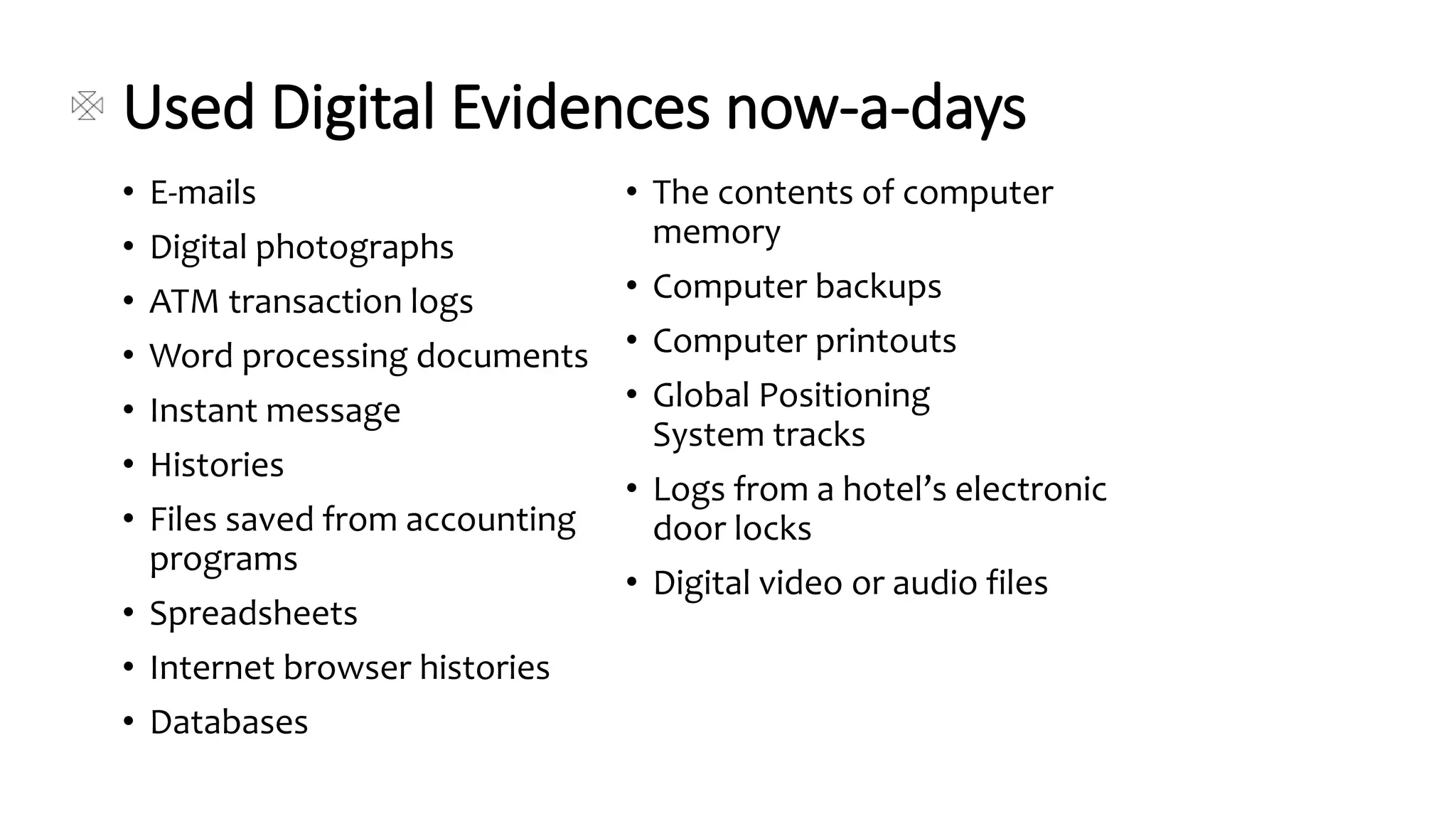
evidence, digital audio, digital video, cell phones, digital fax
machines”.
• The main characteristics of digital evidence are, it is latent as
fingerprints and DNA, can transcend national borders with
ease and speed, highly fragile and can be easily altered,
damaged, or destroyed and also time sensitive. For this
reason, special precautions should be taken to document,
collect, preserve, and examine this type of evidence. When
dealing with digital evidence, the principles that should be
applied are, actions taken to secure and collect digital
evidence should not change that evidence; persons
conducting the examination of digital evidence should be
trained for this purpose and activity relating to the seizure,
examination, storage, or transfer of digital evidence should
be fully documented, preserved, and available for review.
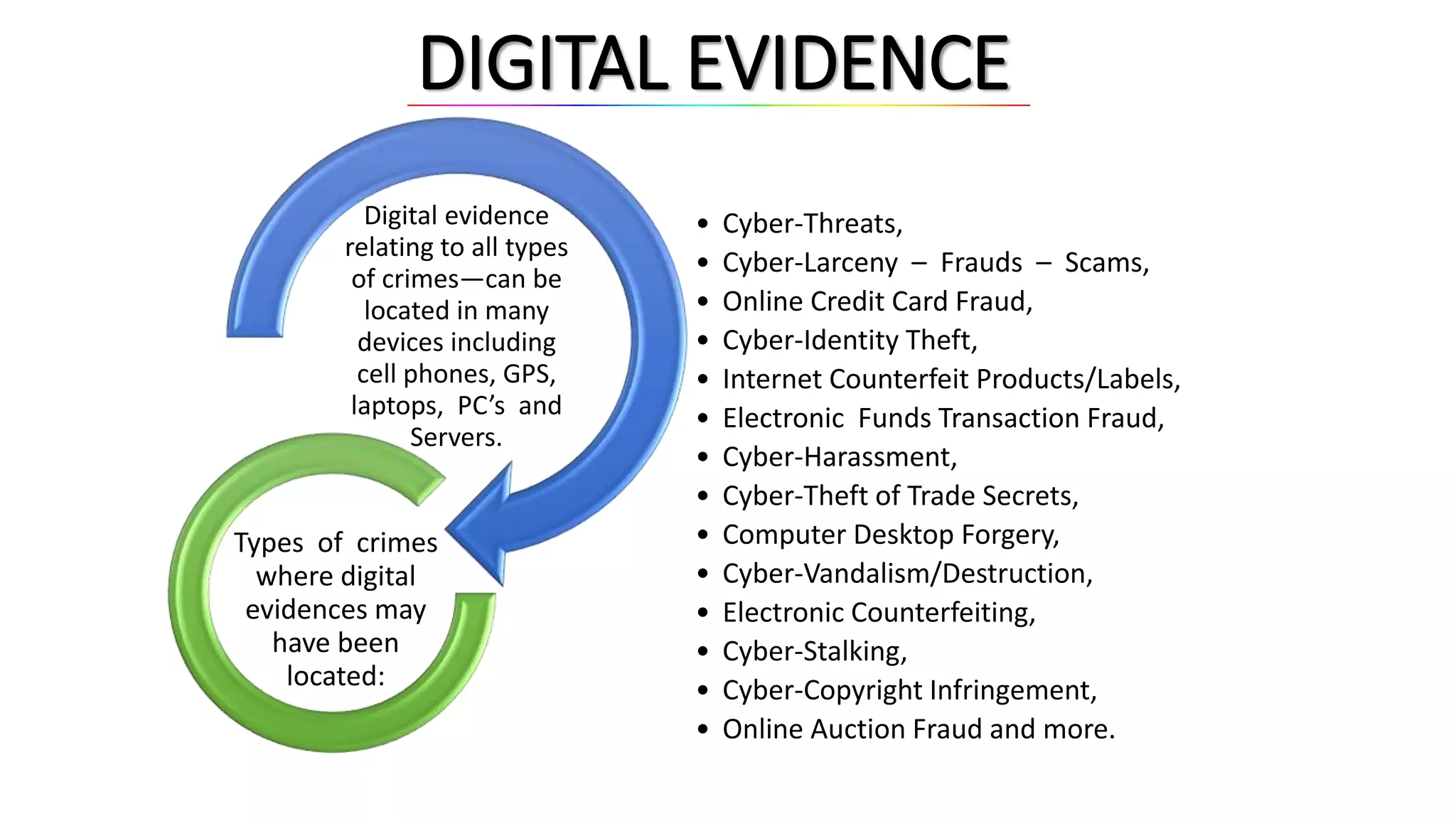
DIGITAL EVIDENCE
Digital evidence
relating to all types
of crimes—can be
located in many
devices including
cell phones, GPS,
laptops, PC’s and
Servers.
• Cyber-Threats,
• Cyber-Larceny – Frauds – Scams,
• Online Credit Card Fraud,
• Cyber-Identity Theft,
• Internet Counterfeit Products/Labels,
• Electronic Funds Transaction Fraud,
• Cyber-Harassment,
• Cyber-Theft of Trade Secrets,
• Computer Desktop Forgery,
• Cyber-Vandalism/Destruction,
• Electronic Counterfeiting,
• Cyber-Stalking,
• Cyber-Copyright Infringement,
• Online Auction Fraud and more.
Types of crimes
where digital
evidences may
have been
located:
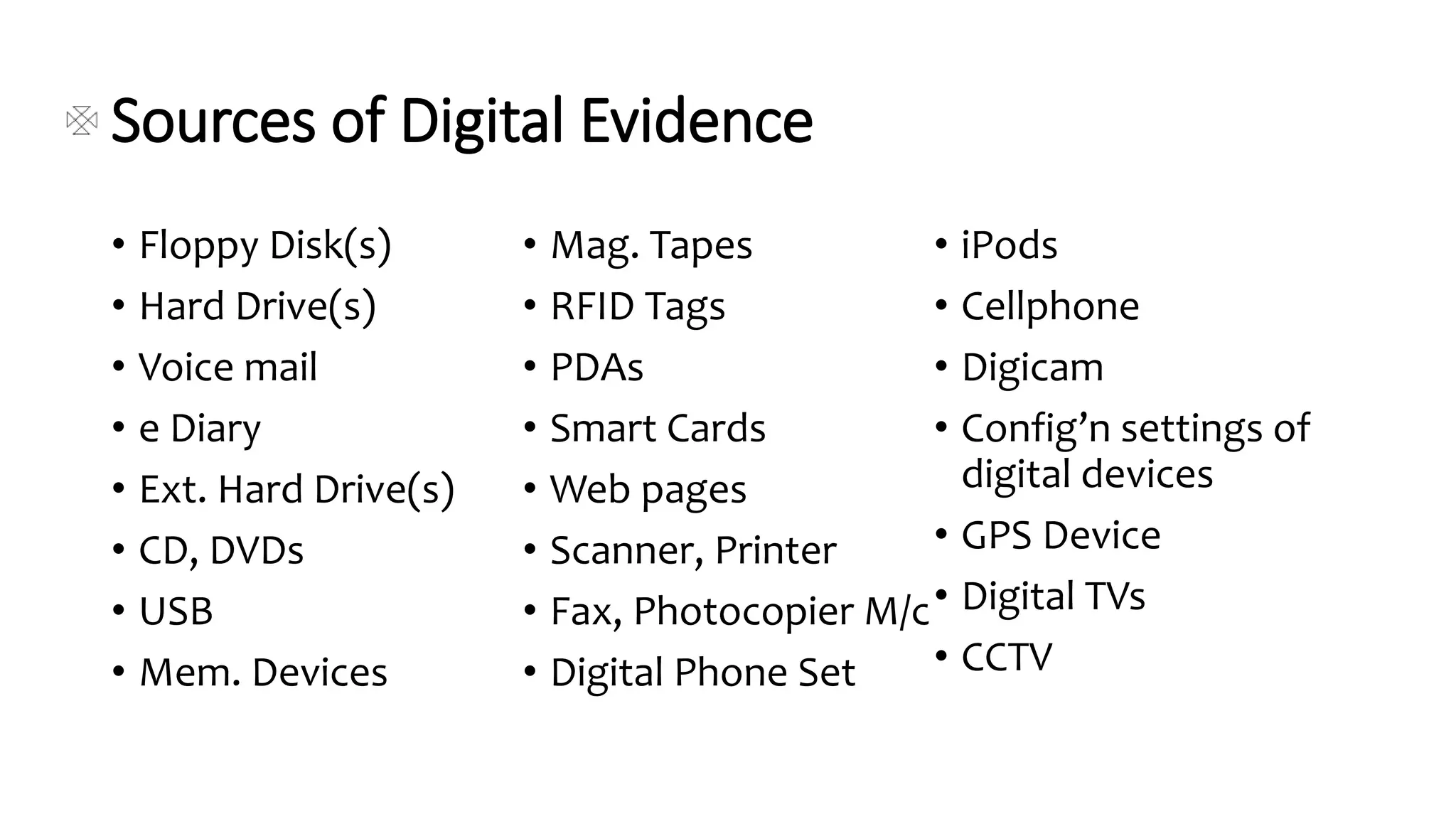
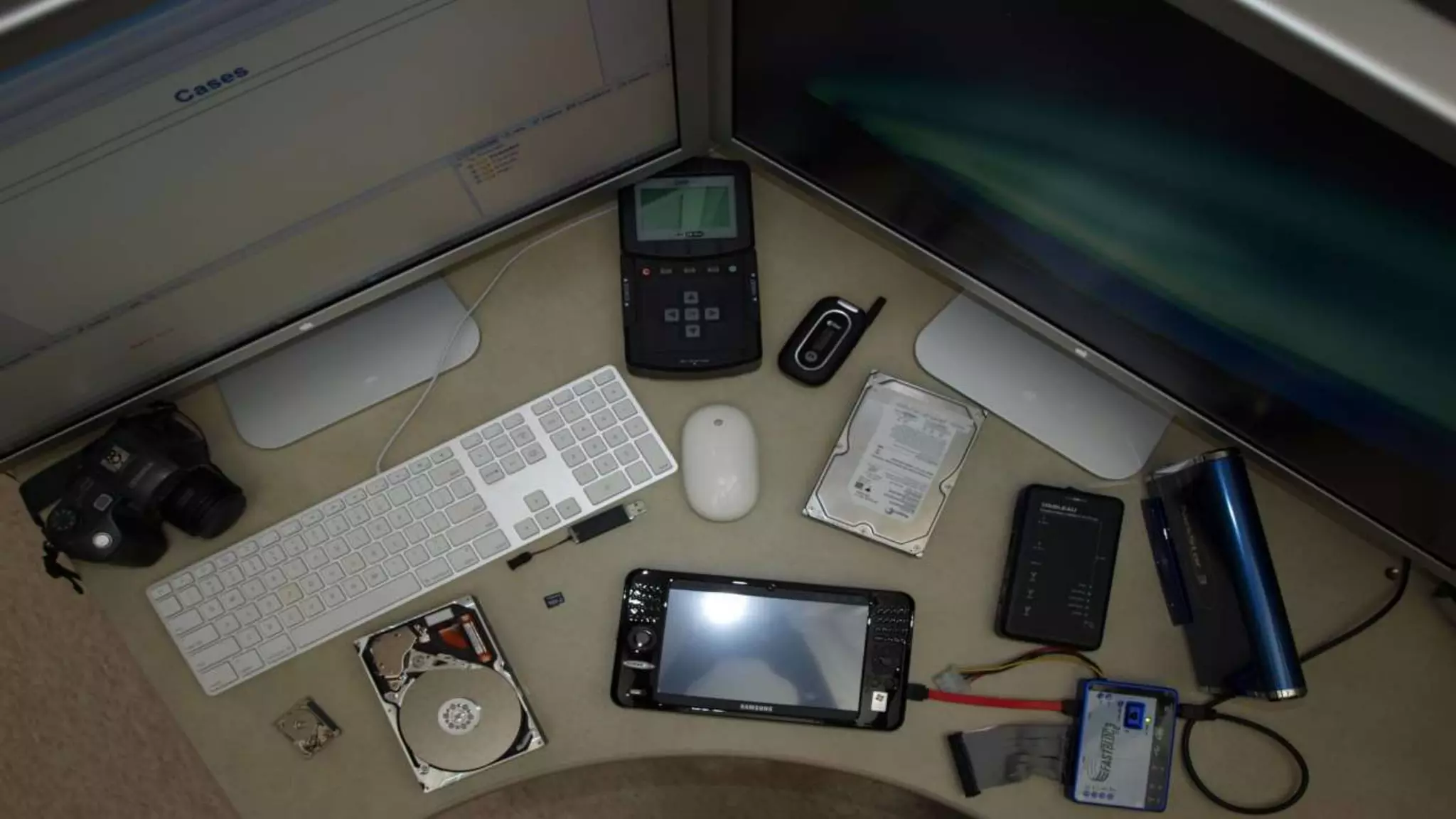
Sources of Digital Evidence
• Floppy Disk(s)
• Hard Drive(s)
• Voice mail
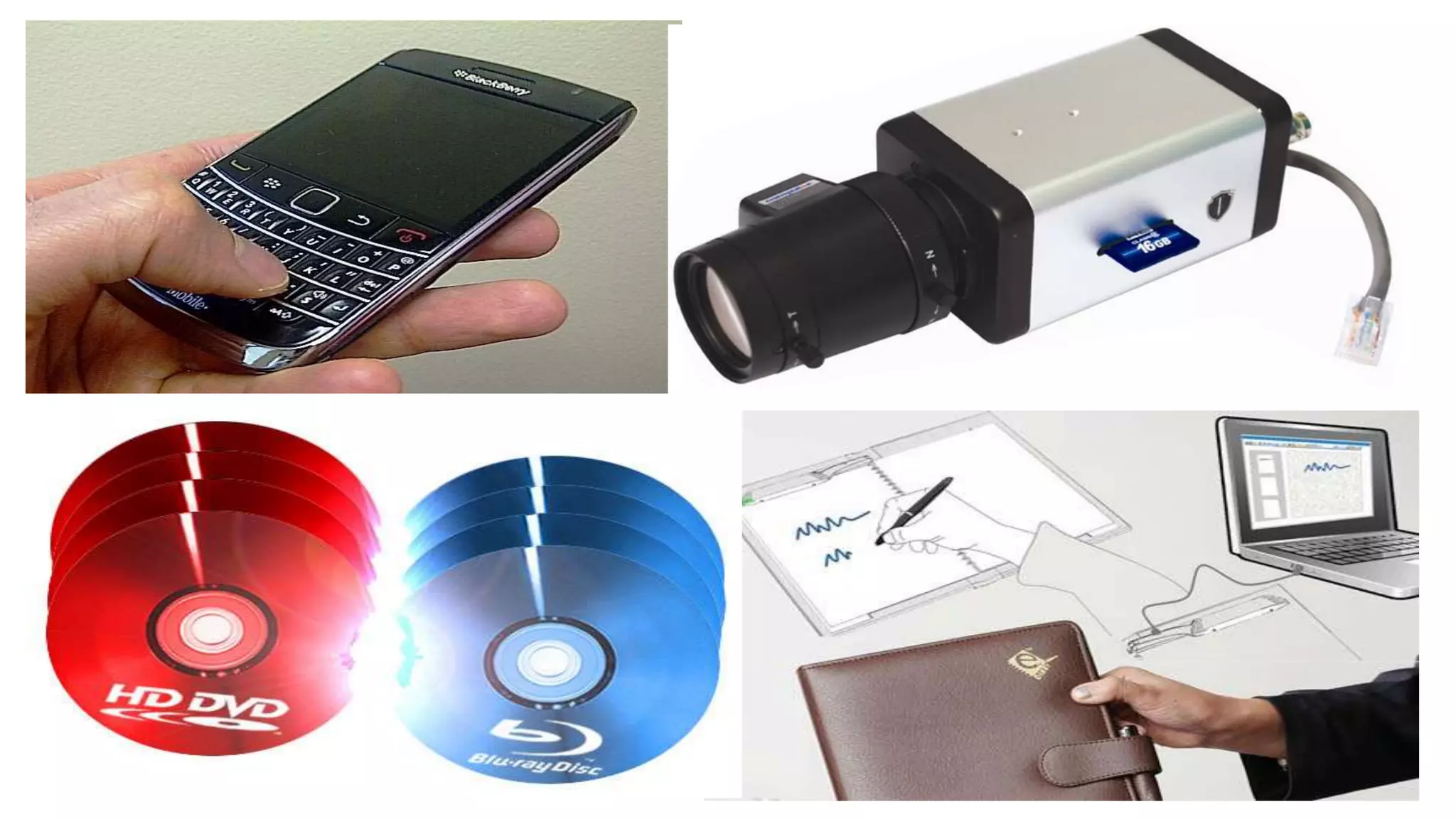
• e Diary
• Ext. Hard Drive(s)
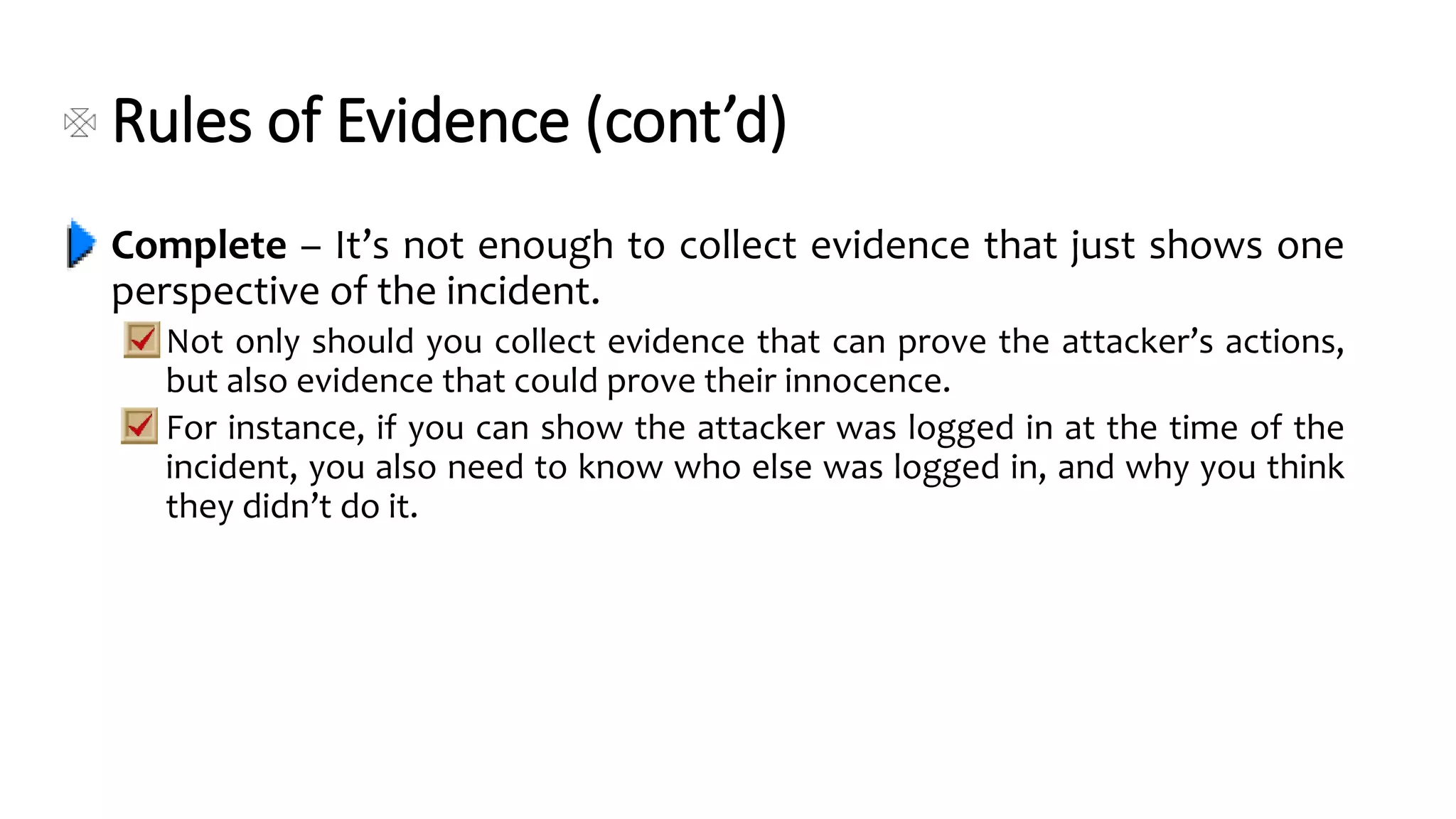
• CD, DVDs
• USB
• Mem. Devices
• Mag. Tapes
• RFID Tags
• PDAs
• Smart Cards
• Web pages
• Scanner, Printer
• Fax, Photocopier M/c
• Digital Phone Set
• iPods
• Cellphone
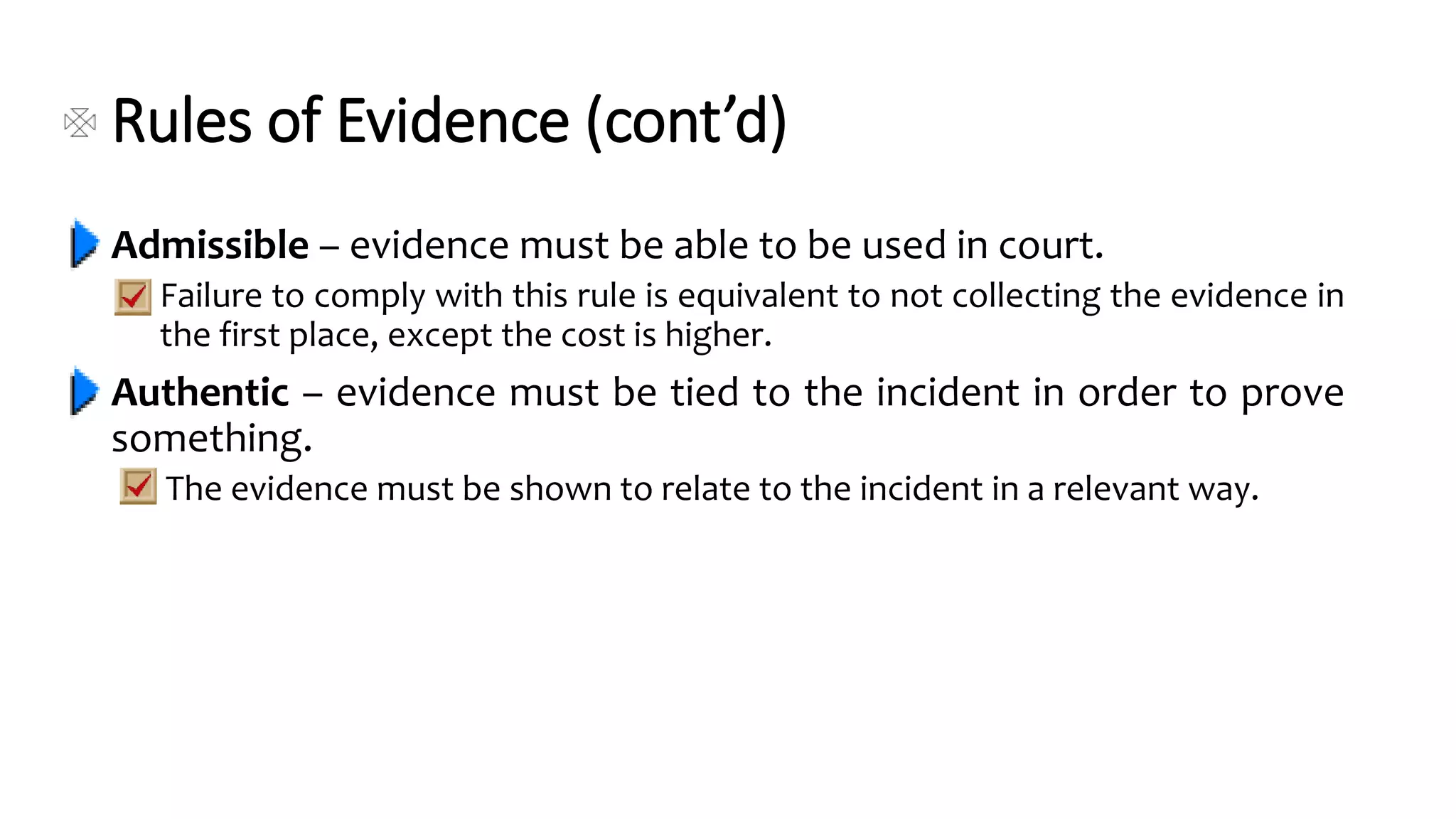
• Digicam
• Config’n settings of
digital devices
• GPS Device
• Digital TVs
• CCTV
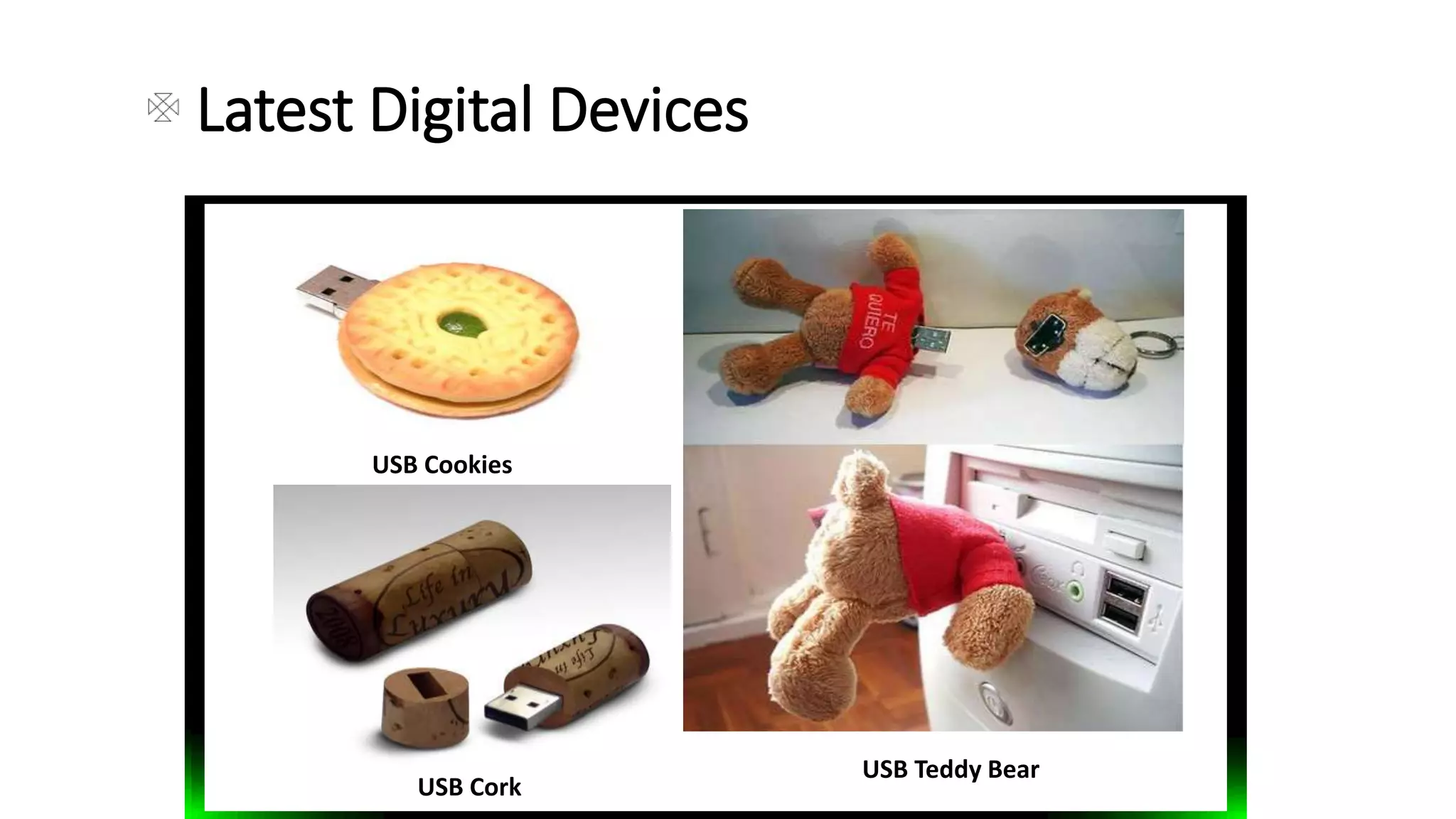
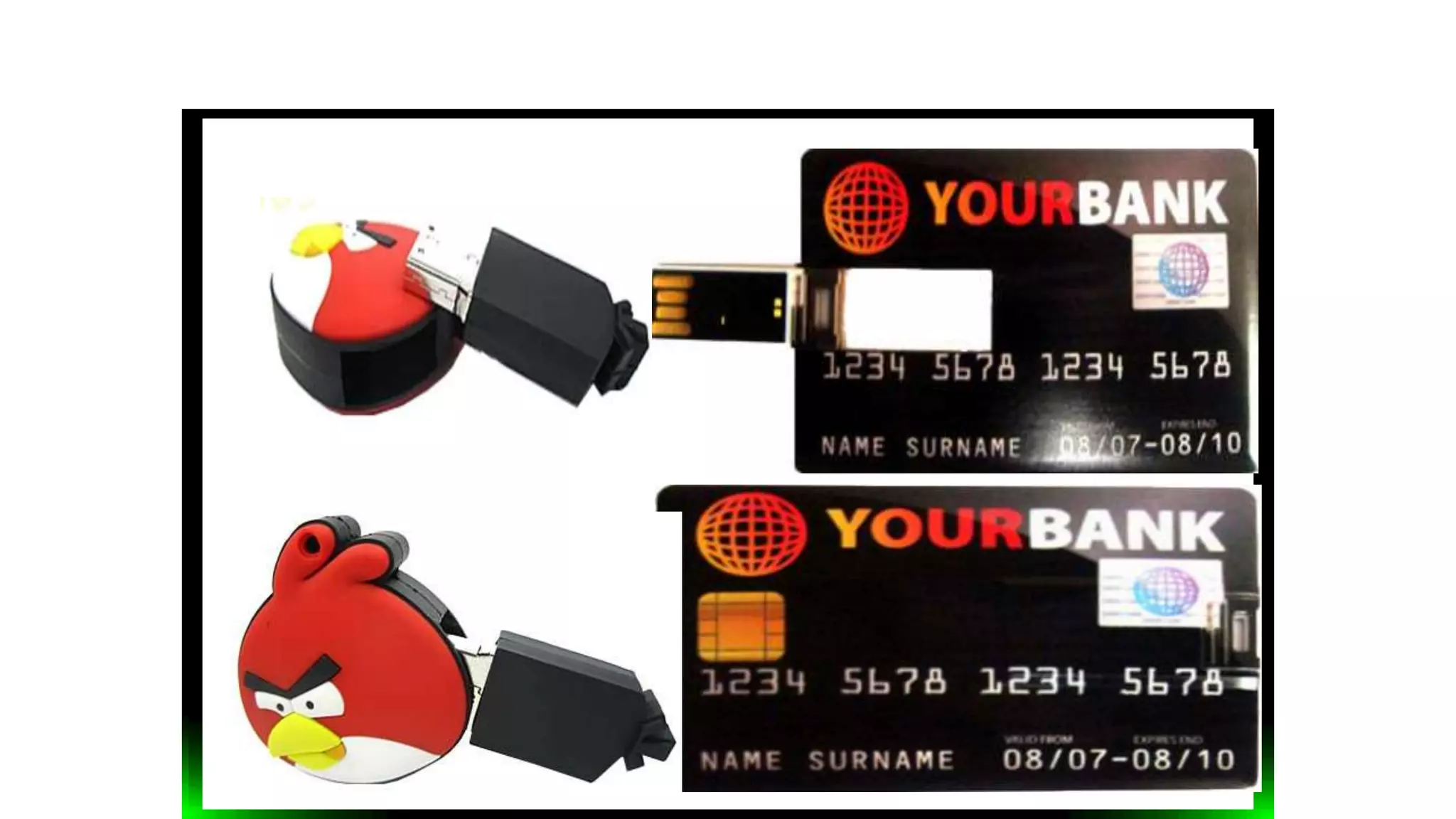
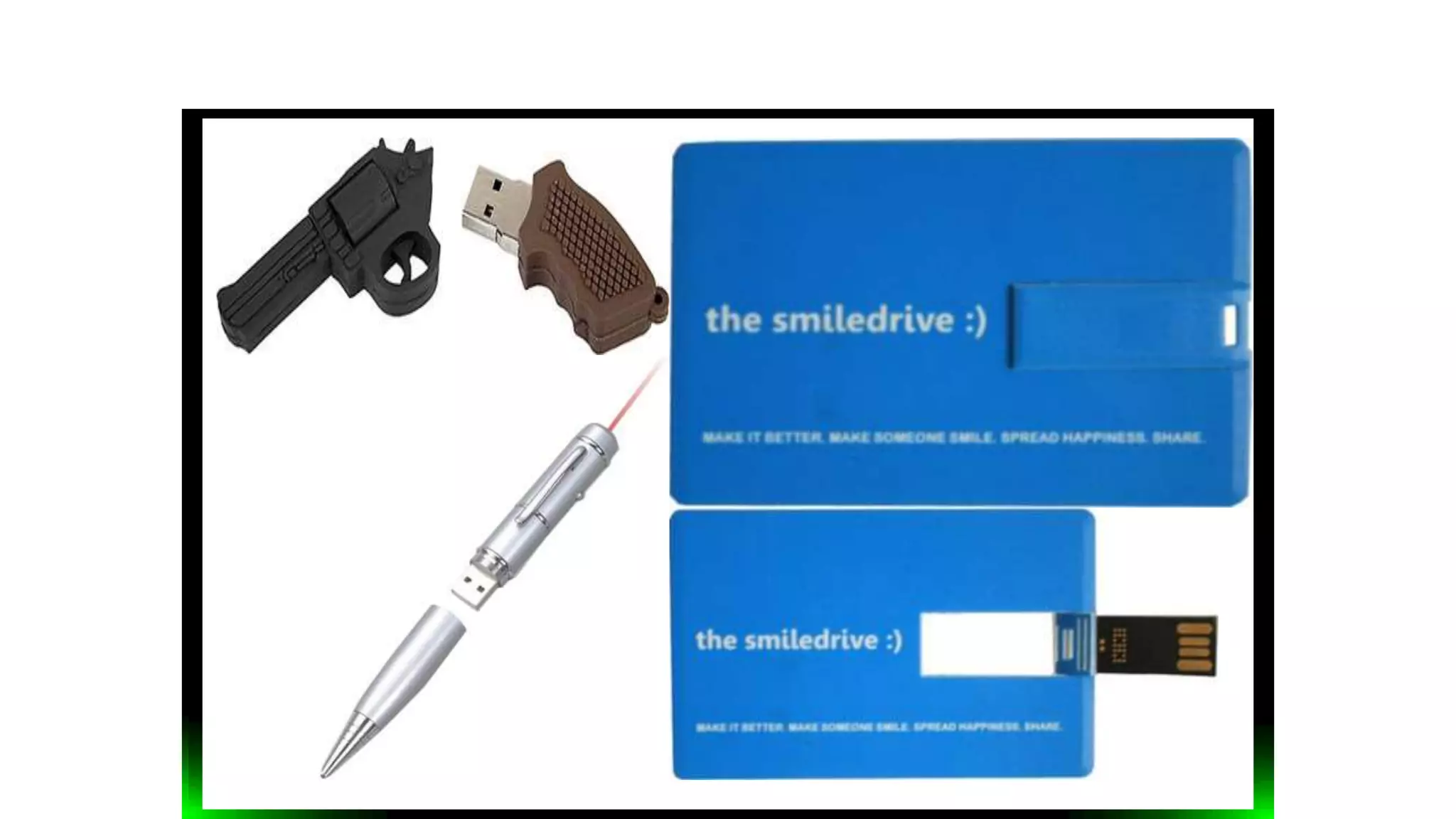
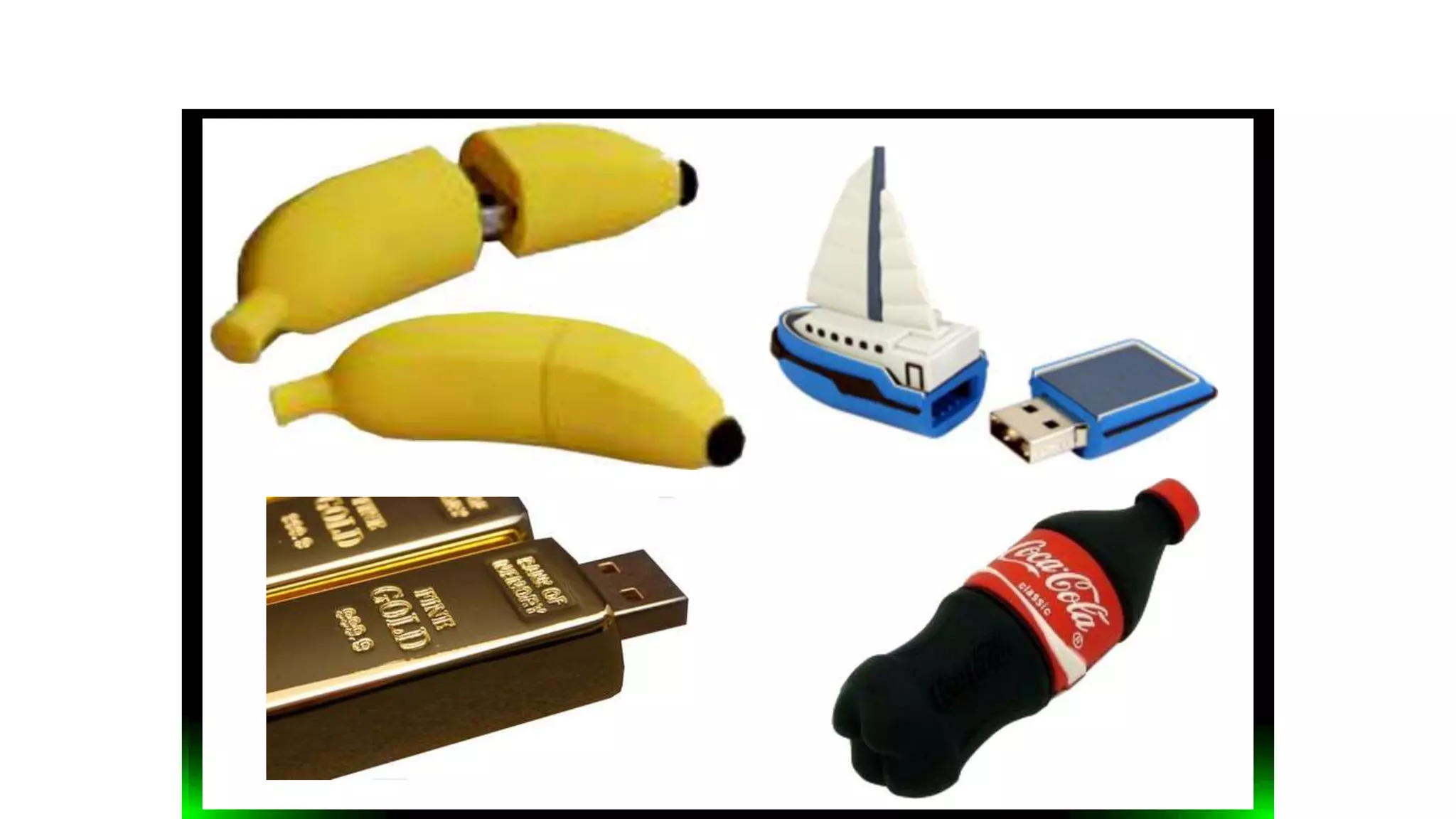
Latest Digital Devices
USB Cookies
USB Teddy Bear
USB Cork
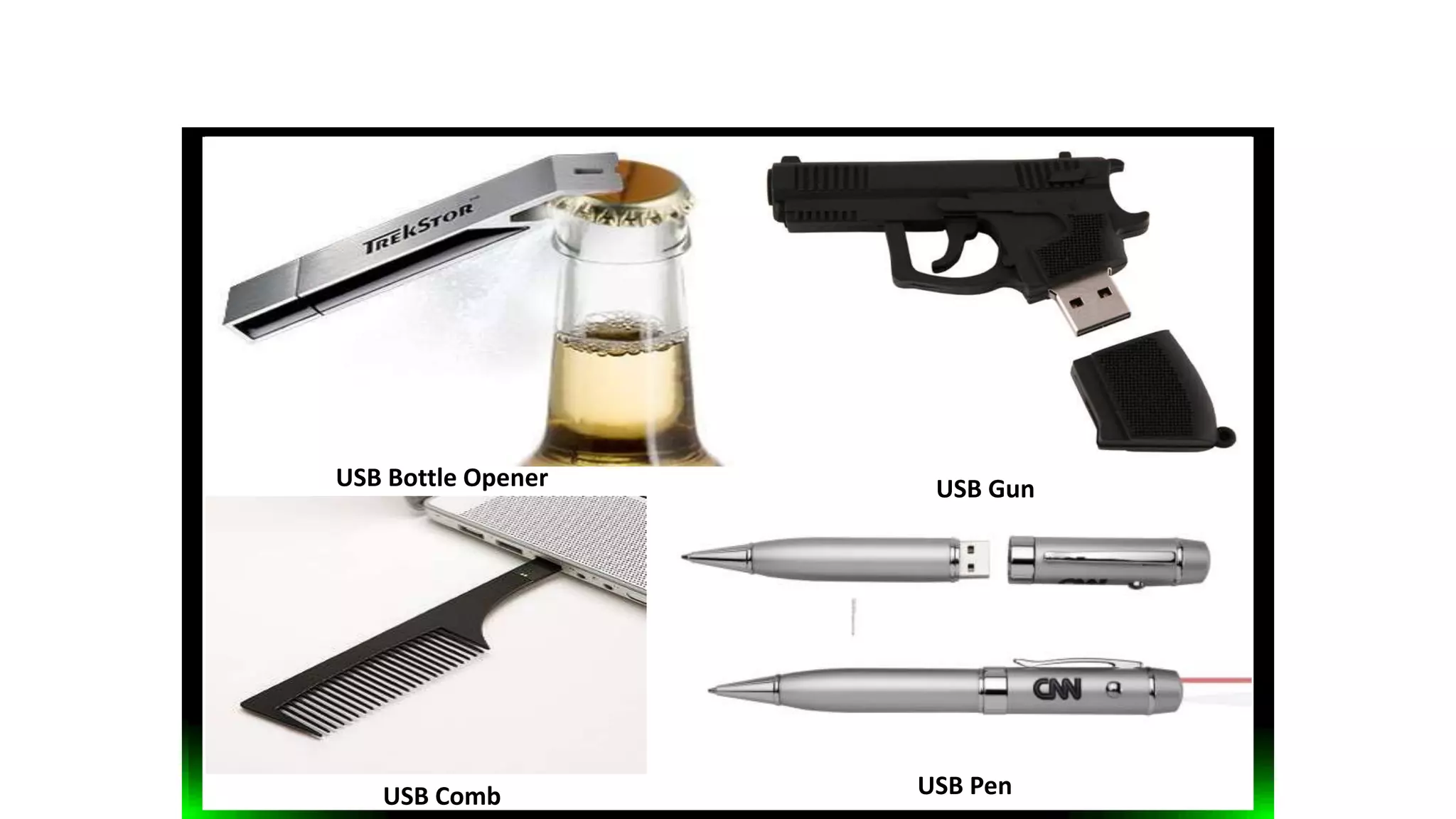
USB Bottle Opener
USB PenUSB Comb
USB Gun
USB WatchUSB Lego stick
Types of Digital Evidences
Volatile (Non-persistent)
Memory that loses its contents, if power is turned off;
e.g. Data stored in RAM (semiconductor storage)
Non-volatile (Persistent)
No change in contents, even if power is turned off;
e.g. Data stored in a tape / floppy disk / hard drive
(magnetic storage), CD / DVD (optical storage), ROM
(semiconductor storage; USB Thumb Drives - EEPROM).
Used Digital Evidences now-a-days
• E-mails
• Digital photographs
• ATM transaction logs
• Word processing documents
• Instant message
• Histories
• Files saved from accounting
programs
• Spreadsheets
• Internet browser histories
• Databases
• The contents of computer
memory
• Computer backups
• Computer printouts
• Global Positioning
System tracks
• Logs from a hotel’s electronic
door locks
• Digital video or audio files
Rules of Evidence
The five properties that evidence must have in order to be useful:
Admissible
Authentic
Complete
Reliable
Believable
Rules of Evidence (cont’d)
Admissible – evidence must be able to be used in court.
Failure to comply with this rule is equivalent to not collecting the evidence in
the first place, except the cost is higher.
Authentic – evidence must be tied to the incident in order to prove
something.
The evidence must be shown to relate to the incident in a relevant way.
Rules of Evidence (cont’d)
Complete – It’s not enough to collect evidence that just shows one
perspective of the incident.
Not only should you collect evidence that can prove the attacker’s actions,
but also evidence that could prove their innocence.
For instance, if you can show the attacker was logged in at the time of the
incident, you also need to know who else was logged in, and why you think
they didn’t do it.
Rules of Evidence (cont’d)
Reliable – Your evidence collection and analysis procedures must not
cast doubt on the evidence’s authenticity and veracity (whether it is
true or false).
Believable – The evidence you present should be clearly
understandable and believable by a jury.
Do’s and Don’ts
Using the preceding five rules, some basic do’s and
don’ts can be derived.
Do’s
Minimize handling/corruption of original data
Account for any changes and keep detailed logs of your actions.
Capture as accurate an image of the system as possible.
Be prepared to testify.
Ensure your actions are repeatable.
Work fast
Don’ts
Don’t shutdown the system before collecting evidence.
Don’t run any programs on the affected system.
General Procedure
When collecting an evidence there is a four step general procedure
to be followed:
Identification of Evidence
Preservation of Evidence
Analysis of Evidence
Presentation of Evidence
Identification of Evidence
You must be able to distinguish between evidence and junk
data.
For this purpose you should know what the data is, where it is
located, and how it is stored.
Preservation of evidence
The evidence you find must be preserved as close as possible
to its original state
Any changes made during this phase must be documented
and justified.
Analysis of evidence
The stored evidence must then be analyzed to extract the
relevant information and recreate the chain of events.
Presentation of evidence
Communicating the meaning of your evidence is vitally
important – otherwise you can’t do anything with it.
The manner of presentation is important, and it must be
understandable by a layman (expert of the field) to be
effective.
Records
Through every step of the procedure, it is crucial (very
imp.) to record and document everything that is done
and everything that is used.
What to record:
Who initially reported the suspected incident along with the
time, date and circumstances surrounding the suspected
incident.
Details of initial assessment leading to the formal
investigation.
Name of all persons conducting the investigation.
More of what to record:
The case number of the incident.
Reasons for the investigation.
A list of all computer systems included in the
investigation, along with complete system specifications.
Network diagrams.
Applications running on the computer systems
previously listed.
A detailed list of steps used in collecting and analyzing
evidence.
An access control list of who had access to the collected
evidence at what date and time.
Collection of Evidence
Step by step guide for collecting evidence:
Find the evidence.
Find the relevant data.
Collect the evidence
Document everything
Digital vs. Physical Evidences
It can be duplicated exactly and a copy can be examined as if it were the
original.
Examining a copy will avoid the risk of damaging the original.
With the right tools it is very easy to determine if digital evidence has
been modified or tampered with by comparing it with the original.
It is relatively difficult to destroy.
Even if it is “deleted,” digital evidence can be recovered.
When criminals attempt to destroy digital evidence, copies can remain in
places they were not aware of.
Controlling Contamination
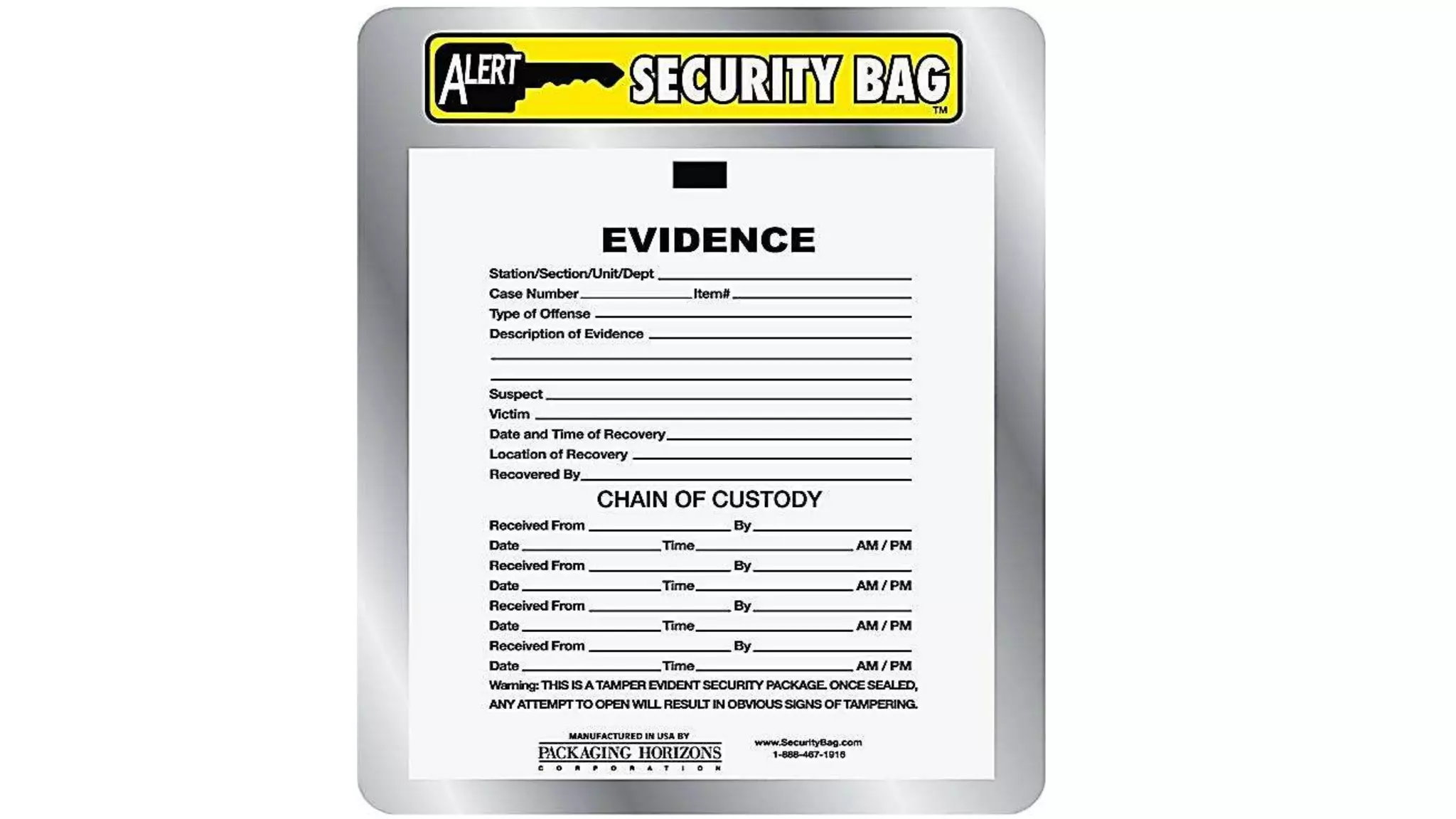
The chain of custody:
Once the data has been collected, it must be protected from
contamination.
Originals should never be used in forensic examination–
verified duplicates should be used.
Chain of Custody: Analysis:
Once data has been successfully collected, it must be
analyzed to extract the evidence you wish to present and
rebuild exactly what happened.
Time
To reconstruct the events that led to your system being
corrupted, you must be able to create a timeline.
Forensic Analysis of backups:
When analyzing backups it is best to have a dedicated host for the job.
This examination host should be secure, clean and isolated from any
network.
Document everything you do, ensure that what you do is repeatable and
capable of always giving the same results.
Digital Evidence by Raghu Khimani

Digital Evidence by Raghu Khimani

  • 1.
    Electronic Evidences (Digital Evidences) RaghuKhimani Cyber Crime Expert / Advisor Contact: raghukhimani2007@gmail.com
  • 2.
    Digital Evidence • Digitalevidence or electronic evidence is “any probative information stored or transmitted in digital form that a party to a court case may use at trial” . Section 79A of IT (Amendment) Act, 2008 defines electronic form evidence as “any information of probative value that is either stored or transmitted in electronic form and includes computer evidence, digital audio, digital video, cell phones, digital fax machines”.
  • 3.
    • The maincharacteristics of digital evidence are, it is latent as fingerprints and DNA, can transcend national borders with ease and speed, highly fragile and can be easily altered, damaged, or destroyed and also time sensitive. For this reason, special precautions should be taken to document, collect, preserve, and examine this type of evidence. When dealing with digital evidence, the principles that should be applied are, actions taken to secure and collect digital evidence should not change that evidence; persons conducting the examination of digital evidence should be trained for this purpose and activity relating to the seizure, examination, storage, or transfer of digital evidence should be fully documented, preserved, and available for review.
  • 4.
    DIGITAL EVIDENCE Digital evidence relatingto all types of crimes—can be located in many devices including cell phones, GPS, laptops, PC’s and Servers. • Cyber-Threats, • Cyber-Larceny – Frauds – Scams, • Online Credit Card Fraud, • Cyber-Identity Theft, • Internet Counterfeit Products/Labels, • Electronic Funds Transaction Fraud, • Cyber-Harassment, • Cyber-Theft of Trade Secrets, • Computer Desktop Forgery, • Cyber-Vandalism/Destruction, • Electronic Counterfeiting, • Cyber-Stalking, • Cyber-Copyright Infringement, • Online Auction Fraud and more. Types of crimes where digital evidences may have been located:
  • 5.
    Sources of DigitalEvidence • Floppy Disk(s) • Hard Drive(s) • Voice mail • e Diary • Ext. Hard Drive(s) • CD, DVDs • USB • Mem. Devices • Mag. Tapes • RFID Tags • PDAs • Smart Cards • Web pages • Scanner, Printer • Fax, Photocopier M/c • Digital Phone Set • iPods • Cellphone • Digicam • Config’n settings of digital devices • GPS Device • Digital TVs • CCTV
  • 7.
    Latest Digital Devices USBCookies USB Teddy Bear USB Cork
  • 8.
    USB Bottle Opener USBPenUSB Comb USB Gun
  • 9.
  • 18.
    Types of DigitalEvidences Volatile (Non-persistent) Memory that loses its contents, if power is turned off; e.g. Data stored in RAM (semiconductor storage) Non-volatile (Persistent) No change in contents, even if power is turned off; e.g. Data stored in a tape / floppy disk / hard drive (magnetic storage), CD / DVD (optical storage), ROM (semiconductor storage; USB Thumb Drives - EEPROM).
  • 19.
    Used Digital Evidencesnow-a-days • E-mails • Digital photographs • ATM transaction logs • Word processing documents • Instant message • Histories • Files saved from accounting programs • Spreadsheets • Internet browser histories • Databases • The contents of computer memory • Computer backups • Computer printouts • Global Positioning System tracks • Logs from a hotel’s electronic door locks • Digital video or audio files
  • 20.
    Rules of Evidence Thefive properties that evidence must have in order to be useful: Admissible Authentic Complete Reliable Believable
  • 21.
    Rules of Evidence(cont’d) Admissible – evidence must be able to be used in court. Failure to comply with this rule is equivalent to not collecting the evidence in the first place, except the cost is higher. Authentic – evidence must be tied to the incident in order to prove something. The evidence must be shown to relate to the incident in a relevant way.
  • 22.
    Rules of Evidence(cont’d) Complete – It’s not enough to collect evidence that just shows one perspective of the incident. Not only should you collect evidence that can prove the attacker’s actions, but also evidence that could prove their innocence. For instance, if you can show the attacker was logged in at the time of the incident, you also need to know who else was logged in, and why you think they didn’t do it.
  • 23.
    Rules of Evidence(cont’d) Reliable – Your evidence collection and analysis procedures must not cast doubt on the evidence’s authenticity and veracity (whether it is true or false). Believable – The evidence you present should be clearly understandable and believable by a jury.
  • 27.
    Do’s and Don’ts Usingthe preceding five rules, some basic do’s and don’ts can be derived.
  • 28.
    Do’s Minimize handling/corruption oforiginal data Account for any changes and keep detailed logs of your actions. Capture as accurate an image of the system as possible. Be prepared to testify. Ensure your actions are repeatable. Work fast
  • 29.
    Don’ts Don’t shutdown thesystem before collecting evidence. Don’t run any programs on the affected system.
  • 30.
    General Procedure When collectingan evidence there is a four step general procedure to be followed: Identification of Evidence Preservation of Evidence Analysis of Evidence Presentation of Evidence
  • 31.
    Identification of Evidence Youmust be able to distinguish between evidence and junk data. For this purpose you should know what the data is, where it is located, and how it is stored. Preservation of evidence The evidence you find must be preserved as close as possible to its original state Any changes made during this phase must be documented and justified.
  • 32.
    Analysis of evidence Thestored evidence must then be analyzed to extract the relevant information and recreate the chain of events. Presentation of evidence Communicating the meaning of your evidence is vitally important – otherwise you can’t do anything with it. The manner of presentation is important, and it must be understandable by a layman (expert of the field) to be effective.
  • 33.
    Records Through every stepof the procedure, it is crucial (very imp.) to record and document everything that is done and everything that is used. What to record: Who initially reported the suspected incident along with the time, date and circumstances surrounding the suspected incident. Details of initial assessment leading to the formal investigation. Name of all persons conducting the investigation.
  • 34.
    More of whatto record: The case number of the incident. Reasons for the investigation. A list of all computer systems included in the investigation, along with complete system specifications. Network diagrams. Applications running on the computer systems previously listed. A detailed list of steps used in collecting and analyzing evidence. An access control list of who had access to the collected evidence at what date and time.
  • 35.
    Collection of Evidence Stepby step guide for collecting evidence: Find the evidence. Find the relevant data. Collect the evidence Document everything
  • 36.
    Digital vs. PhysicalEvidences It can be duplicated exactly and a copy can be examined as if it were the original. Examining a copy will avoid the risk of damaging the original. With the right tools it is very easy to determine if digital evidence has been modified or tampered with by comparing it with the original. It is relatively difficult to destroy. Even if it is “deleted,” digital evidence can be recovered. When criminals attempt to destroy digital evidence, copies can remain in places they were not aware of.
  • 37.
    Controlling Contamination The chainof custody: Once the data has been collected, it must be protected from contamination. Originals should never be used in forensic examination– verified duplicates should be used. Chain of Custody: Analysis: Once data has been successfully collected, it must be analyzed to extract the evidence you wish to present and rebuild exactly what happened. Time To reconstruct the events that led to your system being corrupted, you must be able to create a timeline.
  • 38.
    Forensic Analysis ofbackups: When analyzing backups it is best to have a dedicated host for the job. This examination host should be secure, clean and isolated from any network. Document everything you do, ensure that what you do is repeatable and capable of always giving the same results.

Editor's Notes

  • #3 Probative = પ્રમાણક (having the quality or function of proving or demonstrating something; affording proof or evidence.)
  • #4 Latent = Existing but not yet developed (Ex. Latent Fingerprints) Transcend = go beyond the range or limits of Fragile = નાજુક
  • #5 Larceny = ચોરી Counterfeit = નકલી, બનાવટી Computer Desktop Forgery = Duplicate documents made using a computer Cyber stalking = the use of the Internet or other electronic means to stalk or harass an individual, a group of individuals, or an organization
  • #6 RFID = Radio Frequency Identification PDA = Personal Digital Assistant
  • #19 EEPROM = Electrically Erasable Programmable Read Only Memory
  • #24 Authenticity = પ્રમાણભૂતતા Veracity = સચ્ચાઈ