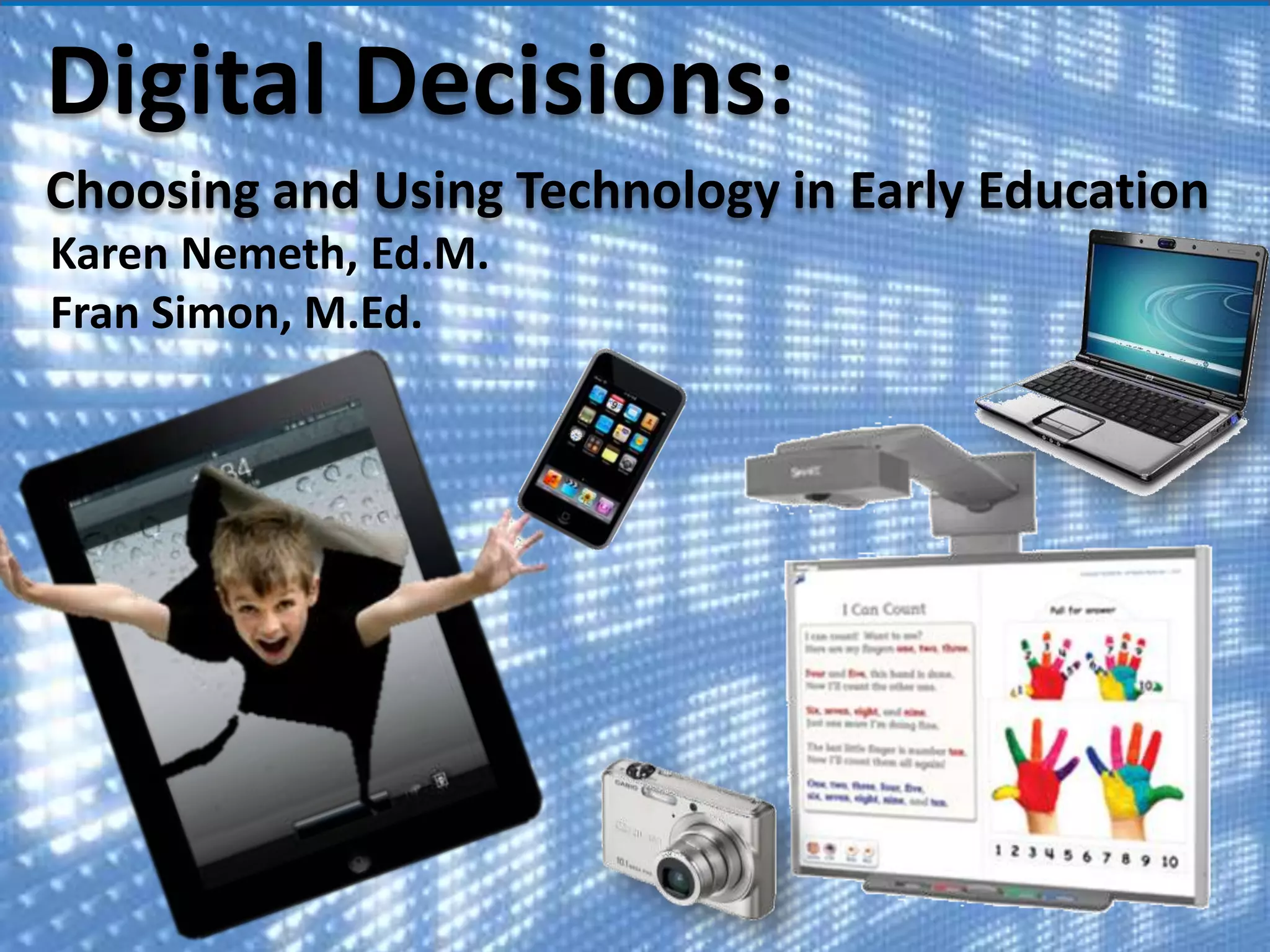



Digital Decisions:
Choosing and Using Technology in Early Education
Karen Nemeth, Ed.M.
Fran Simon, M.Ed.
POLLS
About you
Classroom tech:
Paradigm shifts
and affirmations
@ Copyright, Fran Simon. All rights
reserved.

3
Being intentional about
technology use will lead
to positive outcomes.

Copyright, Simon and Nemeth

4
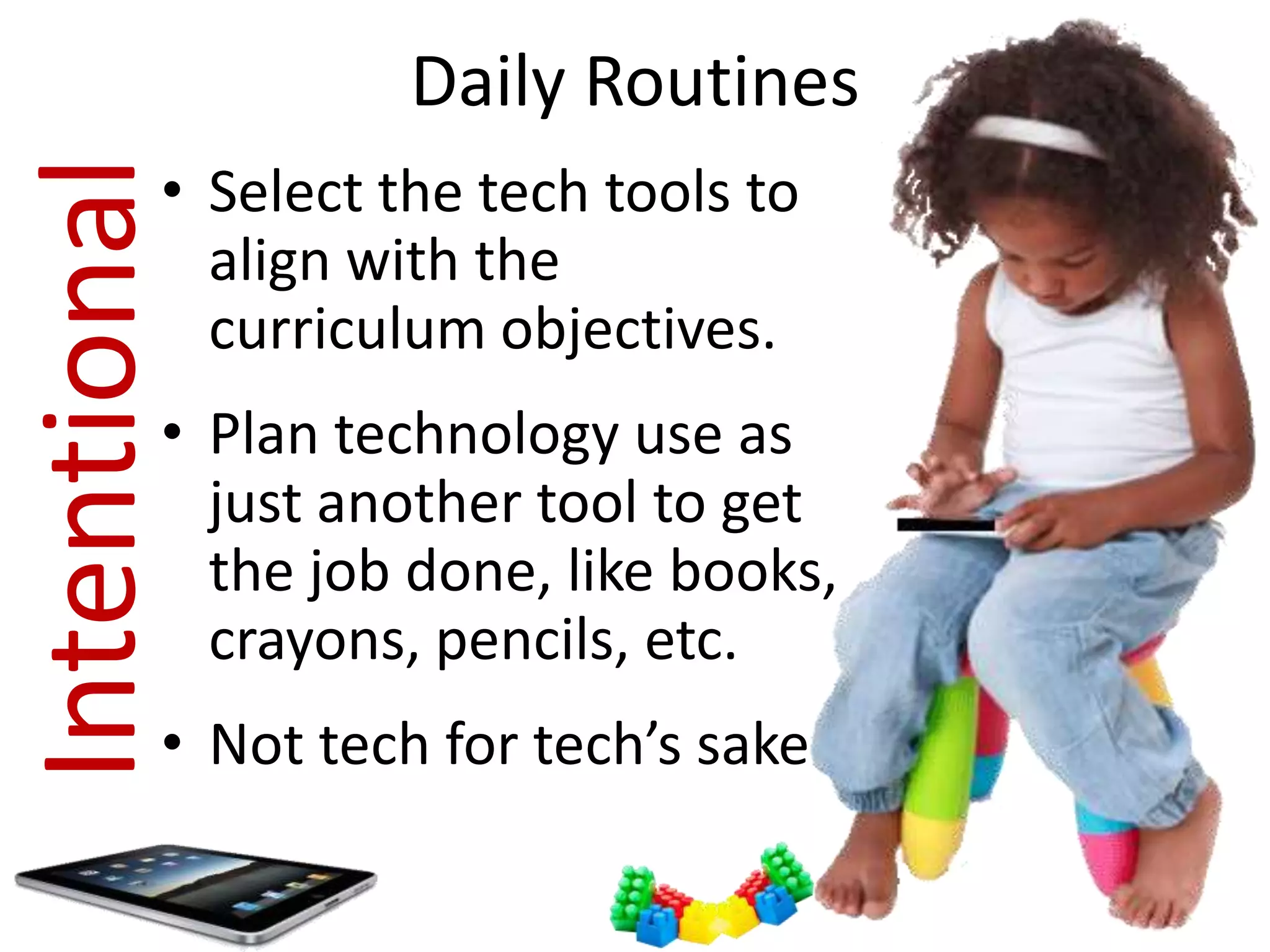
Daily Routines

Intentional

• Select the tech tools to
align with the
curriculum objectives.
• Plan technology use as
just another tool to get
the job done, like books,
crayons, pencils, etc.

• Not tech for tech’s sake
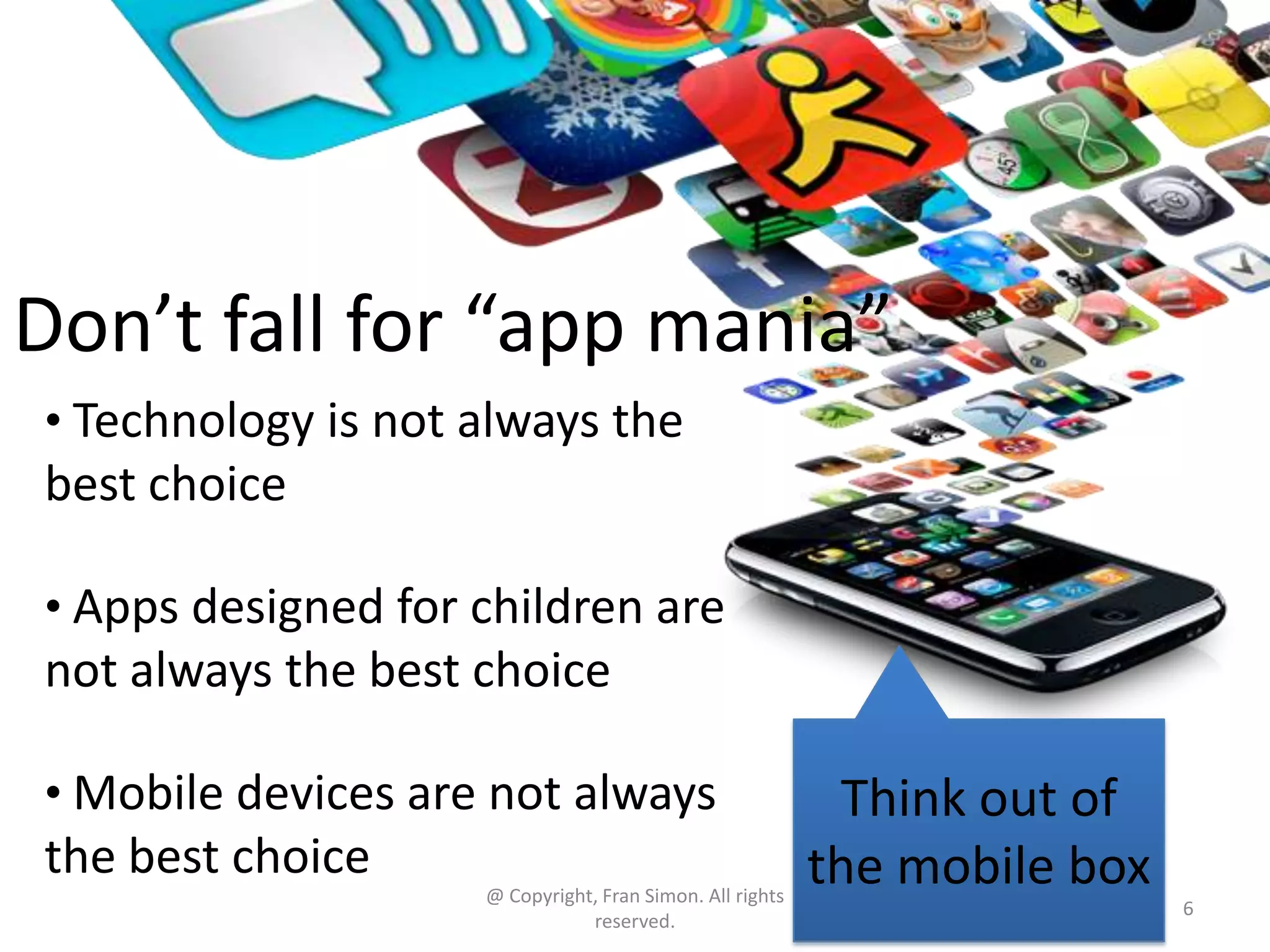
Don’t fall for “app mania”
• Technology is not always the

best choice
• Apps designed for children are

not always the best choice
• Mobile devices are not always

the best choice
@ Copyright, Fran Simon. All rights
reserved.

Think out of
the mobile box
6
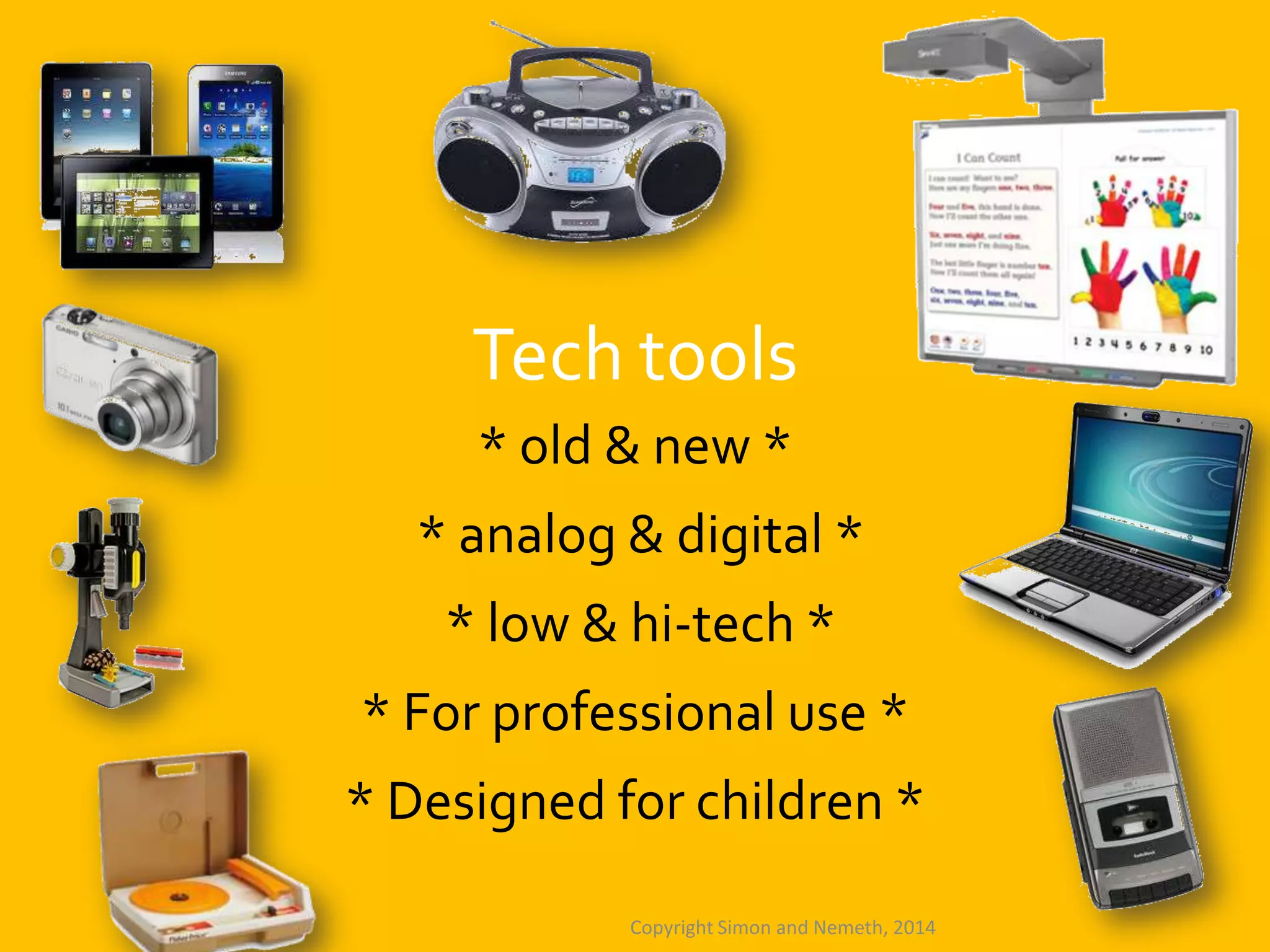
Tech tools
* old & new *

* analog & digital *
* low & hi-tech *
* For professional use *
* Designed for children *
Copyright Simon and Nemeth, 2014
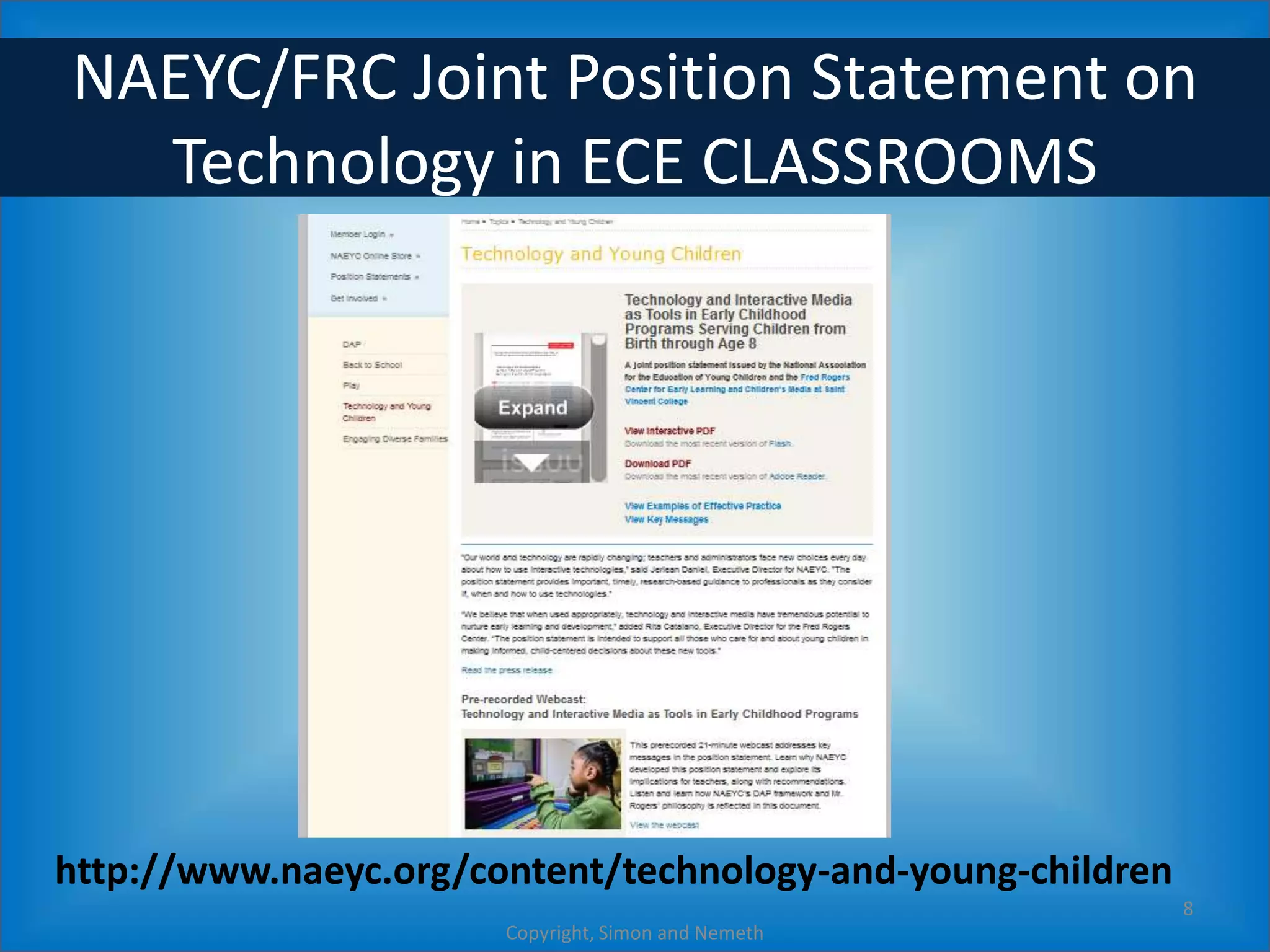
NAEYC/FRC Joint Position Statement on
Technology in ECE CLASSROOMS

http://www.naeyc.org/content/technology-and-young-children
8
Copyright, Simon and Nemeth
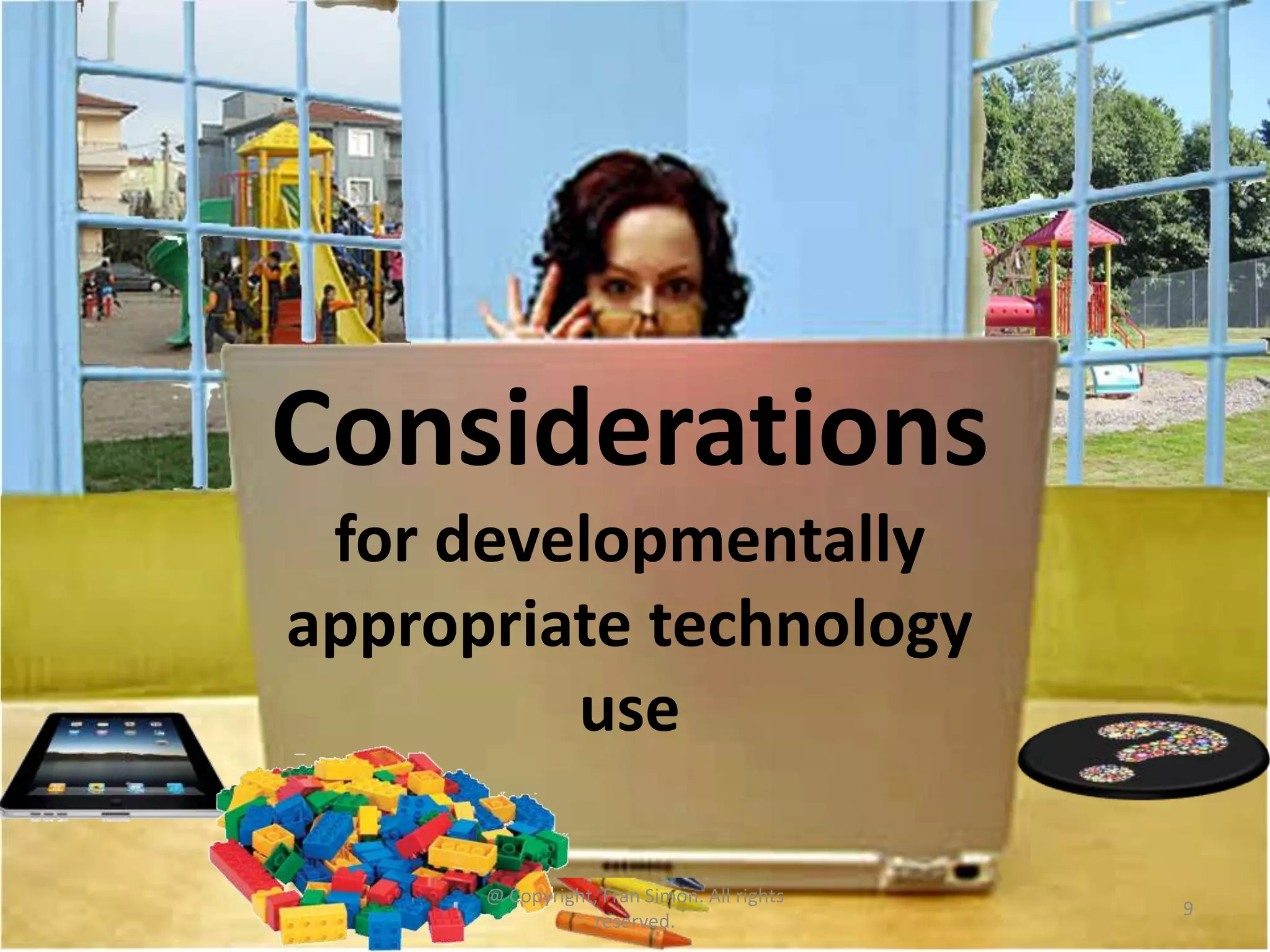
Considerations
for developmentally
appropriate technology
use
@ Copyright, Fran Simon. All rights
reserved.

9
When Digital Tools Make Sense
Meaningful

Pedagogical value
Engaging
Interactive

Productive
Up to date

© Copyright Nemeth and Simon, 2102

10
Poll 3
Labs, computer centers, and in
classroom use
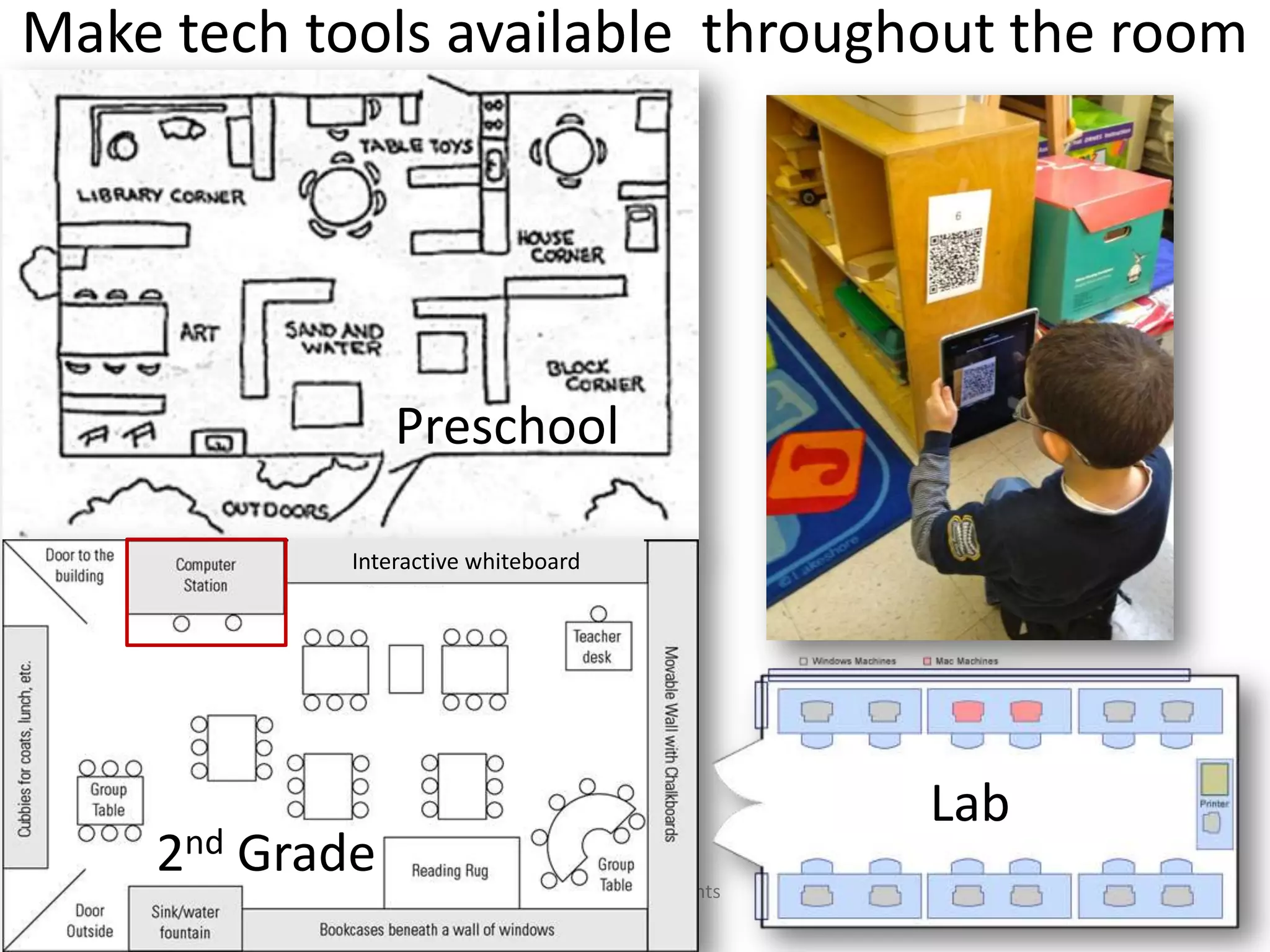
Make tech tools available throughout the room

Preschool
Interactive whiteboard

2nd Grade

Lab
@ Copyright, Fran Simon. All rights
reserved.

12
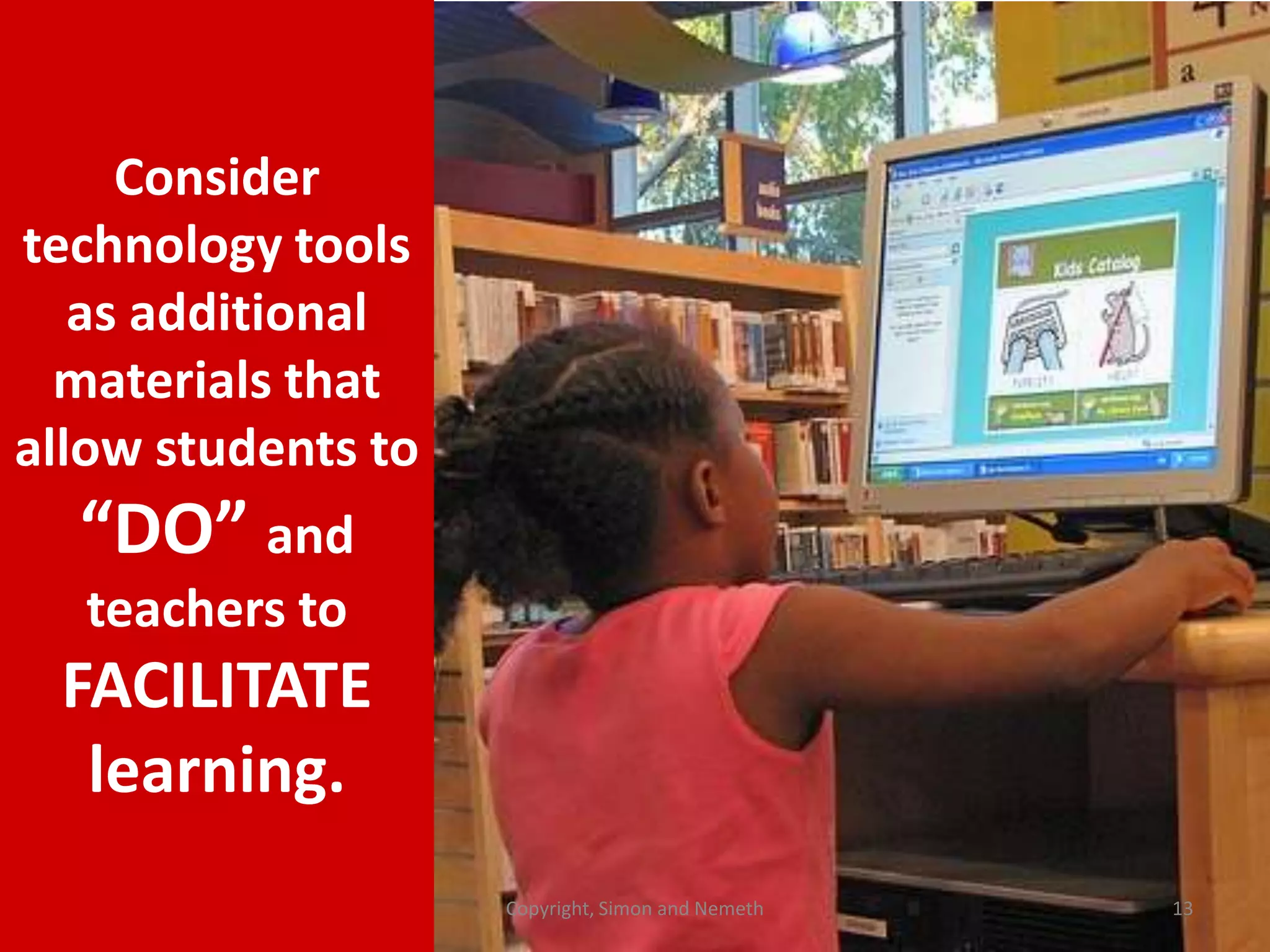
Consider
technology tools
as additional
materials that
allow students to

“DO” and
teachers to

FACILITATE
learning.
Copyright, Simon and Nemeth

13
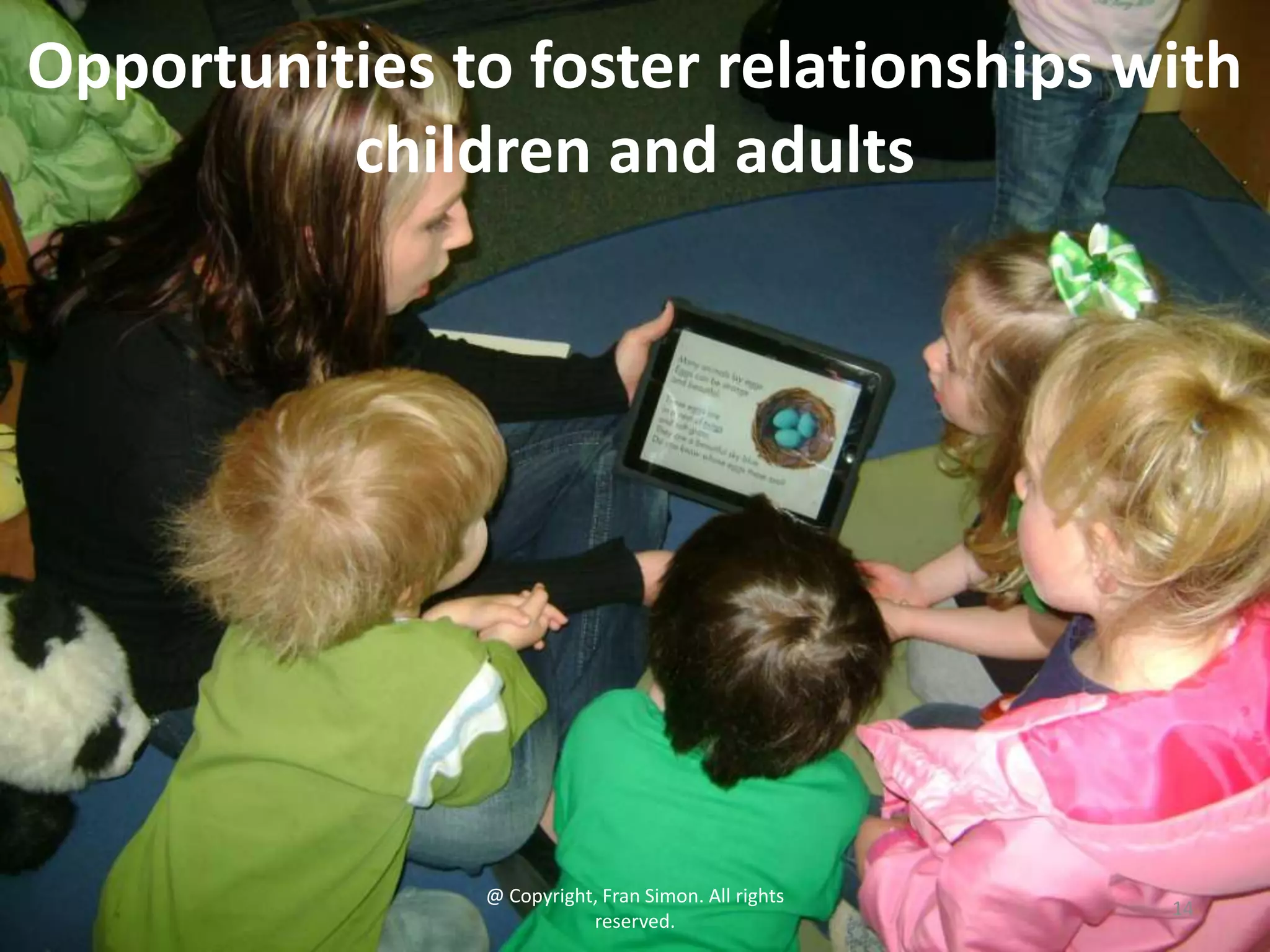
Opportunities to foster relationships with
children and adults

@ Copyright, Fran Simon. All rights
reserved.

14
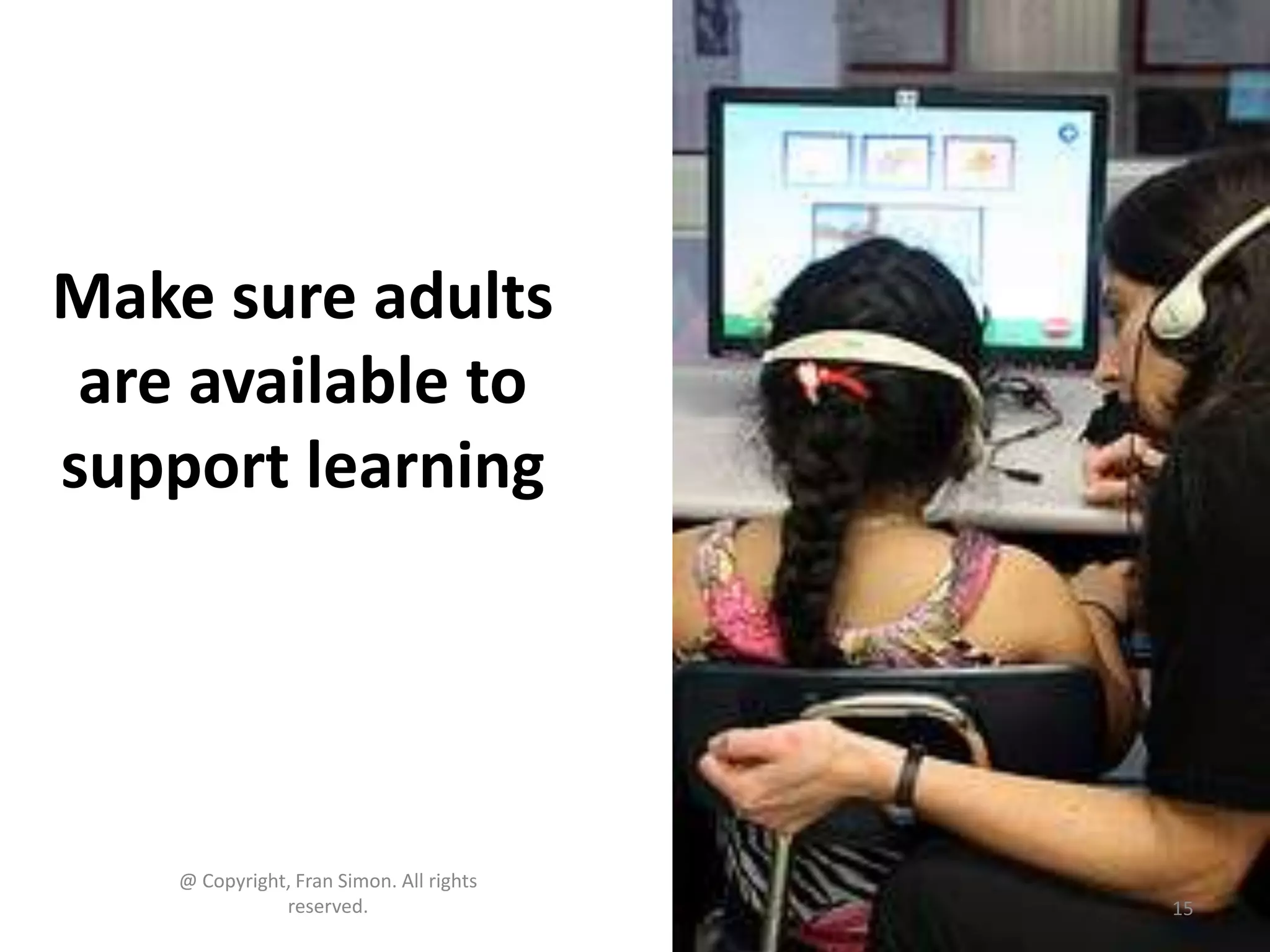
Make sure adults
are available to
support learning

@ Copyright, Fran Simon. All rights
reserved.

15
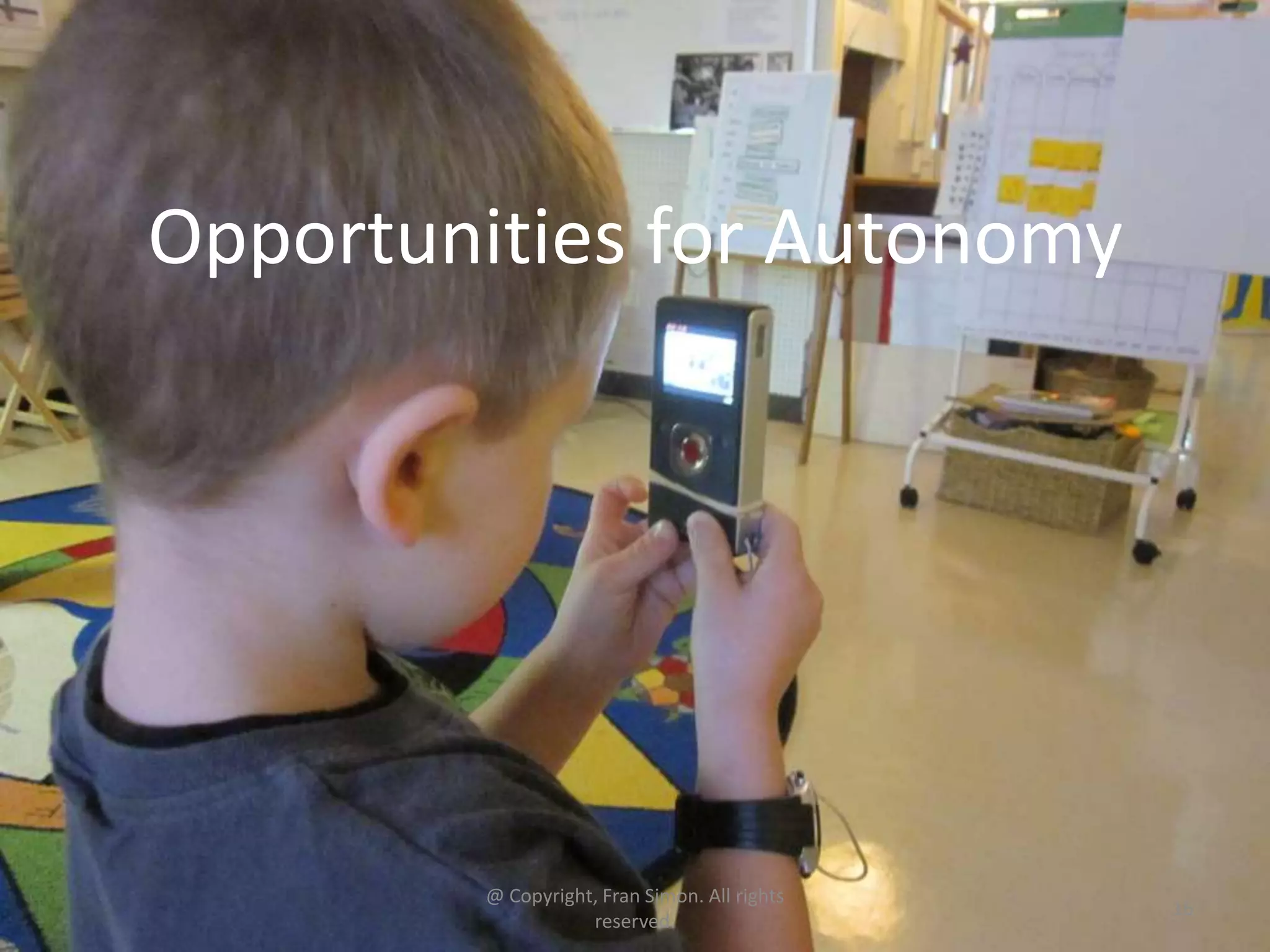
Opportunities for Autonomy

@ Copyright, Fran Simon. All rights
reserved.

16
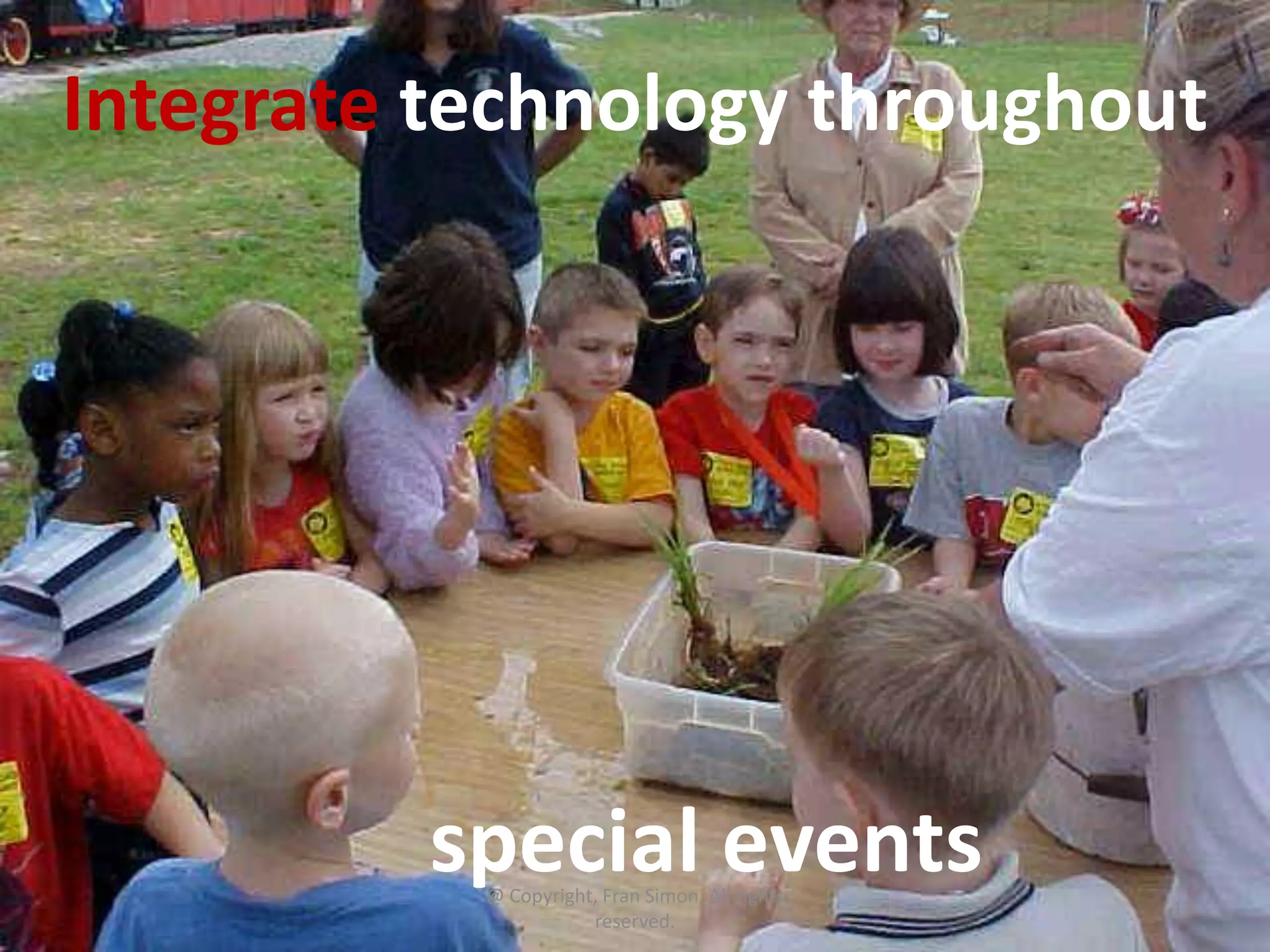
Integrate technology throughout

special events
@ Copyright, Fran Simon. All rights
reserved.

17
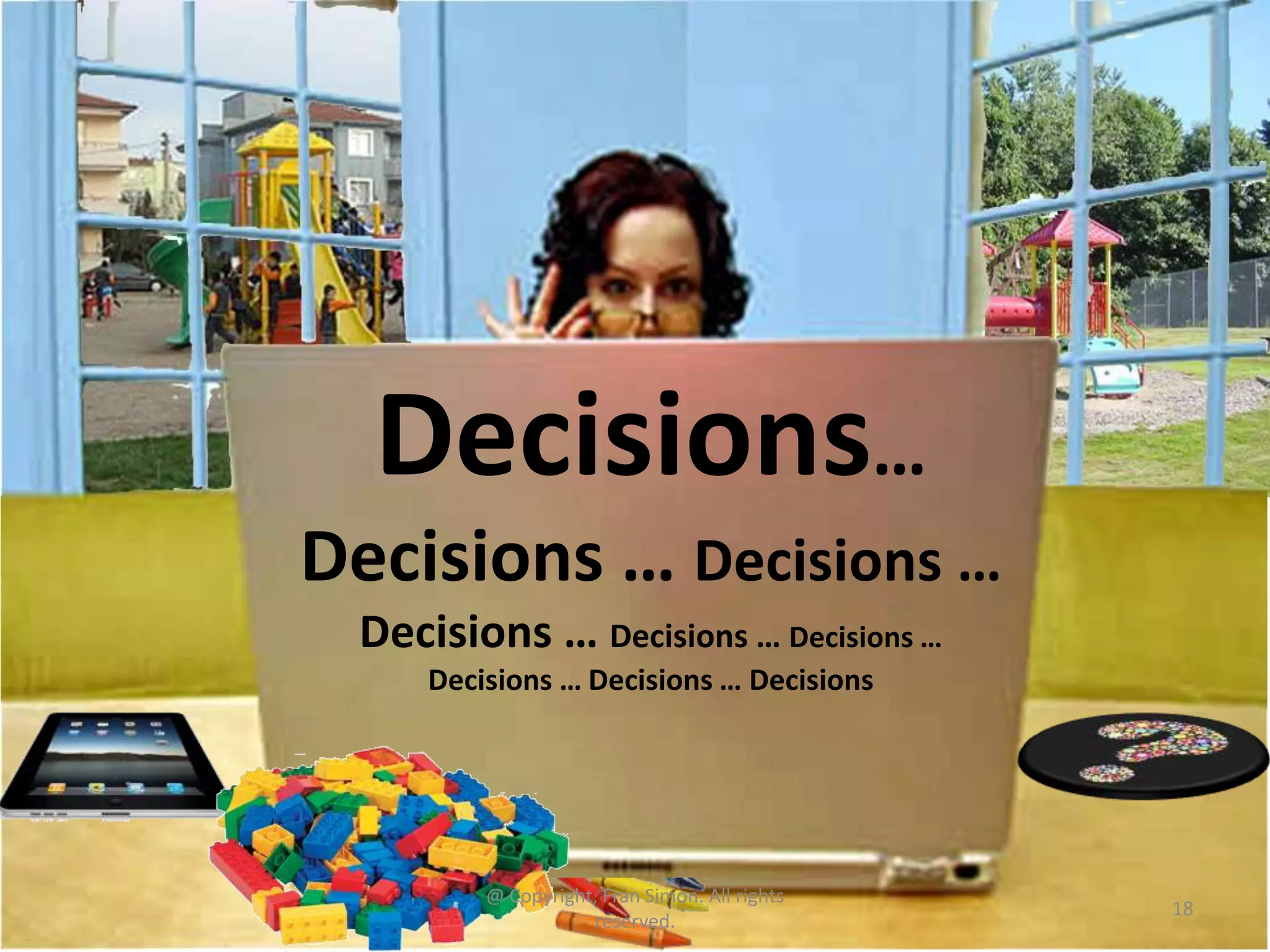
Decisions…
Decisions … Decisions …
Decisions … Decisions … Decisions …
Decisions … Decisions … Decisions

@ Copyright, Fran Simon. All rights
reserved.

18
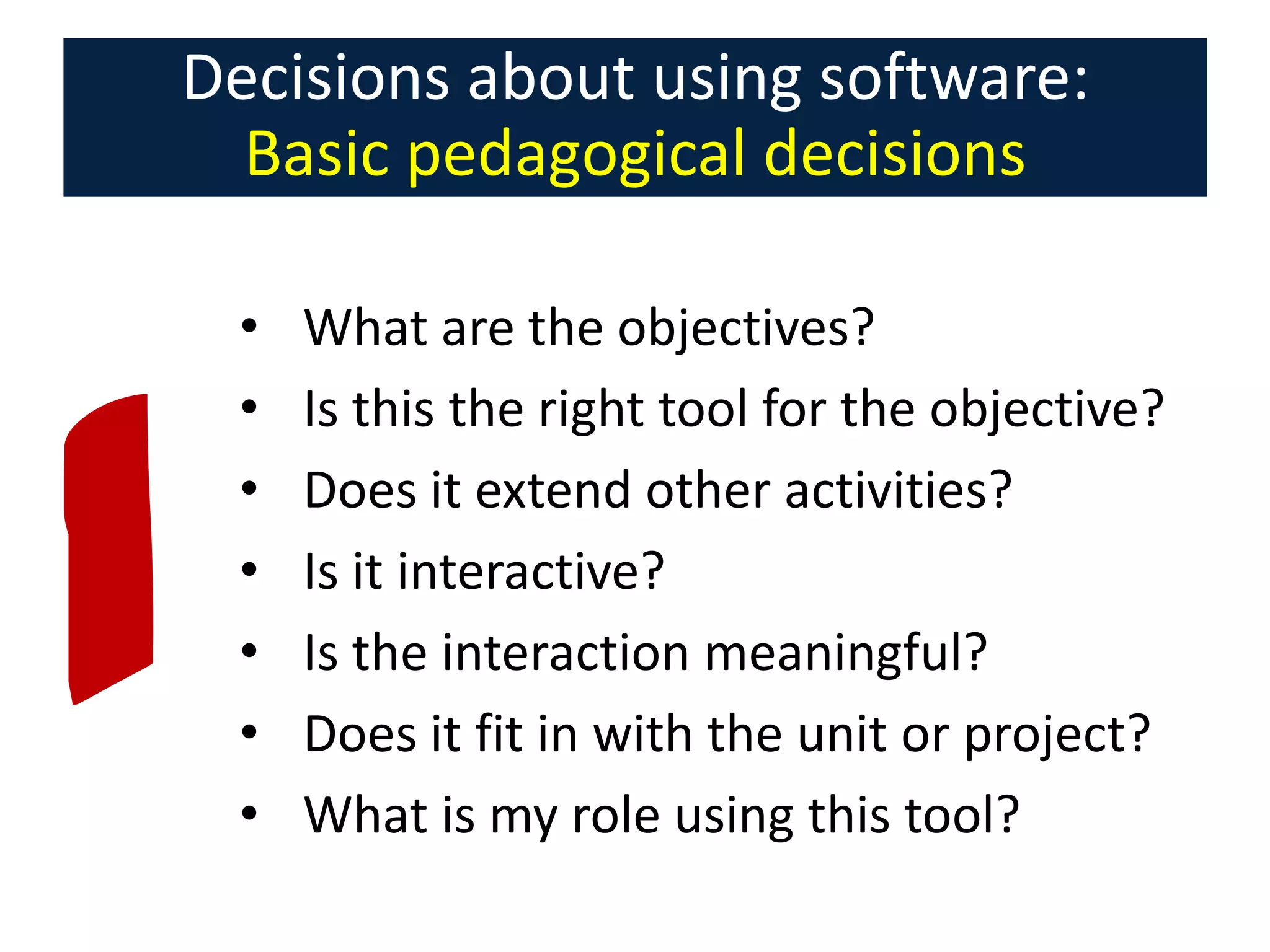
Decisions about using software:
Basic pedagogical decisions
•
•
•
•
•
•
•

What are the objectives?
Is this the right tool for the objective?
Does it extend other activities?
Is it interactive?
Is the interaction meaningful?
Does it fit in with the unit or project?
What is my role using this tool?
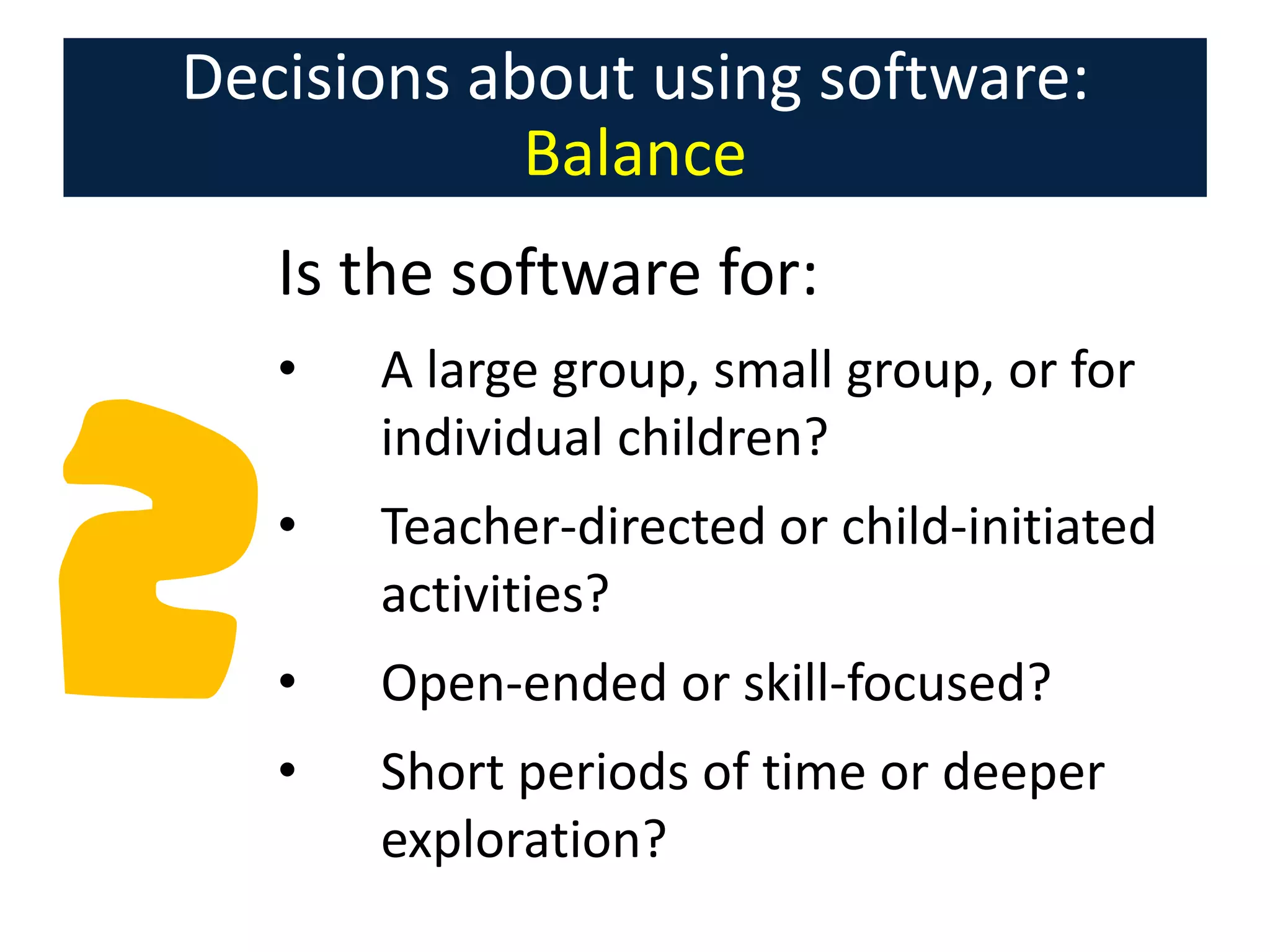
Decisions about using software:
Balance
Is the software for:
•

A large group, small group, or for
individual children?

•

Teacher-directed or child-initiated
activities?

•

Open-ended or skill-focused?

•

Short periods of time or deeper
exploration?
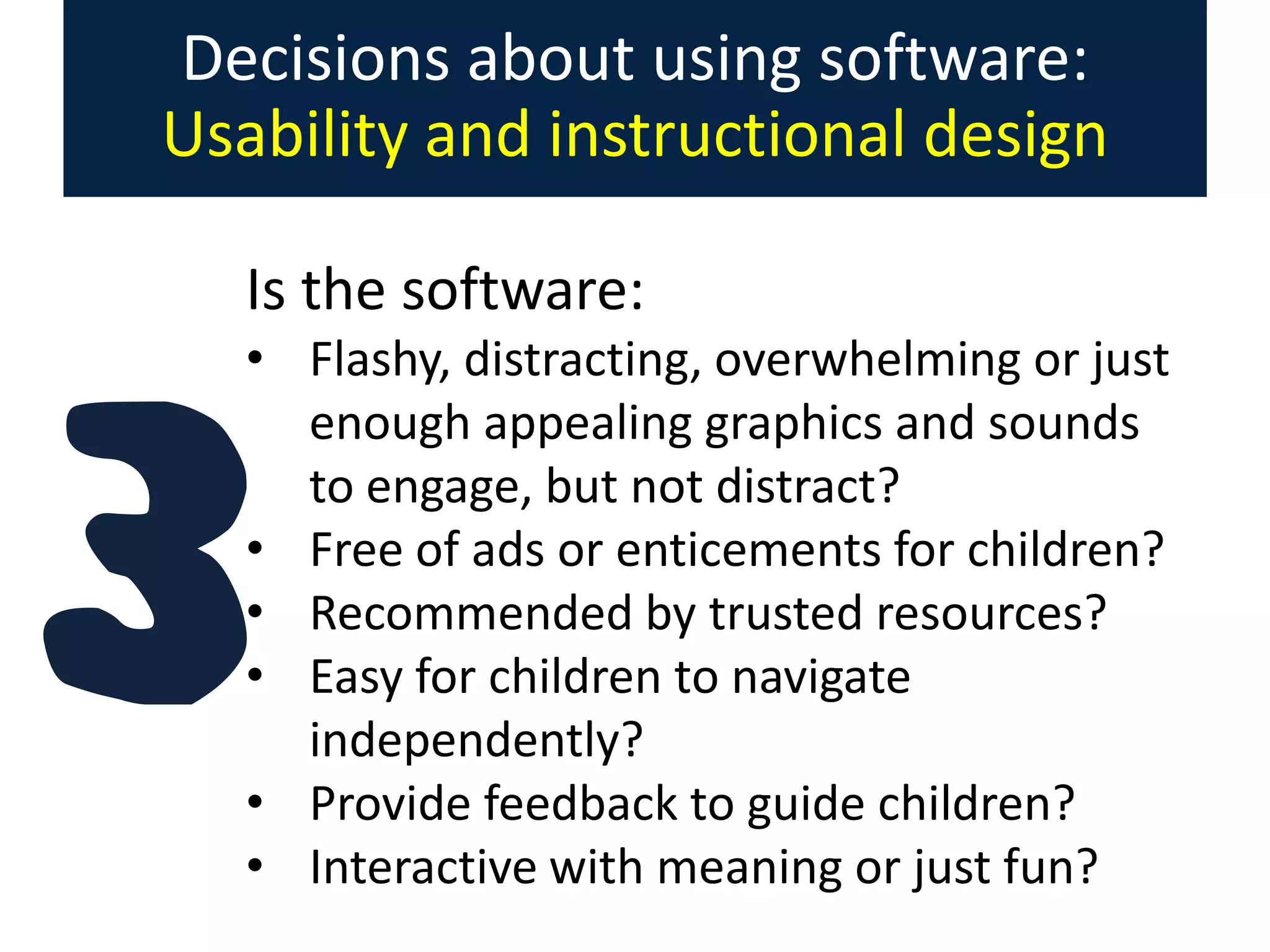
Decisions about using software:
Usability and instructional design
Is the software:
• Flashy, distracting, overwhelming or just
enough appealing graphics and sounds
to engage, but not distract?
• Free of ads or enticements for children?
• Recommended by trusted resources?
• Easy for children to navigate
independently?
• Provide feedback to guide children?
• Interactive with meaning or just fun?
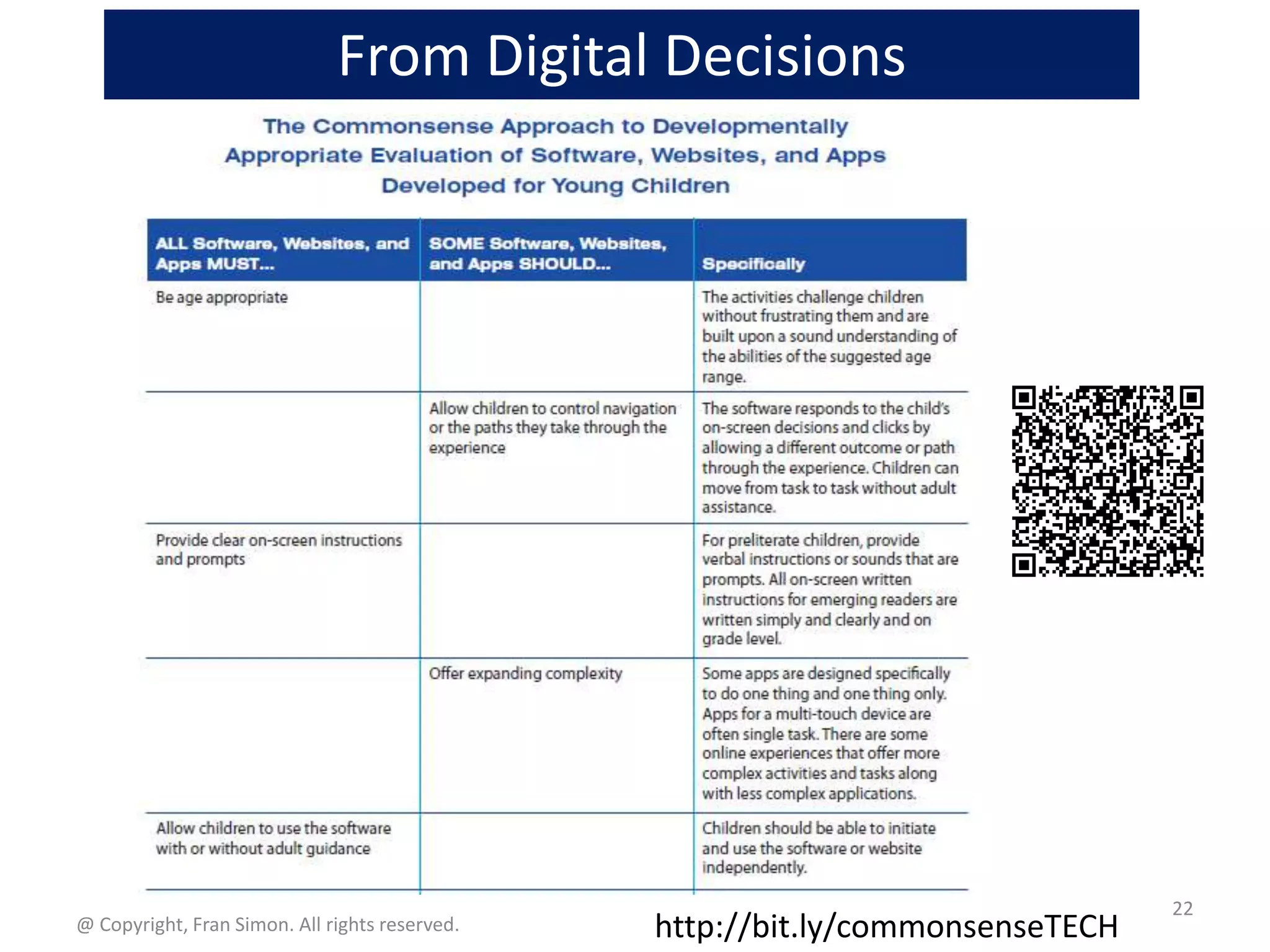
From Digital Decisions

@ Copyright, Fran Simon. All rights reserved.

http://bit.ly/commonsenseTECH

22
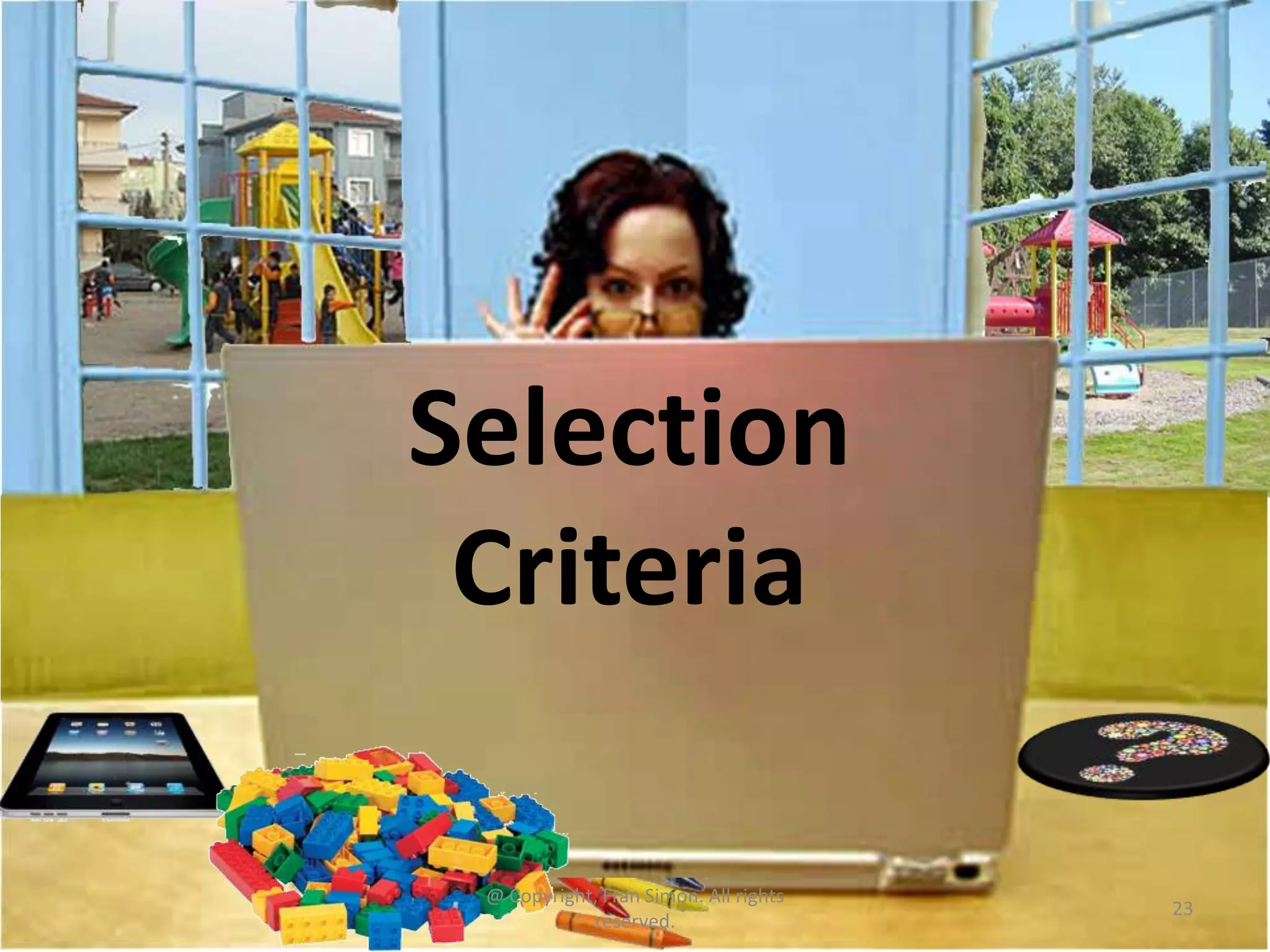
Selection
Criteria
@ Copyright, Fran Simon. All rights
reserved.

23
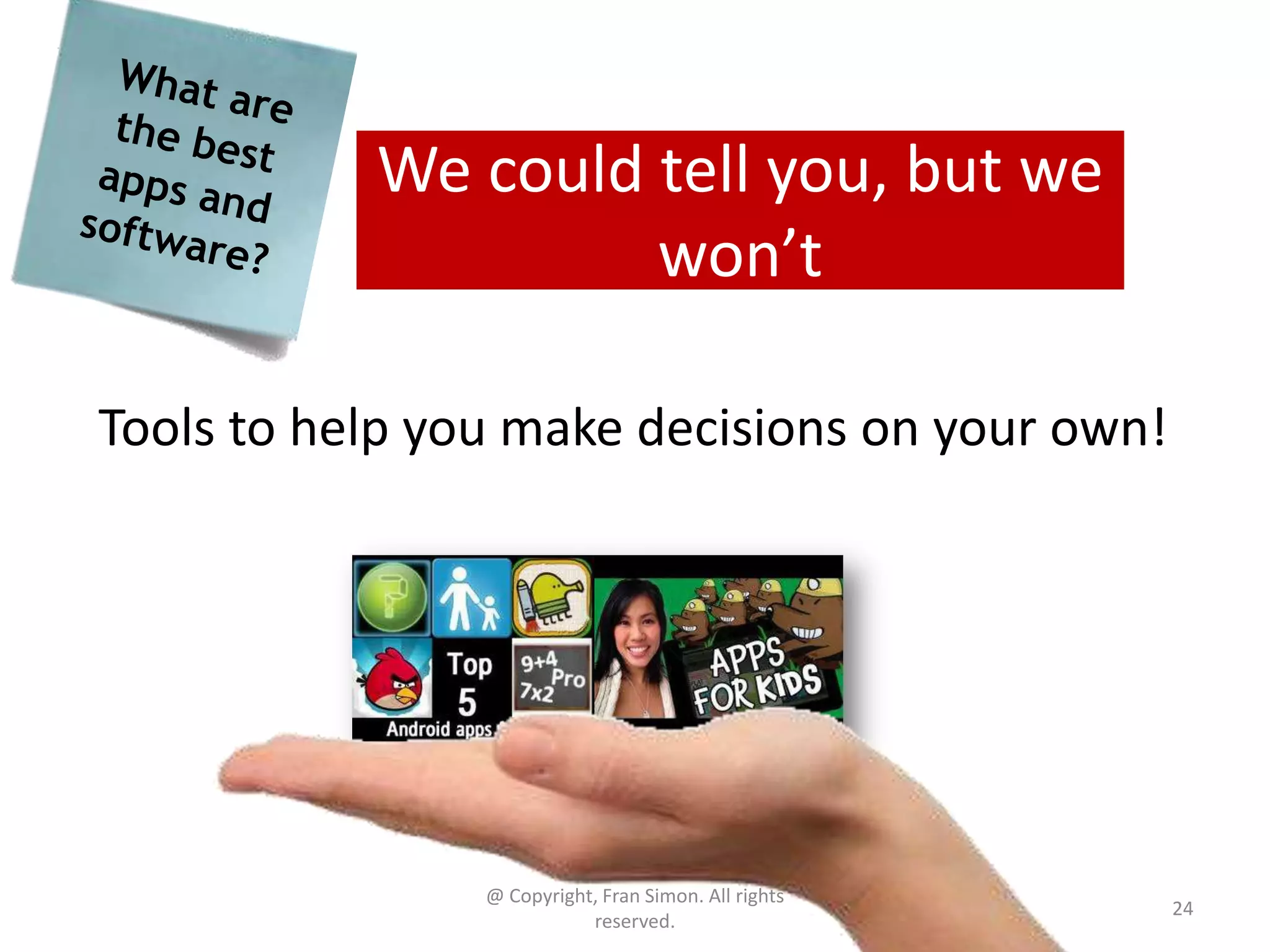
We could tell you, but we
won’t
Tools to help you make decisions on your own!

@ Copyright, Fran Simon. All rights
reserved.

24
Bad news – most early learning apps,
websites, and software…
• have moderate entertainment
• have low production value
• have low educational value
• are redundant
• are rote/skill based
according to Simon & Nemeth

@ Copyright, Fran Simon. All rights
reserved.

25
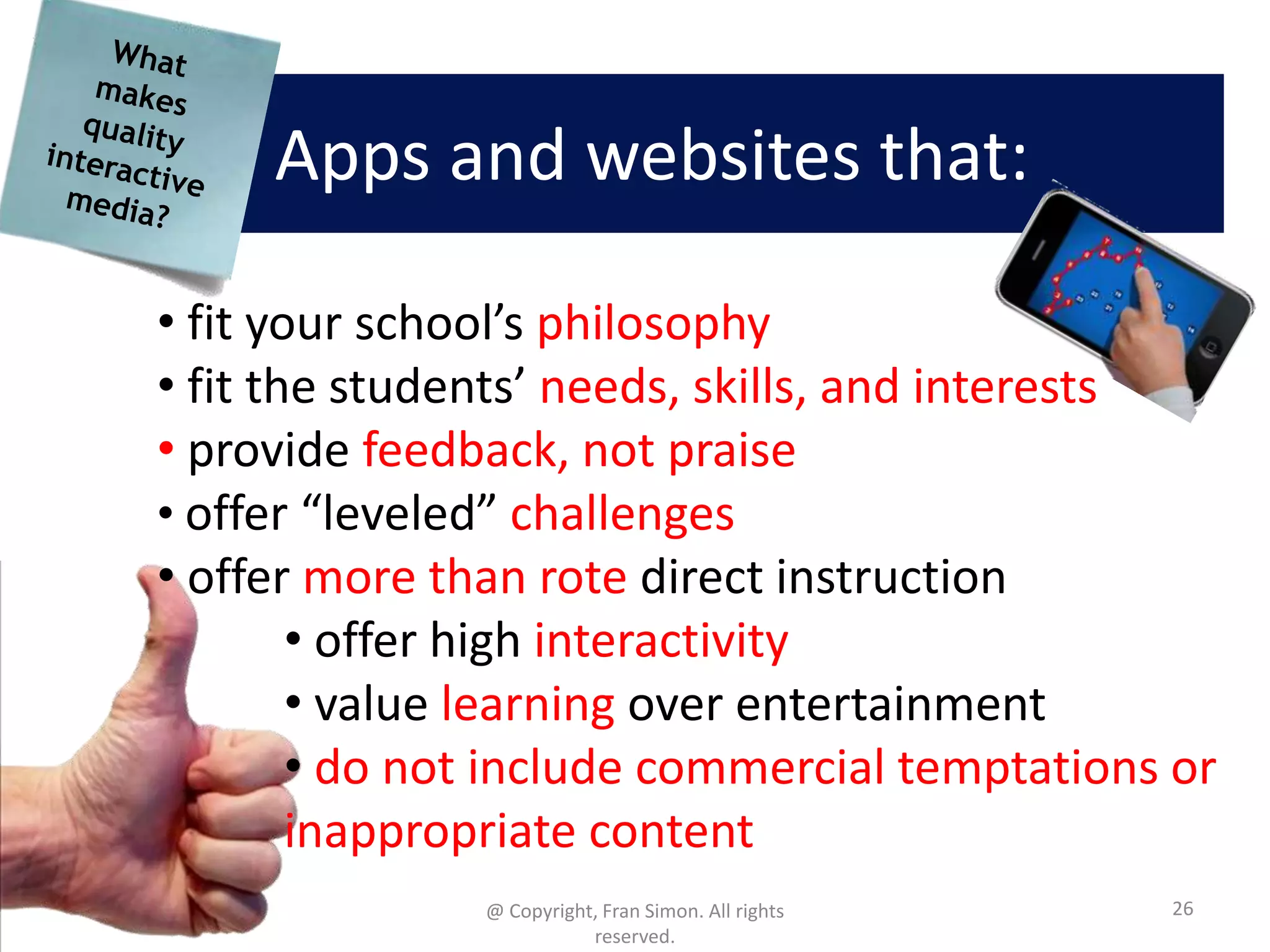
Apps and websites that:
• fit your school’s philosophy
• fit the students’ needs, skills, and interests
• provide feedback, not praise
• offer “leveled” challenges
• offer more than rote direct instruction
• offer high interactivity
• value learning over entertainment
• do not include commercial temptations or
inappropriate content
@ Copyright, Fran Simon. All rights
reserved.

26
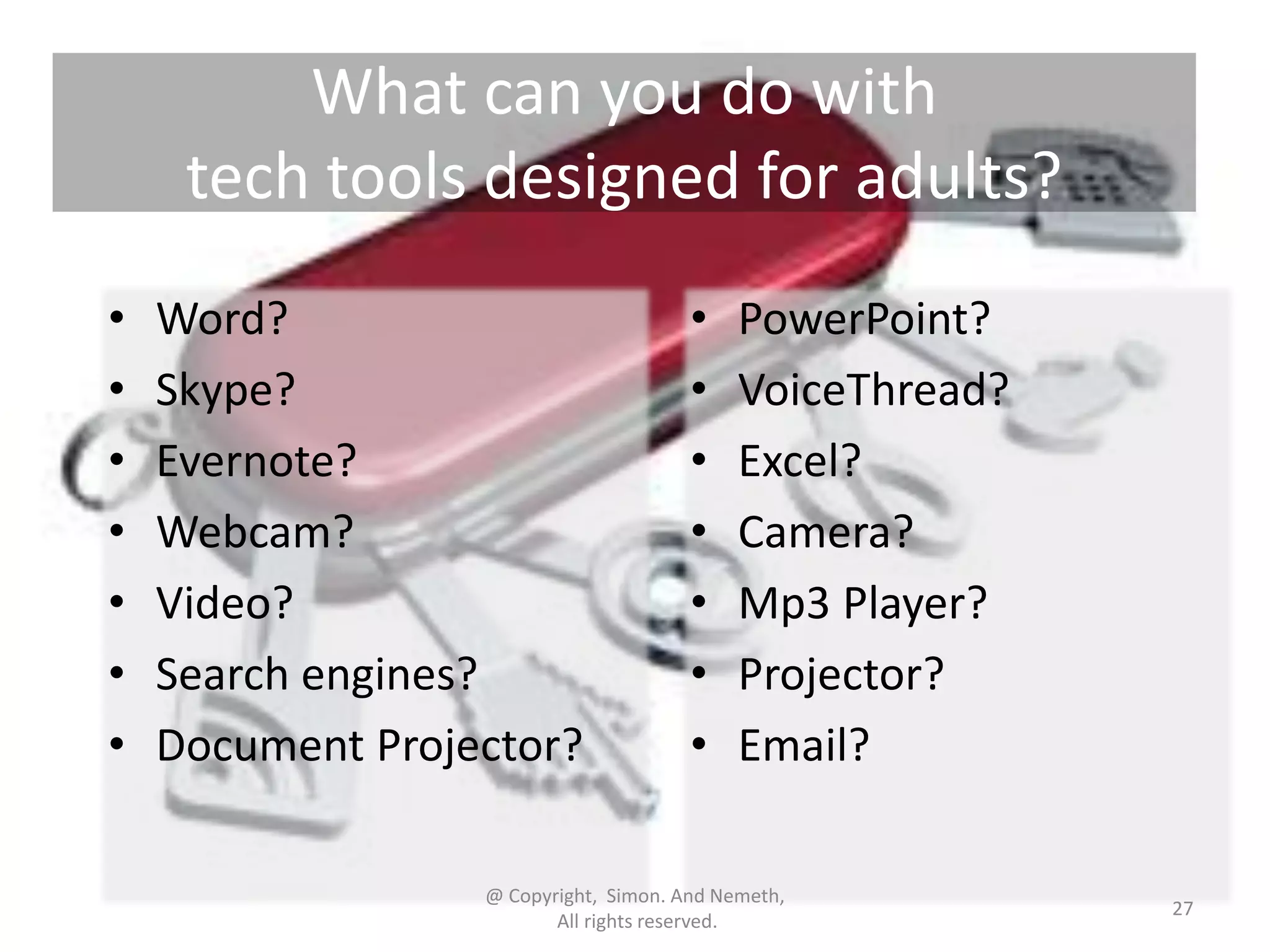
What can you do with
tech tools designed for adults?
•
•
•
•
•
•
•

Word?
Skype?
Evernote?
Webcam?
Video?
Search engines?
Document Projector?

•
•
•
•
•
•
•

PowerPoint?
VoiceThread?
Excel?
Camera?
Mp3 Player?
Projector?
Email?

@ Copyright, Simon. And Nemeth,
All rights reserved.

27
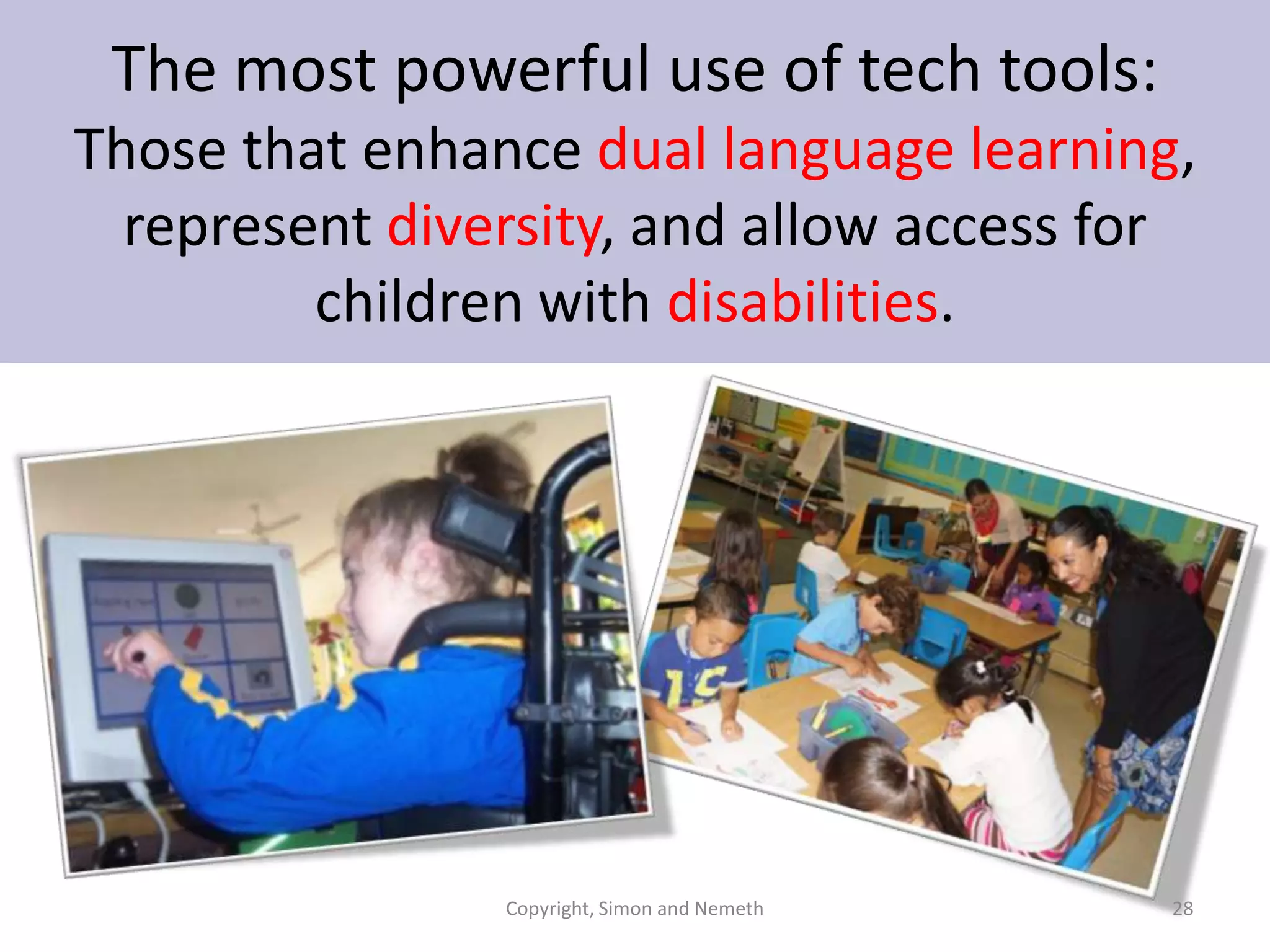
The most powerful use of tech tools:
Those that enhance dual language learning,
represent diversity, and allow access for
children with disabilities.

Copyright, Simon and Nemeth

28
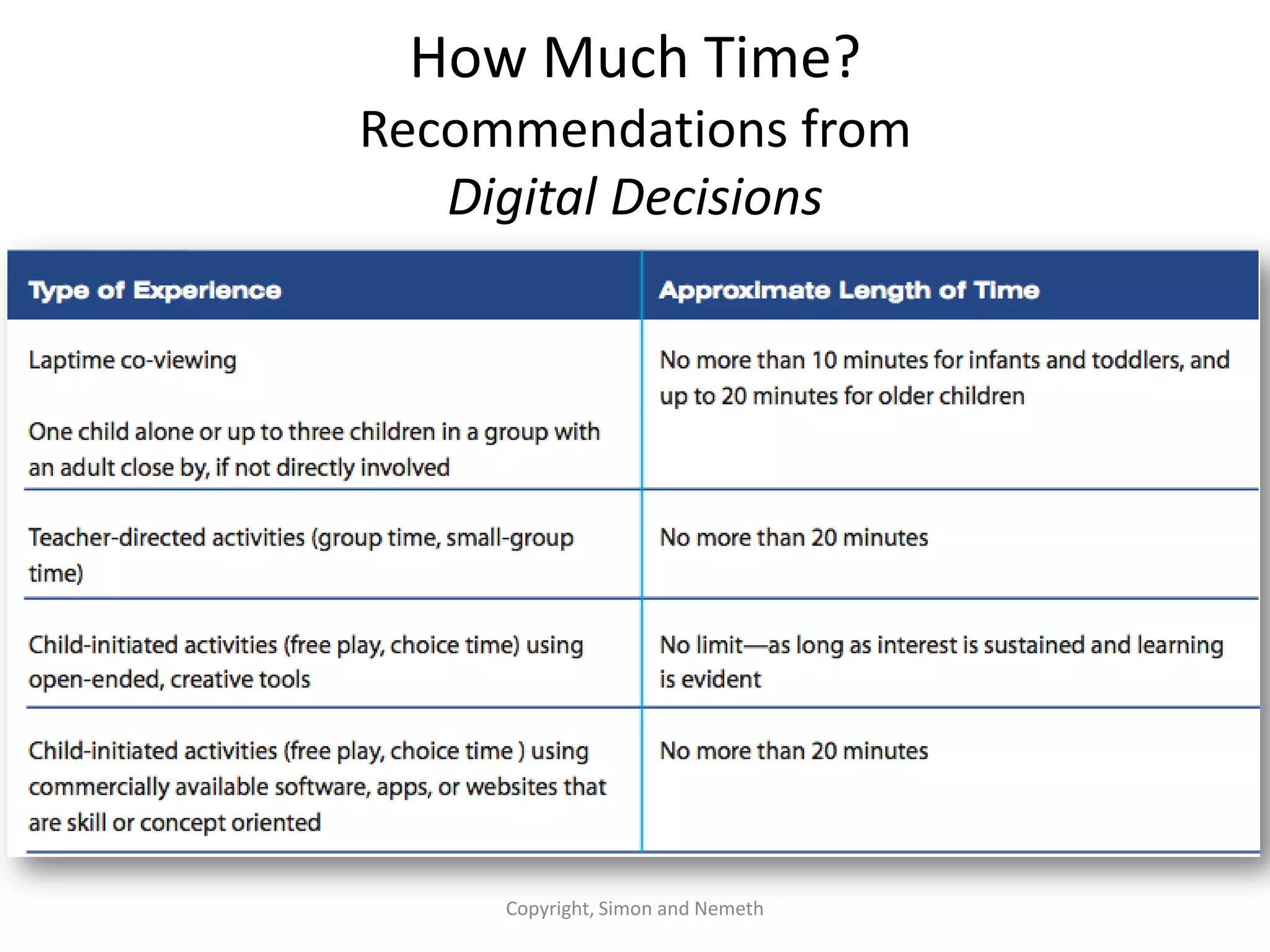
Time limits: Consider variables like age,
objectives, and type of interaction.

Copyright, Simon and Nemeth

29
How Much Time?
Recommendations from
Digital Decisions

Copyright, Simon and Nemeth
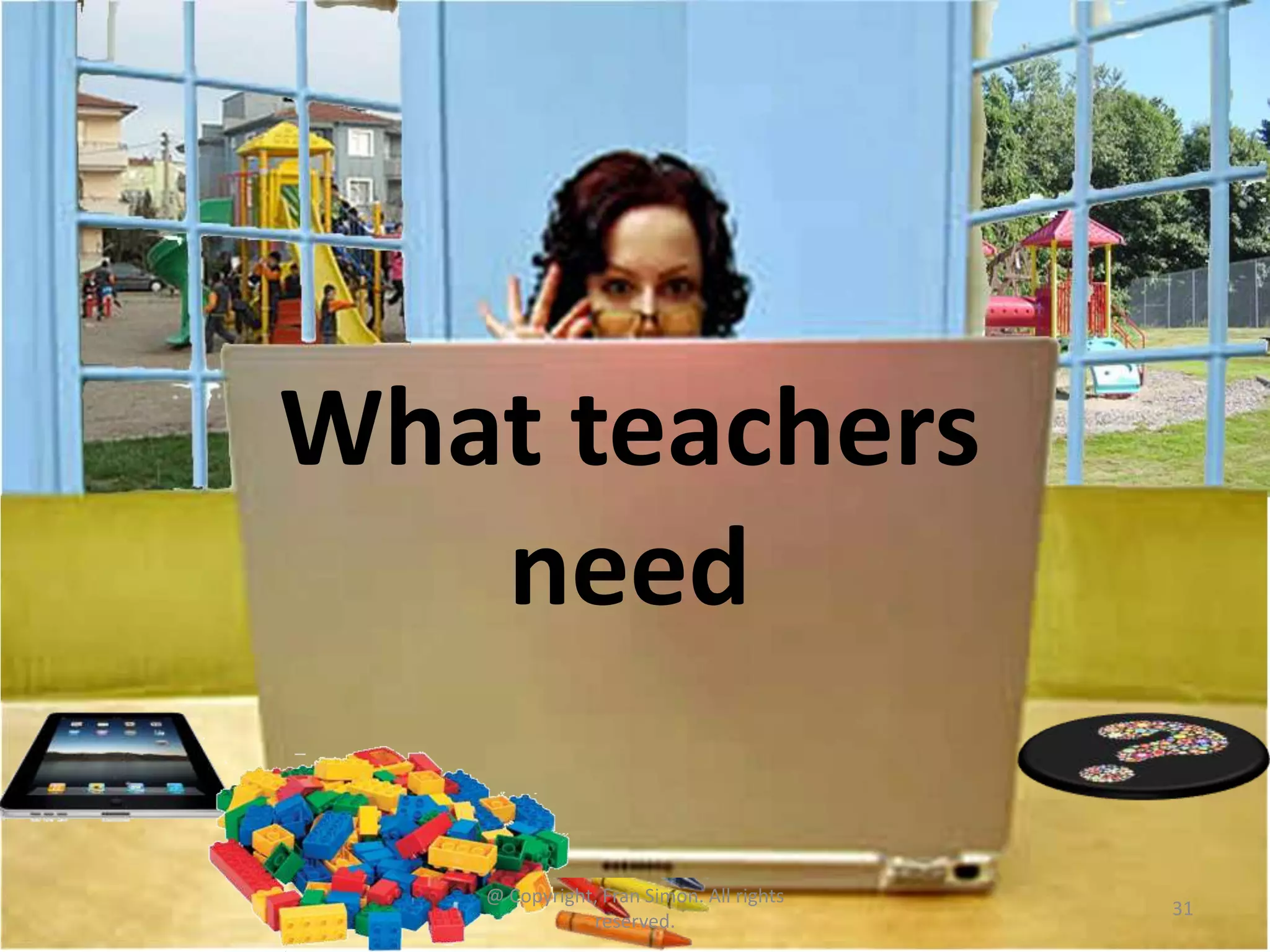
What teachers
need
@ Copyright, Fran Simon. All rights
reserved.

31
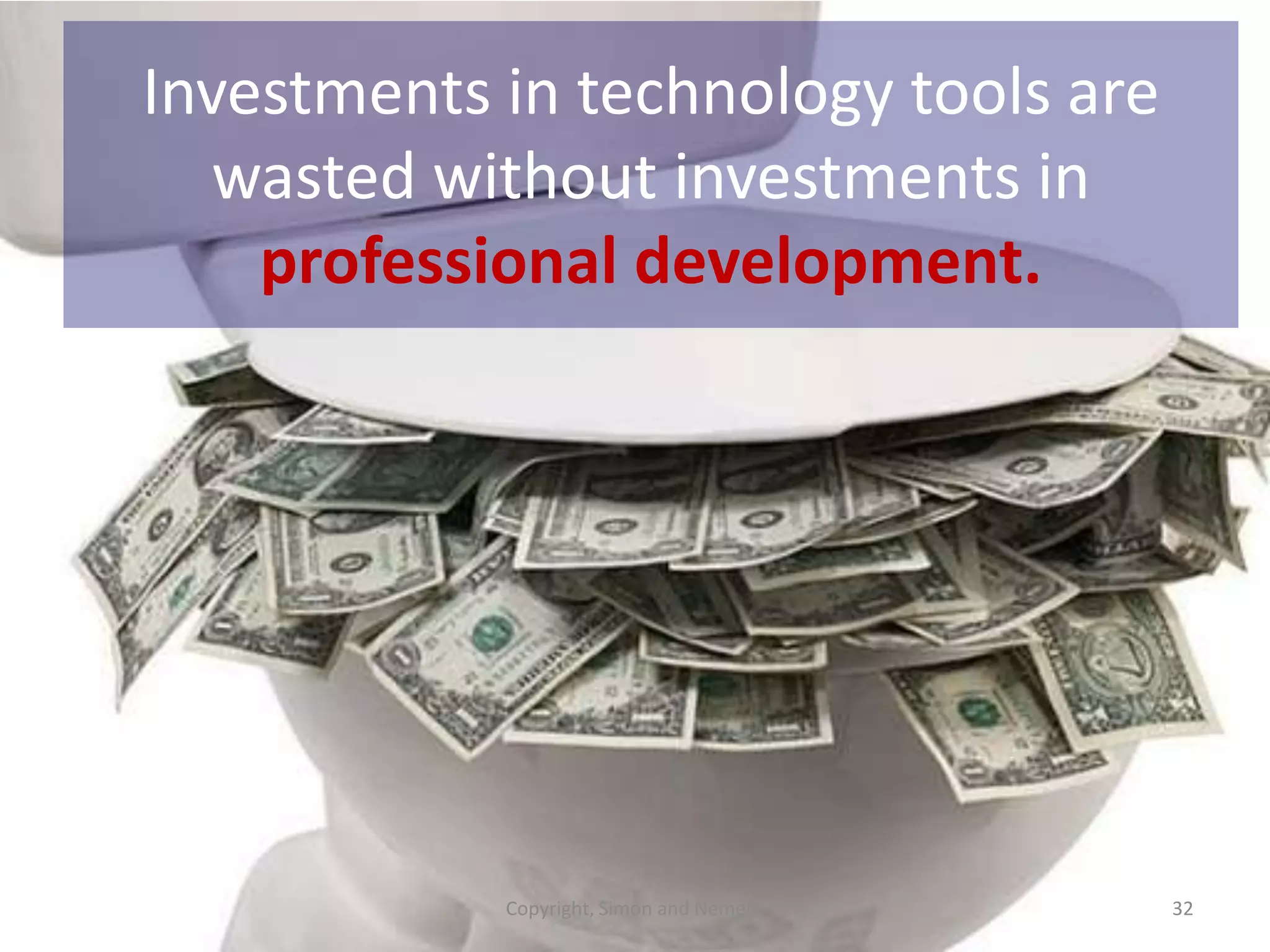
Investments in technology tools are
wasted without investments in
professional development.

Copyright, Simon and Nemeth

32
Teachers need
technology
“play time”
AND formal
professional
development to
how to use
them in context.
Copyright, Simon and Nemeth

33
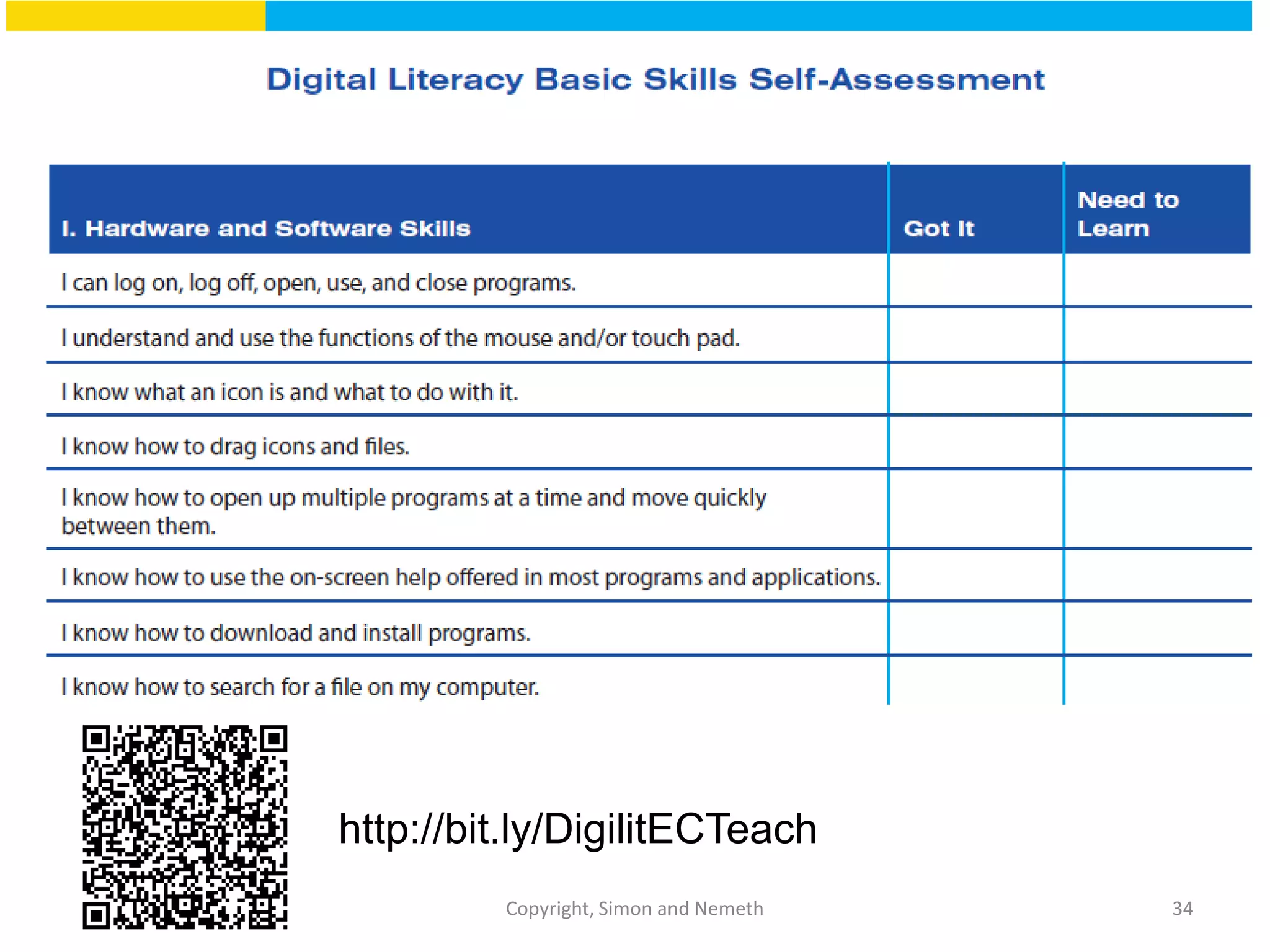
http://bit.ly/DigilitECTeach
Copyright, Simon and Nemeth

34
Get in there…
* Check out other successful
programs…

To learn it

* View videos and
webinars…
* Network…

* Get buy-in…
© Fran Simon Copyright, 2012

* Plan…

35
Resources for Teachers, Parents and Staff
Review site
Technology position
statement and fantastic
resources to support it.
Resources for ECE teachers
and administrators
Resources for ECE teachers
and administrators
Fred Rogers Center’s Early
Learning Environment
Resources and tips for
teachers
A website and newsletter
summarizes products and
trends in children’s media
Resources for Teachers, Parents and Staff
Information for teachers about
reading and literacy activities
American Library Association –
Listing of great sites for children
and teachers

International Reading Libraryfree ebooks from around the
world
Songs, rhymes and traditions
from around the world.

Free ebooks to read online
Fran@ECEtech.net
Karen@ECEtech.net

Early Childhood Technology Network
ECEtech.net

Digital Decisions: Choosing and Using Technology in Early Education - An Overview for K-6 Educators

  • 1.
    Digital Decisions: Choosing andUsing Technology in Early Education Karen Nemeth, Ed.M. Fran Simon, M.Ed.
  • 2.
  • 3.
    Classroom tech: Paradigm shifts andaffirmations @ Copyright, Fran Simon. All rights reserved. 3
  • 4.
    Being intentional about technologyuse will lead to positive outcomes. Copyright, Simon and Nemeth 4
  • 5.
    Daily Routines Intentional • Selectthe tech tools to align with the curriculum objectives. • Plan technology use as just another tool to get the job done, like books, crayons, pencils, etc. • Not tech for tech’s sake
  • 6.
    Don’t fall for“app mania” • Technology is not always the best choice • Apps designed for children are not always the best choice • Mobile devices are not always the best choice @ Copyright, Fran Simon. All rights reserved. Think out of the mobile box 6
  • 7.
    Tech tools * old& new * * analog & digital * * low & hi-tech * * For professional use * * Designed for children * Copyright Simon and Nemeth, 2014
  • 8.
    NAEYC/FRC Joint PositionStatement on Technology in ECE CLASSROOMS http://www.naeyc.org/content/technology-and-young-children 8 Copyright, Simon and Nemeth
  • 9.
    Considerations for developmentally appropriate technology use @Copyright, Fran Simon. All rights reserved. 9
  • 10.
    When Digital ToolsMake Sense Meaningful Pedagogical value Engaging Interactive Productive Up to date © Copyright Nemeth and Simon, 2102 10
  • 11.
    Poll 3 Labs, computercenters, and in classroom use
  • 12.
    Make tech toolsavailable throughout the room Preschool Interactive whiteboard 2nd Grade Lab @ Copyright, Fran Simon. All rights reserved. 12
  • 13.
    Consider technology tools as additional materialsthat allow students to “DO” and teachers to FACILITATE learning. Copyright, Simon and Nemeth 13
  • 14.
    Opportunities to fosterrelationships with children and adults @ Copyright, Fran Simon. All rights reserved. 14
  • 15.
    Make sure adults areavailable to support learning @ Copyright, Fran Simon. All rights reserved. 15
  • 16.
    Opportunities for Autonomy @Copyright, Fran Simon. All rights reserved. 16
  • 17.
    Integrate technology throughout specialevents @ Copyright, Fran Simon. All rights reserved. 17
  • 18.
    Decisions… Decisions … Decisions… Decisions … Decisions … Decisions … Decisions … Decisions … Decisions @ Copyright, Fran Simon. All rights reserved. 18
  • 19.
    Decisions about usingsoftware: Basic pedagogical decisions • • • • • • • What are the objectives? Is this the right tool for the objective? Does it extend other activities? Is it interactive? Is the interaction meaningful? Does it fit in with the unit or project? What is my role using this tool?
  • 20.
    Decisions about usingsoftware: Balance Is the software for: • A large group, small group, or for individual children? • Teacher-directed or child-initiated activities? • Open-ended or skill-focused? • Short periods of time or deeper exploration?
  • 21.
    Decisions about usingsoftware: Usability and instructional design Is the software: • Flashy, distracting, overwhelming or just enough appealing graphics and sounds to engage, but not distract? • Free of ads or enticements for children? • Recommended by trusted resources? • Easy for children to navigate independently? • Provide feedback to guide children? • Interactive with meaning or just fun?
  • 22.
    From Digital Decisions @Copyright, Fran Simon. All rights reserved. http://bit.ly/commonsenseTECH 22
  • 23.
    Selection Criteria @ Copyright, FranSimon. All rights reserved. 23
  • 24.
    We could tellyou, but we won’t Tools to help you make decisions on your own! @ Copyright, Fran Simon. All rights reserved. 24
  • 25.
    Bad news –most early learning apps, websites, and software… • have moderate entertainment • have low production value • have low educational value • are redundant • are rote/skill based according to Simon & Nemeth @ Copyright, Fran Simon. All rights reserved. 25
  • 26.
    Apps and websitesthat: • fit your school’s philosophy • fit the students’ needs, skills, and interests • provide feedback, not praise • offer “leveled” challenges • offer more than rote direct instruction • offer high interactivity • value learning over entertainment • do not include commercial temptations or inappropriate content @ Copyright, Fran Simon. All rights reserved. 26
  • 27.
    What can youdo with tech tools designed for adults? • • • • • • • Word? Skype? Evernote? Webcam? Video? Search engines? Document Projector? • • • • • • • PowerPoint? VoiceThread? Excel? Camera? Mp3 Player? Projector? Email? @ Copyright, Simon. And Nemeth, All rights reserved. 27
  • 28.
    The most powerfuluse of tech tools: Those that enhance dual language learning, represent diversity, and allow access for children with disabilities. Copyright, Simon and Nemeth 28
  • 29.
    Time limits: Considervariables like age, objectives, and type of interaction. Copyright, Simon and Nemeth 29
  • 30.
    How Much Time? Recommendationsfrom Digital Decisions Copyright, Simon and Nemeth
  • 31.
    What teachers need @ Copyright,Fran Simon. All rights reserved. 31
  • 32.
    Investments in technologytools are wasted without investments in professional development. Copyright, Simon and Nemeth 32
  • 33.
    Teachers need technology “play time” ANDformal professional development to how to use them in context. Copyright, Simon and Nemeth 33
  • 34.
  • 35.
    Get in there… *Check out other successful programs… To learn it * View videos and webinars… * Network… * Get buy-in… © Fran Simon Copyright, 2012 * Plan… 35
  • 36.
    Resources for Teachers,Parents and Staff Review site Technology position statement and fantastic resources to support it. Resources for ECE teachers and administrators Resources for ECE teachers and administrators Fred Rogers Center’s Early Learning Environment Resources and tips for teachers A website and newsletter summarizes products and trends in children’s media
  • 37.
    Resources for Teachers,Parents and Staff Information for teachers about reading and literacy activities American Library Association – Listing of great sites for children and teachers International Reading Libraryfree ebooks from around the world Songs, rhymes and traditions from around the world. Free ebooks to read online
  • 38.

Editor's Notes

  • #11 See chart on p. 61 - The Common Sense Approach to Developmentally Appropriate Evaluation of Software, Websites, and Apps Developed for Young Children
  • #13 As natural as using crayons to draw in a structure in the block area or using props in the dramatic play area.
  • #18 There are even apps designed to capture and use what happens outdoors or on field trips!
  • #29 Consider ways that technology can help children learn and explore concepts even while they are not yet fluent in the language spoken by the teacher – for example Toca Tea Party app wordlessly allows children to take turns pouring tea and juice, serving desserts, and cleaning up spills.
  • #30 In other words, don’t just use a ‘math game’ but look for activities that support the learning of specific math concepts you need to cover such as apps like My First Tangrams for spatial reasoning or Cookie Doodle for measuring and quantities.
  • #34 That means you!That means teachers!