

Teachers
and parents need
serious technology
playtime
Setting up technology playdates that lead to
technology mastery in early childhood settings

NAEYC Annual Conference, Washington, DC 2013
1
@ Copyright, Fran Simon and Karen Nemeth. All rights reserved.
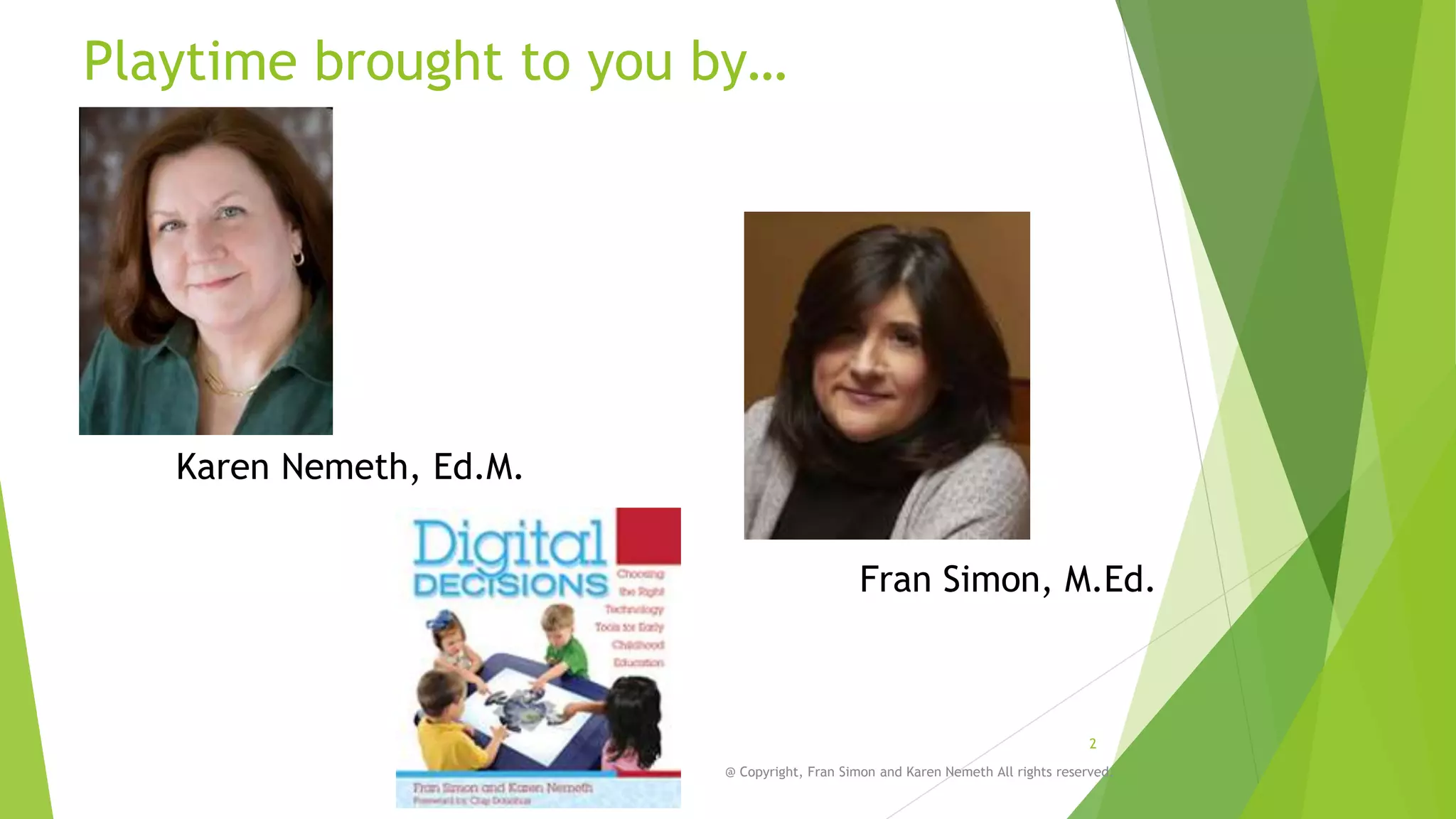
Playtime brought to you by…

Karen Nemeth, Ed.M.

Fran Simon, M.Ed.

2
@ Copyright, Fran Simon and Karen Nemeth All rights reserved.
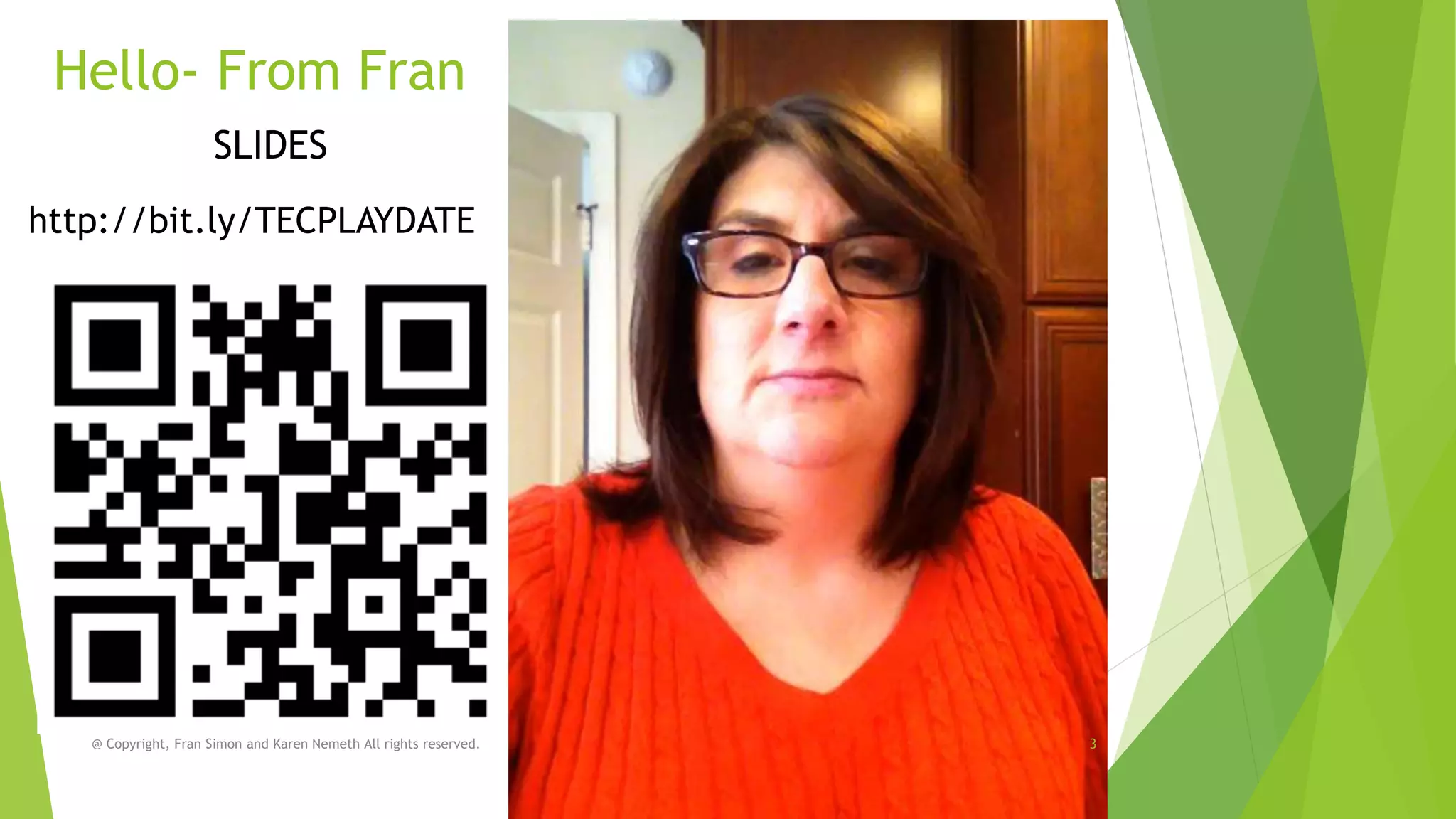
Hello- From Fran
SLIDES
http://bit.ly/TECPLAYDATE

@ Copyright, Fran Simon and Karen Nemeth All rights reserved.

3
Who are you?

@ Copyright, Fran Simon and Karen Nemeth All rights reserved.
4
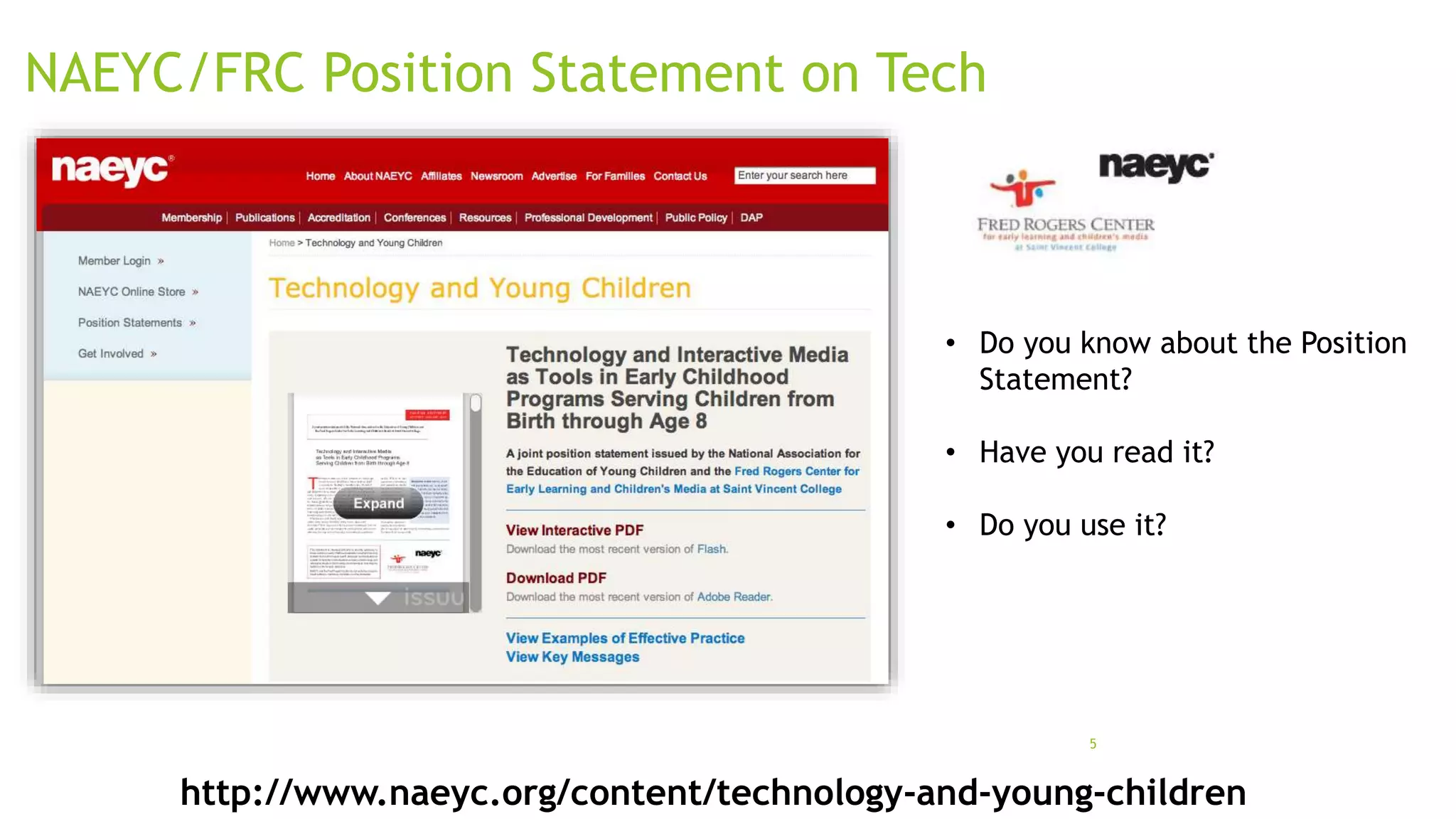
NAEYC/FRC Position Statement on Tech

• Do you know about the Position
Statement?
• Have you read it?
• Do you use it?

5

http://www.naeyc.org/content/technology-and-young-children
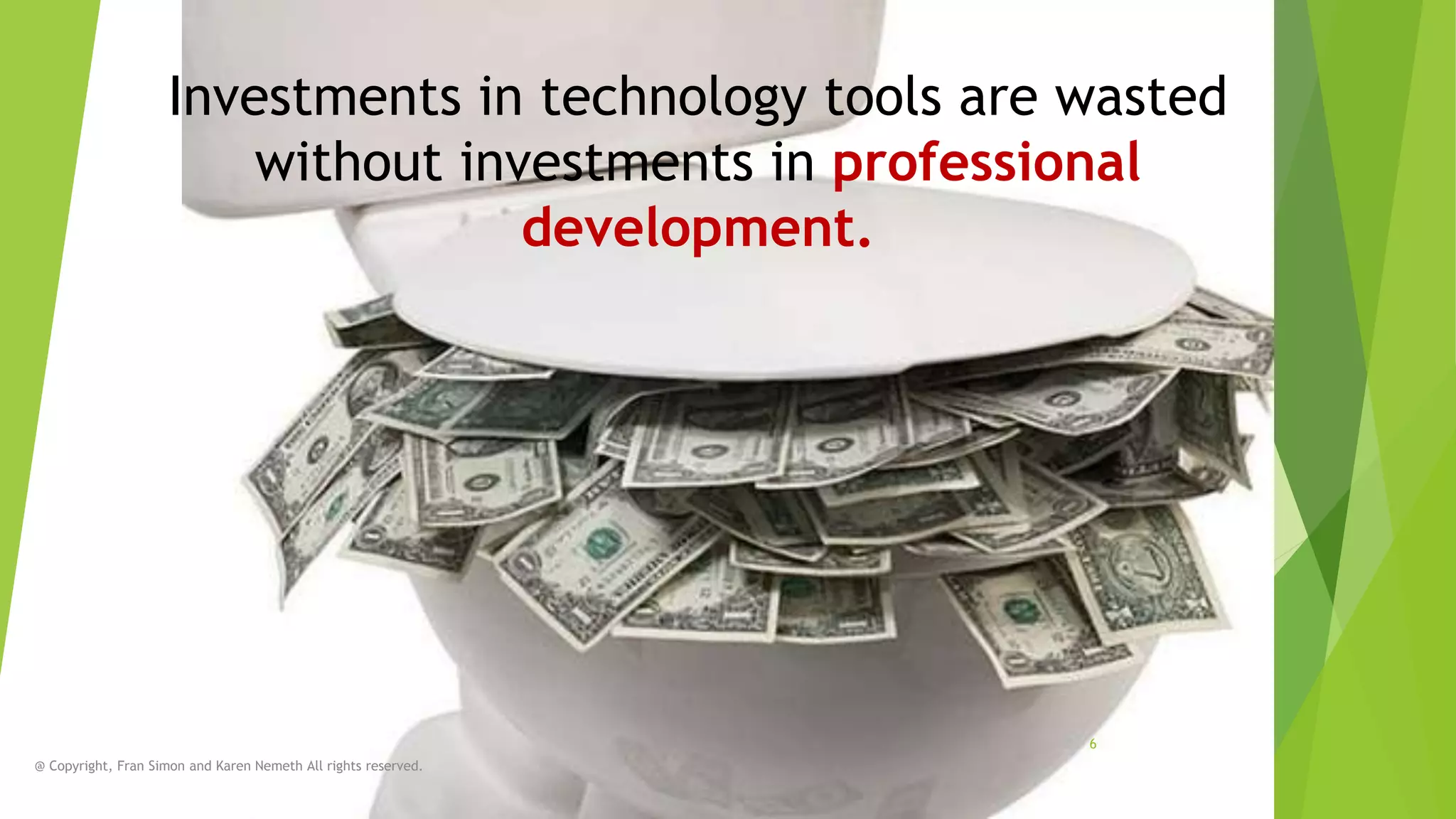
Investments in technology tools are wasted
without investments in professional
development.

6
@ Copyright, Fran Simon and Karen Nemeth All rights reserved.
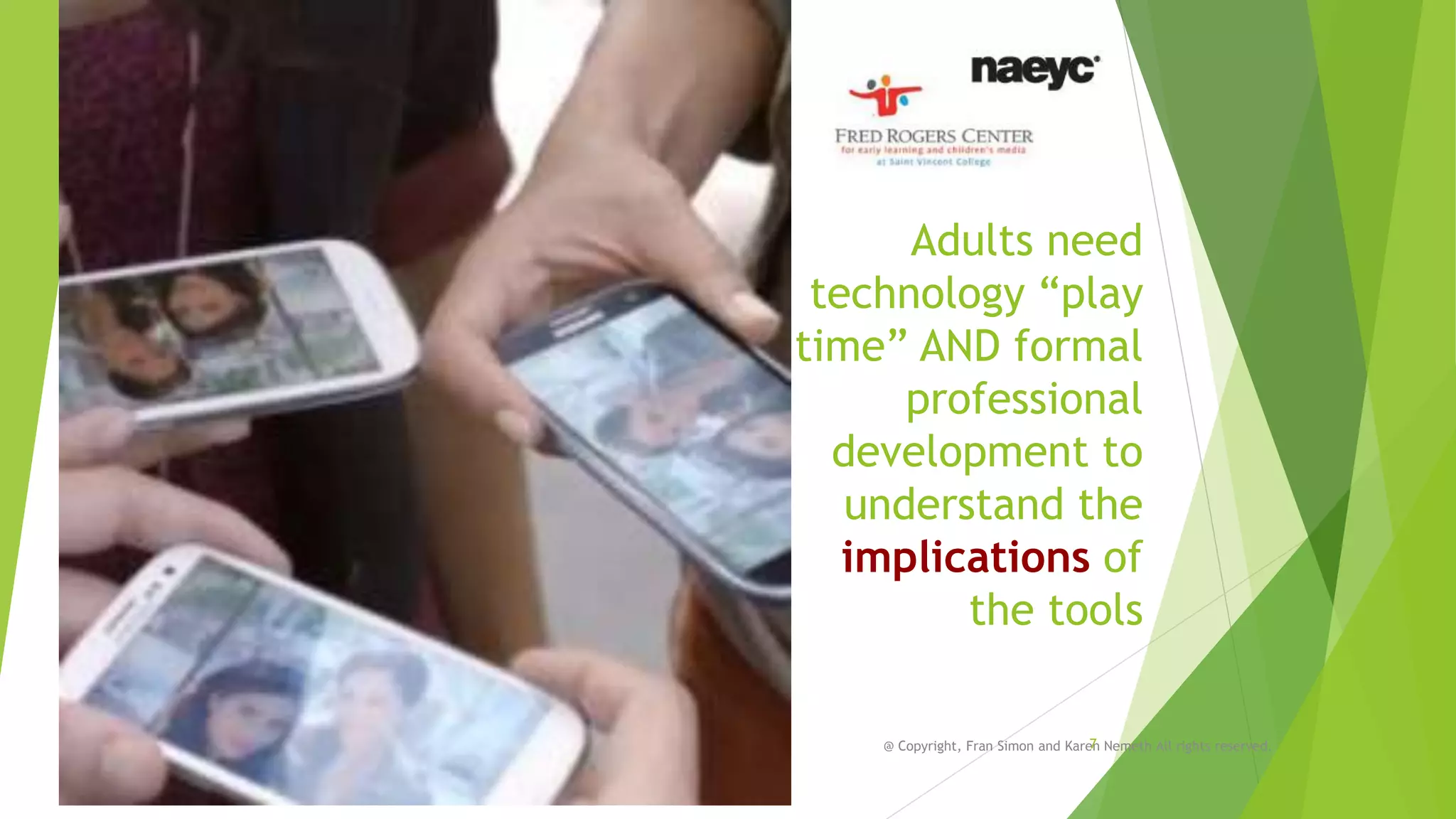
Adults need
technology “play
time” AND formal
professional
development to
understand the
implications of
the tools
7
@ Copyright, Fran Simon and Karen Nemeth All rights reserved.
8

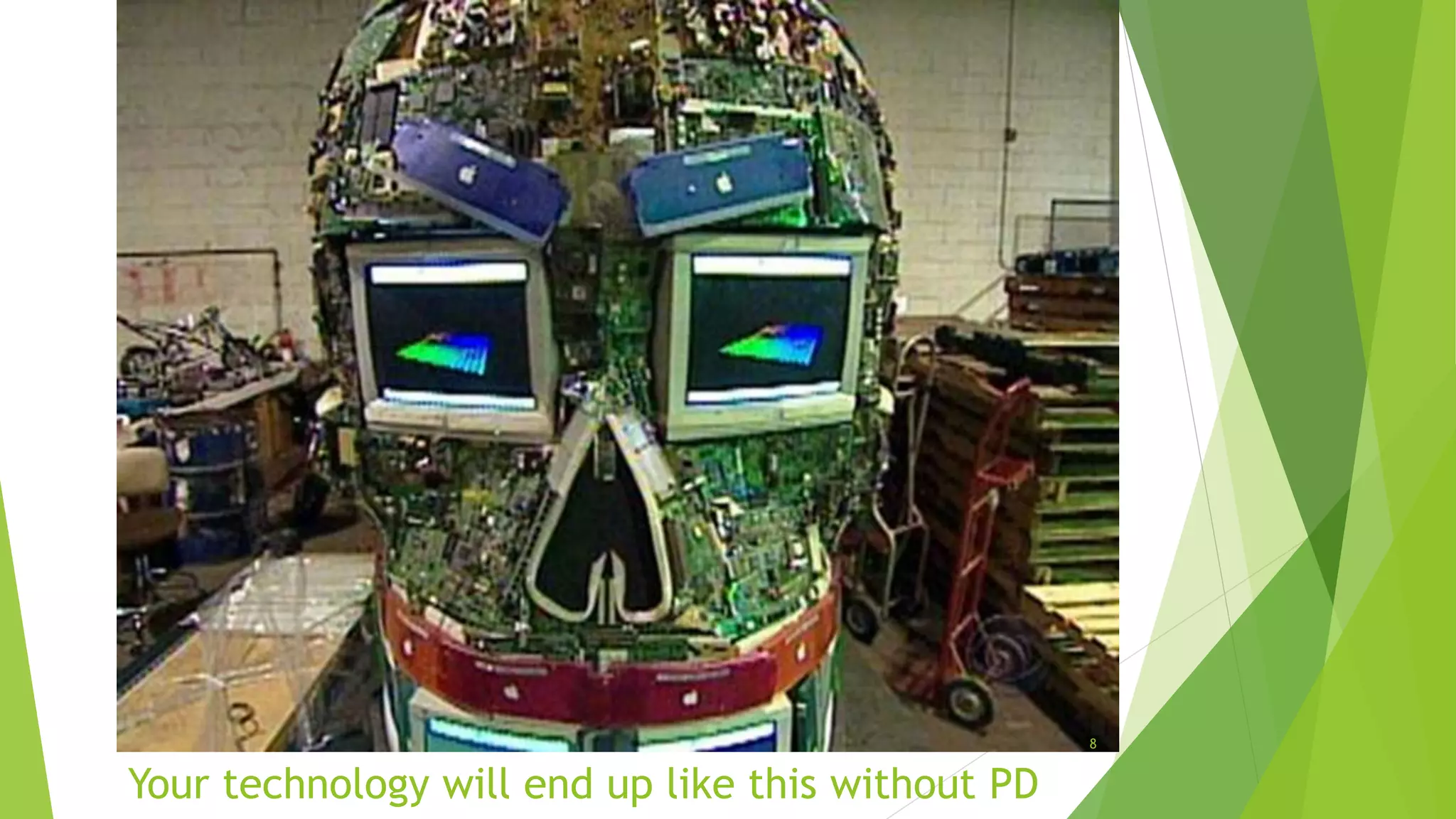
Your technology will end up like this without PD
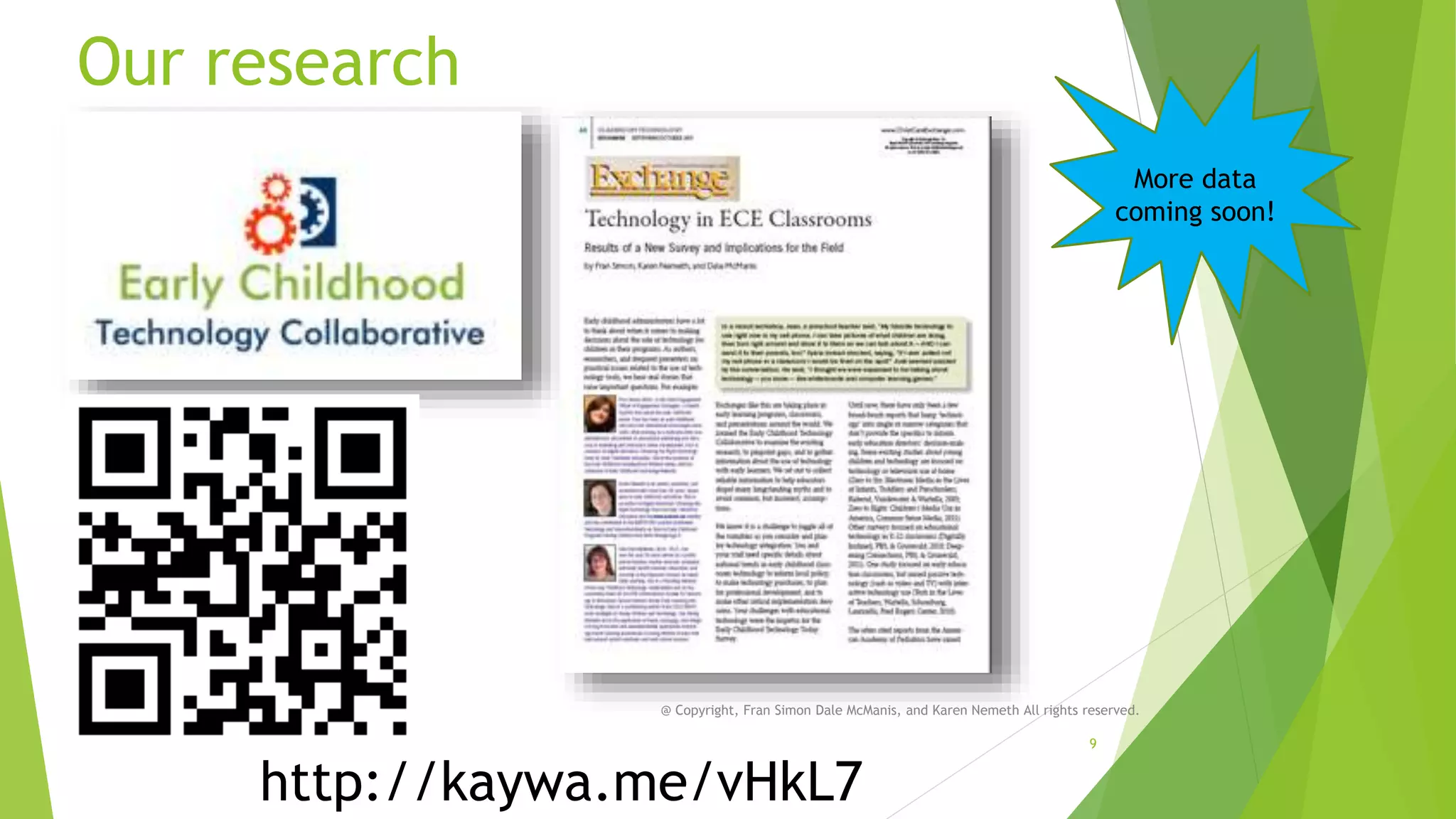
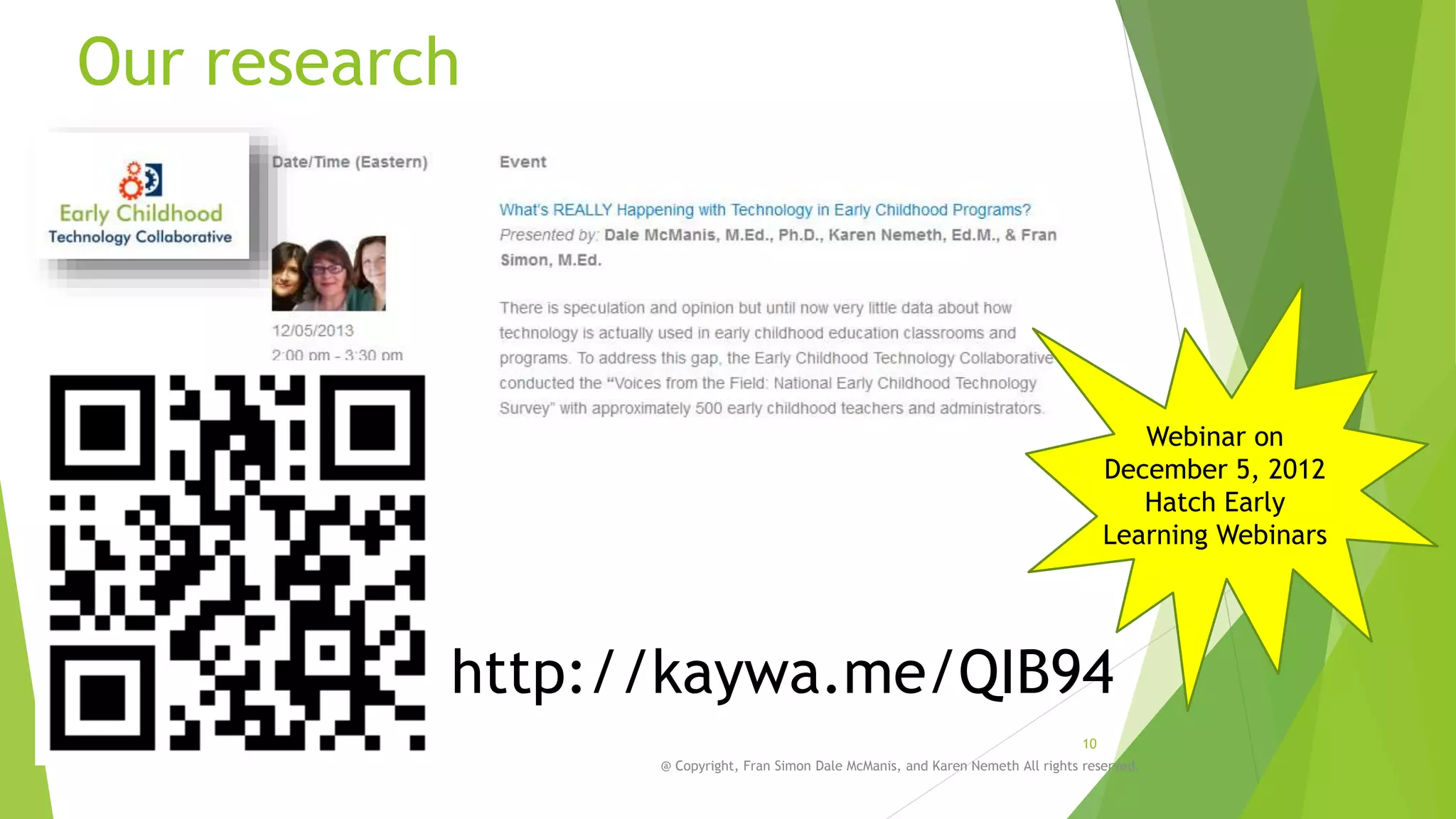
Our research
More data
coming soon!

@ Copyright, Fran Simon Dale McManis, and Karen Nemeth All rights reserved.

http://kaywa.me/vHkL7

9
Our research

Webinar on
December 5, 2012
Hatch Early
Learning Webinars

http://kaywa.me/QIB94
10
@ Copyright, Fran Simon Dale McManis, and Karen Nemeth All rights reserved.
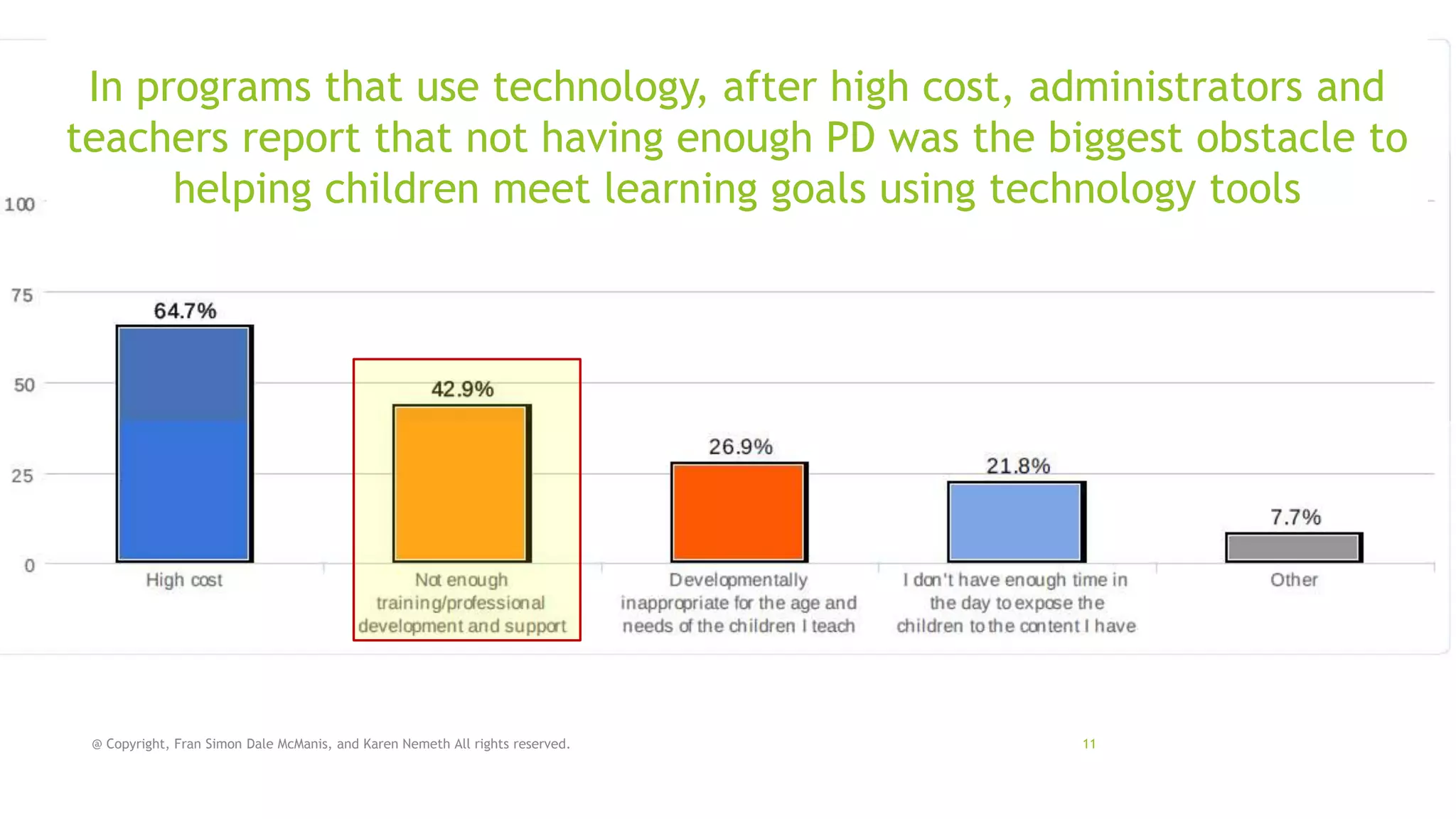
In programs that use technology, after high cost, administrators and
teachers report that not having enough PD was the biggest obstacle to
helping children meet learning goals using technology tools

@ Copyright, Fran Simon Dale McManis, and Karen Nemeth All rights reserved.

11
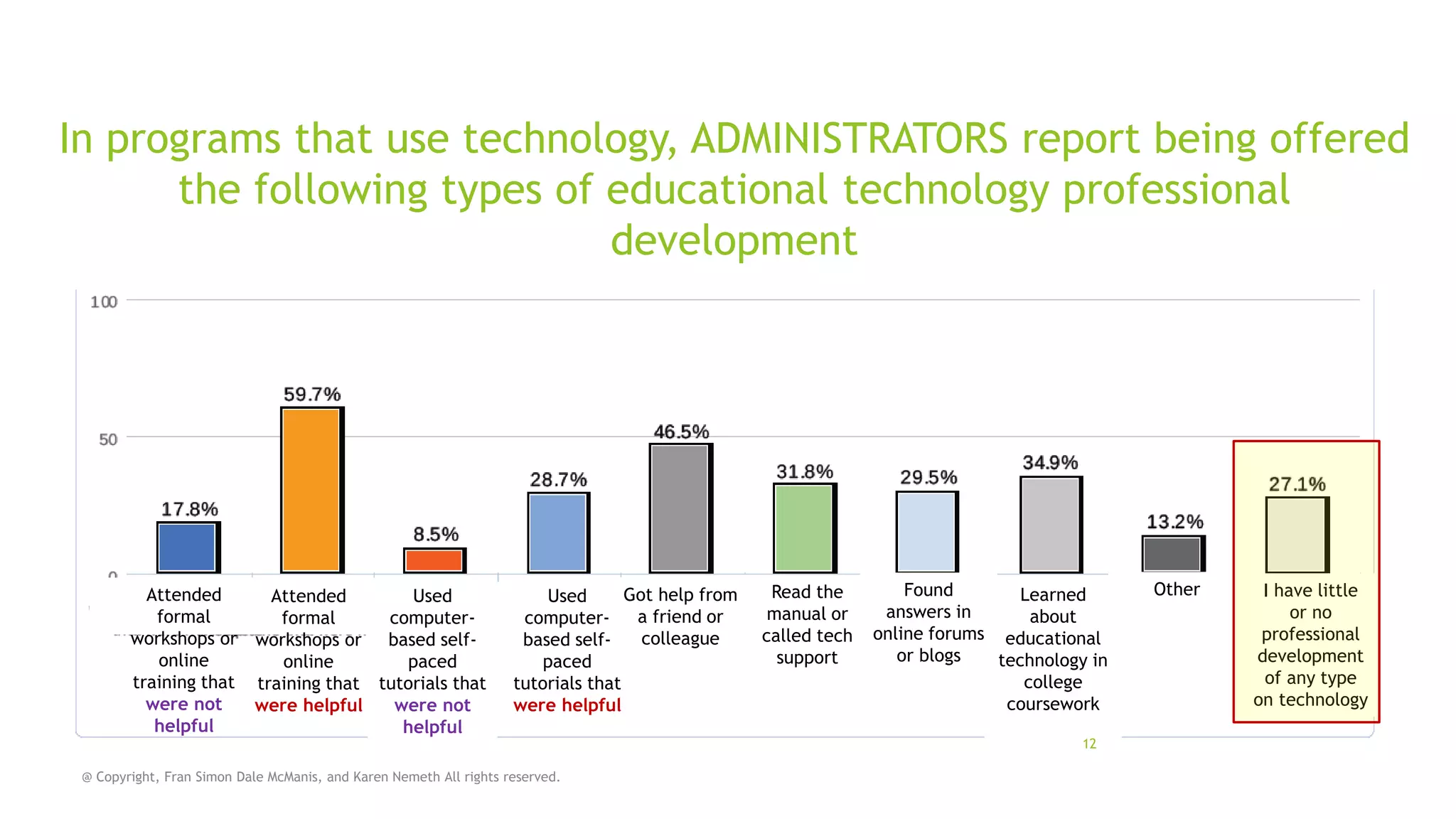
In programs that use technology, ADMINISTRATORS report being offered
the following types of educational technology professional
development

Attended
Used
Attended
formal
computerformal
workshops or workshops or based selfonline
paced
online
training that training that tutorials that
were not
were not
were helpful
helpful
helpful

Got help from
Used
a friend or
computercolleague
based selfpaced
tutorials that
were helpful

@ Copyright, Fran Simon Dale McManis, and Karen Nemeth All rights reserved.

Read the
manual or
called tech
support

Found
Learned
answers in
about
online forums educational
or blogs
technology in
college
coursework
12

Other

I have little
or no
professional
development
of any type
on technology
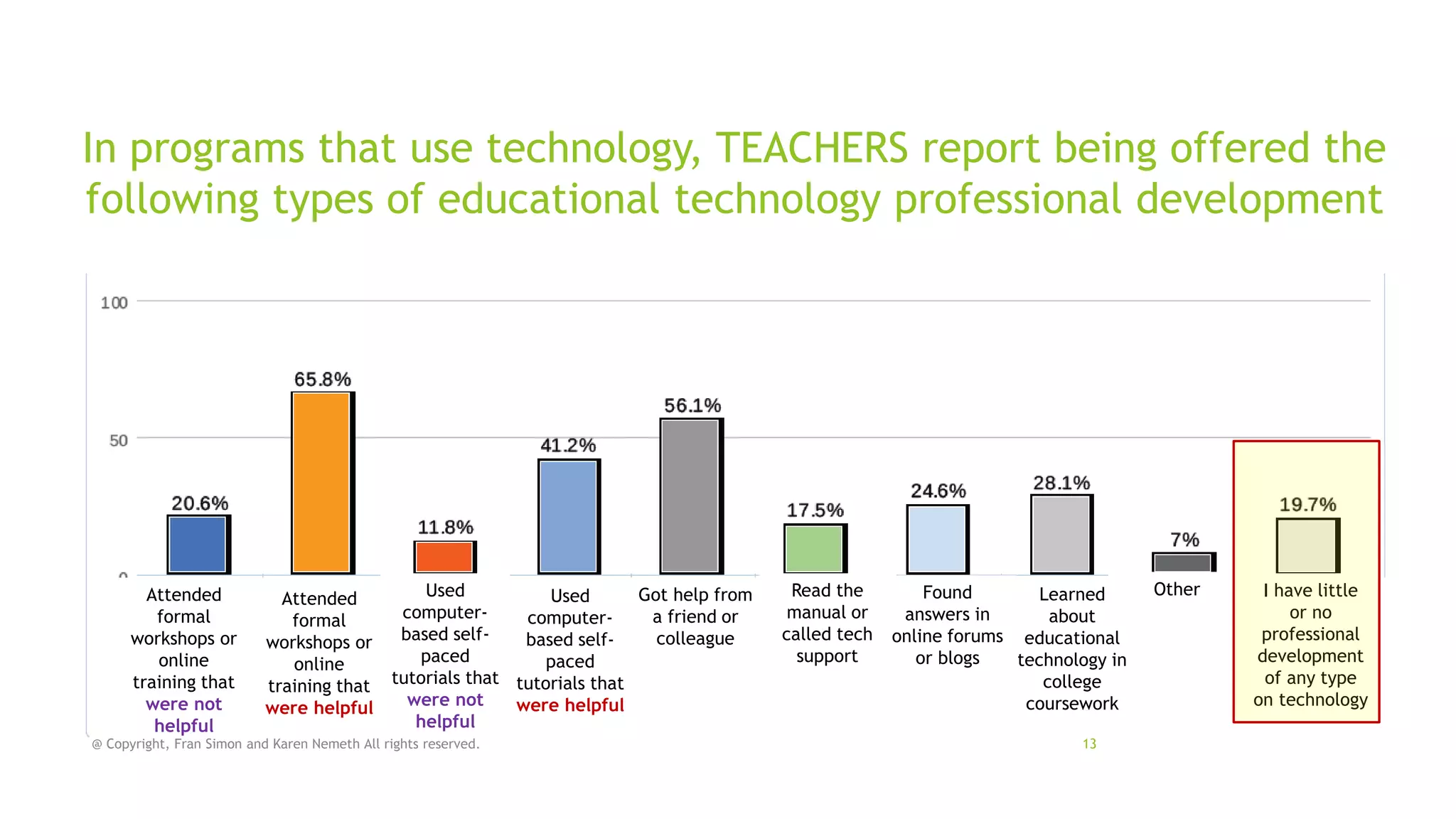
In programs that use technology, TEACHERS report being offered the
following types of educational technology professional development

Attended
formal
workshops or
online
training that
were not
helpful

Used
Got help from
Used
Attended
computera friend or
computerformal
based selfcolleague
based selfworkshops or
paced
paced
online
tutorials that tutorials that
training that
were not
were helpful
were helpful
helpful

@ Copyright, Fran Simon and Karen Nemeth All rights reserved.

Read the
manual or
called tech
support

Found
Learned
answers in
about
online forums educational
or blogs
technology in
college
coursework
13

Other

I have little
or no
professional
development
of any type
on technology
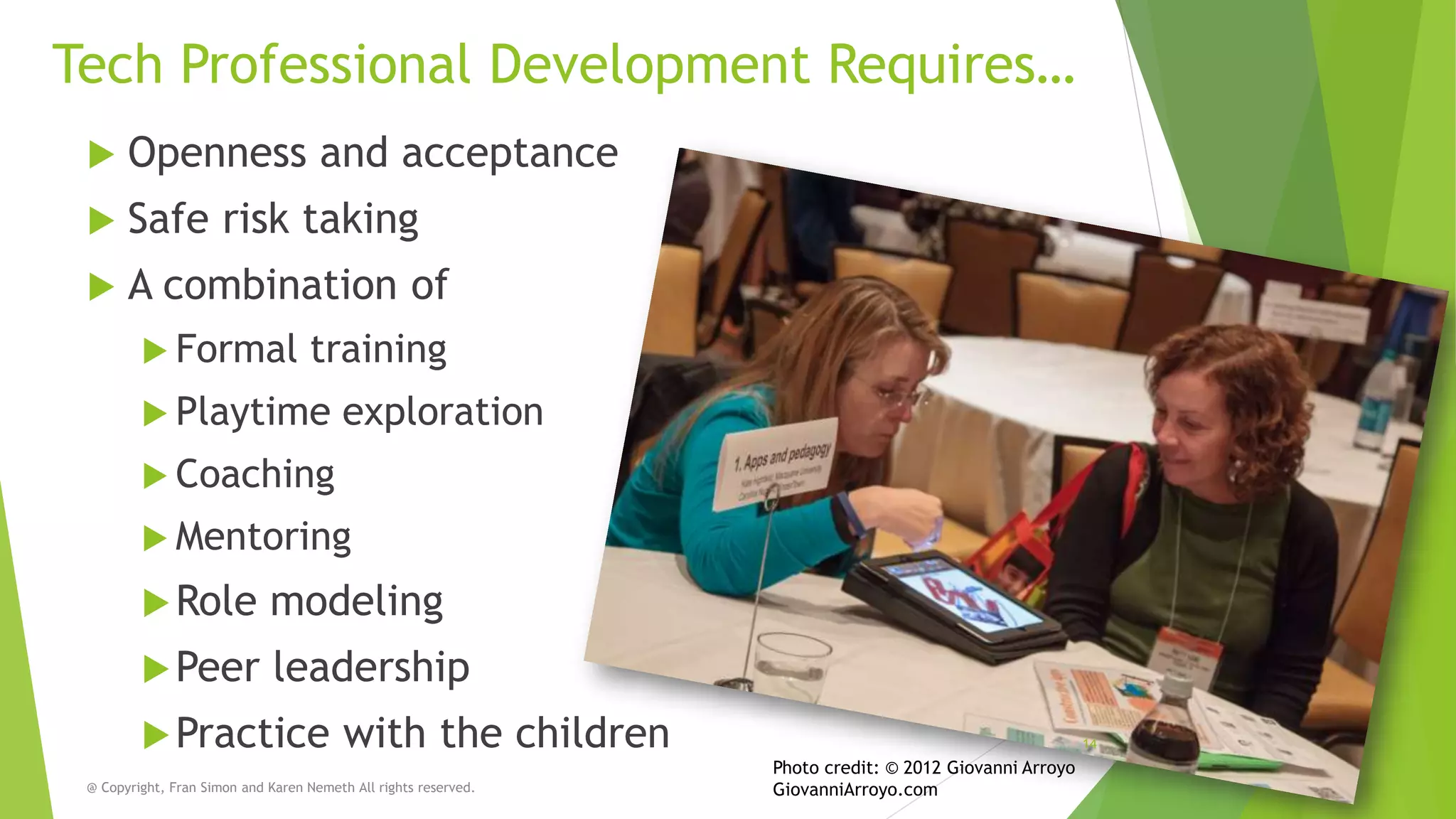
Tech Professional Development Requires…


Openness and acceptance



Safe risk taking



A combination of
 Formal

training

 Playtime

exploration

 Coaching
 Mentoring

 Role

modeling

 Peer

leadership

 Practice

with the children

@ Copyright, Fran Simon and Karen Nemeth All rights reserved.

14

Photo credit: © 2012 Giovanni Arroyo
GiovanniArroyo.com
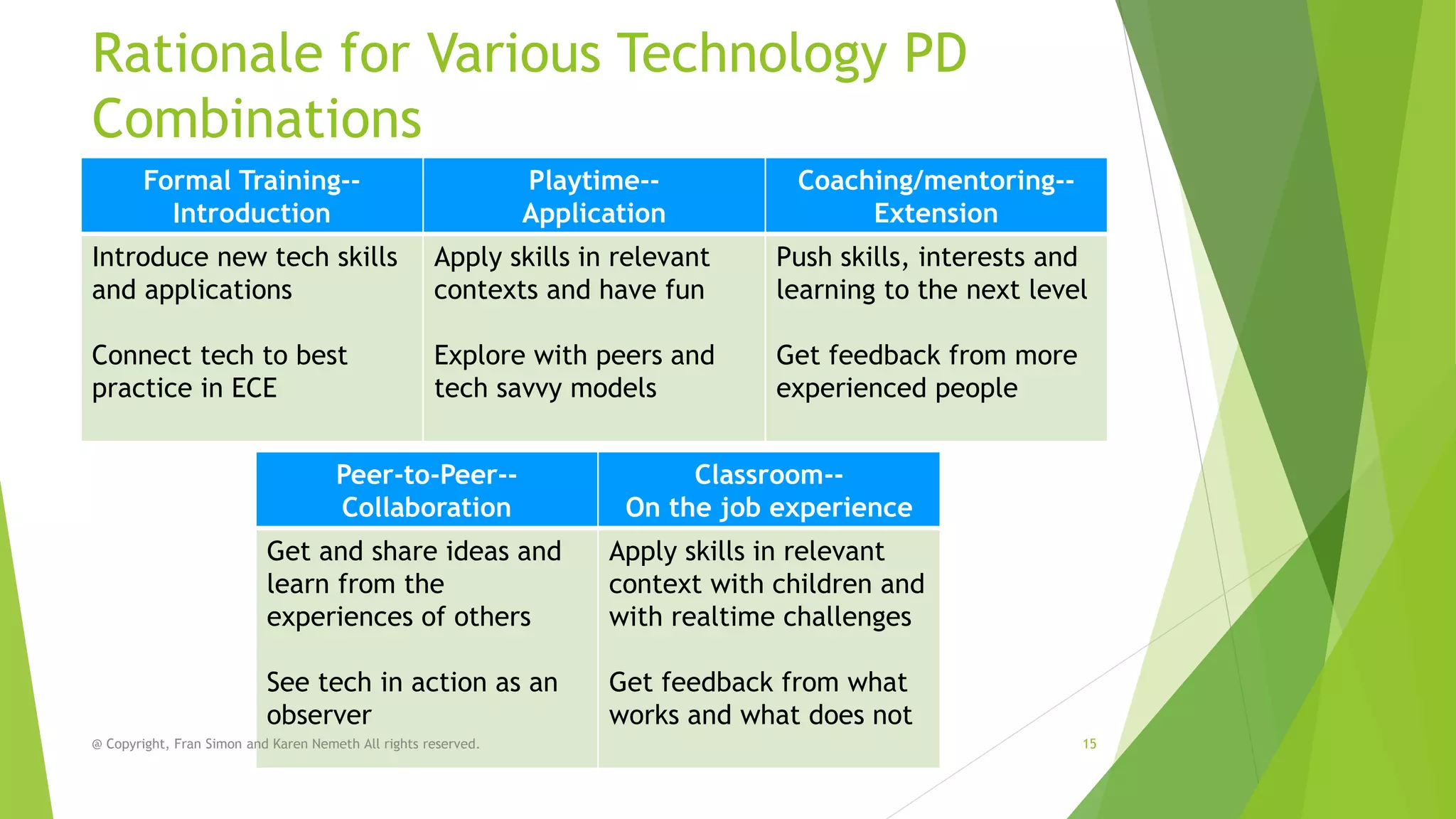
Rationale for Various Technology PD
Combinations
Formal Training-Introduction

Playtime-Application

Coaching/mentoring-Extension

Introduce new tech skills
and applications

Apply skills in relevant
contexts and have fun

Push skills, interests and
learning to the next level

Connect tech to best
practice in ECE

Explore with peers and
tech savvy models

Get feedback from more
experienced people

Peer-to-Peer-Collaboration

Classroom-On the job experience

Get and share ideas and
learn from the
experiences of others

Apply skills in relevant
context with children and
with realtime challenges

See tech in action as an
observer

Get feedback from what
works and what does not

@ Copyright, Fran Simon and Karen Nemeth All rights reserved.

15
Why adults need playtime, too!
@ Copyright, Fran Simon and Karen Nemeth All rights reserved.

16
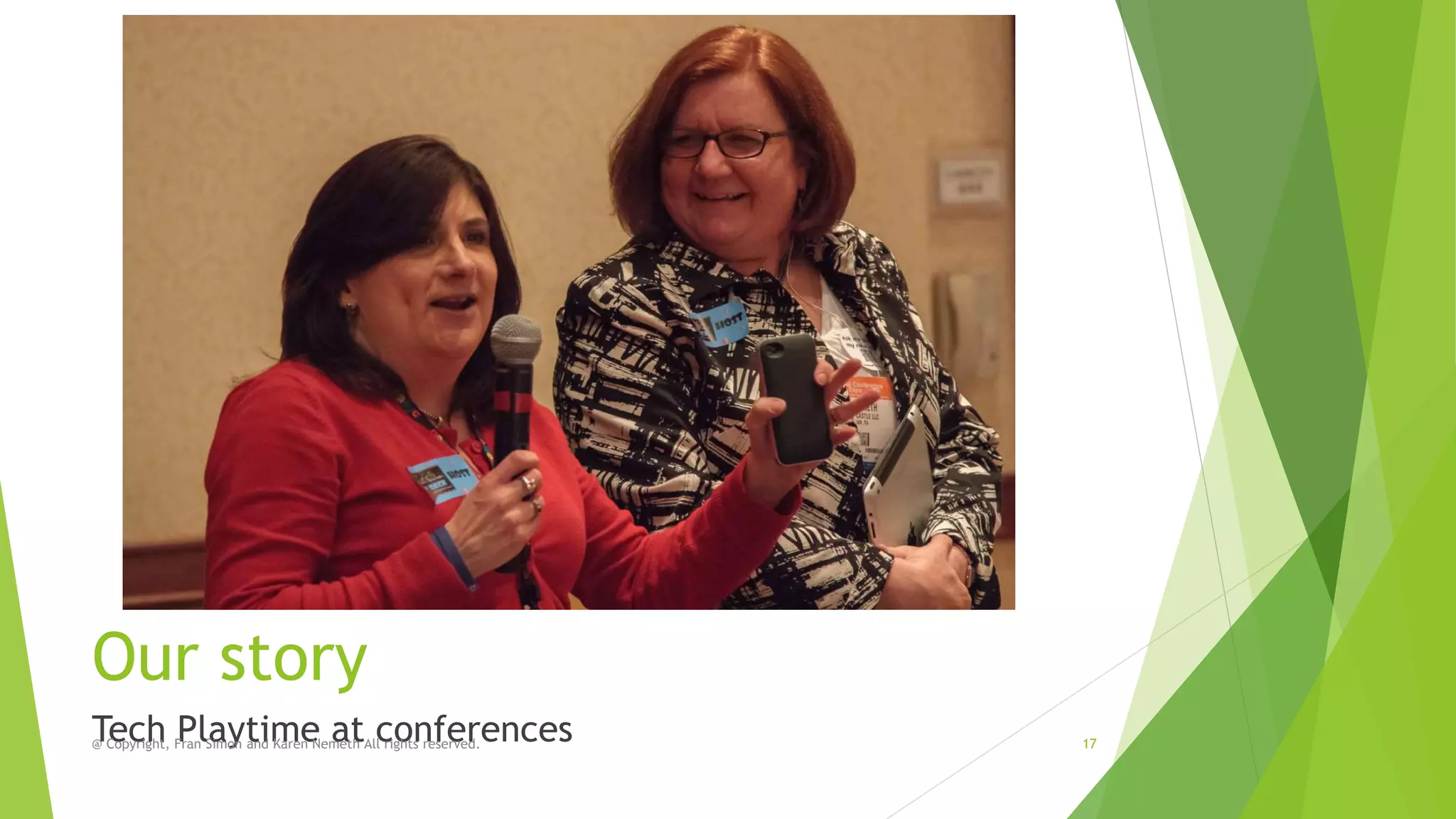
Our story
Tech Playtime at conferences
@ Copyright, Fran Simon and Karen Nemeth All rights reserved.

17
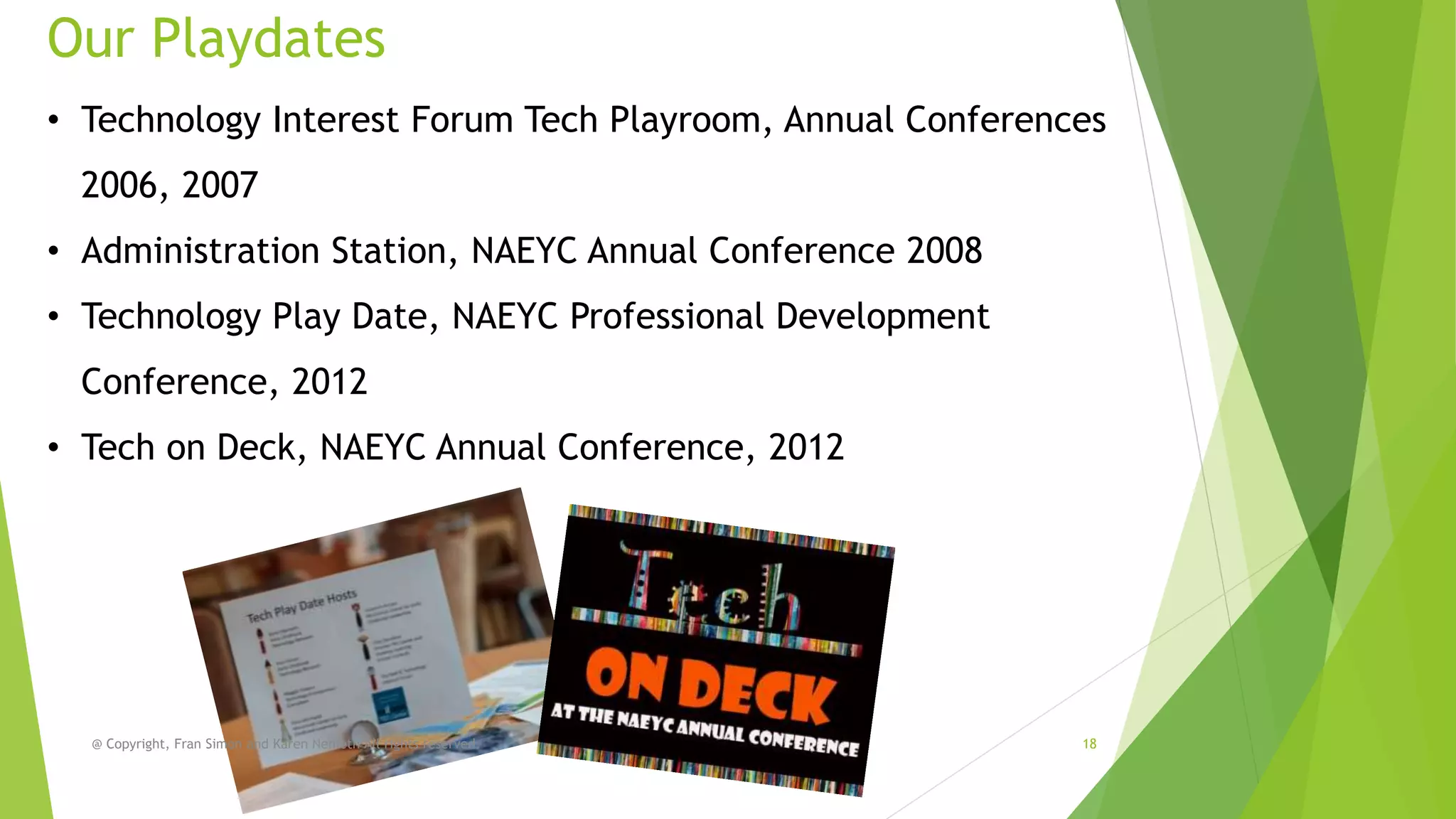
Our Playdates
• Technology Interest Forum Tech Playroom, Annual Conferences

2006, 2007
• Administration Station, NAEYC Annual Conference 2008

• Technology Play Date, NAEYC Professional Development
Conference, 2012
• Tech on Deck, NAEYC Annual Conference, 2012

@ Copyright, Fran Simon and Karen Nemeth All rights reserved.

18
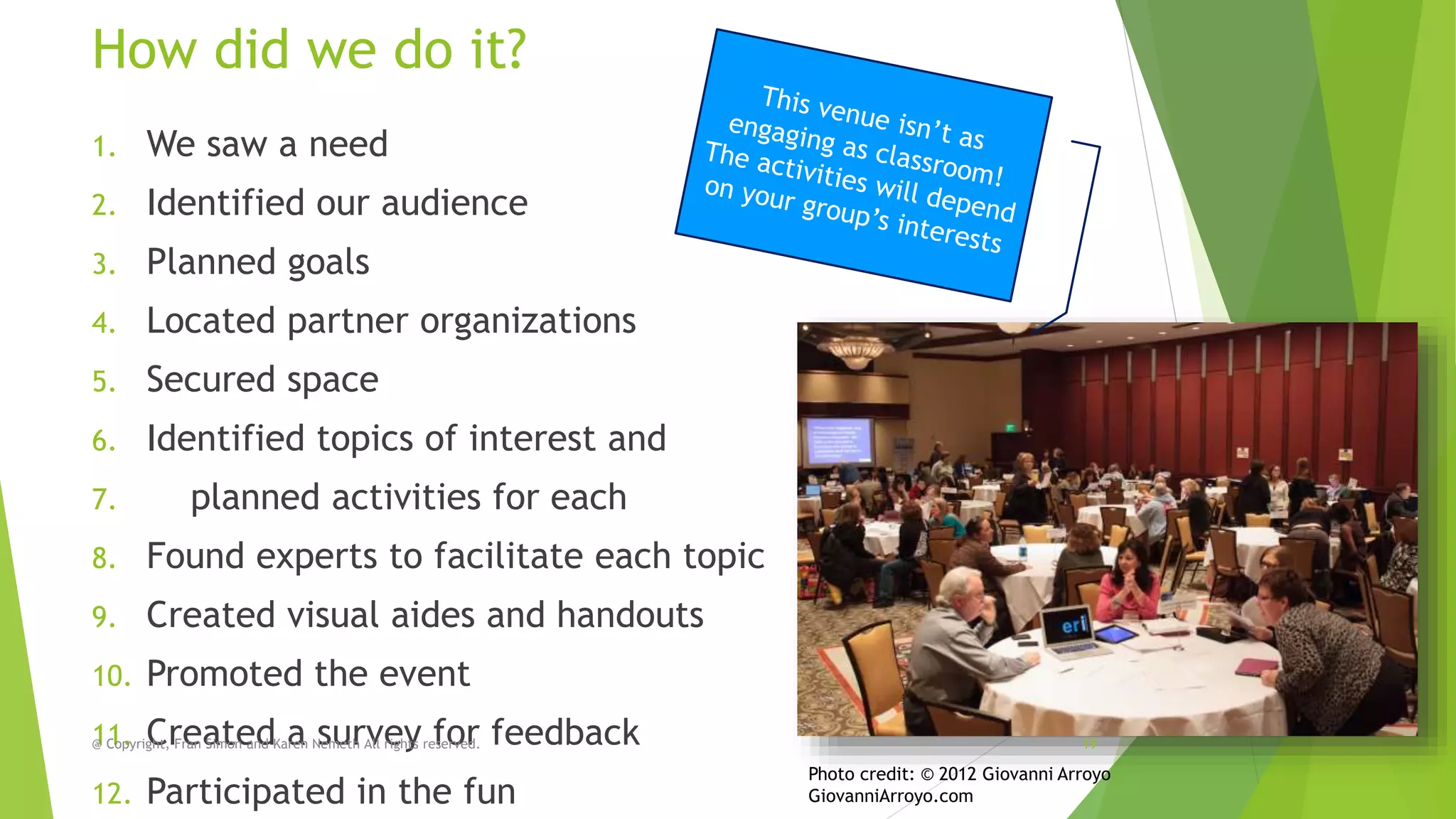
How did we do it?
1.

We saw a need

2.

Identified our audience

3.

Planned goals

4.

Located partner organizations

5.

Secured space

6.

Identified topics of interest and

7.

planned activities for each

8.

Found experts to facilitate each topic

9.

Created visual aides and handouts

10.

Promoted the event

11. CreatedKaren Nemeth All rights reserved.
@ Copyright, Fran Simon and a survey for
12.

feedback

Participated in the fun

19

Photo credit: © 2012 Giovanni Arroyo
GiovanniArroyo.com
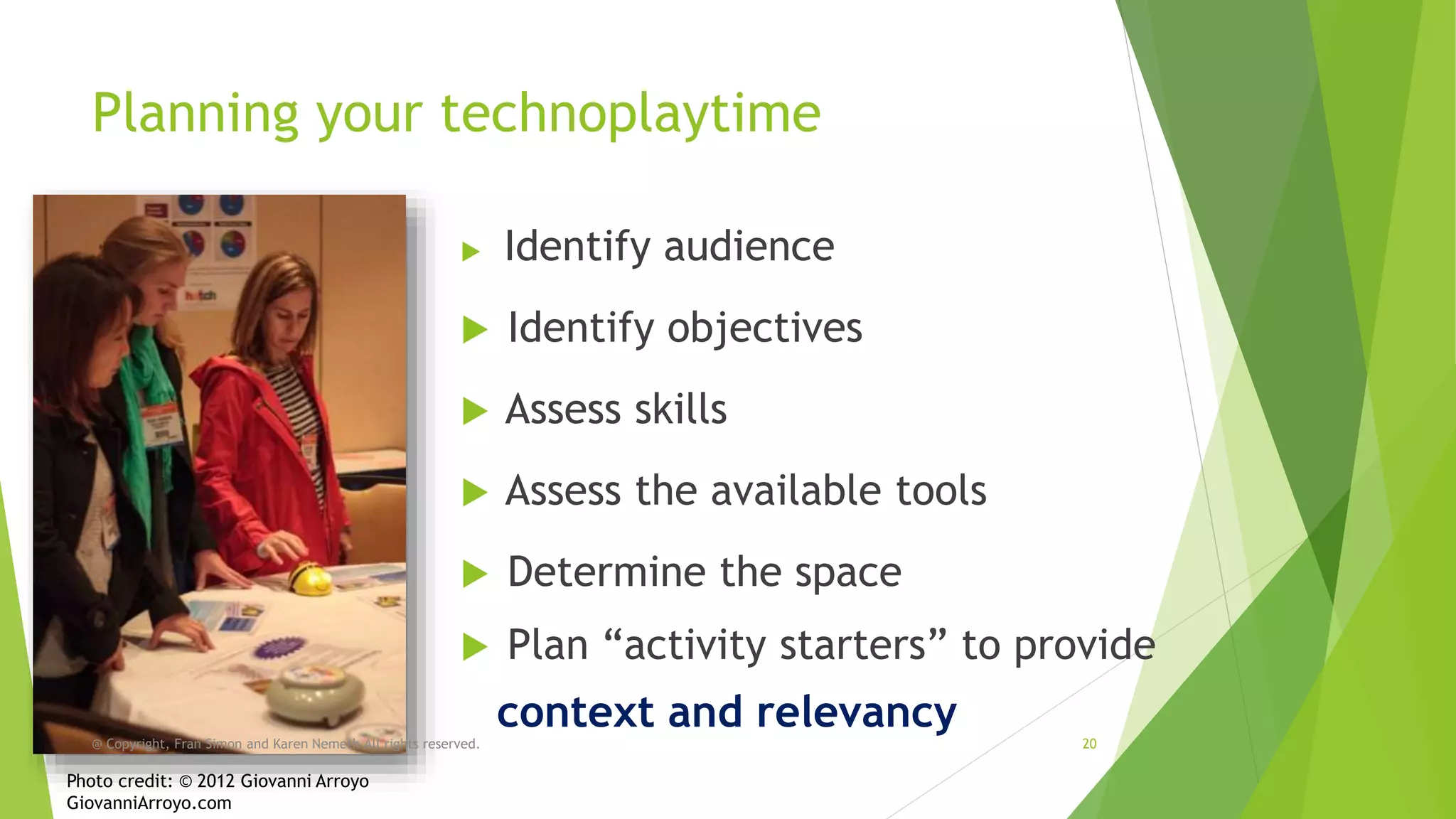
Planning your technoplaytime


Identify audience



Identify objectives



Assess skills



Assess the available tools



Determine the space



Plan “activity starters” to provide

@ Copyright, Fran Simon and Karen Nemeth All rights reserved.

Photo credit: © 2012 Giovanni Arroyo
GiovanniArroyo.com

context and relevancy

20
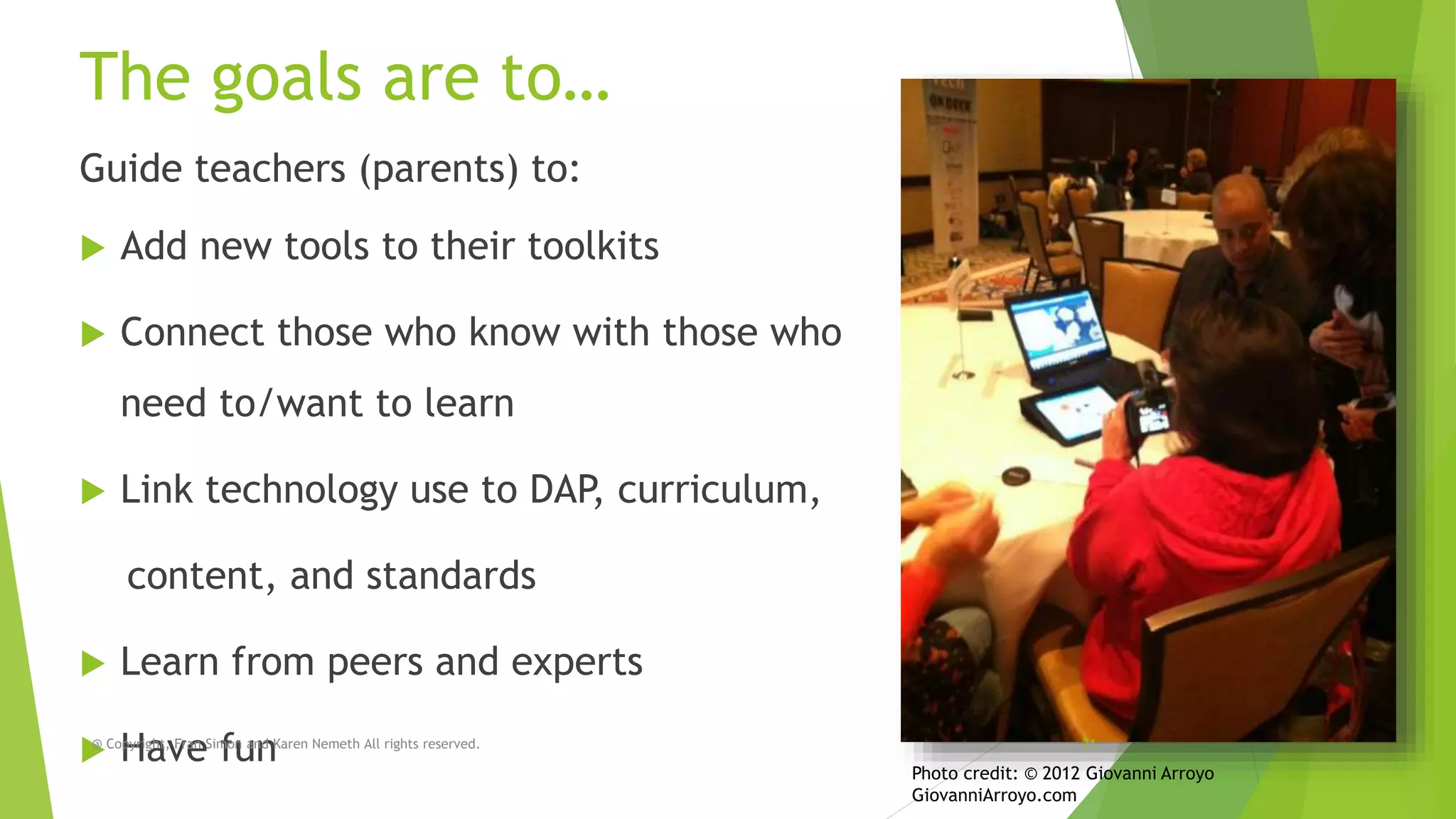
The goals are to…
Guide teachers (parents) to:


Add new tools to their toolkits



Connect those who know with those who

need to/want to learn


Link technology use to DAP, curriculum,
content, and standards



Learn from peers and experts

@
Copyright, Fran Simon and Karen Nemeth All rights reserved.
Have fun

21

Photo credit: © 2012 Giovanni Arroyo
GiovanniArroyo.com
Like everything meaningful, good
technology playtime takes planning
 Assess

the group’s current skill level

 Assess

the available tools

 Identifying

experts to lead activities

 Identify

peer leaders

 Identify

those who need more support

 Plan

objectives

 Playtime

and formal training must have
objectives – They can’t be a free for all

@ Copyright, Fran Simon and Karen Nemeth All rights reserved.

22
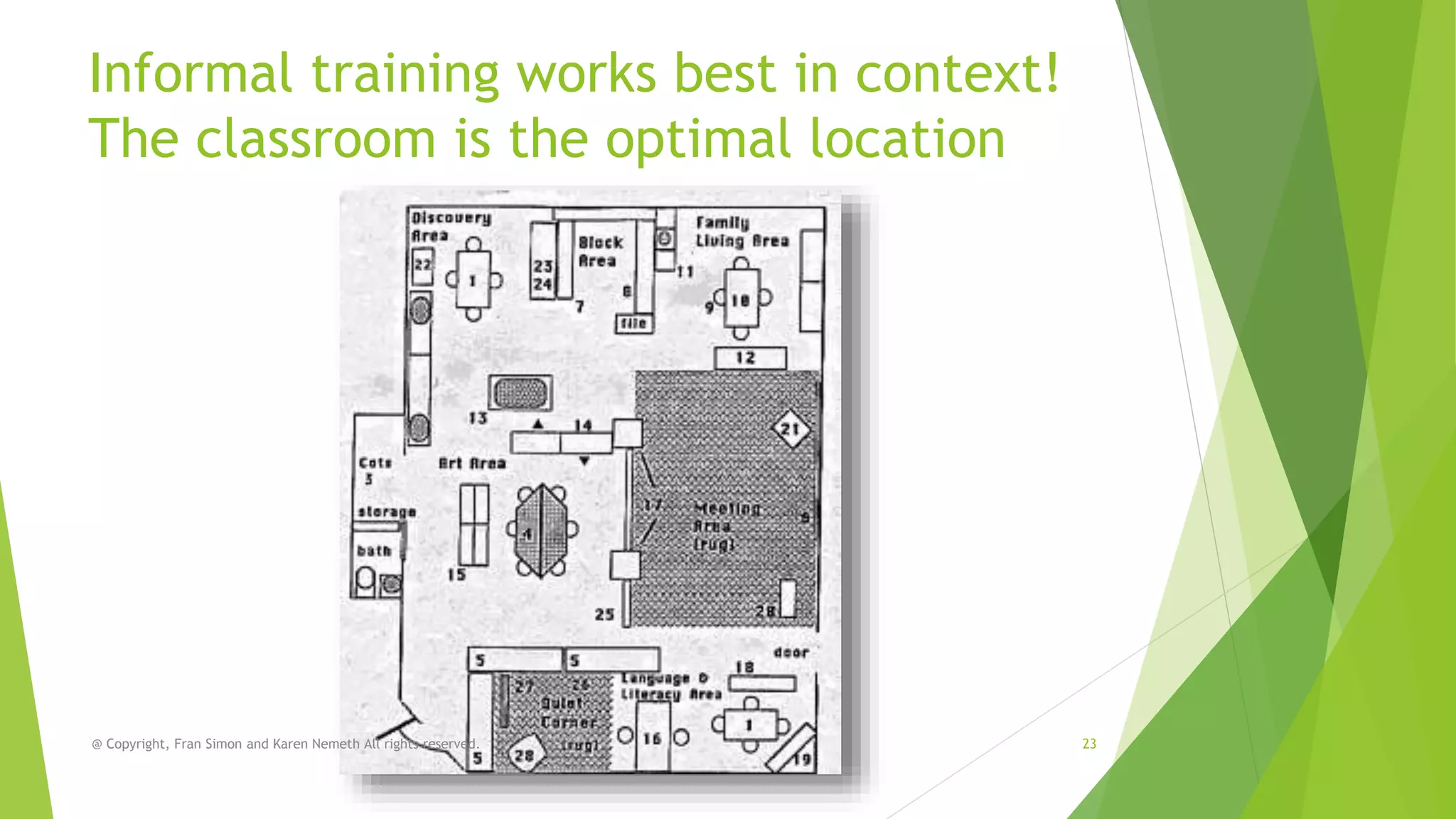
Informal training works best in context!
The classroom is the optimal location

@ Copyright, Fran Simon and Karen Nemeth All rights reserved.

23
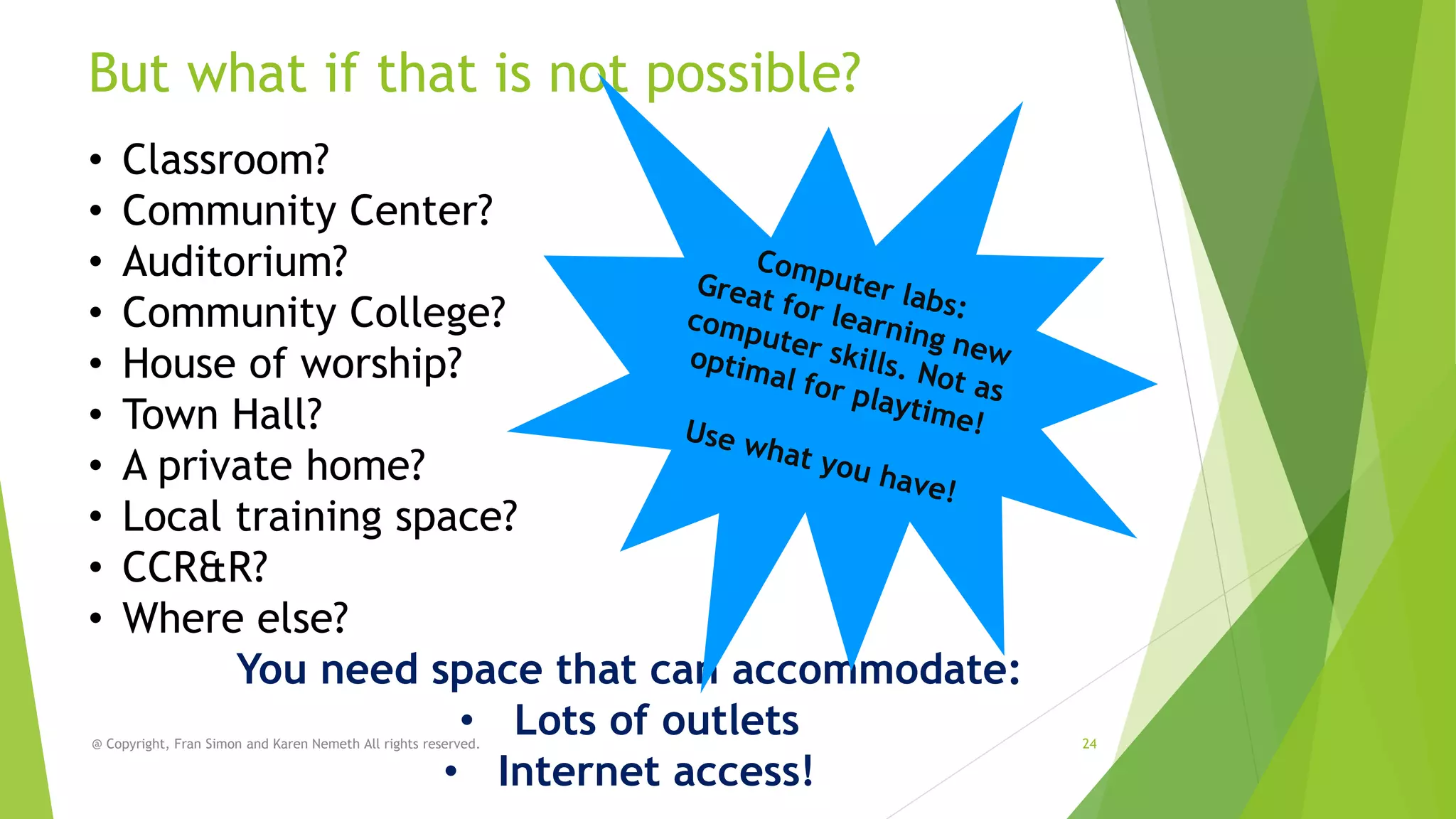
But what if that is not possible?
•
•
•
•
•
•
•
•
•
•

Classroom?
Community Center?
Auditorium?
Community College?
House of worship?
Town Hall?
A private home?
Local training space?
CCR&R?
Where else?
You need space that can accommodate:
• Lots of outlets
• Internet access!

@ Copyright, Fran Simon and Karen Nemeth All rights reserved.

24
Where do you get the devices?


If you are lucky, your program has enough
devices!



BYOD



Ask parents and local businesses to loan



Try to partner with computer stores and kiosks



Ask your CCR&R



Ask your agency or affiliate agency

No need for one on one! Remember
people share!

@ Copyright, Fran Simon and Karen Nemeth All rights reserved.

25
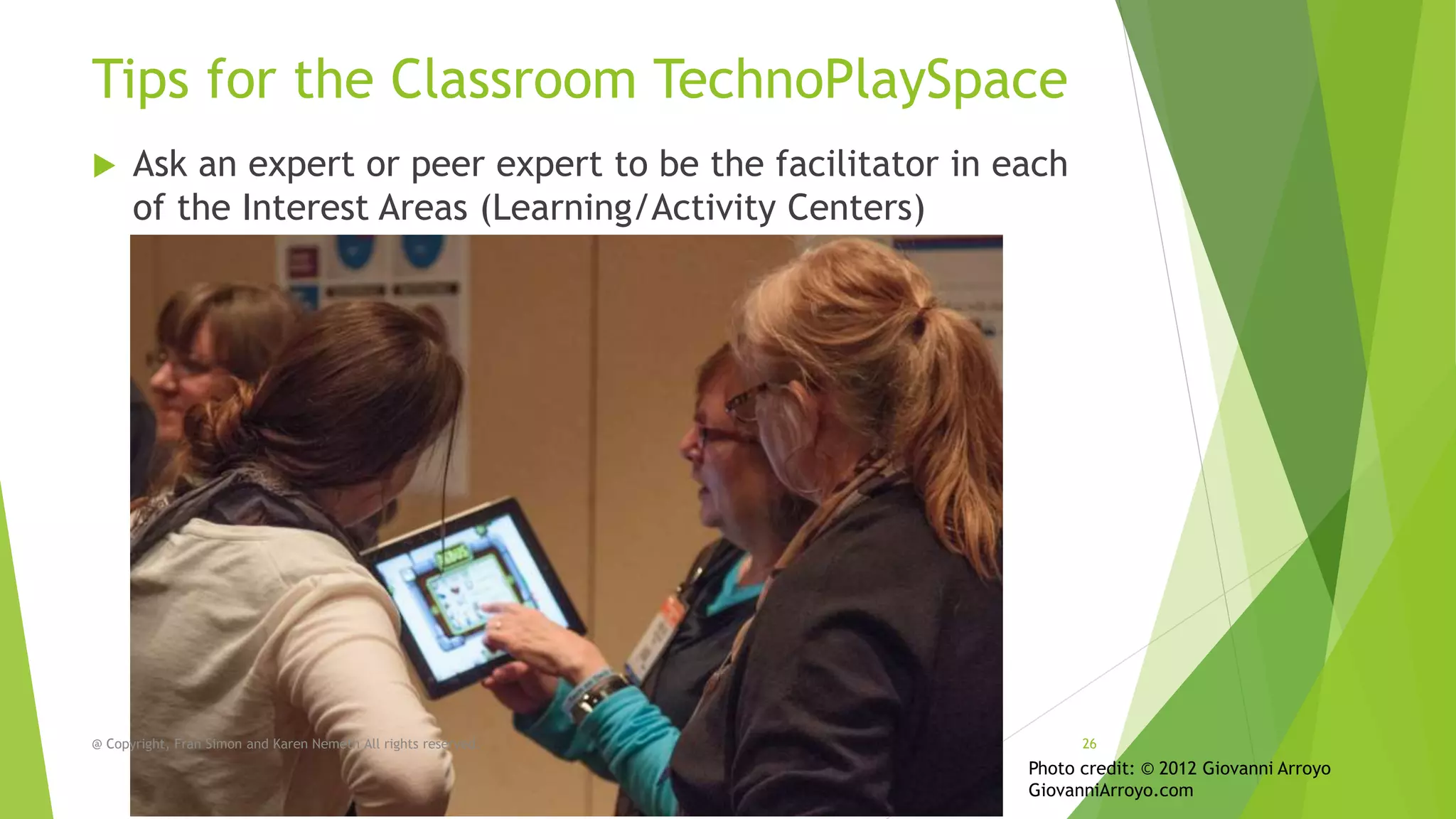
Tips for the Classroom TechnoPlaySpace


Ask an expert or peer expert to be the facilitator in each
of the Interest Areas (Learning/Activity Centers)

@ Copyright, Fran Simon and Karen Nemeth All rights reserved.

26

Photo credit: © 2012 Giovanni Arroyo
GiovanniArroyo.com
Tips for the Classroom Playspace


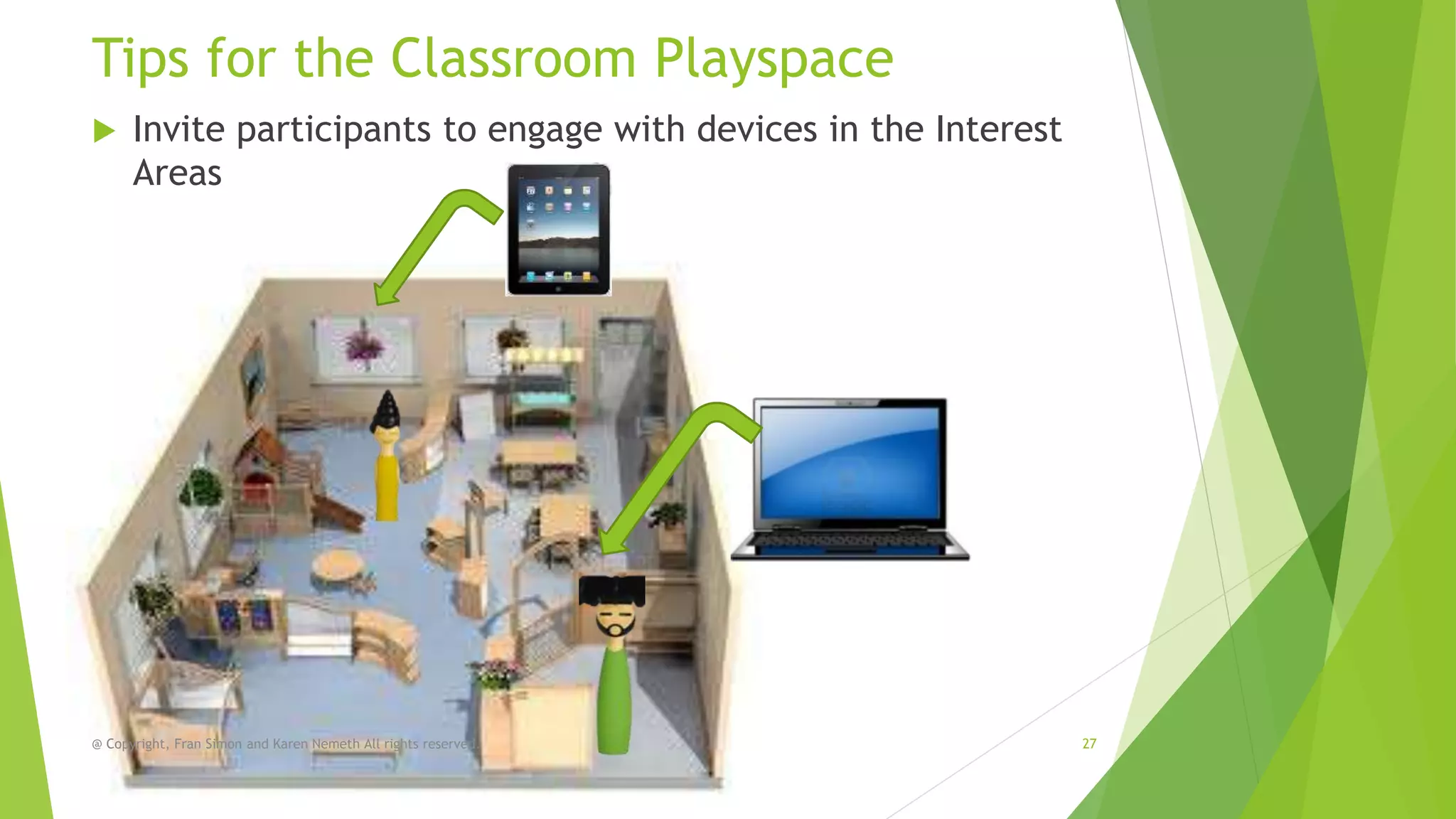
Invite participants to engage with devices in the Interest
Areas

@ Copyright, Fran Simon and Karen Nemeth All rights reserved.

27
Tips for the Classroom Playspace


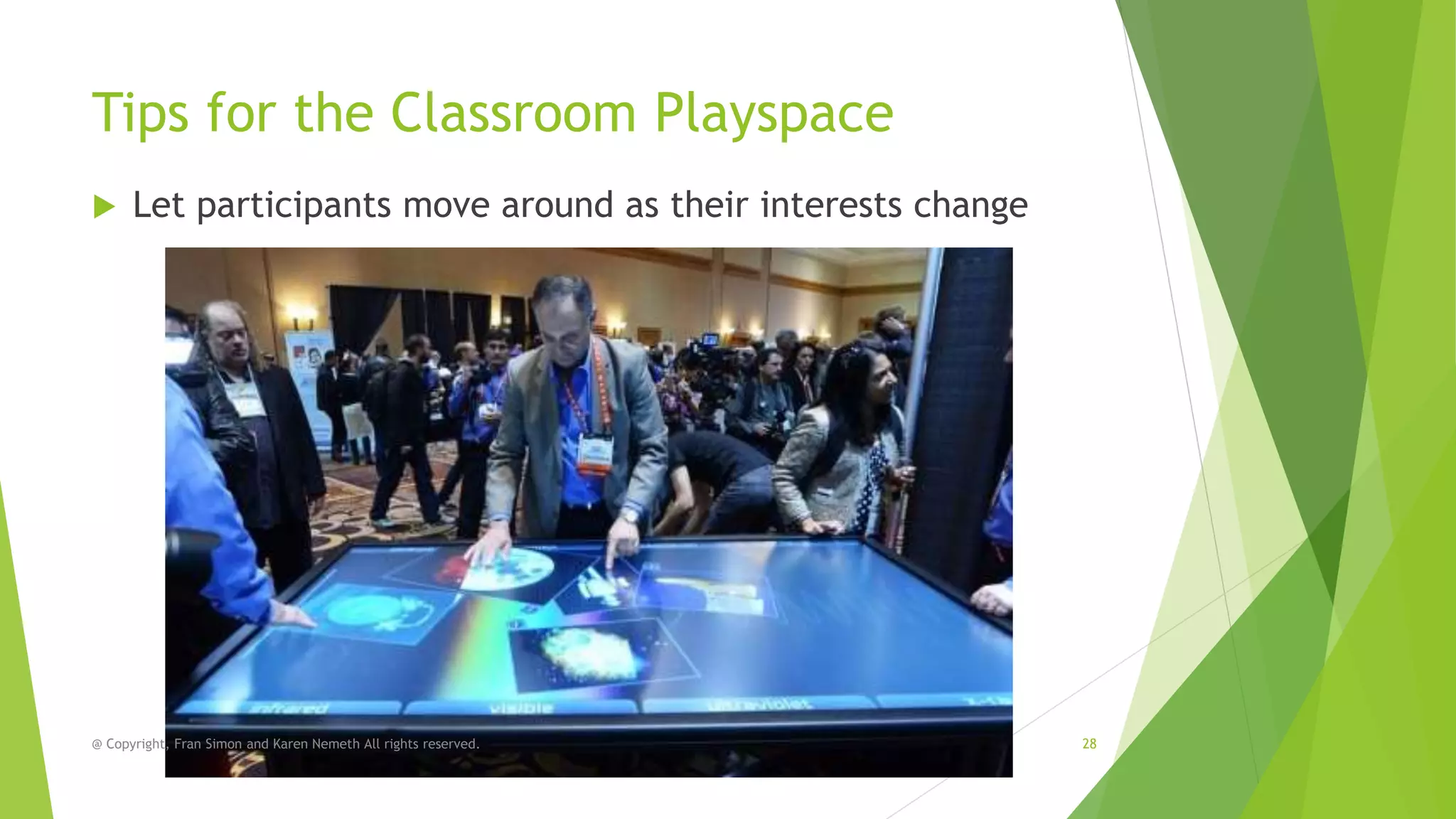
Let participants move around as their interests change

@ Copyright, Fran Simon and Karen Nemeth All rights reserved.

28
Tips for the Classroom Playspace


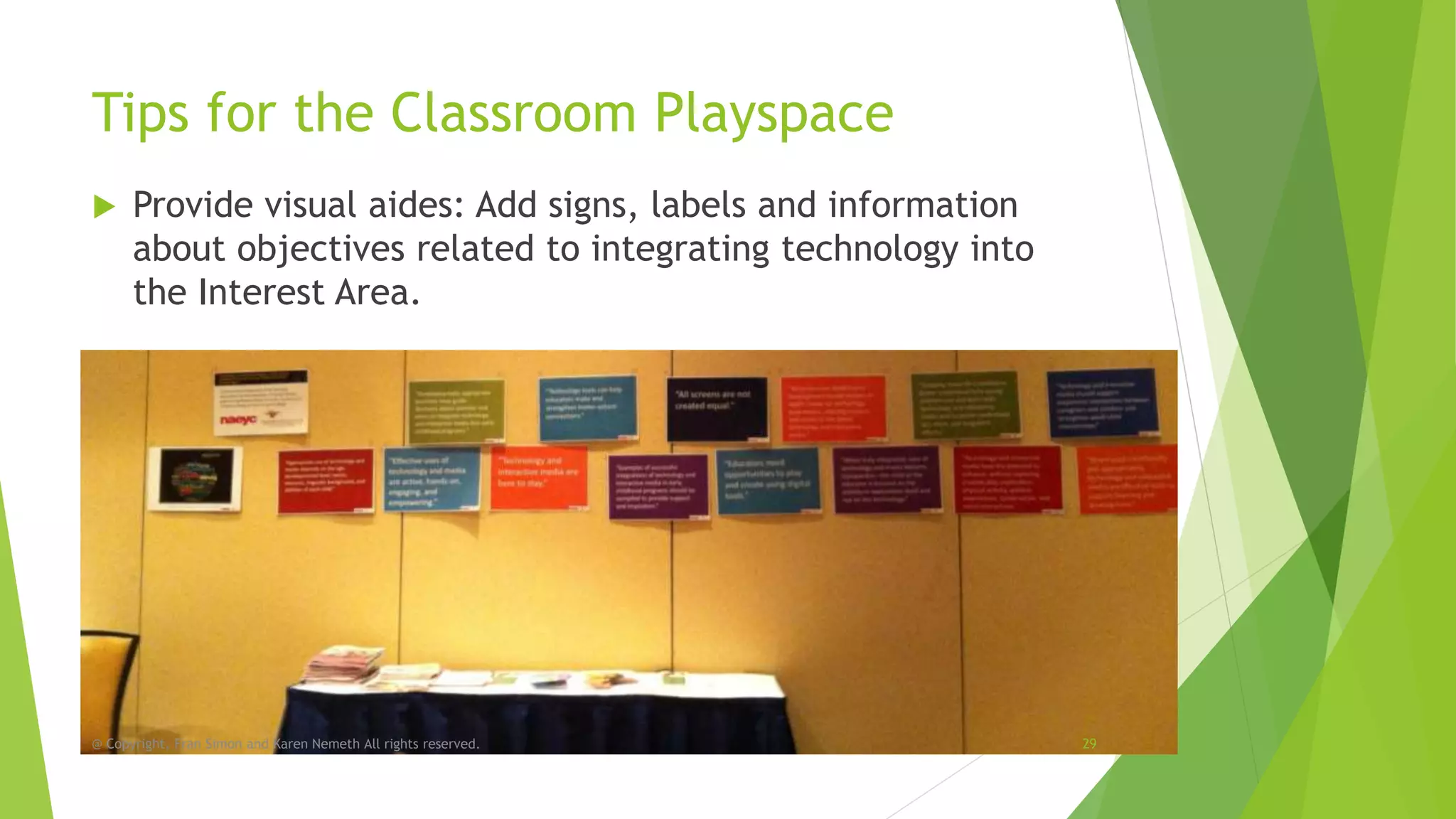
Provide visual aides: Add signs, labels and information
about objectives related to integrating technology into
the Interest Area.

@ Copyright, Fran Simon and Karen Nemeth All rights reserved.

29
Tips for the Classroom Playspace


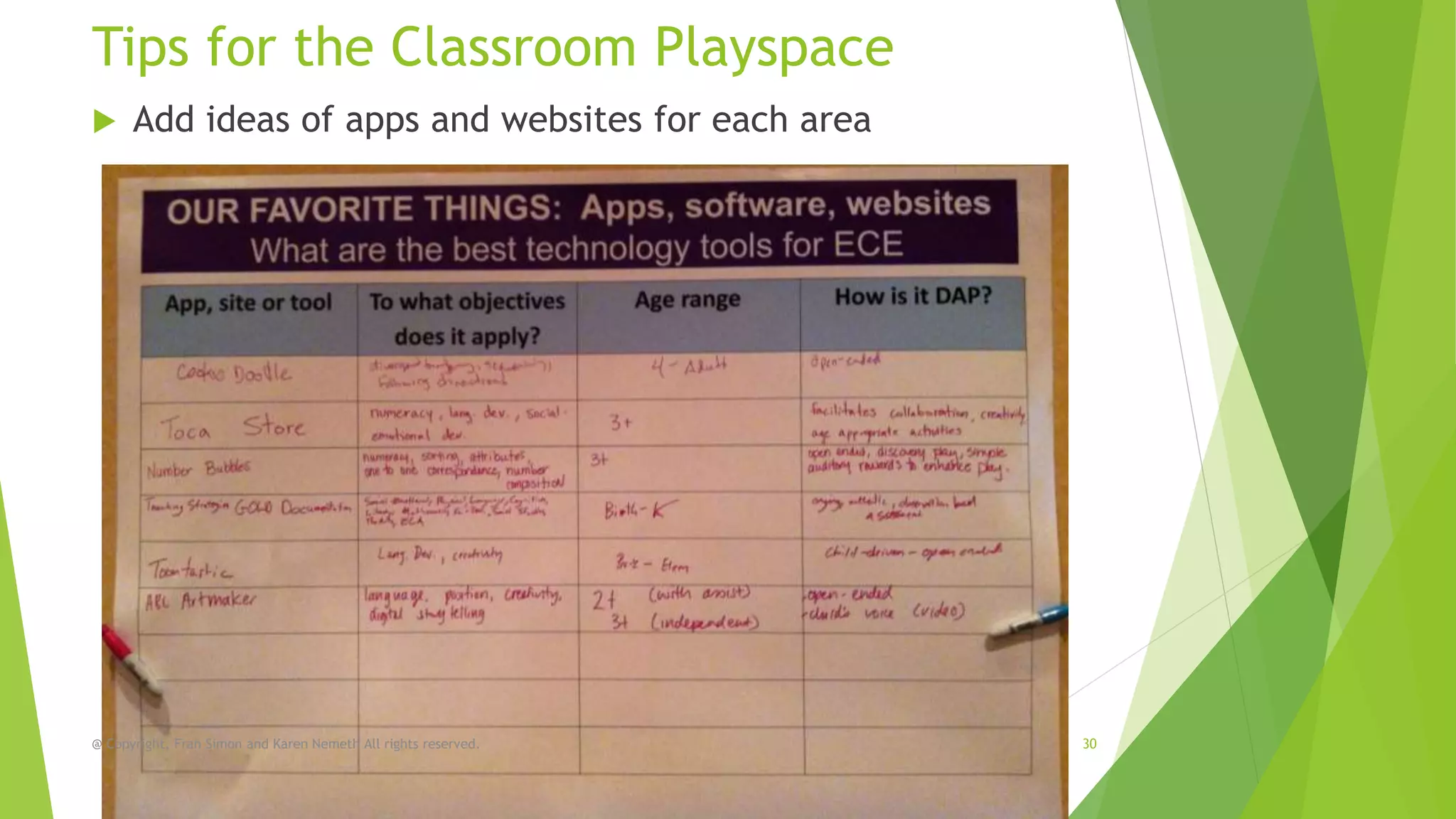
Add ideas of apps and websites for each area

@ Copyright, Fran Simon and Karen Nemeth All rights reserved.

30
Tips for the Classroom Playspace


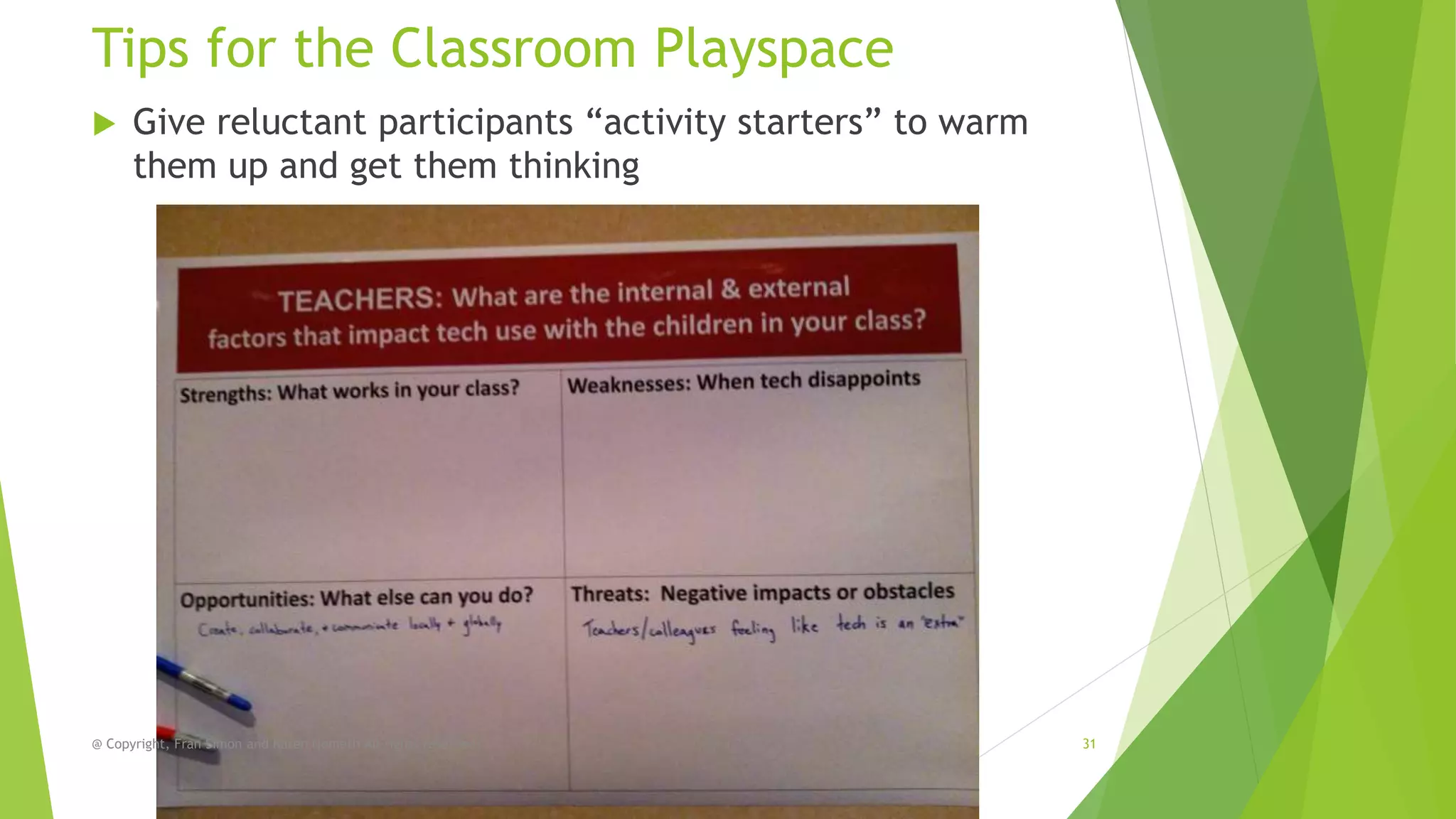
Give reluctant participants “activity starters” to warm
them up and get them thinking

@ Copyright, Fran Simon and Karen Nemeth All rights reserved.

31
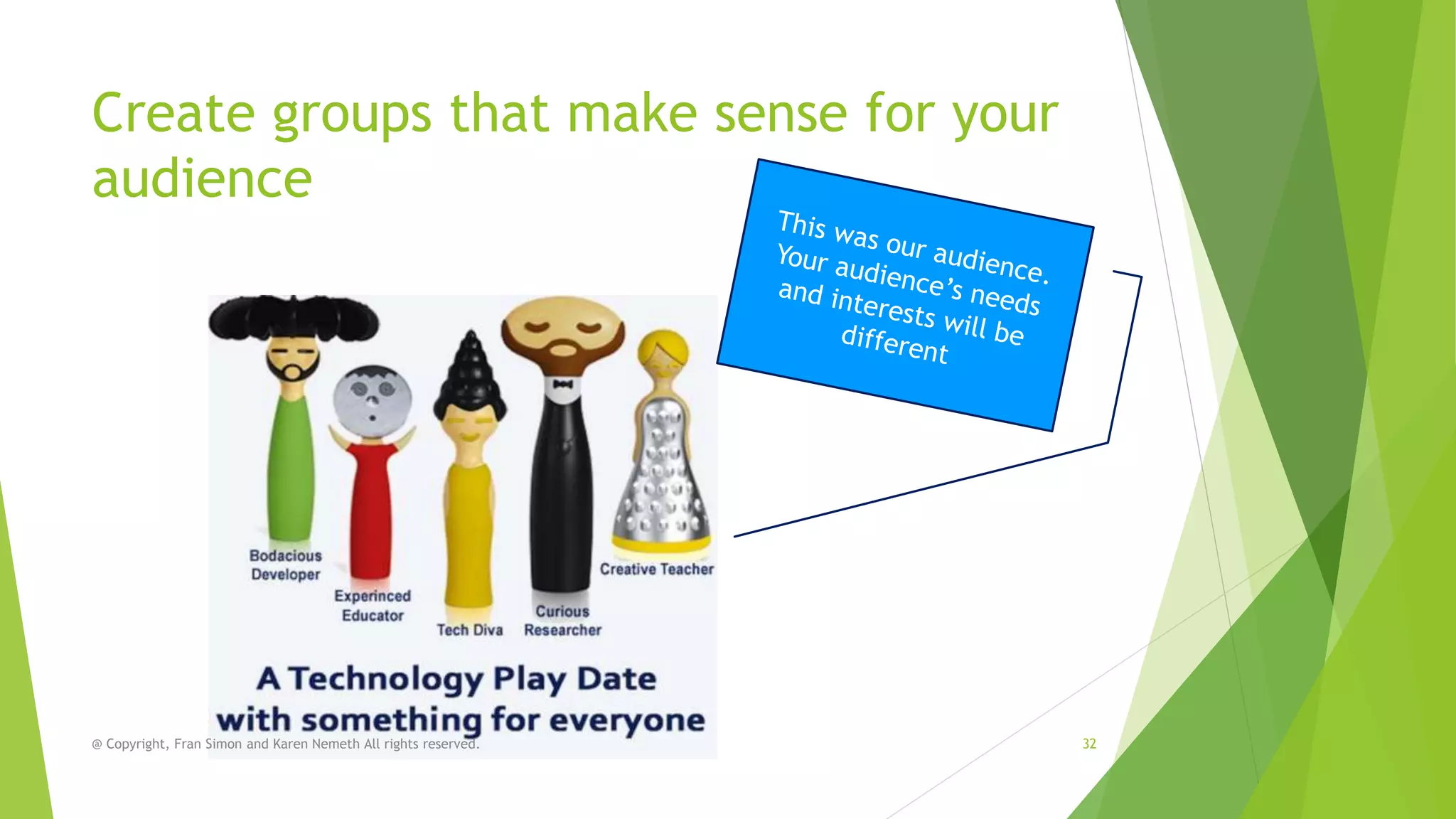
Create groups that make sense for your
audience

@ Copyright, Fran Simon and Karen Nemeth All rights reserved.

32
Thanks, and stay in touch!
Karen

Fran



Karen@languageCastle.com



Fran.Simon@EngageStrat.com



LanguageCastle.com



EngagementStrategies.com



ECEtech.net



ECEtech.net



EarlyChildhoodWebinars.com

33
@ Copyright, Fran Simon and Karen Nemeth All rights reserved.

Technology Playdates for Professional Development in Early Childhood Education Settings

  • 1.
    Teachers and parents need serioustechnology playtime Setting up technology playdates that lead to technology mastery in early childhood settings NAEYC Annual Conference, Washington, DC 2013 1 @ Copyright, Fran Simon and Karen Nemeth. All rights reserved.
  • 2.
    Playtime brought toyou by… Karen Nemeth, Ed.M. Fran Simon, M.Ed. 2 @ Copyright, Fran Simon and Karen Nemeth All rights reserved.
  • 3.
    Hello- From Fran SLIDES http://bit.ly/TECPLAYDATE @Copyright, Fran Simon and Karen Nemeth All rights reserved. 3
  • 4.
    Who are you? @Copyright, Fran Simon and Karen Nemeth All rights reserved. 4
  • 5.
    NAEYC/FRC Position Statementon Tech • Do you know about the Position Statement? • Have you read it? • Do you use it? 5 http://www.naeyc.org/content/technology-and-young-children
  • 6.
    Investments in technologytools are wasted without investments in professional development. 6 @ Copyright, Fran Simon and Karen Nemeth All rights reserved.
  • 7.
    Adults need technology “play time”AND formal professional development to understand the implications of the tools 7 @ Copyright, Fran Simon and Karen Nemeth All rights reserved.
  • 8.
    8 Your technology willend up like this without PD
  • 9.
    Our research More data comingsoon! @ Copyright, Fran Simon Dale McManis, and Karen Nemeth All rights reserved. http://kaywa.me/vHkL7 9
  • 10.
    Our research Webinar on December5, 2012 Hatch Early Learning Webinars http://kaywa.me/QIB94 10 @ Copyright, Fran Simon Dale McManis, and Karen Nemeth All rights reserved.
  • 11.
    In programs thatuse technology, after high cost, administrators and teachers report that not having enough PD was the biggest obstacle to helping children meet learning goals using technology tools @ Copyright, Fran Simon Dale McManis, and Karen Nemeth All rights reserved. 11
  • 12.
    In programs thatuse technology, ADMINISTRATORS report being offered the following types of educational technology professional development Attended Used Attended formal computerformal workshops or workshops or based selfonline paced online training that training that tutorials that were not were not were helpful helpful helpful Got help from Used a friend or computercolleague based selfpaced tutorials that were helpful @ Copyright, Fran Simon Dale McManis, and Karen Nemeth All rights reserved. Read the manual or called tech support Found Learned answers in about online forums educational or blogs technology in college coursework 12 Other I have little or no professional development of any type on technology
  • 13.
    In programs thatuse technology, TEACHERS report being offered the following types of educational technology professional development Attended formal workshops or online training that were not helpful Used Got help from Used Attended computera friend or computerformal based selfcolleague based selfworkshops or paced paced online tutorials that tutorials that training that were not were helpful were helpful helpful @ Copyright, Fran Simon and Karen Nemeth All rights reserved. Read the manual or called tech support Found Learned answers in about online forums educational or blogs technology in college coursework 13 Other I have little or no professional development of any type on technology
  • 14.
    Tech Professional DevelopmentRequires…  Openness and acceptance  Safe risk taking  A combination of  Formal training  Playtime exploration  Coaching  Mentoring  Role modeling  Peer leadership  Practice with the children @ Copyright, Fran Simon and Karen Nemeth All rights reserved. 14 Photo credit: © 2012 Giovanni Arroyo GiovanniArroyo.com
  • 15.
    Rationale for VariousTechnology PD Combinations Formal Training-Introduction Playtime-Application Coaching/mentoring-Extension Introduce new tech skills and applications Apply skills in relevant contexts and have fun Push skills, interests and learning to the next level Connect tech to best practice in ECE Explore with peers and tech savvy models Get feedback from more experienced people Peer-to-Peer-Collaboration Classroom-On the job experience Get and share ideas and learn from the experiences of others Apply skills in relevant context with children and with realtime challenges See tech in action as an observer Get feedback from what works and what does not @ Copyright, Fran Simon and Karen Nemeth All rights reserved. 15
  • 16.
    Why adults needplaytime, too! @ Copyright, Fran Simon and Karen Nemeth All rights reserved. 16
  • 17.
    Our story Tech Playtimeat conferences @ Copyright, Fran Simon and Karen Nemeth All rights reserved. 17
  • 18.
    Our Playdates • TechnologyInterest Forum Tech Playroom, Annual Conferences 2006, 2007 • Administration Station, NAEYC Annual Conference 2008 • Technology Play Date, NAEYC Professional Development Conference, 2012 • Tech on Deck, NAEYC Annual Conference, 2012 @ Copyright, Fran Simon and Karen Nemeth All rights reserved. 18
  • 19.
    How did wedo it? 1. We saw a need 2. Identified our audience 3. Planned goals 4. Located partner organizations 5. Secured space 6. Identified topics of interest and 7. planned activities for each 8. Found experts to facilitate each topic 9. Created visual aides and handouts 10. Promoted the event 11. CreatedKaren Nemeth All rights reserved. @ Copyright, Fran Simon and a survey for 12. feedback Participated in the fun 19 Photo credit: © 2012 Giovanni Arroyo GiovanniArroyo.com
  • 20.
    Planning your technoplaytime  Identifyaudience  Identify objectives  Assess skills  Assess the available tools  Determine the space  Plan “activity starters” to provide @ Copyright, Fran Simon and Karen Nemeth All rights reserved. Photo credit: © 2012 Giovanni Arroyo GiovanniArroyo.com context and relevancy 20
  • 21.
    The goals areto… Guide teachers (parents) to:  Add new tools to their toolkits  Connect those who know with those who need to/want to learn  Link technology use to DAP, curriculum, content, and standards  Learn from peers and experts @ Copyright, Fran Simon and Karen Nemeth All rights reserved. Have fun 21 Photo credit: © 2012 Giovanni Arroyo GiovanniArroyo.com
  • 22.
    Like everything meaningful,good technology playtime takes planning  Assess the group’s current skill level  Assess the available tools  Identifying experts to lead activities  Identify peer leaders  Identify those who need more support  Plan objectives  Playtime and formal training must have objectives – They can’t be a free for all @ Copyright, Fran Simon and Karen Nemeth All rights reserved. 22
  • 23.
    Informal training worksbest in context! The classroom is the optimal location @ Copyright, Fran Simon and Karen Nemeth All rights reserved. 23
  • 24.
    But what ifthat is not possible? • • • • • • • • • • Classroom? Community Center? Auditorium? Community College? House of worship? Town Hall? A private home? Local training space? CCR&R? Where else? You need space that can accommodate: • Lots of outlets • Internet access! @ Copyright, Fran Simon and Karen Nemeth All rights reserved. 24
  • 25.
    Where do youget the devices?  If you are lucky, your program has enough devices!  BYOD  Ask parents and local businesses to loan  Try to partner with computer stores and kiosks  Ask your CCR&R  Ask your agency or affiliate agency No need for one on one! Remember people share! @ Copyright, Fran Simon and Karen Nemeth All rights reserved. 25
  • 26.
    Tips for theClassroom TechnoPlaySpace  Ask an expert or peer expert to be the facilitator in each of the Interest Areas (Learning/Activity Centers) @ Copyright, Fran Simon and Karen Nemeth All rights reserved. 26 Photo credit: © 2012 Giovanni Arroyo GiovanniArroyo.com
  • 27.
    Tips for theClassroom Playspace  Invite participants to engage with devices in the Interest Areas @ Copyright, Fran Simon and Karen Nemeth All rights reserved. 27
  • 28.
    Tips for theClassroom Playspace  Let participants move around as their interests change @ Copyright, Fran Simon and Karen Nemeth All rights reserved. 28
  • 29.
    Tips for theClassroom Playspace  Provide visual aides: Add signs, labels and information about objectives related to integrating technology into the Interest Area. @ Copyright, Fran Simon and Karen Nemeth All rights reserved. 29
  • 30.
    Tips for theClassroom Playspace  Add ideas of apps and websites for each area @ Copyright, Fran Simon and Karen Nemeth All rights reserved. 30
  • 31.
    Tips for theClassroom Playspace  Give reluctant participants “activity starters” to warm them up and get them thinking @ Copyright, Fran Simon and Karen Nemeth All rights reserved. 31
  • 32.
    Create groups thatmake sense for your audience @ Copyright, Fran Simon and Karen Nemeth All rights reserved. 32
  • 33.
    Thanks, and stayin touch! Karen Fran  Karen@languageCastle.com  Fran.Simon@EngageStrat.com  LanguageCastle.com  EngagementStrategies.com  ECEtech.net  ECEtech.net  EarlyChildhoodWebinars.com 33 @ Copyright, Fran Simon and Karen Nemeth All rights reserved.