Digital and DAP:
                      What ECE Faculty,
                      Administrators and
                      Trainers Need to
                      Know to Help
                      Teachers Use
                      Technology

Karen Nemeth, Ed.M.
Fran Simon, M.Ed.             #ECEtech
                         December 12, 2012
                                         1
About us


Karen Nemeth, Ed.M.   Fran Simon, M.Ed.
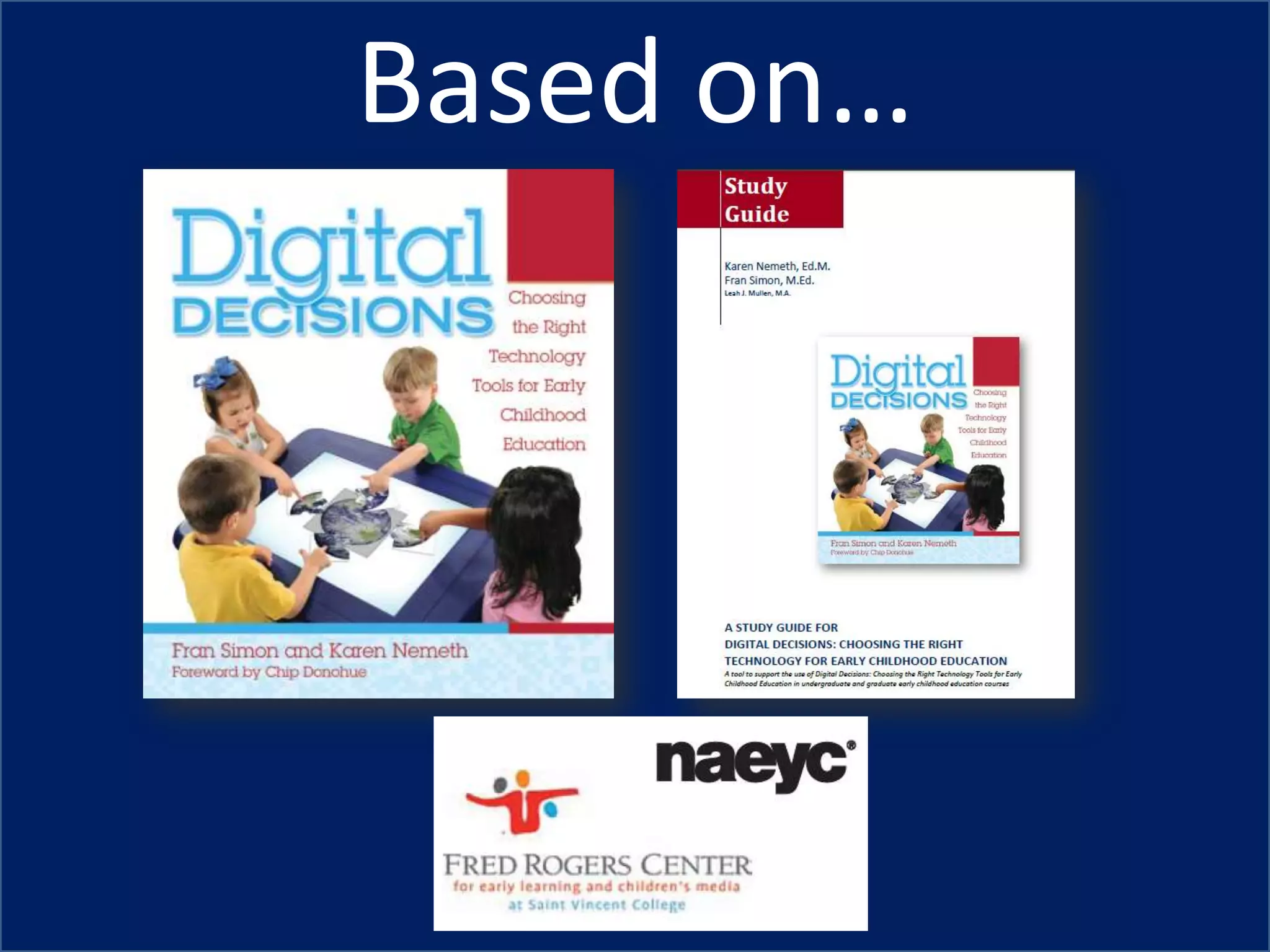
Based on…
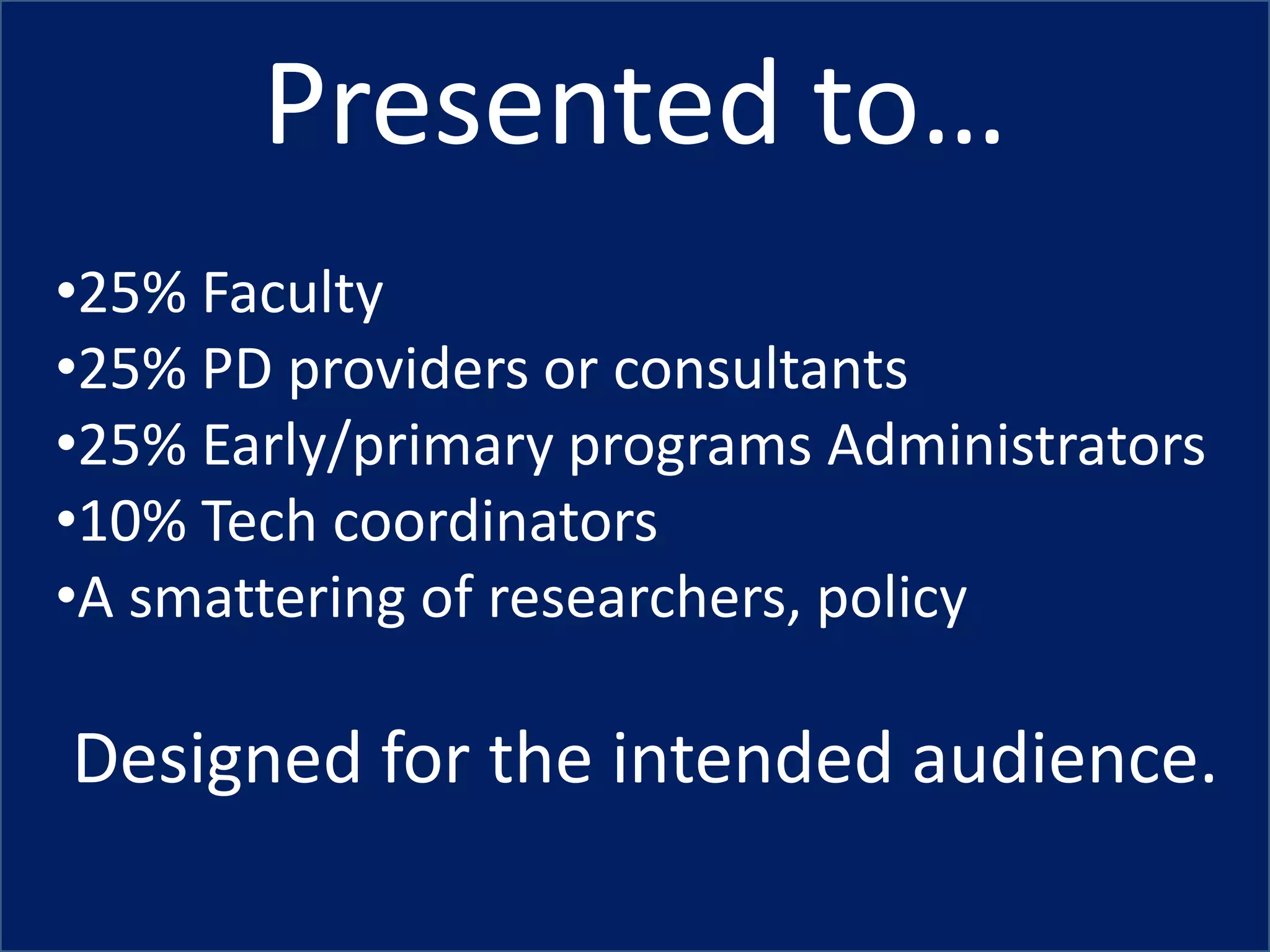
Presented to…
•25% Faculty
•25% PD providers or consultants
•25% Early/primary programs Administrators
•10% Tech coordinators
•A smattering of researchers, policy

Designed for the intended audience.
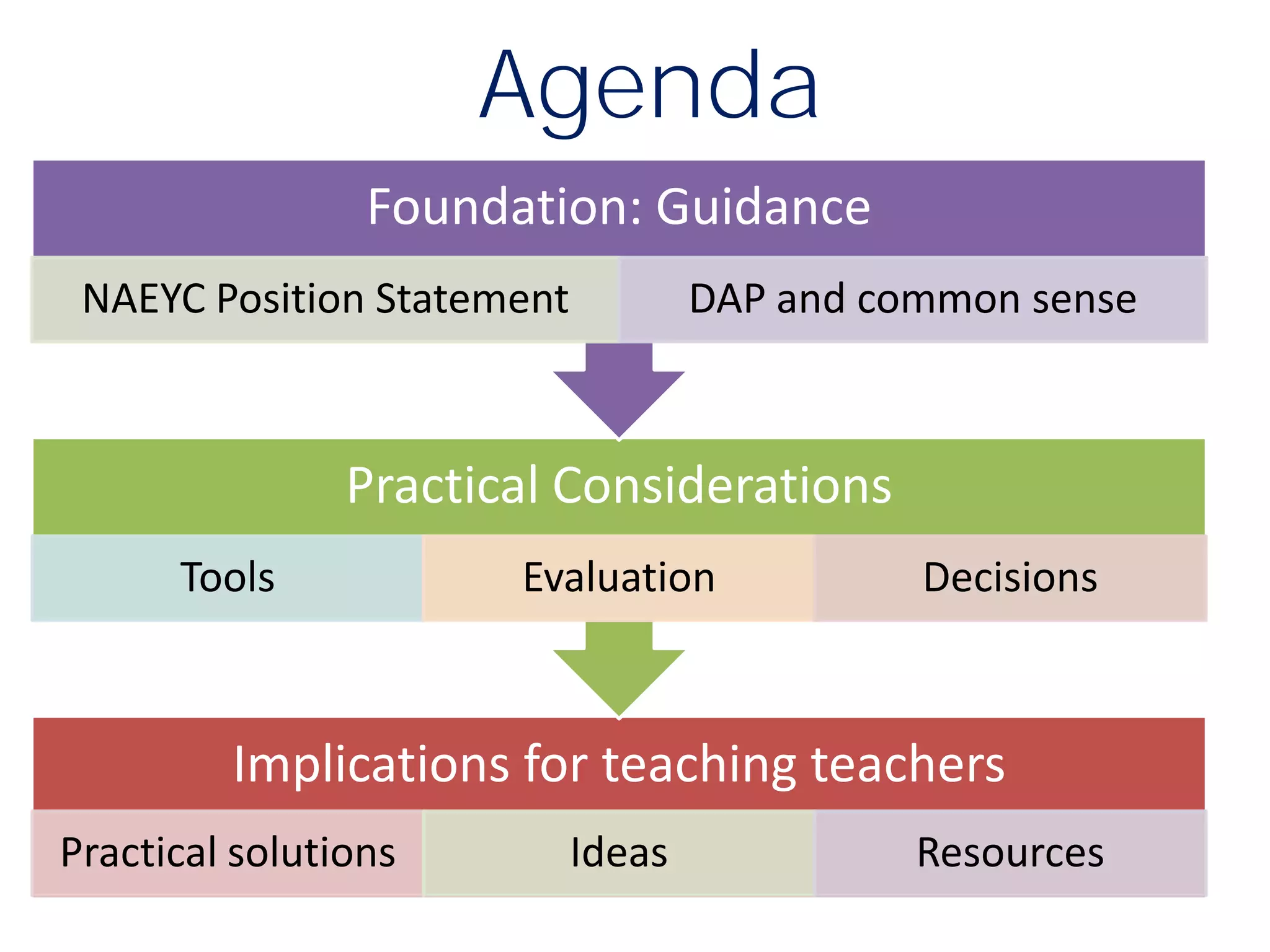
Agenda
                 Foundation: Guidance
 NAEYC Position Statement           DAP and common sense


                Practical Considerations
      Tools            Evaluation             Decisions


         Implications for teaching teachers
Practical solutions         Ideas             Resources
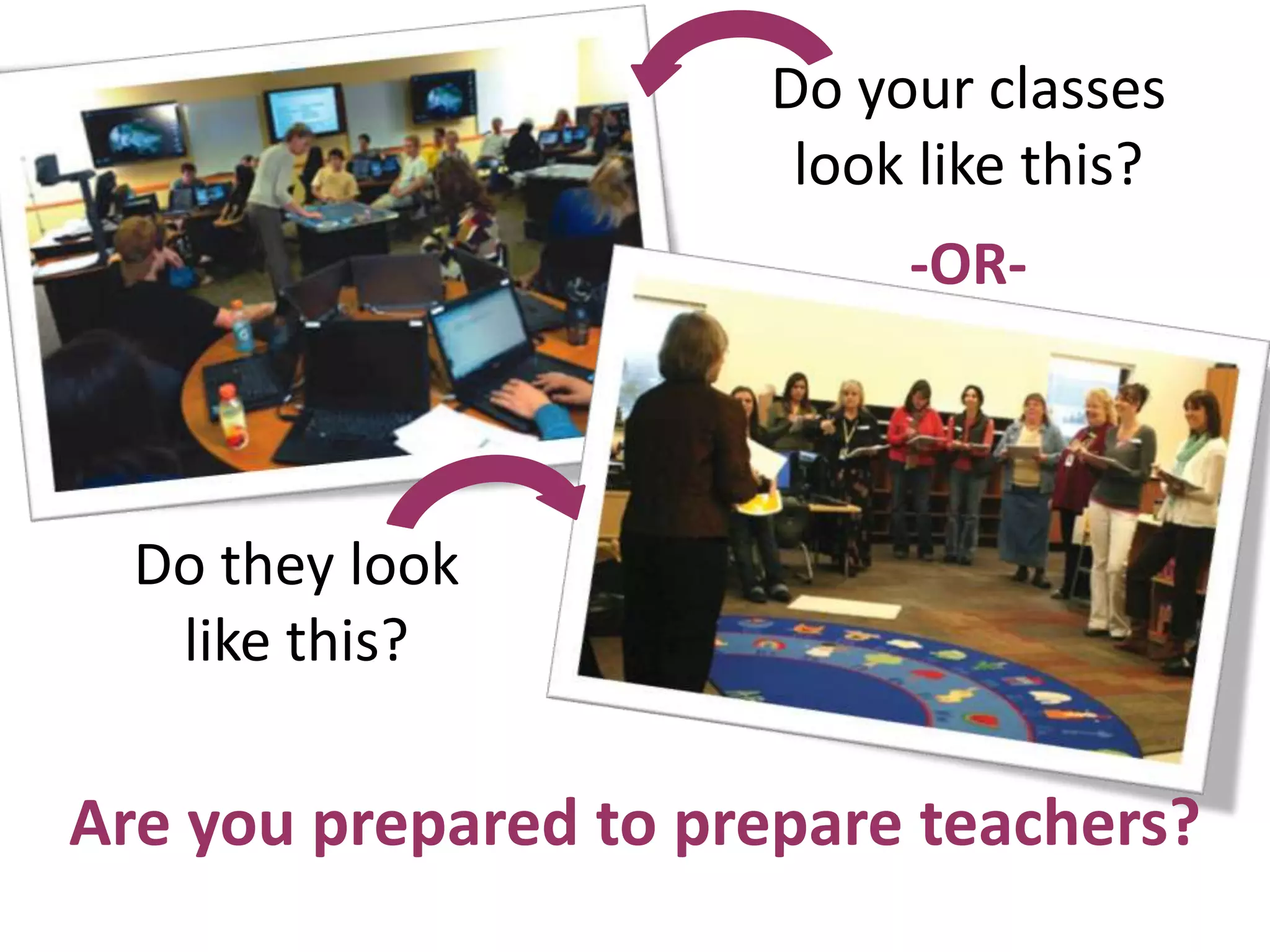
Do your classes
                       look like this?
                           -OR-


  Do they look
   like this?

Are you prepared to prepare teachers?
It is not about the technology.

 This is about teaching teachers to be
     intentional and DAP
      in a digital World.

               © Fran Simon Copyright, 2012   7
Early educators
   do not have to
           use technology
 Your job is to offer guidance to help teachers
make decisions about if, how, and when to use it,
                  and…
                   Copyright, Simon and Nemeth      8
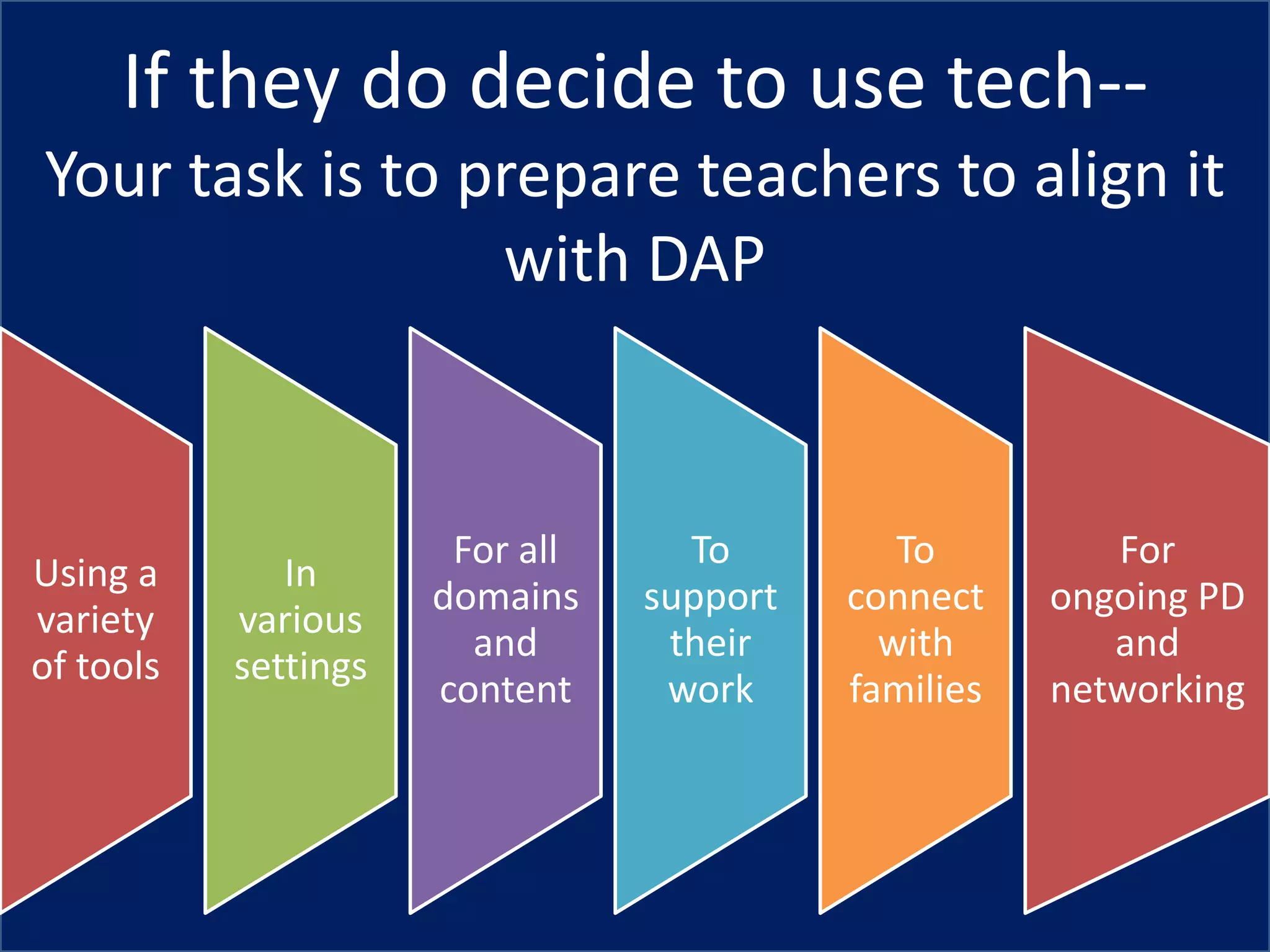
If they do decide to use tech--
Your task is to prepare teachers to align it
                 with DAP


                       For all     To         To         For
Using a       In
                      domains    support   connect    ongoing PD
variety    various
                        and       their      with        and
of tools   settings
                      content     work     families   networking
Poll
Where does technology fit in your
  teacher education efforts?


            © Fran Simon Copyright, 2012   10
Poll
Your concerns about technology?


           © Fran Simon Copyright, 2012   11
Foundation


© Copyright, 2012 Simon and Nemeth          12
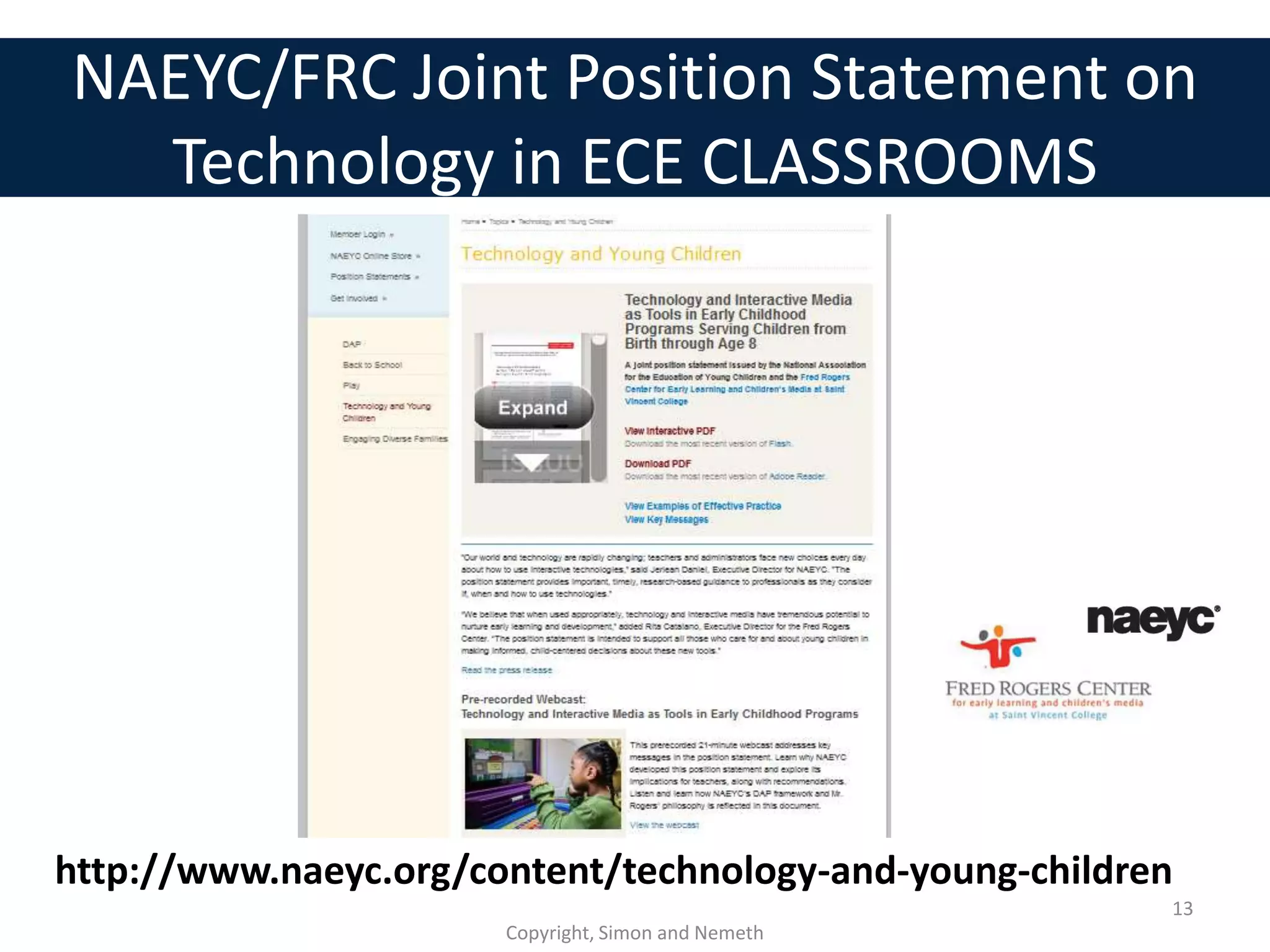
NAEYC/FRC Joint Position Statement on
  Technology in ECE CLASSROOMS


http://www.naeyc.org/content/technology-and-young-children
                                                         13
                       Copyright, Simon and Nemeth
Poll
What do you know about the NAEYC
   /Fred Rogers Center Position
 Statement on Technology in ECE?


            © Fran Simon Copyright, 2012   14
Technology should enhance,
      not replace
       •creative play
        •exploration
     •physical activity
   •outdoor experiences
    •conversation, and
    •social interactions
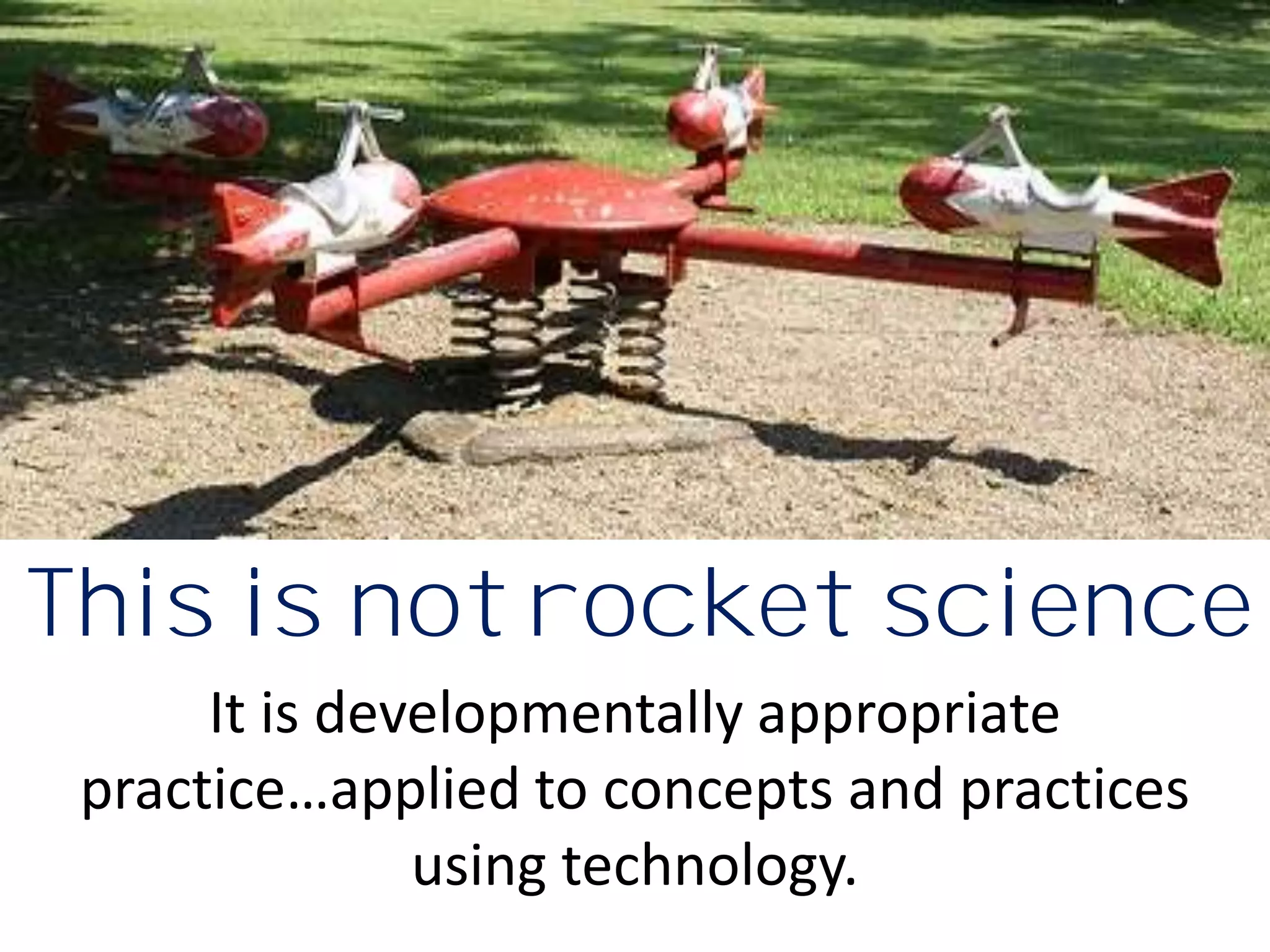
This is not rocket science
      It is developmentally appropriate
 practice…applied to concepts and practices
               using technology.
A Tech tool is:
   Just another
material in the ECE
      toolkit.
Time limits: Guidelines and
    expectations must be based on
variables like age, objectives, and type
             of interaction.

               Copyright, Simon and Nemeth   18
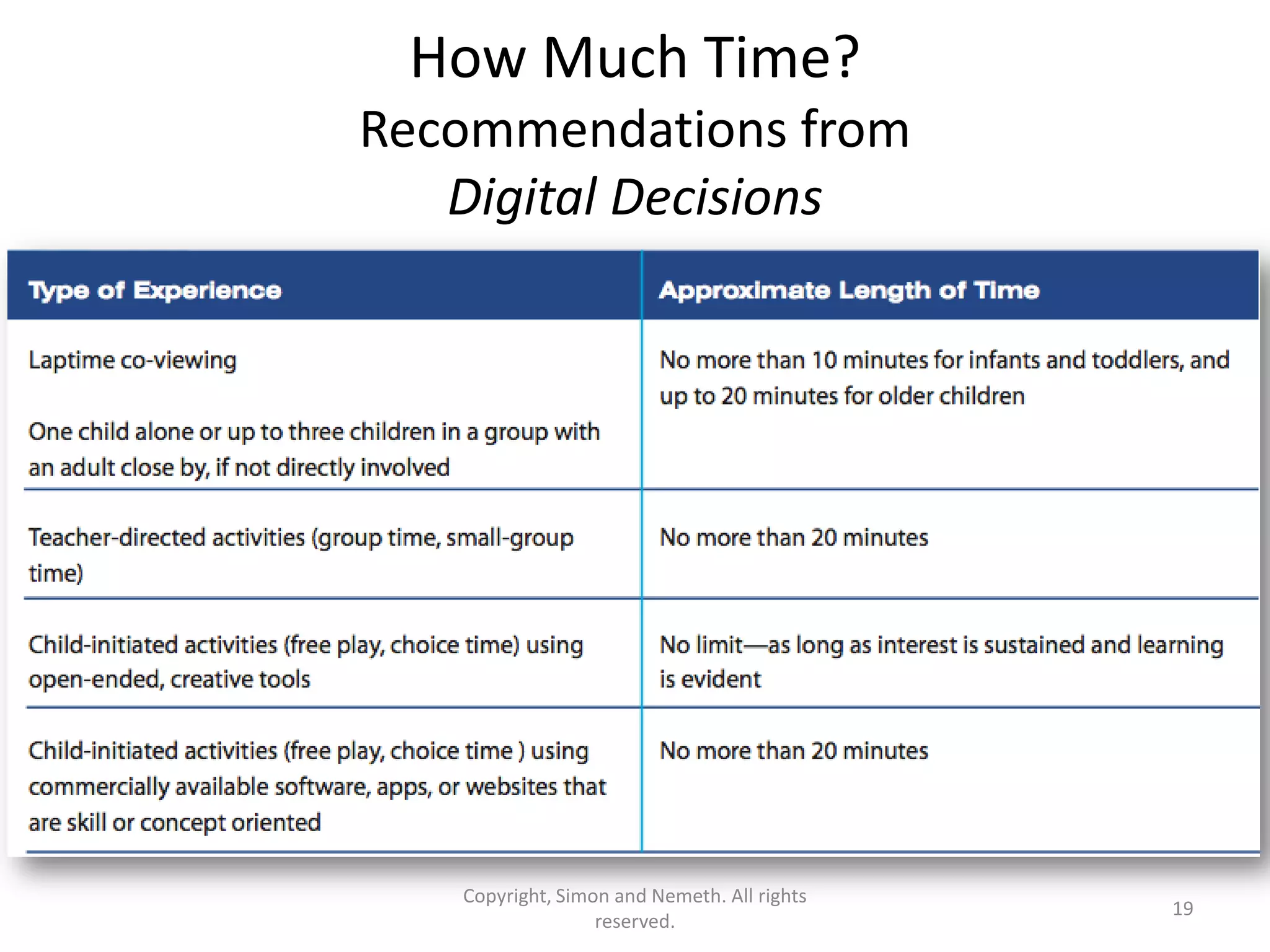
How Much Time?
Recommendations from
   Digital Decisions


   Copyright, Simon and Nemeth. All rights
                                             19
                  reserved.
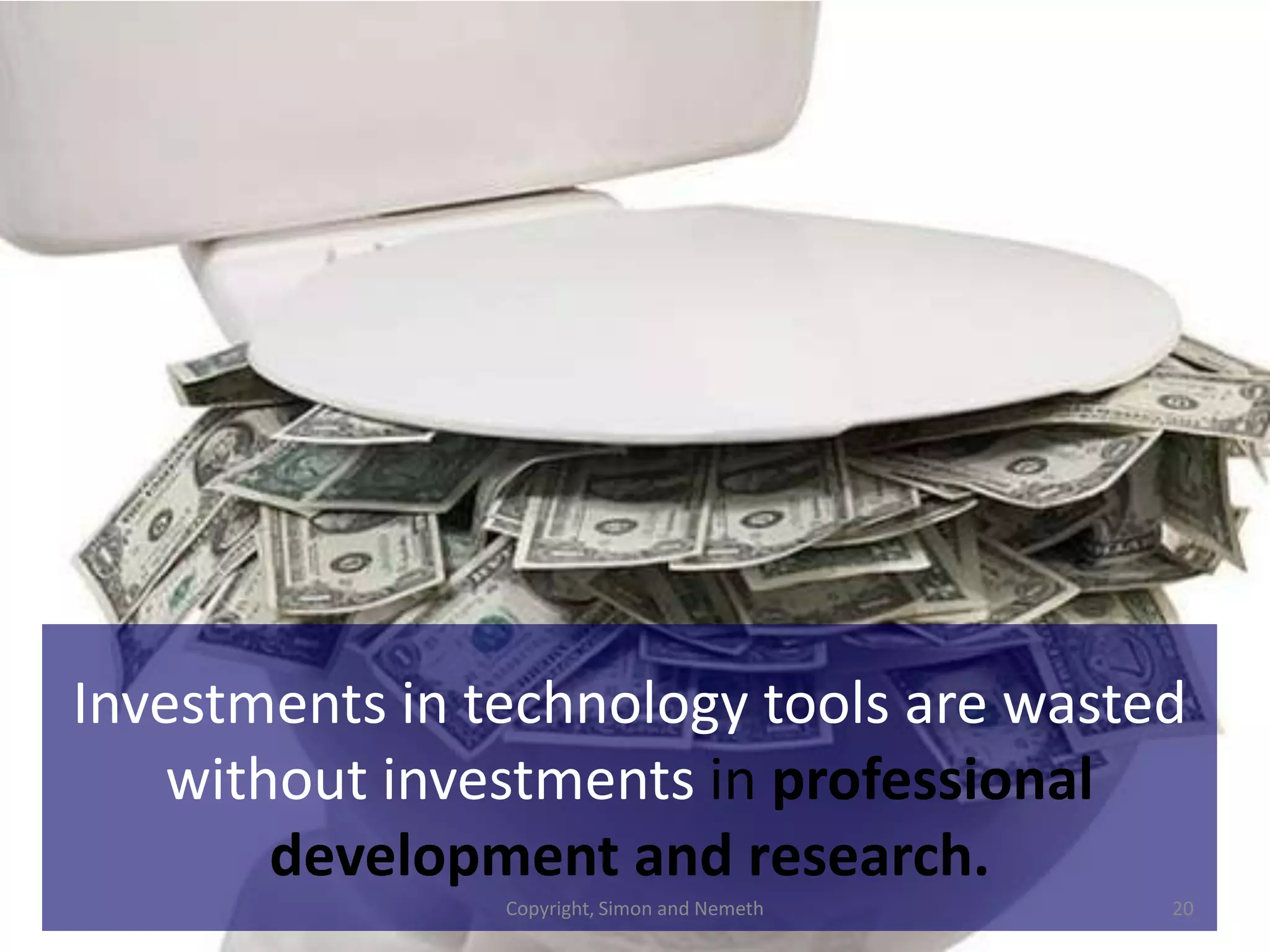
Investments in technology tools are wasted
    without investments in professional
        development and research.
                Copyright, Simon and Nemeth   20
Practical
                                Considerations
                                  for teacher
                                   educators


© Copyright, 2012 Simon and Nemeth               21
“Preservice and professional
development should include
     in-depth, hands-on
  technology experiences,
ongoing support, and access
to the latest technology and
     interactive media.”
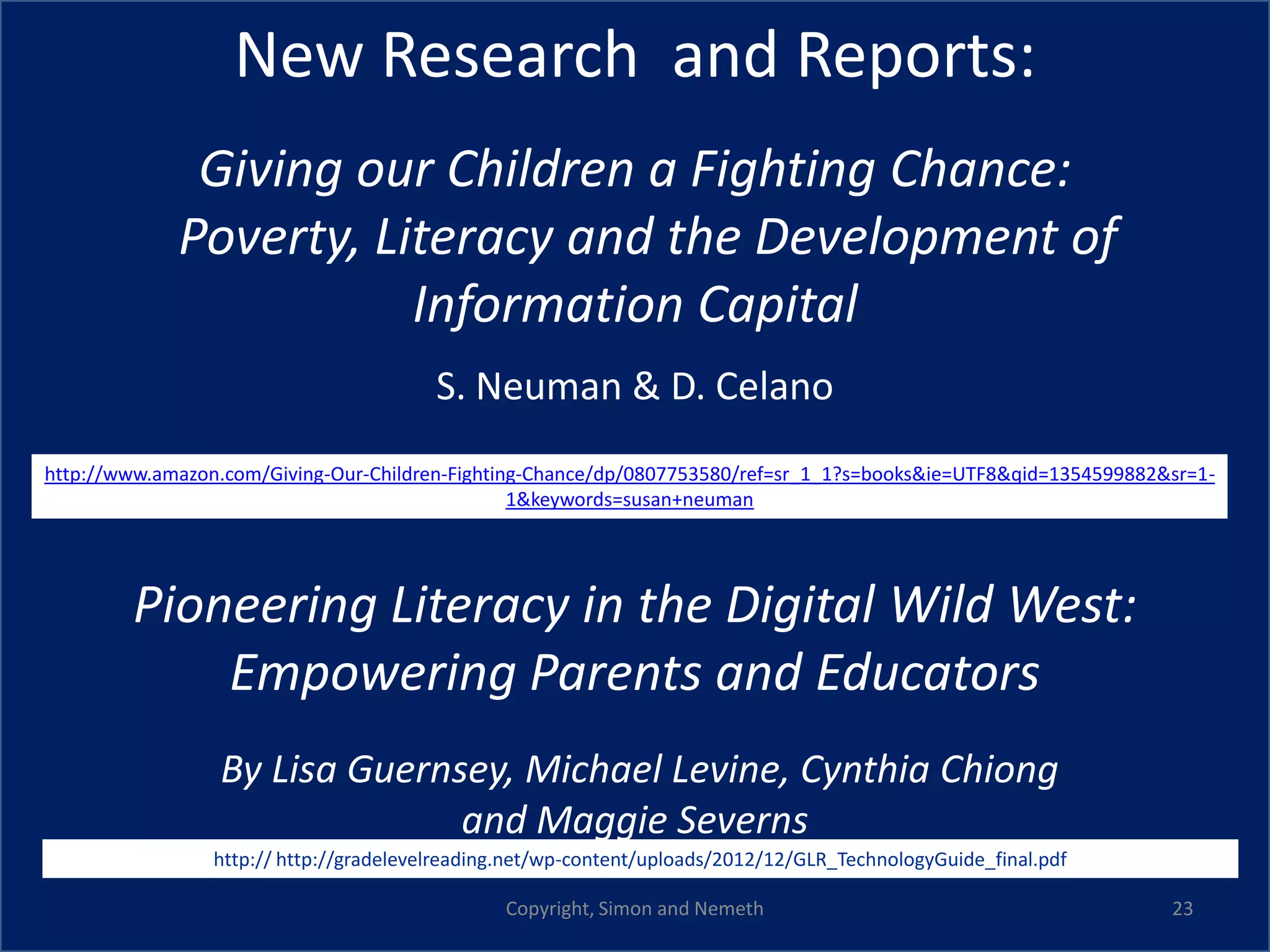
New Research and Reports:
              Giving our Children a Fighting Chance:
             Poverty, Literacy and the Development of
                        Information Capital
                                         S. Neuman & D. Celano
http://www.amazon.com/Giving-Our-Children-Fighting-Chance/dp/0807753580/ref=sr_1_1?s=books&ie=UTF8&qid=1354599882&sr=1-
                                                 1&keywords=susan+neuman


        Pioneering Literacy in the Digital Wild West:
            Empowering Parents and Educators
                 By Lisa Guernsey, Michael Levine, Cynthia Chiong
                               and Maggie Severns
                 http:// http://gradelevelreading.net/wp-content/uploads/2012/12/GLR_TechnologyGuide_final.pdf

                                                Copyright, Simon and Nemeth                                       23
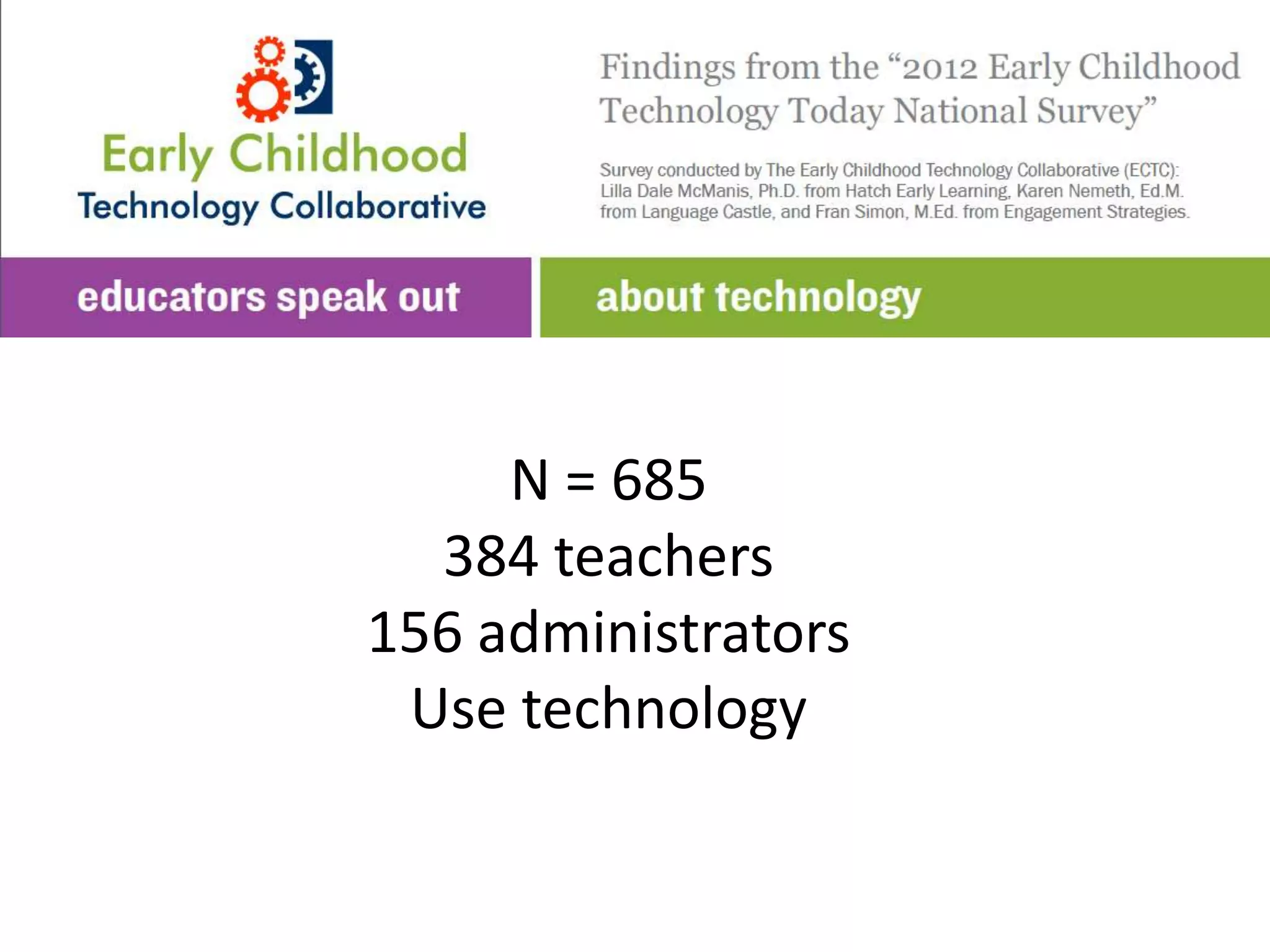
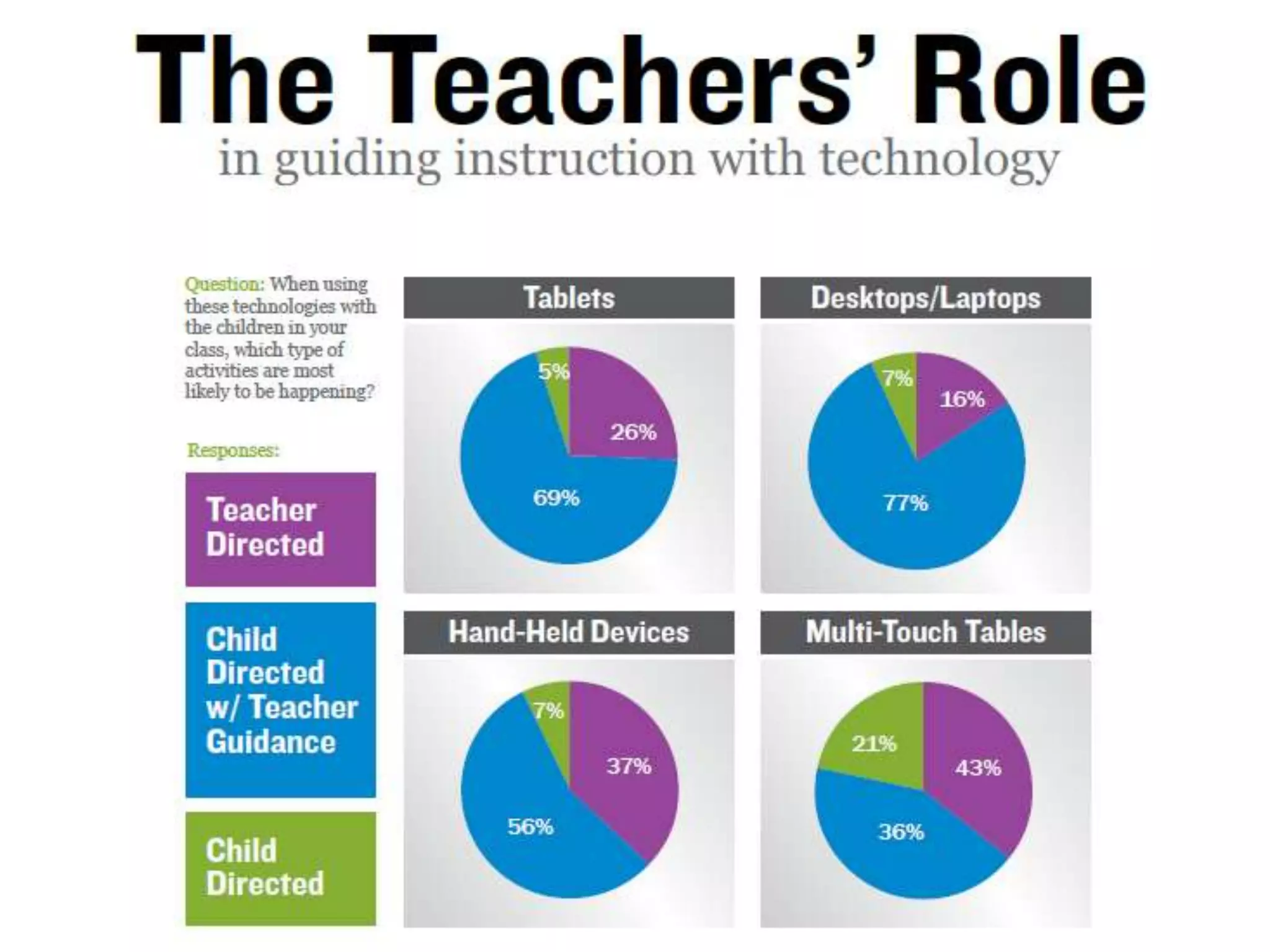
N = 685
  384 teachers
156 administrators
 Use technology
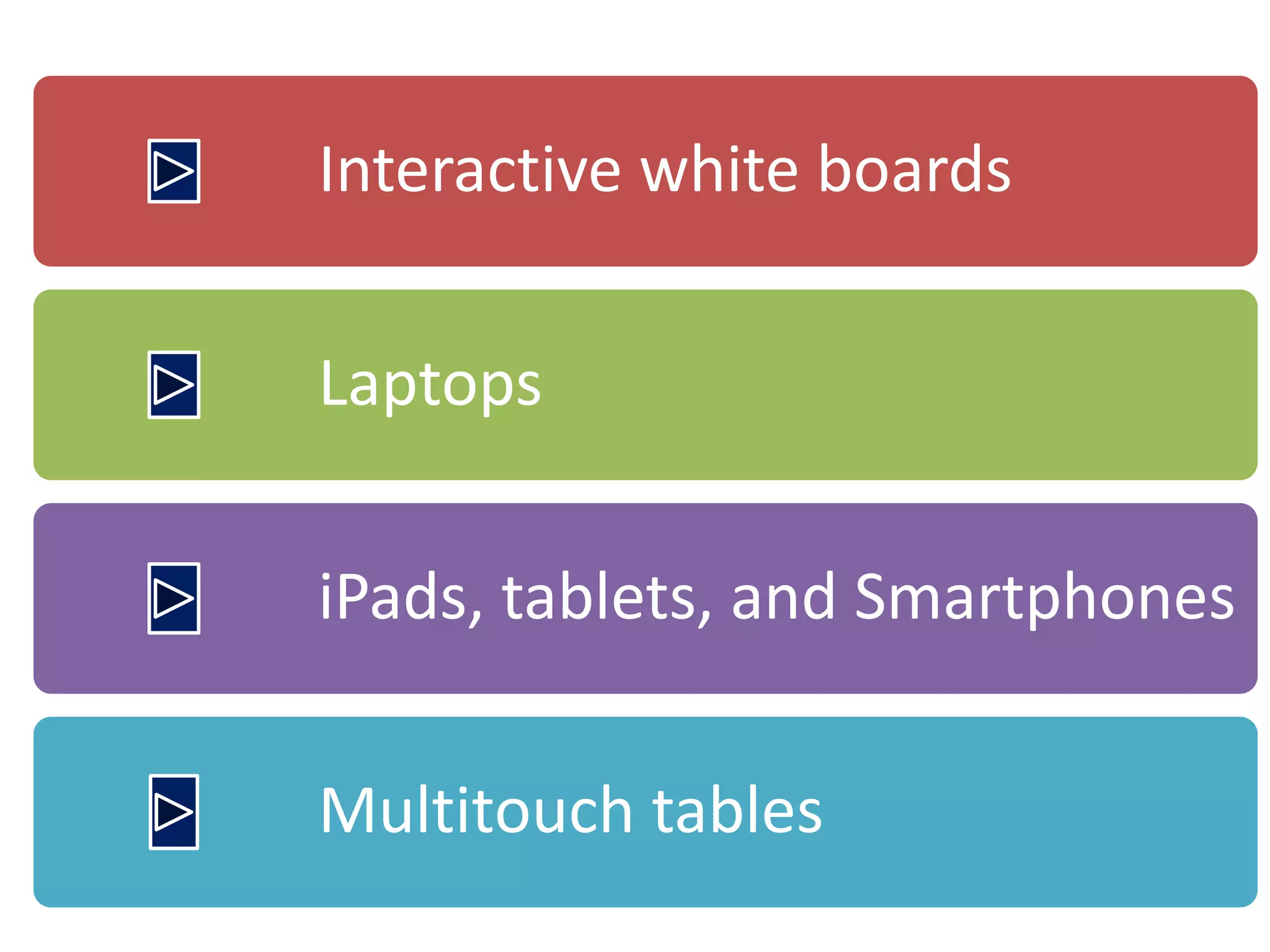
Interactive white boards


Laptops


iPads, tablets, and Smartphones


Multitouch tables
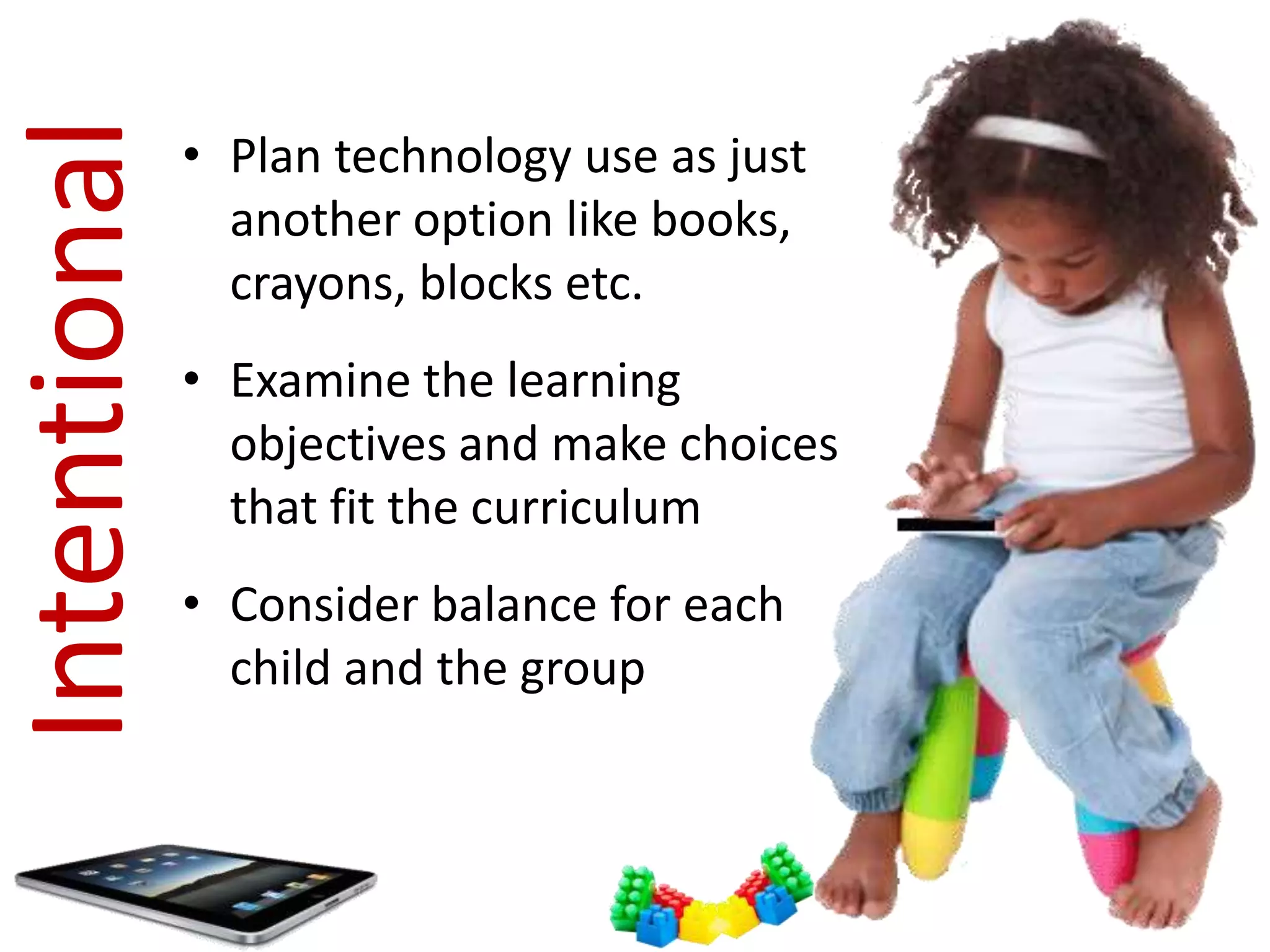
Intentional   • Plan technology use as just
                another option like books,
                crayons, blocks etc.
              • Examine the learning
                objectives and make choices
                that fit the curriculum
              • Consider balance for each
                child and the group
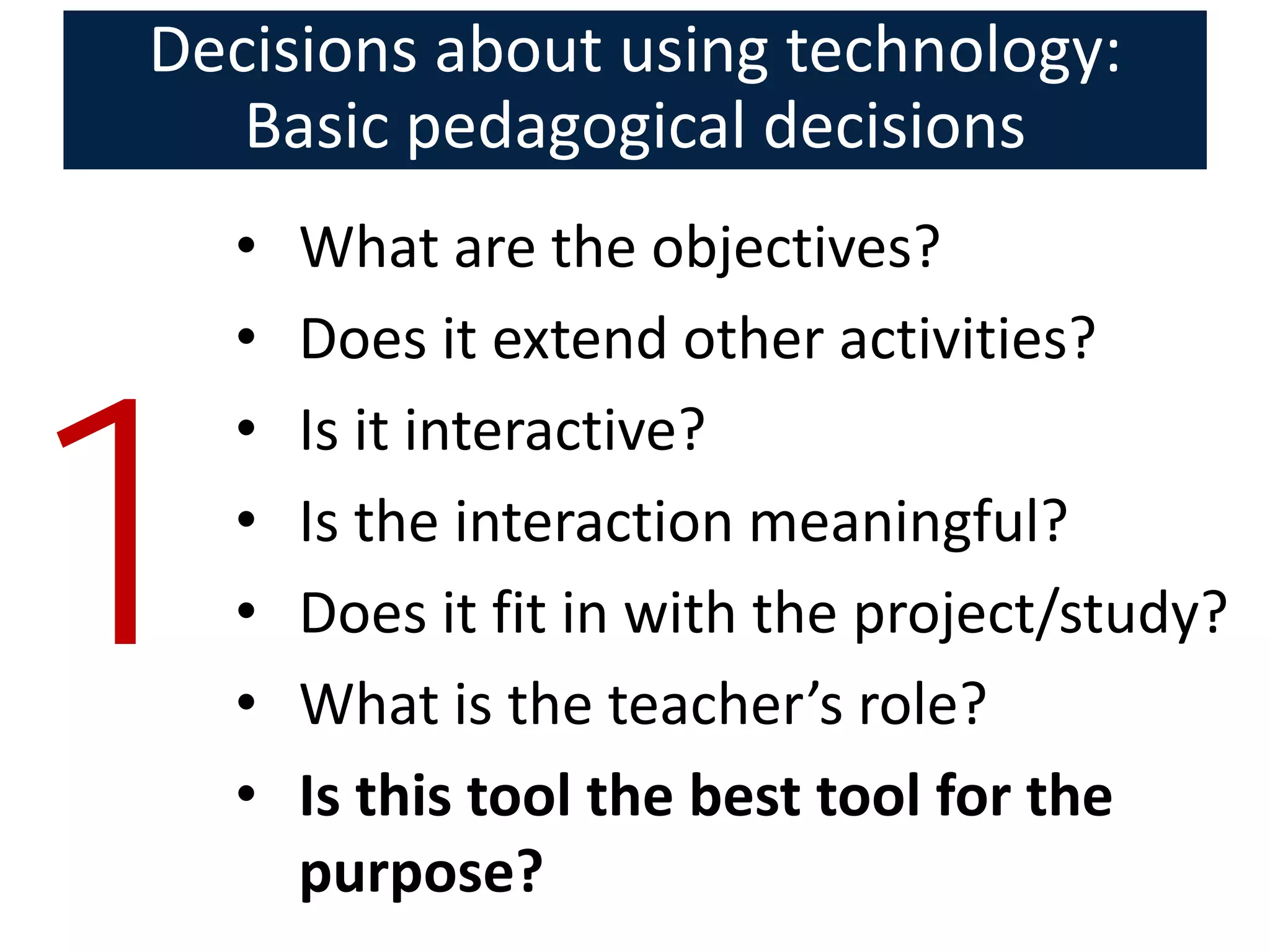
Decisions about using technology:
   Basic pedagogical decisions
    •   What are the objectives?
    •   Does it extend other activities?


1
    •   Is it interactive?
    •   Is the interaction meaningful?
    •   Does it fit in with the project/study?
    •   What is the teacher’s role?
    •   Is this tool the best tool for the
        purpose?
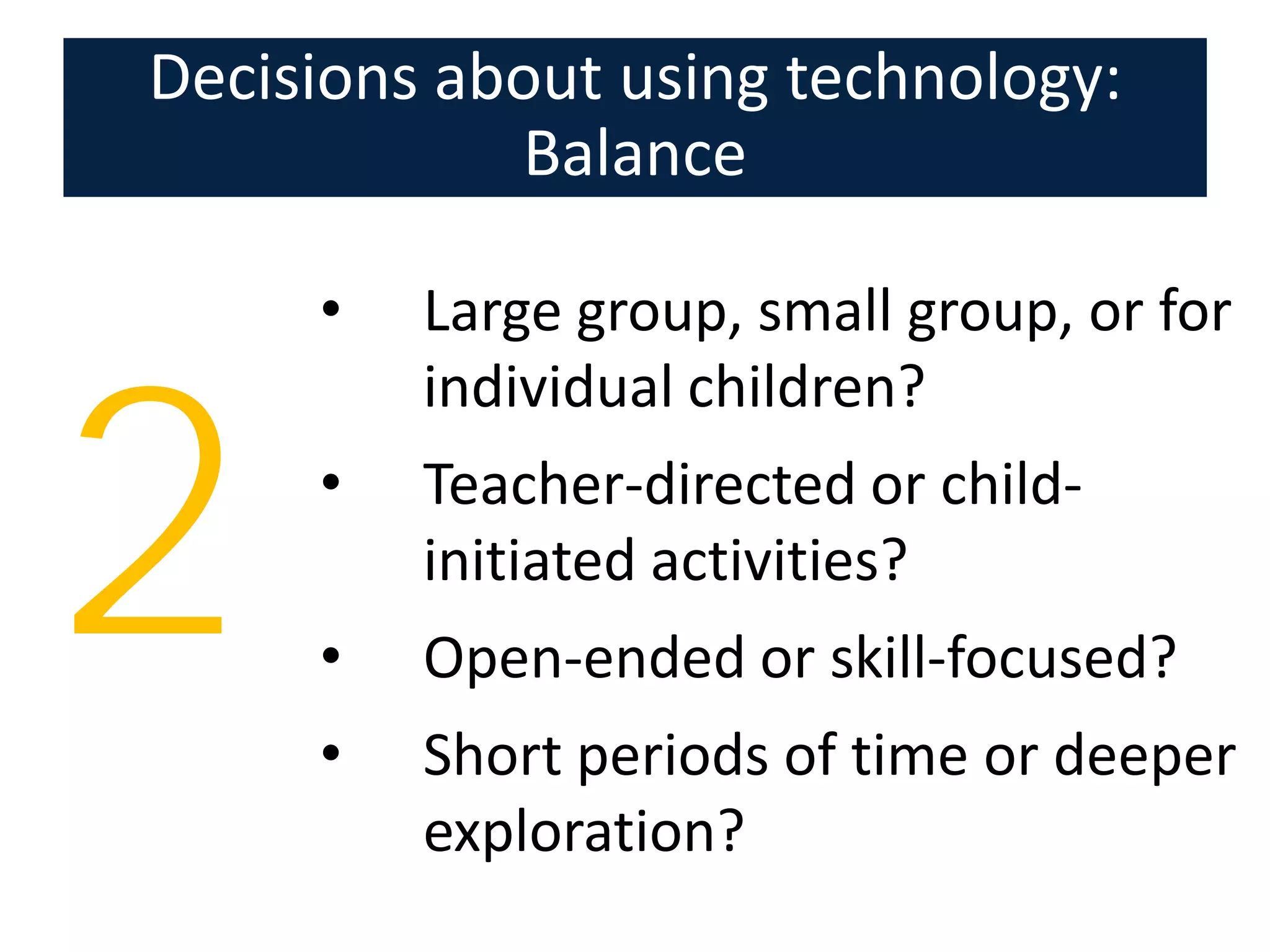
Decisions about using technology:
            Balance

     •   Large group, small group, or for
         individual children?


2    •

     •
     •
         Teacher-directed or child-
         initiated activities?
         Open-ended or skill-focused?
         Short periods of time or deeper
         exploration?
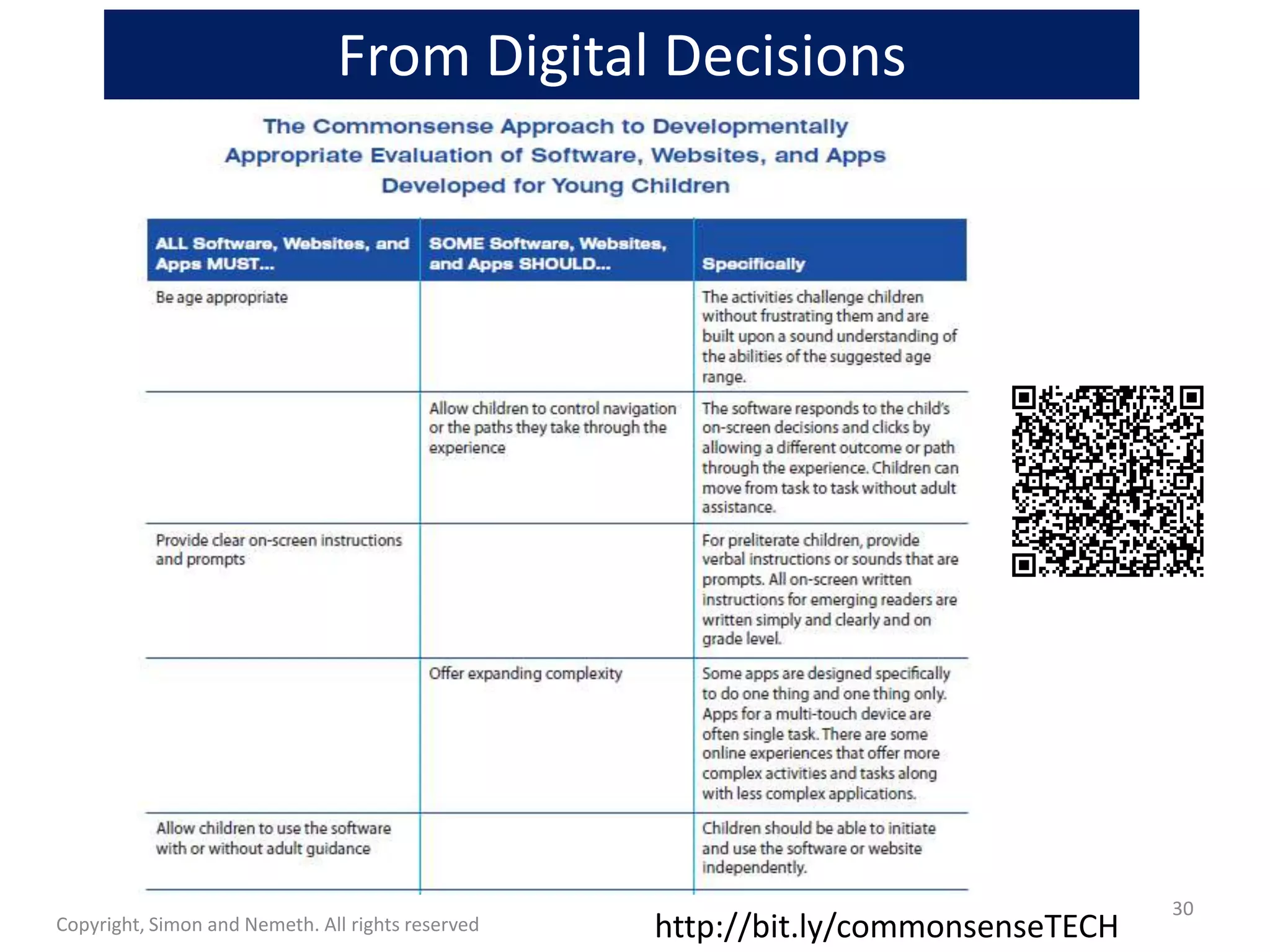
From Digital Decisions


                                                                                   30
Copyright, Simon and Nemeth. All rights reserved   http://bit.ly/commonsenseTECH
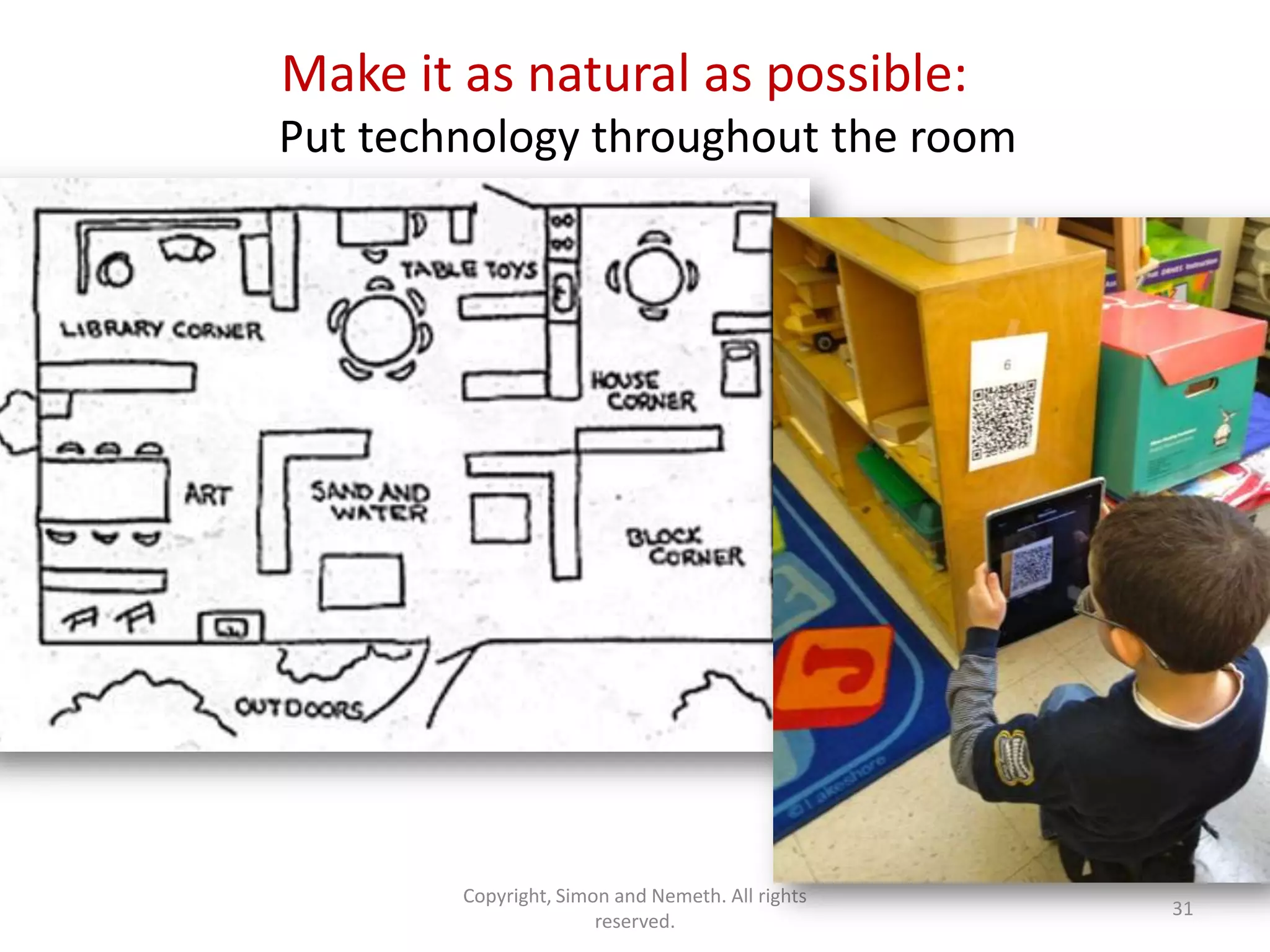
Make it as natural as possible:
Put technology throughout the room


        Copyright, Simon and Nemeth. All rights
                                                  31
                       reserved.
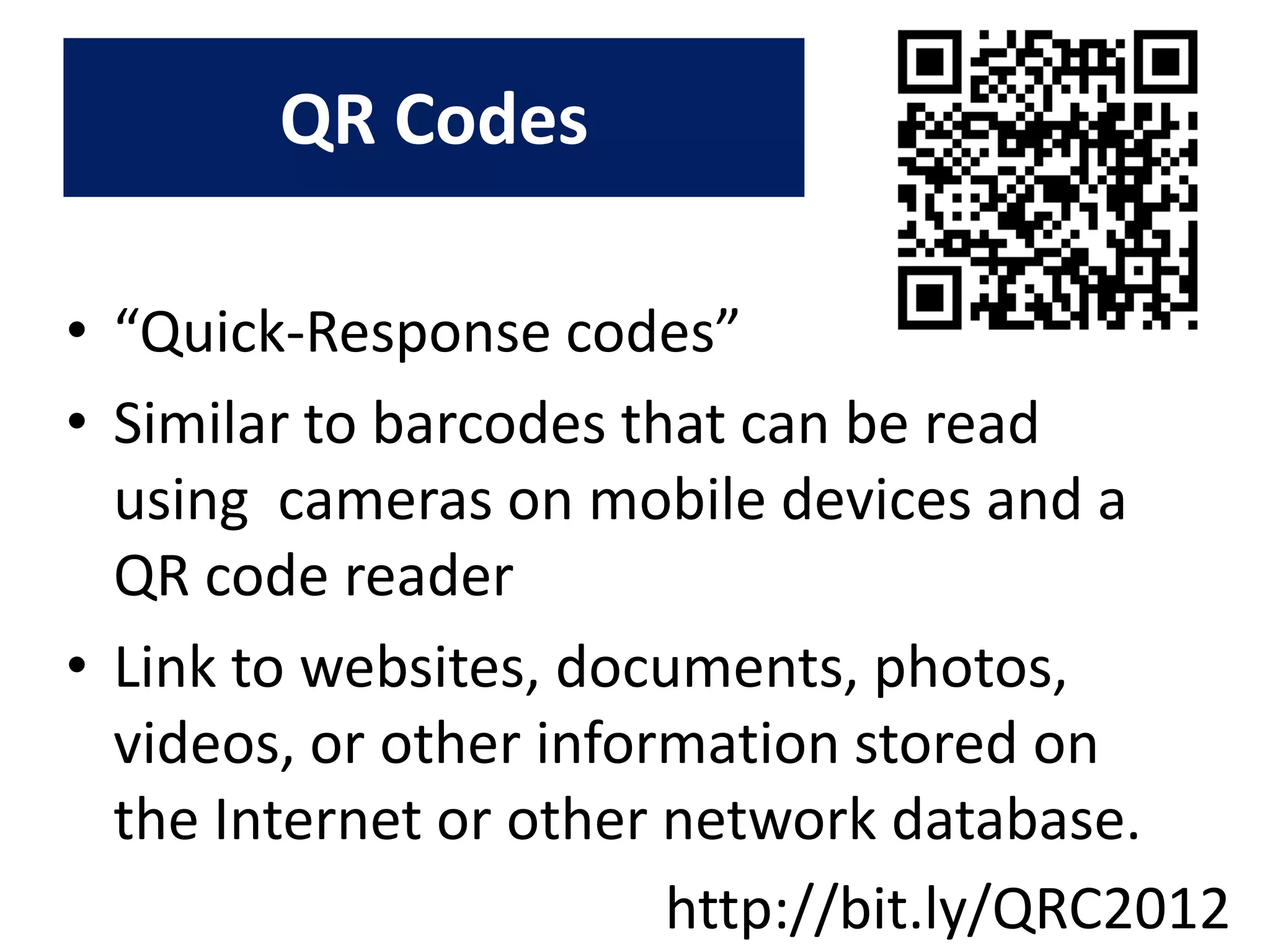
QR Codes

• “Quick-Response codes”
• Similar to barcodes that can be read
  using cameras on mobile devices and a
  QR code reader
• Link to websites, documents, photos,
  videos, or other information stored on
  the Internet or other network database.
                        http://bit.ly/QRC2012
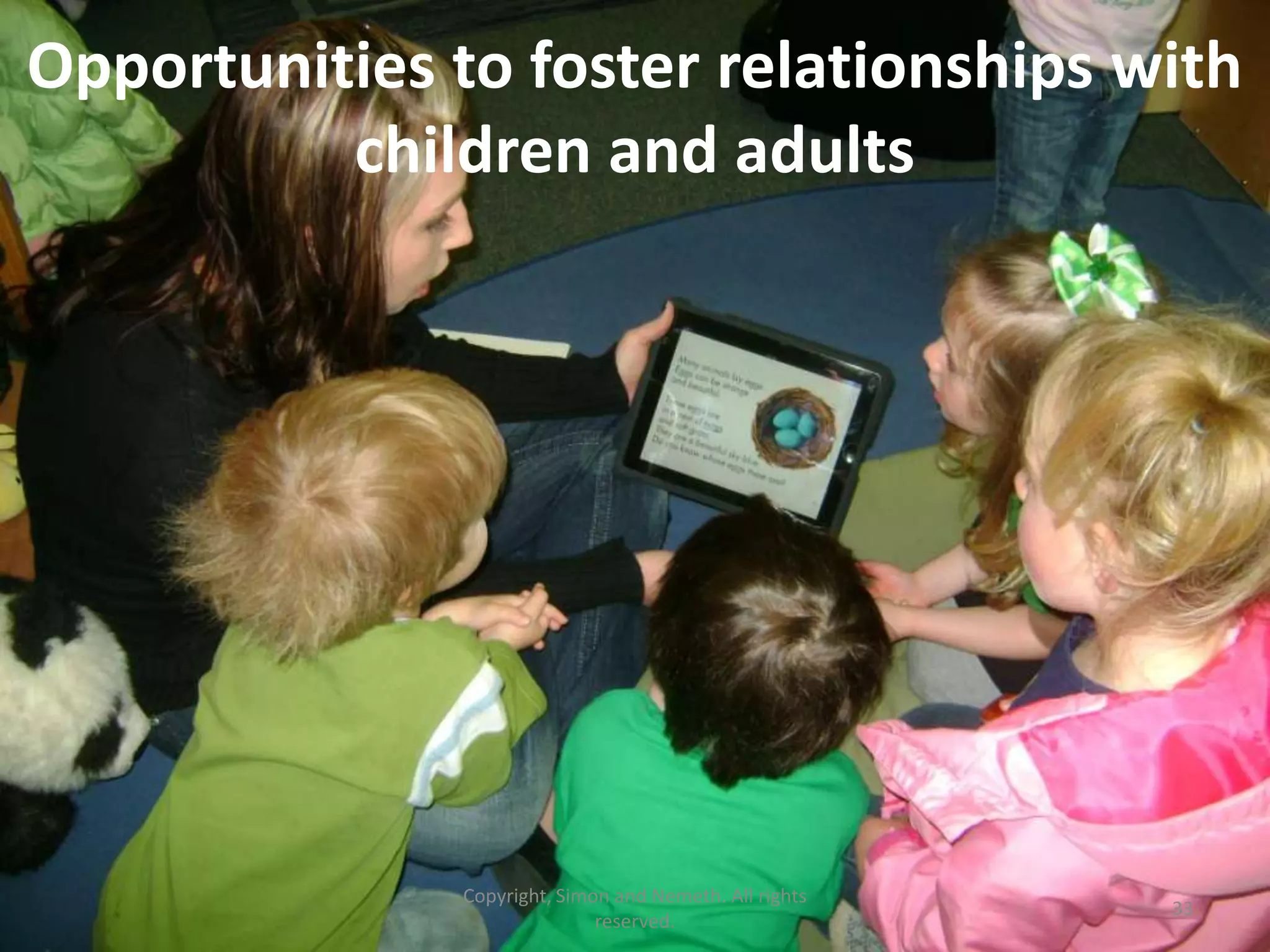
Opportunities to foster relationships with
          children and adults


               Copyright, Simon and Nemeth. All rights
                                                         33
                              reserved.
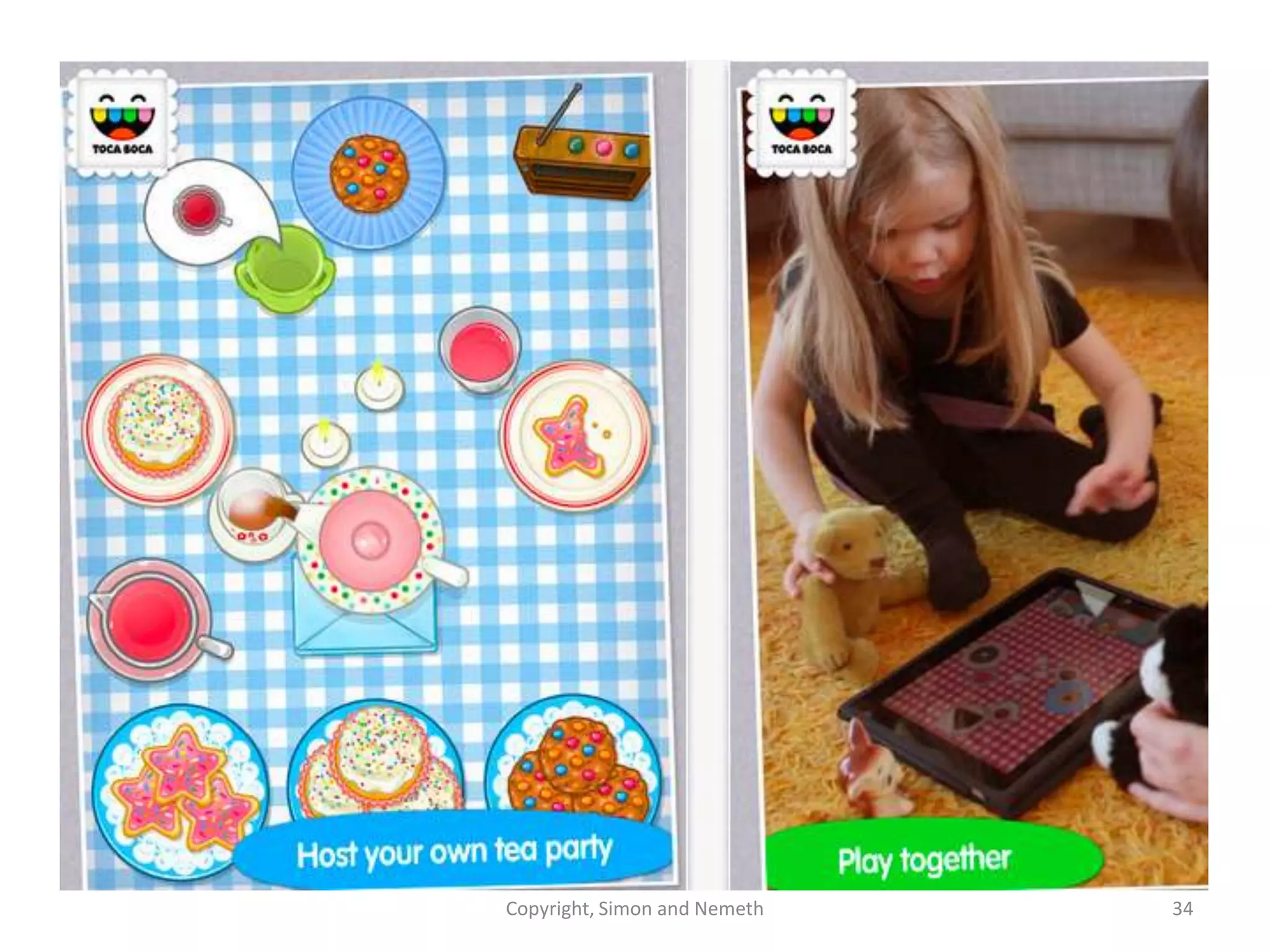
Copyright, Simon and Nemeth   34
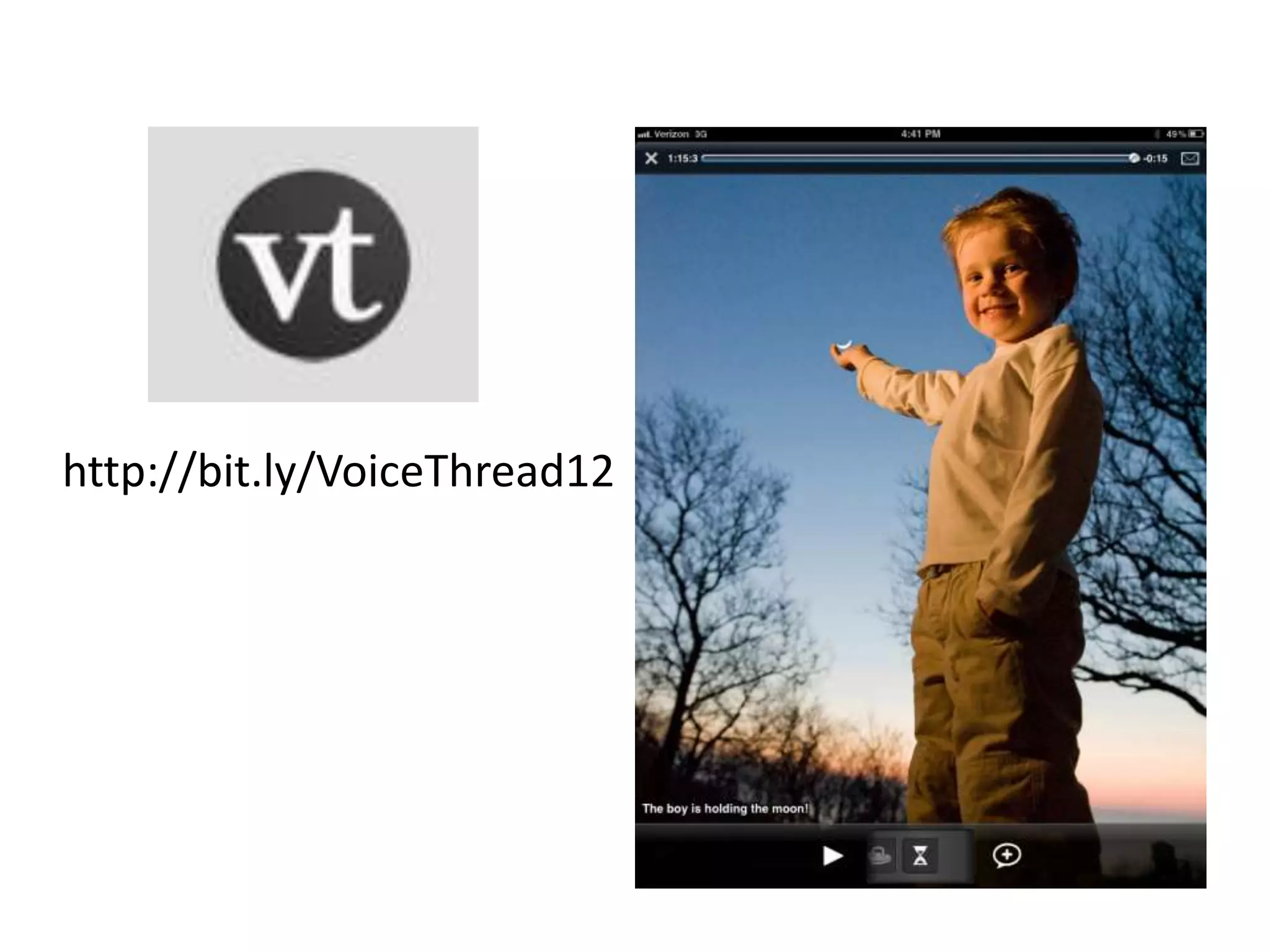
http://bit.ly/VoiceThread12
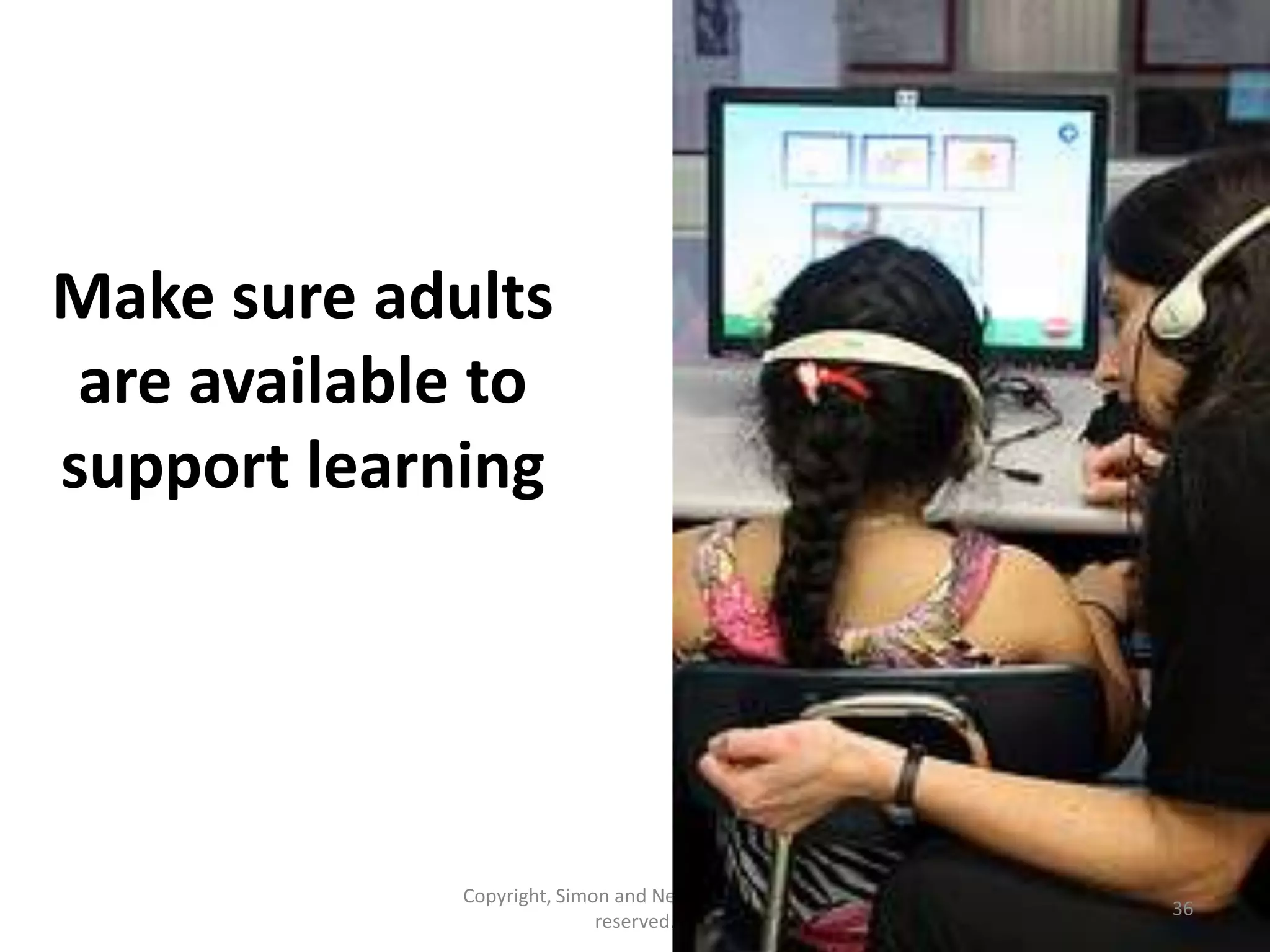
Make sure adults
 are available to
support learning


             Copyright, Simon and Nemeth. All rights
                                                       36
                            reserved.
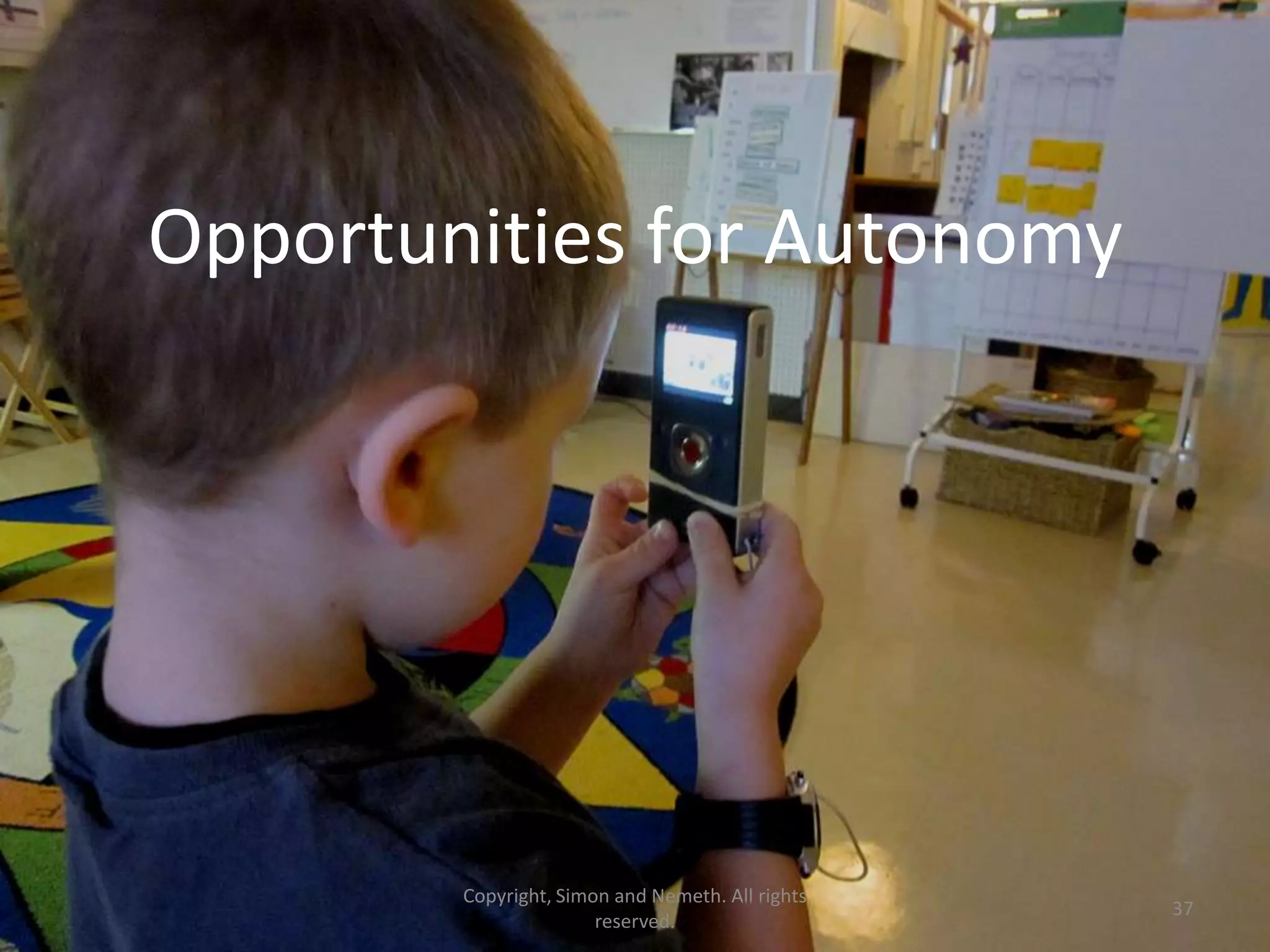
Opportunities for Autonomy


        Copyright, Simon and Nemeth. All rights
                                                  37
                       reserved.
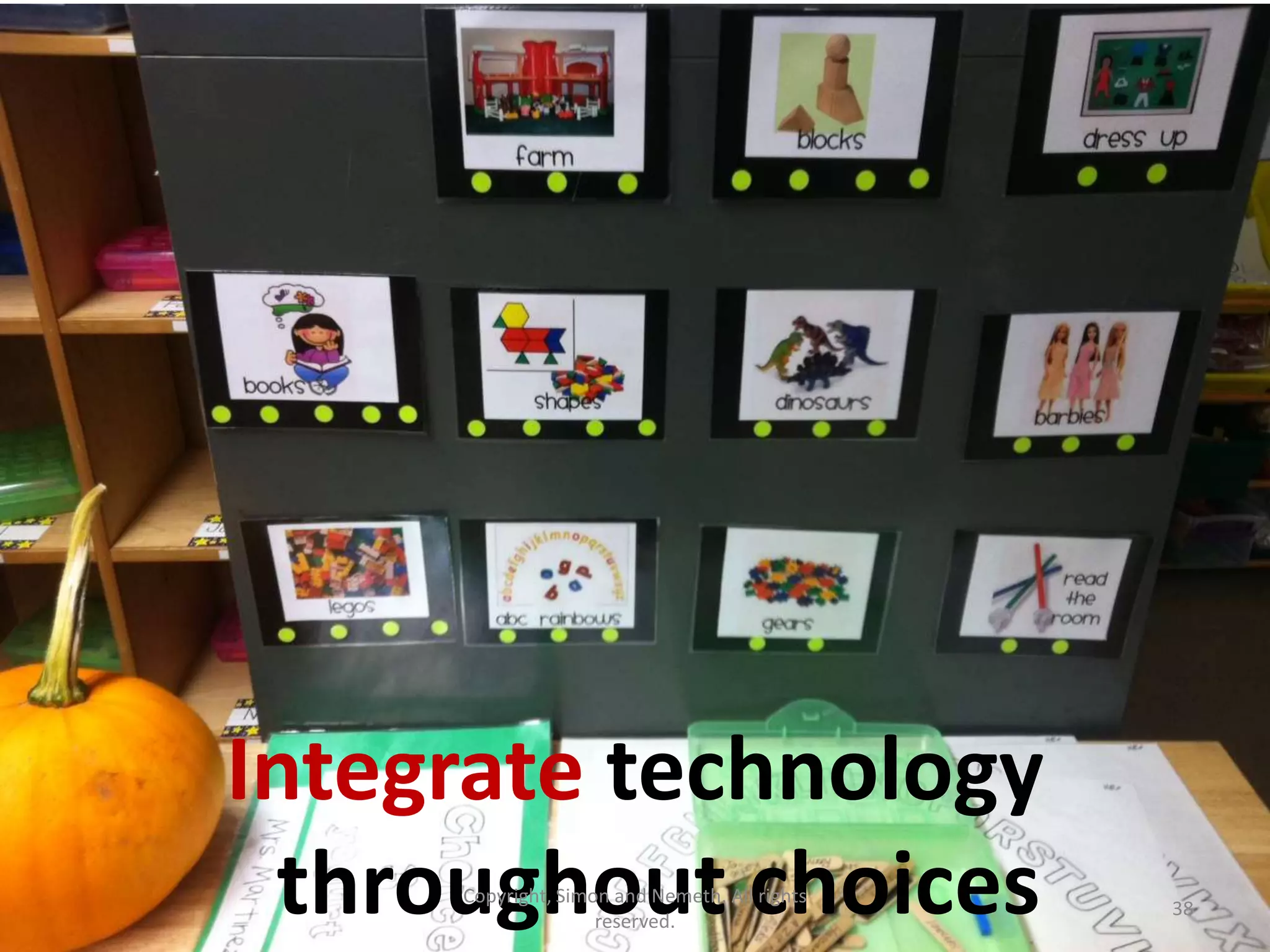
Integrate technology
 throughout choices
     Copyright, Simon and Nemeth. All rights
                    reserved.
                                               38
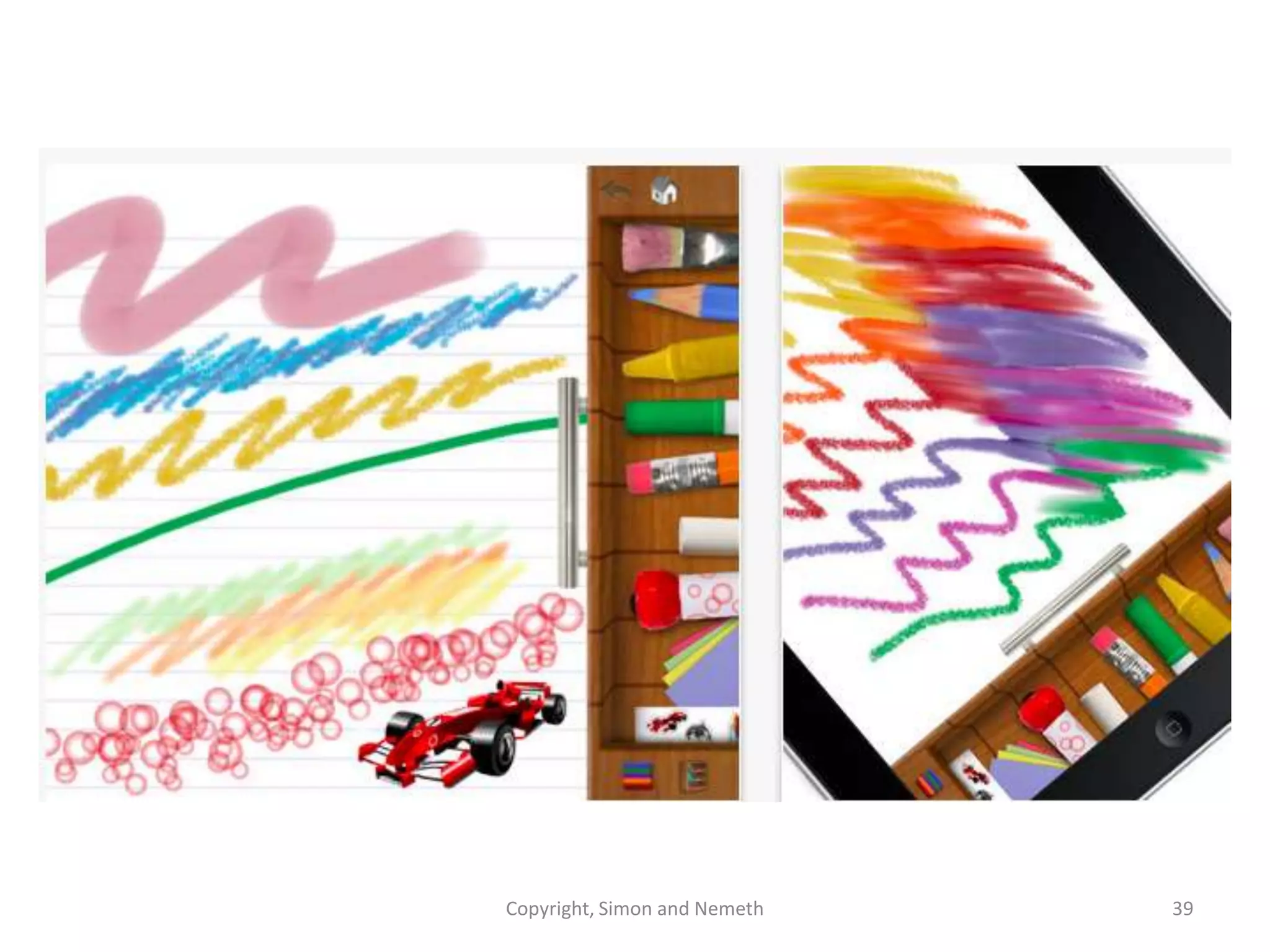
Copyright, Simon and Nemeth   39
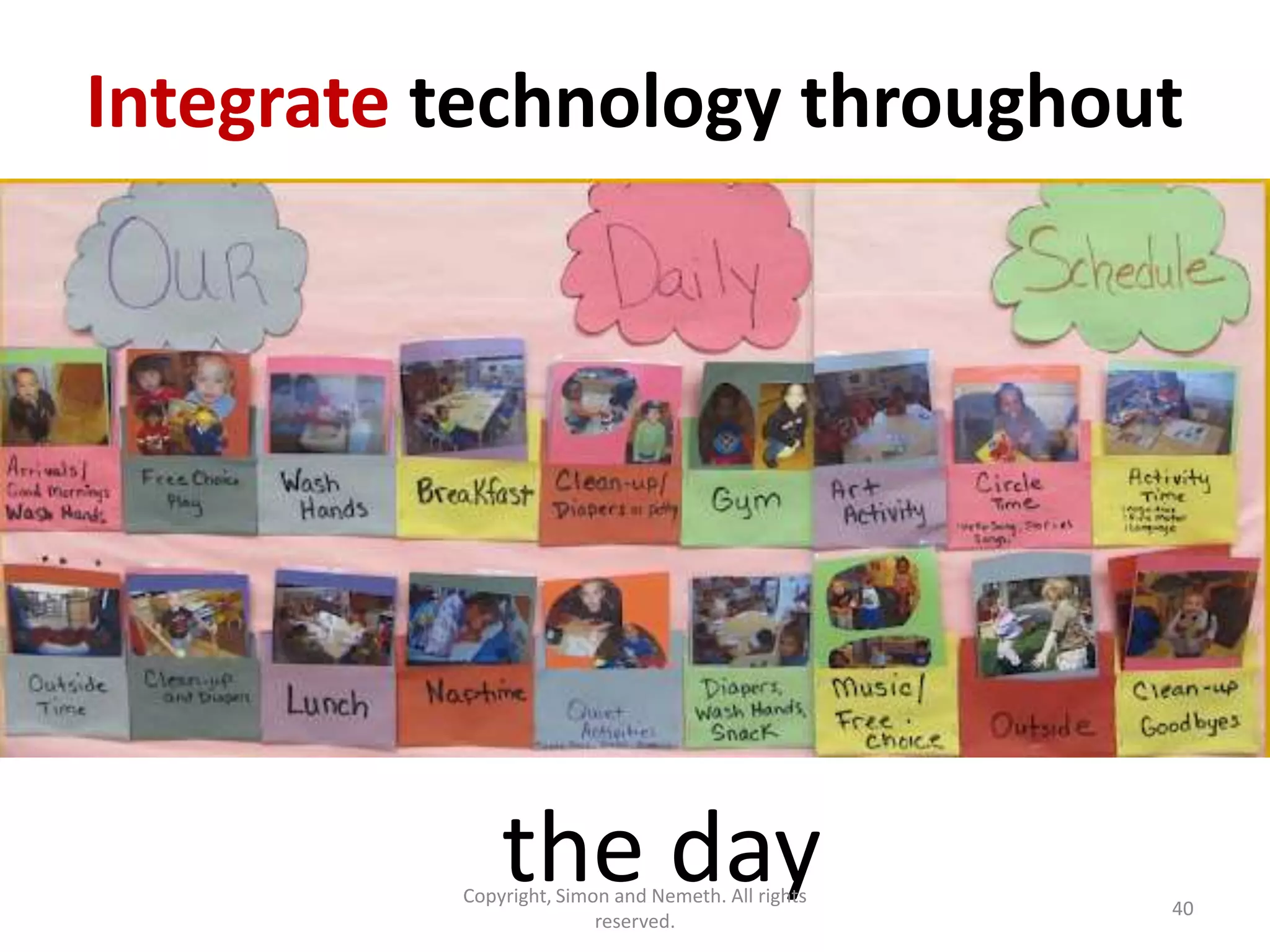
Integrate technology throughout


              the day
          Copyright, Simon and Nemeth. All rights
                         reserved.
                                                    40
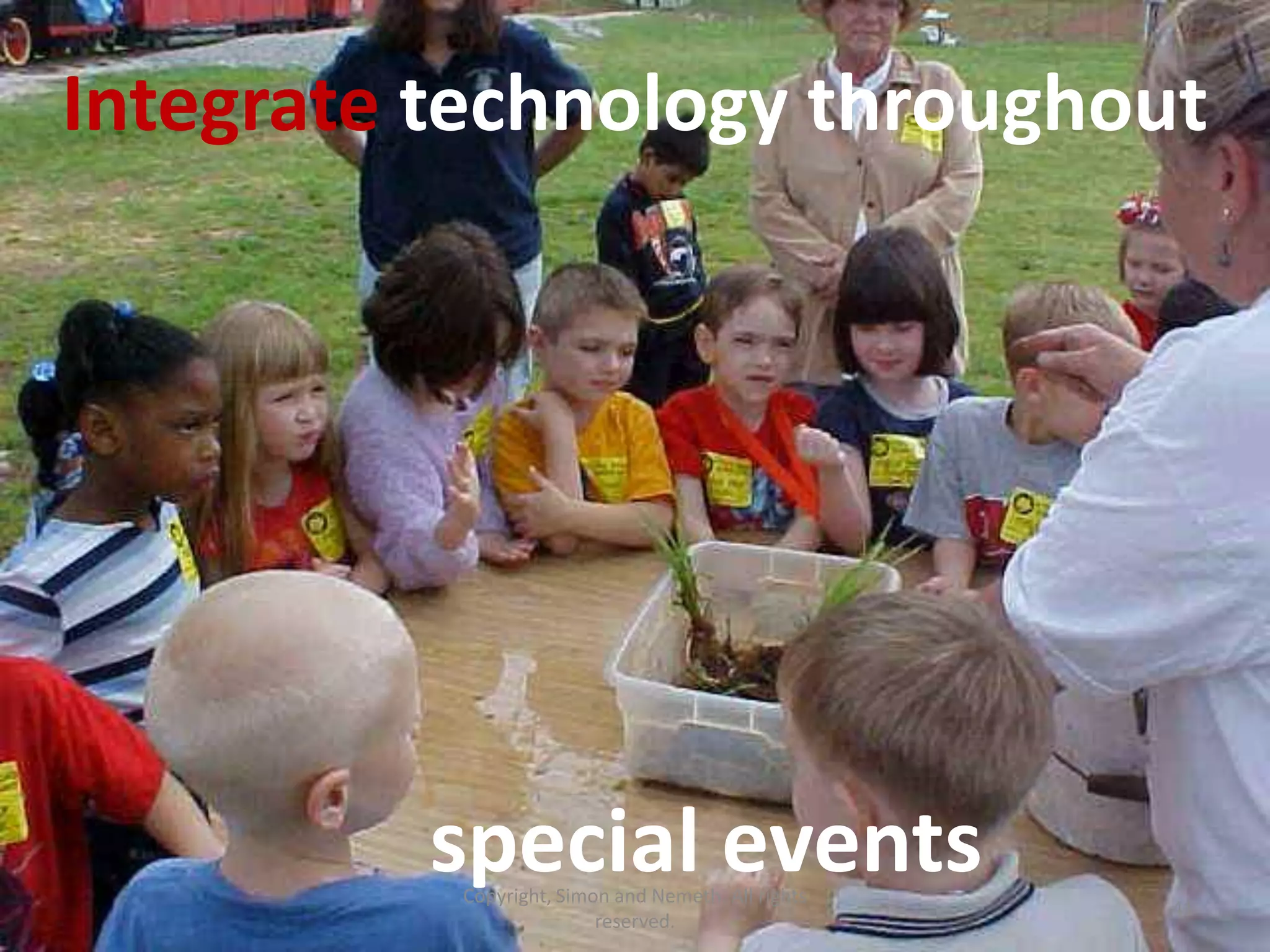
Integrate technology throughout


         special events
          Copyright, Simon and Nemeth. All rights
                                                    41
                         reserved.
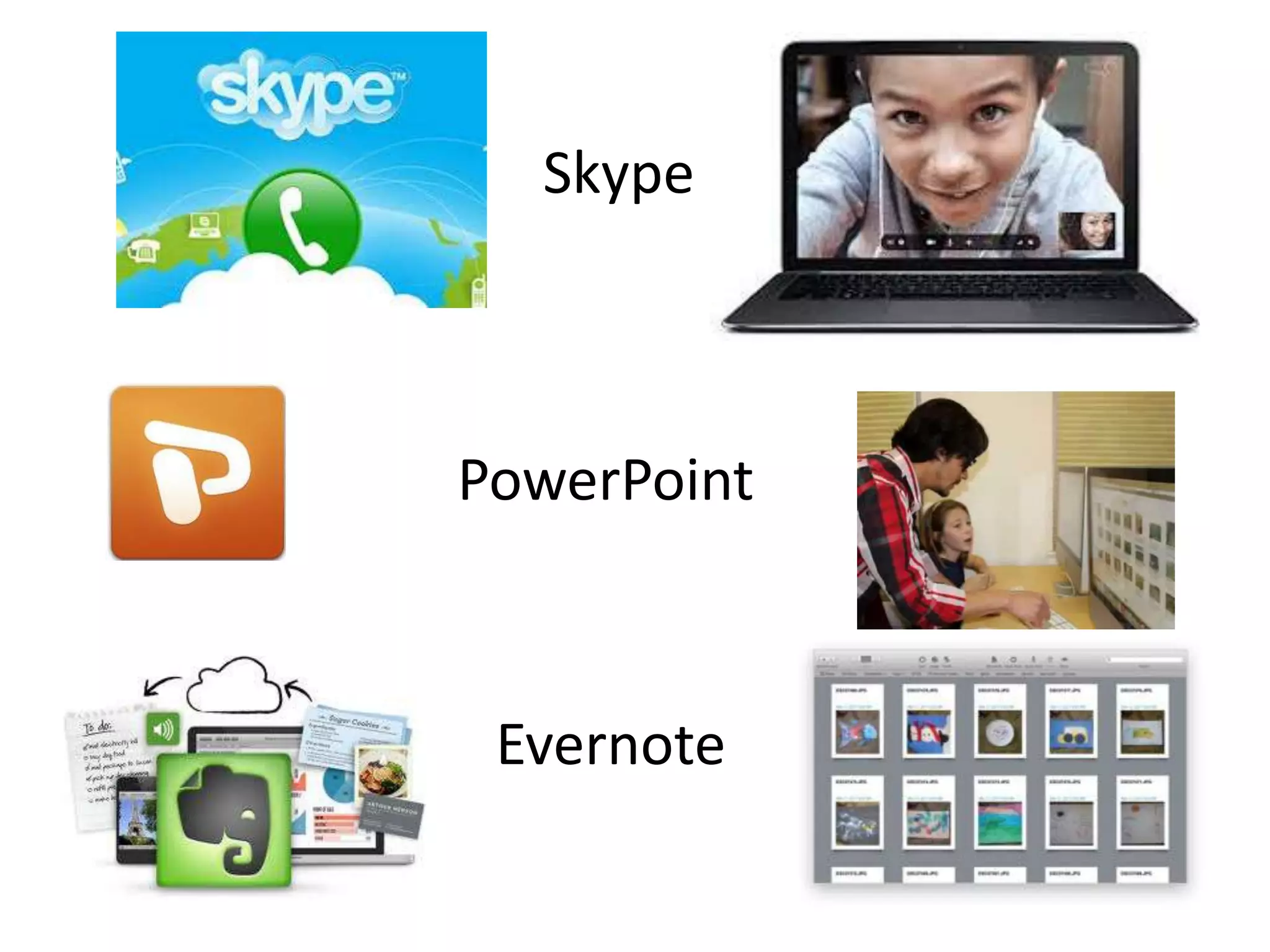
Skype


PowerPoint


 Evernote
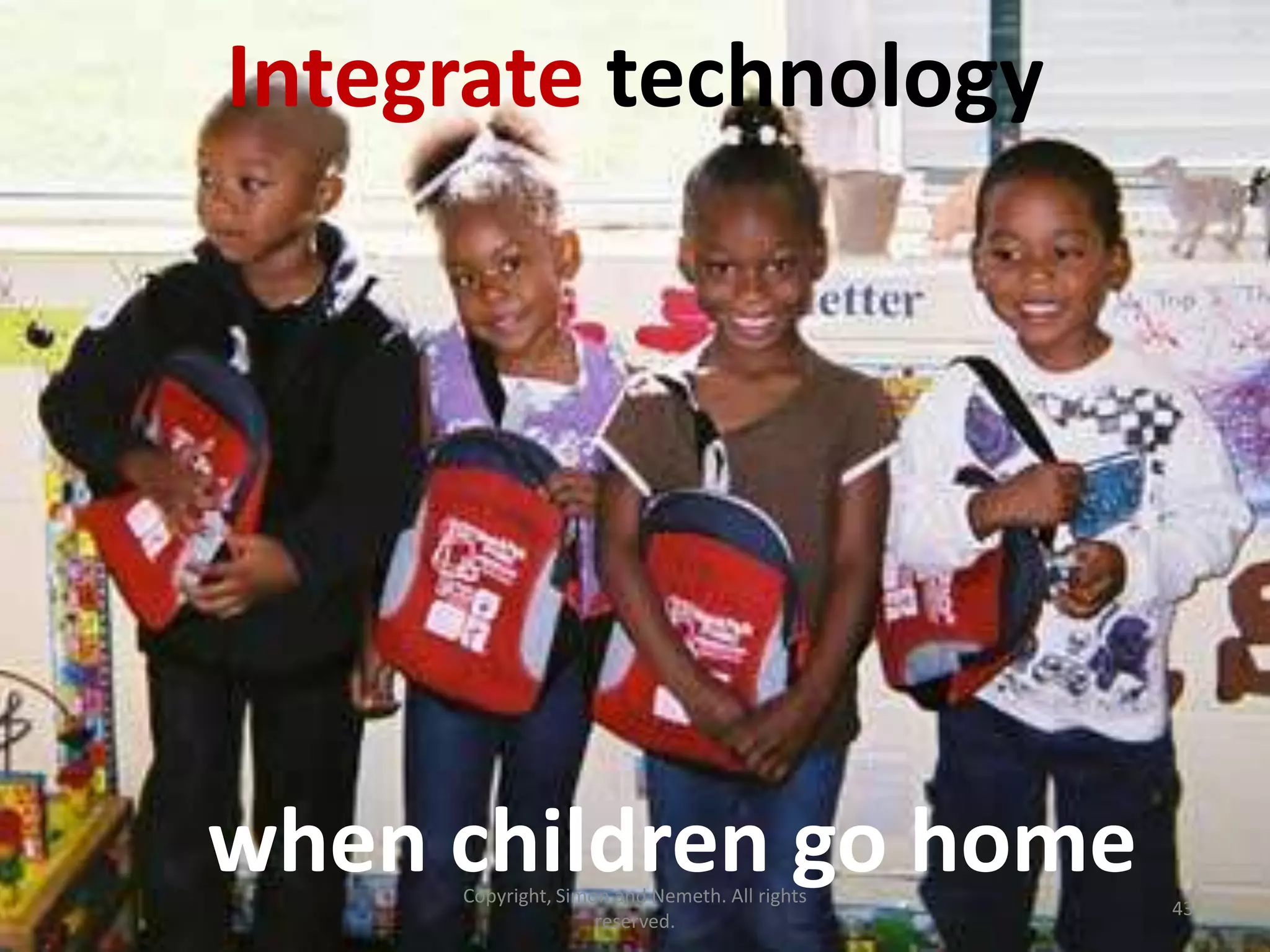
Integrate technology


when children go home
     Copyright, Simon and Nemeth. All rights
                                               43
                    reserved.
Set up internal & external support networks
         http://bit.ly/ECEtechResources
               Copyright, Simon and Nemeth. All rights
                                                         46
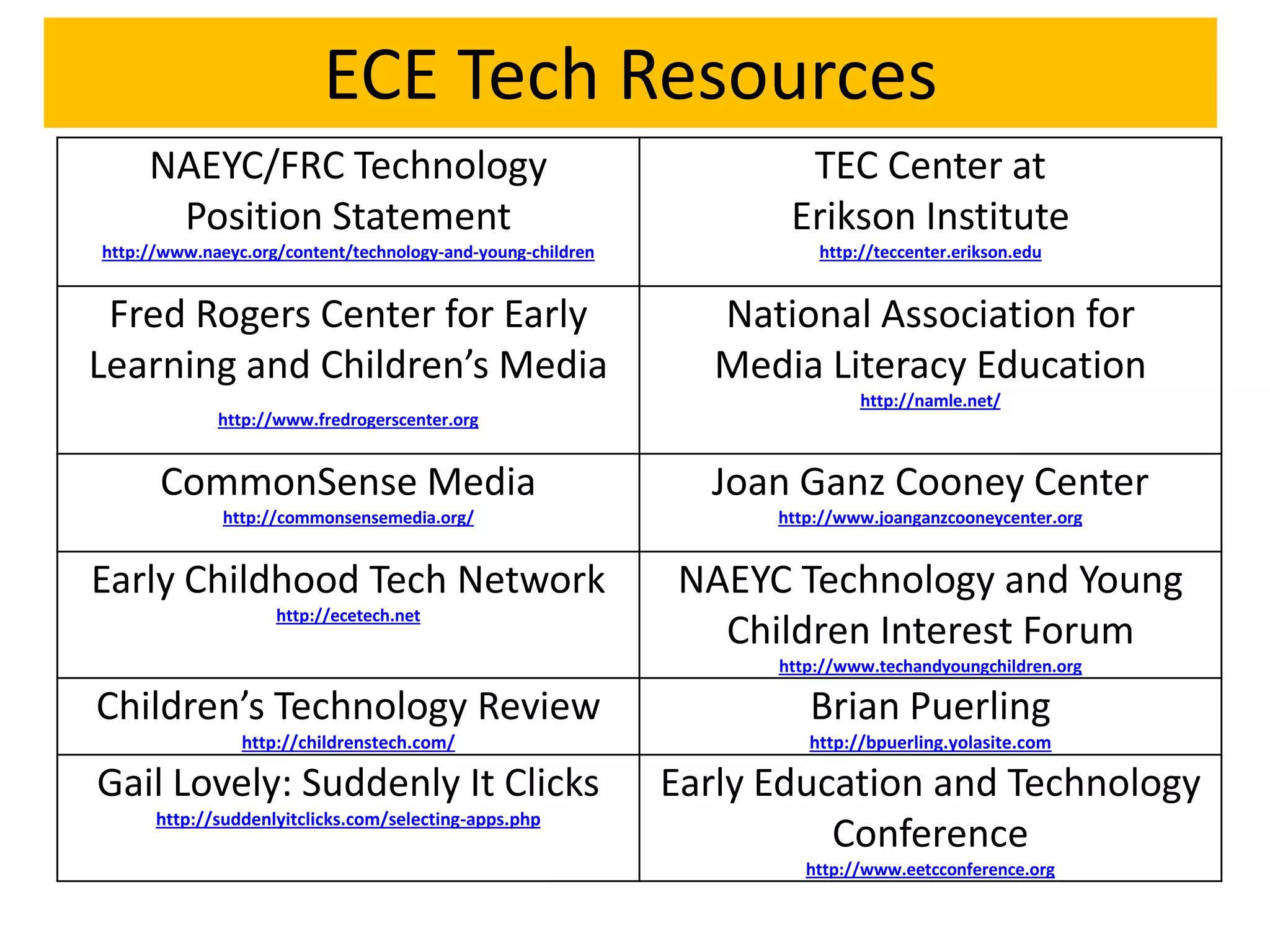
ECE Tech Resources
     NAEYC/FRC Technology                                            TEC Center at
      Position Statement                                            Erikson Institute
http://www.naeyc.org/content/technology-and-young-children             http://teccenter.erikson.edu


 Fred Rogers Center for Early                                   National Association for
Learning and Children’s Media                                   Media Literacy Education
                                                                            http://namle.net/
             http://www.fredrogerscenter.org


      CommonSense Media                                        Joan Ganz Cooney Center
              http://commonsensemedia.org/                         http://www.joanganzcooneycenter.org


Early Childhood Tech Network                                 NAEYC Technology and Young
                    http://ecetech.net
                                                               Children Interest Forum
                                                                   http://www.techandyoungchildren.org

Children’s Technology Review                                          Brian Puerling
                http://childrenstech.com/                             http://bpuerling.yolasite.com

Gail Lovely: Suddenly It Clicks                              Early Education and Technology
      http://suddenlyitclicks.com/selecting-apps.php
                                                                       Conference
                                                                      http://www.eetcconference.org
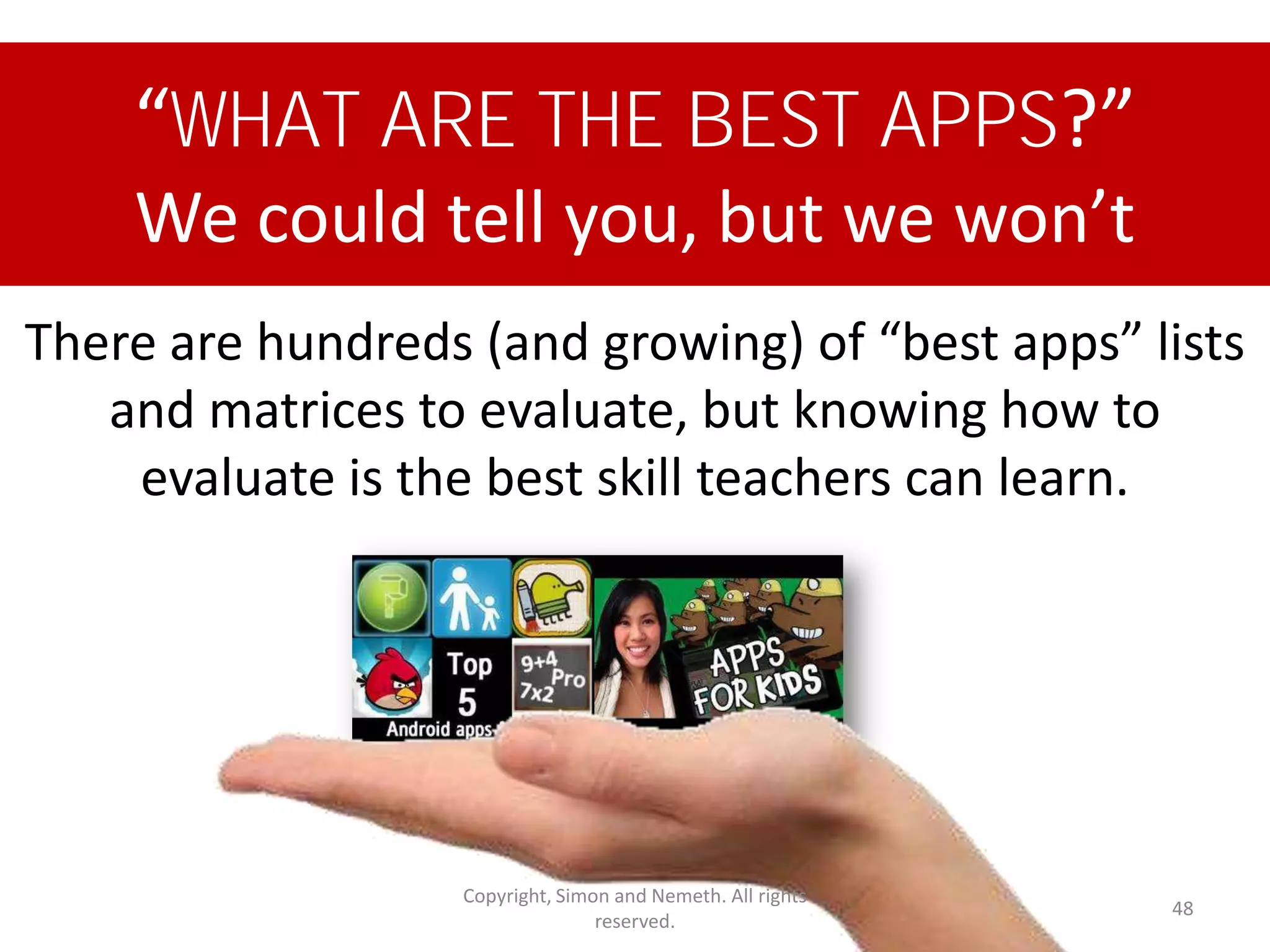
“WHAT ARE THE BEST APPS?”
    We could tell you, but we won’t
There are hundreds (and growing) of “best apps” lists
   and matrices to evaluate, but knowing how to
    evaluate is the best skill teachers can learn.


                   Copyright, Simon and Nemeth. All rights
                                                             48
                                  reserved.
Bad news – most Early Learning apps,
     Websites, and software…


• have moderate entertainment
• have low production value
• have low educational value
• are redundant
• are rote/skill based
                                        according to Simon & Nemeth


              Copyright, Simon and Nemeth. All rights
                                                                      49
                             reserved.
The “best” app is the one that fits:

  • The (planned or emergent) objectives
  • The (special) needs of the learner(s)
  • The setting

And, of course, it must meet standards of
quality…
Software, apps, websites designed for
               children
  Usability and instructional design
      Is the software:
      • Flashy, distracting, overwhelming or just
        enough appealing graphics and sounds
        to engage, but not distract?
      • Free of ads or enticements for children?
      • Deemed safe by trusted resources?
      • Easy for children to navigate
        independently?
      • Provide feedback to guide children?
      • Interactive with meaning or just fun?
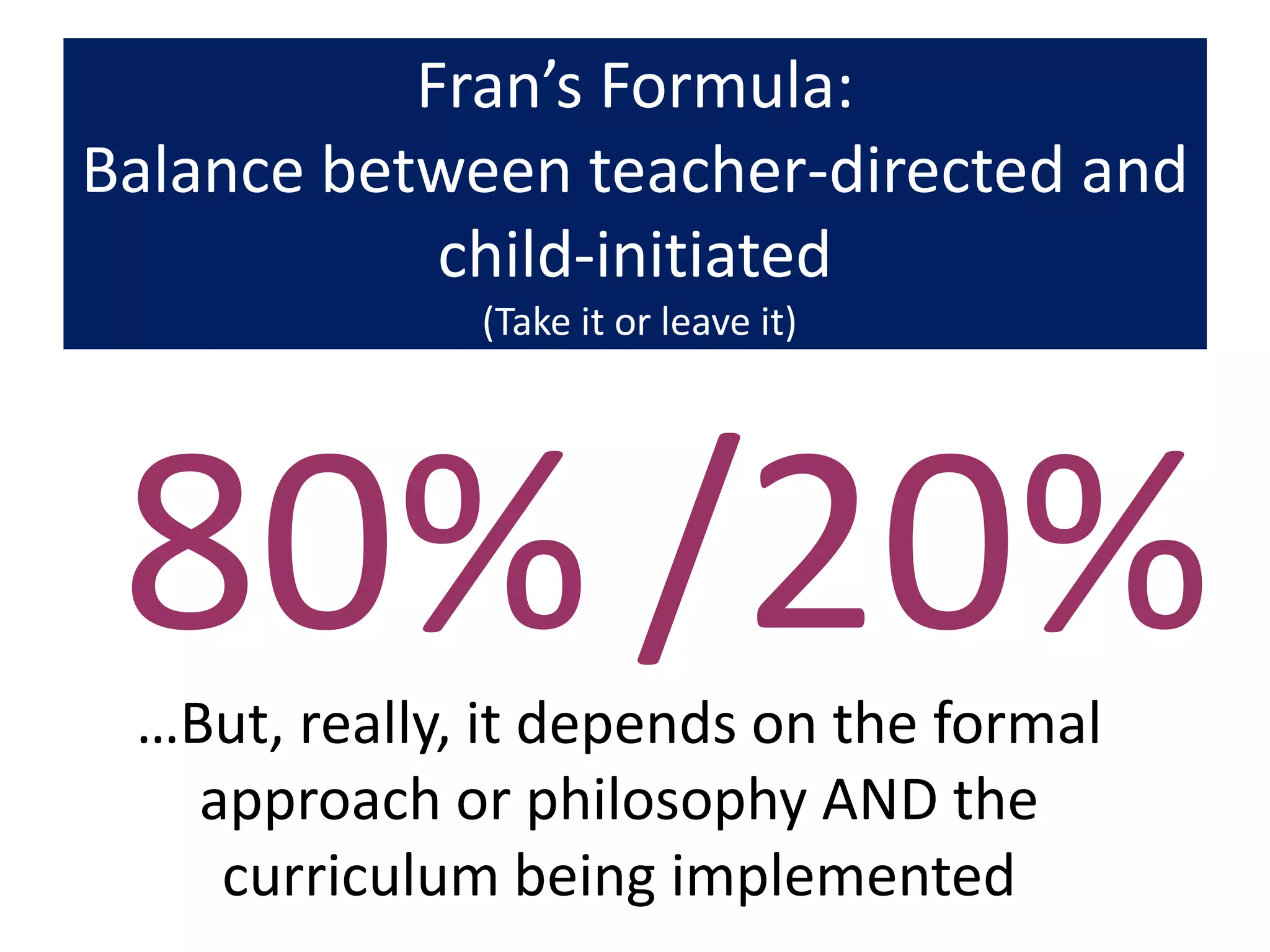
Fran’s Formula:
Balance between teacher-directed and
            child-initiated
              (Take it or leave it)


 80% /20%
 …But, really, it depends on the formal
   approach or philosophy AND the
    curriculum being implemented
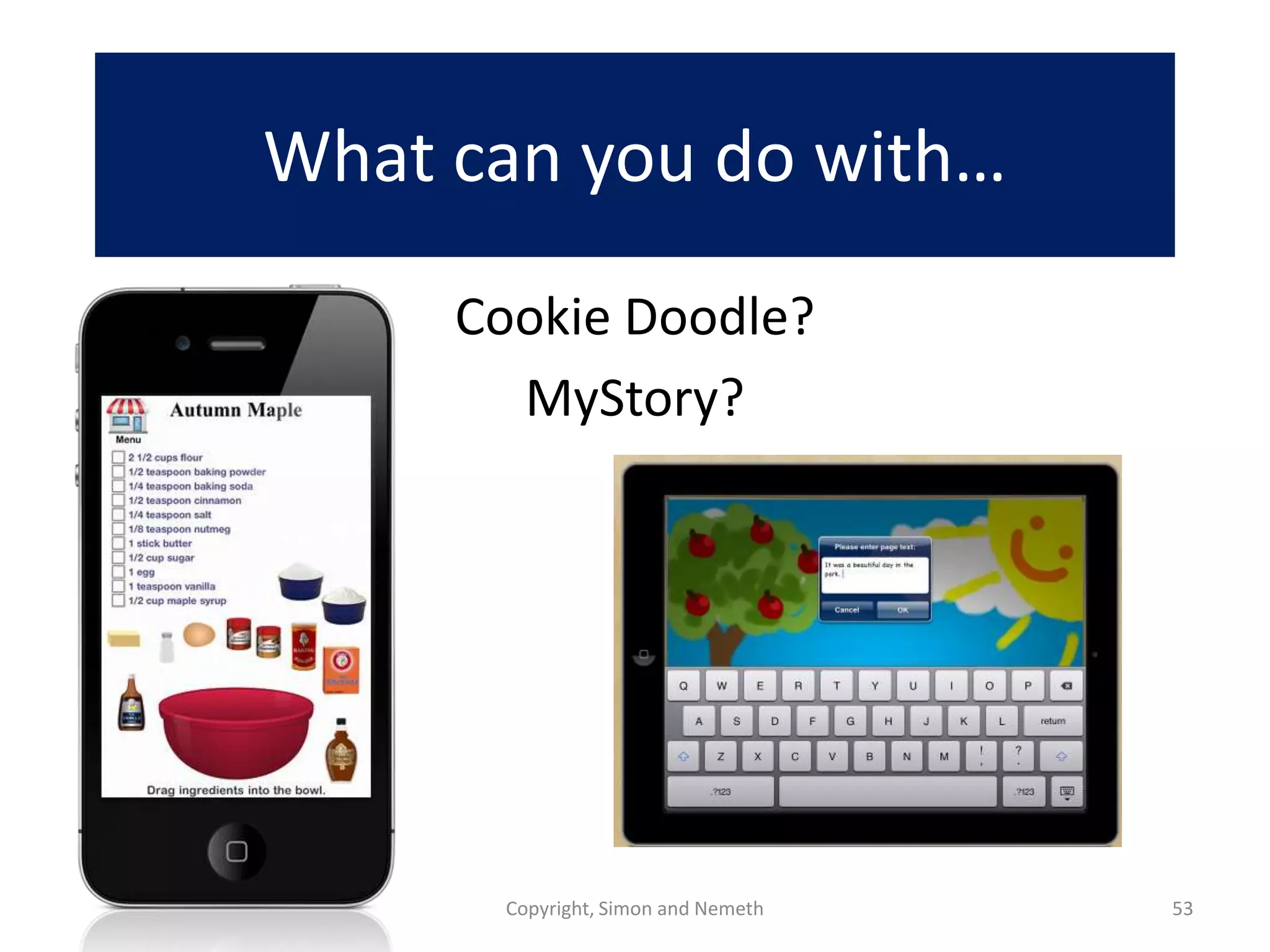
What can you do with…
     Cookie Doodle?
       MyStory?


      Copyright, Simon and Nemeth   53
Implications
                                     For teaching
                                       teachers


© Copyright, 2012 Simon and Nemeth                  54
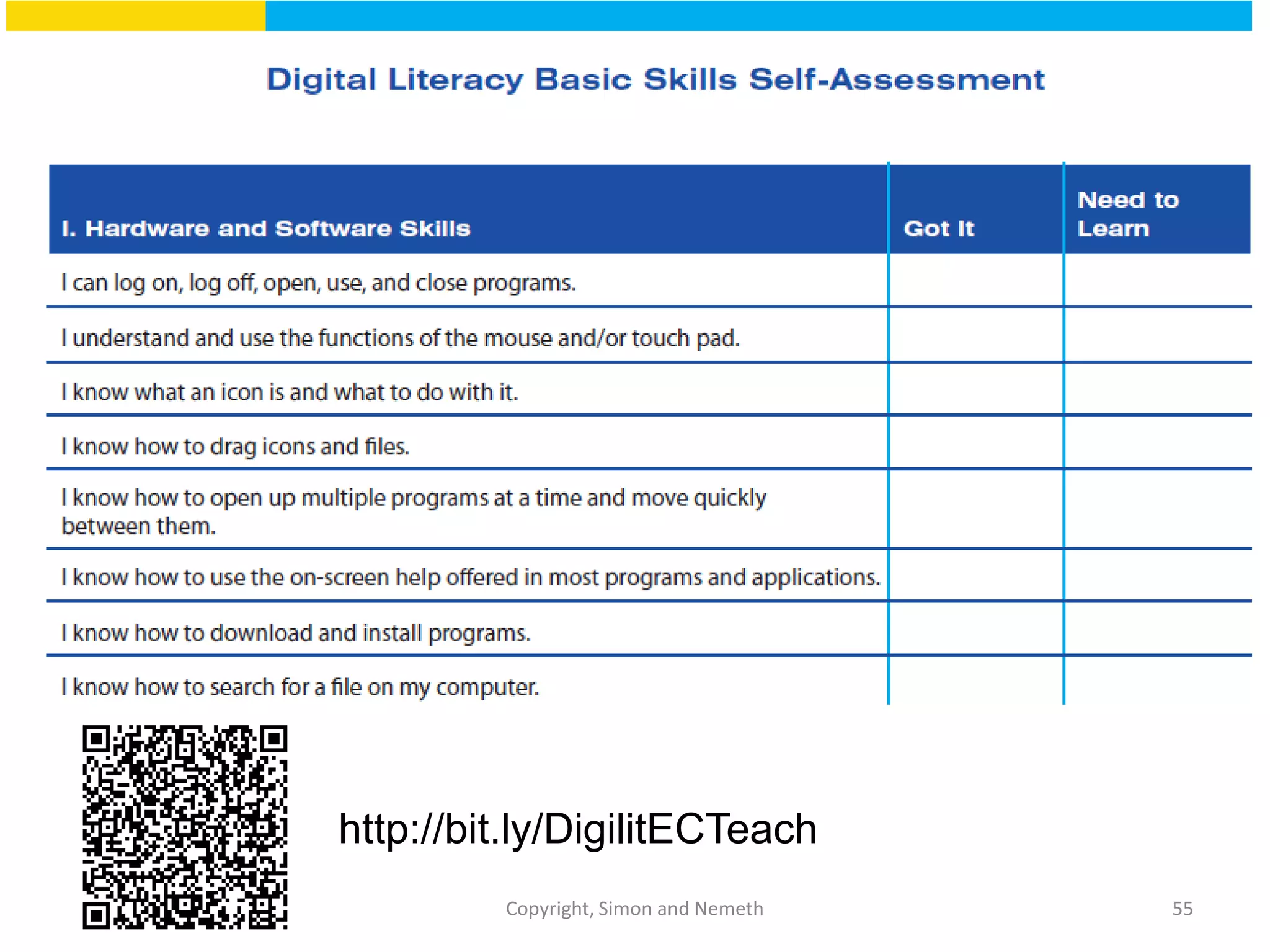
http://bit.ly/DigilitECTeach
         Copyright, Simon and Nemeth   55
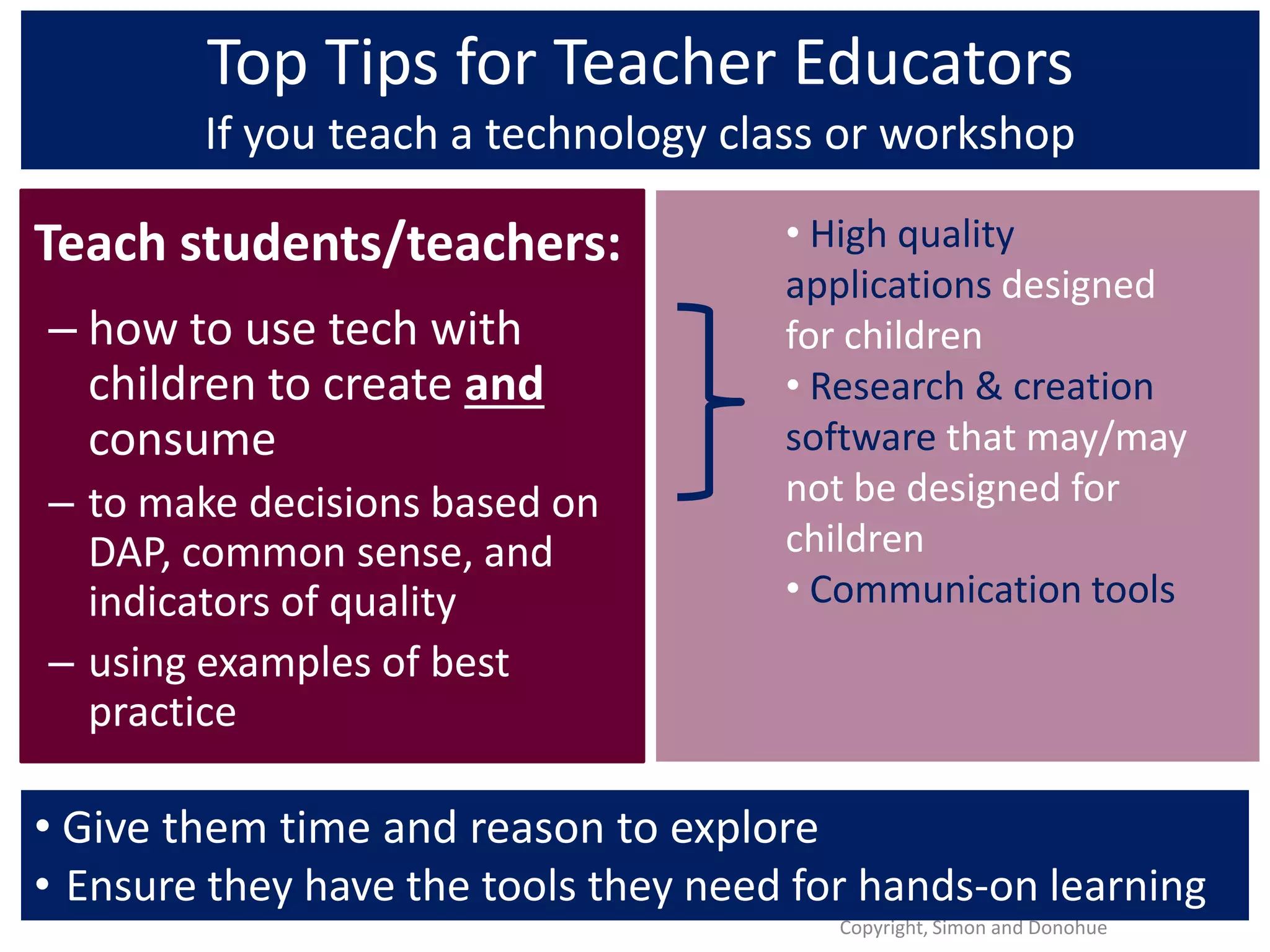
Top Tips for Teacher Educators
        If you teach a technology class or workshop

Teach students/teachers:              • High quality
                                      applications designed
– how to use tech with                for children
  children to create and              • Research & creation
  consume                             software that may/may
– to make decisions based on          not be designed for
  DAP, common sense, and              children
  indicators of quality               • Communication tools
– using examples of best
  practice

• Give them time and reason to explore
• Ensure they have the tools they need for hands-on learning
                                         Copyright, Simon and Donohue
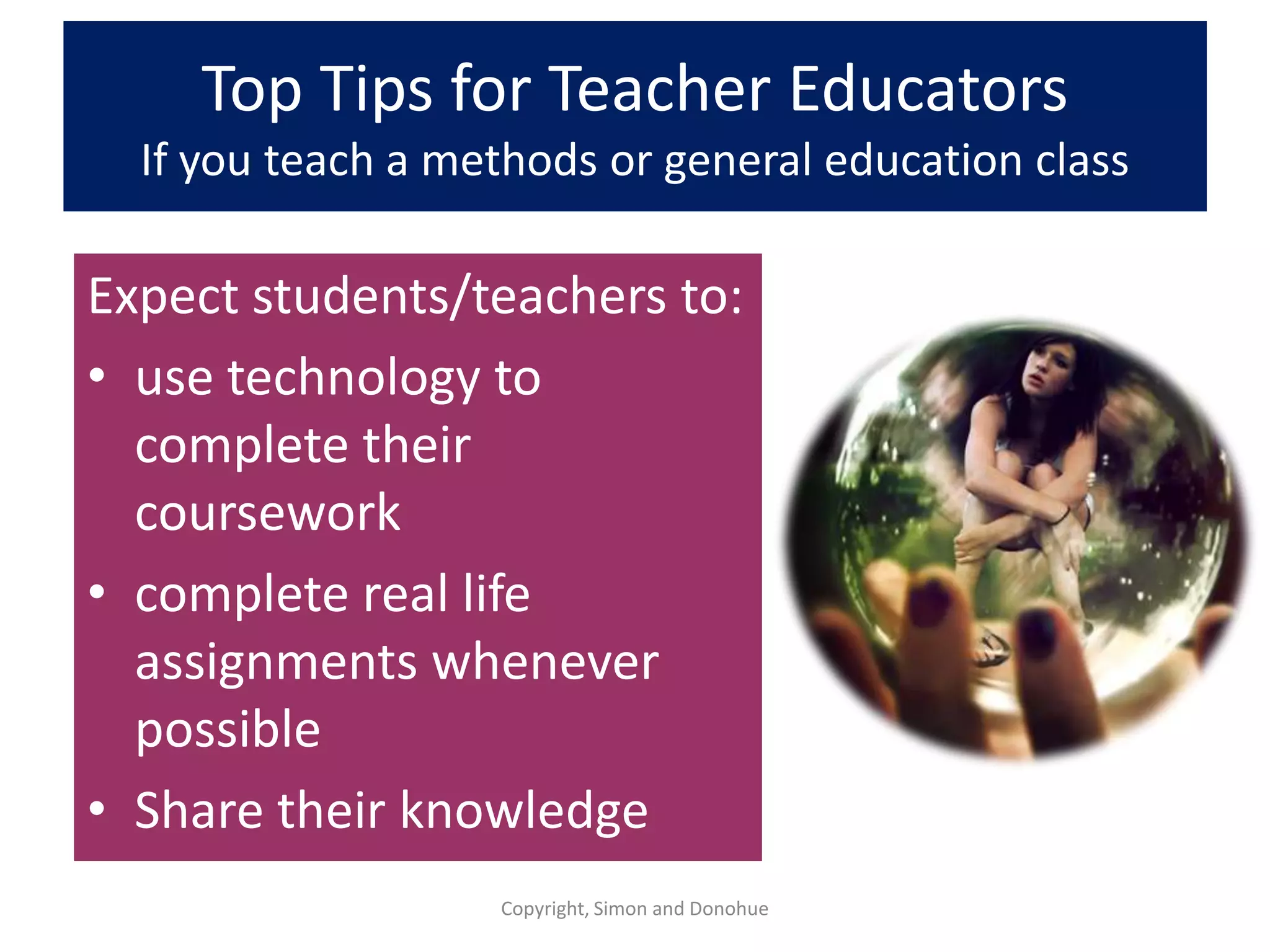
Top Tips for Teacher Educators
  If you teach a methods or general education class

Expect students/teachers to:
• use technology to
  complete their
  coursework
• complete real life
  assignments whenever
  possible
• Share their knowledge
                   Copyright, Simon and Donohue
Connect with us!


   Copyright, Simon and Donohue

Digital and-dap-webinar-2012-final

  • 1.
    Digital and DAP: What ECE Faculty, Administrators and Trainers Need to Know to Help Teachers Use Technology Karen Nemeth, Ed.M. Fran Simon, M.Ed. #ECEtech December 12, 2012 1
  • 2.
    About us Karen Nemeth,Ed.M. Fran Simon, M.Ed.
  • 3.
  • 4.
    Presented to… •25% Faculty •25%PD providers or consultants •25% Early/primary programs Administrators •10% Tech coordinators •A smattering of researchers, policy Designed for the intended audience.
  • 5.
    Agenda Foundation: Guidance NAEYC Position Statement DAP and common sense Practical Considerations Tools Evaluation Decisions Implications for teaching teachers Practical solutions Ideas Resources
  • 6.
    Do your classes look like this? -OR- Do they look like this? Are you prepared to prepare teachers?
  • 7.
    It is notabout the technology. This is about teaching teachers to be intentional and DAP in a digital World. © Fran Simon Copyright, 2012 7
  • 8.
    Early educators do not have to use technology Your job is to offer guidance to help teachers make decisions about if, how, and when to use it, and… Copyright, Simon and Nemeth 8
  • 9.
    If they dodecide to use tech-- Your task is to prepare teachers to align it with DAP For all To To For Using a In domains support connect ongoing PD variety various and their with and of tools settings content work families networking
  • 10.
    Poll Where does technologyfit in your teacher education efforts? © Fran Simon Copyright, 2012 10
  • 11.
    Poll Your concerns abouttechnology? © Fran Simon Copyright, 2012 11
  • 12.
    Foundation © Copyright, 2012Simon and Nemeth 12
  • 13.
    NAEYC/FRC Joint PositionStatement on Technology in ECE CLASSROOMS http://www.naeyc.org/content/technology-and-young-children 13 Copyright, Simon and Nemeth
  • 14.
    Poll What do youknow about the NAEYC /Fred Rogers Center Position Statement on Technology in ECE? © Fran Simon Copyright, 2012 14
  • 15.
    Technology should enhance, not replace •creative play •exploration •physical activity •outdoor experiences •conversation, and •social interactions
  • 16.
    This is notrocket science It is developmentally appropriate practice…applied to concepts and practices using technology.
  • 17.
    A Tech toolis: Just another material in the ECE toolkit.
  • 18.
    Time limits: Guidelinesand expectations must be based on variables like age, objectives, and type of interaction. Copyright, Simon and Nemeth 18
  • 19.
    How Much Time? Recommendationsfrom Digital Decisions Copyright, Simon and Nemeth. All rights 19 reserved.
  • 20.
    Investments in technologytools are wasted without investments in professional development and research. Copyright, Simon and Nemeth 20
  • 21.
    Practical Considerations for teacher educators © Copyright, 2012 Simon and Nemeth 21
  • 22.
    “Preservice and professional developmentshould include in-depth, hands-on technology experiences, ongoing support, and access to the latest technology and interactive media.”
  • 23.
    New Research andReports: Giving our Children a Fighting Chance: Poverty, Literacy and the Development of Information Capital S. Neuman & D. Celano http://www.amazon.com/Giving-Our-Children-Fighting-Chance/dp/0807753580/ref=sr_1_1?s=books&ie=UTF8&qid=1354599882&sr=1- 1&keywords=susan+neuman Pioneering Literacy in the Digital Wild West: Empowering Parents and Educators By Lisa Guernsey, Michael Levine, Cynthia Chiong and Maggie Severns http:// http://gradelevelreading.net/wp-content/uploads/2012/12/GLR_TechnologyGuide_final.pdf Copyright, Simon and Nemeth 23
  • 24.
    N = 685 384 teachers 156 administrators Use technology
  • 26.
    Interactive white boards Laptops iPads,tablets, and Smartphones Multitouch tables
  • 27.
    Intentional • Plan technology use as just another option like books, crayons, blocks etc. • Examine the learning objectives and make choices that fit the curriculum • Consider balance for each child and the group
  • 28.
    Decisions about usingtechnology: Basic pedagogical decisions • What are the objectives? • Does it extend other activities? 1 • Is it interactive? • Is the interaction meaningful? • Does it fit in with the project/study? • What is the teacher’s role? • Is this tool the best tool for the purpose?
  • 29.
    Decisions about usingtechnology: Balance • Large group, small group, or for individual children? 2 • • • Teacher-directed or child- initiated activities? Open-ended or skill-focused? Short periods of time or deeper exploration?
  • 30.
    From Digital Decisions 30 Copyright, Simon and Nemeth. All rights reserved http://bit.ly/commonsenseTECH
  • 31.
    Make it asnatural as possible: Put technology throughout the room Copyright, Simon and Nemeth. All rights 31 reserved.
  • 32.
    QR Codes • “Quick-Responsecodes” • Similar to barcodes that can be read using cameras on mobile devices and a QR code reader • Link to websites, documents, photos, videos, or other information stored on the Internet or other network database. http://bit.ly/QRC2012
  • 33.
    Opportunities to fosterrelationships with children and adults Copyright, Simon and Nemeth. All rights 33 reserved.
  • 34.
  • 35.
  • 36.
    Make sure adults are available to support learning Copyright, Simon and Nemeth. All rights 36 reserved.
  • 37.
    Opportunities for Autonomy Copyright, Simon and Nemeth. All rights 37 reserved.
  • 38.
    Integrate technology throughoutchoices Copyright, Simon and Nemeth. All rights reserved. 38
  • 39.
  • 40.
    Integrate technology throughout the day Copyright, Simon and Nemeth. All rights reserved. 40
  • 41.
    Integrate technology throughout special events Copyright, Simon and Nemeth. All rights 41 reserved.
  • 42.
  • 43.
    Integrate technology when childrengo home Copyright, Simon and Nemeth. All rights 43 reserved.
  • 46.
    Set up internal& external support networks http://bit.ly/ECEtechResources Copyright, Simon and Nemeth. All rights 46
  • 47.
    ECE Tech Resources NAEYC/FRC Technology TEC Center at Position Statement Erikson Institute http://www.naeyc.org/content/technology-and-young-children http://teccenter.erikson.edu Fred Rogers Center for Early National Association for Learning and Children’s Media Media Literacy Education http://namle.net/ http://www.fredrogerscenter.org CommonSense Media Joan Ganz Cooney Center http://commonsensemedia.org/ http://www.joanganzcooneycenter.org Early Childhood Tech Network NAEYC Technology and Young http://ecetech.net Children Interest Forum http://www.techandyoungchildren.org Children’s Technology Review Brian Puerling http://childrenstech.com/ http://bpuerling.yolasite.com Gail Lovely: Suddenly It Clicks Early Education and Technology http://suddenlyitclicks.com/selecting-apps.php Conference http://www.eetcconference.org
  • 48.
    “WHAT ARE THEBEST APPS?” We could tell you, but we won’t There are hundreds (and growing) of “best apps” lists and matrices to evaluate, but knowing how to evaluate is the best skill teachers can learn. Copyright, Simon and Nemeth. All rights 48 reserved.
  • 49.
    Bad news –most Early Learning apps, Websites, and software… • have moderate entertainment • have low production value • have low educational value • are redundant • are rote/skill based according to Simon & Nemeth Copyright, Simon and Nemeth. All rights 49 reserved.
  • 50.
    The “best” appis the one that fits: • The (planned or emergent) objectives • The (special) needs of the learner(s) • The setting And, of course, it must meet standards of quality…
  • 51.
    Software, apps, websitesdesigned for children Usability and instructional design Is the software: • Flashy, distracting, overwhelming or just enough appealing graphics and sounds to engage, but not distract? • Free of ads or enticements for children? • Deemed safe by trusted resources? • Easy for children to navigate independently? • Provide feedback to guide children? • Interactive with meaning or just fun?
  • 52.
    Fran’s Formula: Balance betweenteacher-directed and child-initiated (Take it or leave it) 80% /20% …But, really, it depends on the formal approach or philosophy AND the curriculum being implemented
  • 53.
    What can youdo with… Cookie Doodle? MyStory? Copyright, Simon and Nemeth 53
  • 54.
    Implications For teaching teachers © Copyright, 2012 Simon and Nemeth 54
  • 55.
    http://bit.ly/DigilitECTeach Copyright, Simon and Nemeth 55
  • 56.
    Top Tips forTeacher Educators If you teach a technology class or workshop Teach students/teachers: • High quality applications designed – how to use tech with for children children to create and • Research & creation consume software that may/may – to make decisions based on not be designed for DAP, common sense, and children indicators of quality • Communication tools – using examples of best practice • Give them time and reason to explore • Ensure they have the tools they need for hands-on learning Copyright, Simon and Donohue
  • 57.
    Top Tips forTeacher Educators If you teach a methods or general education class Expect students/teachers to: • use technology to complete their coursework • complete real life assignments whenever possible • Share their knowledge Copyright, Simon and Donohue
  • 58.
    Connect with us! Copyright, Simon and Donohue