Today’s
Situation
What do most
classrooms look like?
By Beverley Taylor, PhD
Georgia State University
Georgia On My Line IT 7360
Teachers Integrating Technology into Classrooms
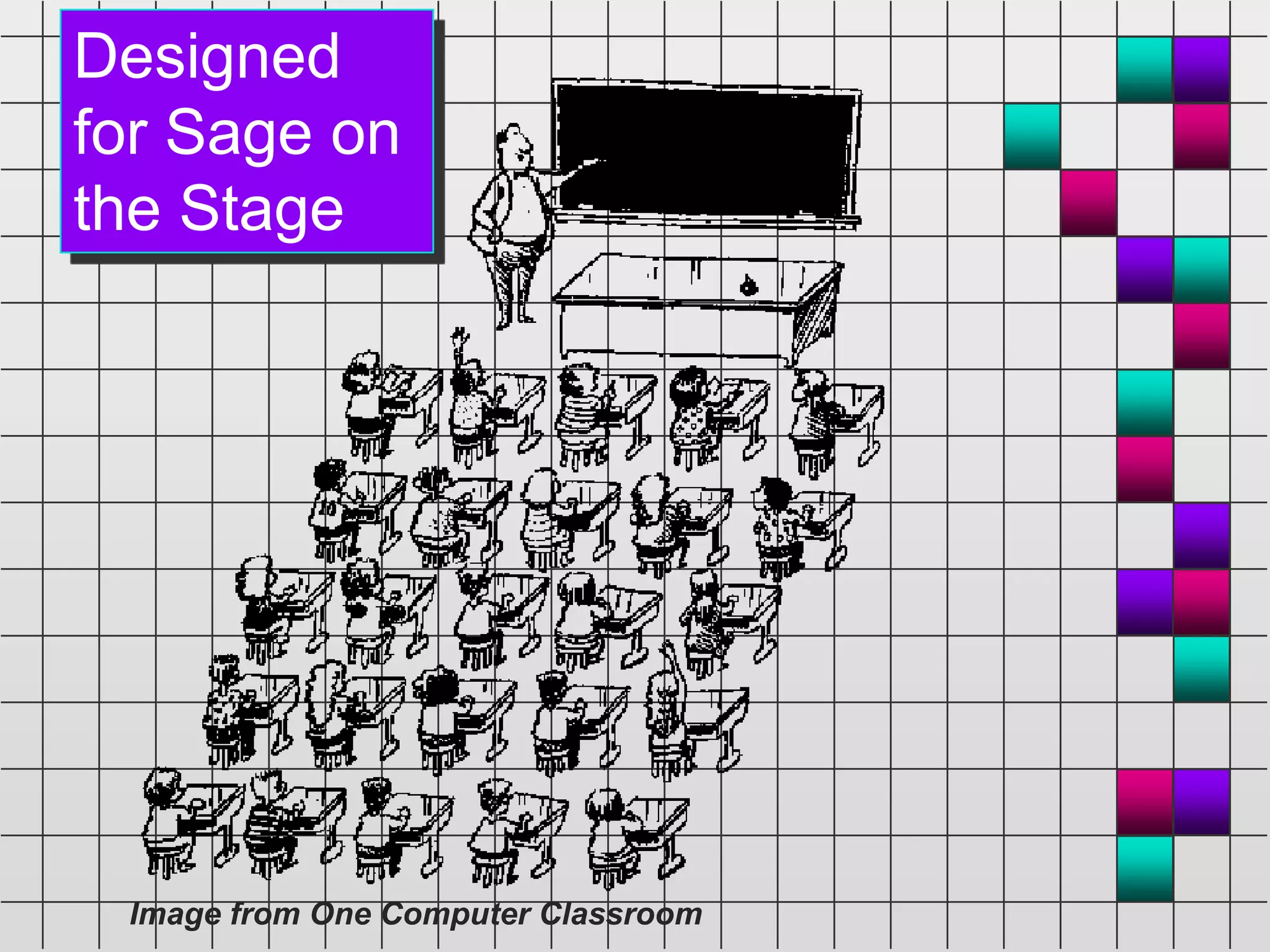
Designed
for Sage on
the Stage
Image from One Computer Classroom
How did we get here?
 It’s the way
classrooms
have been set
up...
....traditionally.
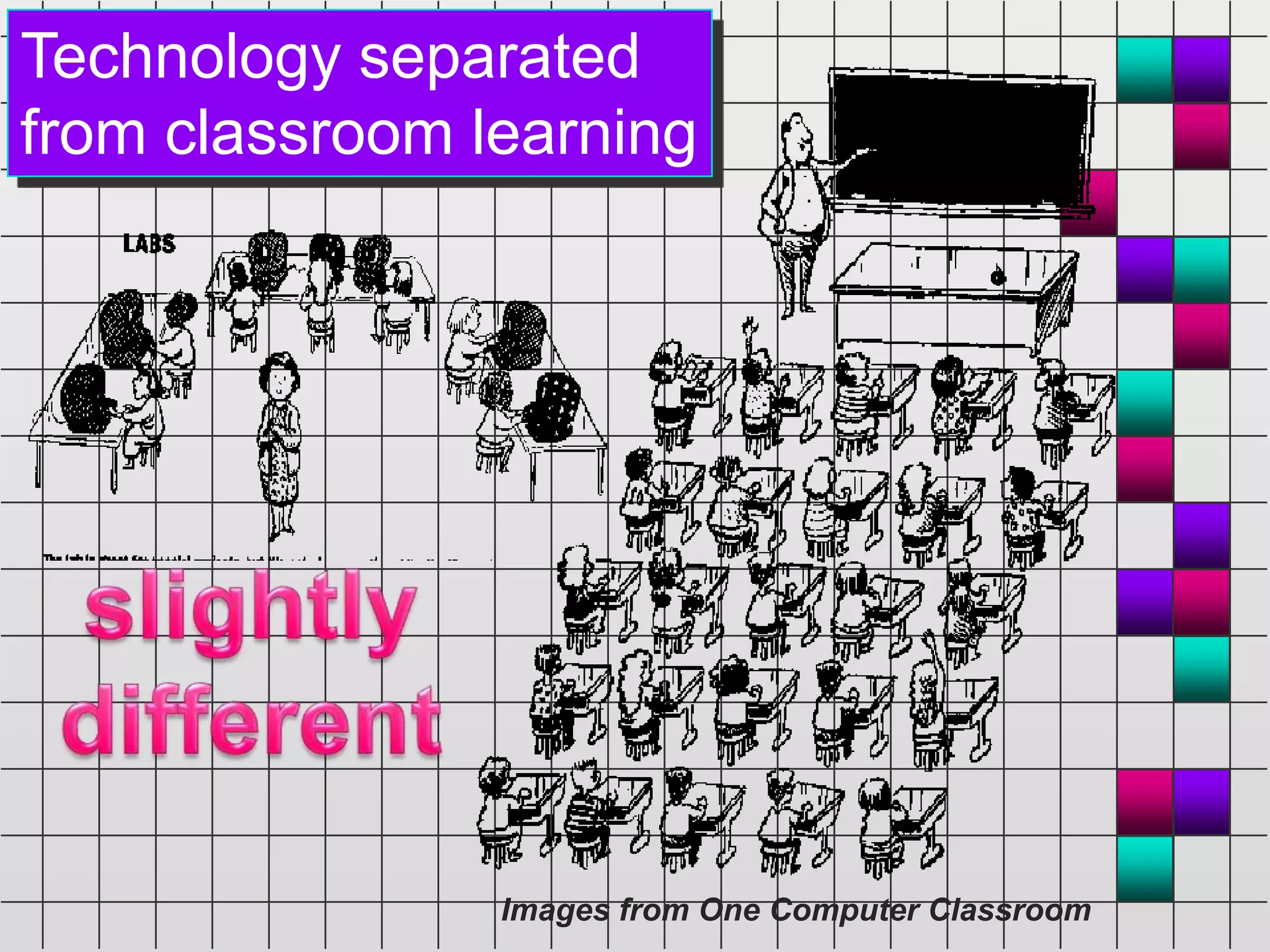
Technology separated
from classroom learning
Images from One Computer Classroom
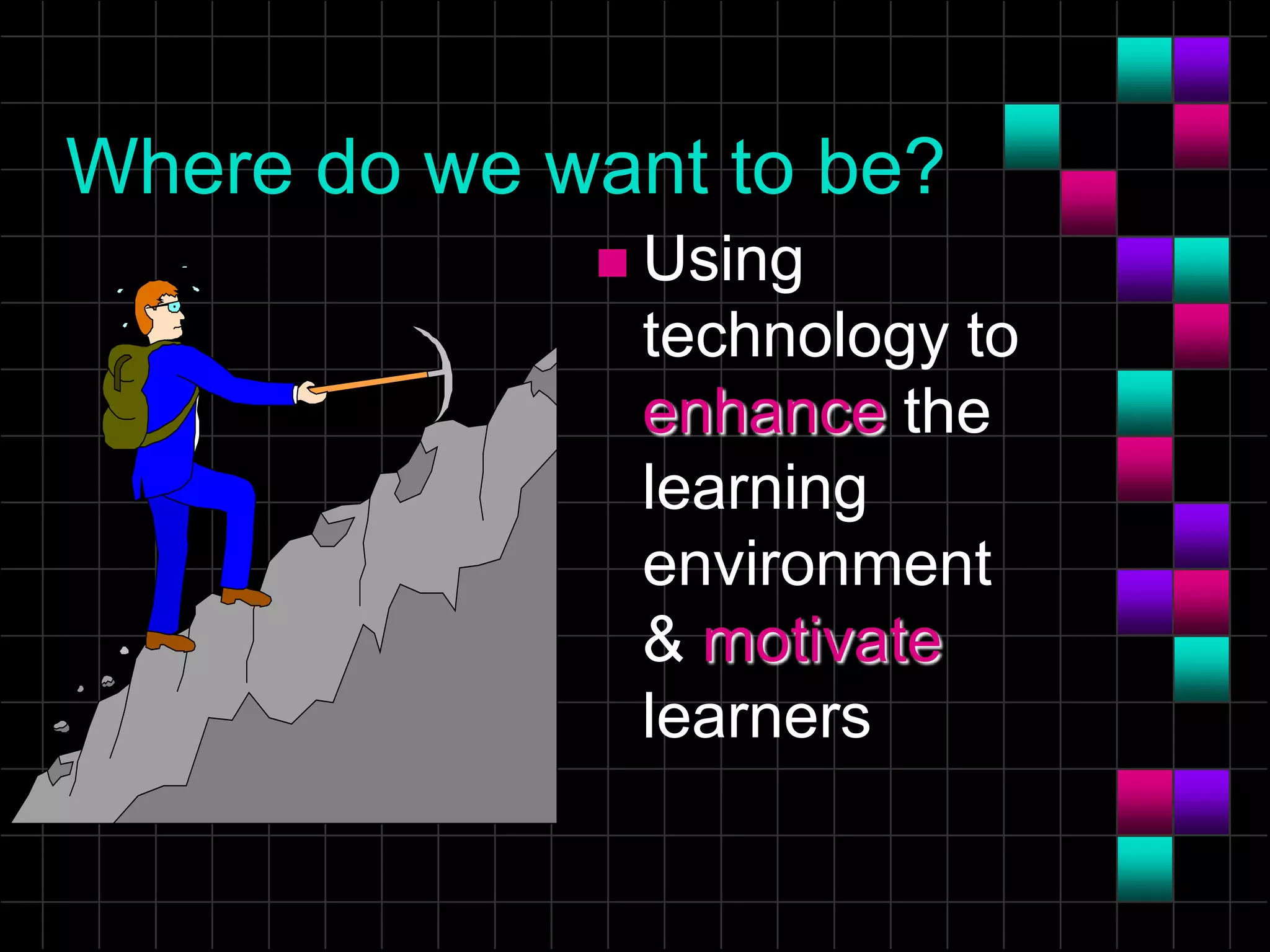
Where do we want to be?
 Using
technology to
enhance the
learning
environment
& motivate
learners
It’s happening…SLOWLY
 Classrooms that demonstrate the pedagogy of
teacher as facilitator, not sage on the stage
 Classrooms that use technology to engage
learners in more meaningful, mindful learning
 Classrooms that provide a more situated
learning environment for technology integration,
not separation
Technology Advantages
 How can Internet Access , Computers, and
Mobile Devices help to support various
ways of teaching and learning?
– Enhance multi-sensory learning
– Manage small/large group discussions
– Set up cooperative learning activities
– Inspire enlightened self-discovery
– Allow for active, mindful learning
– Develop self-directed learning
Educational Technology
 Assessment
• Are students absorbed; engrossed?
• Are students having to think deeply?
• Are students occupied & on task?
• Are students working collaboratively,
creatively, enthusiastically?
Substance AND Style
 Educational
 Entertaining not
Distracting
 See, Study, Interact
 Thought Provoking
 Active not Passive
Learning
 Transfer occurs when the acquired skill
or knowledge is MINDFULLY and
deliberately analyzed.
• ACTIVE
• CUMULATIVE
• INTEGRATIVE
• REFLECTIVE
• GOAL-DIRECTED
Drill & Practice
Examples:
Fun Brain
Fraction Action
Einstein Junior
Math Munchers
School Mom
Mavis Beacon
Teaches Typing
 Repetitive; may be good for
automaticity
 Requires extended use
 Less motivational, particularly
over time
 Must challenge performance
 Cost/Quality Varies
Electronic Books
Examples:
Electronic
Reference
Books
Encyclopedias,
Atlases,
Textbooks
Tutorials
Monarch Notes
Great Literature
Plus
 Good for reference, review, and
remediation
 May compliment text
 May increase motivation through
multiple senses
 Numerous titles
 Cost/Quality Varies
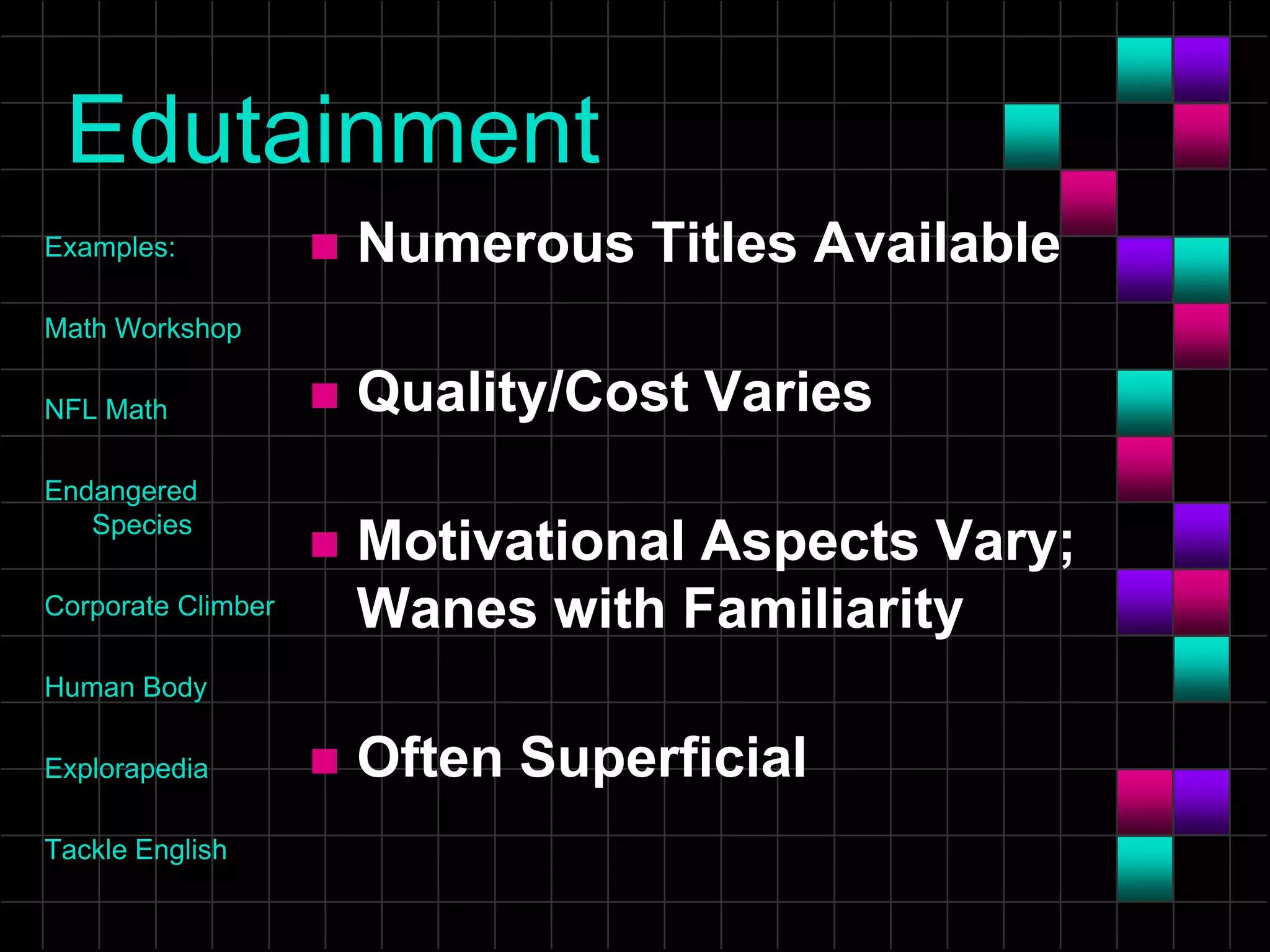
Edutainment
Examples:
Math Workshop
NFL Math
Endangered
Species
Corporate Climber
Human Body
Explorapedia
Tackle English
 Numerous Titles Available
 Quality/Cost Varies
 Motivational Aspects Vary;
Wanes with Familiarity
 Often Superficial
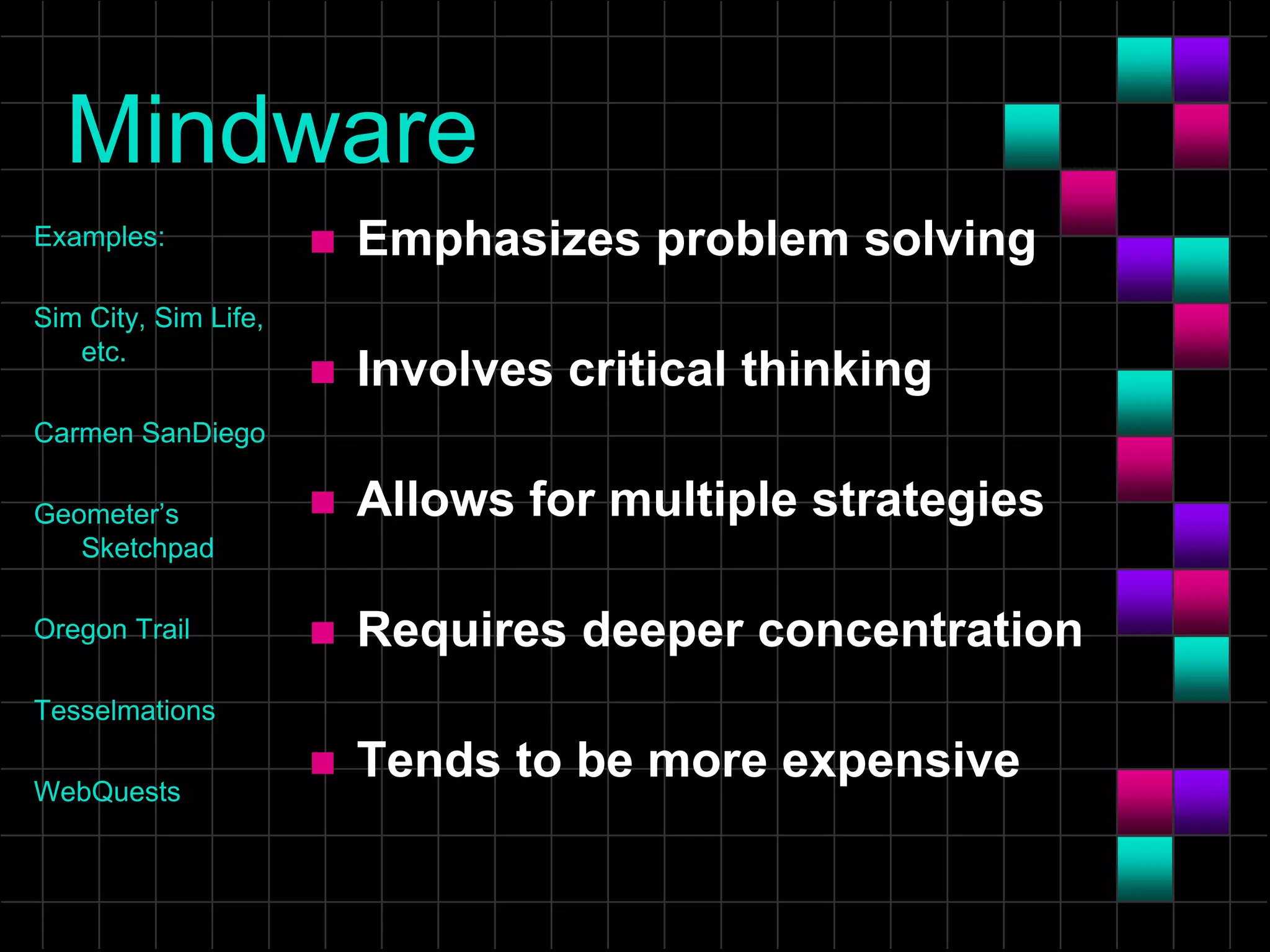
Mindware
Examples:
Sim City, Sim Life,
etc.
Carmen SanDiego
Geometer’s
Sketchpad
Oregon Trail
Tesselmations
WebQuests
 Emphasizes problem solving
 Involves critical thinking
 Allows for multiple strategies
 Requires deeper concentration
 Tends to be more expensive
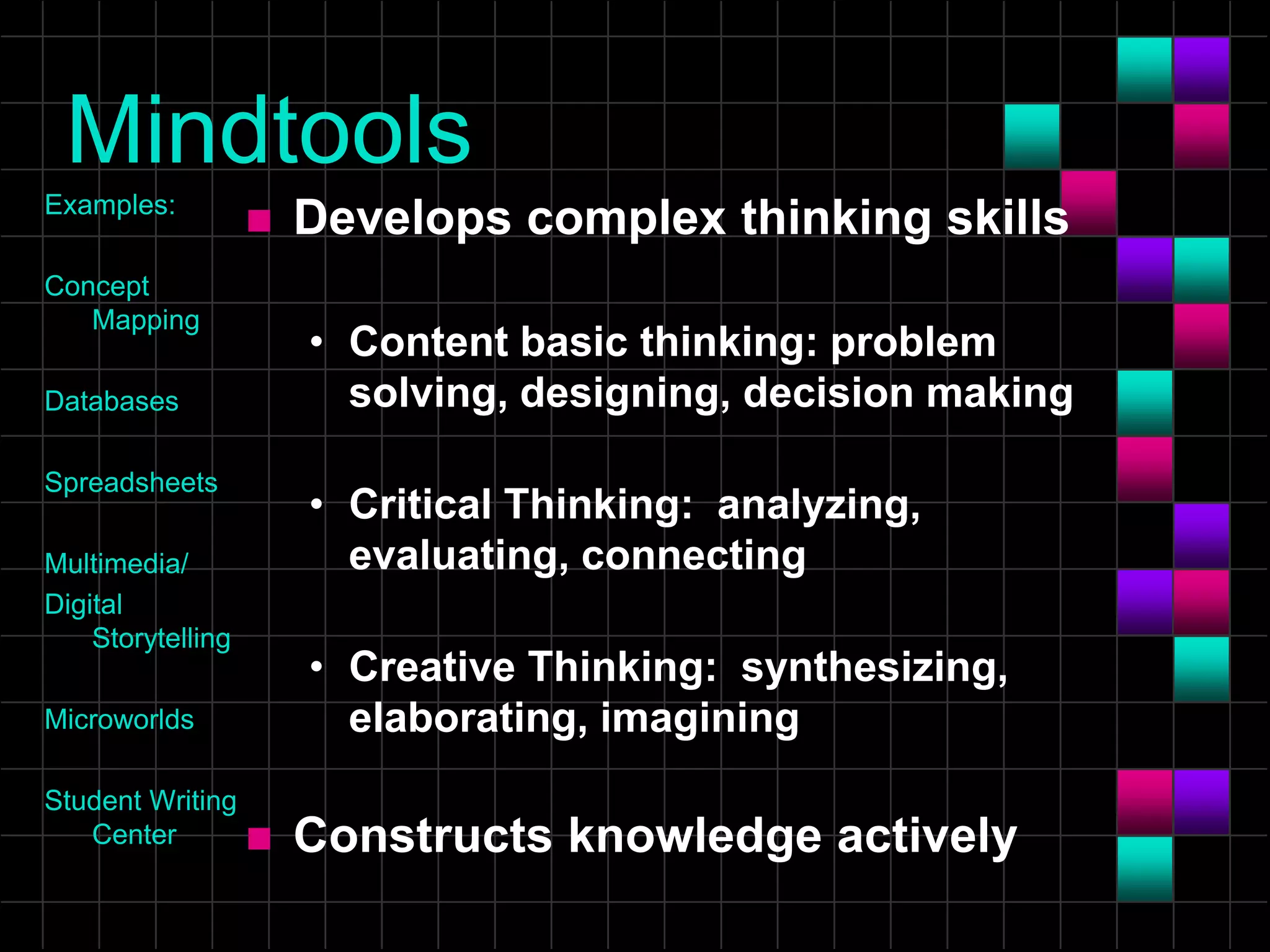
Mindtools
Examples:
Concept
Mapping
Databases
Spreadsheets
Multimedia/
Digital
Storytelling
Microworlds
Student Writing
Center
 Develops complex thinking skills
• Content basic thinking: problem
solving, designing, decision making
• Critical Thinking: analyzing,
evaluating, connecting
• Creative Thinking: synthesizing,
elaborating, imagining
 Constructs knowledge actively
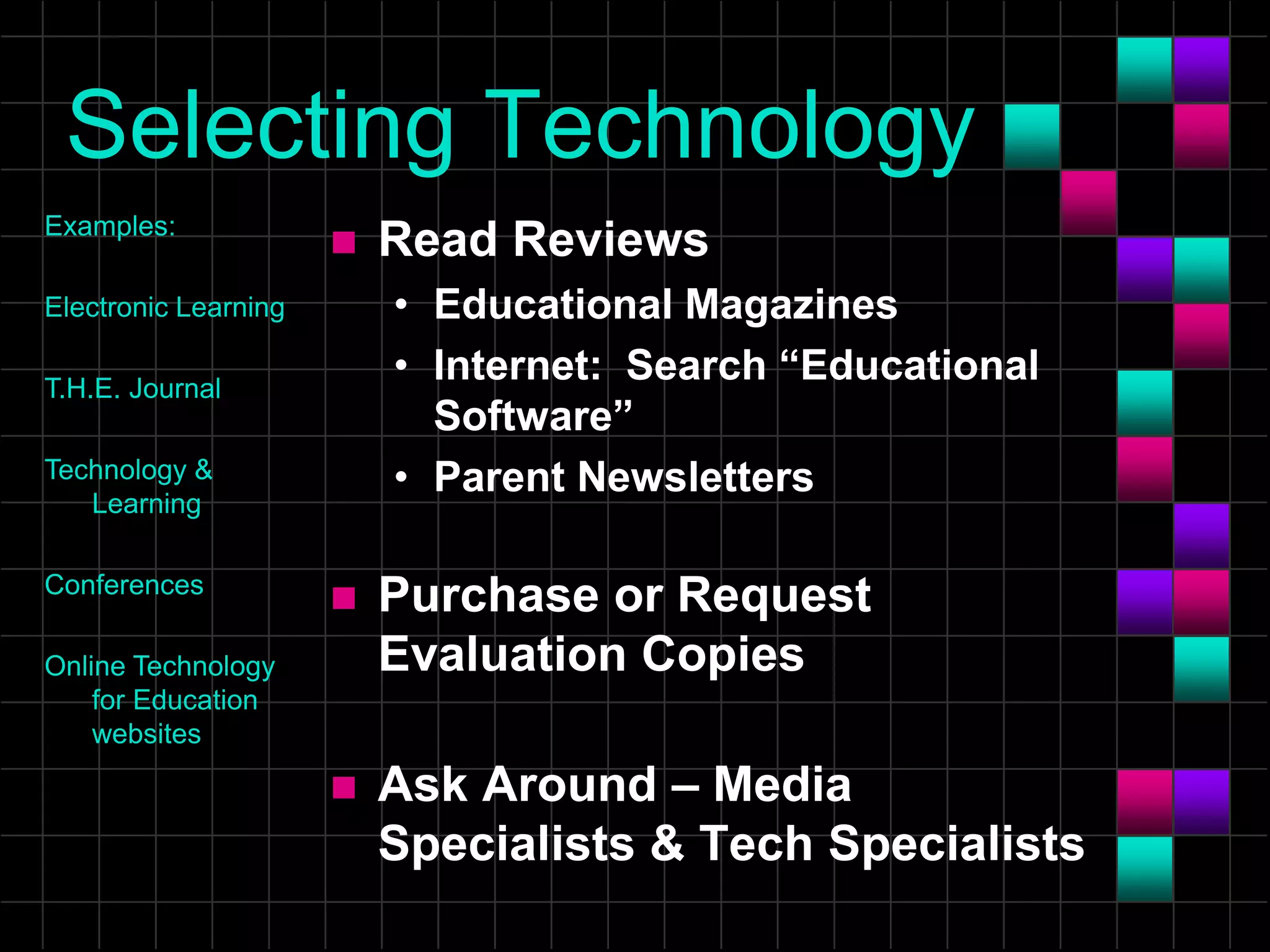
Selecting Technology
 Read Reviews
• Educational Magazines
• Internet: Search “Educational
Software”
• Parent Newsletters
 Purchase or Request
Evaluation Copies
 Ask Around – Media
Specialists & Tech Specialists
Examples:
Electronic Learning
T.H.E. Journal
Technology &
Learning
Conferences
Online Technology
for Education
websites
Economic Investment
 Start with existing resources
 Expand as teachers learn and embrace
variety of technologies
• Internet Resources & Web 2.0, 3.0…
• Presentation Software
– Traditional Projectors
– Whiteboards
– Mobile Devices
– Websites like Prezi & VoiceThread
• Software & Interactive Devices
• Telecommunicate – Interact Online
Recommendation
Rather than rearranging teachers
and learners to use the technology....
....rearrange the technology to
support the way we need to LEARN!
Questions & Issues
? ? ?
NEVER STOP LEARNING!
Students AND Teachers are self-
directed lifelong learners!
References
 Modeling with Technology: Mindtools for Conceptual
Change (David H. Jonassen). Educational
Technology & Society, 10 (2), 225-227.
 Using Mindtools in Education (2005) t|h|e Journal
04/01/05 Retrieved from
http://thejournal.com/articles/2005/04/01/using-
mindtools-in-education.aspx

Educational Technology...slowly changing

  • 1.
    Today’s Situation What do most classroomslook like? By Beverley Taylor, PhD Georgia State University Georgia On My Line IT 7360 Teachers Integrating Technology into Classrooms
  • 2.
    Designed for Sage on theStage Image from One Computer Classroom
  • 3.
    How did weget here?  It’s the way classrooms have been set up... ....traditionally.
  • 4.
    Technology separated from classroomlearning Images from One Computer Classroom
  • 5.
    Where do wewant to be?  Using technology to enhance the learning environment & motivate learners
  • 6.
    It’s happening…SLOWLY  Classroomsthat demonstrate the pedagogy of teacher as facilitator, not sage on the stage  Classrooms that use technology to engage learners in more meaningful, mindful learning  Classrooms that provide a more situated learning environment for technology integration, not separation
  • 7.
    Technology Advantages  Howcan Internet Access , Computers, and Mobile Devices help to support various ways of teaching and learning? – Enhance multi-sensory learning – Manage small/large group discussions – Set up cooperative learning activities – Inspire enlightened self-discovery – Allow for active, mindful learning – Develop self-directed learning
  • 8.
    Educational Technology  Assessment •Are students absorbed; engrossed? • Are students having to think deeply? • Are students occupied & on task? • Are students working collaboratively, creatively, enthusiastically?
  • 9.
    Substance AND Style Educational  Entertaining not Distracting  See, Study, Interact  Thought Provoking  Active not Passive
  • 10.
    Learning  Transfer occurswhen the acquired skill or knowledge is MINDFULLY and deliberately analyzed. • ACTIVE • CUMULATIVE • INTEGRATIVE • REFLECTIVE • GOAL-DIRECTED
  • 11.
    Drill & Practice Examples: FunBrain Fraction Action Einstein Junior Math Munchers School Mom Mavis Beacon Teaches Typing  Repetitive; may be good for automaticity  Requires extended use  Less motivational, particularly over time  Must challenge performance  Cost/Quality Varies
  • 12.
    Electronic Books Examples: Electronic Reference Books Encyclopedias, Atlases, Textbooks Tutorials Monarch Notes GreatLiterature Plus  Good for reference, review, and remediation  May compliment text  May increase motivation through multiple senses  Numerous titles  Cost/Quality Varies
  • 13.
    Edutainment Examples: Math Workshop NFL Math Endangered Species CorporateClimber Human Body Explorapedia Tackle English  Numerous Titles Available  Quality/Cost Varies  Motivational Aspects Vary; Wanes with Familiarity  Often Superficial
  • 14.
    Mindware Examples: Sim City, SimLife, etc. Carmen SanDiego Geometer’s Sketchpad Oregon Trail Tesselmations WebQuests  Emphasizes problem solving  Involves critical thinking  Allows for multiple strategies  Requires deeper concentration  Tends to be more expensive
  • 15.
    Mindtools Examples: Concept Mapping Databases Spreadsheets Multimedia/ Digital Storytelling Microworlds Student Writing Center  Developscomplex thinking skills • Content basic thinking: problem solving, designing, decision making • Critical Thinking: analyzing, evaluating, connecting • Creative Thinking: synthesizing, elaborating, imagining  Constructs knowledge actively
  • 16.
    Selecting Technology  ReadReviews • Educational Magazines • Internet: Search “Educational Software” • Parent Newsletters  Purchase or Request Evaluation Copies  Ask Around – Media Specialists & Tech Specialists Examples: Electronic Learning T.H.E. Journal Technology & Learning Conferences Online Technology for Education websites
  • 17.
    Economic Investment  Startwith existing resources  Expand as teachers learn and embrace variety of technologies • Internet Resources & Web 2.0, 3.0… • Presentation Software – Traditional Projectors – Whiteboards – Mobile Devices – Websites like Prezi & VoiceThread • Software & Interactive Devices • Telecommunicate – Interact Online
  • 18.
    Recommendation Rather than rearrangingteachers and learners to use the technology.... ....rearrange the technology to support the way we need to LEARN!
  • 19.
    Questions & Issues ?? ? NEVER STOP LEARNING! Students AND Teachers are self- directed lifelong learners!
  • 20.
    References  Modeling withTechnology: Mindtools for Conceptual Change (David H. Jonassen). Educational Technology & Society, 10 (2), 225-227.  Using Mindtools in Education (2005) t|h|e Journal 04/01/05 Retrieved from http://thejournal.com/articles/2005/04/01/using- mindtools-in-education.aspx