Download to read offline

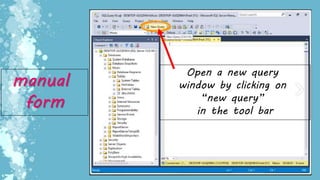
![manual
form
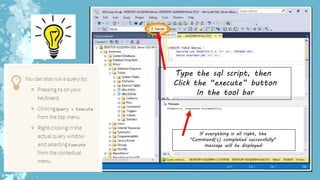
1. Type ….
“CREATE DATABASE
[YOUR DATABASE NAME];”
2. Click “Execute”
Or
Press F5](https://image.slidesharecdn.com/dbms-190828060632/85/Database-Management-System-6-320.jpg)

![Run “select * from [table name];”
To check the data from the table
You created](https://image.slidesharecdn.com/dbms-190828060632/85/Database-Management-System-11-320.jpg)
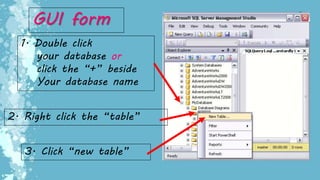
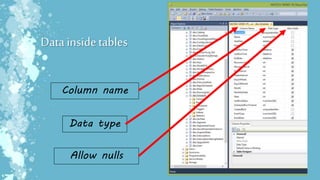
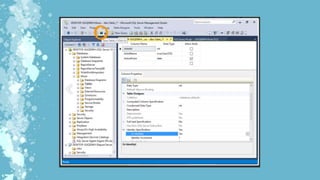
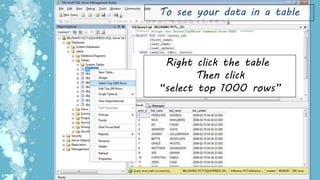

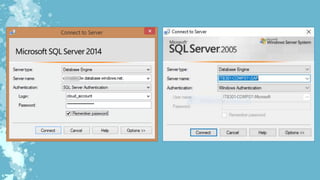
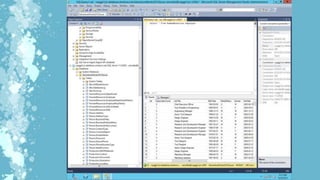
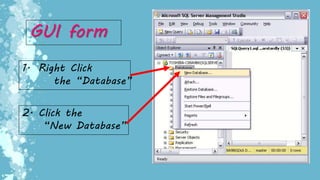
This document provides instructions for creating databases and tables in Microsoft SQL using both manual SQL scripts and the graphical user interface (GUI). It explains how to create a database by typing a CREATE DATABASE statement or using the GUI, and how to create tables by typing a CREATE TABLE statement, clicking execute, or using the GUI to add a new table. It also provides instructions for viewing the data in newly created tables.


