The document provides instructions for creating forms in Microsoft Word that users can view and complete. It describes how to:
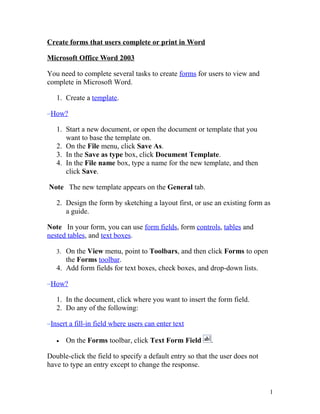
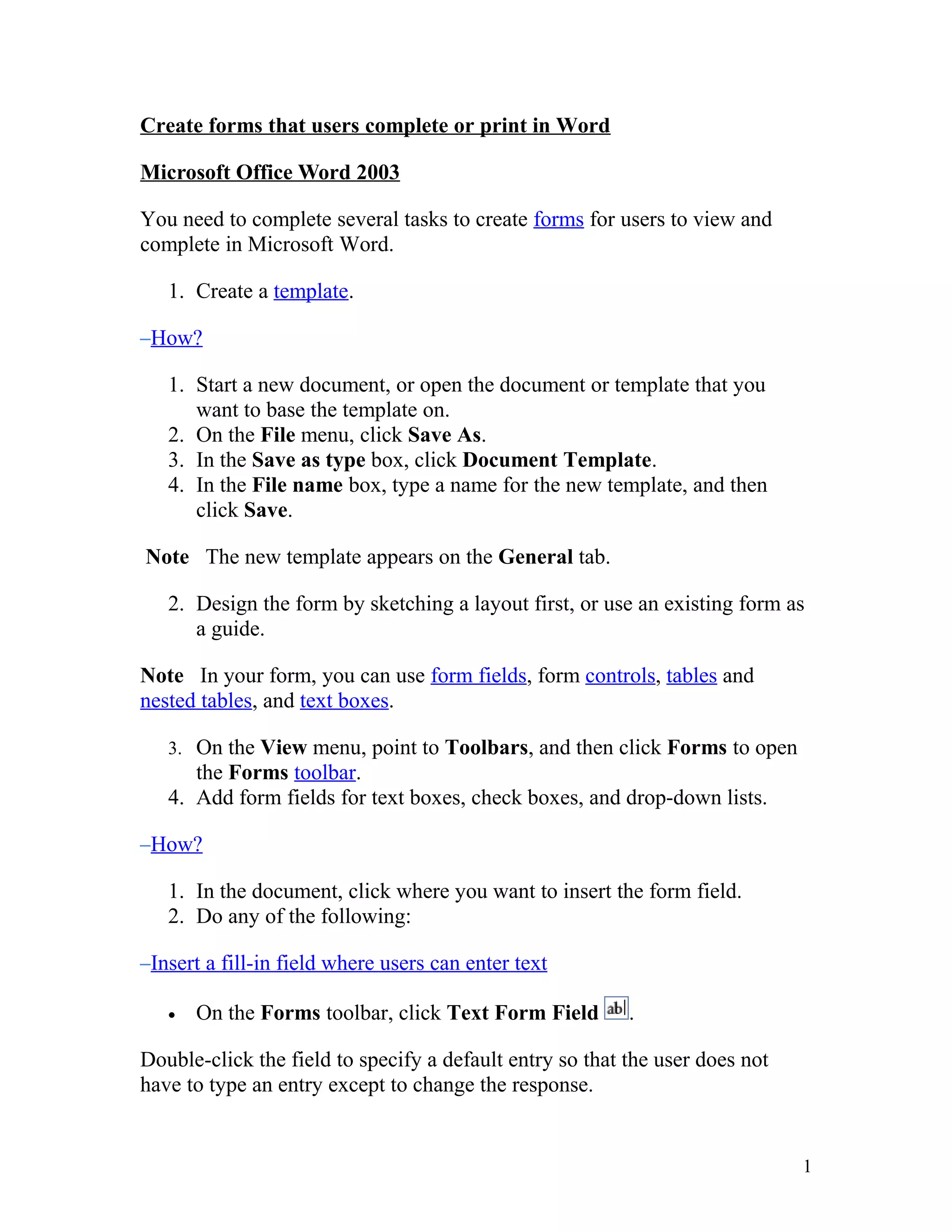
1. Create a template and design the form layout using form fields, tables, text boxes and other tools.
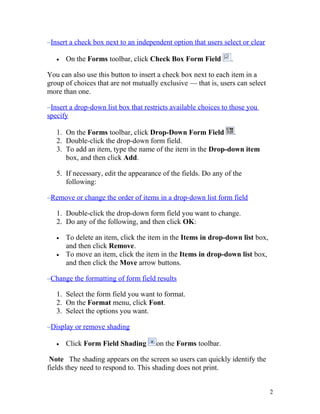
2. Add form fields like text boxes, check boxes and drop-down lists for users to enter information.
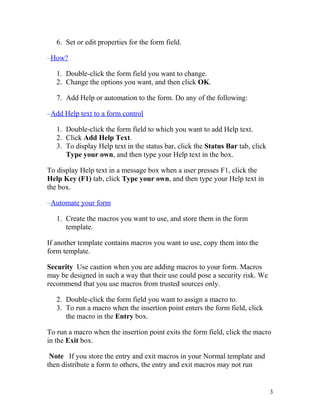
3. Set properties and add help or automation like macros to the form fields.
Protection can also be added to the form to prevent changes and test the form design before distributing it for users to view and complete.