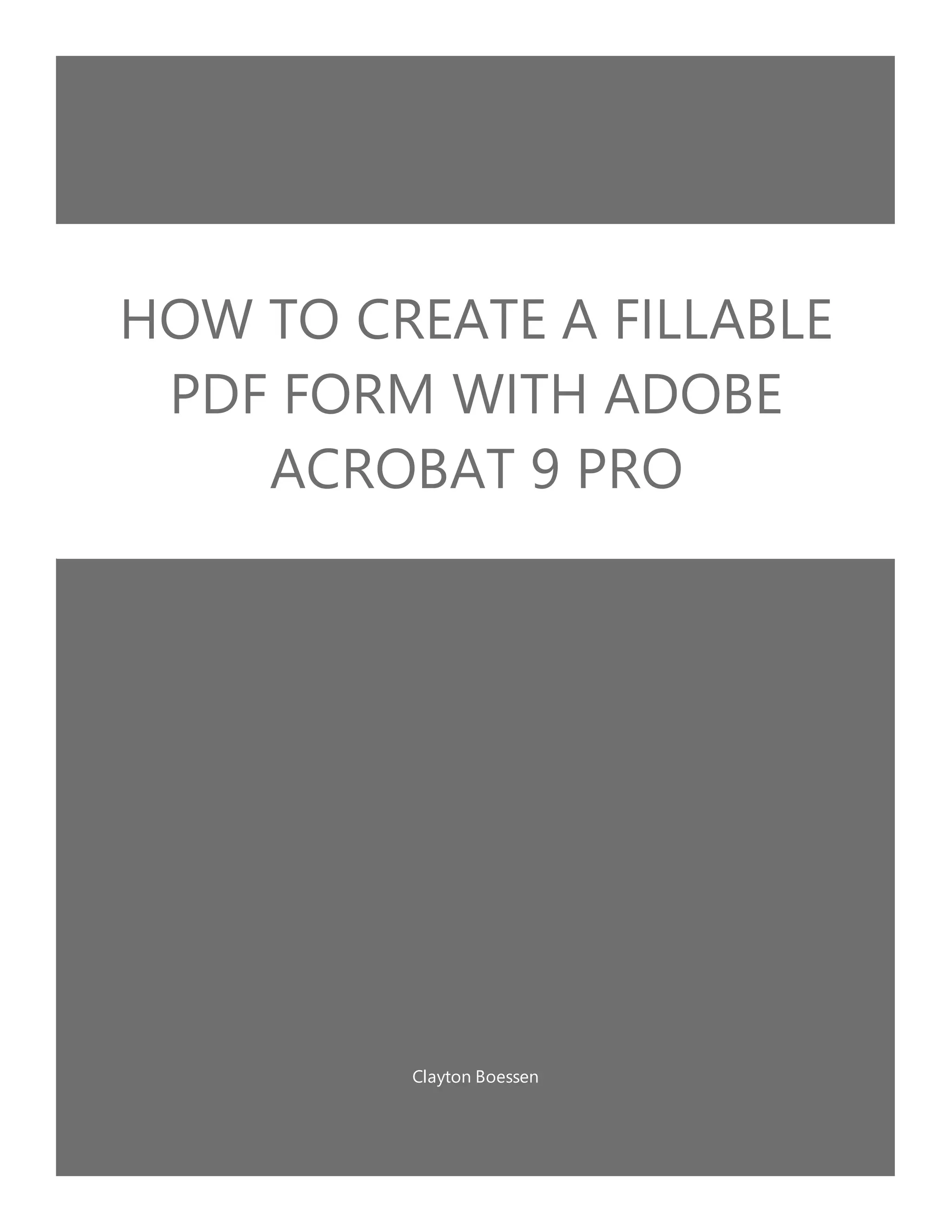
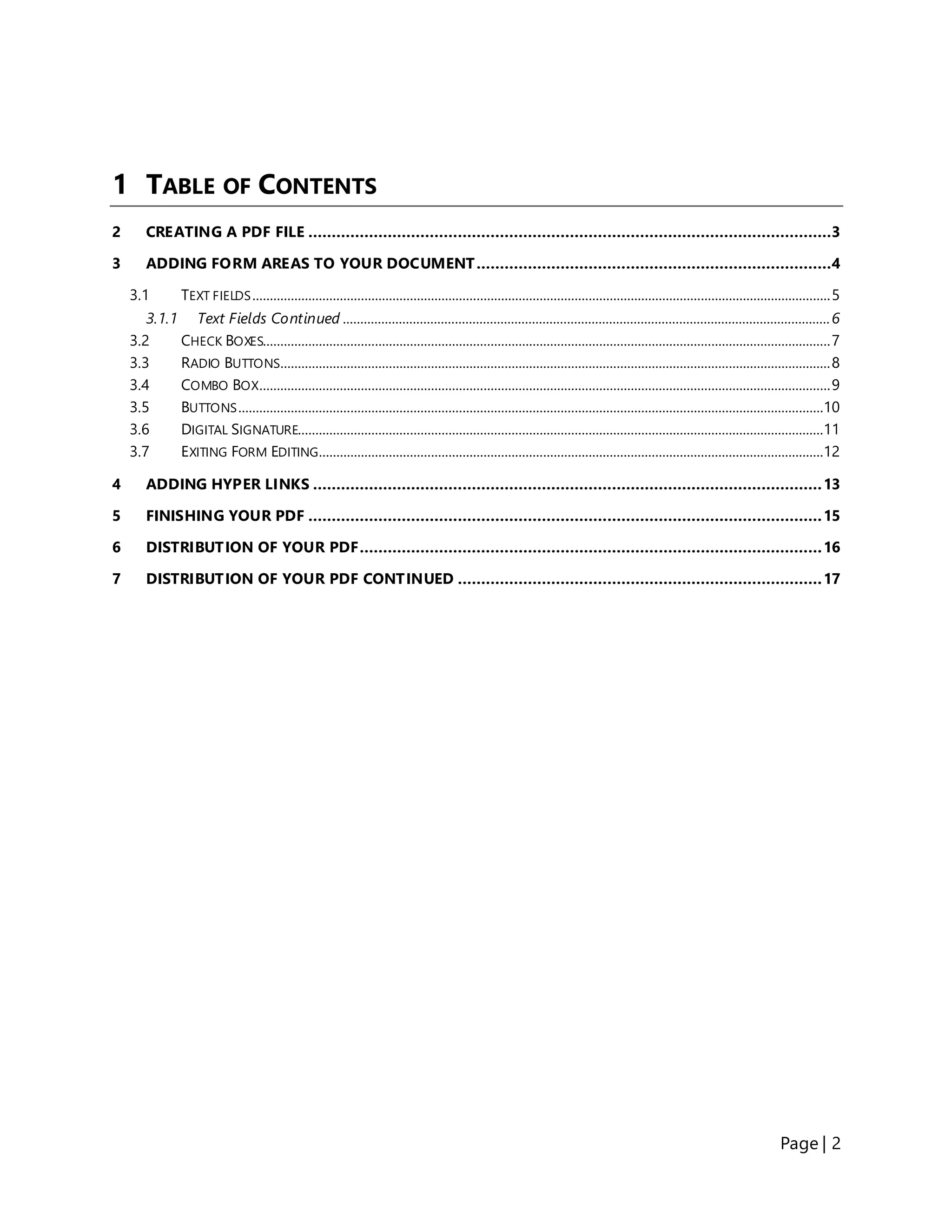
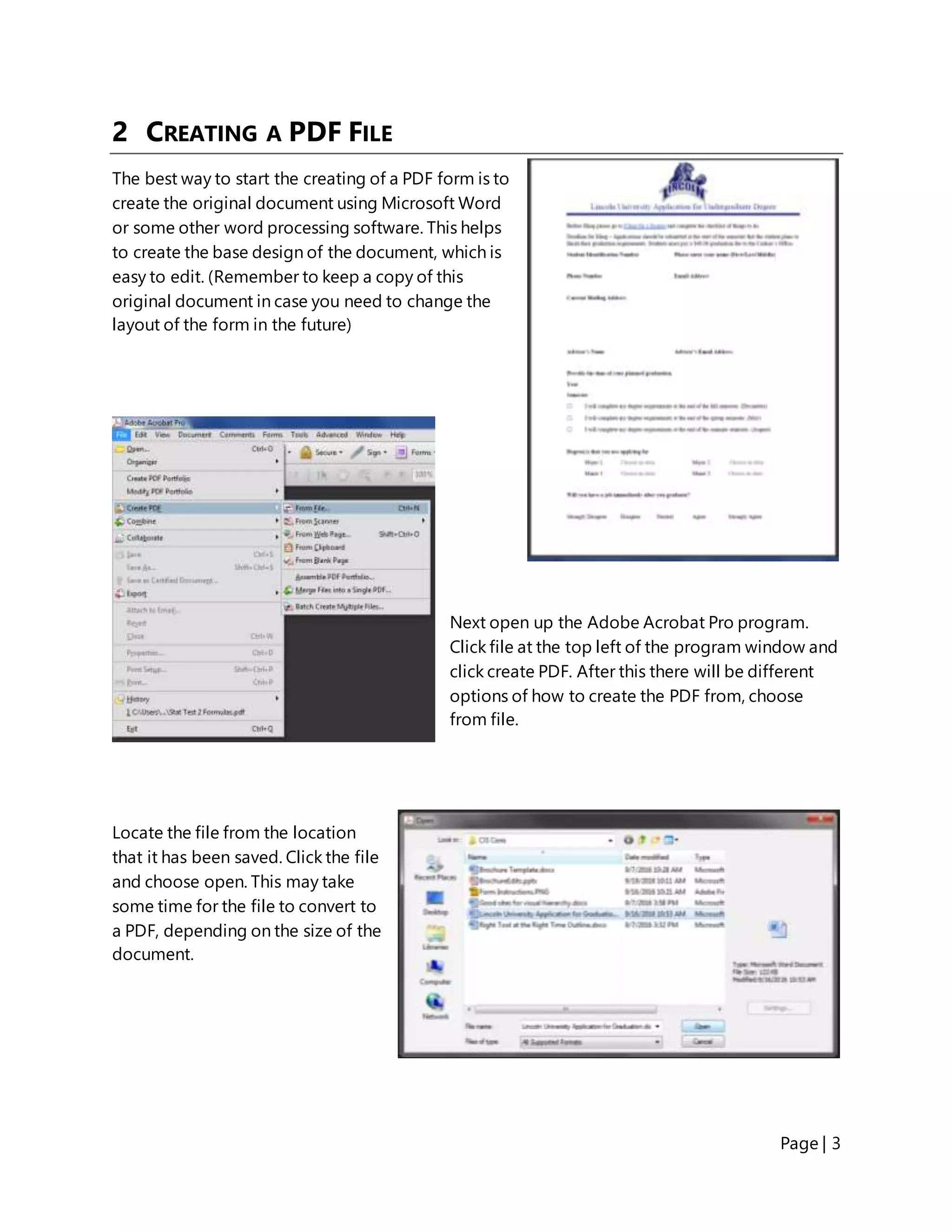
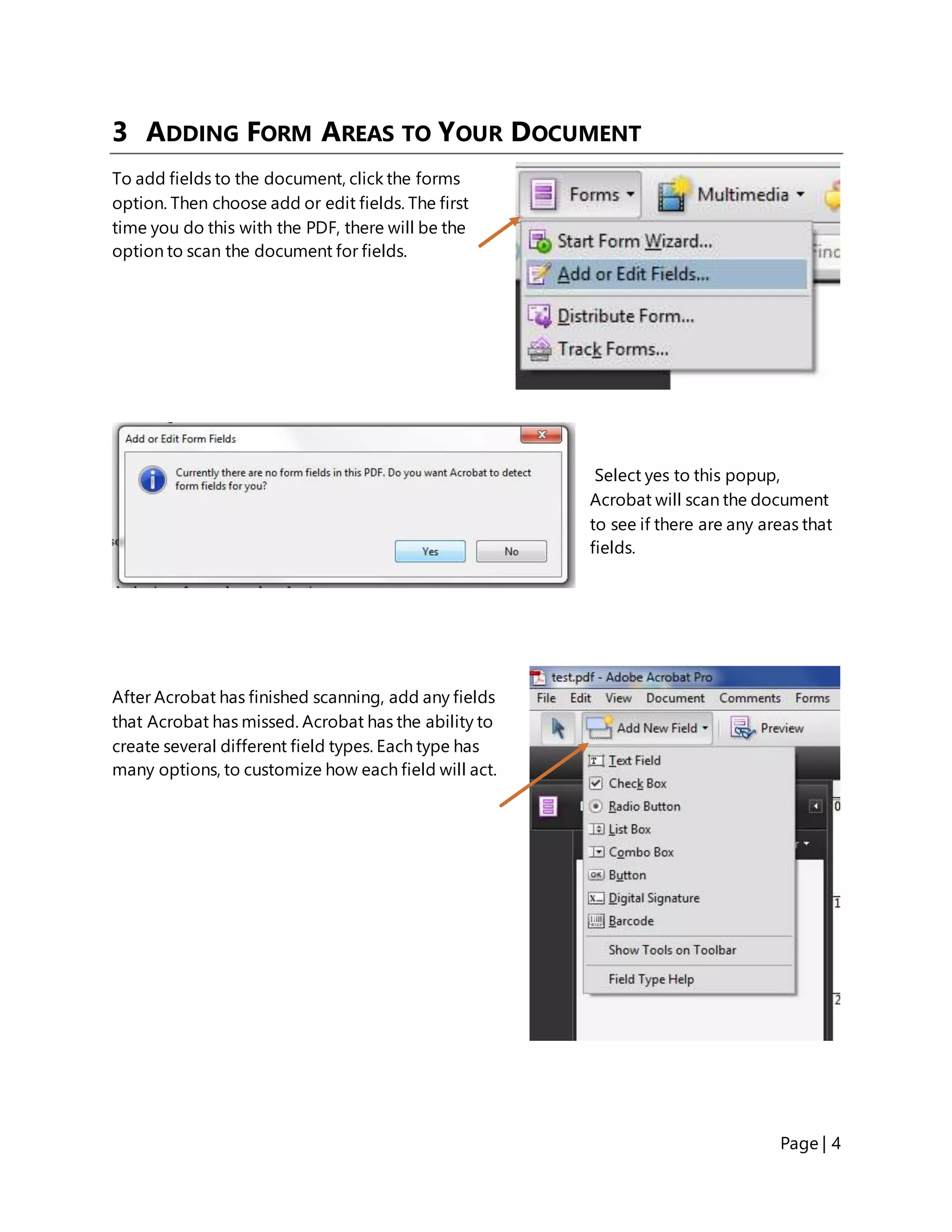
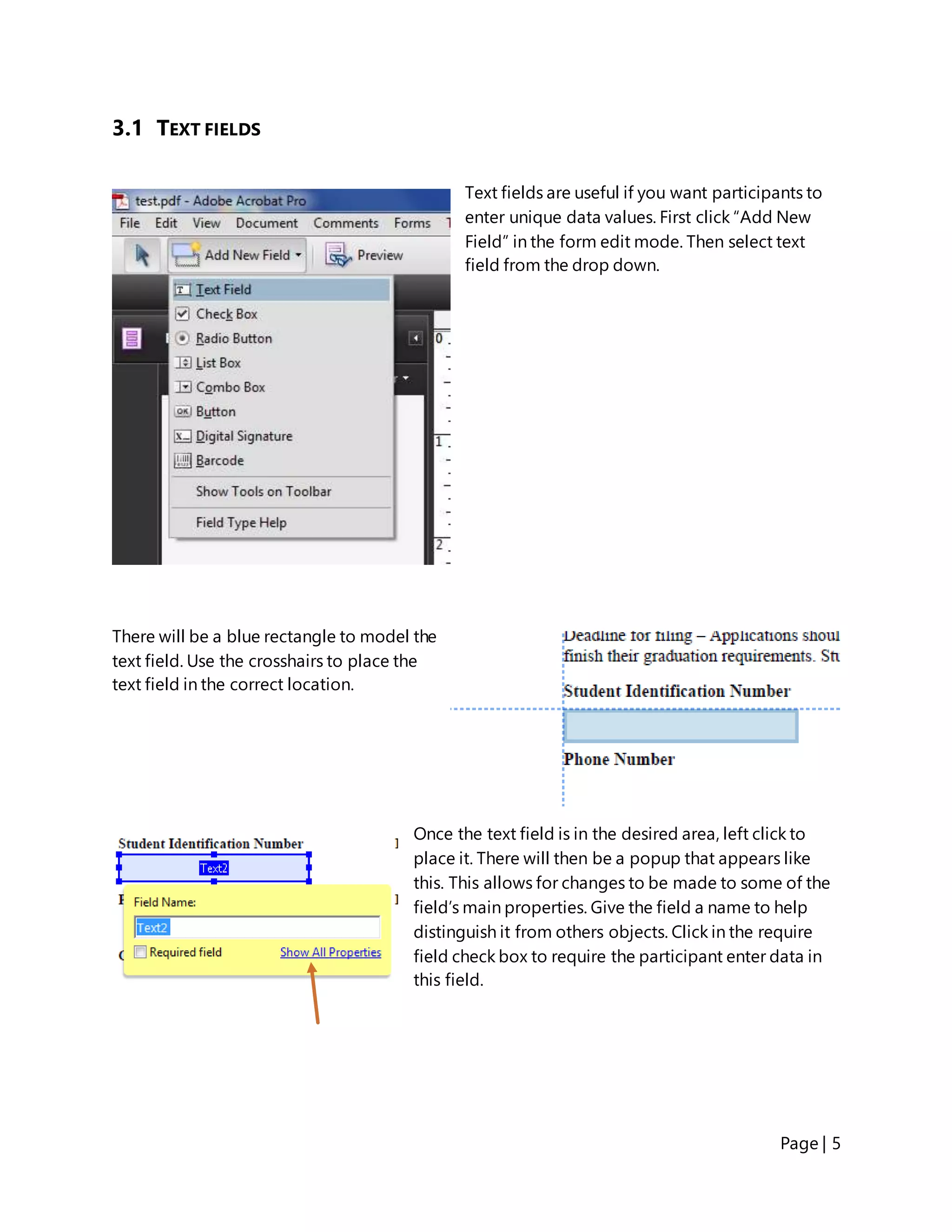
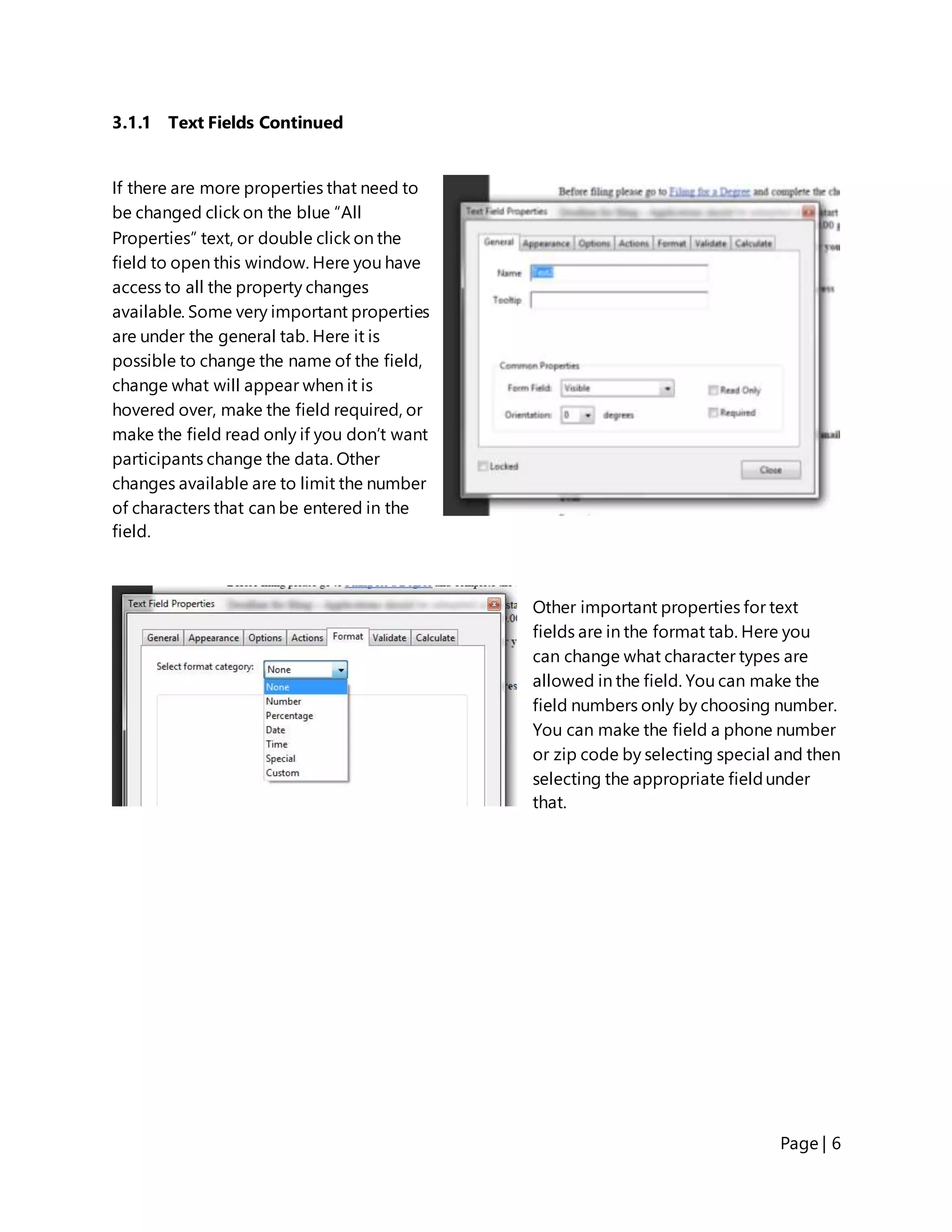
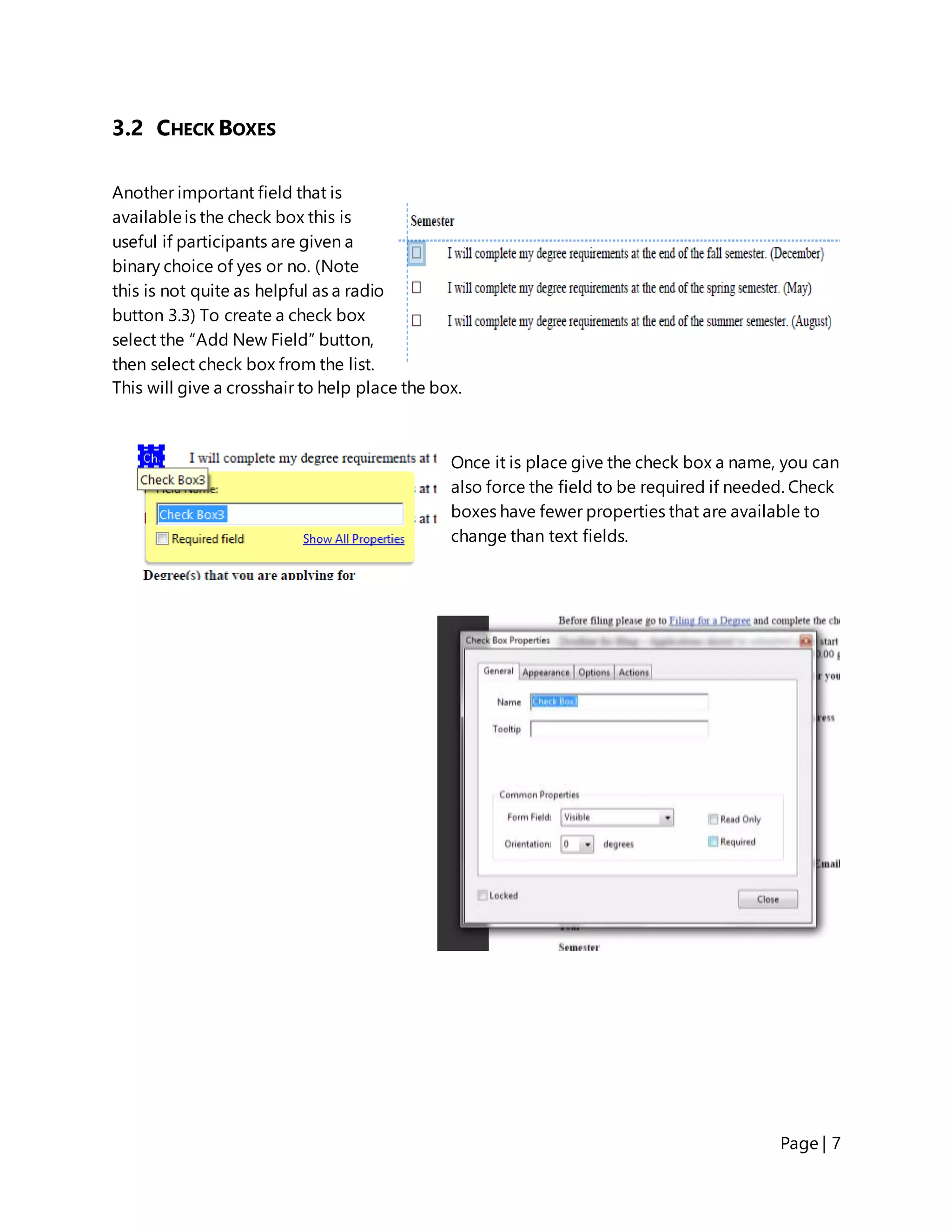
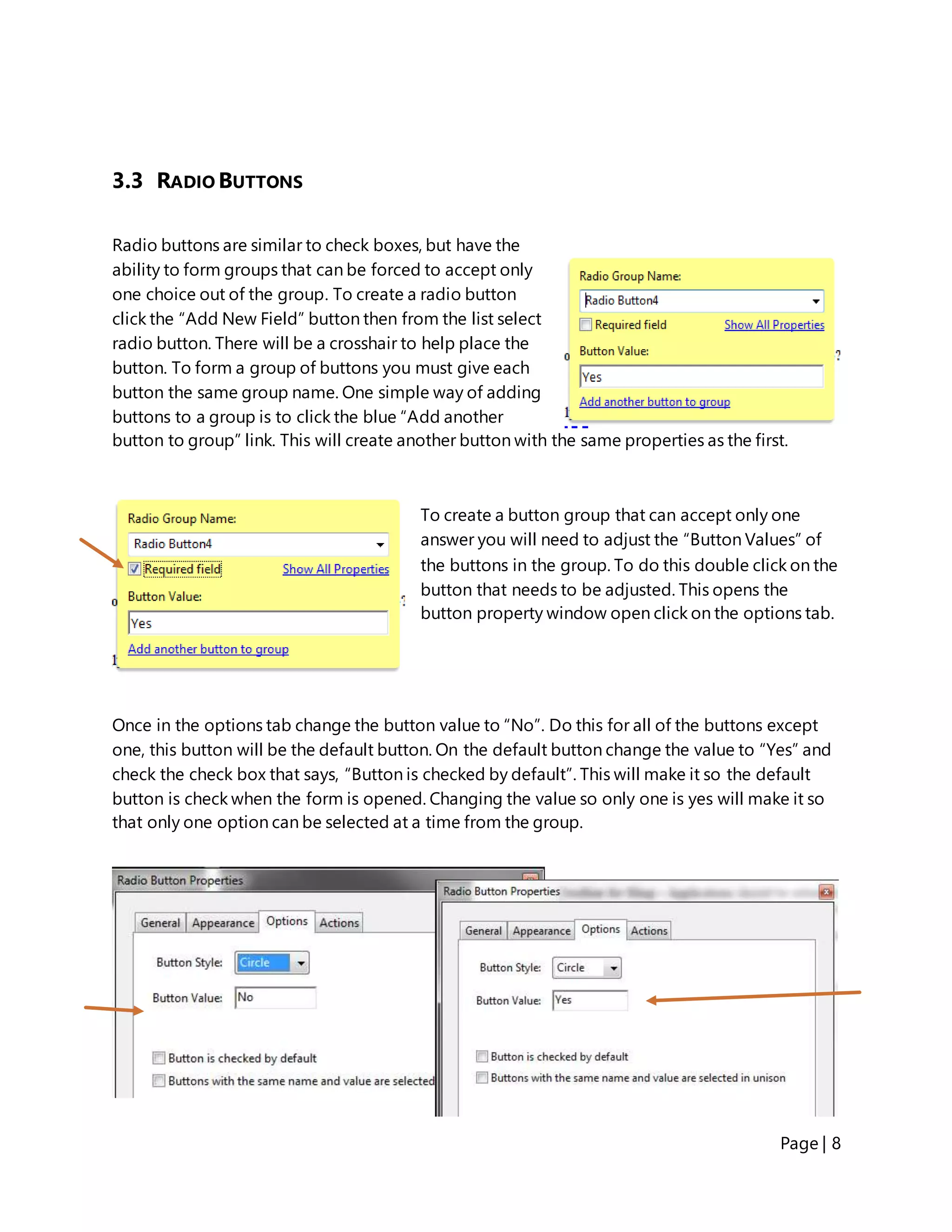
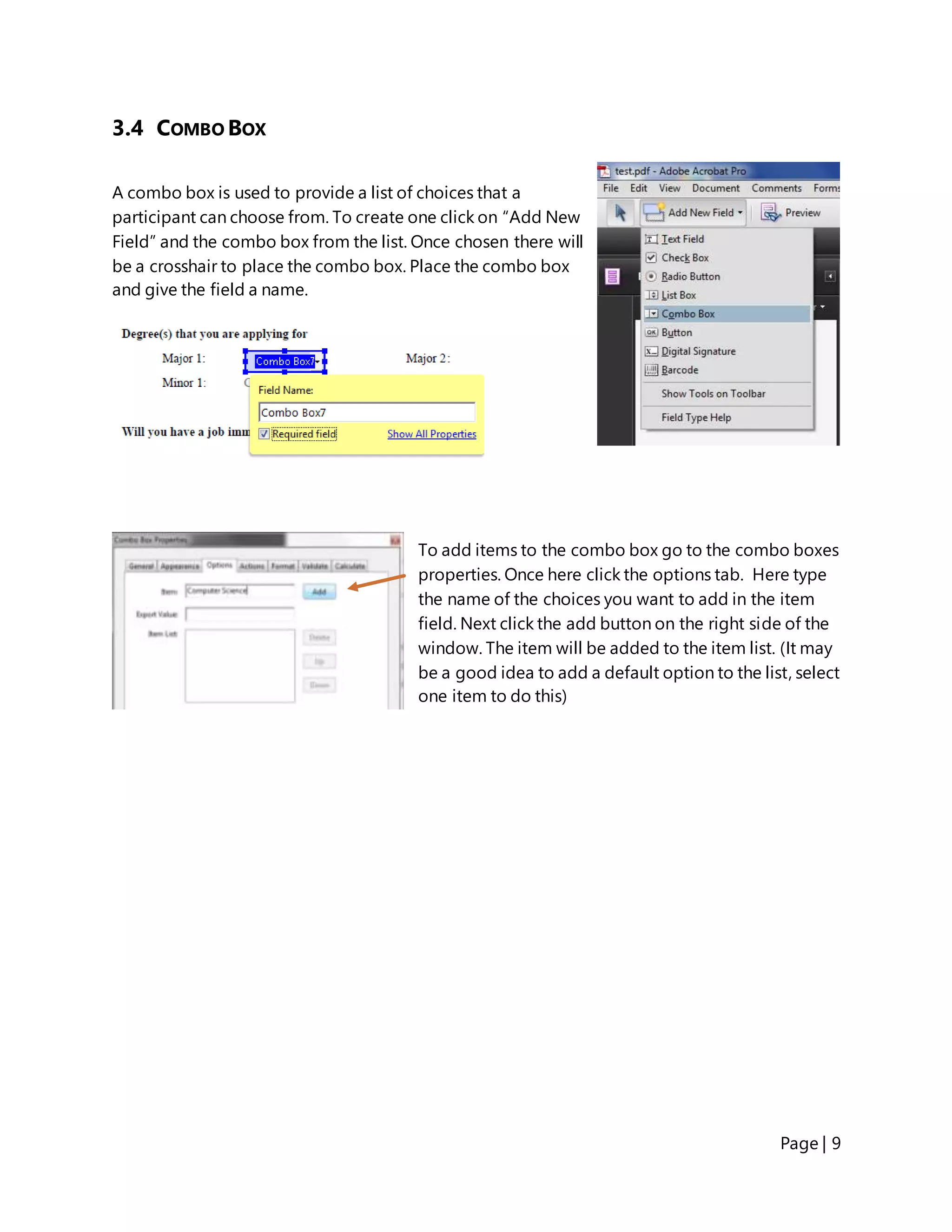
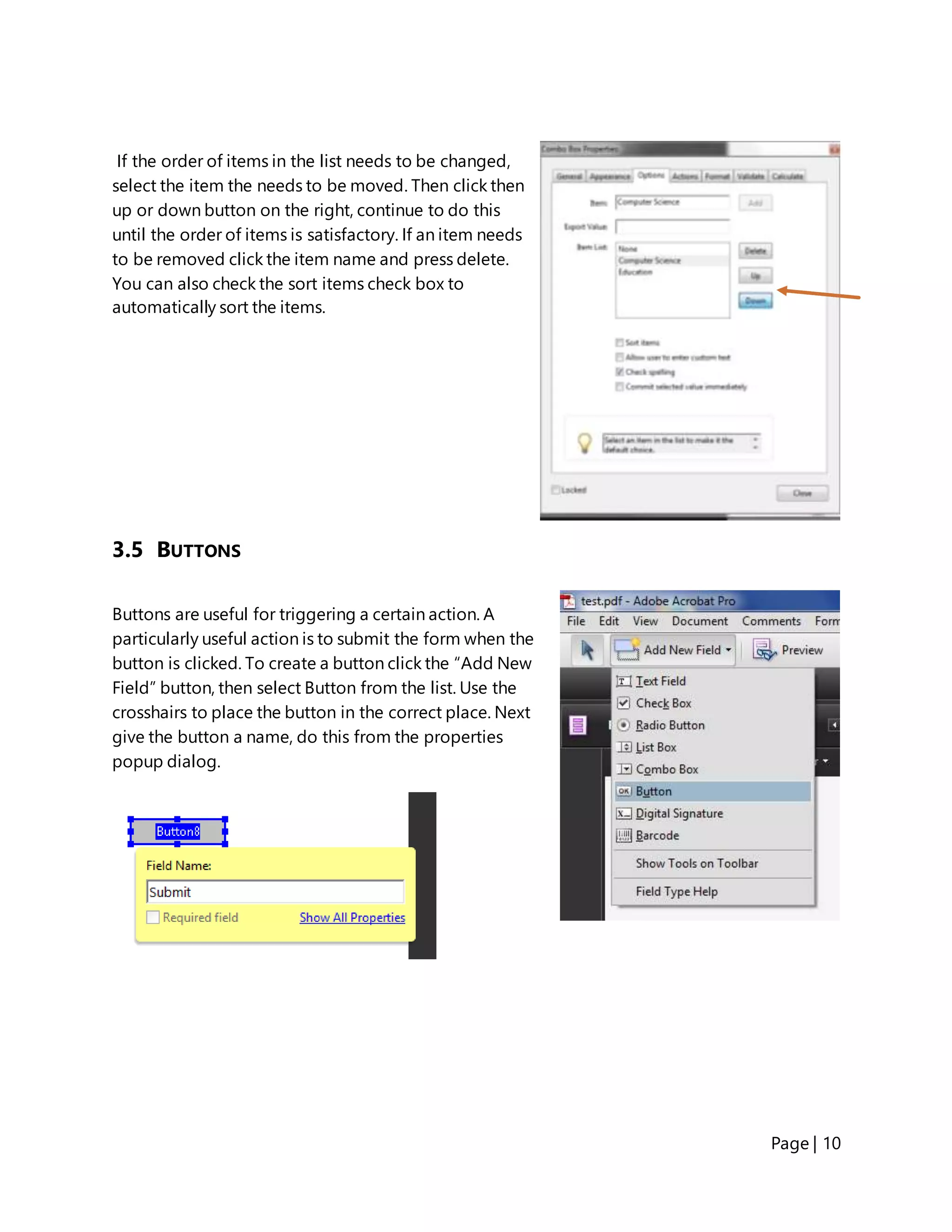
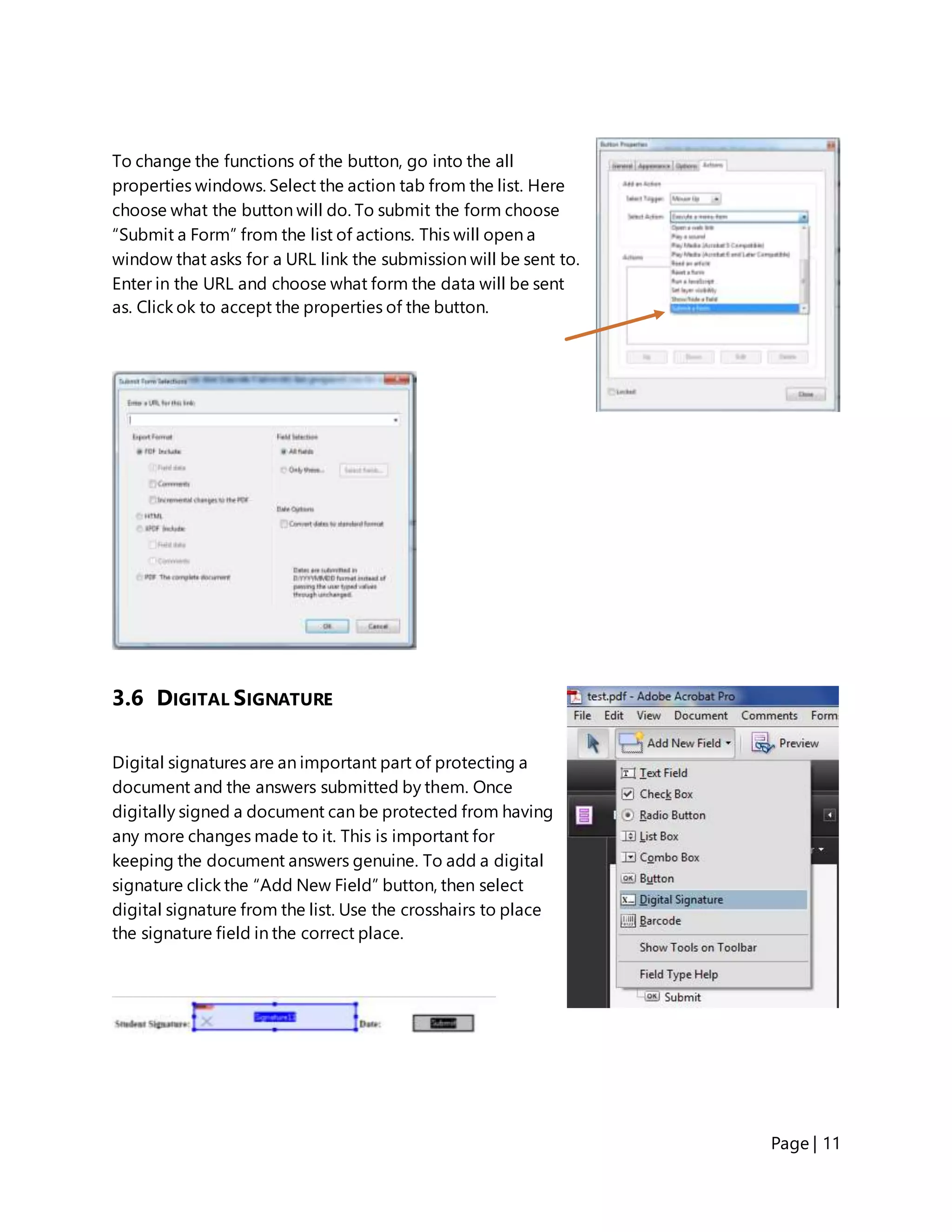
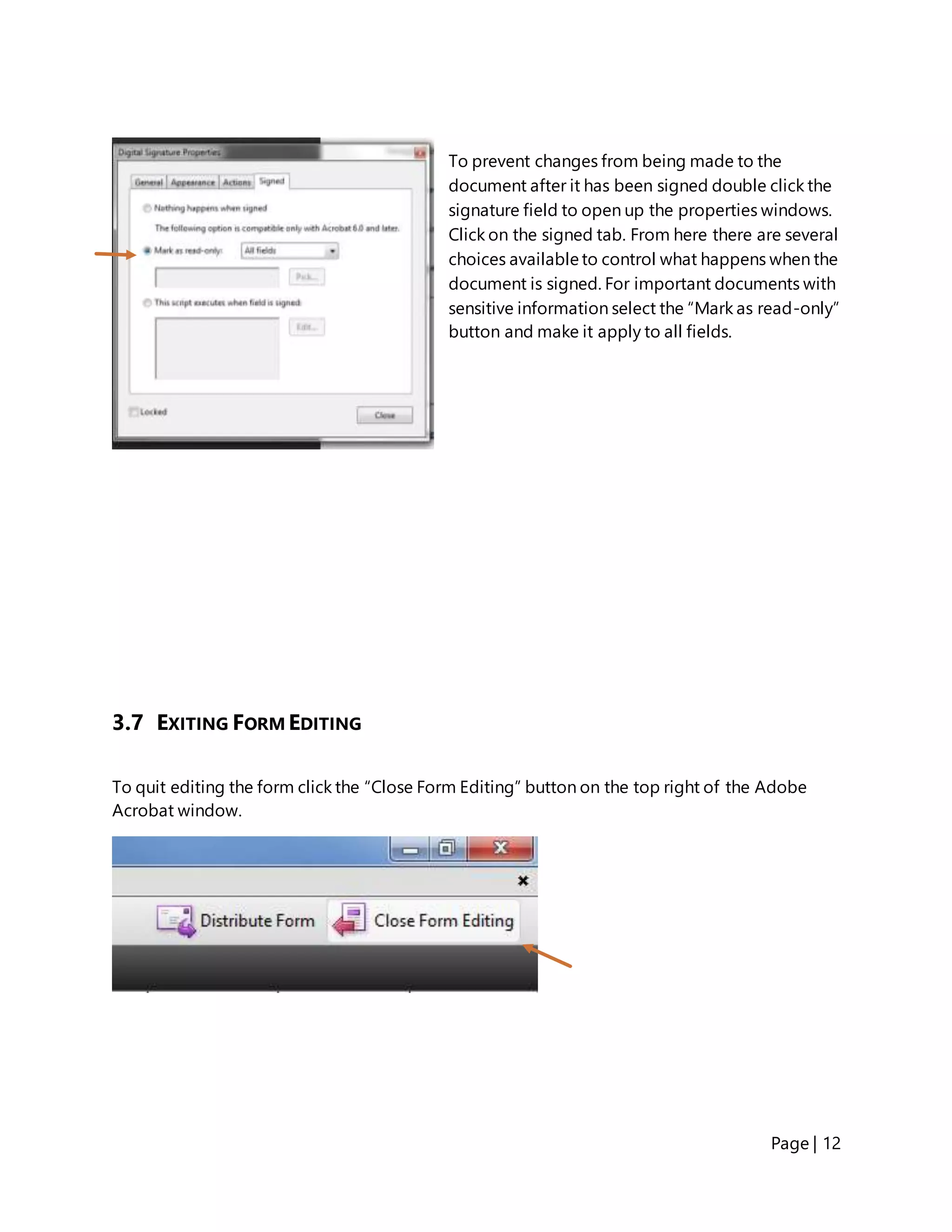
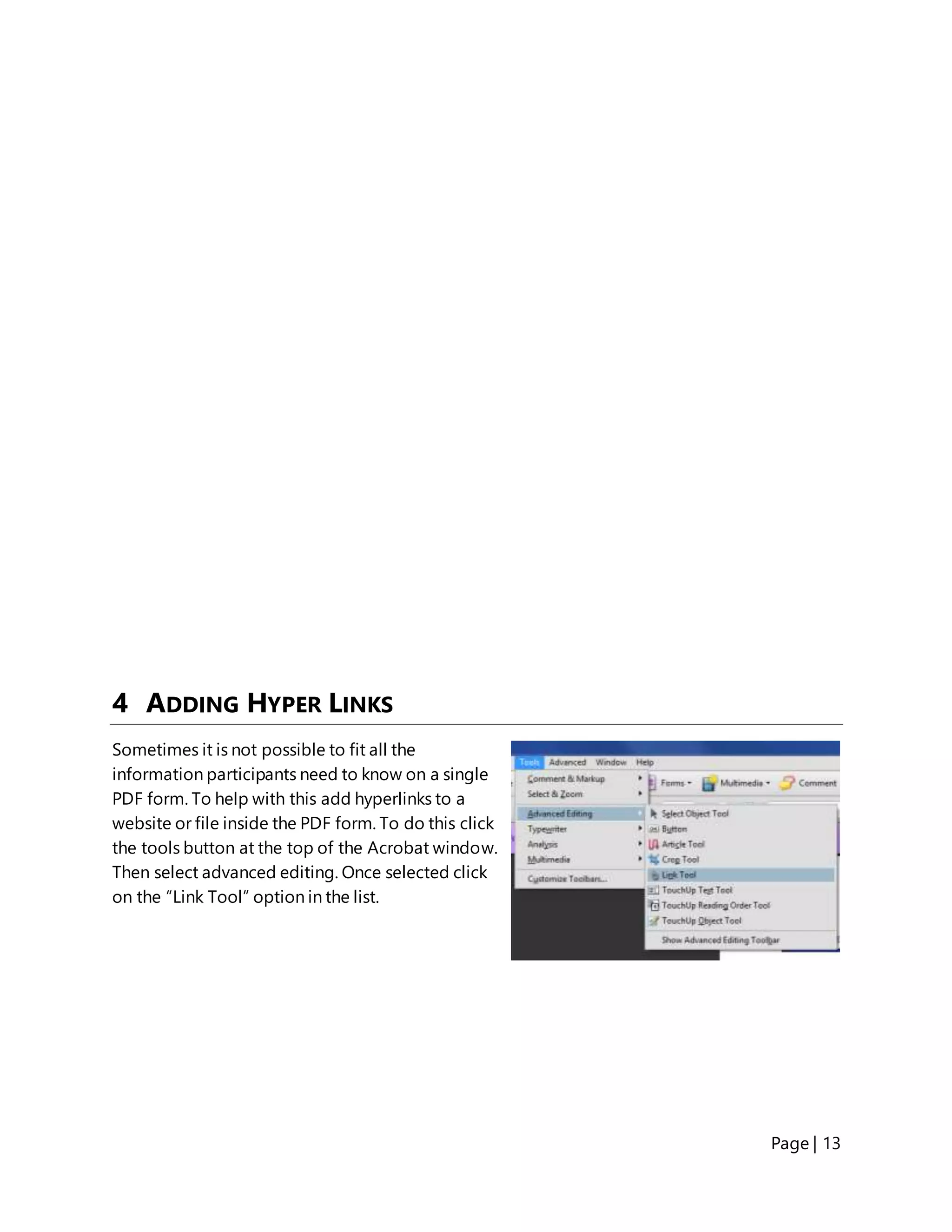
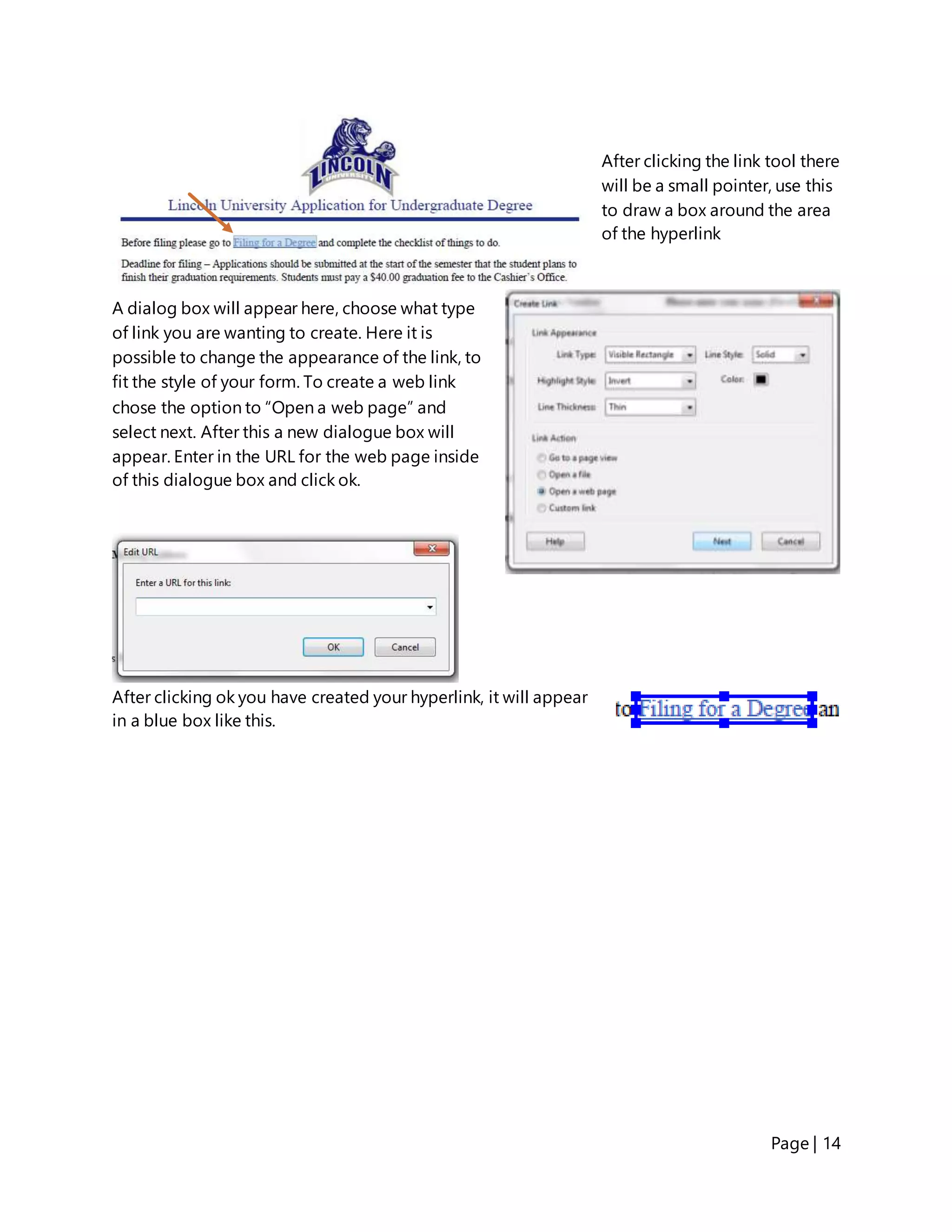
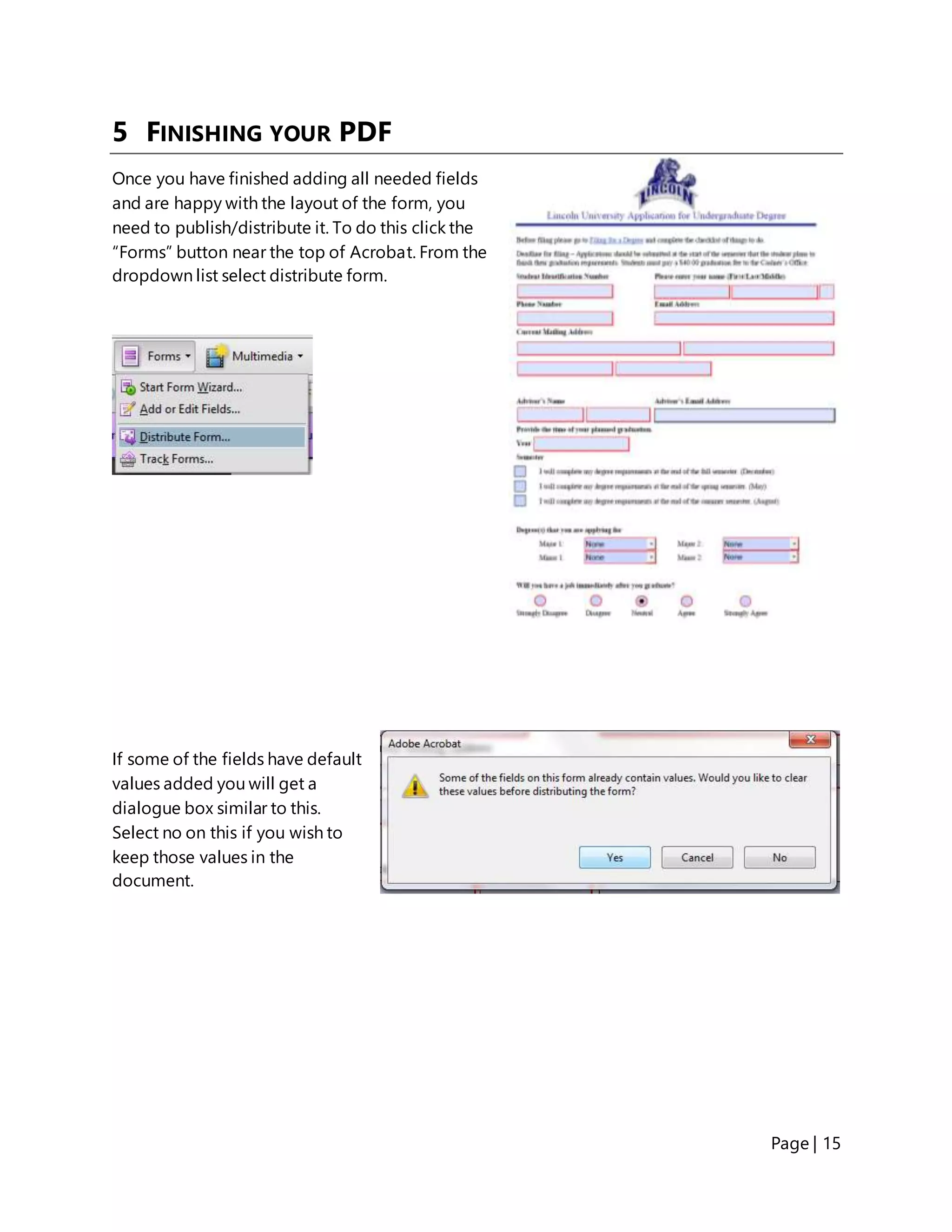
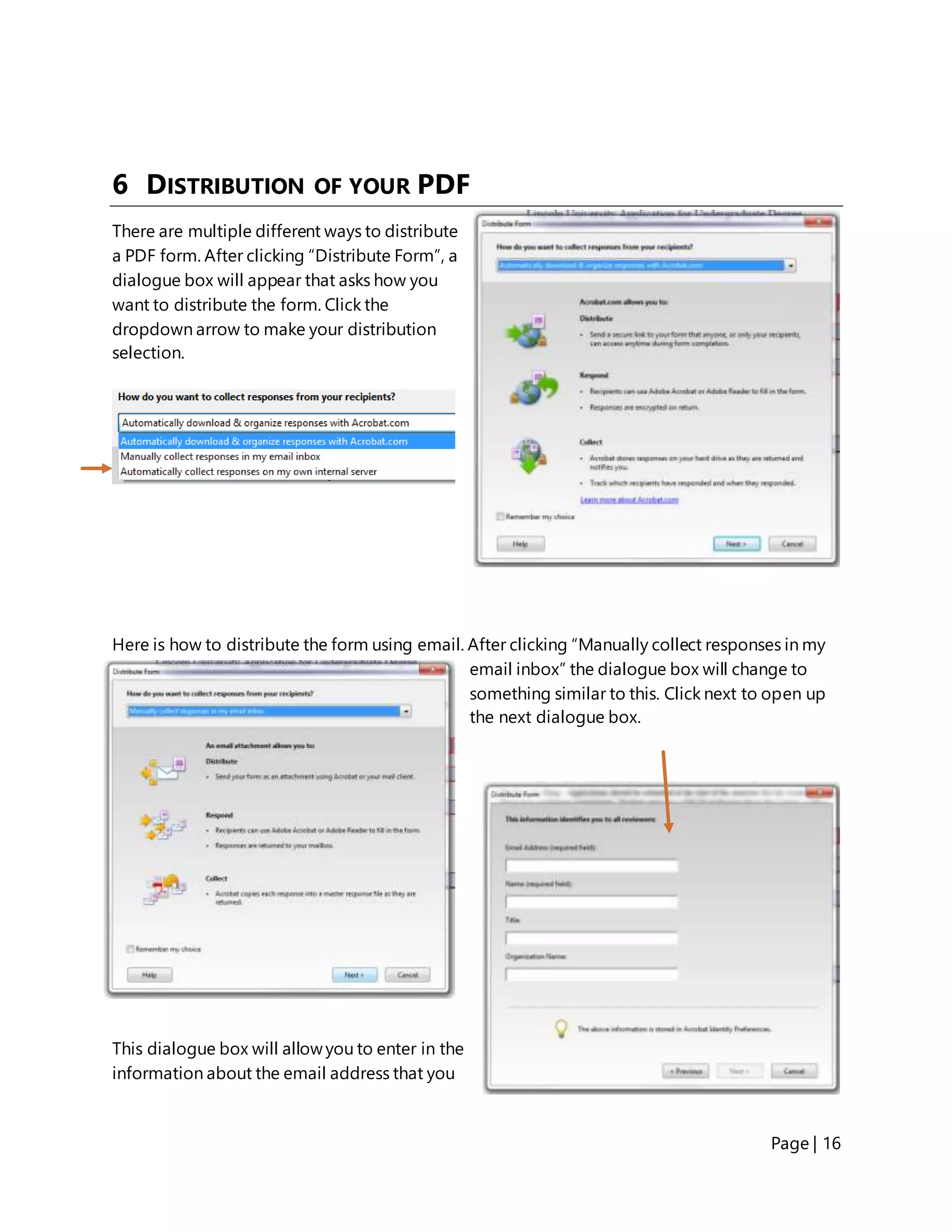
This document provides instructions for creating fillable PDF forms using Adobe Acrobat 9 Pro. It discusses how to create the original document, convert it to a PDF, and add various form fields like text boxes, checkboxes, radio buttons, combo boxes, buttons, and digital signatures. The document also covers adding hyperlinks and distributing the finalized fillable PDF form via email.