Computer Operations Computer Literacy  Ms Irving
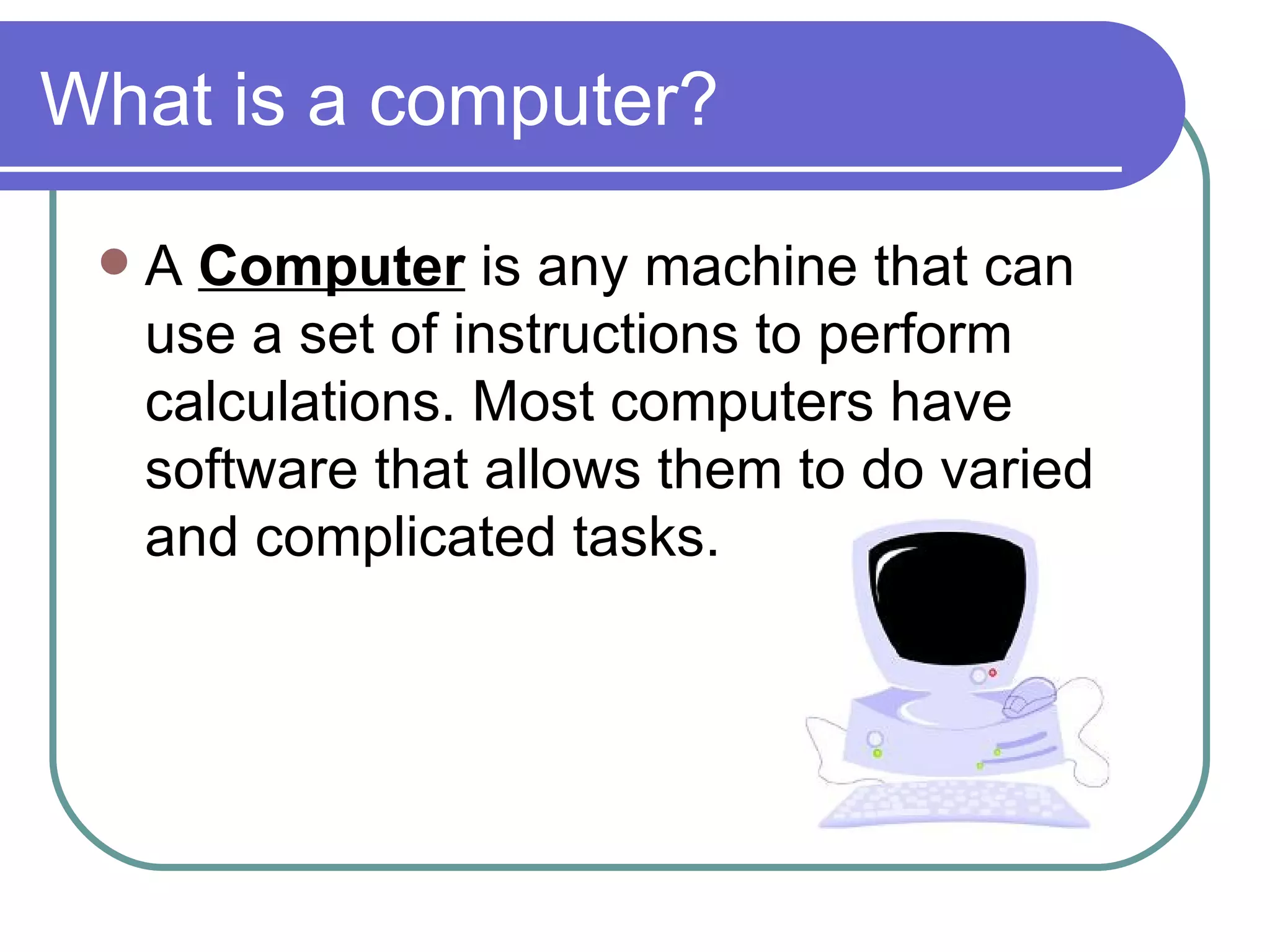
What is a computer? A  Computer  is any machine that can use a set of instructions to perform calculations. Most computers have software that allows them to do varied and complicated tasks.
Input Device An  Input Device  is used to enter information into a computer.
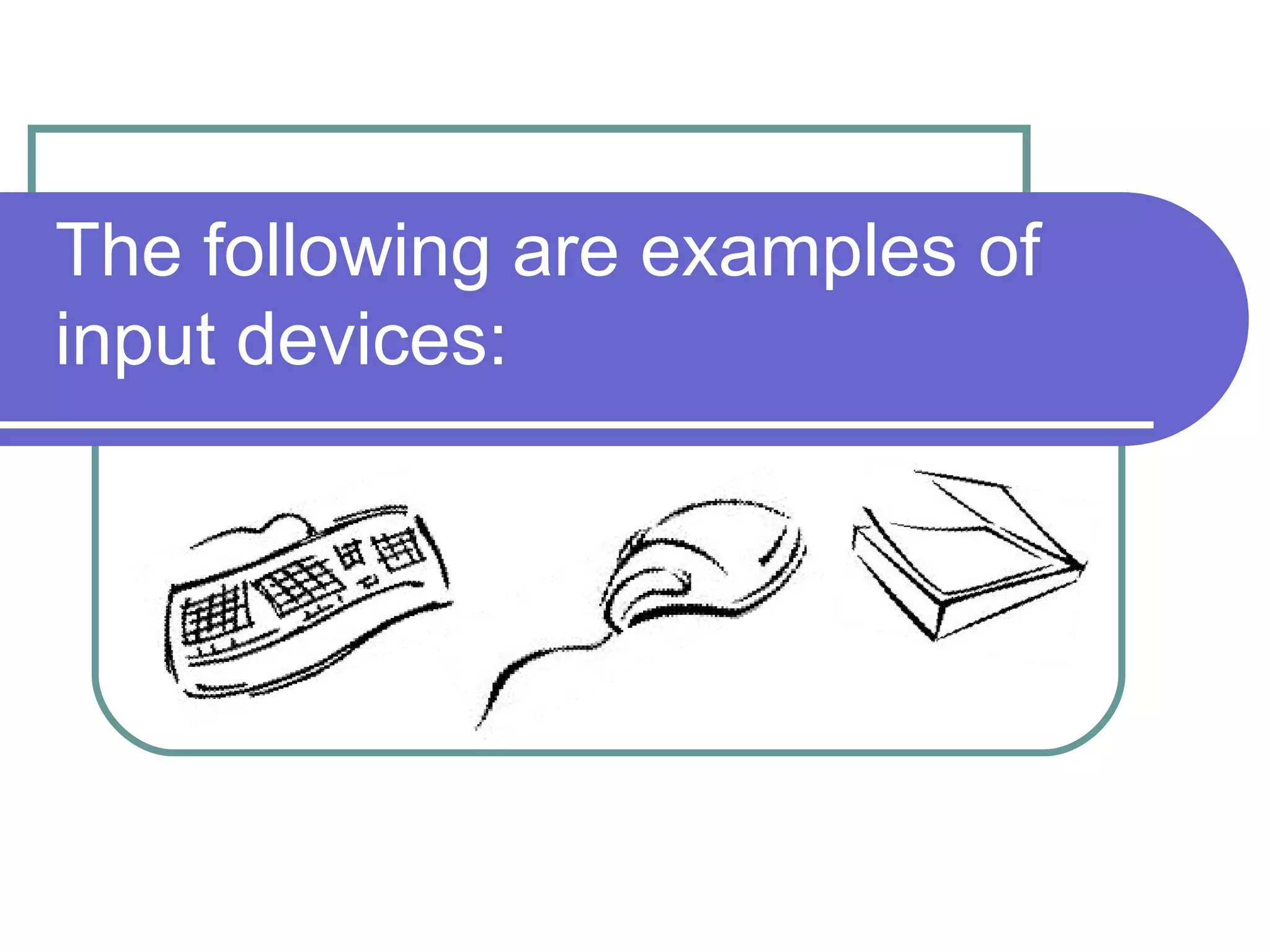
The following are examples of input devices:
Input Devices Keyboard   – A tool used to enter letters into the computer. The keys on a keyboard represent different letters, numbers, and computer functions.  Mouse   - A tool used to move a cursor on a computer screen, scroll up and down a screen, and select objects displayed on a screen.  Scanner   – A device that scans an image in order to reproduce it. Scanners reproduce images by converting them into digital files.
Output Device An  Output Device  is used to present information generated by a computer.
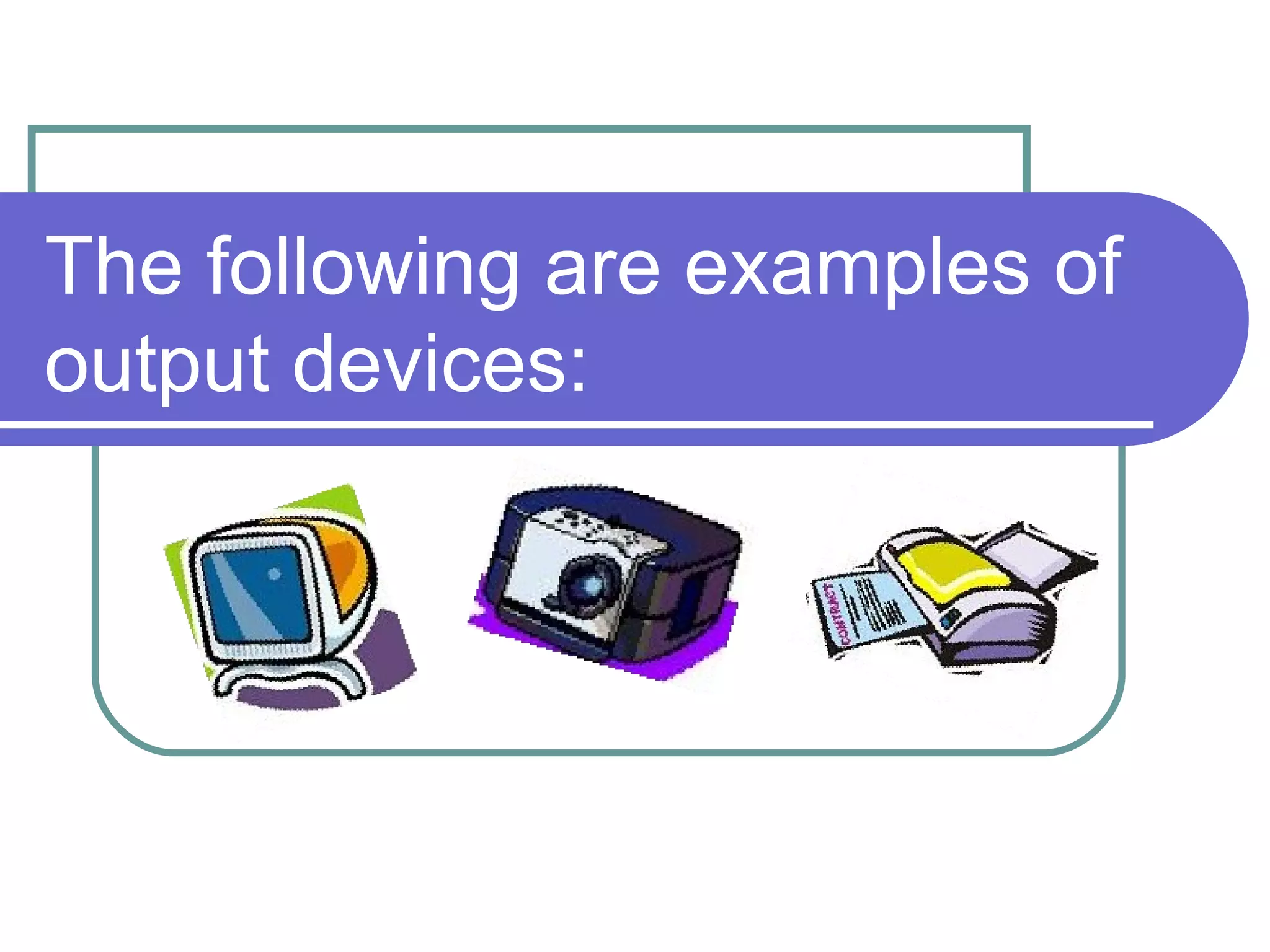
The following are examples of output devices:
Output Devices Monitor  – A device with a screen used to show video and graphic information that is generated by a computer.  Printer  – A device used to make a paper copy of what is created on the computer.  Digital Projector  – A device used to project digital images from the computer and puts them onto a large screen, such as a movie screen.
Data Storage Devices Data Storage Devices  are used to transfer files from one computer to another.
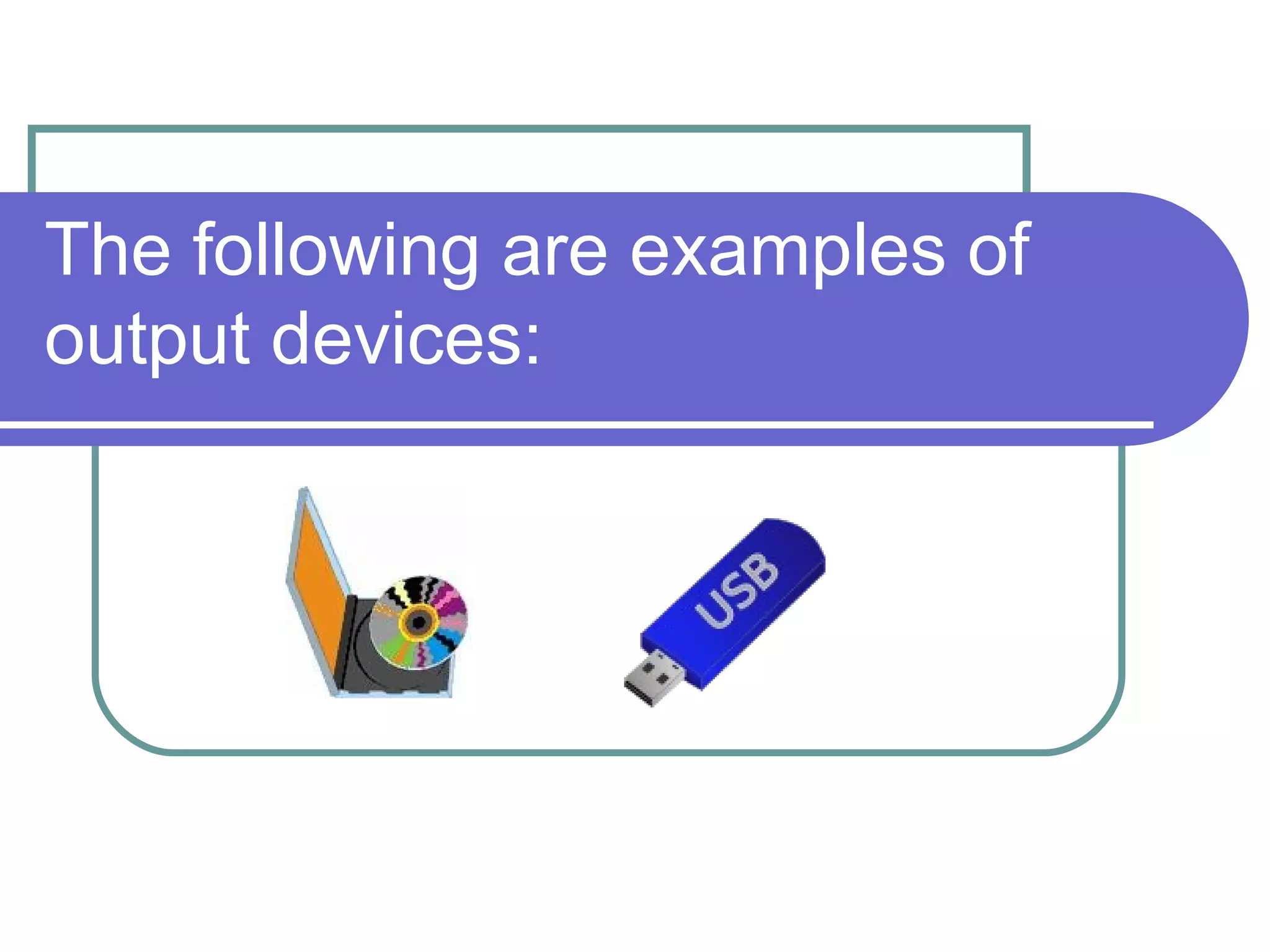
The following are examples of output devices:
Data Storage Devices CDs DVDs USB flash drives Data can also be stored on a personal computer. The data is stored on the computer’s  Hard Disk Drive . A computer’s hard disk drive is its permanent internal memory.
Software/Computer Programs Software  is the language or code that is used to make the computer carry out all the different commands.
Operating System The most important software on a computer is the  operating system .  An operating system is a type of software that controls how hardware and other pieces of software share a computer's resources.  Examples :  Microsoft Windows Mac OS  Linux
Software Computers may have many other types of software on it.  Common software includes:   Word processing programs like MS Word or WordPerfect Spreadsheets such as MS Excel or Quattro Pro Presentation software such as MS PowerPoint Web browsers like Firefox and Internet Explorer  Email programs such as MS Outlook and Thunderbird
Many types of software perform specialized tasks.  Some examples of this include:
Financial Software Financial Software  can be used to track expenses, make a budget, manage online bank accounts, pay bills, and more. An example of financial software is Quicken.
Drafting Software Drafting Software  can be used to design three-dimensional objects, such as buildings and gardens. An example of drafting software is AutoCAD.
Tutorial Software Tutorial Software  can be used by people to learn about a certain subject. For example, a history tutorial program may teach about a certain time period. Then, it will give the user a chance to take a quiz to see how much the user has learned.
Computer Operations The End

Computer operations 7

  • 1.
    Computer Operations ComputerLiteracy Ms Irving
  • 2.
    What is acomputer? A Computer is any machine that can use a set of instructions to perform calculations. Most computers have software that allows them to do varied and complicated tasks.
  • 3.
    Input Device An Input Device is used to enter information into a computer.
  • 4.
    The following areexamples of input devices:
  • 5.
    Input Devices Keyboard – A tool used to enter letters into the computer. The keys on a keyboard represent different letters, numbers, and computer functions. Mouse - A tool used to move a cursor on a computer screen, scroll up and down a screen, and select objects displayed on a screen. Scanner – A device that scans an image in order to reproduce it. Scanners reproduce images by converting them into digital files.
  • 6.
    Output Device An Output Device is used to present information generated by a computer.
  • 7.
    The following areexamples of output devices:
  • 8.
    Output Devices Monitor – A device with a screen used to show video and graphic information that is generated by a computer. Printer – A device used to make a paper copy of what is created on the computer. Digital Projector – A device used to project digital images from the computer and puts them onto a large screen, such as a movie screen.
  • 9.
    Data Storage DevicesData Storage Devices are used to transfer files from one computer to another.
  • 10.
    The following areexamples of output devices:
  • 11.
    Data Storage DevicesCDs DVDs USB flash drives Data can also be stored on a personal computer. The data is stored on the computer’s Hard Disk Drive . A computer’s hard disk drive is its permanent internal memory.
  • 12.
    Software/Computer Programs Software is the language or code that is used to make the computer carry out all the different commands.
  • 13.
    Operating System Themost important software on a computer is the operating system . An operating system is a type of software that controls how hardware and other pieces of software share a computer's resources. Examples : Microsoft Windows Mac OS Linux
  • 14.
    Software Computers mayhave many other types of software on it. Common software includes: Word processing programs like MS Word or WordPerfect Spreadsheets such as MS Excel or Quattro Pro Presentation software such as MS PowerPoint Web browsers like Firefox and Internet Explorer Email programs such as MS Outlook and Thunderbird
  • 15.
    Many types ofsoftware perform specialized tasks. Some examples of this include:
  • 16.
    Financial Software FinancialSoftware can be used to track expenses, make a budget, manage online bank accounts, pay bills, and more. An example of financial software is Quicken.
  • 17.
    Drafting Software DraftingSoftware can be used to design three-dimensional objects, such as buildings and gardens. An example of drafting software is AutoCAD.
  • 18.
    Tutorial Software TutorialSoftware can be used by people to learn about a certain subject. For example, a history tutorial program may teach about a certain time period. Then, it will give the user a chance to take a quiz to see how much the user has learned.
  • 19.