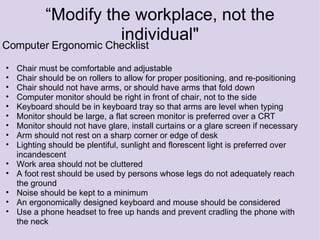
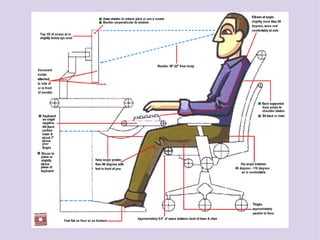
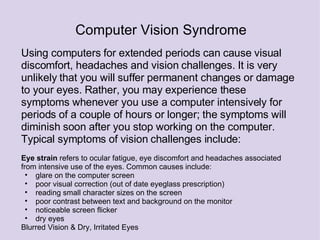
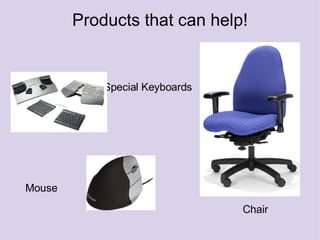
Computer ergonomics aims to optimize human well-being and performance by matching workplace tasks to workers using appropriate equipment. An ergonomic checklist includes adjustable chairs, properly positioned monitors at eye level, footrests for those whose feet don't touch the floor, and limiting glare and noise. Carpal tunnel syndrome is inflammation of the median nerve from repetitive stress that causes numbness, and can be prevented through ergonomic practices. Slouching at computers can lead to back pain and poor posture over time. Extended computer use can cause eye strain, headaches, and blurred vision from factors like glare, but no permanent damage. Special keyboards, mice, chairs, and workstation setups can help address ergonomic issues.