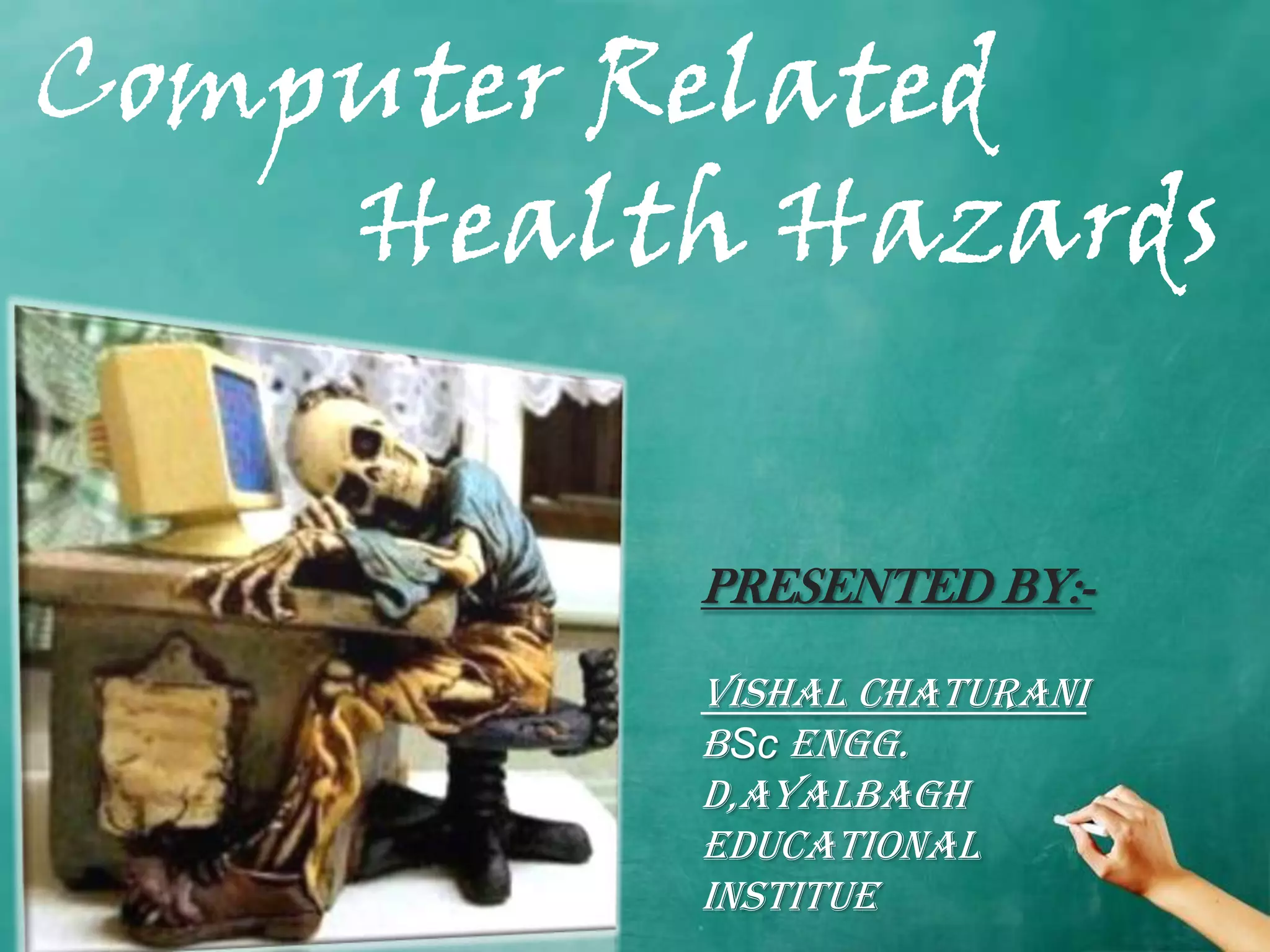
Computer Related
    Health Hazards

          PRESENTED BY:-

          VISHAL CHATURANI
          BSc engg.
          d,ayalbagh
          educational
          institue
Topics Covered

   •   Repetitive Strain Injuries
   •   Carpal Tunnel Syndrome
   •   Eye Strains
   •   Internet Addiction
   •   Stress and Depression
   •   Ergonomics

                                Page 2
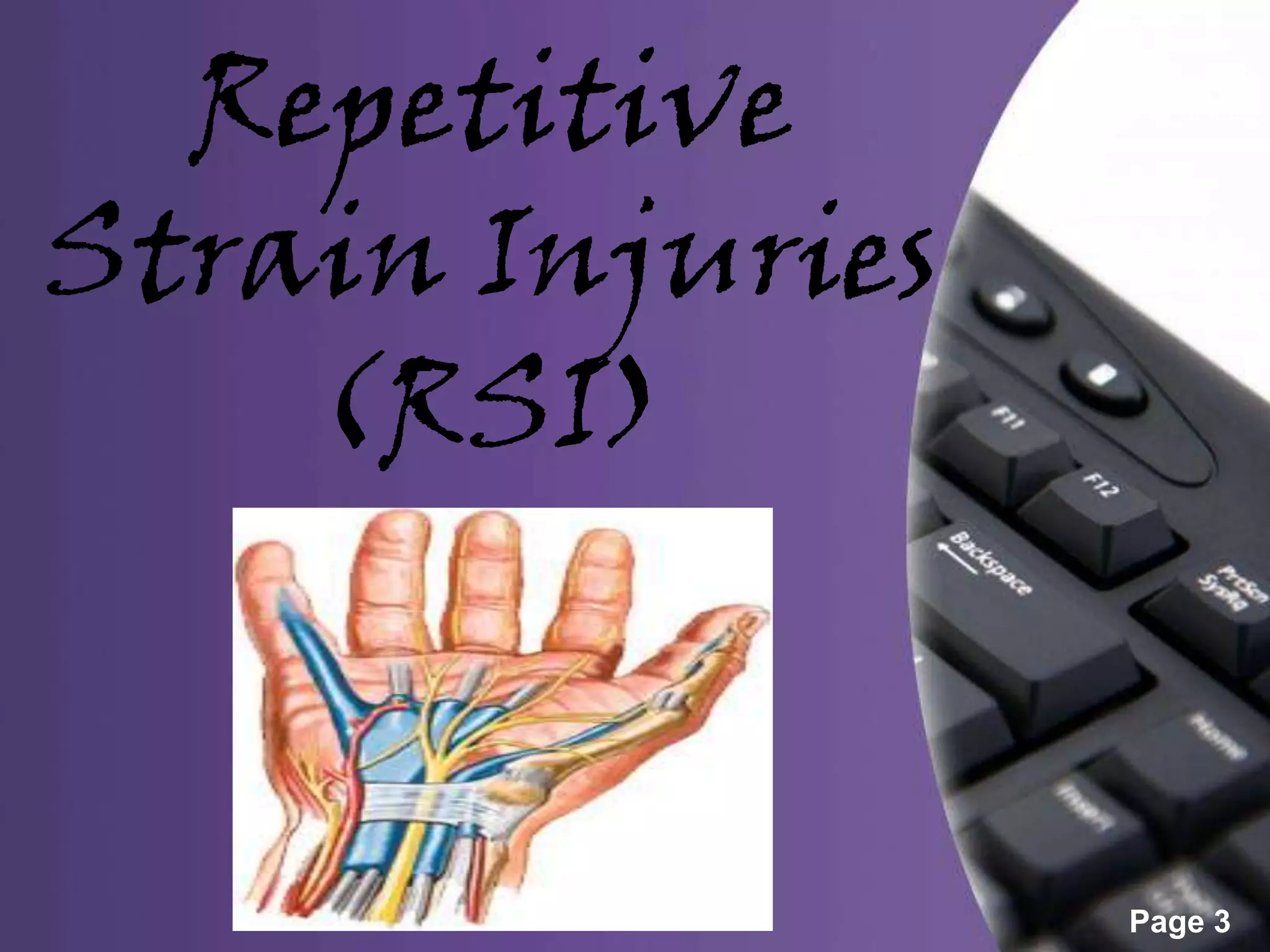
Repetitive
Strain Injuries
    (RSI)


                  Page 3
Others names for RSI
•   Work related upper limb disorder(WHO)
•   Occupational overuse syndrome(NZ)
•   Cumulative trauma disorder(USA)
•   Computer related injuries(CSI)
RSI Facts and figures
• OSHA estimates over 7000,000 RSI’s occur every
  year.
• 15-20% of computers users throughout the world
  may have estimated RSI .
• 3 out of 5 office workers in Sweden have
  symptoms of RSI.
• Every day 6 people in uk have to leave their job
  due to RSI
DID YOU KNOW?
• 75% of Indian computers users report
  pain/numbness
• Over 30 young Indians IT/ITES professionals have
  lost their jobs because of advanced RSI
• 55% of Indian computer users got injured within a
  year of starting their first job
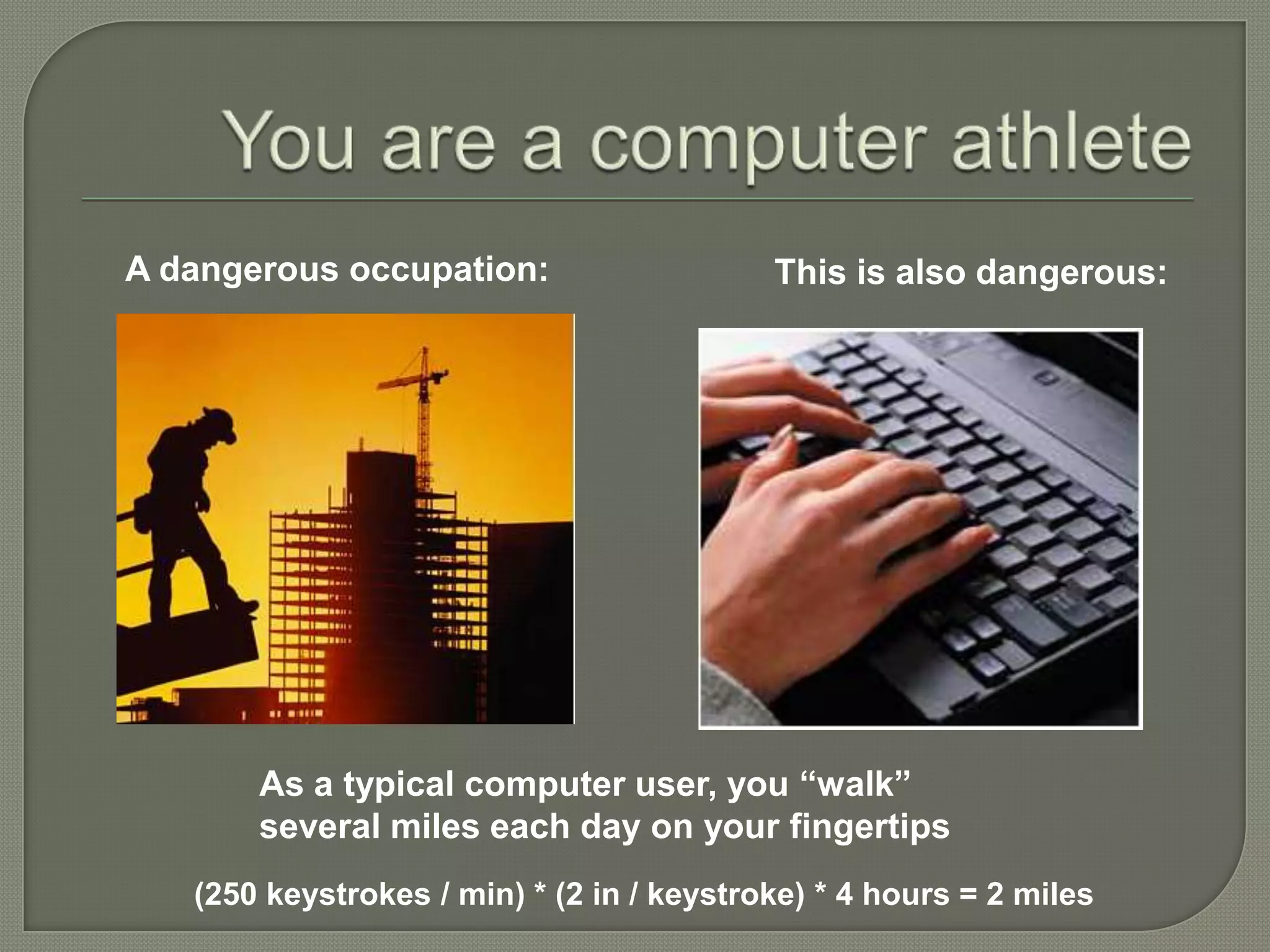
A dangerous occupation:                    This is also dangerous:


       As a typical computer user, you “walk”
       several miles each day on your fingertips
   (250 keystrokes / min) * (2 in / keystroke) * 4 hours = 2 miles
What is RSI?
 Repetitive Strain Injury (RSI)
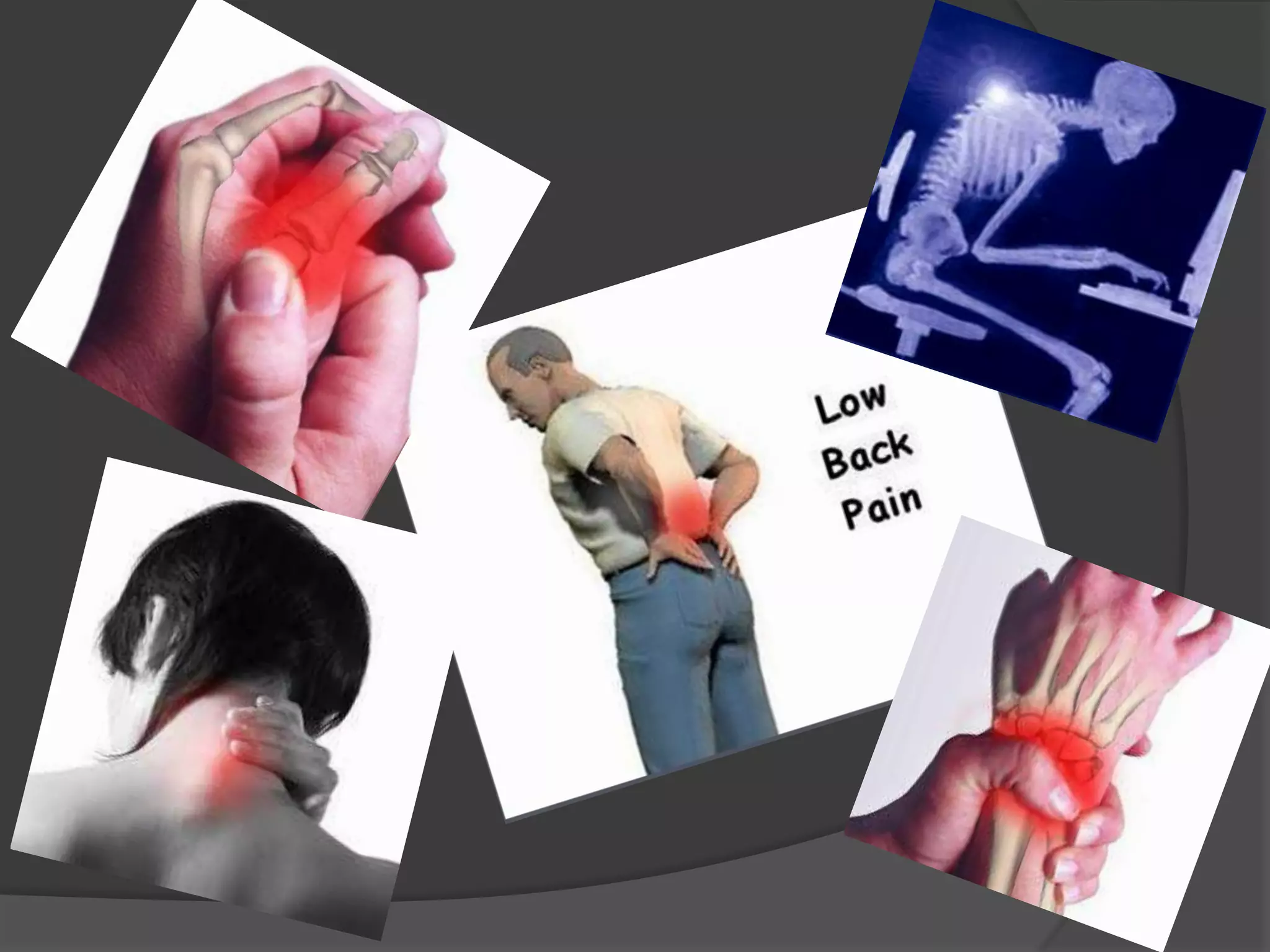
      is pain or nerve problems in upper extremity (hands, arms, or shoulders)
      can also include neck and back
      is a soft tissue disease (muscles and nerves)
      is an overuse syndrome
 Symptoms:
 tightness, discomfort, stiffness,
 soreness or burning in the hands, wrists, fingers, forearms, or
  elbow.
 pain that wakes you up at night; tingling, coldness or numbness
  in the hands,
 and loss of strength and coordination in the hands
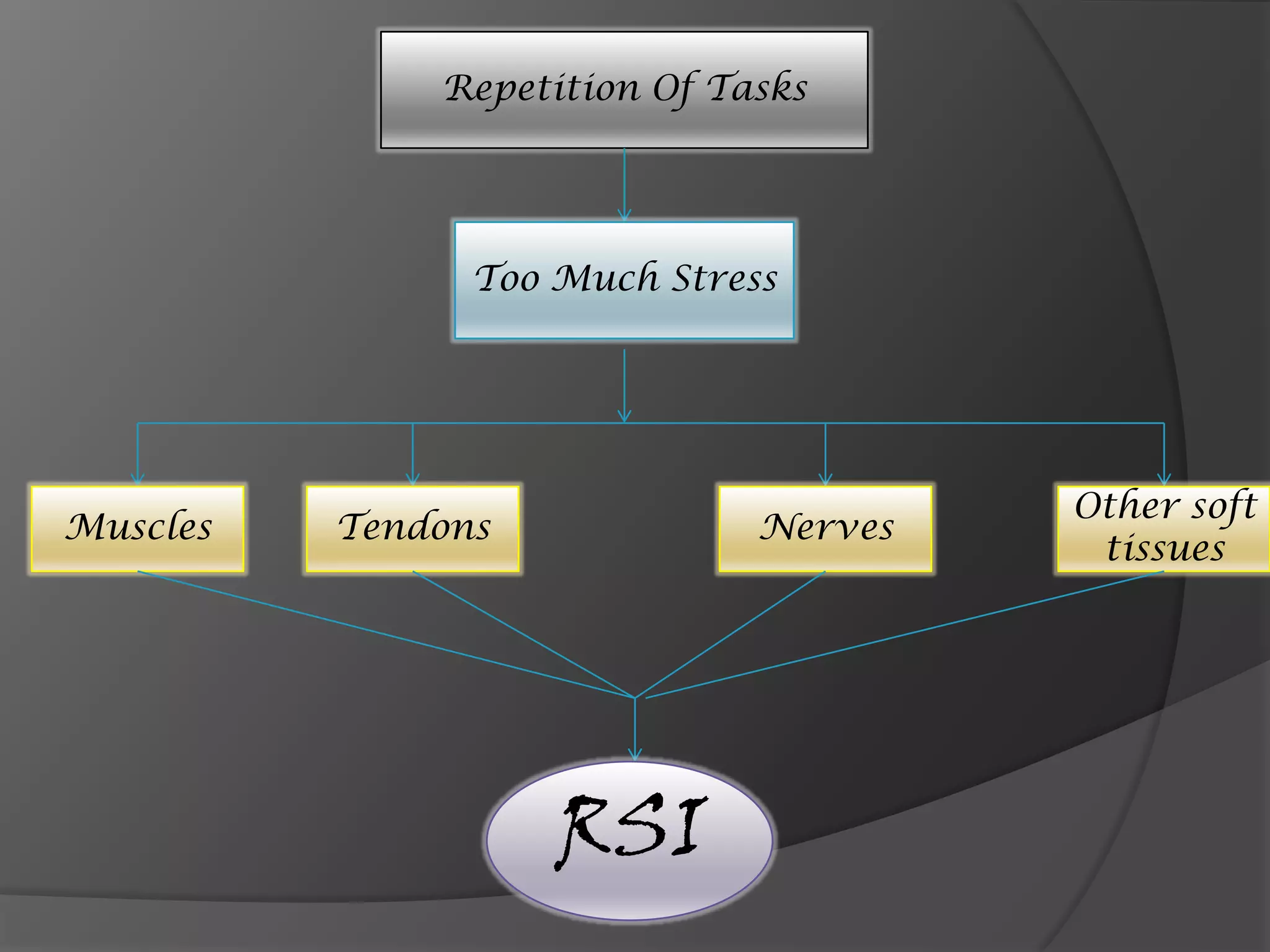
Repetition Of Tasks


                Too Much Stress


                                       Other soft
Muscles   Tendons             Nerves
                                        tissues


                    RSI
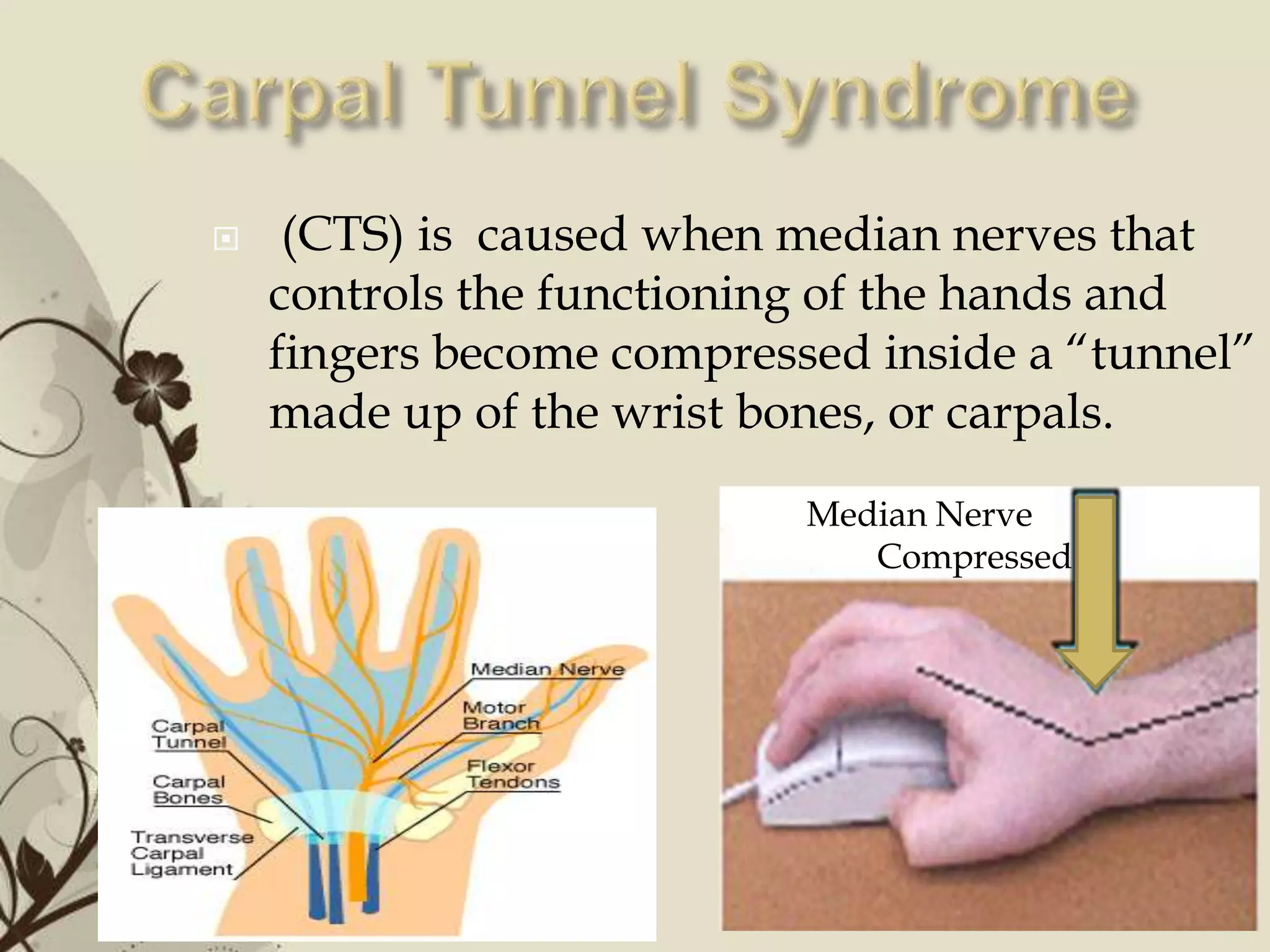
    (CTS) is caused when median nerves that
    controls the functioning of the hands and
    fingers become compressed inside a “tunnel”
    made up of the wrist bones, or carpals.
                                  Median Nerve
                                     Compressed


             Free Powerpoint Templates            Page 12
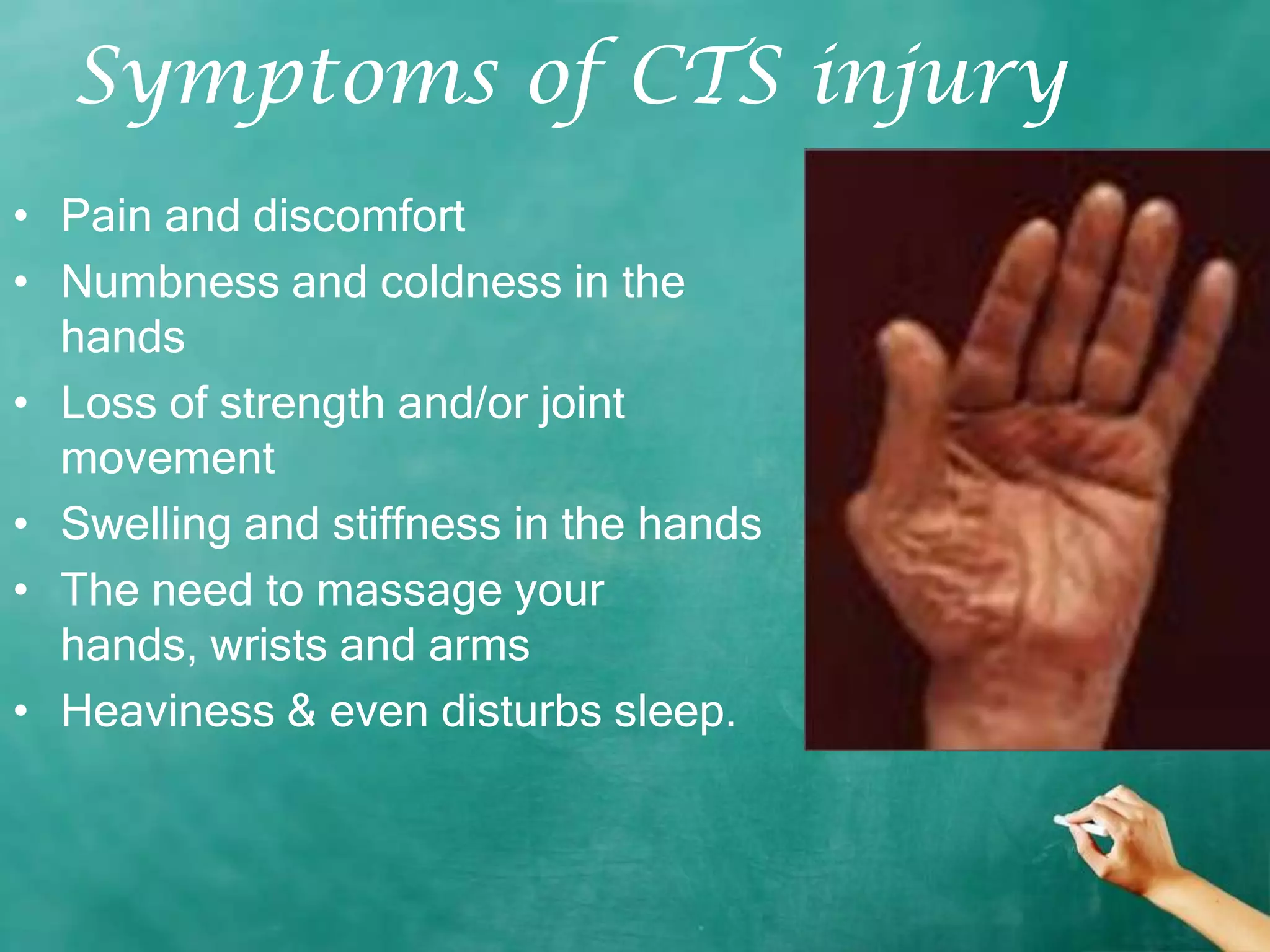
Symptoms of CTS injury
• Pain and discomfort
• Numbness and coldness in the
  hands
• Loss of strength and/or joint
  movement
• Swelling and stiffness in the hands
• The need to massage your
  hands, wrists and arms
• Heaviness & even disturbs sleep.
Reasons for CTS injury
 Long hours in the keyboard, especially those that type more
    than four hours
   Lack of circulation in the muscles that prevents nutrients and
    oxygen to reach the tissues
   Inadequate rest and breaks
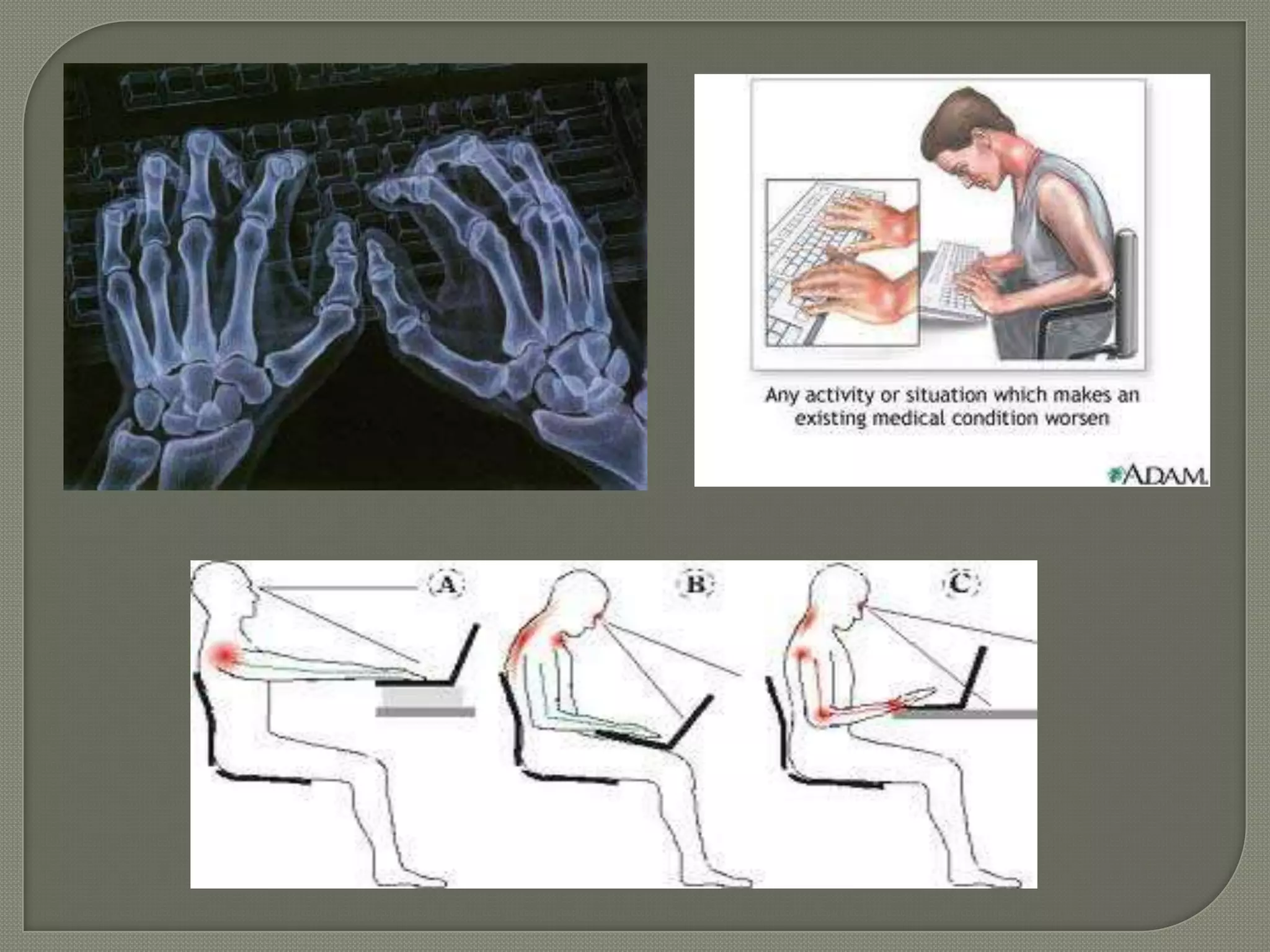
   Poor posture including the sitting, placement of hands on the
    keyboard and proper height of the keyboard
   Poor diet (lack of vitamins)
CTS Treatment
• Rest, rest and more rest
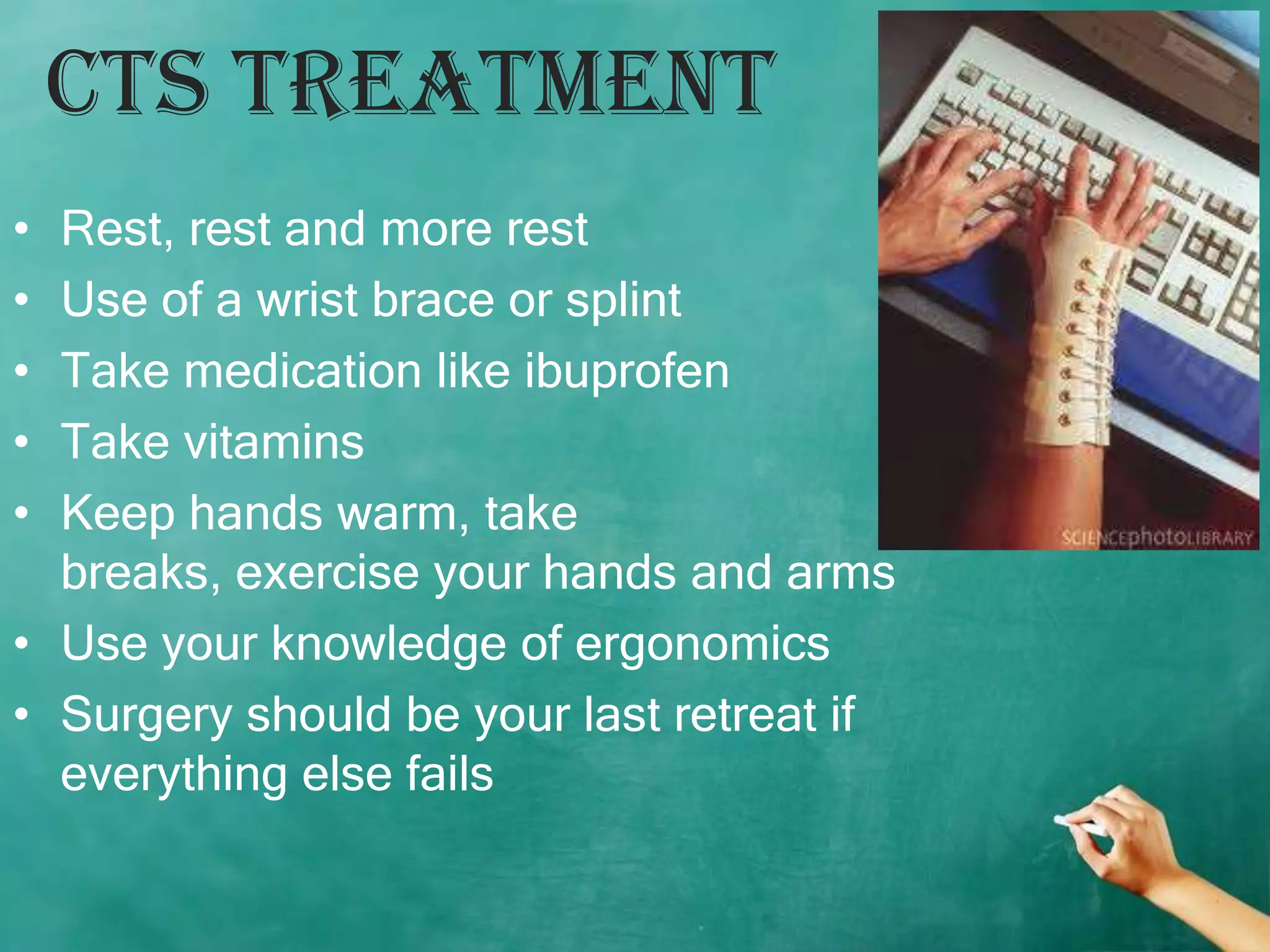
• Use of a wrist brace or splint
• Take medication like ibuprofen
• Take vitamins
• Keep hands warm, take
  breaks, exercise your hands and arms
• Use your knowledge of ergonomics
• Surgery should be your last retreat if
  everything else fails
Eye Strains
• Eye strain is the single largest complaint of
  computer users causing
  soreness, irritation, blurred vision, redness
  and dryness of the eyes.


                                           Page 17
Reasons for this injury
 Bad monitor resolution, flickering, or glare at the monitor
 Poor lighting conditions in the computer room
 distance between eye and screen readability of the screen
 Electromagnetic radiation emitted by the CRT (UVA)
 Staring at anything for a long period of time.
 Loss of negative ions in the atmosphere due to
  electrostatic charges on the face of the CRT
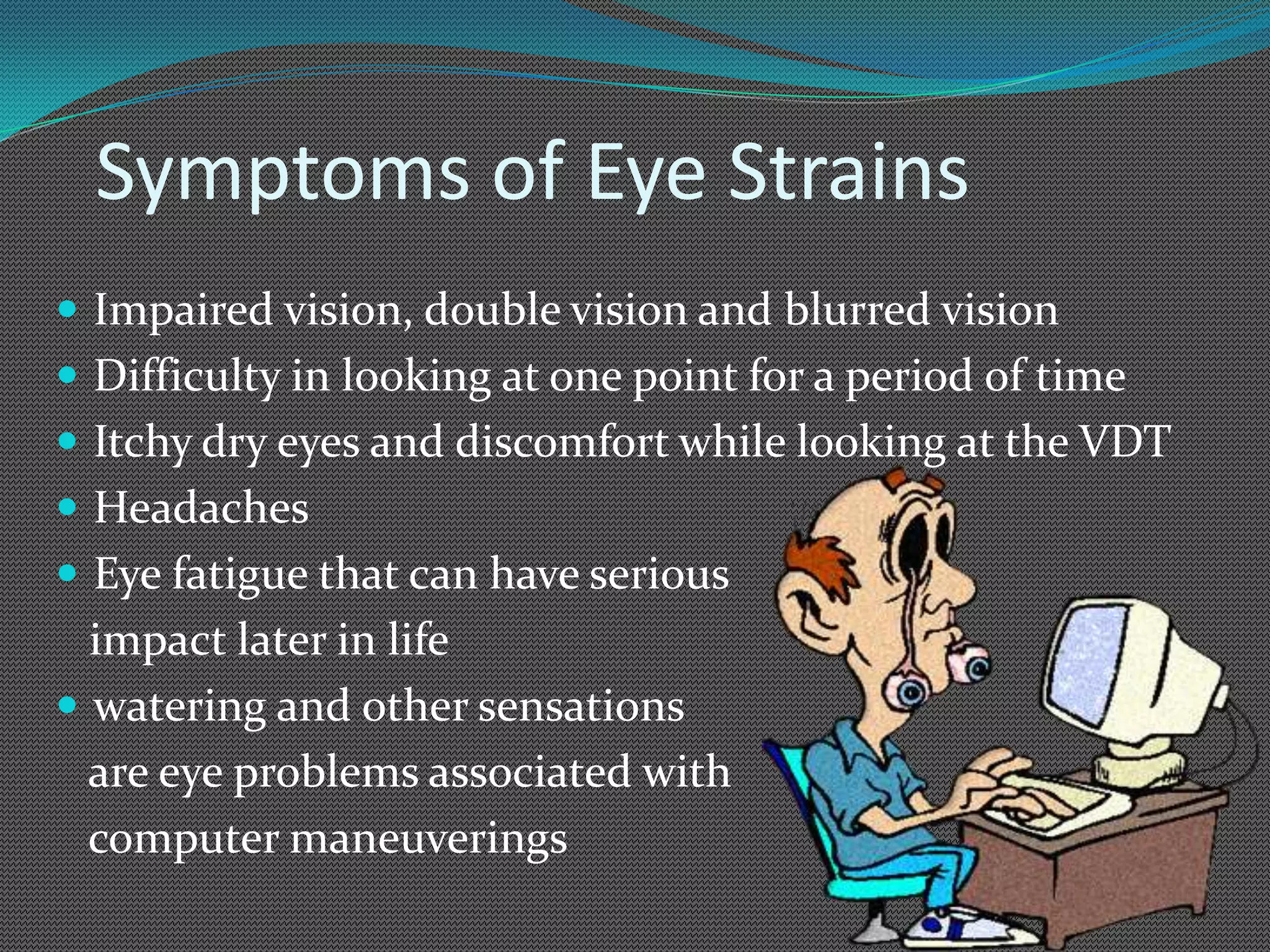
Symptoms of Eye Strains
 Impaired vision, double vision and blurred vision
 Difficulty in looking at one point for a period of time
 Itchy dry eyes and discomfort while looking at the VDT
 Headaches
 Eye fatigue that can have serious
  impact later in life
 watering and other sensations
  are eye problems associated with
  computer maneuverings
Eye Strain Treatment
 Use your knowledge of ergonomics
 Take breaks when you feel strained
 Use your laptop when possible because the monitor emits less
  radiation
 Use a monitor that holds a steady image without flickering.
 Use the zooming function to improve readability
 The screen should be kept 18-30 inches from ones eyes or about
  an arm’s length.
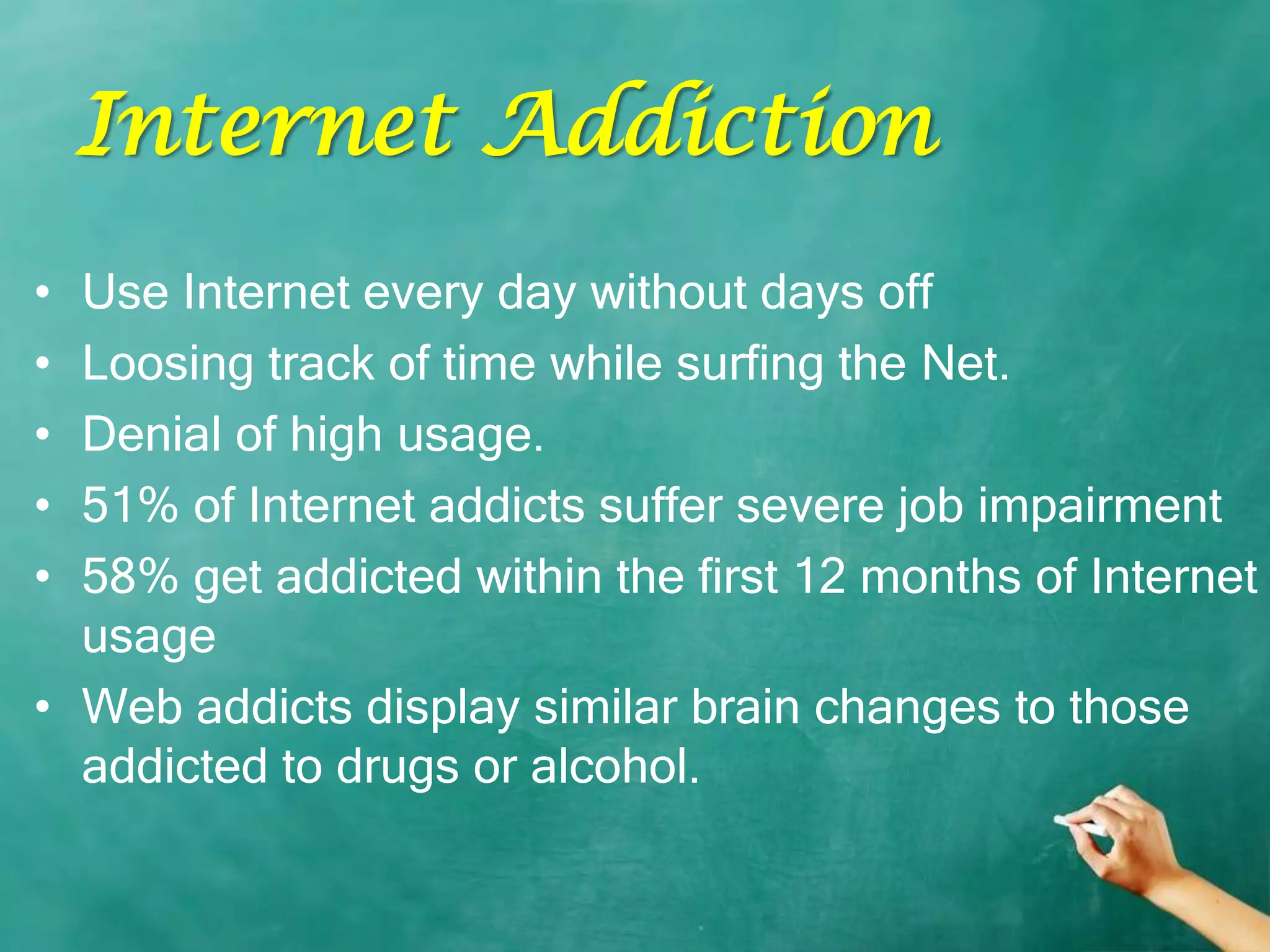
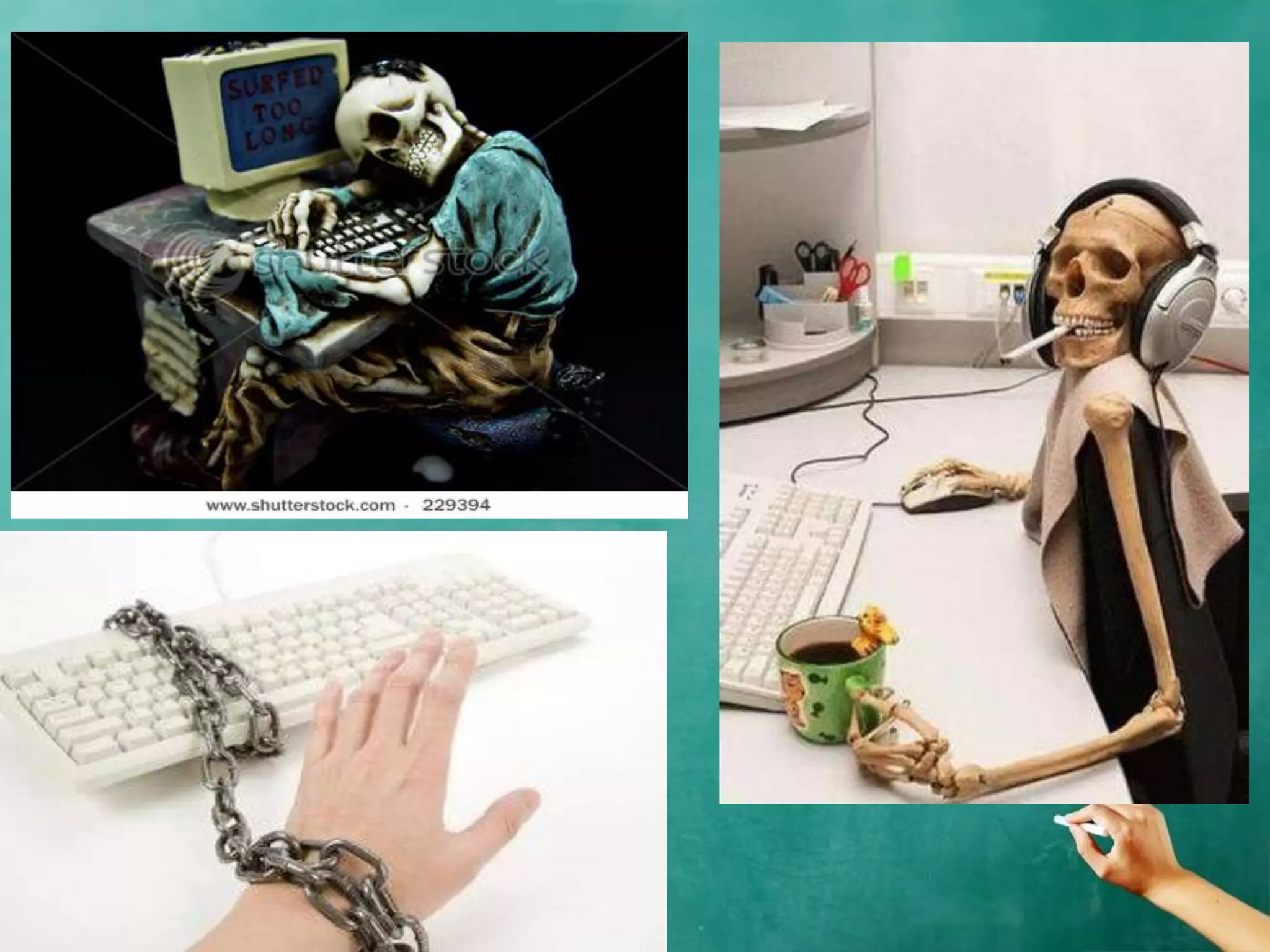
Internet Addiction
• Use Internet every day without days off
• Loosing track of time while surfing the Net.
• Denial of high usage.
• 51% of Internet addicts suffer severe job impairment
• 58% get addicted within the first 12 months of Internet
  usage
• Web addicts display similar brain changes to those
  addicted to drugs or alcohol.
Discomgoogolatio
        n
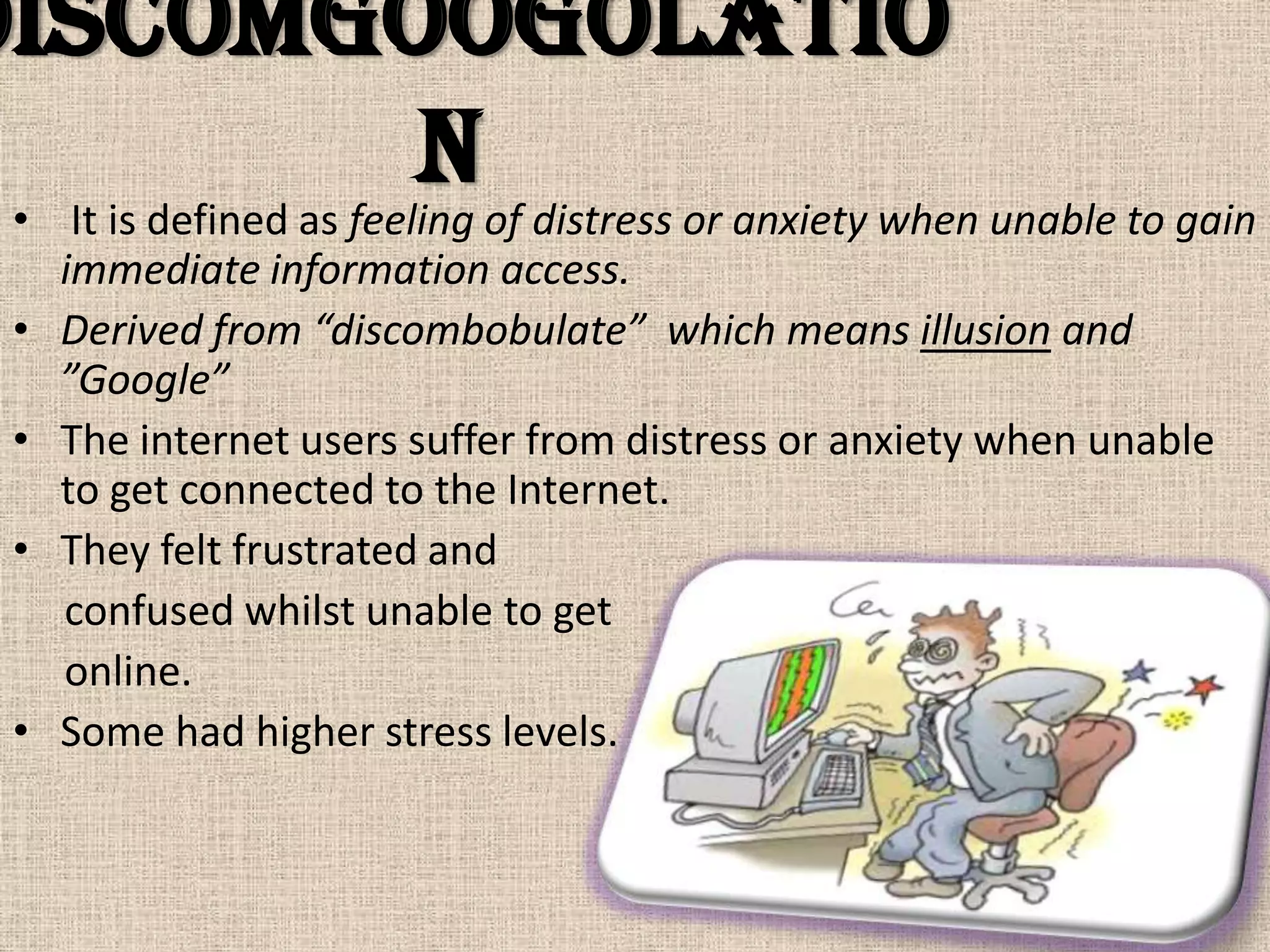
 • It is defined as feeling of distress or anxiety when unable to gain
   immediate information access.
 • Derived from “discombobulate” which means illusion and
   ”Google”
 • The internet users suffer from distress or anxiety when unable
   to get connected to the Internet.
 • They felt frustrated and
   confused whilst unable to get
   online.
 • Some had higher stress levels.
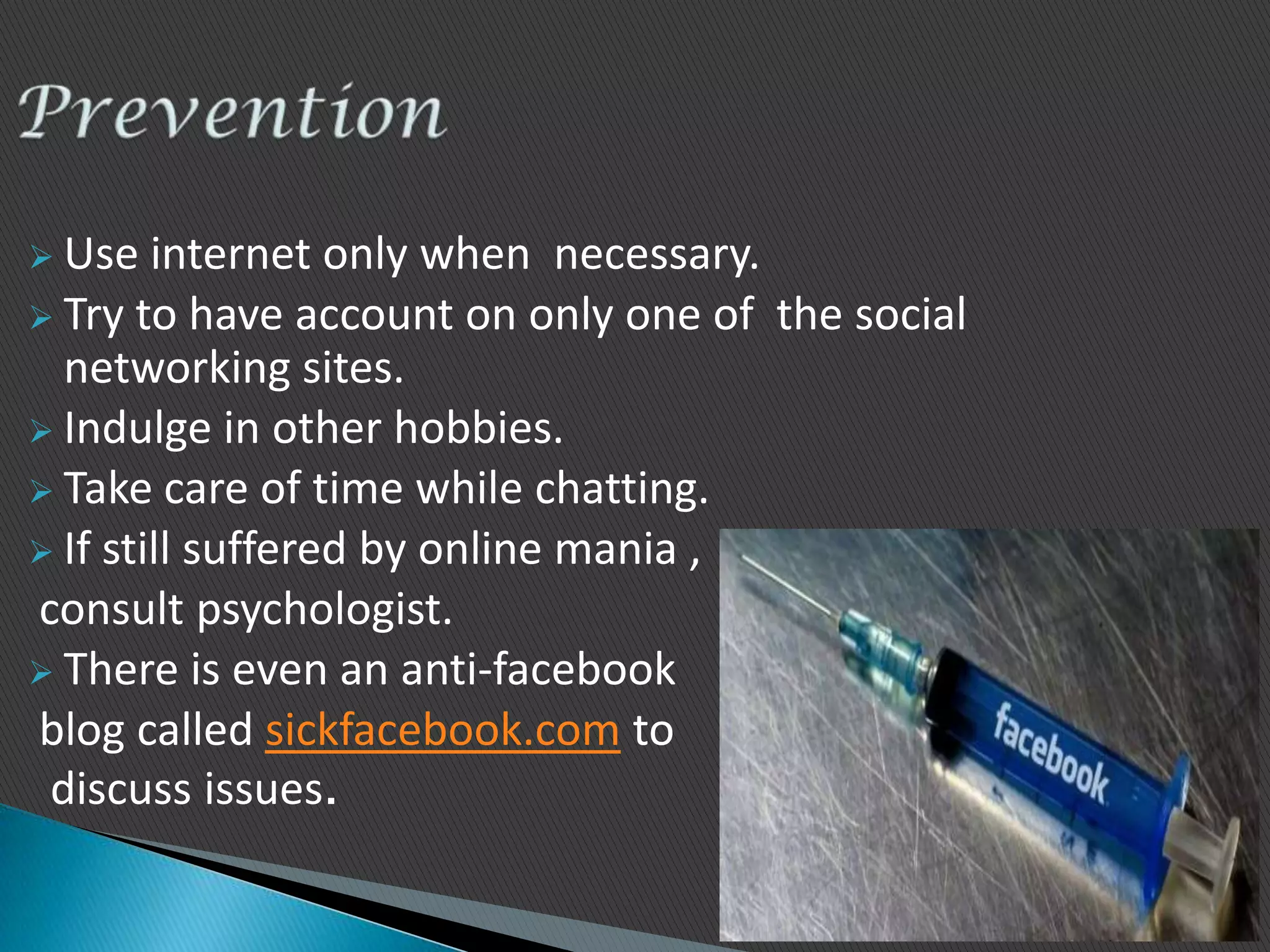
 Use   internet only when necessary.
 Try to have account on only one of the social
  networking sites.
 Indulge in other hobbies.
 Take care of time while chatting.
 If still suffered by online mania ,
consult psychologist.
 There is even an anti-facebook
blog called sickfacebook.com to
 discuss issues.
Stress and Depression

• Computer operators experience more stress than
  any other occupational group the National
  Institute of Occupational Safety and Health has
  studied


                                               Page 25
Other Computer Related Health
      Hazards
 Back problems (pain) caused from the efforts of the muscle
    to hold your posture for long periods of time
   Skin rashes that are caused from the static fields in front of
    the screen causing ions and pollutants in the air to become
    positively charged and attach themselves to your negatively
    charged skin (especially in low humidity)
   Abnormal reproductive outcomes due to electromagnetic
    radiation's affects on biological functions and biochemical
    processes inside our cells
   Cancer and leukemia (?)
   Skin aging (?)
Advantages of RSI
ERGONOMICS
 Derived from the Greek words ergon(work) and
 nomos(natural laws). Combined, it means THE LAWS
 OF WORK.
ERGONOMICS IN EVERDAY
    APPLICATIONS
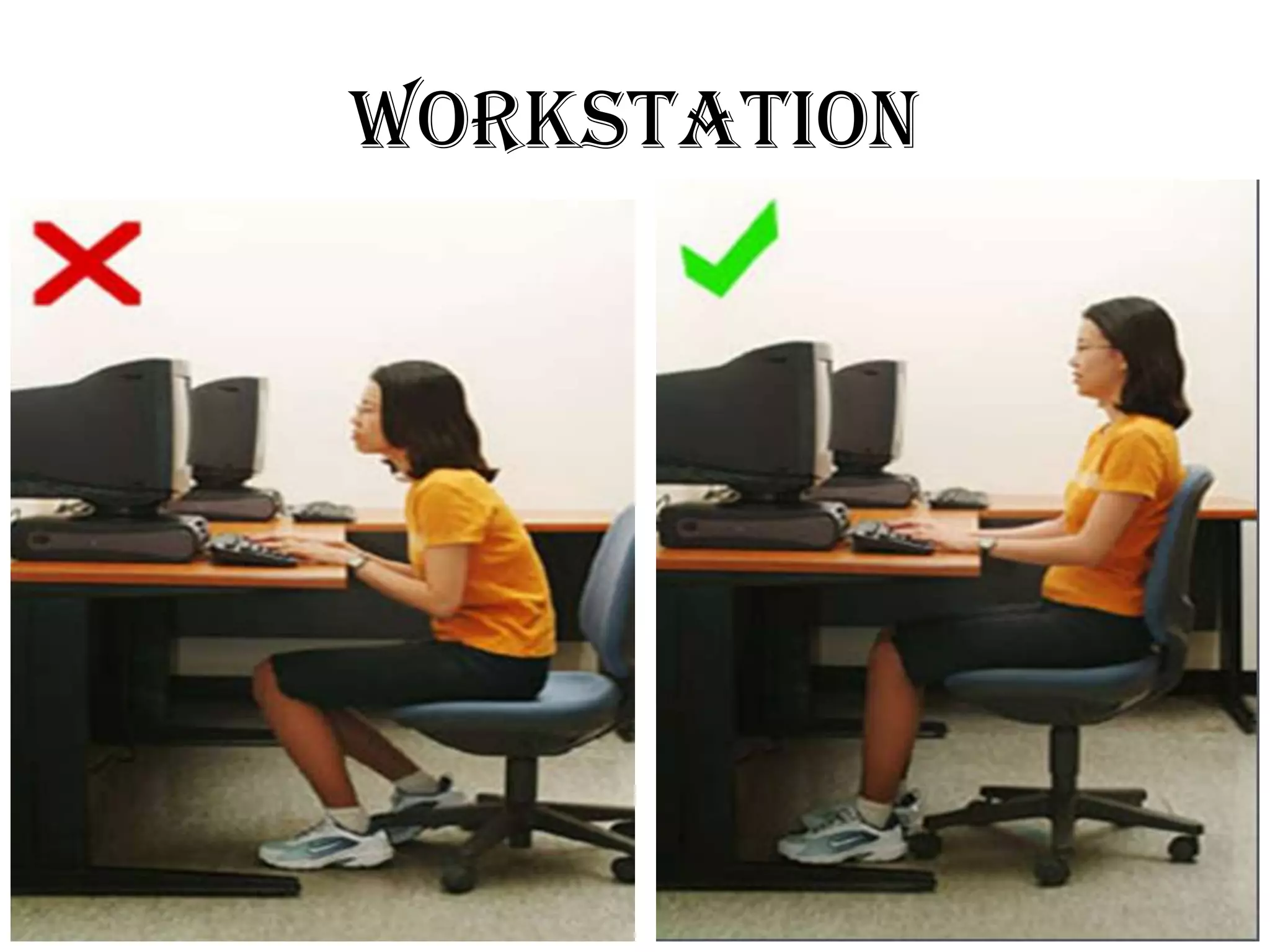
WORKSTATION
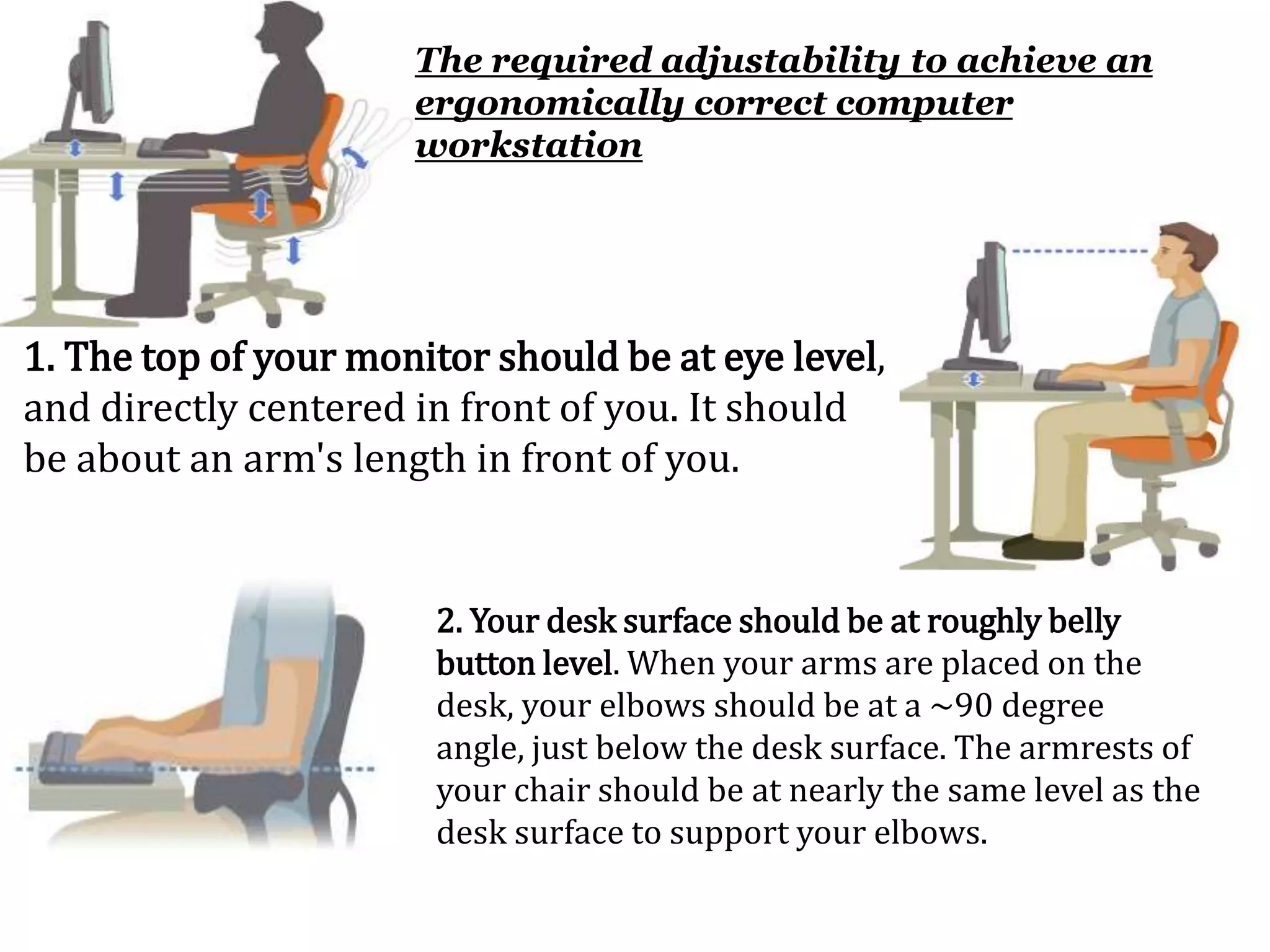
The required adjustability to achieve an
                      ergonomically correct computer
                      workstation


1. The top of your monitor should be at eye level,
and directly centered in front of you. It should
be about an arm's length in front of you.


                       2. Your desk surface should be at roughly belly
                       button level. When your arms are placed on the
                       desk, your elbows should be at a ~90 degree
                       angle, just below the desk surface. The armrests of
                       your chair should be at nearly the same level as the
                       desk surface to support your elbows.
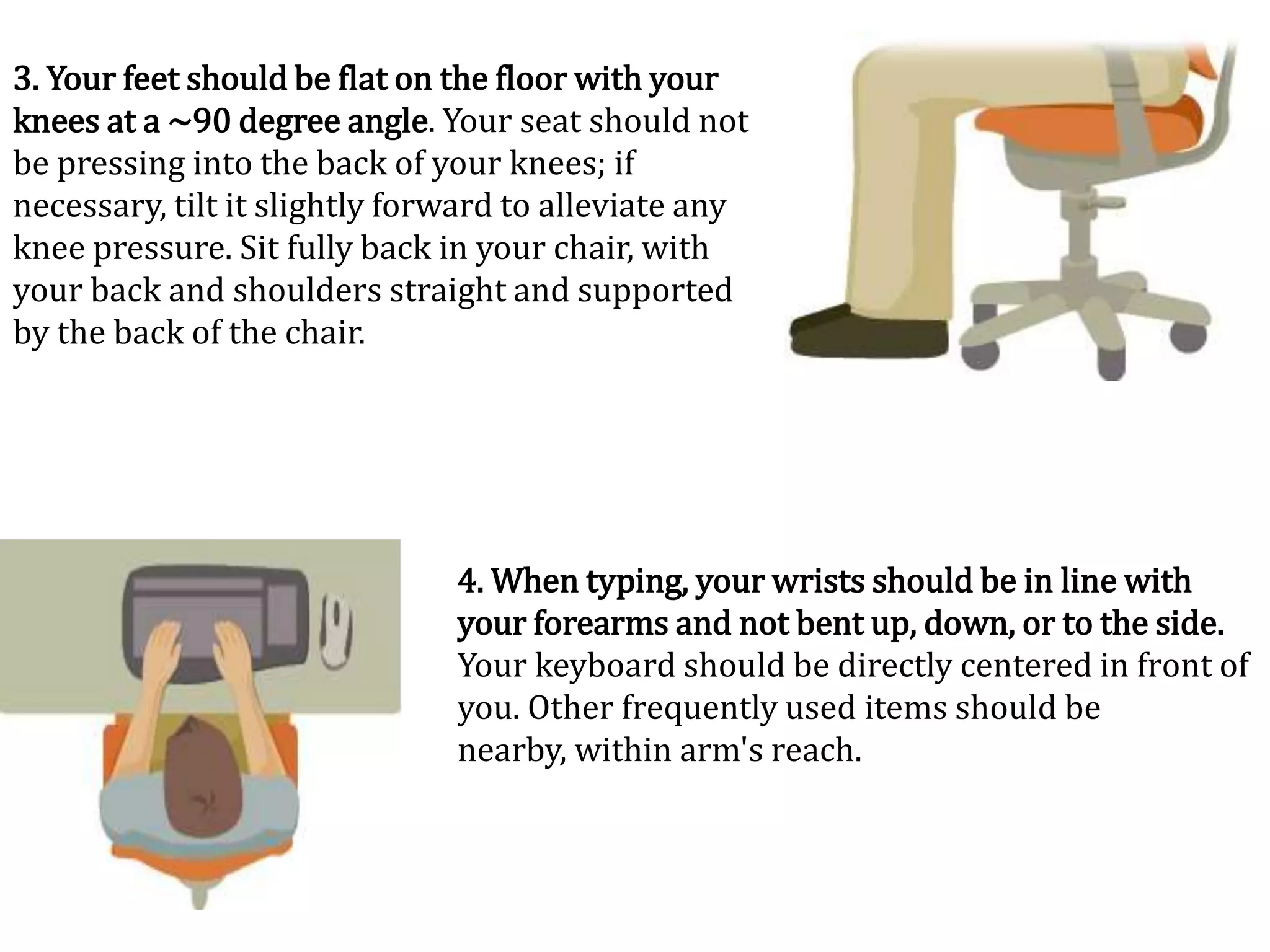
3. Your feet should be flat on the floor with your
knees at a ~90 degree angle. Your seat should not
be pressing into the back of your knees; if
necessary, tilt it slightly forward to alleviate any
knee pressure. Sit fully back in your chair, with
your back and shoulders straight and supported
by the back of the chair.


                               4. When typing, your wrists should be in line with
                               your forearms and not bent up, down, or to the side.
                               Your keyboard should be directly centered in front of
                               you. Other frequently used items should be
                               nearby, within arm's reach.
RSI
May be worse than you think
         Prevent
It before it causes permanent
       DAMAGE
THANK
     YOU

computer related health hazards

  • 1.
    Computer Related Health Hazards PRESENTED BY:- VISHAL CHATURANI BSc engg. d,ayalbagh educational institue
  • 2.
    Topics Covered • Repetitive Strain Injuries • Carpal Tunnel Syndrome • Eye Strains • Internet Addiction • Stress and Depression • Ergonomics Page 2
  • 3.
  • 4.
    Others names forRSI • Work related upper limb disorder(WHO) • Occupational overuse syndrome(NZ) • Cumulative trauma disorder(USA) • Computer related injuries(CSI)
  • 5.
    RSI Facts andfigures • OSHA estimates over 7000,000 RSI’s occur every year. • 15-20% of computers users throughout the world may have estimated RSI . • 3 out of 5 office workers in Sweden have symptoms of RSI. • Every day 6 people in uk have to leave their job due to RSI
  • 6.
    DID YOU KNOW? •75% of Indian computers users report pain/numbness • Over 30 young Indians IT/ITES professionals have lost their jobs because of advanced RSI • 55% of Indian computer users got injured within a year of starting their first job
  • 7.
    A dangerous occupation: This is also dangerous: As a typical computer user, you “walk” several miles each day on your fingertips (250 keystrokes / min) * (2 in / keystroke) * 4 hours = 2 miles
  • 8.
    What is RSI? Repetitive Strain Injury (RSI)  is pain or nerve problems in upper extremity (hands, arms, or shoulders)  can also include neck and back  is a soft tissue disease (muscles and nerves)  is an overuse syndrome  Symptoms:  tightness, discomfort, stiffness,  soreness or burning in the hands, wrists, fingers, forearms, or elbow.  pain that wakes you up at night; tingling, coldness or numbness in the hands,  and loss of strength and coordination in the hands
  • 9.
    Repetition Of Tasks Too Much Stress Other soft Muscles Tendons Nerves tissues RSI
  • 12.
    (CTS) is caused when median nerves that controls the functioning of the hands and fingers become compressed inside a “tunnel” made up of the wrist bones, or carpals. Median Nerve Compressed Free Powerpoint Templates Page 12
  • 13.
    Symptoms of CTSinjury • Pain and discomfort • Numbness and coldness in the hands • Loss of strength and/or joint movement • Swelling and stiffness in the hands • The need to massage your hands, wrists and arms • Heaviness & even disturbs sleep.
  • 14.
    Reasons for CTSinjury  Long hours in the keyboard, especially those that type more than four hours  Lack of circulation in the muscles that prevents nutrients and oxygen to reach the tissues  Inadequate rest and breaks  Poor posture including the sitting, placement of hands on the keyboard and proper height of the keyboard  Poor diet (lack of vitamins)
  • 16.
    CTS Treatment • Rest,rest and more rest • Use of a wrist brace or splint • Take medication like ibuprofen • Take vitamins • Keep hands warm, take breaks, exercise your hands and arms • Use your knowledge of ergonomics • Surgery should be your last retreat if everything else fails
  • 17.
    Eye Strains • Eyestrain is the single largest complaint of computer users causing soreness, irritation, blurred vision, redness and dryness of the eyes. Page 17
  • 18.
    Reasons for thisinjury  Bad monitor resolution, flickering, or glare at the monitor  Poor lighting conditions in the computer room  distance between eye and screen readability of the screen  Electromagnetic radiation emitted by the CRT (UVA)  Staring at anything for a long period of time.  Loss of negative ions in the atmosphere due to electrostatic charges on the face of the CRT
  • 19.
    Symptoms of EyeStrains  Impaired vision, double vision and blurred vision  Difficulty in looking at one point for a period of time  Itchy dry eyes and discomfort while looking at the VDT  Headaches  Eye fatigue that can have serious impact later in life  watering and other sensations are eye problems associated with computer maneuverings
  • 20.
    Eye Strain Treatment Use your knowledge of ergonomics  Take breaks when you feel strained  Use your laptop when possible because the monitor emits less radiation  Use a monitor that holds a steady image without flickering.  Use the zooming function to improve readability  The screen should be kept 18-30 inches from ones eyes or about an arm’s length.
  • 21.
    Internet Addiction • UseInternet every day without days off • Loosing track of time while surfing the Net. • Denial of high usage. • 51% of Internet addicts suffer severe job impairment • 58% get addicted within the first 12 months of Internet usage • Web addicts display similar brain changes to those addicted to drugs or alcohol.
  • 23.
    Discomgoogolatio n • It is defined as feeling of distress or anxiety when unable to gain immediate information access. • Derived from “discombobulate” which means illusion and ”Google” • The internet users suffer from distress or anxiety when unable to get connected to the Internet. • They felt frustrated and confused whilst unable to get online. • Some had higher stress levels.
  • 24.
     Use internet only when necessary.  Try to have account on only one of the social networking sites.  Indulge in other hobbies.  Take care of time while chatting.  If still suffered by online mania , consult psychologist.  There is even an anti-facebook blog called sickfacebook.com to discuss issues.
  • 25.
    Stress and Depression •Computer operators experience more stress than any other occupational group the National Institute of Occupational Safety and Health has studied Page 25
  • 26.
    Other Computer RelatedHealth Hazards  Back problems (pain) caused from the efforts of the muscle to hold your posture for long periods of time  Skin rashes that are caused from the static fields in front of the screen causing ions and pollutants in the air to become positively charged and attach themselves to your negatively charged skin (especially in low humidity)  Abnormal reproductive outcomes due to electromagnetic radiation's affects on biological functions and biochemical processes inside our cells  Cancer and leukemia (?)  Skin aging (?)
  • 27.
  • 28.
    ERGONOMICS  Derived fromthe Greek words ergon(work) and nomos(natural laws). Combined, it means THE LAWS OF WORK.
  • 29.
  • 30.
  • 31.
    The required adjustabilityto achieve an ergonomically correct computer workstation 1. The top of your monitor should be at eye level, and directly centered in front of you. It should be about an arm's length in front of you. 2. Your desk surface should be at roughly belly button level. When your arms are placed on the desk, your elbows should be at a ~90 degree angle, just below the desk surface. The armrests of your chair should be at nearly the same level as the desk surface to support your elbows.
  • 32.
    3. Your feetshould be flat on the floor with your knees at a ~90 degree angle. Your seat should not be pressing into the back of your knees; if necessary, tilt it slightly forward to alleviate any knee pressure. Sit fully back in your chair, with your back and shoulders straight and supported by the back of the chair. 4. When typing, your wrists should be in line with your forearms and not bent up, down, or to the side. Your keyboard should be directly centered in front of you. Other frequently used items should be nearby, within arm's reach.
  • 34.
    RSI May be worsethan you think Prevent It before it causes permanent DAMAGE
  • 35.
    THANK YOU

Editor's Notes

  • #9 Repetitive stress injuries (RSIs) result from using the body continuously in ways it was not designed to work.RSIs have appeared in office workers who spend a lot of time using the computer keyboard and mouse
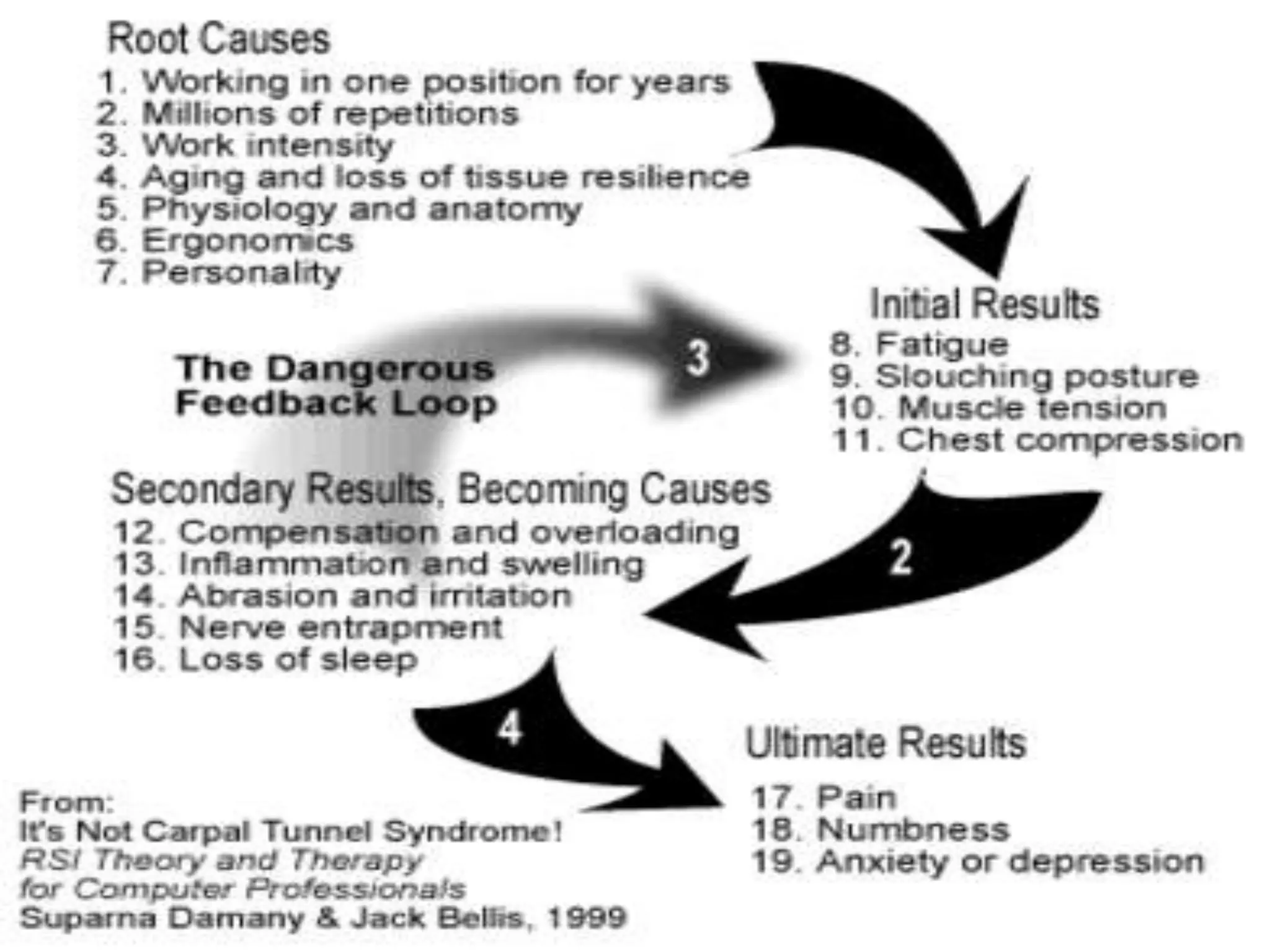
  • #12 What causes RSI?
  • #14 that may run up the hand into the wrist and arm
  • #15 The forearm flexor tendons and a few nerves pass through a small tunnel formed by the wrist bones, or carpals, into the hand. As you move you hands and fingers, the flexor tendons rub against the sides of the tunnel, sometimes causing them to swell and push the median nerve. When the median nerve is pushed by the tendons, we feel pain.It is caused by typing for extended period ending up in swelling of muscles that pinches the nerves in a hand and fingers

  • #19 causing eyestrain : luminance, contrast, reflections on screen,
  • #20 dizziness, tingling, burning, tightness, sharp pains, dull pains,
  • #21 Many people find a low monitor tobe more comfortable for eyes and neck, Wear protective eye glasses , Adjust the brightness of your screen
  • #22 Now it becomes equals to drugs and cigrates.
  • #24 Computer and internet are doors to vast information access and excellent means of entertainment, communication and networking. But that virtual medium should NEVER rip you off from the real world. Take Care!!
  • #28 We all will become murli because either our fingers or wrist get twisted, then we cannot do anything expect for turning ballThin people will become fat by having an internet addiction.
  • #29 Ergonomics, the "science of work," is a field of technology that considers human capabilities and limitations in the design of machines and objects that people use, the work processes that they must follow, and the environments in which they operate
  • #34 tilt it slightly forward to alleviate any knee pressure.