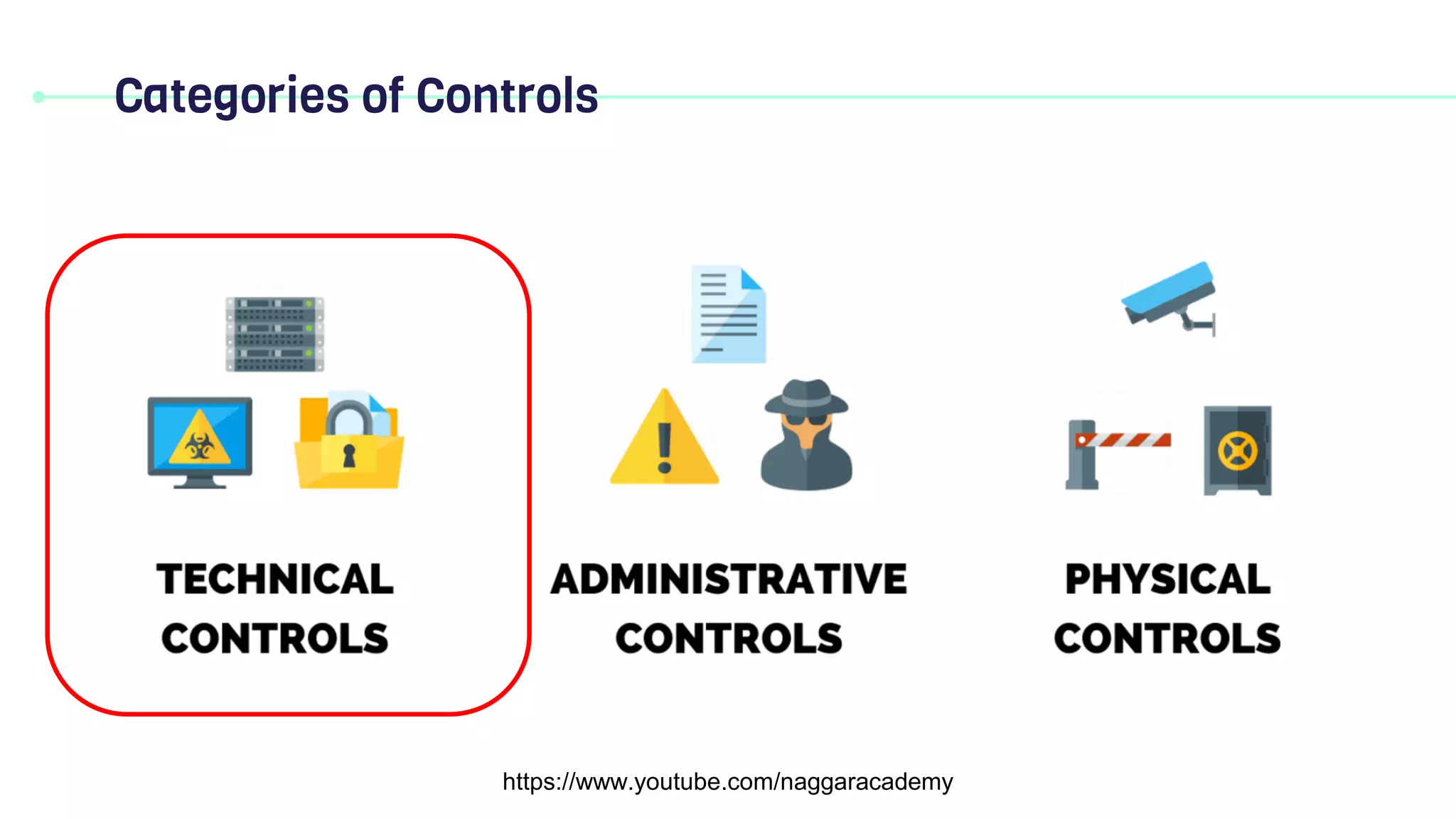
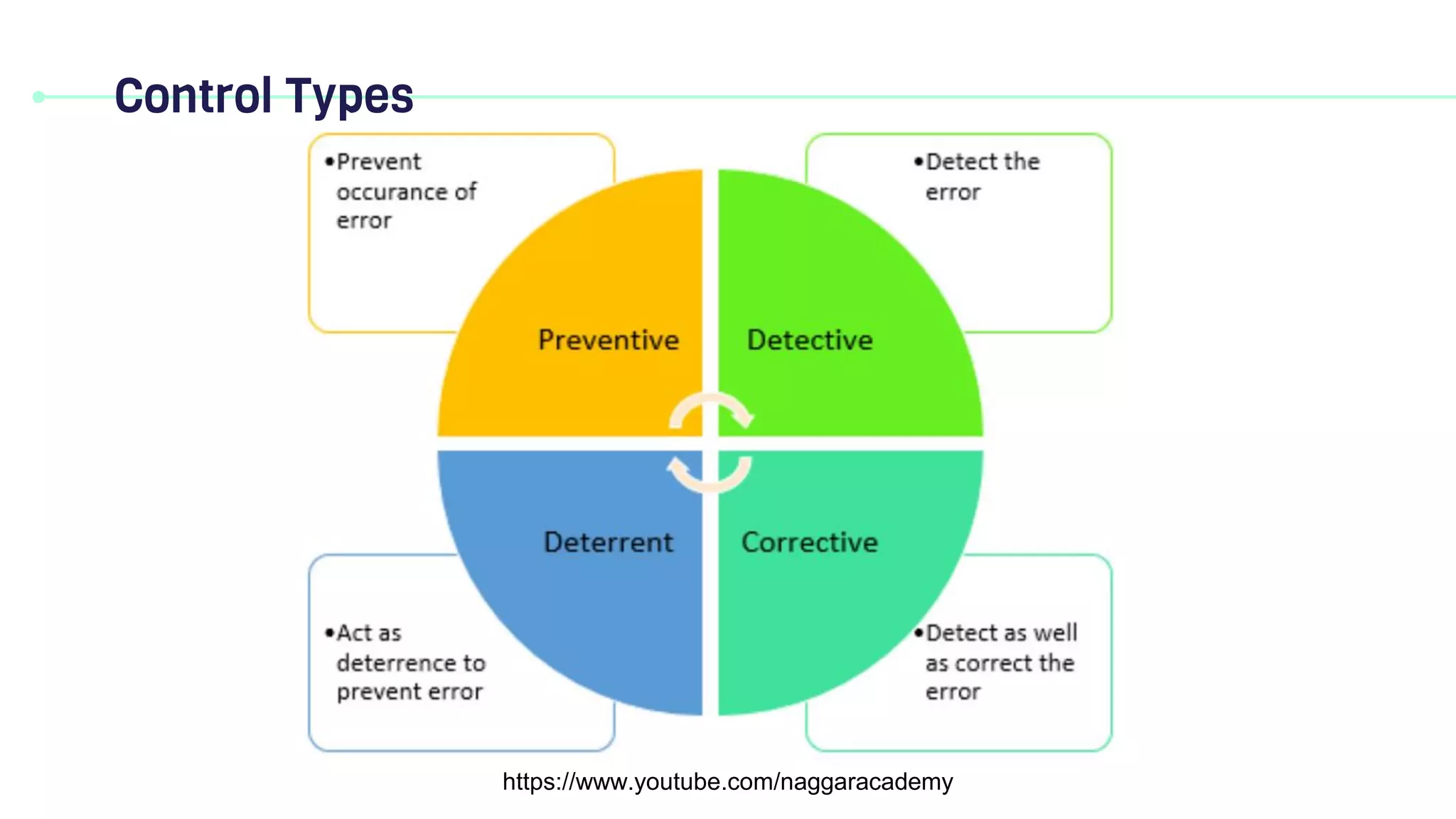
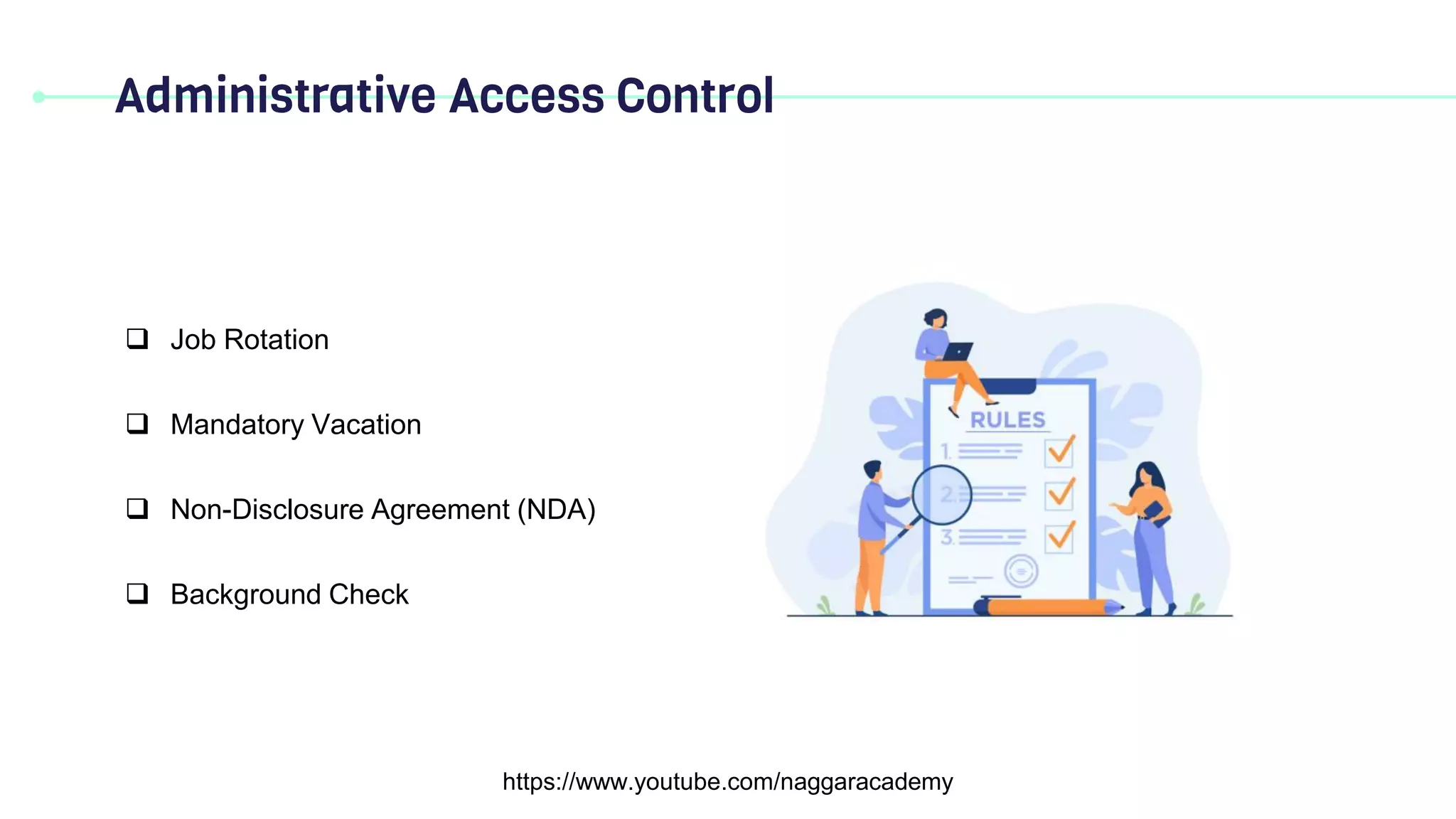

This document discusses access control concepts and models. It covers physical and logical access controls, as well as different control types like technical controls and federated identity. Access control models described include discretionary access control (DAC), mandatory access control (MAC), role-based access control (RBAC), rule-based access control (RuBAC), and attribute-based access control (ABAC). Administrative access controls like job rotation and mandatory vacation are also mentioned.
Technical Control
https://www.youtube.com/naggaracademy
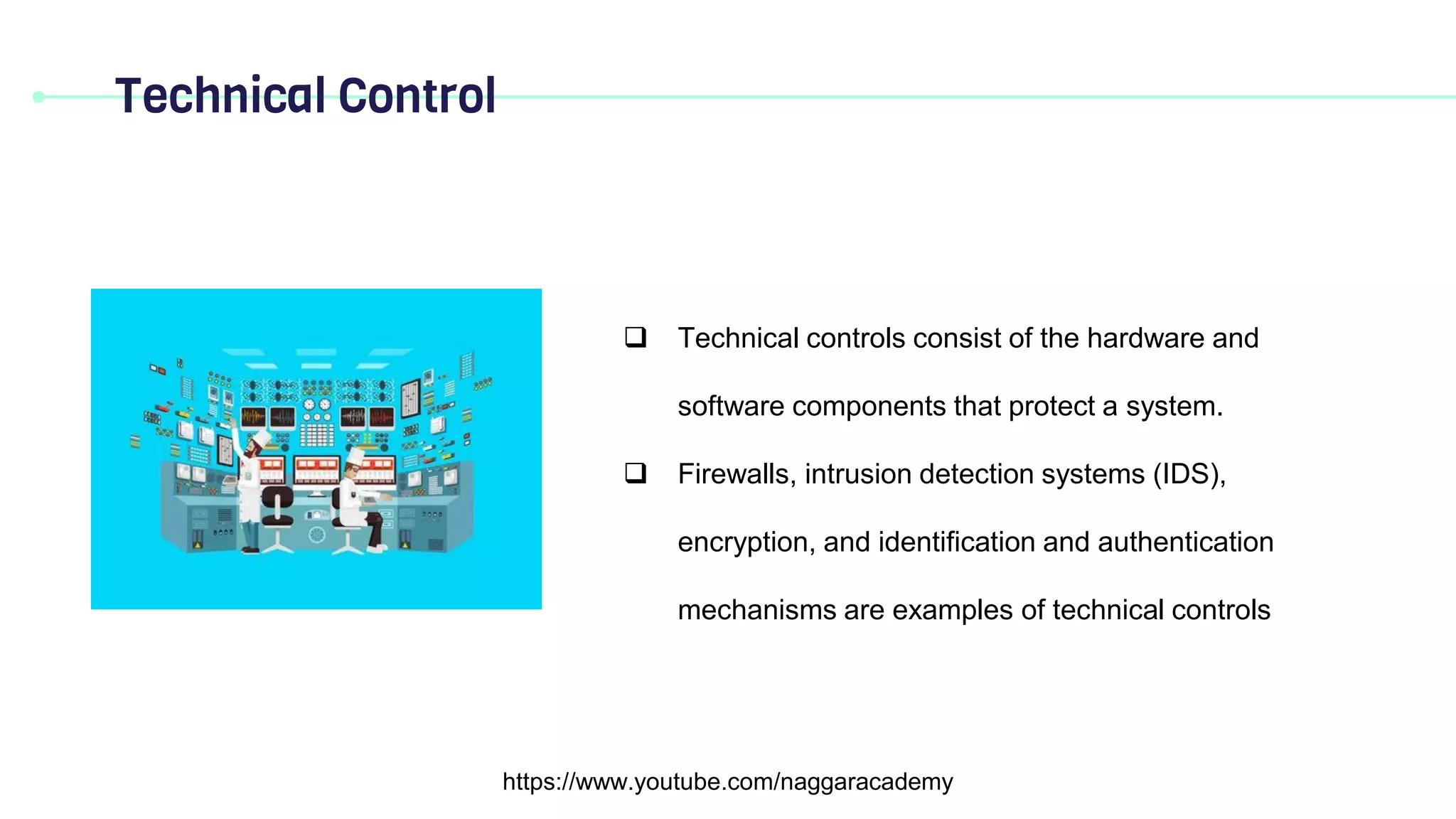
Technicalcontrols consist of the hardware and
software components that protect a system.
Firewalls, intrusion detection systems (IDS),
encryption, and identification and authentication
mechanisms are examples of technical controls
5.
Federated Identity
https://www.youtube.com/naggaracademy
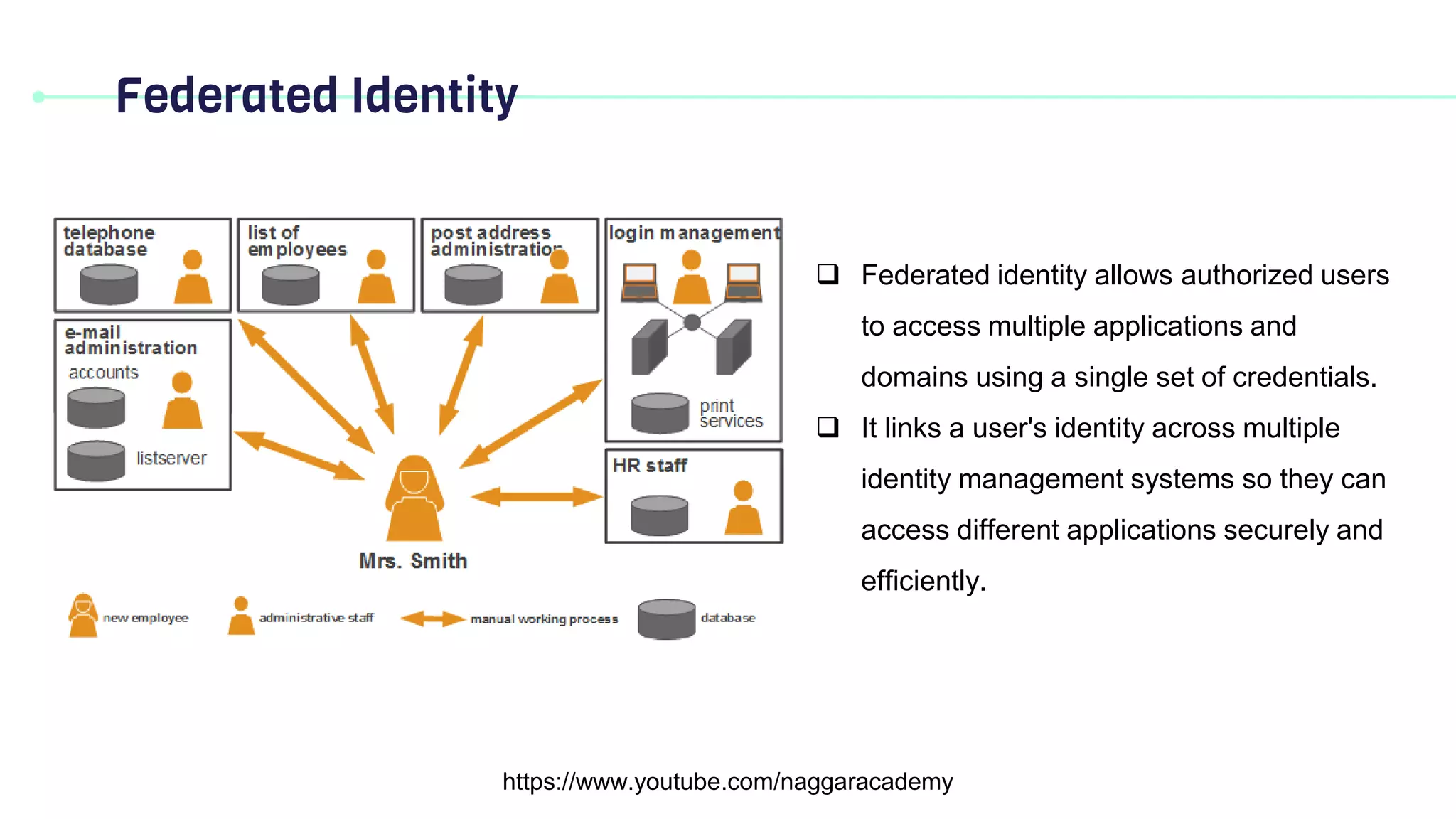
Federatedidentity allows authorized users
to access multiple applications and
domains using a single set of credentials.
It links a user's identity across multiple
identity management systems so they can
access different applications securely and
efficiently.
Discretionary access control(DAC)
https://www.youtube.com/naggaracademy
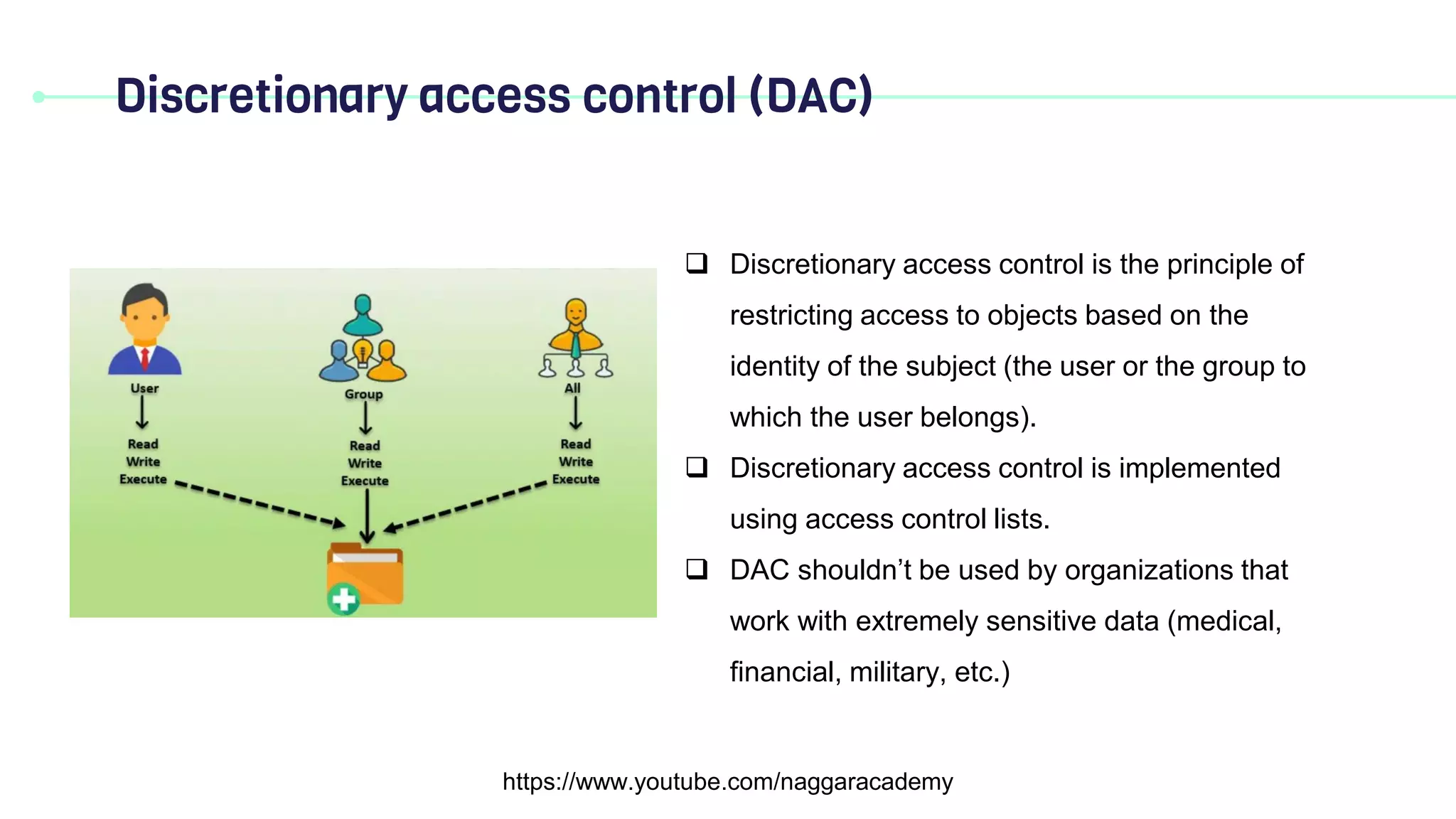
Discretionary access control is the principle of
restricting access to objects based on the
identity of the subject (the user or the group to
which the user belongs).
Discretionary access control is implemented
using access control lists.
DAC shouldn’t be used by organizations that
work with extremely sensitive data (medical,
financial, military, etc.)
8.
Discretionary access control(DAC)
https://www.youtube.com/naggaracademy
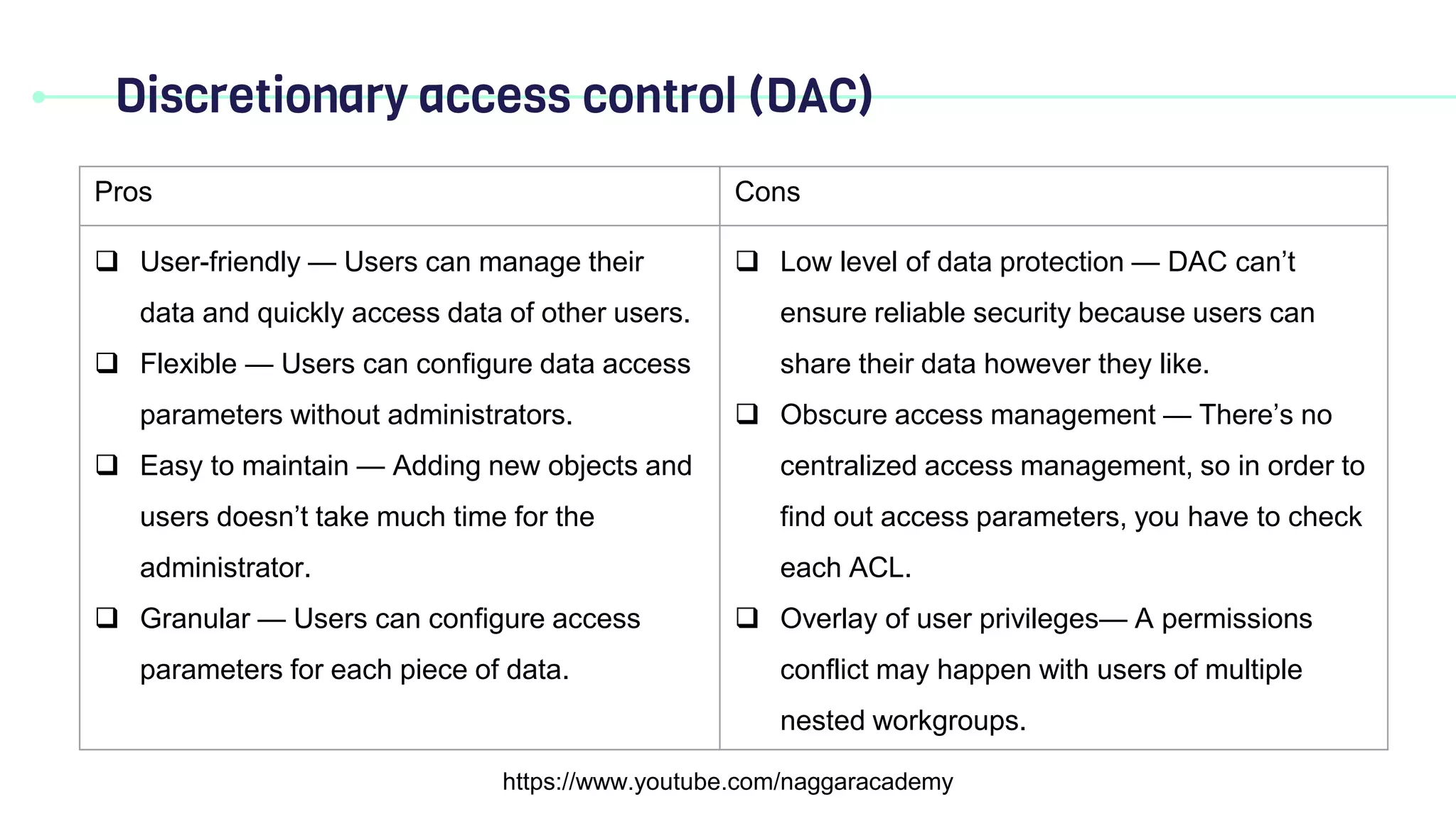
Pros Cons
User-friendly — Users can manage their
data and quickly access data of other users.
Flexible — Users can configure data access
parameters without administrators.
Easy to maintain — Adding new objects and
users doesn’t take much time for the
administrator.
Granular — Users can configure access
parameters for each piece of data.
Low level of data protection — DAC can’t
ensure reliable security because users can
share their data however they like.
Obscure access management — There’s no
centralized access management, so in order to
find out access parameters, you have to check
each ACL.
Overlay of user privileges— A permissions
conflict may happen with users of multiple
nested workgroups.
9.
Mandatory Access Control(MAC)
https://www.youtube.com/naggaracademy
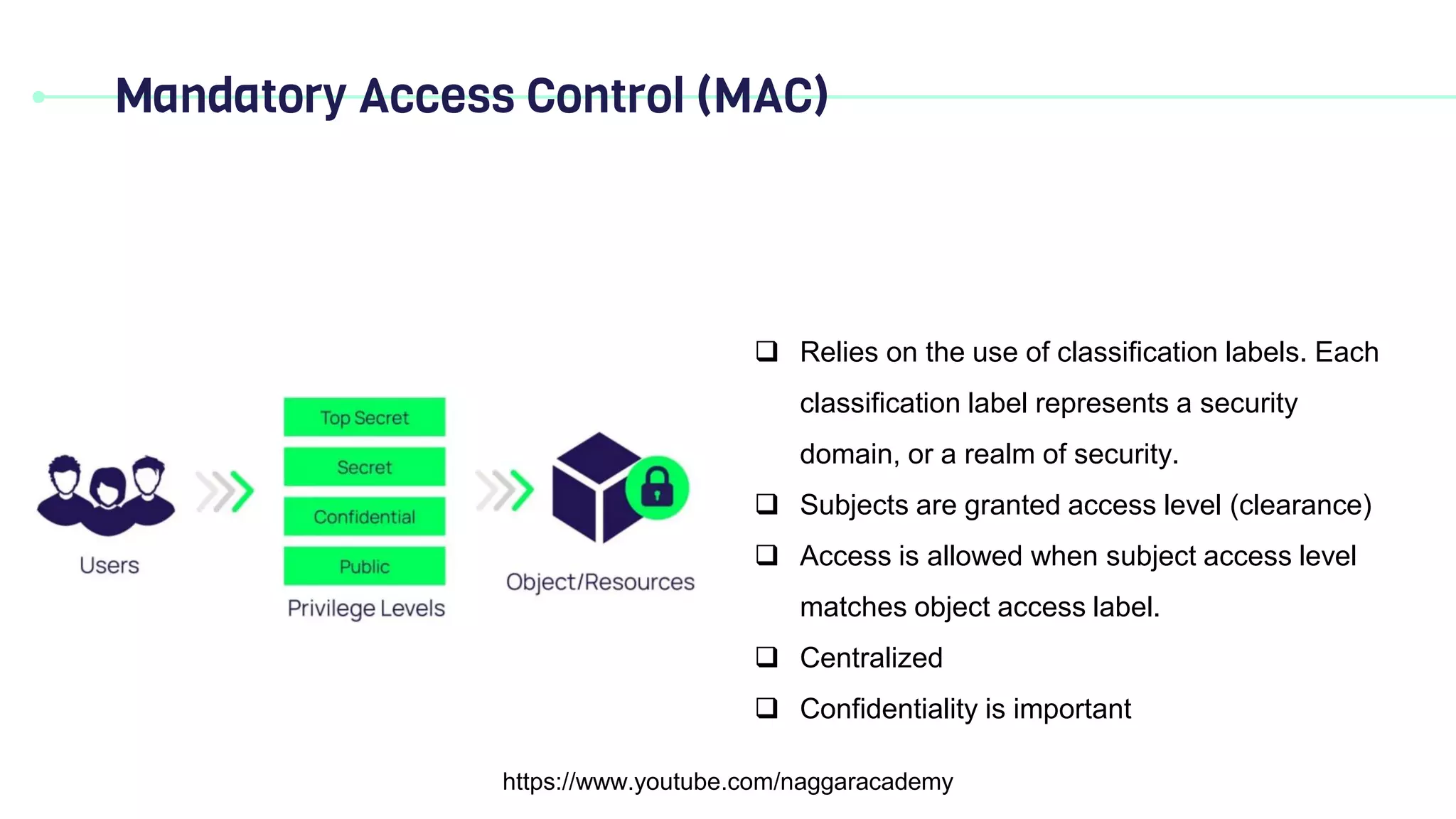
Relies on the use of classification labels. Each
classification label represents a security
domain, or a realm of security.
Subjects are granted access level (clearance)
Access is allowed when subject access level
matches object access label.
Centralized
Confidentiality is important
10.
Role-Based Access Control(RBAC)
https://www.youtube.com/naggaracademy
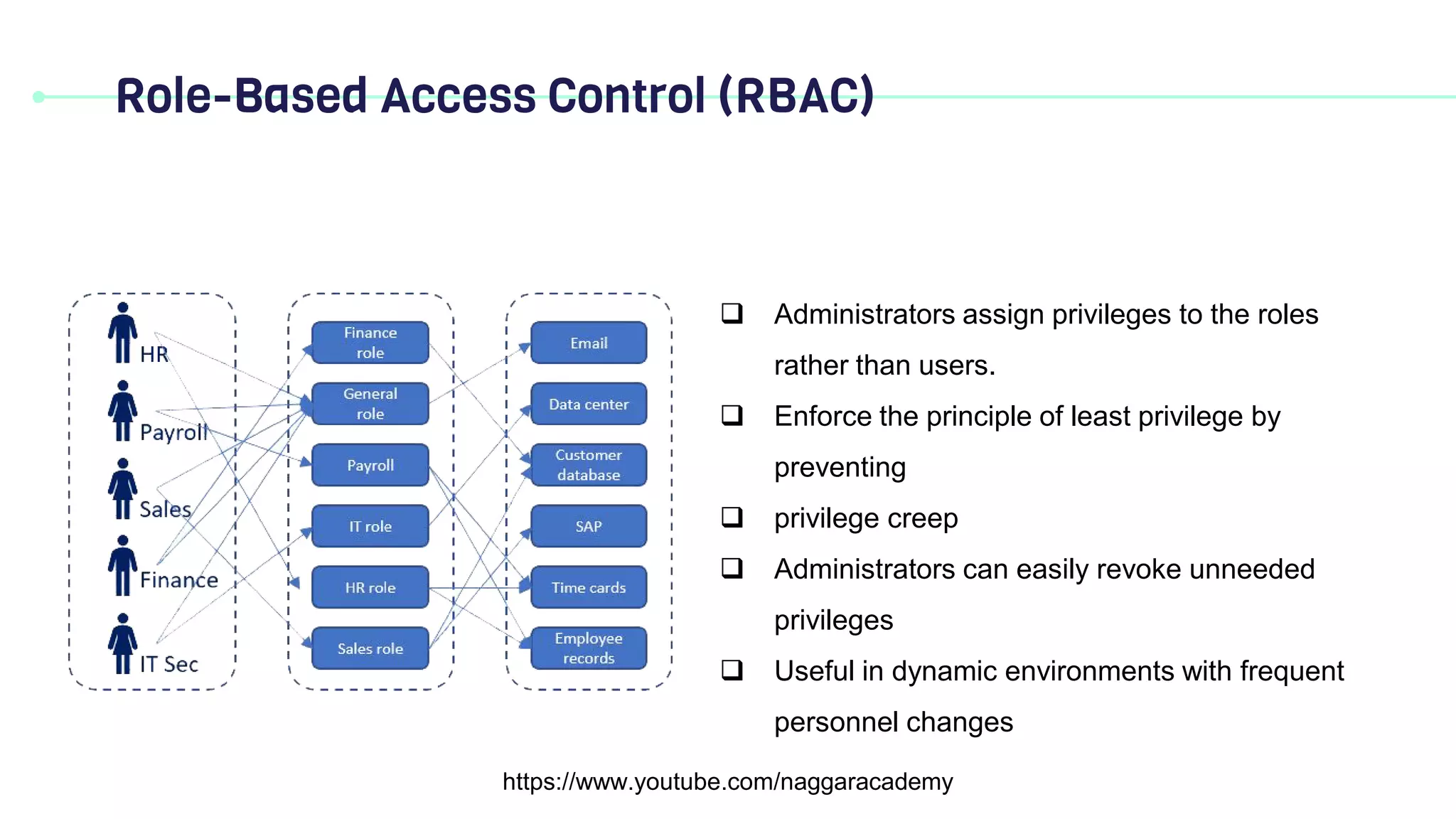
Administrators assign privileges to the roles
rather than users.
Enforce the principle of least privilege by
preventing
privilege creep
Administrators can easily revoke unneeded
privileges
Useful in dynamic environments with frequent
personnel changes
11.
Rule-Based Access Control(RuBAC)
https://www.youtube.com/naggaracademy
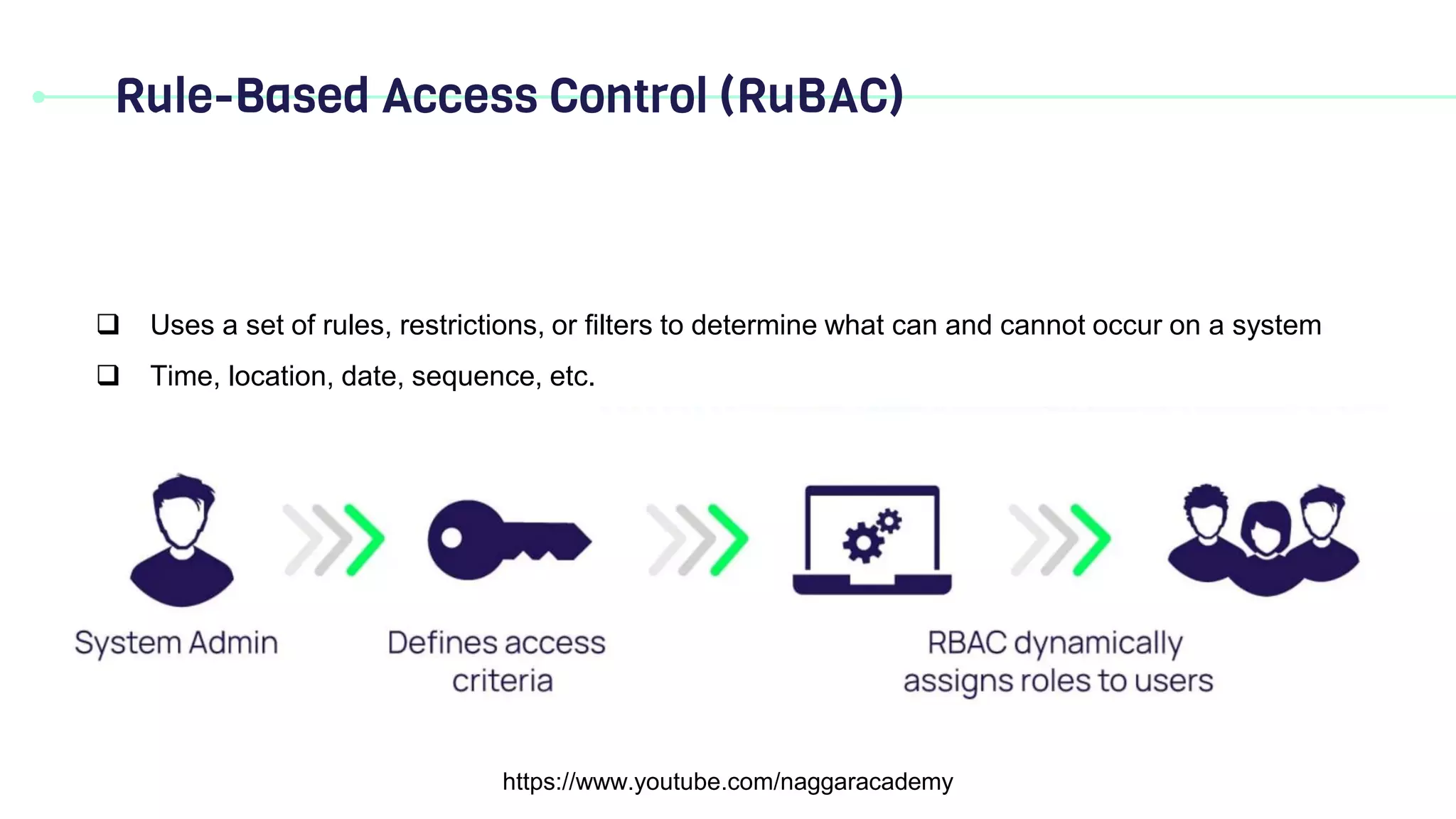
Uses a set of rules, restrictions, or filters to determine what can and cannot occur on a system
Time, location, date, sequence, etc.
12.
Attribute-based Access Control(ABAC)
https://www.youtube.com/naggaracademy
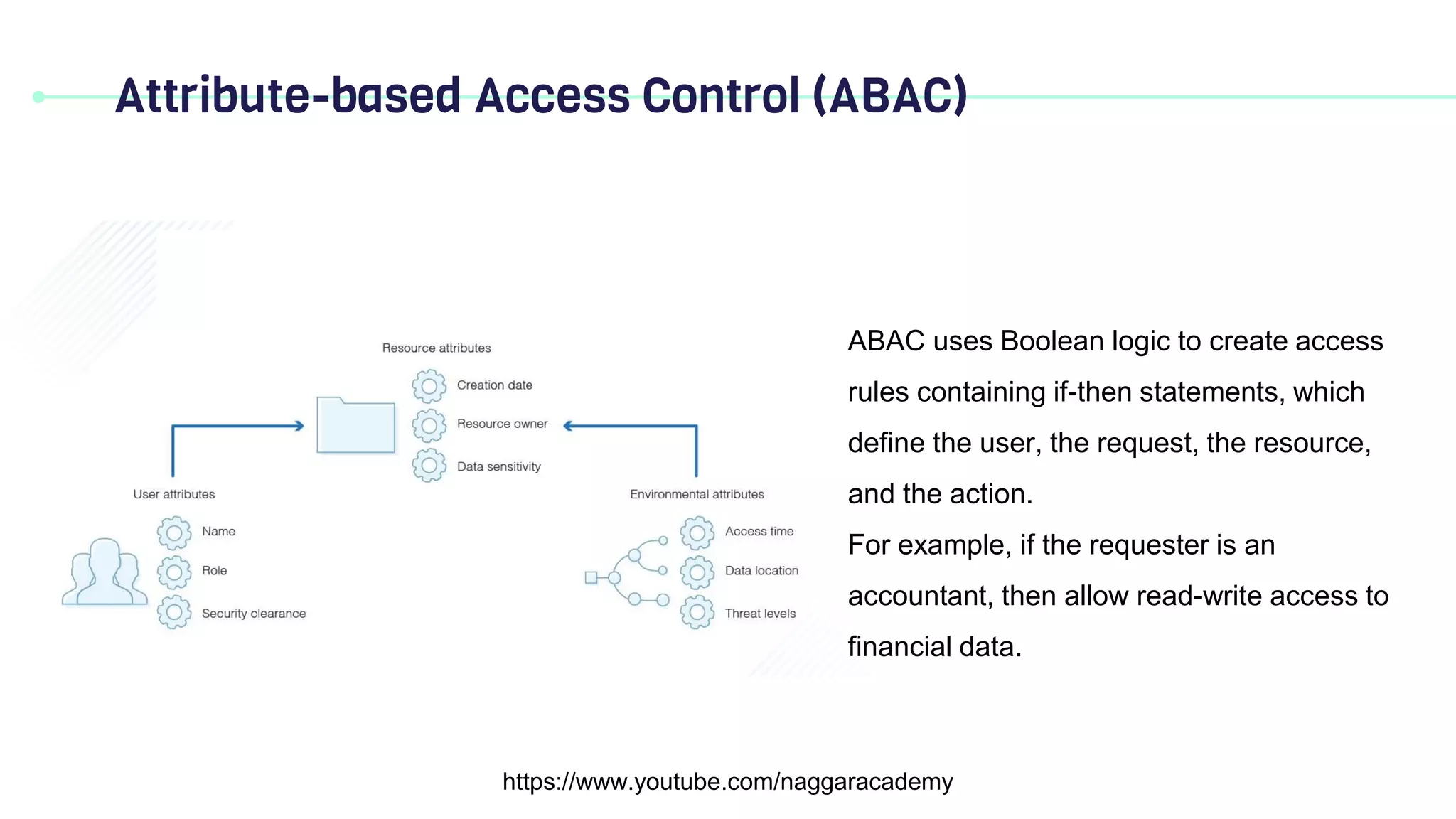
ABAC uses Boolean logic to create access
rules containing if-then statements, which
define the user, the request, the resource,
and the action.
For example, if the requester is an
accountant, then allow read-write access to
financial data.