Hannah Davies, Rachel Challen, MattAldred
Why capture audio and video?05/06/2014
Using video in education
Hannah Davies
University of Derby
Media Production and Support team
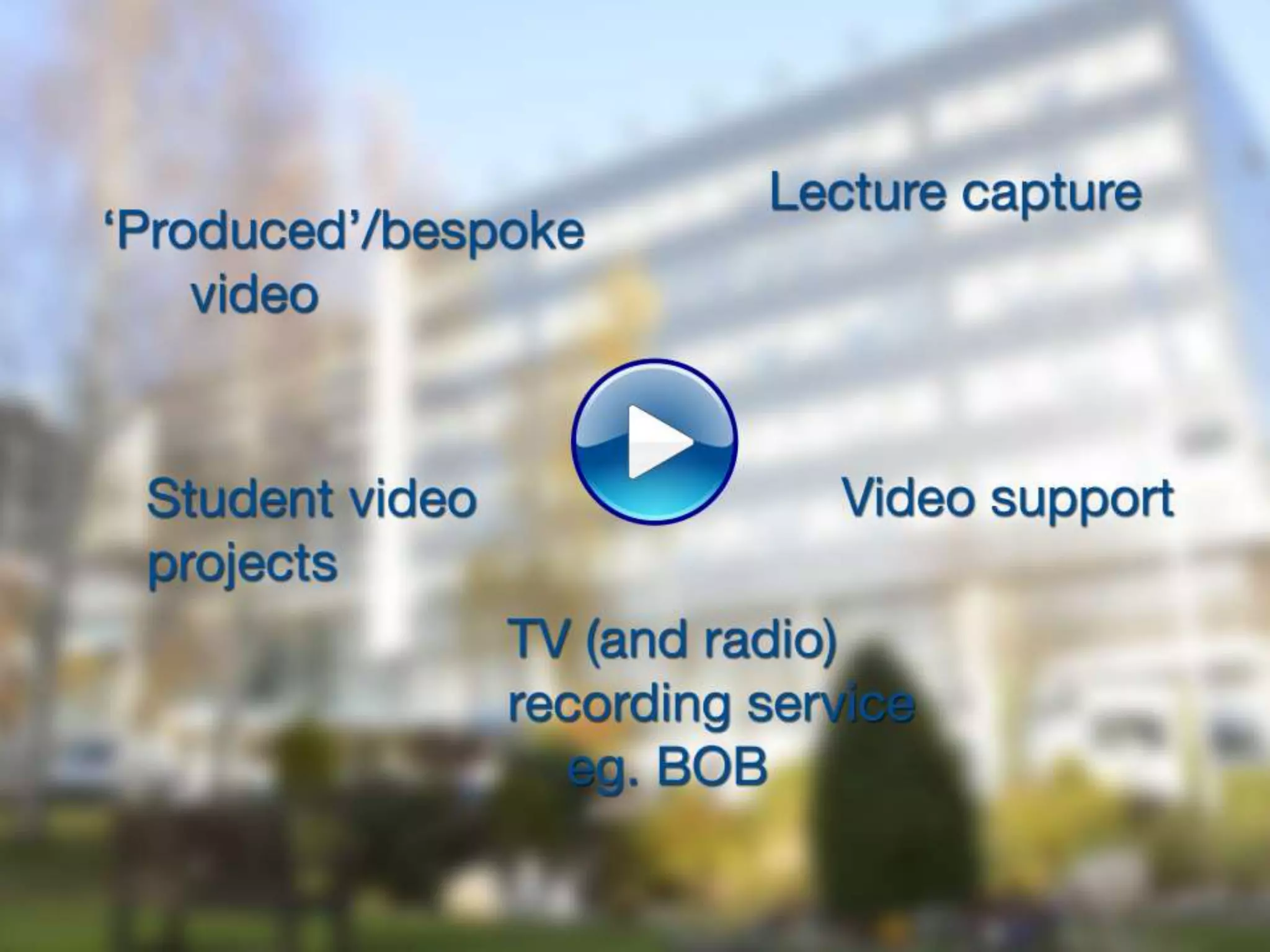
Bespoke video
• Lesson primer (eg. Flipped classroom)
• Promote discussion in class/online
• Communicate difficult message/concept
• Bring otherwise inaccessible content to
classroom
• Make online environment ‘more human’
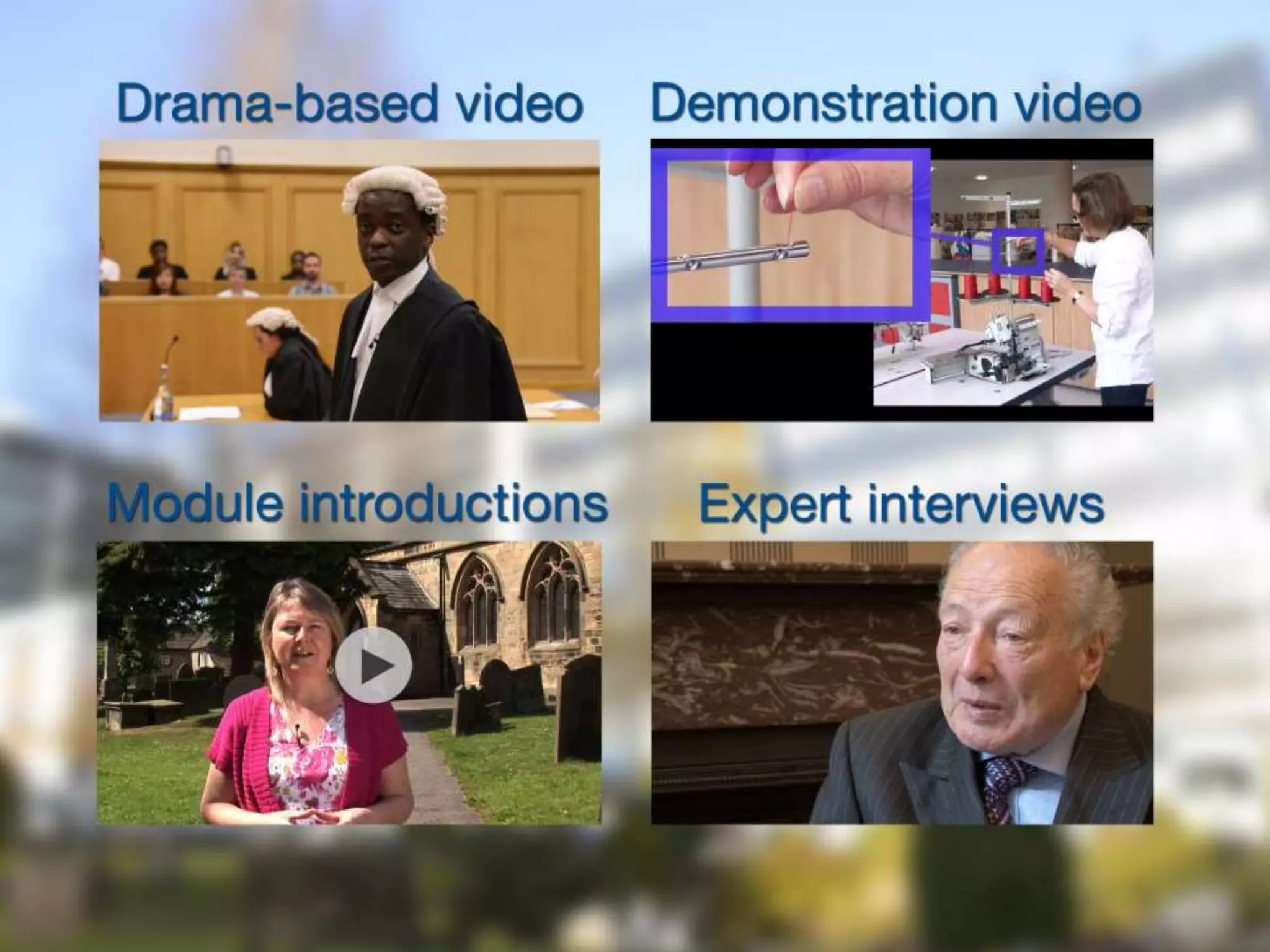
Drama-based video
• Inaccessible situations
• Difficult to grasp concepts
• Visual metaphor
• Good for wide/multi-platform use
Demonstration videos
• Direct instructions
• Difficult to grasp concepts
• Students can follow and re-watch
Module introductions
• Puts a face to a name
• Very simple way to include video
• Introduce the subject/give context
Expert interviews
• Can condense guest lectures
• Industry insight
• Validate and motivate
Recommendations
• Quality of content is key
• Plan!
• Always think multi-use
• Keep it short
• Good sound is very important
Contact
• https://www.youtube.com/UniversityofDerby
• http://www.derby.ac.uk/lei/tel/using-video-
images-and-sound
• h.davies@derby.ac.uk
Lecture
CaptureRachel Challen and Matt Aldred
Why we wanted Lecture
Capture“To catch up on classes that the students
were unable to attend
To allow the student to study at a time that
suits them
To use the recordings as an exam revision tool
To tailor learning to the students specific
learning needs that make it difficult to take
notes during in class lectures”
(Engstrand and Hall 2011)
The use of streamed lecture recordings: patterns of use, student experience and
effects on learning outcomes Susan M Engstrand, Susanne Hall
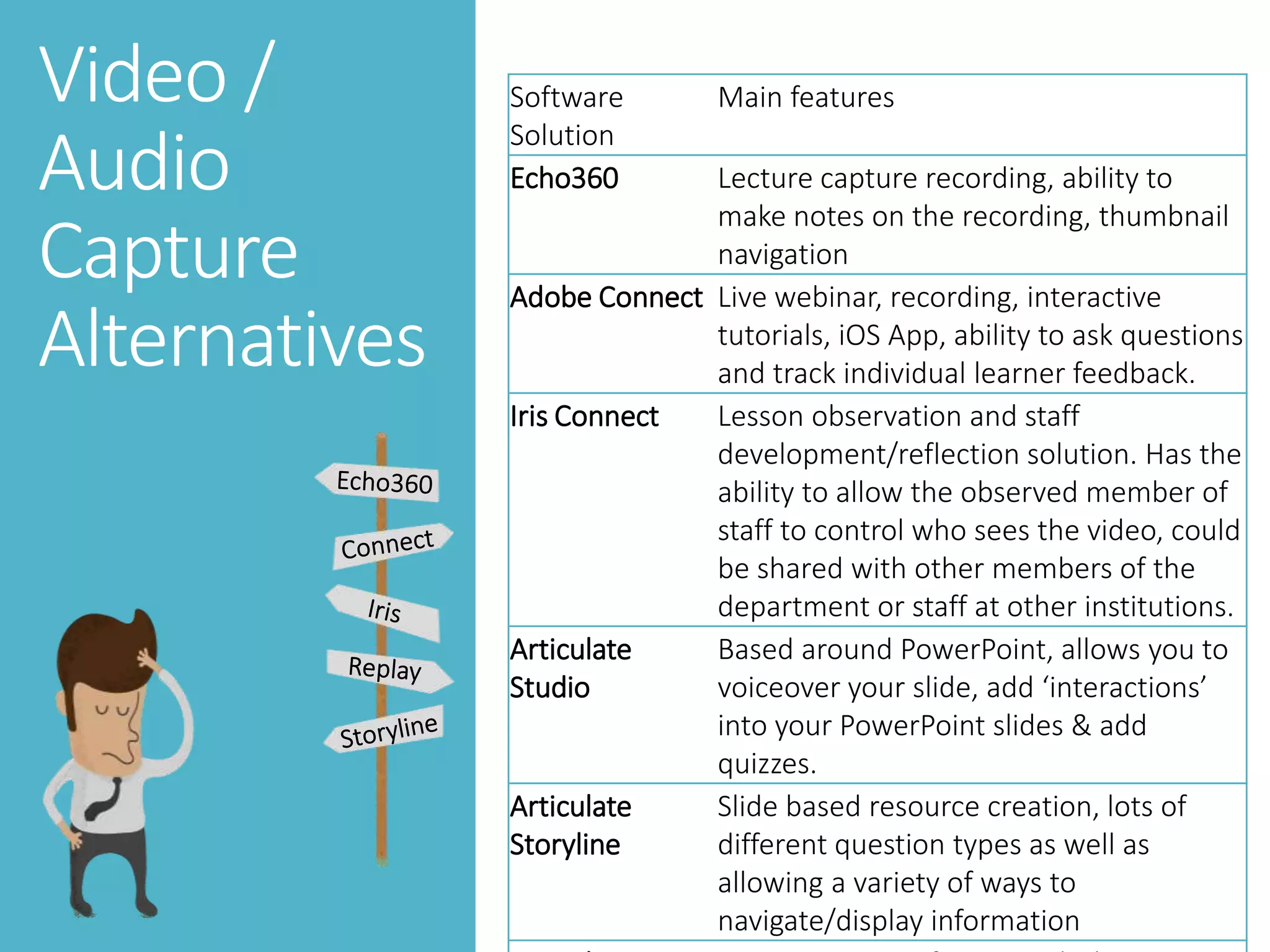
Video /
Audio Capture
Alternatives
Video /
Audio
Capture
Alternatives
Software
Solution
Main features
Echo360 Lecture capture recording, ability to
make notes on the recording, thumbnail
navigation
Adobe Connect Live webinar, recording, interactive
tutorials, iOS App, ability to ask questions
and track individual learner feedback.
Iris Connect Lesson observation and staff
development/reflection solution. Has the
ability to allow the observed member of
staff to control who sees the video, could
be shared with other members of the
department or staff at other institutions.
Articulate
Studio
Based around PowerPoint, allows you to
voiceover your slide, add ‘interactions’
into your PowerPoint slides & add
quizzes.
Articulate
Storyline
Slide based resource creation, lots of
different question types as well as
allowing a variety of ways to
navigate/display information
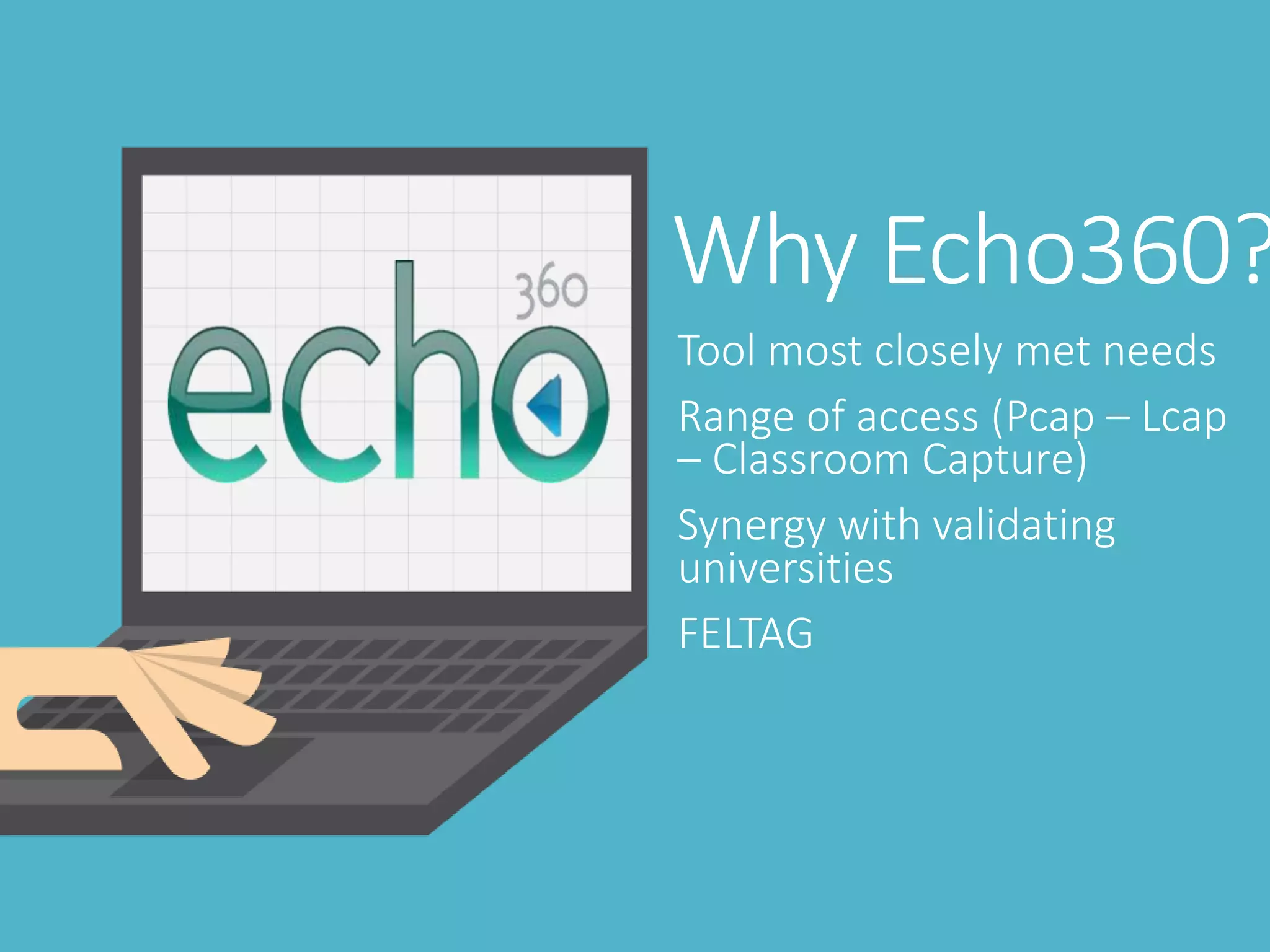
Why Echo360?
Tool most closely met needs
Range of access (Pcap – Lcap
– Classroom Capture)
Synergy with validating
universities
FELTAG
Hurdles
Storage and hosting
Bandwidth issues
Install and
setup
Staff
Plans underway
FELTAG
Space Engineering
Distance Learning in HE
Apprenticeships
Assessments
Staff CPD
Any
questions?
elearning@loucoll.ac
http://www.jiscrsc.ac.uk/media/430920/pdf_version.pdf
05/06/2014 Title of presentation (Go to ‘View’ menu > ‘Header and Footer…’ to edit the footers on this slide) 20
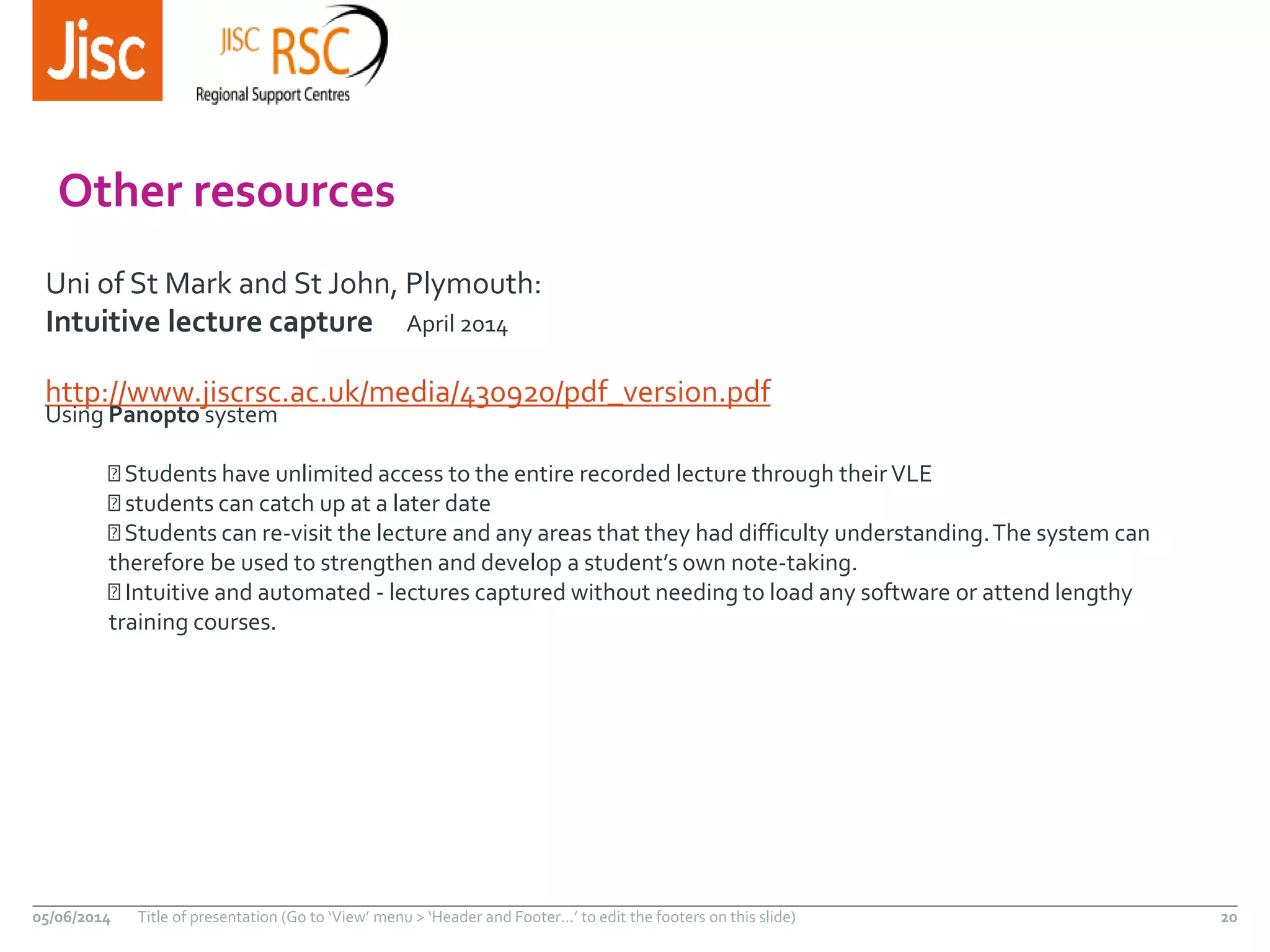
Other resources
Uni of St Mark and St John, Plymouth:
Intuitive lecture capture April 2014
Using Panopto system
Students have unlimited access to the entire recorded lecture through theirVLE
students can catch up at a later date
Students can re-visit the lecture and any areas that they had difficulty understanding.The system can
therefore be used to strengthen and develop a student’s own note-taking.
Intuitive and automated - lectures captured without needing to load any software or attend lengthy
training courses.
Find out more…
05/06/2014 Title of presentation (Go to ‘View’ menu > ‘Header and Footer…’ to edit the footers on this slide) 21
Rachel Challen
eLearning Manager, LoughboroughCollege
rachel.challen@loucoll.ac.uk
Except where otherwise noted, this work is licensed under CC-BY-NC-ND
Hannah Davies, Derby University MediaTeam
h.davies@derby.ac.uk
05/06/2014
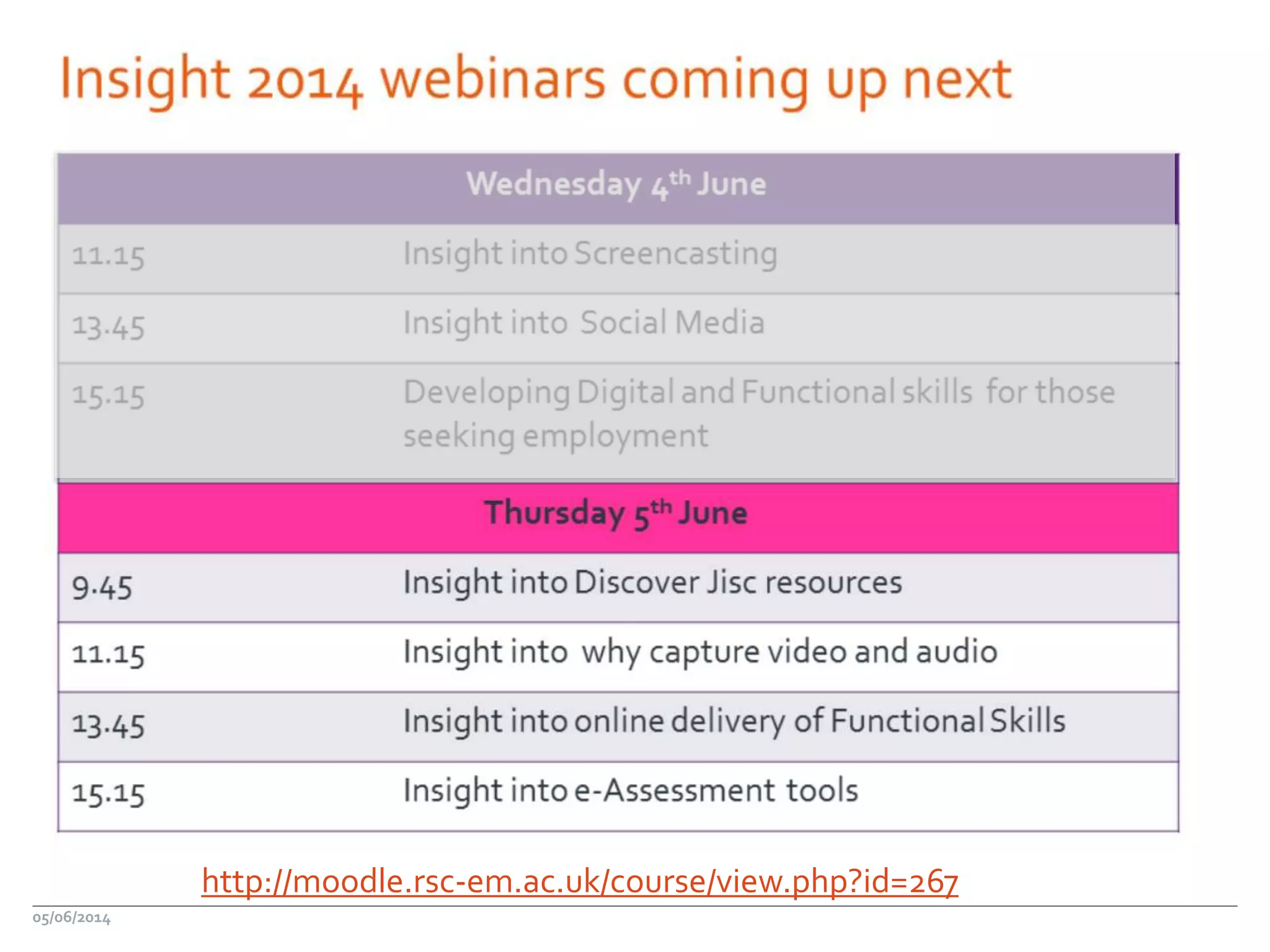
http://moodle.rsc-em.ac.uk/course/view.php?id=267
Insight
Insight events
Leicester 10 June
Nottingham 11 June
http://www.jiscrsc.ac.uk/eastmidlands/insight-2014.aspx
05/06/2014 23
Find out more…
05/06/2014 Title of presentation (Go to ‘View’ menu > ‘Header and Footer…’ to edit the footers on this slide) 24
Jisc RSC East Midlands
www.rsc-em.ac.uk
Martin Cooke,Advisor
martin.cooke@rsc-em.ac.uk
www.jiscrsc.ac.uk/eastmidlands
Except where otherwise noted, this
work is licensed under CC-BY-NC-ND

Capture av

  • 1.
    Hannah Davies, RachelChallen, MattAldred Why capture audio and video?05/06/2014
  • 2.
    Using video ineducation Hannah Davies University of Derby Media Production and Support team
  • 4.
    Bespoke video • Lessonprimer (eg. Flipped classroom) • Promote discussion in class/online • Communicate difficult message/concept • Bring otherwise inaccessible content to classroom • Make online environment ‘more human’
  • 6.
    Drama-based video • Inaccessiblesituations • Difficult to grasp concepts • Visual metaphor • Good for wide/multi-platform use
  • 7.
    Demonstration videos • Directinstructions • Difficult to grasp concepts • Students can follow and re-watch
  • 8.
    Module introductions • Putsa face to a name • Very simple way to include video • Introduce the subject/give context
  • 9.
    Expert interviews • Cancondense guest lectures • Industry insight • Validate and motivate
  • 10.
    Recommendations • Quality ofcontent is key • Plan! • Always think multi-use • Keep it short • Good sound is very important
  • 11.
  • 12.
  • 13.
    Why we wantedLecture Capture“To catch up on classes that the students were unable to attend To allow the student to study at a time that suits them To use the recordings as an exam revision tool To tailor learning to the students specific learning needs that make it difficult to take notes during in class lectures” (Engstrand and Hall 2011) The use of streamed lecture recordings: patterns of use, student experience and effects on learning outcomes Susan M Engstrand, Susanne Hall
  • 14.
  • 15.
    Video / Audio Capture Alternatives Software Solution Main features Echo360Lecture capture recording, ability to make notes on the recording, thumbnail navigation Adobe Connect Live webinar, recording, interactive tutorials, iOS App, ability to ask questions and track individual learner feedback. Iris Connect Lesson observation and staff development/reflection solution. Has the ability to allow the observed member of staff to control who sees the video, could be shared with other members of the department or staff at other institutions. Articulate Studio Based around PowerPoint, allows you to voiceover your slide, add ‘interactions’ into your PowerPoint slides & add quizzes. Articulate Storyline Slide based resource creation, lots of different question types as well as allowing a variety of ways to navigate/display information
  • 16.
    Why Echo360? Tool mostclosely met needs Range of access (Pcap – Lcap – Classroom Capture) Synergy with validating universities FELTAG
  • 17.
    Hurdles Storage and hosting Bandwidthissues Install and setup Staff
  • 18.
    Plans underway FELTAG Space Engineering DistanceLearning in HE Apprenticeships Assessments Staff CPD
  • 19.
  • 20.
    http://www.jiscrsc.ac.uk/media/430920/pdf_version.pdf 05/06/2014 Title ofpresentation (Go to ‘View’ menu > ‘Header and Footer…’ to edit the footers on this slide) 20 Other resources Uni of St Mark and St John, Plymouth: Intuitive lecture capture April 2014 Using Panopto system Students have unlimited access to the entire recorded lecture through theirVLE students can catch up at a later date Students can re-visit the lecture and any areas that they had difficulty understanding.The system can therefore be used to strengthen and develop a student’s own note-taking. Intuitive and automated - lectures captured without needing to load any software or attend lengthy training courses.
  • 21.
    Find out more… 05/06/2014Title of presentation (Go to ‘View’ menu > ‘Header and Footer…’ to edit the footers on this slide) 21 Rachel Challen eLearning Manager, LoughboroughCollege rachel.challen@loucoll.ac.uk Except where otherwise noted, this work is licensed under CC-BY-NC-ND Hannah Davies, Derby University MediaTeam h.davies@derby.ac.uk
  • 22.
  • 23.
    Insight Insight events Leicester 10June Nottingham 11 June http://www.jiscrsc.ac.uk/eastmidlands/insight-2014.aspx 05/06/2014 23
  • 24.
    Find out more… 05/06/2014Title of presentation (Go to ‘View’ menu > ‘Header and Footer…’ to edit the footers on this slide) 24 Jisc RSC East Midlands www.rsc-em.ac.uk Martin Cooke,Advisor martin.cooke@rsc-em.ac.uk www.jiscrsc.ac.uk/eastmidlands Except where otherwise noted, this work is licensed under CC-BY-NC-ND

Editor's Notes

  • #24 Go to ‘View’ menu > ‘Header and Footer…’ to edit the footers on this slide (click ‘Apply’ to change only the currently selected slide, or ‘Apply to All’ to change the footers on all slides).
  • #25 Go to ‘View’ menu > ‘Header and Footer…’ to edit the footers on this slide (click ‘Apply’ to change only the currently selected slide, or ‘Apply to All’ to change the footers on all slides).