Milestone Evidence
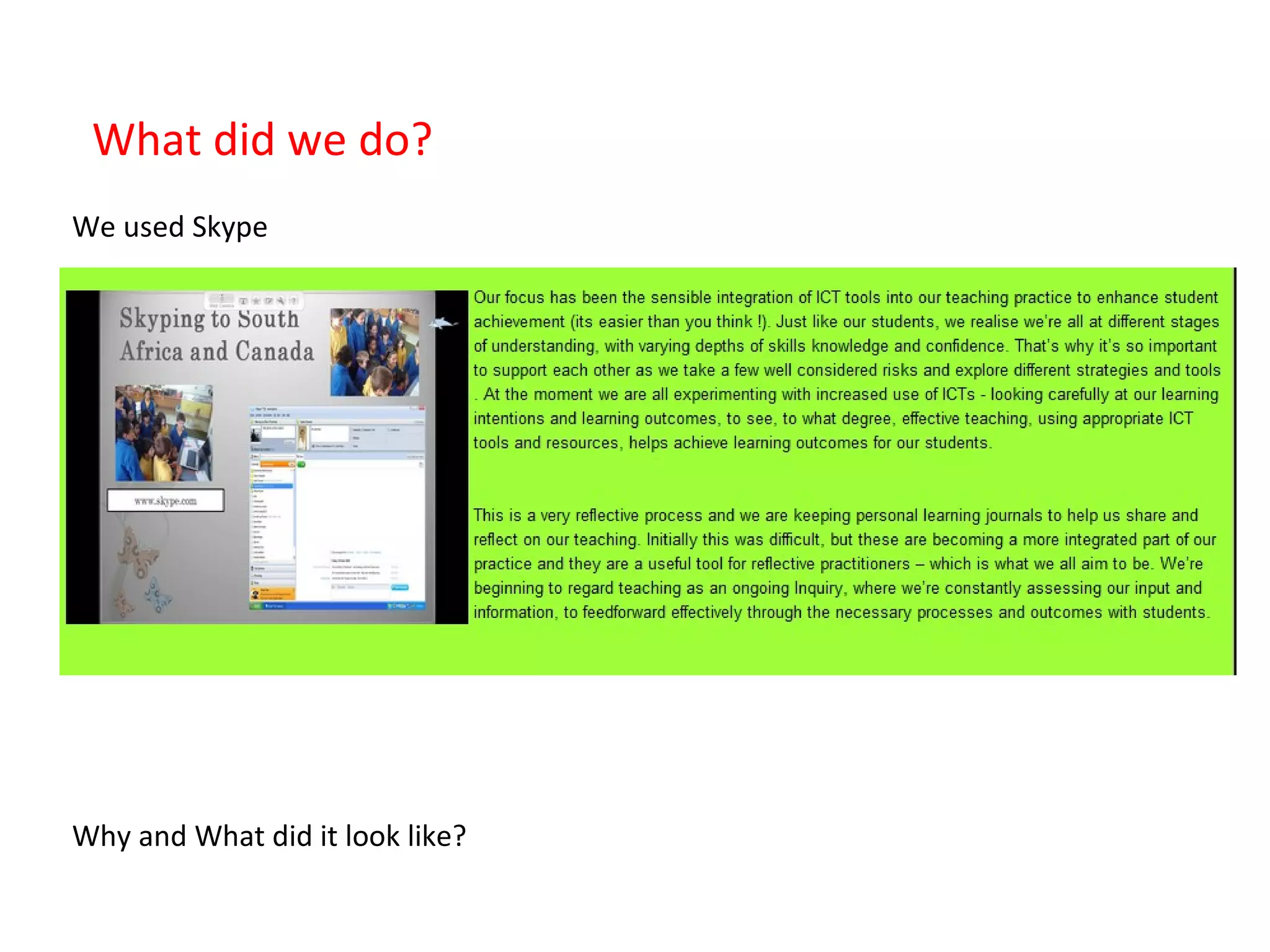
What did we do? We used Skype Why and What did it look like?
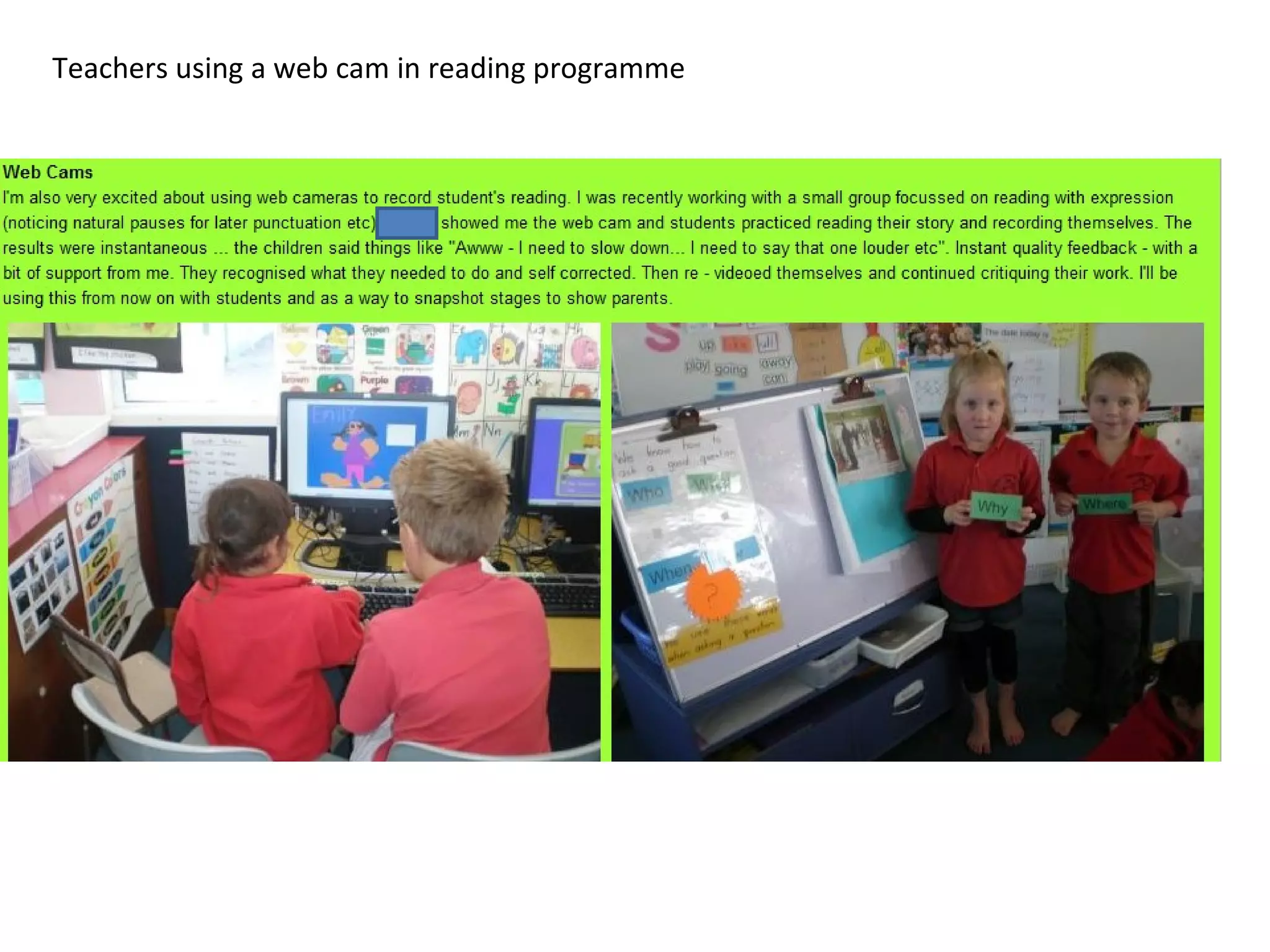
Teachers using a web cam in reading programme
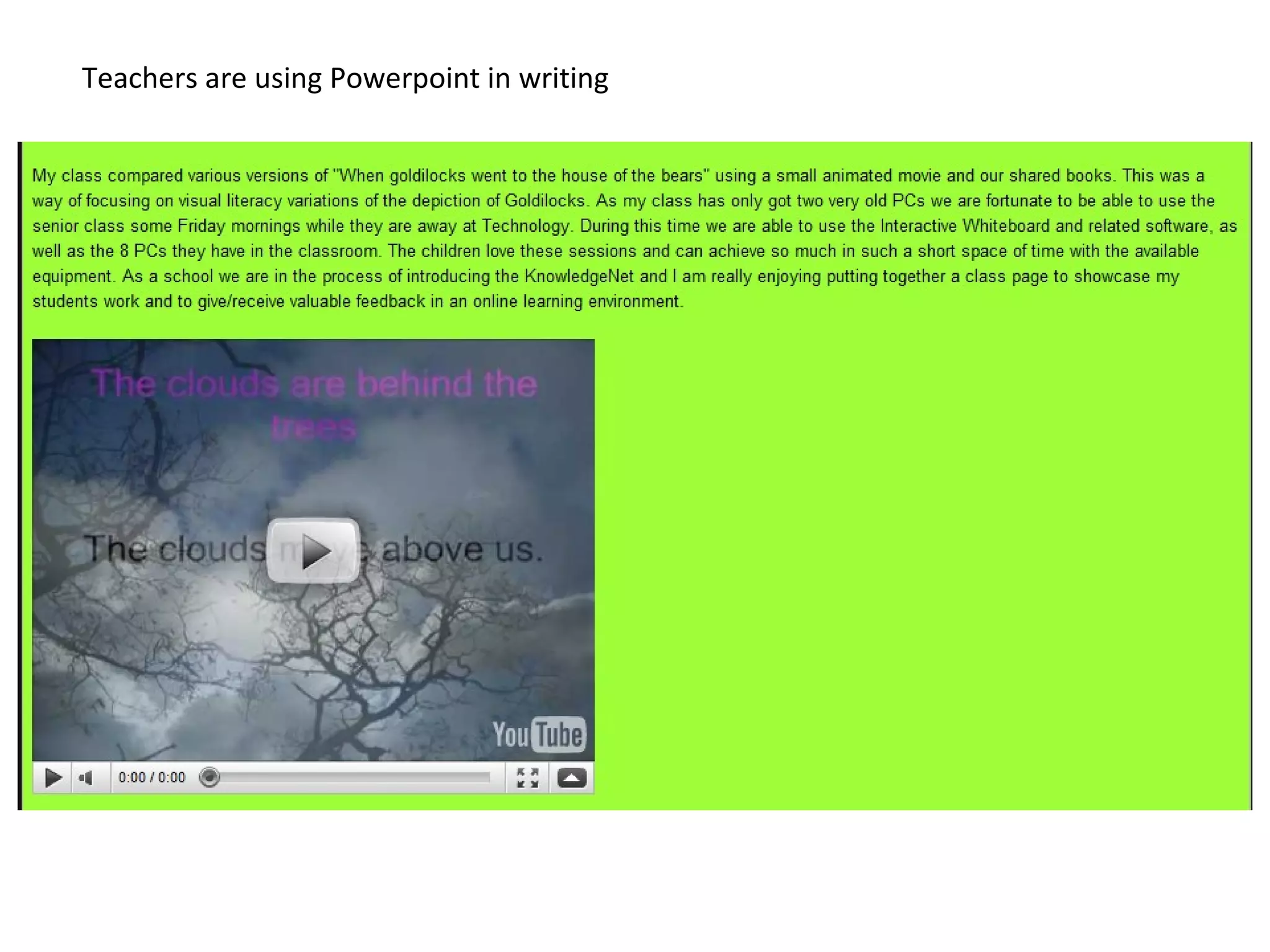
Teachers are using Powerpoint in writing
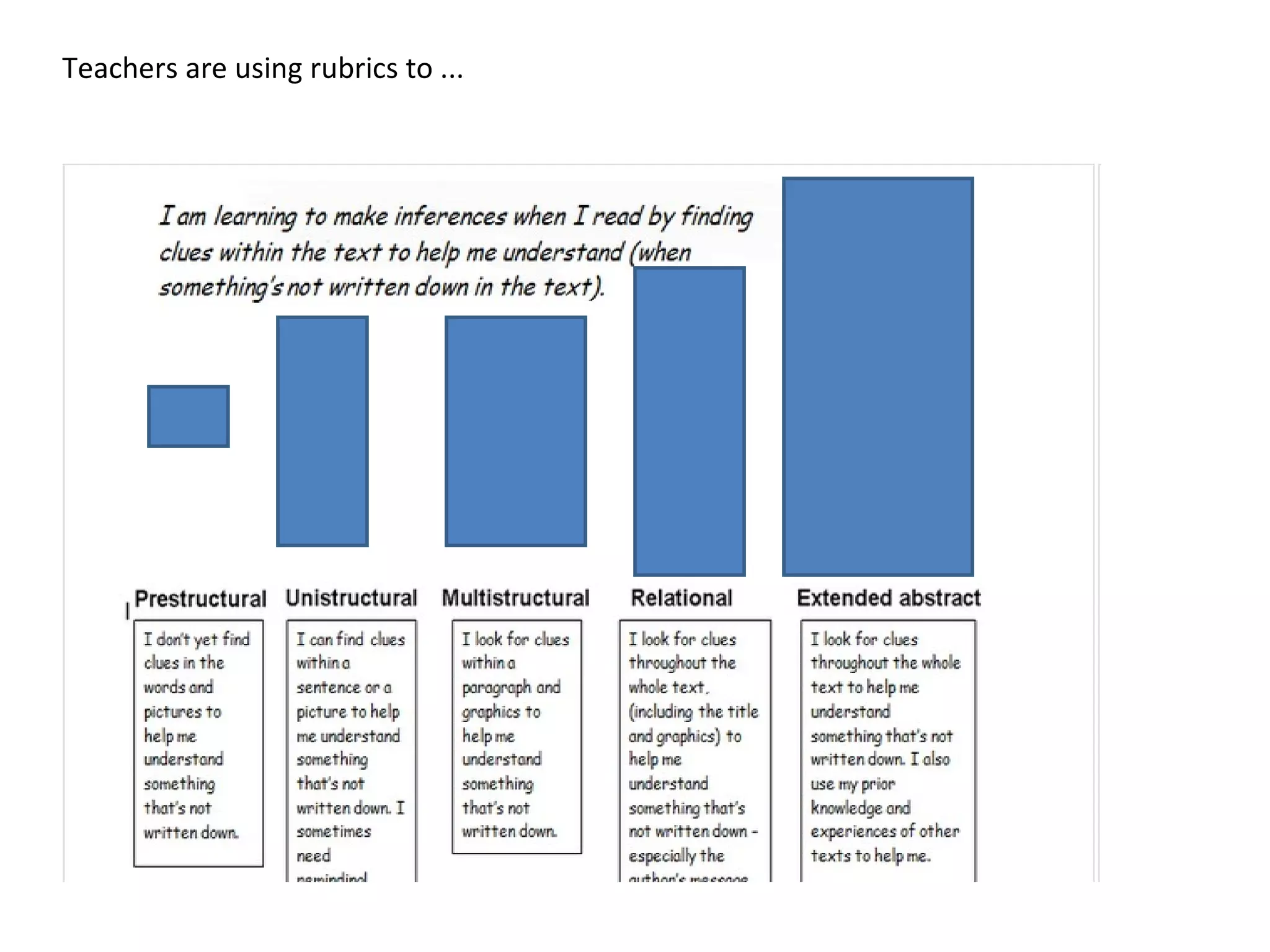
Teachers are using rubrics to ...
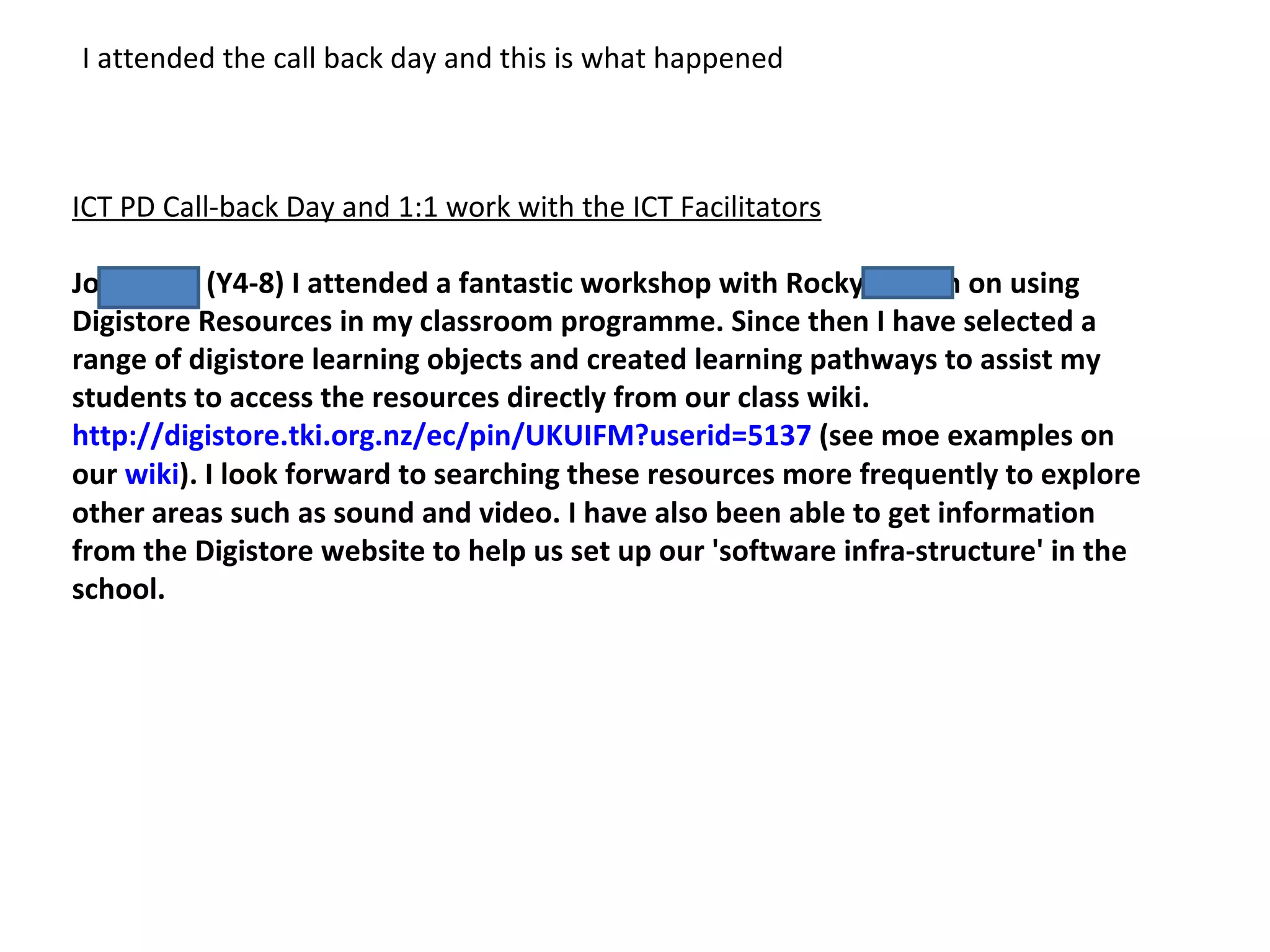
ICT PD Call-back Day and 1:1 work with the ICT Facilitators Jo Russell (Y4-8) I attended a fantastic workshop with Rocky Jensen on using Digistore Resources in my classroom programme. Since then I have selected a range of digistore learning objects and created learning pathways to assist my students to access the resources directly from our class wiki.  http://digistore.tki.org.nz/ec/pin/UKUIFM?userid=5137  (see moe examples on our  wiki ). I look forward to searching these resources more frequently to explore other areas such as sound and video. I have also been able to get information from the Digistore website to help us set up our 'software infra-structure' in the school. I attended the call back day and this is what happened
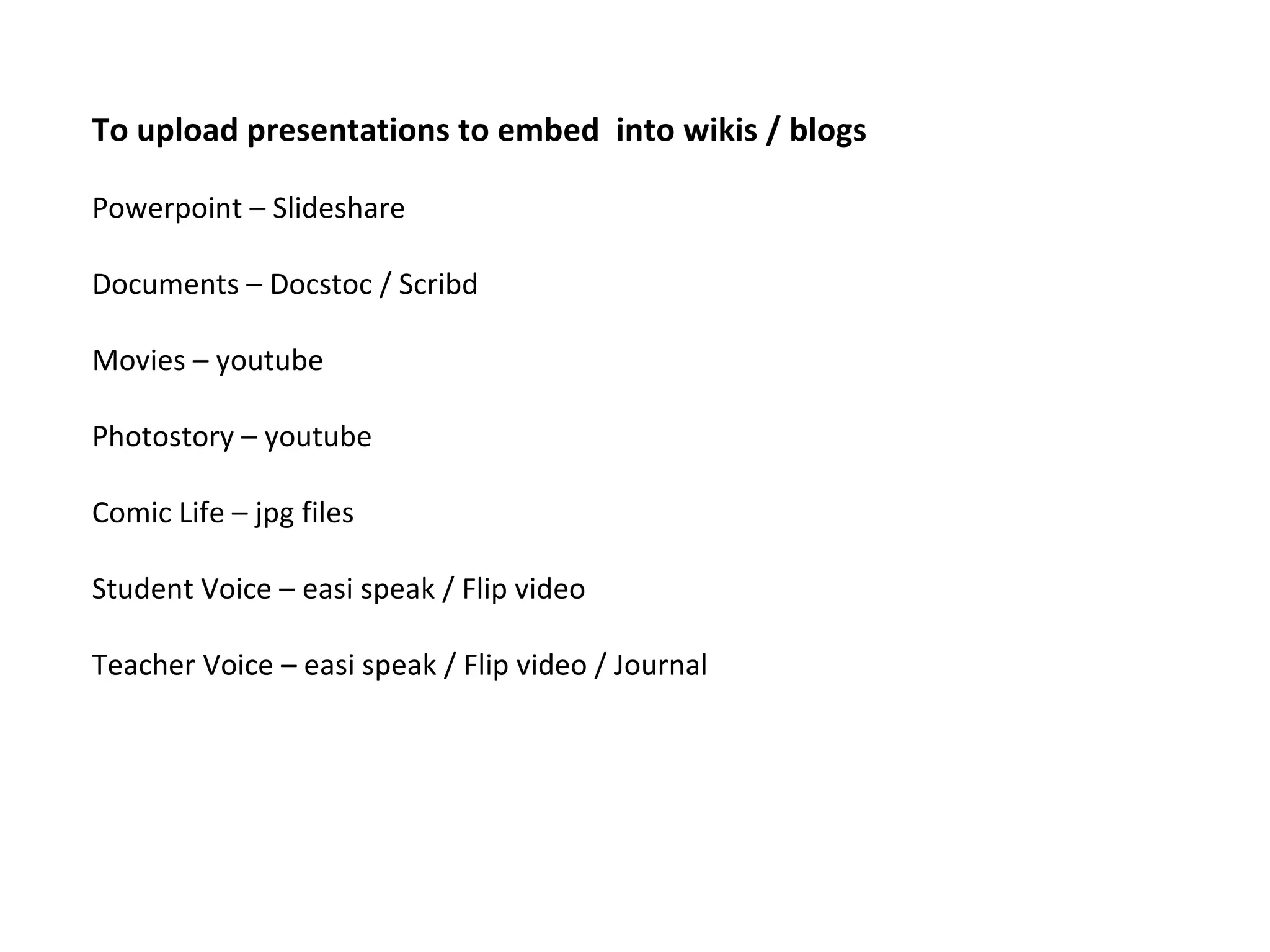
To upload presentations to embed  into wikis / blogs Powerpoint – Slideshare Documents – Docstoc / Scribd Movies – youtube Photostory – youtube Comic Life – jpg files Student Voice – easi speak / Flip video Teacher Voice – easi speak / Flip video / Journal
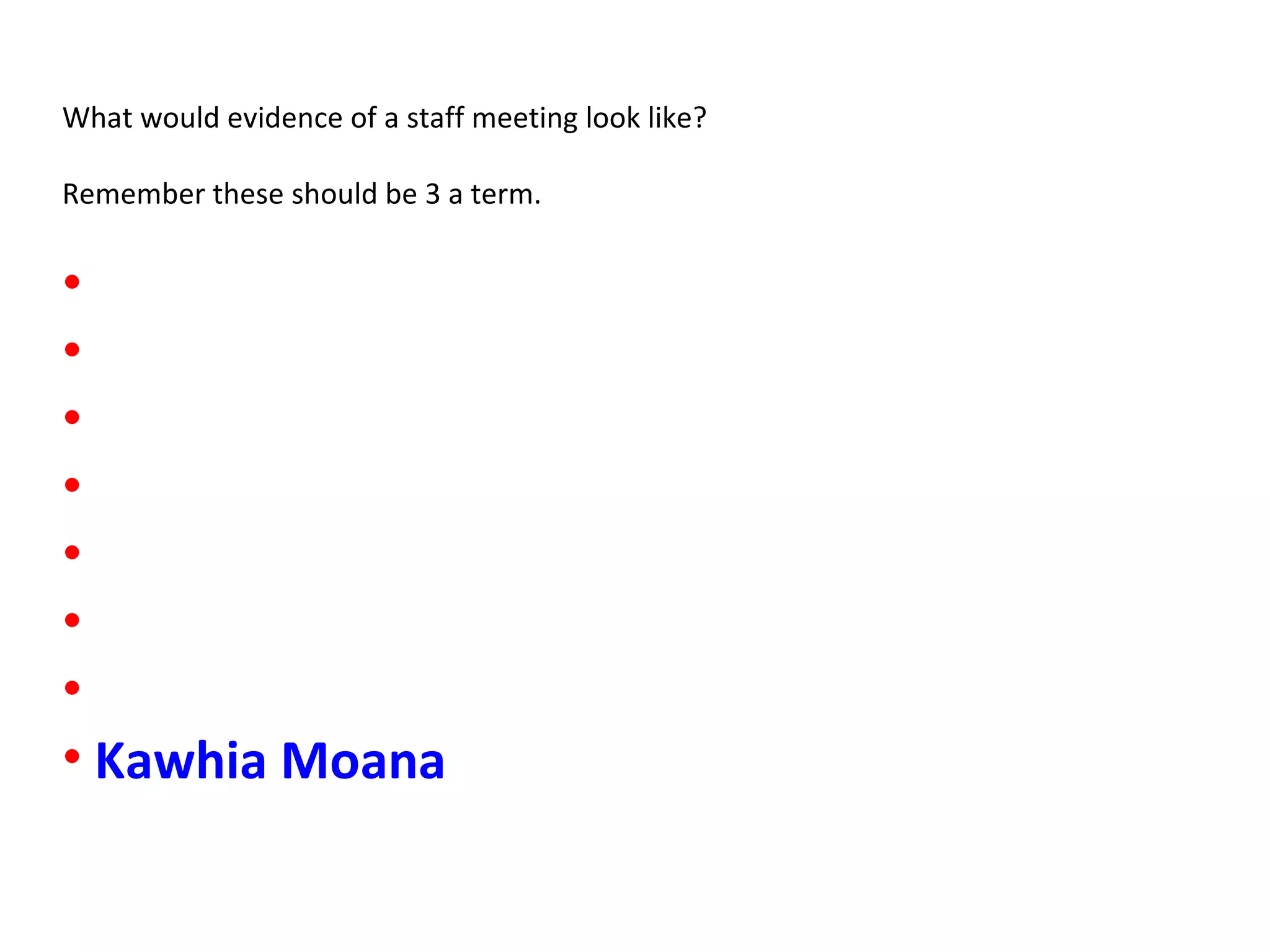
What would evidence of a staff meeting look like? Remember these should be 3 a term. Kawhia Moana
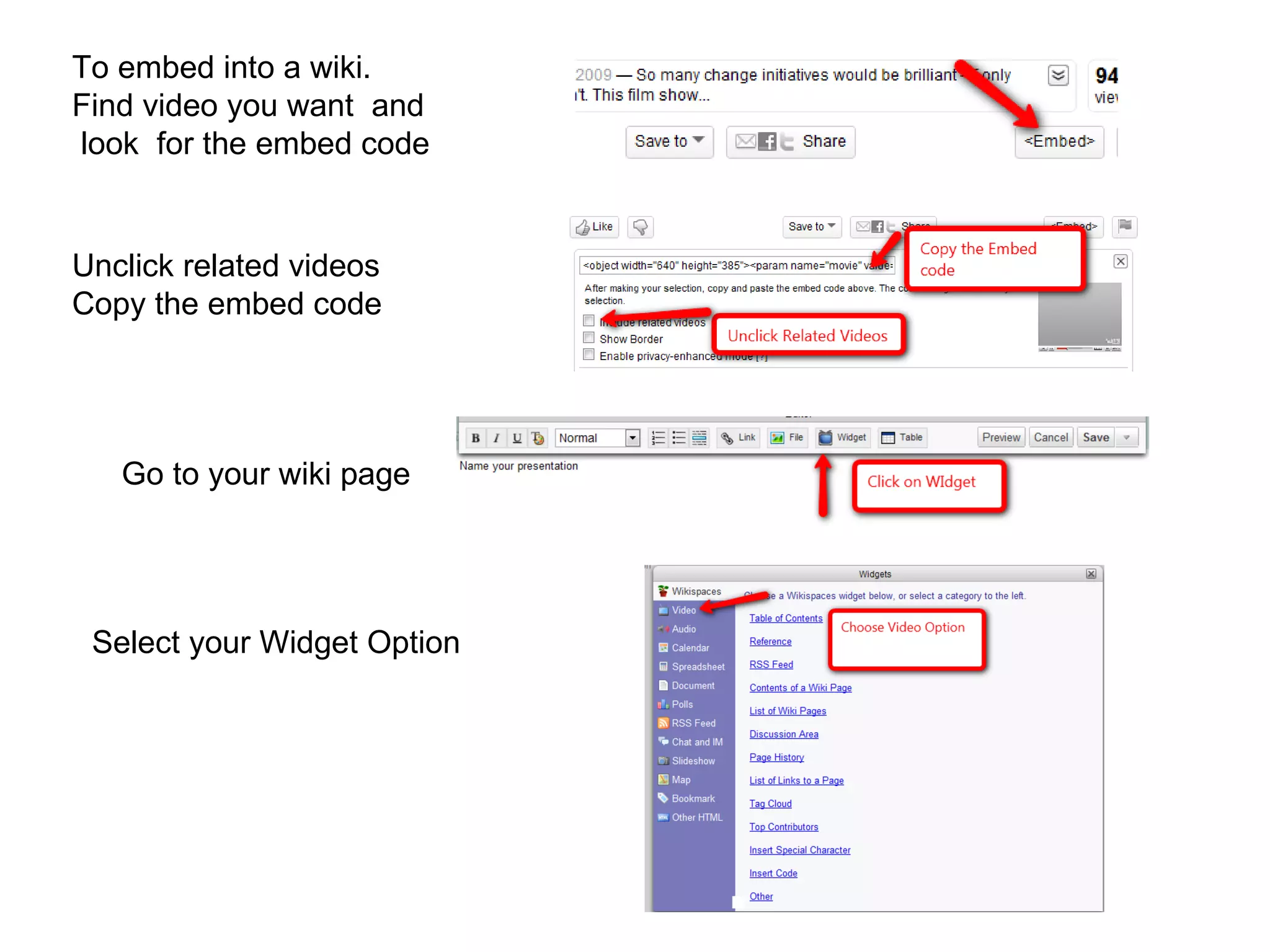
To embed into a wiki. Find video you want  and look  for the embed code  Go to your wiki page Unclick related videos Copy the embed code Select your Widget Option
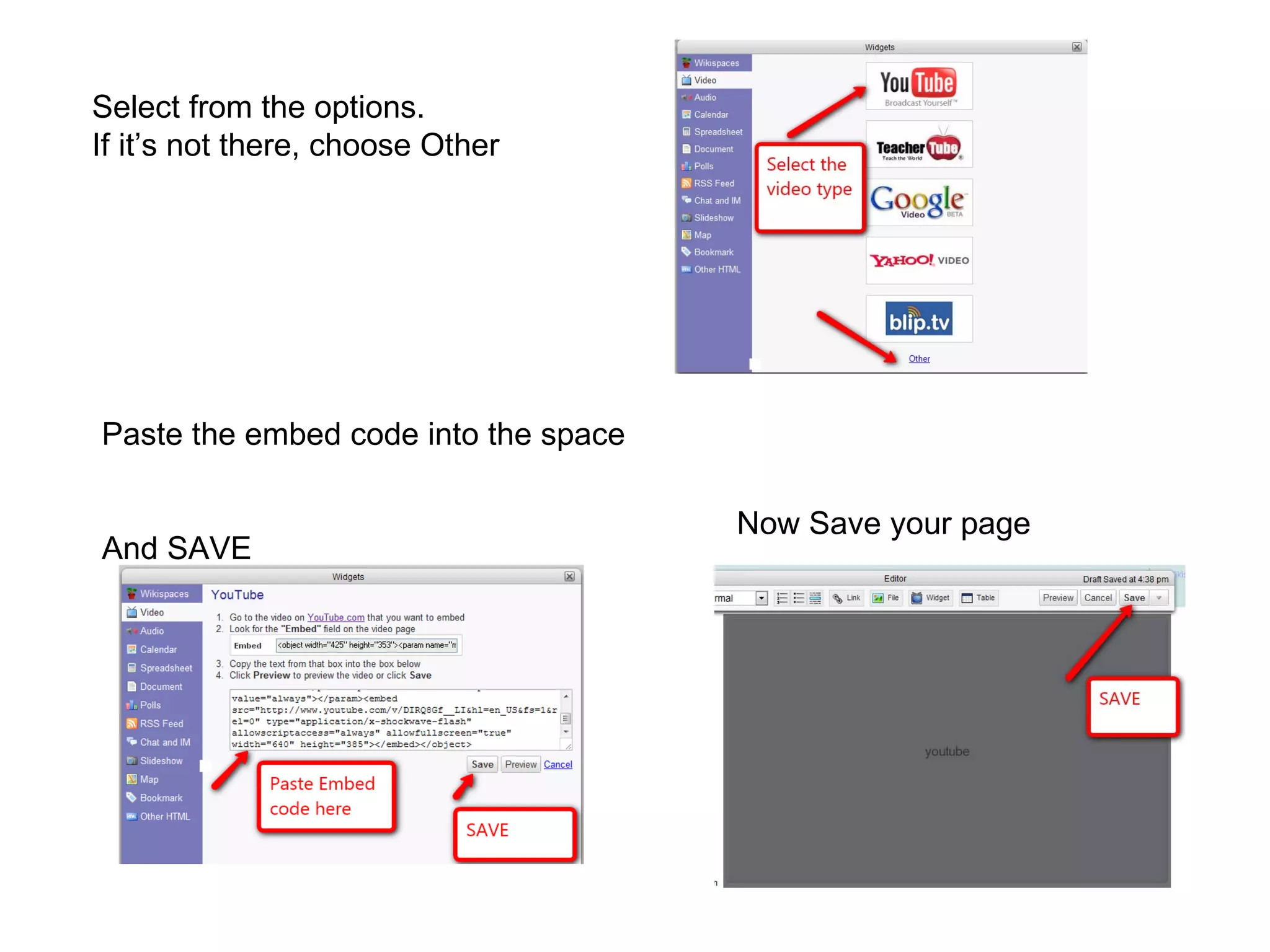
Paste the embed code into the space  And SAVE Now Save your page Select from the options. If it’s not there, choose Other

June 1 wiki evidence

  • 1.
  • 2.
    What did wedo? We used Skype Why and What did it look like?
  • 3.
    Teachers using aweb cam in reading programme
  • 4.
    Teachers are usingPowerpoint in writing
  • 5.
    Teachers are usingrubrics to ...
  • 6.
    ICT PD Call-backDay and 1:1 work with the ICT Facilitators Jo Russell (Y4-8) I attended a fantastic workshop with Rocky Jensen on using Digistore Resources in my classroom programme. Since then I have selected a range of digistore learning objects and created learning pathways to assist my students to access the resources directly from our class wiki.  http://digistore.tki.org.nz/ec/pin/UKUIFM?userid=5137  (see moe examples on our  wiki ). I look forward to searching these resources more frequently to explore other areas such as sound and video. I have also been able to get information from the Digistore website to help us set up our 'software infra-structure' in the school. I attended the call back day and this is what happened
  • 7.
    To upload presentationsto embed into wikis / blogs Powerpoint – Slideshare Documents – Docstoc / Scribd Movies – youtube Photostory – youtube Comic Life – jpg files Student Voice – easi speak / Flip video Teacher Voice – easi speak / Flip video / Journal
  • 8.
    What would evidenceof a staff meeting look like? Remember these should be 3 a term. Kawhia Moana
  • 9.
    To embed intoa wiki. Find video you want and look for the embed code Go to your wiki page Unclick related videos Copy the embed code Select your Widget Option
  • 10.
    Paste the embedcode into the space And SAVE Now Save your page Select from the options. If it’s not there, choose Other