
Communicating in
a networked world
Facebook, Twitter & more: Hoo boy!


                  JD Lasica
                  Founder, Socialbrite.org
                  jd@socialbrite.org
                  California State PTA 5/11/12
What we’ll cover today
 Lay the foundation
 Facebook tactics
 Twitter tactics
 Other platforms
 Storytelling
 Use your community
 Q&A
 Hugs, tearful goodbyes
Relax!
    http://socialbrite.org/pta


                                 Creative Commons
                                 BY photo on Flickr
                                 by Tom@HK
Today’s Twitter hashtag
  Tweet this preso! Hashtag: #CAPTA12
    (Thank you Brad Waller.) I’m @jdlasica


                                             Creative Commons
                                             photo on Flickr
                                             by Prakhar
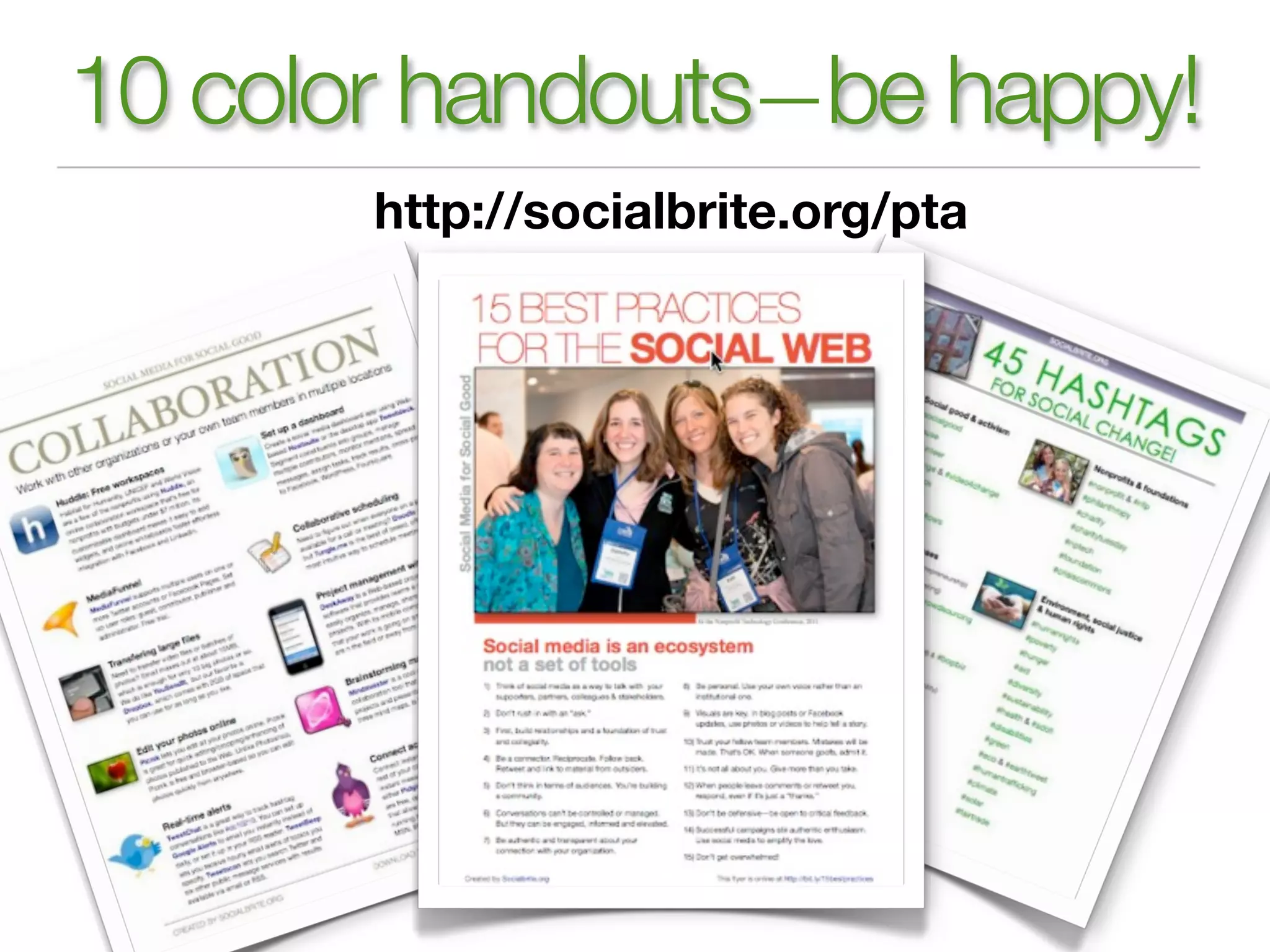
10 color handouts—be happy!
       http://socialbrite.org/pta
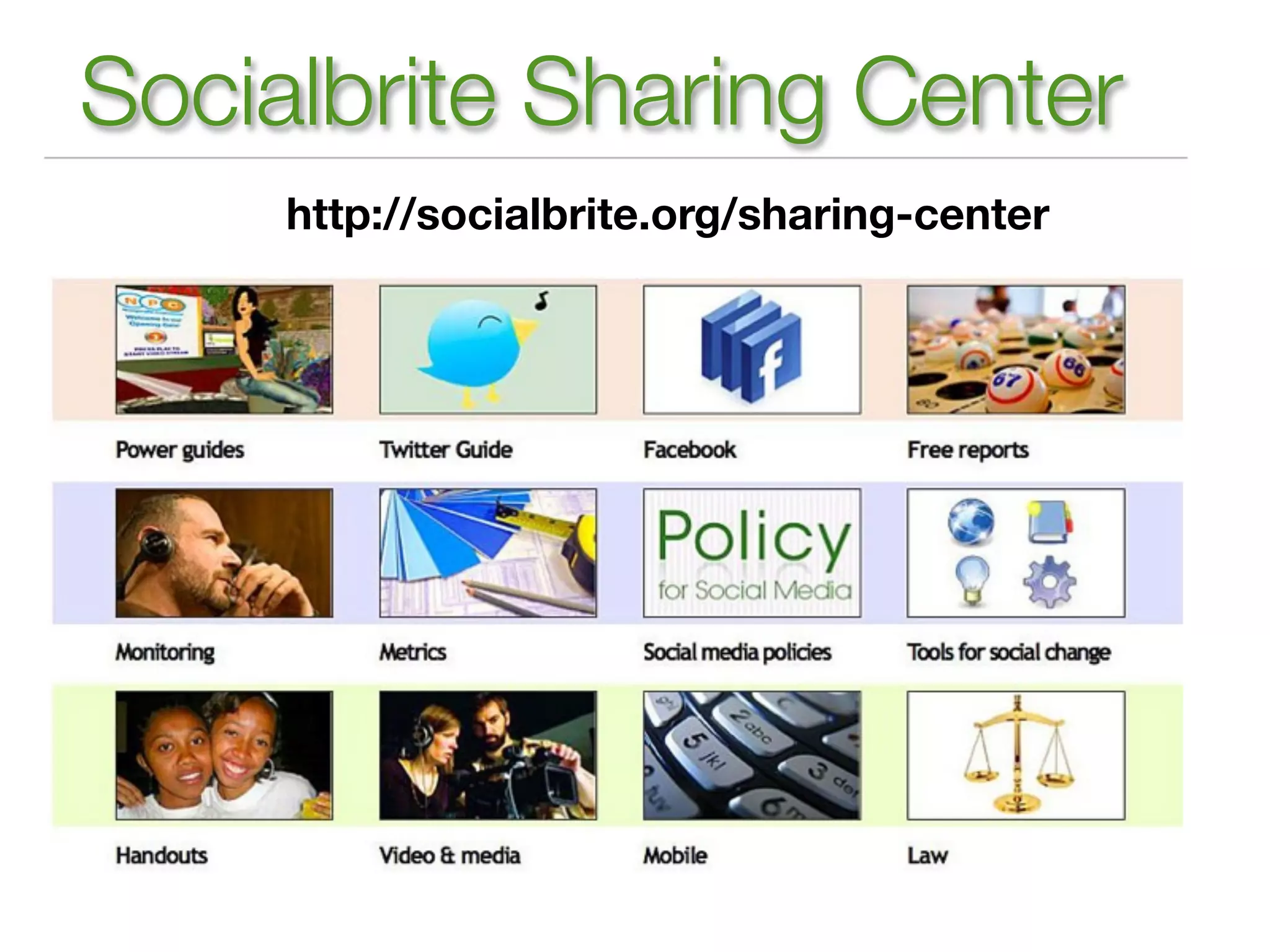
Socialbrite Sharing Center
     http://socialbrite.org/sharing-center
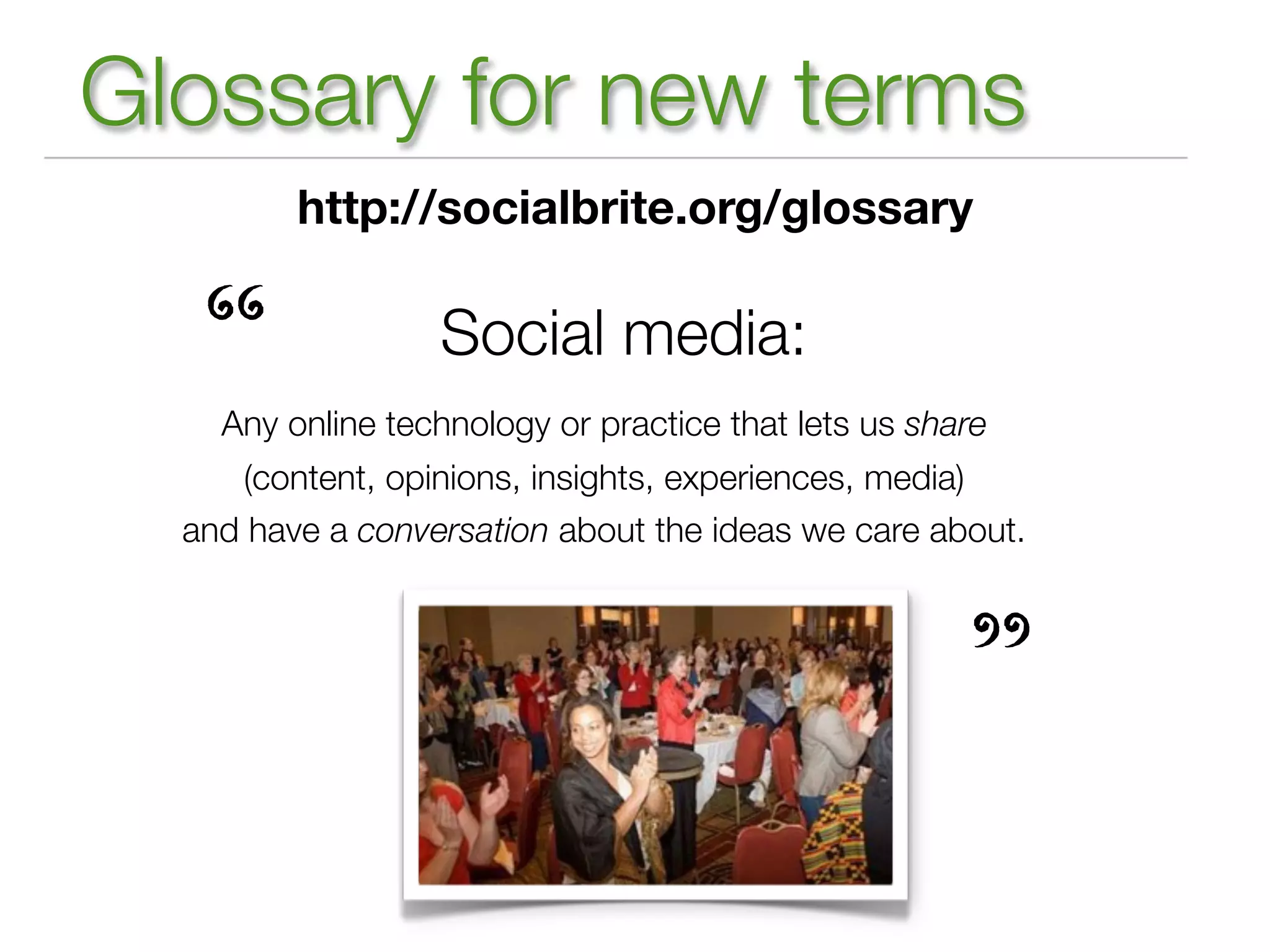
Glossary for new terms
         http://socialbrite.org/glossary


   “              Social media:
    Any online technology or practice that lets us share
     (content, opinions, insights, experiences, media)
  and have a conversation about the ideas we care about.


                                                      ”
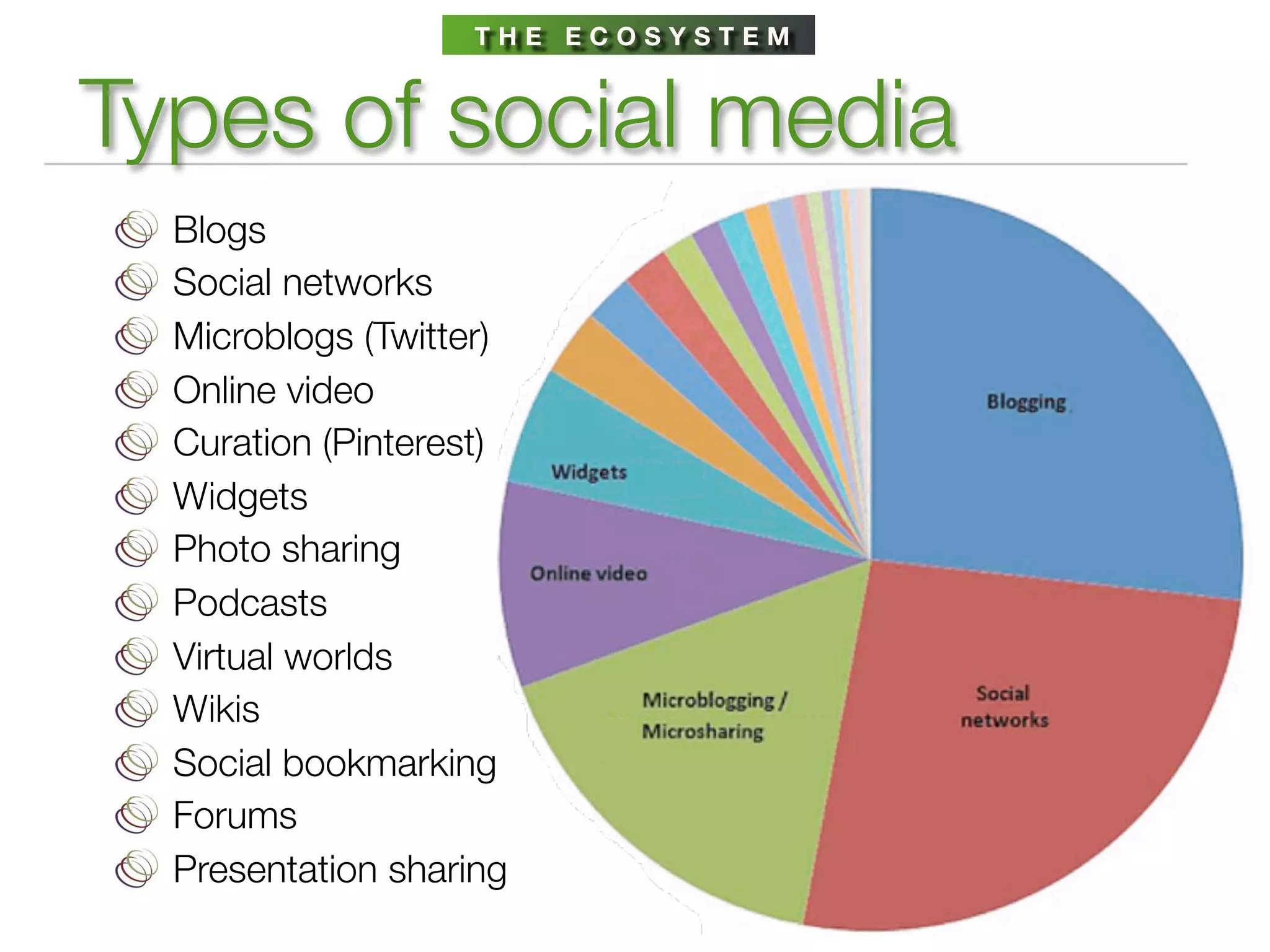
THE ECOSYSTEM


Types of social media
  Blogs
  Social networks
  Microblogs (Twitter)
  Online video
  Curation (Pinterest)
  Widgets
  Photo sharing
  Podcasts
  Virtual worlds
  Wikis
  Social bookmarking
  Forums
  Presentation sharing
Staggering growth
77% of online US adults use social media on regular basis.

150 million active blogs; 1 million blog posts created per day

Social sites embedded atop traffic rankings: YouTube,
Facebook, Wikipedia, VEVO, Craigslist, Twitter, LinkedIn, Yelp

Twitter: 100+ million active users, 250 million tweets per day

Flickr: 35 million people, 4 billion+ photos

YouTube: 3 billion videos watched per day

8 trillion text messages sent in 2011
N AT I O N A L P TA


Put social media to work
    Communications among members
    of the PTA family have undergone a
    major revolution. PTA leaders,
    members, and others interested in
    education and child welfare can
    connect and mobilize through online
    social media.
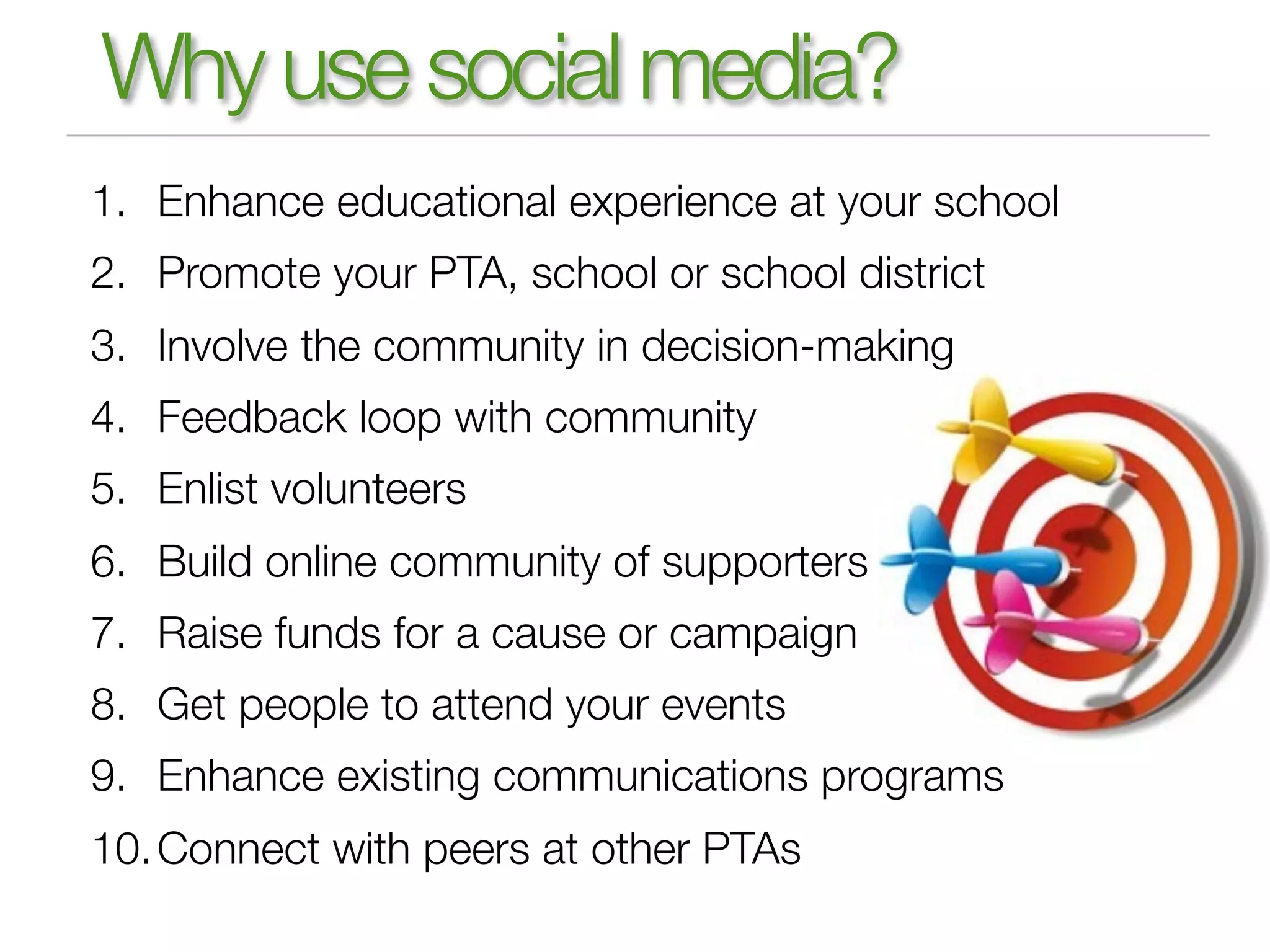
Why use social media?
1. Enhance educational experience at your school
2. Promote your PTA, school or school district
3. Involve the community in decision-making
4. Feedback loop with community
5. Enlist volunteers
6. Build online community of supporters
7. Raise funds for a cause or campaign
8. Get people to attend your events
9. Enhance existing communications programs
10. Connect with peers at other PTAs
L AY T H E G R O U N D W O R K


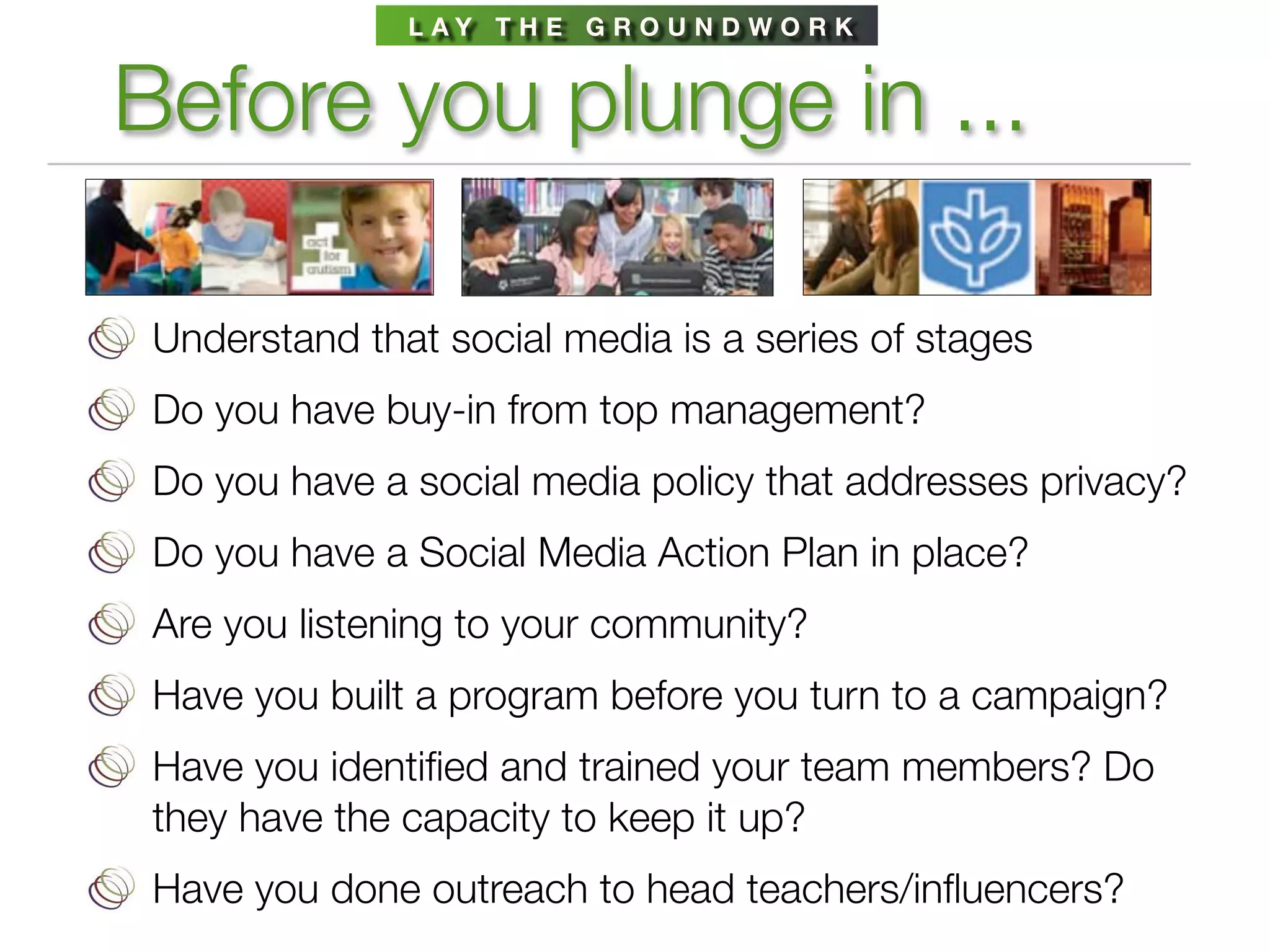
Before you plunge in ...

 Understand that social media is a series of stages
 Do you have buy-in from top management?
 Do you have a social media policy that addresses privacy?
 Do you have a Social Media Action Plan in place?
 Are you listening to your community?
 Have you built a program before you turn to a campaign?
 Have you identified and trained your team members? Do
 they have the capacity to keep it up?
 Have you done outreach to head teachers/influencers?
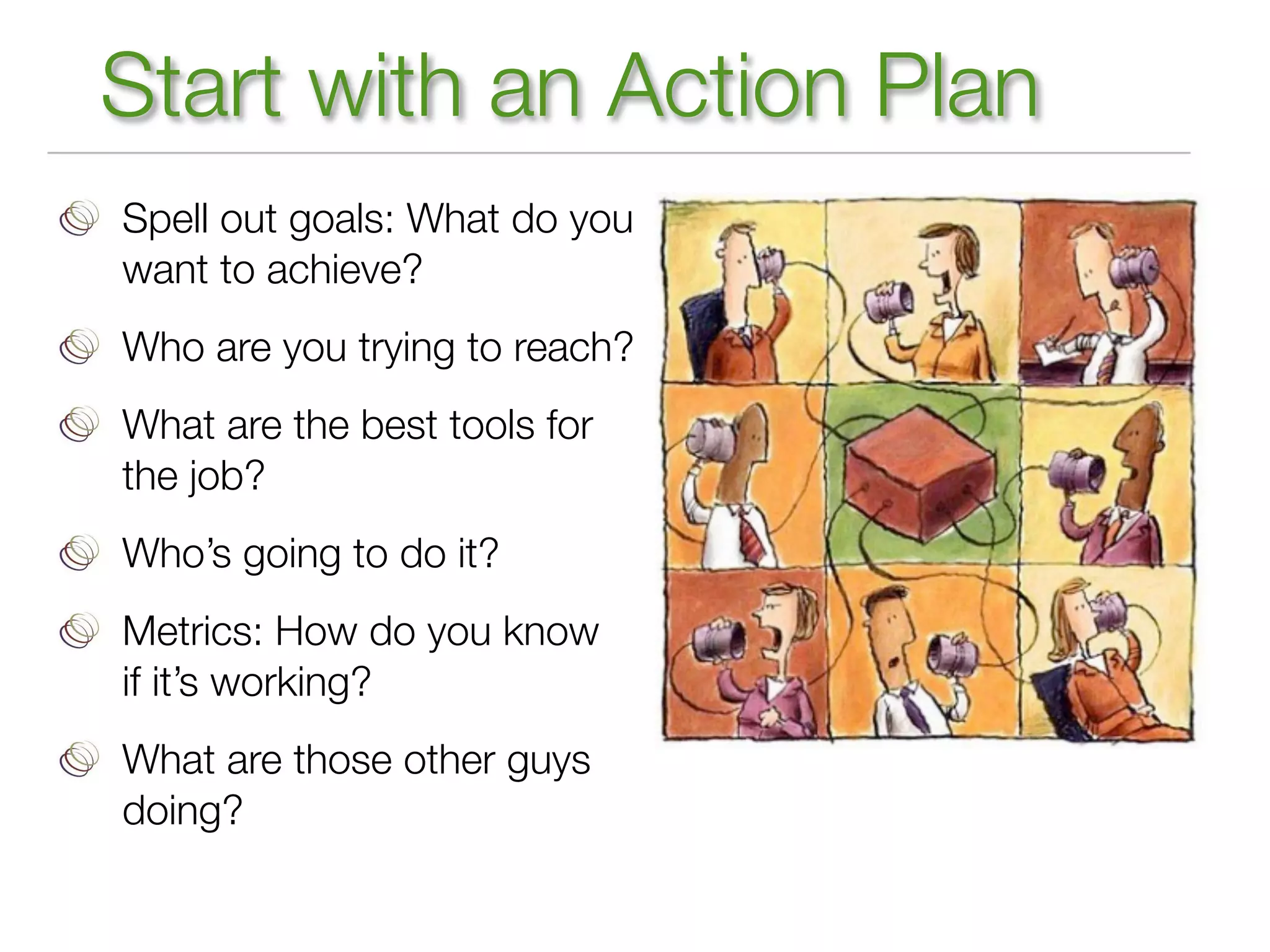
Start with an Action Plan
Spell out goals: What do you
want to achieve?
Who are you trying to reach?
What are the best tools for
the job?
Who’s going to do it?
Metrics: How do you know
if it’s working?
What are those other guys
doing?
L AY T H E G R O U N D W O R K


Possible channels for your plan
  Newsletter (print, online), email updates
  Website
  Blog
  Facebook
  Twitter
  YouTube, live streaming
  Calendar of events
  Campaigns (legislative, fundraising)
  Curation: Storify, Scoop.it, CoverItLive
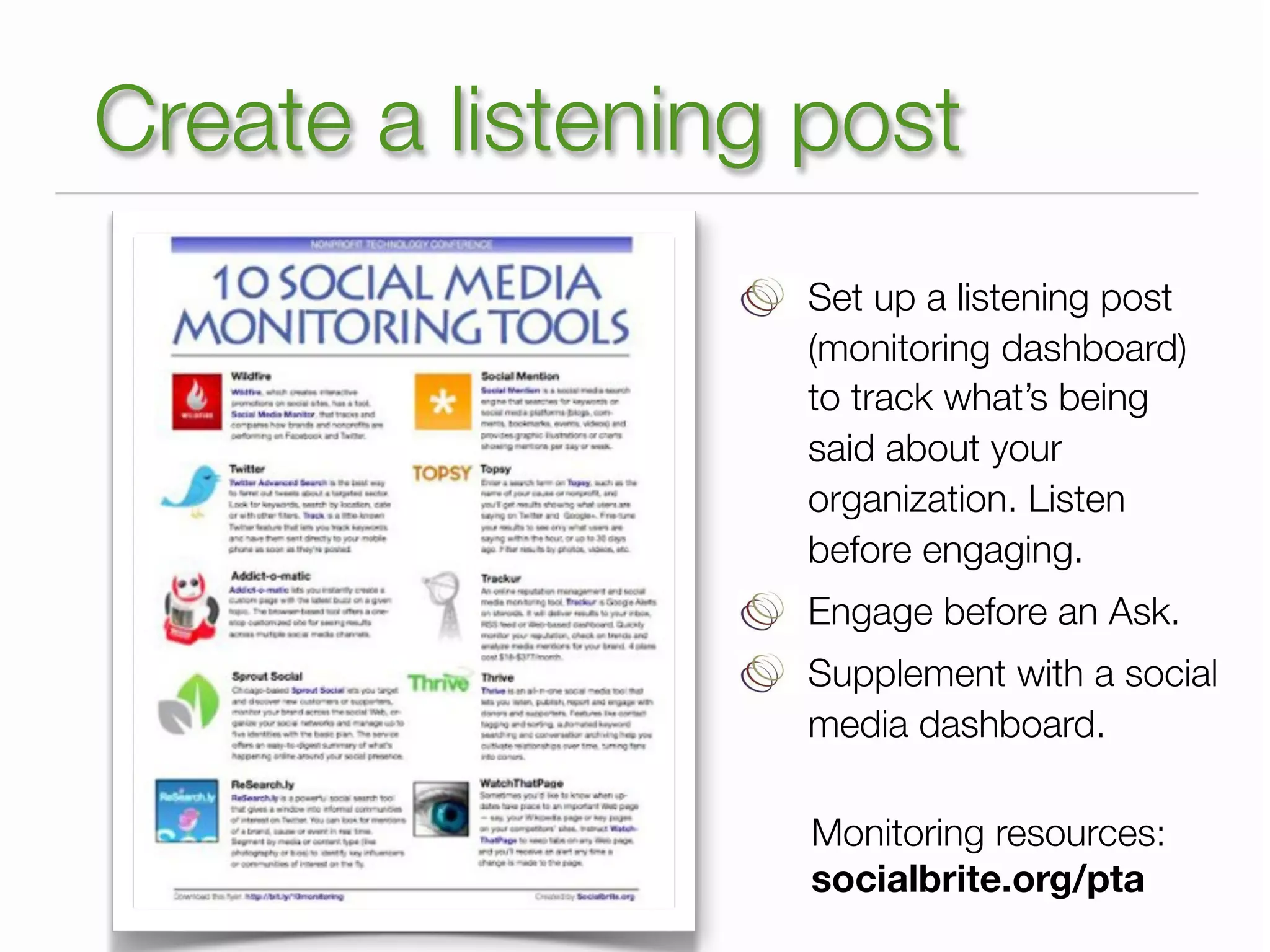
Create a listening post
                  Set up a listening post
                  (monitoring dashboard)
                  to track what’s being
                  said about your
                  organization. Listen
                  before engaging.
                  Engage before an Ask.
                  Supplement with a social
                  media dashboard.

                   Monitoring resources:
                   socialbrite.org/pta
SOCIAL MEDIA DASHBOARDS


Pace yourself, don’t stress!
      HootSuite                 ThinkUp


      Tweetdeck                 Netvibes


      Crowdbooster              Salsa


                           roundup:
      Spredfast      http://bit.ly/smdash
FACEBOOK


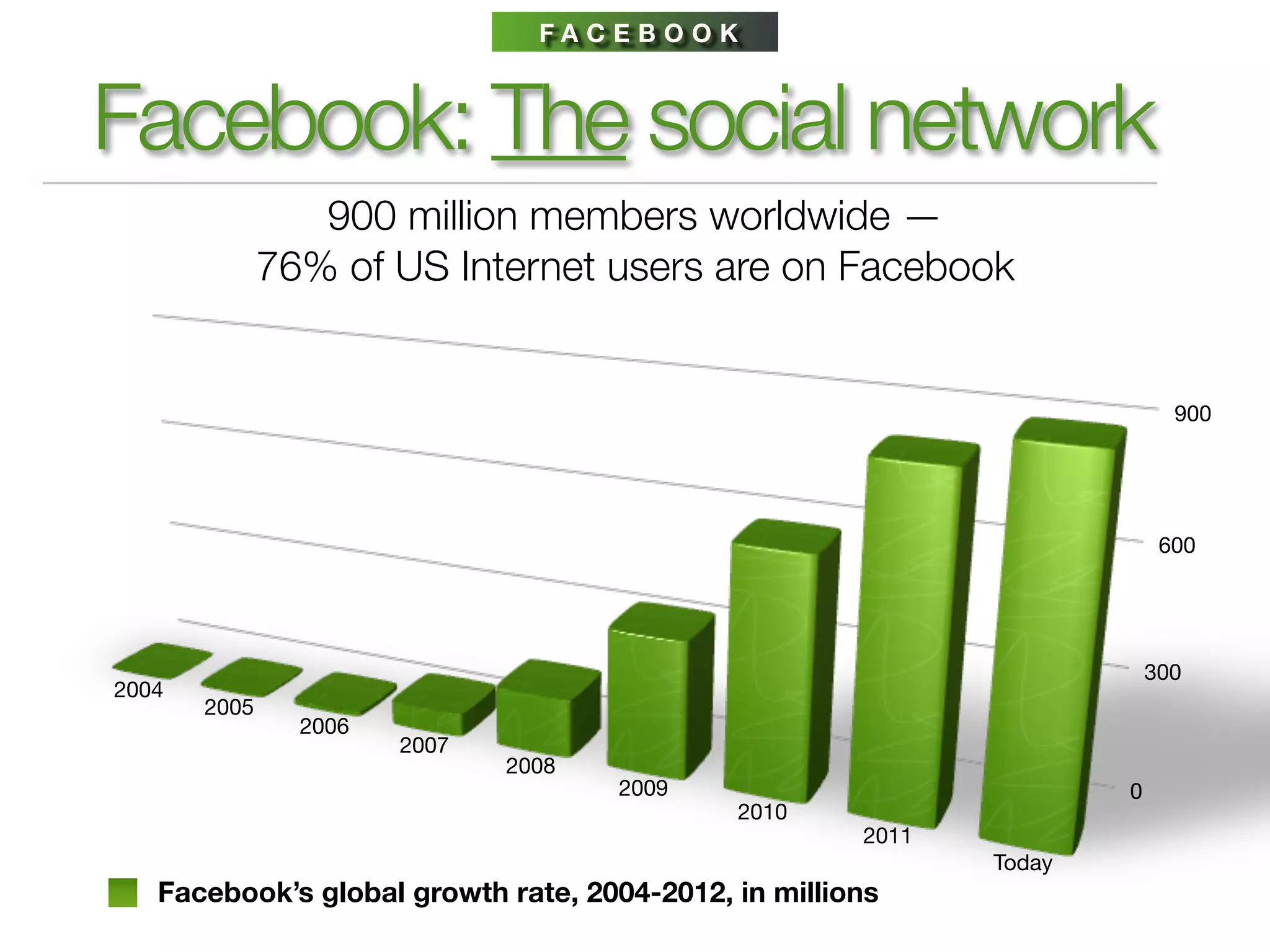
Facebook: The social network
                 900 million members worldwide —
              76% of US Internet users are on Facebook


                                                                           900


                                                                          600


                                                                         300
2004
       2005
                2006
                       2007
                              2008
                                     2009                            0
                                             2010
                                                      2011
                                                             Today
   Facebook’s global growth rate, 2004-2012, in millions
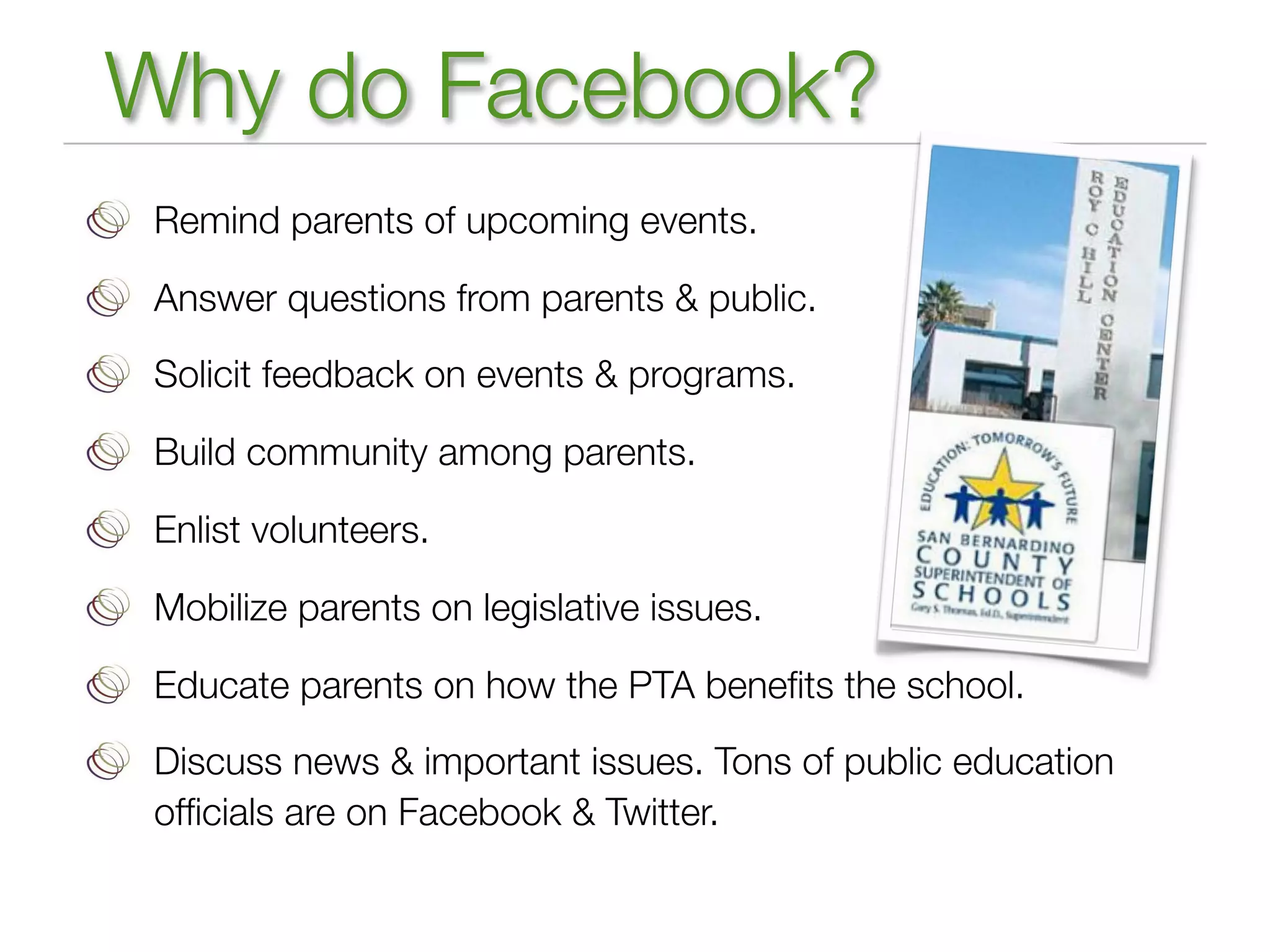
Why do Facebook?
 Remind parents of upcoming events.

 Answer questions from parents & public.

 Solicit feedback on events & programs.

 Build community among parents.

 Enlist volunteers.

 Mobilize parents on legislative issues.

 Educate parents on how the PTA benefits the school.

 Discuss news & important issues. Tons of public education
 officials are on Facebook & Twitter.
Setting up a Facebook page
 Assign responsibilities, share tasks, appoint admins
 Find some good photos of your school or students for the cover
 image
 Use school logo as your profile pic
 Fill in profile info, including links to
 school website
 Create a friendly url:
 facebook.com/LincolnElementaryPTA
 Get traction before you publicize
 Cross-promote in other channels
 Monitor updates, comments on your page
 Use Facebook Insights to recalibrate, set up auto-email
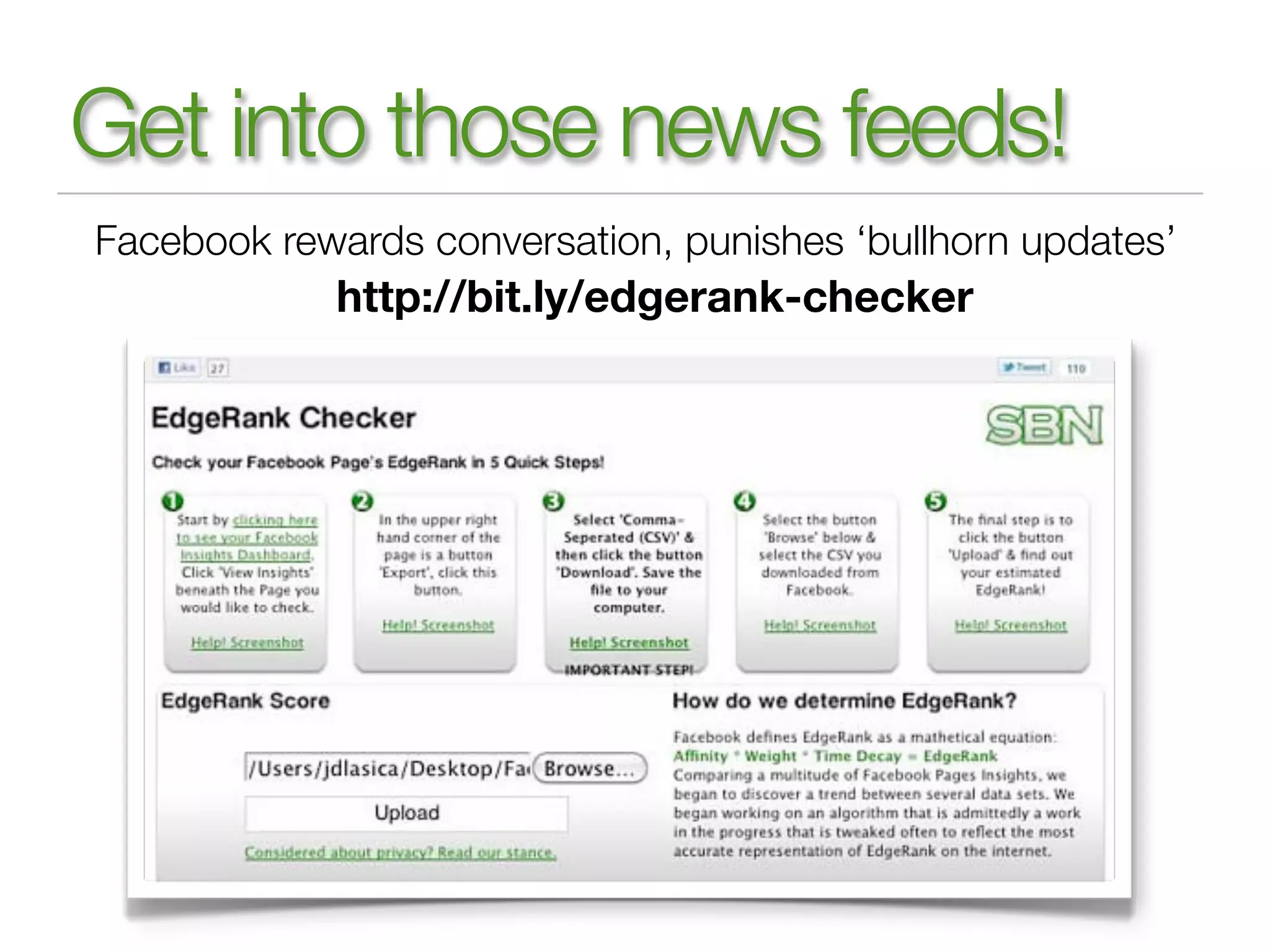
Get into those news feeds!
Facebook rewards conversation, punishes ‘bullhorn updates’
            http://bit.ly/edgerank-checker
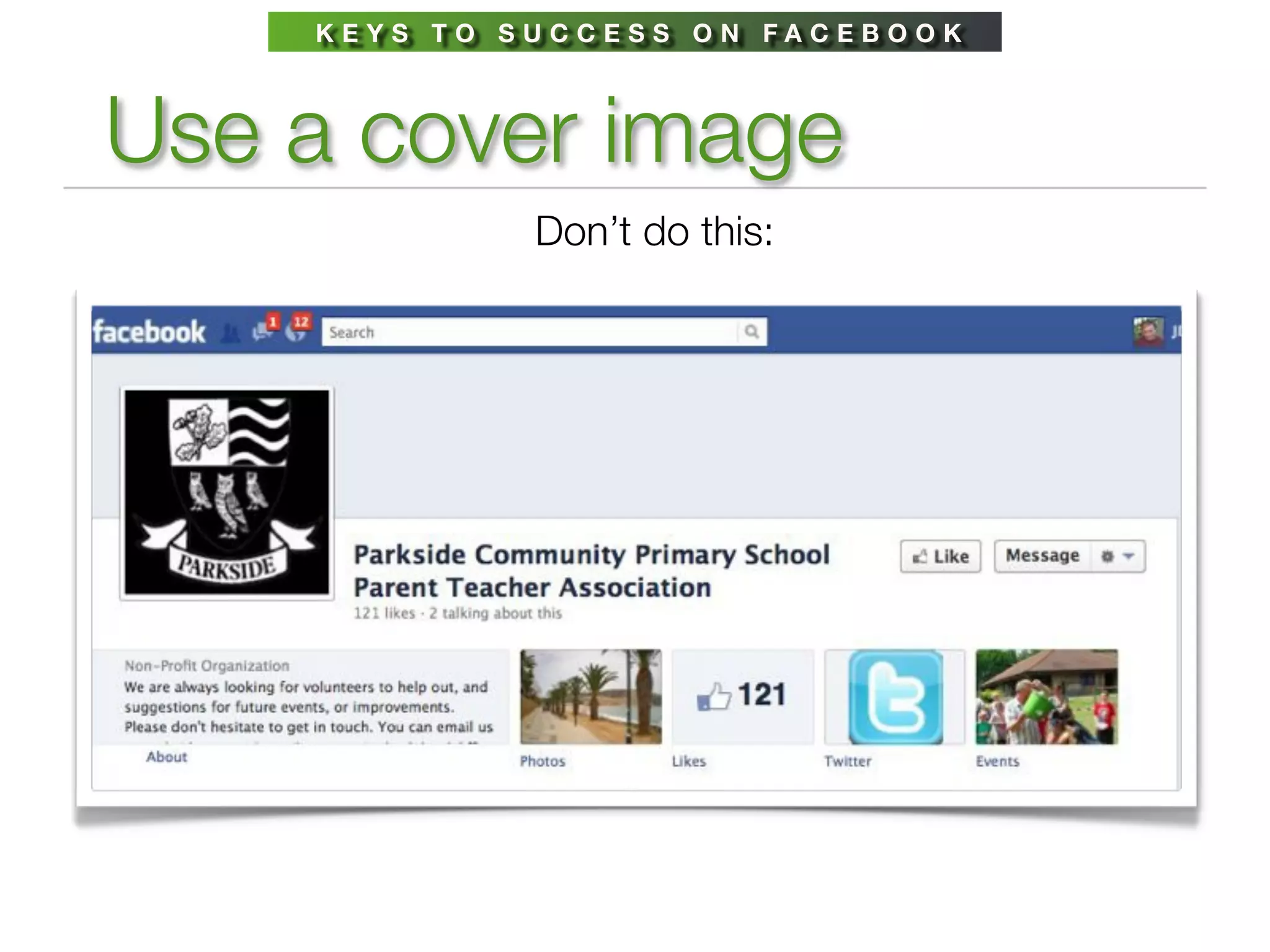
KEYS TO SUCCESS ON FACEBOOK


Use a cover image
             Don’t do this:
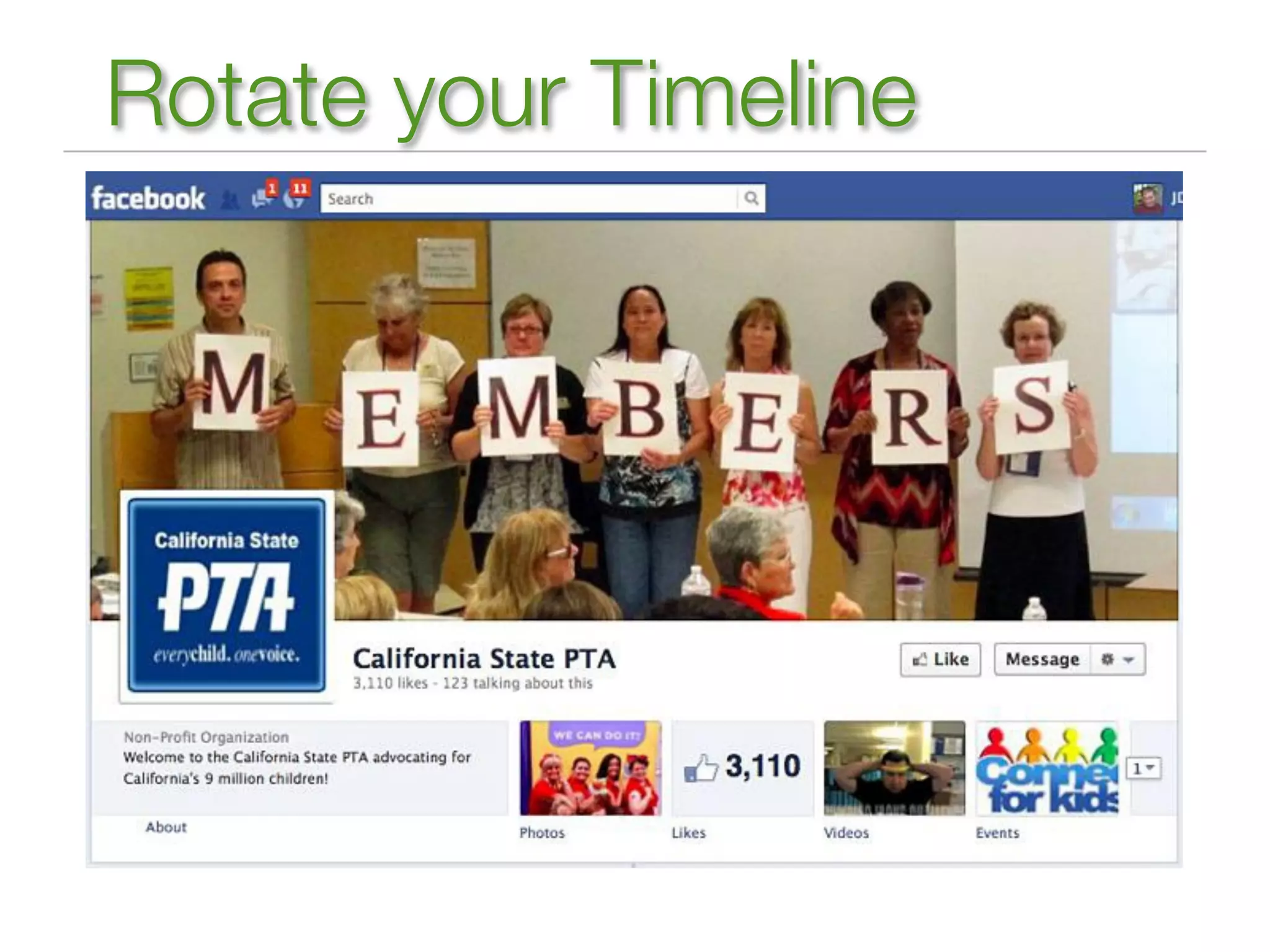
Rotate your Timeline
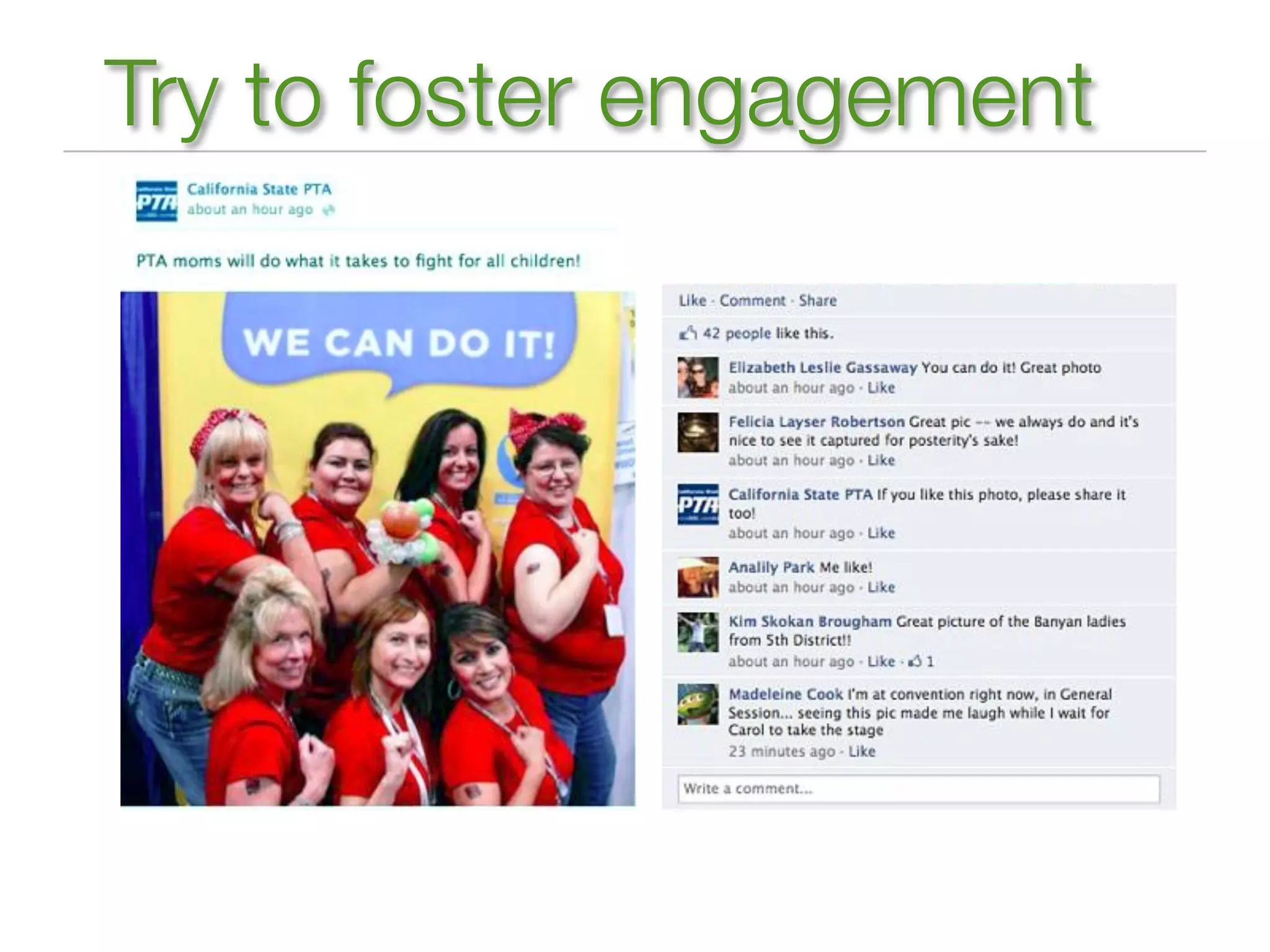
Try to foster engagement
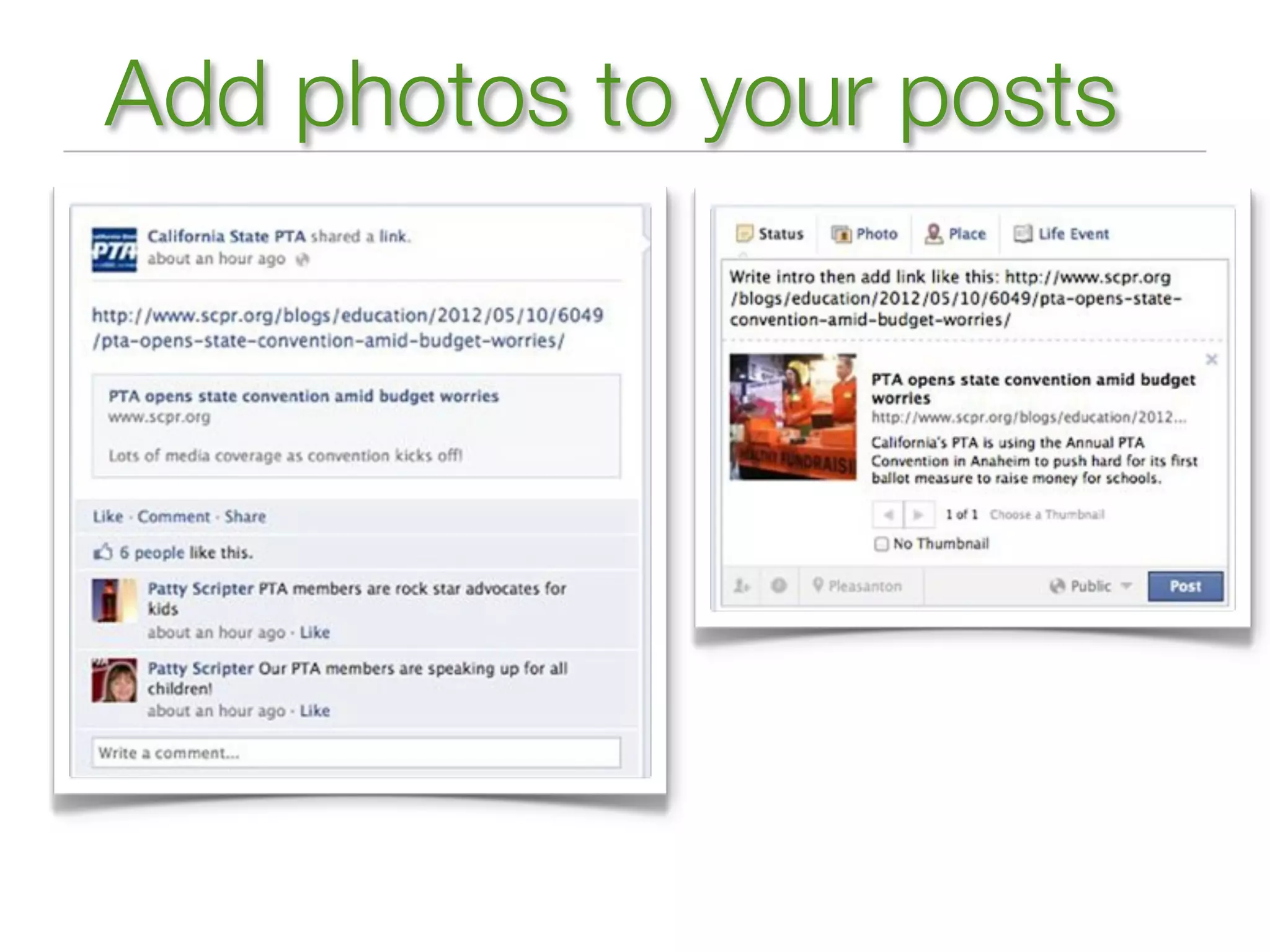
Add photos to your posts
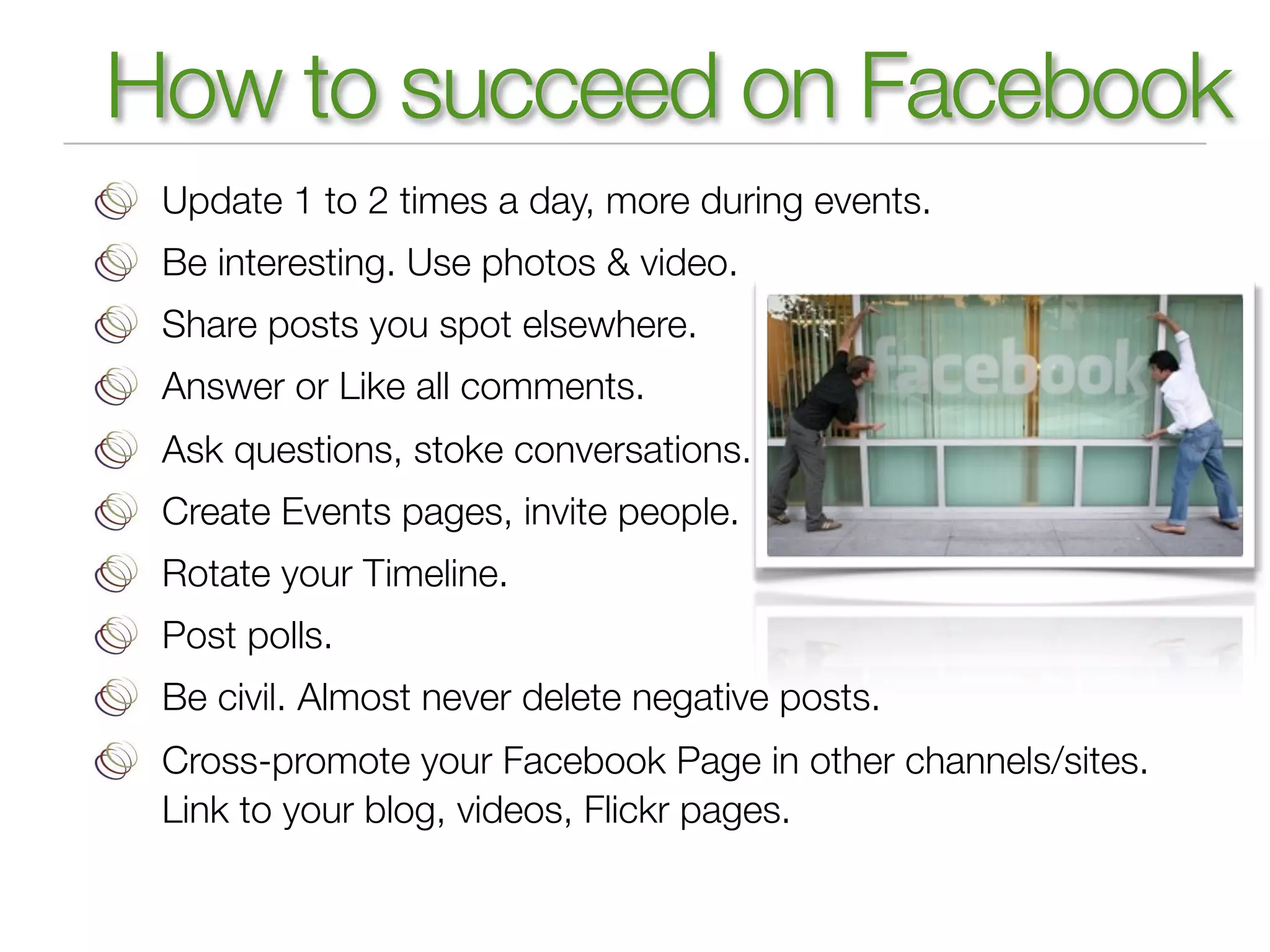
How to succeed on Facebook
 Update 1 to 2 times a day, more during events.
 Be interesting. Use photos & video.
 Share posts you spot elsewhere.
 Answer or Like all comments.
 Ask questions, stoke conversations.
 Create Events pages, invite people.
 Rotate your Timeline.
 Post polls.
 Be civil. Almost never delete negative posts.
 Cross-promote your Facebook Page in other channels/sites.
 Link to your blog, videos, Flickr pages.
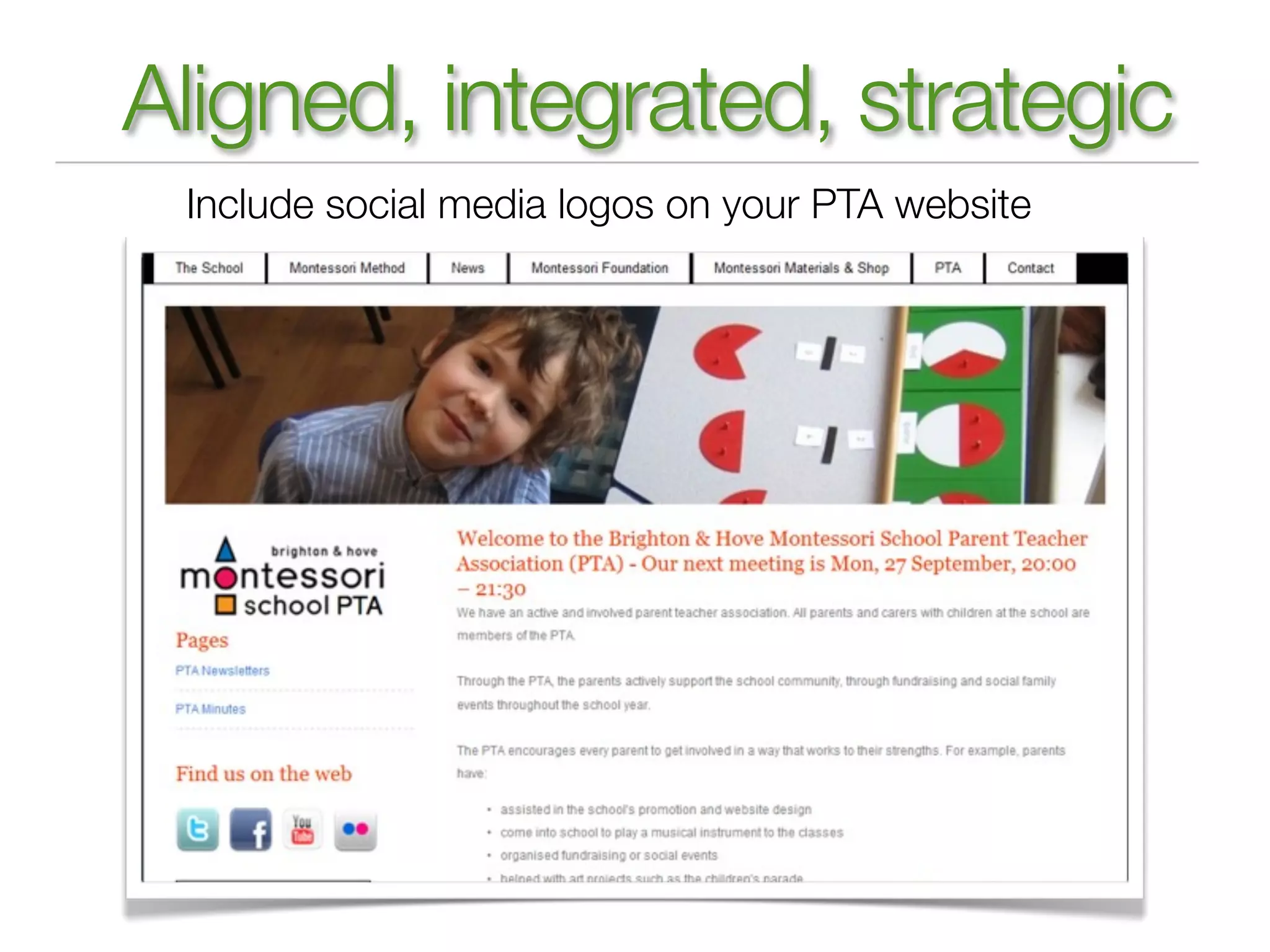
Aligned, integrated, strategic
 Include social media logos on your PTA website
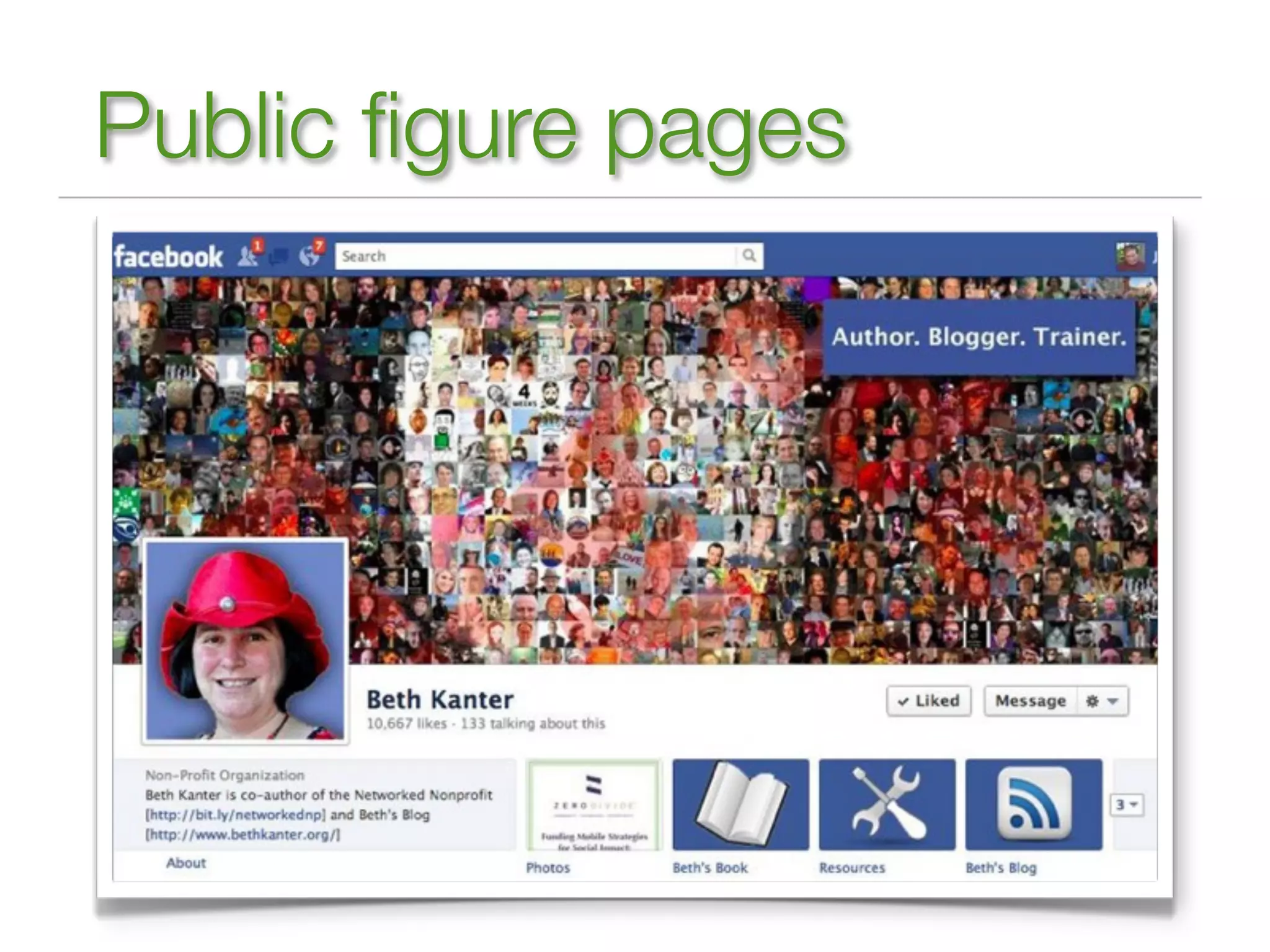
Public figure pages
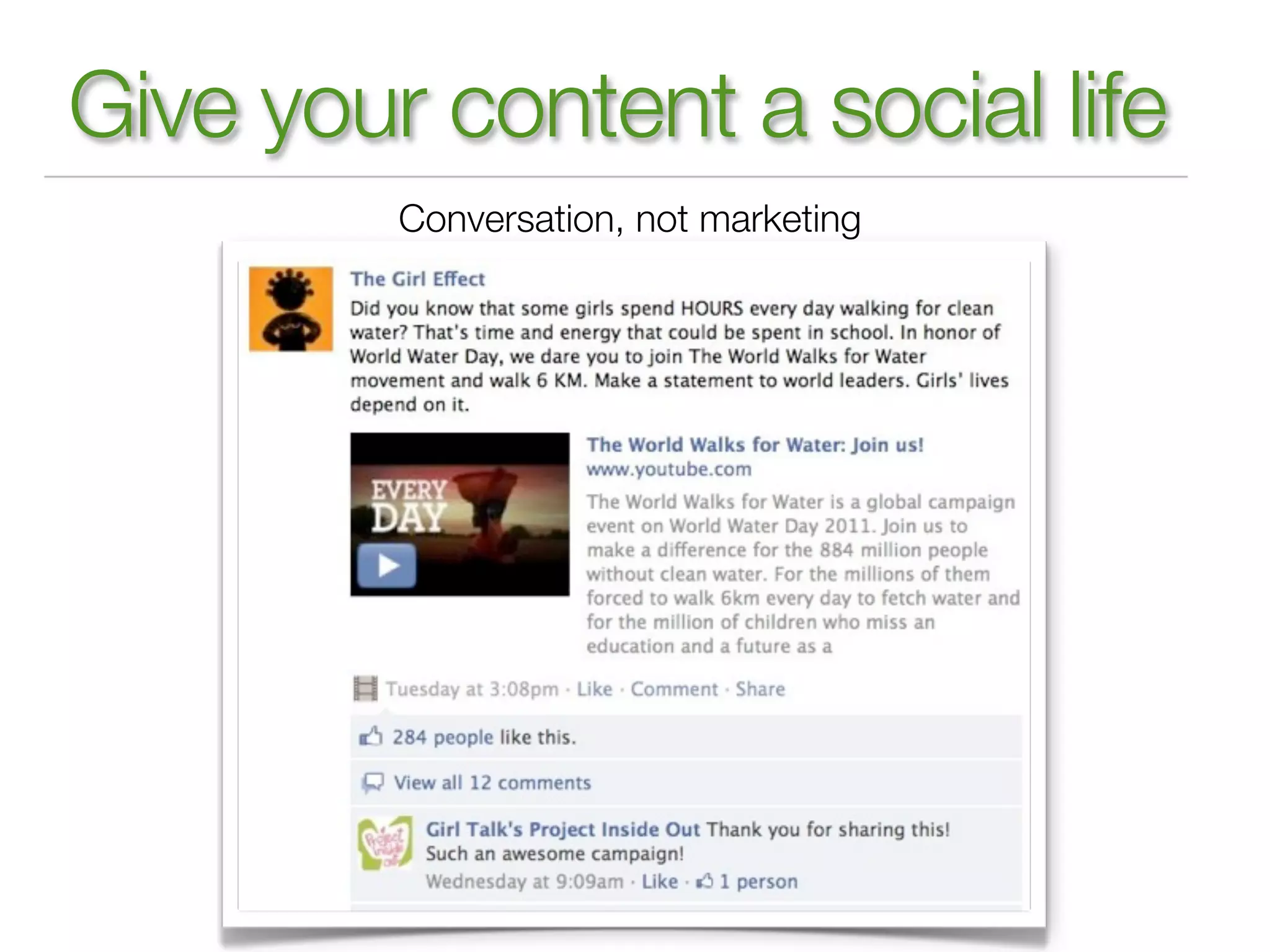
Give your content a social life
         Conversation, not marketing
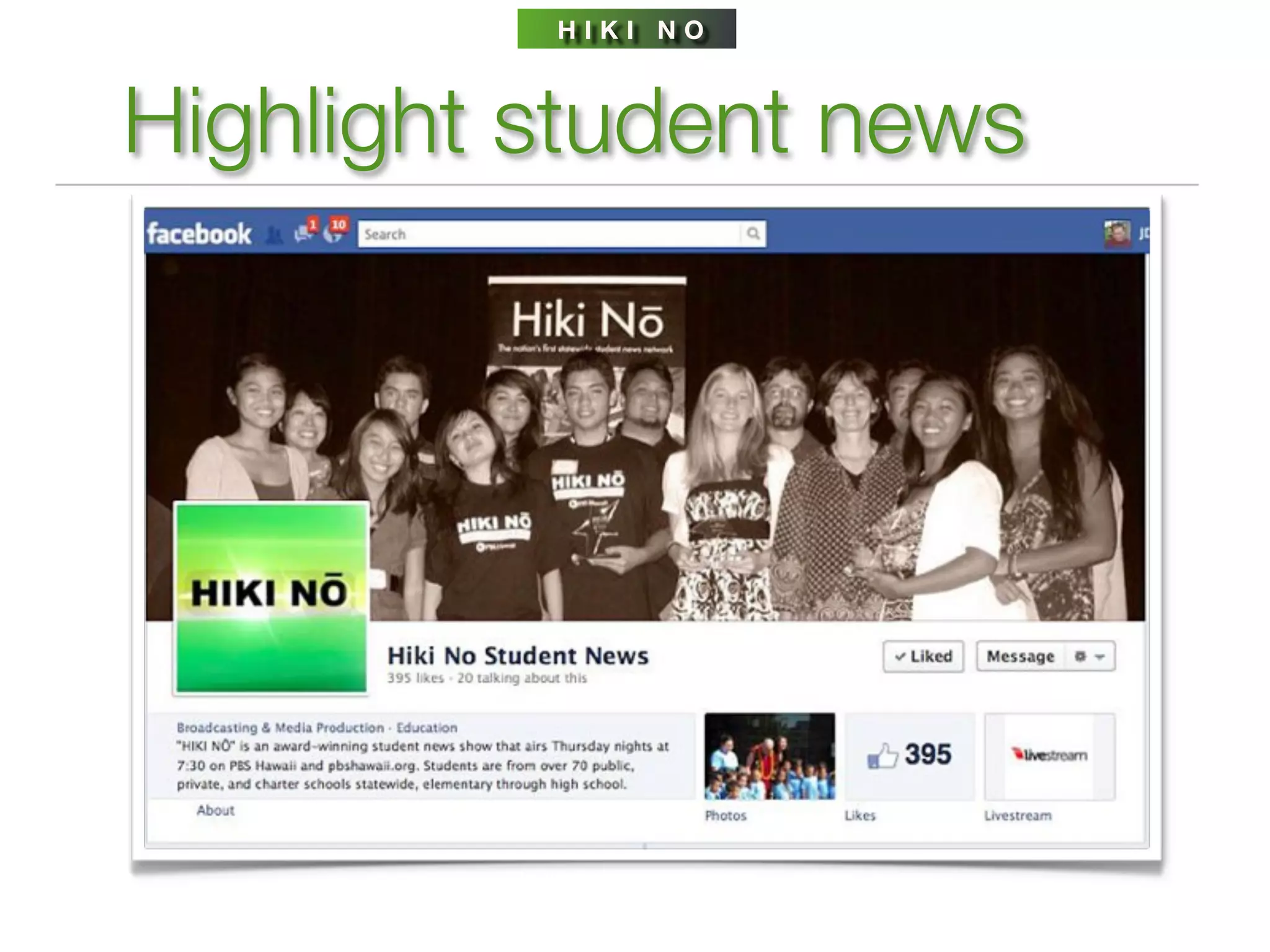
HIKI NO


Highlight student news
TWITTER


Getting set up on Twitter
Identify your Twitter team
Name the account the school name
+ PTA but keep it short
Make your Twitter profile keyword rich,
include a link to your Facebook page
Use the school logo as the profile image
For gosh sake, use a unique background image
For gosh sake, don’t make it private
Find parents or staffers who use Twitter & follow them.
Brand your newsletters, emails, flyers with your Twitter url
TWITTER


Make Twitter work for you
Staff should be trained on how to use Twitter.
Not a broadcasting medium.
Start by listening & observing.
Be conversational, not officious.
Tweet several times a day.
Use it to solicit ideas, show support
for students, announce events, mobilize action, educate public &
students about current events, point to articles, identify experts.
#1 traffic driver: retweets. Use ‘Please RT’ strategically.
Tweets with a URL are 3x more likely to be retweeted.
Twitter drives 4%+ of traffic to NY Times, 12% to AOL, Yahoo.
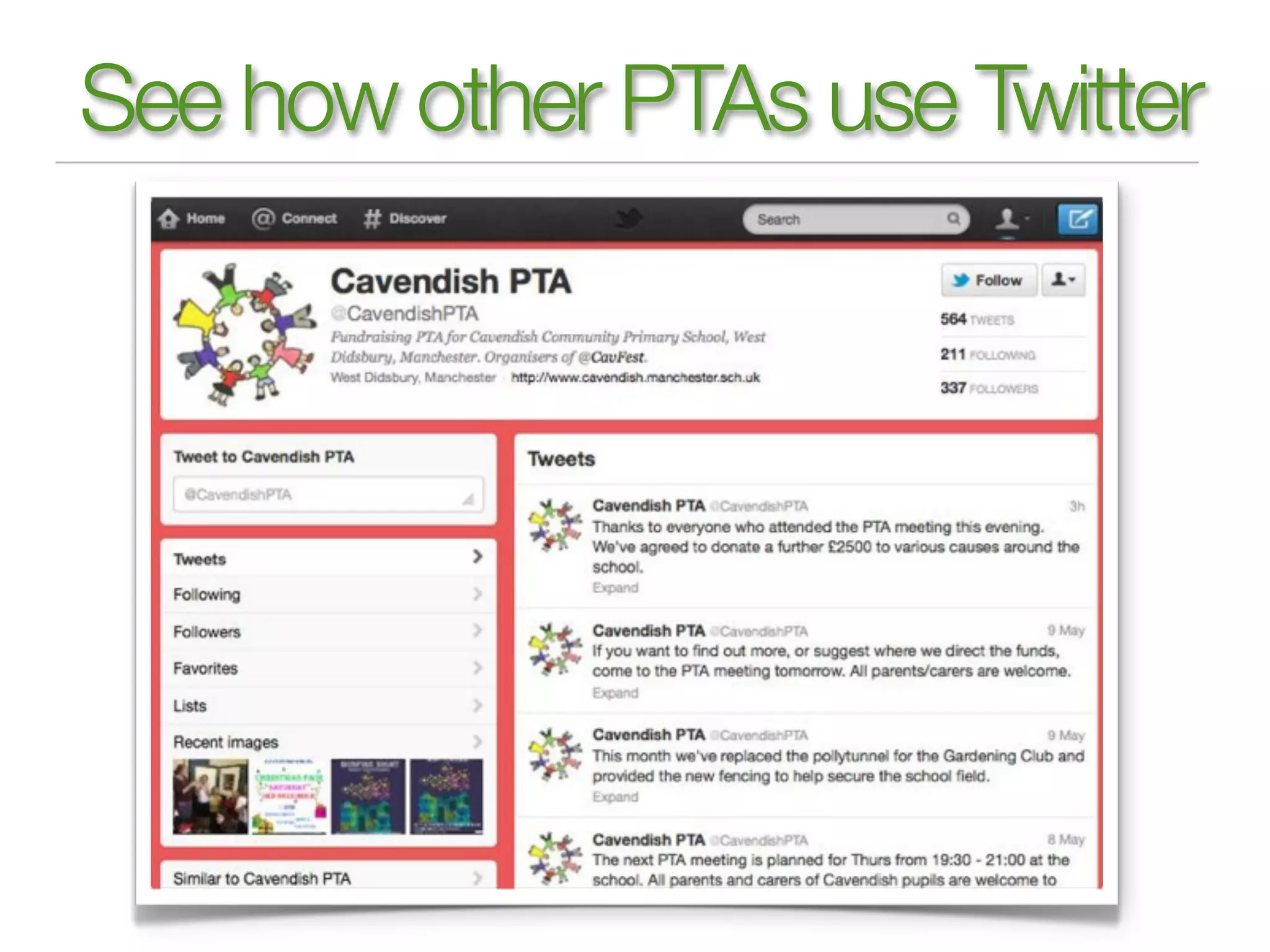
See how other PTAs use Twitter
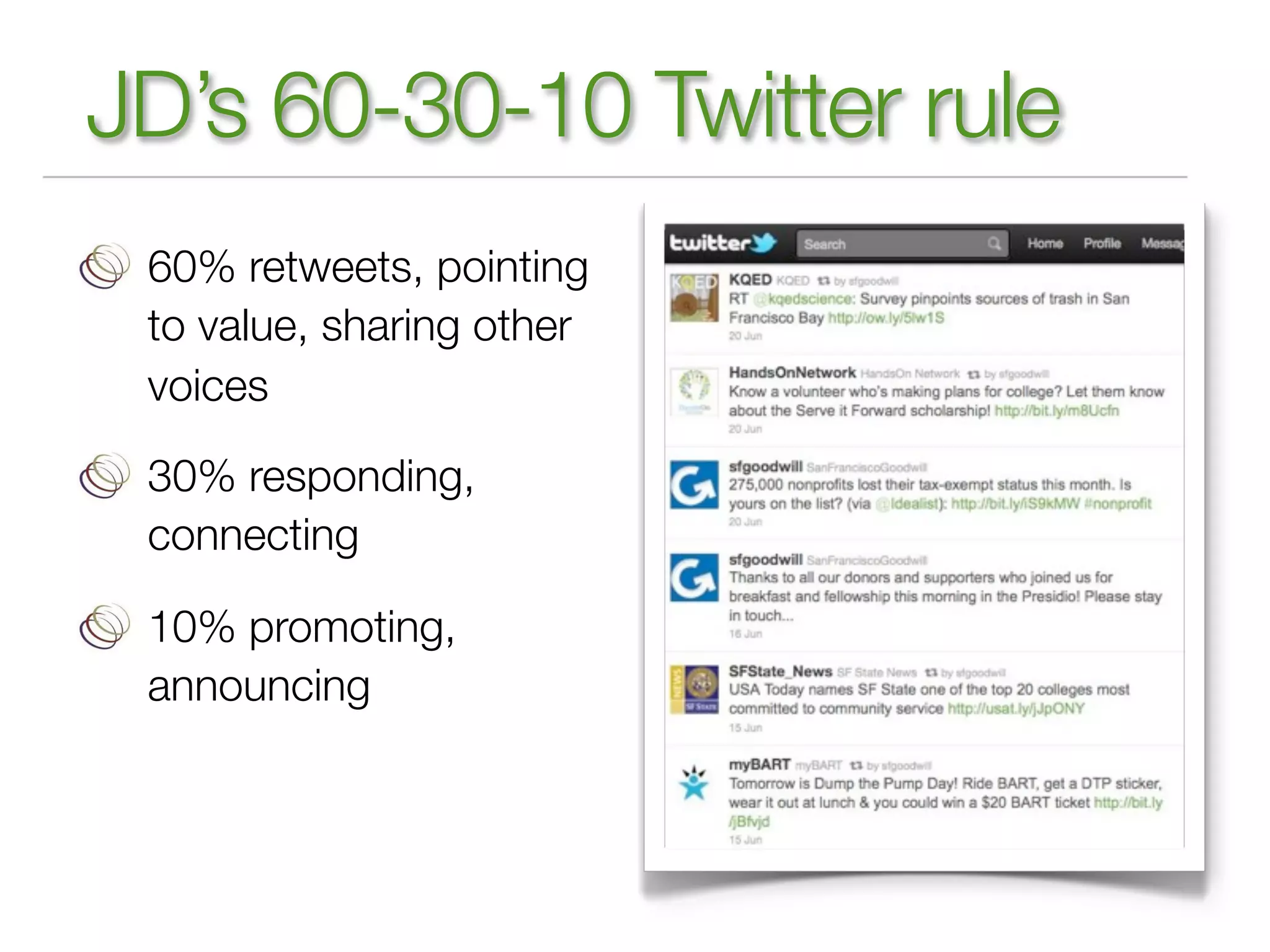
JD’s 60-30-10 Twitter rule
 60% retweets, pointing
 to value, sharing other
 voices

 30% responding,
 connecting

 10% promoting,
 announcing
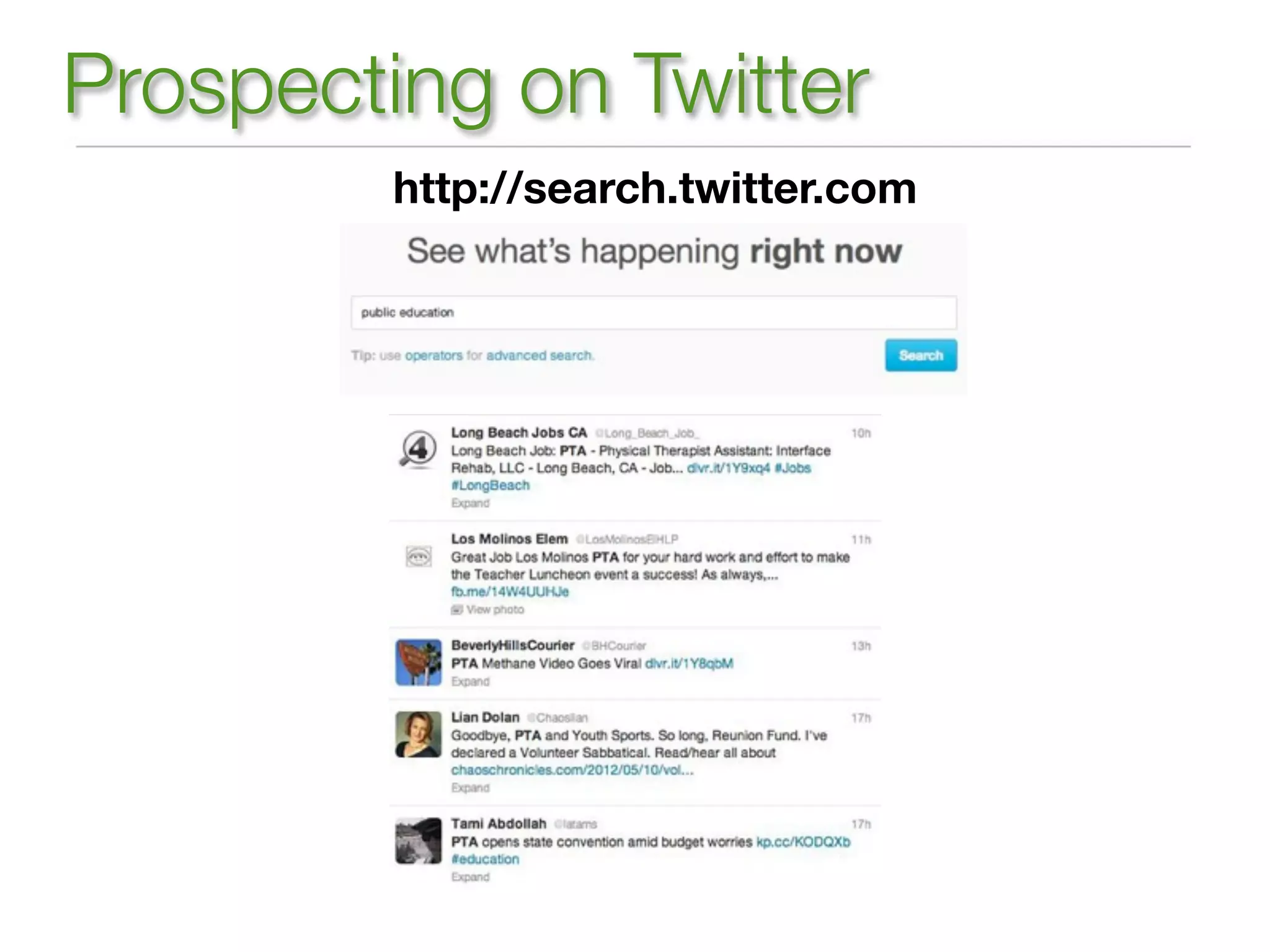
Prospecting on Twitter
         http://search.twitter.com
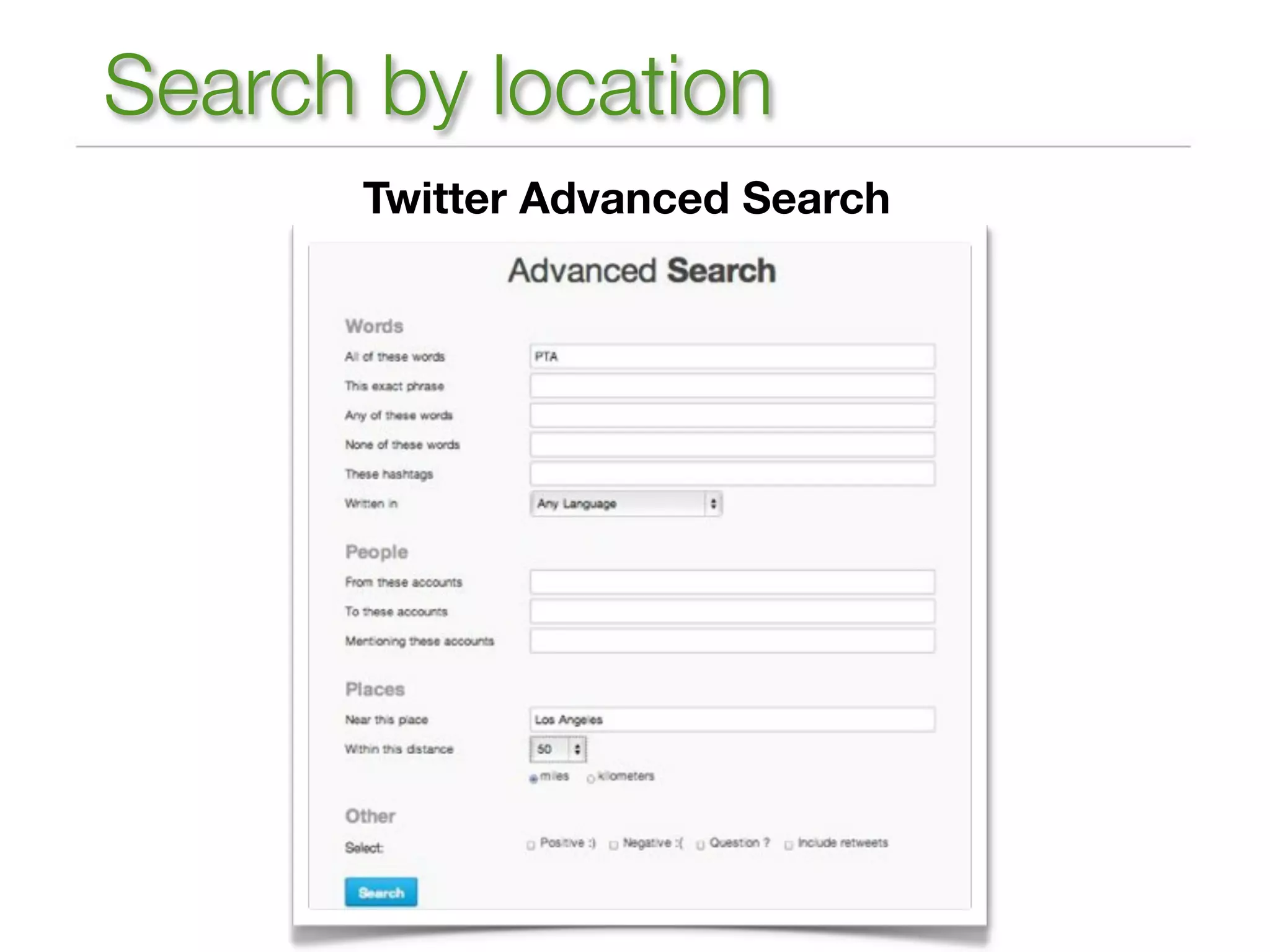
Search by location
      Twitter Advanced Search
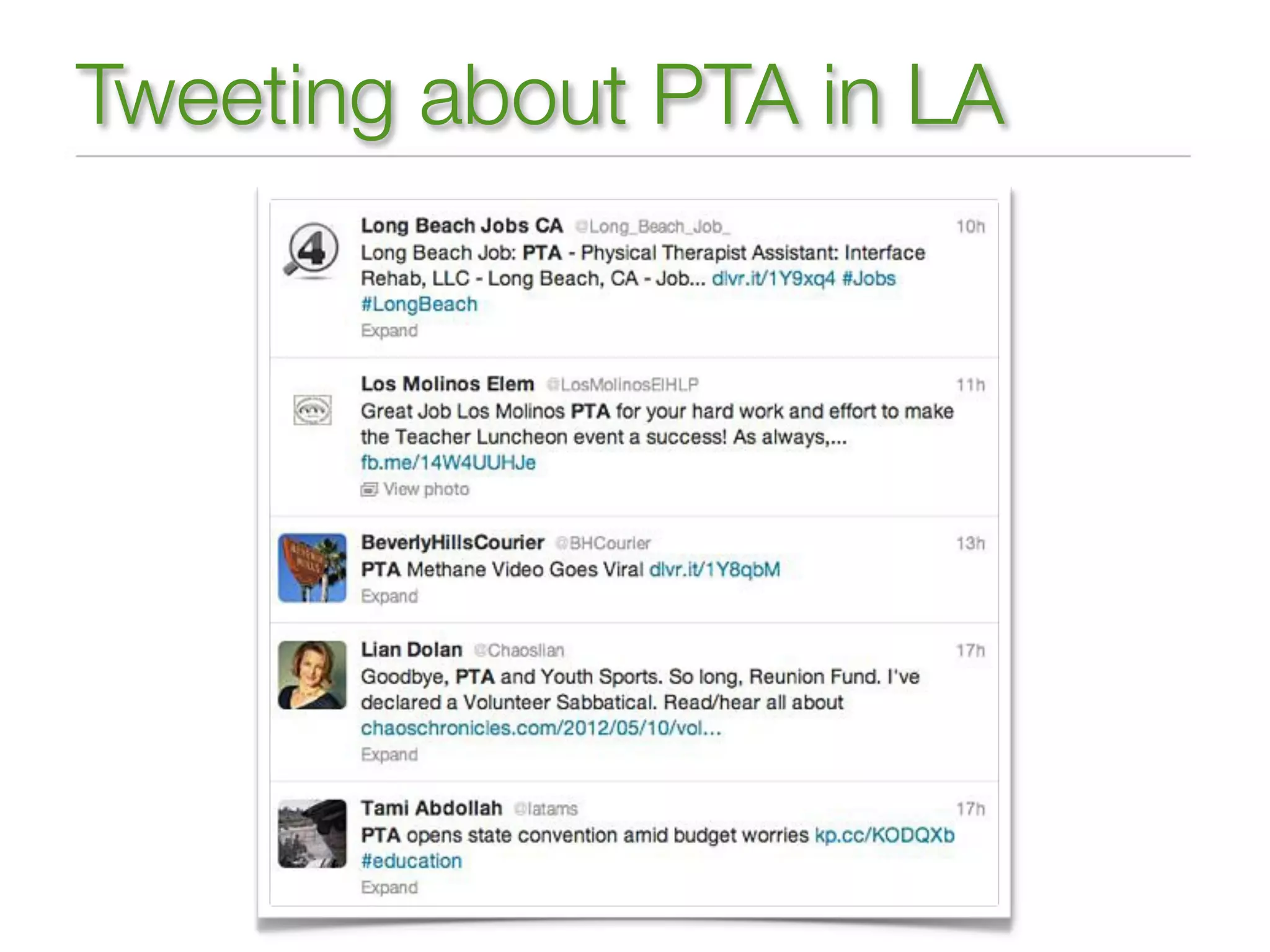
Tweeting about PTA in LA
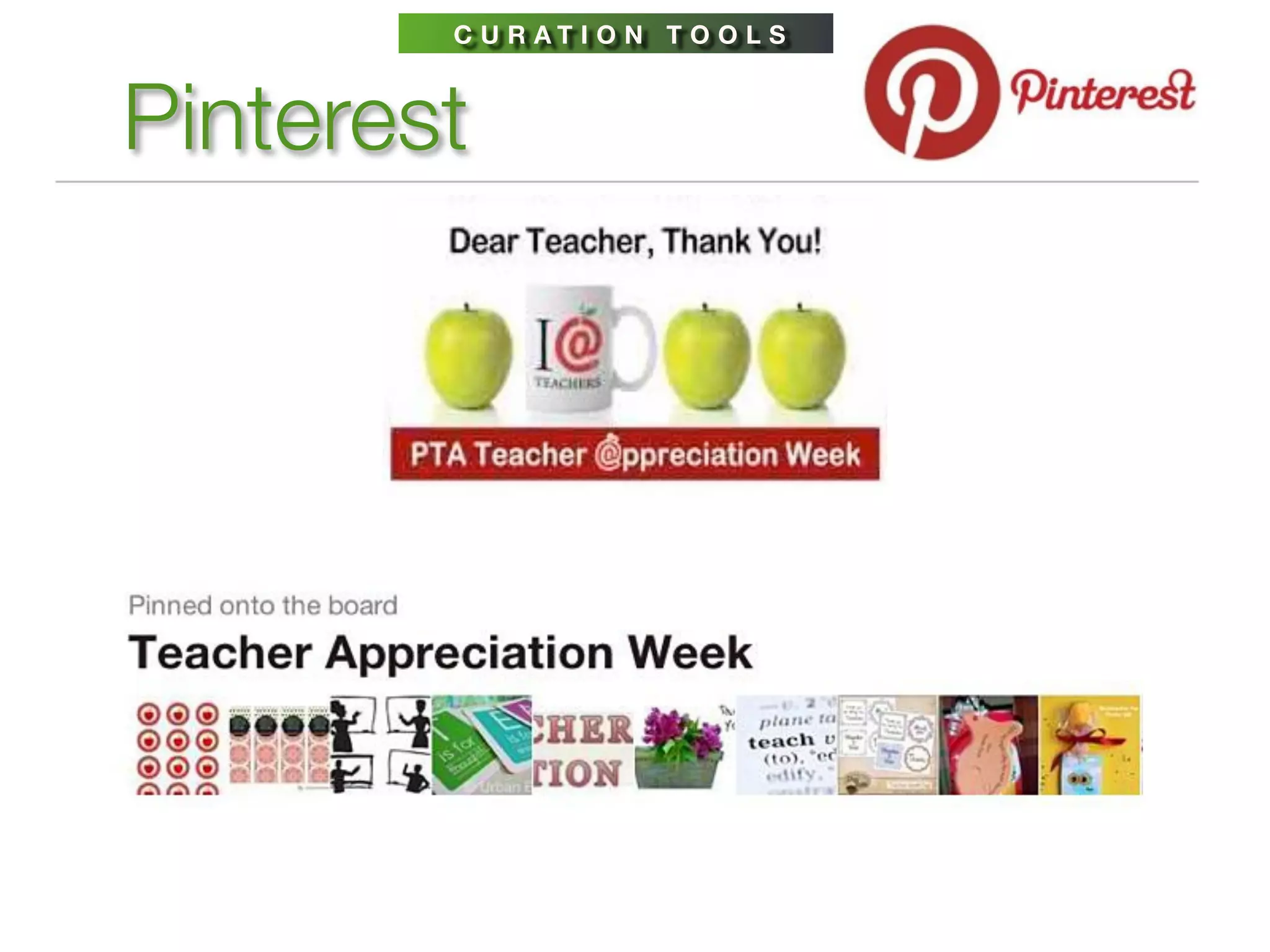
C U R AT I O N T O O L S


Pinterest
C U R AT I O N T O O L S


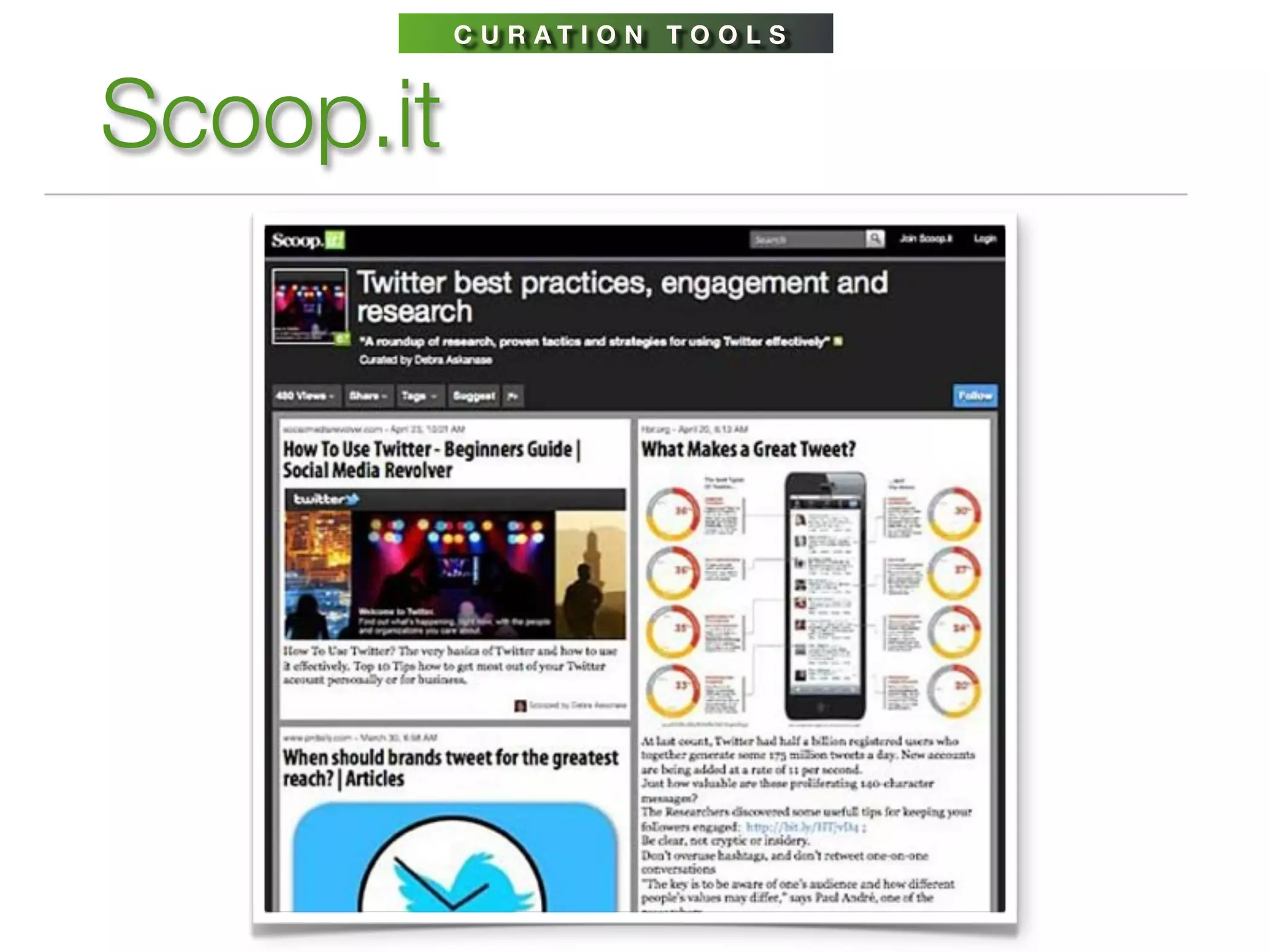
Scoop.it
LINKEDIN


LinkedIn for nonprofits
    http://learn.linkedin.com/nonprofits/
 Get found in Google search. Integrate keywords into your
 organization profile.

 Recruit staff or board members.

 Host fundraising events.

 Create community vibrancy.

 Generate viral awareness.

 Find connections & expert advice through Groups.
C O N T E N T & C O N V E R S AT I O N


The power of storytelling
    Awareness > Influence > Action > Impact


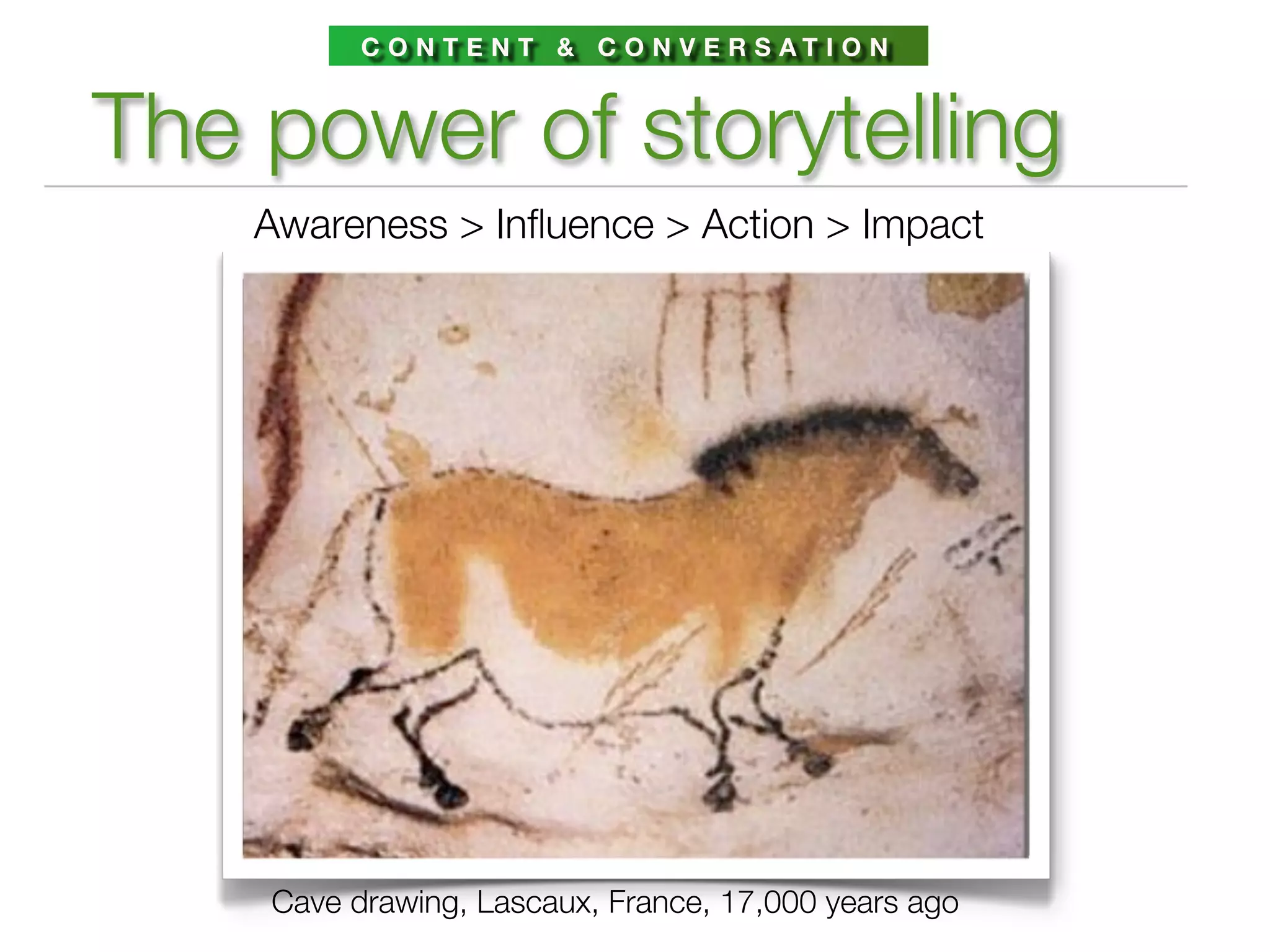
    Cave drawing, Lascaux, France, 17,000 years ago
STORYTELLING


  Create lightweight media
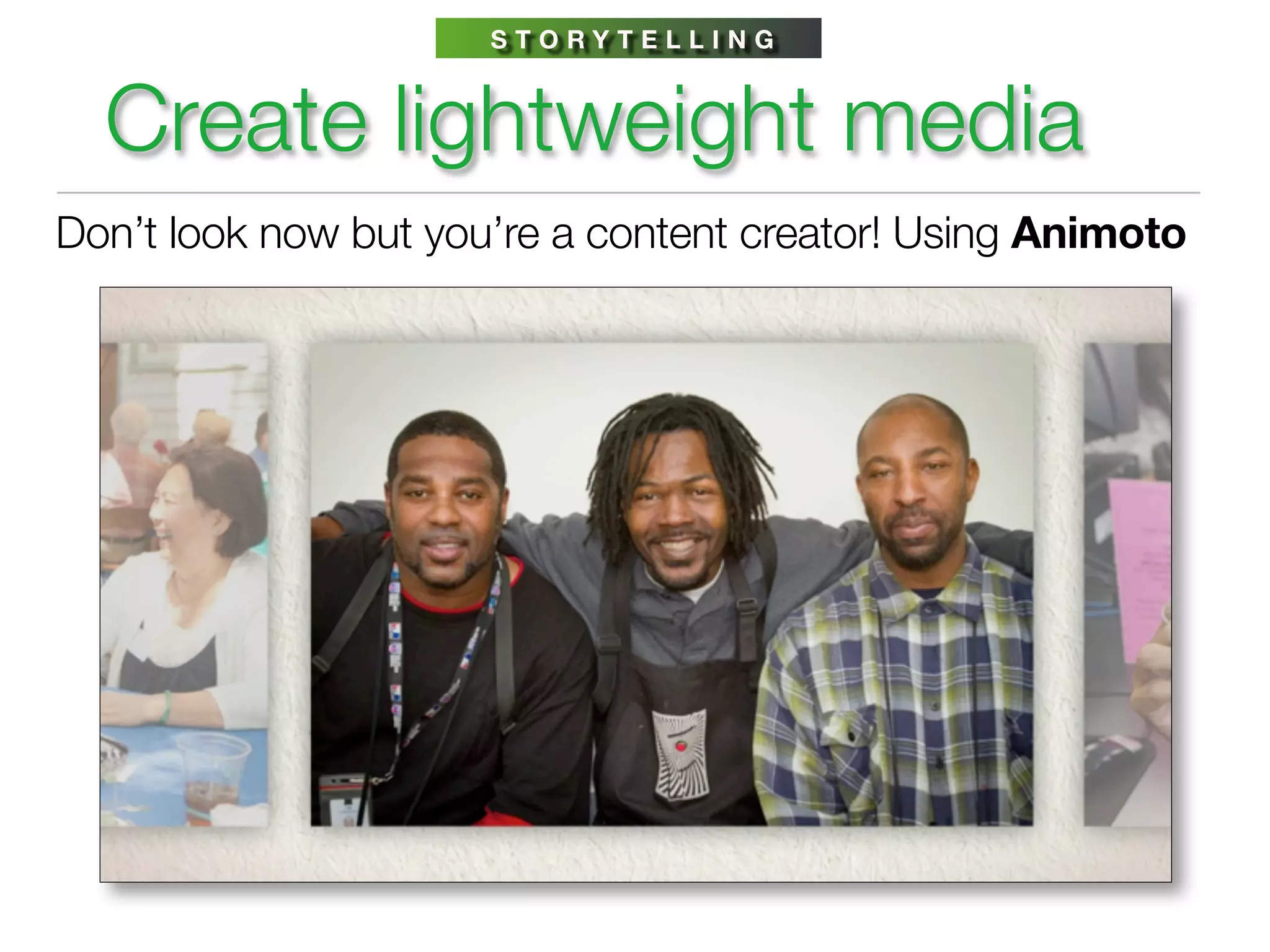
Don’t look now but you’re a content creator! Using Animoto
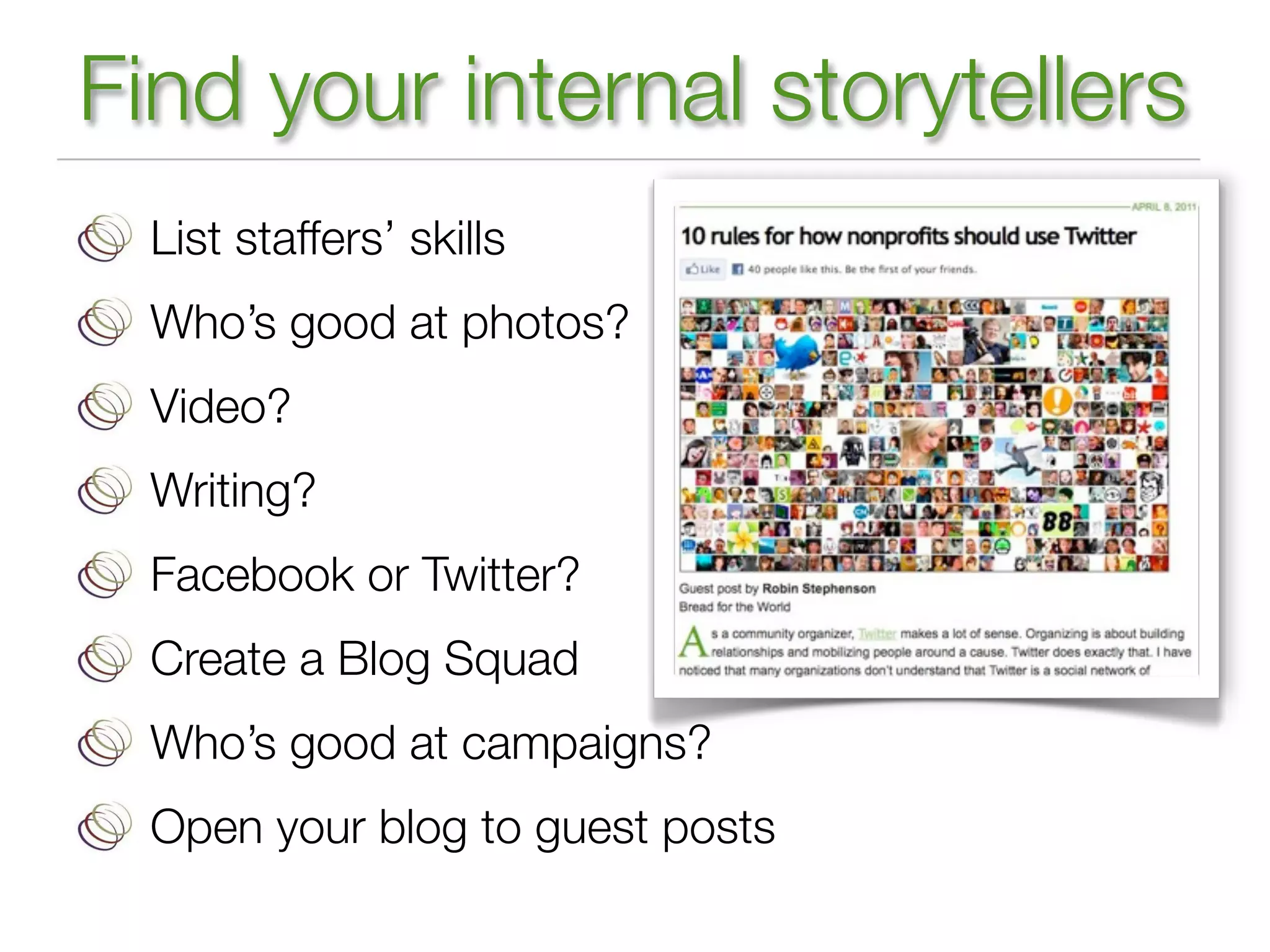
Find your internal storytellers
  List staffers’ skills
  Who’s good at photos?
  Video?
  Writing?
  Facebook or Twitter?
  Create a Blog Squad
  Who’s good at campaigns?
  Open your blog to guest posts
USE YOUR COMMUNITY


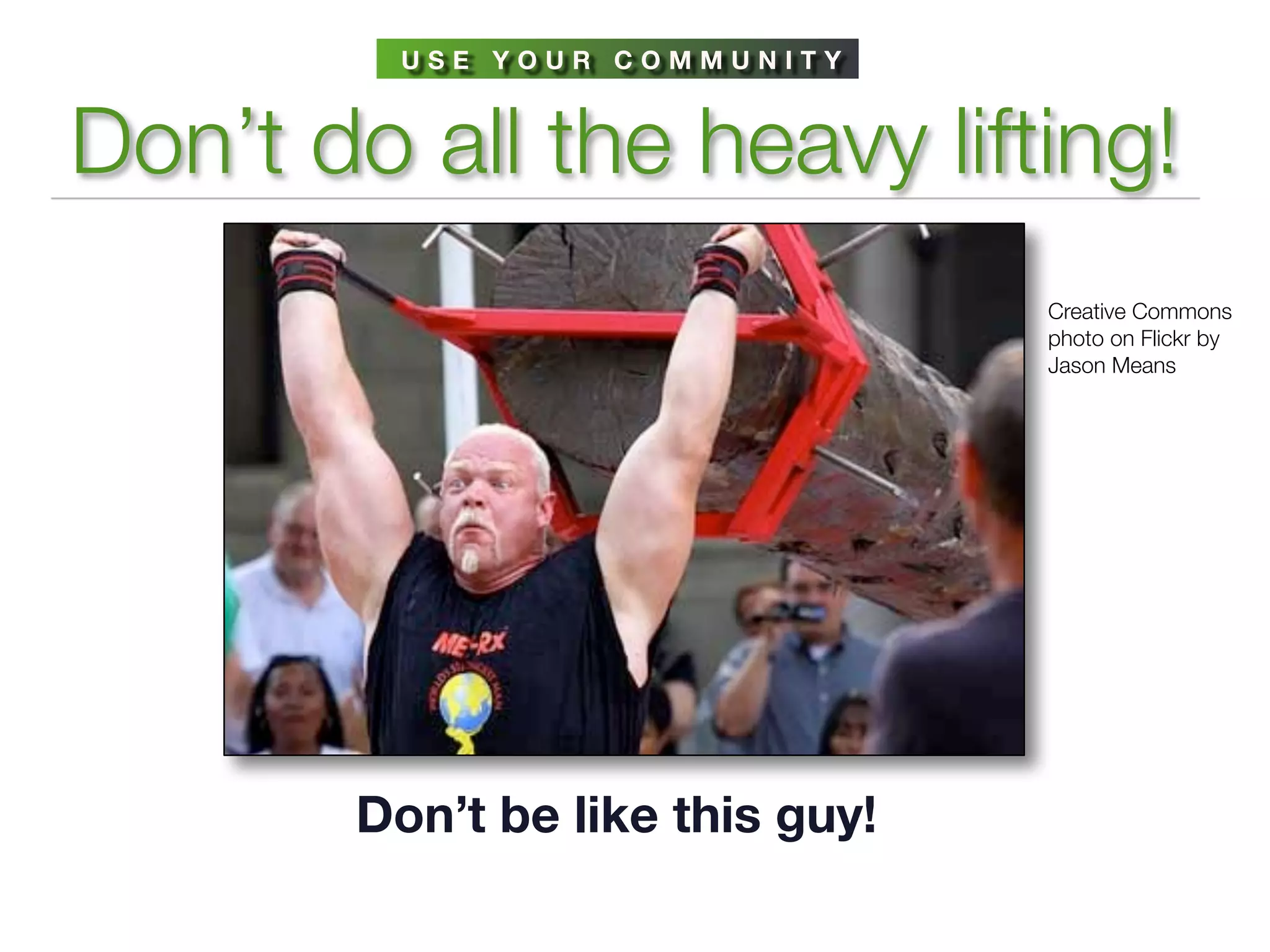
Don’t do all the heavy lifting!
                                 Creative Commons
                                 photo on Flickr by
                                 Jason Means


       Don’t be like this guy!
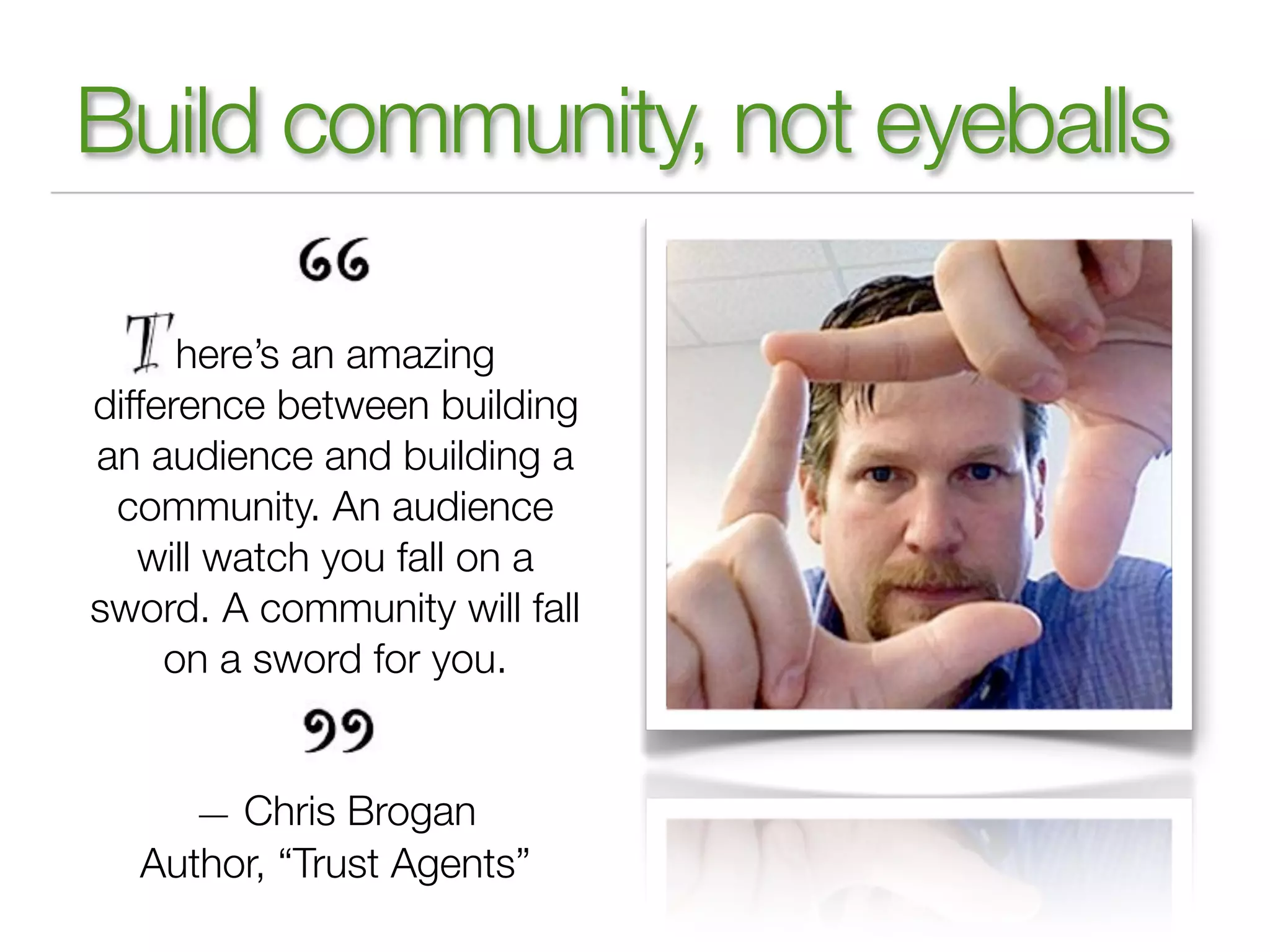
Build community, not eyeballs

      here’s an amazing
difference between building
an audience and building a
 community. An audience
   will watch you fall on a
sword. A community will fall
     on a sword for you.


     — Chris Brogan
  Author, “Trust Agents”
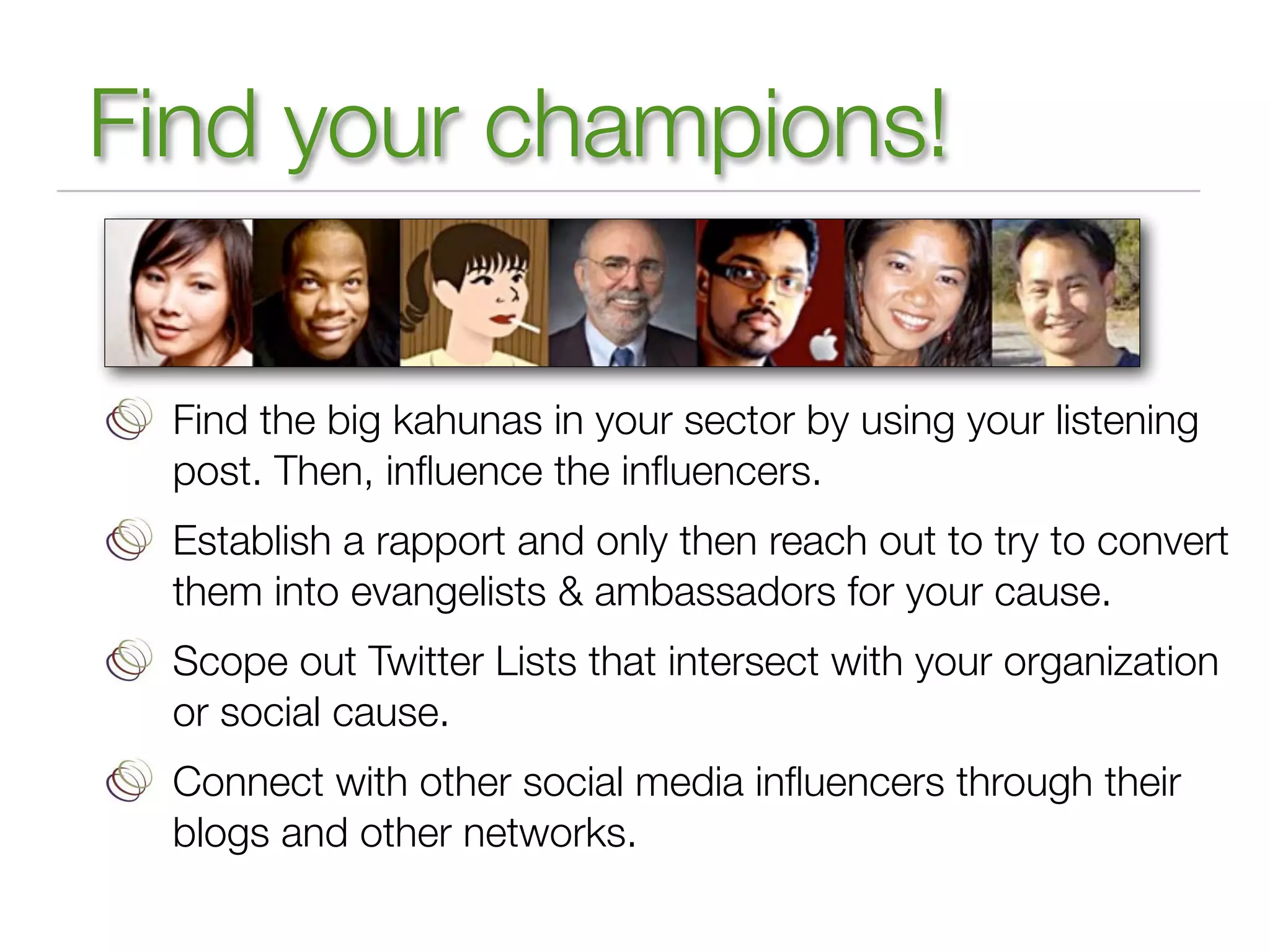
Find your champions!

 Find the big kahunas in your sector by using your listening
 post. Then, influence the influencers.
 Establish a rapport and only then reach out to try to convert
 them into evangelists & ambassadors for your cause.
 Scope out Twitter Lists that intersect with your organization
 or social cause.
 Connect with other social media influencers through their
 blogs and other networks.
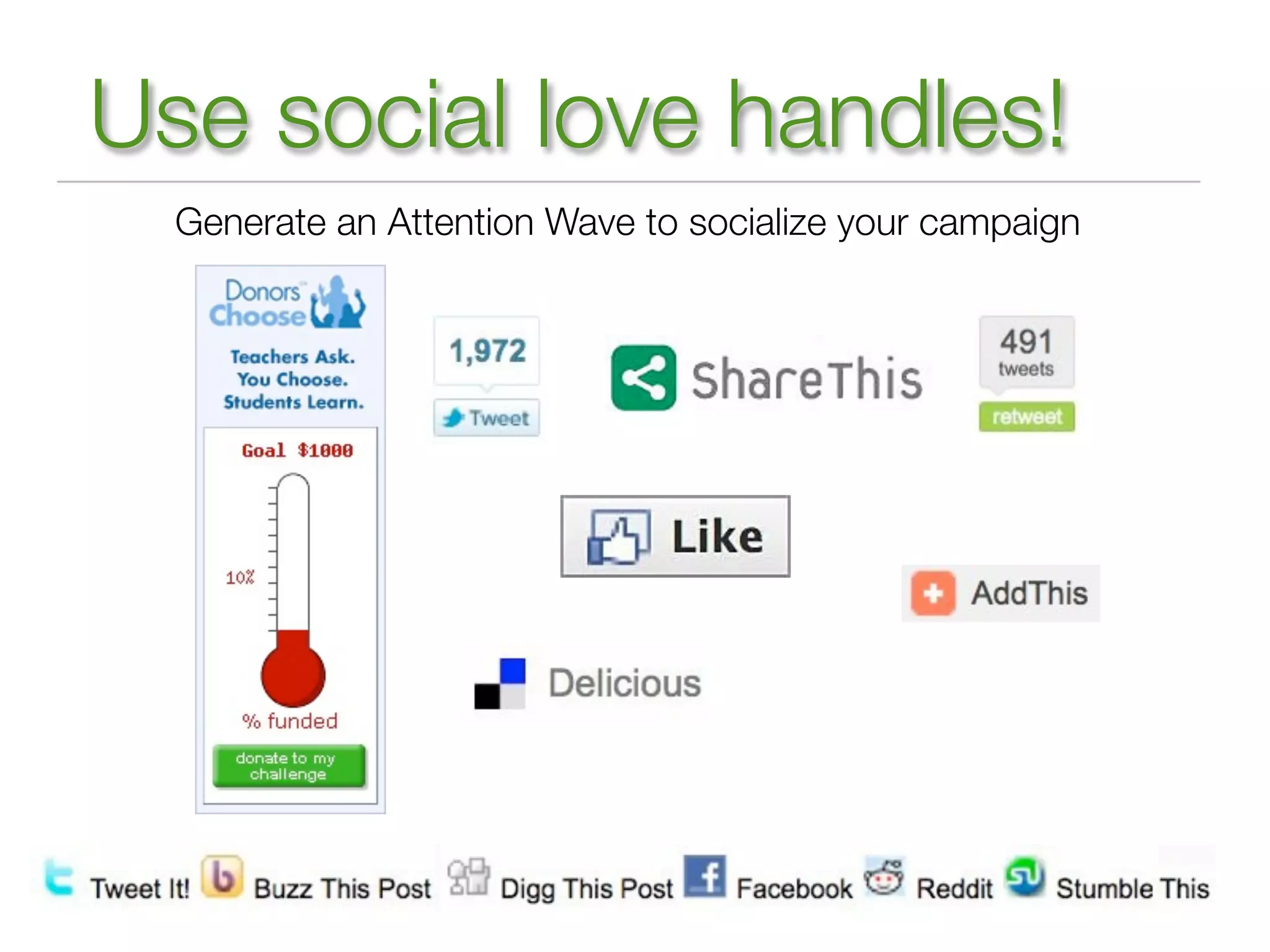
Use social love handles!
  Generate an Attention Wave to socialize your campaign
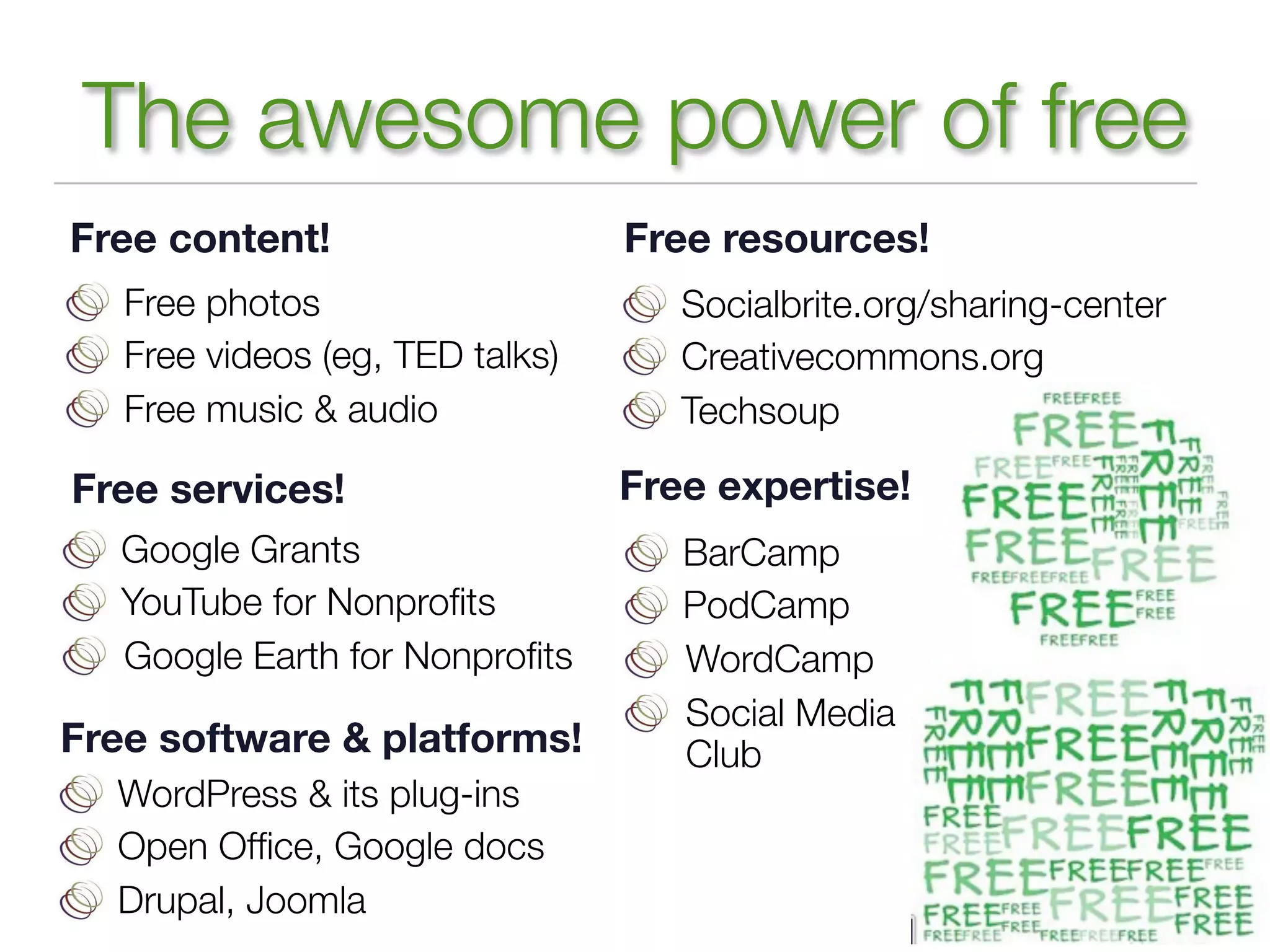
The awesome power of free
Free content!                    Free resources!
   Free photos                      Socialbrite.org/sharing-center
   Free videos (eg, TED talks)      Creativecommons.org
   Free music & audio               Techsoup

Free services!                   Free expertise!
   Google Grants                    BarCamp
   YouTube for Nonprofits            PodCamp
   Google Earth for Nonprofits       WordCamp
                                    Social Media
Free software & platforms!          Club
  WordPress & its plug-ins
  Open Office, Google docs
  Drupal, Joomla
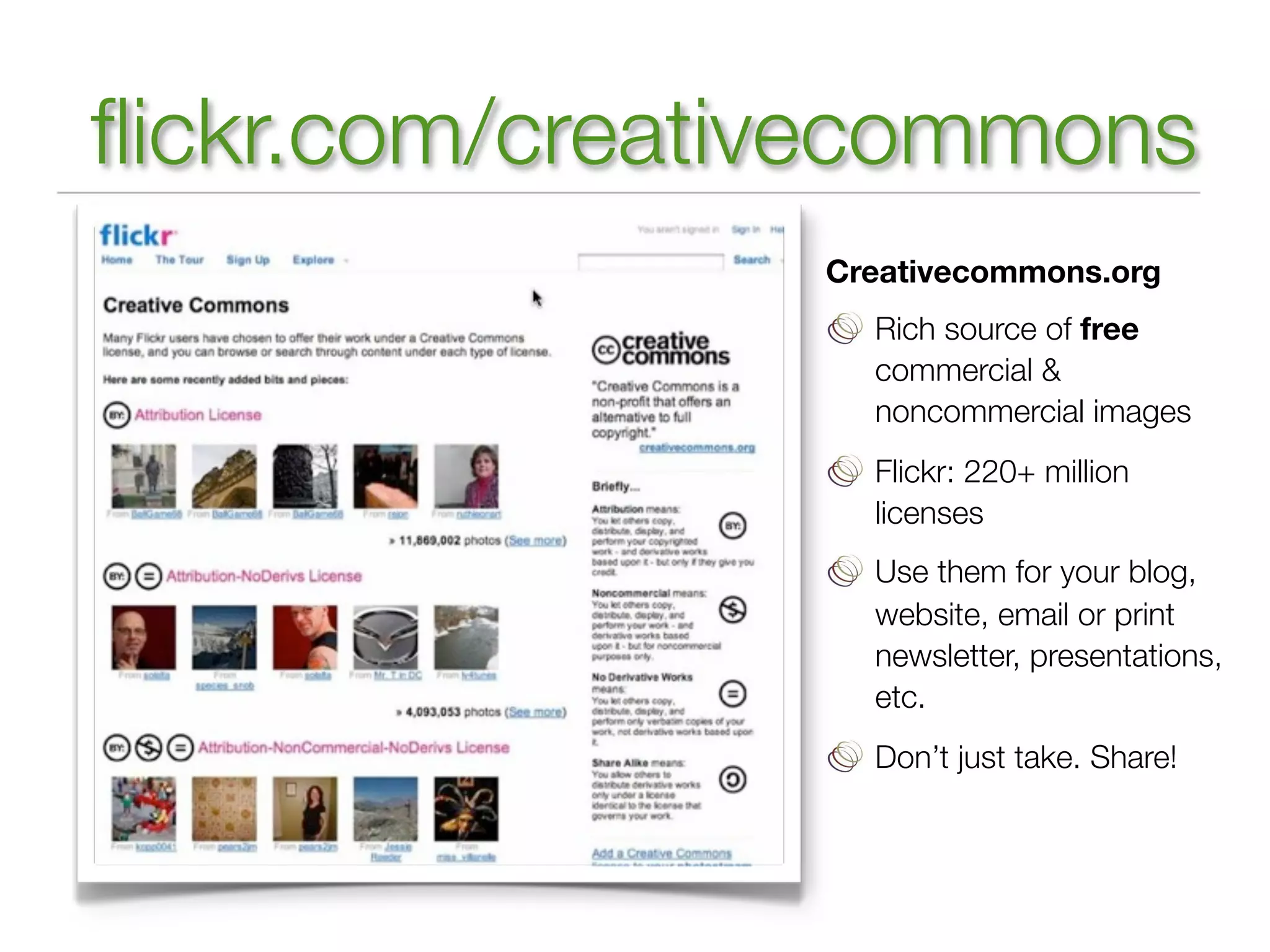
flickr.com/creativecommons
                Creativecommons.org
                  Rich source of free
                  commercial &
                  noncommercial images
                  Flickr: 220+ million
                  licenses
                  Use them for your blog,
                  website, email or print
                  newsletter, presentations,
                  etc.
                  Don’t just take. Share!
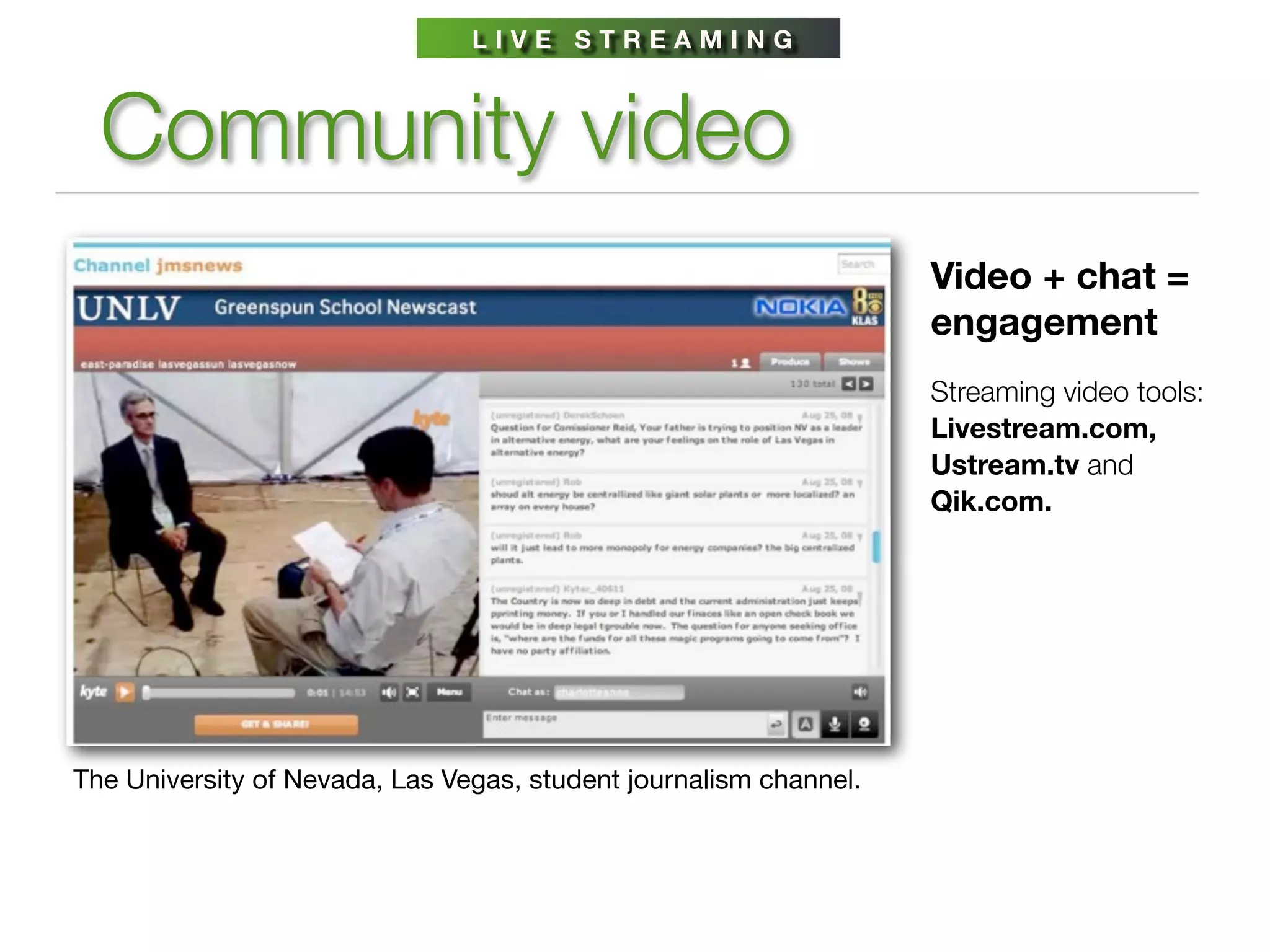
LIVE STREAMING


  Community video
                                                                   Video + chat =
                                                                   engagement
                                                                   Streaming video tools:
                                                                   Livestream.com,
                                                                   Ustream.tv and
                                                                   Qik.com.


The University of Nevada, Las Vegas, student journalism channel.
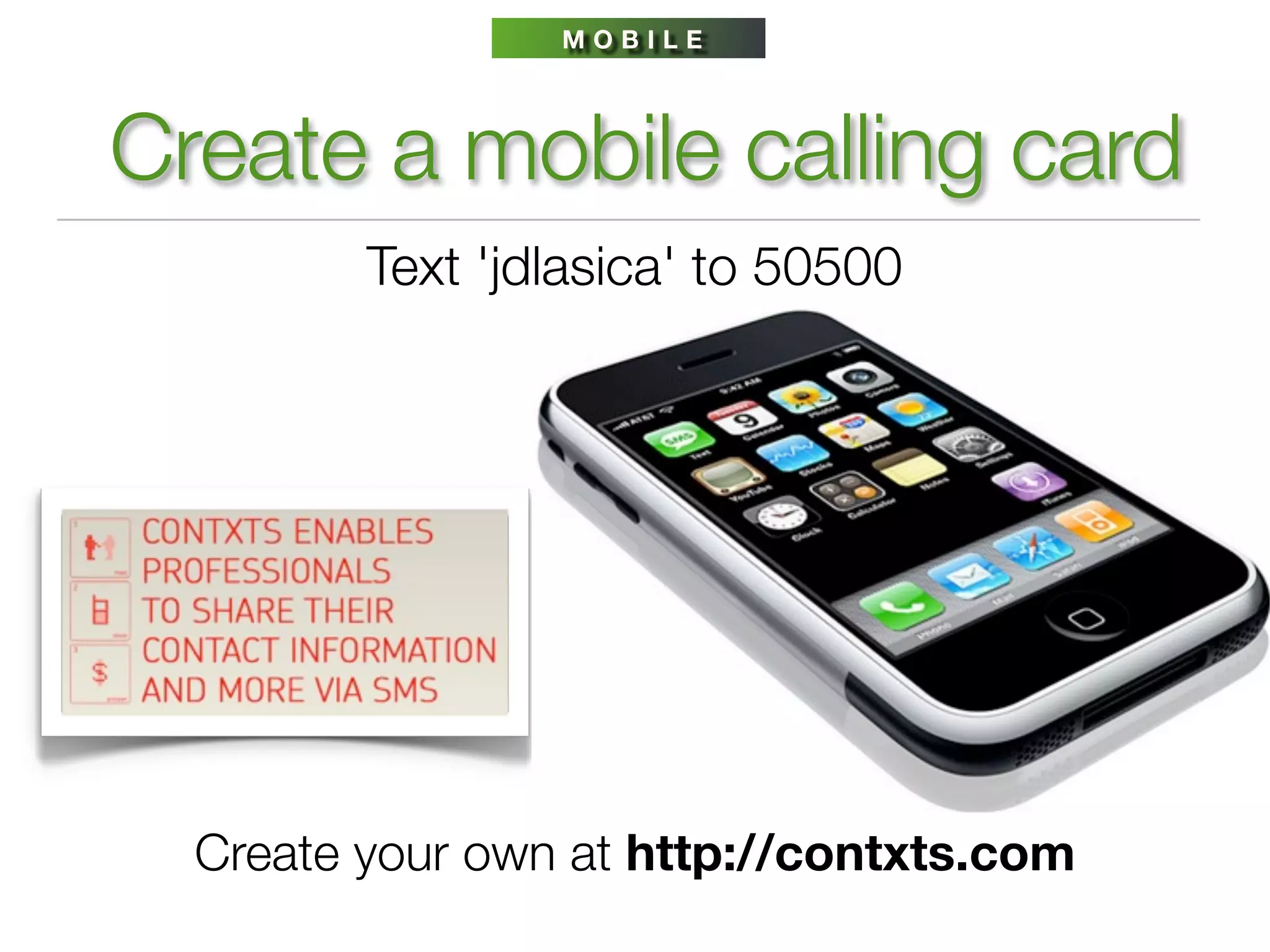
MOBILE


Create a mobile calling card
         Text 'jdlasica' to 50500


  Create your own at http://contxts.com
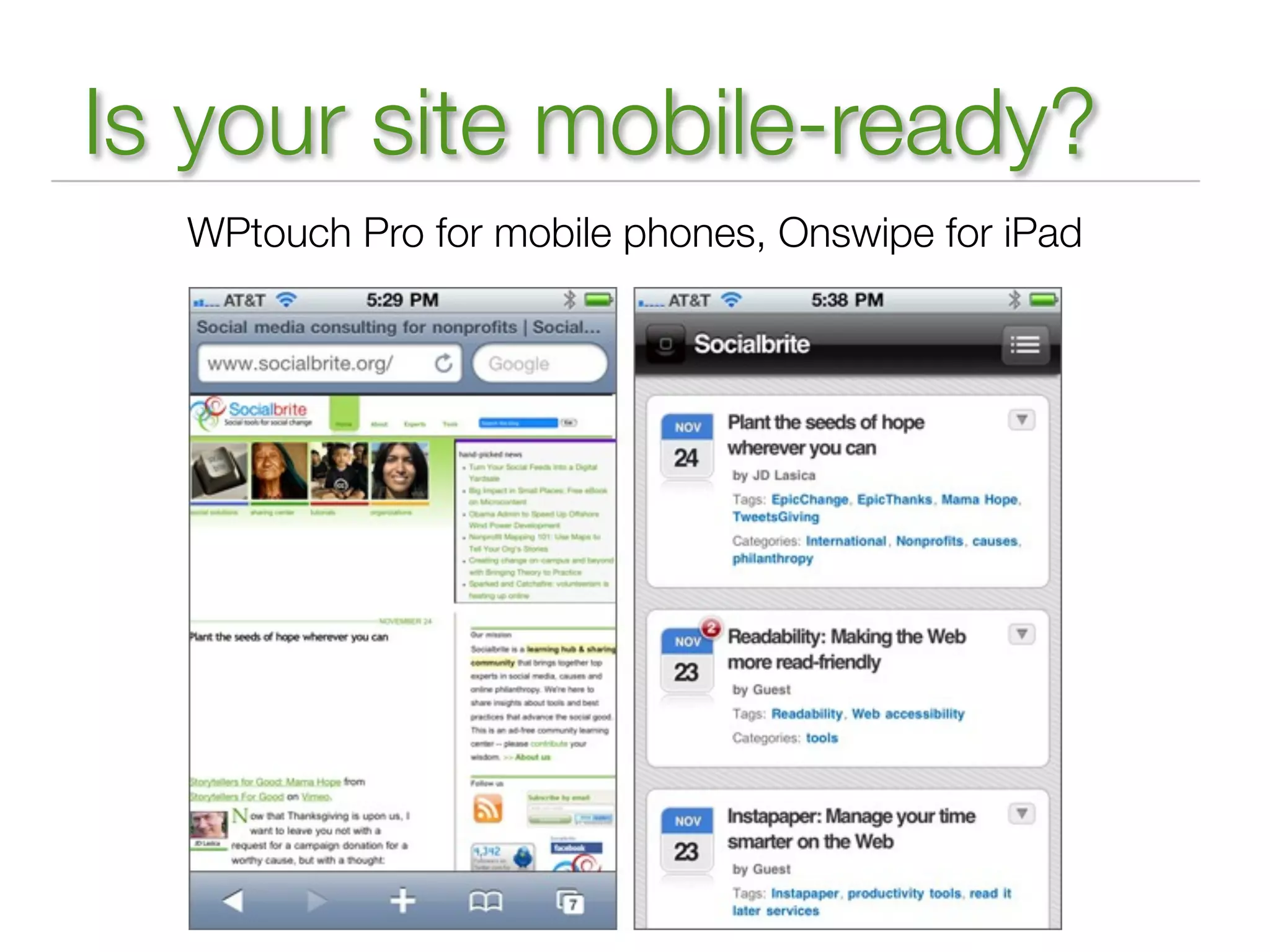
Is your site mobile-ready?
  WPtouch Pro for mobile phones, Onswipe for iPad
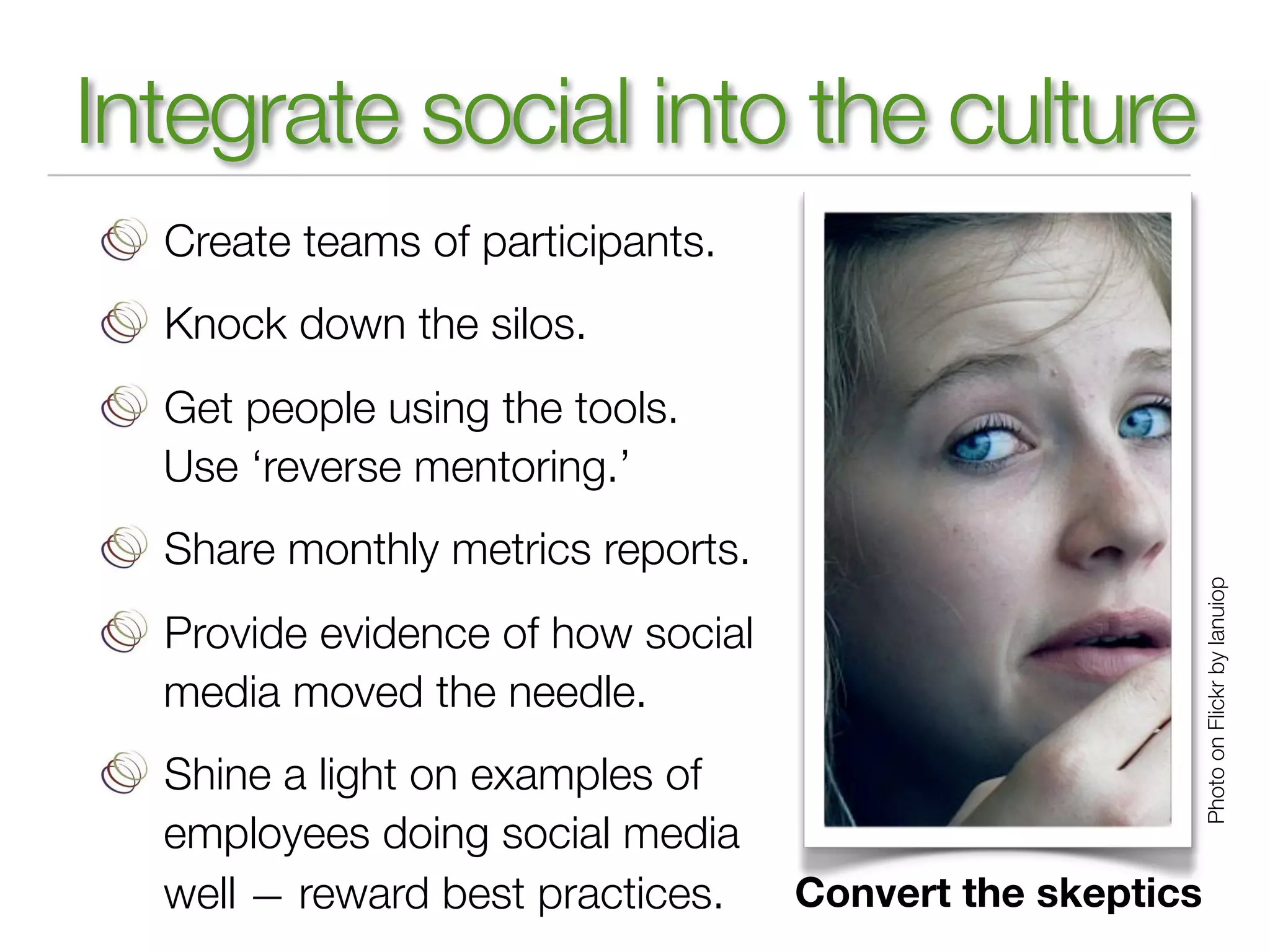
Integrate social into the culture
  Create teams of participants.
  Knock down the silos.
  Get people using the tools.
  Use ‘reverse mentoring.’
  Share monthly metrics reports.


                                                          Photo on Flickr by lanuiop
  Provide evidence of how social
  media moved the needle.
  Shine a light on examples of
  employees doing social media
  well — reward best practices.    Convert the skeptics
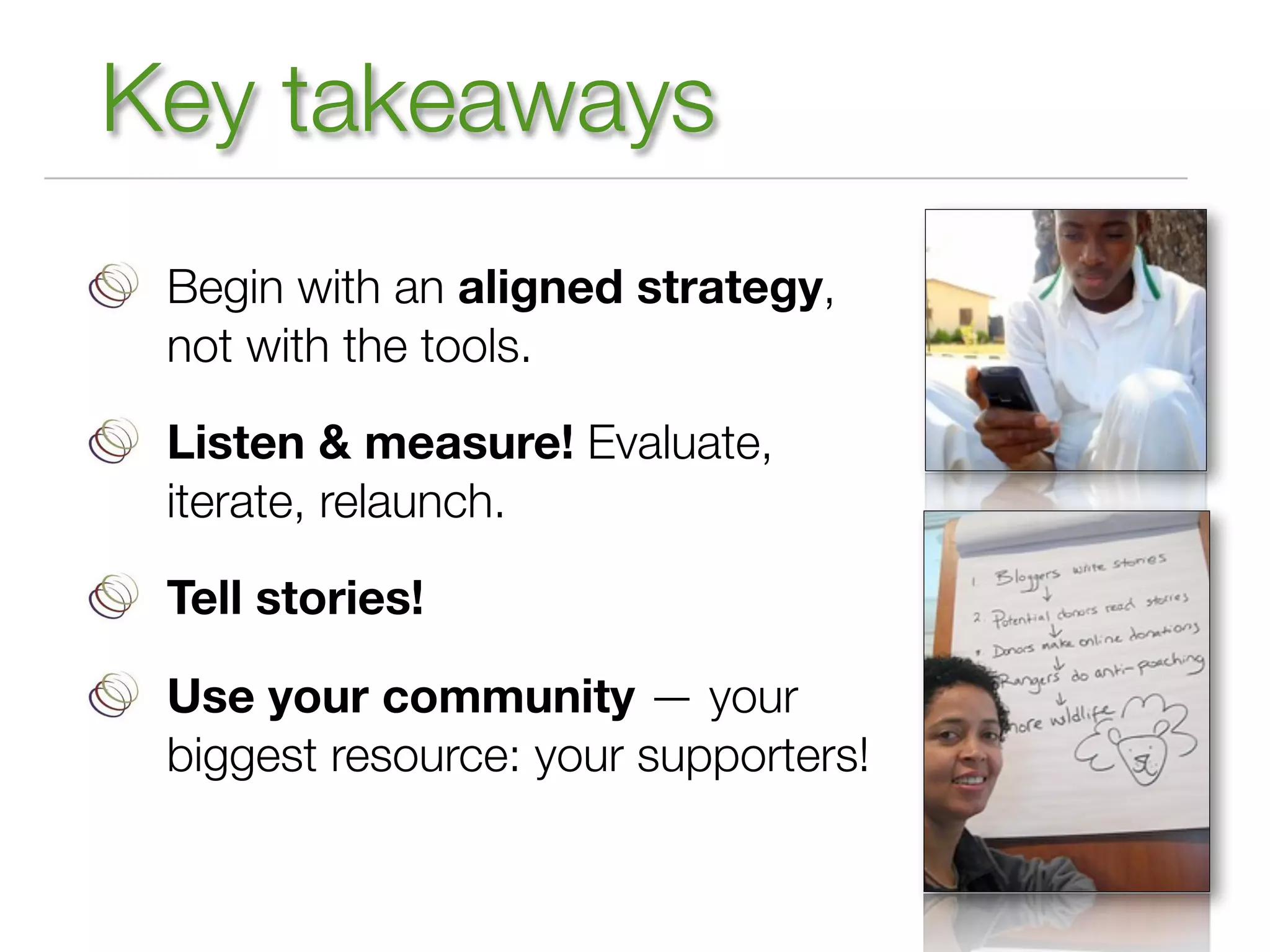
Key takeaways
 Begin with an aligned strategy,
 not with the tools.

 Listen & measure! Evaluate,
 iterate, relaunch.

 Tell stories!

 Use your community — your
 biggest resource: your supporters!
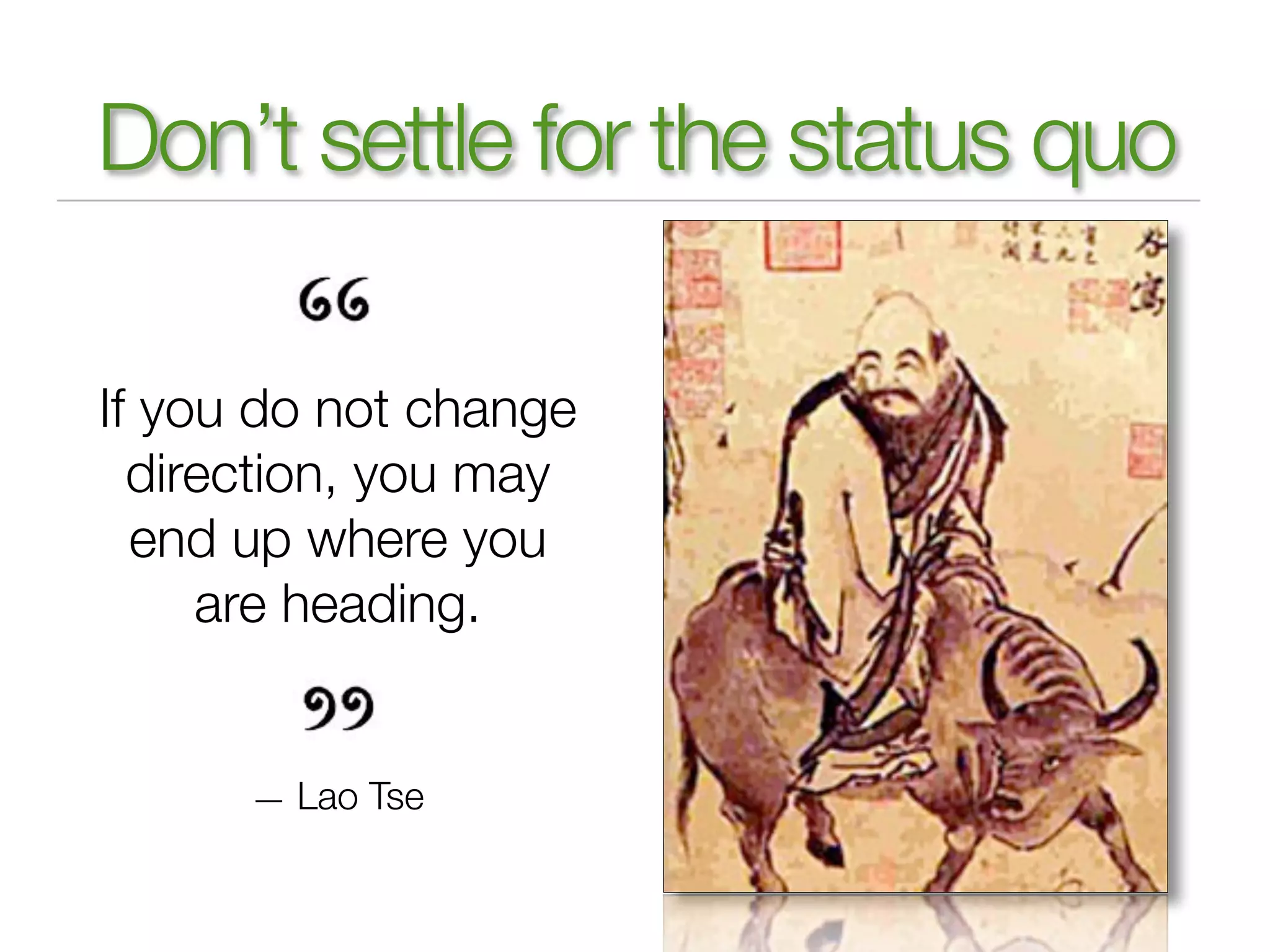
Don’t settle for the status quo

If you do not change
  direction, you may
  end up where you
     are heading.


      — Lao Tse
Thank you!
              JD Lasica, founder
              Socialbrite: Social tools for social change
              email: jd@socialbrite.org
              Twitter: @jdlasica
                       @socialbrite


        Tons of resources at
     http://socialbrite.org/pta

How to leverage social media for education

  • 1.
    Communicating in a networkedworld Facebook, Twitter & more: Hoo boy! JD Lasica Founder, Socialbrite.org jd@socialbrite.org California State PTA 5/11/12
  • 2.
    What we’ll covertoday Lay the foundation Facebook tactics Twitter tactics Other platforms Storytelling Use your community Q&A Hugs, tearful goodbyes
  • 3.
    Relax! http://socialbrite.org/pta Creative Commons BY photo on Flickr by Tom@HK
  • 4.
    Today’s Twitter hashtag Tweet this preso! Hashtag: #CAPTA12 (Thank you Brad Waller.) I’m @jdlasica Creative Commons photo on Flickr by Prakhar
  • 5.
    10 color handouts—behappy! http://socialbrite.org/pta
  • 6.
    Socialbrite Sharing Center http://socialbrite.org/sharing-center
  • 7.
    Glossary for newterms http://socialbrite.org/glossary “ Social media: Any online technology or practice that lets us share (content, opinions, insights, experiences, media) and have a conversation about the ideas we care about. ”
  • 8.
    THE ECOSYSTEM Types ofsocial media Blogs Social networks Microblogs (Twitter) Online video Curation (Pinterest) Widgets Photo sharing Podcasts Virtual worlds Wikis Social bookmarking Forums Presentation sharing
  • 9.
    Staggering growth 77% ofonline US adults use social media on regular basis. 150 million active blogs; 1 million blog posts created per day Social sites embedded atop traffic rankings: YouTube, Facebook, Wikipedia, VEVO, Craigslist, Twitter, LinkedIn, Yelp Twitter: 100+ million active users, 250 million tweets per day Flickr: 35 million people, 4 billion+ photos YouTube: 3 billion videos watched per day 8 trillion text messages sent in 2011
  • 10.
    N AT IO N A L P TA Put social media to work Communications among members of the PTA family have undergone a major revolution. PTA leaders, members, and others interested in education and child welfare can connect and mobilize through online social media.
  • 11.
    Why use socialmedia? 1. Enhance educational experience at your school 2. Promote your PTA, school or school district 3. Involve the community in decision-making 4. Feedback loop with community 5. Enlist volunteers 6. Build online community of supporters 7. Raise funds for a cause or campaign 8. Get people to attend your events 9. Enhance existing communications programs 10. Connect with peers at other PTAs
  • 12.
    L AY TH E G R O U N D W O R K Before you plunge in ... Understand that social media is a series of stages Do you have buy-in from top management? Do you have a social media policy that addresses privacy? Do you have a Social Media Action Plan in place? Are you listening to your community? Have you built a program before you turn to a campaign? Have you identified and trained your team members? Do they have the capacity to keep it up? Have you done outreach to head teachers/influencers?
  • 13.
    Start with anAction Plan Spell out goals: What do you want to achieve? Who are you trying to reach? What are the best tools for the job? Who’s going to do it? Metrics: How do you know if it’s working? What are those other guys doing?
  • 14.
    L AY TH E G R O U N D W O R K Possible channels for your plan Newsletter (print, online), email updates Website Blog Facebook Twitter YouTube, live streaming Calendar of events Campaigns (legislative, fundraising) Curation: Storify, Scoop.it, CoverItLive
  • 15.
    Create a listeningpost Set up a listening post (monitoring dashboard) to track what’s being said about your organization. Listen before engaging. Engage before an Ask. Supplement with a social media dashboard. Monitoring resources: socialbrite.org/pta
  • 16.
    SOCIAL MEDIA DASHBOARDS Paceyourself, don’t stress! HootSuite ThinkUp Tweetdeck Netvibes Crowdbooster Salsa roundup: Spredfast http://bit.ly/smdash
  • 17.
    FACEBOOK Facebook: The socialnetwork 900 million members worldwide — 76% of US Internet users are on Facebook 900 600 300 2004 2005 2006 2007 2008 2009 0 2010 2011 Today Facebook’s global growth rate, 2004-2012, in millions
  • 18.
    Why do Facebook? Remind parents of upcoming events. Answer questions from parents & public. Solicit feedback on events & programs. Build community among parents. Enlist volunteers. Mobilize parents on legislative issues. Educate parents on how the PTA benefits the school. Discuss news & important issues. Tons of public education officials are on Facebook & Twitter.
  • 19.
    Setting up aFacebook page Assign responsibilities, share tasks, appoint admins Find some good photos of your school or students for the cover image Use school logo as your profile pic Fill in profile info, including links to school website Create a friendly url: facebook.com/LincolnElementaryPTA Get traction before you publicize Cross-promote in other channels Monitor updates, comments on your page Use Facebook Insights to recalibrate, set up auto-email
  • 20.
    Get into thosenews feeds! Facebook rewards conversation, punishes ‘bullhorn updates’ http://bit.ly/edgerank-checker
  • 21.
    KEYS TO SUCCESSON FACEBOOK Use a cover image Don’t do this:
  • 22.
  • 23.
    Try to fosterengagement
  • 24.
    Add photos toyour posts
  • 25.
    How to succeedon Facebook Update 1 to 2 times a day, more during events. Be interesting. Use photos & video. Share posts you spot elsewhere. Answer or Like all comments. Ask questions, stoke conversations. Create Events pages, invite people. Rotate your Timeline. Post polls. Be civil. Almost never delete negative posts. Cross-promote your Facebook Page in other channels/sites. Link to your blog, videos, Flickr pages.
  • 26.
    Aligned, integrated, strategic Include social media logos on your PTA website
  • 27.
  • 28.
    Give your contenta social life Conversation, not marketing
  • 29.
  • 30.
    TWITTER Getting set upon Twitter Identify your Twitter team Name the account the school name + PTA but keep it short Make your Twitter profile keyword rich, include a link to your Facebook page Use the school logo as the profile image For gosh sake, use a unique background image For gosh sake, don’t make it private Find parents or staffers who use Twitter & follow them. Brand your newsletters, emails, flyers with your Twitter url
  • 31.
    TWITTER Make Twitter workfor you Staff should be trained on how to use Twitter. Not a broadcasting medium. Start by listening & observing. Be conversational, not officious. Tweet several times a day. Use it to solicit ideas, show support for students, announce events, mobilize action, educate public & students about current events, point to articles, identify experts. #1 traffic driver: retweets. Use ‘Please RT’ strategically. Tweets with a URL are 3x more likely to be retweeted. Twitter drives 4%+ of traffic to NY Times, 12% to AOL, Yahoo.
  • 32.
    See how otherPTAs use Twitter
  • 33.
    JD’s 60-30-10 Twitterrule 60% retweets, pointing to value, sharing other voices 30% responding, connecting 10% promoting, announcing
  • 34.
    Prospecting on Twitter http://search.twitter.com
  • 35.
    Search by location Twitter Advanced Search
  • 36.
  • 37.
    C U RAT I O N T O O L S Pinterest
  • 38.
    C U RAT I O N T O O L S Scoop.it
  • 39.
    LINKEDIN LinkedIn for nonprofits http://learn.linkedin.com/nonprofits/ Get found in Google search. Integrate keywords into your organization profile. Recruit staff or board members. Host fundraising events. Create community vibrancy. Generate viral awareness. Find connections & expert advice through Groups.
  • 40.
    C O NT E N T & C O N V E R S AT I O N The power of storytelling Awareness > Influence > Action > Impact Cave drawing, Lascaux, France, 17,000 years ago
  • 41.
    STORYTELLING Createlightweight media Don’t look now but you’re a content creator! Using Animoto
  • 42.
    Find your internalstorytellers List staffers’ skills Who’s good at photos? Video? Writing? Facebook or Twitter? Create a Blog Squad Who’s good at campaigns? Open your blog to guest posts
  • 43.
    USE YOUR COMMUNITY Don’tdo all the heavy lifting! Creative Commons photo on Flickr by Jason Means Don’t be like this guy!
  • 44.
    Build community, noteyeballs here’s an amazing difference between building an audience and building a community. An audience will watch you fall on a sword. A community will fall on a sword for you. — Chris Brogan Author, “Trust Agents”
  • 45.
    Find your champions! Find the big kahunas in your sector by using your listening post. Then, influence the influencers. Establish a rapport and only then reach out to try to convert them into evangelists & ambassadors for your cause. Scope out Twitter Lists that intersect with your organization or social cause. Connect with other social media influencers through their blogs and other networks.
  • 46.
    Use social lovehandles! Generate an Attention Wave to socialize your campaign
  • 47.
    The awesome powerof free Free content! Free resources! Free photos Socialbrite.org/sharing-center Free videos (eg, TED talks) Creativecommons.org Free music & audio Techsoup Free services! Free expertise! Google Grants BarCamp YouTube for Nonprofits PodCamp Google Earth for Nonprofits WordCamp Social Media Free software & platforms! Club WordPress & its plug-ins Open Office, Google docs Drupal, Joomla
  • 48.
    flickr.com/creativecommons Creativecommons.org Rich source of free commercial & noncommercial images Flickr: 220+ million licenses Use them for your blog, website, email or print newsletter, presentations, etc. Don’t just take. Share!
  • 49.
    LIVE STREAMING Community video Video + chat = engagement Streaming video tools: Livestream.com, Ustream.tv and Qik.com. The University of Nevada, Las Vegas, student journalism channel.
  • 50.
    MOBILE Create a mobilecalling card Text 'jdlasica' to 50500 Create your own at http://contxts.com
  • 51.
    Is your sitemobile-ready? WPtouch Pro for mobile phones, Onswipe for iPad
  • 52.
    Integrate social intothe culture Create teams of participants. Knock down the silos. Get people using the tools. Use ‘reverse mentoring.’ Share monthly metrics reports. Photo on Flickr by lanuiop Provide evidence of how social media moved the needle. Shine a light on examples of employees doing social media well — reward best practices. Convert the skeptics
  • 53.
    Key takeaways Beginwith an aligned strategy, not with the tools. Listen & measure! Evaluate, iterate, relaunch. Tell stories! Use your community — your biggest resource: your supporters!
  • 54.
    Don’t settle forthe status quo If you do not change direction, you may end up where you are heading. — Lao Tse
  • 55.
    Thank you! JD Lasica, founder Socialbrite: Social tools for social change email: jd@socialbrite.org Twitter: @jdlasica @socialbrite Tons of resources at http://socialbrite.org/pta