What you can do with Blackboard
• Communicate with your students
• Create and post course materials
• Facilitate student collaboration
• Streamline your homework process
• Create online tests and surveys
• Electronically deliver grades
• Links to course related web sites
• Central location jumping point for class
computer assignments.
Streamline Homework Process
• Post homework assignments online.
• Have students submit completed work in
the digital dropbox.
• Post student grades and return annotated
student work
Manage Course Grades
• Record grades for traditional assessments as
well as blackboard online assignments.
• Provide student online access of grades.
(saves time when kids want to know their
progress report grade)
• View statistics for each assessment in
extraordinary detail.
• Students get immediate feedback on tests &
are able to review the whole test. (good for
exam review)
Deliver Course Material
• Html, text, audio, video, and MS Office
formats such as PowerPoint, Word, Excel.
• Navigation buttons include: Bibliography,
Books, Course Information, Course
Documents, Course Materials, Documents,
Homework, Course Information, Lectures,
Labs, Projects, Syllabus, Textbook, and
Assignments
Communicate with Students
• Announcements-Post announcements, daily
reminders, extra credit, etc.
• Send e-mail to an individual student, group of
students, or the whole class.
• Discussion Board-Set up forums for students to
participate in discussions outside of class time.
It logs conversations, allows creation of topics.
• File exchange tool allows multiple users to
work on an assignment from different locations
& to collaborate
Online Assessments
• Multiple choice, T/F, fill in the blank, multiple
answer, matching, ordering, short answer/essay are
all formats supported by this site.
• You can even attach pictures, audio, video, or links
to articles or sites on the web inside of a test.
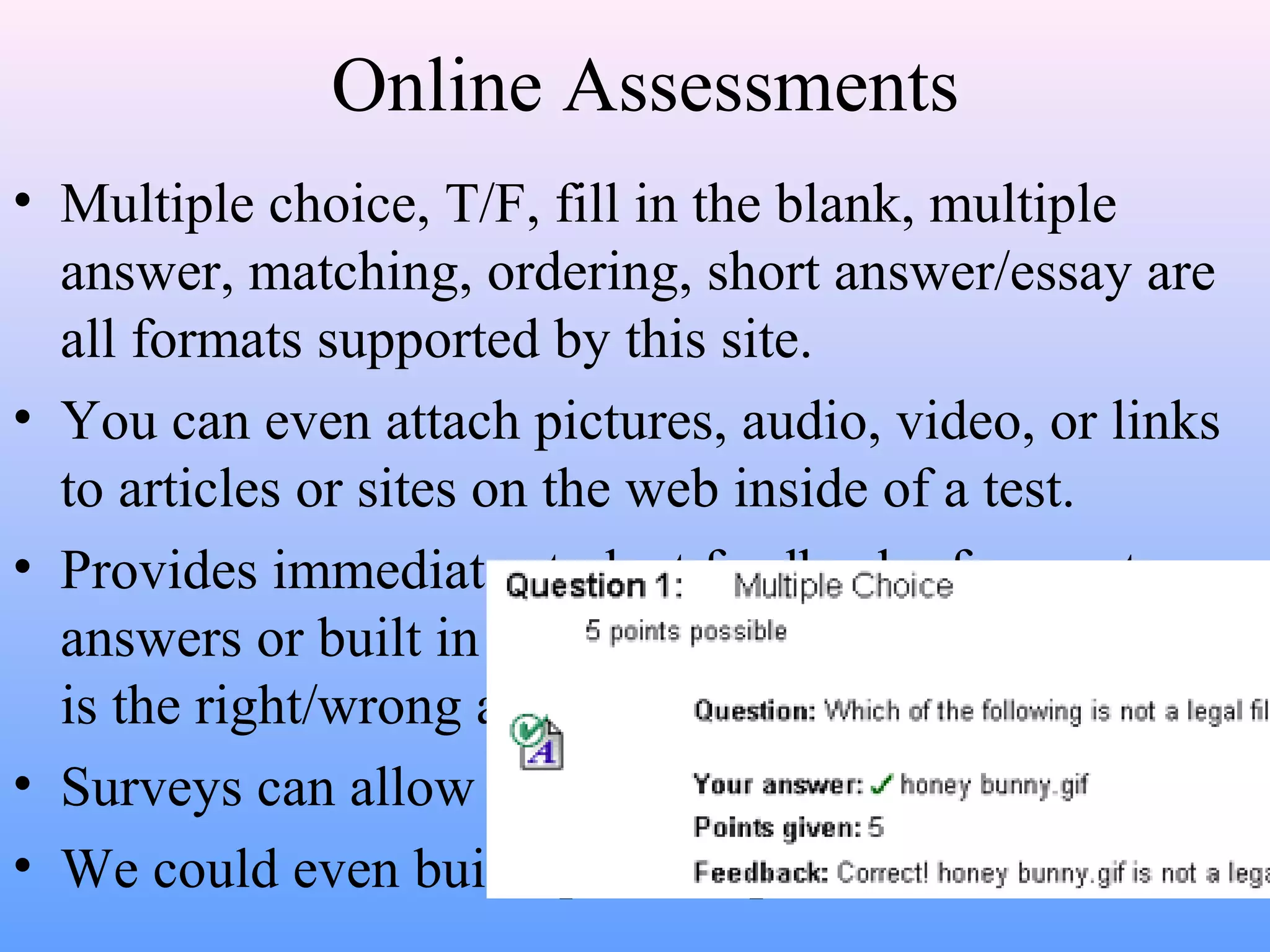
• Provides immediate student feedback of correct
answers or built in responses that can teach why that
is the right/wrong answer.
• Surveys can allow for online polling or evaluations.
• We could even build question pools for all to share.
• http://www.cmu.edu/blackboard/help/what_
can_do/communicate.htm
• http://www.cmu.edu/blackboard/help/what_
can_do/communicate.htm

Blackboard

  • 2.
    What you cando with Blackboard • Communicate with your students • Create and post course materials • Facilitate student collaboration • Streamline your homework process • Create online tests and surveys • Electronically deliver grades • Links to course related web sites • Central location jumping point for class computer assignments.
  • 3.
    Streamline Homework Process •Post homework assignments online. • Have students submit completed work in the digital dropbox. • Post student grades and return annotated student work
  • 4.
    Manage Course Grades •Record grades for traditional assessments as well as blackboard online assignments. • Provide student online access of grades. (saves time when kids want to know their progress report grade) • View statistics for each assessment in extraordinary detail. • Students get immediate feedback on tests & are able to review the whole test. (good for exam review)
  • 5.
    Deliver Course Material •Html, text, audio, video, and MS Office formats such as PowerPoint, Word, Excel. • Navigation buttons include: Bibliography, Books, Course Information, Course Documents, Course Materials, Documents, Homework, Course Information, Lectures, Labs, Projects, Syllabus, Textbook, and Assignments
  • 6.
    Communicate with Students •Announcements-Post announcements, daily reminders, extra credit, etc. • Send e-mail to an individual student, group of students, or the whole class. • Discussion Board-Set up forums for students to participate in discussions outside of class time. It logs conversations, allows creation of topics. • File exchange tool allows multiple users to work on an assignment from different locations & to collaborate
  • 7.
    Online Assessments • Multiplechoice, T/F, fill in the blank, multiple answer, matching, ordering, short answer/essay are all formats supported by this site. • You can even attach pictures, audio, video, or links to articles or sites on the web inside of a test. • Provides immediate student feedback of correct answers or built in responses that can teach why that is the right/wrong answer. • Surveys can allow for online polling or evaluations. • We could even build question pools for all to share.
  • 9.
  • 10.