Blended Learning in the Lower School 
Models, Strategies and Tools 
By Wendy Torres
WENDY TORRES 
LOWER SCHOOL 
TECHNOLOGY 
INTEGRATION 
SPECIALIST 
ROLAND PARK 
COUNTRY SCHOOL 
• All content and resources can be 
found at the following url: 
• http://bit.ly/1tf1VhD 
• For the toolkit click on the url below: 
• http://blendedtoolkit.weebly.com/ 
Website: 
http://sp.rpcs.org/faculty/torresw 
Blog: Tech Snacks: 
http://sp.rpcs.org/faculty/TorresW/ 
techsnacks/
Welcome! 
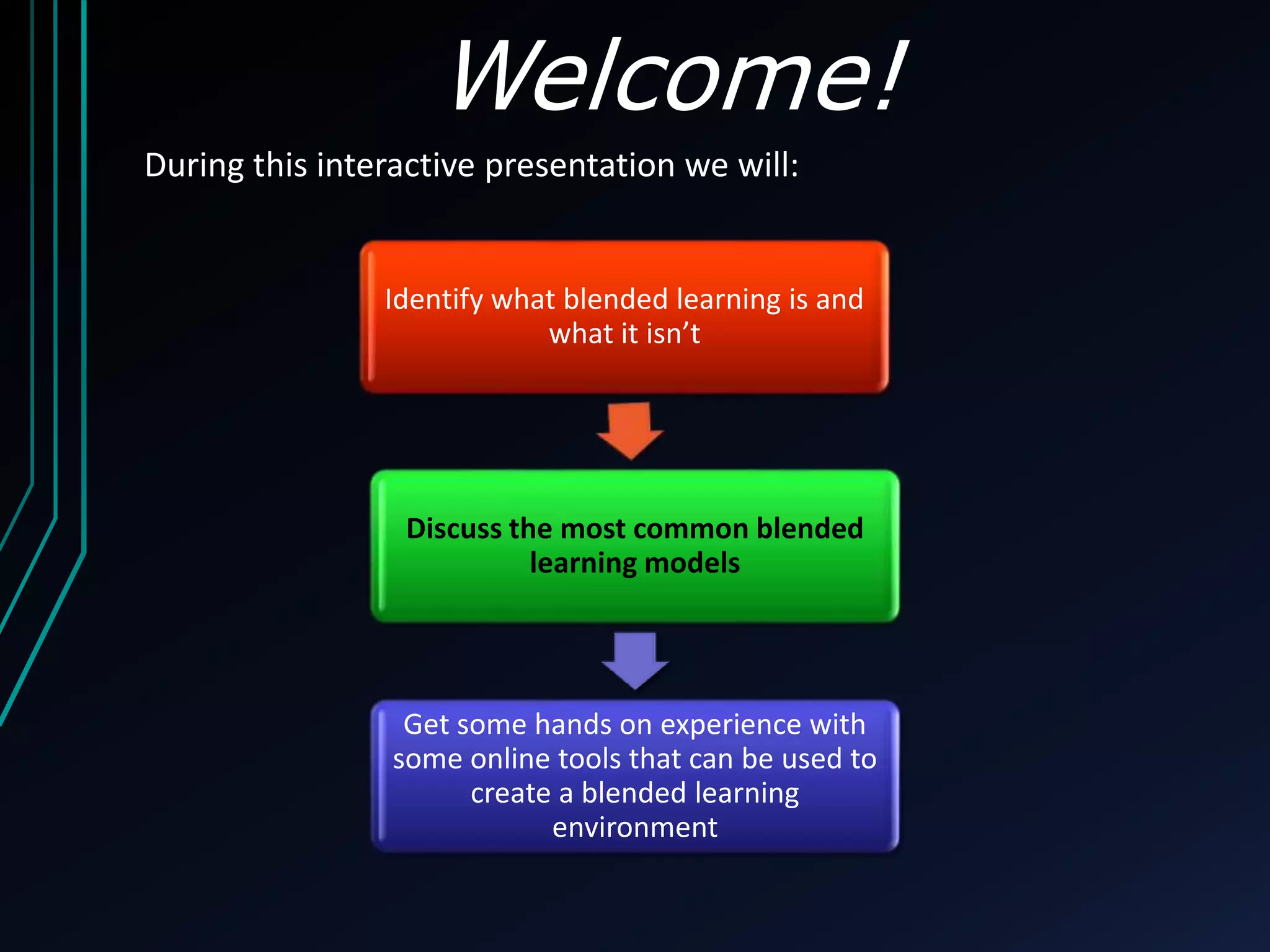
During this interactive presentation we will: 
Identify what blended learning is and 
what it isn’t 
Discuss the most common blended 
learning models 
Get some hands on experience with 
some online tools that can be used to 
create a blended learning 
environment
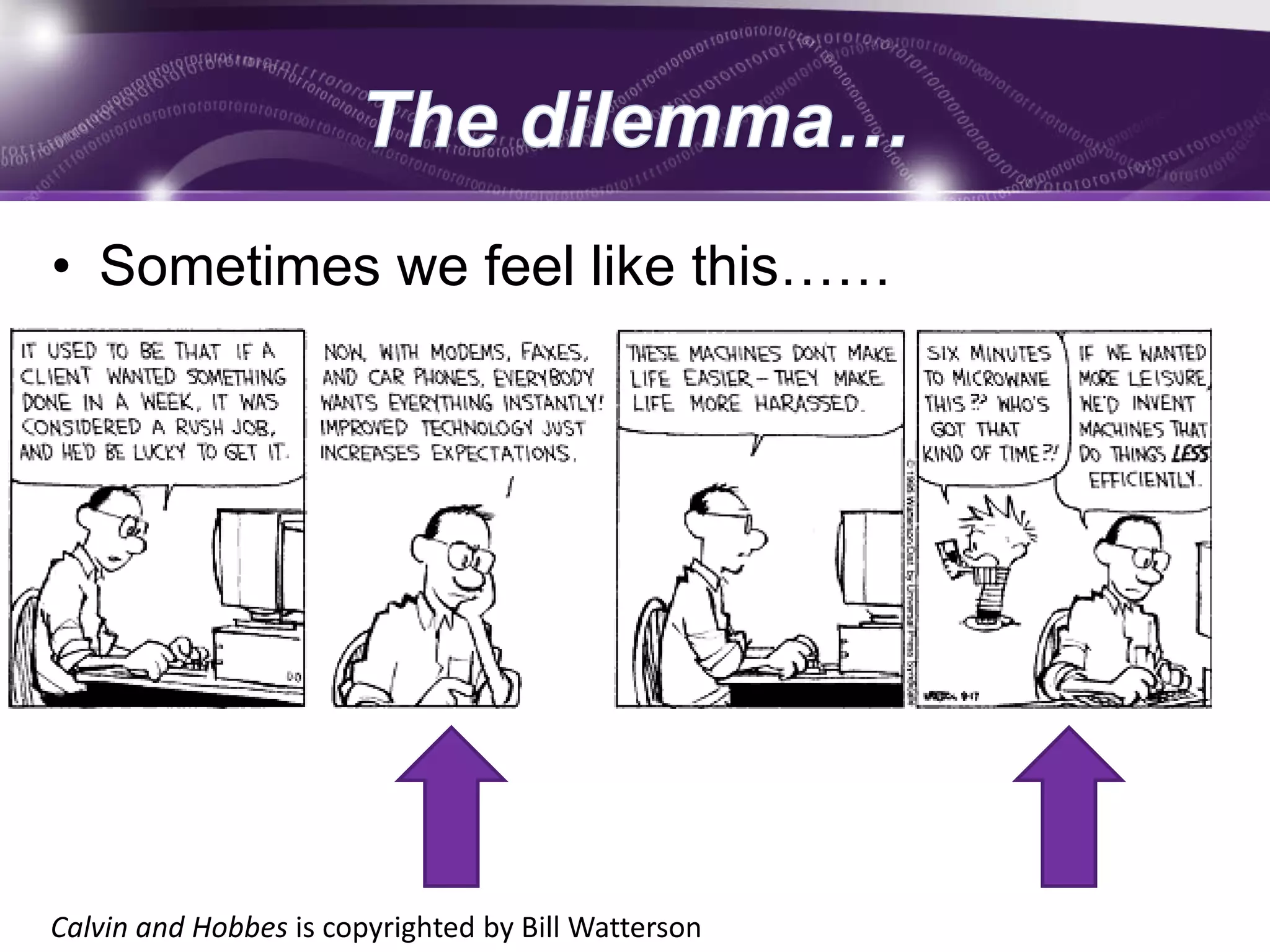
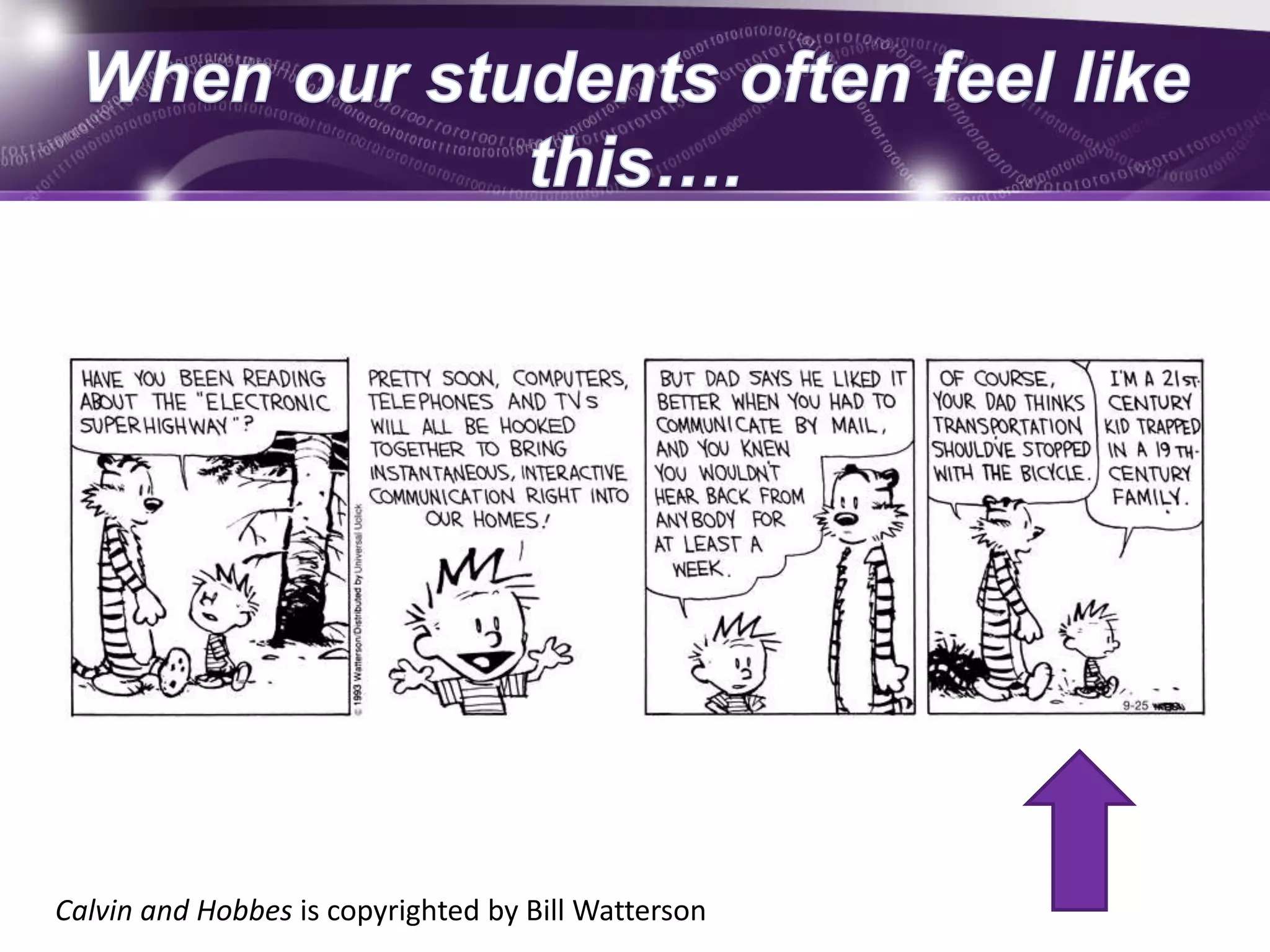
• Sometimes we feel like this…… 
Calvin and Hobbes is copyrighted by Bill Watterson
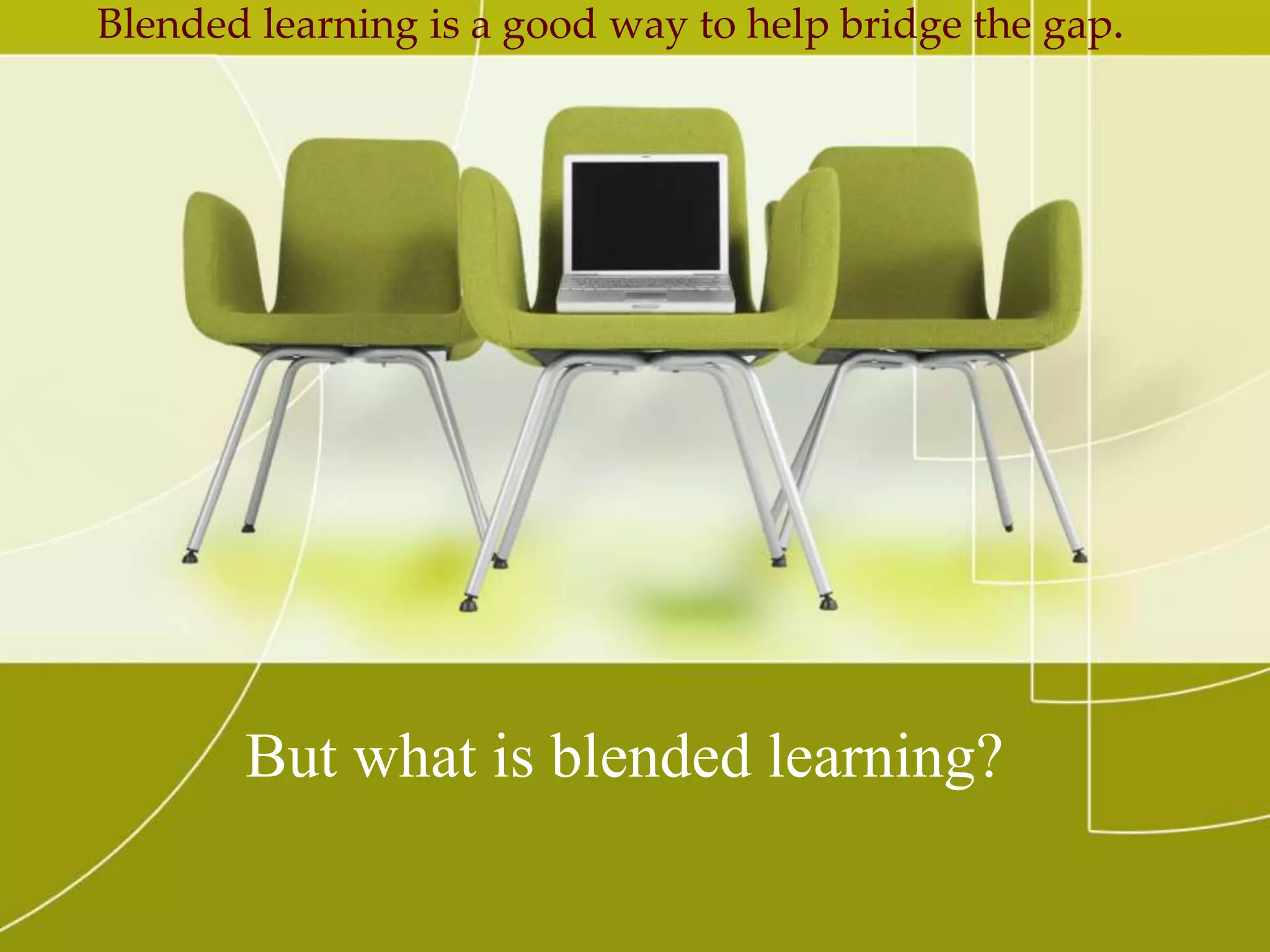
Blended learning is a good way to help bridge the gap. 
But what is blended learning?
Let’s explore more……. 
https://www.youtube.com/watch?v=KD8AUfGsCKg
True 
False
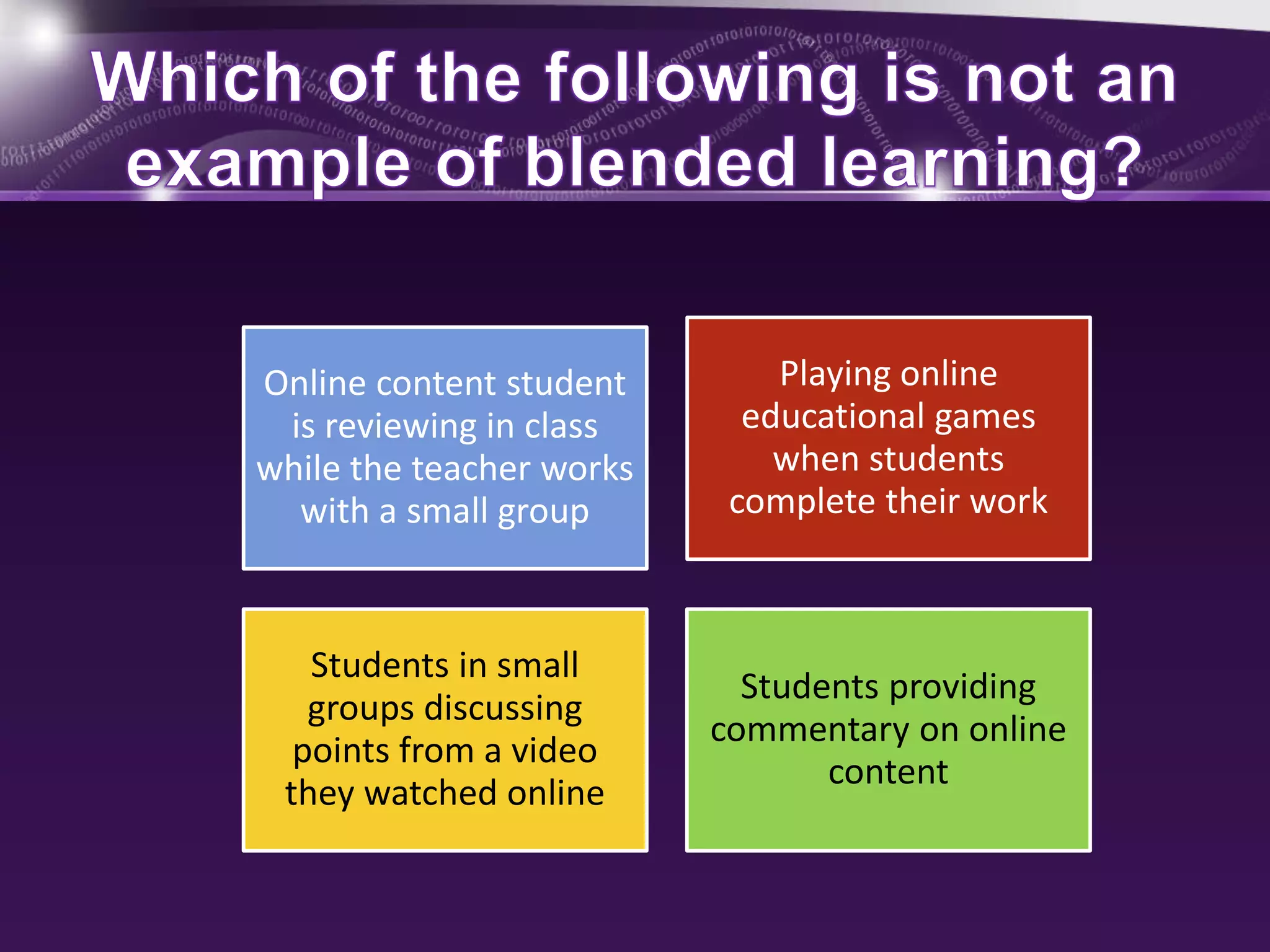
Online content student 
is reviewing in class 
while the teacher works 
with a small group 
Playing online 
educational games 
when students 
complete their work 
Students in small 
groups discussing 
points from a video 
they watched online 
Students providing 
commentary on online 
content
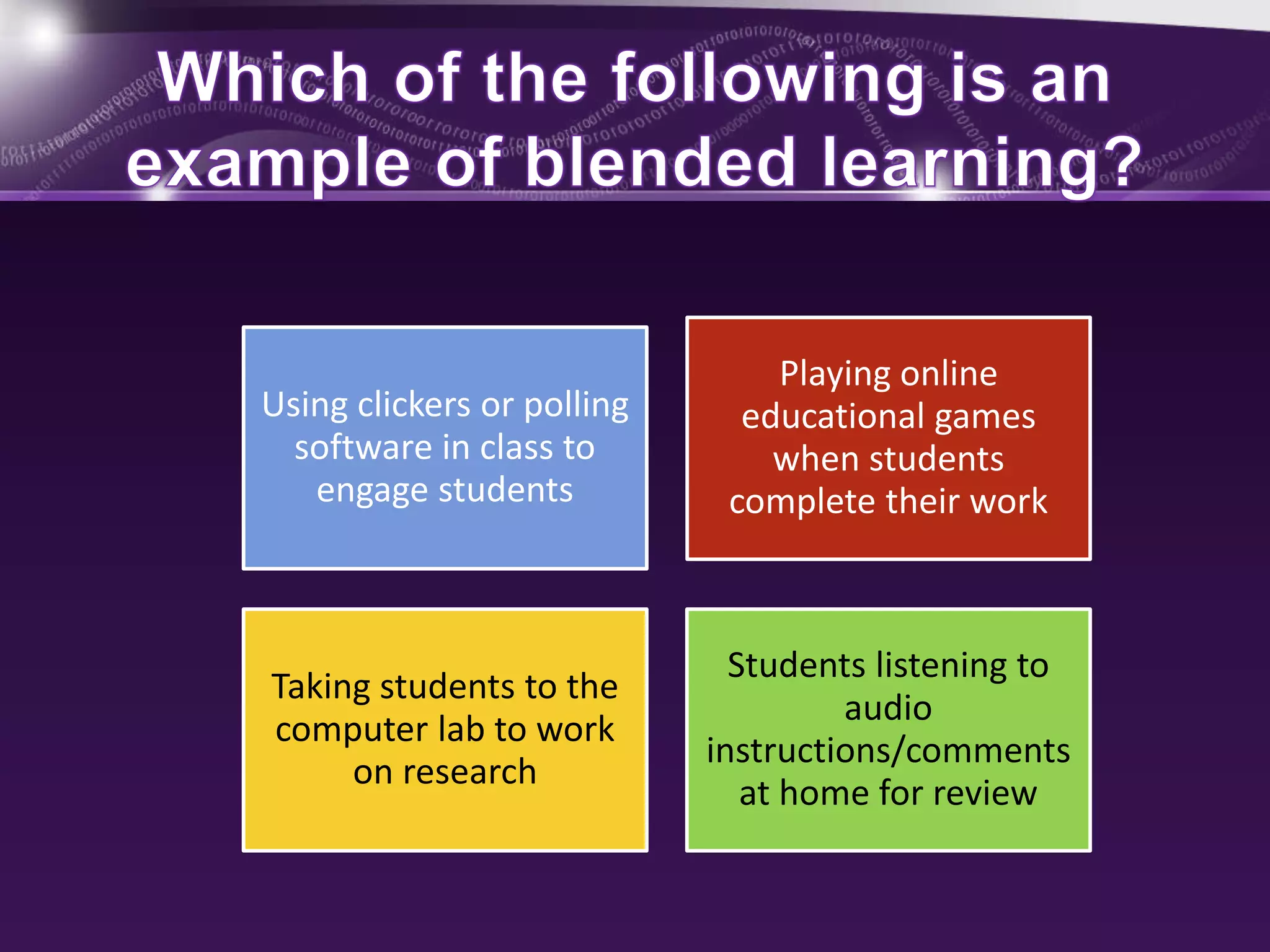
Using clickers or polling 
software in class to 
engage students 
Playing online 
educational games 
when students 
complete their work 
Taking students to the 
computer lab to work 
on research 
Students listening to 
audio 
instructions/comments 
at home for review
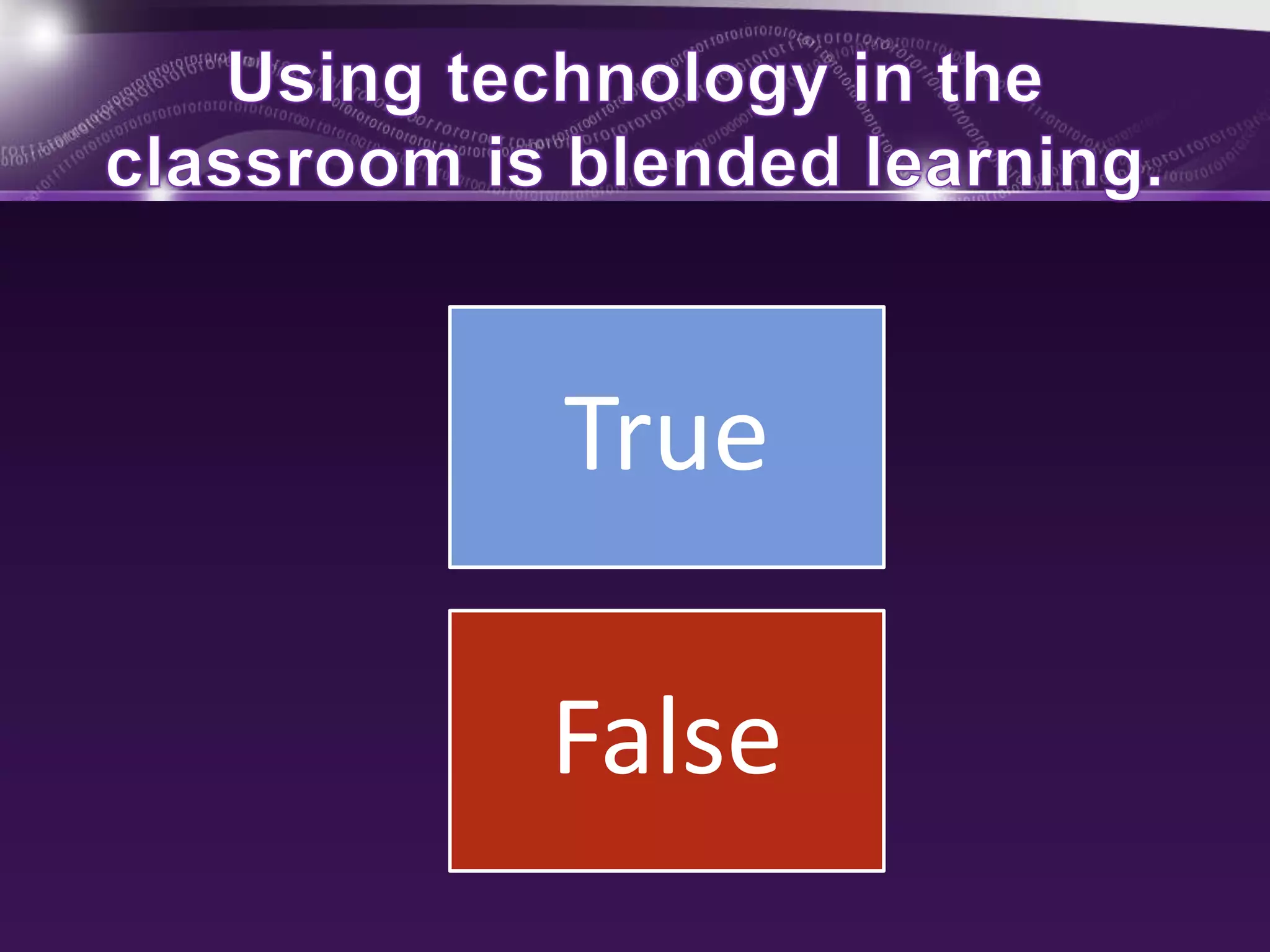
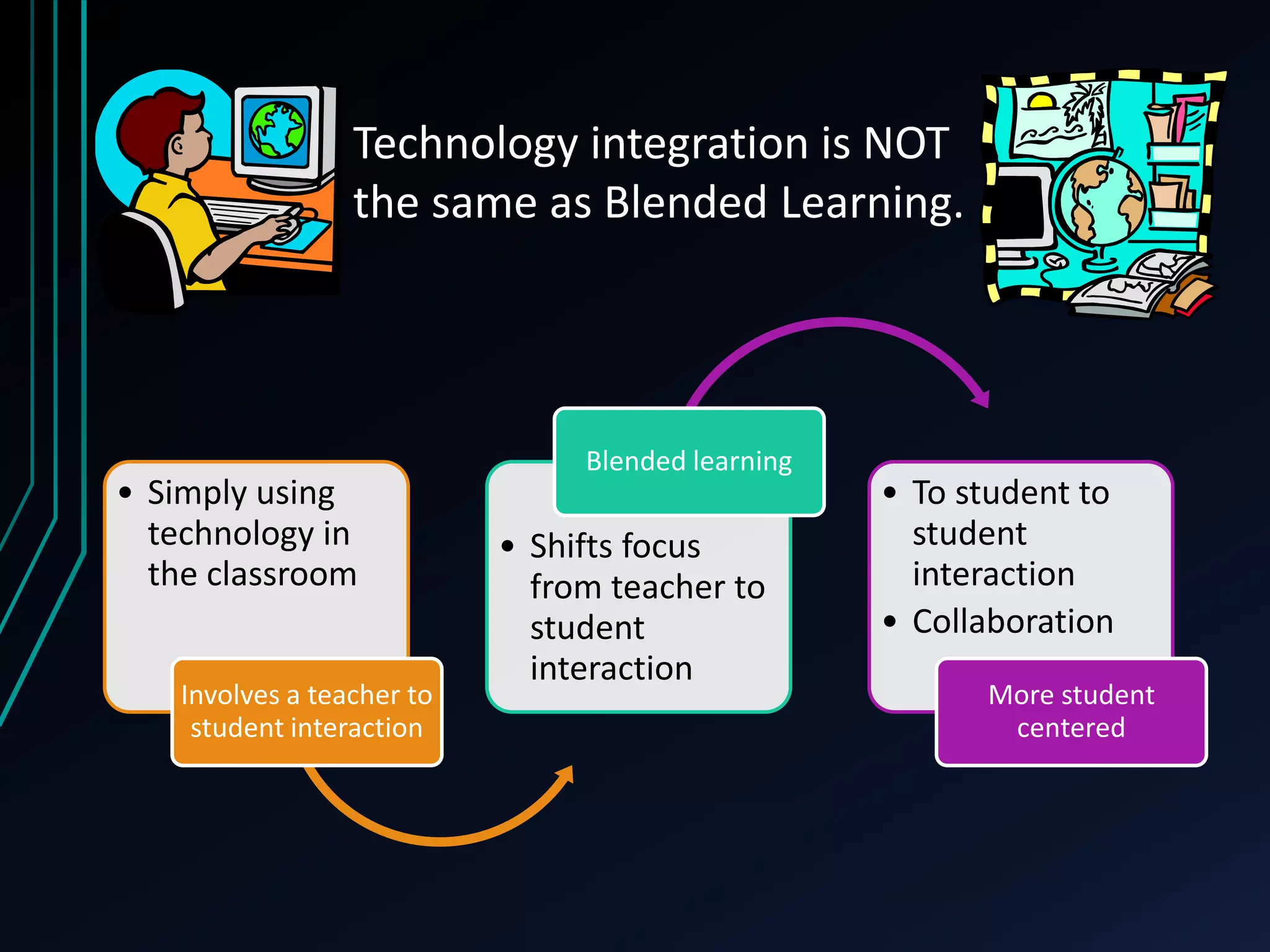
Technology integration is NOT 
the same as Blended Learning. 
• Simply using 
technology in 
the classroom 
Involves a teacher to 
student interaction 
Blended learning 
• Shifts focus 
from teacher to 
student 
interaction 
• To student to 
student 
interaction 
• Collaboration 
More student 
centered
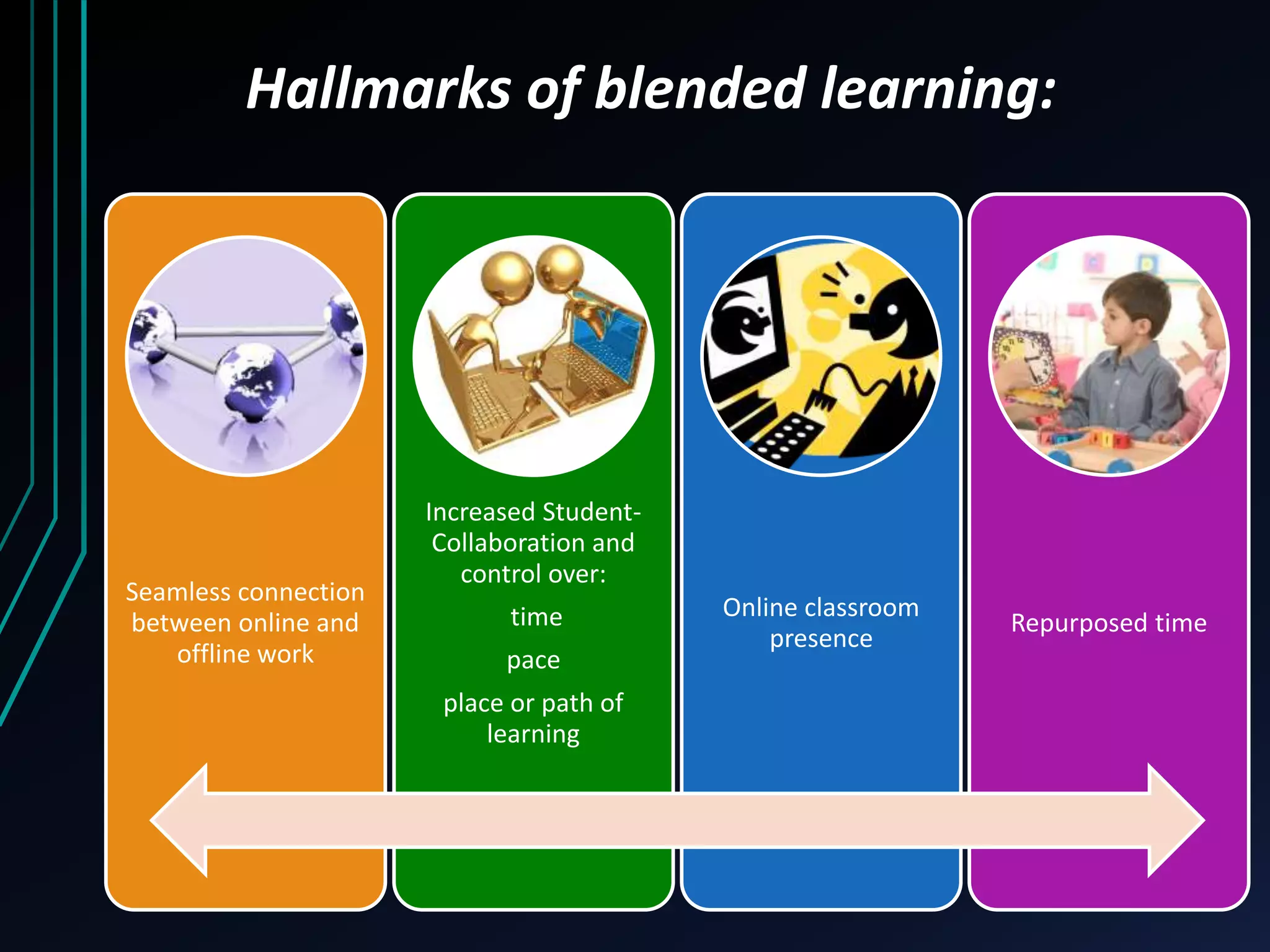
Hallmarks of blended learning: 
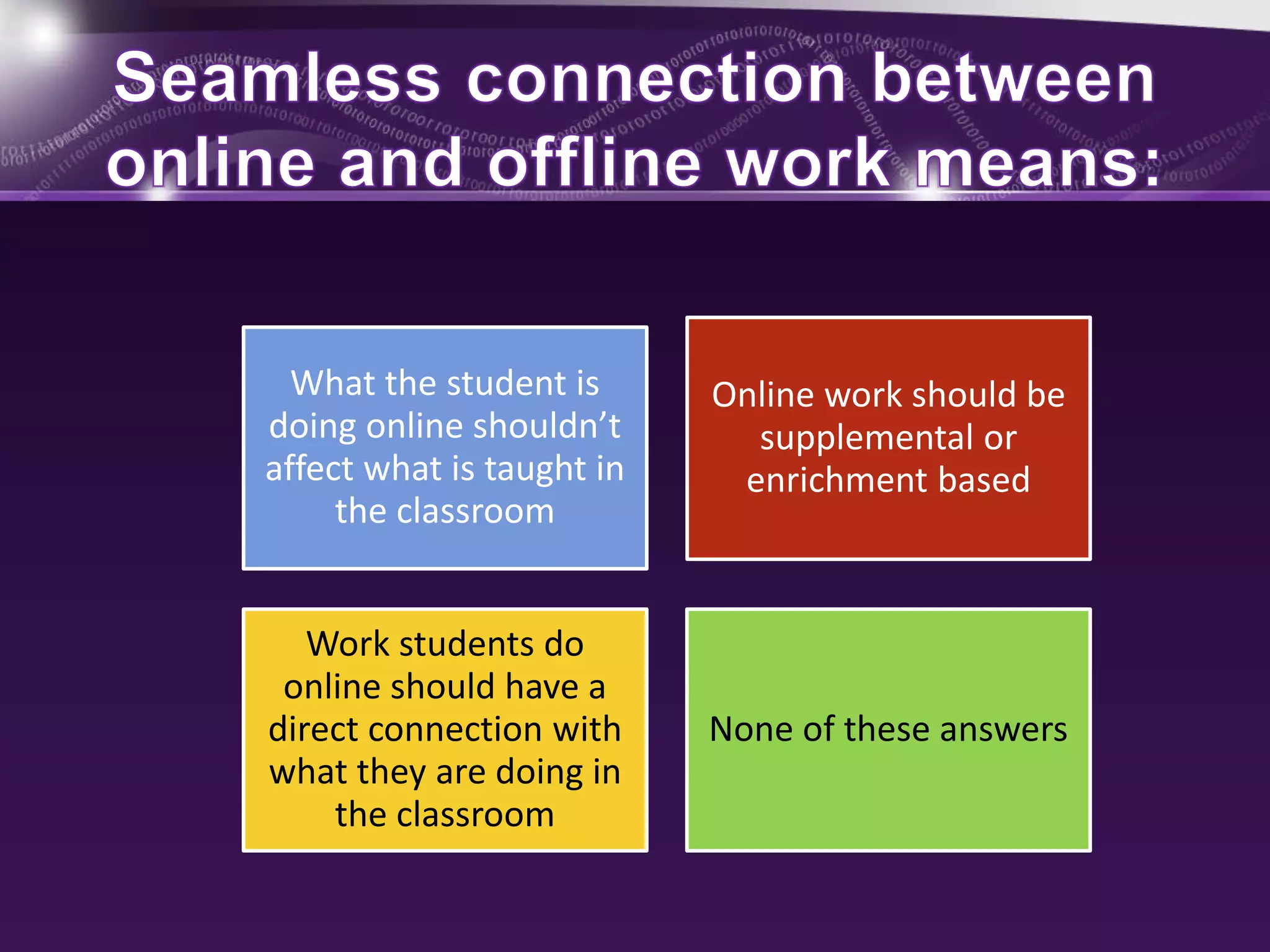
Seamless connection 
between online and 
offline work 
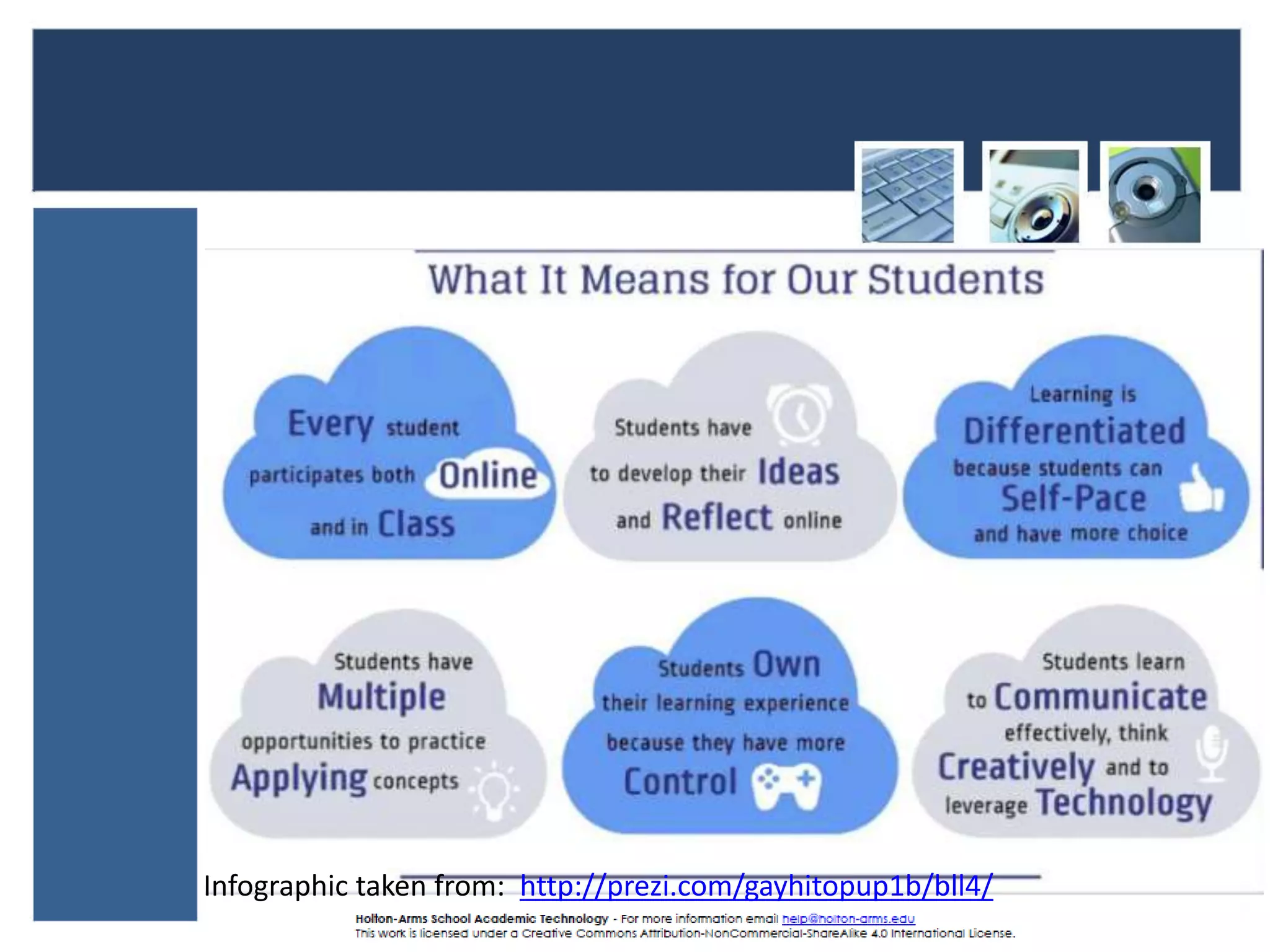
Increased Student- 
Collaboration and 
control over: 
time 
pace 
place or path of 
learning 
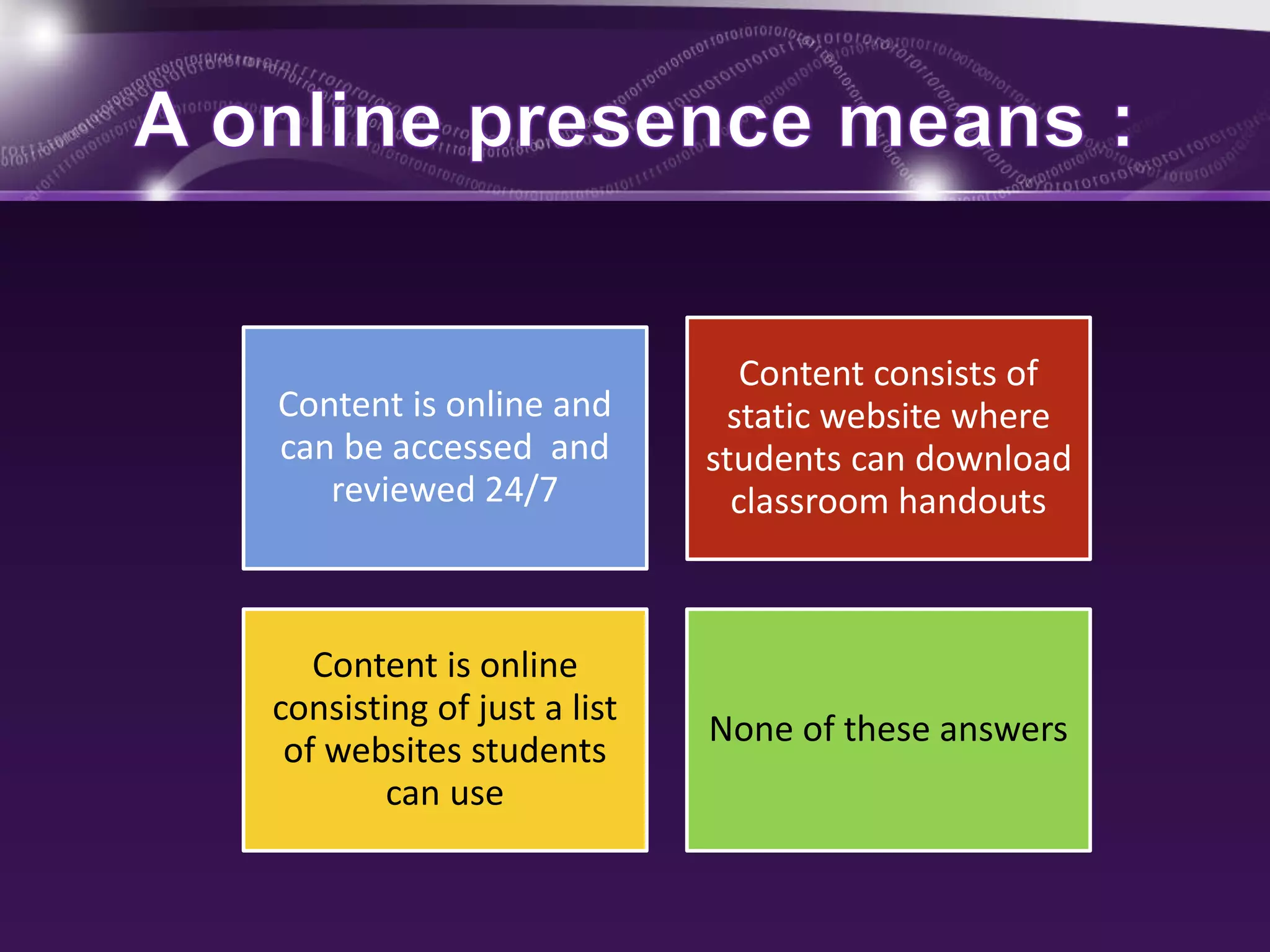
Online classroom 
presence 
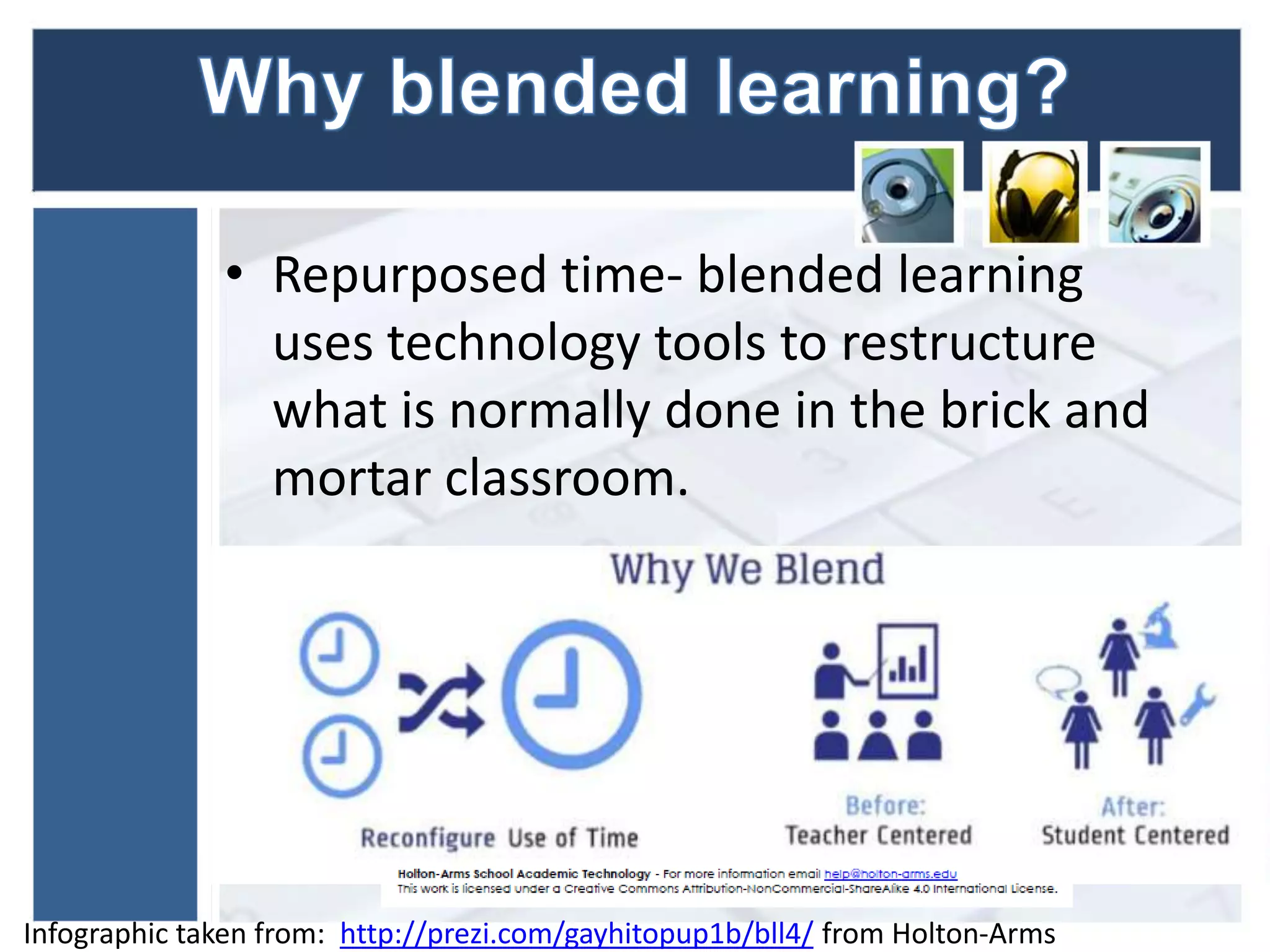
Repurposed time
What the student is 
doing online shouldn’t 
affect what is taught in 
the classroom 
Online work should be 
supplemental or 
enrichment based 
Work students do 
online should have a 
direct connection with 
what they are doing in 
the classroom 
None of these answers
Content is online and 
can be accessed and 
reviewed 24/7 
Content consists of 
static website where 
students can download 
classroom handouts 
Content is online 
consisting of just a list 
of websites students 
can use 
None of these answers
• Repurposed time- blended learning 
uses technology tools to restructure 
what is normally done in the brick and 
mortar classroom. 
Infographic taken from: http://prezi.com/gayhitopup1b/bll4/ from Holton-Arms
Infographic taken from: http://prezi.com/gayhitopup1b/bll4/
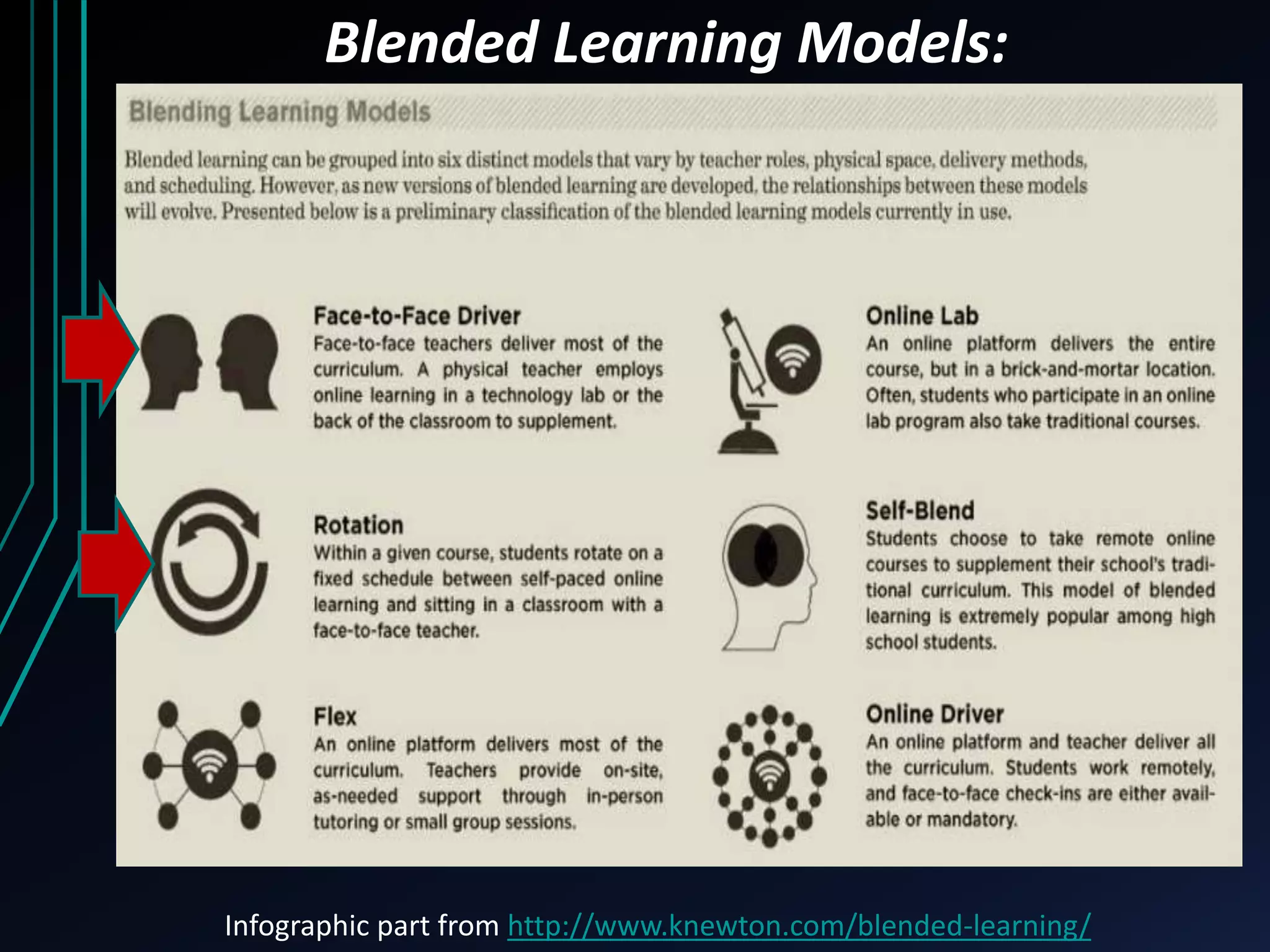
Blended Learning Models: 
Infographic part from http://www.knewton.com/blended-learning/
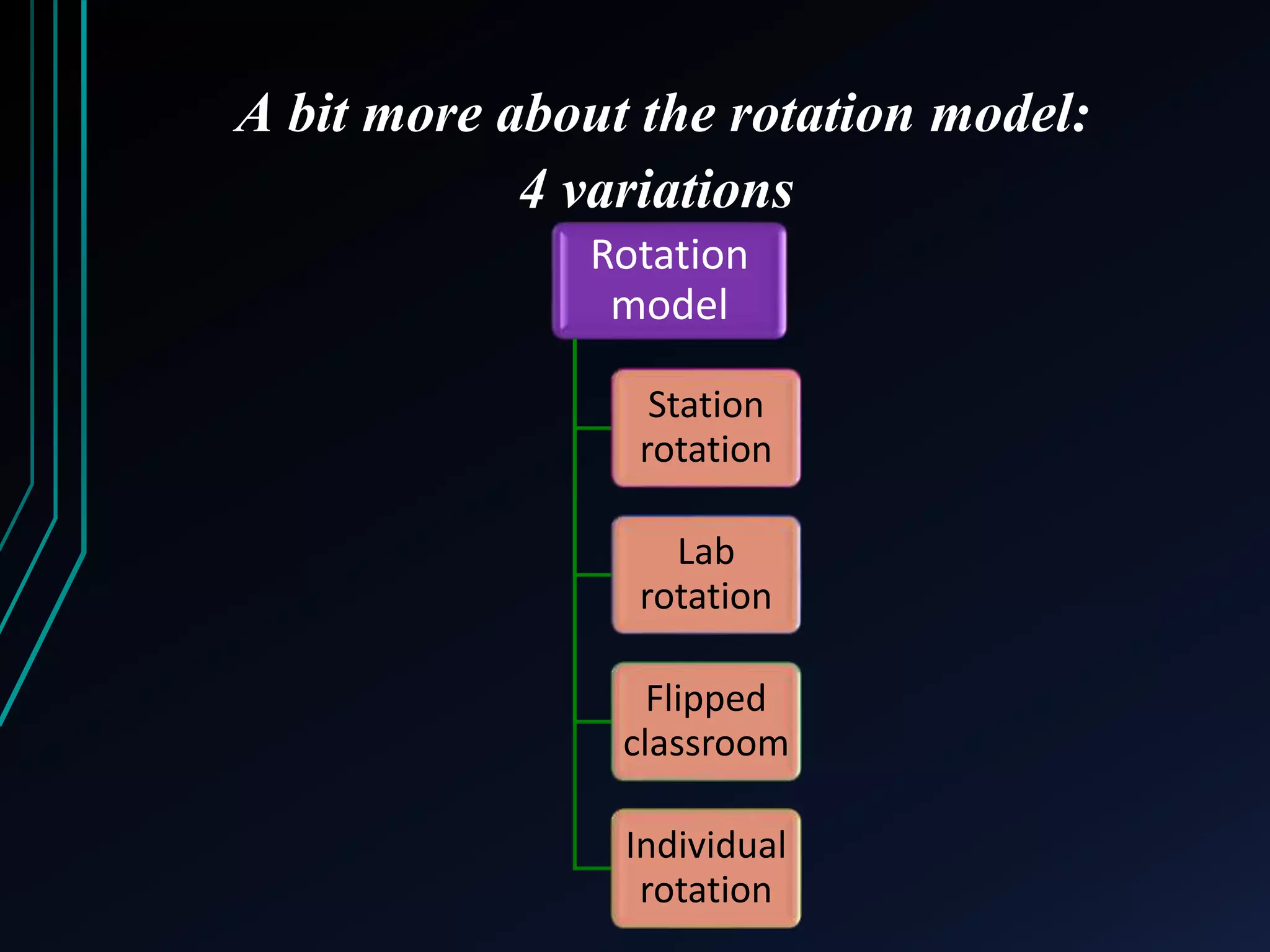
A bit more about the rotation model: 
4 variations 
Rotation 
model 
Station 
rotation 
Lab 
rotation 
Flipped 
classroom 
Individual 
rotation
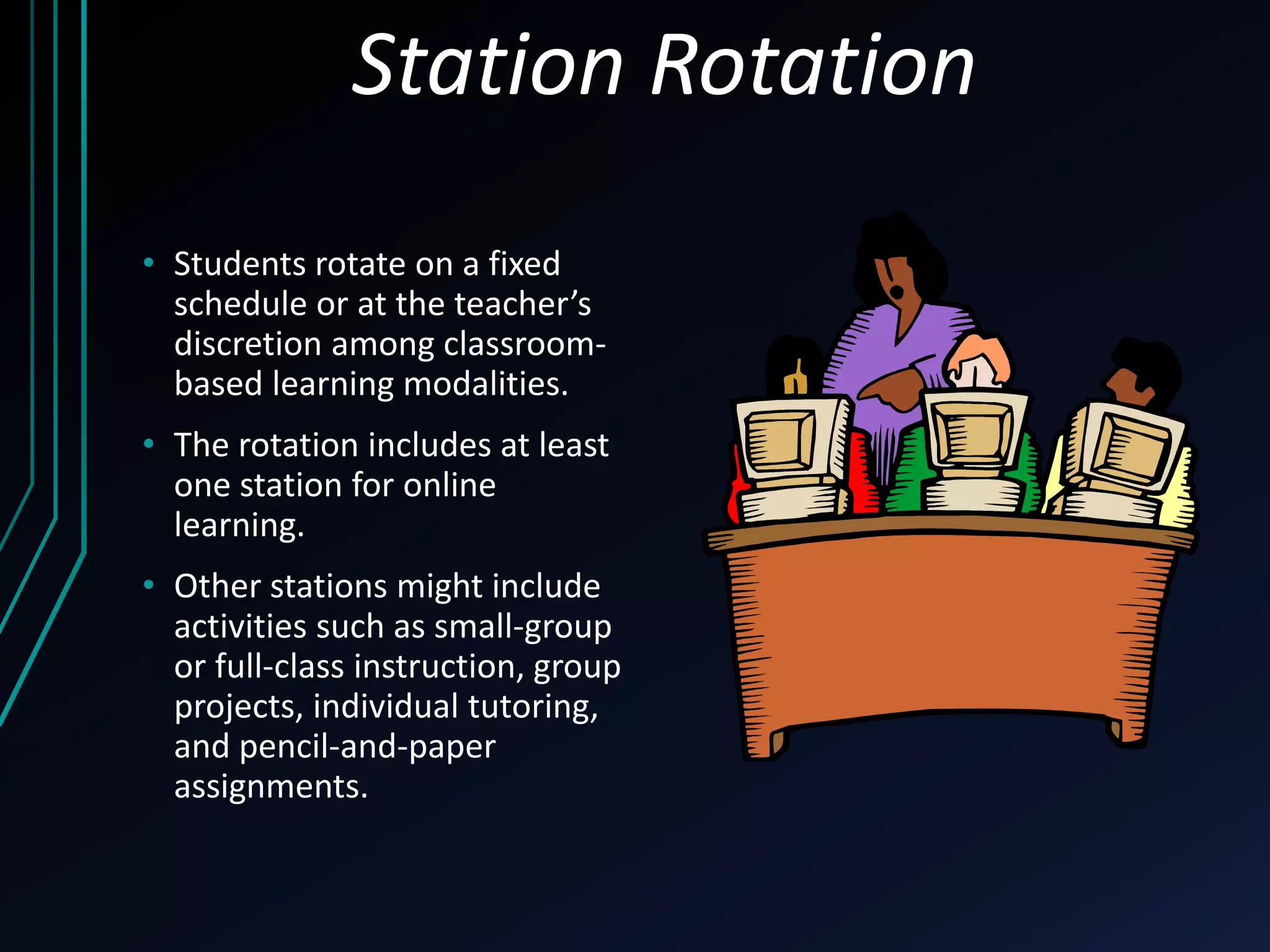
Station Rotation 
• Students rotate on a fixed 
schedule or at the teacher’s 
discretion among classroom-based 
learning modalities. 
• The rotation includes at least 
one station for online 
learning. 
• Other stations might include 
activities such as small-group 
or full-class instruction, group 
projects, individual tutoring, 
and pencil-and-paper 
assignments.
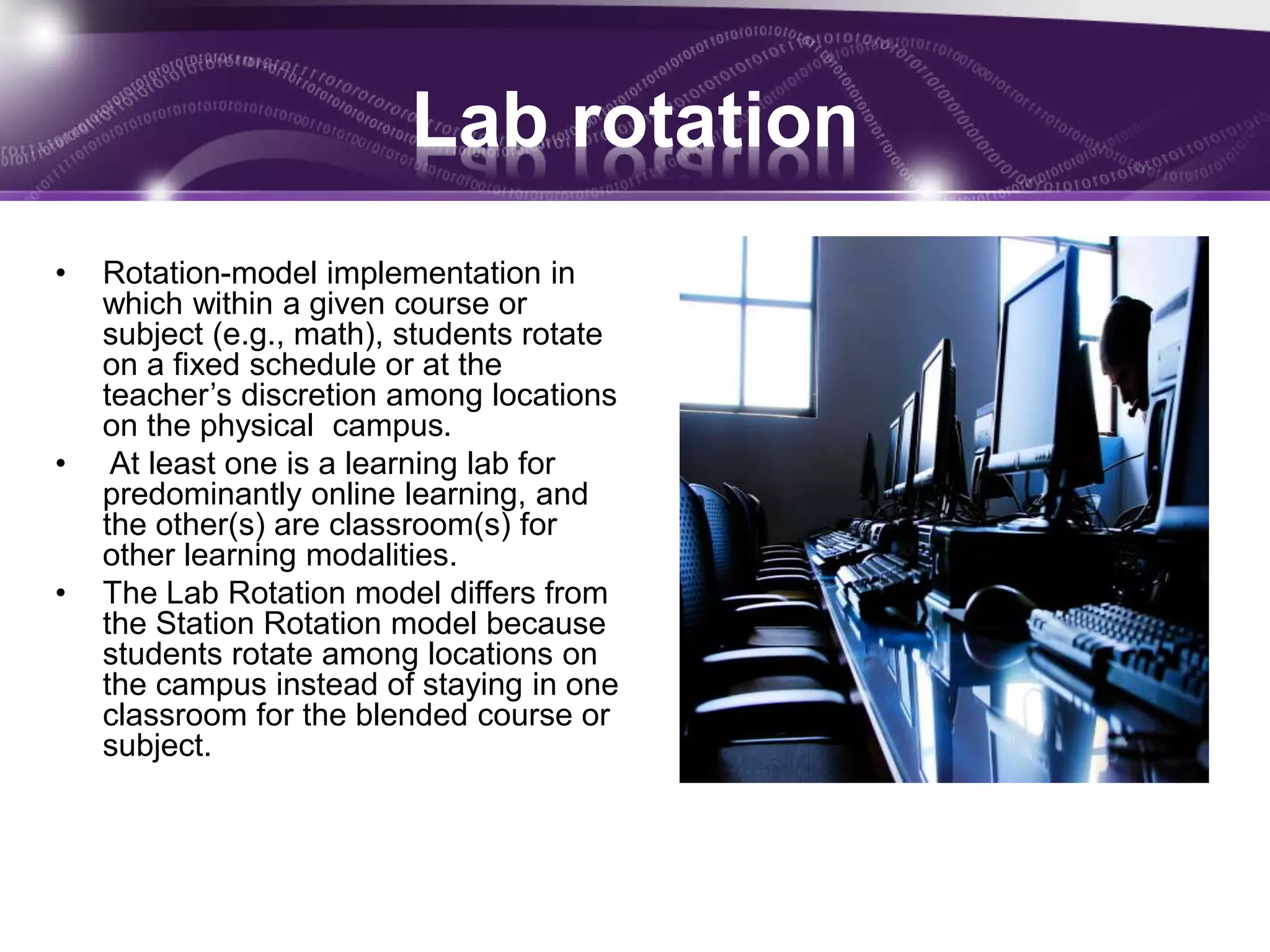
Lab rotation 
• Rotation-model implementation in 
which within a given course or 
subject (e.g., math), students rotate 
on a fixed schedule or at the 
teacher’s discretion among locations 
on the physical campus. 
• At least one is a learning lab for 
predominantly online learning, and 
the other(s) are classroom(s) for 
other learning modalities. 
• The Lab Rotation model differs from 
the Station Rotation model because 
students rotate among locations on 
the campus instead of staying in one 
classroom for the blended course or 
subject.
Flipped model 
• A Rotation-model implementation in which within a given 
course or subject (e.g.. math), students rotate on a fixed 
schedule between face-to-face teacher-guided practice (or 
projects) on campus during the standard school day and 
online delivery of content and instruction of the same 
subject from a remote location (often home) after school. 
• The primary delivery of content and instruction is online, 
which differentiates a Flipped Classroom from students 
who are merely doing homework practice online at night. 
• The Flipped Classroom model accords with the idea that 
blended learning includes some element of student control 
over time, place, path, and/or pace because the model 
allows students to choose the location where they receive 
content and instruction online.
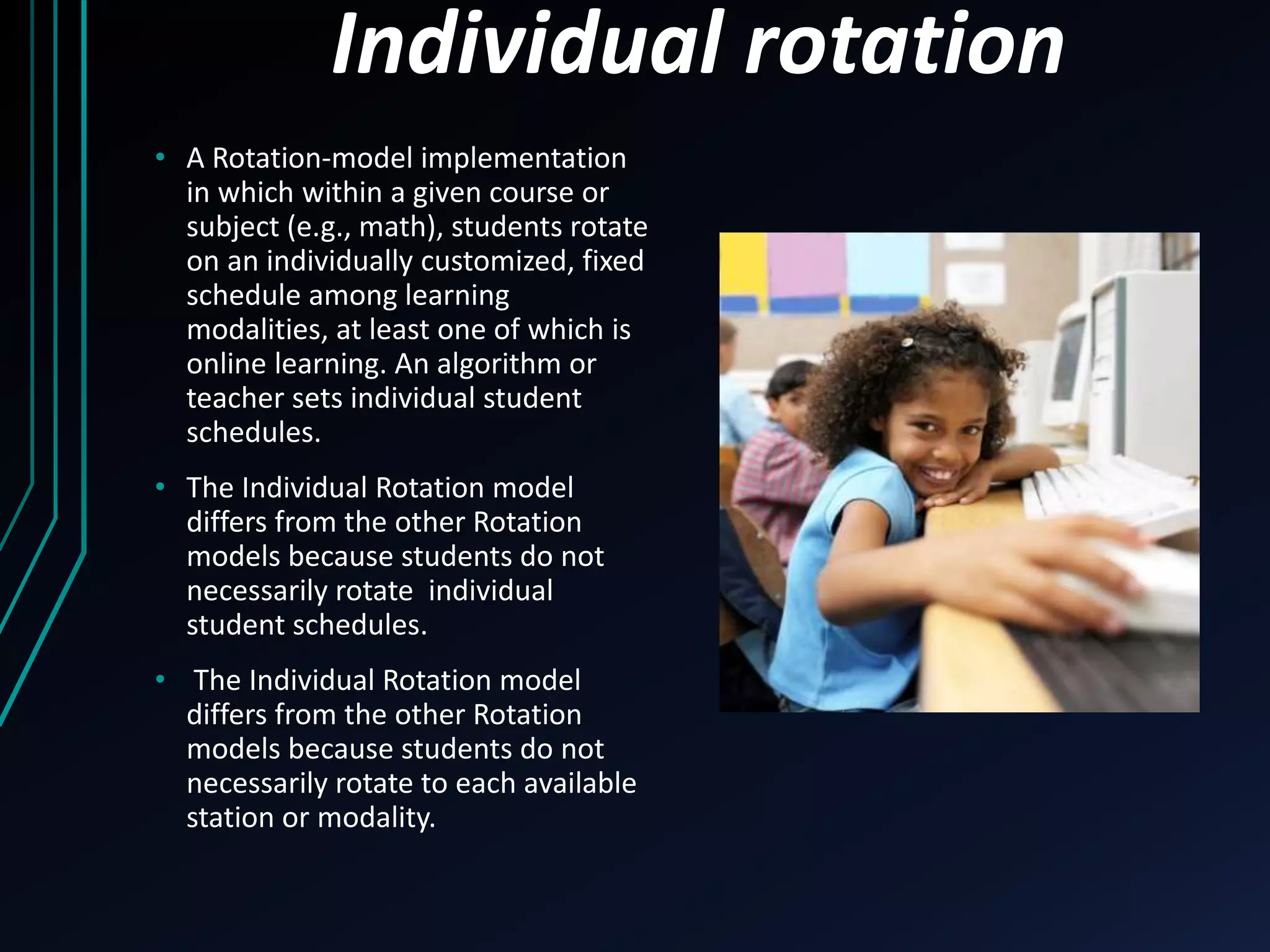
Individual rotation 
• A Rotation-model implementation 
in which within a given course or 
subject (e.g., math), students rotate 
on an individually customized, fixed 
schedule among learning 
modalities, at least one of which is 
online learning. An algorithm or 
teacher sets individual student 
schedules. 
• The Individual Rotation model 
differs from the other Rotation 
models because students do not 
necessarily rotate individual 
student schedules. 
• The Individual Rotation model 
differs from the other Rotation 
models because students do not 
necessarily rotate to each available 
station or modality.
Keep these important details in mind: 
What the course objectives are 
Remember blended learning is not about 
using one type of technology tool. 
If you focus on the tool rather than what 
your end goal is. you miss the point of 
blended learning. 
Don’t use technology just for the sake of 
using it.
Calvin and Hobbes is copyrighted by Bill Watterson
Resources information 
• Please note: the infographics used in this 
presentation, are from other sources. Links to 
where these sources can be found are included in 
the presentation. If I have made an error in 
crediting the source, please let me know via e-mail: 
torresw@rpcs.org so that I may correct the 
error. 
***Please know that the infographics from Holton- 
Arms were resources from the Blended Learning 
Lab that was held at the school in 2013. The 
infographics from Holton-Arms used in this 
presentation were from a larger infographic. 
•
• If you have any questions about the 
infographics from Holton Arms, please contact 
their Academic Tech Department 
at help@holton-arms.edu . 
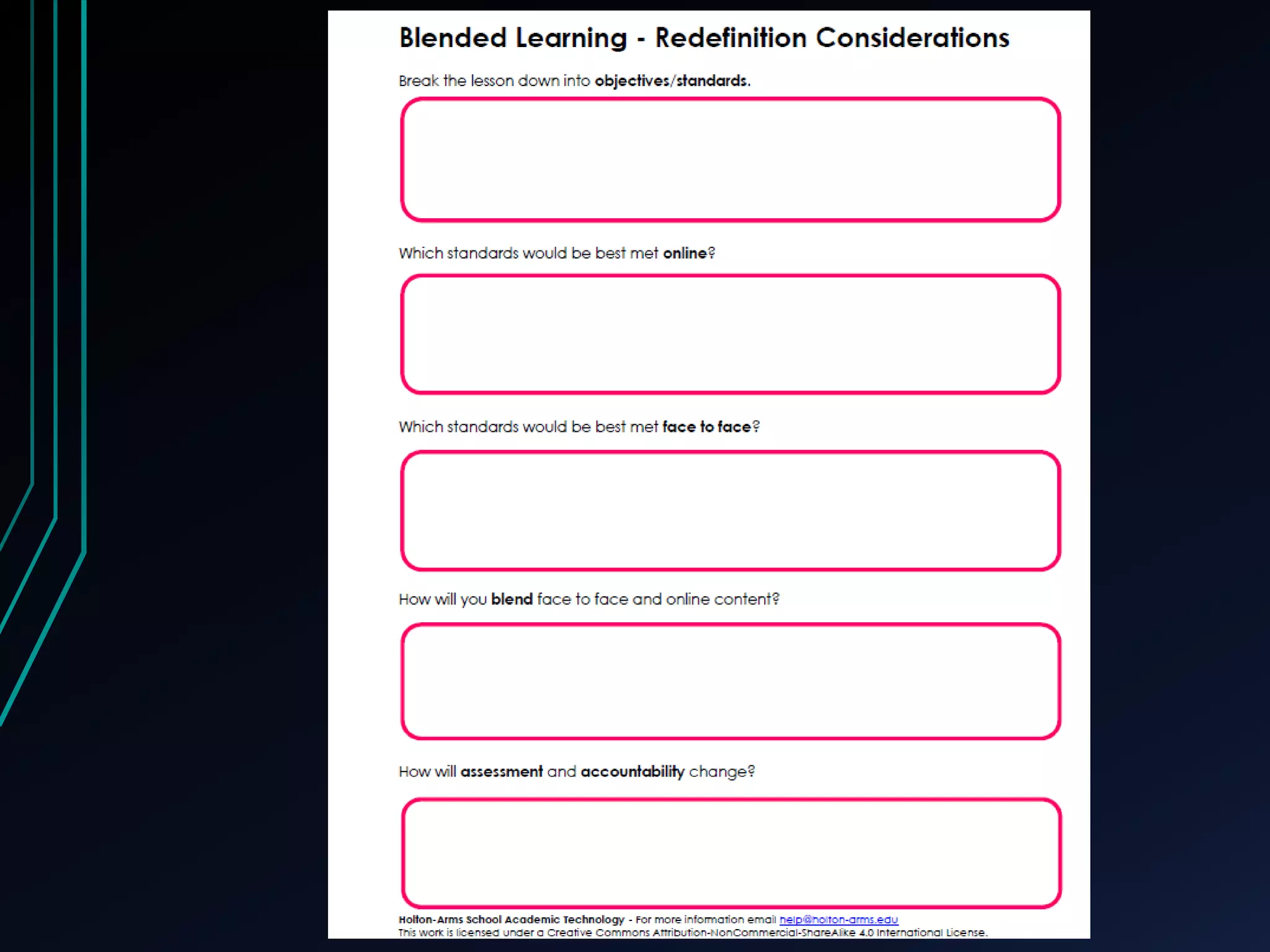
The Blended Learning Redefinition Worksheet 
was created by the members of the Holton- 
Arms Academic Technology Department 
licensed under Creative Commons Attribution- 
Non Commercial Share-Alike 4.0 International 
License.

Aims2014 powerpoint

  • 1.
    Blended Learning inthe Lower School Models, Strategies and Tools By Wendy Torres
  • 2.
    WENDY TORRES LOWERSCHOOL TECHNOLOGY INTEGRATION SPECIALIST ROLAND PARK COUNTRY SCHOOL • All content and resources can be found at the following url: • http://bit.ly/1tf1VhD • For the toolkit click on the url below: • http://blendedtoolkit.weebly.com/ Website: http://sp.rpcs.org/faculty/torresw Blog: Tech Snacks: http://sp.rpcs.org/faculty/TorresW/ techsnacks/
  • 3.
    Welcome! During thisinteractive presentation we will: Identify what blended learning is and what it isn’t Discuss the most common blended learning models Get some hands on experience with some online tools that can be used to create a blended learning environment
  • 4.
    • Sometimes wefeel like this…… Calvin and Hobbes is copyrighted by Bill Watterson
  • 5.
    Calvin and Hobbesis copyrighted by Bill Watterson
  • 6.
    Blended learning isa good way to help bridge the gap. But what is blended learning?
  • 7.
    Let’s explore more……. https://www.youtube.com/watch?v=KD8AUfGsCKg
  • 8.
  • 9.
    Online content student is reviewing in class while the teacher works with a small group Playing online educational games when students complete their work Students in small groups discussing points from a video they watched online Students providing commentary on online content
  • 10.
    Using clickers orpolling software in class to engage students Playing online educational games when students complete their work Taking students to the computer lab to work on research Students listening to audio instructions/comments at home for review
  • 11.
    Technology integration isNOT the same as Blended Learning. • Simply using technology in the classroom Involves a teacher to student interaction Blended learning • Shifts focus from teacher to student interaction • To student to student interaction • Collaboration More student centered
  • 12.
    Hallmarks of blendedlearning: Seamless connection between online and offline work Increased Student- Collaboration and control over: time pace place or path of learning Online classroom presence Repurposed time
  • 13.
    What the studentis doing online shouldn’t affect what is taught in the classroom Online work should be supplemental or enrichment based Work students do online should have a direct connection with what they are doing in the classroom None of these answers
  • 14.
    Content is onlineand can be accessed and reviewed 24/7 Content consists of static website where students can download classroom handouts Content is online consisting of just a list of websites students can use None of these answers
  • 15.
    • Repurposed time-blended learning uses technology tools to restructure what is normally done in the brick and mortar classroom. Infographic taken from: http://prezi.com/gayhitopup1b/bll4/ from Holton-Arms
  • 16.
    Infographic taken from:http://prezi.com/gayhitopup1b/bll4/
  • 18.
    Blended Learning Models: Infographic part from http://www.knewton.com/blended-learning/
  • 19.
    A bit moreabout the rotation model: 4 variations Rotation model Station rotation Lab rotation Flipped classroom Individual rotation
  • 20.
    Station Rotation •Students rotate on a fixed schedule or at the teacher’s discretion among classroom-based learning modalities. • The rotation includes at least one station for online learning. • Other stations might include activities such as small-group or full-class instruction, group projects, individual tutoring, and pencil-and-paper assignments.
  • 21.
    Lab rotation •Rotation-model implementation in which within a given course or subject (e.g., math), students rotate on a fixed schedule or at the teacher’s discretion among locations on the physical campus. • At least one is a learning lab for predominantly online learning, and the other(s) are classroom(s) for other learning modalities. • The Lab Rotation model differs from the Station Rotation model because students rotate among locations on the campus instead of staying in one classroom for the blended course or subject.
  • 22.
    Flipped model •A Rotation-model implementation in which within a given course or subject (e.g.. math), students rotate on a fixed schedule between face-to-face teacher-guided practice (or projects) on campus during the standard school day and online delivery of content and instruction of the same subject from a remote location (often home) after school. • The primary delivery of content and instruction is online, which differentiates a Flipped Classroom from students who are merely doing homework practice online at night. • The Flipped Classroom model accords with the idea that blended learning includes some element of student control over time, place, path, and/or pace because the model allows students to choose the location where they receive content and instruction online.
  • 23.
    Individual rotation •A Rotation-model implementation in which within a given course or subject (e.g., math), students rotate on an individually customized, fixed schedule among learning modalities, at least one of which is online learning. An algorithm or teacher sets individual student schedules. • The Individual Rotation model differs from the other Rotation models because students do not necessarily rotate individual student schedules. • The Individual Rotation model differs from the other Rotation models because students do not necessarily rotate to each available station or modality.
  • 24.
    Keep these importantdetails in mind: What the course objectives are Remember blended learning is not about using one type of technology tool. If you focus on the tool rather than what your end goal is. you miss the point of blended learning. Don’t use technology just for the sake of using it.
  • 25.
    Calvin and Hobbesis copyrighted by Bill Watterson
  • 28.
    Resources information •Please note: the infographics used in this presentation, are from other sources. Links to where these sources can be found are included in the presentation. If I have made an error in crediting the source, please let me know via e-mail: torresw@rpcs.org so that I may correct the error. ***Please know that the infographics from Holton- Arms were resources from the Blended Learning Lab that was held at the school in 2013. The infographics from Holton-Arms used in this presentation were from a larger infographic. •
  • 29.
    • If youhave any questions about the infographics from Holton Arms, please contact their Academic Tech Department at help@holton-arms.edu . The Blended Learning Redefinition Worksheet was created by the members of the Holton- Arms Academic Technology Department licensed under Creative Commons Attribution- Non Commercial Share-Alike 4.0 International License.