ACADEMIC
CONTINUITY
PREPARING YOUR COURSE TO COPE WITH AN EXTENDED
CAMPUS ABSENCE
SYLLABUS
The Easiest way to maintain your course is to have your
syllabi readily available for your students.
• Blackboard
• Email
• Personal Website (Blogger, Wordpress, etc)
WHERE TO START
• Decide on a method of communication with your
students.
• Adapt activities and assignments for web based
interaction.
• Develop instructions on how to submit and return
assignments.
• Develop a method for class discussion.
• Decide how you will grade and communicate grades
to your students.
COURSE COMMUNICATION
Have a communication plan in place for your course
• Utilize course messages in Blackboard to send mass emails out
to your roster.
• Create Blackboard Announcements.
• Find student email addresses in your course under users and
groups or within Banner.
• Use your own personal website to disseminate information.
• Utilize Blackboard IM and collaborate, Skype or Google
Hangouts for video meetings/chat with students.
COURSE ACTIVITIES AND ASSIGNMENTS
Have a substitute teacher mentality. Have a disaster unit ready
• Assignments
• Blackboard
• Email
• Lectures
• Record using Kaltura capturespace or a Narrated PowerPoint
• Post videos to My Media or Youtube
• Handouts/documents
• Post in Blackboard or your Personal website
• Share using Dropbox, Google Docs, or office 365
• Class Discussion
• Blackboard Discussions
• Blackboard IM and Collaborate
• Skype or google hangouts
GRADING/FEEDBACK
• Grade online in Blackboard
• Return and archive grades in Grade Center
• Email—less secure, but an option
BLACKBOARD ADVANTAGES
• Most secure option
• Viewable from mobile devices
• ADA compliant
• Consistent for students across all their courses
• Must authenticate through LEA
HOW TO GET CONNECTED
• Tablet, smartphone, computer
• iOS and Android apps
• Wifi Hotspots (Starbucks, McDonald's, etc)
• Personal 3G/4G Hotspots
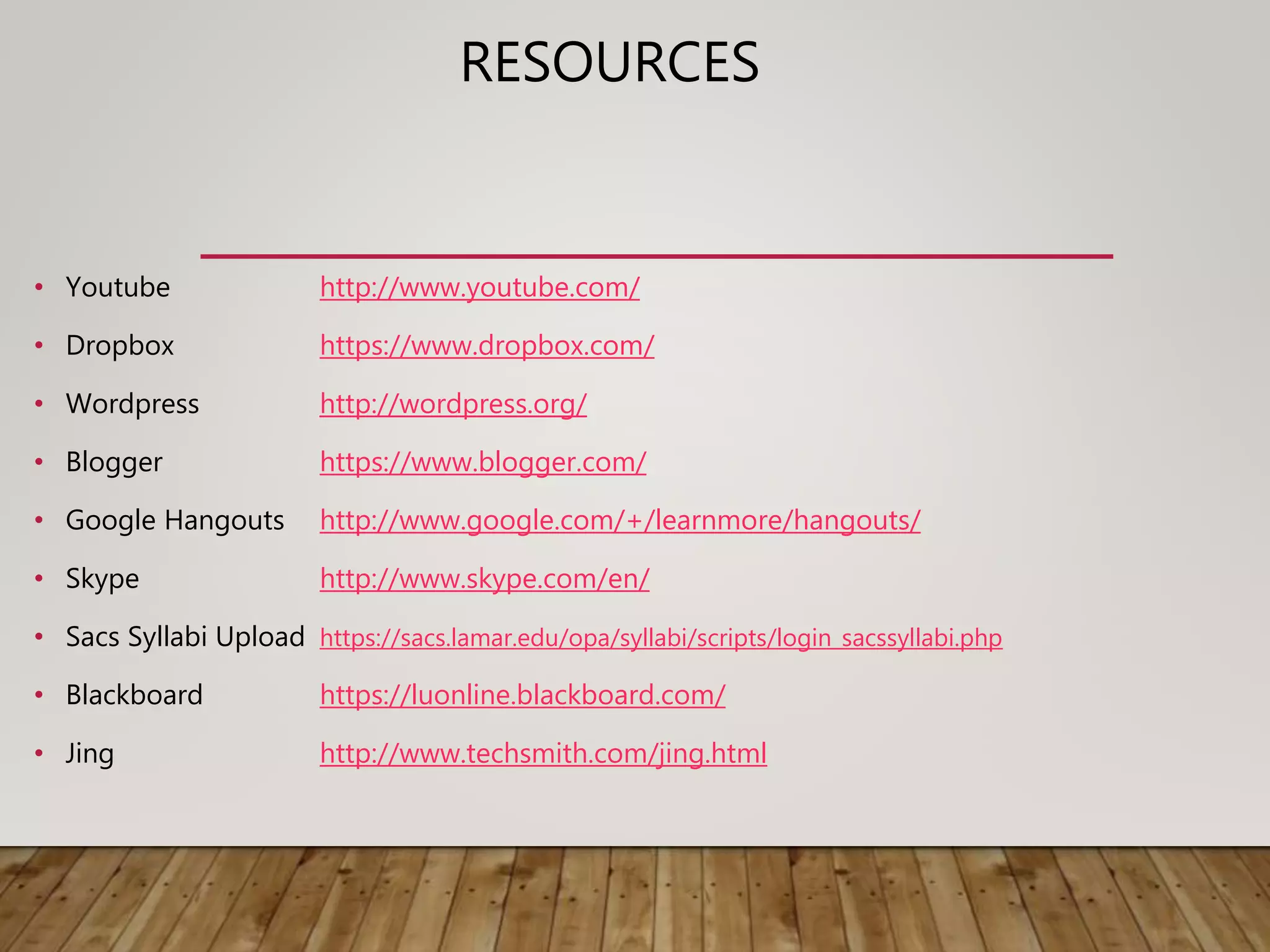
RESOURCES
• Youtube http://www.youtube.com/
• Dropbox https://www.dropbox.com/
• Wordpress http://wordpress.org/
• Blogger https://www.blogger.com/
• Google Hangouts http://www.google.com/+/learnmore/hangouts/
• Skype http://www.skype.com/en/
• Sacs Syllabi Upload https://sacs.lamar.edu/opa/syllabi/scripts/login_sacssyllabi.php
• Blackboard https://luonline.blackboard.com/
• Jing http://www.techsmith.com/jing.html

Academic Continuity

  • 1.
    ACADEMIC CONTINUITY PREPARING YOUR COURSETO COPE WITH AN EXTENDED CAMPUS ABSENCE
  • 2.
    SYLLABUS The Easiest wayto maintain your course is to have your syllabi readily available for your students. • Blackboard • Email • Personal Website (Blogger, Wordpress, etc)
  • 3.
    WHERE TO START •Decide on a method of communication with your students. • Adapt activities and assignments for web based interaction. • Develop instructions on how to submit and return assignments. • Develop a method for class discussion. • Decide how you will grade and communicate grades to your students.
  • 4.
    COURSE COMMUNICATION Have acommunication plan in place for your course • Utilize course messages in Blackboard to send mass emails out to your roster. • Create Blackboard Announcements. • Find student email addresses in your course under users and groups or within Banner. • Use your own personal website to disseminate information. • Utilize Blackboard IM and collaborate, Skype or Google Hangouts for video meetings/chat with students.
  • 5.
    COURSE ACTIVITIES ANDASSIGNMENTS Have a substitute teacher mentality. Have a disaster unit ready • Assignments • Blackboard • Email • Lectures • Record using Kaltura capturespace or a Narrated PowerPoint • Post videos to My Media or Youtube • Handouts/documents • Post in Blackboard or your Personal website • Share using Dropbox, Google Docs, or office 365 • Class Discussion • Blackboard Discussions • Blackboard IM and Collaborate • Skype or google hangouts
  • 6.
    GRADING/FEEDBACK • Grade onlinein Blackboard • Return and archive grades in Grade Center • Email—less secure, but an option
  • 7.
    BLACKBOARD ADVANTAGES • Mostsecure option • Viewable from mobile devices • ADA compliant • Consistent for students across all their courses • Must authenticate through LEA
  • 8.
    HOW TO GETCONNECTED • Tablet, smartphone, computer • iOS and Android apps • Wifi Hotspots (Starbucks, McDonald's, etc) • Personal 3G/4G Hotspots
  • 9.
    RESOURCES • Youtube http://www.youtube.com/ •Dropbox https://www.dropbox.com/ • Wordpress http://wordpress.org/ • Blogger https://www.blogger.com/ • Google Hangouts http://www.google.com/+/learnmore/hangouts/ • Skype http://www.skype.com/en/ • Sacs Syllabi Upload https://sacs.lamar.edu/opa/syllabi/scripts/login_sacssyllabi.php • Blackboard https://luonline.blackboard.com/ • Jing http://www.techsmith.com/jing.html