



Best Practices for OER
Faculty Development
Amy Hofer, Open Oregon Educational Resources
Regina Gong, Lansing Community College
Feb 10, 2016, 10:00 am PST
Unless otherwise indicated, this presentation is licensed CC-BY 4.0
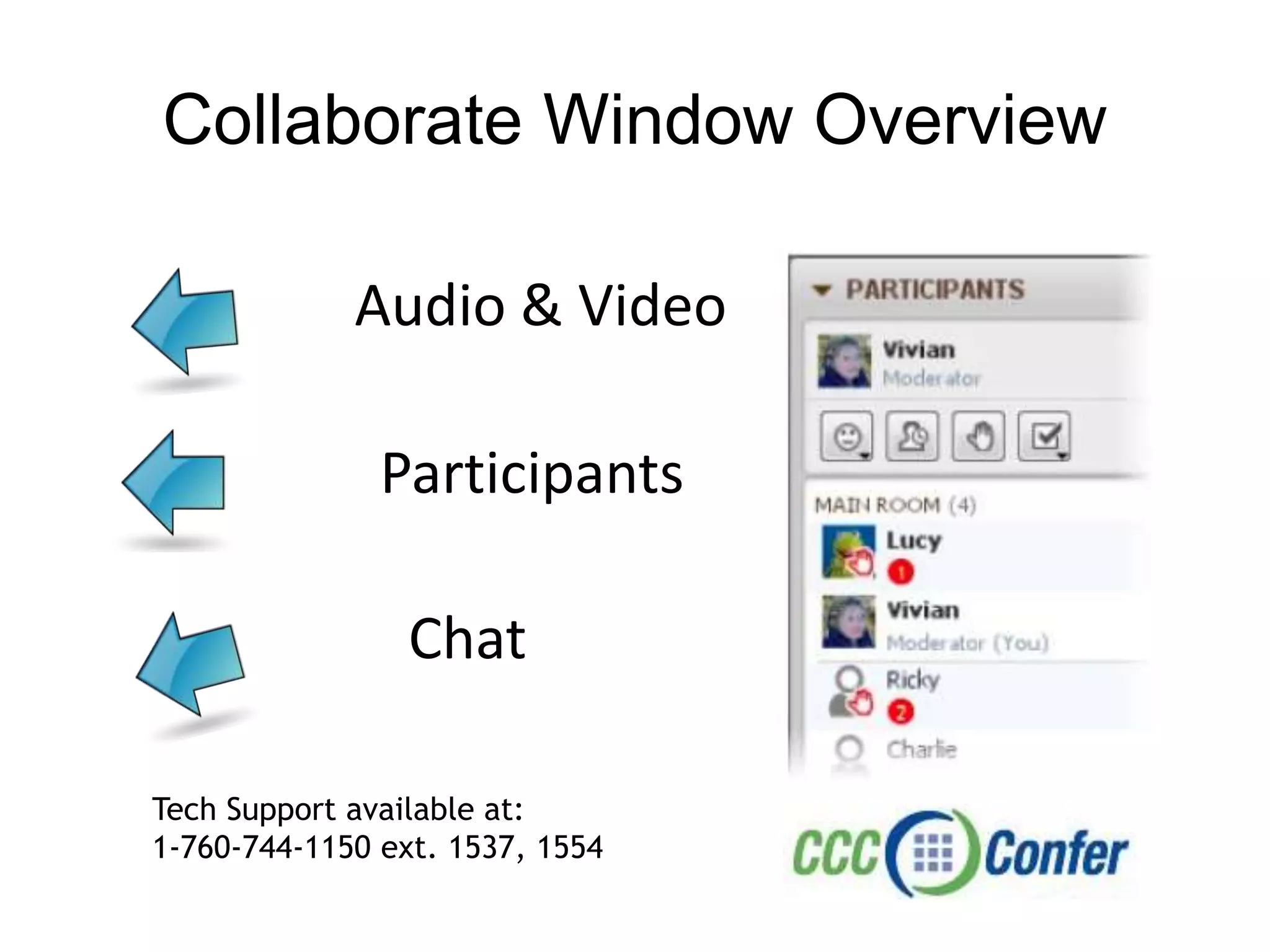
Collaborate Window Overview
Audio & Video
Participants
Chat
Tech Support available at:
1-760-744-1150 ext. 1537, 1554
Agenda
• Introductions
• CCCOER Overview
• Best Practices for OER & Faculty
Development at LCC
• Faculty Development Efforts at Open
Oregon
• Q & A
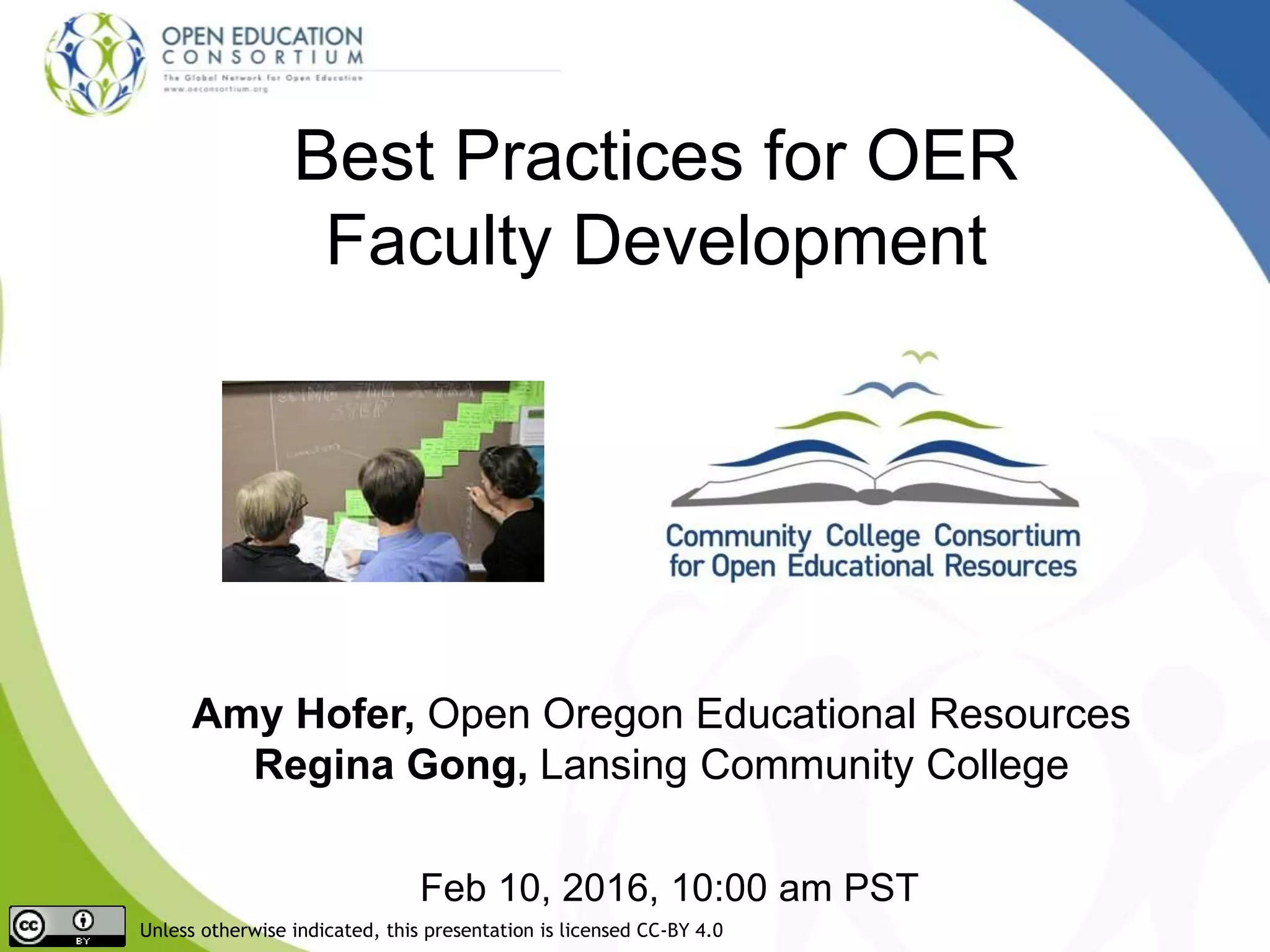
Image on front page: faculty meeting fun by alex ragone cc-by-nc-sa
Welcome
Please introduce yourself in the chat window
Moderator: Una Daly
Director Curriculum Design & College Outreach, OEC
CCCOER Director
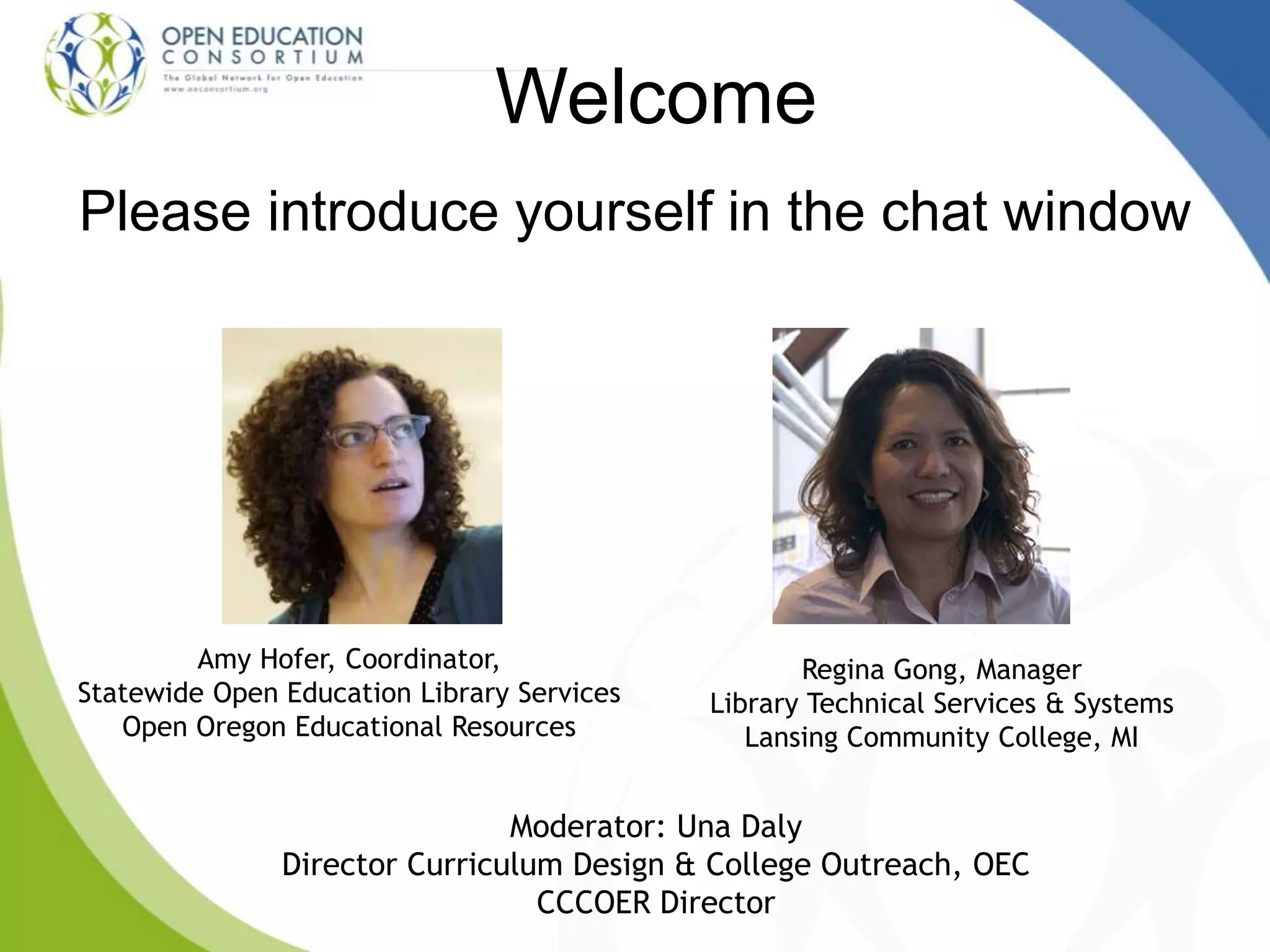
Regina Gong, Manager
Library Technical Services & Systems
Lansing Community College, MI
Amy Hofer, Coordinator,
Statewide Open Education Library Services
Open Oregon Educational Resources
• Expand access to high-
quality open materials
• Support faculty choice
and development
• Improve student success
Community College Consortium
for OER (CCCOER)
http://oerconsortium.org
Come In, We're Open gary simmons
cc-by-nc-sa flickr
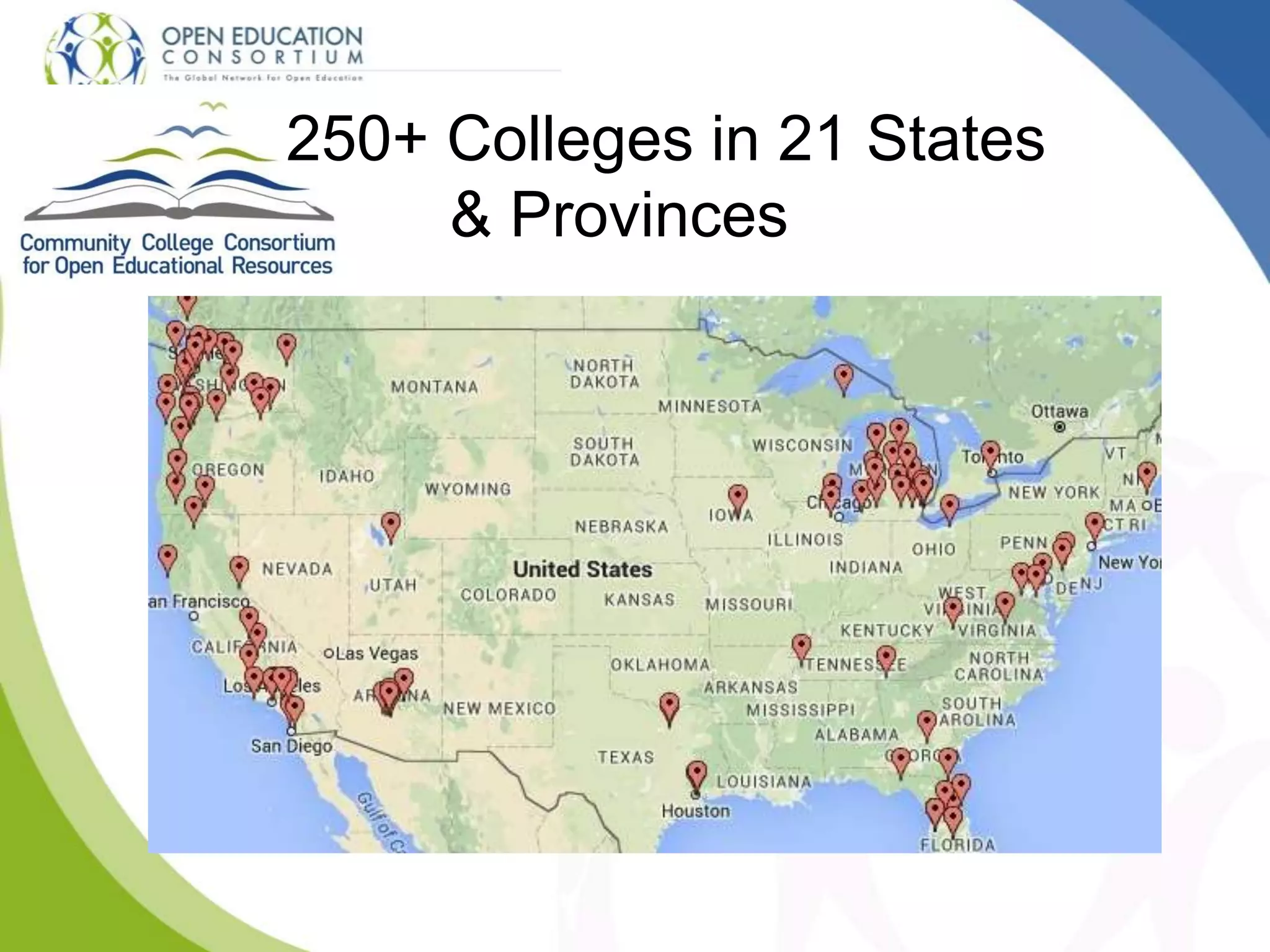
250+ Colleges in 21 States
& Provinces
What do faculty need?
• Incentives
• Help to discover high-quality OER
• Help to understand open licensing
• Support for adopting OER
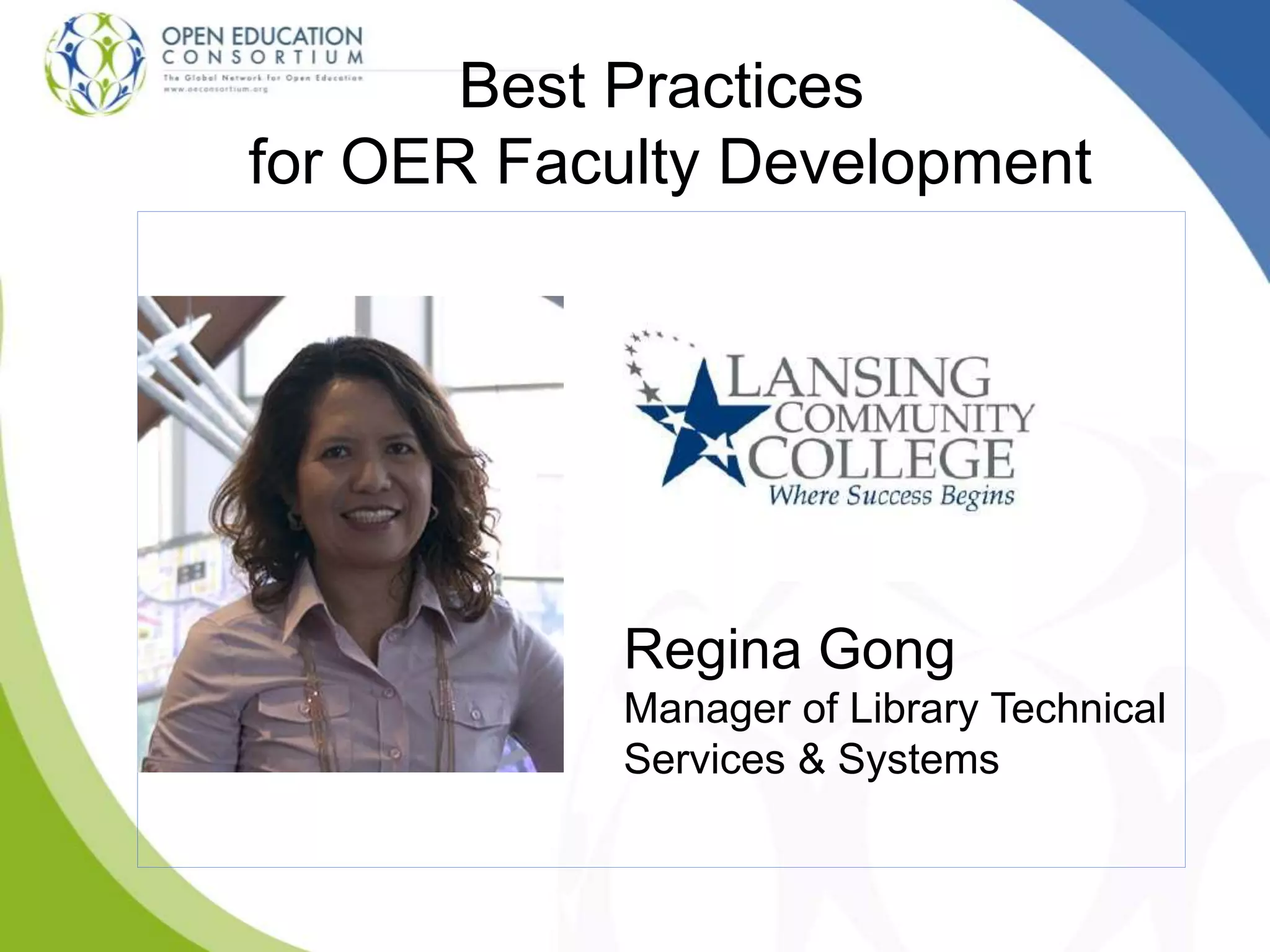
Best Practices
for OER Faculty Development
Regina Gong
Manager of Library Technical
Services & Systems
OER and Best Practices for
Faculty Development
Regina Gong
Manager of Library Technical Services & Systems
Lansing Community College
Credits: http://bit.ly/1PIKd5m
STRATEGY #1
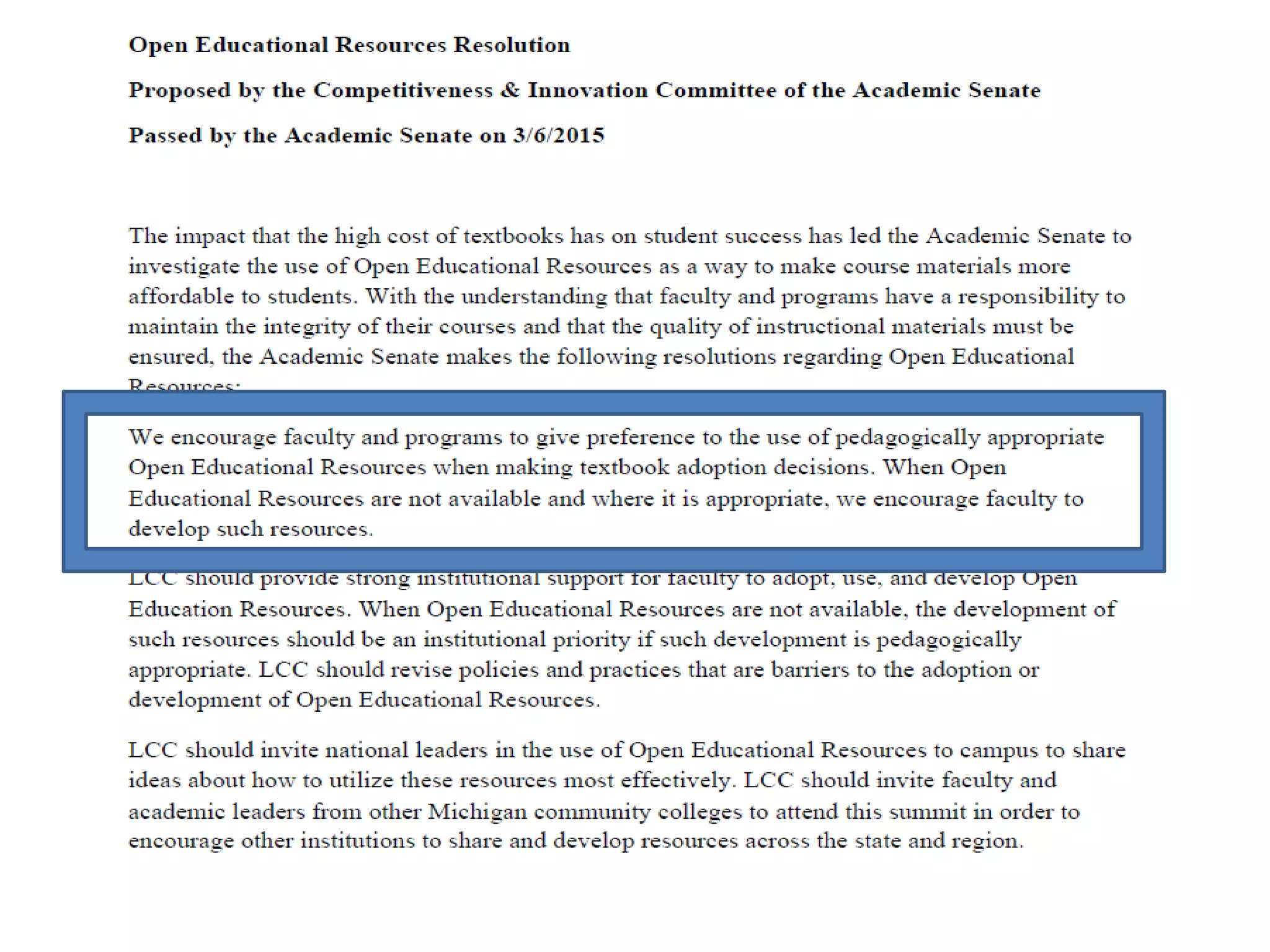
Get institutional support
for OER initiative
STRATEGY #2
Facilitate campus-wide
discussion of OER
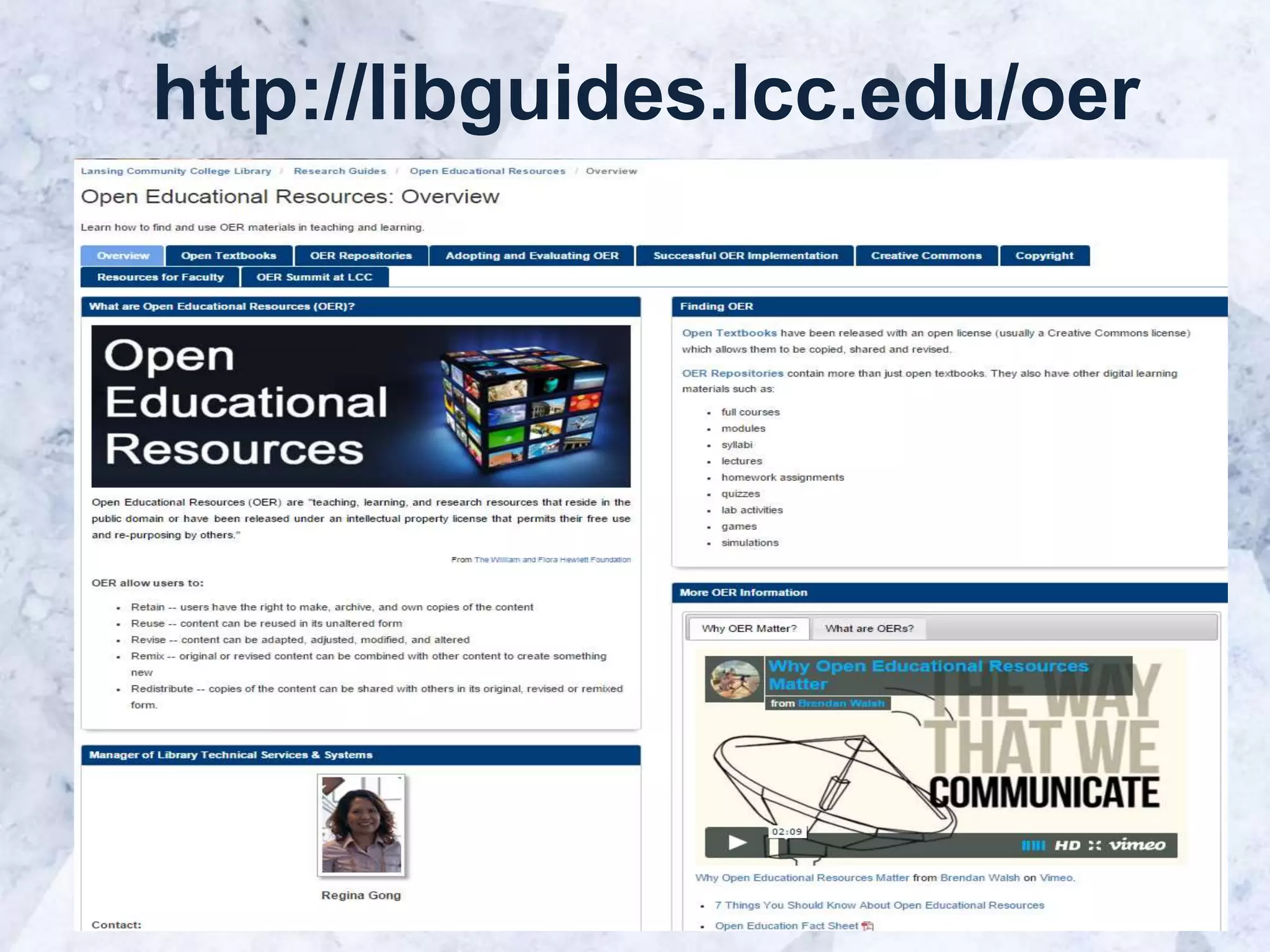
http://libguides.lcc.edu/oer
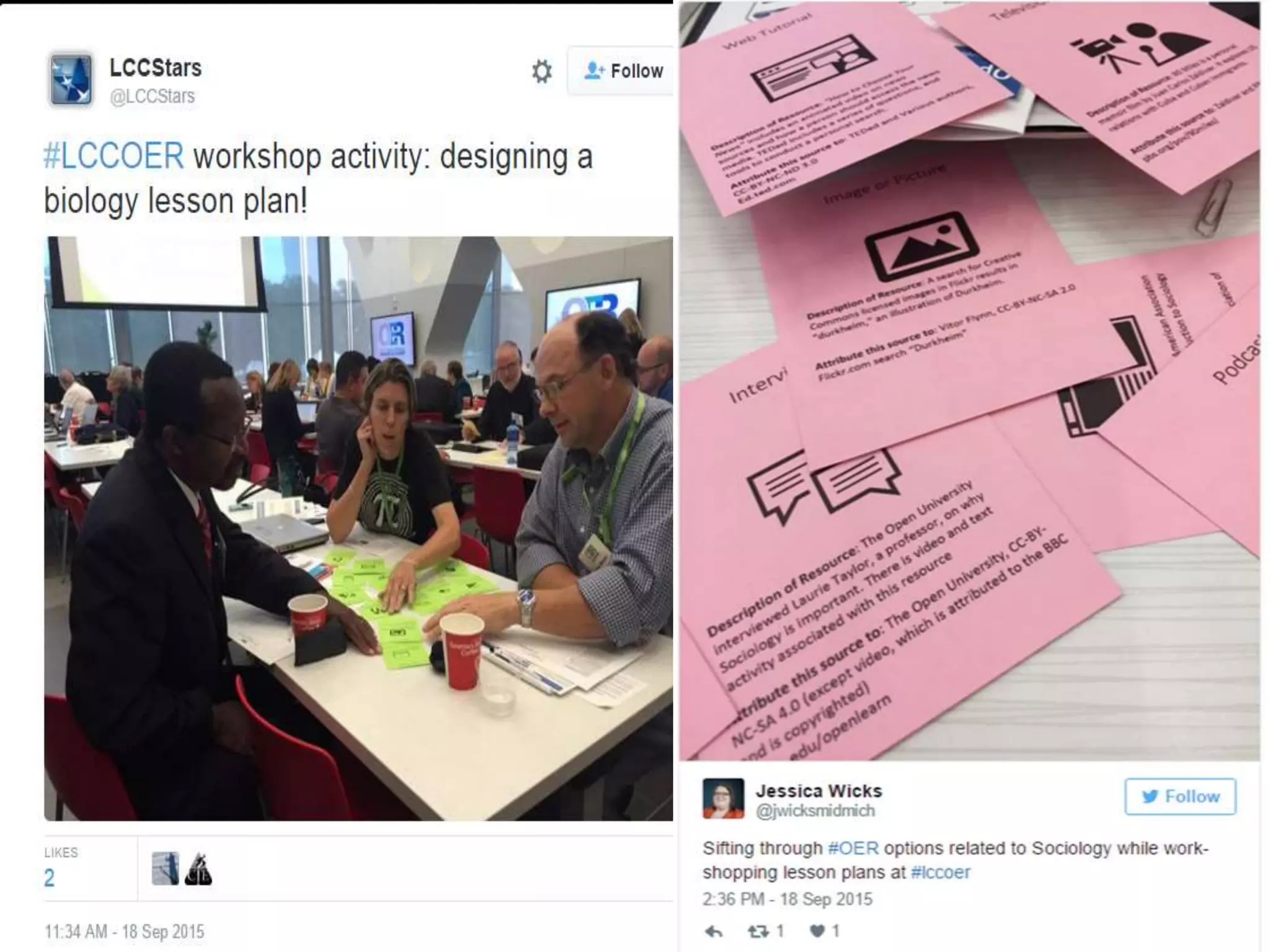
OER Workshops for Faculty
Open Sesame: Using Open
Educational Resource (OER) for
Teaching and Learning
This workshop will discuss the current OER
landscape including finding and evaluating
OER, tips on how you can use OER in your
classroom, and successful implementation of
OERs at LCC and in other community colleges
and universities
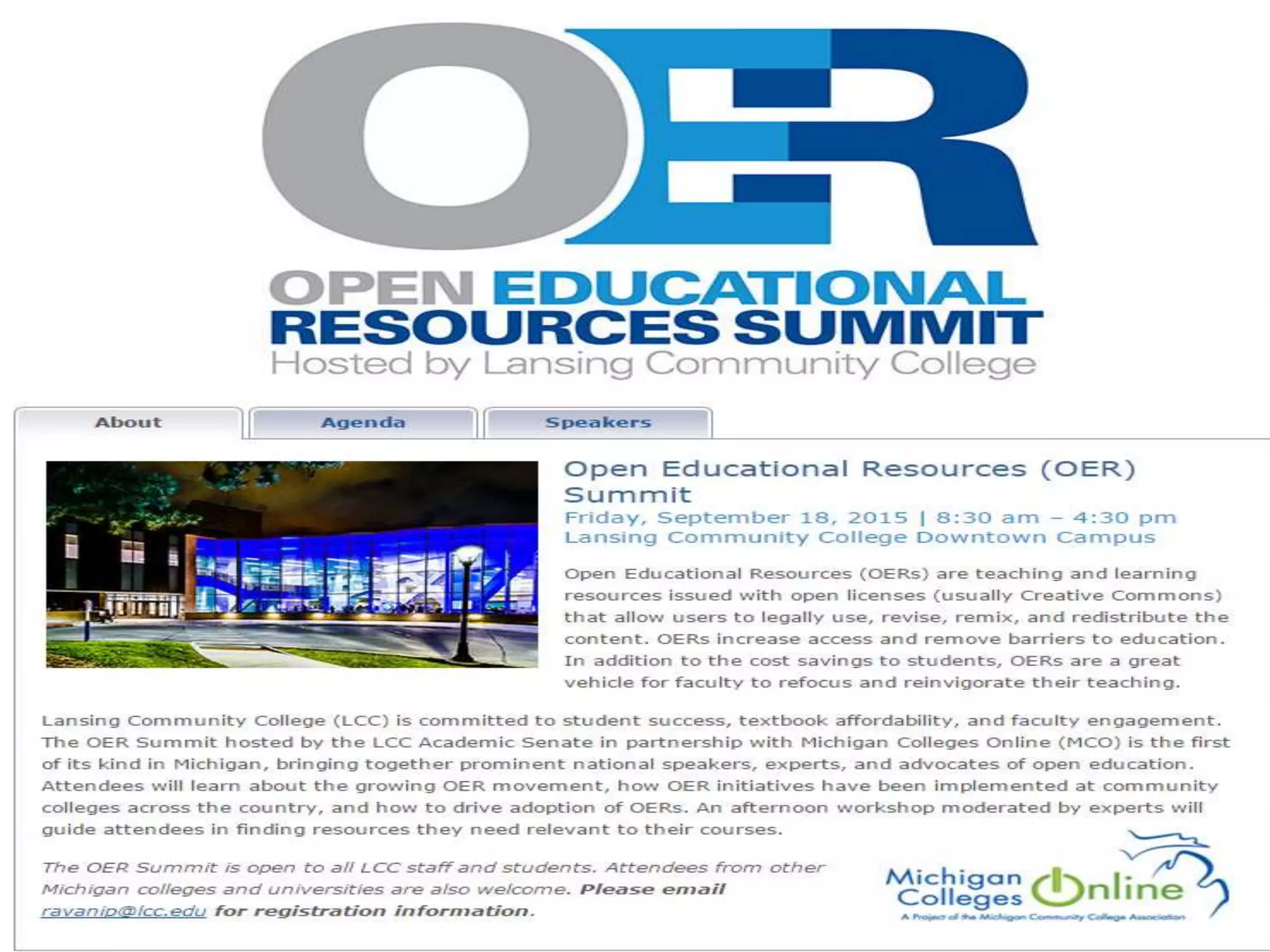
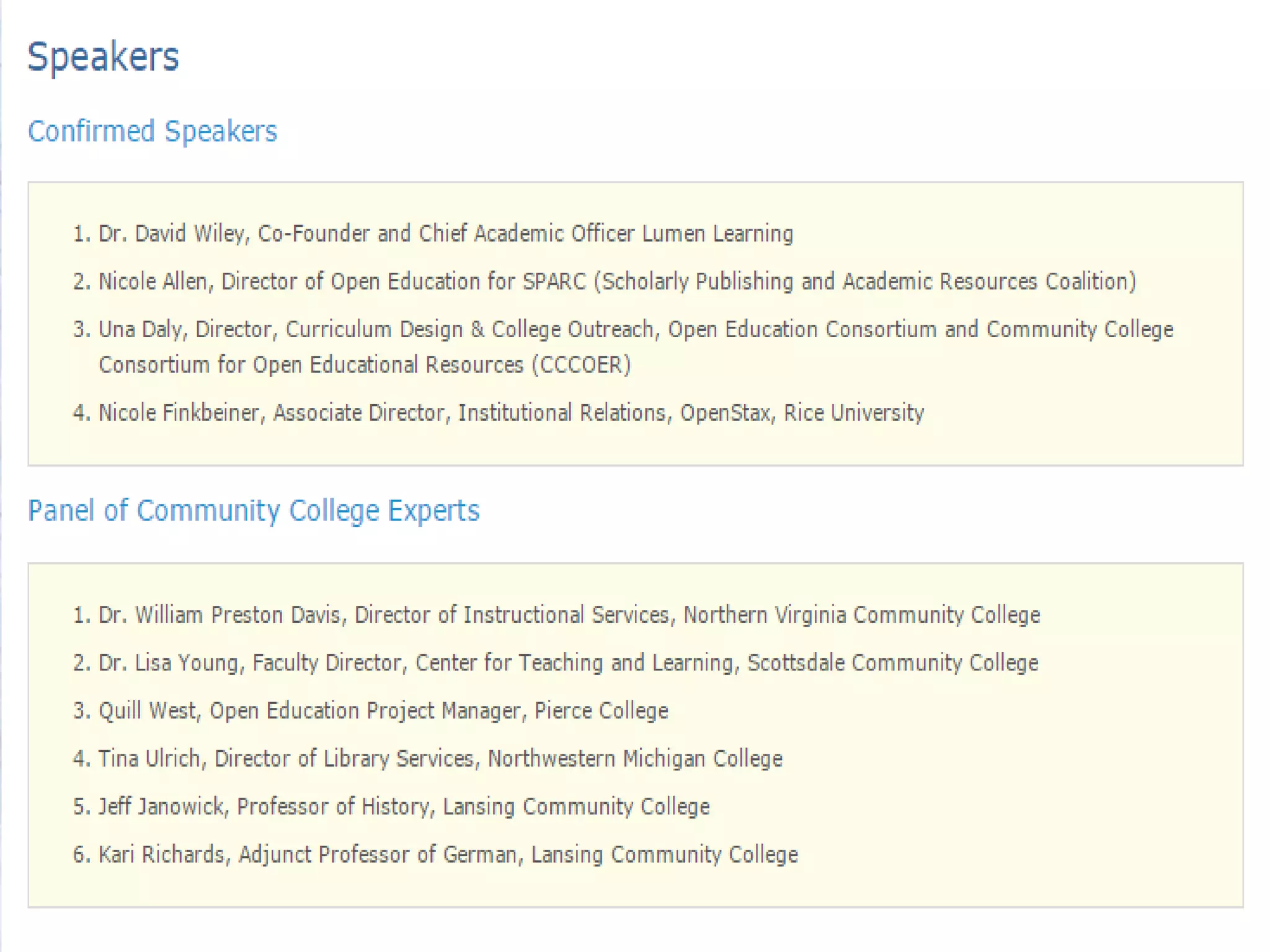
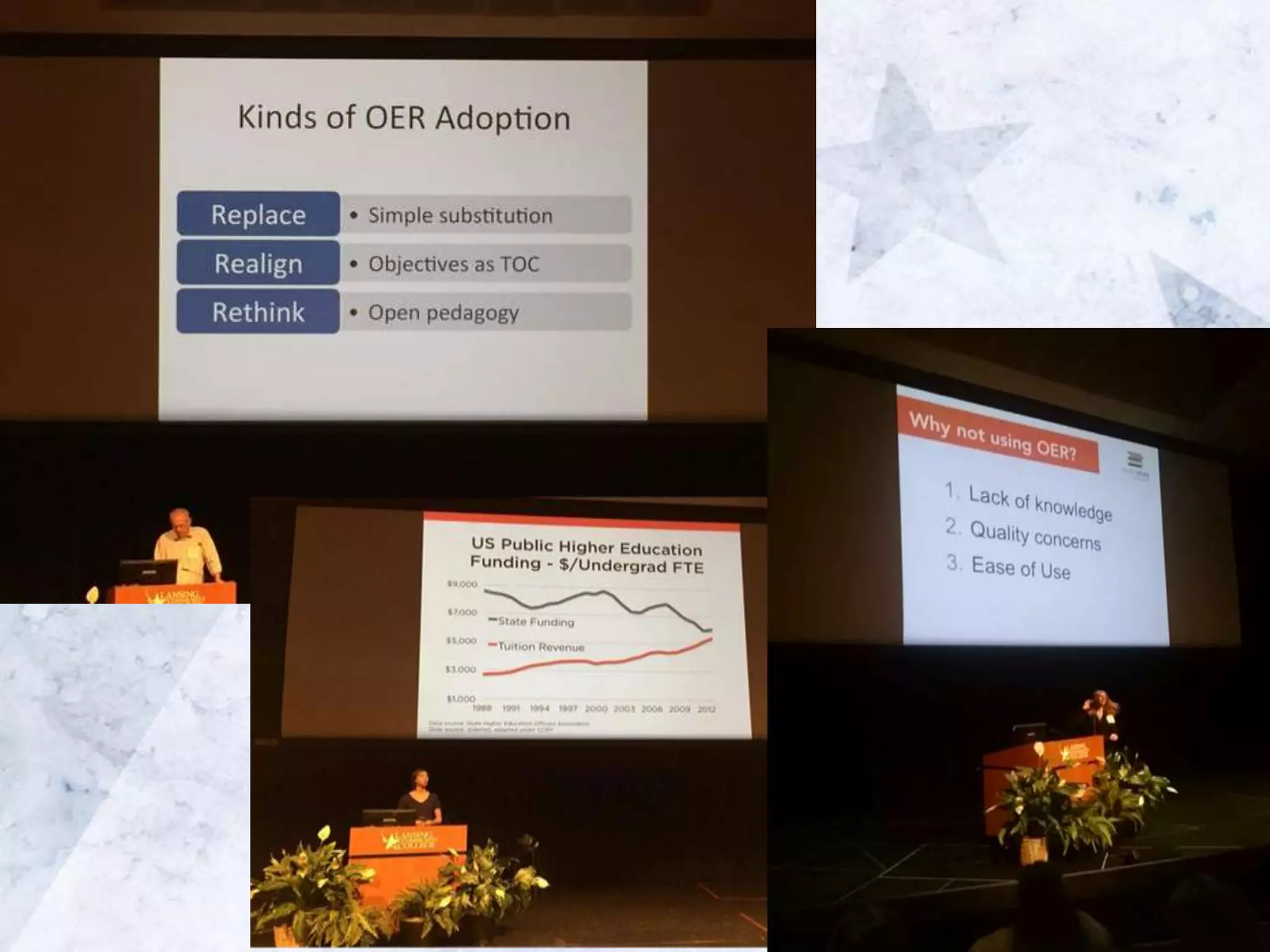
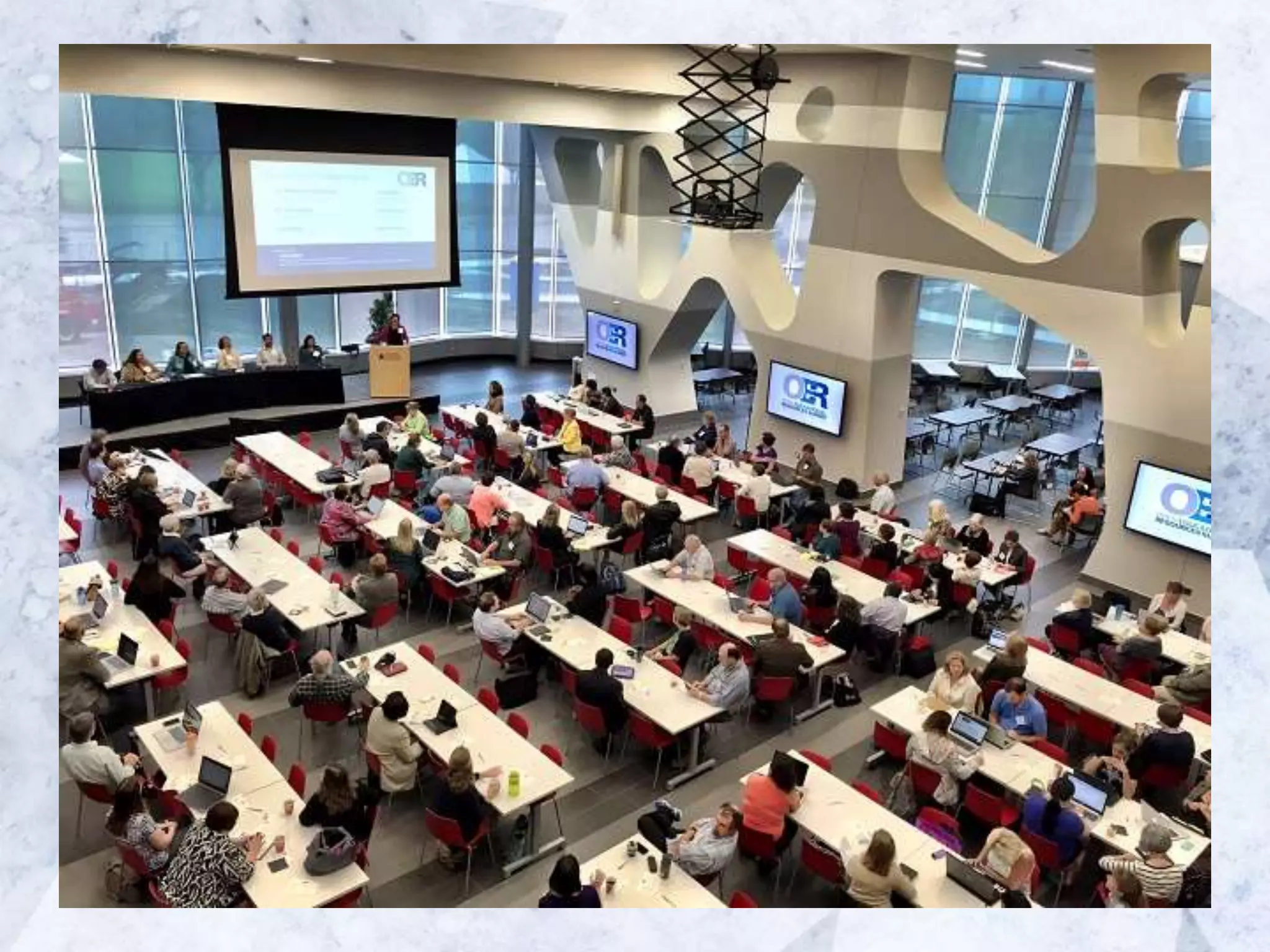
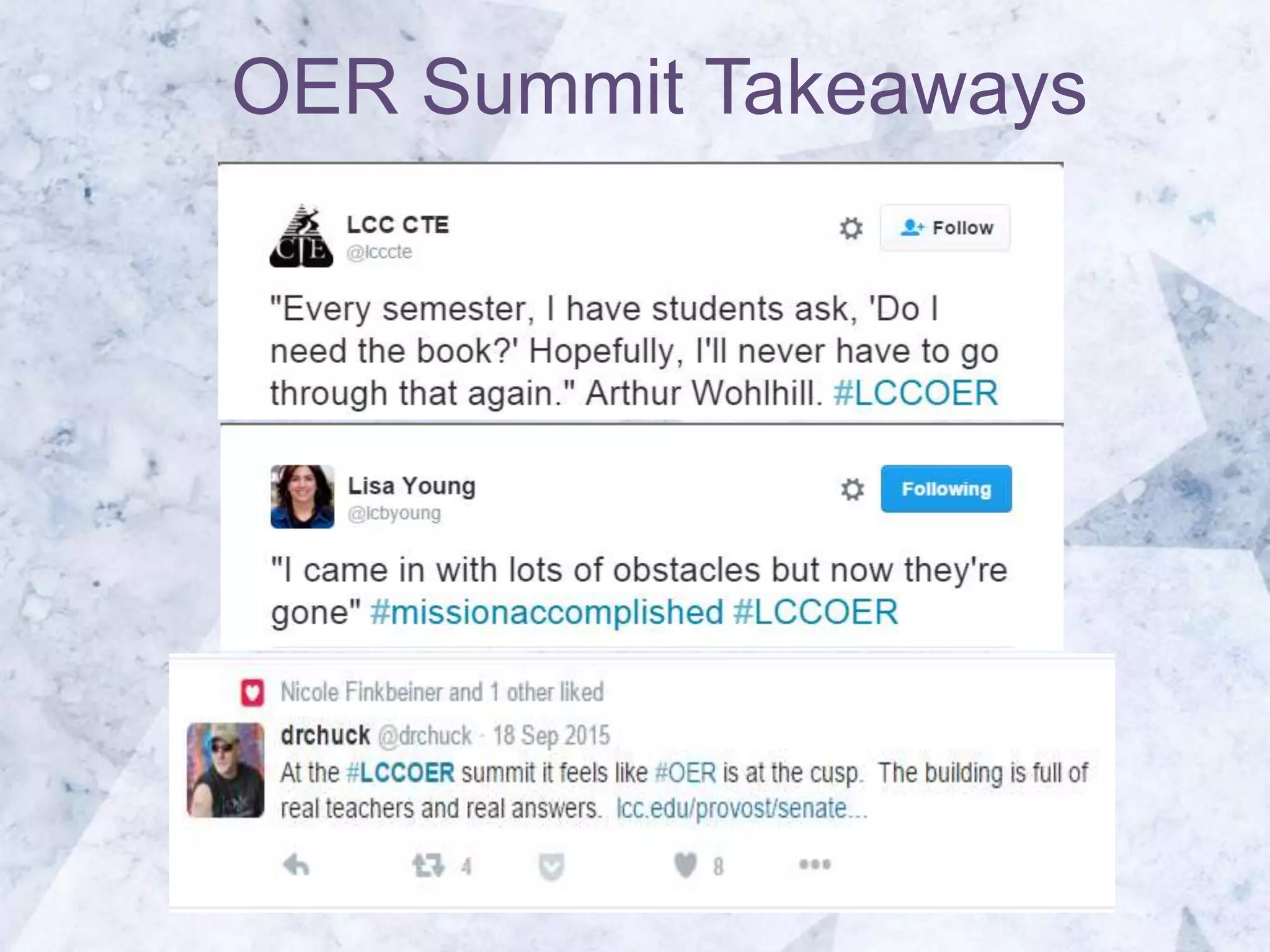
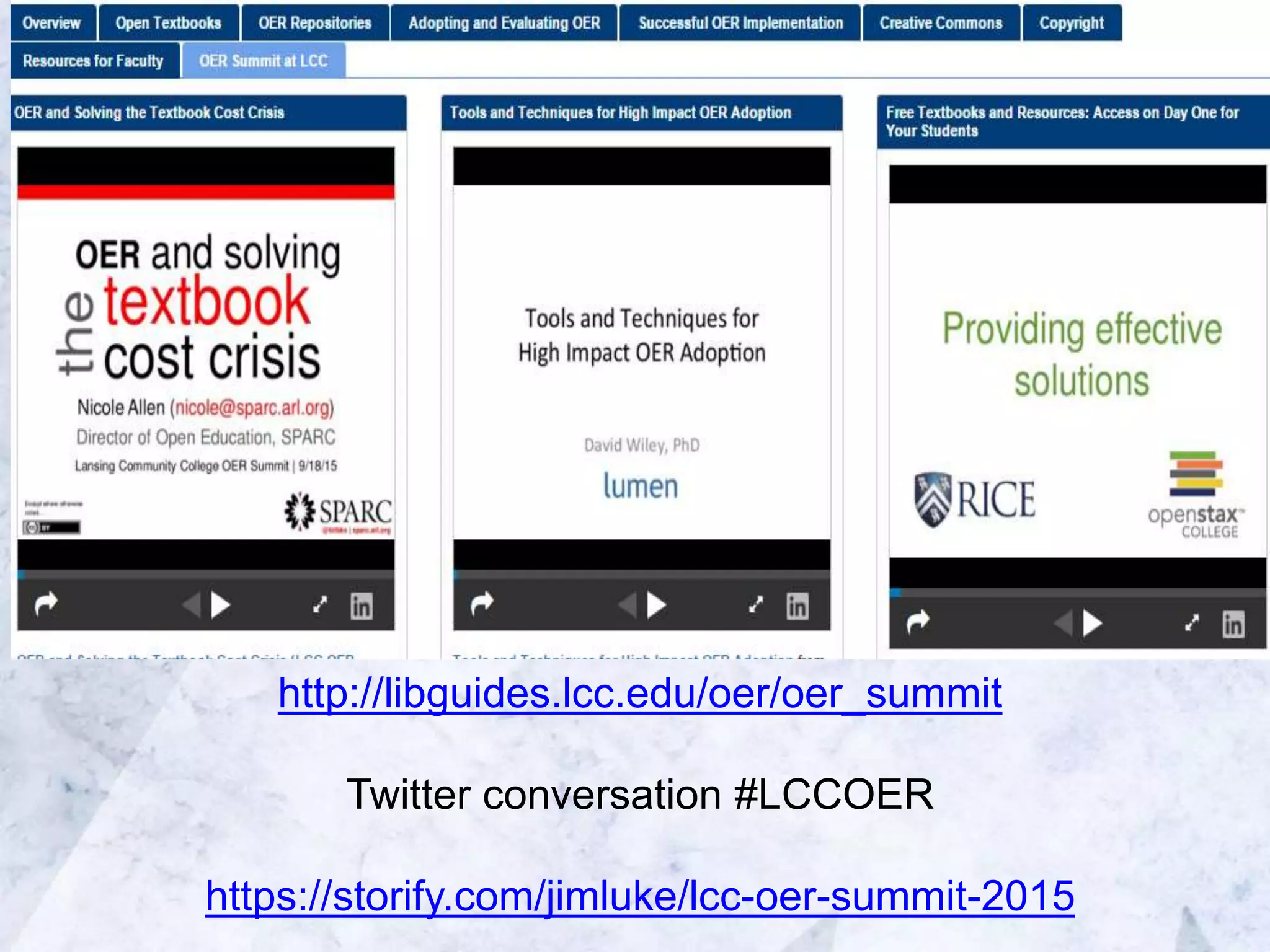
OER Summit Takeaways
http://libguides.lcc.edu/oer/oer_summit
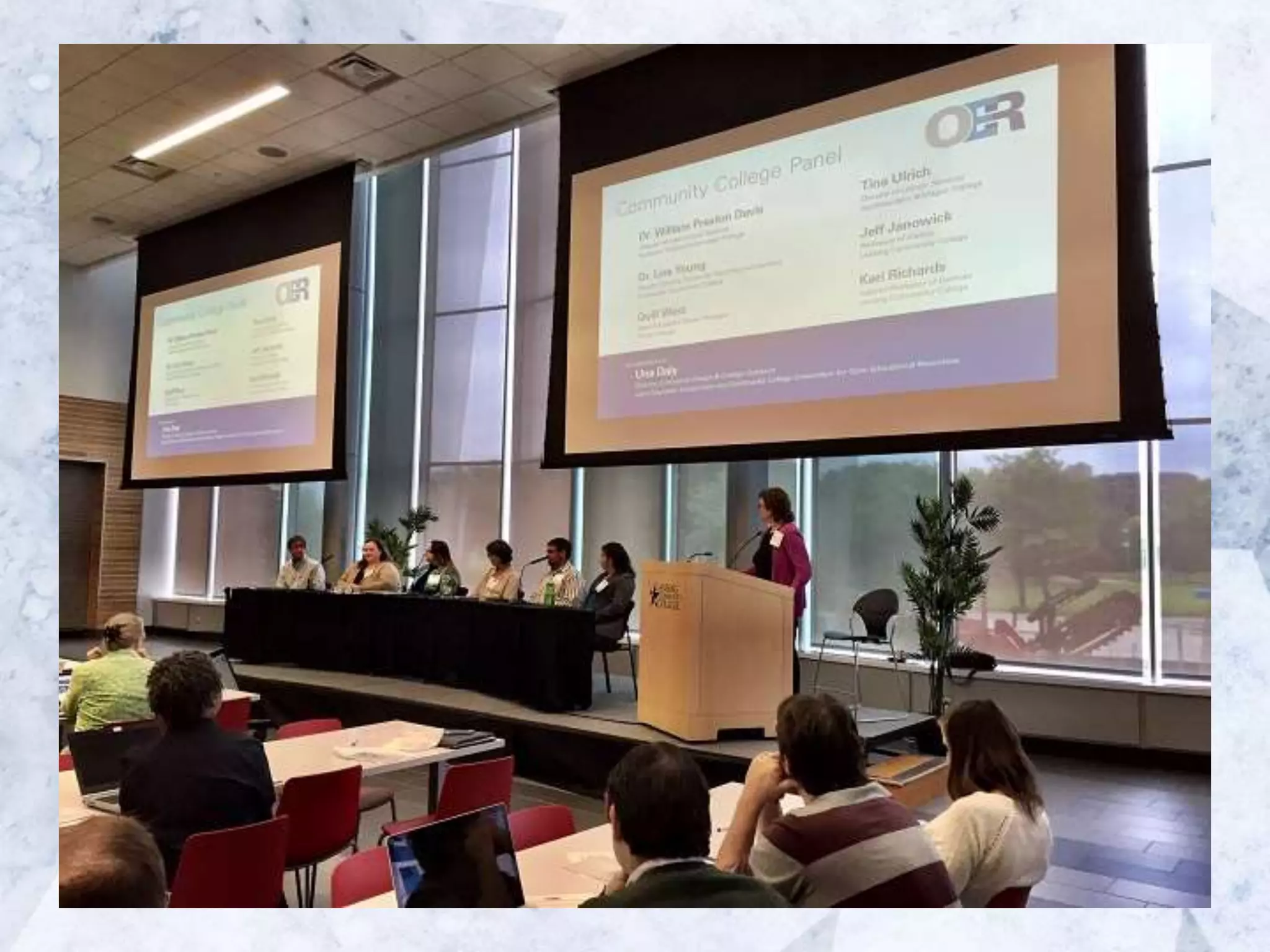
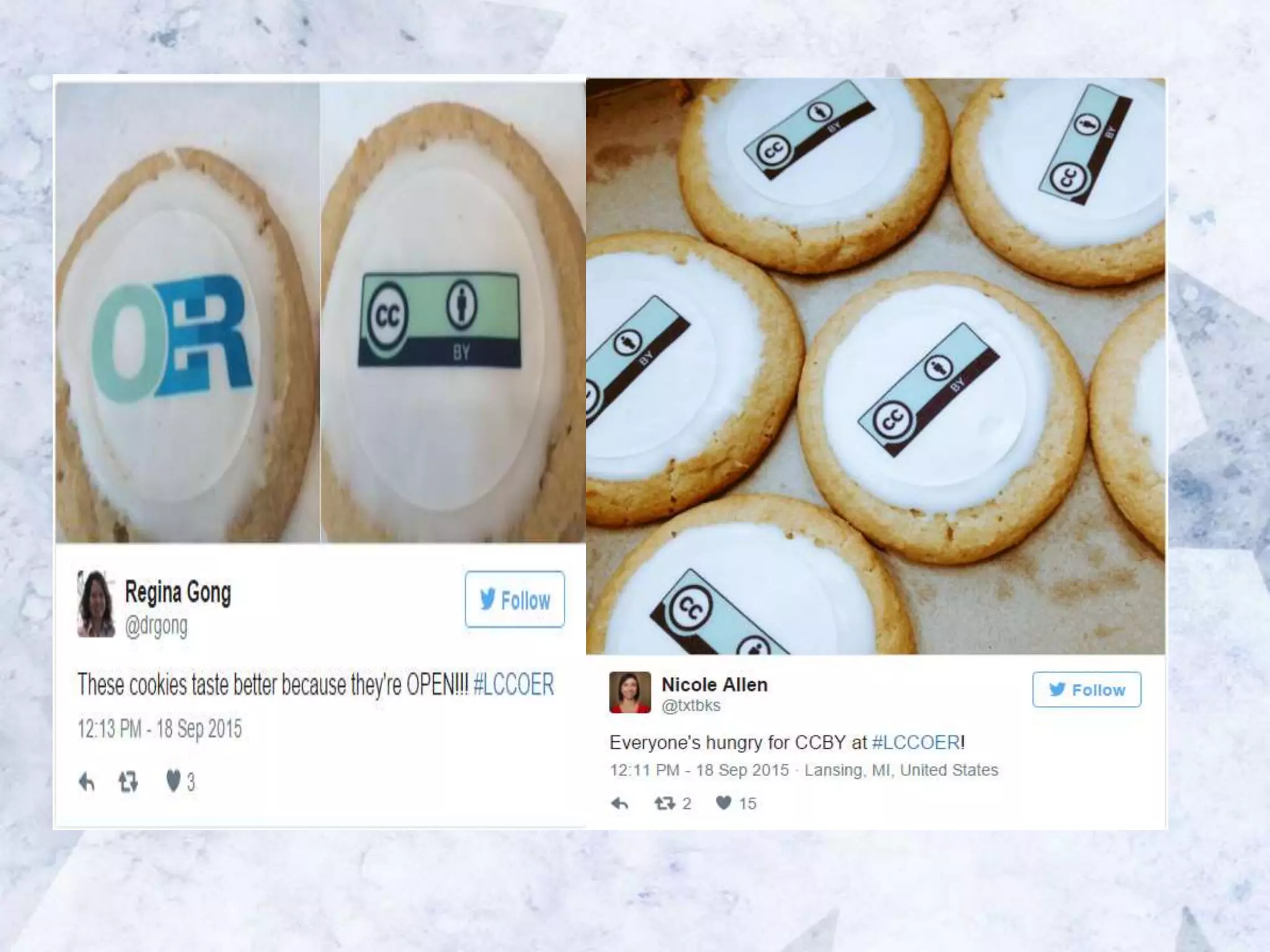
Twitter conversation #LCCOER
https://storify.com/jimluke/lcc-oer-summit-2015
STRATEGY #3
Pioneer an OER
adoption process
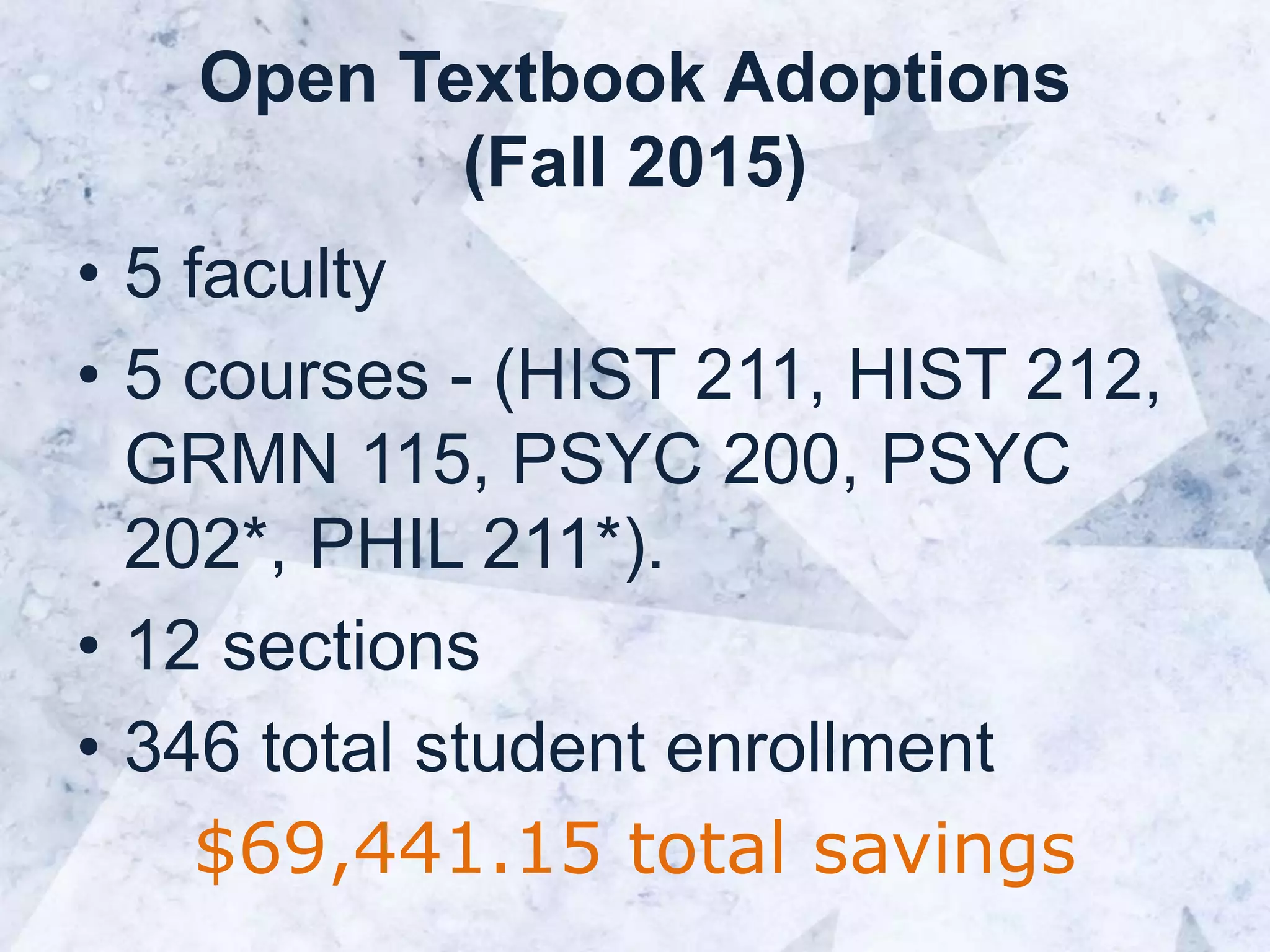
Open Textbook Adoptions
(Fall 2015)
• 5 faculty
• 5 courses - (HIST 211, HIST 212,
GRMN 115, PSYC 200, PSYC
202*, PHIL 211*).
• 12 sections
• 346 total student enrollment
$69,441.15 total savings
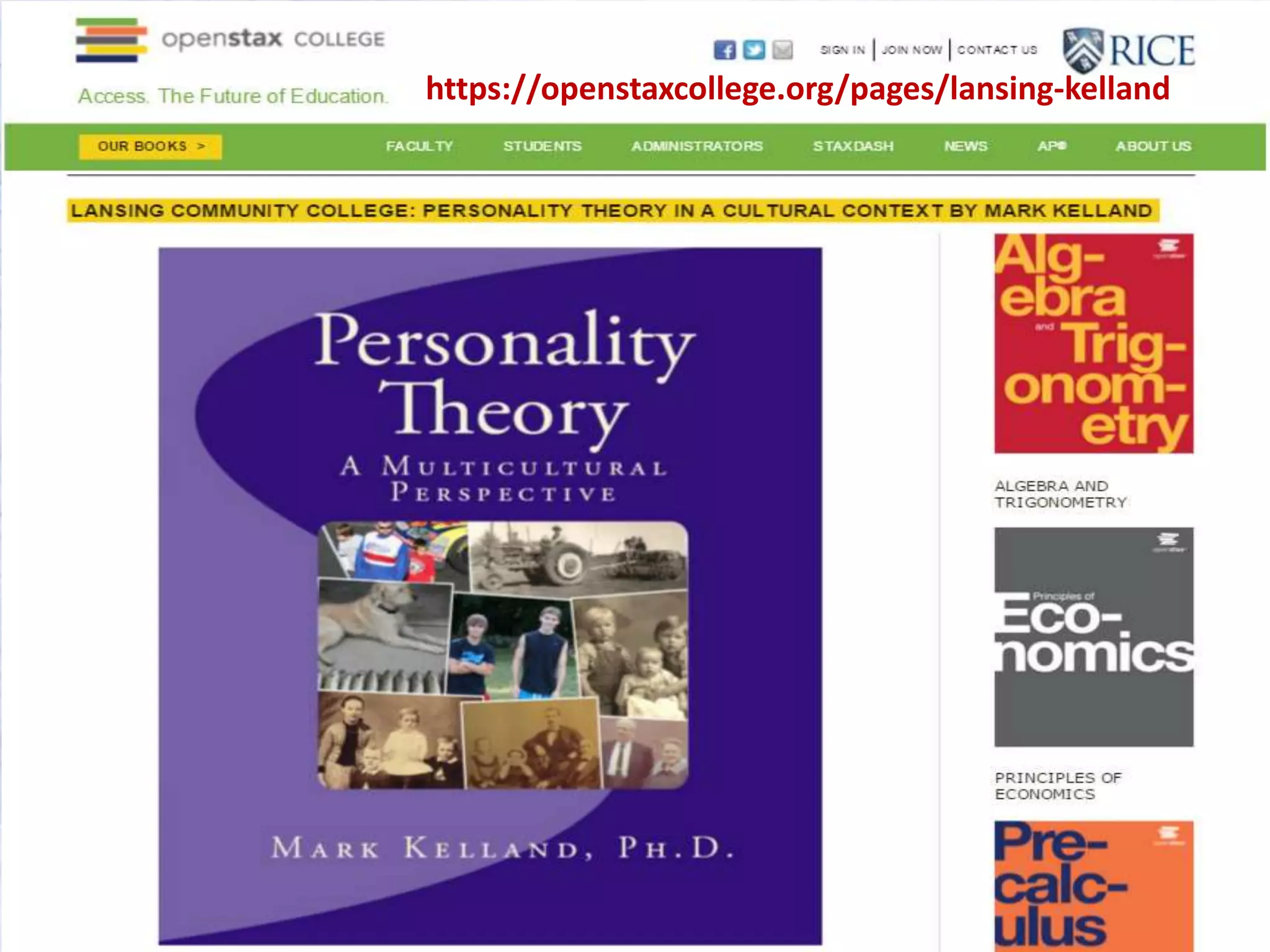
https://openstaxcollege.org/pages/lansing-kelland
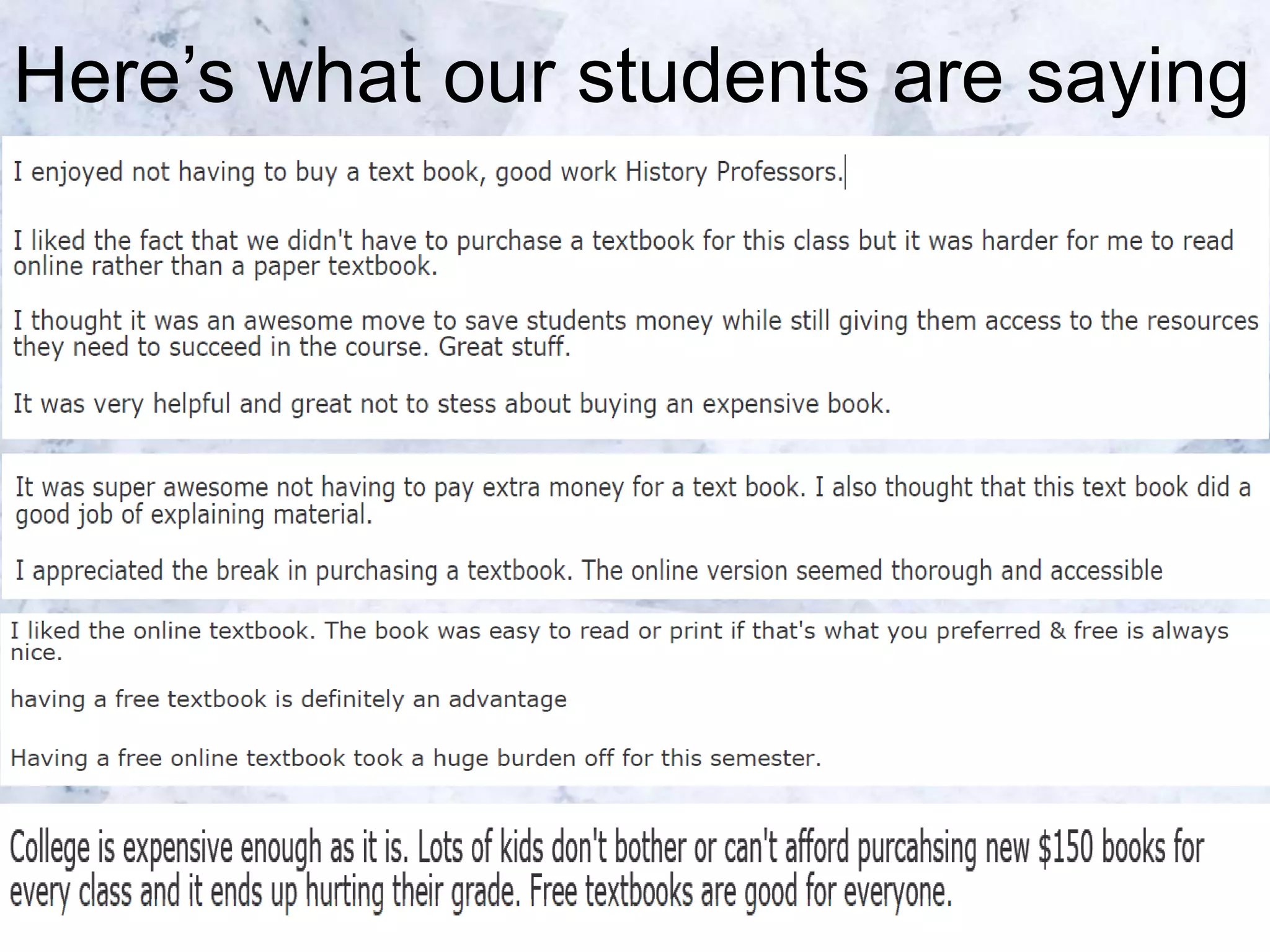
Here’s what our students are saying
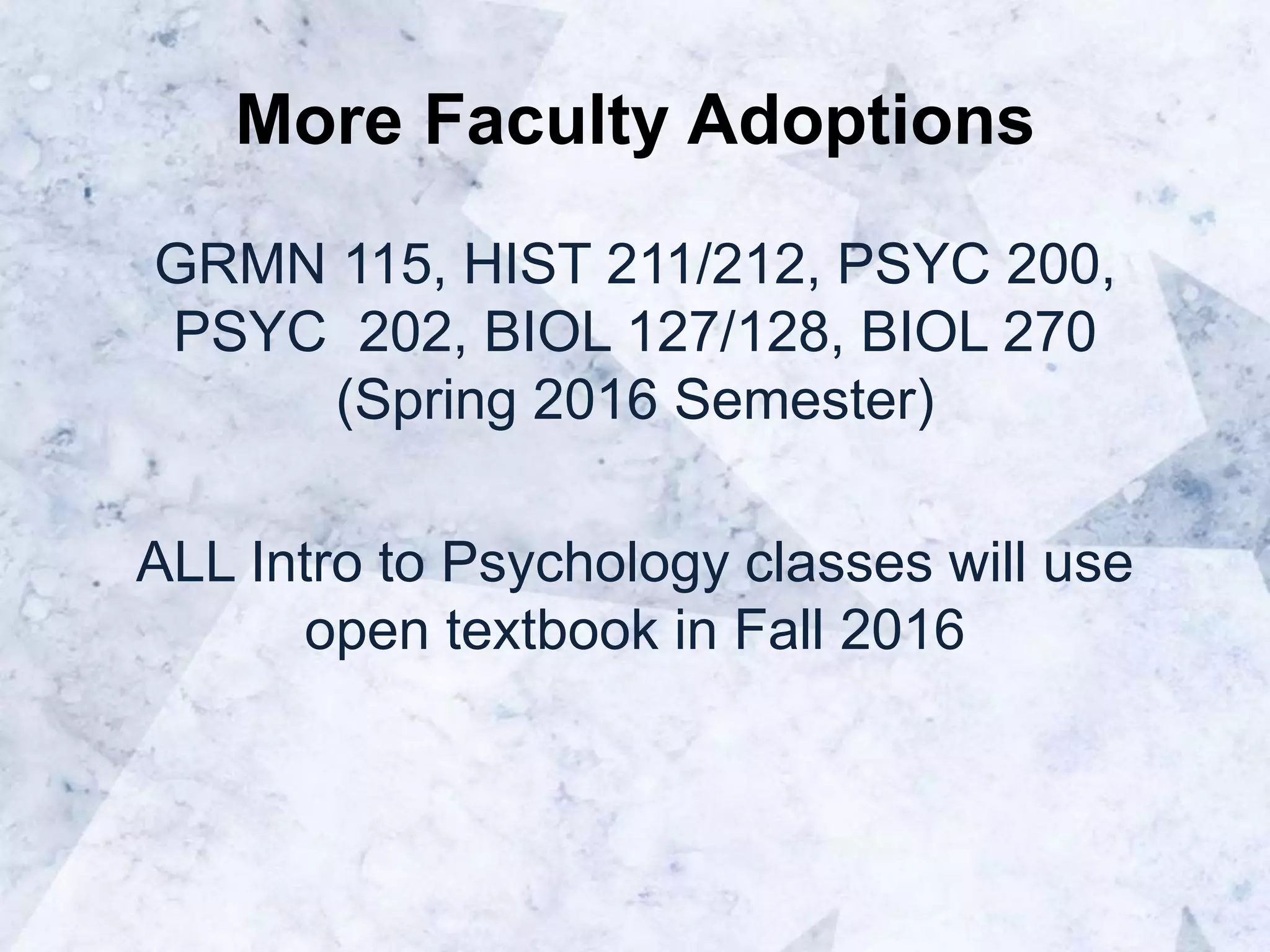
More Faculty Adoptions
GRMN 115, HIST 211/212, PSYC 200,
PSYC 202, BIOL 127/128, BIOL 270
(Spring 2016 Semester)
ALL Intro to Psychology classes will use
open textbook in Fall 2016
Best Practices
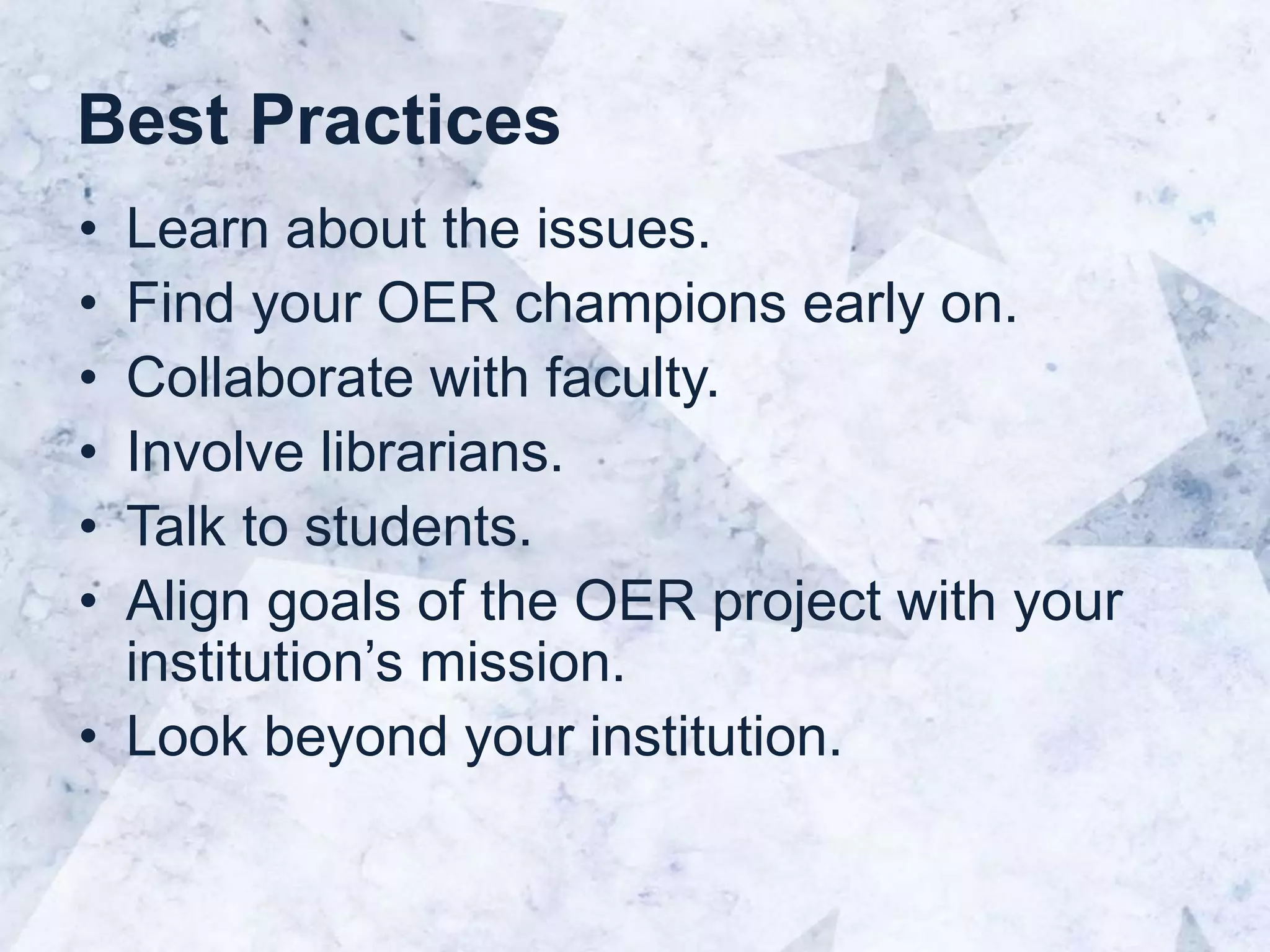
• Learn about the issues.
• Find your OER champions early on.
• Collaborate with faculty.
• Involve librarians.
• Talk to students.
• Align goals of the OER project with your
institution’s mission.
• Look beyond your institution.
Thank you!
gongr1@lcc.edu
@drgong
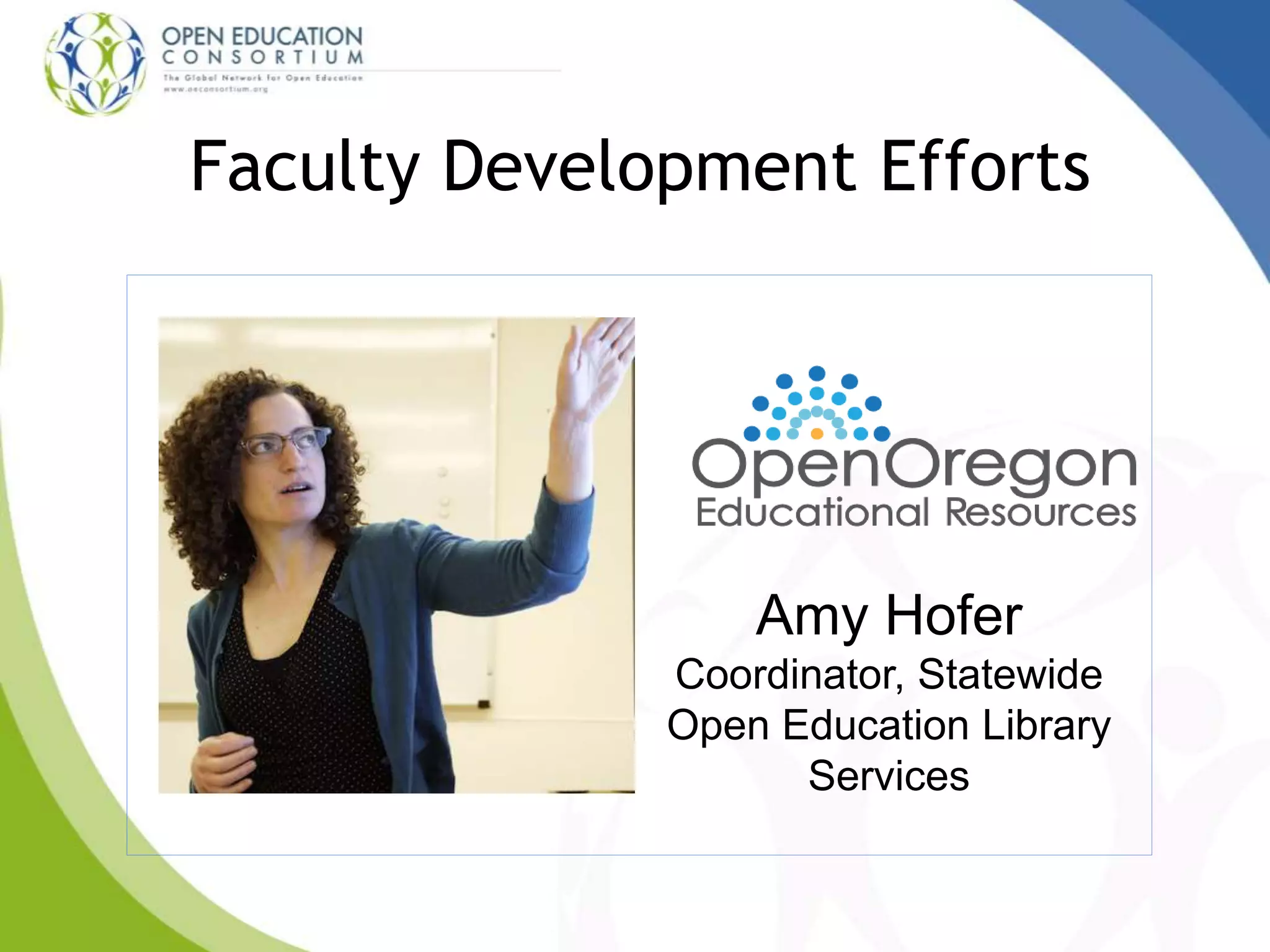
Faculty Development Efforts
Amy Hofer
Coordinator, Statewide
Open Education Library
Services
Open Oregon Faculty
Development Efforts
CCCOER Webinar
February 10, 2016
This presentation by Amy Hofer for Open Oregon is licensed under a Creative Commons Attribution 4.0 international
license. Some materials used have more restrictive licenses. Please note those licenses when you use my presentation.
"network cables" by Pascal Charest is licensed under CC BY-NC-ND 4.0
"Torn & Cut One Dollar Note Floating Away in Small $ Pieces" by photosteve101 is licensed under CC BY 4.0
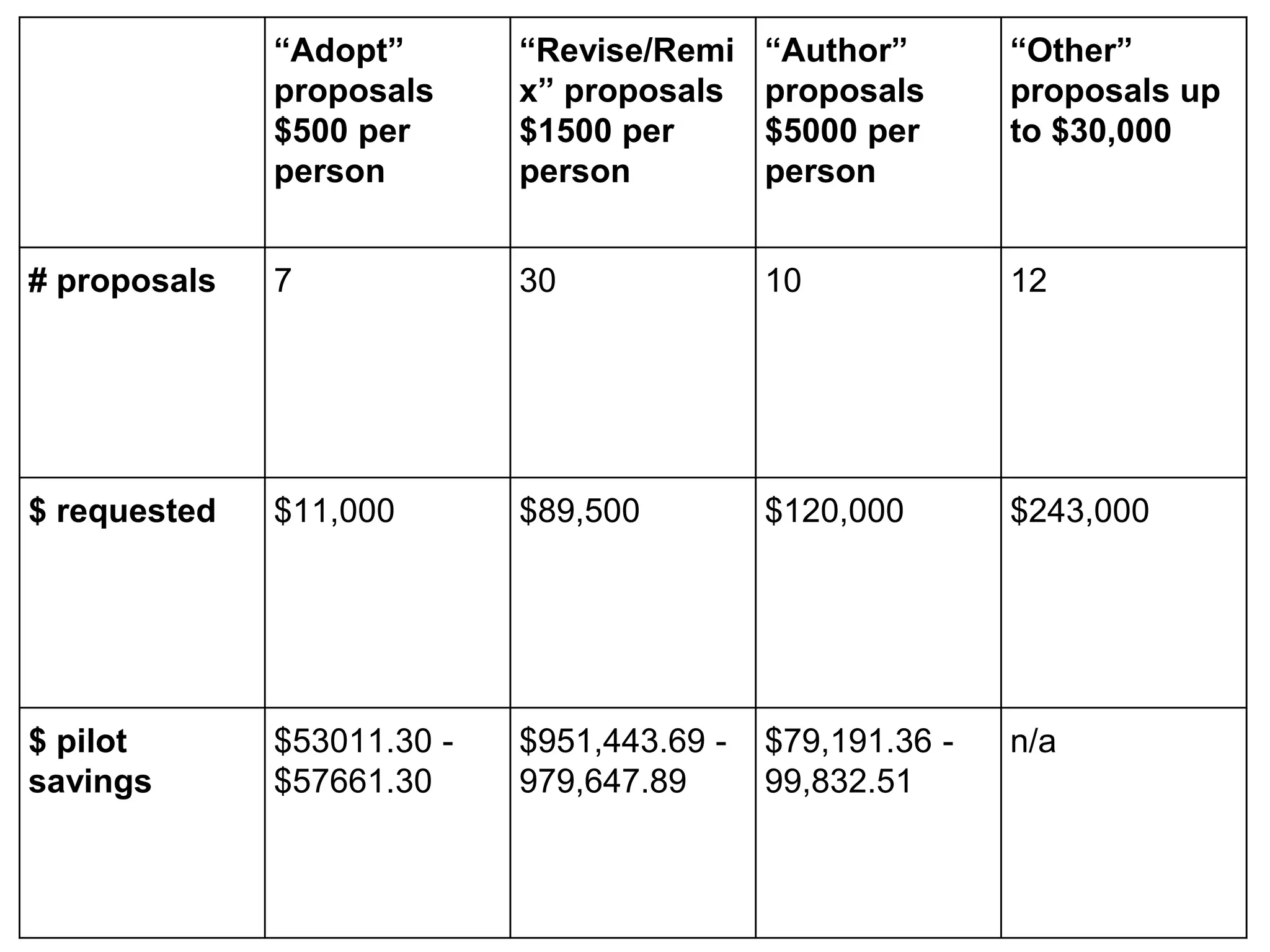
“Adopt”
proposals
$500 per
person
“Revise/Remi
x” proposals
$1500 per
person
“Author”
proposals
$5000 per
person
“Other”
proposals up
to $30,000
# proposals 7 30 10 12
$ requested $11,000 $89,500 $120,000 $243,000
$ pilot
savings
$53011.30 -
$57661.30
$951,443.69 -
979,647.89
$79,191.36 -
99,832.51
n/a
"The Help" by Marina del Castell is licensed under CC BY 4.0
Wed, Feb 24 @
11 am PST, 2:00 pm EST
Intellectual Property and CC Licenses
OER Pathway Directions
February Advisory Meeting
openeducationweek.org
Thank you for coming!
Contact Info:
Regina Gong: gongr1@lcc.edu
Amy Hofer: hofera@linnbenton.edu
Una Daly: unatdaly@oeconsortium.org
Questions?

Best Practices for Faculty Development to Promote Adoption of OER

Editor's Notes

  • #3 ELLUMINATE/CCC Conference Opening Script   [Start recording…] Welcome to the ________ Webinar for DAY, MONTH, YEAR [sponsored by]. [If applicable] Today’s guests come to us from _______ in ____, ___. I will introduce them shortly, but first I want to go over a few details about this [Elluminate/CCC Confer] session for those who are new to [Elluminate/CCC Confer]. Details At the upper left of your screen, you should see the Participants window, which lists the participants in this session. You can use the icons underneath this window to: Raise your hand if you have a question or comment and you wish to speak There are also happy and sad faces and an applaud icon Below the Participants window is the Chat window to the center-left of this screen where you can type a question or comment into the box at any time. You can also send a private message to another participant at any time, but please be aware that moderators can see all private messages. Below the chat area is the Audio window in the bottom left of the screen. Click on the raised your hand button to let us know you would like to speak. You can use a head set or your phone for audio chat. If you are using a microphone and have been recognized to speak, Click the button with the microphone on it and begin speaking. Remember to click the button again when you finish speaking so that someone else can have a turn. You can control your mic and volume levels with the sliders. And if you are having trouble with your headset or microphone, you can access the Audio Setup Wizard from the Tools menu on the top toolbar. From Tools, select Audio, and then Audio Setup Wizard, and follow the on-screen instructions. [CCC Confer ONLY] If you are using the telephone to speak, Click on the phone handset below the microphone and audio volume sliders. The call-number and pin will then appear in a dialog box.
  • #6 The Community College Consortium for OER is a community of practice dedicated to promoting the adoption and development of open educational resources to enhance teaching and learning. We were founded to support the community college mission of open access through creating awareness and development of openly licensed, low-cost education materials to make college more affordable and accessible for students. We provide regularly scheduled online and face-2-face workshops for faculty and staff who are engaged in OER projects.
  • #8 Incentives and motivation – stipends, recognition by college, etc. Help discover OER – depending on the subject area, a librarian or faculty development coordinator can help with this. Understanding what it means to use open licensing and how you can reuse Support for adoption – getting hard copies if needed, links to online resources, uploading into the LMS, bookstore, open policies to pave the road for OER adoption.
  • #34 Thank you for having me, introduce myself.
  • #35 About Open Oregon: Funded through OCCDLA, statewide position, 17 CC’s not in a system. This position is funded by Community College Support Funds for Distance Learning through the Oregon Department of Community Colleges and Workforce Development.
  • #36 Coordinator - communication, connections, birds-eye view, networker. Created a name and online presence for Oregon community college OER efforts: Launched Open Oregon Educational Resources website Established Open Oregon listserv Developed Open Oregon logo Created Open Oregon Twitter account Developed contacts with key groups, including Oregon community college champions, faculty, librarians, distance learning, students, bookstore managers, accessibility services, national OER interest groups, and OER leaders in North America. This is a presentation about faculty development but faculty are just one of my stakeholders. In a lot of cases I support the people that do faculty development. That said, I’ll talk about my activities through that lens.
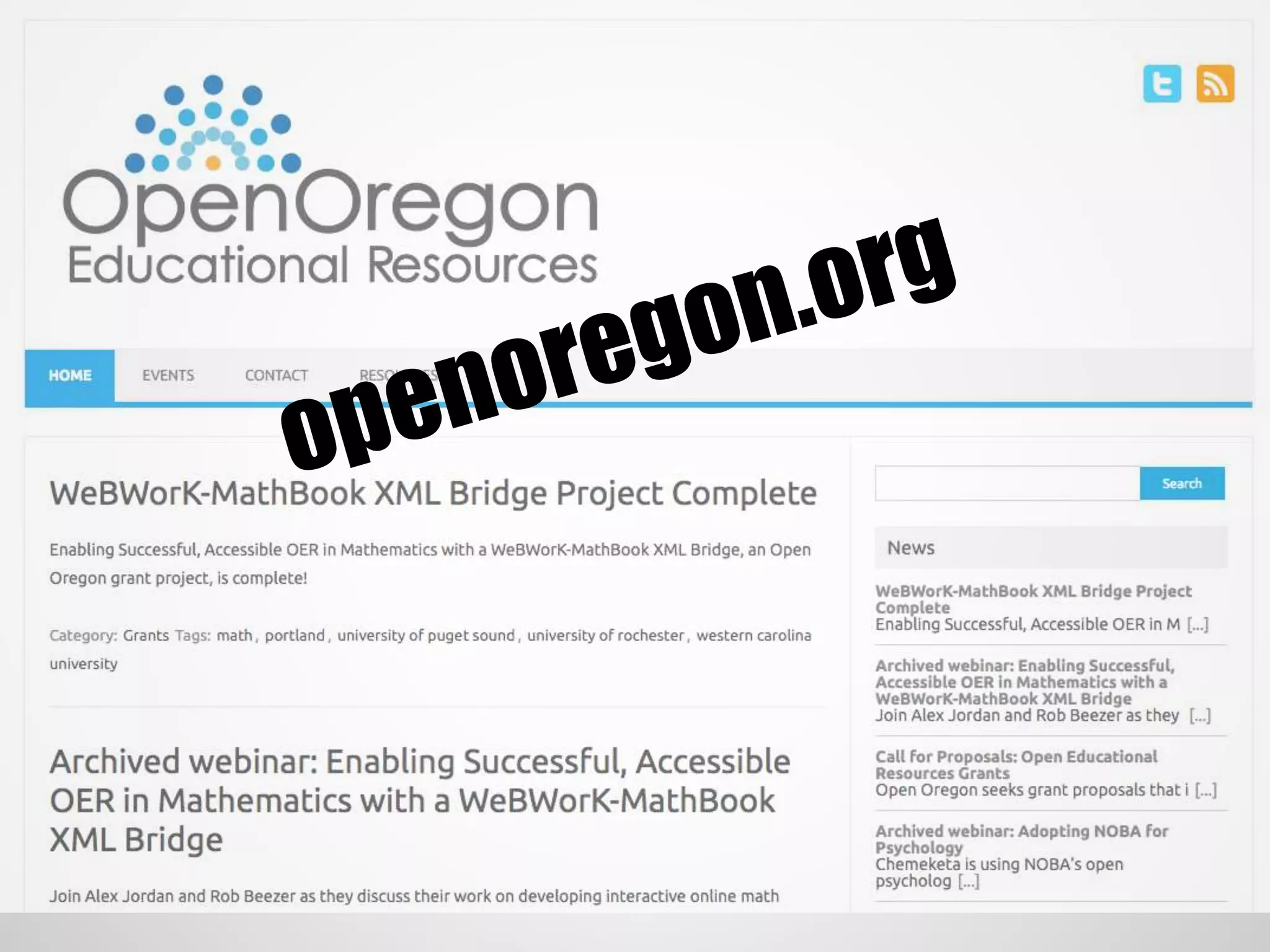
  • #37 Visit the website! Indebted to openwa.org, note attribution builder. Encouraged adoption by sharing information, funding projects, and showcasing successes.
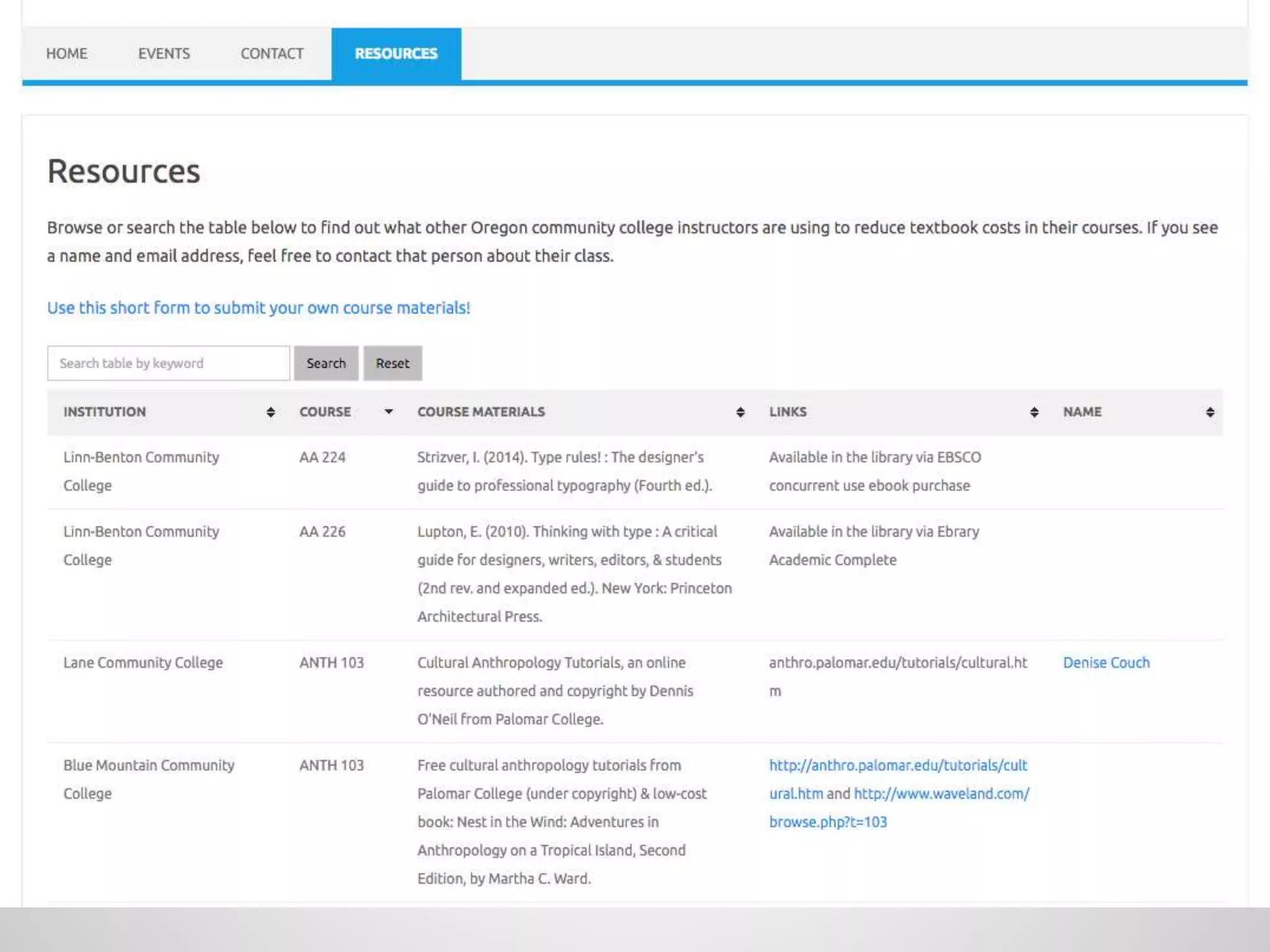
  • #38 Resources tab: developed with help of a summer librarians group, thanks to PCC Library Web Analyst Tamara Marnell for WordPress work on the back end. What is already adopted/in use at Oregon CC’s. Getting close to 100 entries. Library and OER solutions to textbook cost reductions. Faculty want to know what other instructors are using when they make selections for their classes. These resources are not necessarily peer reviewed but are peer endorsed. Outreach to get folks on campus to submit adoptions using the form or send me a list for data entry. It’s impossible to really know everything that’s going on.
  • #39 Grants Funded the 2015 grant cohort - OER special project grants spent $55,098 with an estimated savings goal for the pilot year of $277,175.26 - $386,921.50. That's between $5 - $7 saved for each $1 spent by Open Oregon. Examples: Interactive math textbook software Two accelerated learning partnerships with high schools Technical writing textbook Writing curriculum survey developed, will lead to discipline specific conference
  • #40 $200k to spend in the rest of this biennium, current round of grant proposals is being evaluated. Structure inspired by Georgia Affordable Learning grants. Adopt or adapt is incredibly much more cost effective.
  • #41 Workshops and trainings to share resources, build capacity. Regional conferences around the state Campus visits OTN workshops Webinars (archives on site) on-demand training Coming up: TVCC sprint, OTN train the trainer
  • #42 My role with faculty at different colleges varies widely, but faculty and support know that I’m there as a resource and connector if they fall down the rabbit hole.