WEB DESIGN
TERMINOLOGY
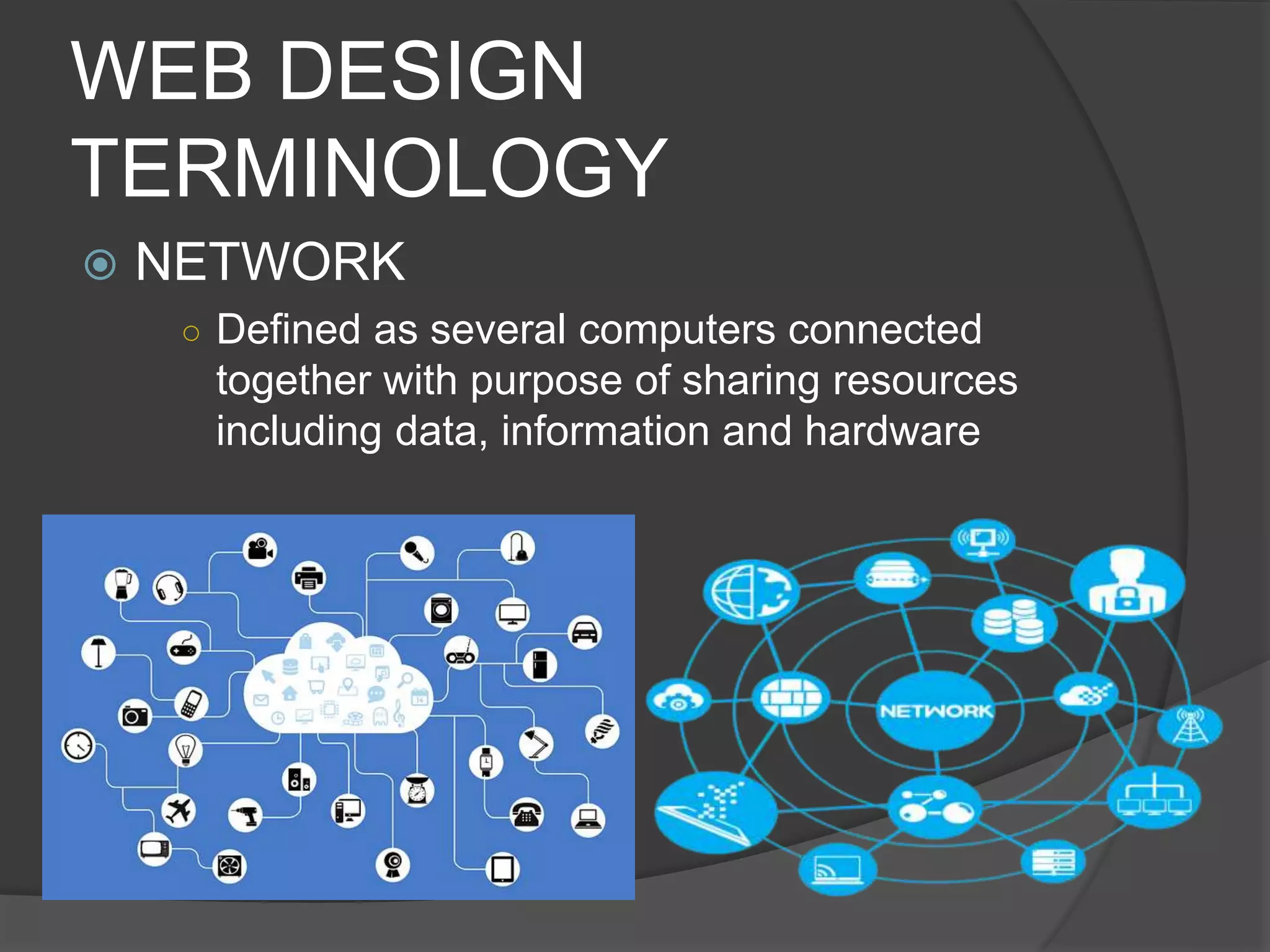
 NETWORK
○ Defined as several computers connected
together with purpose of sharing resources
including data, information and hardware
WEB DESIGN
TERMINOLOGY
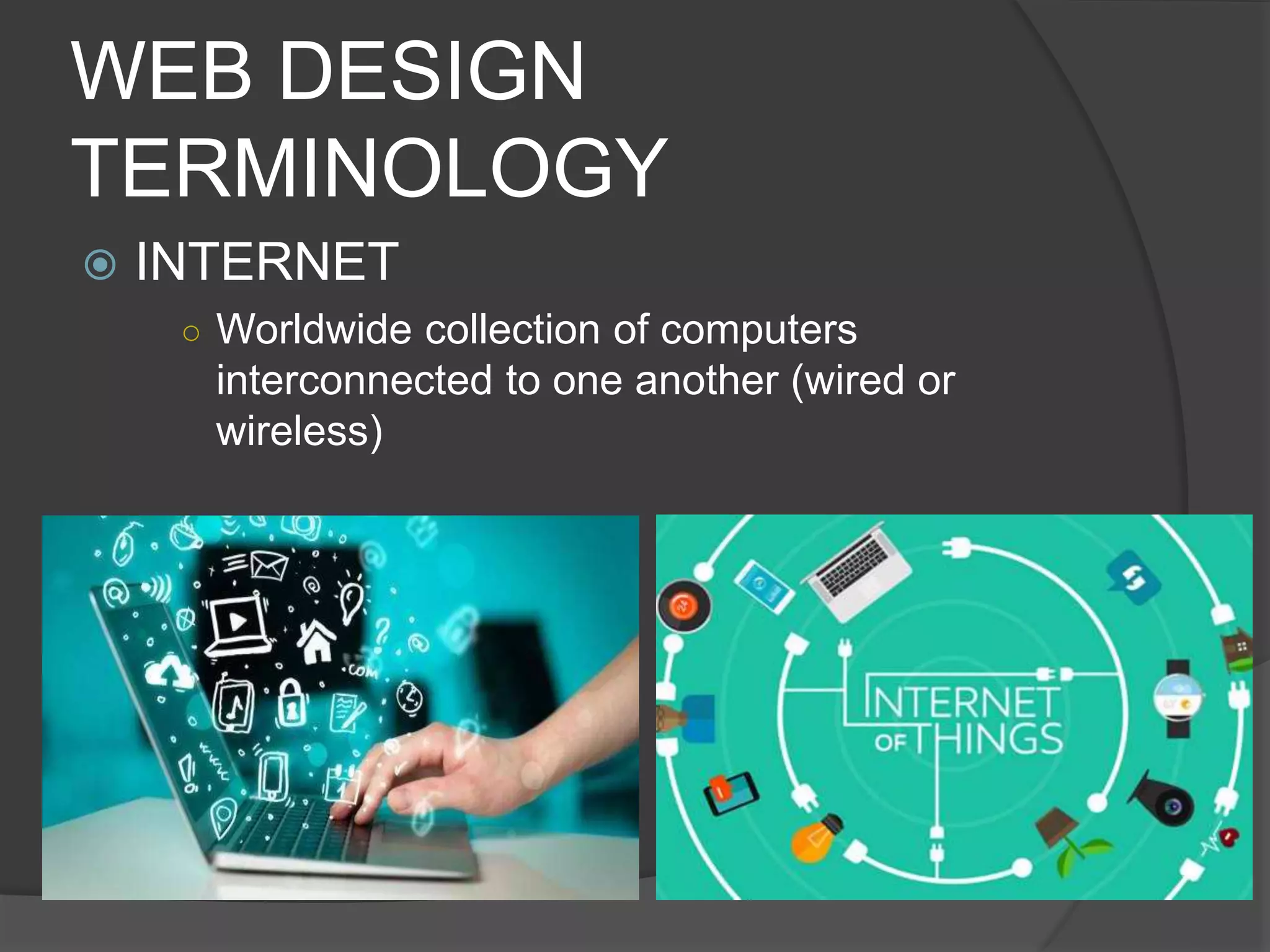
 INTERNET
○ Worldwide collection of computers
interconnected to one another (wired or
wireless)
WEB DESIGN
TERMINOLOGY
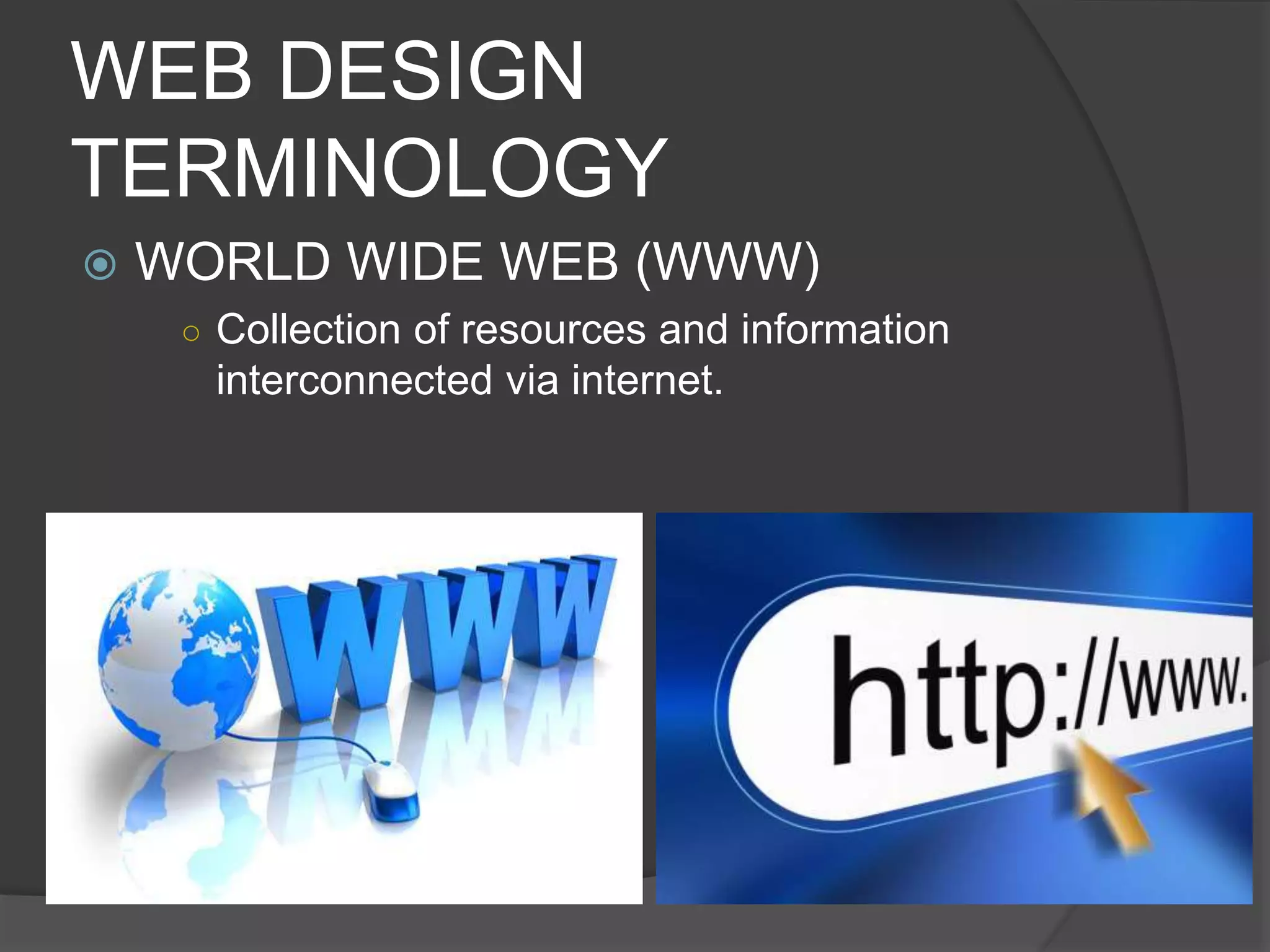
 WORLD WIDE WEB (WWW)
○ Collection of resources and information
interconnected via internet.
WEB DESIGN
TERMINOLOGY
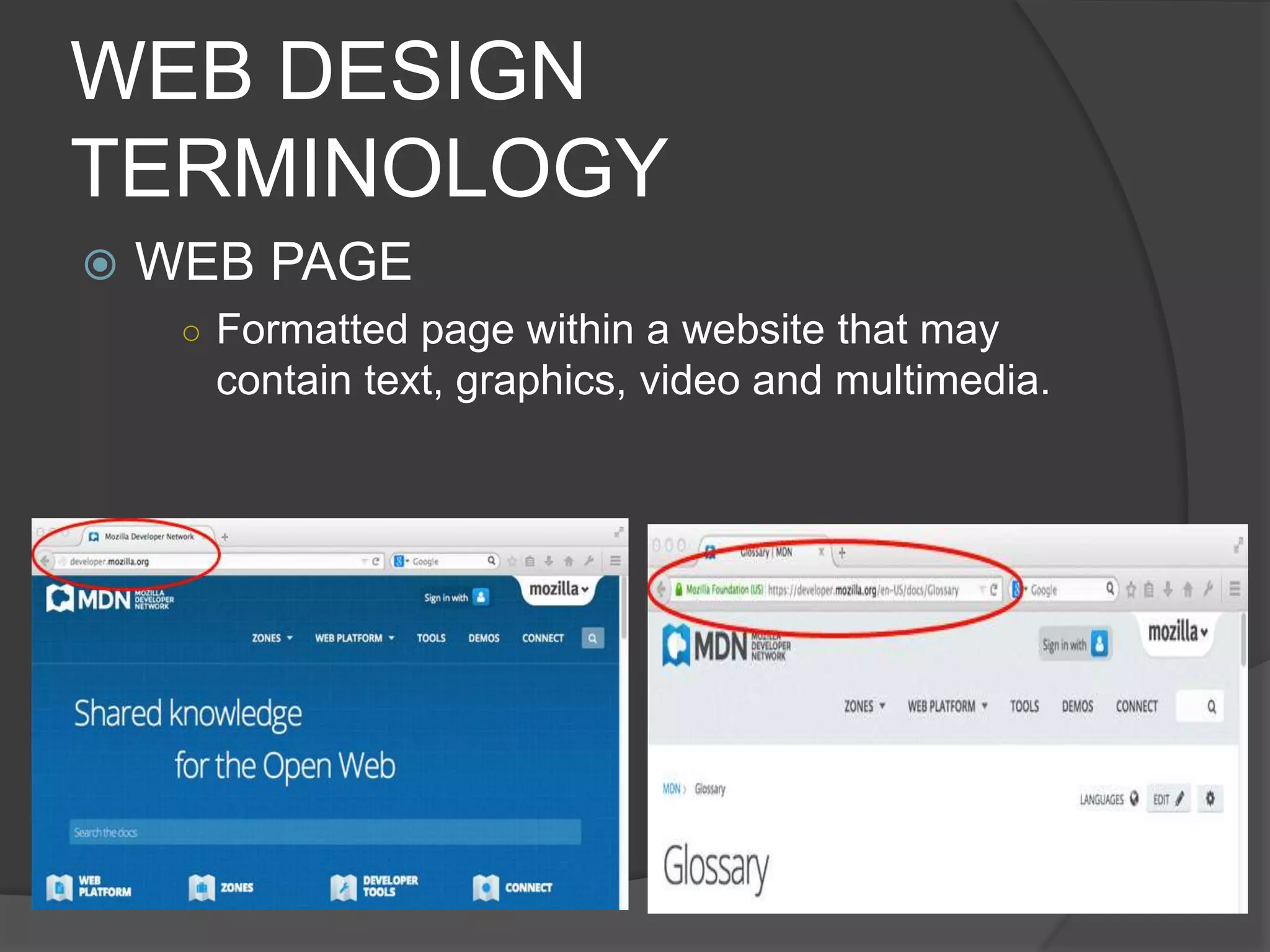
 WEB PAGE
○ Formatted page within a website that may
contain text, graphics, video and multimedia.
WEB DESIGN
TERMINOLOGY
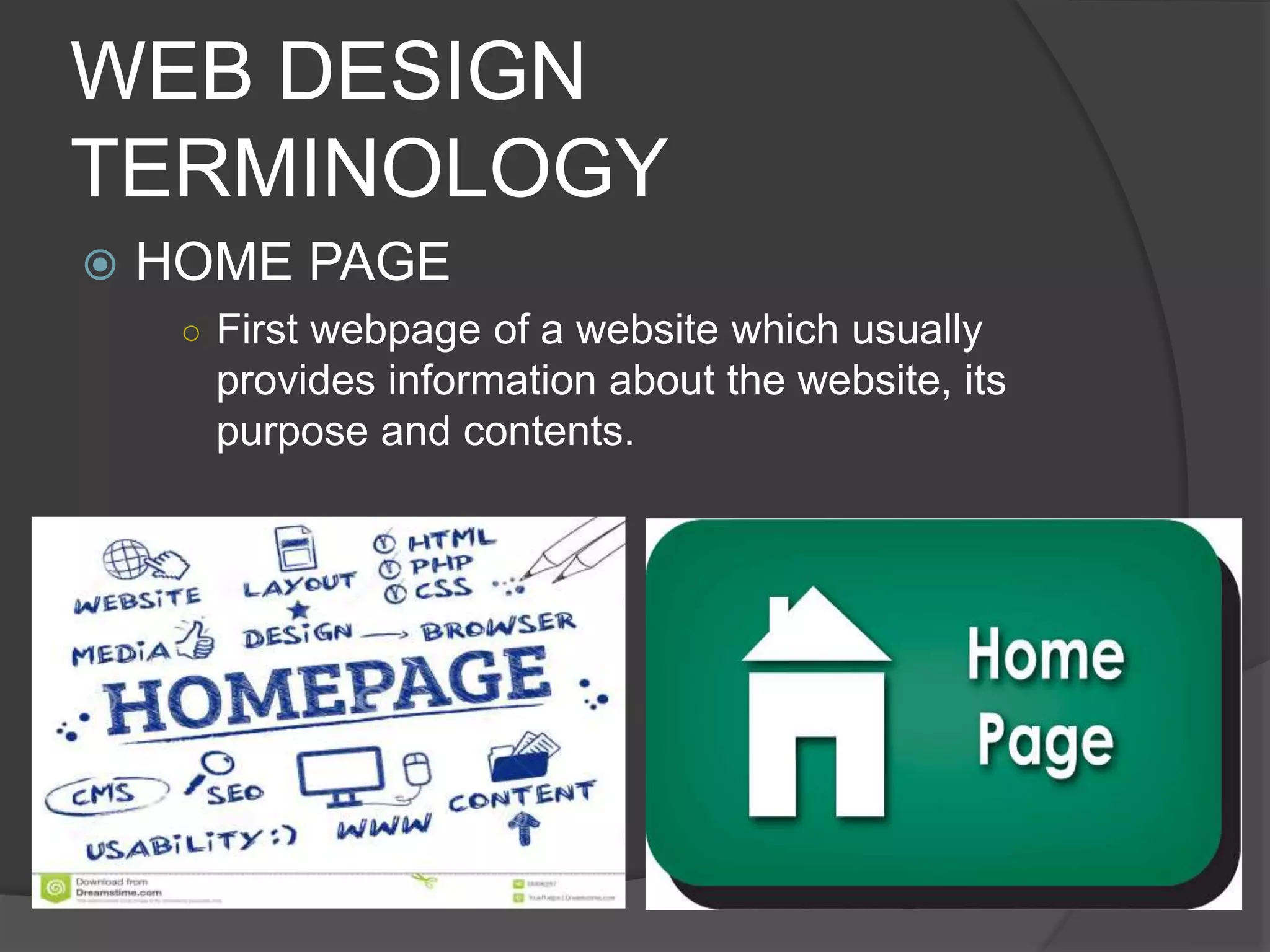
 HOME PAGE
○ First webpage of a website which usually
provides information about the website, its
purpose and contents.
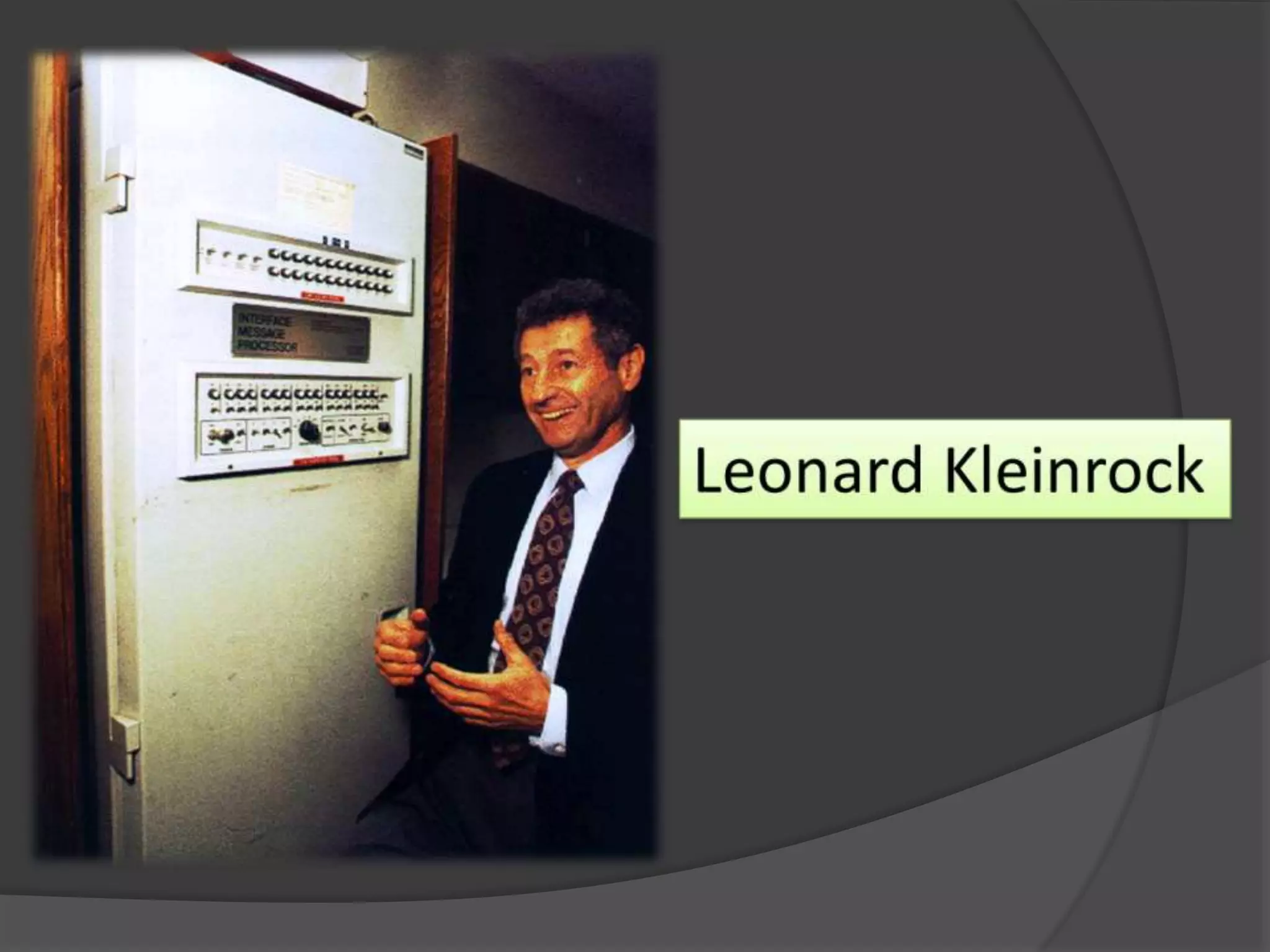
HISTORY OF THE
INTERNET
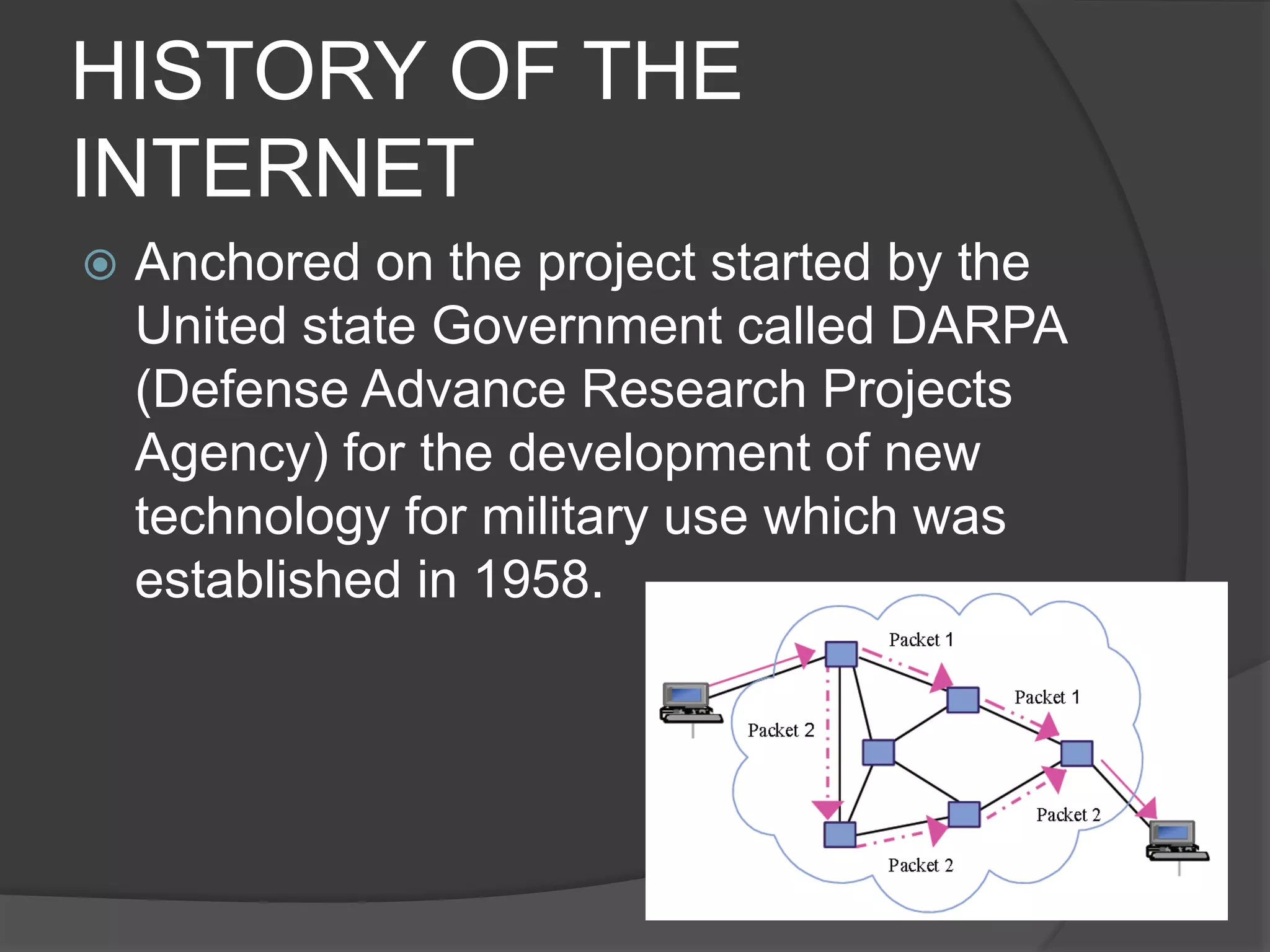
 Anchored on the project started by the
United state Government called DARPA
(Defense Advance Research Projects
Agency) for the development of new
technology for military use which was
established in 1958.
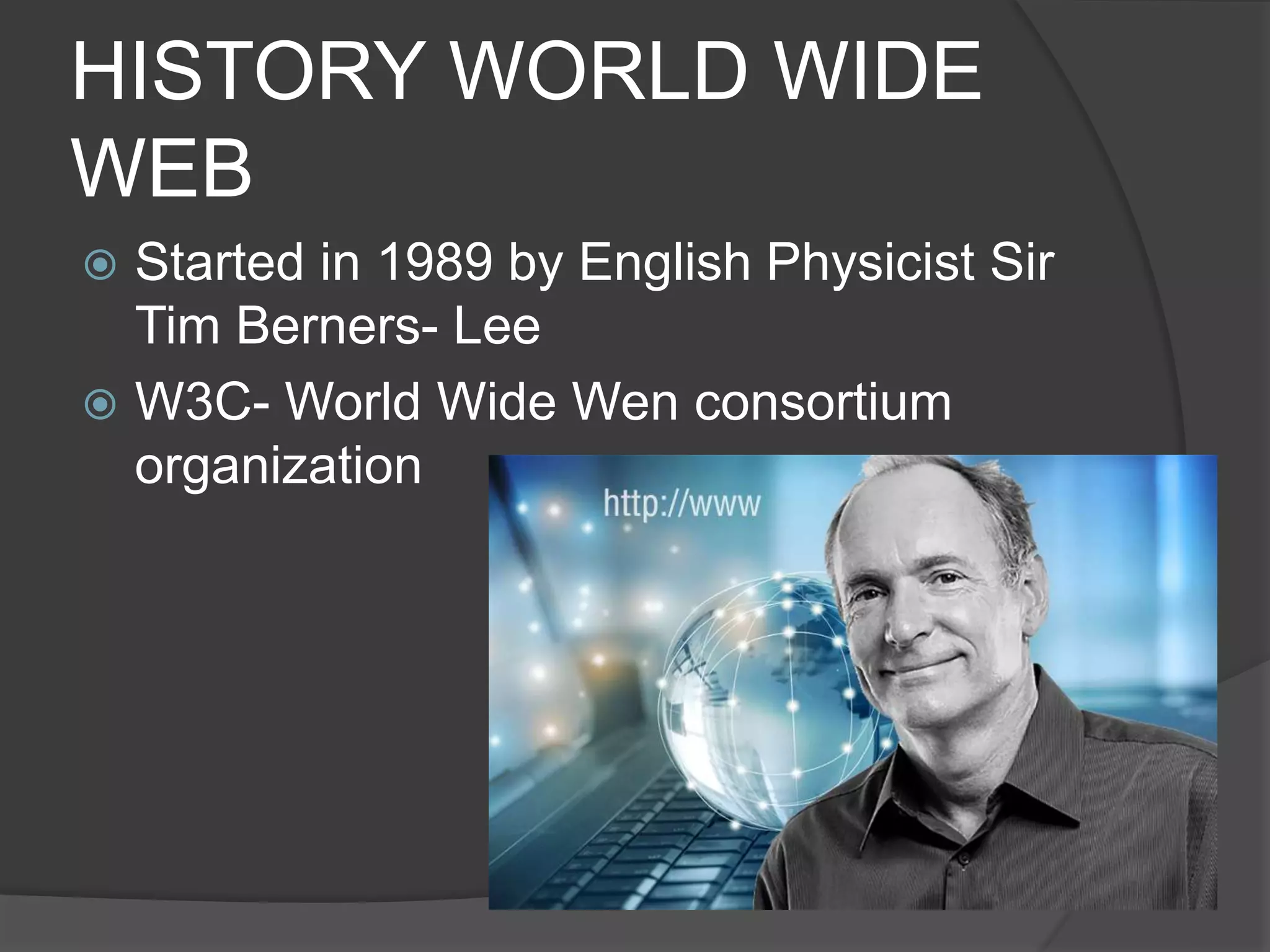
HISTORY WORLD WIDE
WEB
 Started in 1989 by English Physicist Sir
Tim Berners- Lee
 W3C- World Wide Wen consortium
organization
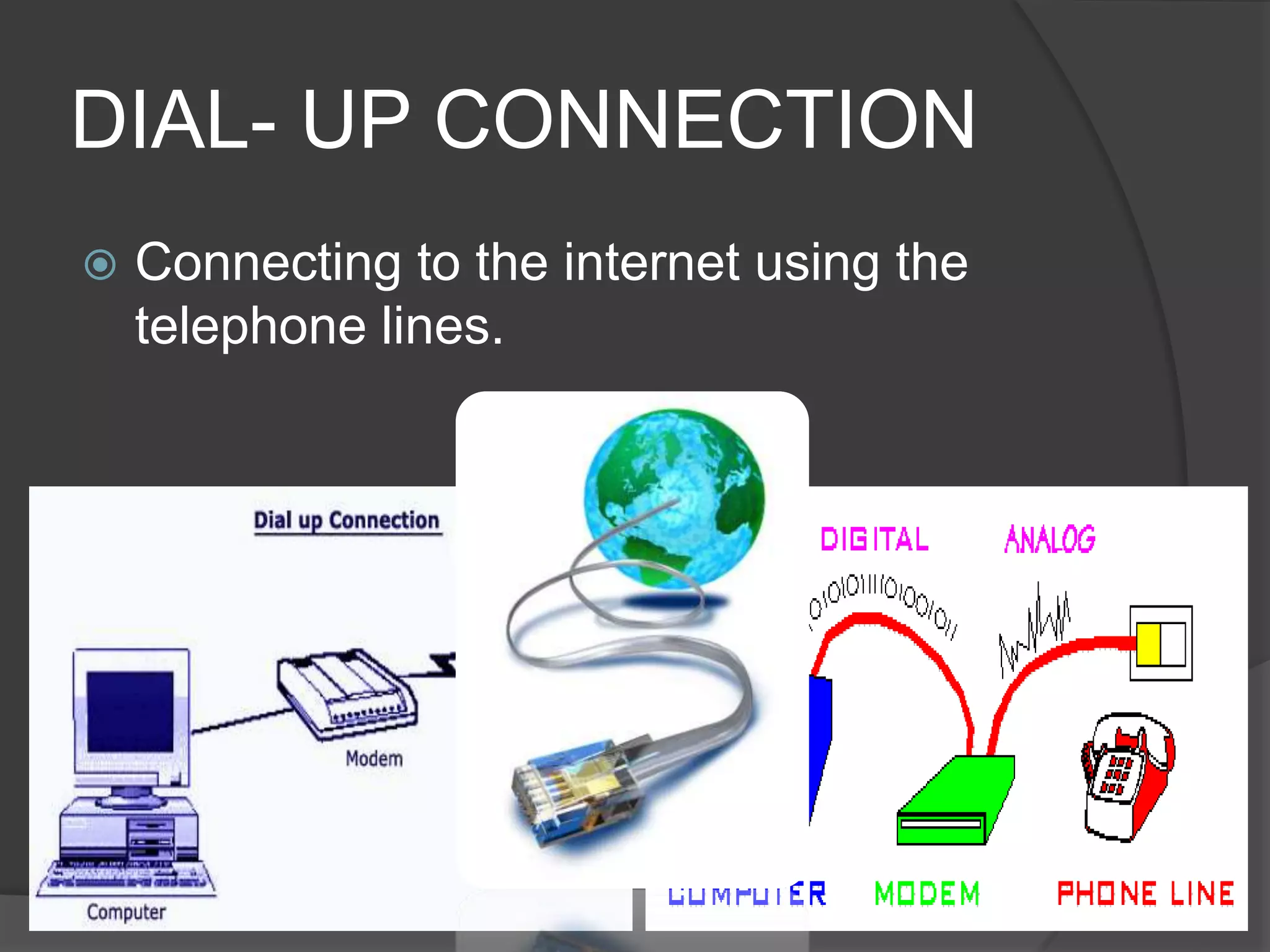
DIAL- UP CONNECTION
 Connecting to the internet using the
telephone lines.
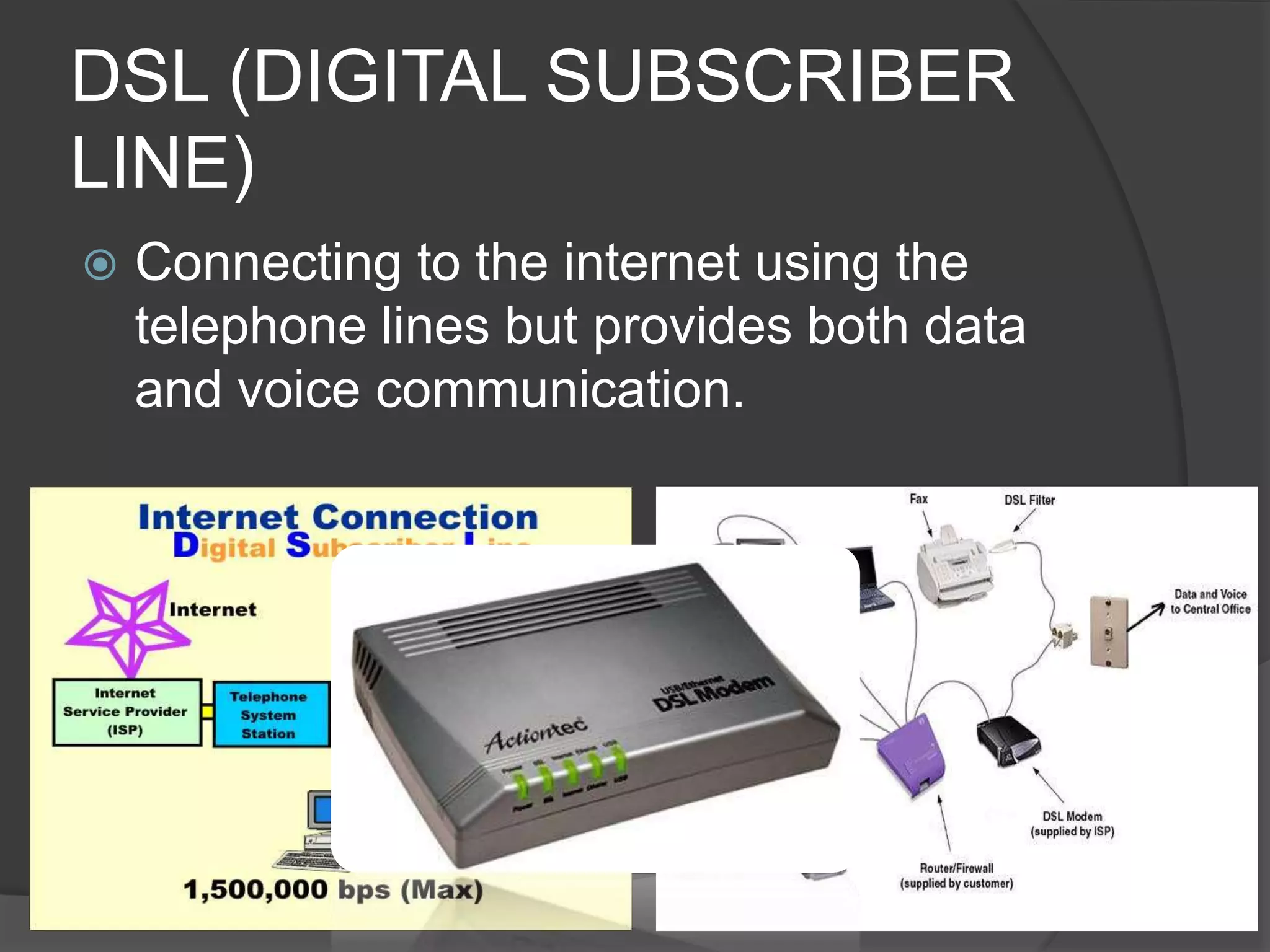
DSL (DIGITAL SUBSCRIBER
LINE)
 Connecting to the internet using the
telephone lines but provides both data
and voice communication.
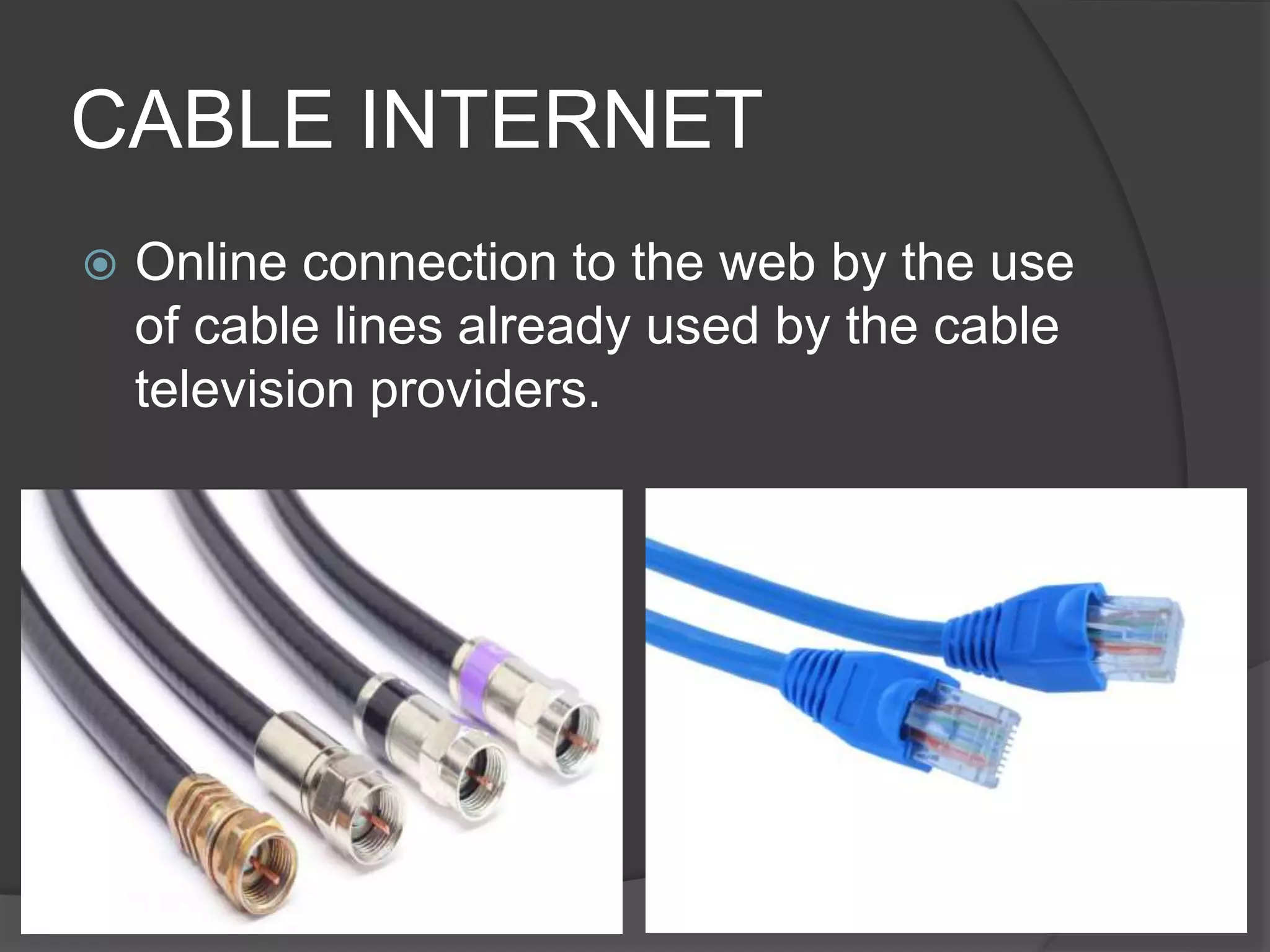
CABLE INTERNET
 Online connection to the web by the use
of cable lines already used by the cable
television providers.
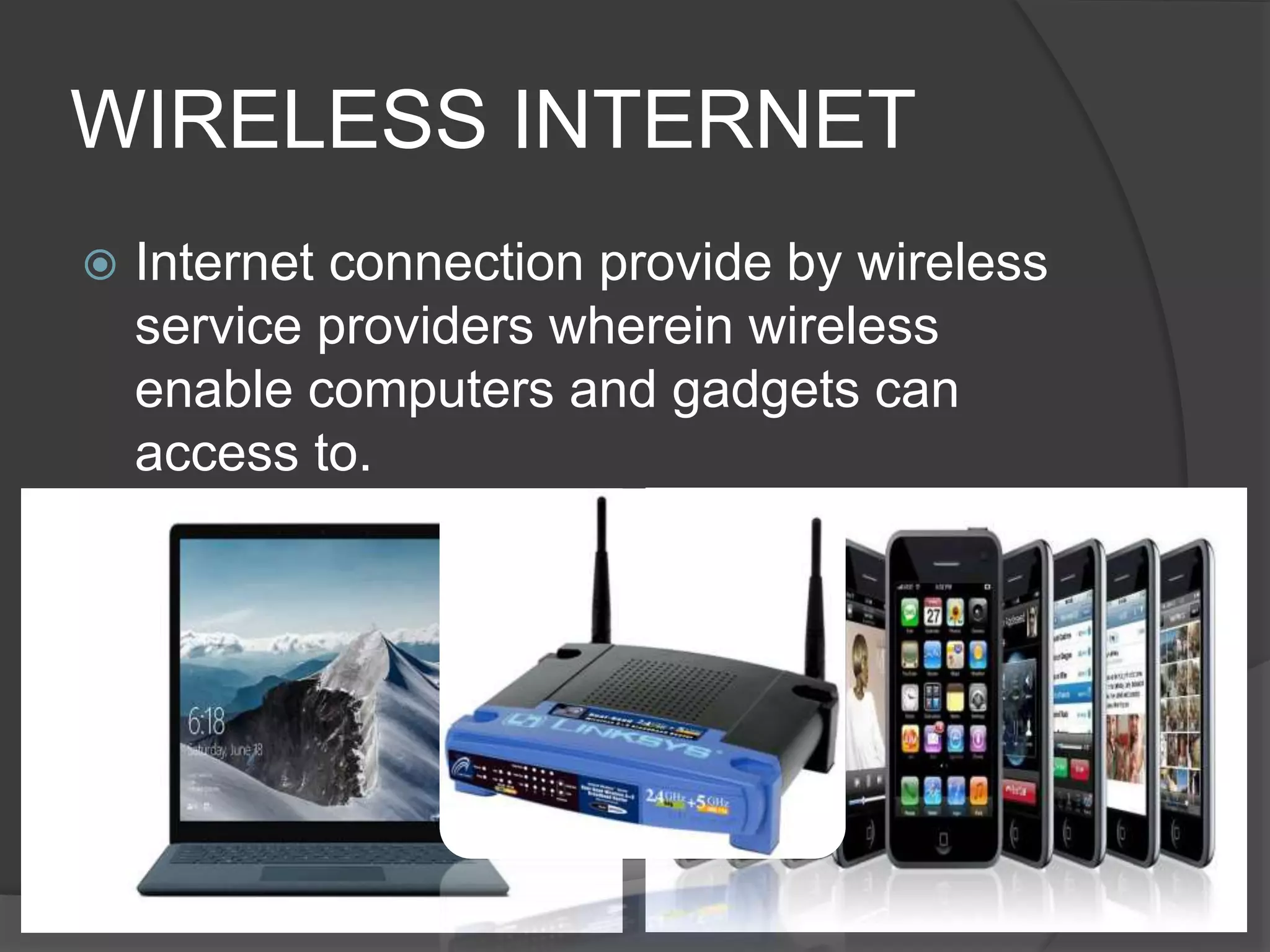
WIRELESS INTERNET
 Internet connection provide by wireless
service providers wherein wireless
enable computers and gadgets can
access to.
DEDICATED LINE
 Internet using permanent and
continuous connection using this which
is reliable and stable signal for very
important internet applications.
 It is usually refer to T- carrier line and it
can be either T1 and T3 line.
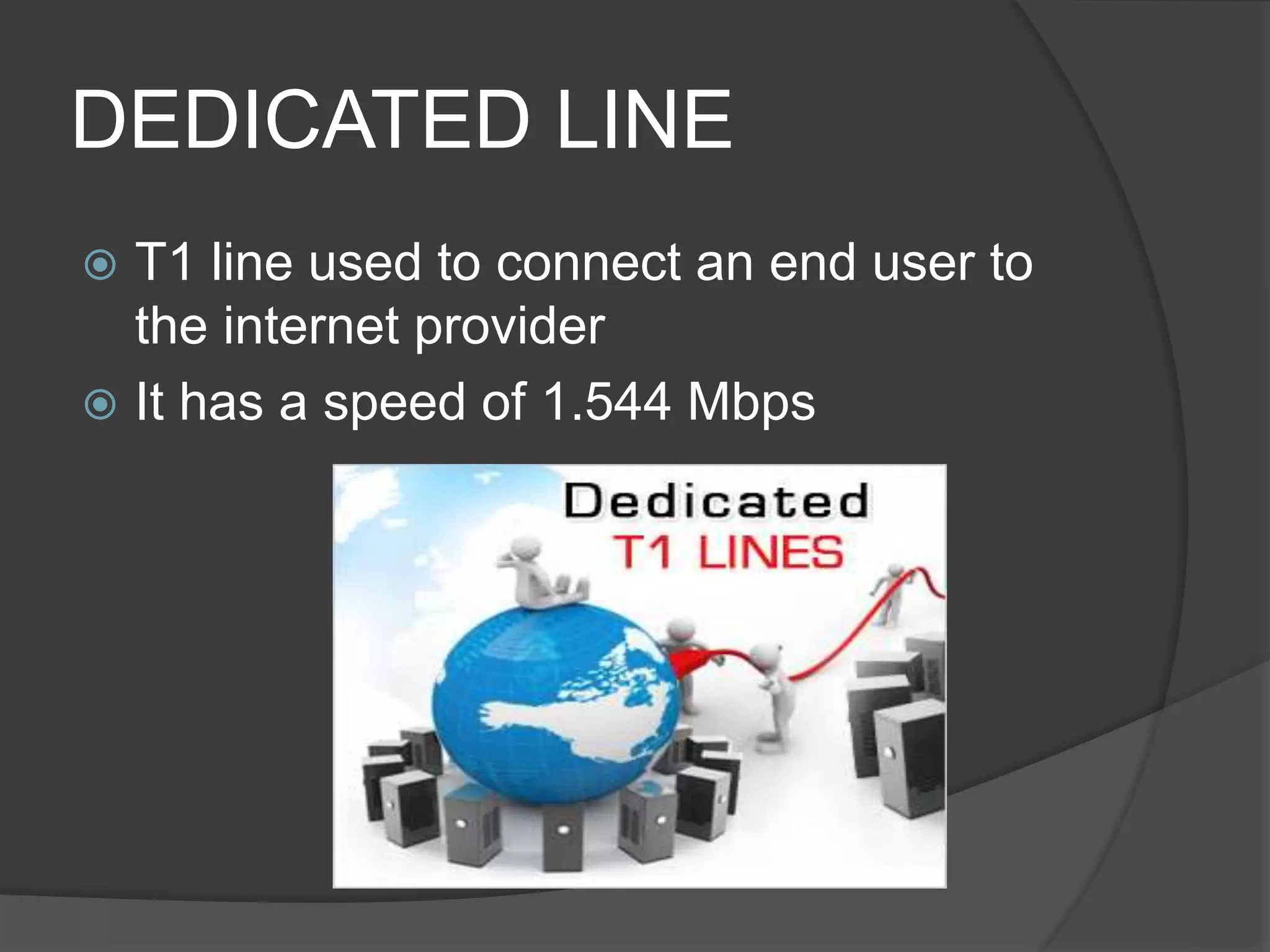
DEDICATED LINE
 T1 line used to connect an end user to
the internet provider
 It has a speed of 1.544 Mbps
DEDICATED LINE
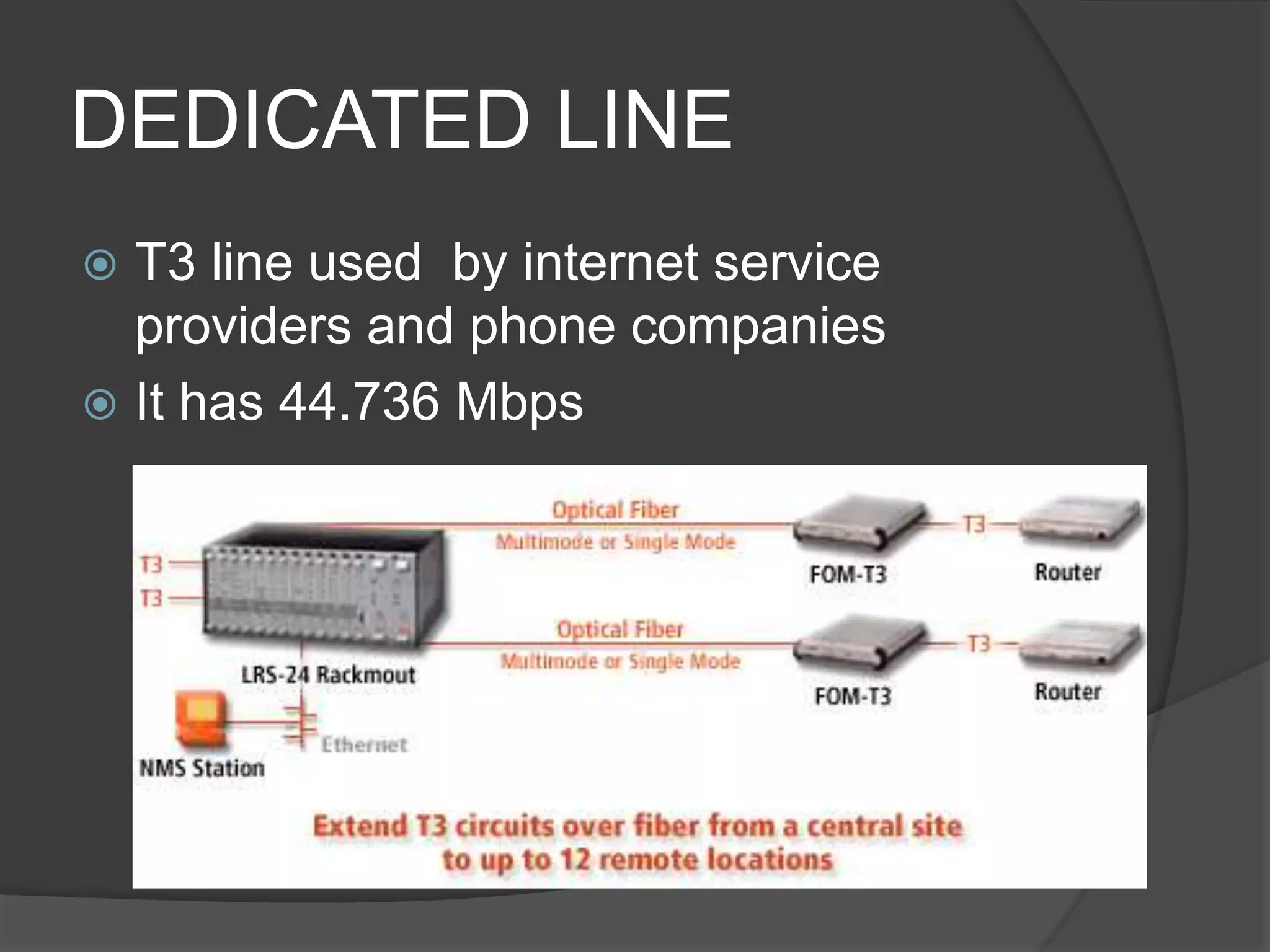
 T3 line used by internet service
providers and phone companies
 It has 44.736 Mbps
HOME BUTTON
 Usually represented by a house icon to
return to the user’s homepage
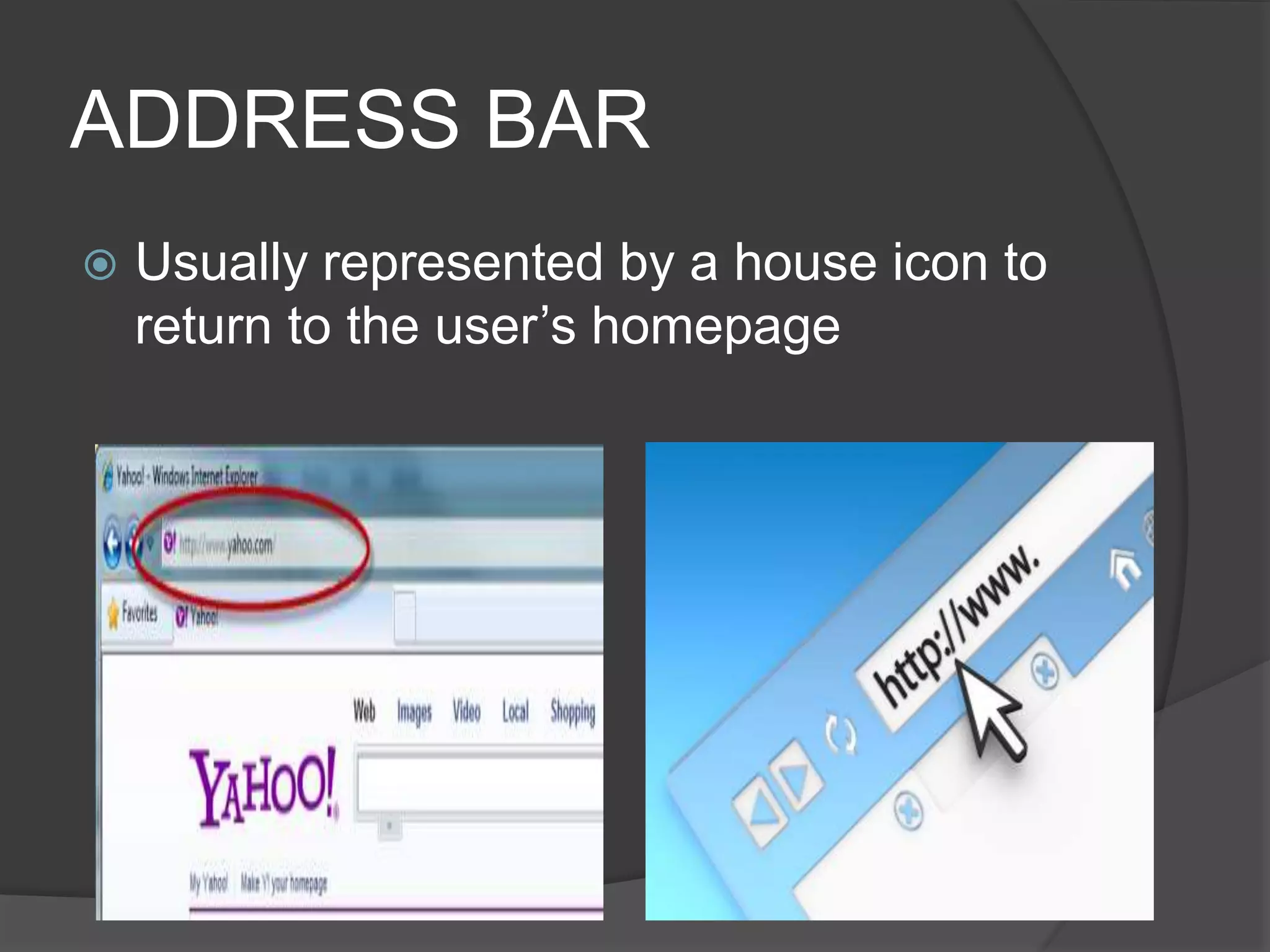
ADDRESS BAR
 Usually represented by a house icon to
return to the user’s homepage
BACK AND FORWARD
BUTTONS
 As represented by left and right arrows,
to go back to the previous page and
forward to the next
REFRESH OR RELOAD
BUTTON
 To reload the current page
STOP BUTTON
 To cancel loading the current page
SEARCH BAR
 As a means to types in topics and terms
in a search
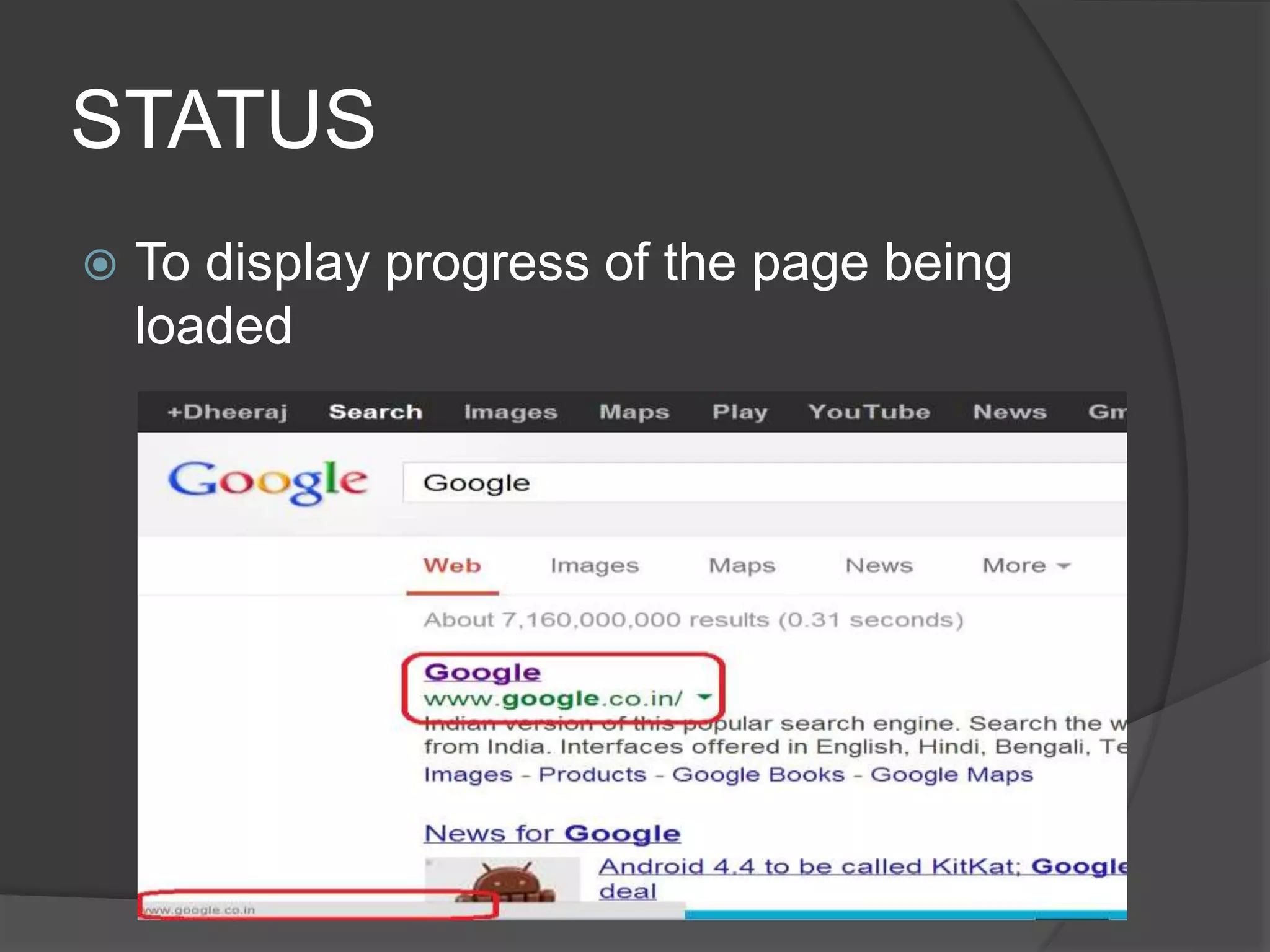
STATUS
 To display progress of the page being
loaded
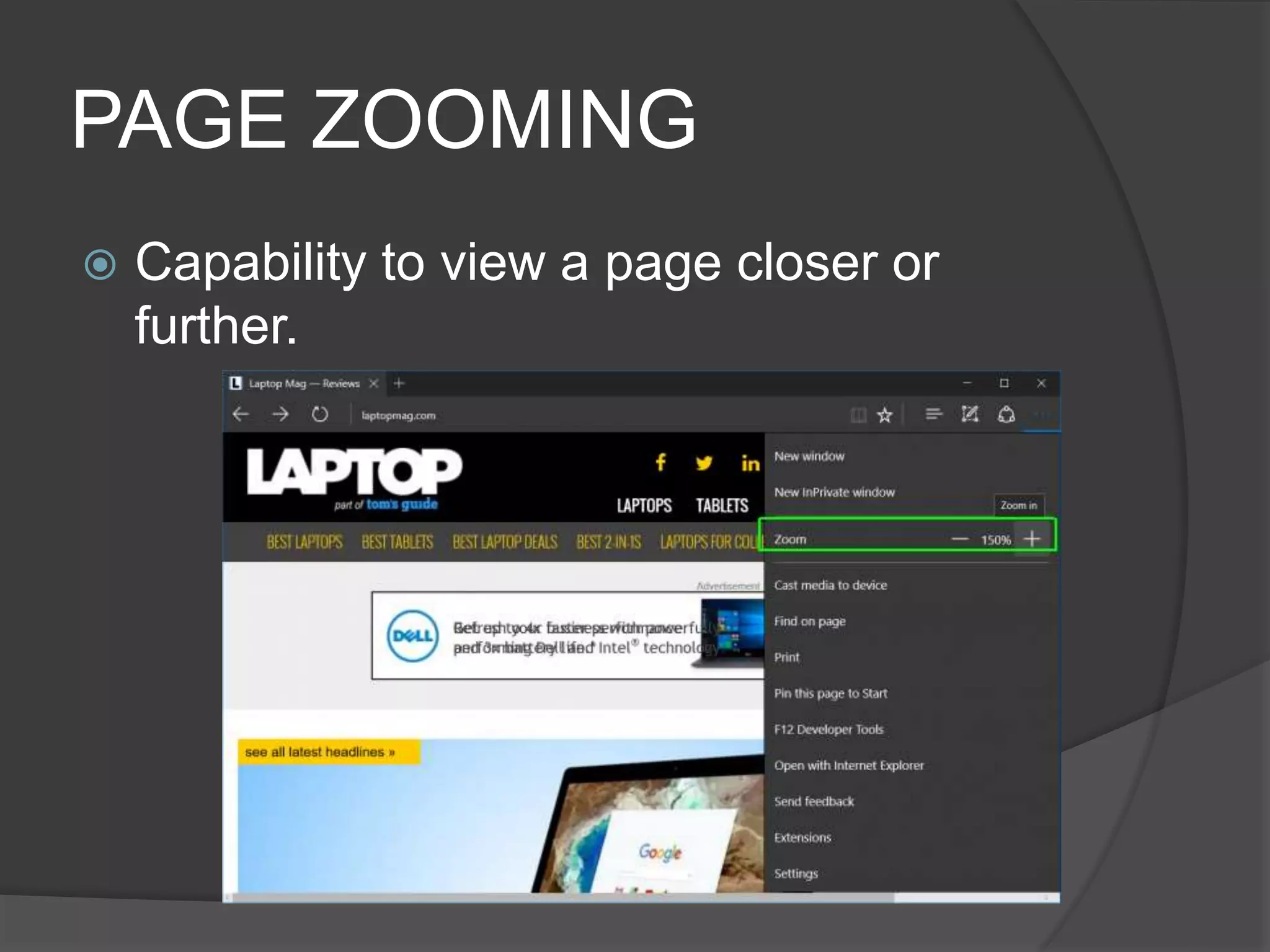
PAGE ZOOMING
 Capability to view a page closer or
further.
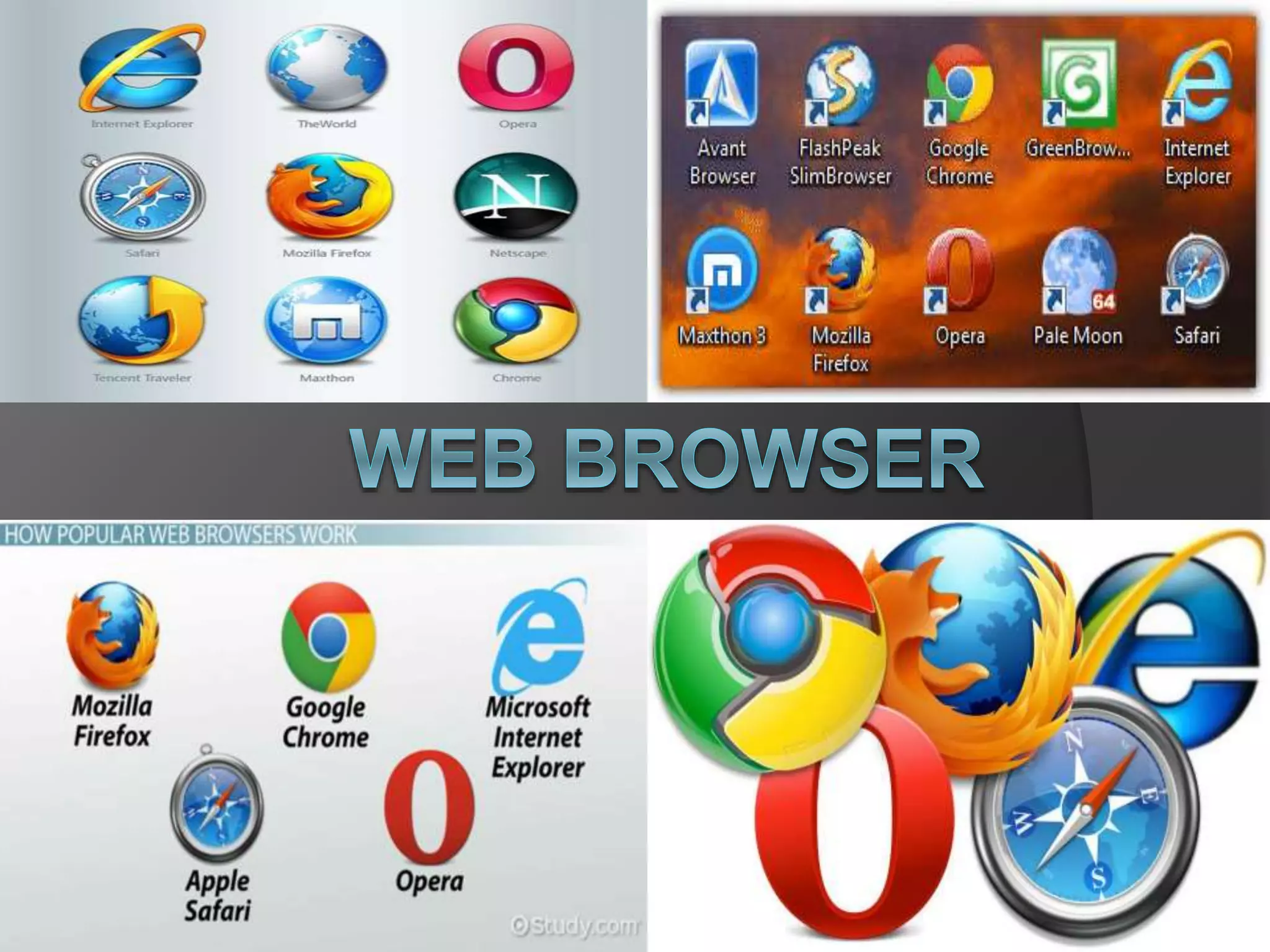
INTERNET EXPLORER
 Most popular
internet browser
used by more than
60 % of worldwide
browser.
MOZILLA FIREFOX
 Free and open
source web
browser
 Second most
popular web
browser
SAFARI
 Web browser for
the Mac operating
system developed
and design Apple
Inc. using the Web
kit (KHTML)
GOOGLE CHROME
 Very new web
browser from
Google Inc.
 Fourth most
popular web
browser.
OPERA
 Fifth most popular
website as of
September 2009
 1.5% of the web
browser usage
 Phishing and
malware protection
NETSCAPE
 Most popular web
browser in the
1990’s
 Legacy of it is the
base code for
Mozilla Firefox and
partly Google
Chrome
 Responsible for the
development and
introduction of
JavaScript
FLOCK
 new browser that
support Microsoft
windows, Mac OS
X and Linux
operating system is
based on Mozilla’s
Firefox codebase
BALANCE
 Concept has something to do with
symmetrical and asymmetrical
arrangement of the text and object in
web page
 Symmetrical: traditional, conservative,
professionals and simple mood of
atmosphere
 Asymmetrical: energy, modern style and
youth fullness
PROXIMITY
 Placement of the elements with logical
relationship close to each other
 Proper arrangement of related elements
 Helps to avoid clutter on a web page
WHITE SPACES
 Blank spaces which are placed around
webpage elements
 Help organize the size to emphasize
major topics over details and encourage
size navigation parts of the page and to
other pages
CONTRAST
 Differentiate the elements of a web page
 Achieved by varying size, character and
colors of the element to arrange them
according to which needs to be
emphasize and which one supports
FOCUS
 Element in the web site which should
get the attention of the viewer first
 Web page must have a focal point that
you would want the viewer to focus and
remember
UNITY
 Sense of agreement and harmony of all
elements of the web site
 The contents, it design, layout and
character truly belong to this site and
reflective of the person or company it
represents: Logo, font color and style
ALIGNMENT
 Proper arrangement and positioning of
the elements of the website
 Facilitate viewing, reading and
navigating on the web site
ACCURACY
 Ensuring the reliability of the information
you publish on the website.
 Spelling and grammar should be done
on the site
READABILITY
 Accessible and readable
 Use headings, subheadings, tables list,
color on text, an background so that the
audience will be able to read the
message with clarity
UNDERSTANDABLE
 Easily comprehend
 Lead: conclusion or summary of the
topic
 Body: details and he full story
CONCISE
 Least words to convey a message on
the internet
 Shortened information rather than
presenting them in paragraph form
ETHICAL AND LEGAL
 Use words, picture and videos that you
yourself created
 Otherwise get the written permission
from the original author
 Protect your web: naming, placing a
copyright logo etc.
CREATE THE GOAL OR
PURPOSE OF THE WEBSITE
 What you hope to achieve
 Listing down all the objectives you want
to accomplish will help you to focus on
the total design of the site
IDENTIFY THE PRIMARY
TARGET AUDIENCE
 Target on certain focus audience in
website
 Educate: your audience will be a
students
PLAN THE CONTENT OF THE
WEBSITE
 Text, pictures, videos, music and
multimedia
 Best content to attract the target
audience to your site
 It should be useful, high quality,
accurate timely and dynamic for the
audience to return to your site for more
PLAN AND ORGANZE THE
SITE STRUCTRE
 Help you to attain the objectives for the
website
STRUCTURES IN DESIGNING
A WEB
 LINEAR STRUCTURE
- Present the website one at a time
fro tutorial site (historical information)
 HIERARCHICAL STRUCTURE
- Several categories are connected
(subcategories)
 RANDOM STRUCTURE
- present it resources and information
in any order (categories)
PLAN THE WEBPAGE
DETAILS
 Very attention- grabbing homepage
 Animation design
PLANNING AND DESIGNING
THE NAVIGATION SCHEME
 Navigate go back and forth
 Should be able to search using hyperlink
index, menus, employment of buttons
etc.
PLANNING AND GATHERING
YOUR RESOURCES
 Assets that you would need
 Templates may also be created to
facilitate the site development process
Basic Web Concept

Basic Web Concept

  • 2.
    WEB DESIGN TERMINOLOGY  NETWORK ○Defined as several computers connected together with purpose of sharing resources including data, information and hardware
  • 3.
    WEB DESIGN TERMINOLOGY  INTERNET ○Worldwide collection of computers interconnected to one another (wired or wireless)
  • 4.
    WEB DESIGN TERMINOLOGY  WORLDWIDE WEB (WWW) ○ Collection of resources and information interconnected via internet.
  • 5.
    WEB DESIGN TERMINOLOGY  WEBPAGE ○ Formatted page within a website that may contain text, graphics, video and multimedia.
  • 6.
    WEB DESIGN TERMINOLOGY  HOMEPAGE ○ First webpage of a website which usually provides information about the website, its purpose and contents.
  • 8.
    HISTORY OF THE INTERNET Anchored on the project started by the United state Government called DARPA (Defense Advance Research Projects Agency) for the development of new technology for military use which was established in 1958.
  • 11.
    HISTORY WORLD WIDE WEB Started in 1989 by English Physicist Sir Tim Berners- Lee  W3C- World Wide Wen consortium organization
  • 13.
    DIAL- UP CONNECTION Connecting to the internet using the telephone lines.
  • 14.
    DSL (DIGITAL SUBSCRIBER LINE) Connecting to the internet using the telephone lines but provides both data and voice communication.
  • 15.
    CABLE INTERNET  Onlineconnection to the web by the use of cable lines already used by the cable television providers.
  • 16.
    WIRELESS INTERNET  Internetconnection provide by wireless service providers wherein wireless enable computers and gadgets can access to.
  • 17.
    DEDICATED LINE  Internetusing permanent and continuous connection using this which is reliable and stable signal for very important internet applications.  It is usually refer to T- carrier line and it can be either T1 and T3 line.
  • 18.
    DEDICATED LINE  T1line used to connect an end user to the internet provider  It has a speed of 1.544 Mbps
  • 19.
    DEDICATED LINE  T3line used by internet service providers and phone companies  It has 44.736 Mbps
  • 21.
    HOME BUTTON  Usuallyrepresented by a house icon to return to the user’s homepage
  • 22.
    ADDRESS BAR  Usuallyrepresented by a house icon to return to the user’s homepage
  • 23.
    BACK AND FORWARD BUTTONS As represented by left and right arrows, to go back to the previous page and forward to the next
  • 24.
    REFRESH OR RELOAD BUTTON To reload the current page
  • 25.
    STOP BUTTON  Tocancel loading the current page
  • 26.
    SEARCH BAR  Asa means to types in topics and terms in a search
  • 27.
    STATUS  To displayprogress of the page being loaded
  • 28.
    PAGE ZOOMING  Capabilityto view a page closer or further.
  • 30.
    INTERNET EXPLORER  Mostpopular internet browser used by more than 60 % of worldwide browser.
  • 31.
    MOZILLA FIREFOX  Freeand open source web browser  Second most popular web browser
  • 32.
    SAFARI  Web browserfor the Mac operating system developed and design Apple Inc. using the Web kit (KHTML)
  • 33.
    GOOGLE CHROME  Verynew web browser from Google Inc.  Fourth most popular web browser.
  • 34.
    OPERA  Fifth mostpopular website as of September 2009  1.5% of the web browser usage  Phishing and malware protection
  • 35.
    NETSCAPE  Most popularweb browser in the 1990’s  Legacy of it is the base code for Mozilla Firefox and partly Google Chrome  Responsible for the development and introduction of JavaScript
  • 36.
    FLOCK  new browserthat support Microsoft windows, Mac OS X and Linux operating system is based on Mozilla’s Firefox codebase
  • 38.
    BALANCE  Concept hassomething to do with symmetrical and asymmetrical arrangement of the text and object in web page  Symmetrical: traditional, conservative, professionals and simple mood of atmosphere  Asymmetrical: energy, modern style and youth fullness
  • 39.
    PROXIMITY  Placement ofthe elements with logical relationship close to each other  Proper arrangement of related elements  Helps to avoid clutter on a web page
  • 40.
    WHITE SPACES  Blankspaces which are placed around webpage elements  Help organize the size to emphasize major topics over details and encourage size navigation parts of the page and to other pages
  • 41.
    CONTRAST  Differentiate theelements of a web page  Achieved by varying size, character and colors of the element to arrange them according to which needs to be emphasize and which one supports
  • 42.
    FOCUS  Element inthe web site which should get the attention of the viewer first  Web page must have a focal point that you would want the viewer to focus and remember
  • 43.
    UNITY  Sense ofagreement and harmony of all elements of the web site  The contents, it design, layout and character truly belong to this site and reflective of the person or company it represents: Logo, font color and style
  • 44.
    ALIGNMENT  Proper arrangementand positioning of the elements of the website  Facilitate viewing, reading and navigating on the web site
  • 46.
    ACCURACY  Ensuring thereliability of the information you publish on the website.  Spelling and grammar should be done on the site
  • 47.
    READABILITY  Accessible andreadable  Use headings, subheadings, tables list, color on text, an background so that the audience will be able to read the message with clarity
  • 48.
    UNDERSTANDABLE  Easily comprehend Lead: conclusion or summary of the topic  Body: details and he full story
  • 49.
    CONCISE  Least wordsto convey a message on the internet  Shortened information rather than presenting them in paragraph form
  • 50.
    ETHICAL AND LEGAL Use words, picture and videos that you yourself created  Otherwise get the written permission from the original author  Protect your web: naming, placing a copyright logo etc.
  • 52.
    CREATE THE GOALOR PURPOSE OF THE WEBSITE  What you hope to achieve  Listing down all the objectives you want to accomplish will help you to focus on the total design of the site
  • 53.
    IDENTIFY THE PRIMARY TARGETAUDIENCE  Target on certain focus audience in website  Educate: your audience will be a students
  • 54.
    PLAN THE CONTENTOF THE WEBSITE  Text, pictures, videos, music and multimedia  Best content to attract the target audience to your site  It should be useful, high quality, accurate timely and dynamic for the audience to return to your site for more
  • 55.
    PLAN AND ORGANZETHE SITE STRUCTRE  Help you to attain the objectives for the website
  • 56.
    STRUCTURES IN DESIGNING AWEB  LINEAR STRUCTURE - Present the website one at a time fro tutorial site (historical information)  HIERARCHICAL STRUCTURE - Several categories are connected (subcategories)  RANDOM STRUCTURE - present it resources and information in any order (categories)
  • 57.
    PLAN THE WEBPAGE DETAILS Very attention- grabbing homepage  Animation design
  • 58.
    PLANNING AND DESIGNING THENAVIGATION SCHEME  Navigate go back and forth  Should be able to search using hyperlink index, menus, employment of buttons etc.
  • 59.
    PLANNING AND GATHERING YOURRESOURCES  Assets that you would need  Templates may also be created to facilitate the site development process