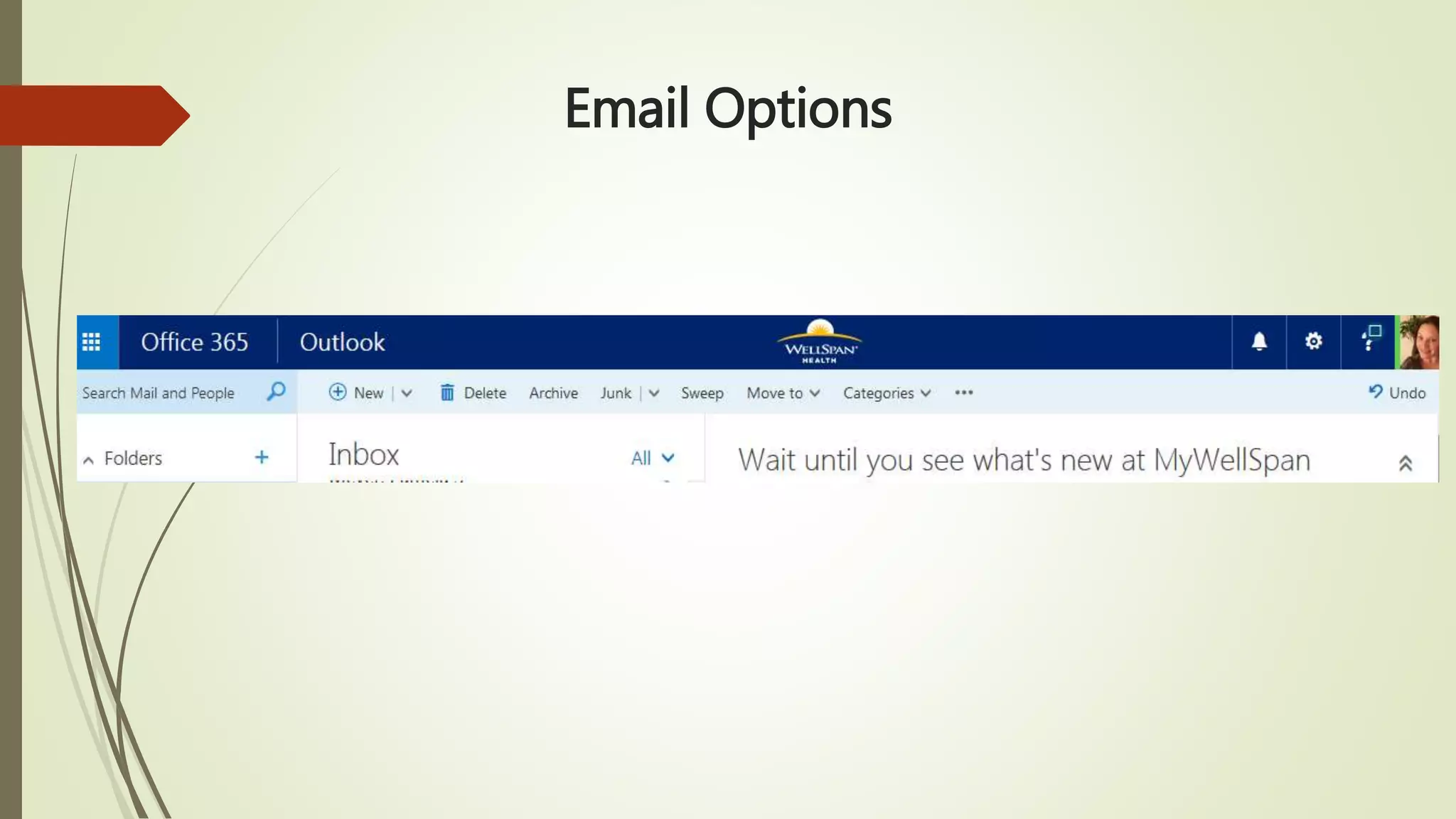
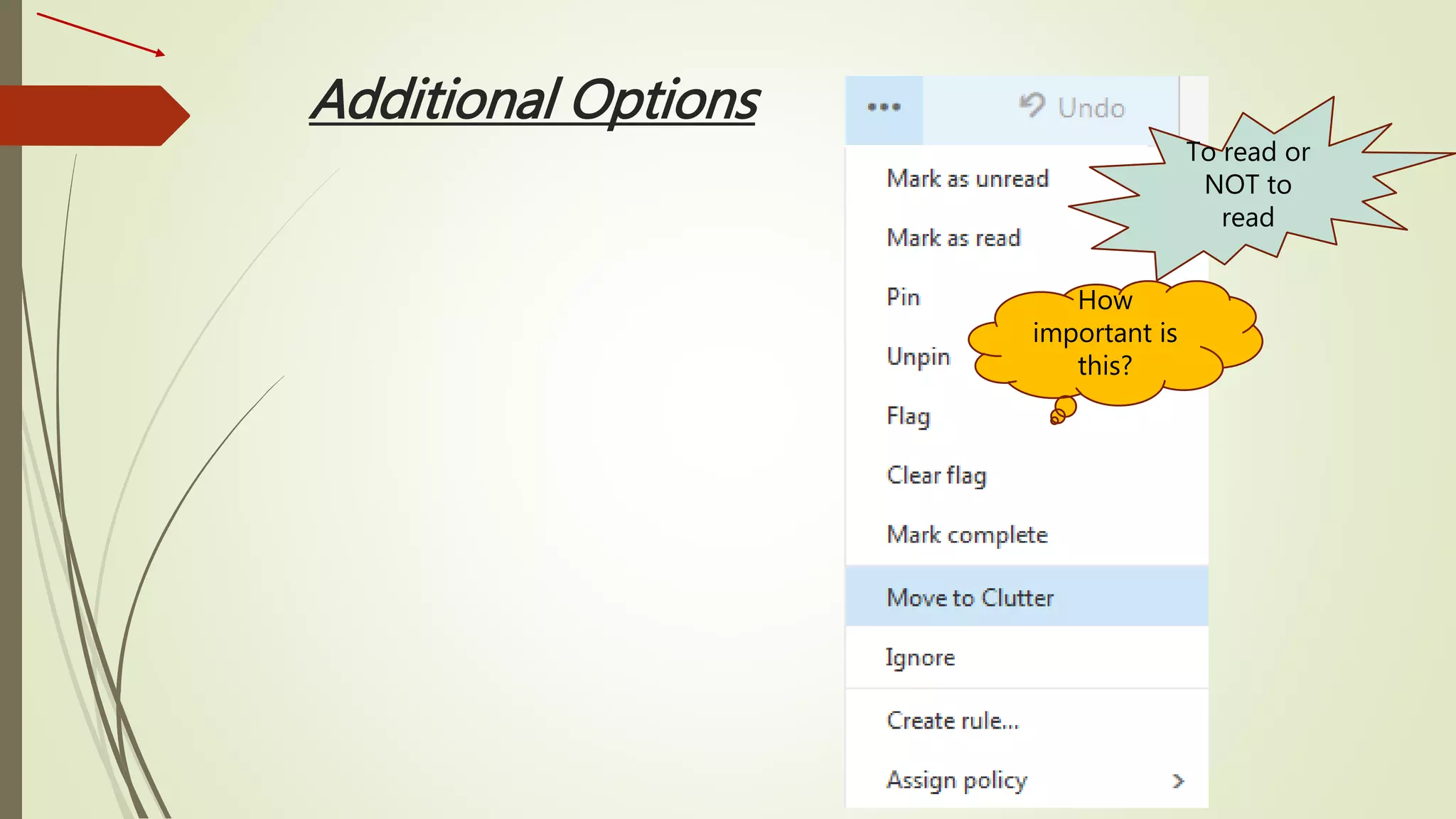
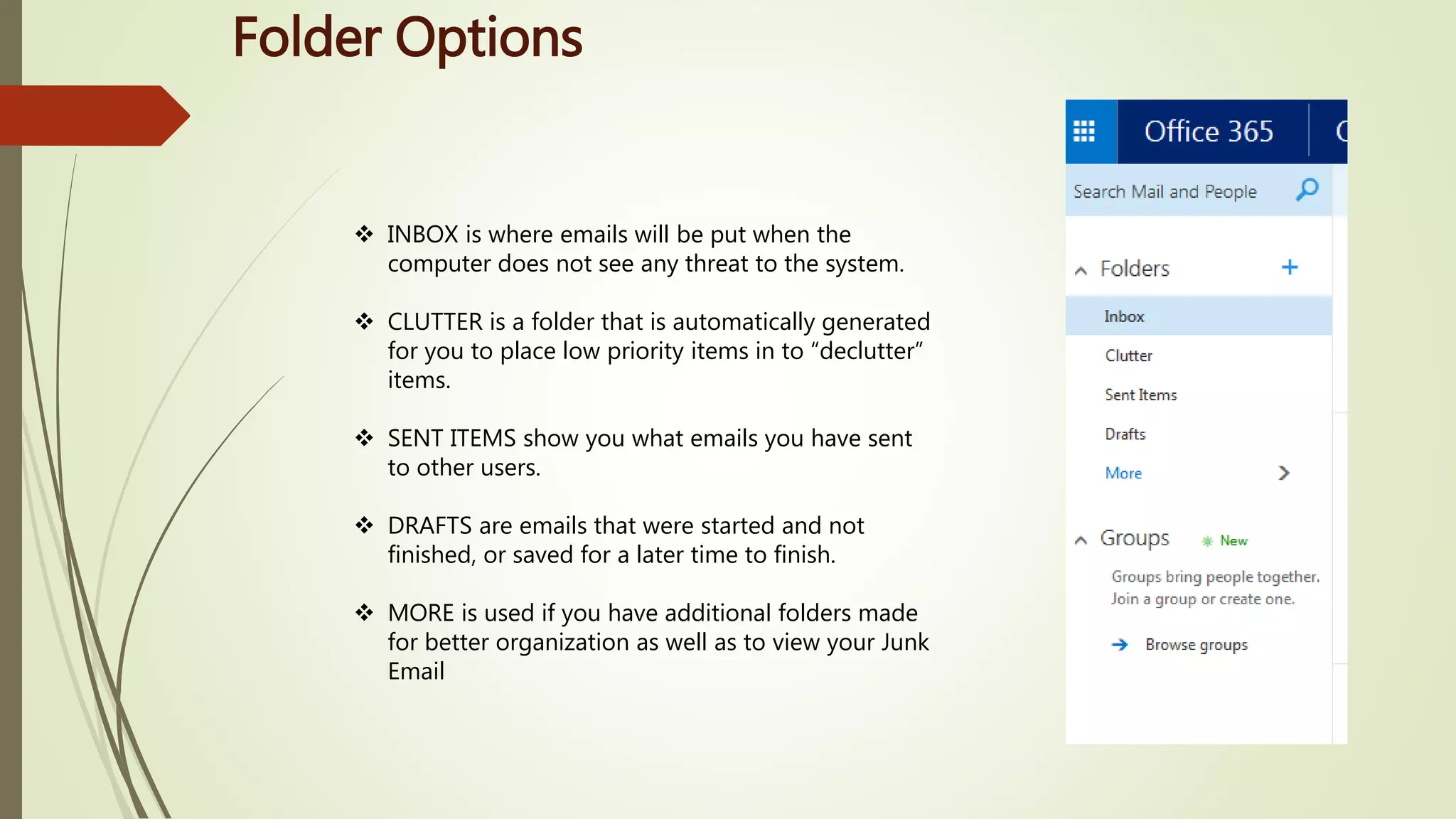
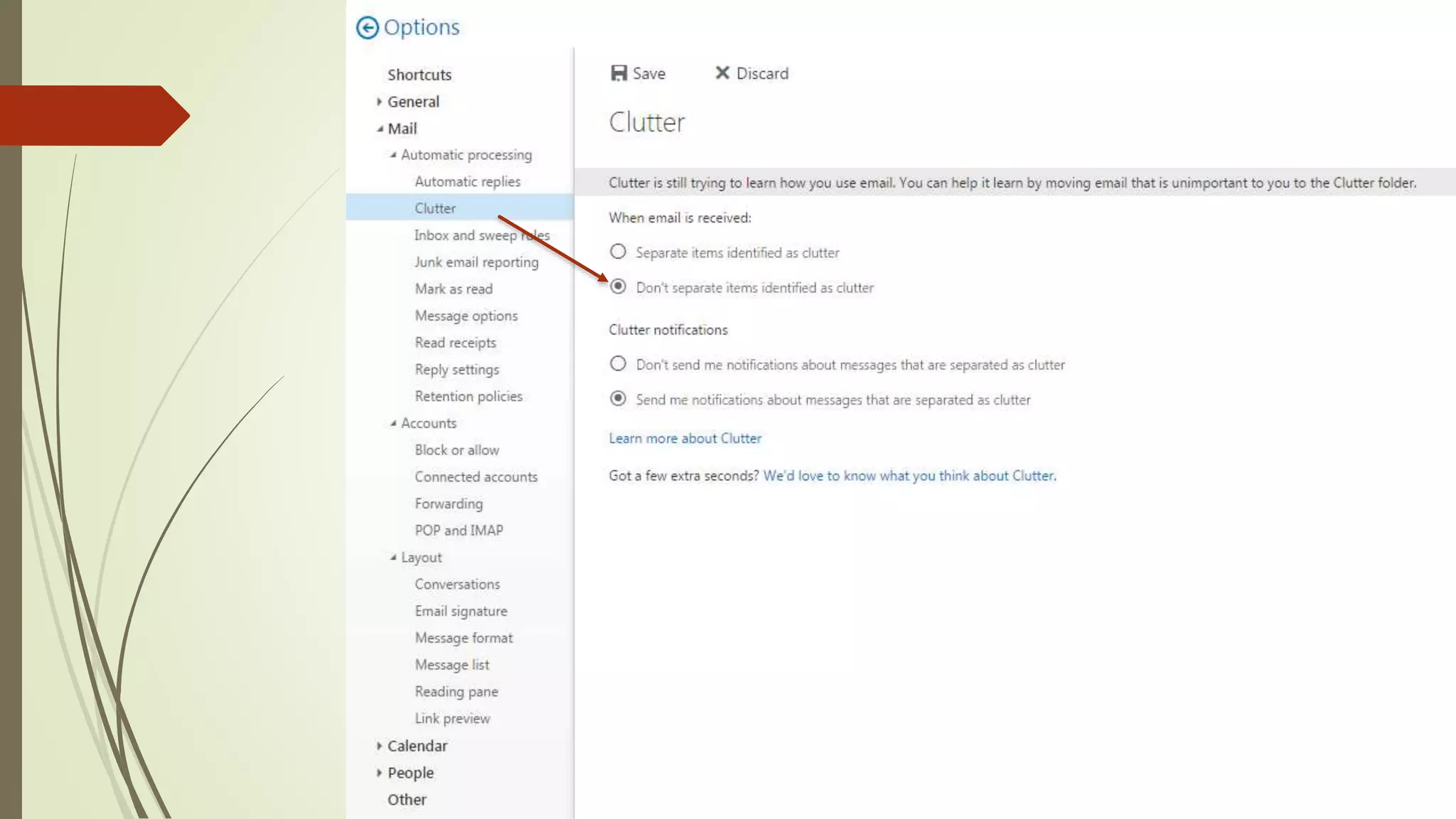
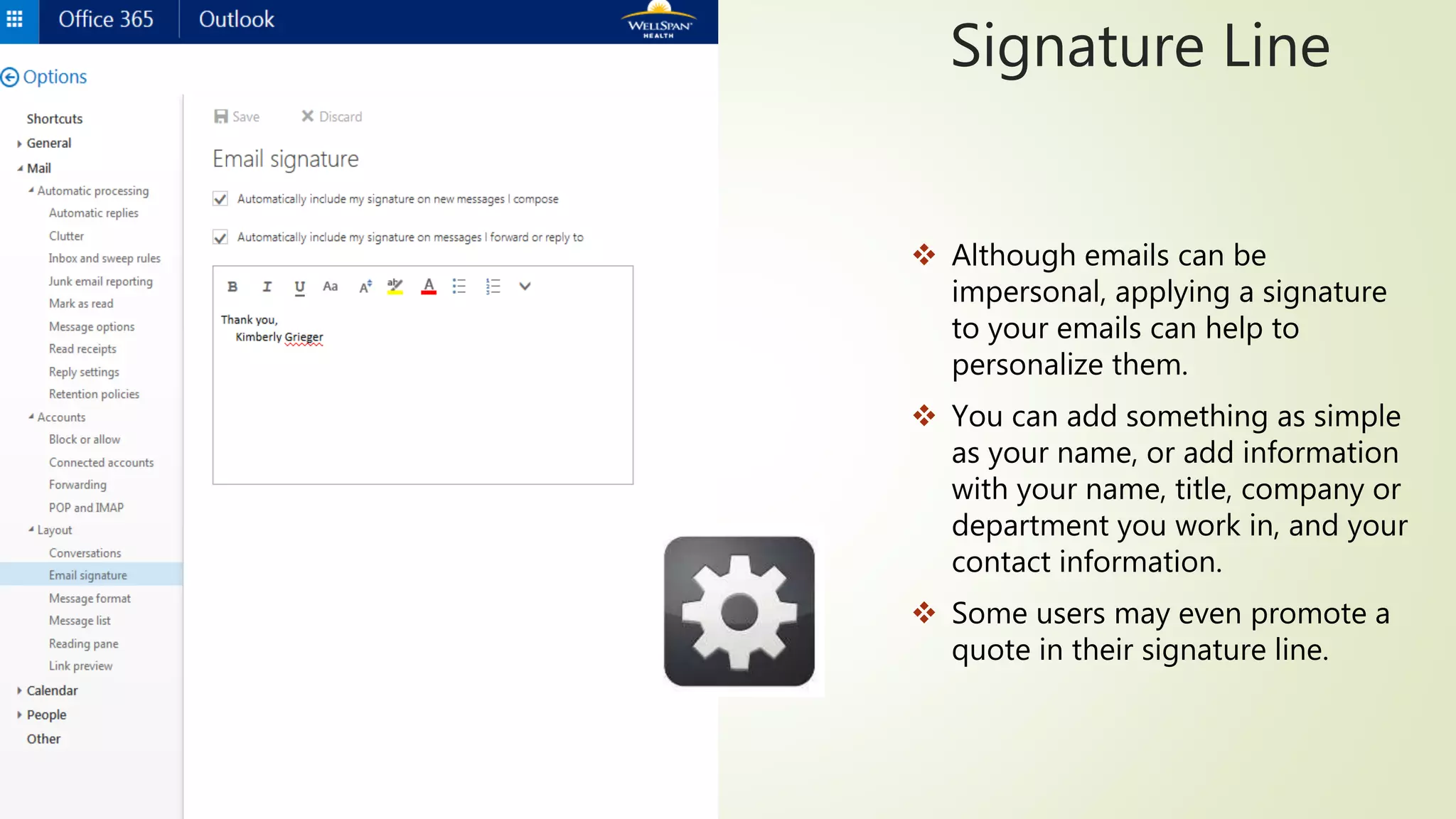
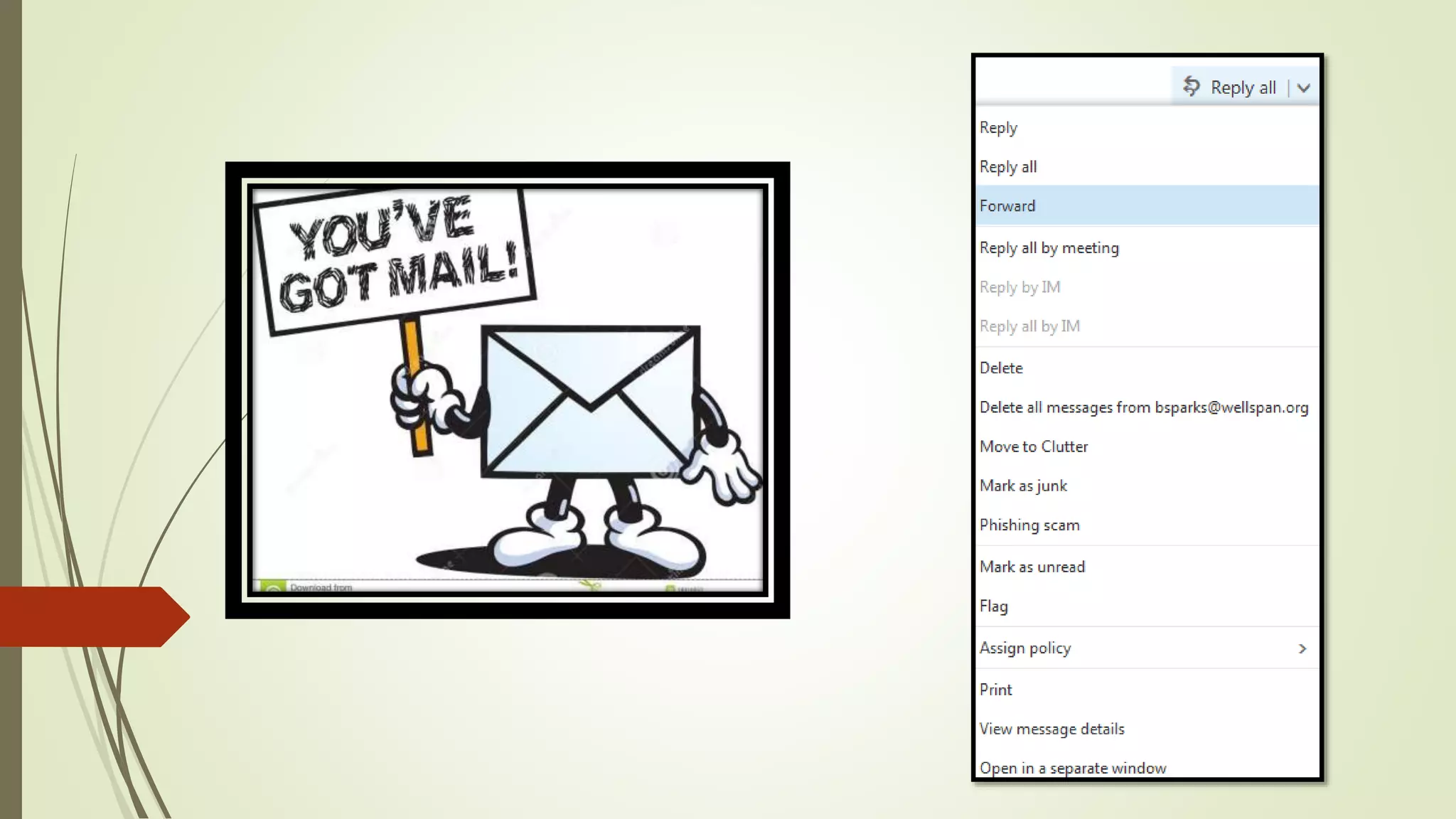
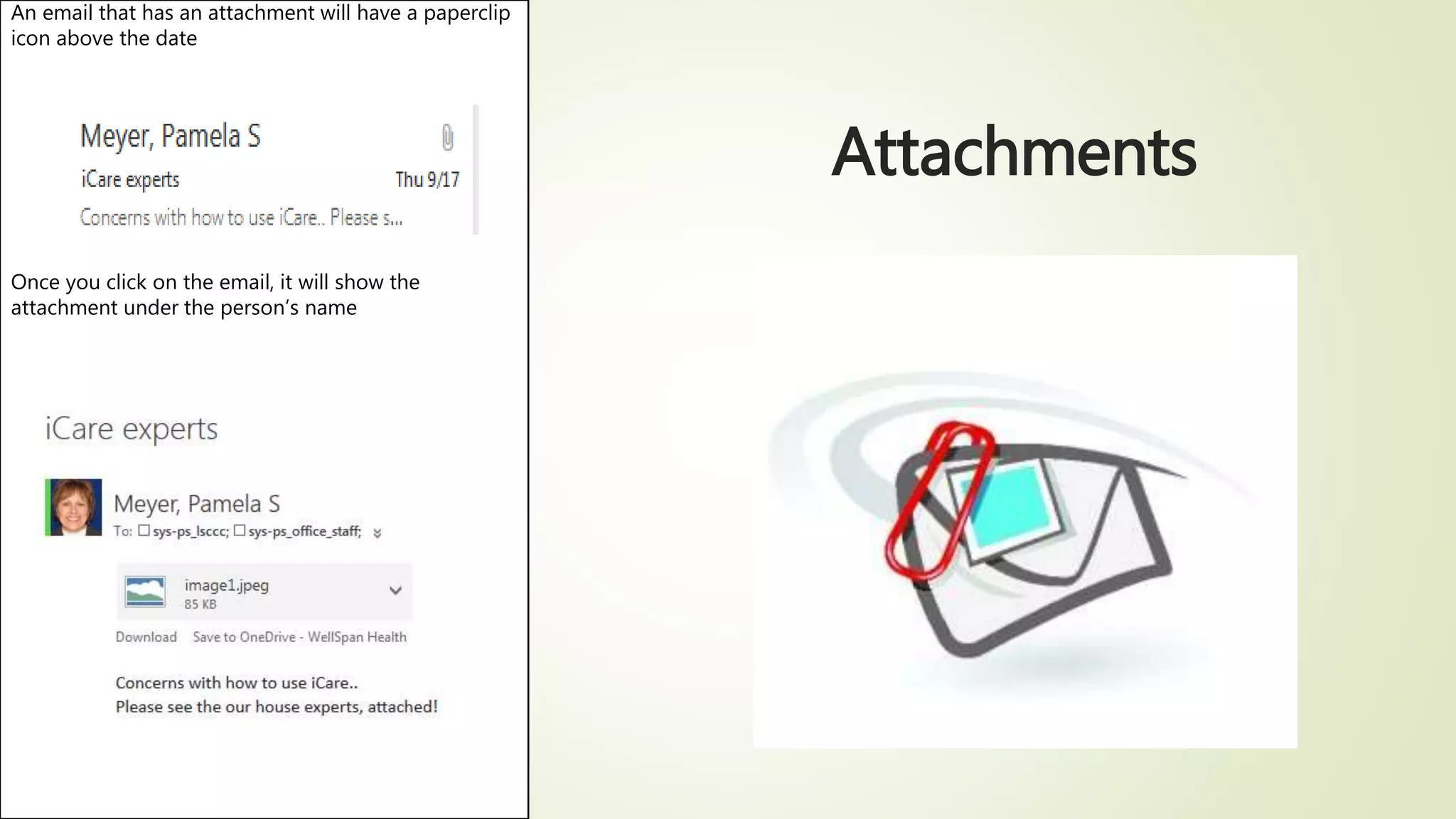
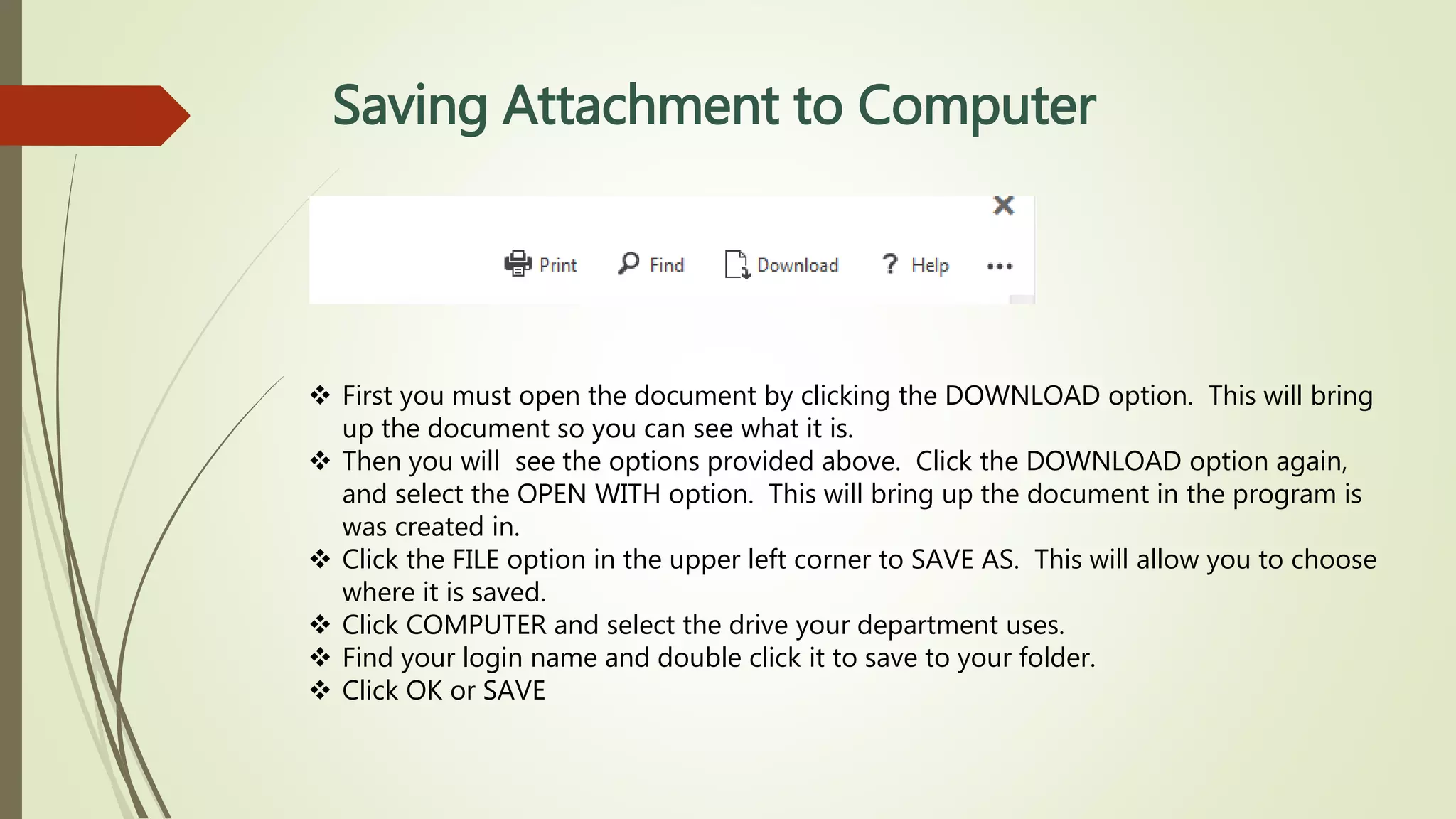
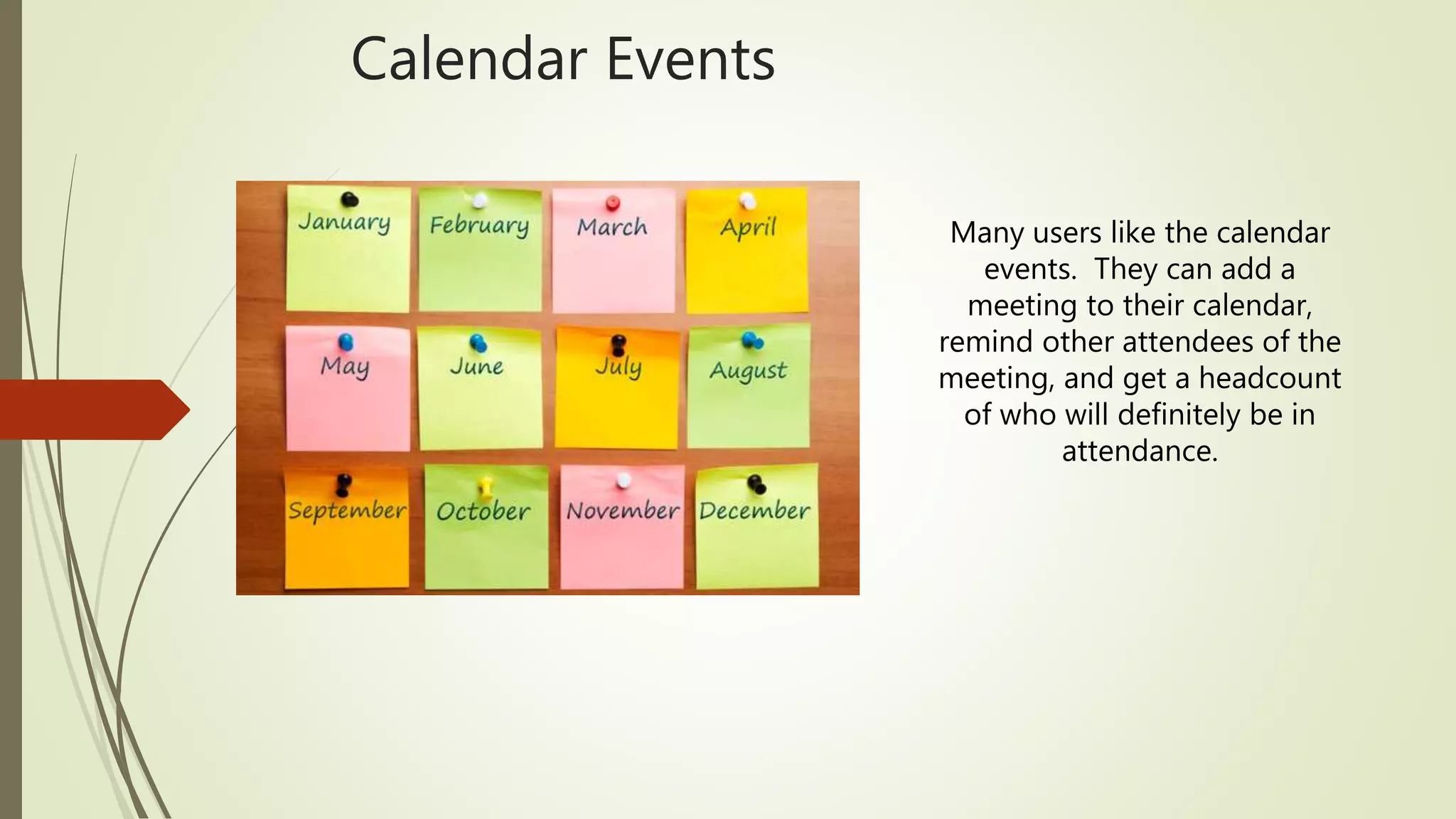
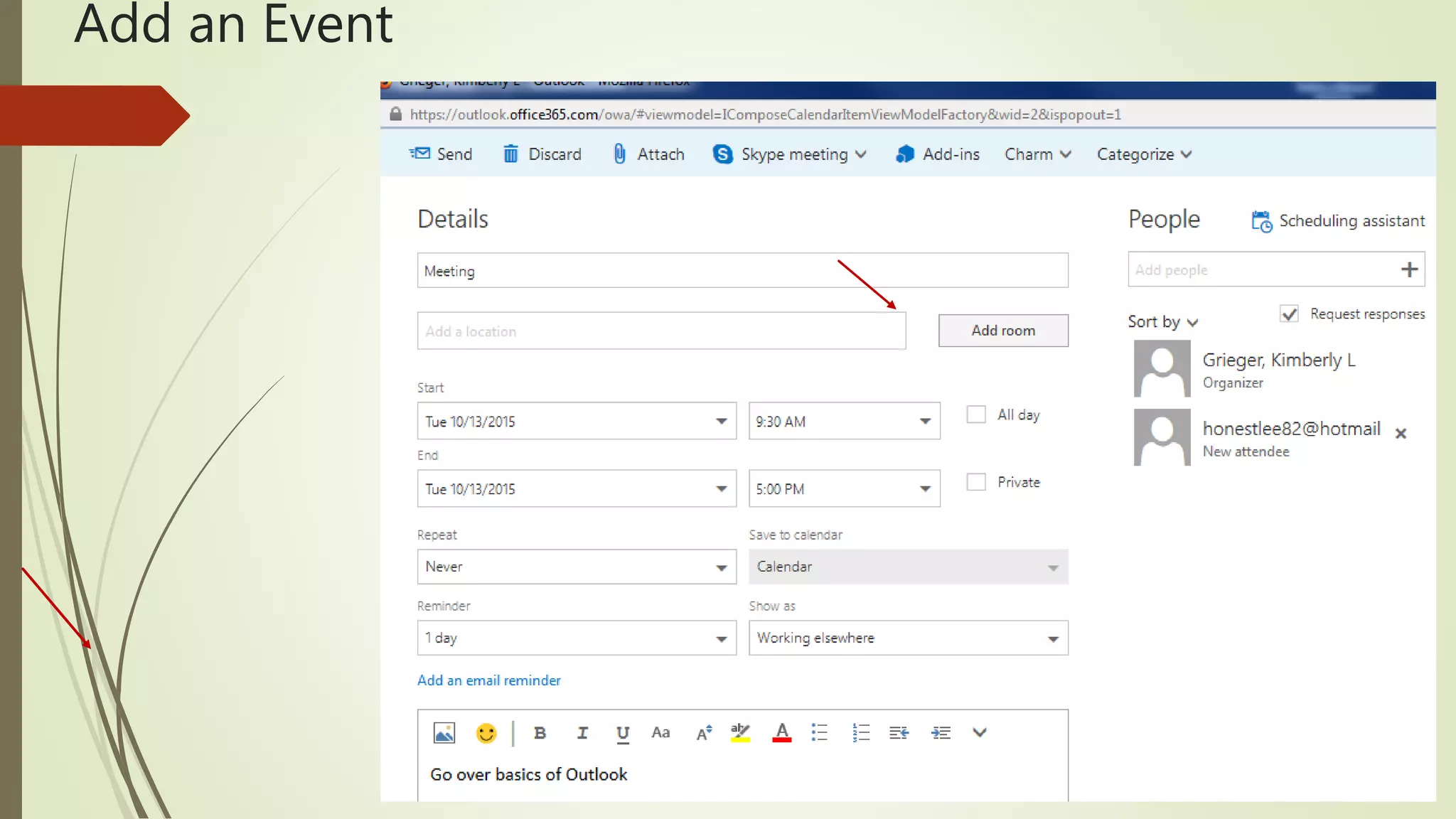
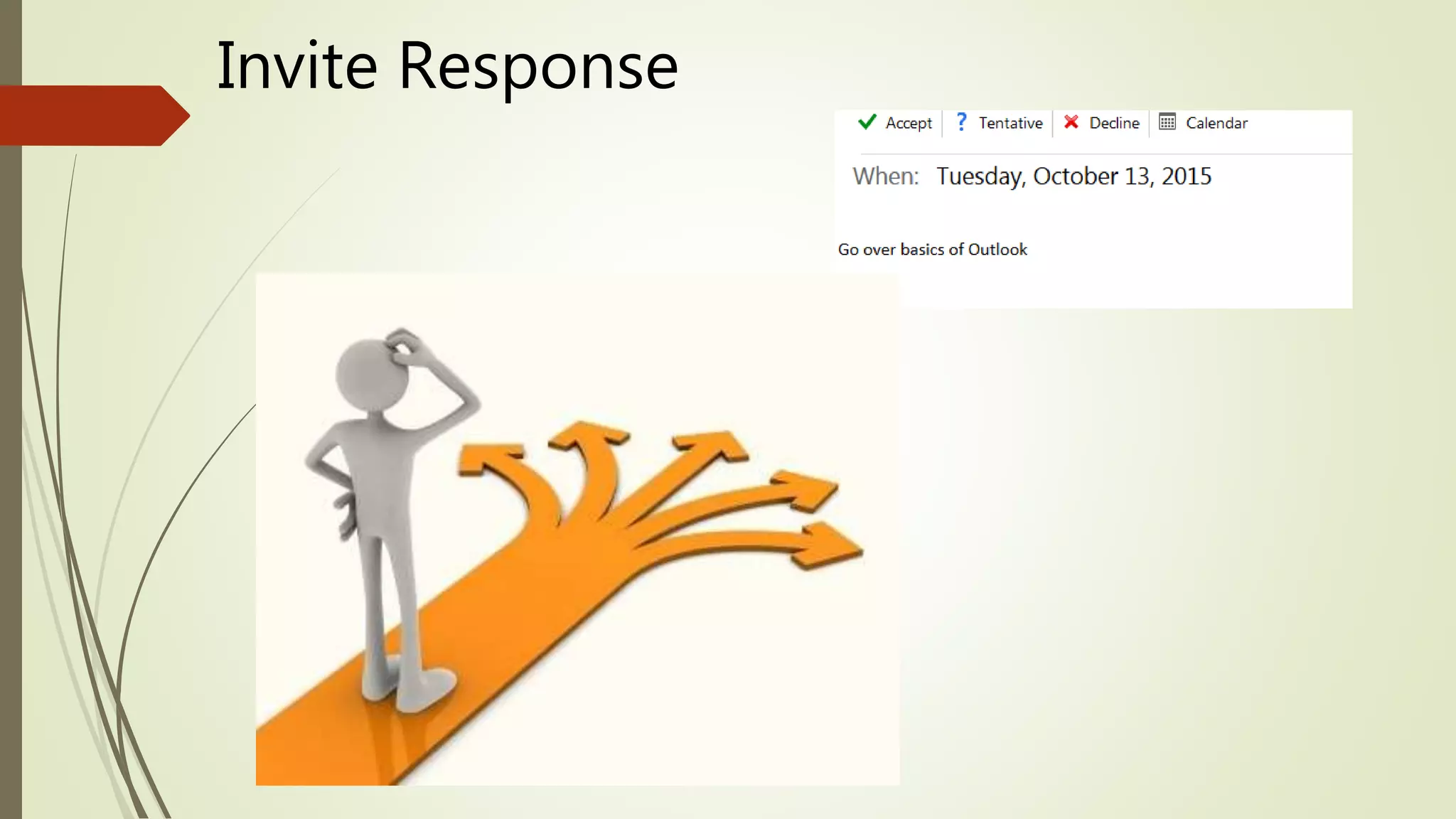
The document provides instructions for basic Outlook skills, including how to log in, use email folders, add a signature line, open and attach files, and manage calendar events. Key points covered are logging in through Firefox, using the Inbox, Clutter, Sent Items and Drafts folders, turning Clutter off through Options, adding a signature, downloading and saving attachments, attaching files to emails, and adding and responding to calendar events.