
Computer Basic
Subject: ICIT
Name: Rahul Sharma
Teacher name: Leena Munjal
What Is a Computer?
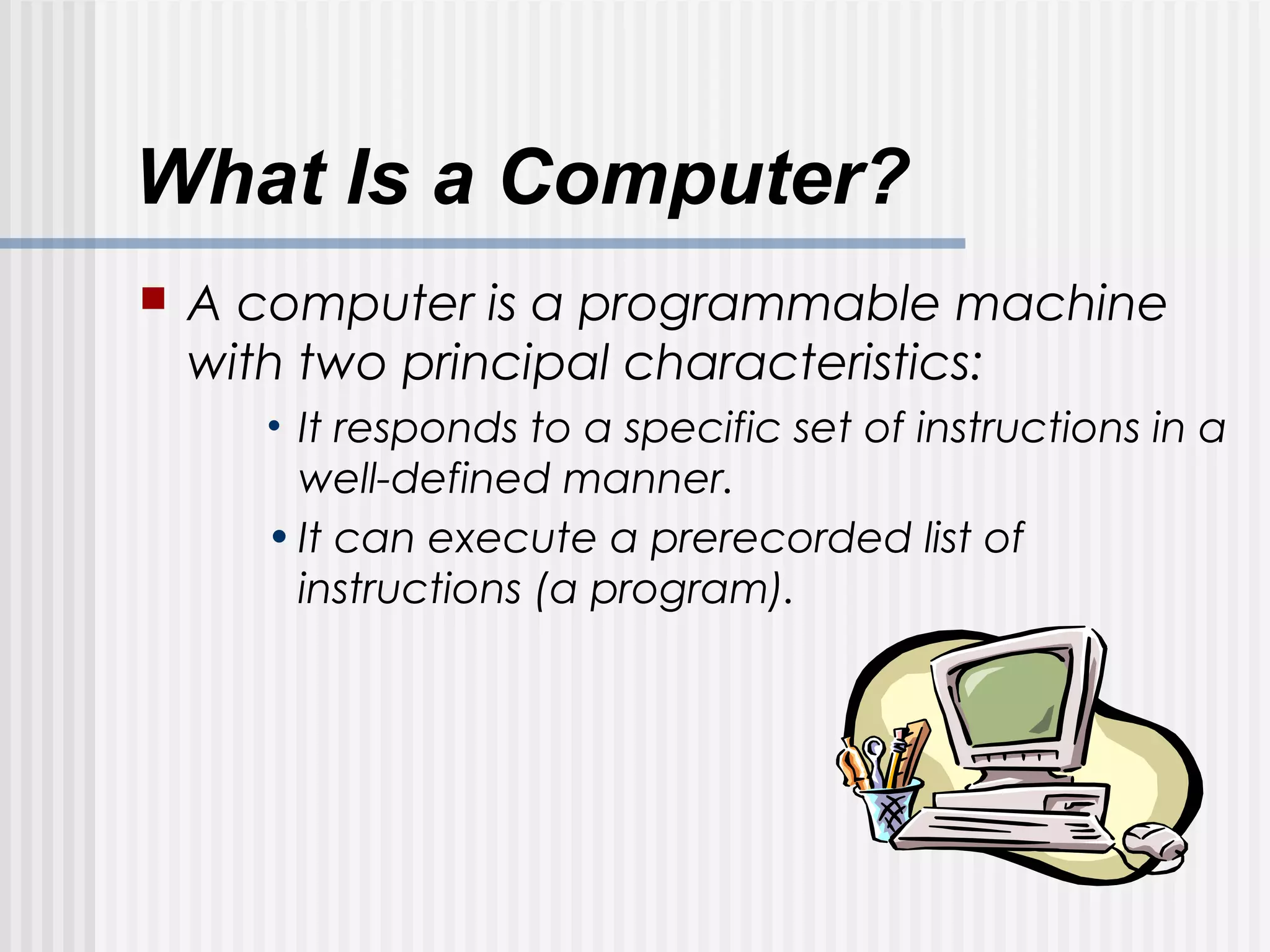
 A computer is a programmable machine
with two principal characteristics:
• It responds to a specific set of instructions in a
well-defined manner.
•It can execute a prerecorded list of
instructions (a program).
Hardware
Hardware refers to objects that
you can actually touch, like
disks, disk drives, display
screens, keyboards, printers,
boards, and chips.
Hard disk
 Chip
 Monitor
Printer
Keyboard & mouse
Important Hardware
 CPU - abbreviation of central processing
unit, the CPU is the brains of the
computer. Sometimes referred to simply
as the processor or central processor, the
CPU is where most calculations take
place. In terms of computing power, the
CPU is the most important element of a
computer system.
HARD DISK (Storage Device)
 The hard disk is a magnetic disk on which
you can store computer data. Hard disks
hold more data and are faster .A hard
disk, for example, can store anywhere
from 10 to more than 100 gigabytes.
Hardisks are available in 500GB-1TB.
RAM
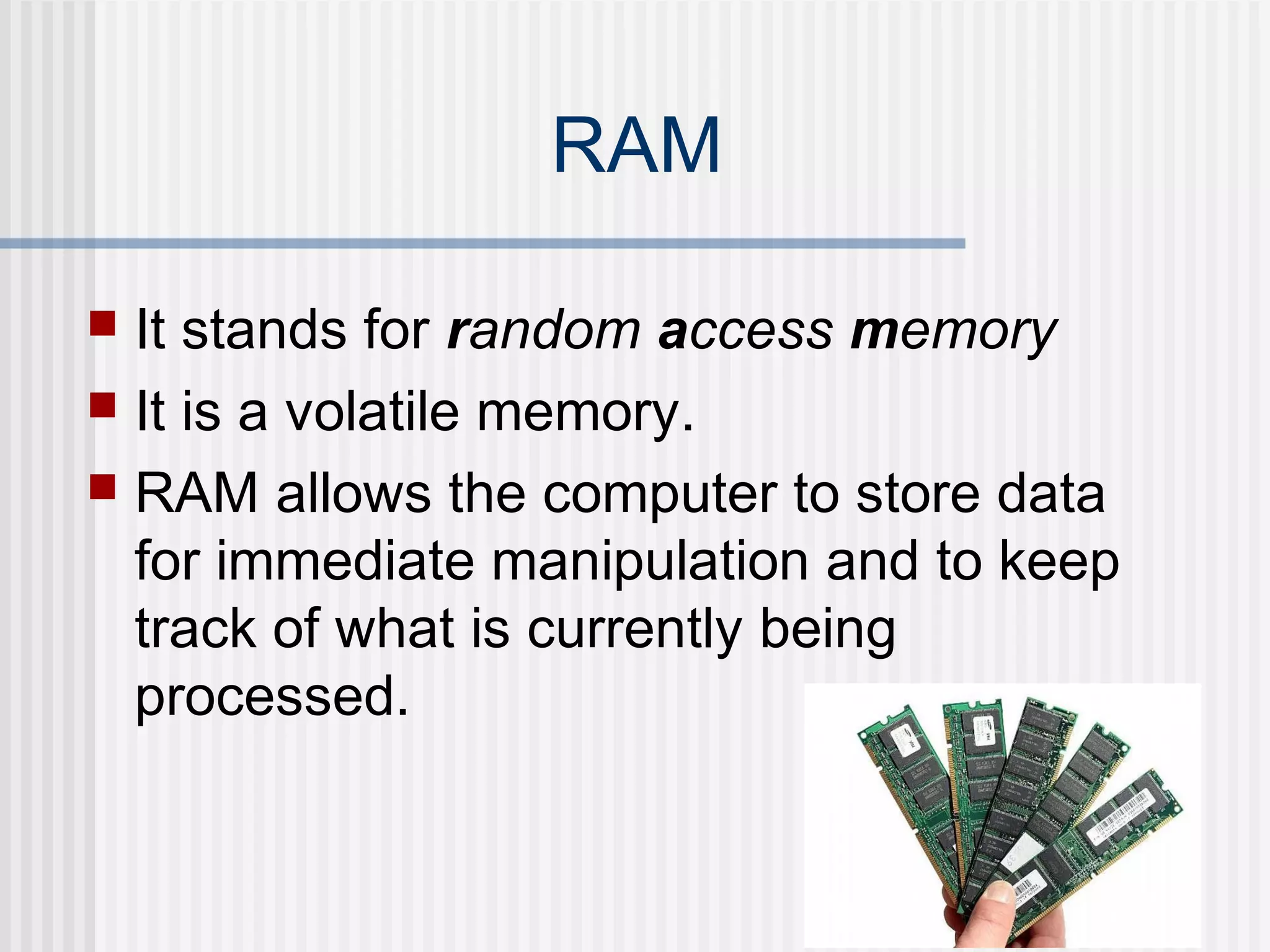
 It stands for random access memory
 It is a volatile memory.
 RAM allows the computer to store data
for immediate manipulation and to keep
track of what is currently being
processed.
The Language of Computers
 Binary: the digital language of
computers. This language is composed
of an alphabet containing only 2 “letters”
known as bits. Any work done on a
modern computer from word processing
to digital audio is translated to this
language.
Digital Letters and Words
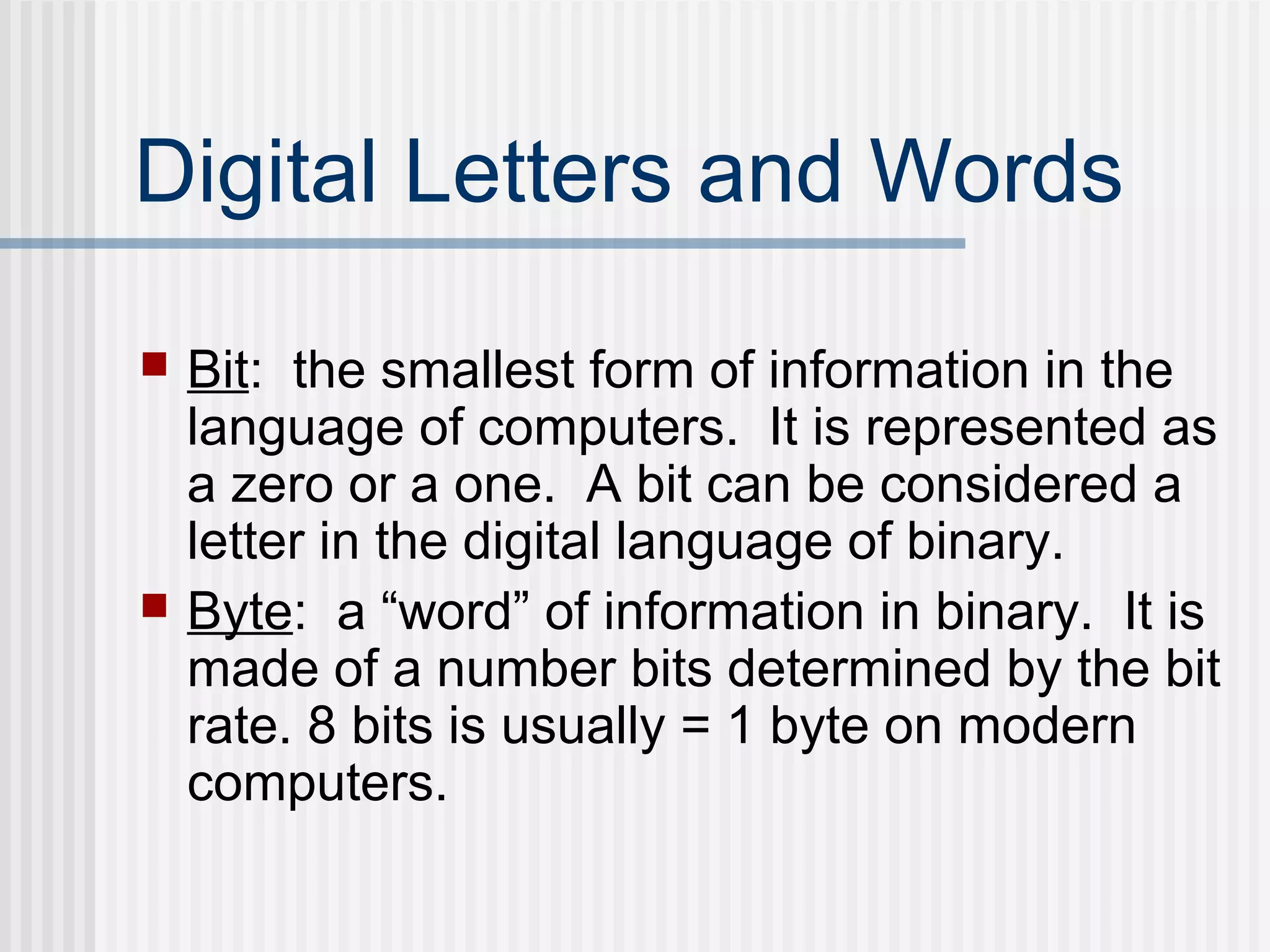
 Bit: the smallest form of information in the
language of computers. It is represented as
a zero or a one. A bit can be considered a
letter in the digital language of binary.
 Byte: a “word” of information in binary. It is
made of a number bits determined by the bit
rate. 8 bits is usually = 1 byte on modern
computers.
Example
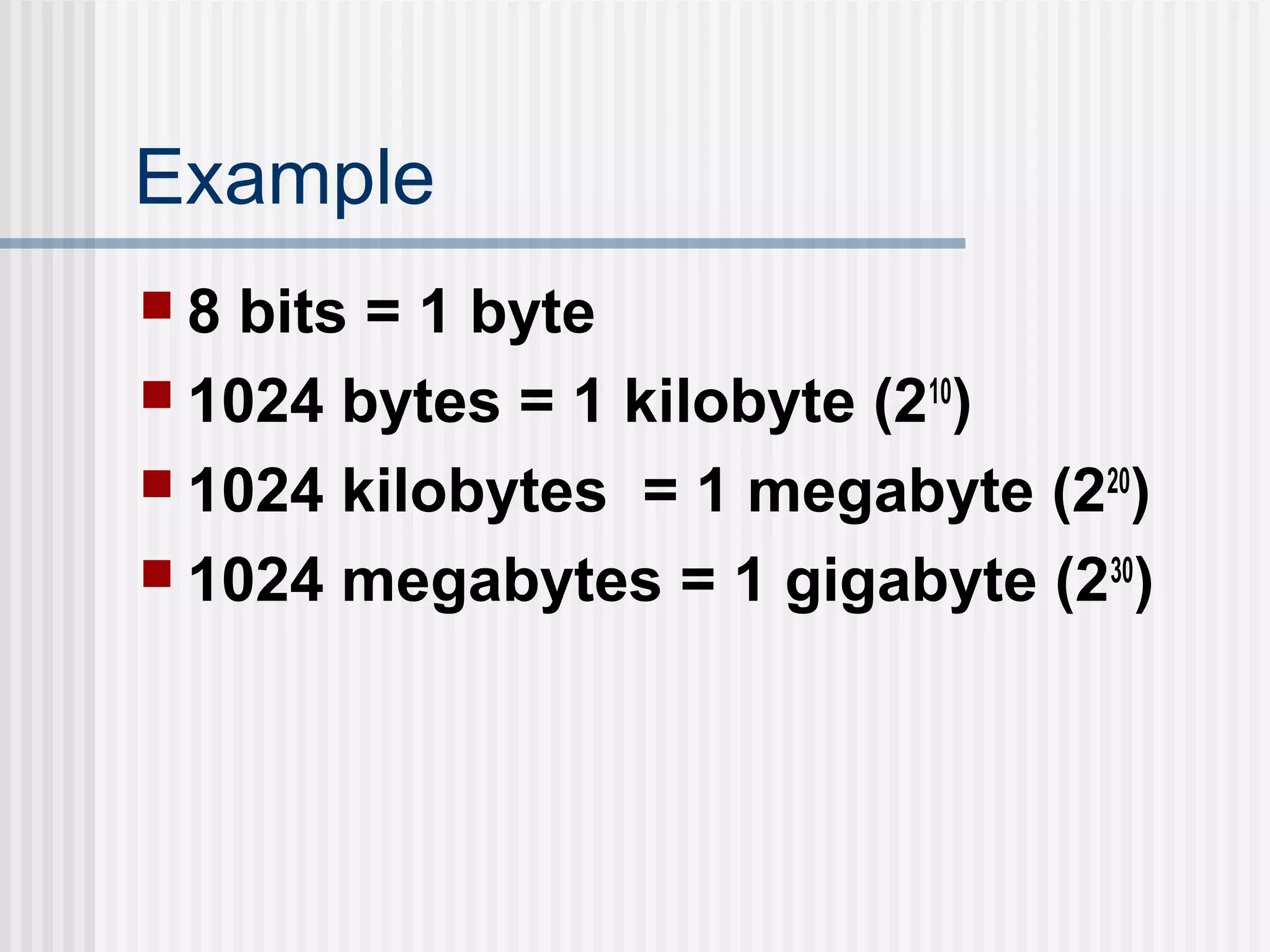
 8 bits = 1 byte
 1024 bytes = 1 kilobyte (210
)
 1024 kilobytes = 1 megabyte (220
)
 1024 megabytes = 1 gigabyte (230
)
Software
Software exists as ideas, concepts,
and symbols, but it has no substance.
Important Software
 The operating system software is the
most important program that runs on a
computer. Every general-purpose
computer must have an operating system
to run other programs.
Applications
 Operating systems provide a software
platform on top of which other programs,
called application programs, can run. The
application programs must be written to
run on top of a particular operating
system. Your choice of operating system,
therefore, determines to a great extent
the applications you can run.
YUP
THAT’S IT!

Basic computer fundamentals

  • 1.
    Computer Basic Subject: ICIT Name:Rahul Sharma Teacher name: Leena Munjal
  • 2.
    What Is aComputer?  A computer is a programmable machine with two principal characteristics: • It responds to a specific set of instructions in a well-defined manner. •It can execute a prerecorded list of instructions (a program).
  • 3.
    Hardware Hardware refers toobjects that you can actually touch, like disks, disk drives, display screens, keyboards, printers, boards, and chips.
  • 4.
    Hard disk  Chip Monitor Printer Keyboard & mouse
  • 5.
    Important Hardware  CPU- abbreviation of central processing unit, the CPU is the brains of the computer. Sometimes referred to simply as the processor or central processor, the CPU is where most calculations take place. In terms of computing power, the CPU is the most important element of a computer system.
  • 6.
    HARD DISK (StorageDevice)  The hard disk is a magnetic disk on which you can store computer data. Hard disks hold more data and are faster .A hard disk, for example, can store anywhere from 10 to more than 100 gigabytes. Hardisks are available in 500GB-1TB.
  • 7.
    RAM  It standsfor random access memory  It is a volatile memory.  RAM allows the computer to store data for immediate manipulation and to keep track of what is currently being processed.
  • 8.
    The Language ofComputers  Binary: the digital language of computers. This language is composed of an alphabet containing only 2 “letters” known as bits. Any work done on a modern computer from word processing to digital audio is translated to this language.
  • 9.
    Digital Letters andWords  Bit: the smallest form of information in the language of computers. It is represented as a zero or a one. A bit can be considered a letter in the digital language of binary.  Byte: a “word” of information in binary. It is made of a number bits determined by the bit rate. 8 bits is usually = 1 byte on modern computers.
  • 10.
    Example  8 bits= 1 byte  1024 bytes = 1 kilobyte (210 )  1024 kilobytes = 1 megabyte (220 )  1024 megabytes = 1 gigabyte (230 )
  • 11.
    Software Software exists asideas, concepts, and symbols, but it has no substance.
  • 12.
    Important Software  Theoperating system software is the most important program that runs on a computer. Every general-purpose computer must have an operating system to run other programs.
  • 13.
    Applications  Operating systemsprovide a software platform on top of which other programs, called application programs, can run. The application programs must be written to run on top of a particular operating system. Your choice of operating system, therefore, determines to a great extent the applications you can run.
  • 14.