Innovation, Education and
Technology

Arbutus Global Middle School!
Jan. 20th 2013!
Greater Victoria SD 61
Dave Shortreed
Coordinator of
Educational Technology!
Greater Victoria SD 61!
@mr_shortreed
www.daveshortreed.com!
!

Tweet to #sd61learn
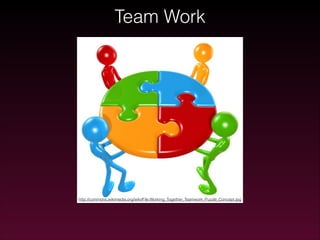
Team Work

http://commons.wikimedia.org/wiki/File:Working_Together_Teamwork_Puzzle_Concept.jpg
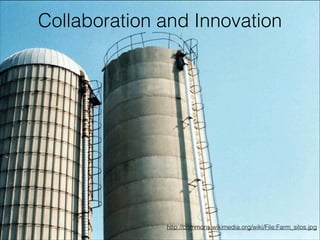
Collaboration and Innovation

http://commons.wikimedia.org/wiki/File:Farm_silos.jpg
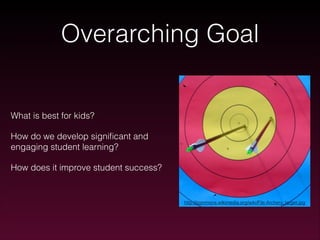
Overarching Goal

What is best for kids?
How do we develop significant and
engaging student learning?
How does it improve student success?

http://commons.wikimedia.org/wiki/File:Archery_target.jpg
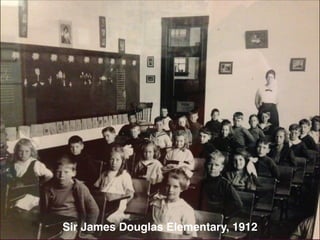
Sir James Douglas Elementary, 1912
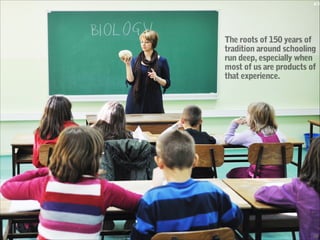
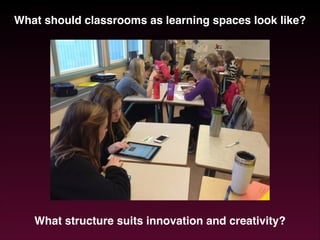
What should classrooms as learning spaces look like?!
!

What structure suits innovation and creativity?
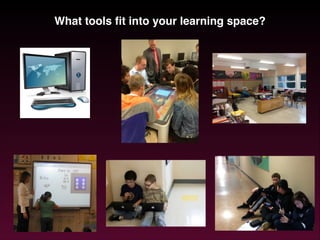
What tools fit into your learning space?
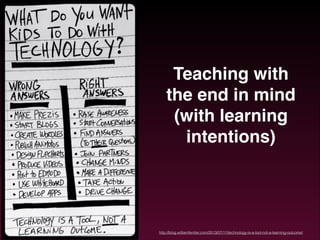
Teaching with
the end in mind
(with learning
intentions)

http://blog.williamferriter.com/2013/07/11/technology-is-a-tool-not-a-learning-outcome/
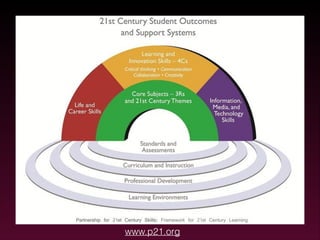
www.p21.org
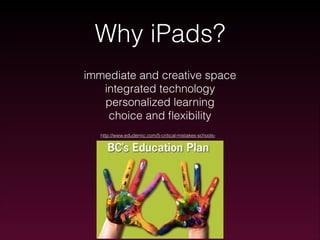
Why iPads?
immediate and creative space
integrated technology
personalized learning
choice and flexibility
http://www.edudemic.com/5-critical-mistakes-schools-
Implementation of iPads

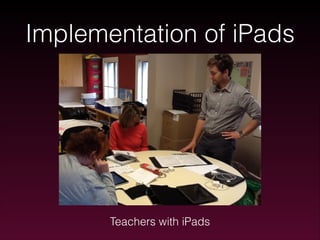
Teachers with iPads
http://commons.wikimedia.org/wiki/File:Archery_target.jpg
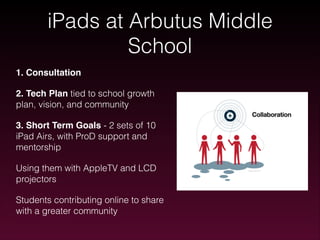
iPads at Arbutus Middle
School
1. Consultation!
2. Tech Plan tied to school growth
plan, vision, and community
3. Short Term Goals - 2 sets of 10
iPad Airs, with ProD support and
mentorship
Using them with AppleTV and LCD
projectors
Students contributing online to share
with a greater community
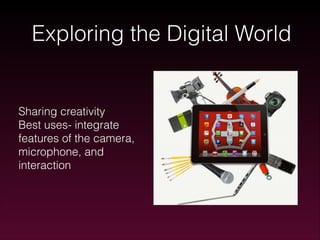
Exploring the Digital World

Sharing creativity
Best uses- integrate
features of the camera,
microphone, and
interaction
“how a small suite of apps related to annotating, curation, and image,
audio, and video production that [can] support a diverse student
performances of understanding”
(Daccord, 2013)
Apps can’t do everything
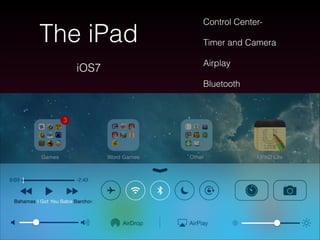
The iPad
iOS7

Control CenterTimer and Camera
Airplay
Bluetooth
Searching for Apps
App Resources
appitic.com
eraccommons.ca/mobileapps/
edudemic.com
ipad4schools.org
iear.org
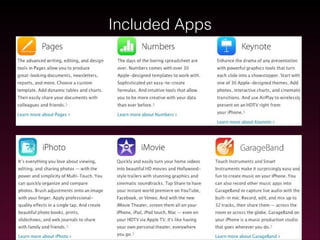
Included Apps
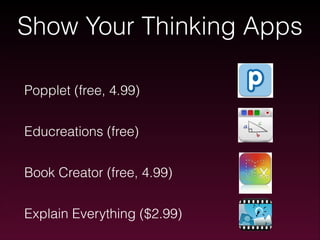
Show Your Thinking Apps
!

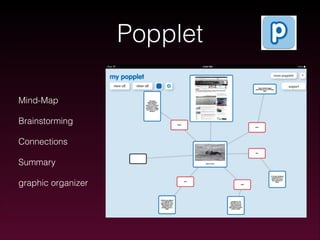
Popplet (free, 4.99)
!

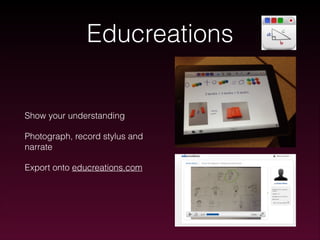
Educreations (free)
!

Book Creator (free, 4.99)
!

Explain Everything ($2.99)
Popplet
Mind-Map
Brainstorming
Connections
Summary
graphic organizer
Educreations

Show your understanding
Photograph, record stylus and
narrate
Export onto educreations.com
Book Creator
non-fiction report writing
digital storytelling
photo, video, audio, animation,
paint, text
Explain Everything
peer- editing
pre-made slides
reflections/assessments
presentations
www.explainingunderstanding.com
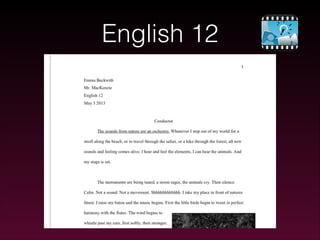
English 12
Creation Apps

Keynote

Telecast

iMovie

Tellagami
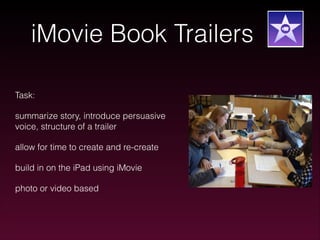
iMovie Book Trailers
Task:
summarize story, introduce persuasive
voice, structure of a trailer
allow for time to create and re-create
build in on the iPad using iMovie
photo or video based
Based on a short story “Greenel and Graynel” by
Gantschew Iran
Tellagami
30 second clips with avatars
Greenel And Graynel

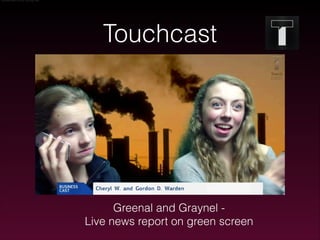
Touchcast

Greenal and Graynel Live news report on green screen
Explore Time
Your Task:
1. Explore the apps and consider your
pedagogy, purpose and content in a
lesson
2. Find an app you could see yourself
using tomorrow
3. Design an integrated activity
4. Prepare to share out next session!
Share out

Please share the outcome of your explore time?!
Thoughts? Ideas? Inspirations?
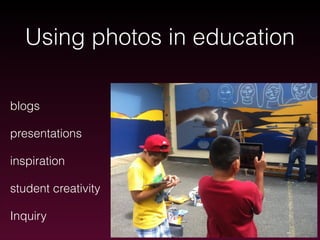
Using photos in education
blogs
presentations
inspiration
student creativity
Inquiry
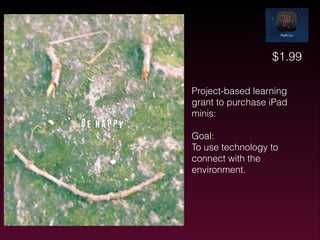
$1.99
Project-based learning
grant to purchase iPad
minis:
!

Goal:
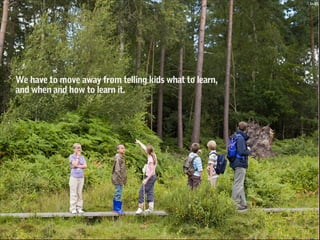
To use technology to
connect with the
environment.
!
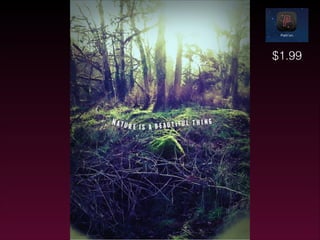
$1.99
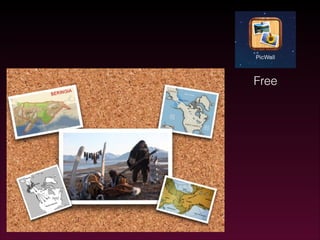
Free
Framing Apps for learning
What is your learning outcome?
What is your essential question?
What tools (in this case iPad apps) fit into that
learning outcome?
Evergreen Apps
not tied to content!
limitless instructional possibilities!
integrate to foster creativity and innovation!
creating, annotating, curating!

http://www.eschoolnews.com/2013/05/28/the-evergreen-ipad-why-all-your-apps-should-fit-on-onescreen/
Essential Questions
Inquiry Based Learning/
Project Based Learning
Good questions spark
more questions and
curiosity for learning
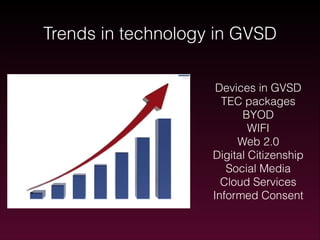
Trends in technology in GVSD
Devices in GVSD
TEC packages
BYOD
WIFI
Web 2.0
Digital Citizenship
Social Media
Cloud Services
Informed Consent
Management Logistics
Recommendations for iPads:
Tech Plan rooted in learning goals
Tech committee
Expectations for teachers and students
Accountability and catalogue
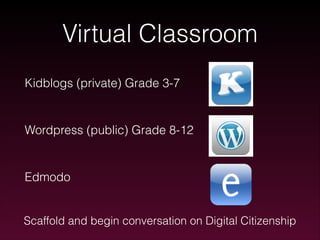
Virtual Classroom
Kidblogs (private) Grade 3-7
!

Wordpress (public) Grade 8-12
!

Edmodo

Scaffold and begin conversation on Digital Citizenship
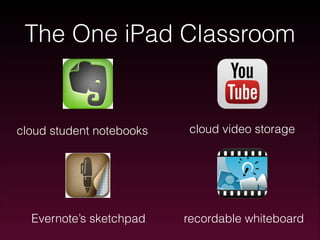
The One iPad Classroom

cloud student notebooks

Evernote’s sketchpad

cloud video storage

recordable whiteboard
Social media can be used for:
!
•

sharing stories/ideas

•

raising awareness

•

opening conversation

•

bringing people together
Thank you!
Resources:
!

Twitter - #sd61learn
!

daveshortreed.com
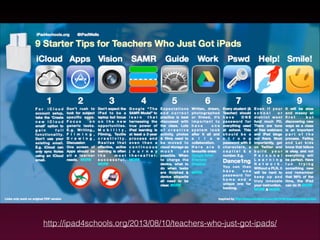
http://ipad4schools.org/2013/08/10/teachers-who-just-got-ipads/

Arbutus Global Middle School