MLA Presentation


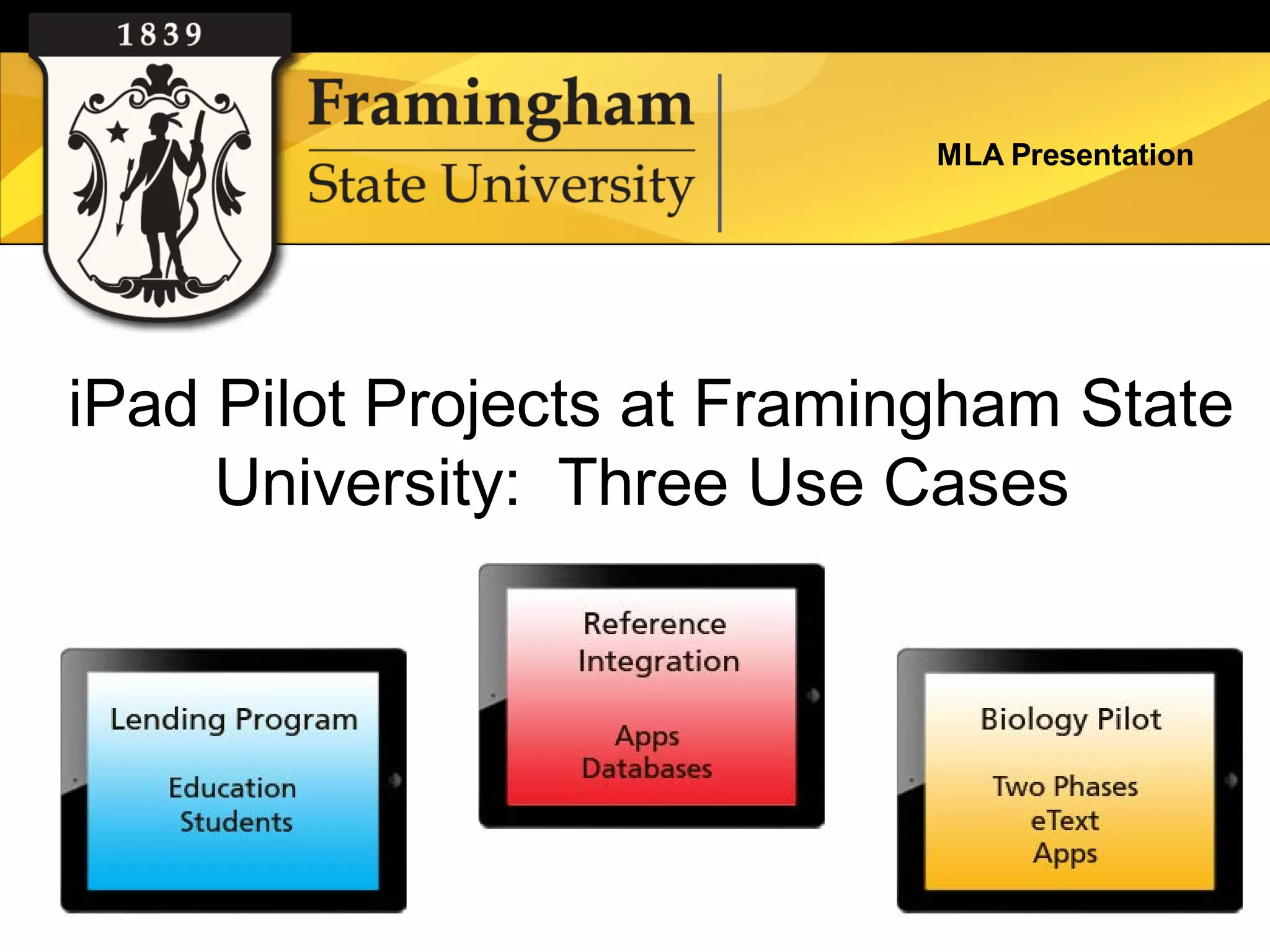
iPad Pilot Projects at Framingham State
     University: Three Use Cases
MLA Presentation


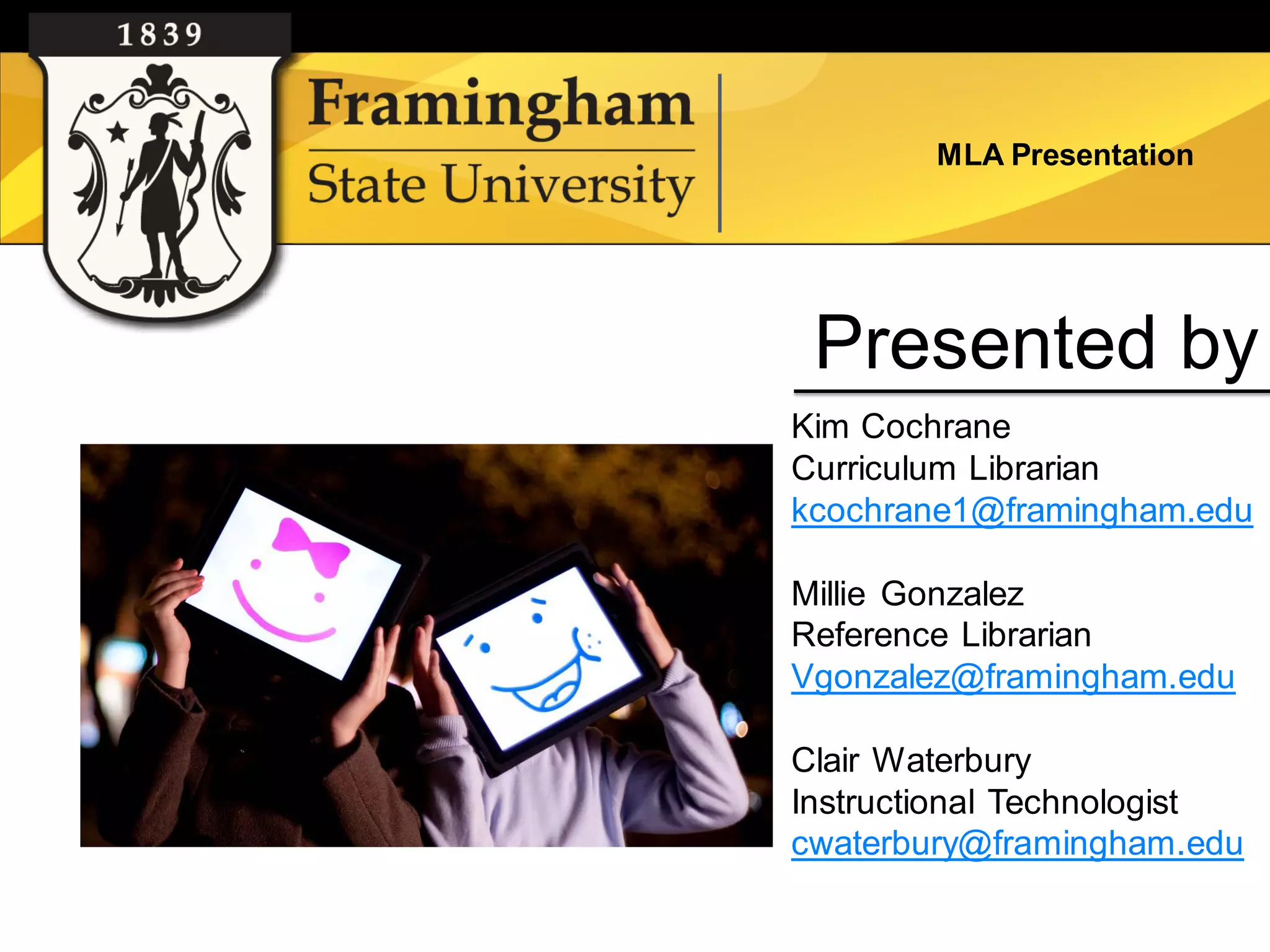
 Presented by
Kim Cochrane
Curriculum Librarian
kcochrane1@framingham.edu

Millie Gonzalez
Reference Librarian
Vgonzalez@framingham.edu

Clair Waterbury
Instructional Technologist
cwaterbury@framingham.edu
MLA Presentation


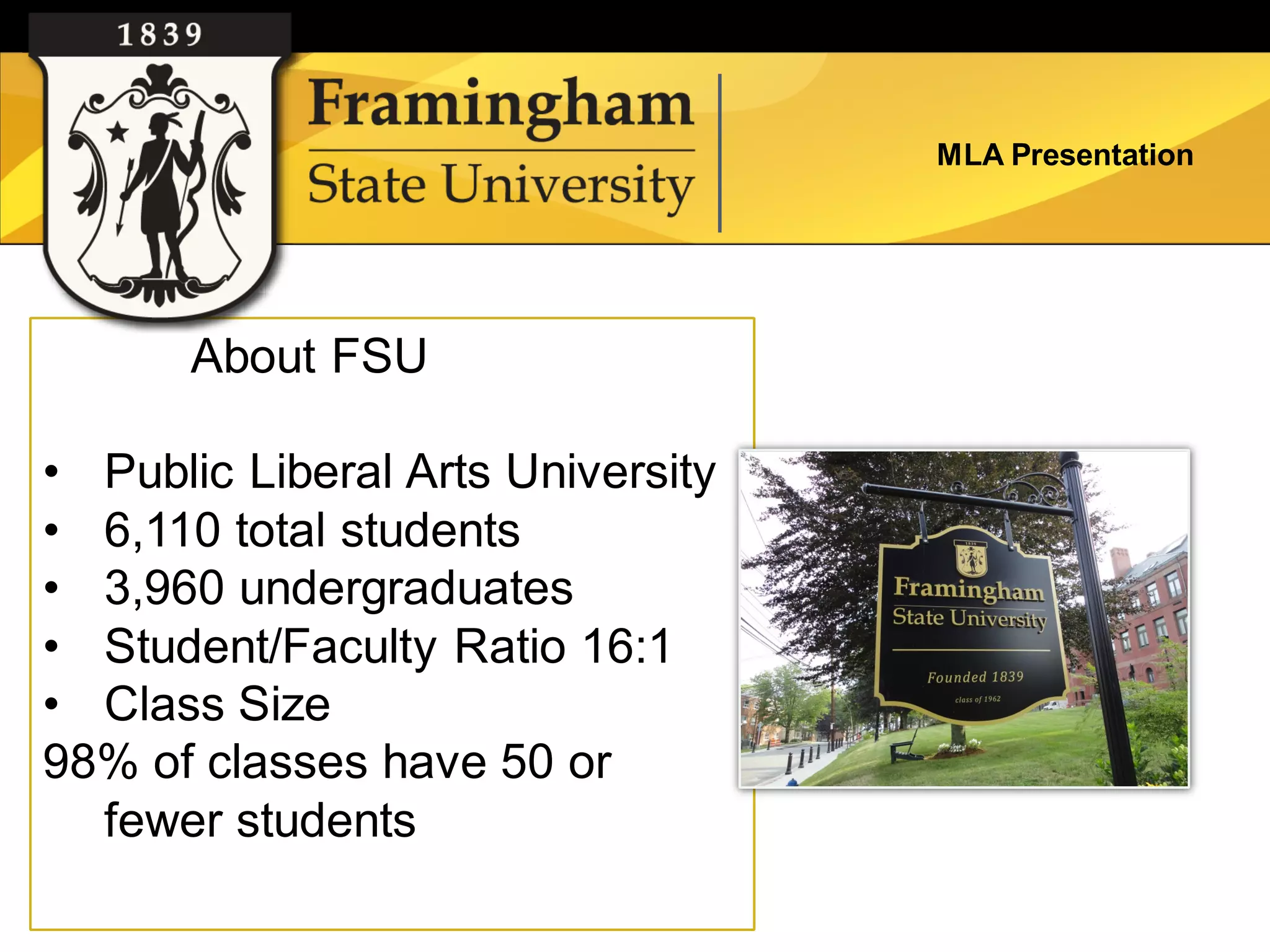
       About FSU

• Public Liberal Arts University
• 6,110 total students
• 3,960 undergraduates
• Student/Faculty Ratio 16:1
• Class Size
98% of classes have 50 or
  fewer students
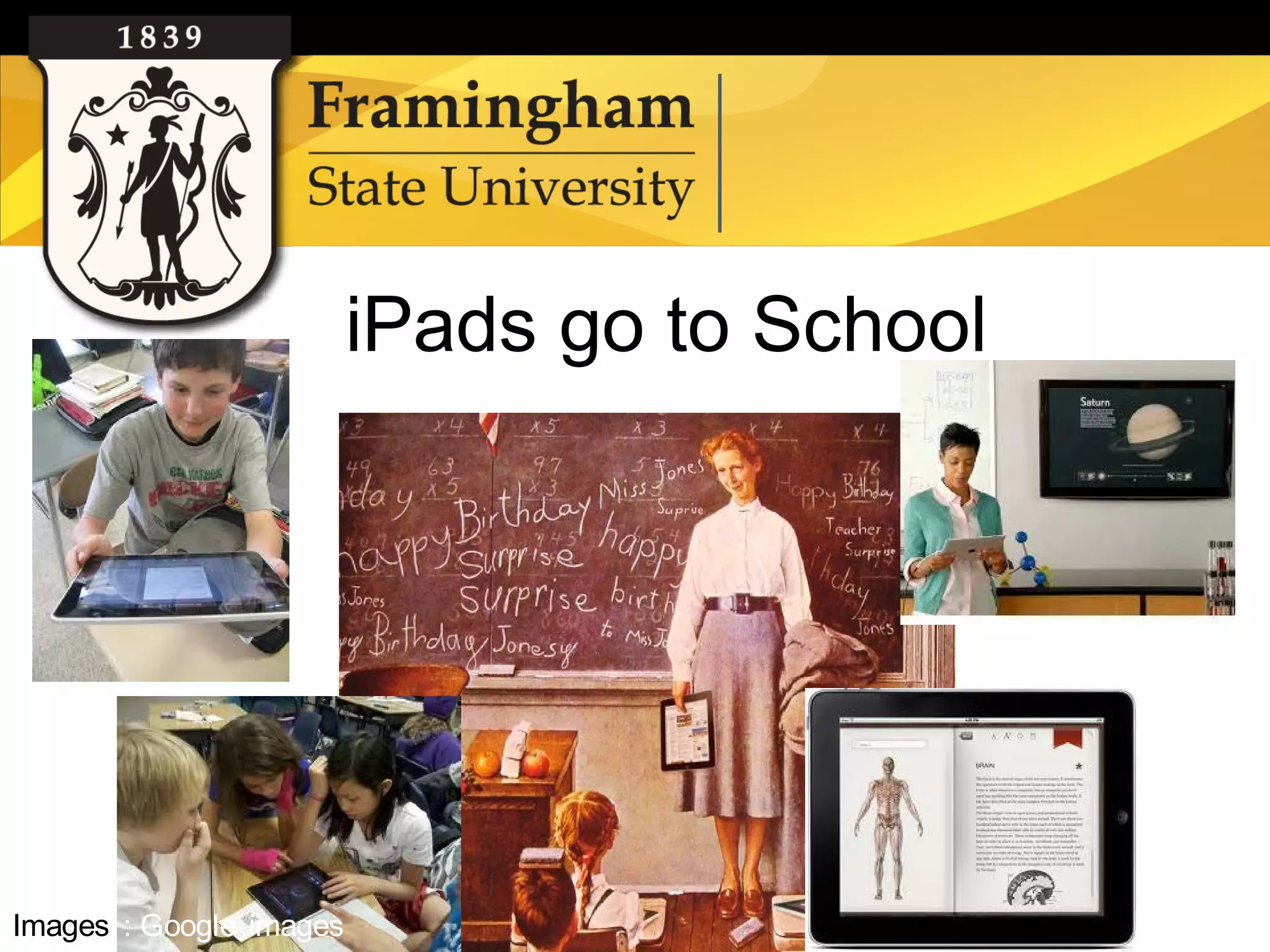
iPads go to School


Images : Google images
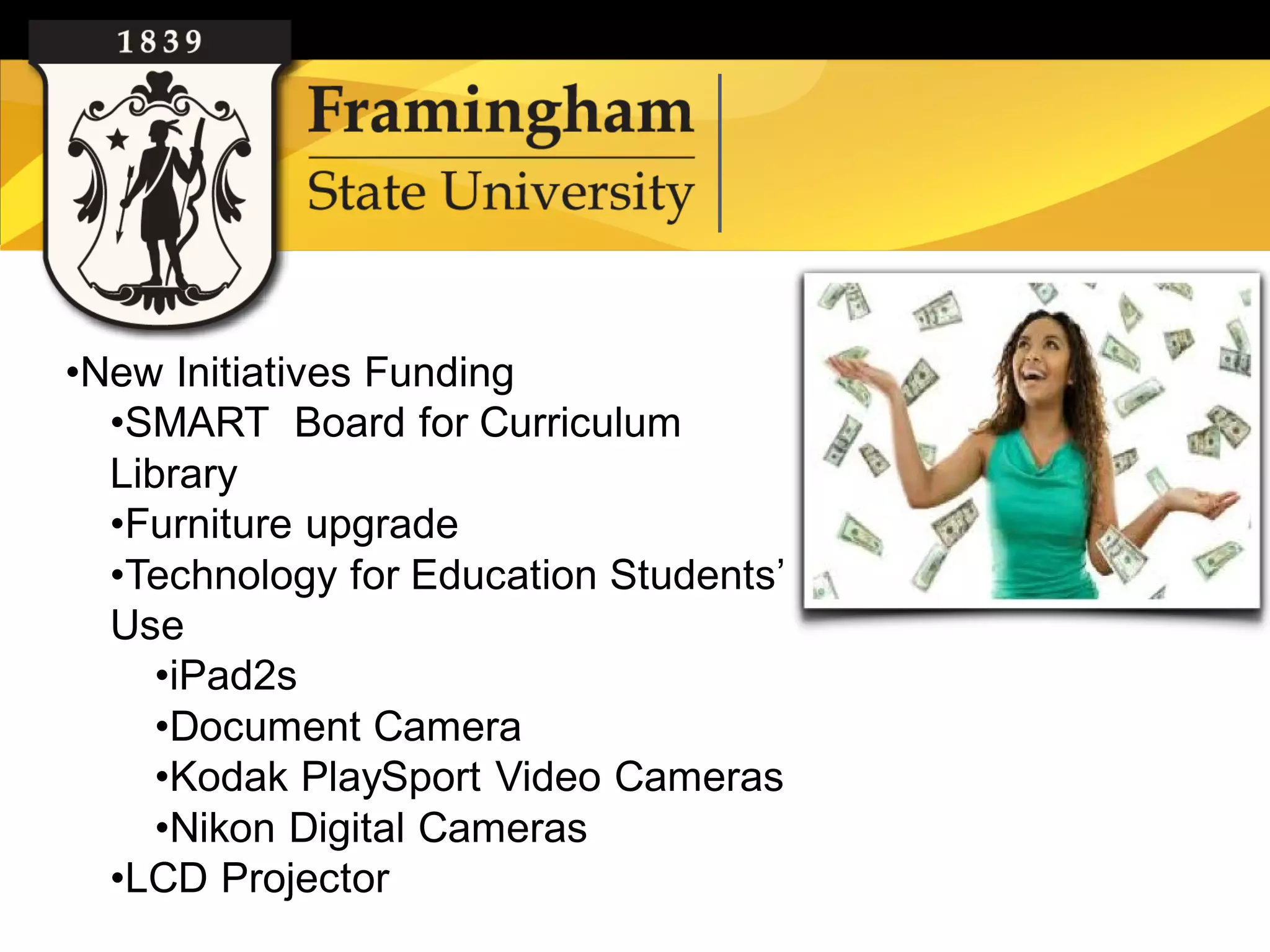
•New Initiatives Funding
  •SMART Board for Curriculum
  Library
  •Furniture upgrade
  •Technology for Education Students’
  Use
     •iPad2s
     •Document Camera
     •Kodak PlaySport Video Cameras
     •Nikon Digital Cameras
  •LCD Projector
iPad Lending Program
 –   Who can borrow them?
 –   Circulation time?
 –   Restrictions?
Process :
•Set up the iPads with (free) Education
Apps
•Agreement form
•Checkout policy
•Check in policy

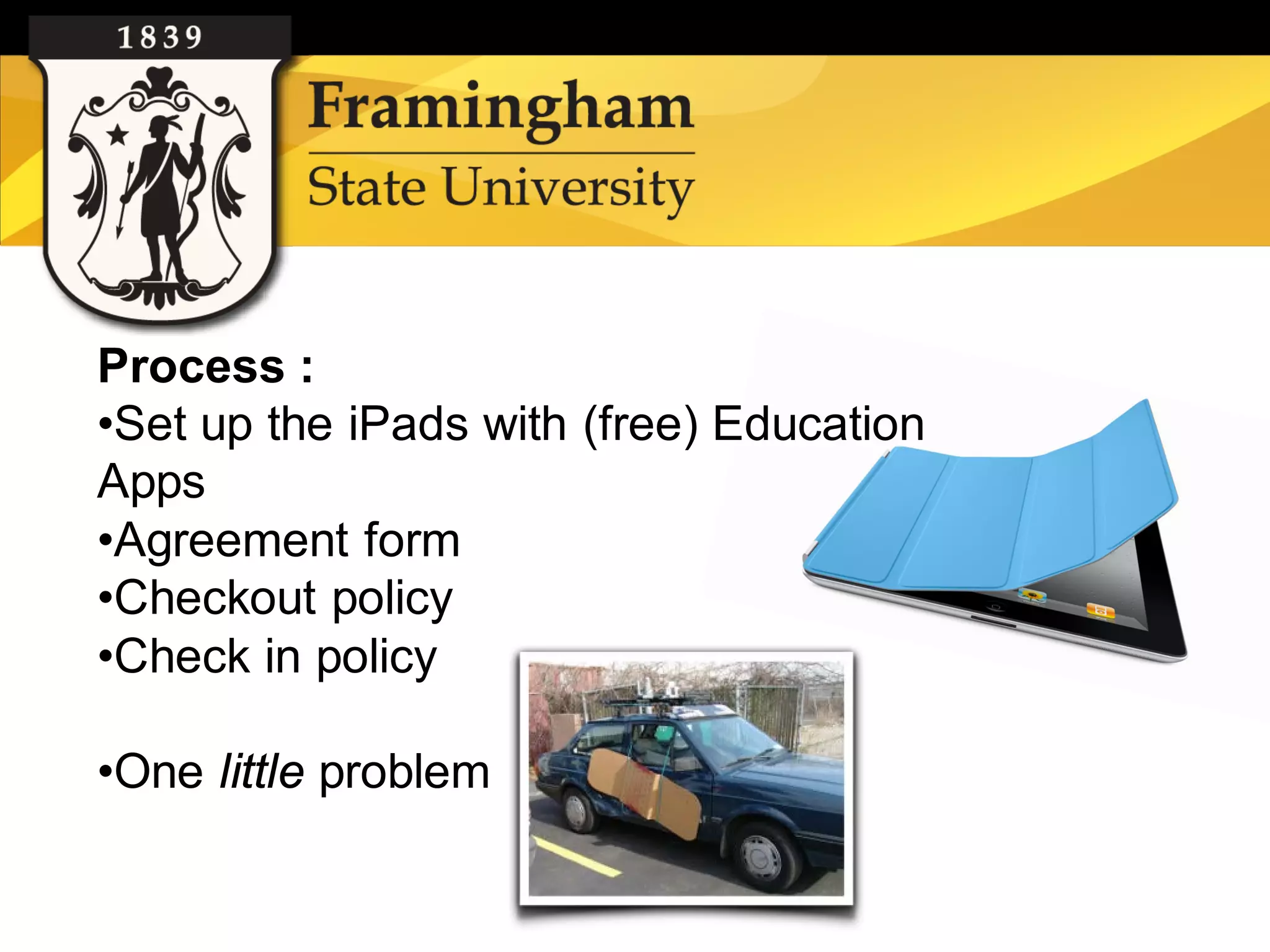
•One little problem
– Mathematics
• Folders:                     •   Hockey Hoopla
  – Art & Music                •   Splash Math (various grades)
                               •   Adding Apples
    •   Artists Hall
                               •   Fill the Cup
    •   Squrl
                               •   Hungry fish
    •   Piano
    •   Draw Free            – Science
    •   Getty: Life of Art     •   Science 360
  – Social Studies             •   Google Earth
                               •   NASA
    • ShakeEmUp
                               •   Planets
    • Presidents
                               •   Moon Globe
    • Stack the States
                               •   3DBrain
                               •   Leaf Snap
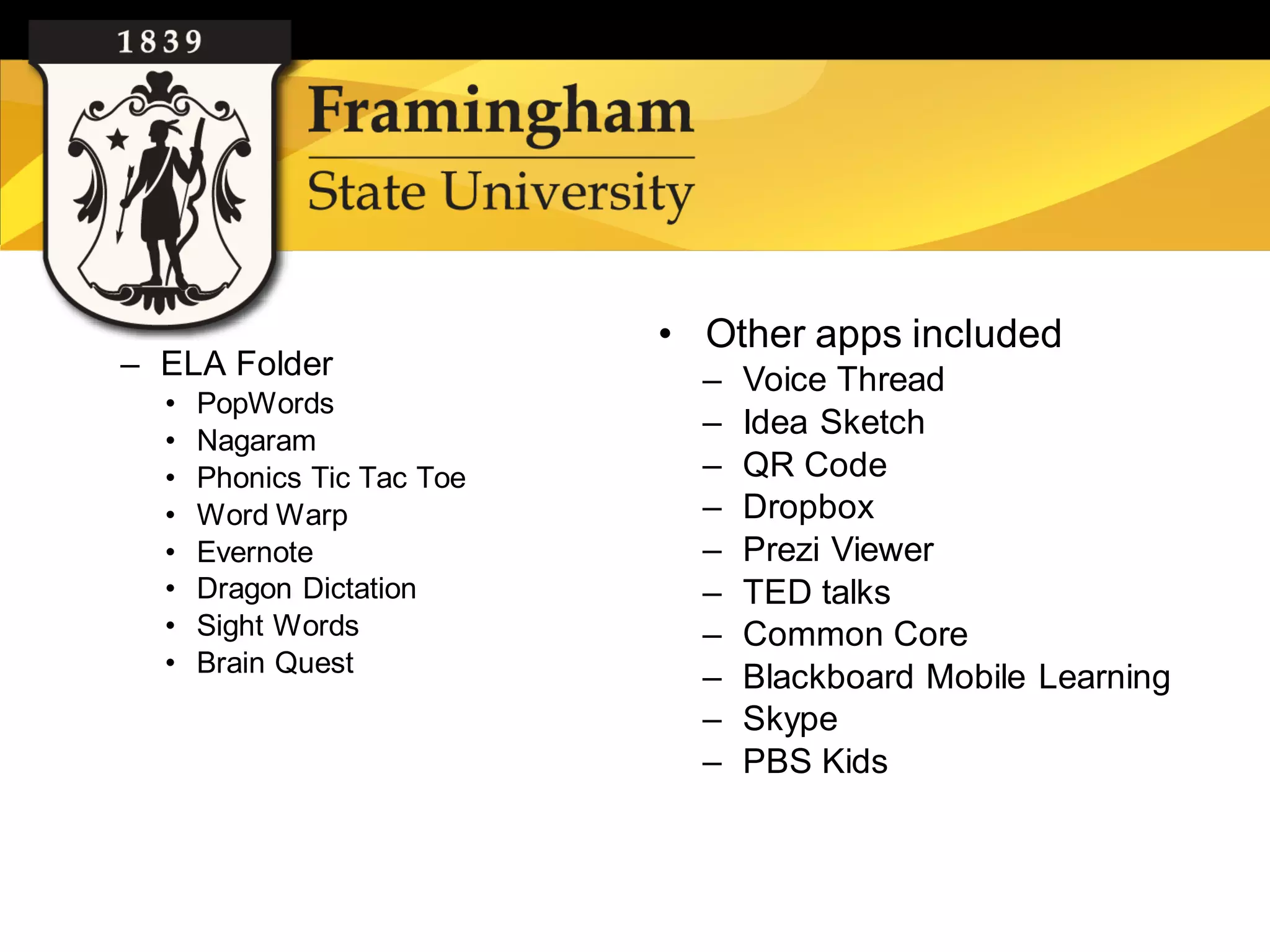
• Other apps included
– ELA Folder                  –   Voice Thread
  •   PopWords
  •   Nagaram
                              –   Idea Sketch
  •   Phonics Tic Tac Toe     –   QR Code
  •   Word Warp               –   Dropbox
  •   Evernote                –   Prezi Viewer
  •   Dragon Dictation        –   TED talks
  •   Sight Words             –   Common Core
  •   Brain Quest
                              –   Blackboard Mobile Learning
                              –   Skype
                              –   PBS Kids
Pr
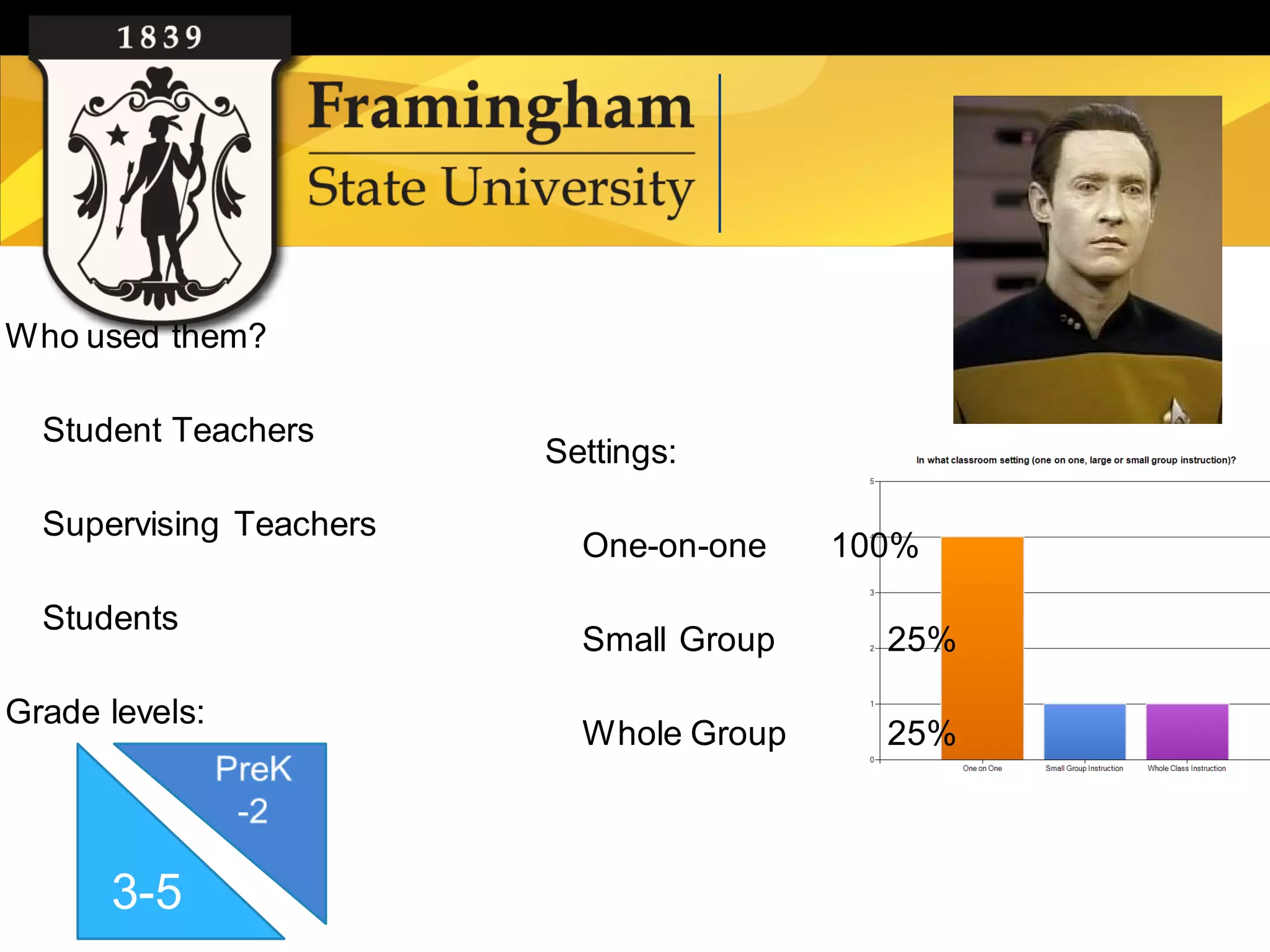
Who used them?

  Student Teachers
                         Settings:

  Supervising Teachers
                           One-on-one    100%

  Students
                           Small Group     25%

Grade levels:
                           Whole Group     25%


      3-5
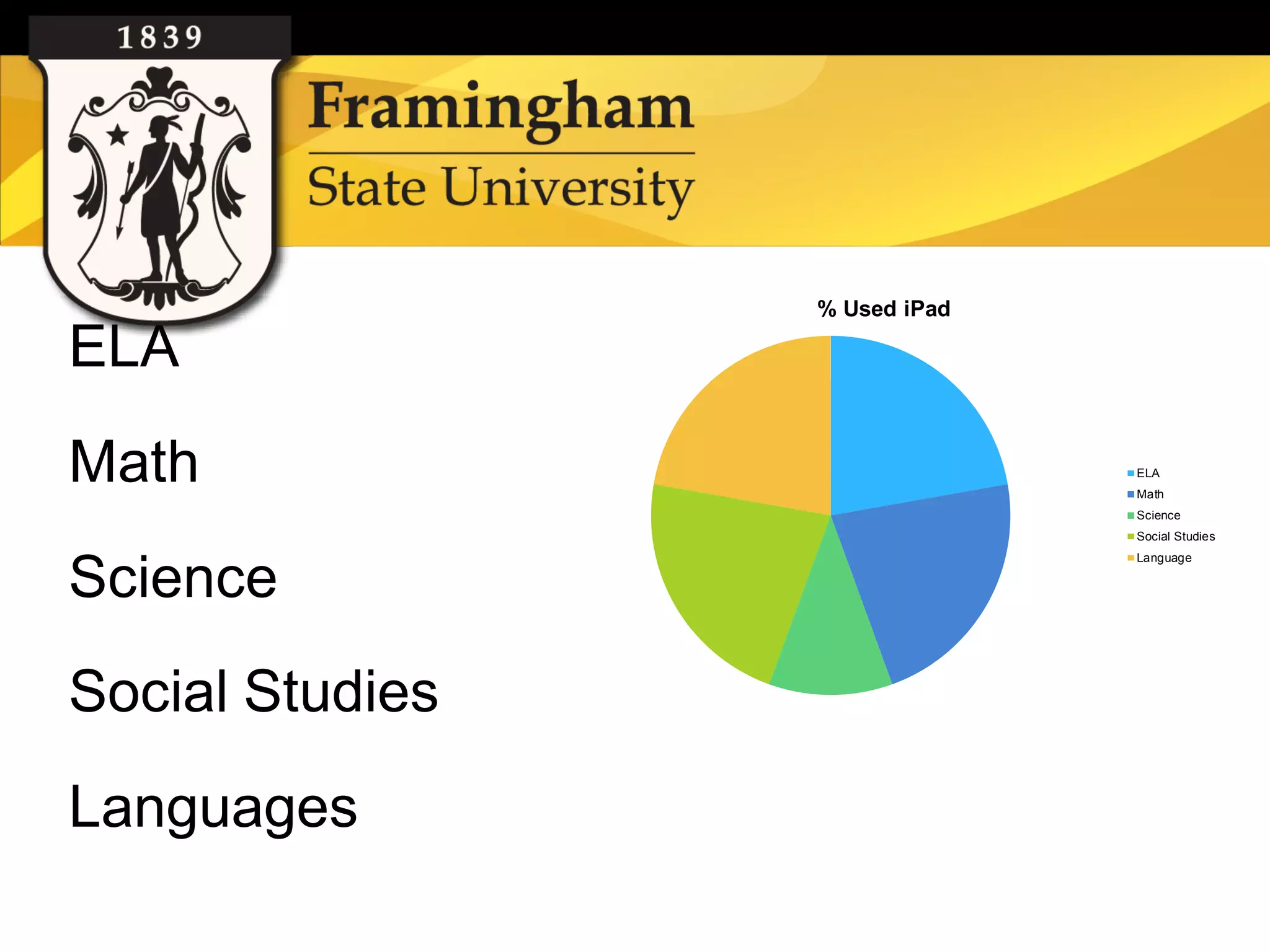
% Used iPad

ELA
Math                           ELA
                               Math
                               Science
                               Social Studies
                               Language

Science
Social Studies
Languages
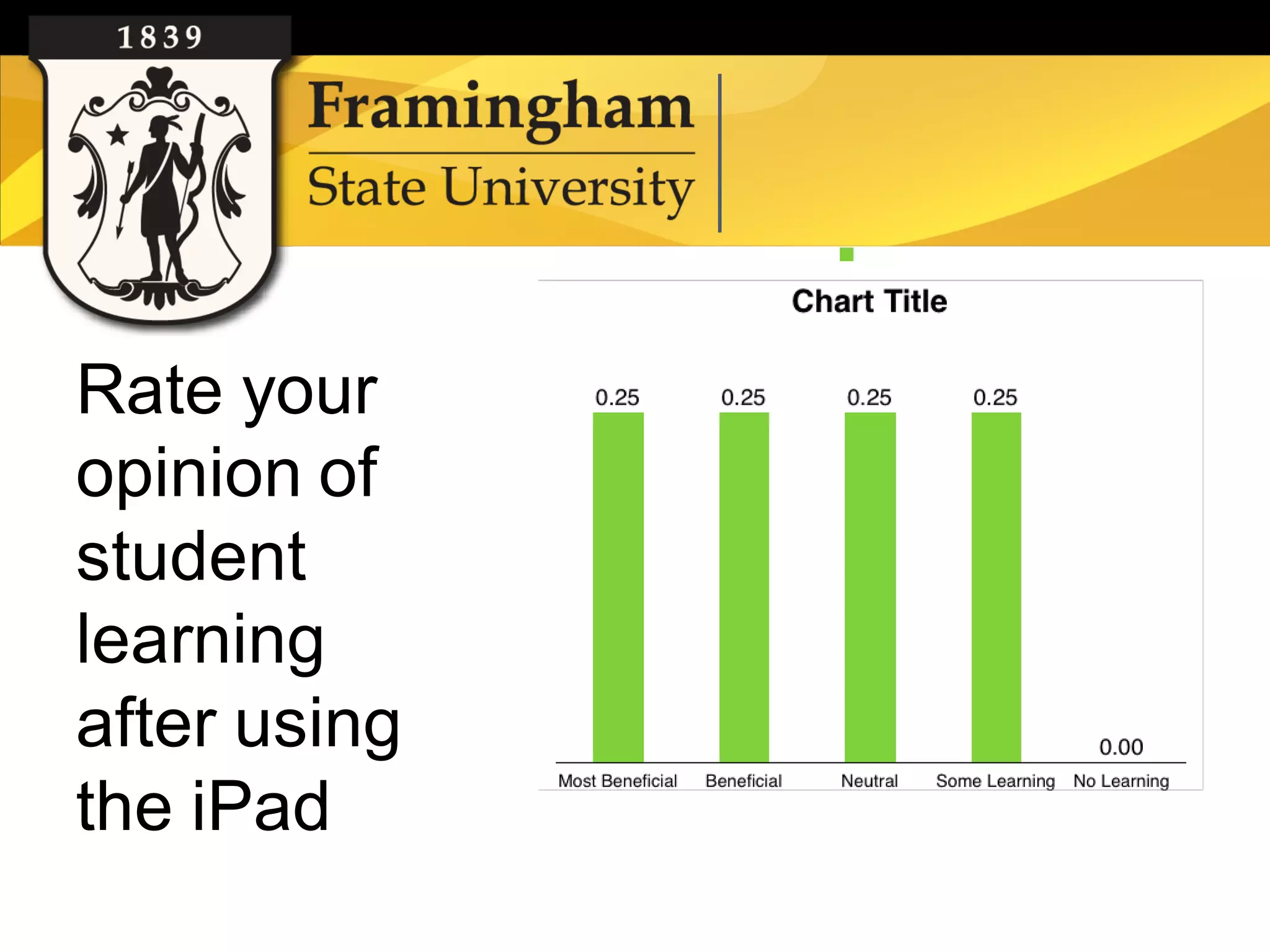
Rate your
opinion of
student
learning
after using
the iPad
•Let students take out the
iPads for longer than 2 weeks
•Get iPads with 4G for those
people in schools with no WiFi
•Get more durable cases
•Add a link to the Curriculum
Library website that lists
sources, ideas and suggested
iPad apps
iPads at the Reference Desk


          iPads at the Reference
          Desk
          Millie Gonzalez
          Reference and Electronic Resources Librarian
          vgonzalez@framingham.edu


Google images
Google images
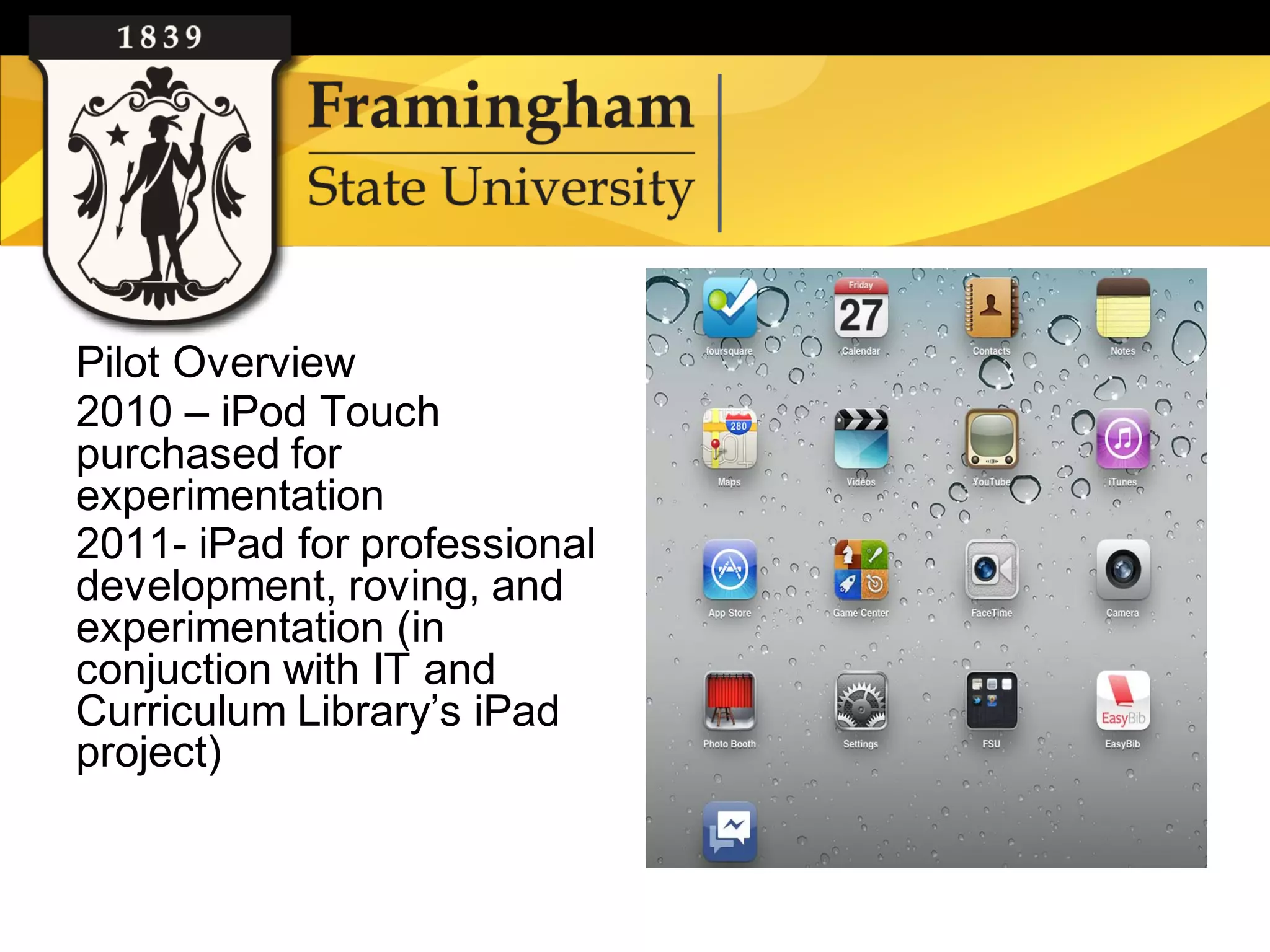
Pilot Overview
    2010 – iPod Touch
    purchased for
    experimentation
    2011- iPad for professional
    development, roving, and
    experimentation (in
    conjuction with IT and
    Curriculum Library’s iPad
    project)


Google images
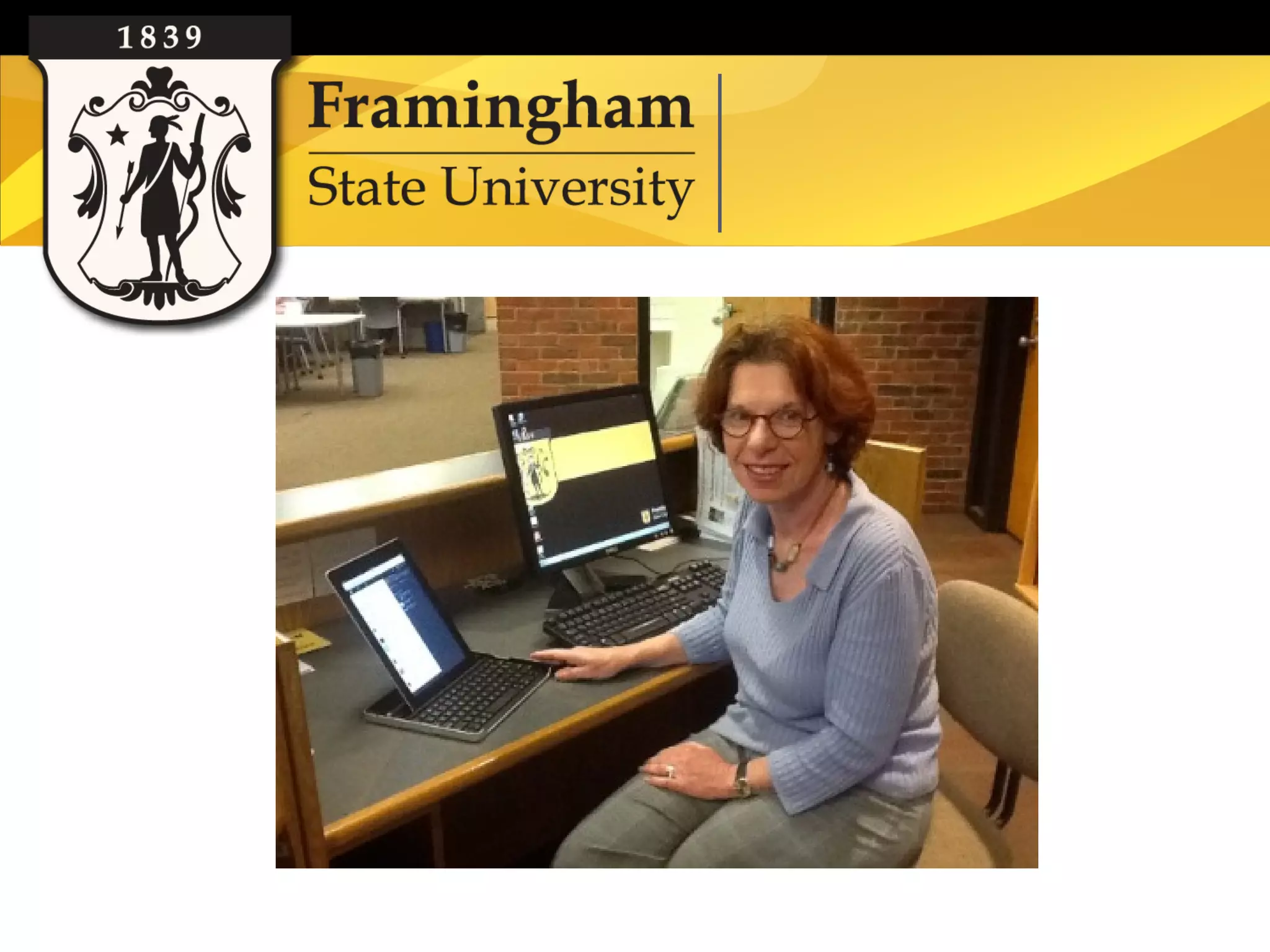
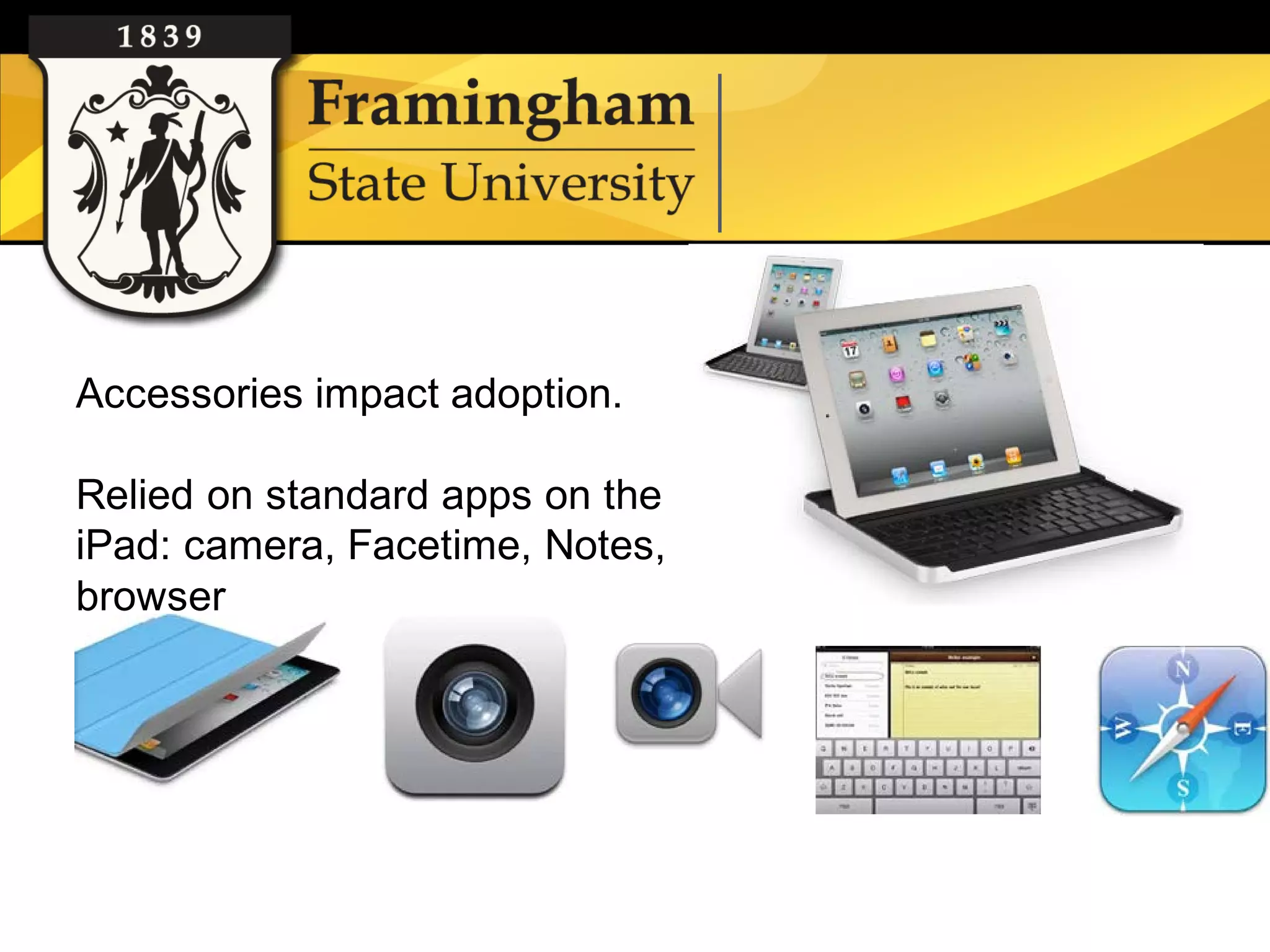
Accessories impact adoption.

    Relied on standard apps on the
    iPad: camera, Facetime, Notes,
    browser


Google images
Free apps for reference work
    • Bookmark your library page on iPad, create icon
    • Twitter: tweet from the desk
    • Google Voice: monitor SMS texts*
    • Meebo: monitor instant messaging*
    • Wolfram Alpha: computational search engine


   *Helpful if your library uses these applications for SMS and IMs.
Google images
Free apps for reference work
    • Adobe Reader: read pdfs, annotate
    • iBooks: house books, documents
    • Browsers: Safari, Google, Bing, Opera Mini, Dolphin HD
    • EasyBib: cite a book by scanning
    • Bamboo Paper: note taking


Google images
Free apps for reference work
    •Overdrive: show how to download Overdrive titles
    •Kindle: Overdrive titles on Kindle
    •Foursquare: check in and leave library tips
    •Dropbox, Evernote: storage


Google images
$ apps for reference work
    •Pages: word processing
    •Keynote: presentation software
    •Side by Side: split screen app


Google images
Free database apps
    • Gales’ Access My Library/Access My Library College*
    • EBSCOhost*
    • Science Direct*
    • WorldCat
    • Mango Languages*
    • Blackboard Mobile Learn*
    • PubMed


Google images                  (*institution must have subscription)
Literature Review*
Few articles on specifically using the iPad at the reference desk. Focused on roving
reference as defined by Courtois and Liriano: “library employee circulating within the
reference area or other parts of the library to offer assistance to users.”
In Roving Reference with iPads, the authors of the study found the iPad offered
advantages like, “portability, suitability for simple on-the-fly web searching, ease of
gathering user feedback for assessment, and ability for several people to easily see the
screen.” “The multifunction capabilities and long battery life” were found useful. Some
librarians disliked the pop-up keyboard and missed the keyboard shortcuts.
In Using the iPad for reference services, the iPads were primarily used for roving
reference. “The inability to ‘multitask’ by toggling through several applications has some
negative implications…” The authors hope to use the iPad for video chat reference.


                                    *Citations to articles on roving reference are
                                    included in list of references at the end.
Survey of reference staff
    • All of the reference staff used the iPad in varying degrees.
    • The librarians who used the iPad more actively played with
      the apps, used Facetime and camera. They have also used
      the iPad with students.
    • The rest browsed the web, played with the keyboard and/or
      read email.
    • All of the reference staff preferred to use the computer at the
      reference desk. One would like to use both the iPad and the
      computer at the reference desk (the iPad to check for links
      and searching databases).


Google images
Survey of reference staff
    •All found value in using the iPad for roving reference (only two
     used it for this purpose). Those that “roved” used the iPad in the
     stacks for catalog/periodicals searching on the catalog. One
     person would like to take it to meetings and conferences as well.
    •Most found benefit in using the iPad as a second screen at the
     reference desk. The majority did not feel it was a necessary tool.


Google images
Next steps / future
    • Roving reference trial with ipads and/or ipod
      touch for the fall semester. Suggested
      location: campus center
    • Discussion of Facetime/messenger reference
    • Survey collection using LibAnalytics
    • Departmental communication via ipad

Google images
Resources
    • Bibliography on Refworks:
      http://www.refworks.com/refshare2?site=042421
      170651600000/RWWEB1041458836/IPAD
    • Recommend ALA course: iPads, Tablets, and
      Gadgets in the Library: Planning, Budgeting,
      and Implementation eCourse


Google images
MLA Presentation


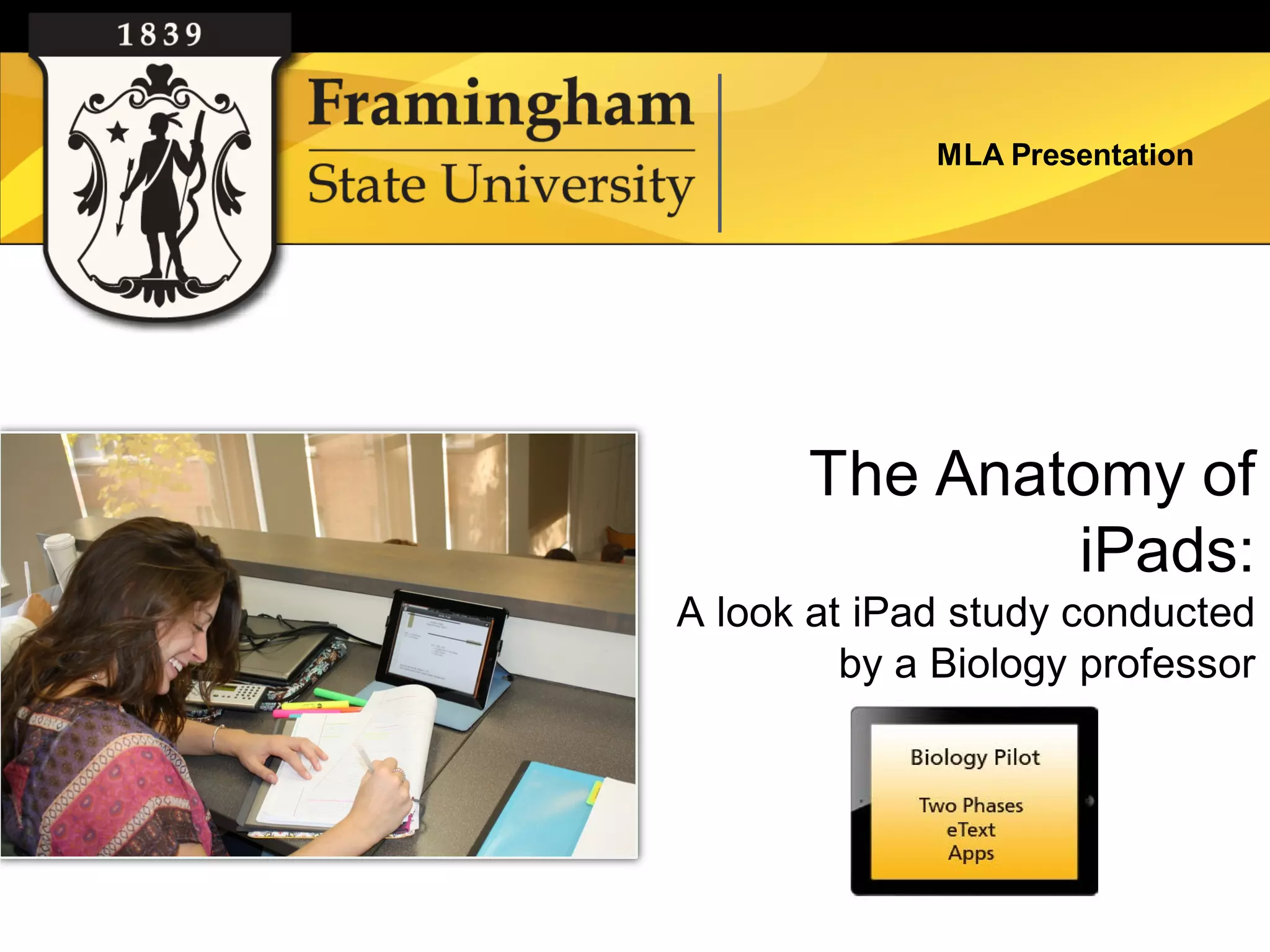
       The Anatomy of
               iPads:
A look at iPad study conducted
         by a Biology professor
MLA Presentation


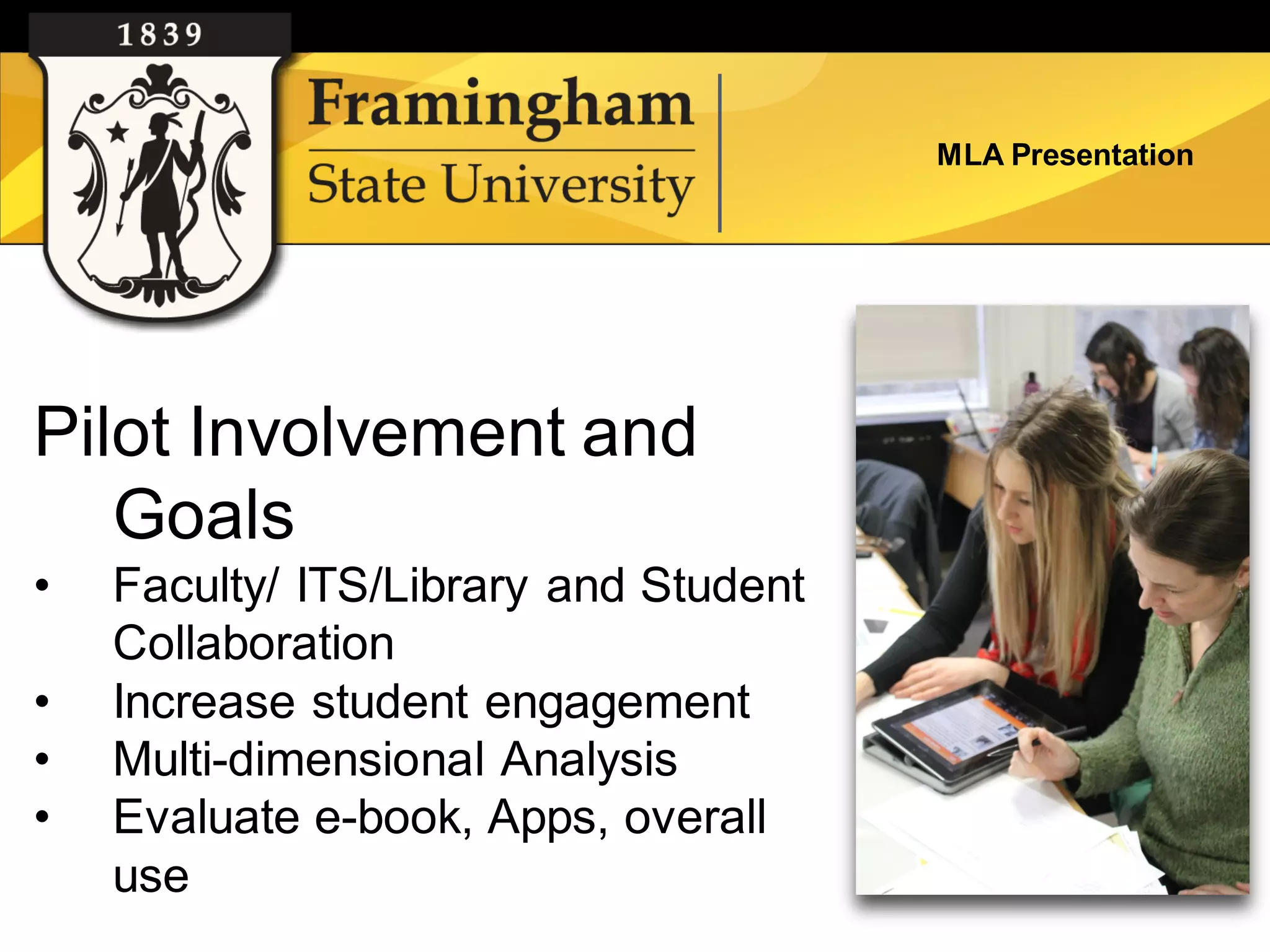
Pilot Involvement and
   Goals
•   Faculty/ ITS/Library and Student
    Collaboration
•   Increase student engagement
•   Multi-dimensional Analysis
•   Evaluate e-book, Apps, overall
    use
MLA Presentation


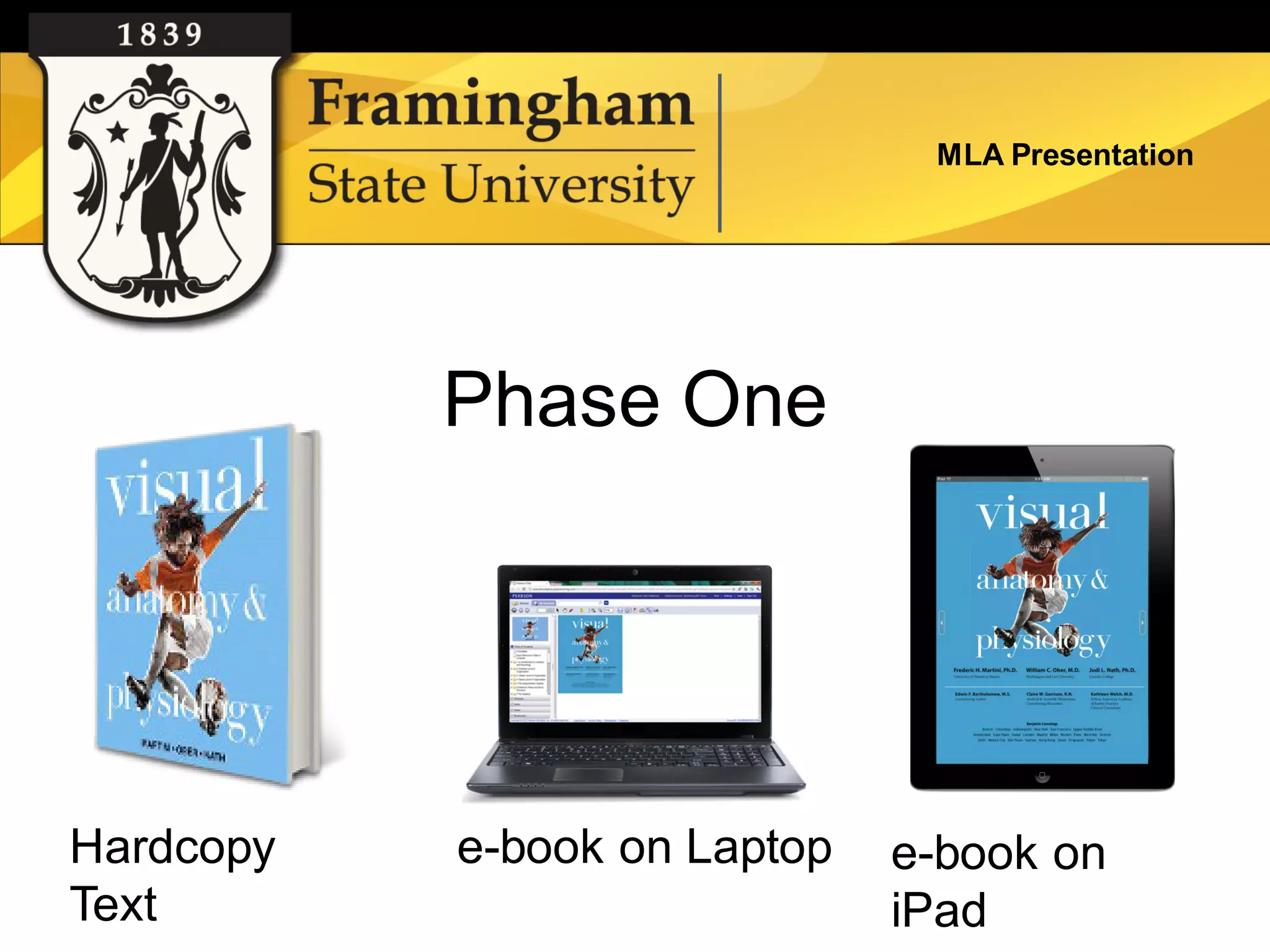
           Phase One


Hardcopy   e-book on Laptop   e-book on
Text                          iPad
MLA Presentation


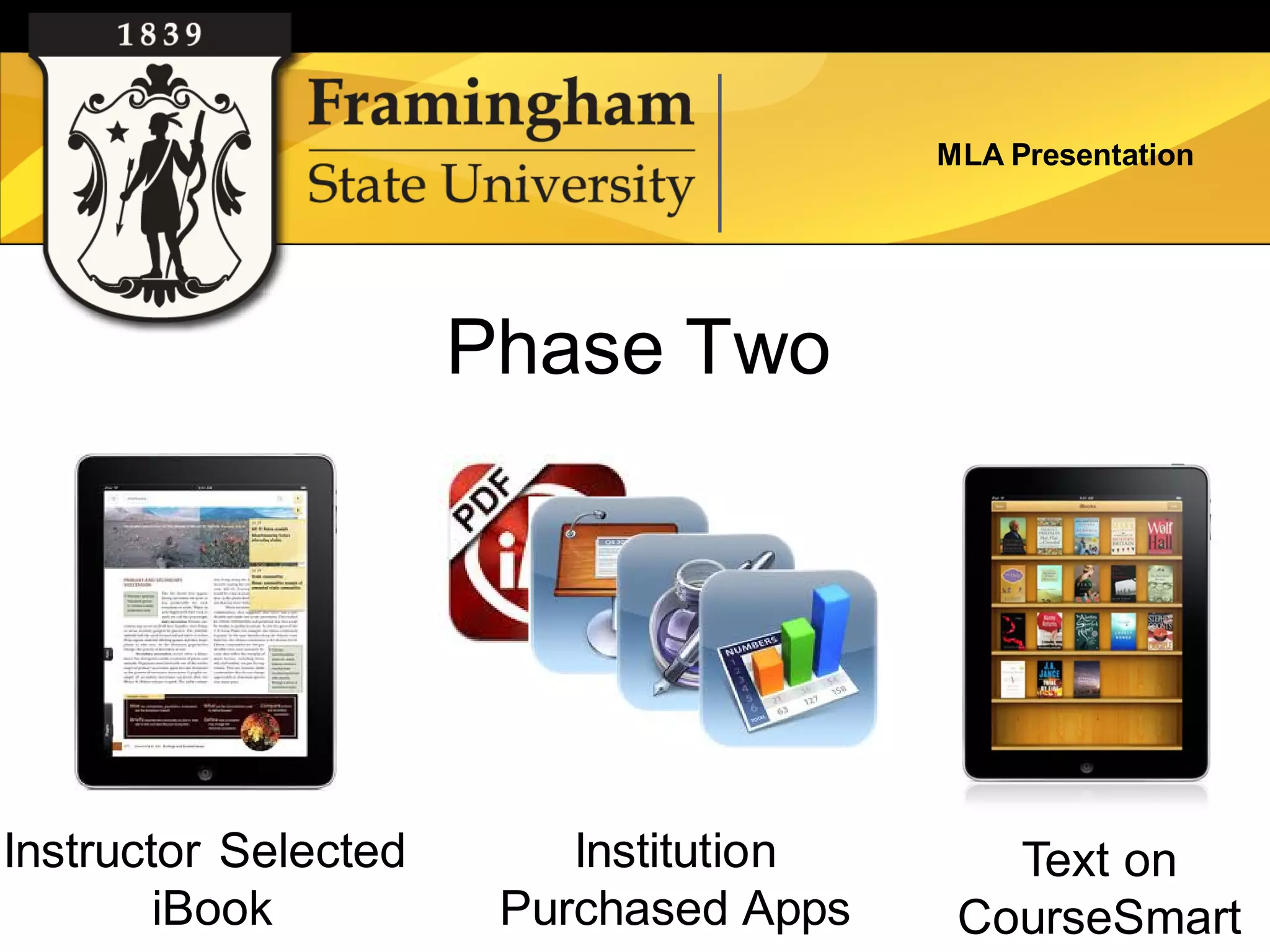
                      Phase Two


Instructor Selected       Institution      Text on
        iBook          Purchased Apps    CourseSmart
MLA Presentation


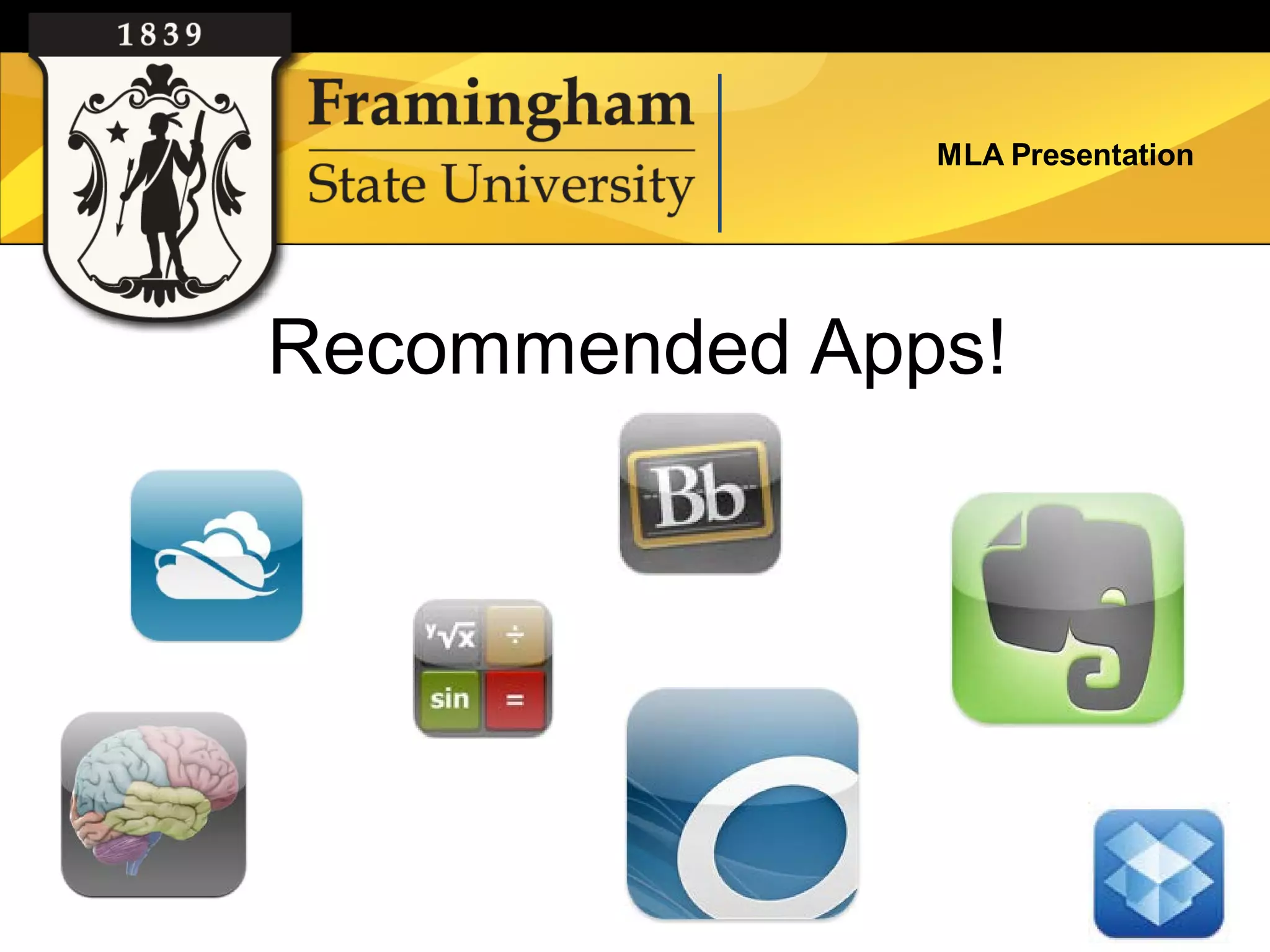
Recommended Apps!
MLA Presentation


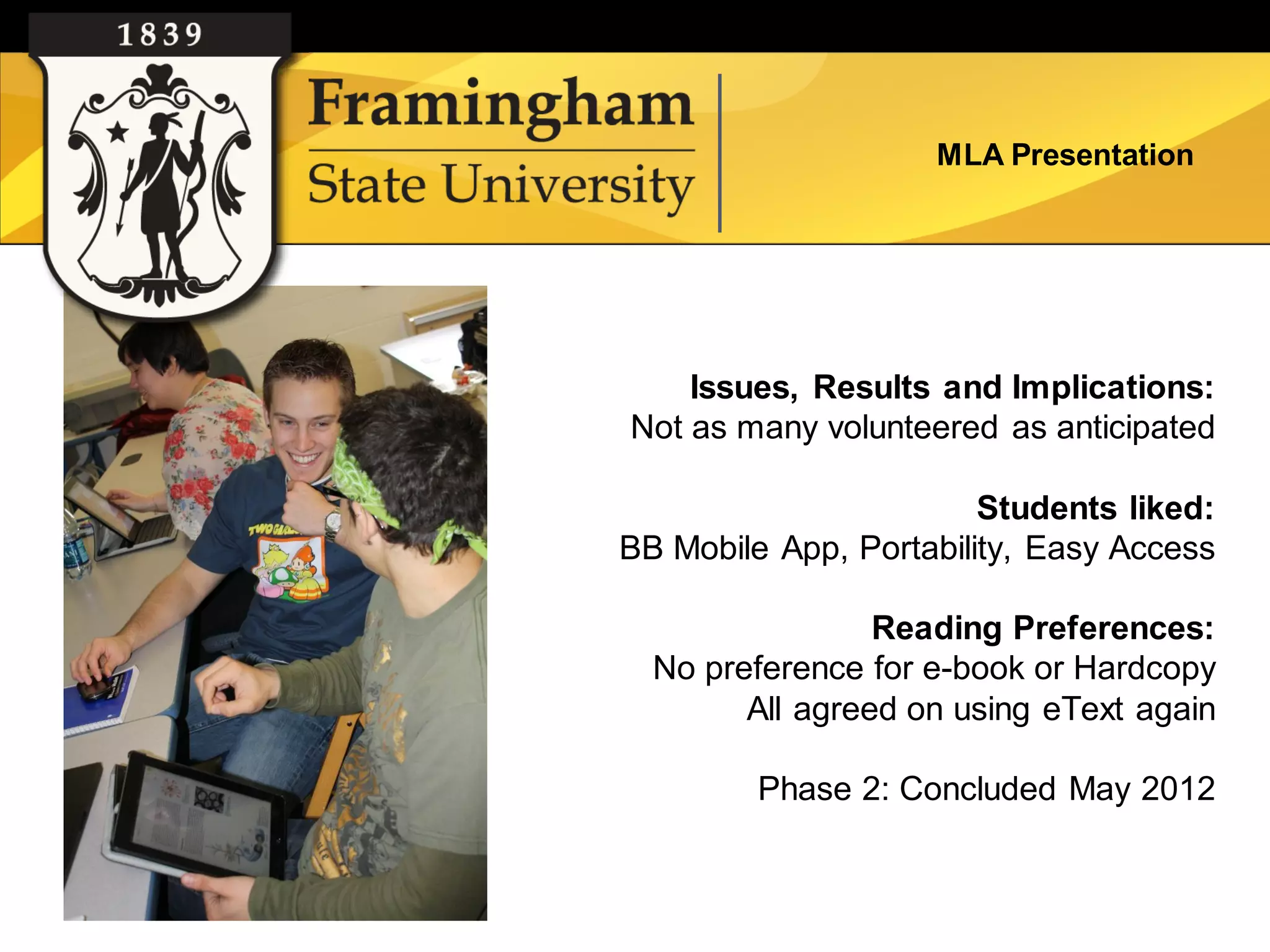
    Issues, Results and Implications:
Not as many volunteered as anticipated

                        Students liked:
BB Mobile App, Portability, Easy Access

                 Reading Preferences:
  No preference for e-book or Hardcopy
        All agreed on using eText again

         Phase 2: Concluded May 2012
MLA Presentation


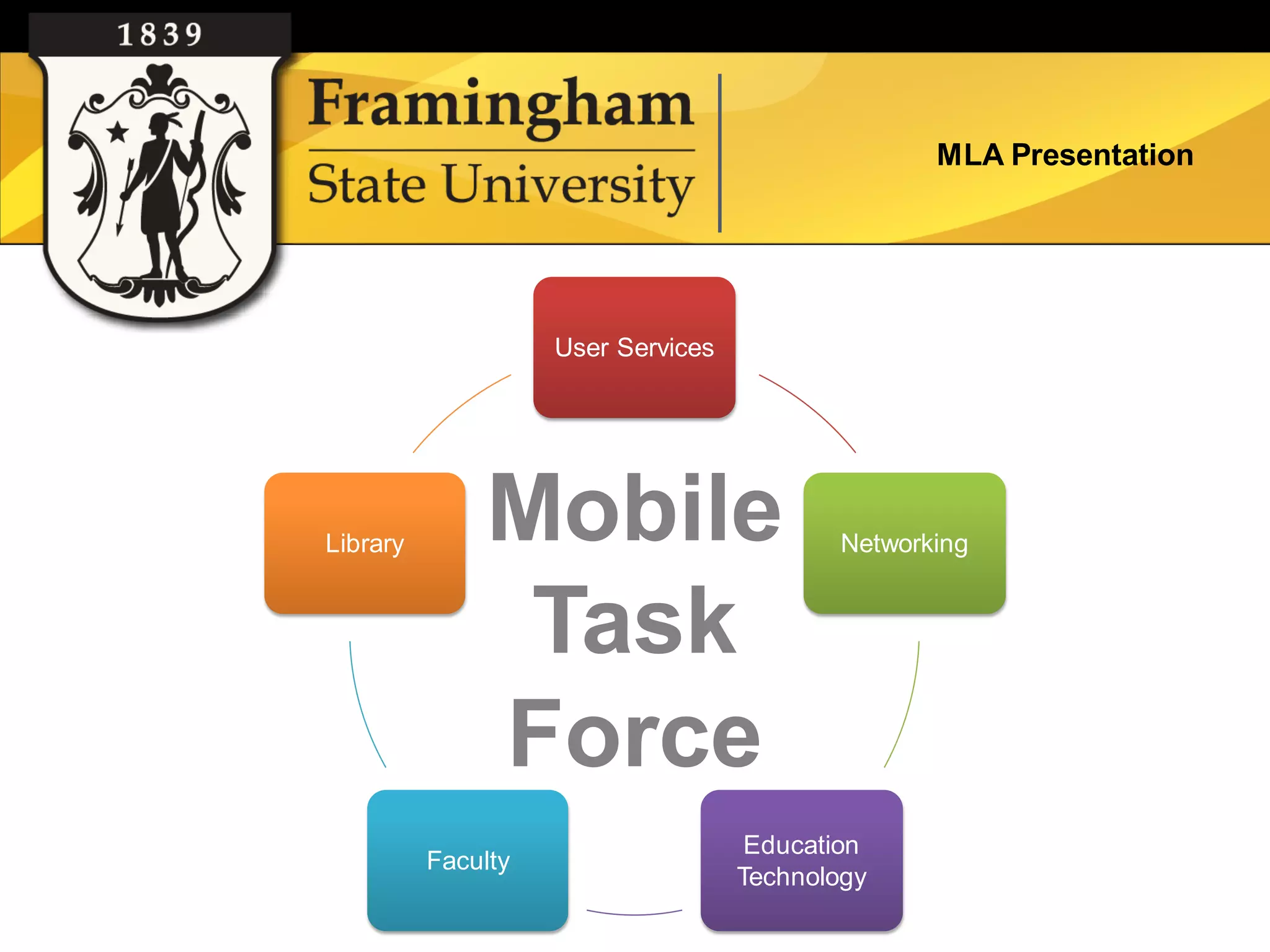
                    User Services


Library        Mobile                      Networking


                Task
               Force
                                     Education
          Faculty
                                    Technology
MLA Presentation


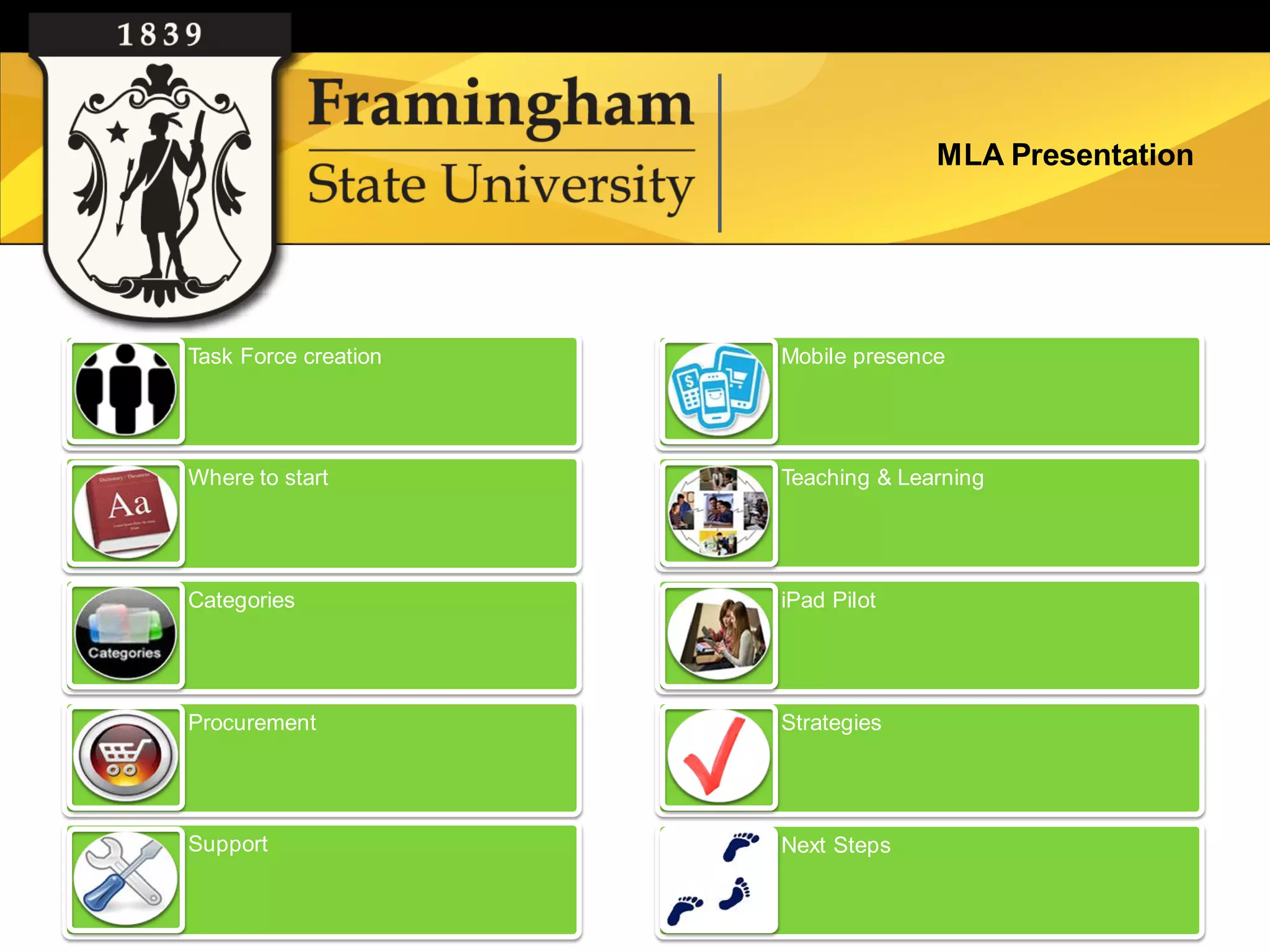
Task Force creation   Mobile presence


Where to start        Teaching & Learning


Categories            iPad Pilot


Procurement           Strategies


Support               Next Steps
MLA Presentation


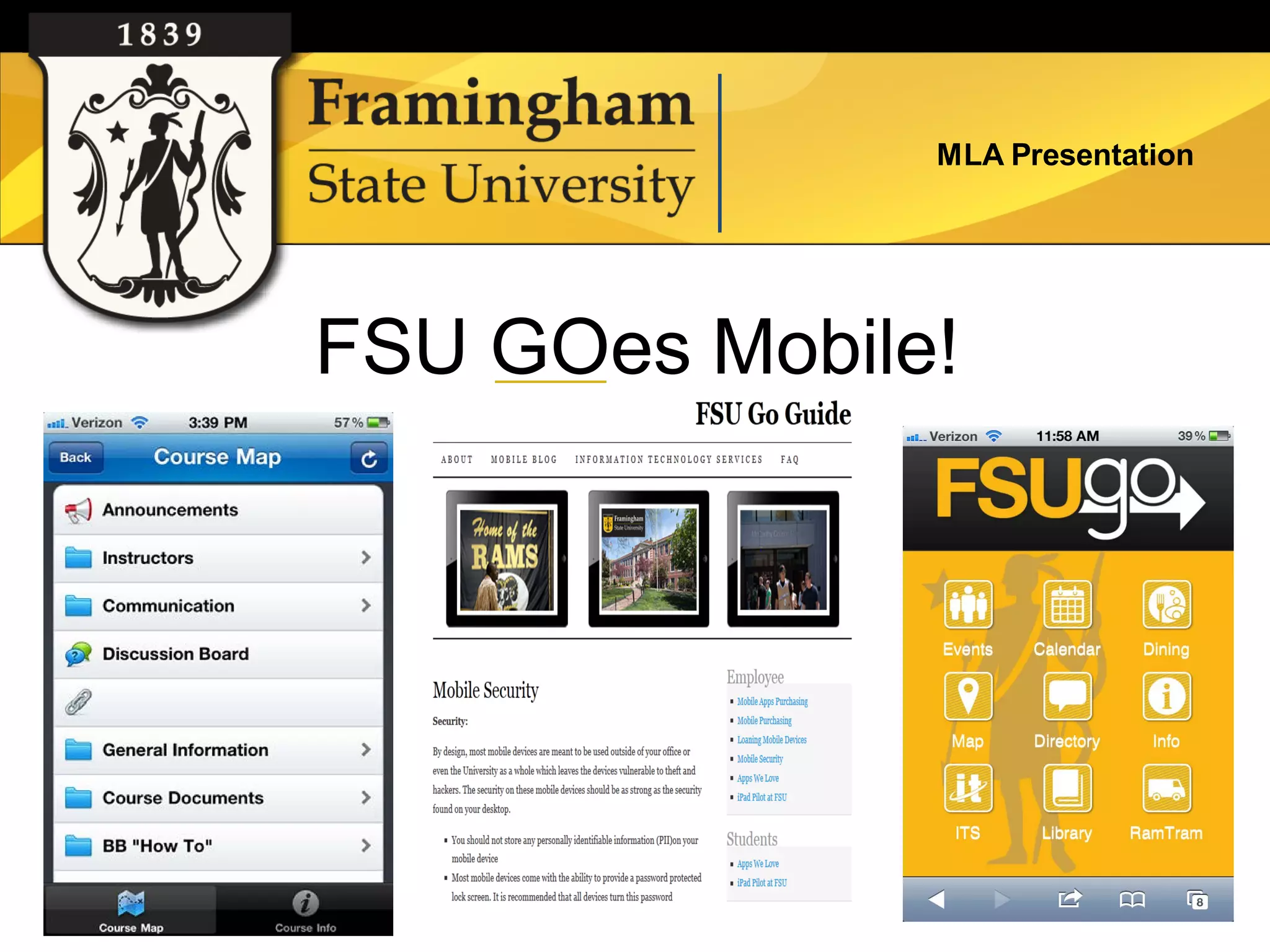
FSU GOes Mobile!
MLA Presentation


Questions or comments

iPad Pilot Projects at Framingham State University: Three Use Cases

  • 1.
    MLA Presentation iPad PilotProjects at Framingham State University: Three Use Cases
  • 2.
    MLA Presentation Presentedby Kim Cochrane Curriculum Librarian kcochrane1@framingham.edu Millie Gonzalez Reference Librarian Vgonzalez@framingham.edu Clair Waterbury Instructional Technologist cwaterbury@framingham.edu
  • 3.
    MLA Presentation About FSU • Public Liberal Arts University • 6,110 total students • 3,960 undergraduates • Student/Faculty Ratio 16:1 • Class Size 98% of classes have 50 or fewer students
  • 4.
    iPads go toSchool Images : Google images
  • 5.
    •New Initiatives Funding •SMART Board for Curriculum Library •Furniture upgrade •Technology for Education Students’ Use •iPad2s •Document Camera •Kodak PlaySport Video Cameras •Nikon Digital Cameras •LCD Projector
  • 6.
    iPad Lending Program – Who can borrow them? – Circulation time? – Restrictions?
  • 7.
    Process : •Set upthe iPads with (free) Education Apps •Agreement form •Checkout policy •Check in policy •One little problem
  • 8.
    – Mathematics • Folders: • Hockey Hoopla – Art & Music • Splash Math (various grades) • Adding Apples • Artists Hall • Fill the Cup • Squrl • Hungry fish • Piano • Draw Free – Science • Getty: Life of Art • Science 360 – Social Studies • Google Earth • NASA • ShakeEmUp • Planets • Presidents • Moon Globe • Stack the States • 3DBrain • Leaf Snap
  • 9.
    • Other appsincluded – ELA Folder – Voice Thread • PopWords • Nagaram – Idea Sketch • Phonics Tic Tac Toe – QR Code • Word Warp – Dropbox • Evernote – Prezi Viewer • Dragon Dictation – TED talks • Sight Words – Common Core • Brain Quest – Blackboard Mobile Learning – Skype – PBS Kids
  • 10.
    Pr Who used them? Student Teachers Settings: Supervising Teachers One-on-one 100% Students Small Group 25% Grade levels: Whole Group 25% 3-5
  • 11.
    % Used iPad ELA Math ELA Math Science Social Studies Language Science Social Studies Languages
  • 12.
  • 13.
    •Let students takeout the iPads for longer than 2 weeks •Get iPads with 4G for those people in schools with no WiFi •Get more durable cases •Add a link to the Curriculum Library website that lists sources, ideas and suggested iPad apps
  • 15.
    iPads at theReference Desk iPads at the Reference Desk Millie Gonzalez Reference and Electronic Resources Librarian vgonzalez@framingham.edu Google images
  • 16.
  • 17.
    Pilot Overview 2010 – iPod Touch purchased for experimentation 2011- iPad for professional development, roving, and experimentation (in conjuction with IT and Curriculum Library’s iPad project) Google images
  • 18.
    Accessories impact adoption. Relied on standard apps on the iPad: camera, Facetime, Notes, browser Google images
  • 19.
    Free apps forreference work • Bookmark your library page on iPad, create icon • Twitter: tweet from the desk • Google Voice: monitor SMS texts* • Meebo: monitor instant messaging* • Wolfram Alpha: computational search engine *Helpful if your library uses these applications for SMS and IMs. Google images
  • 20.
    Free apps forreference work • Adobe Reader: read pdfs, annotate • iBooks: house books, documents • Browsers: Safari, Google, Bing, Opera Mini, Dolphin HD • EasyBib: cite a book by scanning • Bamboo Paper: note taking Google images
  • 21.
    Free apps forreference work •Overdrive: show how to download Overdrive titles •Kindle: Overdrive titles on Kindle •Foursquare: check in and leave library tips •Dropbox, Evernote: storage Google images
  • 22.
    $ apps forreference work •Pages: word processing •Keynote: presentation software •Side by Side: split screen app Google images
  • 23.
    Free database apps • Gales’ Access My Library/Access My Library College* • EBSCOhost* • Science Direct* • WorldCat • Mango Languages* • Blackboard Mobile Learn* • PubMed Google images (*institution must have subscription)
  • 24.
    Literature Review* Few articleson specifically using the iPad at the reference desk. Focused on roving reference as defined by Courtois and Liriano: “library employee circulating within the reference area or other parts of the library to offer assistance to users.” In Roving Reference with iPads, the authors of the study found the iPad offered advantages like, “portability, suitability for simple on-the-fly web searching, ease of gathering user feedback for assessment, and ability for several people to easily see the screen.” “The multifunction capabilities and long battery life” were found useful. Some librarians disliked the pop-up keyboard and missed the keyboard shortcuts. In Using the iPad for reference services, the iPads were primarily used for roving reference. “The inability to ‘multitask’ by toggling through several applications has some negative implications…” The authors hope to use the iPad for video chat reference. *Citations to articles on roving reference are included in list of references at the end.
  • 25.
    Survey of referencestaff • All of the reference staff used the iPad in varying degrees. • The librarians who used the iPad more actively played with the apps, used Facetime and camera. They have also used the iPad with students. • The rest browsed the web, played with the keyboard and/or read email. • All of the reference staff preferred to use the computer at the reference desk. One would like to use both the iPad and the computer at the reference desk (the iPad to check for links and searching databases). Google images
  • 26.
    Survey of referencestaff •All found value in using the iPad for roving reference (only two used it for this purpose). Those that “roved” used the iPad in the stacks for catalog/periodicals searching on the catalog. One person would like to take it to meetings and conferences as well. •Most found benefit in using the iPad as a second screen at the reference desk. The majority did not feel it was a necessary tool. Google images
  • 27.
    Next steps /future • Roving reference trial with ipads and/or ipod touch for the fall semester. Suggested location: campus center • Discussion of Facetime/messenger reference • Survey collection using LibAnalytics • Departmental communication via ipad Google images
  • 28.
    Resources • Bibliography on Refworks: http://www.refworks.com/refshare2?site=042421 170651600000/RWWEB1041458836/IPAD • Recommend ALA course: iPads, Tablets, and Gadgets in the Library: Planning, Budgeting, and Implementation eCourse Google images
  • 29.
    MLA Presentation The Anatomy of iPads: A look at iPad study conducted by a Biology professor
  • 30.
    MLA Presentation Pilot Involvementand Goals • Faculty/ ITS/Library and Student Collaboration • Increase student engagement • Multi-dimensional Analysis • Evaluate e-book, Apps, overall use
  • 31.
    MLA Presentation Phase One Hardcopy e-book on Laptop e-book on Text iPad
  • 32.
    MLA Presentation Phase Two Instructor Selected Institution Text on iBook Purchased Apps CourseSmart
  • 33.
  • 34.
    MLA Presentation Issues, Results and Implications: Not as many volunteered as anticipated Students liked: BB Mobile App, Portability, Easy Access Reading Preferences: No preference for e-book or Hardcopy All agreed on using eText again Phase 2: Concluded May 2012
  • 35.
    MLA Presentation User Services Library Mobile Networking Task Force Education Faculty Technology
  • 36.
    MLA Presentation Task Forcecreation Mobile presence Where to start Teaching & Learning Categories iPad Pilot Procurement Strategies Support Next Steps
  • 37.
  • 38.