Intents &
Intent Filters
   codeandroid.org
Intents & Intents Filter

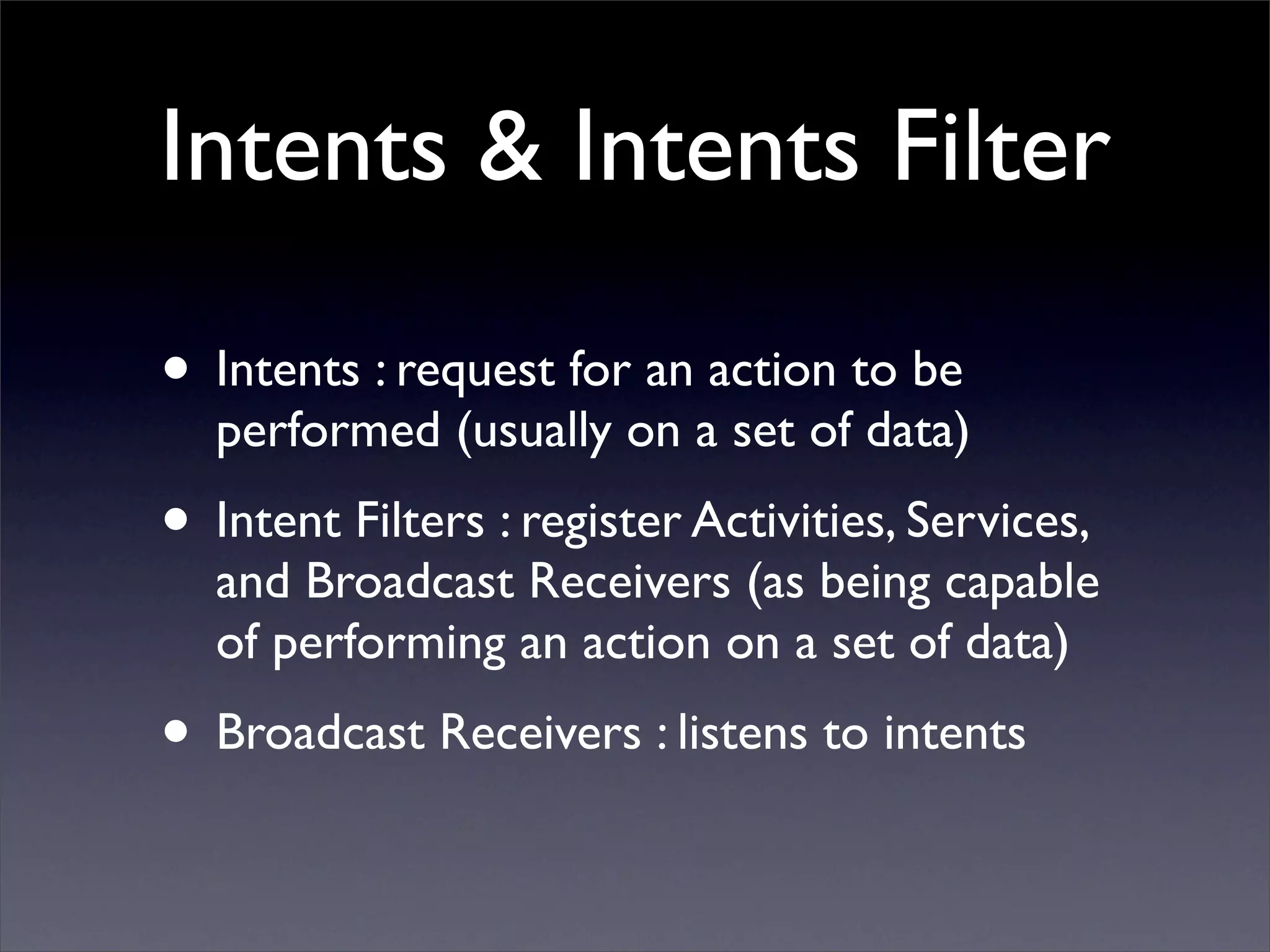
• Intents : request for an action to be
  performed (usually on a set of data)
• Intent Filters : register Activities, Services,
  and Broadcast Receivers (as being capable
  of performing an action on a set of data)
• Broadcast Receivers : listens to intents
Intents

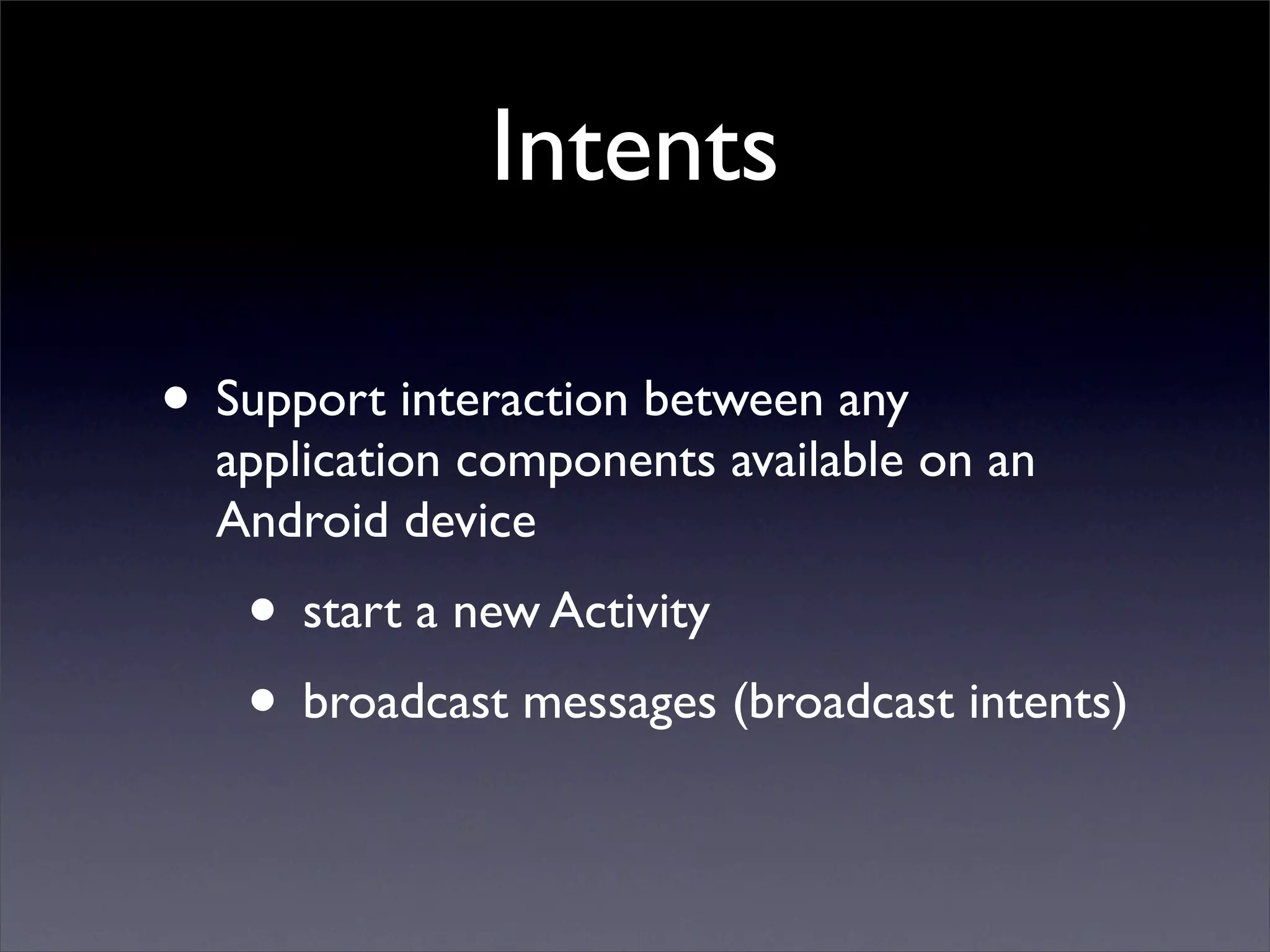
• Support interaction between any
  application components available on an
  Android device
   • start a new Activity
   • broadcast messages (broadcast intents)
Intents
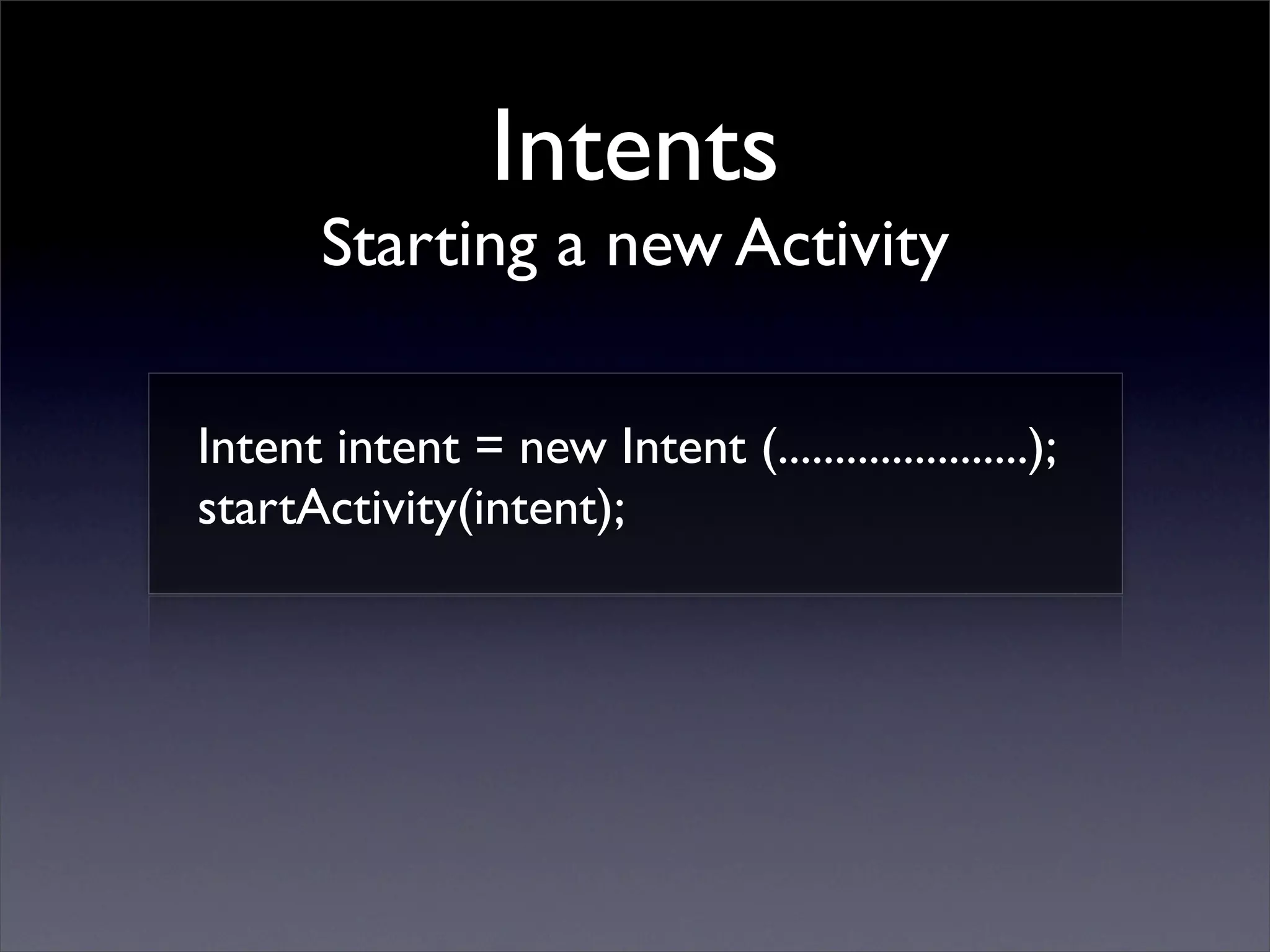
       Starting a new Activity

Intent intent = new Intent (......................);
startActivity(intent);
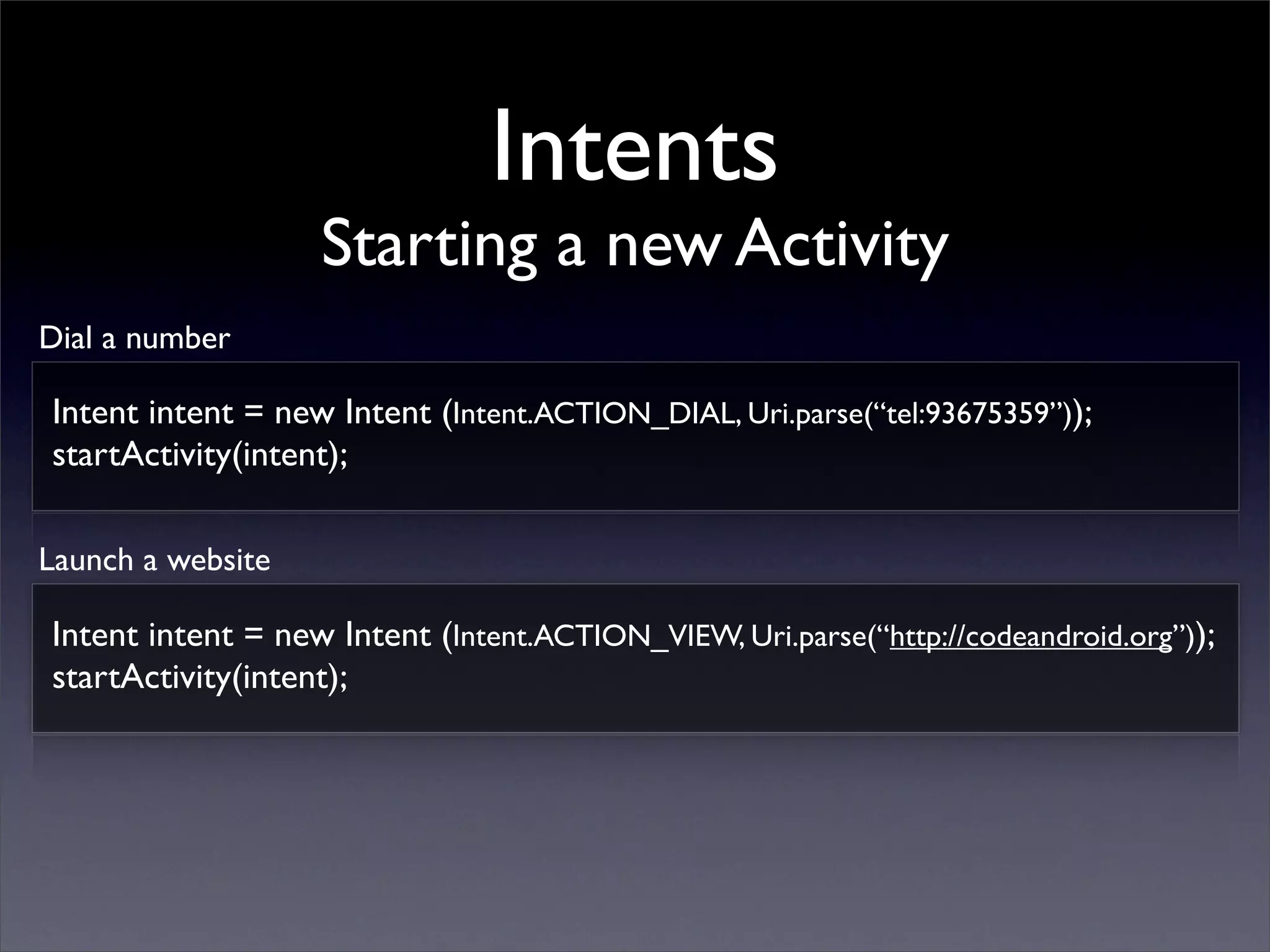
Intents
                   Starting a new Activity
Dial a number

Intent intent = new Intent (Intent.ACTION_DIAL, Uri.parse(“tel:93675359”));
startActivity(intent);

Launch a website

Intent intent = new Intent (Intent.ACTION_VIEW, Uri.parse(“http://codeandroid.org”));
startActivity(intent);
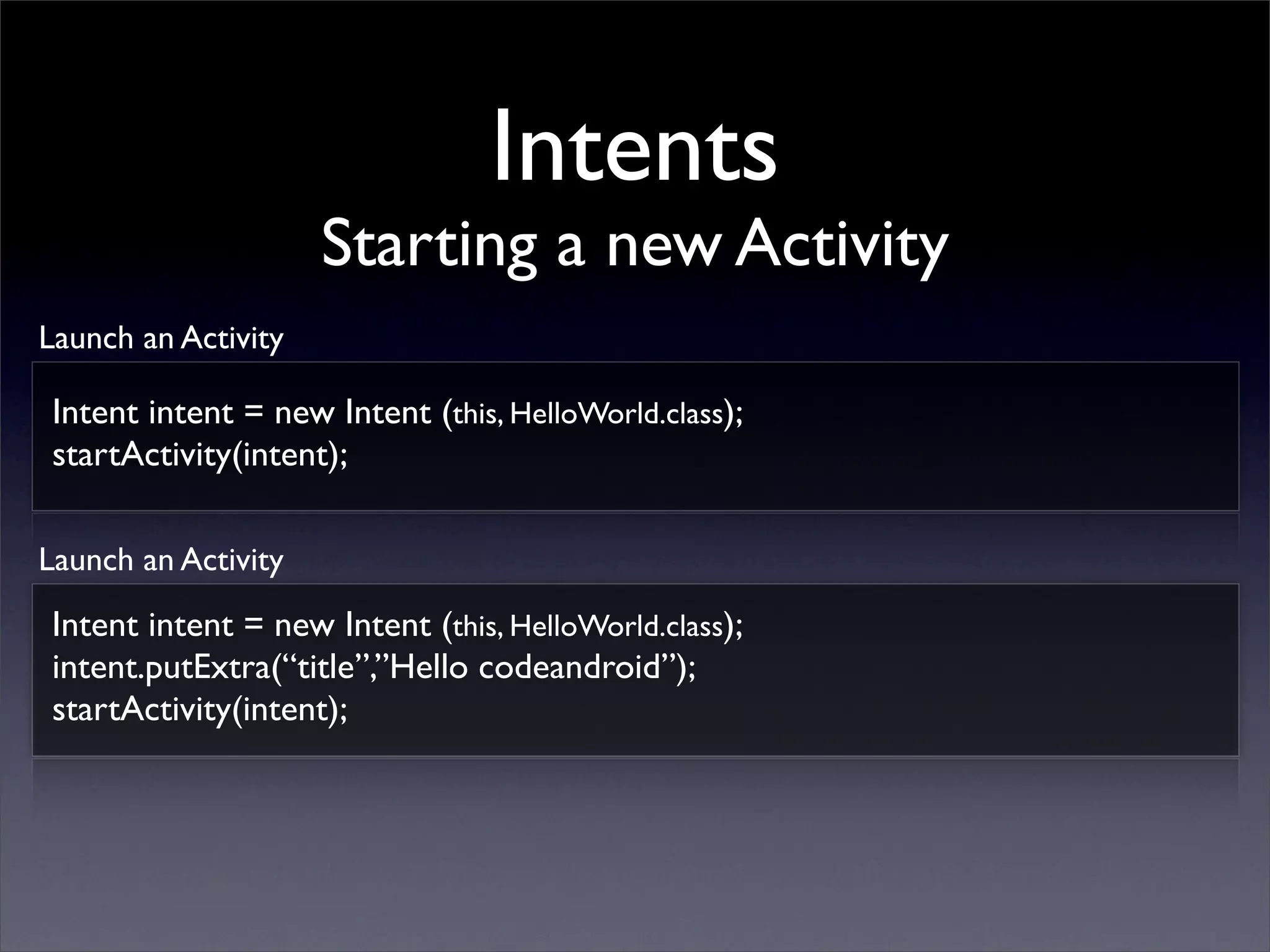
Intents
                     Starting a new Activity
Launch an Activity

 Intent intent = new Intent (this, HelloWorld.class);
 startActivity(intent);

Launch an Activity
 Intent intent = new Intent (this, HelloWorld.class);
 intent.putExtra(“title”,”Hello codeandroid”);
 startActivity(intent);
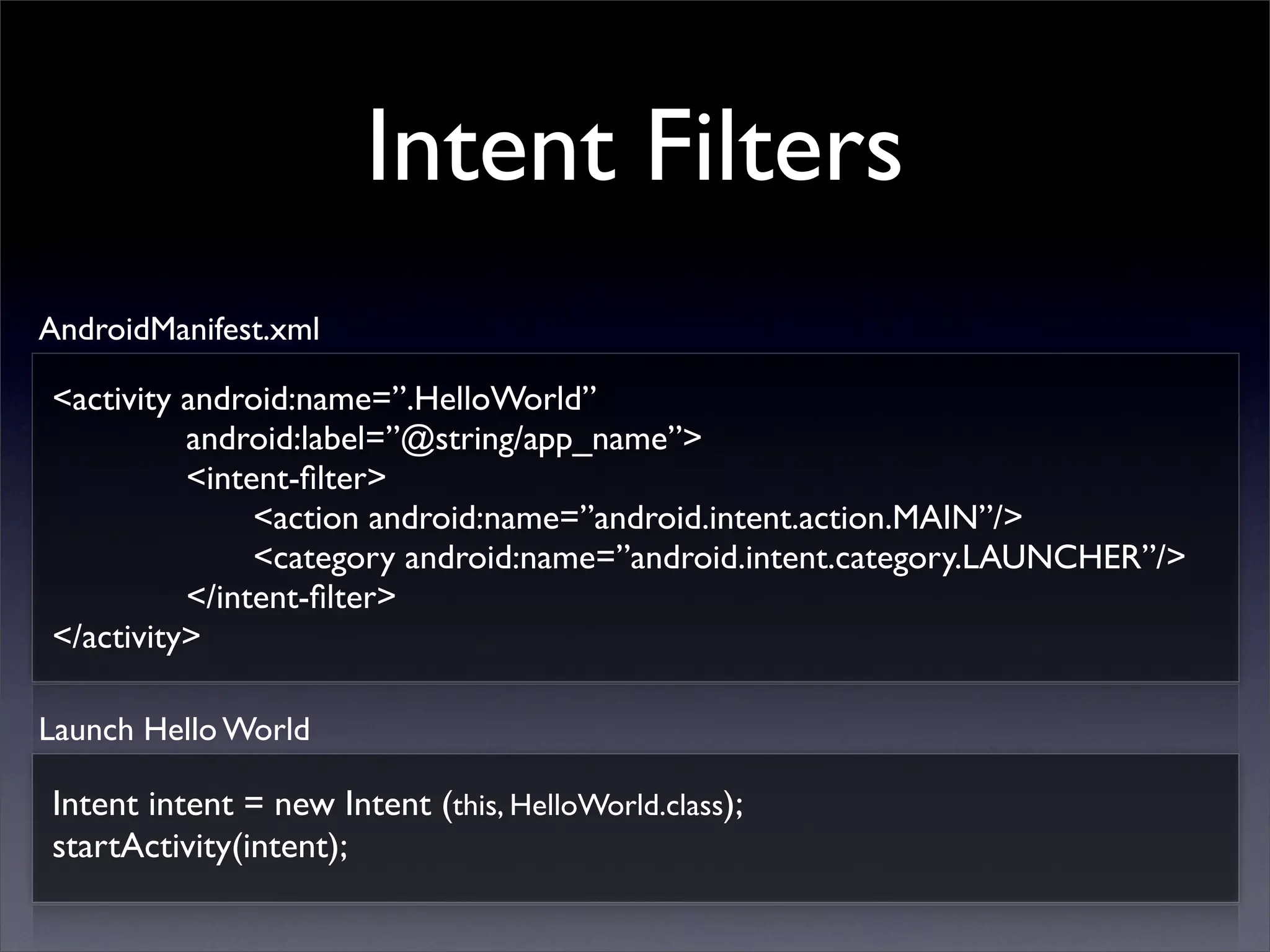
Intent Filters
AndroidManifest.xml

<activity android:name=”.HelloWorld”
          android:label=”@string/app_name”>
          <intent-filter>
               <action android:name=”android.intent.action.MAIN”/>
               <category android:name=”android.intent.category.LAUNCHER”/>
          </intent-filter>
</activity>

Launch Hello World

Intent intent = new Intent (this, HelloWorld.class);
startActivity(intent);
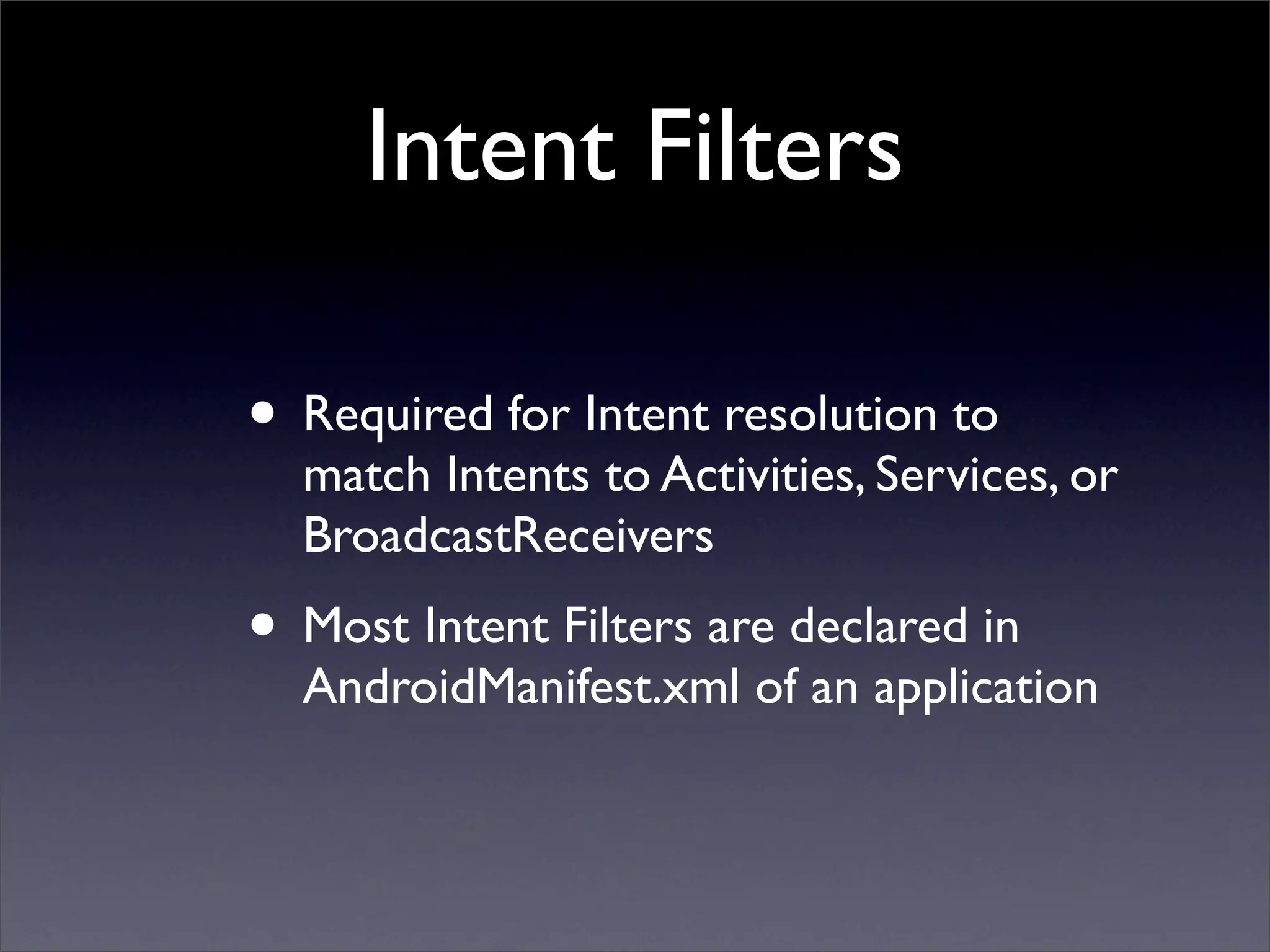
Intent Filters

• Required for Intent resolution to
  match Intents to Activities, Services, or
  BroadcastReceivers
• Most Intent Filters are declared in
  AndroidManifest.xml of an application
Intent Filters
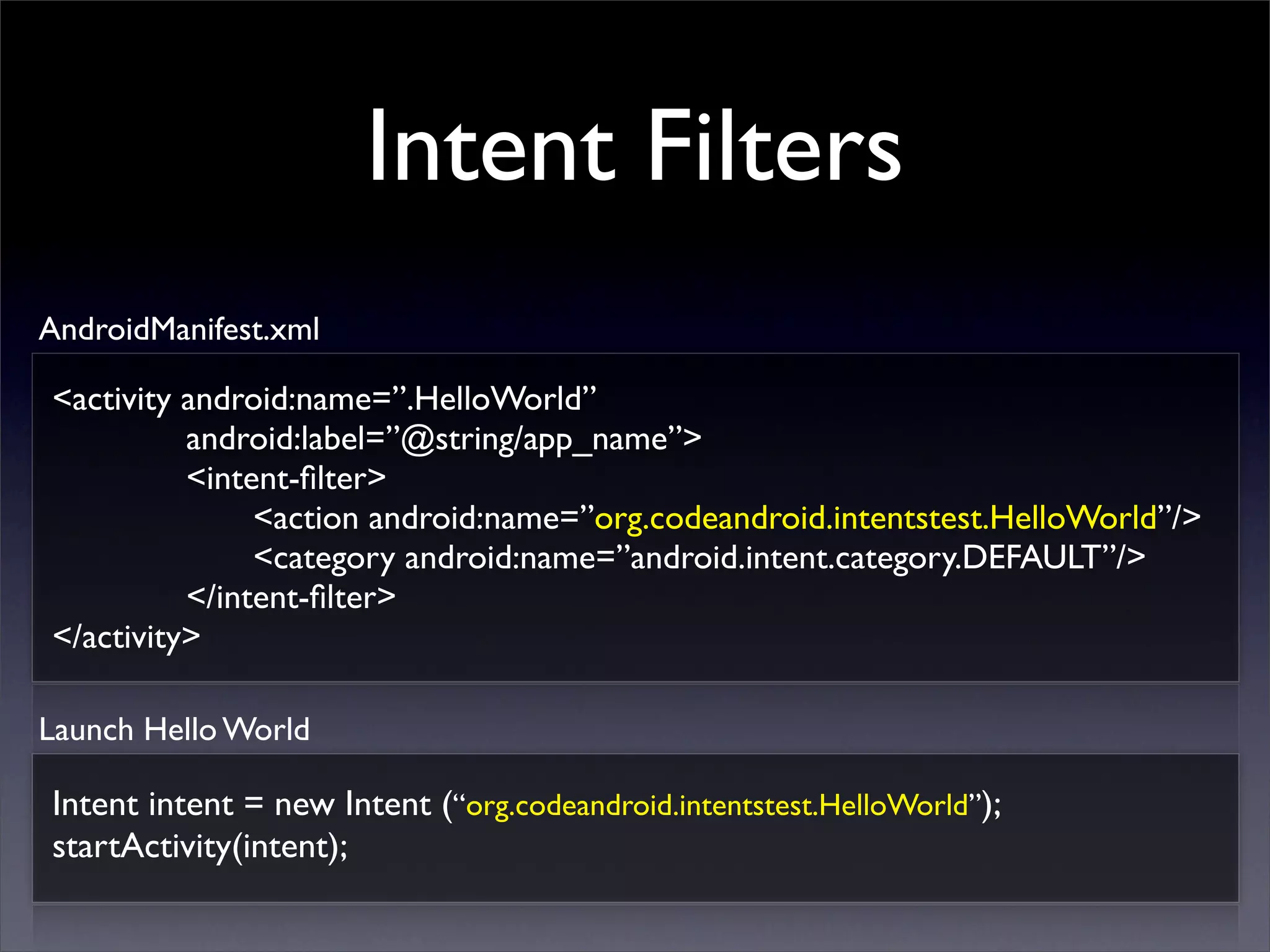
AndroidManifest.xml

<activity android:name=”.HelloWorld”
          android:label=”@string/app_name”>
          <intent-filter>
               <action android:name=”org.codeandroid.intentstest.HelloWorld”/>
               <category android:name=”android.intent.category.DEFAULT”/>
          </intent-filter>
</activity>

Launch Hello World

Intent intent = new Intent (“org.codeandroid.intentstest.HelloWorld”);
startActivity(intent);
Intent Filters
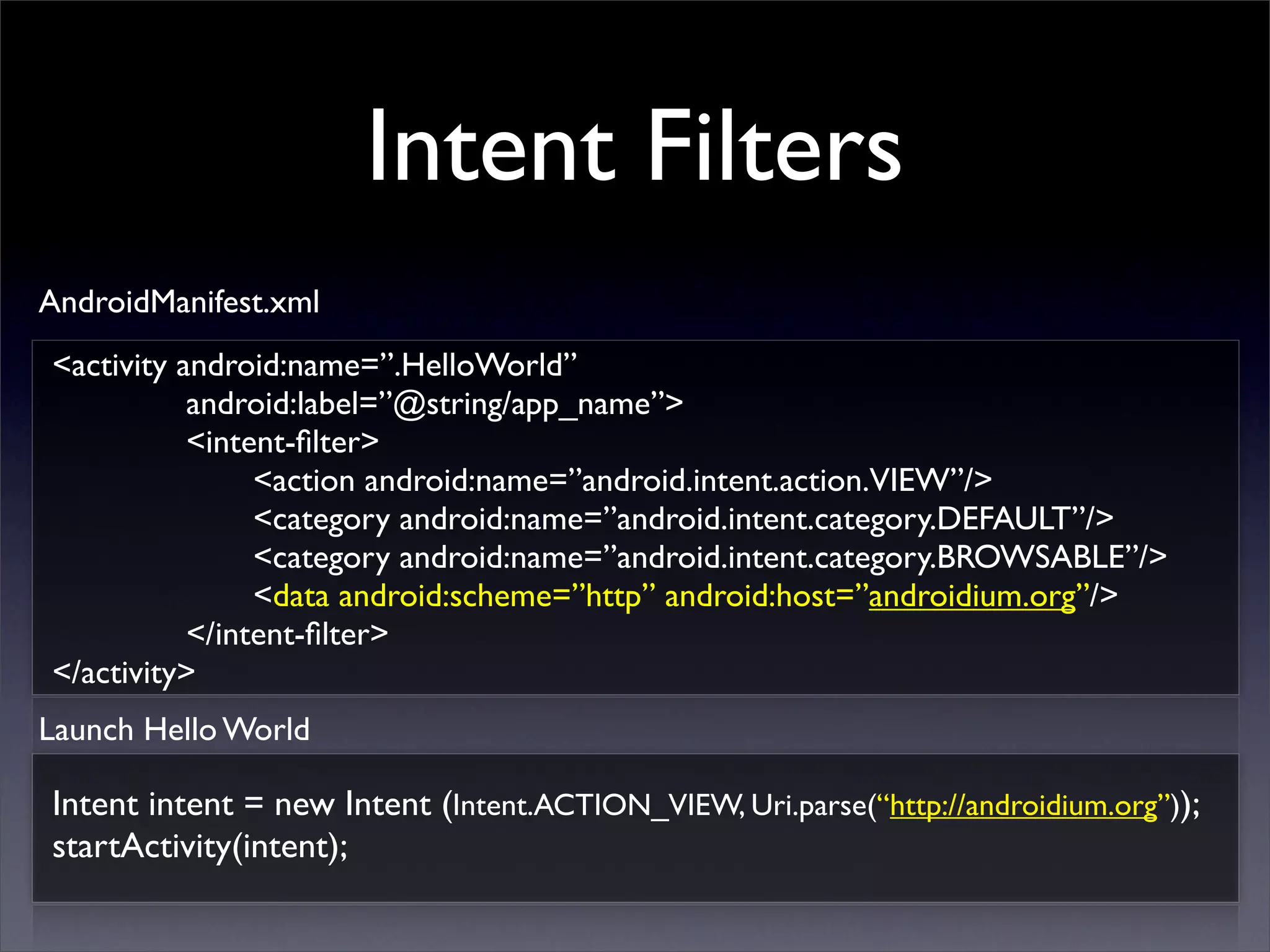
AndroidManifest.xml
<activity android:name=”.HelloWorld”
           android:label=”@string/app_name”>
           <intent-filter>
                <action android:name=”android.intent.action.VIEW”/>
                <category android:name=”android.intent.category.DEFAULT”/>
                <category android:name=”android.intent.category.BROWSABLE”/>
                <data android:scheme=”http” android:host=”androidium.org”/>
           </intent-filter>
</activity>
Launch Hello World

Intent intent = new Intent (Intent.ACTION_VIEW, Uri.parse(“http://androidium.org”));
startActivity(intent);
Intent Filters
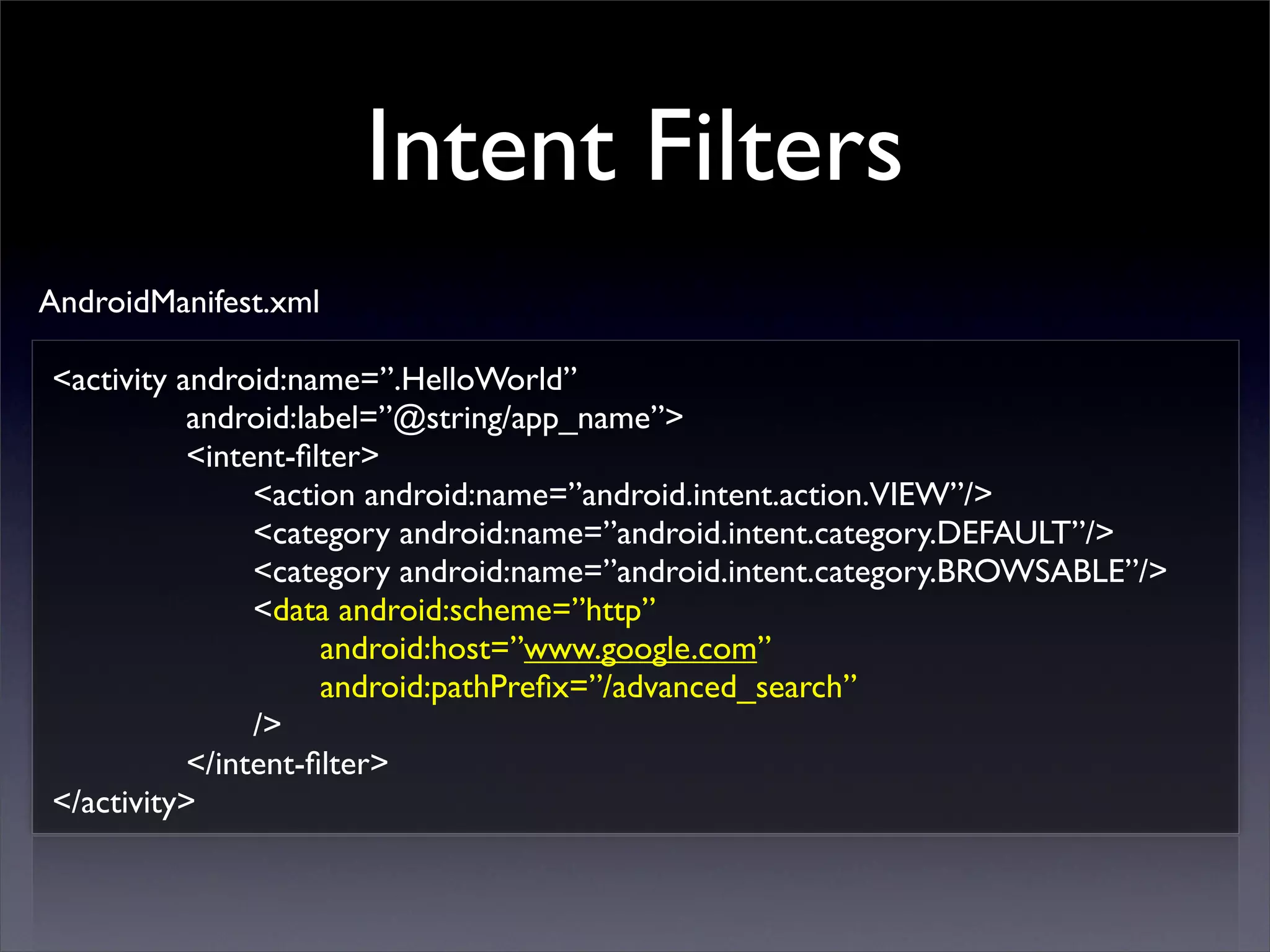
AndroidManifest.xml

<activity android:name=”.HelloWorld”
           android:label=”@string/app_name”>
           <intent-filter>
                <action android:name=”android.intent.action.VIEW”/>
                <category android:name=”android.intent.category.DEFAULT”/>
                <category android:name=”android.intent.category.BROWSABLE”/>
                <data android:scheme=”http”
                     android:host=”www.google.com”
                     android:pathPrefix=”/advanced_search”
                />
           </intent-filter>
</activity>
Intent Filters
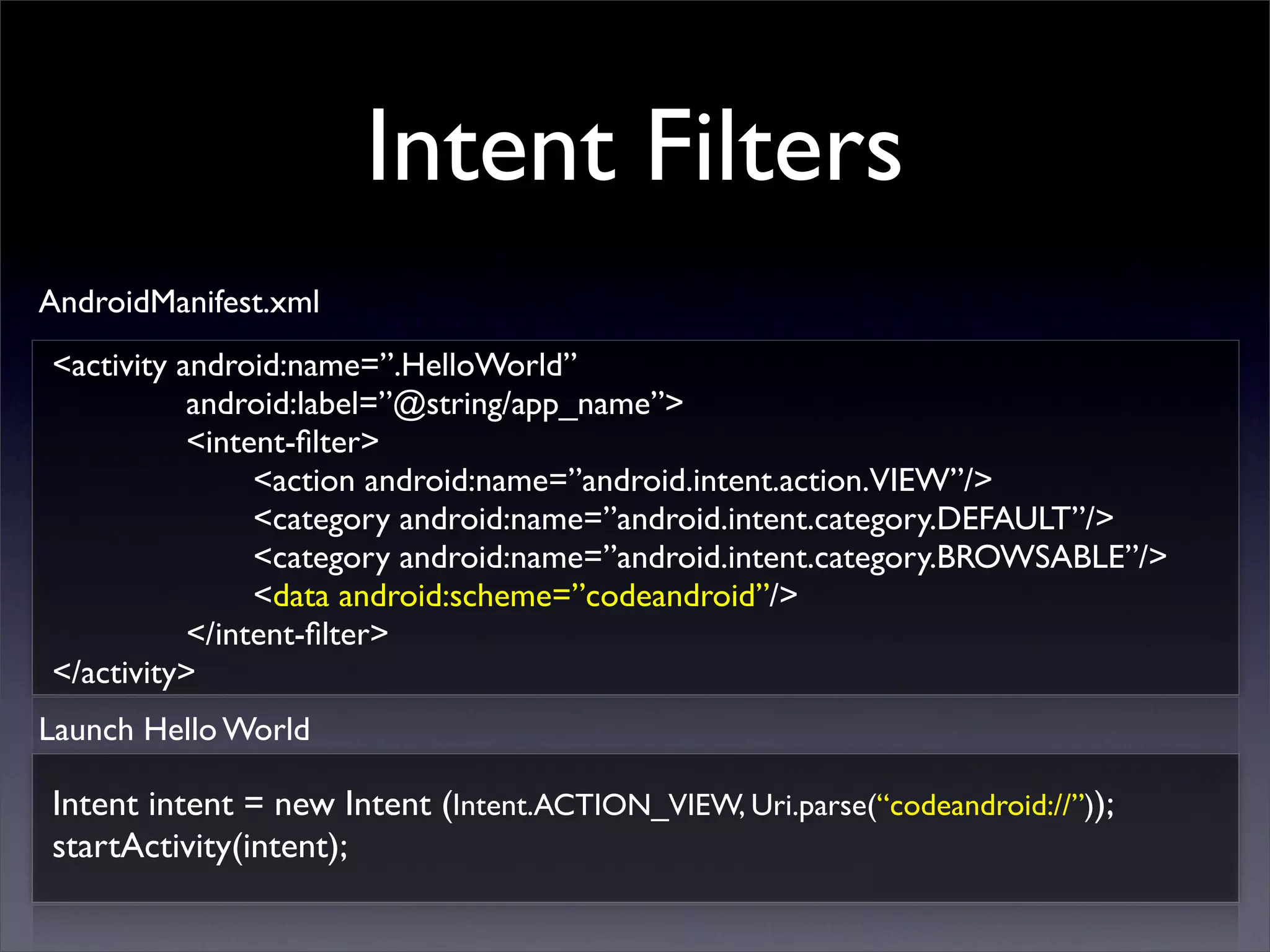
AndroidManifest.xml
<activity android:name=”.HelloWorld”
           android:label=”@string/app_name”>
           <intent-filter>
                <action android:name=”android.intent.action.VIEW”/>
                <category android:name=”android.intent.category.DEFAULT”/>
                <category android:name=”android.intent.category.BROWSABLE”/>
                <data android:scheme=”codeandroid”/>
           </intent-filter>
</activity>
Launch Hello World

Intent intent = new Intent (Intent.ACTION_VIEW, Uri.parse(“codeandroid://”));
startActivity(intent);
Intents
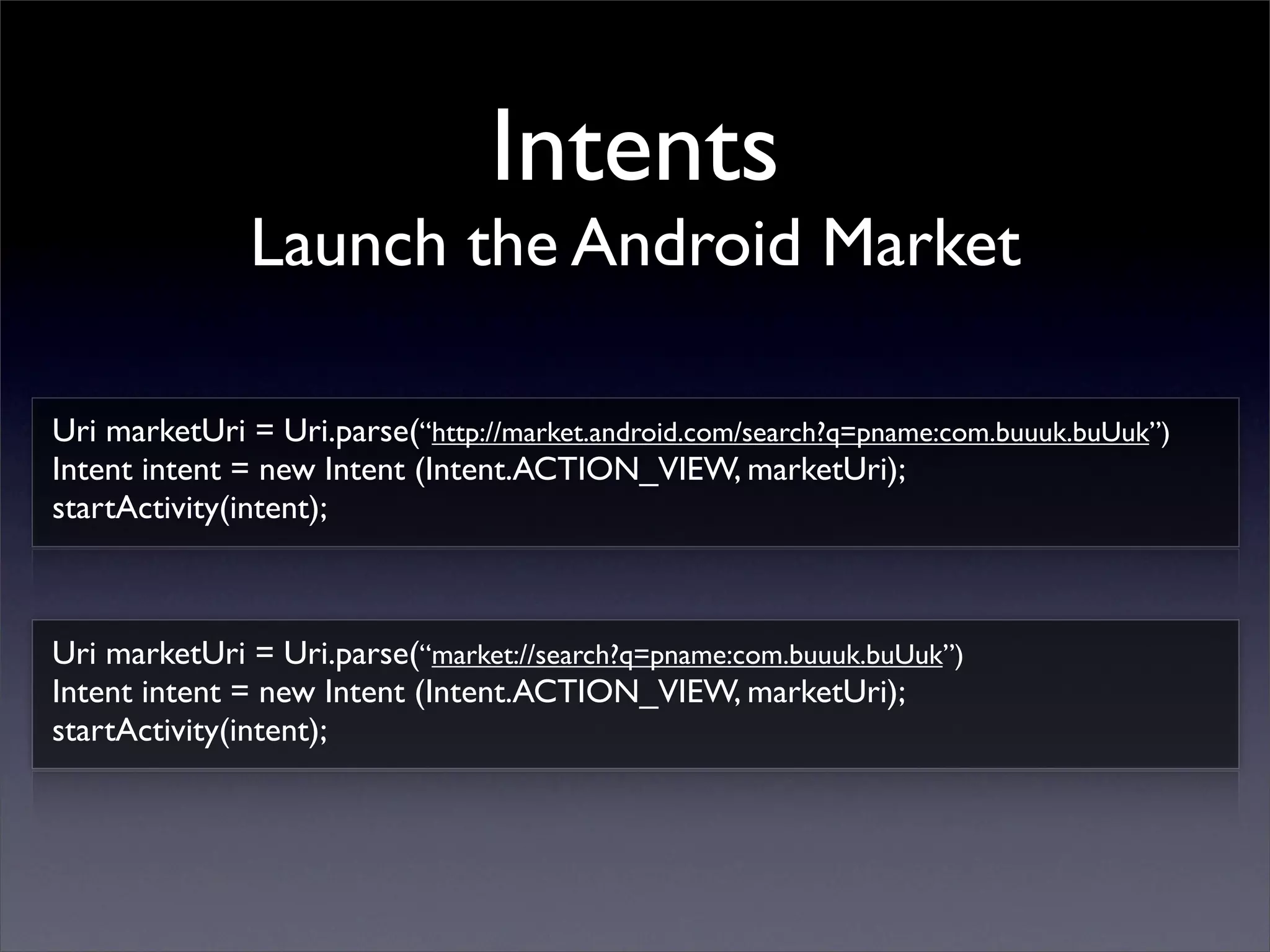
               Launch the Android Market

Uri marketUri = Uri.parse(“http://market.android.com/search?q=pname:com.buuuk.buUuk”)
Intent intent = new Intent (Intent.ACTION_VIEW, marketUri);
startActivity(intent);


Uri marketUri = Uri.parse(“market://search?q=pname:com.buuuk.buUuk”)
Intent intent = new Intent (Intent.ACTION_VIEW, marketUri);
startActivity(intent);
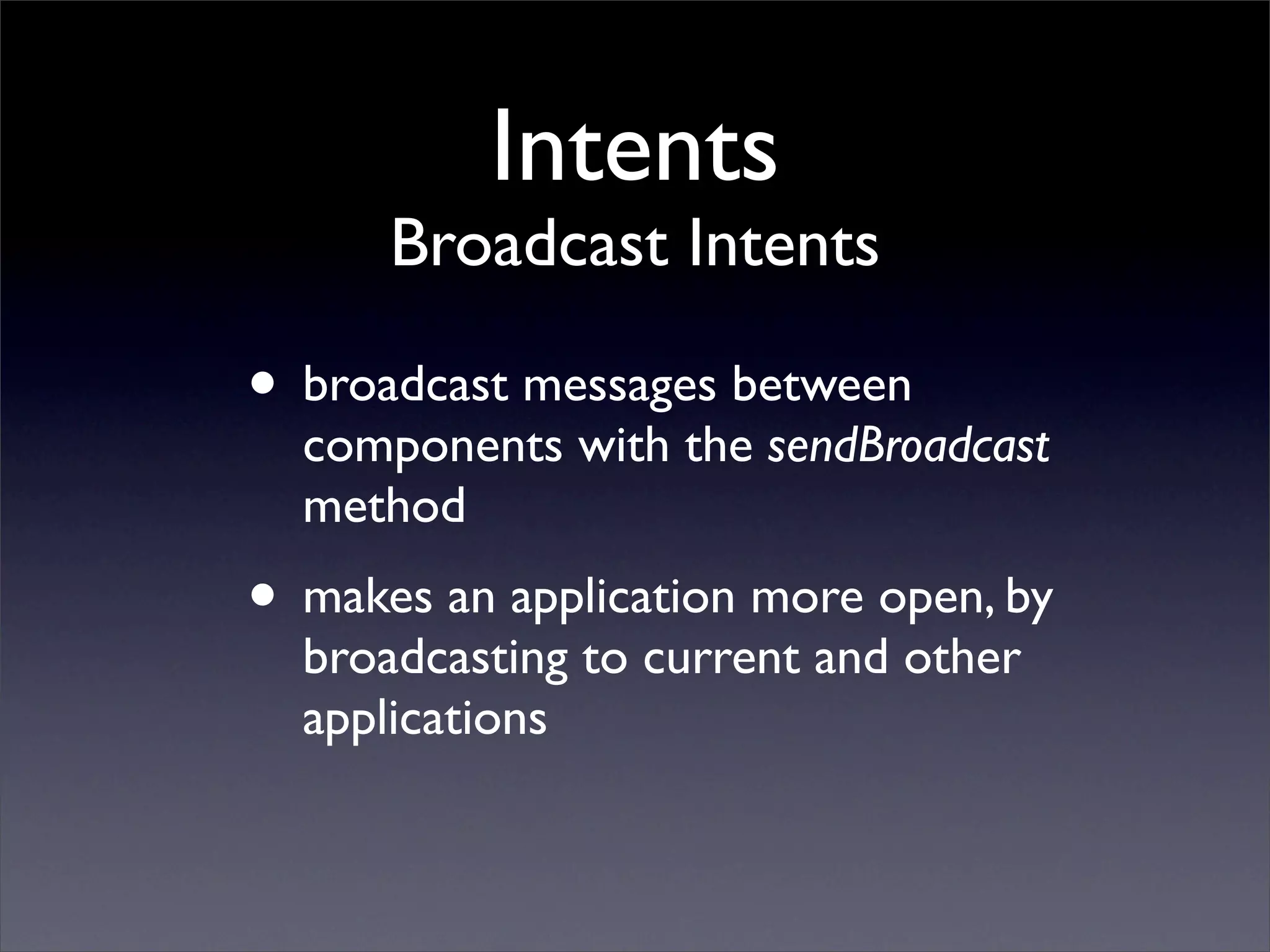
Intents
      Broadcast Intents

• broadcast messages between
  components with the sendBroadcast
  method
• makes an application more open, by
  broadcasting to current and other
  applications
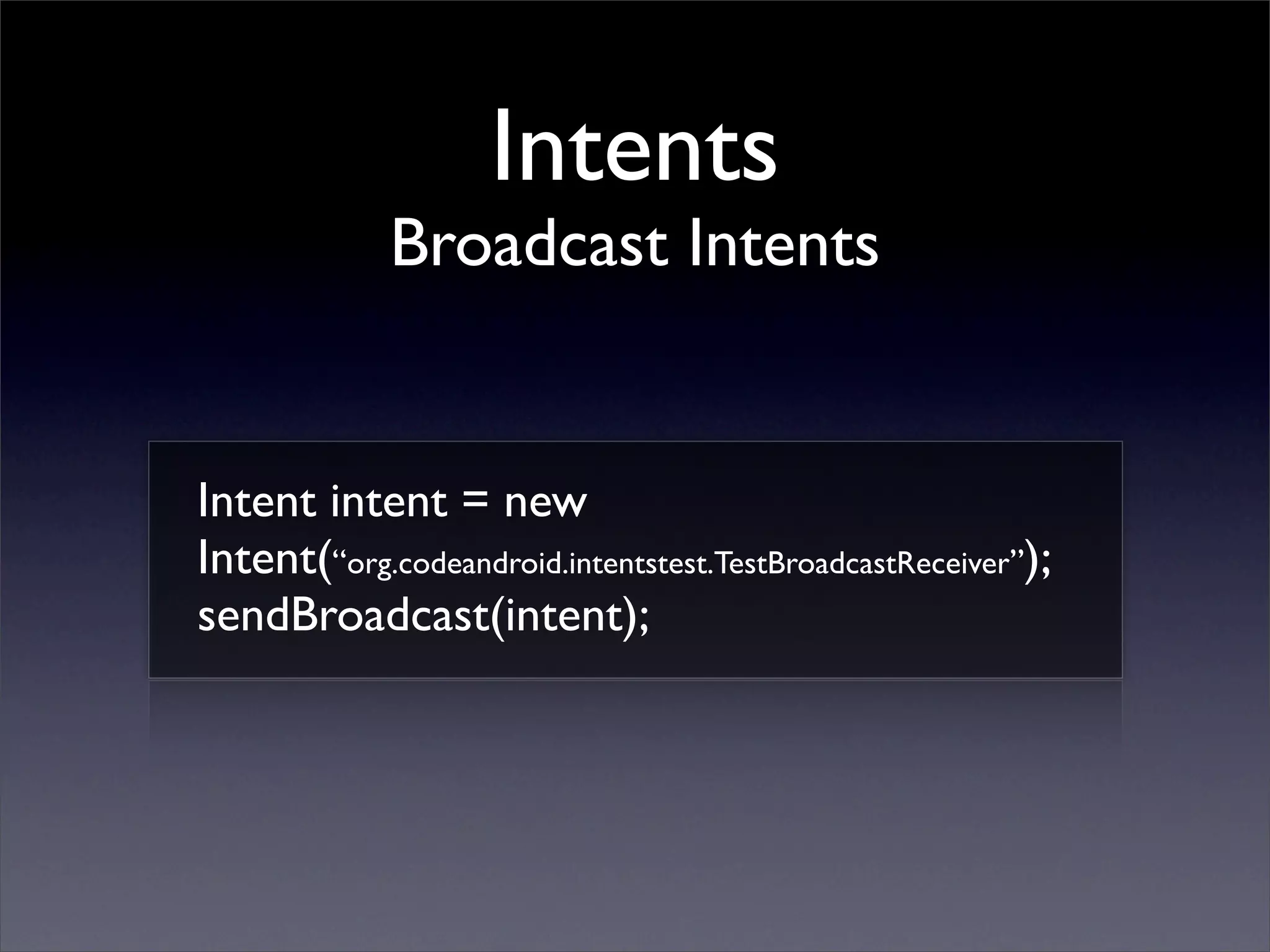
Intents
             Broadcast Intents


Intent intent = new
Intent(“org.codeandroid.intentstest.TestBroadcastReceiver”);
sendBroadcast(intent);
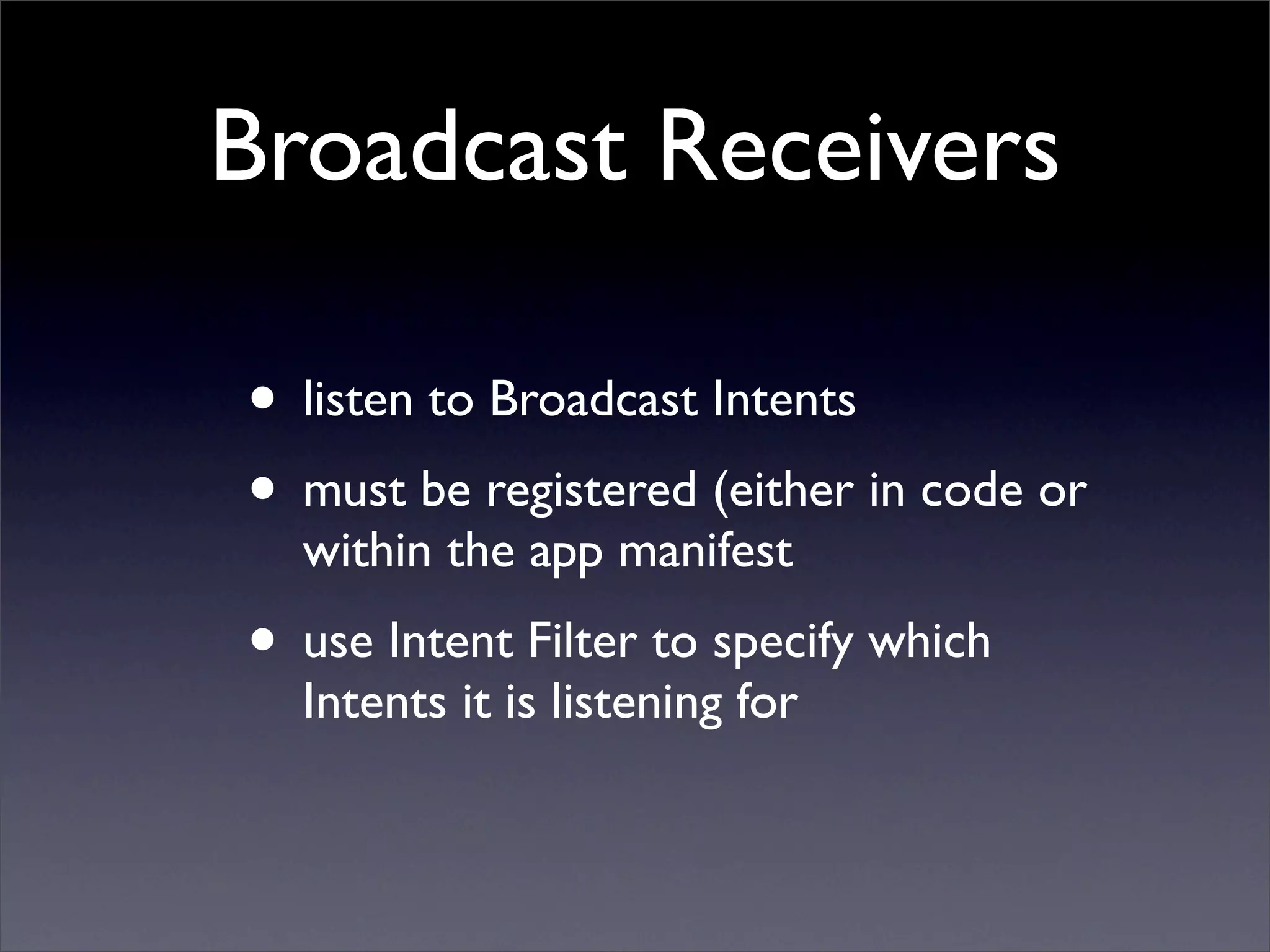
Broadcast Receivers

• listen to Broadcast Intents
• must be registered (either in code or
  within the app manifest
• use Intent Filter to specify which
  Intents it is listening for
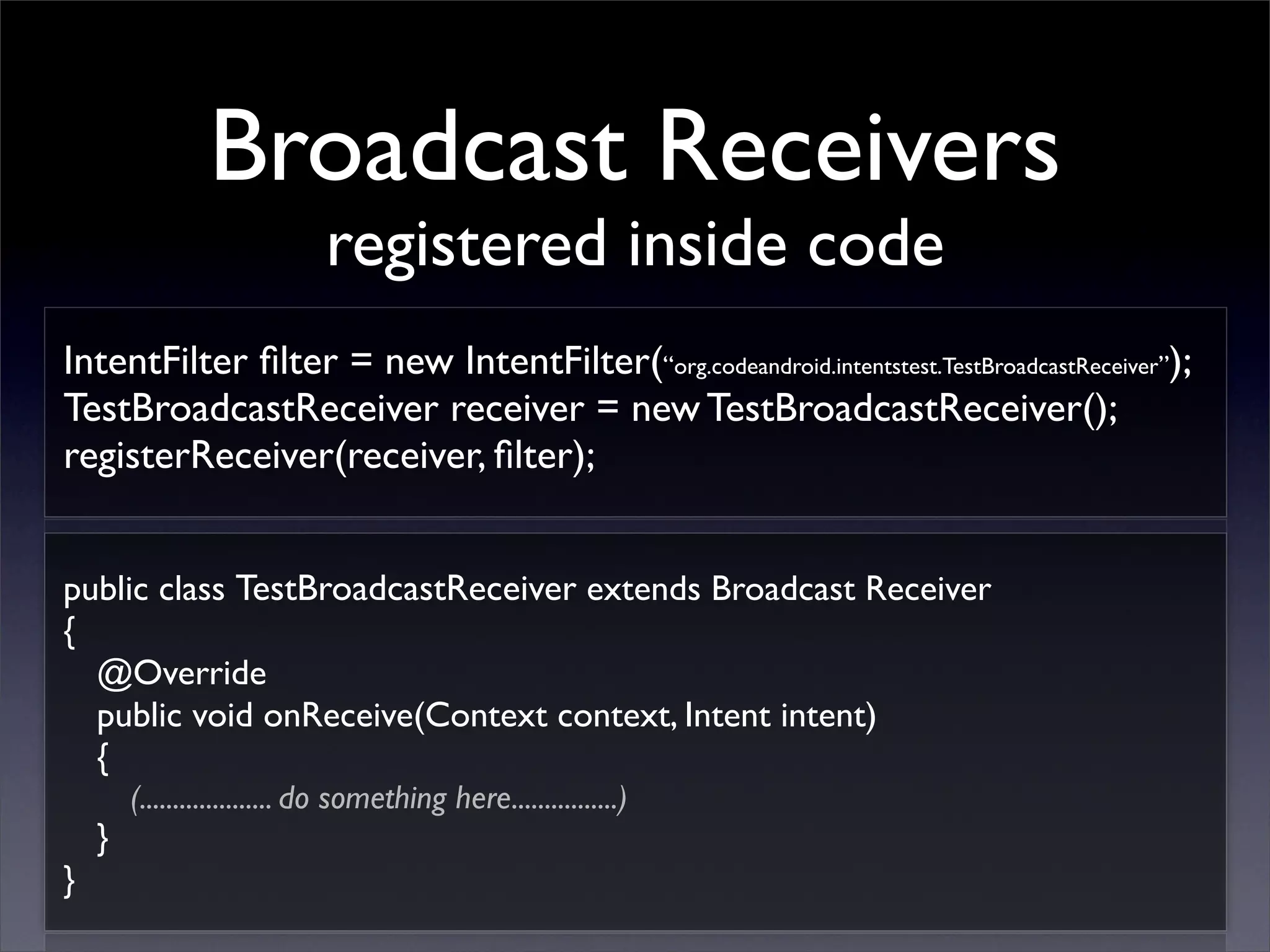
Broadcast Receivers
                             registered inside code
IntentFilter filter = new IntentFilter(“org.codeandroid.intentstest.TestBroadcastReceiver”);
TestBroadcastReceiver receiver = new TestBroadcastReceiver();
registerReceiver(receiver, filter);


public class TestBroadcastReceiver extends Broadcast Receiver
{
  @Override
  public void onReceive(Context context, Intent intent)
  {
        (.................... do something here................)
    }
}
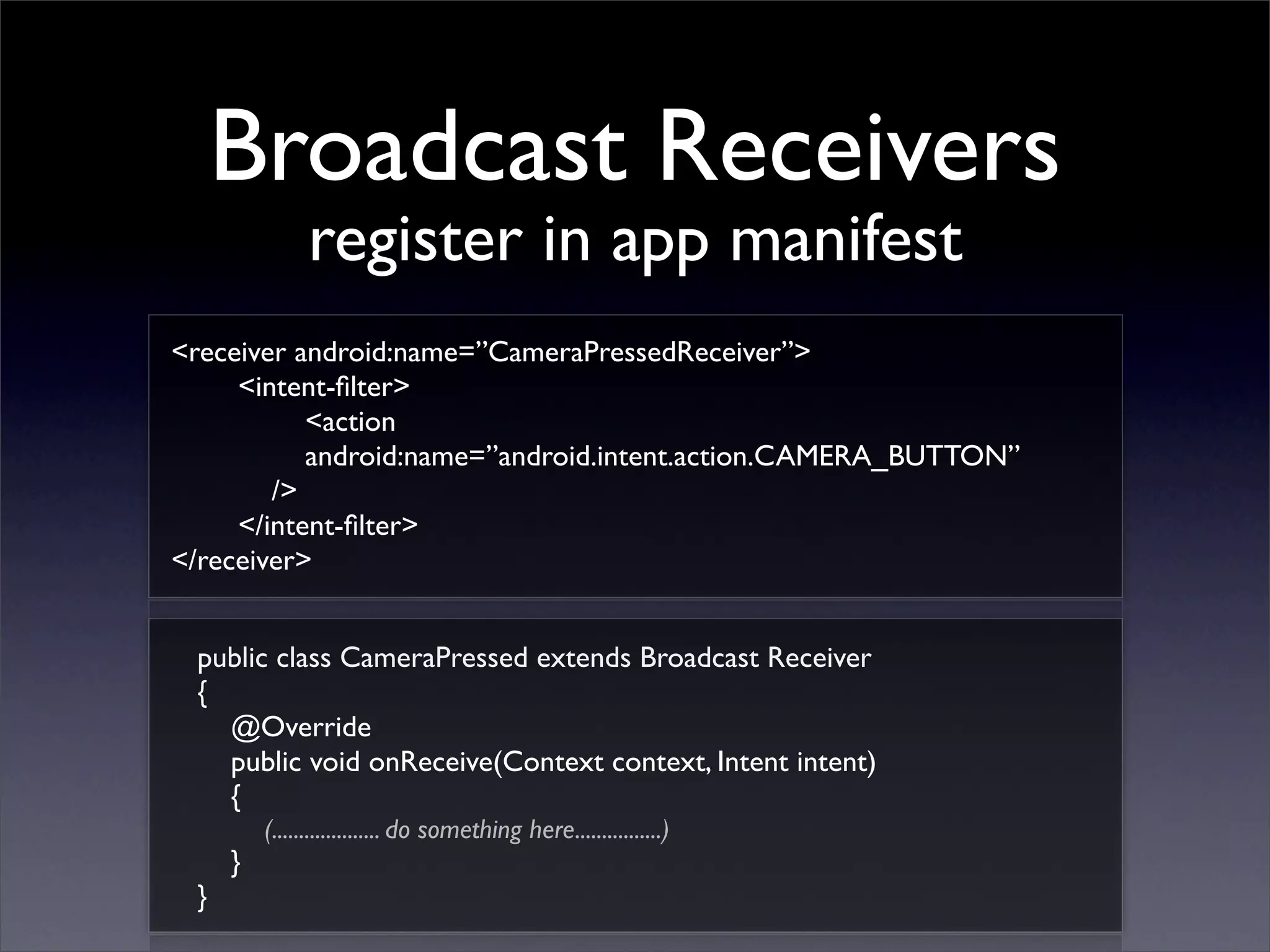
Broadcast Receivers
               register in app manifest
<receiver android:name=”CameraPressedReceiver”>
     <intent-filter>
           <action
           android:name=”android.intent.action.CAMERA_BUTTON”
        />
     </intent-filter>
</receiver>


 public class CameraPressed extends Broadcast Receiver
 {
   @Override
   public void onReceive(Context context, Intent intent)
   {
         (.................... do something here................)
     }
 }

Android: Intent, Intent Filter, Broadcast Receivers

  • 1.
  • 2.
    Intents & IntentsFilter • Intents : request for an action to be performed (usually on a set of data) • Intent Filters : register Activities, Services, and Broadcast Receivers (as being capable of performing an action on a set of data) • Broadcast Receivers : listens to intents
  • 3.
    Intents • Support interactionbetween any application components available on an Android device • start a new Activity • broadcast messages (broadcast intents)
  • 4.
    Intents Starting a new Activity Intent intent = new Intent (......................); startActivity(intent);
  • 5.
    Intents Starting a new Activity Dial a number Intent intent = new Intent (Intent.ACTION_DIAL, Uri.parse(“tel:93675359”)); startActivity(intent); Launch a website Intent intent = new Intent (Intent.ACTION_VIEW, Uri.parse(“http://codeandroid.org”)); startActivity(intent);
  • 6.
    Intents Starting a new Activity Launch an Activity Intent intent = new Intent (this, HelloWorld.class); startActivity(intent); Launch an Activity Intent intent = new Intent (this, HelloWorld.class); intent.putExtra(“title”,”Hello codeandroid”); startActivity(intent);
  • 7.
    Intent Filters AndroidManifest.xml <activity android:name=”.HelloWorld” android:label=”@string/app_name”> <intent-filter> <action android:name=”android.intent.action.MAIN”/> <category android:name=”android.intent.category.LAUNCHER”/> </intent-filter> </activity> Launch Hello World Intent intent = new Intent (this, HelloWorld.class); startActivity(intent);
  • 8.
    Intent Filters • Requiredfor Intent resolution to match Intents to Activities, Services, or BroadcastReceivers • Most Intent Filters are declared in AndroidManifest.xml of an application
  • 9.
    Intent Filters AndroidManifest.xml <activity android:name=”.HelloWorld” android:label=”@string/app_name”> <intent-filter> <action android:name=”org.codeandroid.intentstest.HelloWorld”/> <category android:name=”android.intent.category.DEFAULT”/> </intent-filter> </activity> Launch Hello World Intent intent = new Intent (“org.codeandroid.intentstest.HelloWorld”); startActivity(intent);
  • 10.
    Intent Filters AndroidManifest.xml <activity android:name=”.HelloWorld” android:label=”@string/app_name”> <intent-filter> <action android:name=”android.intent.action.VIEW”/> <category android:name=”android.intent.category.DEFAULT”/> <category android:name=”android.intent.category.BROWSABLE”/> <data android:scheme=”http” android:host=”androidium.org”/> </intent-filter> </activity> Launch Hello World Intent intent = new Intent (Intent.ACTION_VIEW, Uri.parse(“http://androidium.org”)); startActivity(intent);
  • 11.
    Intent Filters AndroidManifest.xml <activity android:name=”.HelloWorld” android:label=”@string/app_name”> <intent-filter> <action android:name=”android.intent.action.VIEW”/> <category android:name=”android.intent.category.DEFAULT”/> <category android:name=”android.intent.category.BROWSABLE”/> <data android:scheme=”http” android:host=”www.google.com” android:pathPrefix=”/advanced_search” /> </intent-filter> </activity>
  • 12.
    Intent Filters AndroidManifest.xml <activity android:name=”.HelloWorld” android:label=”@string/app_name”> <intent-filter> <action android:name=”android.intent.action.VIEW”/> <category android:name=”android.intent.category.DEFAULT”/> <category android:name=”android.intent.category.BROWSABLE”/> <data android:scheme=”codeandroid”/> </intent-filter> </activity> Launch Hello World Intent intent = new Intent (Intent.ACTION_VIEW, Uri.parse(“codeandroid://”)); startActivity(intent);
  • 13.
    Intents Launch the Android Market Uri marketUri = Uri.parse(“http://market.android.com/search?q=pname:com.buuuk.buUuk”) Intent intent = new Intent (Intent.ACTION_VIEW, marketUri); startActivity(intent); Uri marketUri = Uri.parse(“market://search?q=pname:com.buuuk.buUuk”) Intent intent = new Intent (Intent.ACTION_VIEW, marketUri); startActivity(intent);
  • 14.
    Intents Broadcast Intents • broadcast messages between components with the sendBroadcast method • makes an application more open, by broadcasting to current and other applications
  • 15.
    Intents Broadcast Intents Intent intent = new Intent(“org.codeandroid.intentstest.TestBroadcastReceiver”); sendBroadcast(intent);
  • 16.
    Broadcast Receivers • listento Broadcast Intents • must be registered (either in code or within the app manifest • use Intent Filter to specify which Intents it is listening for
  • 17.
    Broadcast Receivers registered inside code IntentFilter filter = new IntentFilter(“org.codeandroid.intentstest.TestBroadcastReceiver”); TestBroadcastReceiver receiver = new TestBroadcastReceiver(); registerReceiver(receiver, filter); public class TestBroadcastReceiver extends Broadcast Receiver { @Override public void onReceive(Context context, Intent intent) { (.................... do something here................) } }
  • 18.
    Broadcast Receivers register in app manifest <receiver android:name=”CameraPressedReceiver”> <intent-filter> <action android:name=”android.intent.action.CAMERA_BUTTON” /> </intent-filter> </receiver> public class CameraPressed extends Broadcast Receiver { @Override public void onReceive(Context context, Intent intent) { (.................... do something here................) } }