


AJAX Developing  Rich Internet Applications -- Luqman Shareef
 
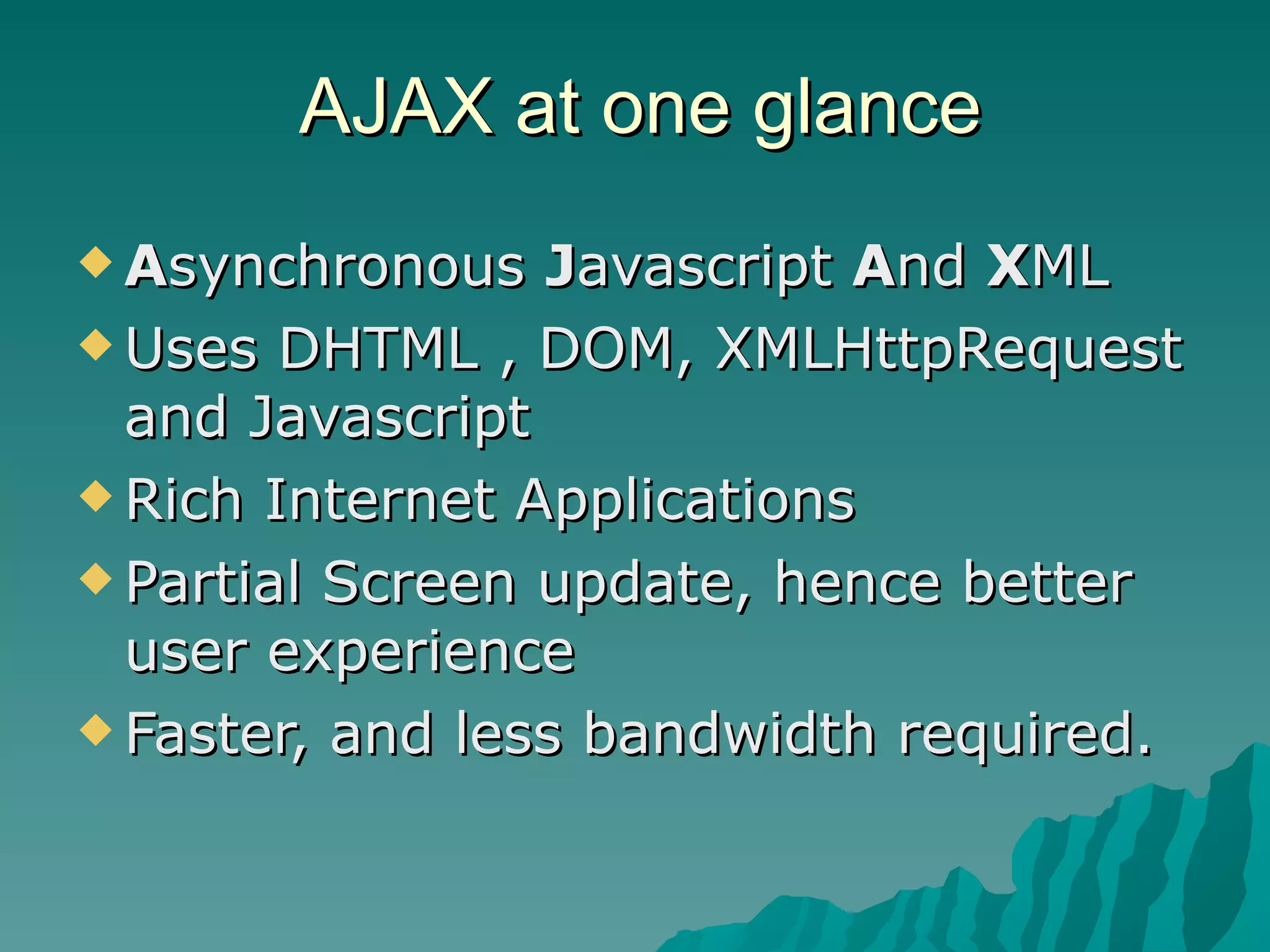
AJAX at one glance A synchronous  J avascript  A nd  X ML Uses DHTML , DOM, XMLHttpRequest and Javascript Rich Internet Applications Partial Screen update, hence better user experience Faster, and less bandwidth required.
AJAX Examples Google Map  ( http://maps.google.com ) Google Suggest  ( http://www.google.com/webhp?complete=1&hl=en ) Gmail   ( http://gmail.google.com ) Yahoo Maps  ( http://maps.yahoo.com )
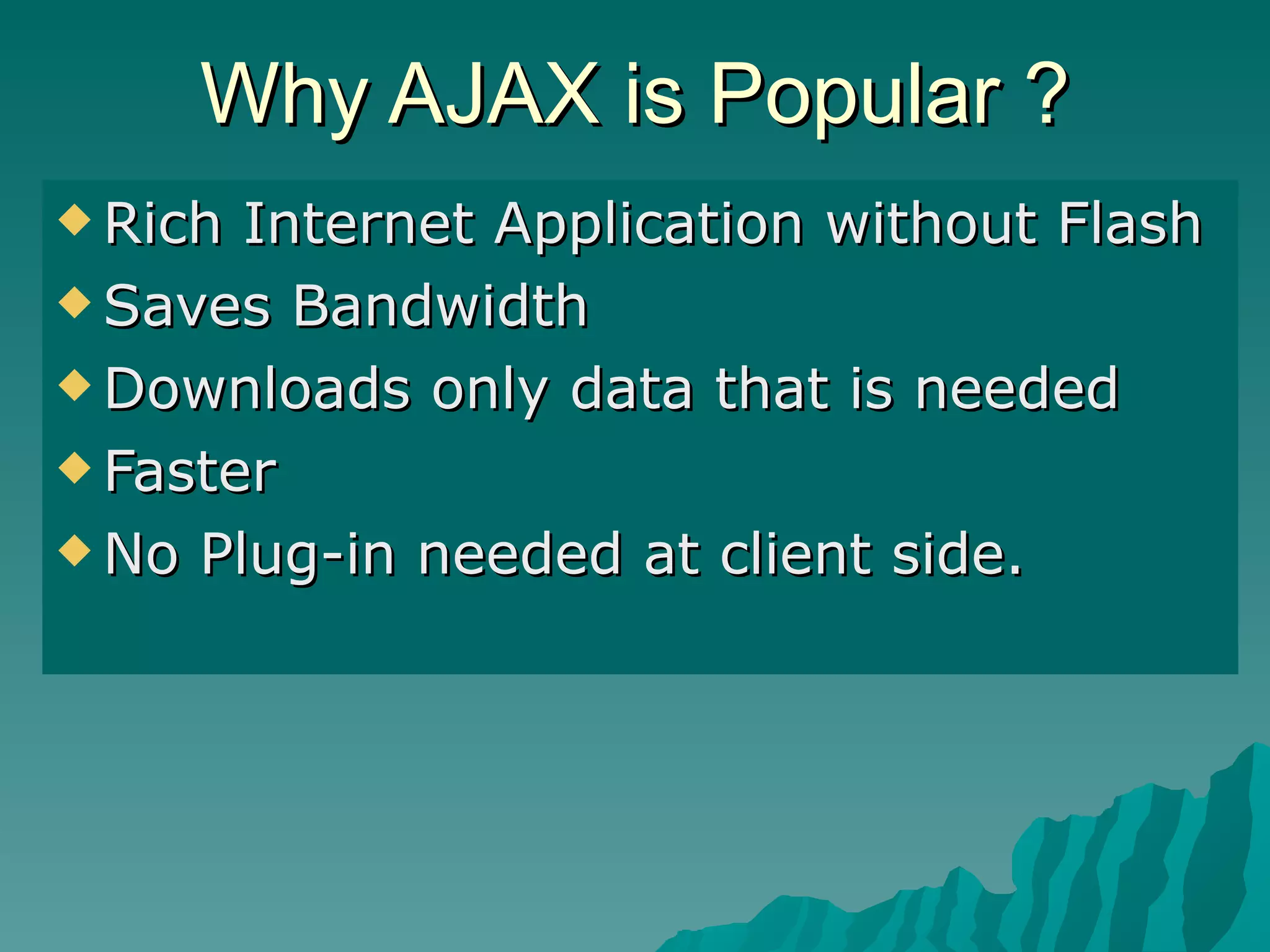
Why AJAX is Popular ? Rich Internet Application without Flash Saves Bandwidth Downloads only data that is needed Faster No Plug-in needed at client side.
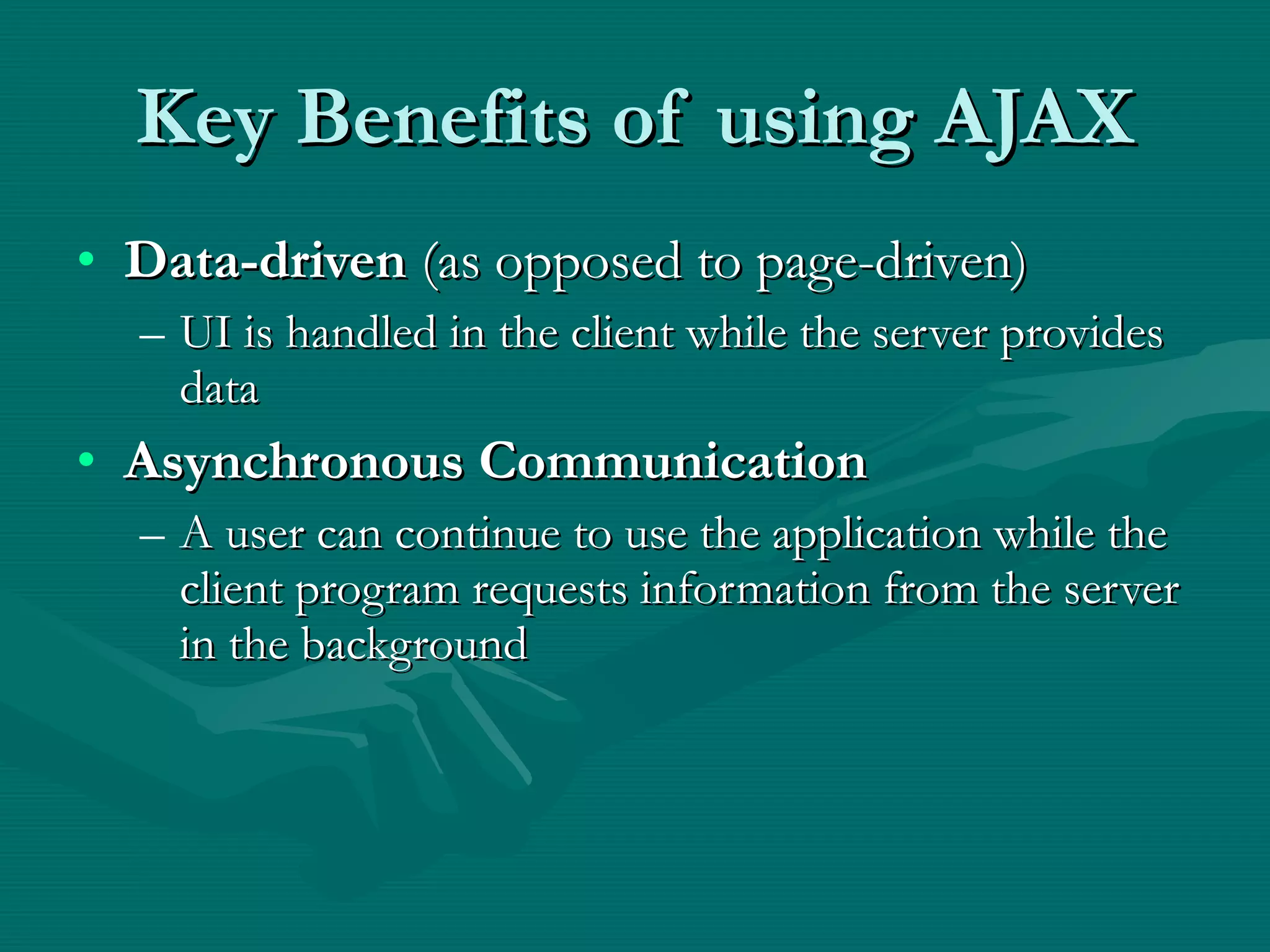
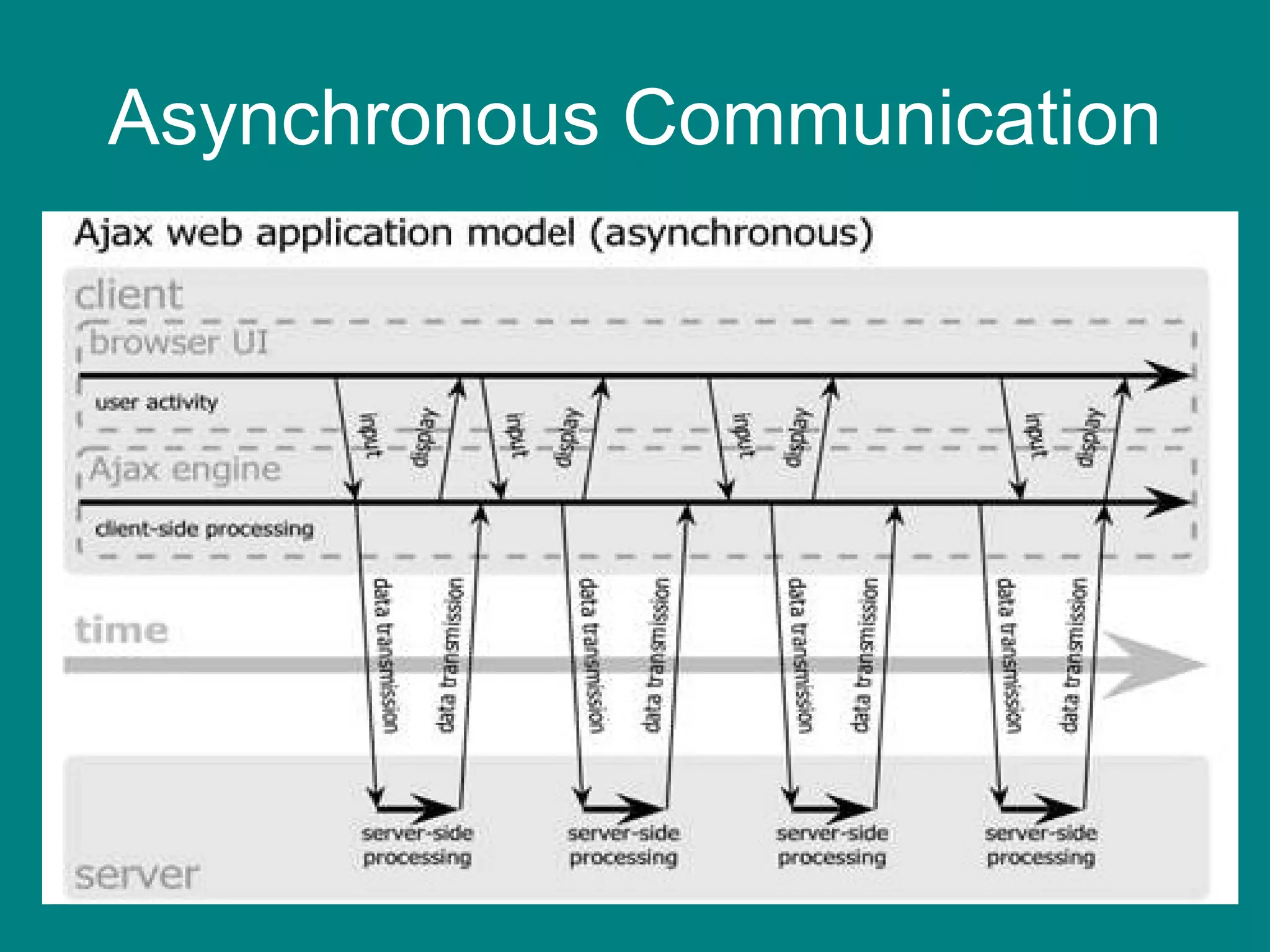
Key Benefits of using AJAX Data-driven  (as opposed to page-driven) UI is handled in the client while the server provides data Asynchronous Communication A user can continue to use the application while the client program requests information from the server in the background
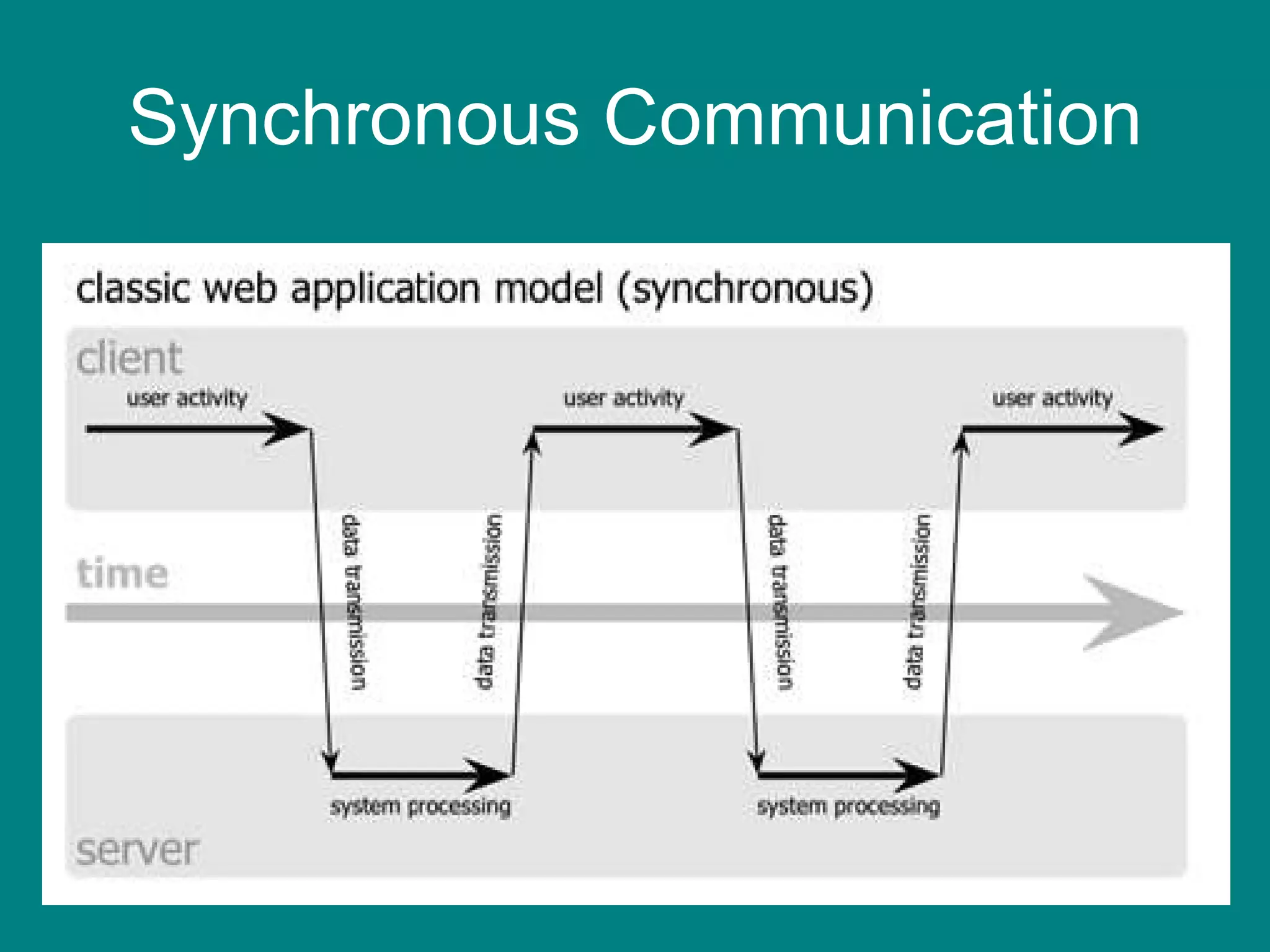
Synchronous Communication
Asynchronous Communication
 
 
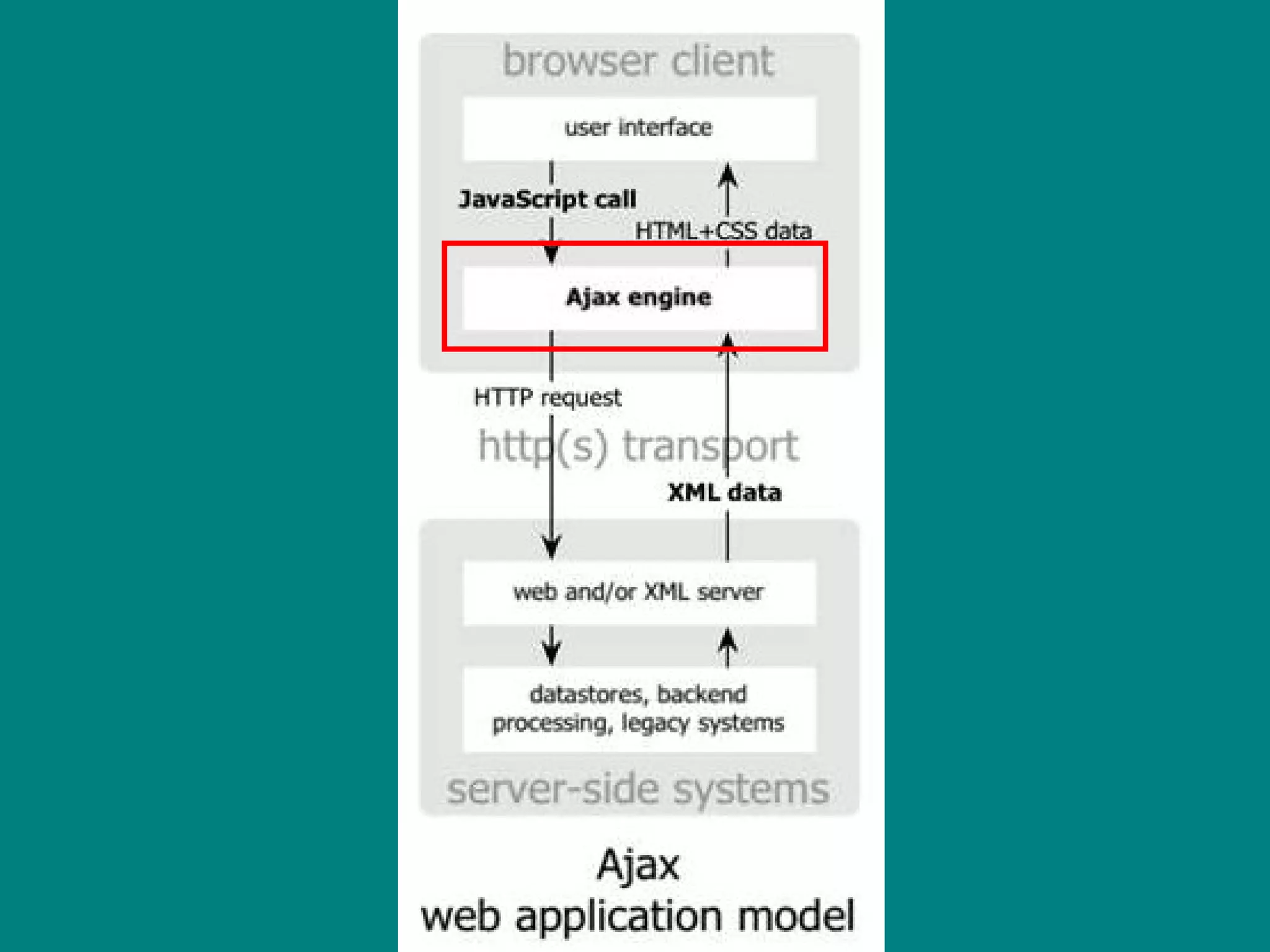
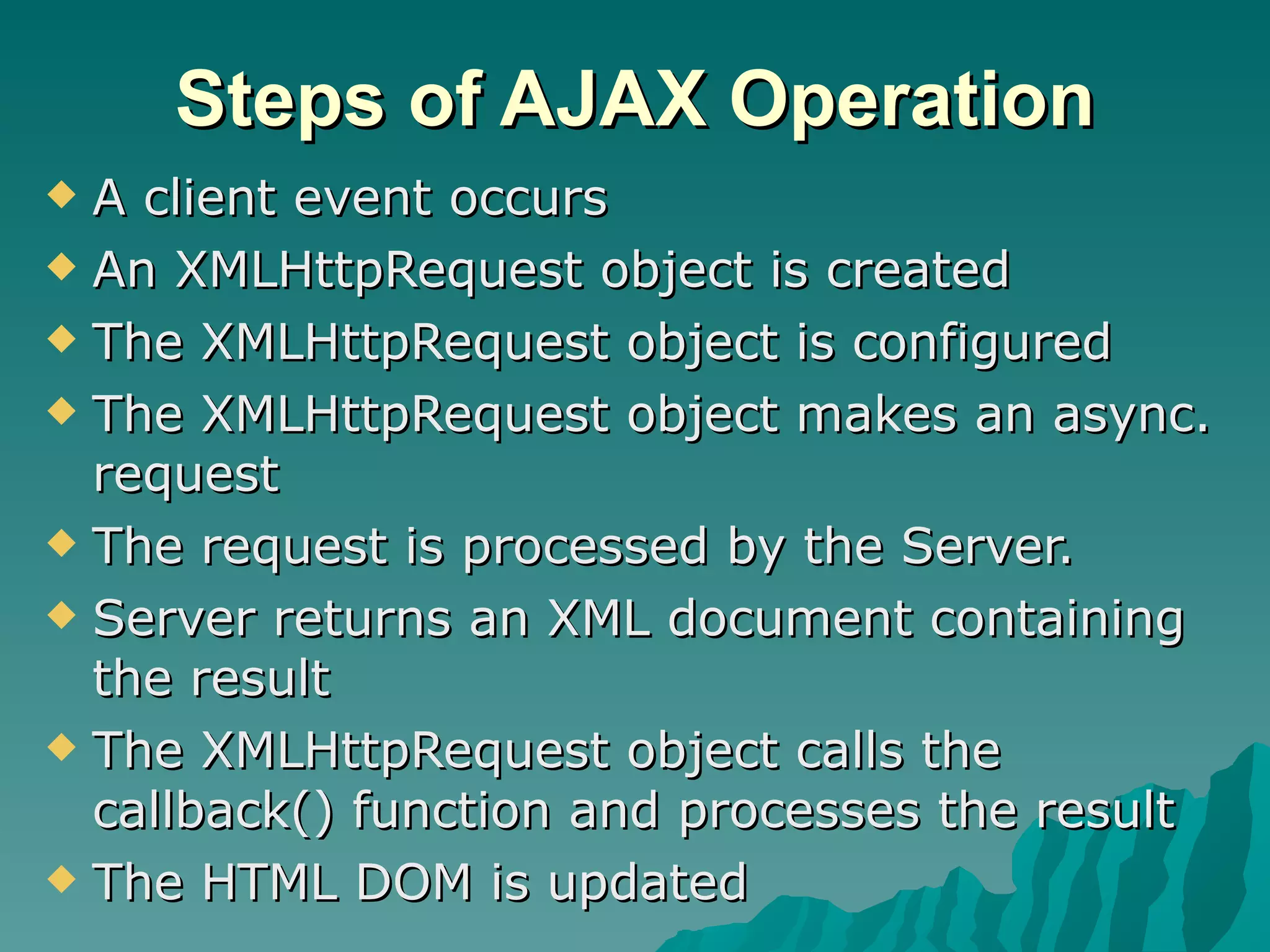
Steps of AJAX Operation A client event occurs An XMLHttpRequest object is created The XMLHttpRequest object is configured The XMLHttpRequest object makes an async. request The request is processed by the Server. Server returns an XML document containing the result The XMLHttpRequest object calls the callback() function and processes the result The HTML DOM is updated
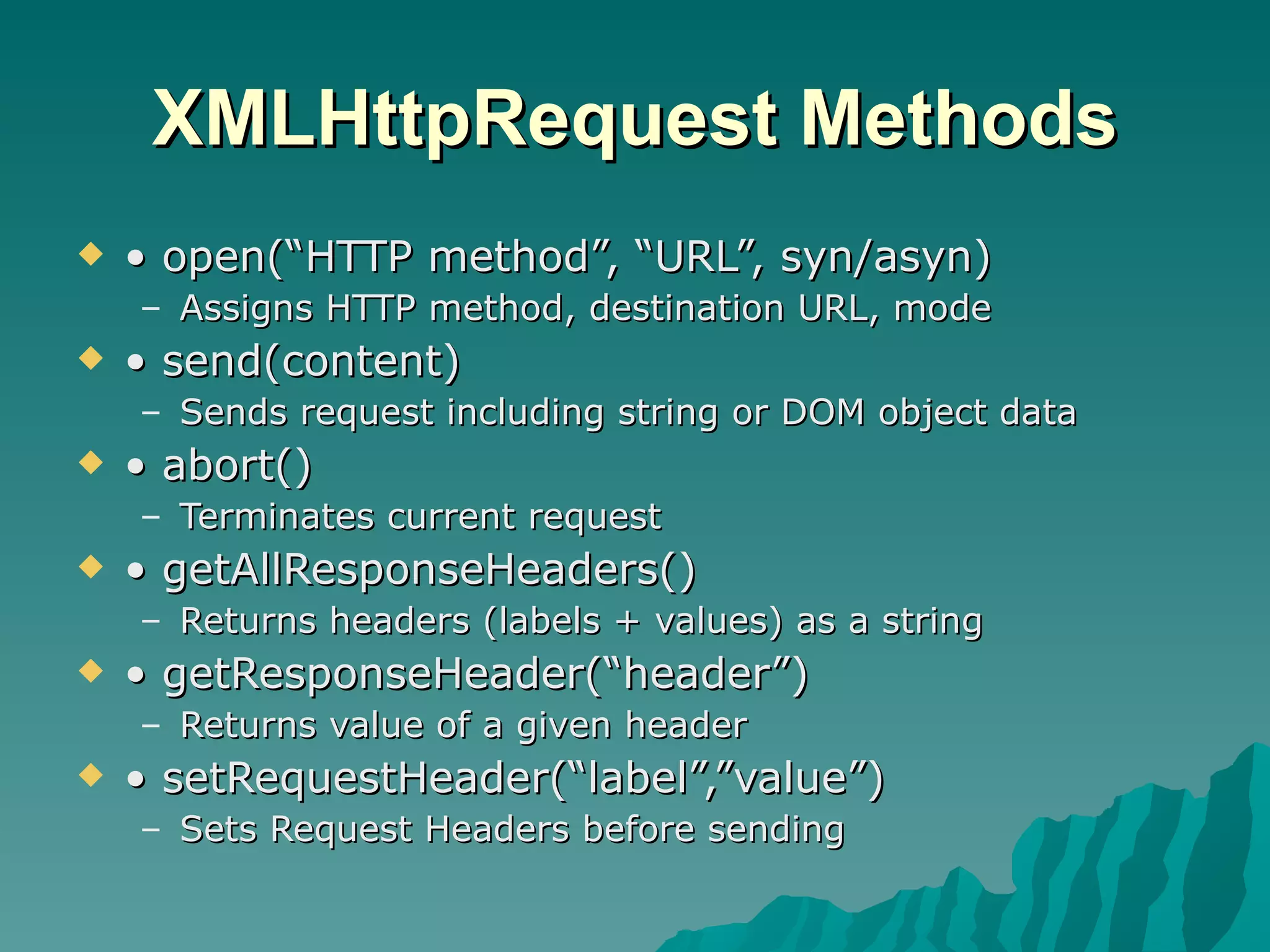
XMLHttpRequest Methods •  open(“HTTP method”, “URL”, syn/asyn) Assigns HTTP method, destination URL, mode •  send(content) Sends request including string or DOM object data •  abort() Terminates current request •  getAllResponseHeaders() Returns headers (labels + values) as a string •  getResponseHeader(“header”) Returns value of a given header •  setRequestHeader(“label”,”value”) Sets Request Headers before sending
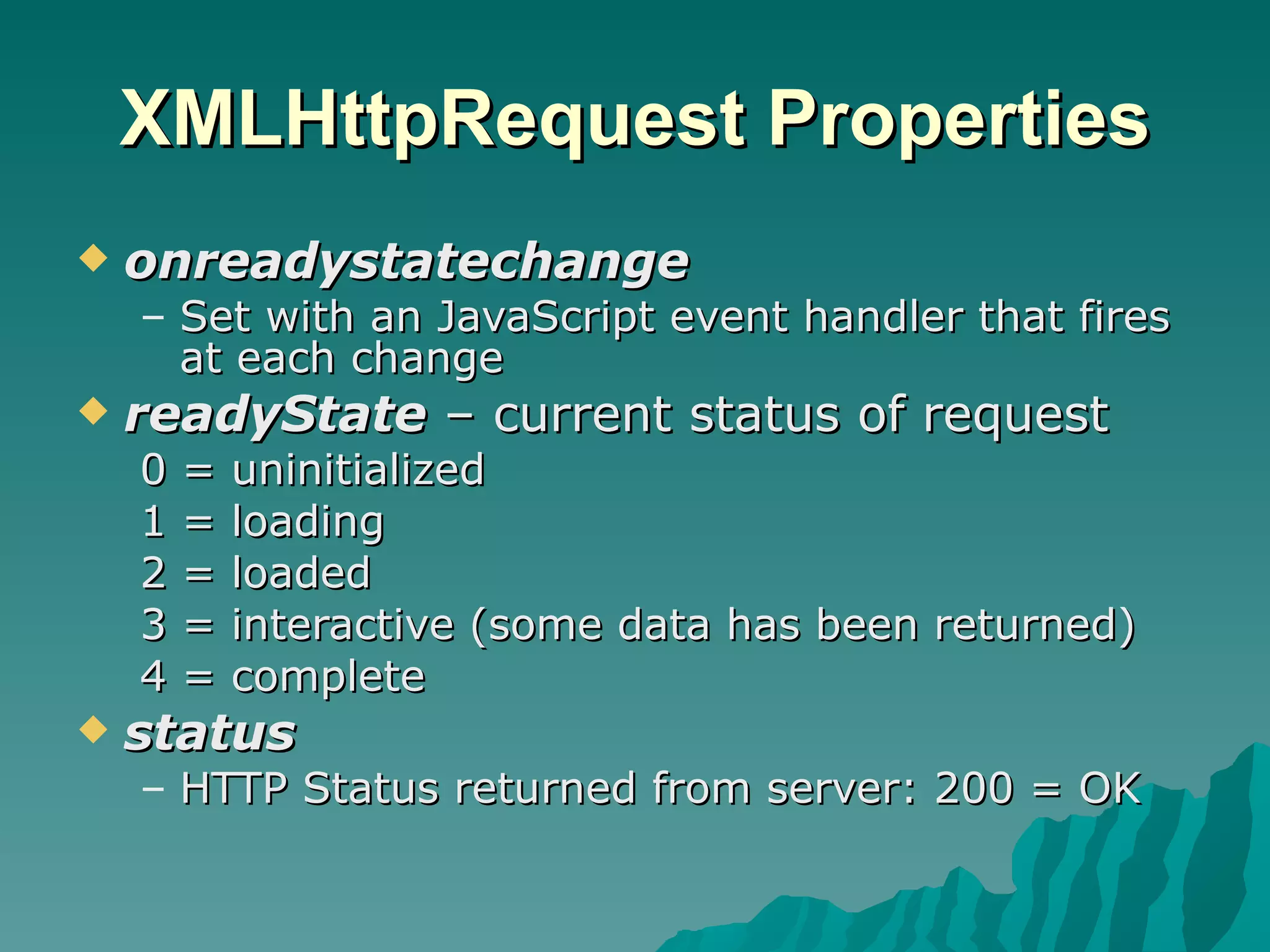
XMLHttpRequest Properties onreadystatechange Set with an JavaScript event handler that fires at each change readyState  – current status of request 0 = uninitialized 1 = loading 2 = loaded 3 = interactive (some data has been returned) 4 = complete status HTTP Status returned from server: 200 = OK
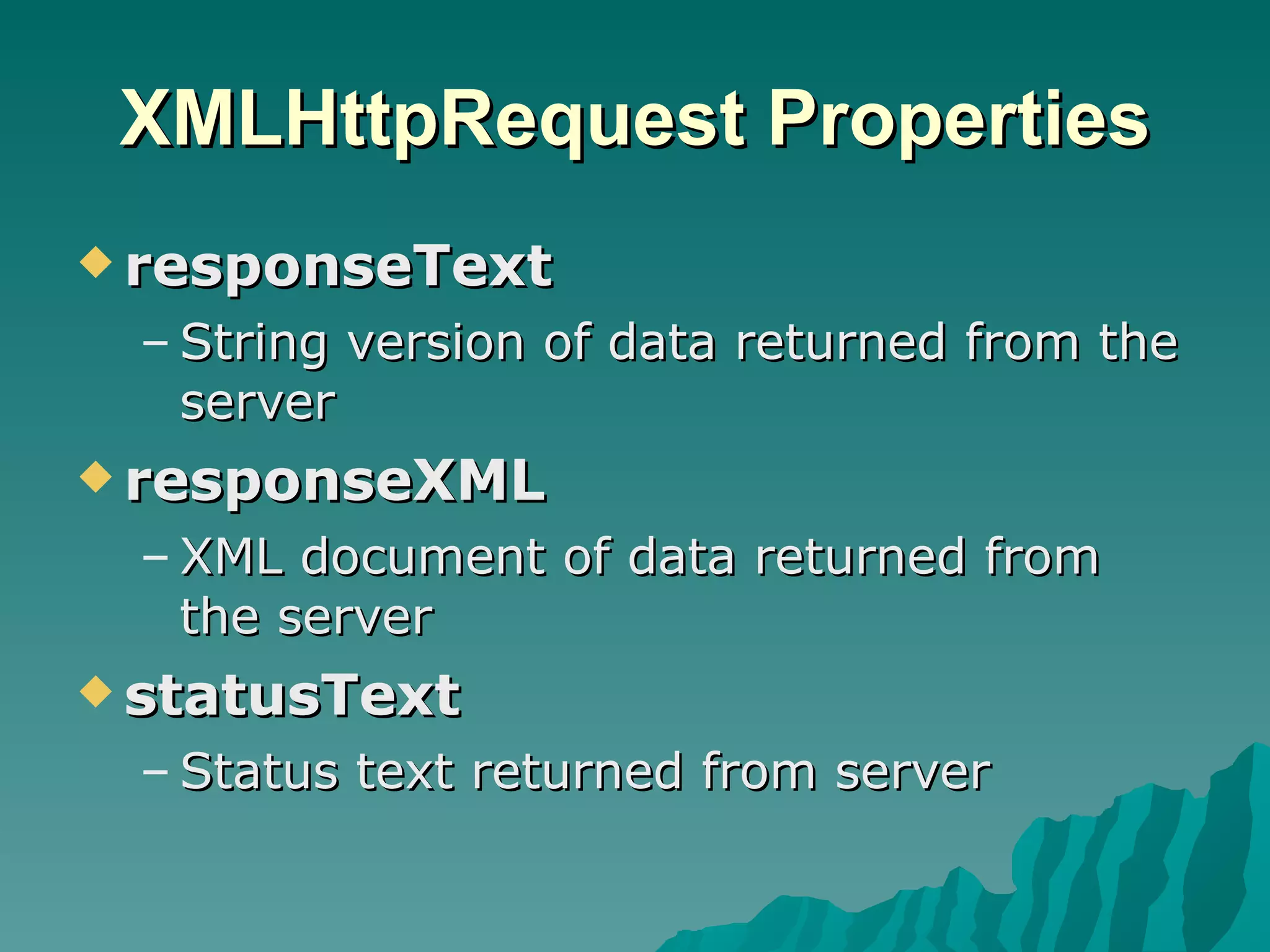
XMLHttpRequest Properties responseText String version of data returned from the server responseXML XML document of data returned from the server statusText Status text returned from server
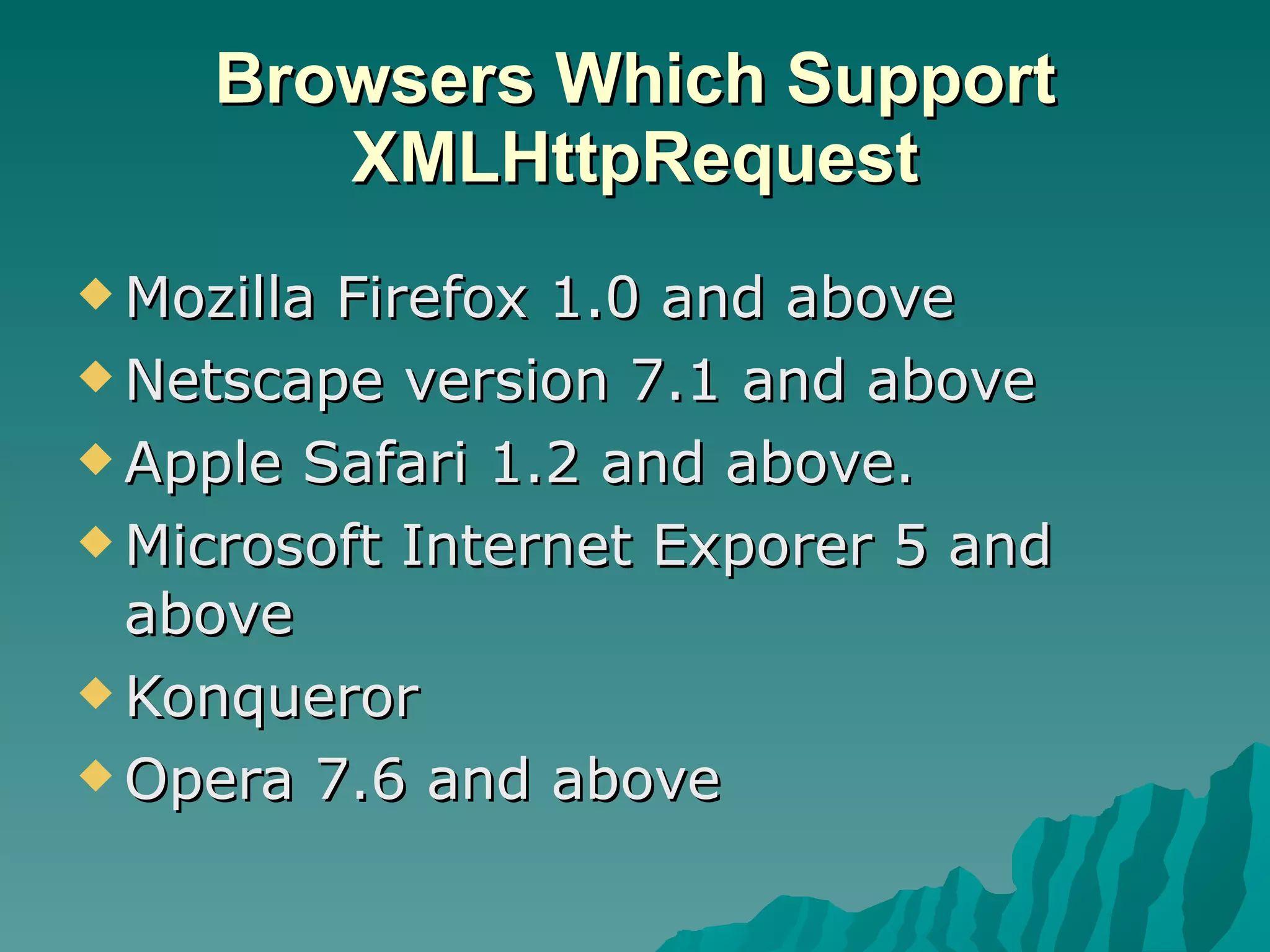
Browsers Which Support XMLHttpRequest Mozilla Firefox 1.0 and above Netscape version 7.1 and above Apple Safari 1.2 and above. Microsoft Internet Exporer 5 and above Konqueror Opera 7.6 and above
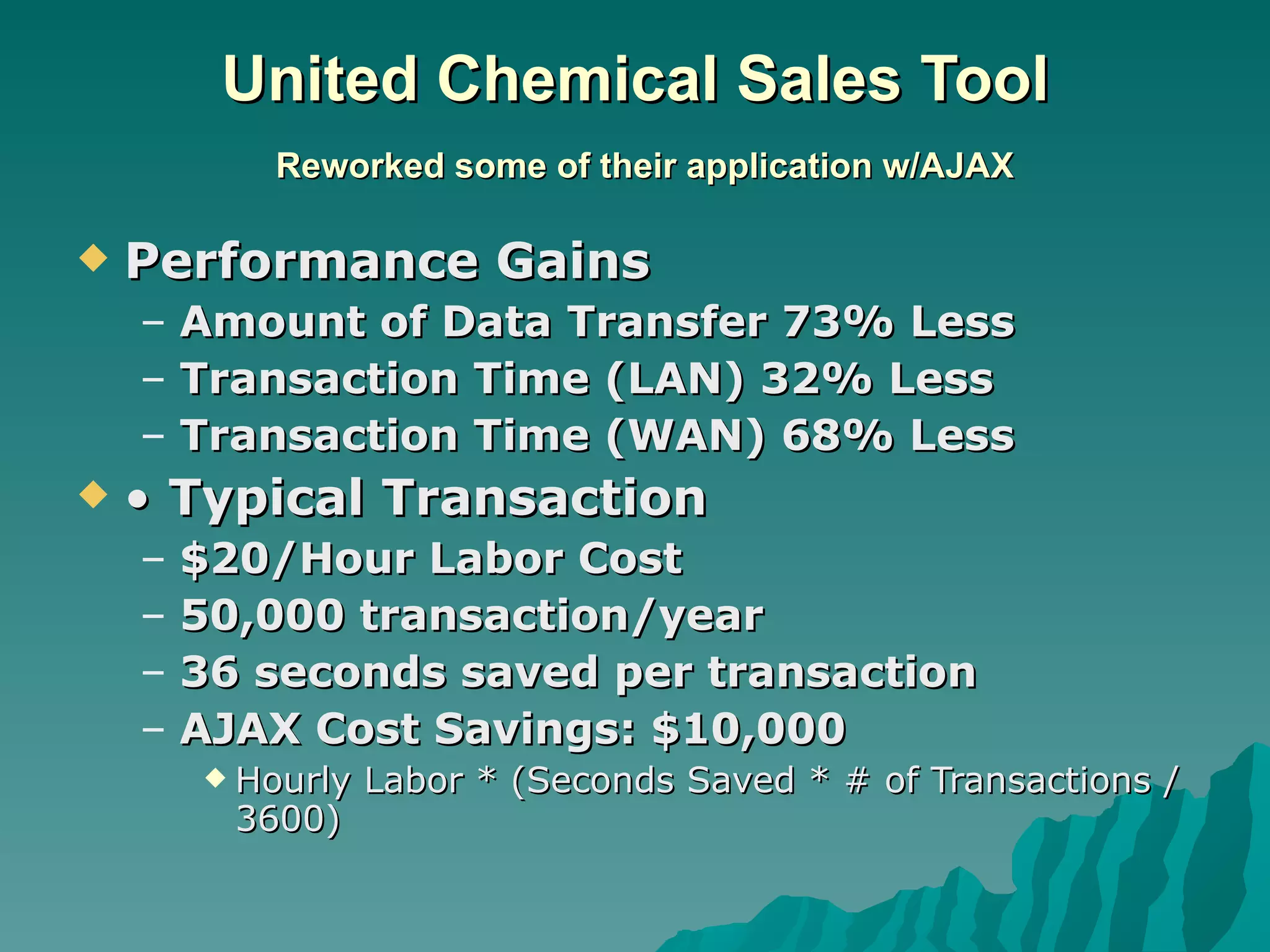
United Chemical Sales Tool   Reworked some of their application w/AJAX Performance Gains Amount of Data Transfer 73% Less Transaction Time (LAN) 32% Less Transaction Time (WAN) 68% Less •  Typical Transaction $20/Hour Labor Cost 50,000 transaction/year 36 seconds saved per transaction AJAX Cost Savings: $10,000 Hourly Labor * (Seconds Saved * # of Transactions / 3600)
 
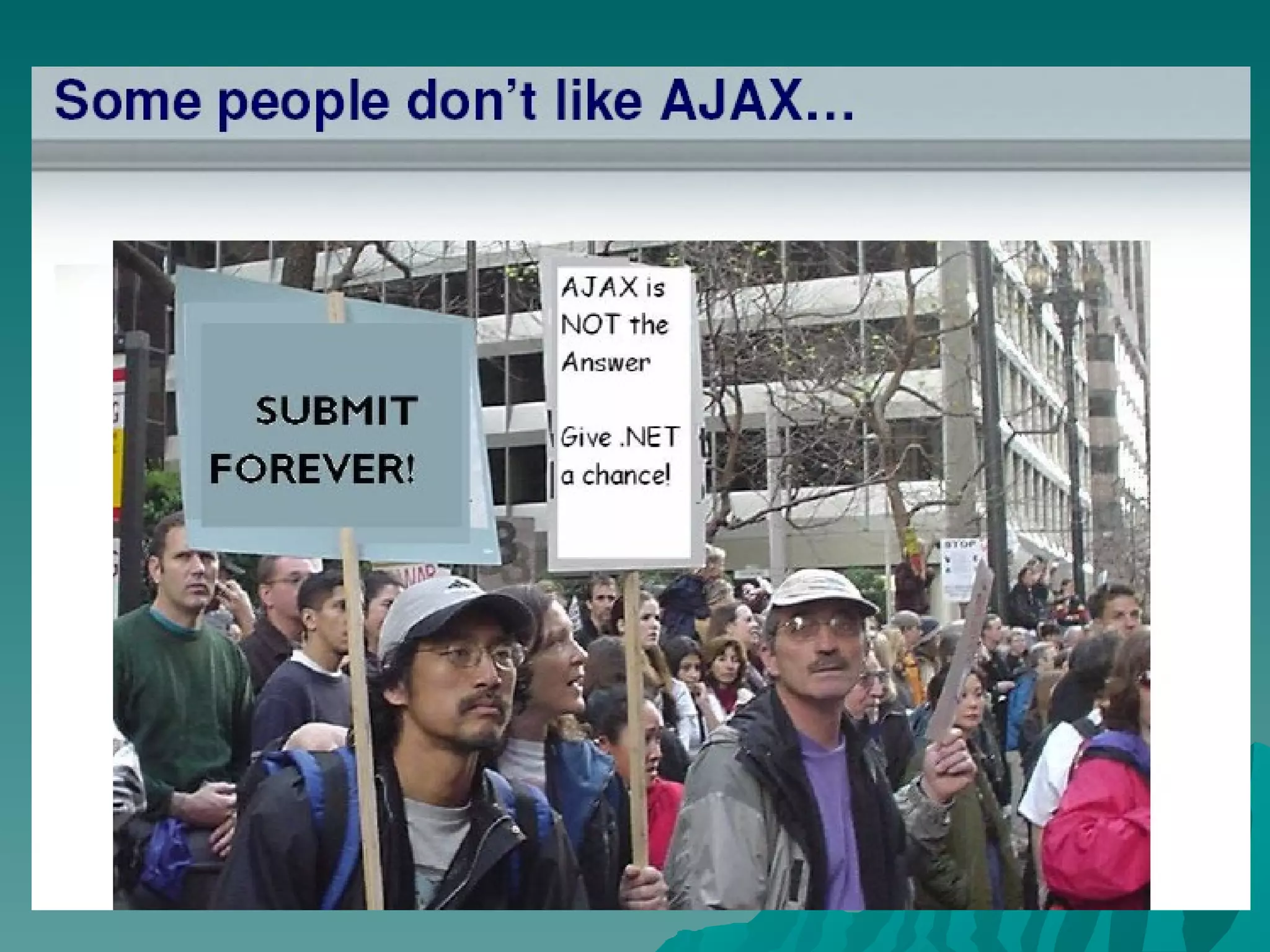
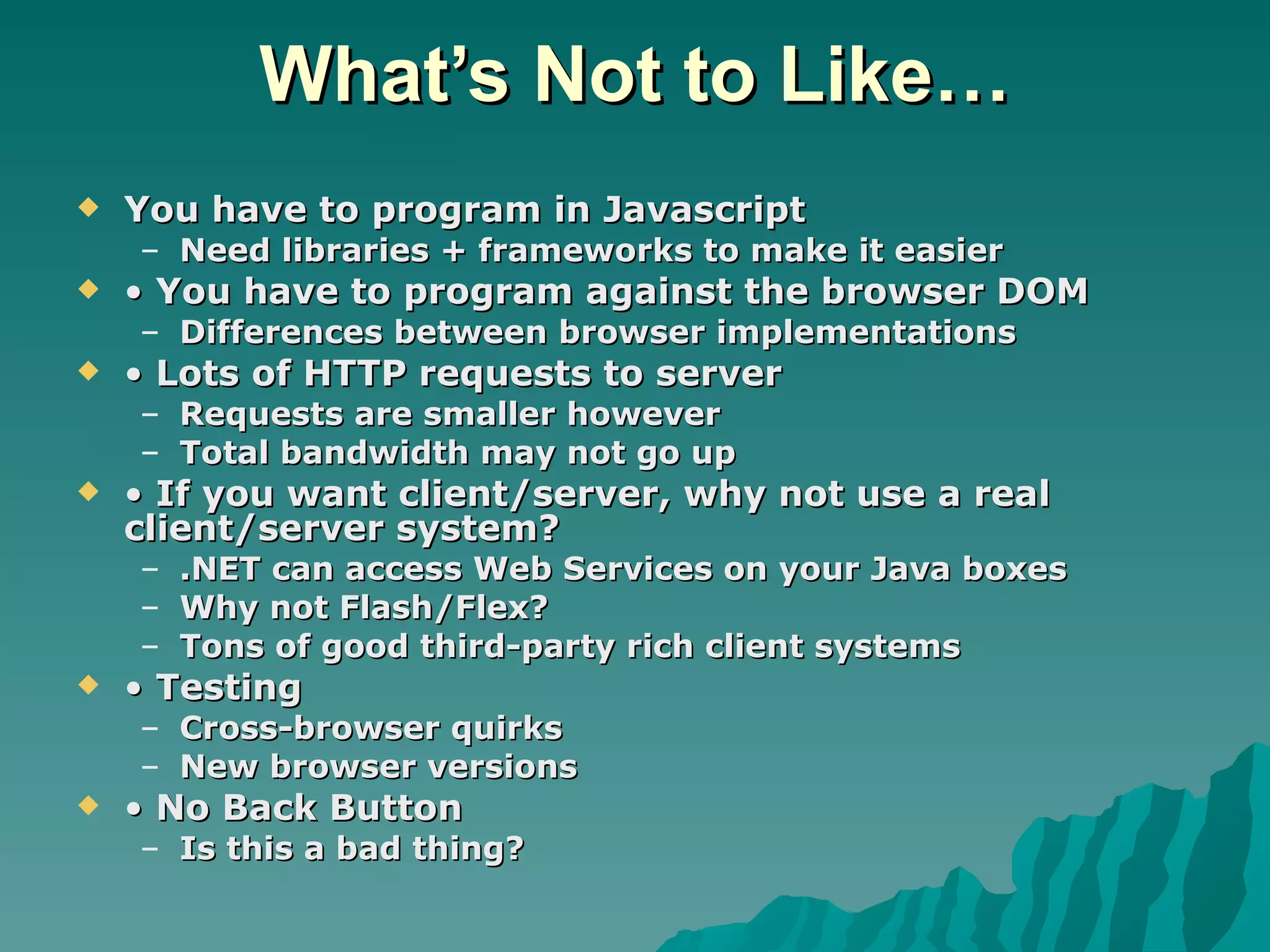
What’s Not to Like… You have to program in Javascript Need libraries + frameworks to make it easier •  You have to program against the browser DOM Differences between browser implementations •  Lots of HTTP requests to server Requests are smaller however Total bandwidth may not go up •  If you want client/server, why not use a real client/server system? .NET can access Web Services on your Java boxes Why not Flash/Flex? Tons of good third-party rich client systems •  Testing Cross-browser quirks New browser versions •  No Back Button Is this a bad thing?
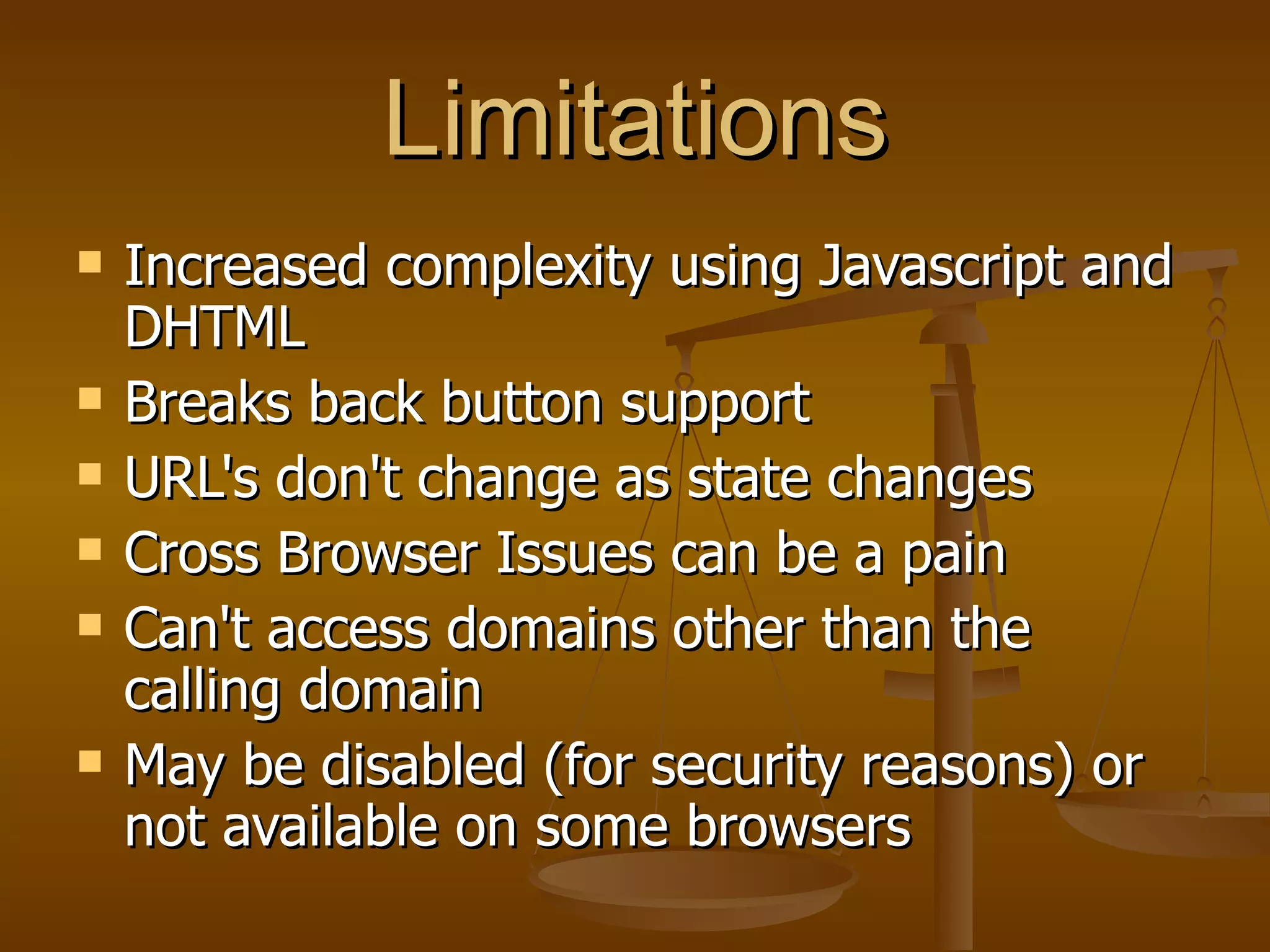
Limitations Increased complexity using Javascript and DHTML Breaks back button support  URL's don't change as state changes  Cross Browser Issues can be a pain  Can't access domains other than the calling domain  May be disabled (for security reasons) or not available on some browsers
www.ajaxmatters.com www.ajaxian.com www.ajaxpatterns.org www.ajaxtags.com
Thank You

Ajax

  • 1.
    AJAX Developing Rich Internet Applications -- Luqman Shareef
  • 2.
  • 3.
    AJAX at oneglance A synchronous J avascript A nd X ML Uses DHTML , DOM, XMLHttpRequest and Javascript Rich Internet Applications Partial Screen update, hence better user experience Faster, and less bandwidth required.
  • 4.
    AJAX Examples GoogleMap ( http://maps.google.com ) Google Suggest ( http://www.google.com/webhp?complete=1&hl=en ) Gmail ( http://gmail.google.com ) Yahoo Maps ( http://maps.yahoo.com )
  • 5.
    Why AJAX isPopular ? Rich Internet Application without Flash Saves Bandwidth Downloads only data that is needed Faster No Plug-in needed at client side.
  • 6.
    Key Benefits ofusing AJAX Data-driven (as opposed to page-driven) UI is handled in the client while the server provides data Asynchronous Communication A user can continue to use the application while the client program requests information from the server in the background
  • 7.
  • 8.
  • 9.
  • 10.
  • 11.
    Steps of AJAXOperation A client event occurs An XMLHttpRequest object is created The XMLHttpRequest object is configured The XMLHttpRequest object makes an async. request The request is processed by the Server. Server returns an XML document containing the result The XMLHttpRequest object calls the callback() function and processes the result The HTML DOM is updated
  • 12.
    XMLHttpRequest Methods • open(“HTTP method”, “URL”, syn/asyn) Assigns HTTP method, destination URL, mode • send(content) Sends request including string or DOM object data • abort() Terminates current request • getAllResponseHeaders() Returns headers (labels + values) as a string • getResponseHeader(“header”) Returns value of a given header • setRequestHeader(“label”,”value”) Sets Request Headers before sending
  • 13.
    XMLHttpRequest Properties onreadystatechangeSet with an JavaScript event handler that fires at each change readyState – current status of request 0 = uninitialized 1 = loading 2 = loaded 3 = interactive (some data has been returned) 4 = complete status HTTP Status returned from server: 200 = OK
  • 14.
    XMLHttpRequest Properties responseTextString version of data returned from the server responseXML XML document of data returned from the server statusText Status text returned from server
  • 15.
    Browsers Which SupportXMLHttpRequest Mozilla Firefox 1.0 and above Netscape version 7.1 and above Apple Safari 1.2 and above. Microsoft Internet Exporer 5 and above Konqueror Opera 7.6 and above
  • 16.
    United Chemical SalesTool Reworked some of their application w/AJAX Performance Gains Amount of Data Transfer 73% Less Transaction Time (LAN) 32% Less Transaction Time (WAN) 68% Less • Typical Transaction $20/Hour Labor Cost 50,000 transaction/year 36 seconds saved per transaction AJAX Cost Savings: $10,000 Hourly Labor * (Seconds Saved * # of Transactions / 3600)
  • 17.
  • 18.
    What’s Not toLike… You have to program in Javascript Need libraries + frameworks to make it easier • You have to program against the browser DOM Differences between browser implementations • Lots of HTTP requests to server Requests are smaller however Total bandwidth may not go up • If you want client/server, why not use a real client/server system? .NET can access Web Services on your Java boxes Why not Flash/Flex? Tons of good third-party rich client systems • Testing Cross-browser quirks New browser versions • No Back Button Is this a bad thing?
  • 19.
    Limitations Increased complexityusing Javascript and DHTML Breaks back button support URL's don't change as state changes Cross Browser Issues can be a pain Can't access domains other than the calling domain May be disabled (for security reasons) or not available on some browsers
  • 20.
  • 21.