Access to Study SkillsOnline Study GuidesClaire Graham and Matthew Mobbs
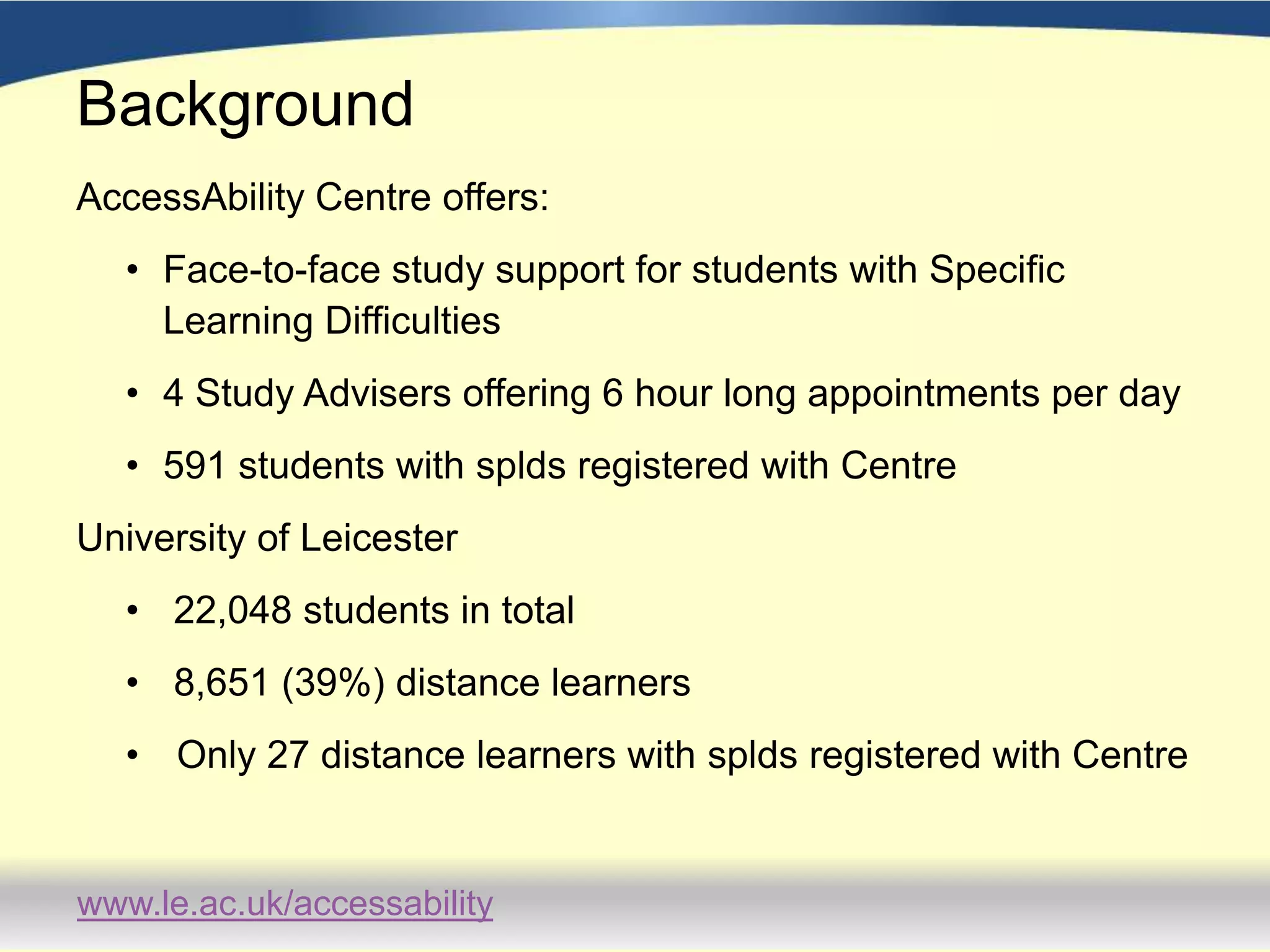
BackgroundAccessAbility Centre offers:Face-to-face study support for students with Specific Learning Difficulties4 Study Advisers offering 6 hour long appointments per day591 students with splds registered with CentreUniversity of Leicester 22,048 students in total 8,651 (39%) distance learners Only 27 distance learners with splds registered with Centre
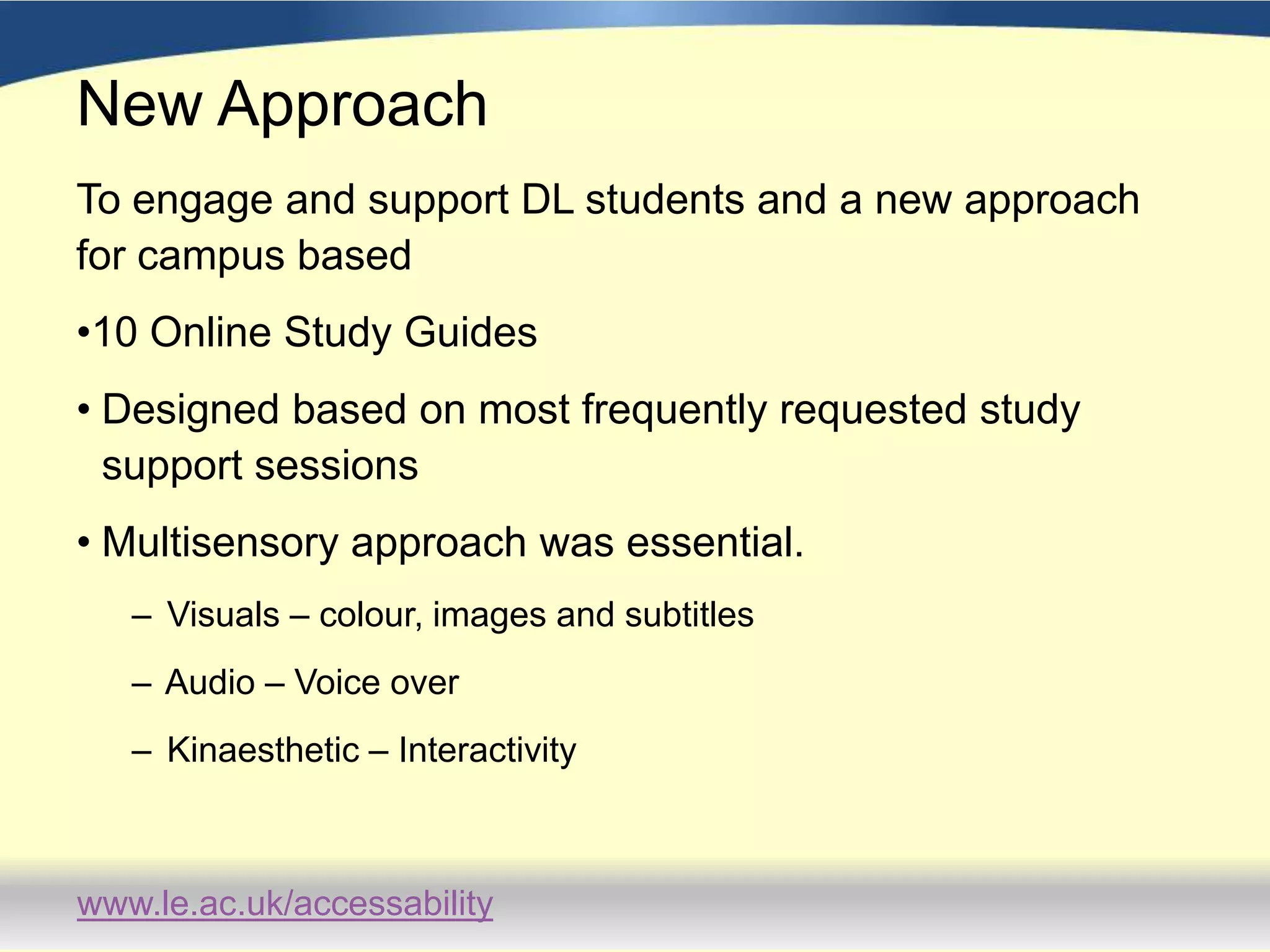
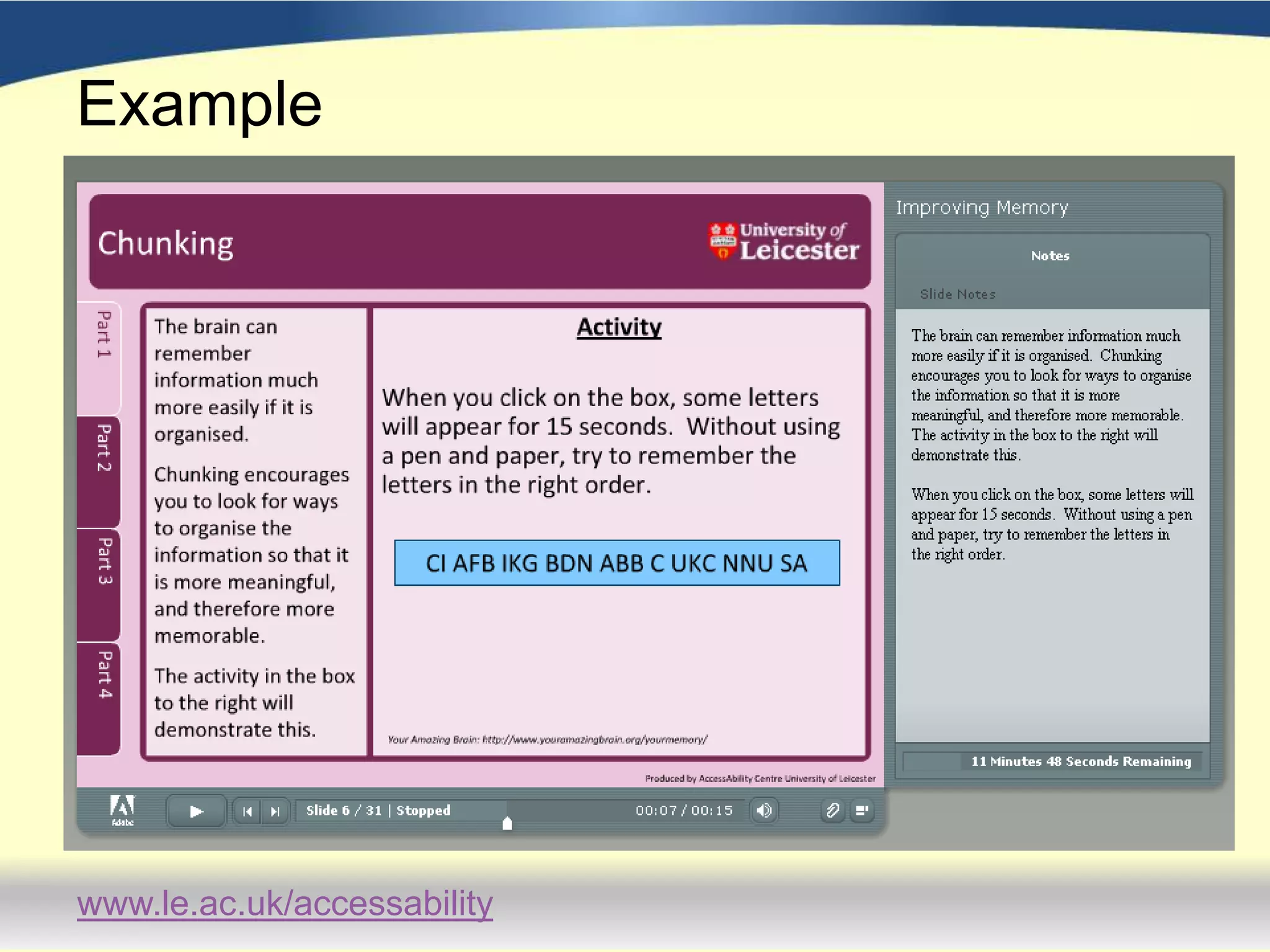
New ApproachTo engage and support DL students and a new approach for campus based 10 Online Study GuidesDesigned based on most frequently requested study support sessionsMultisensory approach was essential.  Visuals – colour, images and subtitles Audio – Voice over Kinaesthetic – Interactivity
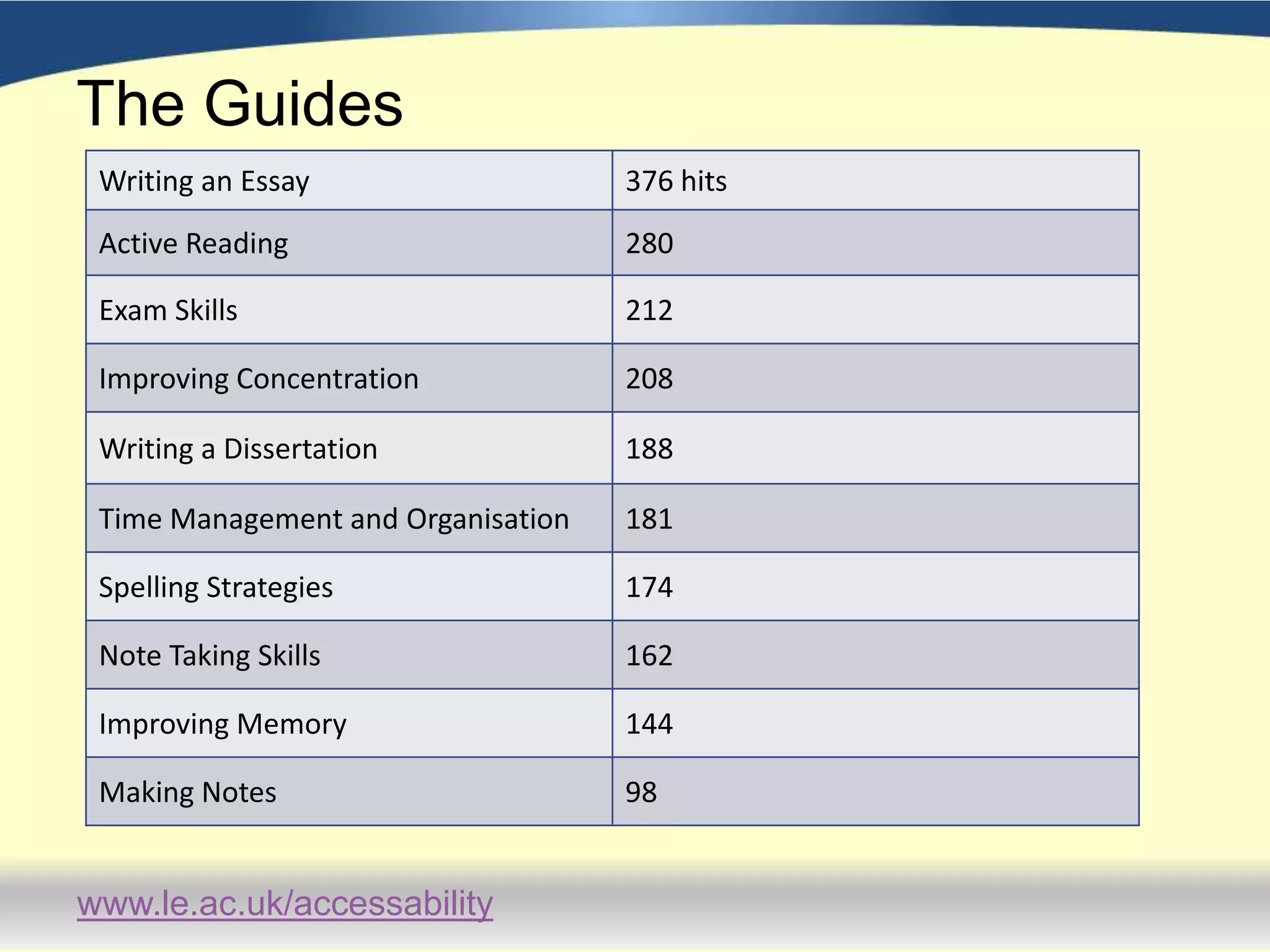
The Guides
Example
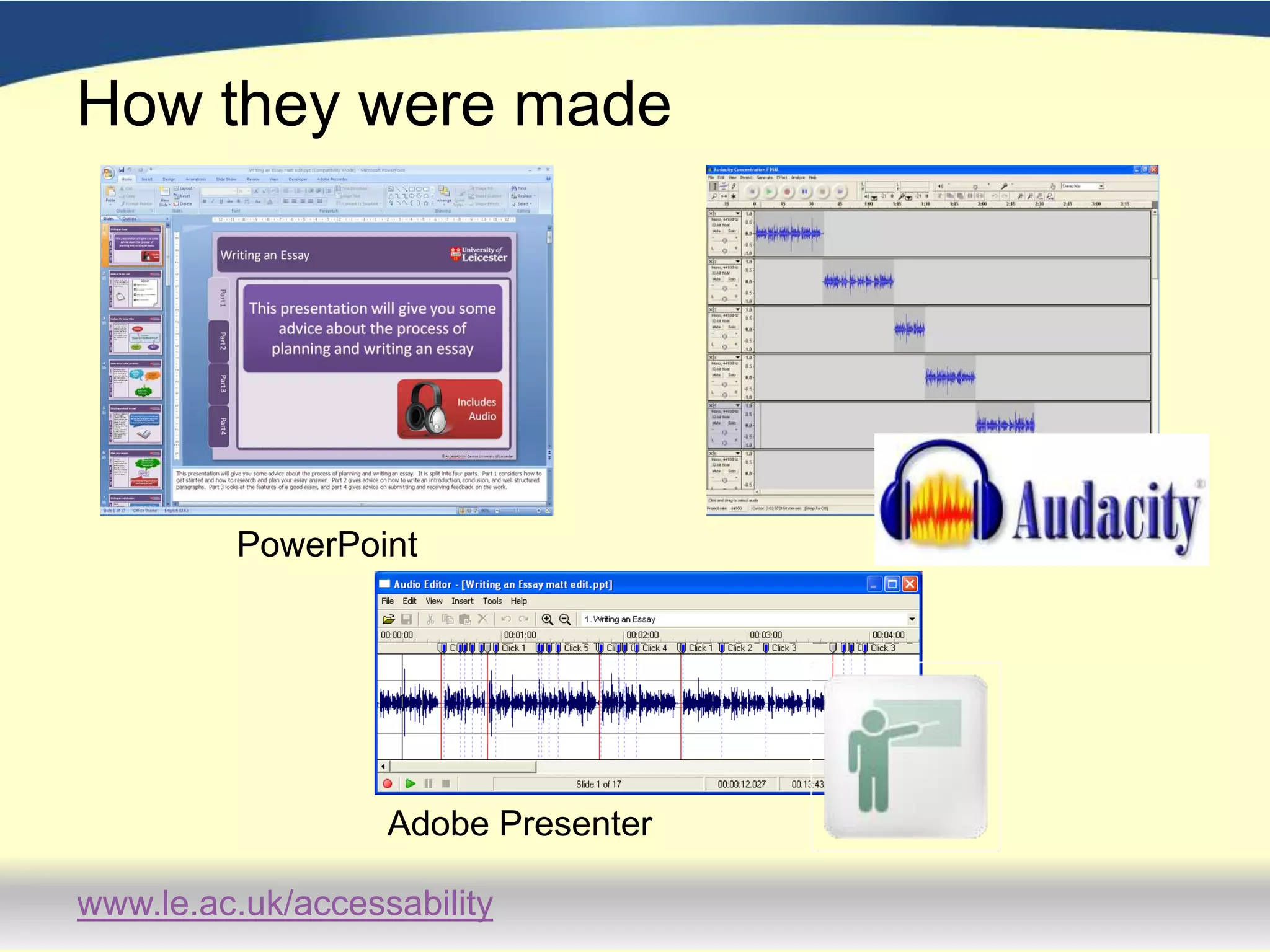
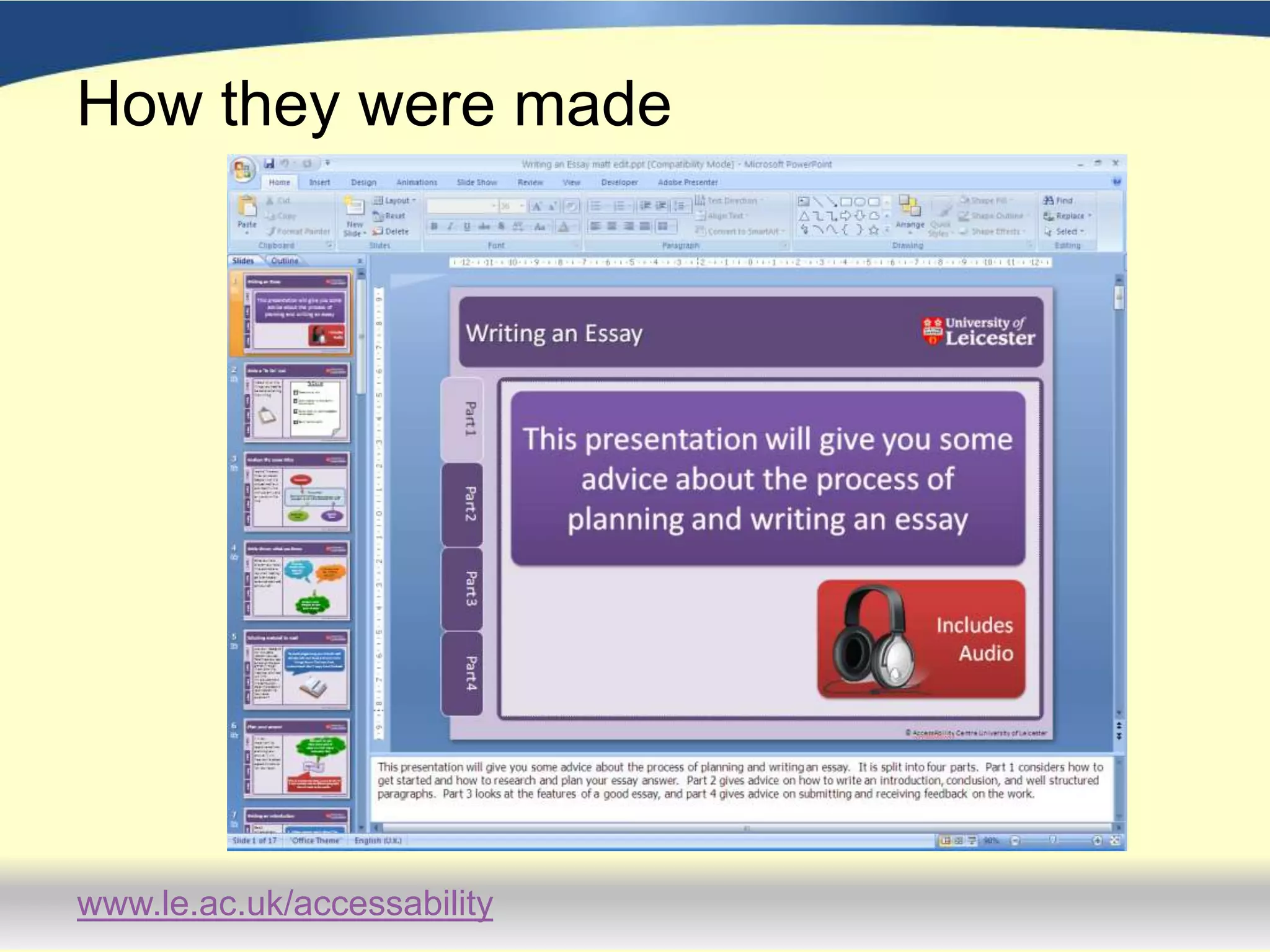
How they were madePowerPointAdobe Presenter
How they were madeAdobe Presenter
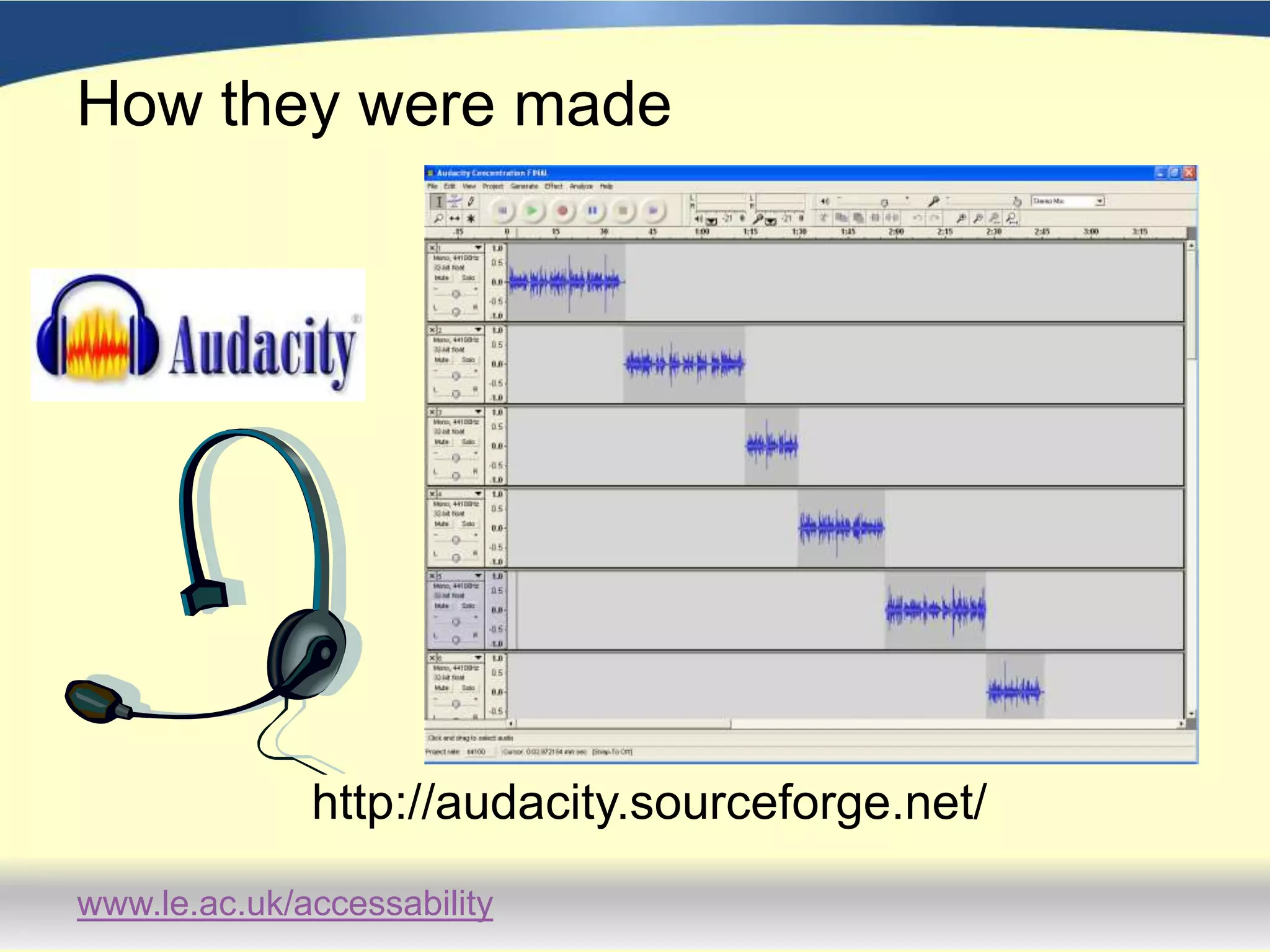
How they were madehttp://audacity.sourceforge.net/
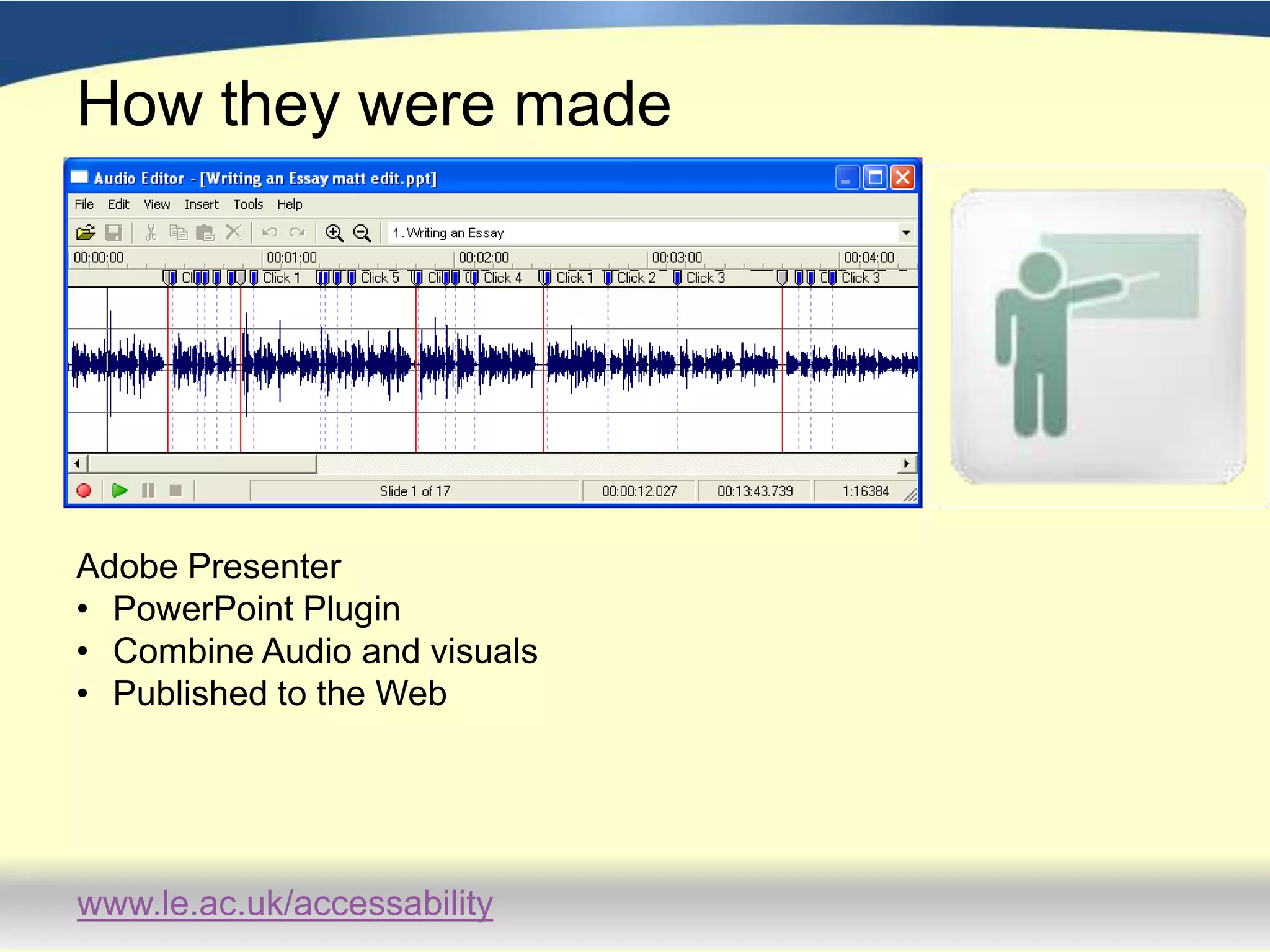
How they were madeAdobe PresenterPowerPoint Plugin
Combine Audio and visuals
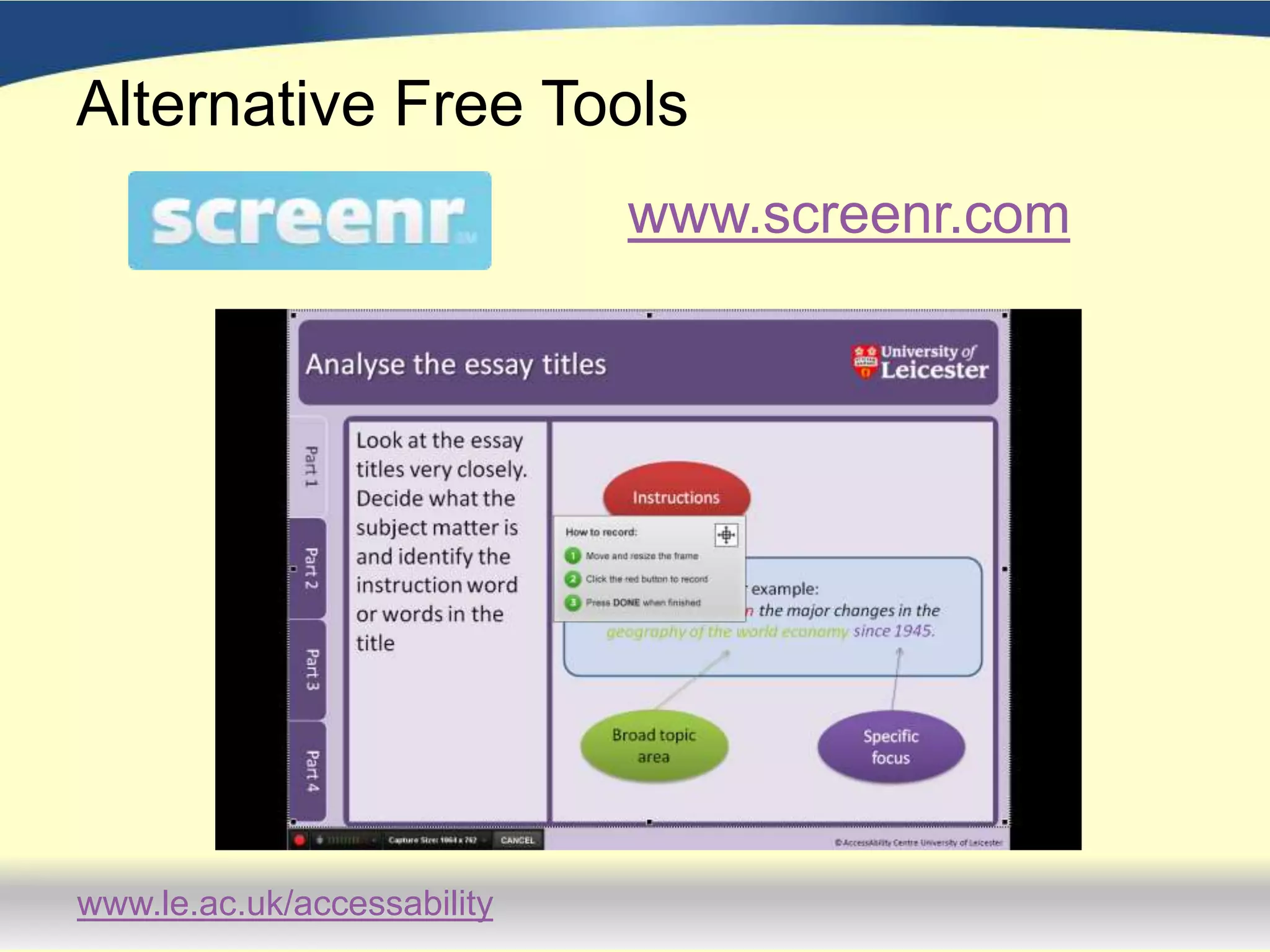
Published to the Web Alternative Free Toolswww.screenr.com
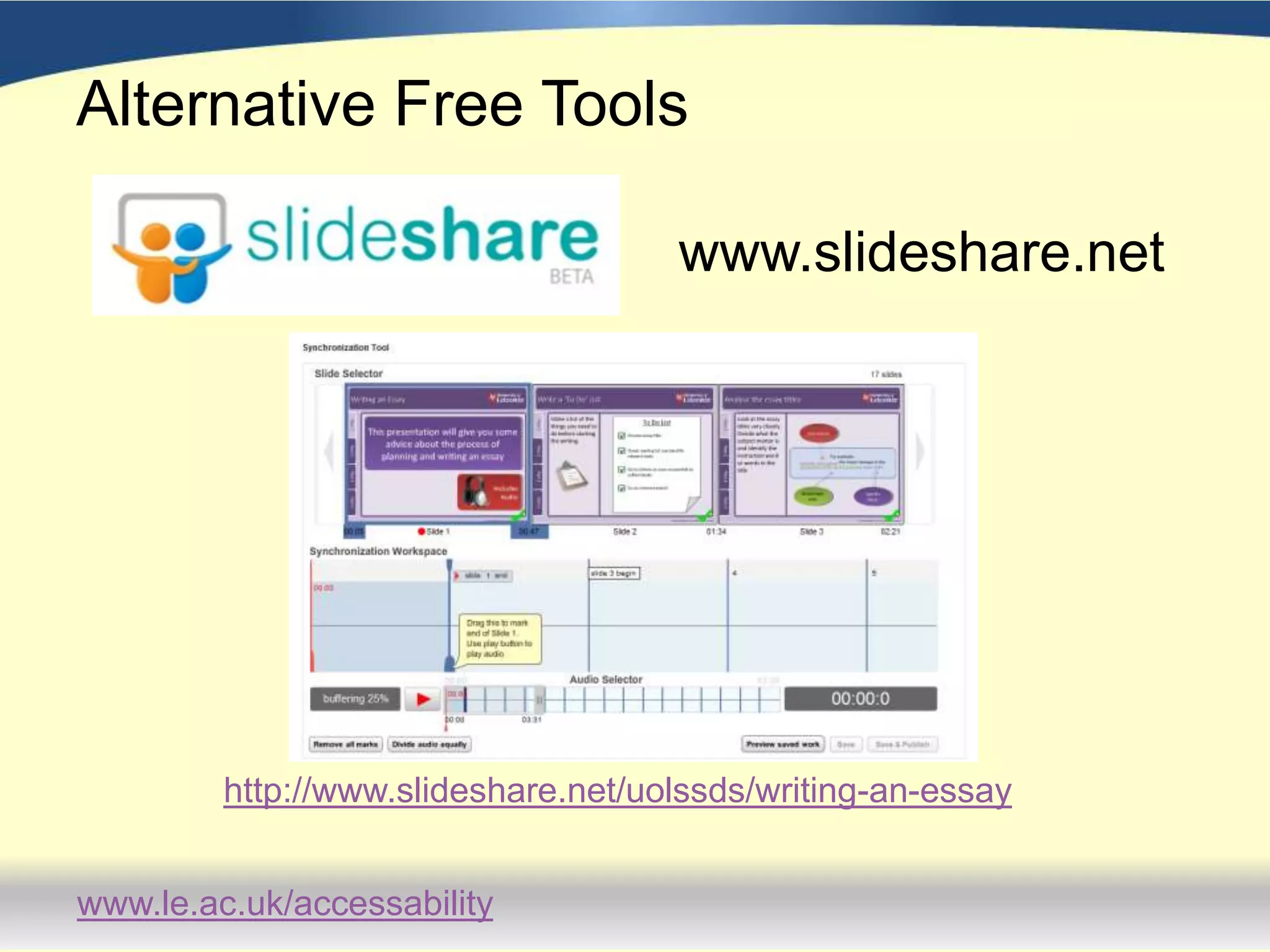
Alternative Free Toolswww.slideshare.nethttp://www.slideshare.net/uolssds/writing-an-essay
Raising AwarenessCards - postersWeb BbYouTubePodcastsCourse HandbooksDirect mailing to distance learnersEmail to all dyslexic students
FeedbackFeedback gathered in a variety of waysStudents have been positive about  the resources: appreciating different elements of the delivery depending on learning styles;using the guides in a variety of ways, ie. 1) when it was difficult to get a face to face session, 2) to prepare for a meeting with a Study Adviser, 3)  as consolidation after a study advice session.
FeedbackSome students viewed the guides a number of times.They appreciated being able to access the support 24/7.Comments included:‘I liked the ‘Improving Memory’ one in particular: they had a sort of practical memory test right there and then.  You can see that it actually works; and it stayed in my memory for longer…’‘…it’s nice to have this preliminary stuff done and out of the way so you can really concentrate on a specific area…You’ve built on something so when you get to the study adviser she can push you further’.
Feedback – Points for improvementStudents didn’t like the fact that the text that mirrored the audio input was very small and in Times New Roman.  There is no ability to change this on Adobe Connect.Some students wanted to be able to skip whole sections of the presentation.  Students wanted more control over the pacing of the material.Some students wanted more examples.  It was suggested that more in-depth presentations follow on from these ‘short intro’ guides
Future DevelopmentsStudy guides to be signposted to every student booking a study advice session iTunes UOne to one study advice sessions to be offered remotely using adobe connect.

ADSHE Conference - Access to Study Skills

  • 1.
    Access to StudySkillsOnline Study GuidesClaire Graham and Matthew Mobbs
  • 2.
    BackgroundAccessAbility Centre offers:Face-to-facestudy support for students with Specific Learning Difficulties4 Study Advisers offering 6 hour long appointments per day591 students with splds registered with CentreUniversity of Leicester 22,048 students in total 8,651 (39%) distance learners Only 27 distance learners with splds registered with Centre
  • 3.
    New ApproachTo engageand support DL students and a new approach for campus based 10 Online Study GuidesDesigned based on most frequently requested study support sessionsMultisensory approach was essential. Visuals – colour, images and subtitles Audio – Voice over Kinaesthetic – Interactivity
  • 4.
  • 5.
  • 6.
    How they weremadePowerPointAdobe Presenter
  • 7.
    How they weremadeAdobe Presenter
  • 8.
    How they weremadehttp://audacity.sourceforge.net/
  • 9.
    How they weremadeAdobe PresenterPowerPoint Plugin
  • 10.
  • 11.
    Published to theWeb Alternative Free Toolswww.screenr.com
  • 12.
  • 13.
    Raising AwarenessCards -postersWeb BbYouTubePodcastsCourse HandbooksDirect mailing to distance learnersEmail to all dyslexic students
  • 14.
    FeedbackFeedback gathered ina variety of waysStudents have been positive about the resources: appreciating different elements of the delivery depending on learning styles;using the guides in a variety of ways, ie. 1) when it was difficult to get a face to face session, 2) to prepare for a meeting with a Study Adviser, 3) as consolidation after a study advice session.
  • 15.
    FeedbackSome students viewedthe guides a number of times.They appreciated being able to access the support 24/7.Comments included:‘I liked the ‘Improving Memory’ one in particular: they had a sort of practical memory test right there and then. You can see that it actually works; and it stayed in my memory for longer…’‘…it’s nice to have this preliminary stuff done and out of the way so you can really concentrate on a specific area…You’ve built on something so when you get to the study adviser she can push you further’.
  • 16.
    Feedback – Pointsfor improvementStudents didn’t like the fact that the text that mirrored the audio input was very small and in Times New Roman. There is no ability to change this on Adobe Connect.Some students wanted to be able to skip whole sections of the presentation. Students wanted more control over the pacing of the material.Some students wanted more examples. It was suggested that more in-depth presentations follow on from these ‘short intro’ guides
  • 17.
    Future DevelopmentsStudy guidesto be signposted to every student booking a study advice session iTunes UOne to one study advice sessions to be offered remotely using adobe connect.
  • 18.
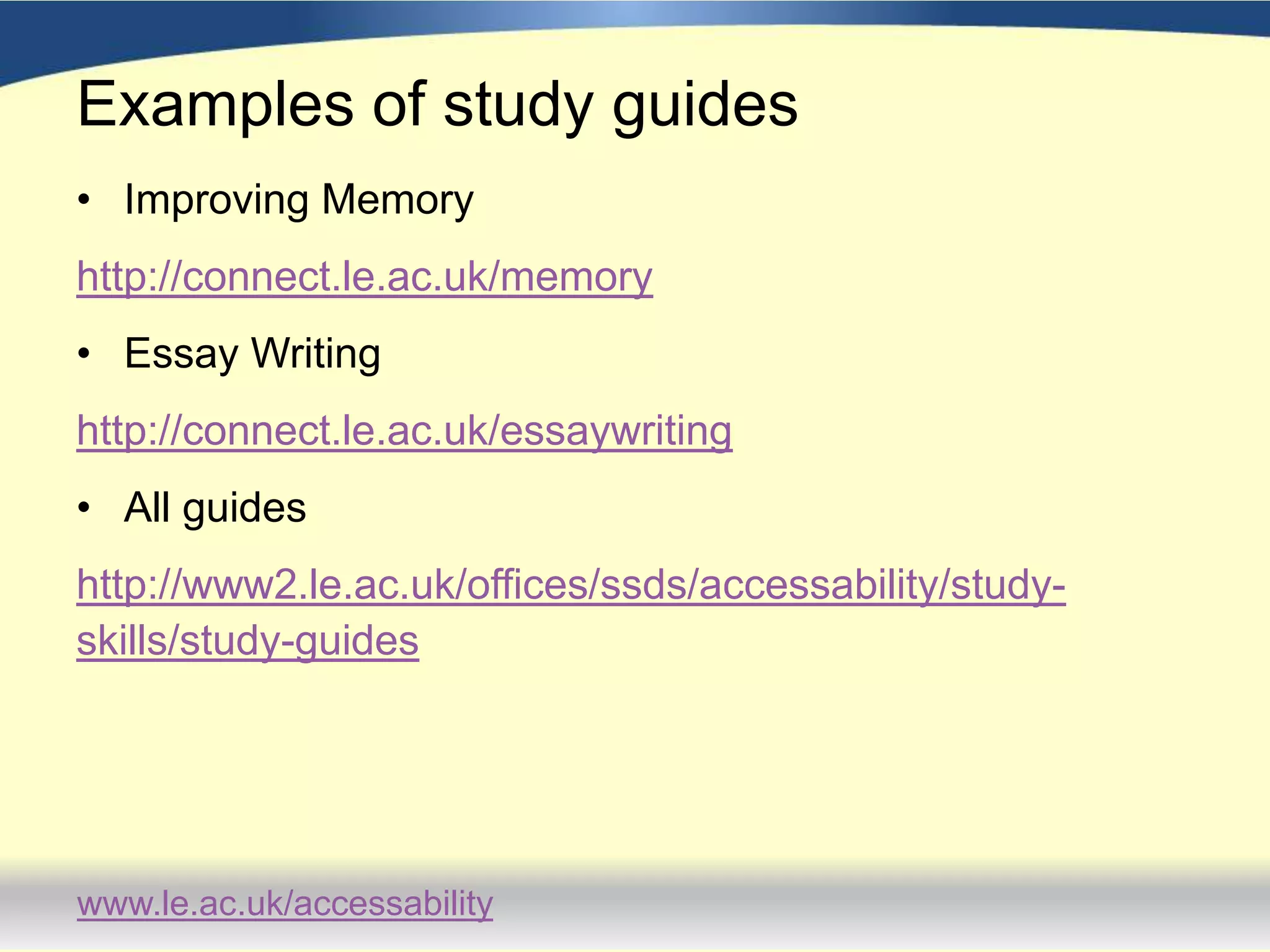
    Examples of studyguidesImproving Memoryhttp://connect.le.ac.uk/memoryEssay Writinghttp://connect.le.ac.uk/essaywriting