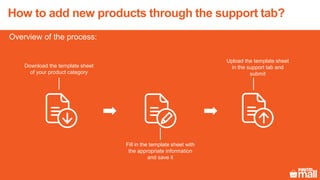
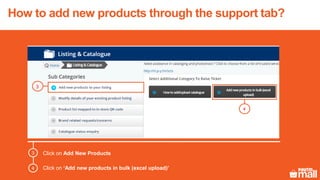
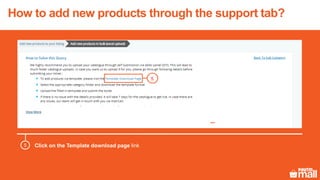
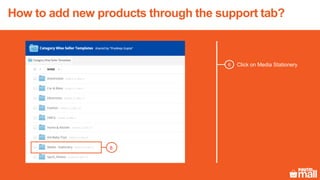
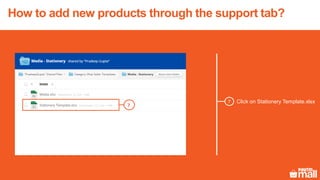
This document provides instructions for adding new products to a catalogue through the seller support tab in 3 steps:
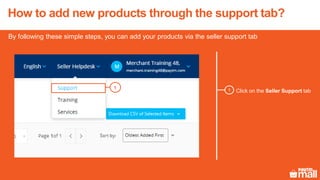
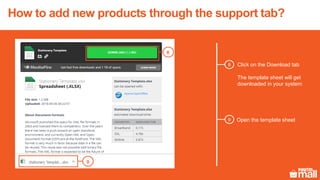
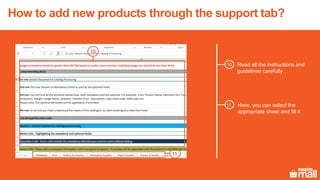
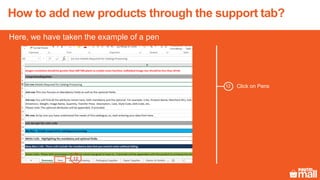
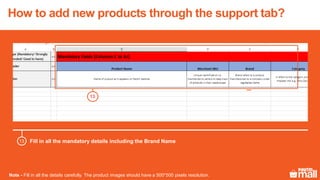
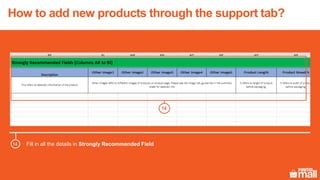
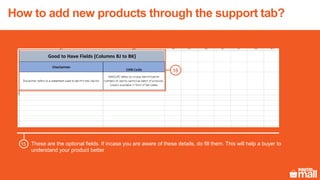
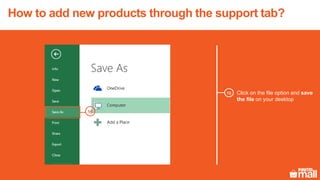
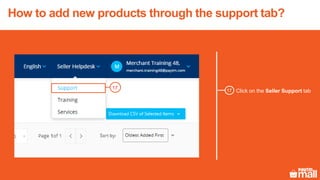
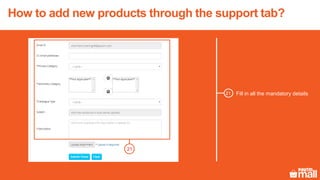
1. Download a template spreadsheet from the support tab, fill it out with product information including images, and save it.
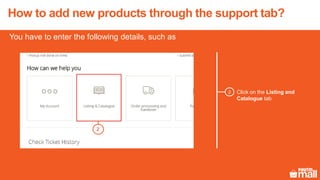
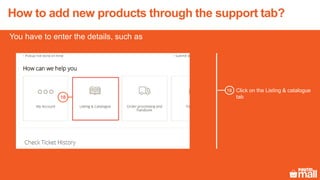
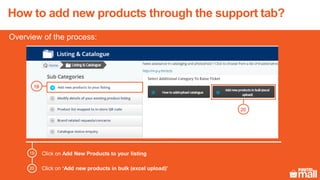
2. Access the "Add New Products" option under the "Listing and Catalogue" tab and select to add products in bulk by uploading an Excel file.
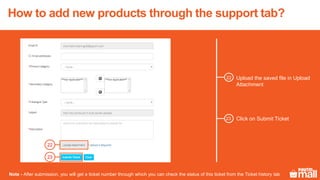
3. Choose the saved template file and submit it, receiving a ticket number to track the request.