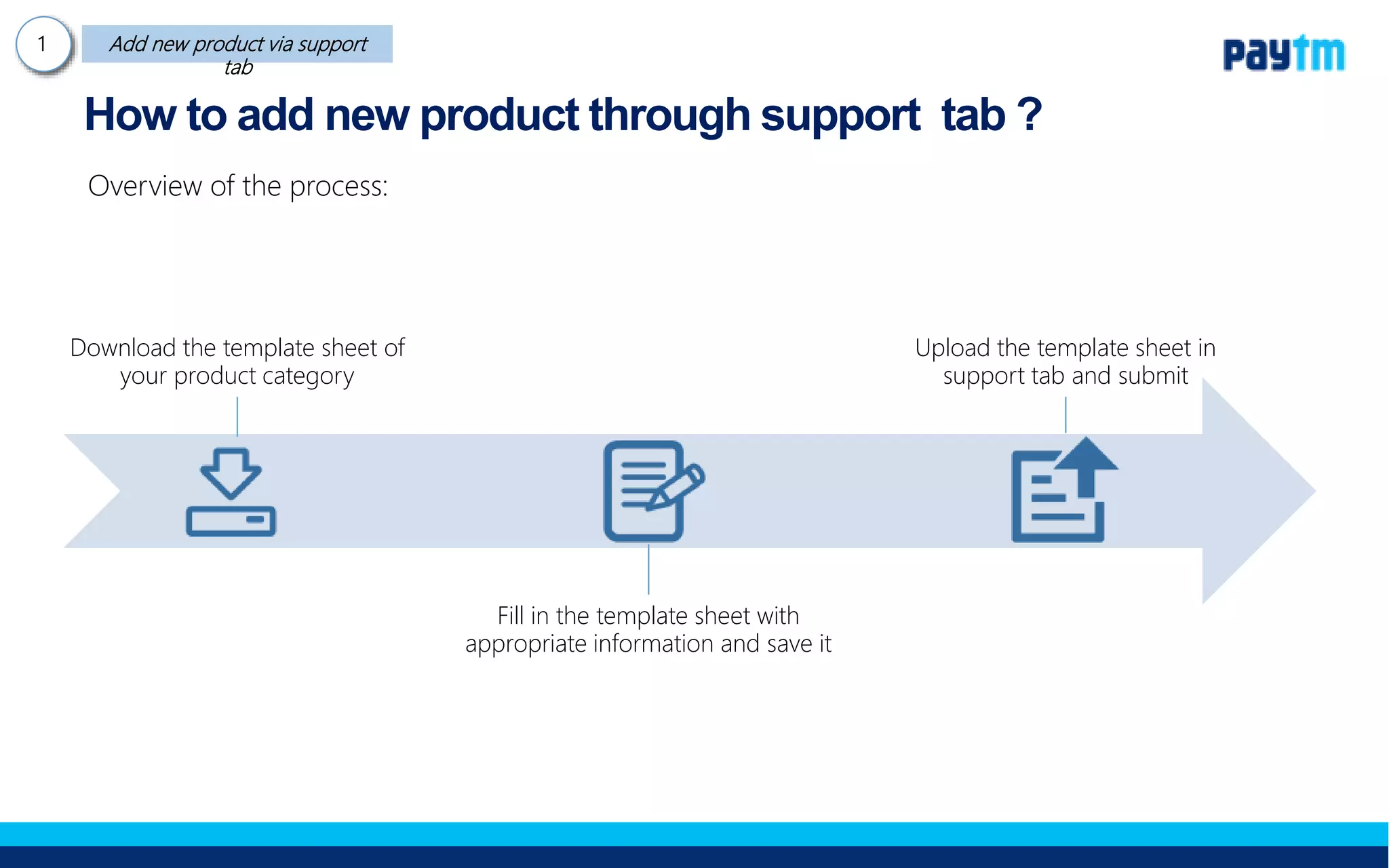
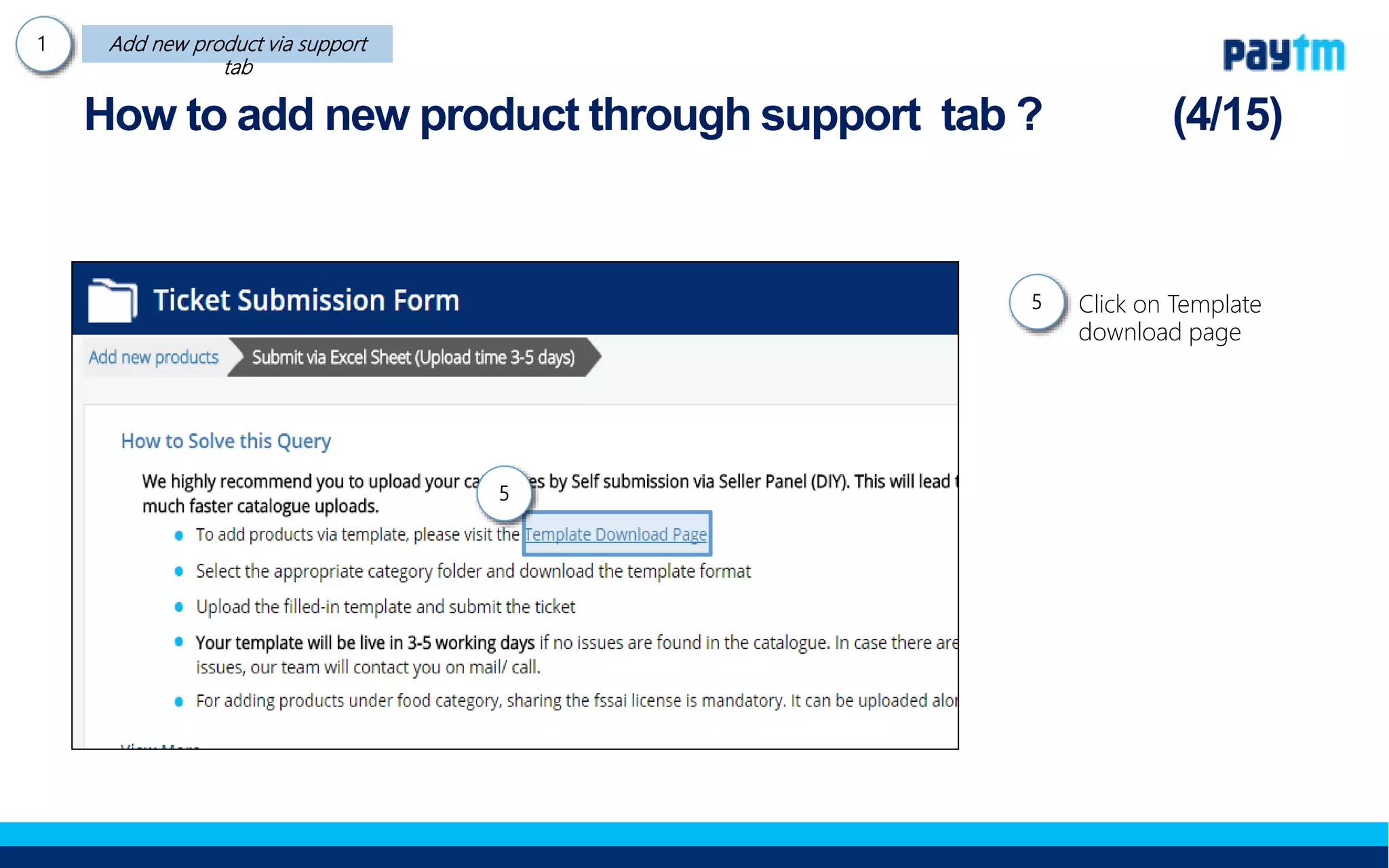
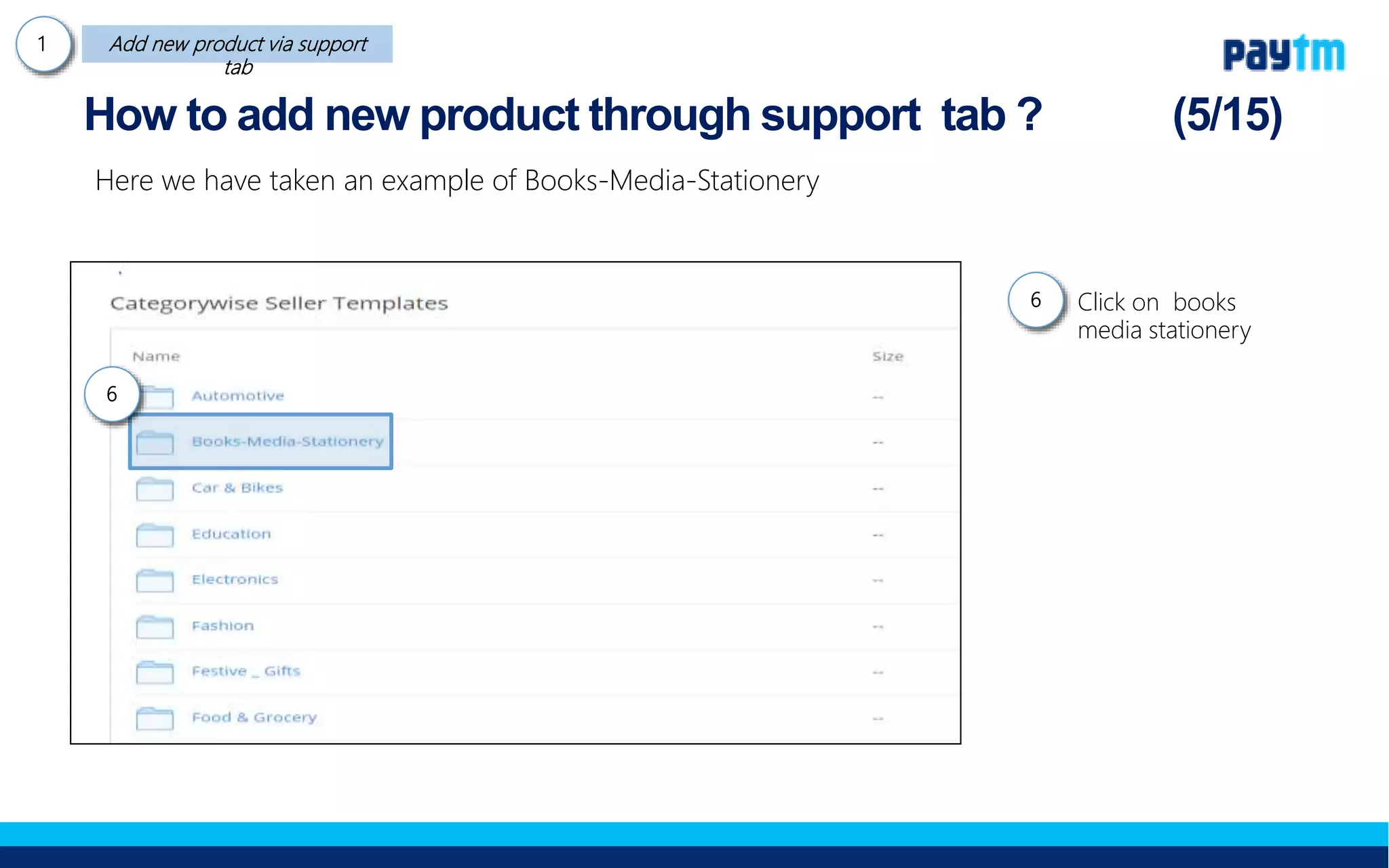
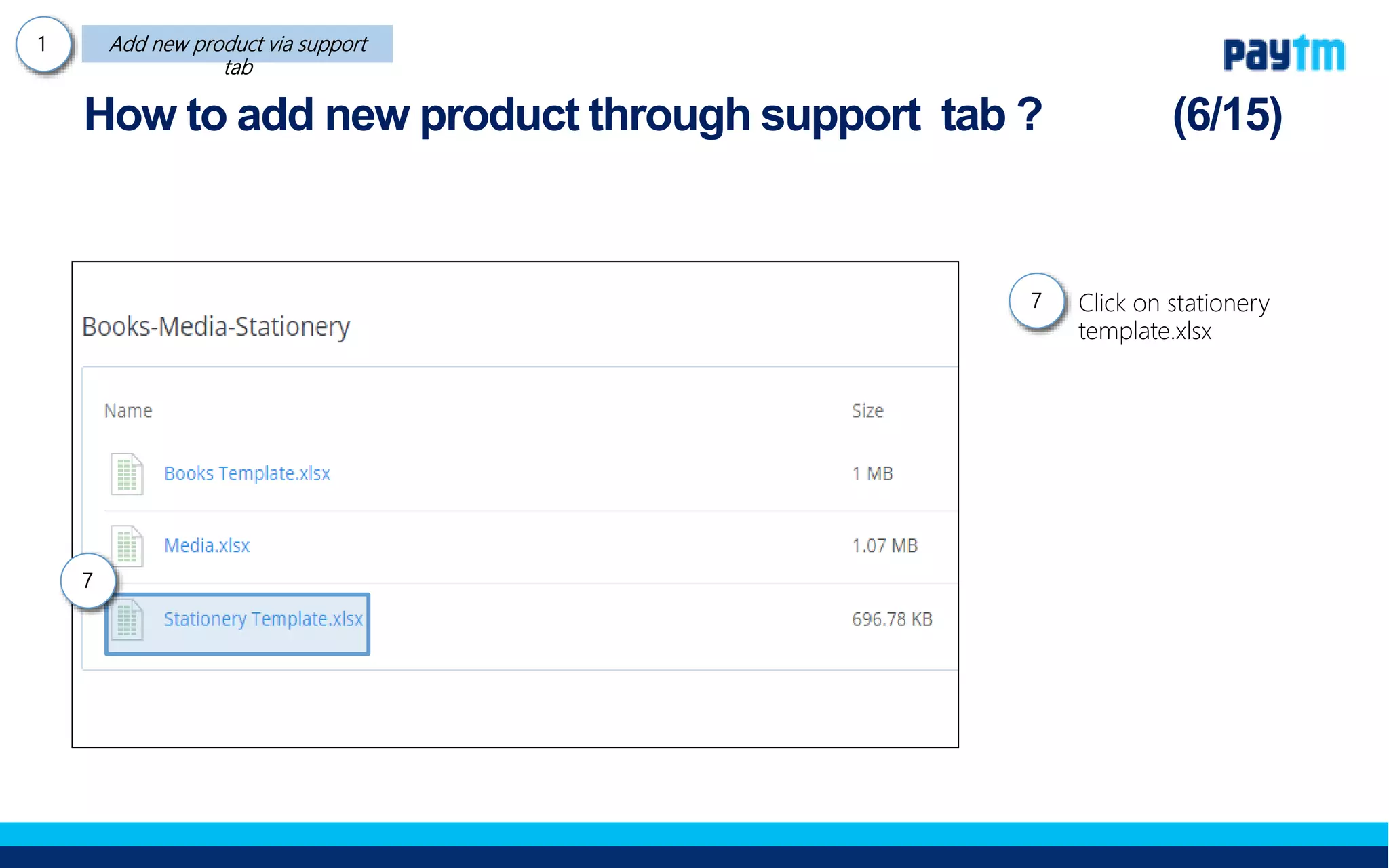
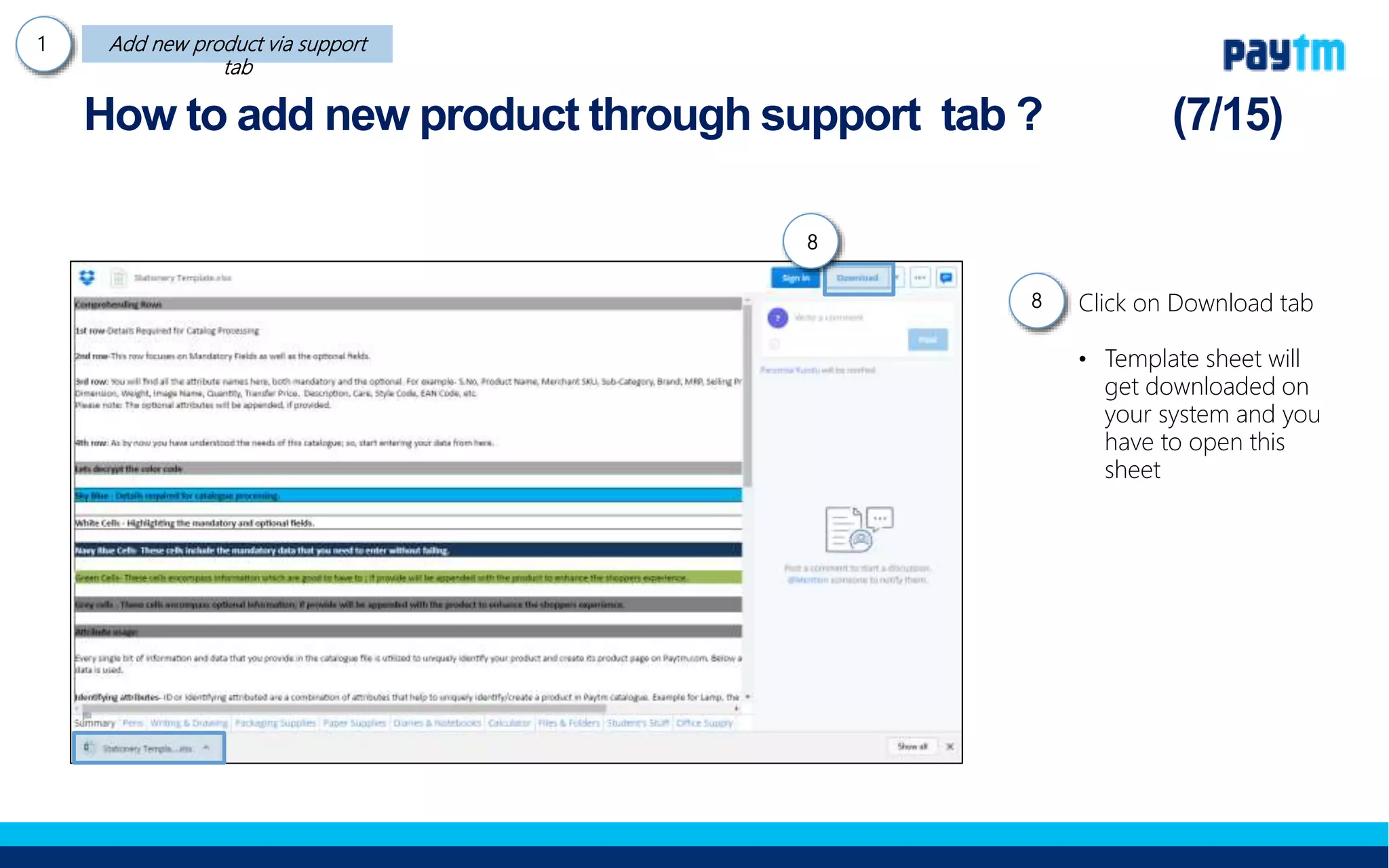
1. The document discusses how to add new products to an online store through the seller support tab. It outlines downloading a template spreadsheet, filling it out with product details, and uploading it to add multiple products at once.
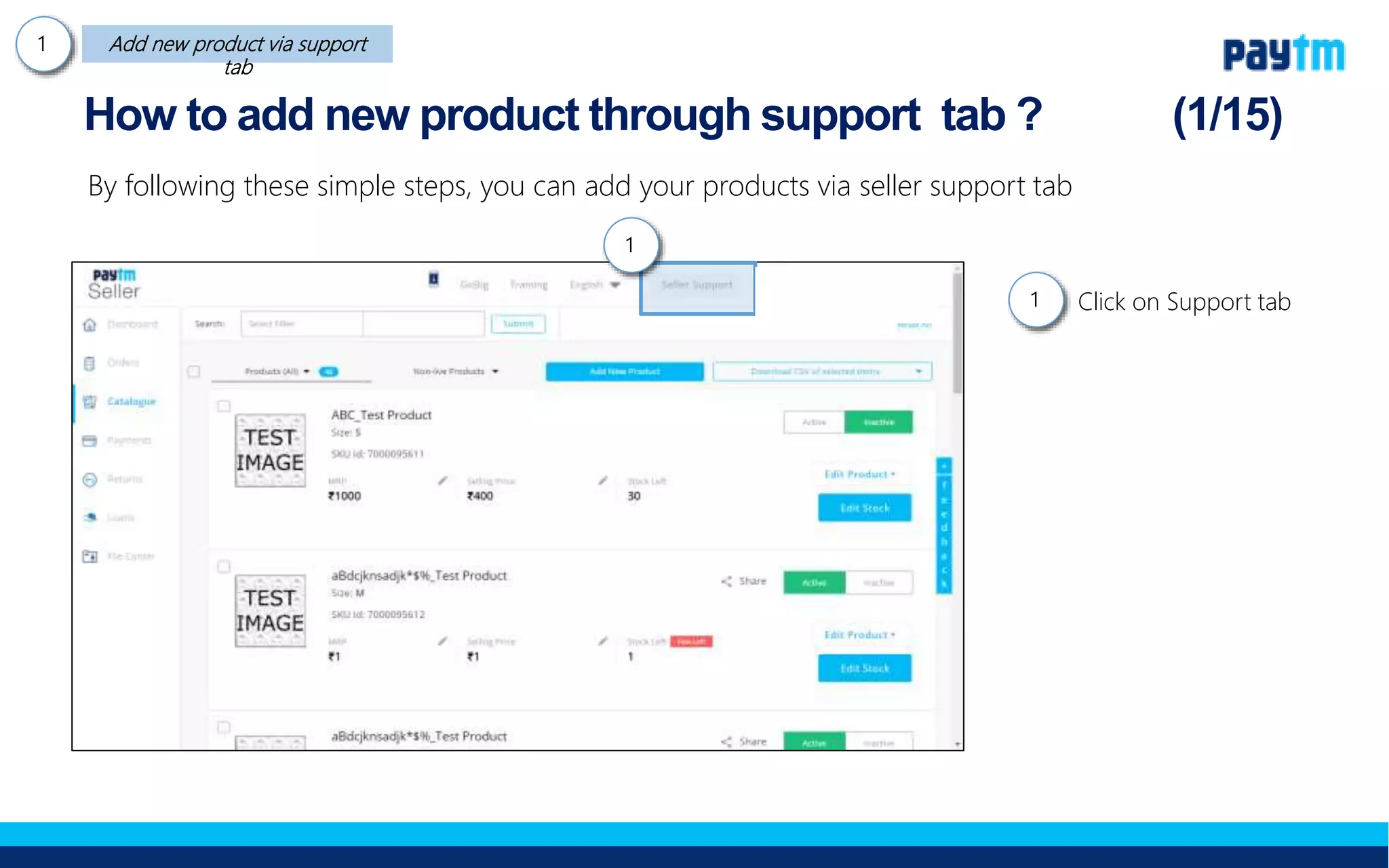
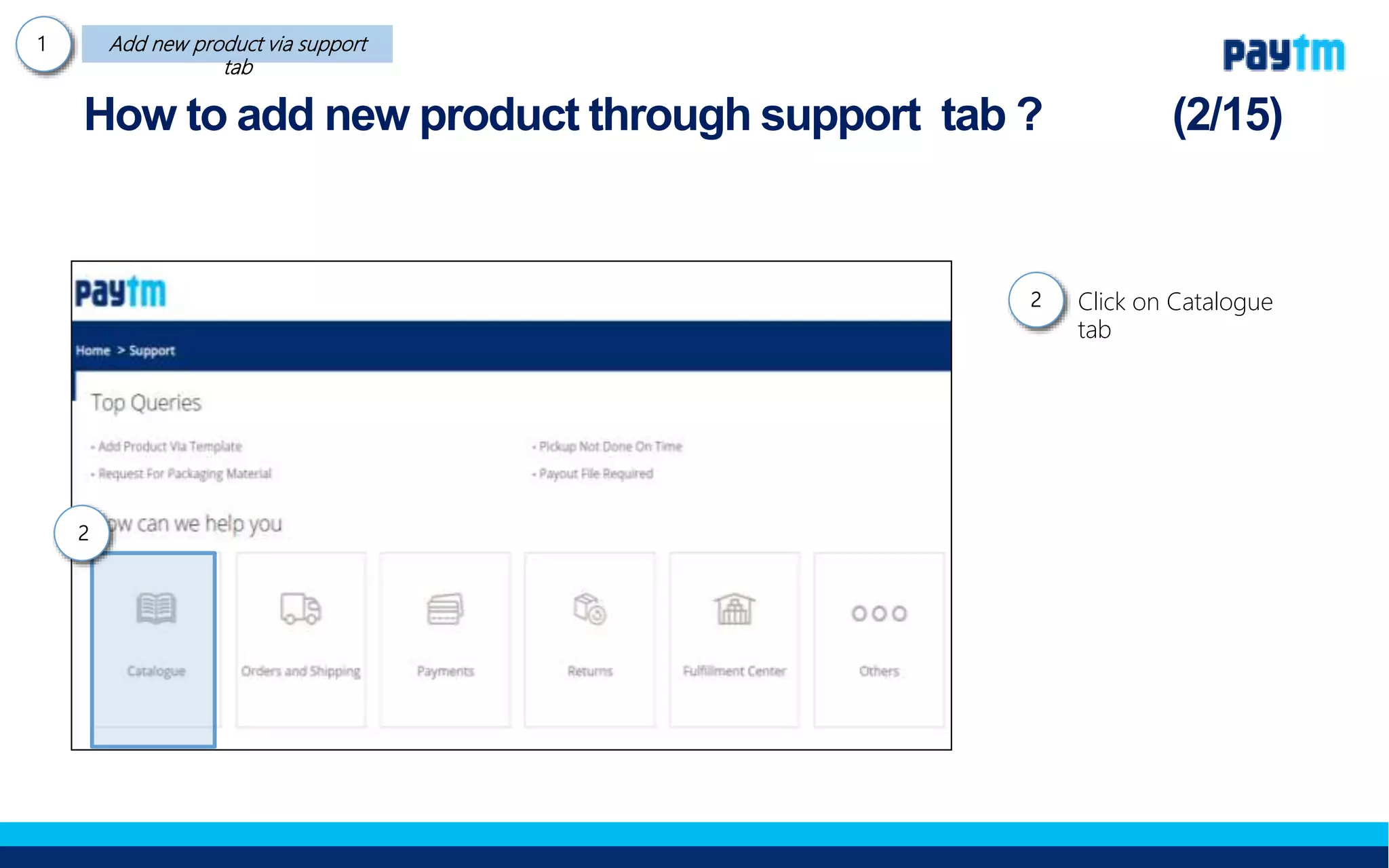
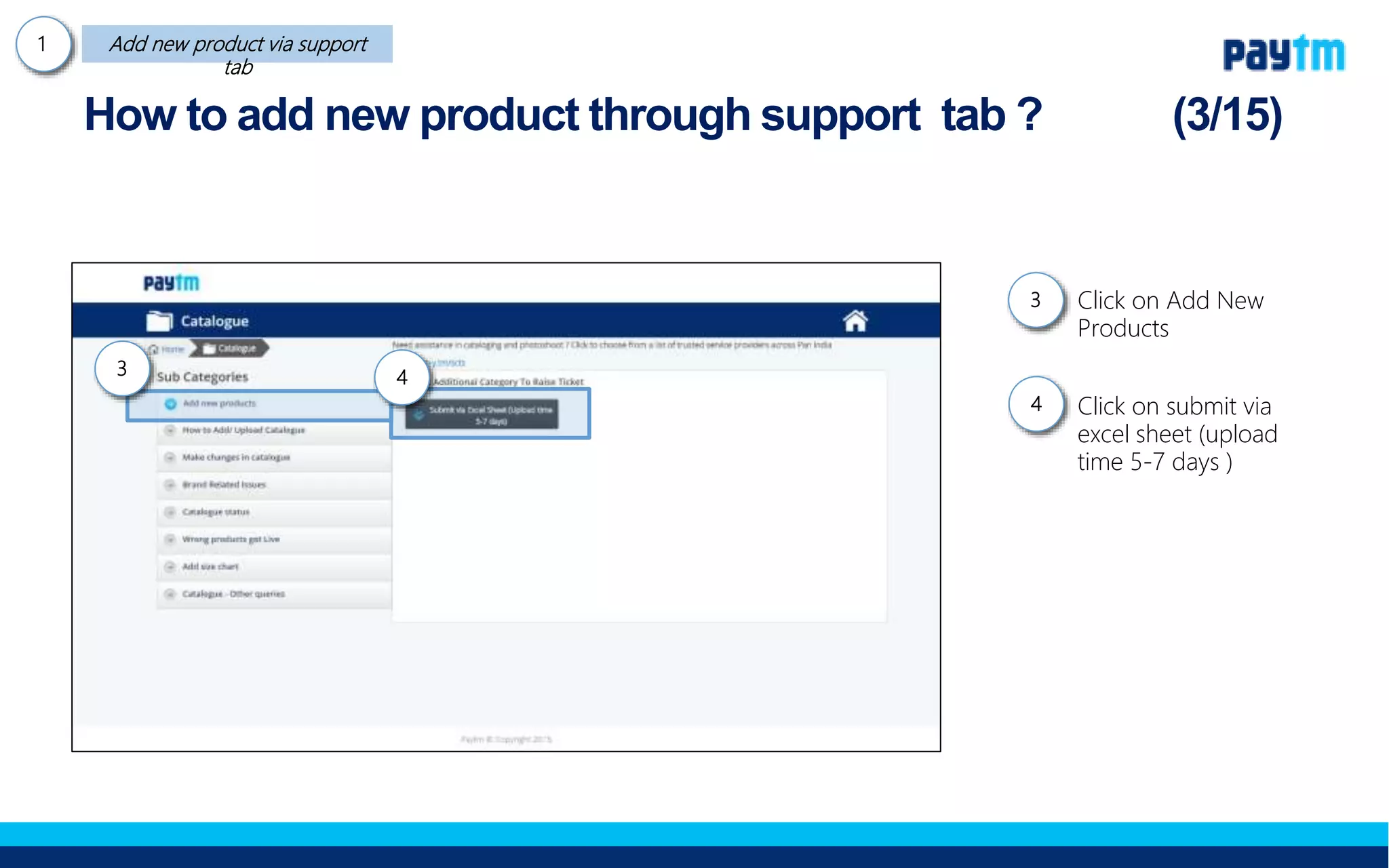
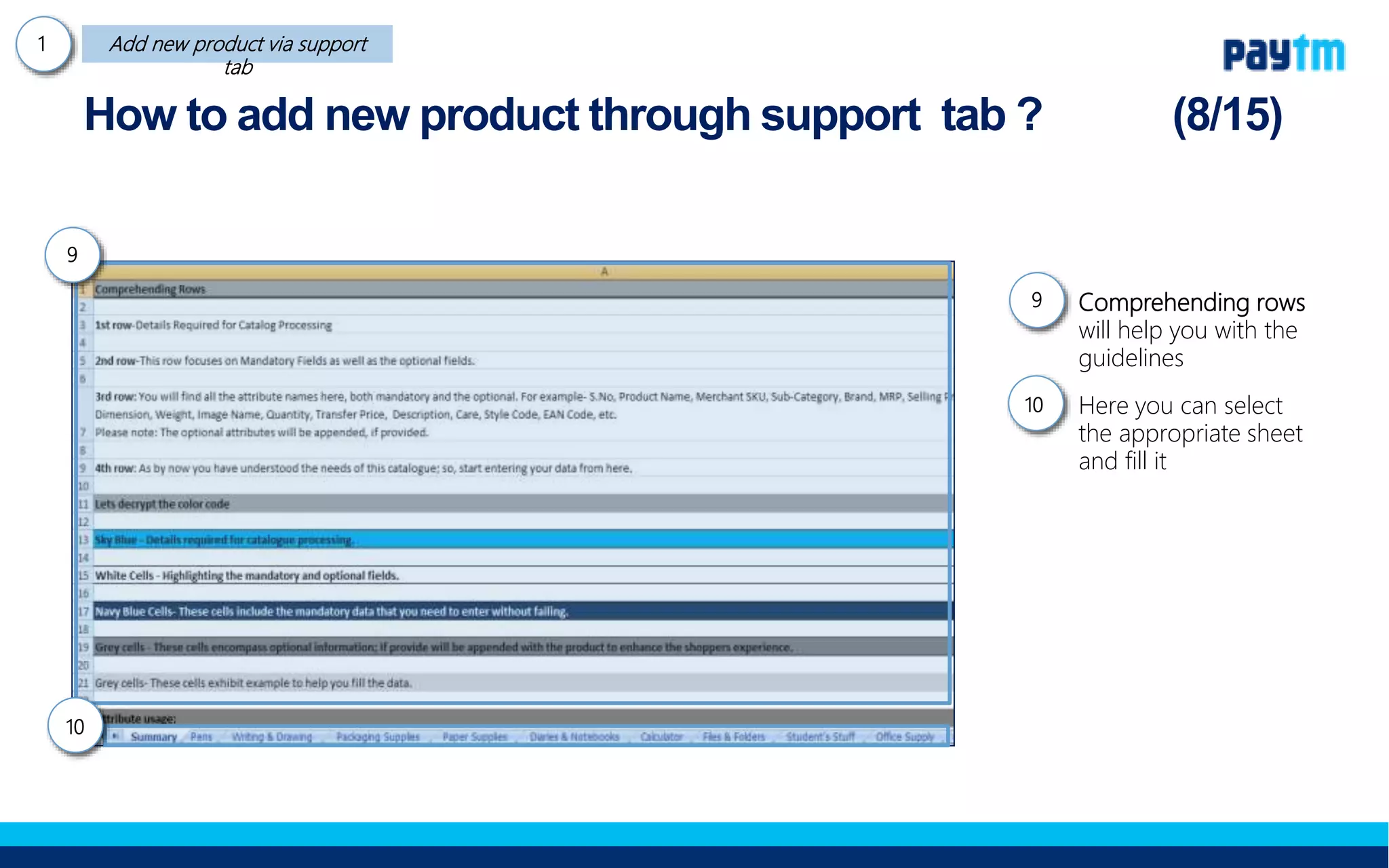
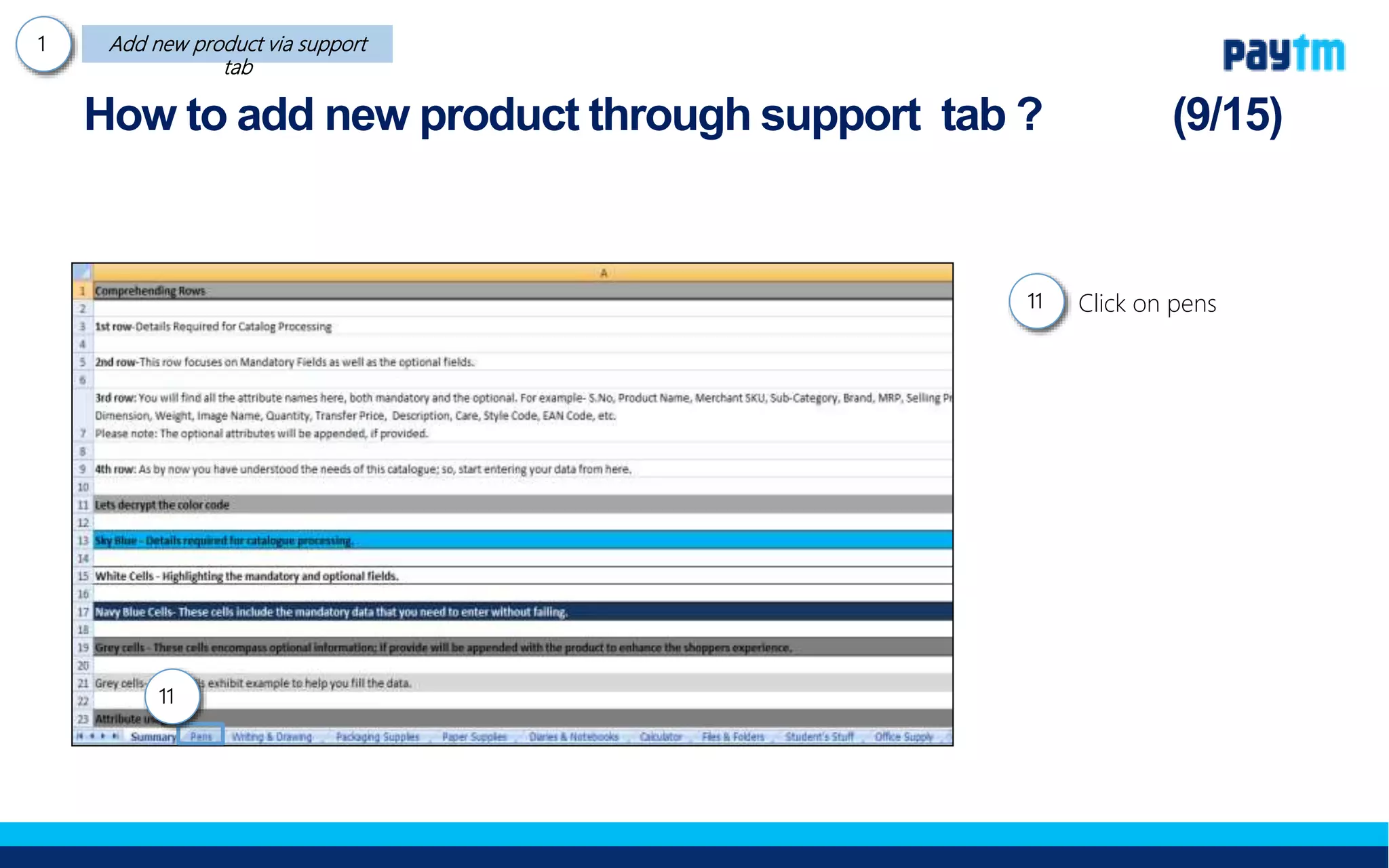
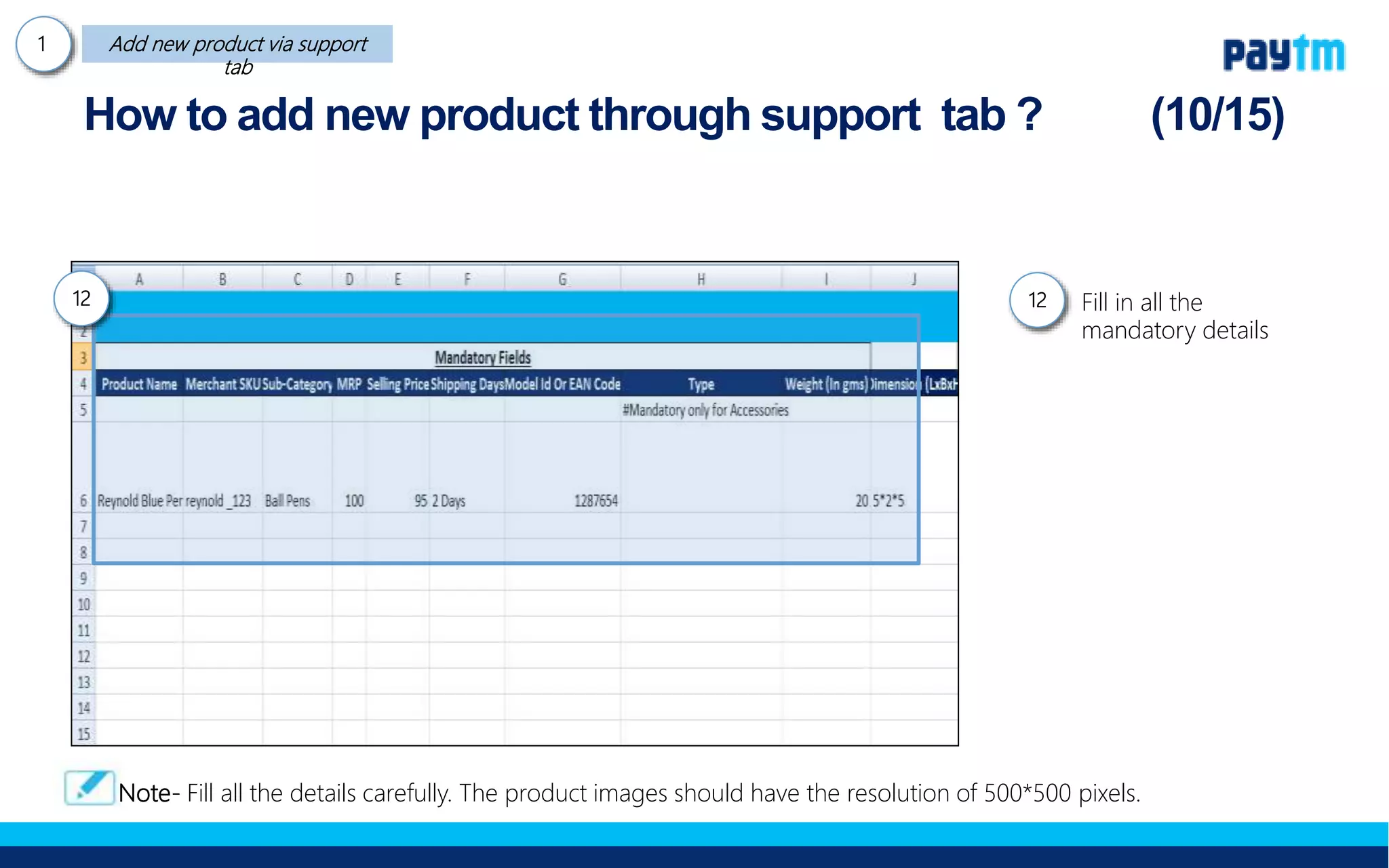
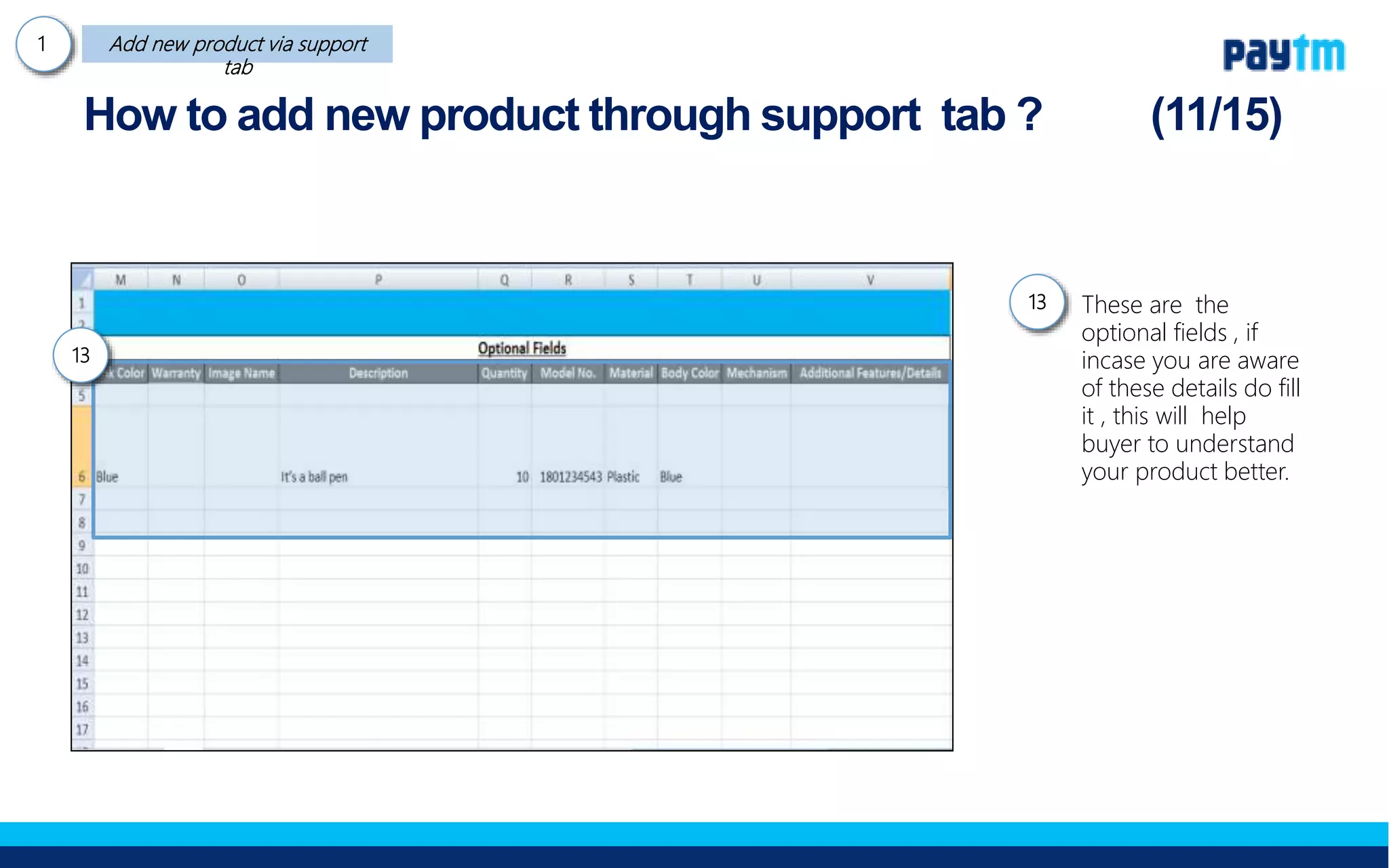
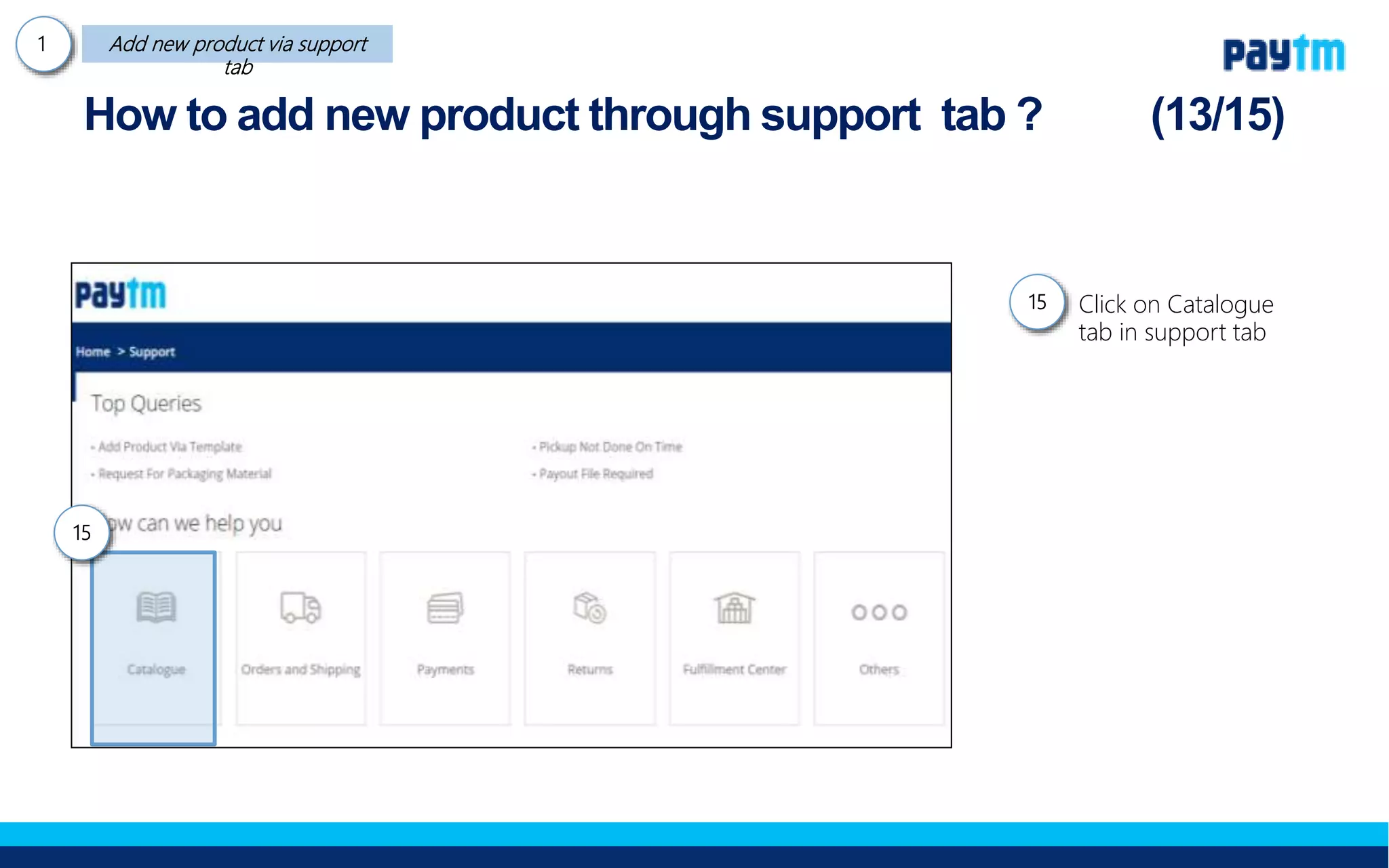
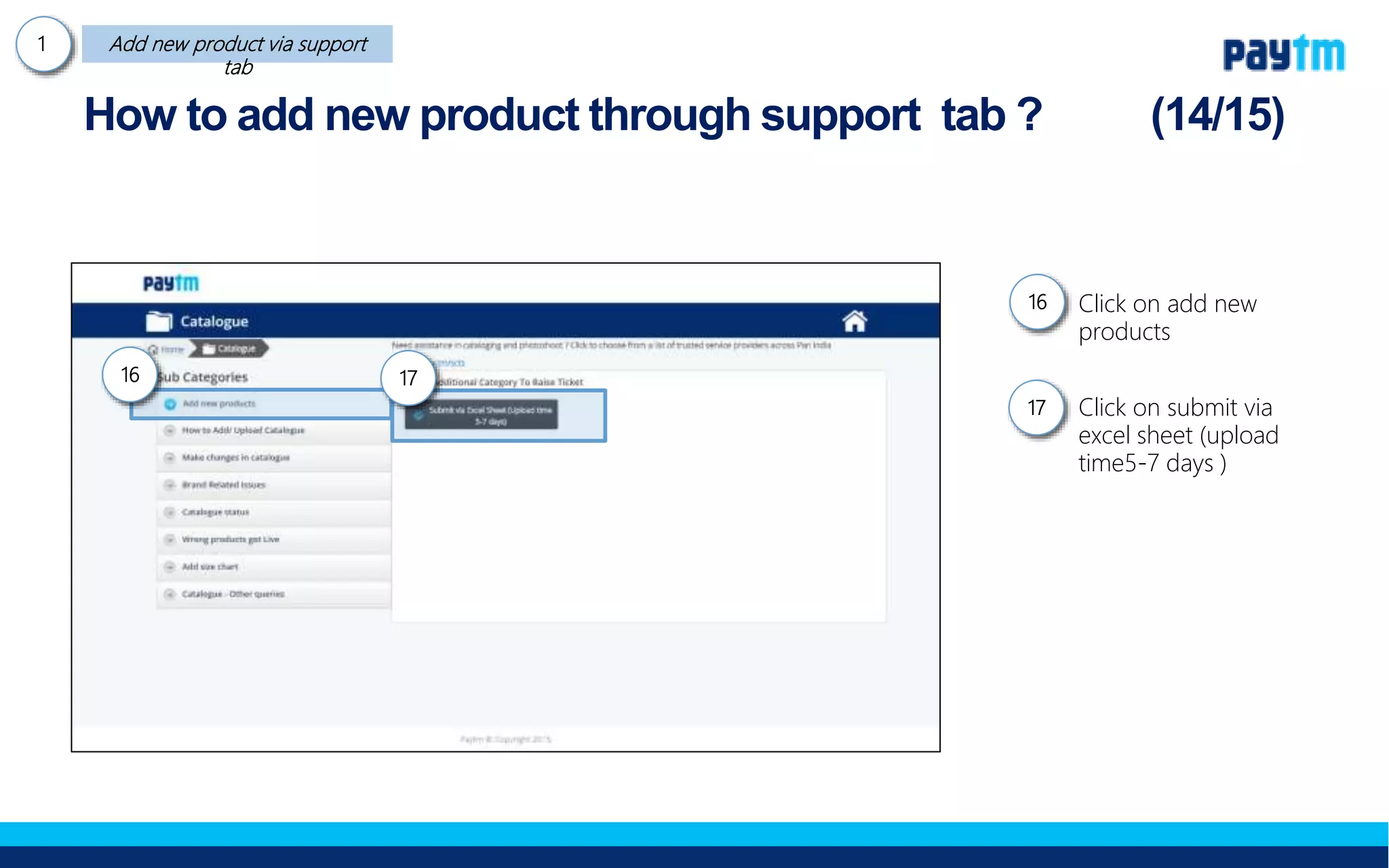
2. The process involves clicking on the seller support tab, then the listing & catalogue tab, and clicking "Add new products in bulk". This allows downloading a template to fill out with brand, price, images and other details for each product.
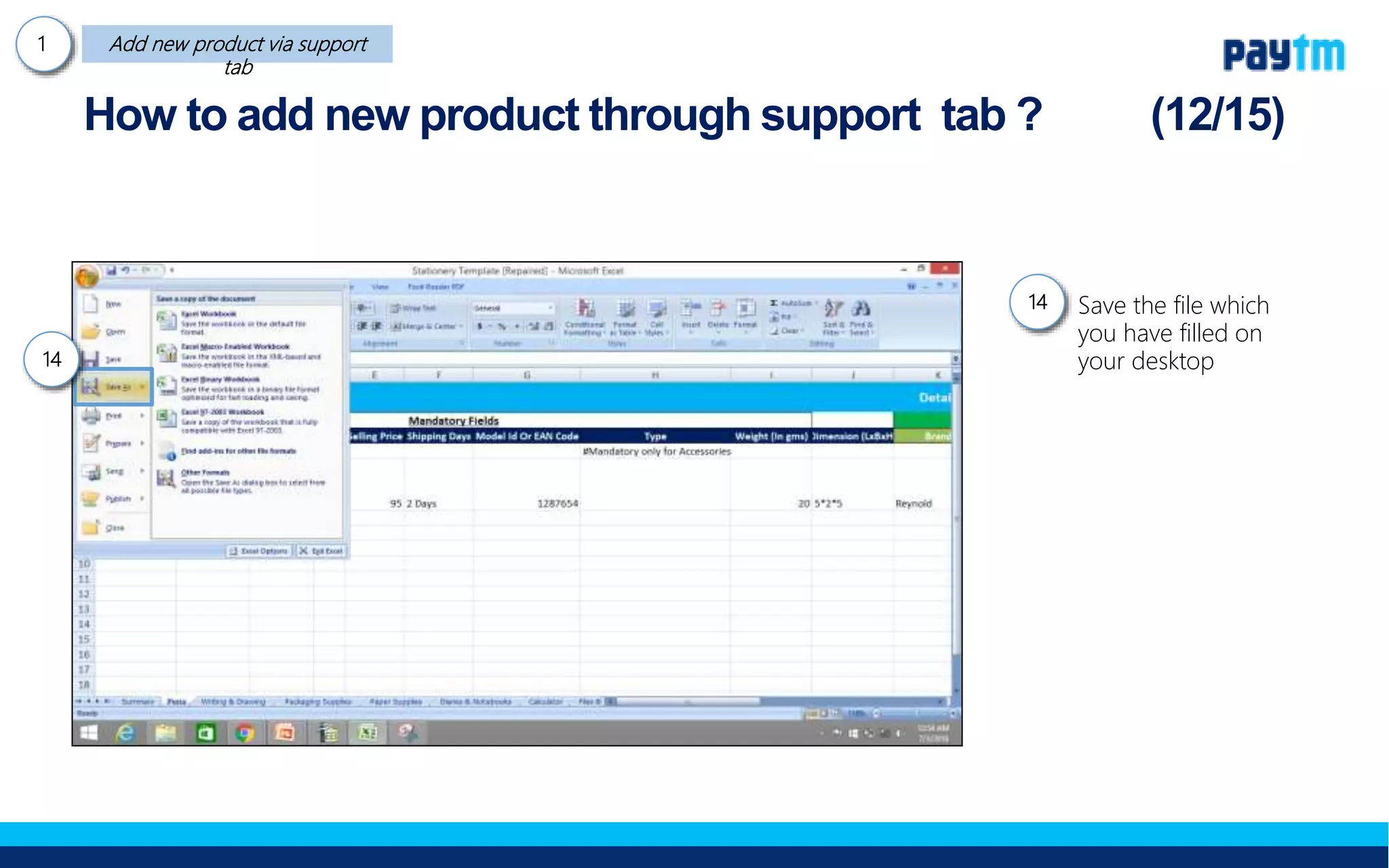
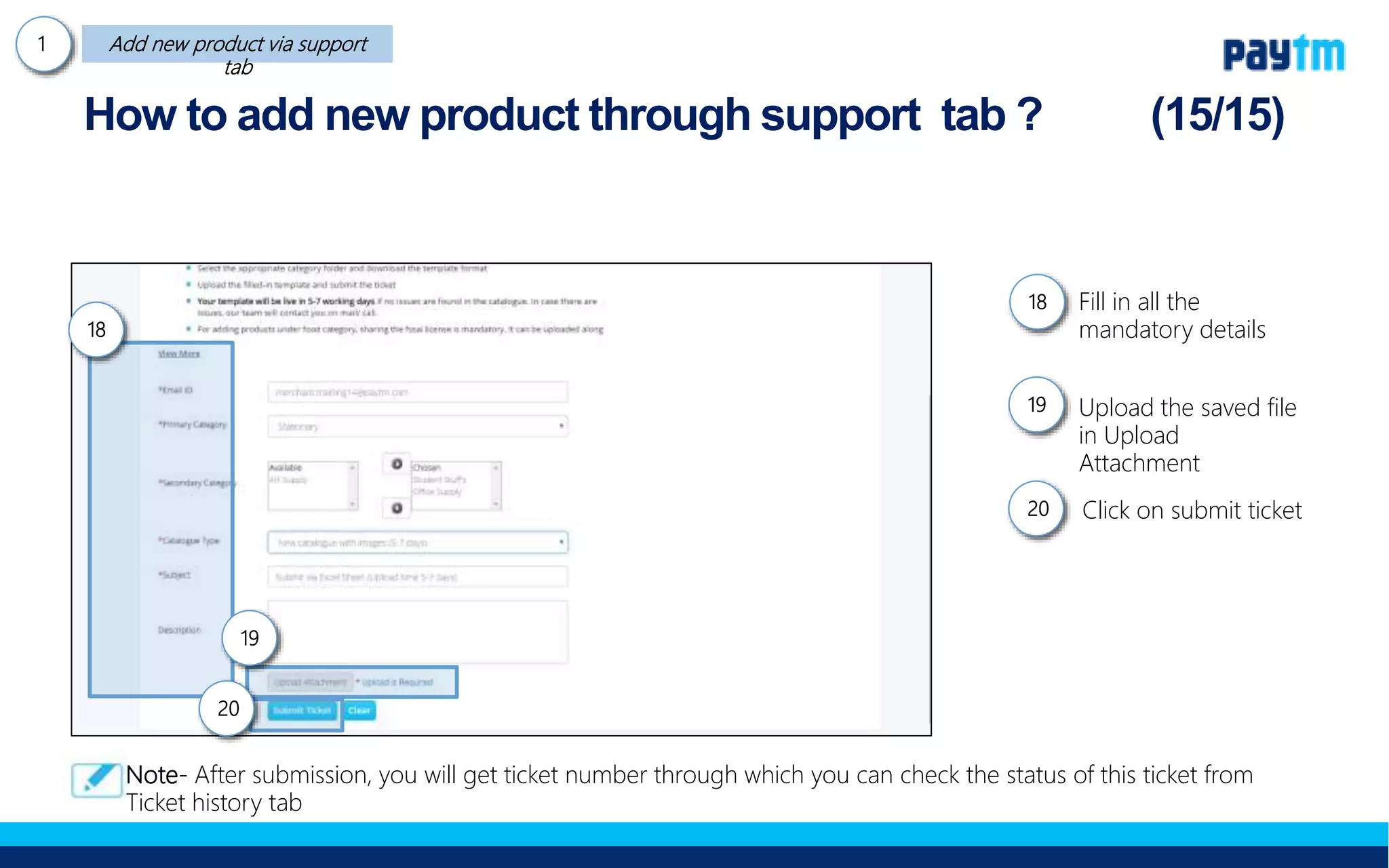
3. Once filled out, the template is saved and uploaded through the support tab. A ticket number is provided to check the status of the added products.