Lyn Lall (RSC EM Advisor)
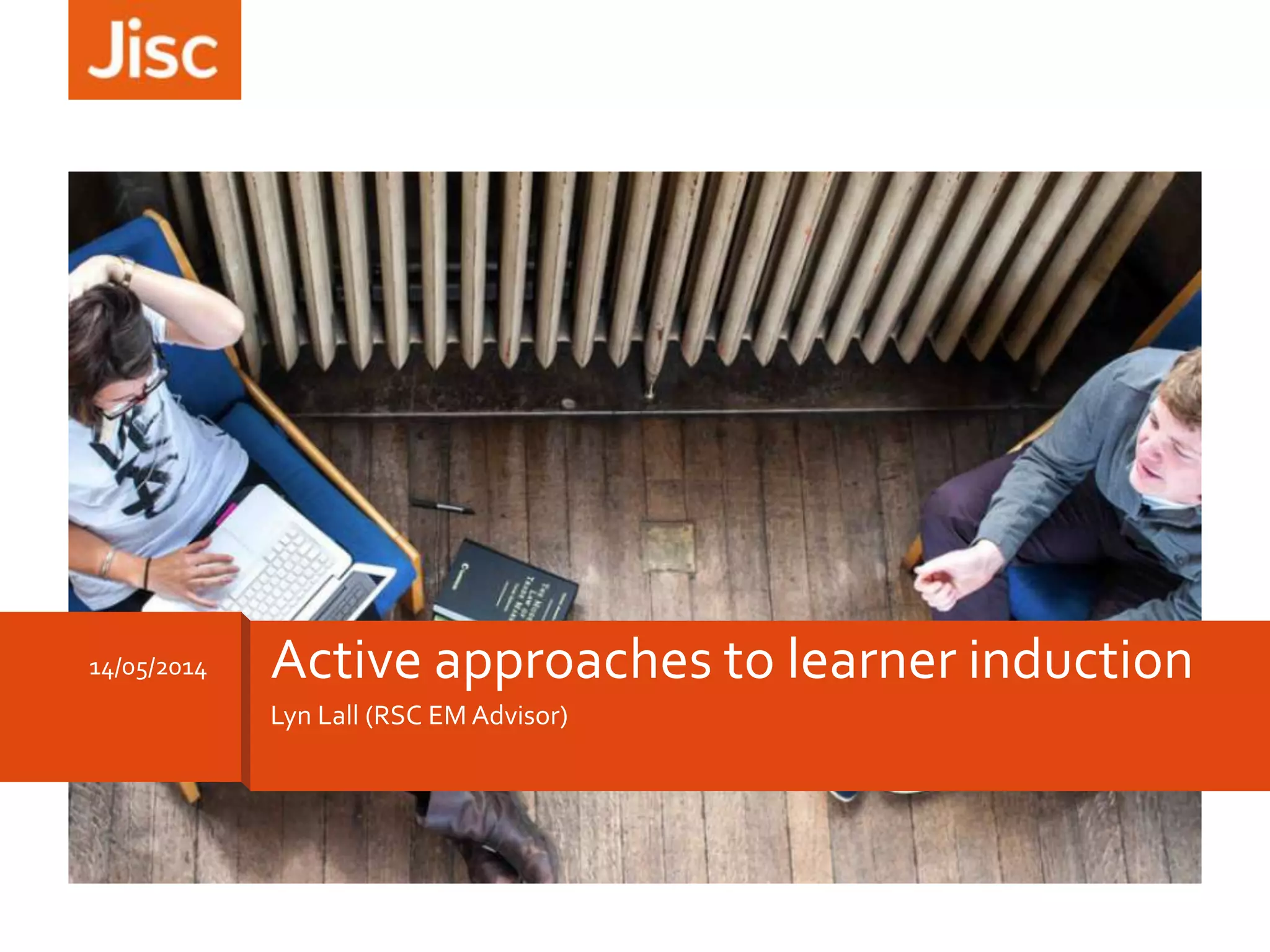
14/05/2014 Active approaches to learner induction
Session Overview
How can technology
help make induction
effective, engaging
and fun?
Explore and
evaluate some tools
Title of presentation 00/00/2013 2
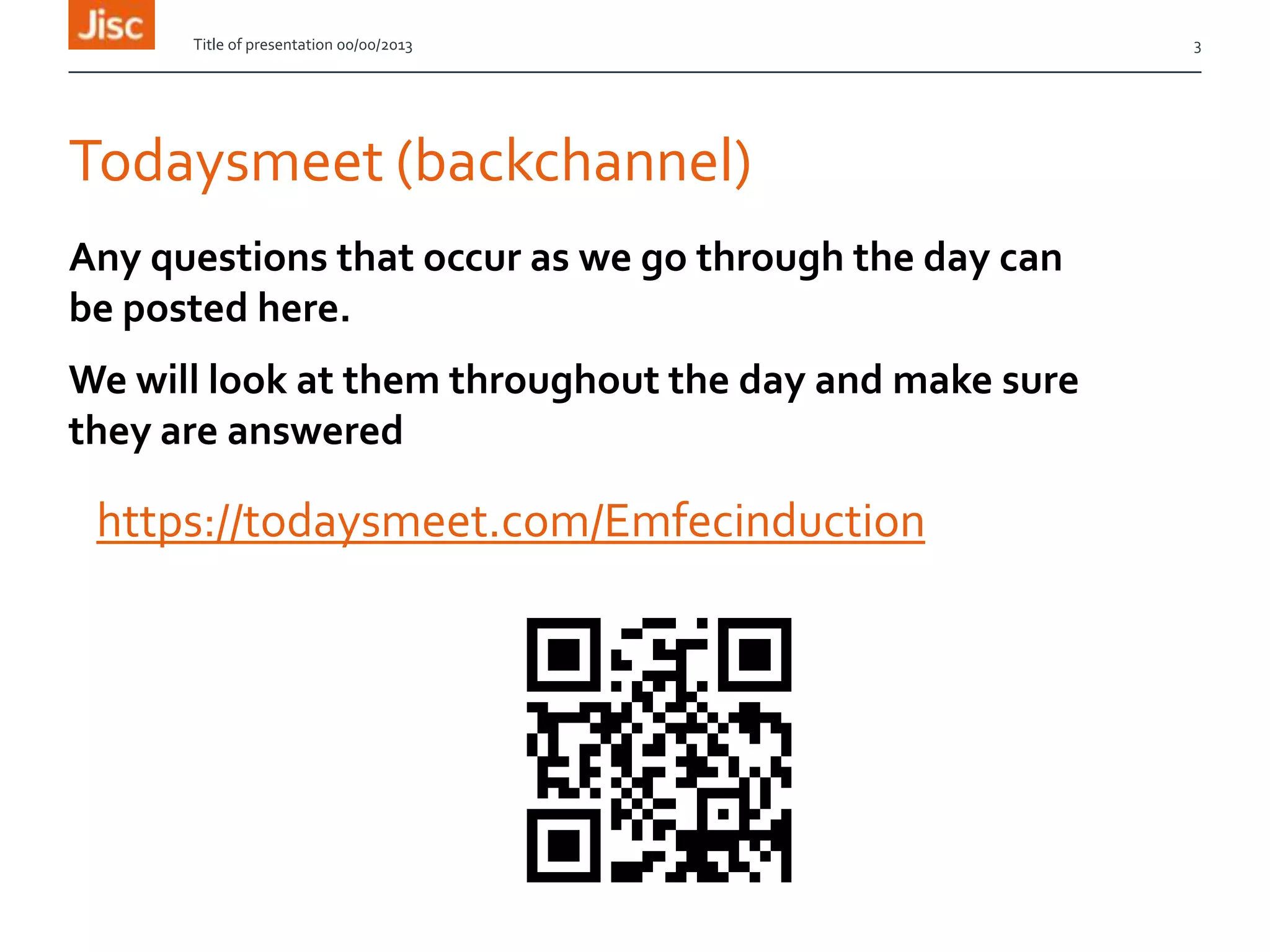
Todaysmeet (backchannel)
https://todaysmeet.com/Emfecinduction
Title of presentation 00/00/2013 3
Any questions that occur as we go through the day can
be posted here.
We will look at them throughout the day and make sure
they are answered
Icebreaker – QR code treasure hunt
http://www.classtools.net/
http://goo.gl/55kuvM
Title of presentation 00/00/2013 4
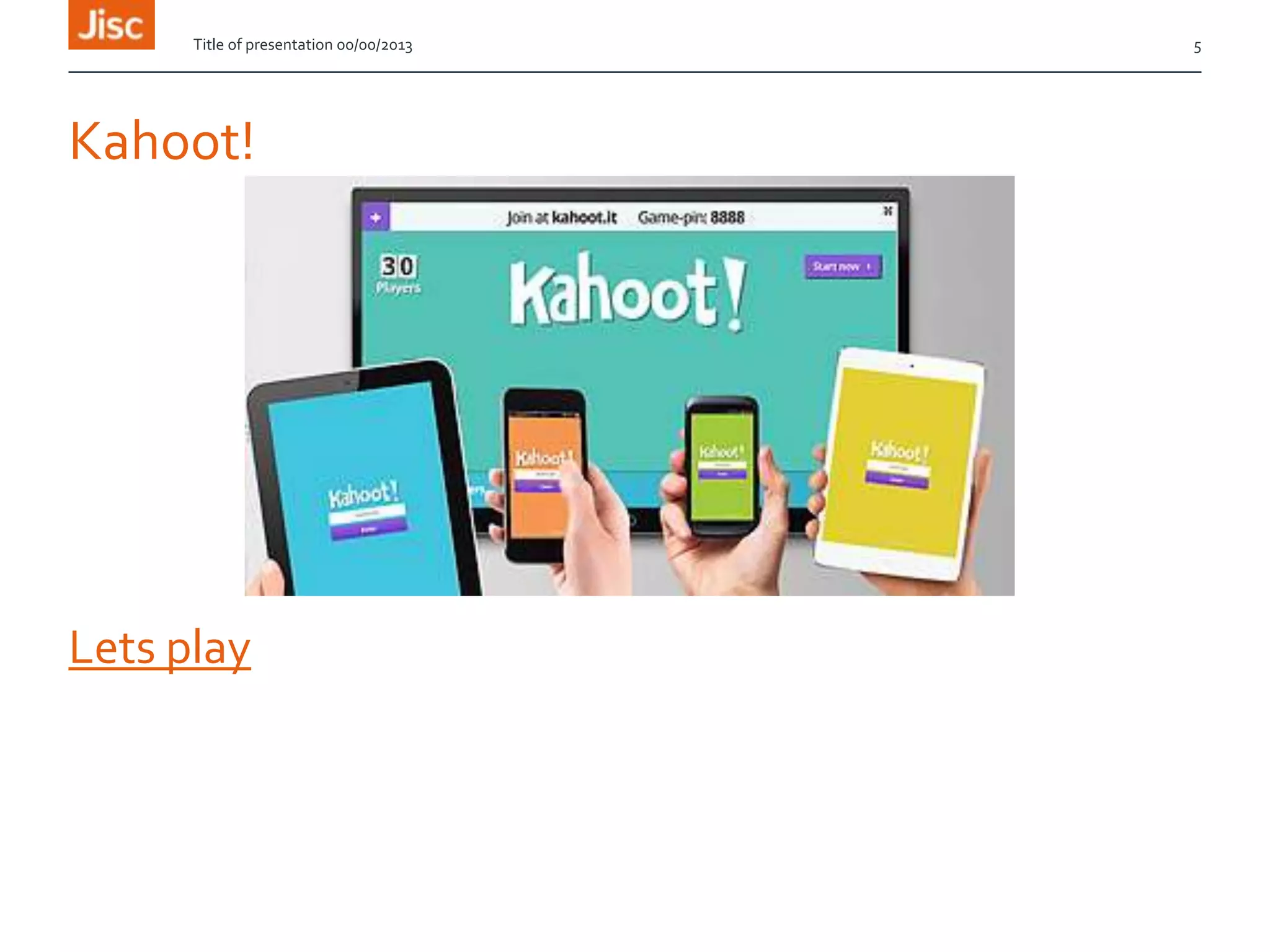
Kahoot!
Lets play
Title of presentation 00/00/2013 5
What makes an expert learner?
•Titanpad
•Triceder
•Padlet
Collaborative
activity
Title of presentation 00/00/2013 6
What do we need to know about our learners and why?
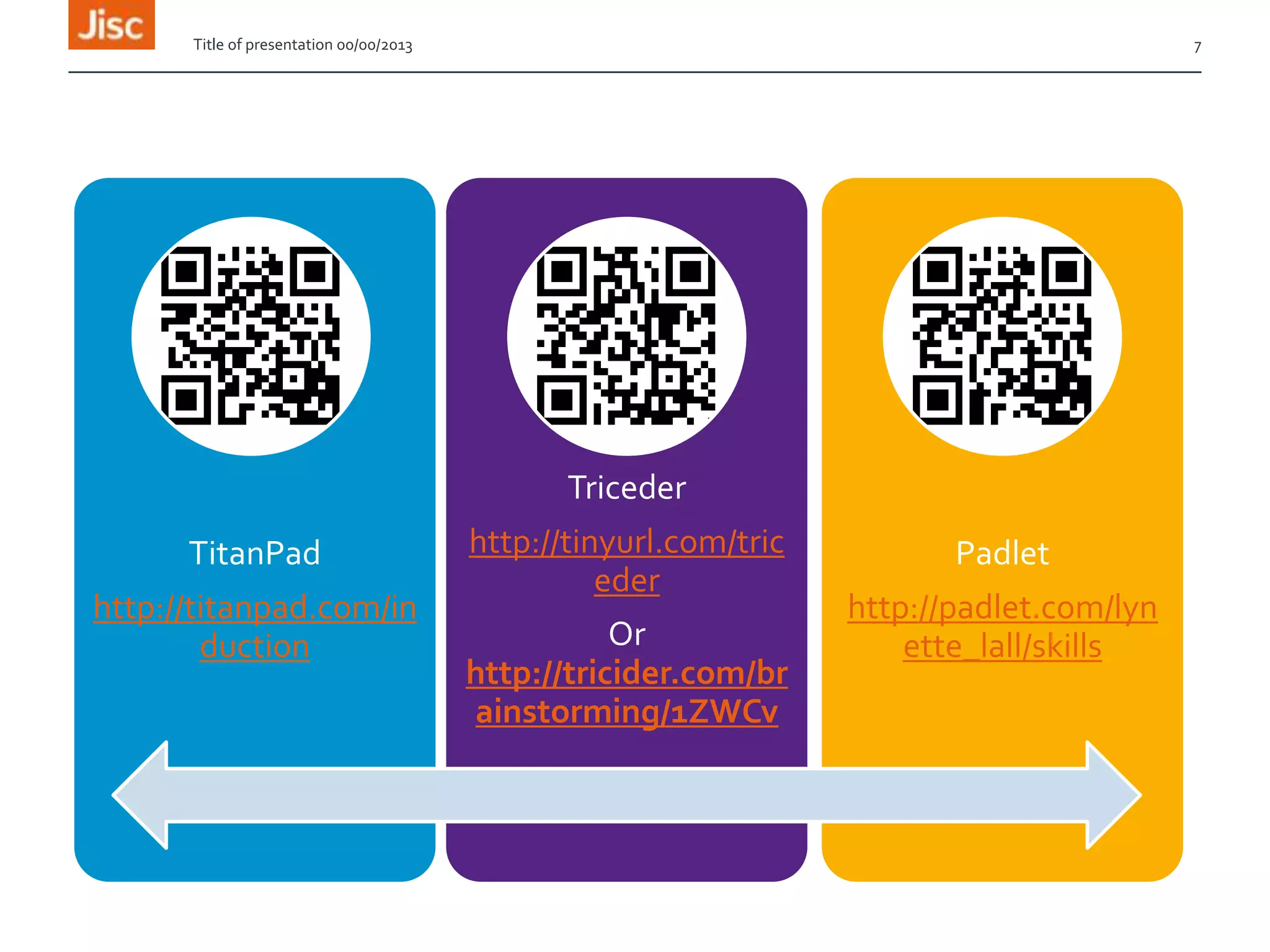
TitanPad
http://titanpad.com/in
duction
Triceder
http://tinyurl.com/tric
eder
Or
http://tricider.com/br
ainstorming/1ZWCv
Padlet
http://padlet.com/lyn
ette_lall/skills
Title of presentation 00/00/2013 7
How could you use these tools at
induction?
Title of presentation 00/00/2013 8
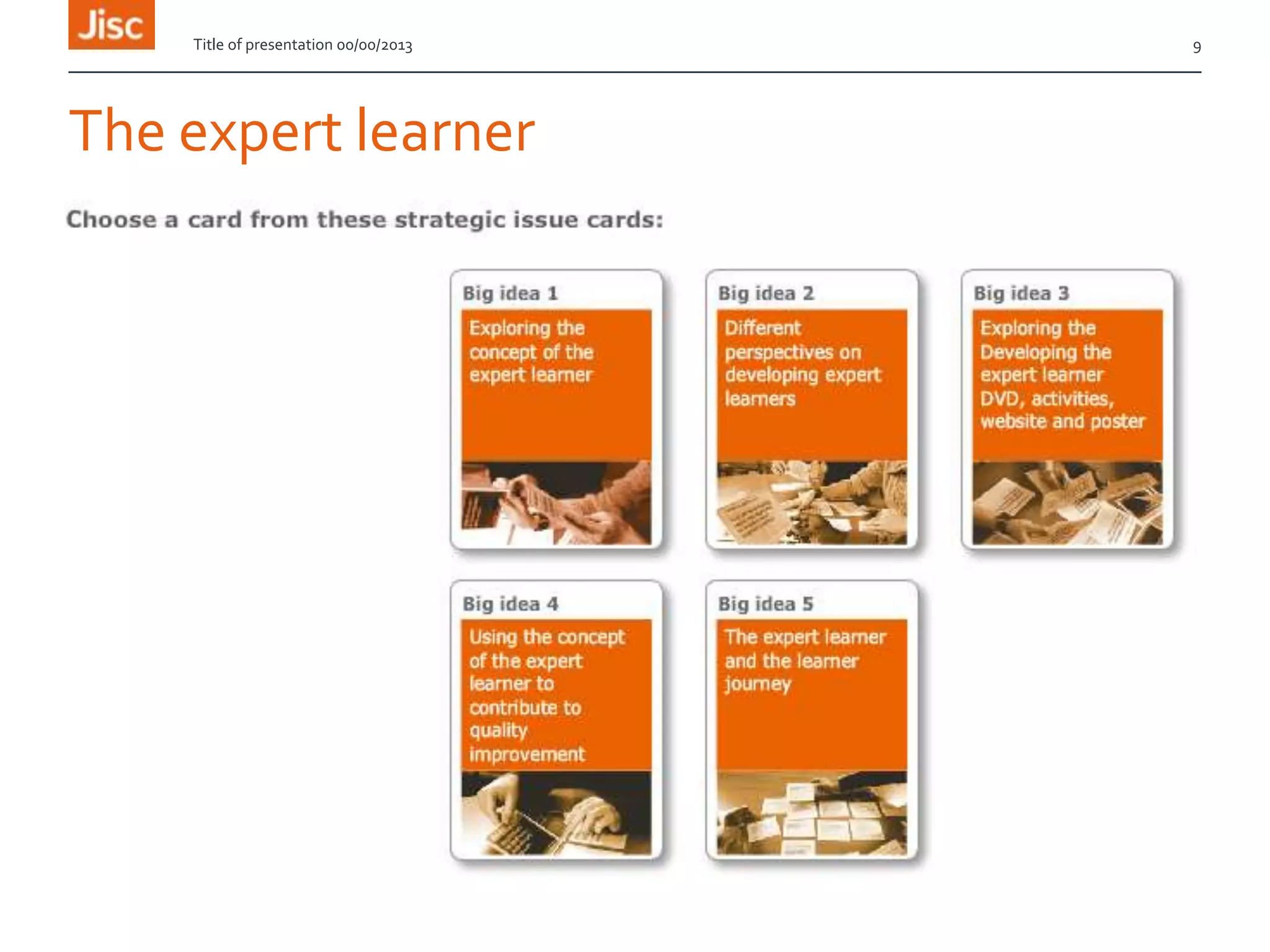
The expert learner
Title of presentation 00/00/2013 9
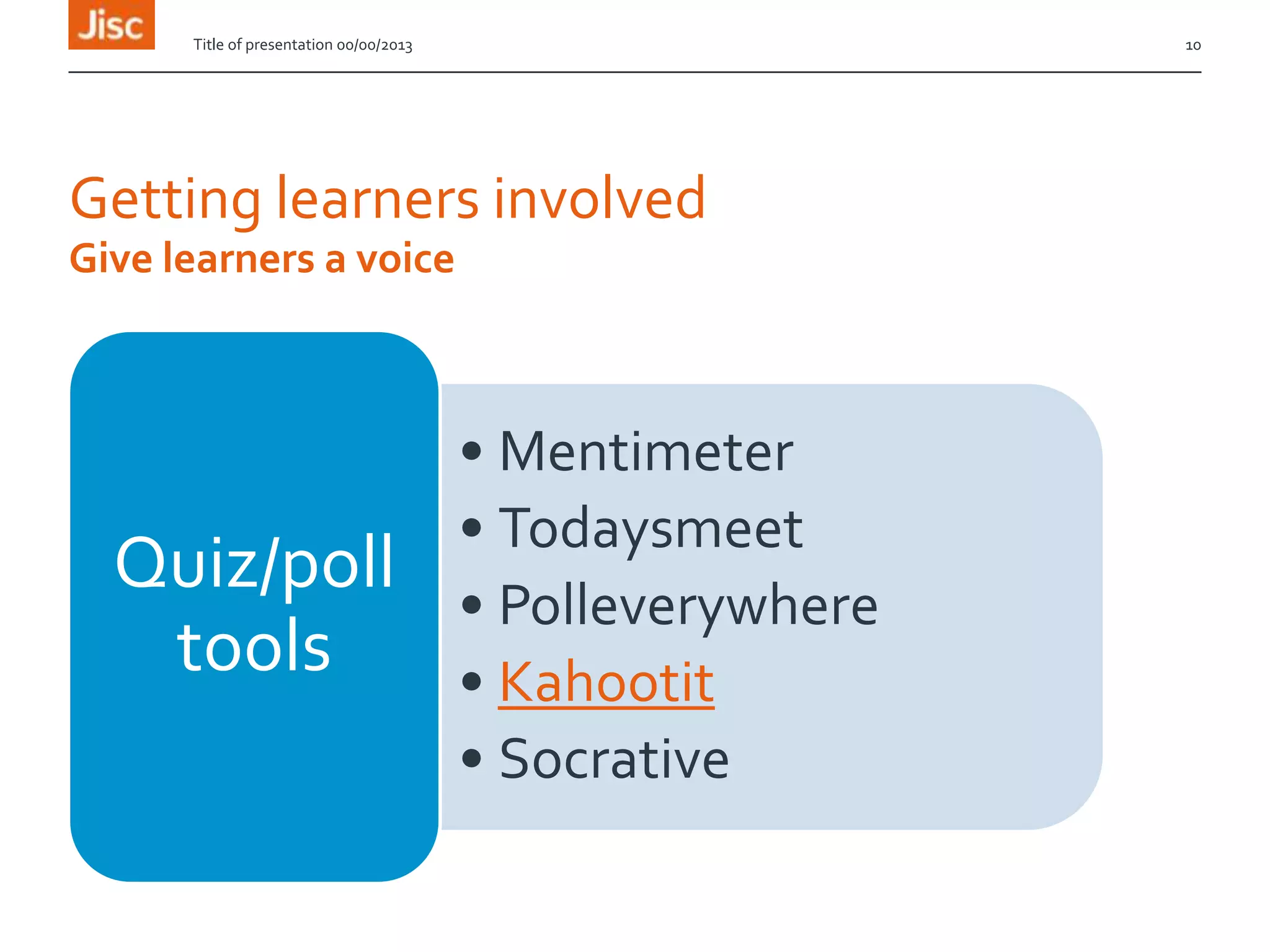
Getting learners involved
• Mentimeter
• Todaysmeet
• Polleverywhere
• Kahootit
• Socrative
Quiz/poll
tools
Title of presentation 00/00/2013 10
Give learners a voice
Mentimeter
Go to www.govote.at and enter 12 46 34 to vote
Or
Scan this code
Title of presentation 00/00/2013 11
Kes clip
Title of presentation 00/00/2013 12
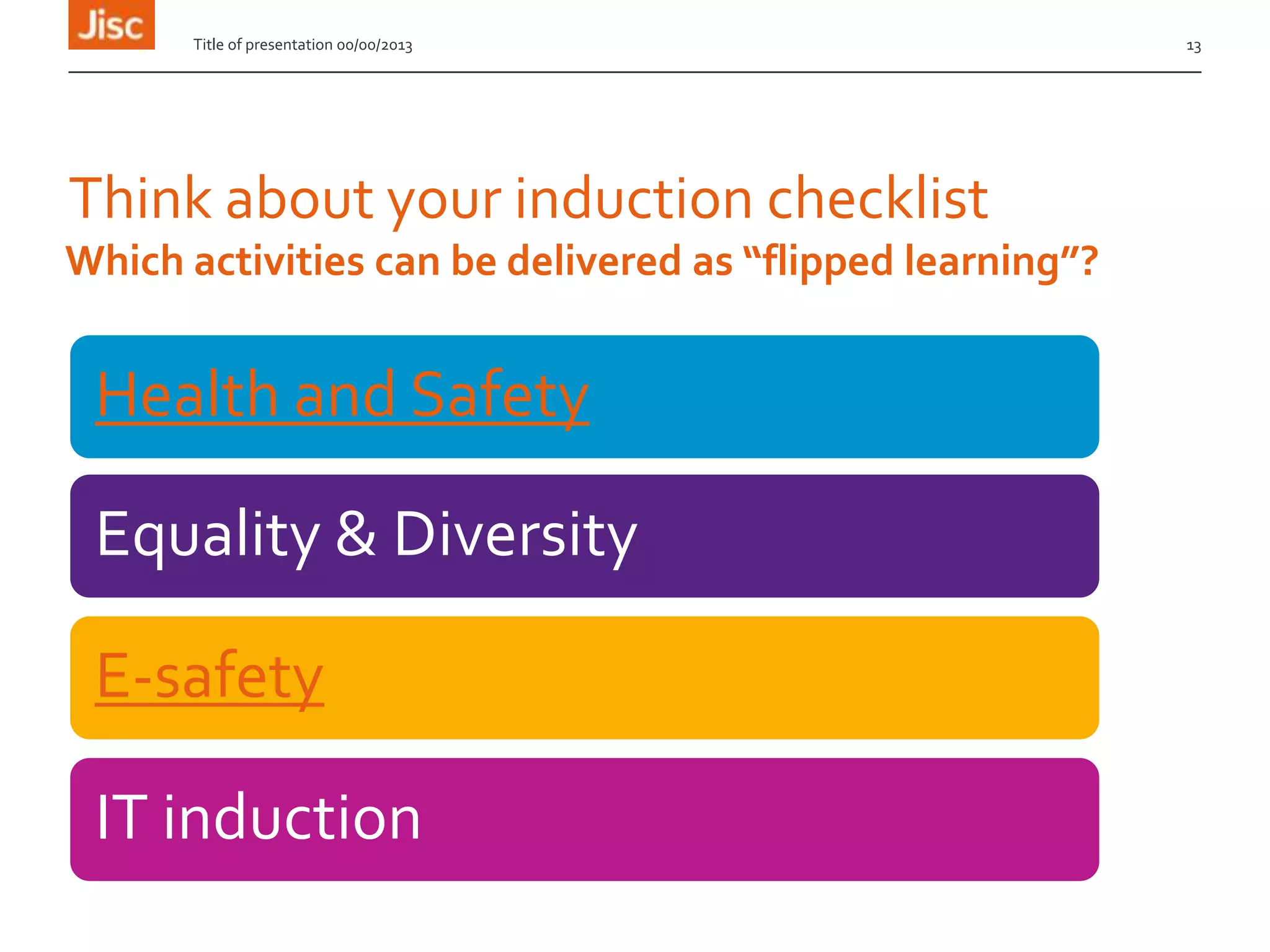
Think about your induction checklist
Health and Safety
Equality & Diversity
E-safety
IT induction
Title of presentation 00/00/2013 13
Which activities can be delivered as “flipped learning”?
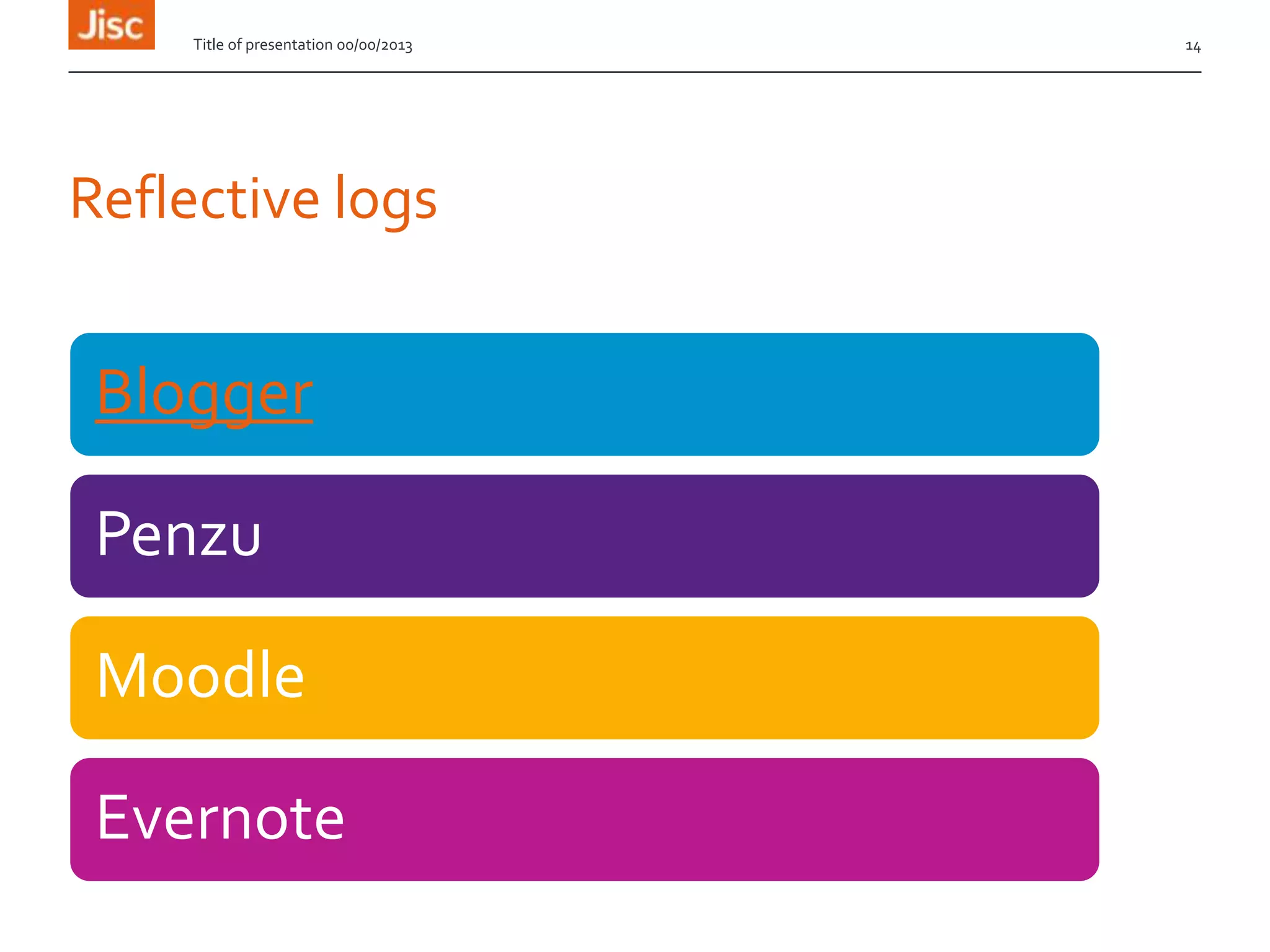
Reflective logs
Blogger
Penzu
Moodle
Evernote
Title of presentation 00/00/2013 14
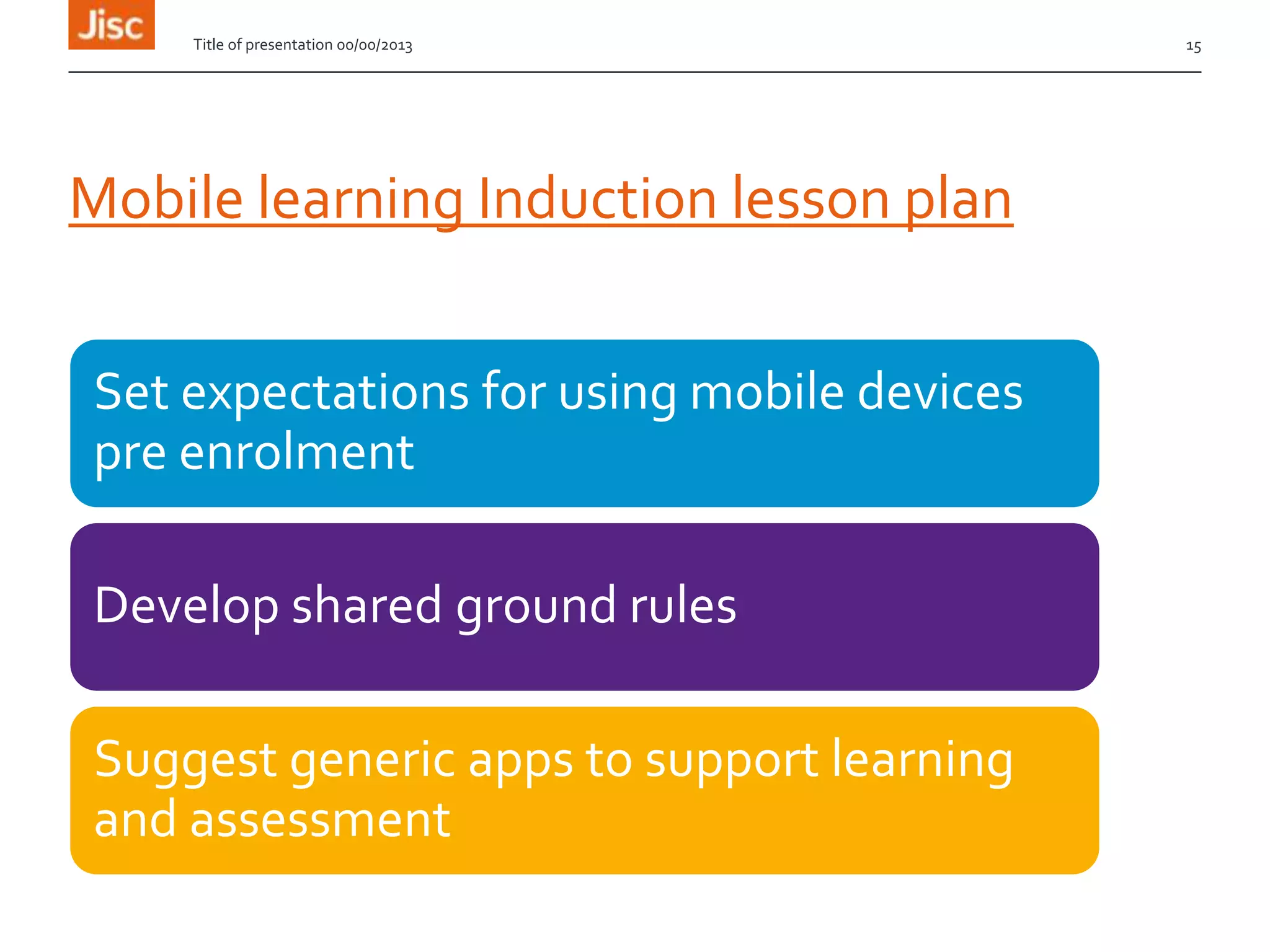
Mobile learning Induction lesson plan
Set expectations for using mobile devices
pre enrolment
Develop shared ground rules
Suggest generic apps to support learning
and assessment
Title of presentation 00/00/2013 15
Need more support?
Lynette.lall@rsc-em.ac.uk
01509 618116
RSC EM Moodle http://moodle.rsc-em.ac.uk/
Evaluation
http://tinyurl.com/emfecmay or
Title of presentation 00/00/2013 16

Active approaches to Induction using technology

Editor's Notes

  • #2 Go to ‘View’ menu > ‘Header and Footer…’ to edit the footers on this slide (click ‘Apply’ to change only the currently selected slide, or ‘Apply to All’ to change the footers on all slides).To change the image on this slide:Click once on the image to select it, and then delete itDrag a replacement picture to the placeholder or click the icon in the centre of the placeholder to browse for & add another imageOnce you have added your replacement image, you may need to put it into the background so that it doesn’t cover other items on the slide. Do this by right-clicking on the new image and choosing ‘Arrange’ > ‘Send to Back’ from the contextual menu
  • #7 Go to ‘View’ menu > ‘Header and Footer…’ to edit the footers on this slide (click ‘Apply’ to change only the currently selected slide, or ‘Apply to All’ to change the footers on all slides).