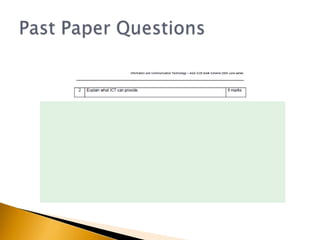
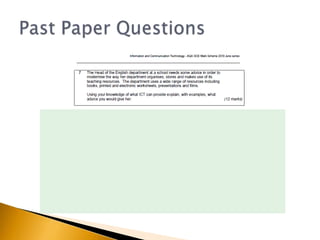
2.7 What ICT Can Provide
   Tweet your responses #ictdbs12
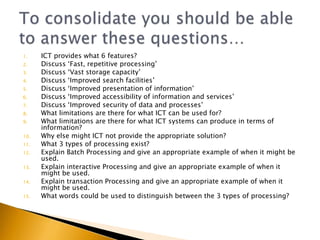
1.    ICT provides what 6 features?
2.    Discuss ‘Fast, repetitive processing’
3.    Discuss ‘Vast storage capacity’
4.    Discuss ‘Improved search facilities’
5.    Discuss ‘Improved presentation of information’
6.    Discuss ‘Improved accessibility of information and services’
7.    Discuss ‘Improved security of data and processes’
8.    What limitations are there for what ICT can be used for?
9.    What limitations are there for what ICT systems can produce in terms of
      information?
10.   Why else might ICT not provide the appropriate solution?
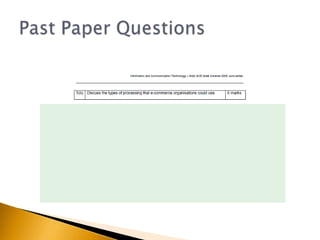
11.   What 3 types of processing exist?
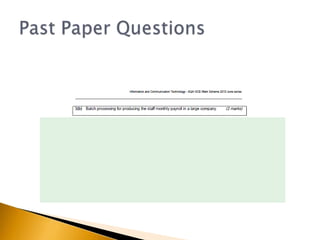
12.   Explain Batch Processing and give an appropriate example of when it might be
      used.
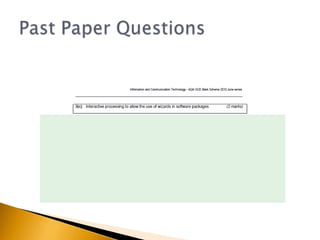
13.   Explain interactive Processing and give an appropriate example of when it
      might be used.
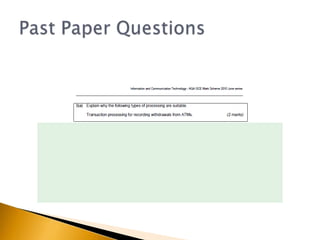
14.   Explain transaction Processing and give an appropriate example of when it
      might be used.
15.   What words could be used to distinguish between the 3 types of processing?
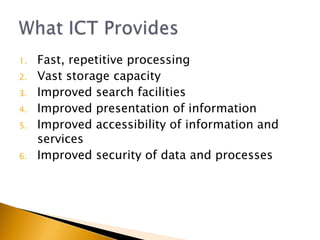
1.   Fast, repetitive processing
2.   Vast storage capacity
3.   Improved search facilities
4.   Improved presentation of information
5.   Improved accessibility of information and
     services
6.   Improved security of data and processes
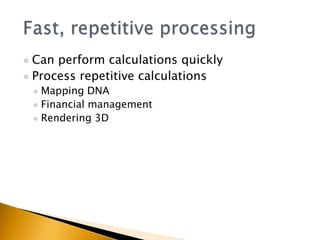
 Can perform calculations quickly
 Process repetitive calculations
     Mapping DNA
     Financial management
     Rendering 3D
 Smaller storage space required
 Shared access to digital storage
   Search on multiple criteria
   Speed of search results
   Multimedia
    ◦   Animations
    ◦   Video
    ◦   Audio
    ◦   Images
   Websites
   Podcasts
   Online polls
   World Wide Web provides us with access to
    up-to-date, world wide news and information
   Blogs
   Social Networks
   Micro-blogging
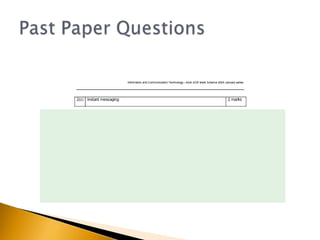
   Instant messaging
   Chat rooms
   Forums
   Podcasts
   Encryption
   Biometrics
   Usernames and Passwords
   Privileges
   Issues with over spending, failure to produce
    solution, lateness
   Humans can still do many things better:
    ◦ Reasoning
    ◦ Opinions
    ◦ Speech
   GIGO
   Validation
   Verification
   Valued Judgments
   Digital from analogue
   Personal touch might be needed
   Quick pencil and paper notes might be more
    accessible than logging on setting up a
    document etc.
   Interpersonal communication (see doctor
    instead of NHS Direct)
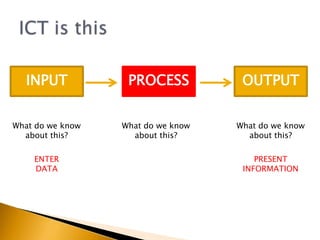
INPUT            PROCESS           OUTPUT


What do we know   What do we know   What do we know
  about this?       about this?       about this?

    ENTER                               PRESENT
    DATA                             INFORMATION
   All computers work on a basis of
    INPUT, PROCESS, OUTPUT

   The PROCESSING element can be treated differently
    depending on the circumstances.

   There are 3 modes of processing to consider
    ◦ Batch
    ◦ Transaction
    ◦ Interactive (Real Time)

   NOTE: There is some overlap between them; most
    transaction processing applications are also
    interactive
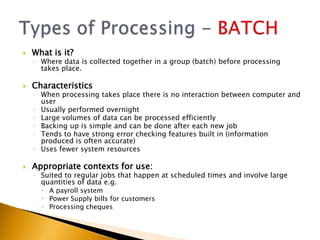
   What is it?
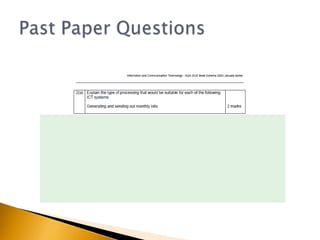
    ◦ Where data is collected together in a group (batch) before processing
      takes place.

   Characteristics
    ◦ When processing takes place there is no interaction between computer and
      user
    ◦ Usually performed overnight
    ◦ Large volumes of data can be processed efficiently
    ◦ Backing up is simple and can be done after each new job
    ◦ Tends to have strong error checking features built in (information
      produced is often accurate)
    ◦ Uses fewer system resources

   Appropriate contexts for use:
    ◦ Suited to regular jobs that happen at scheduled times and involve large
      quantities of data e.g.
       A payroll system
       Power Supply bills for customers
       Processing cheques
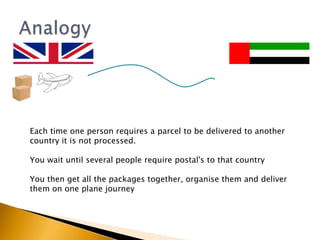
Each time one person requires a parcel to be delivered to another
country it is not processed.

You wait until several people require postal's to that country

You then get all the packages together, organise them and deliver
them on one plane journey
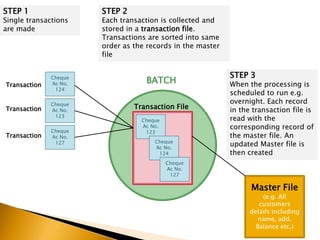
STEP 1                 STEP 2
Single transactions    Each transaction is collected and
are made               stored in a transaction file.
                       Transactions are sorted into same
                       order as the records in the master
                       file

                                                            STEP 3
Transaction
              Cheque
              Ac No.               BATCH                    When the processing is
               124
                                                            scheduled to run e.g.
              Cheque                                        overnight. Each record
Transaction   Ac No.
                                Transaction File            in the transaction file is
               123
                                  Cheque                    read with the
              Cheque
                                  Ac No.                    corresponding record of
                                   123
Transaction   Ac No.                                        the master file. An
                                      Cheque
               127
                                      Ac No.
                                                            updated Master file is
                                       124                  then created
                                           Cheque
                                           Ac No.
                                            127

                                                                  Master File
                                                                      (e.g. All
                                                                     customers
                                                                  details including
                                                                     name, add.
                                                                    Balance etc.)
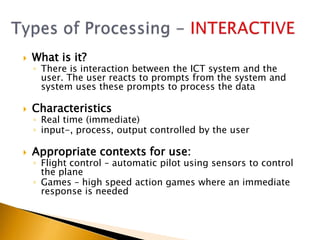
   What is it?
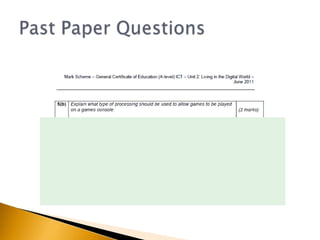
    ◦ There is interaction between the ICT system and the
      user. The user reacts to prompts from the system and
      system uses these prompts to process the data

   Characteristics
    ◦ Real time (immediate)
    ◦ input-, process, output controlled by the user

   Appropriate contexts for use:
    ◦ Flight control – automatic pilot using sensors to control
      the plane
    ◦ Games – high speed action games where an immediate
      response is needed
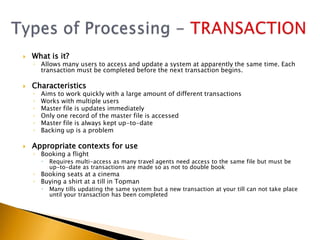
   What is it?
    ◦ Allows many users to access and update a system at apparently the same time. Each
      transaction must be completed before the next transaction begins.

   Characteristics
    ◦   Aims to work quickly with a large amount of different transactions
    ◦   Works with multiple users
    ◦   Master file is updates immediately
    ◦   Only one record of the master file is accessed
    ◦   Master file is always kept up-to-date
    ◦   Backing up is a problem

   Appropriate contexts for use
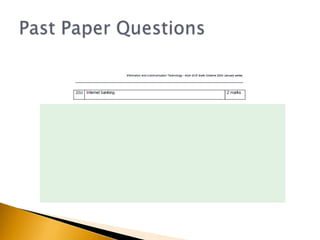
    ◦ Booking a flight
           Requires multi-access as many travel agents need access to the same file but must be
            up-to-date as transactions are made so as not to double book
    ◦ Booking seats at a cinema
    ◦ Buying a shirt at a till in Topman
           Many tills updating the same system but a new transaction at your till can not take place
            until your transaction has been completed
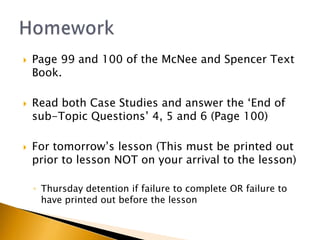
   Page 99 and 100 of the McNee and Spencer Text
    Book.

   Read both Case Studies and answer the ‘End of
    sub-Topic Questions’ 4, 5 and 6 (Page 100)

   For tomorrow’s lesson (This must be printed out
    prior to lesson NOT on your arrival to the lesson)

    ◦ Thursday detention if failure to complete OR failure to
      have printed out before the lesson

2.7 what ict can provide

  • 1.
    2.7 What ICTCan Provide
  • 2.
    Tweet your responses #ictdbs12
  • 4.
    1. ICT provides what 6 features? 2. Discuss ‘Fast, repetitive processing’ 3. Discuss ‘Vast storage capacity’ 4. Discuss ‘Improved search facilities’ 5. Discuss ‘Improved presentation of information’ 6. Discuss ‘Improved accessibility of information and services’ 7. Discuss ‘Improved security of data and processes’ 8. What limitations are there for what ICT can be used for? 9. What limitations are there for what ICT systems can produce in terms of information? 10. Why else might ICT not provide the appropriate solution? 11. What 3 types of processing exist? 12. Explain Batch Processing and give an appropriate example of when it might be used. 13. Explain interactive Processing and give an appropriate example of when it might be used. 14. Explain transaction Processing and give an appropriate example of when it might be used. 15. What words could be used to distinguish between the 3 types of processing?
  • 5.
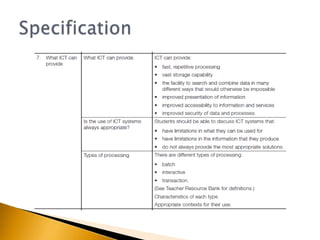
    1. Fast, repetitive processing 2. Vast storage capacity 3. Improved search facilities 4. Improved presentation of information 5. Improved accessibility of information and services 6. Improved security of data and processes
  • 6.
     Can performcalculations quickly  Process repetitive calculations  Mapping DNA  Financial management  Rendering 3D
  • 7.
     Smaller storagespace required  Shared access to digital storage
  • 8.
    Search on multiple criteria  Speed of search results
  • 9.
    Multimedia ◦ Animations ◦ Video ◦ Audio ◦ Images  Websites  Podcasts  Online polls
  • 10.
    World Wide Web provides us with access to up-to-date, world wide news and information  Blogs  Social Networks  Micro-blogging  Instant messaging  Chat rooms  Forums  Podcasts
  • 11.
    Encryption  Biometrics  Usernames and Passwords  Privileges
  • 12.
    Issues with over spending, failure to produce solution, lateness  Humans can still do many things better: ◦ Reasoning ◦ Opinions ◦ Speech
  • 13.
    GIGO  Validation  Verification  Valued Judgments  Digital from analogue
  • 14.
    Personal touch might be needed  Quick pencil and paper notes might be more accessible than logging on setting up a document etc.  Interpersonal communication (see doctor instead of NHS Direct)
  • 15.
    INPUT PROCESS OUTPUT What do we know What do we know What do we know about this? about this? about this? ENTER PRESENT DATA INFORMATION
  • 16.
    All computers work on a basis of INPUT, PROCESS, OUTPUT  The PROCESSING element can be treated differently depending on the circumstances.  There are 3 modes of processing to consider ◦ Batch ◦ Transaction ◦ Interactive (Real Time)  NOTE: There is some overlap between them; most transaction processing applications are also interactive
  • 17.
    What is it? ◦ Where data is collected together in a group (batch) before processing takes place.  Characteristics ◦ When processing takes place there is no interaction between computer and user ◦ Usually performed overnight ◦ Large volumes of data can be processed efficiently ◦ Backing up is simple and can be done after each new job ◦ Tends to have strong error checking features built in (information produced is often accurate) ◦ Uses fewer system resources  Appropriate contexts for use: ◦ Suited to regular jobs that happen at scheduled times and involve large quantities of data e.g.  A payroll system  Power Supply bills for customers  Processing cheques
  • 18.
    Each time oneperson requires a parcel to be delivered to another country it is not processed. You wait until several people require postal's to that country You then get all the packages together, organise them and deliver them on one plane journey
  • 19.
    STEP 1 STEP 2 Single transactions Each transaction is collected and are made stored in a transaction file. Transactions are sorted into same order as the records in the master file STEP 3 Transaction Cheque Ac No. BATCH When the processing is 124 scheduled to run e.g. Cheque overnight. Each record Transaction Ac No. Transaction File in the transaction file is 123 Cheque read with the Cheque Ac No. corresponding record of 123 Transaction Ac No. the master file. An Cheque 127 Ac No. updated Master file is 124 then created Cheque Ac No. 127 Master File (e.g. All customers details including name, add. Balance etc.)
  • 20.
    What is it? ◦ There is interaction between the ICT system and the user. The user reacts to prompts from the system and system uses these prompts to process the data  Characteristics ◦ Real time (immediate) ◦ input-, process, output controlled by the user  Appropriate contexts for use: ◦ Flight control – automatic pilot using sensors to control the plane ◦ Games – high speed action games where an immediate response is needed
  • 21.
    What is it? ◦ Allows many users to access and update a system at apparently the same time. Each transaction must be completed before the next transaction begins.  Characteristics ◦ Aims to work quickly with a large amount of different transactions ◦ Works with multiple users ◦ Master file is updates immediately ◦ Only one record of the master file is accessed ◦ Master file is always kept up-to-date ◦ Backing up is a problem  Appropriate contexts for use ◦ Booking a flight  Requires multi-access as many travel agents need access to the same file but must be up-to-date as transactions are made so as not to double book ◦ Booking seats at a cinema ◦ Buying a shirt at a till in Topman  Many tills updating the same system but a new transaction at your till can not take place until your transaction has been completed
  • 32.
    Page 99 and 100 of the McNee and Spencer Text Book.  Read both Case Studies and answer the ‘End of sub-Topic Questions’ 4, 5 and 6 (Page 100)  For tomorrow’s lesson (This must be printed out prior to lesson NOT on your arrival to the lesson) ◦ Thursday detention if failure to complete OR failure to have printed out before the lesson