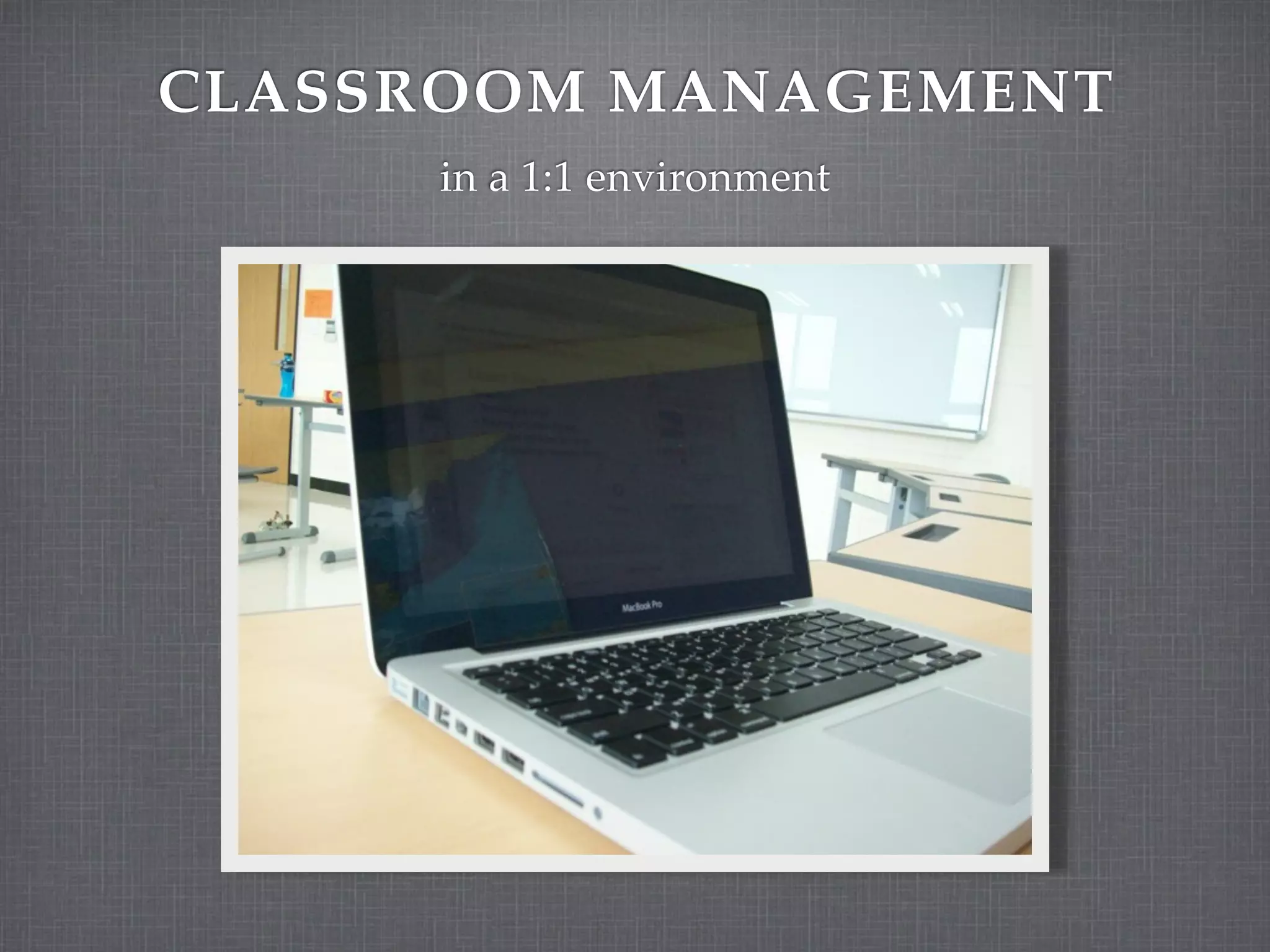
CLASSROOM MANAGEMENT
     in a 1:1 environment
WHAT WORKS NOW?


What classroom management techniques do you use
that help you to create the type of learning
environment you want in your class (to keep students
on task)?
LESSON DESIGN

Remember:

Technology is a tool.

Teaching isn’t about the
tool.

Curriculum drives the
technology.

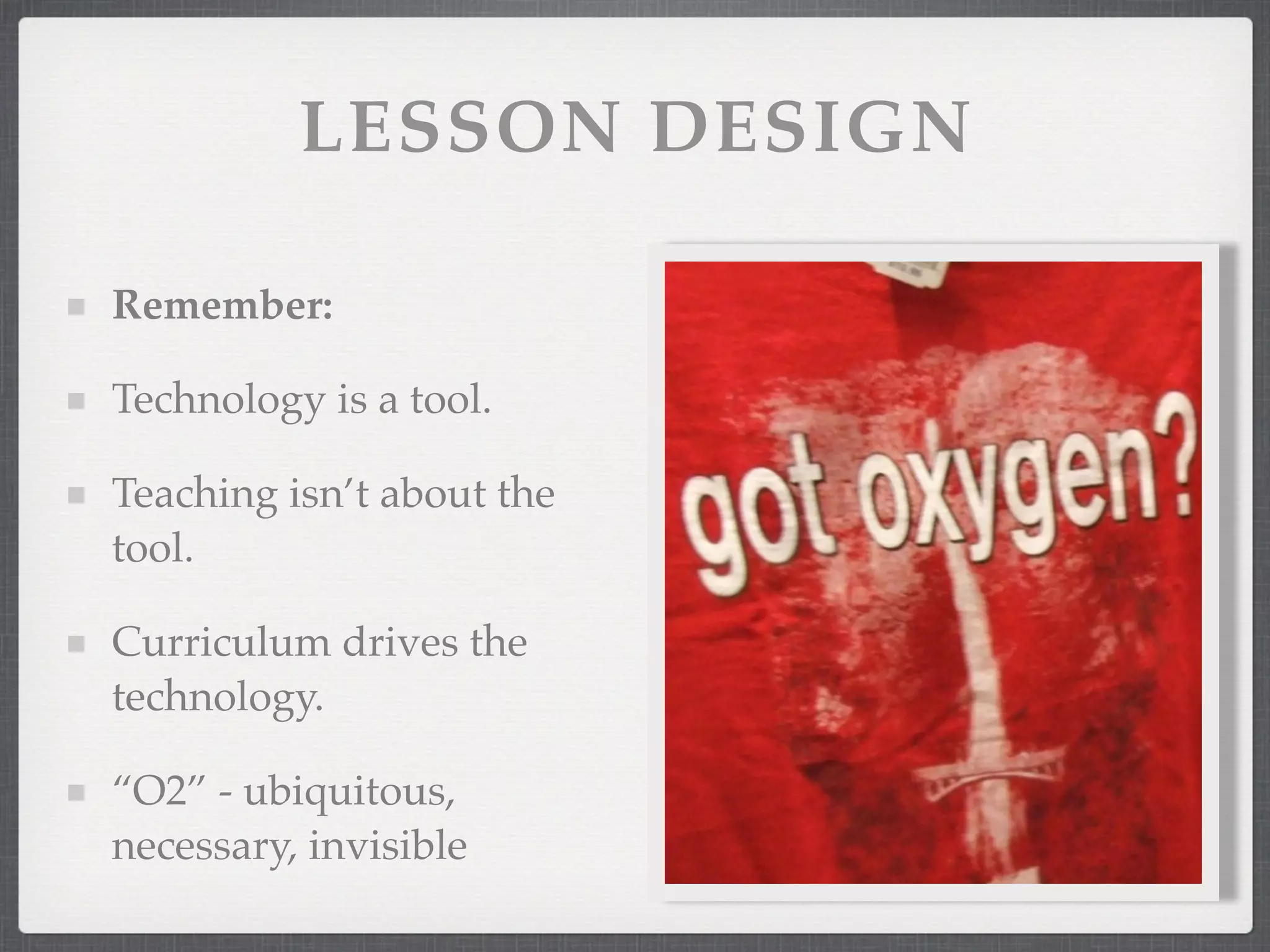
“O2” - ubiquitous,
necessary, invisible
LESSON DESIGN


Use backward design.

Project-based learning.

Authentic assessments.

Students as producers of content.

Collaboration (in class & global).
INCORPORATE ISTE’S 4
       C’S
Communication - Prepare students to be effective
communicators.

Collaboration - Use online tools to discuss ideas,
share research, collaborate.

Creativity - Promote writing, artwork, videos, and
combinations of them.

Community - Create a community of learners to
deepen knowledge through interaction.
EXPECTED LEARNING RESULTS


Exhibit Citizenship

Communicate Effectively

Think Creatively and Reason Critically

Utilize Information and Technology Effectively
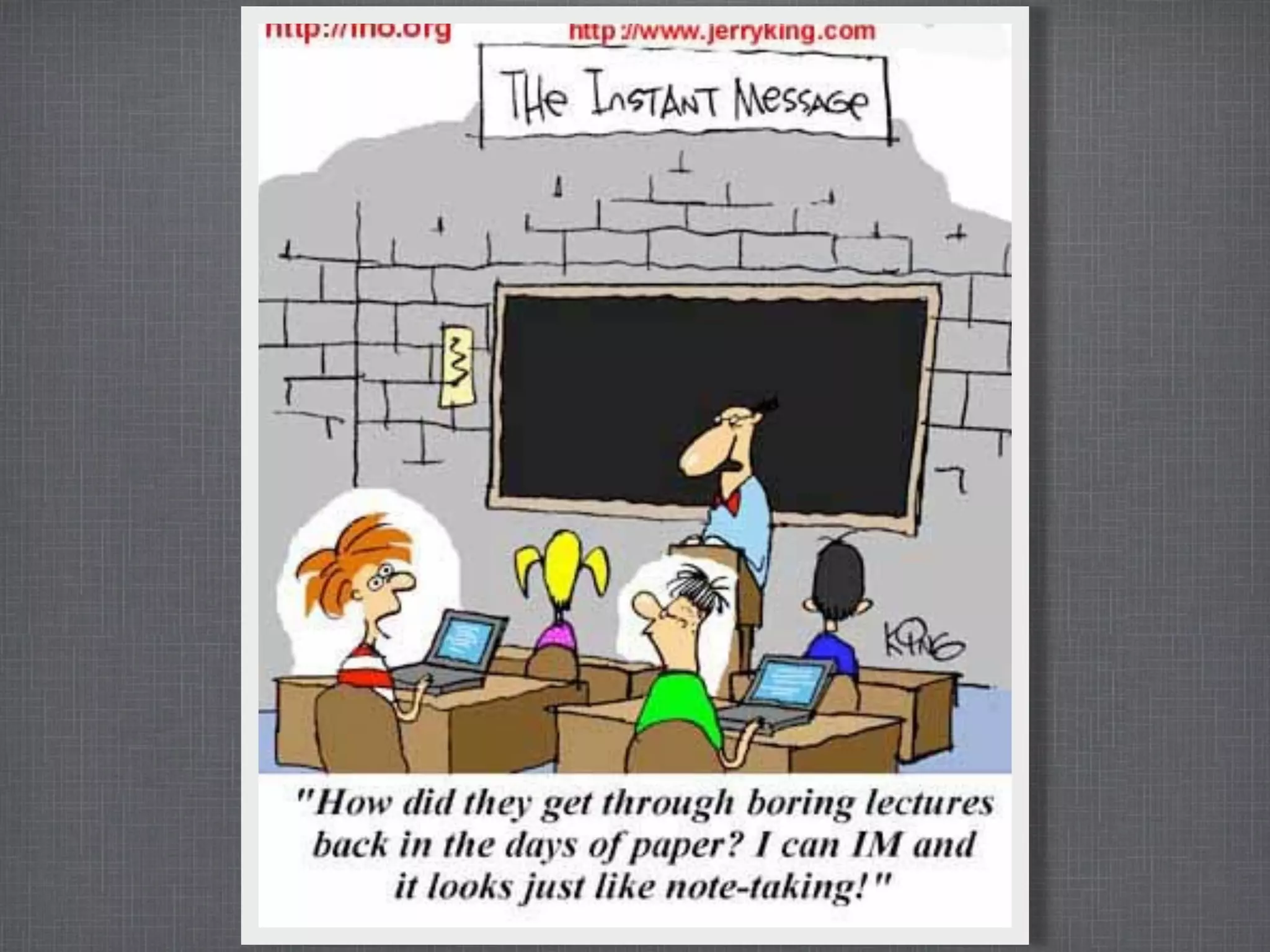
UNDERSTAND


If you have poor management now, laptops won’t
change that.

Adding laptops doesn’t mean more learning.

Adding technology to a boring lesson does not
necessarily make the lesson more interesting.
BEFORE THE STUDENTS ARRIVE


Have clear expectations.

Plan well.

Use technology with a purpose.

Test your lesson on a student computer.

Use your wiki for links, handouts, and other
resources.
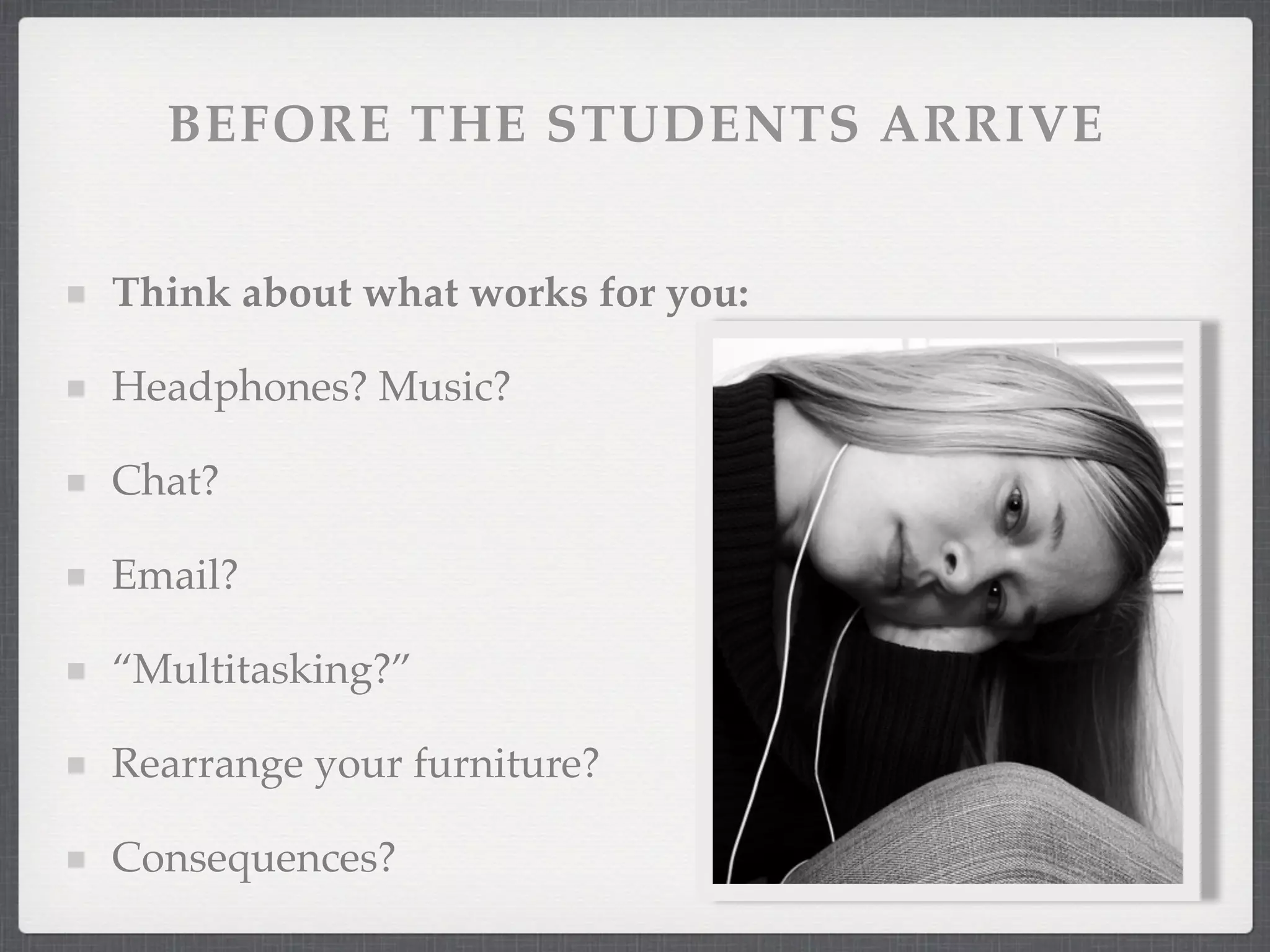
BEFORE THE STUDENTS ARRIVE


Think about what works for you:

Headphones? Music?

Chat?

Email?

“Multitasking?”

Rearrange your furniture?

Consequences?
PRACTICAL TIPS
Laptops fully charged at 8:00 am.

RATS - Read All The Screen.

Students should be willing to help each other.

“45 your screen.”

If the teacher closes the laptop, only the teacher opens it.

MBWA - Management By Walking Around

Apple Remote Desktop (ARD)
RESOURCES


http://cdspd.wikispaces.com
“Technology is a mind set, not a skill set.”

       Kim Cofino, Yokohama International School
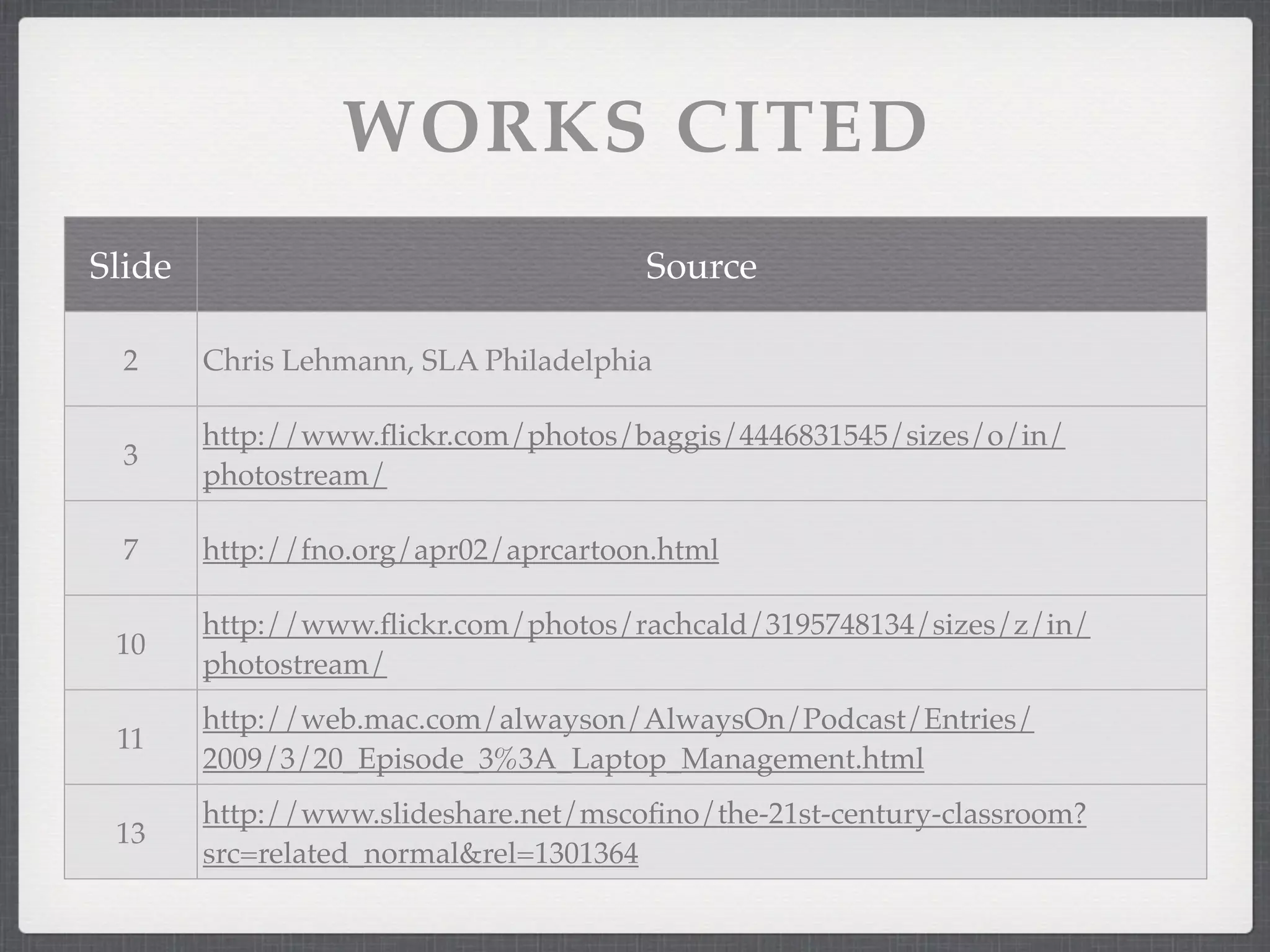
WORKS CITED
Slide                                 Source

  2     Chris Lehmann, SLA Philadelphia

        http://www.flickr.com/photos/baggis/4446831545/sizes/o/in/
  3
        photostream/

  7     http://fno.org/apr02/aprcartoon.html

        http://www.flickr.com/photos/rachcald/3195748134/sizes/z/in/
 10
        photostream/
        http://web.mac.com/alwayson/AlwaysOn/Podcast/Entries/
 11
        2009/3/20_Episode_3%3A_Laptop_Management.html
        http://www.slideshare.net/mscofino/the-21st-century-classroom?
 13
        src=related_normal&rel=1301364

1 to 1 Classroom Management

  • 1.
    CLASSROOM MANAGEMENT in a 1:1 environment
  • 2.
    WHAT WORKS NOW? Whatclassroom management techniques do you use that help you to create the type of learning environment you want in your class (to keep students on task)?
  • 3.
    LESSON DESIGN Remember: Technology isa tool. Teaching isn’t about the tool. Curriculum drives the technology. “O2” - ubiquitous, necessary, invisible
  • 4.
    LESSON DESIGN Use backwarddesign. Project-based learning. Authentic assessments. Students as producers of content. Collaboration (in class & global).
  • 5.
    INCORPORATE ISTE’S 4 C’S Communication - Prepare students to be effective communicators. Collaboration - Use online tools to discuss ideas, share research, collaborate. Creativity - Promote writing, artwork, videos, and combinations of them. Community - Create a community of learners to deepen knowledge through interaction.
  • 6.
    EXPECTED LEARNING RESULTS ExhibitCitizenship Communicate Effectively Think Creatively and Reason Critically Utilize Information and Technology Effectively
  • 8.
    UNDERSTAND If you havepoor management now, laptops won’t change that. Adding laptops doesn’t mean more learning. Adding technology to a boring lesson does not necessarily make the lesson more interesting.
  • 9.
    BEFORE THE STUDENTSARRIVE Have clear expectations. Plan well. Use technology with a purpose. Test your lesson on a student computer. Use your wiki for links, handouts, and other resources.
  • 10.
    BEFORE THE STUDENTSARRIVE Think about what works for you: Headphones? Music? Chat? Email? “Multitasking?” Rearrange your furniture? Consequences?
  • 11.
    PRACTICAL TIPS Laptops fullycharged at 8:00 am. RATS - Read All The Screen. Students should be willing to help each other. “45 your screen.” If the teacher closes the laptop, only the teacher opens it. MBWA - Management By Walking Around Apple Remote Desktop (ARD)
  • 12.
  • 13.
    “Technology is amind set, not a skill set.” Kim Cofino, Yokohama International School
  • 14.
    WORKS CITED Slide Source 2 Chris Lehmann, SLA Philadelphia http://www.flickr.com/photos/baggis/4446831545/sizes/o/in/ 3 photostream/ 7 http://fno.org/apr02/aprcartoon.html http://www.flickr.com/photos/rachcald/3195748134/sizes/z/in/ 10 photostream/ http://web.mac.com/alwayson/AlwaysOn/Podcast/Entries/ 11 2009/3/20_Episode_3%3A_Laptop_Management.html http://www.slideshare.net/mscofino/the-21st-century-classroom? 13 src=related_normal&rel=1301364