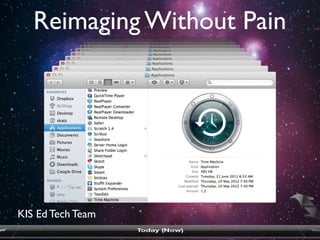
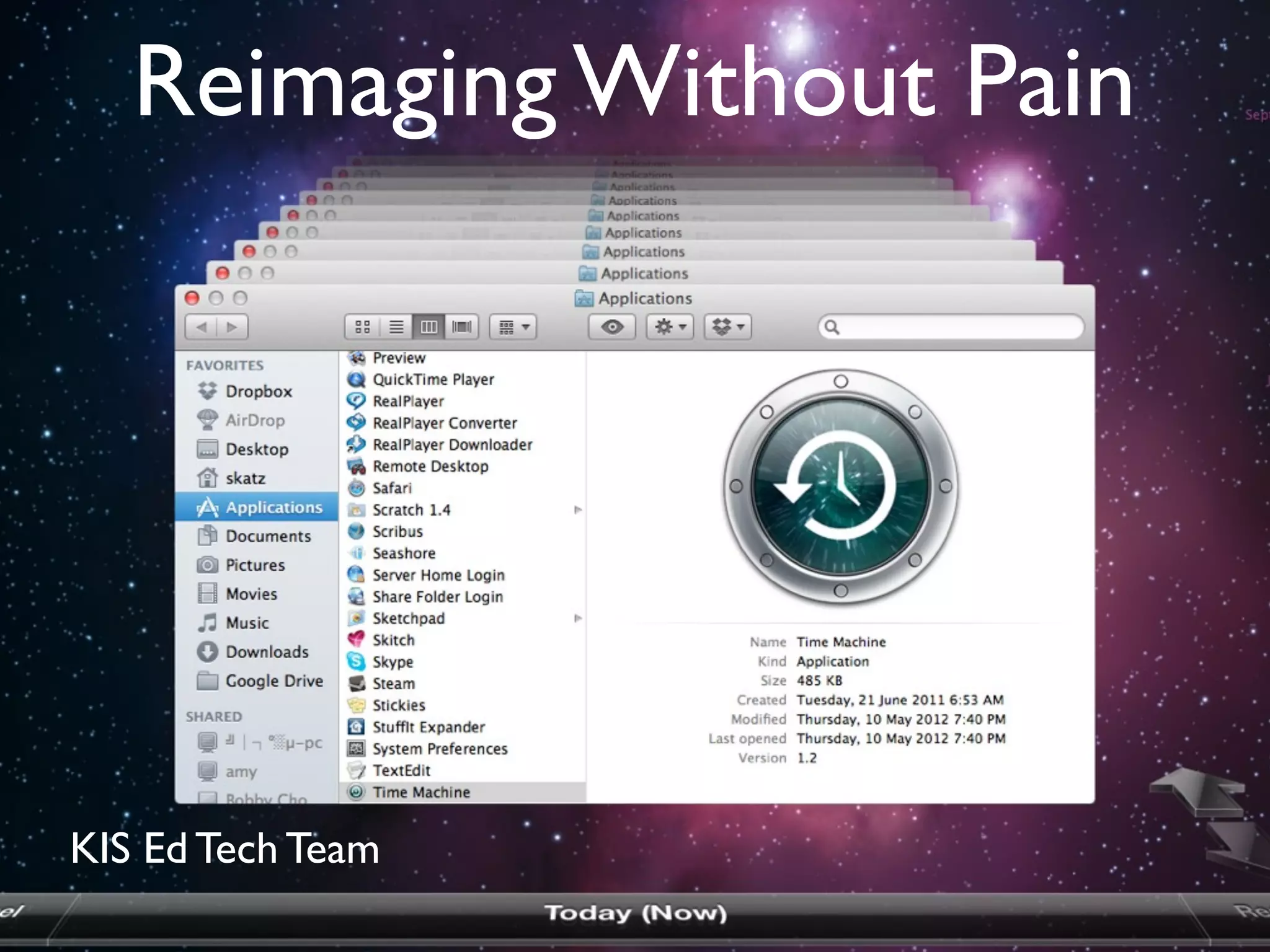

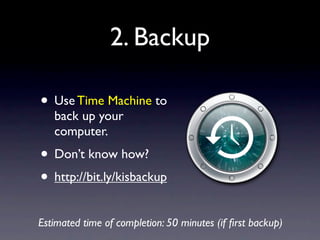
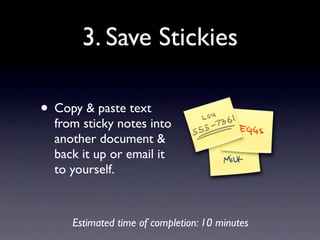




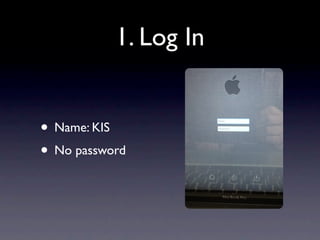
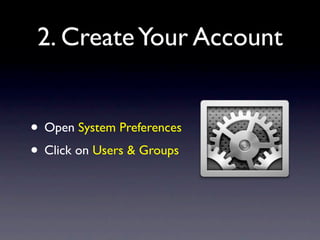
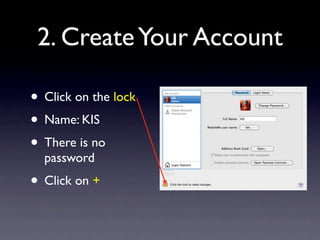
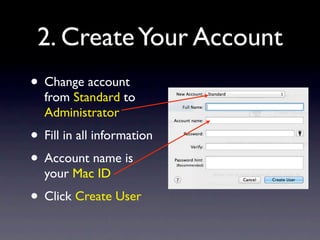
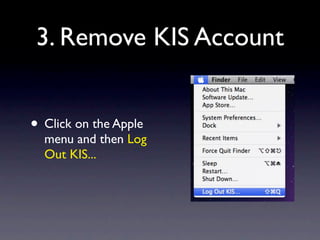
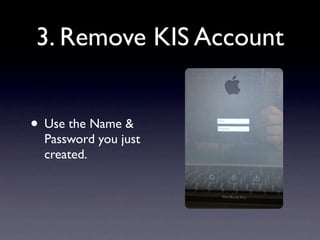
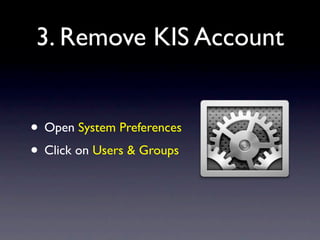
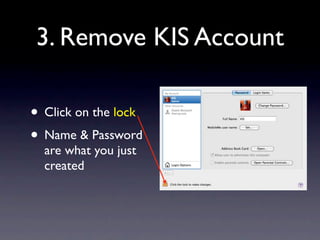
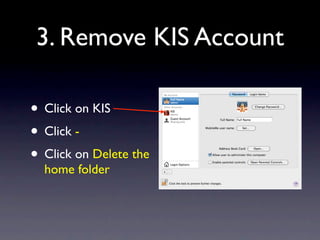
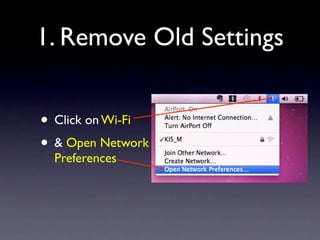
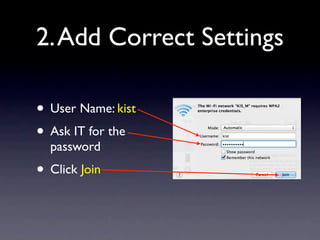
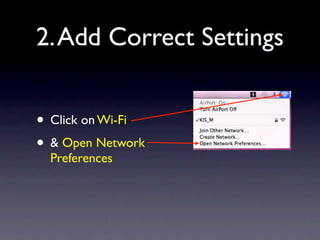
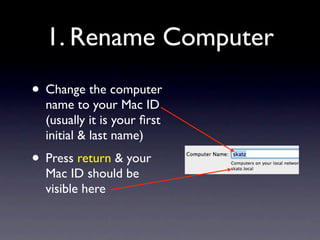
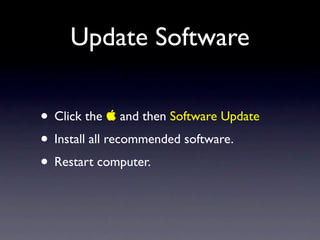
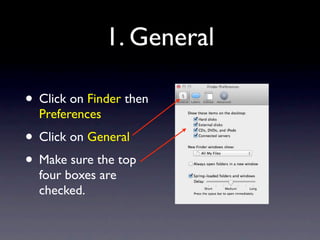
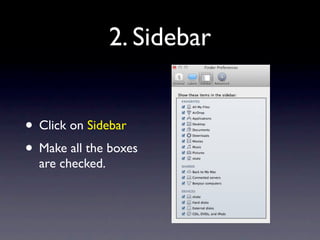
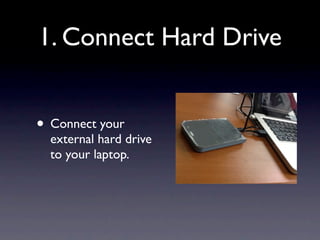
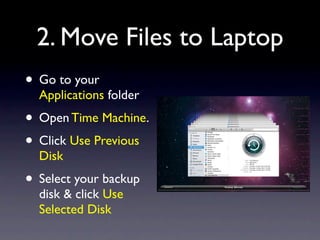
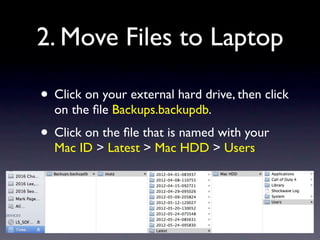
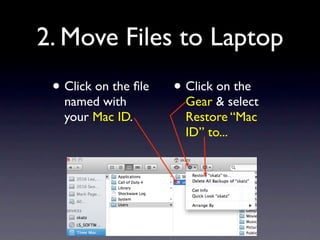
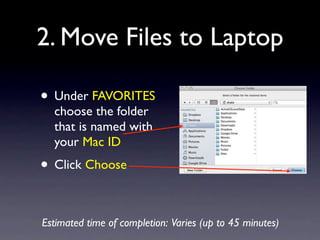
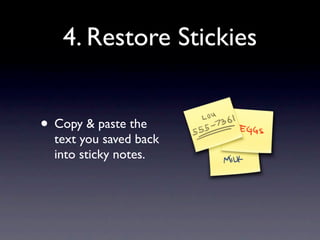



This document provides instructions for preparing a Mac computer for reimaging without losing personal files or customizations. It involves cleaning up files, backing up data using Time Machine, saving notes, bookmarks, fonts, widgets and other applications. After reimaging, the instructions guide setting up a new user account, connecting to WiFi, updating software, restoring preferences and files from backup. The process takes approximately 3-4 hours to complete.


