Revision
Michael Heron
Introduction
• In today’s lecture we are going to round off our discussion of
programming with a revision of topics.
• The theoretical side of these at least.
• This relates to the examination portion of the module.
• Important to understand the concepts for this.
• Code of secondary importance.
What Is A Program?
• A program is a series of statements to the computer.
• Computers are stupid
• Humans are clever
• Need to ‘talk down’ to the computer
• Process of arriving at a working program very complicated.
• Involves the interaction of many skills.
Representing Information
• Information in a computer program is represented by
variables.
• These are stored in the computer’s memory.
• Variables stand in place of literal values.
• We don’t know what they will be when we run the program.
• Used to deal with ambiguity.
• Can be many different types.
Flow of Execution
• All programs have a flow of execution.
• This determines in what order the code statements are executed.
• By default, flow of execution is sequential.
• Statements are executed one after the other.
• We have access to many flow control operations to change
that.
• These permit us to change the order in which code is executed.
Flow of Execution
• Repetition structures are used to repeat sections of code.
• They fall into two categories.
• Unbounded loops, when we don’t know how many times to
iterate.
• Bounded loops, when we do.
• For loops are bounded loops.
• While loops are unbounded loops.
• Also exist a do-while loop, with more situational use.
Flow of Execution
• Selection structures allow us to choose between different
paths of execution.
• If lets us provide code that might be executed if conditions are
met.
• If-else lets us provide between two mutually exclusive course of
action.
• If-Else if allows for more fine-grained control.
• Switch statement exists as a syntactic nicety.
• It makes code more readable.
Arrays
• Representing data as single variables very limited.
• Many real world situations require something more
comprehensive.
• Arrays exist as a collection of related data.
• A list of names, a list of ages, etc
• Arrays are syntatically amenable to manipulation with other
structures.
• For loops in particular.
Arrays
• Arrays serve as the basis for more complicated data
structures.
• They can be 1D, 2D, or as many dimensions as we like.
• Arrays are made up of elements which are identified by
indices.
• The number of indices is dependant on how many dimensions
the array has.
• It’s like a variable with many different compartments.
Functions
• Incorporating all program code into a single main function is
very limited.
• Hard to write
• Hard to read
• Hard to maintain
• Functions allow us to split up the functionality between
smaller units.
• Functions, or methods
• Same thing with different names.
Functions
• Functions are uniquely identified by their signatures.
• Their name, and the order and type of their parameters.
• Parameters get sent into functions as a way of providing
information.
• Functions can return a value to their calling function.
• To give information back.
Functions and Variables
• Functions introduce a new issue with regards to variables.
• That of Scope
• In a program, variables have one of three kinds of scope.
• Local
• Global
• Class-wide
Pointers
• Variables represent an abstraction.
• They are not the memory addresses, but the contents of the
memory addresses.
• Pointers allow us to access memory locations directly.
• Useful for several reasons.
• Works through the use of two operators
• *, which is the dereference operator
• &, which is the reference operator.
Program Correctness
• Most programs are not very correct.
• They crash, or misbehave.
• It’s very hard to create correct computer programs.
• Beyond the ability of Mortal Ken
• This a direct result of the way digital data is represented.
• We can take a structured, systematic approach to this.
• By creating and following a testing strategy
Testing
• Testing breaks down into two key families.
• Black box testing, which tests only inputs and outputs.
• White box testing, which tests only the flow of execution through
the program.
• Testing based on the creation of test cases.
• These stress ‘high risk’ parts of the system.
• A good testing strategy is one designed to uncover flaws.
Debugging
• Getting a program running is the easy thing.
• Getting it working is more difficult.
• Debugging is a complex task requiring patience and a
particular mindset.
• It involves tracking down often complex misbehavior.
• It is a process intricately linked to programming.
• But a separate and distinct step.
Objects
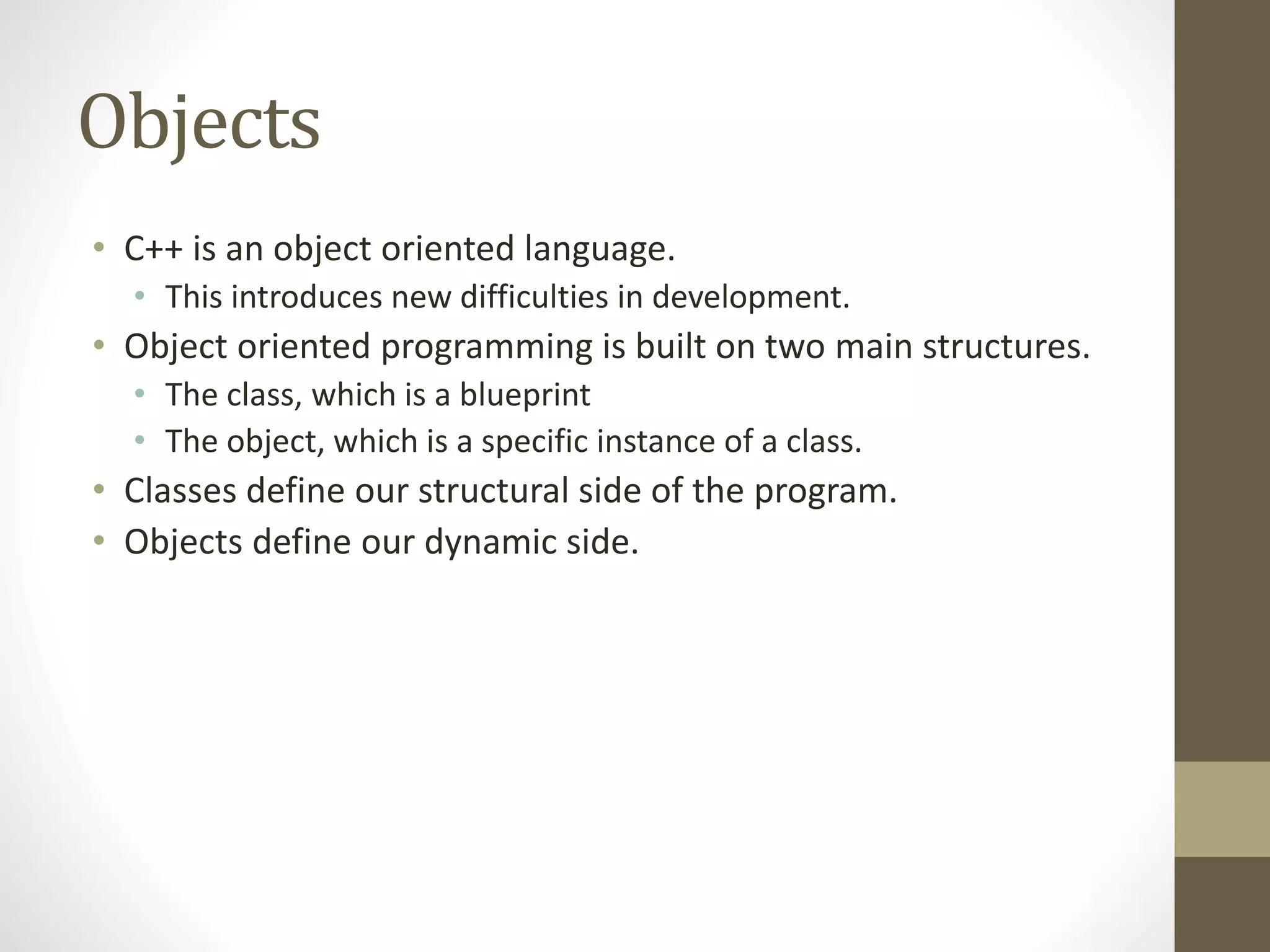
• C++ is an object oriented language.
• This introduces new difficulties in development.
• Object oriented programming is built on two main structures.
• The class, which is a blueprint
• The object, which is a specific instance of a class.
• Classes define our structural side of the program.
• Objects define our dynamic side.
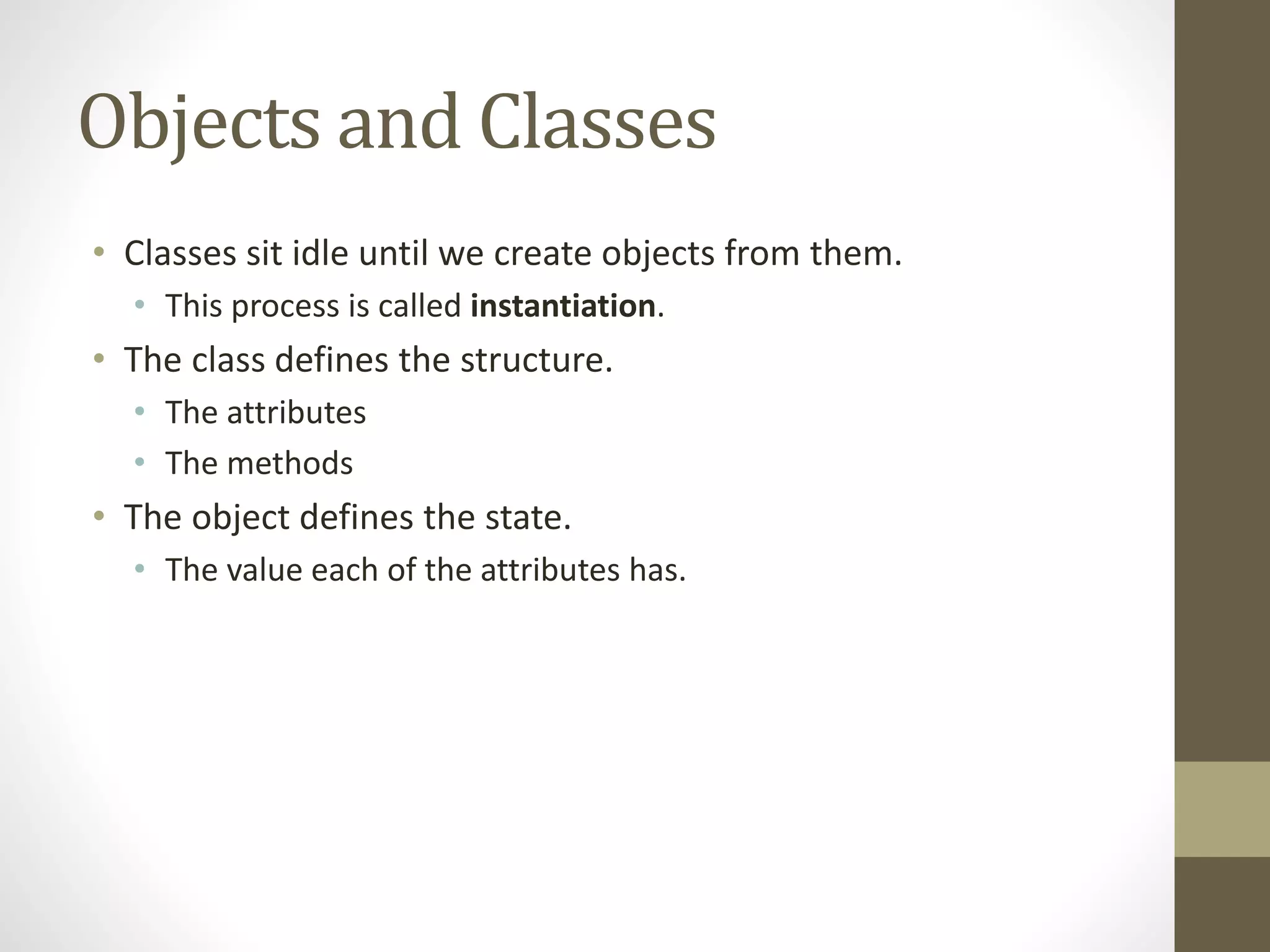
Objects and Classes
• Classes sit idle until we create objects from them.
• This process is called instantiation.
• The class defines the structure.
• The attributes
• The methods
• The object defines the state.
• The value each of the attributes has.
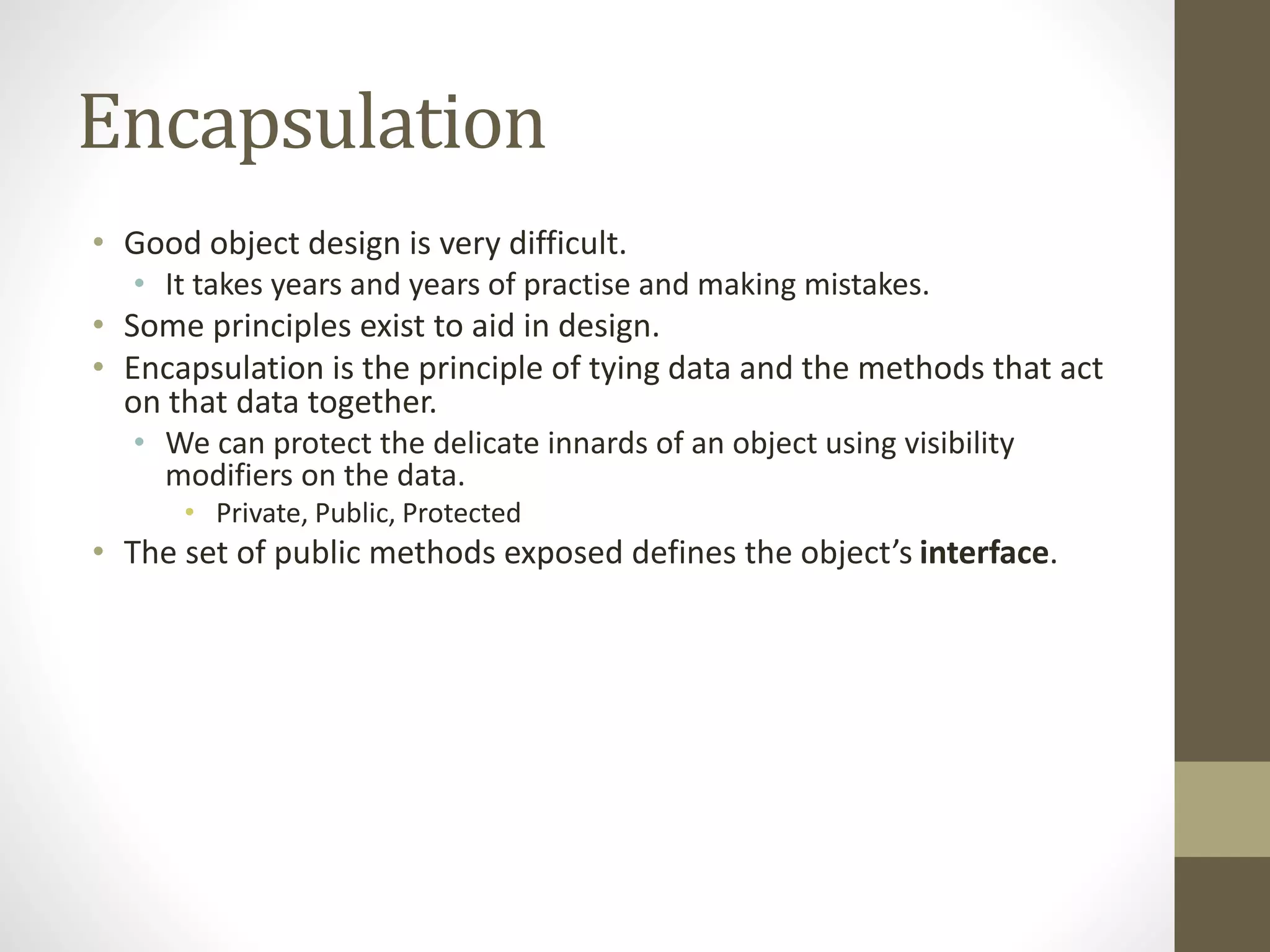
Encapsulation
• Good object design is very difficult.
• It takes years and years of practise and making mistakes.
• Some principles exist to aid in design.
• Encapsulation is the principle of tying data and the methods that act
on that data together.
• We can protect the delicate innards of an object using visibility
modifiers on the data.
• Private, Public, Protected
• The set of public methods exposed defines the object’s interface.
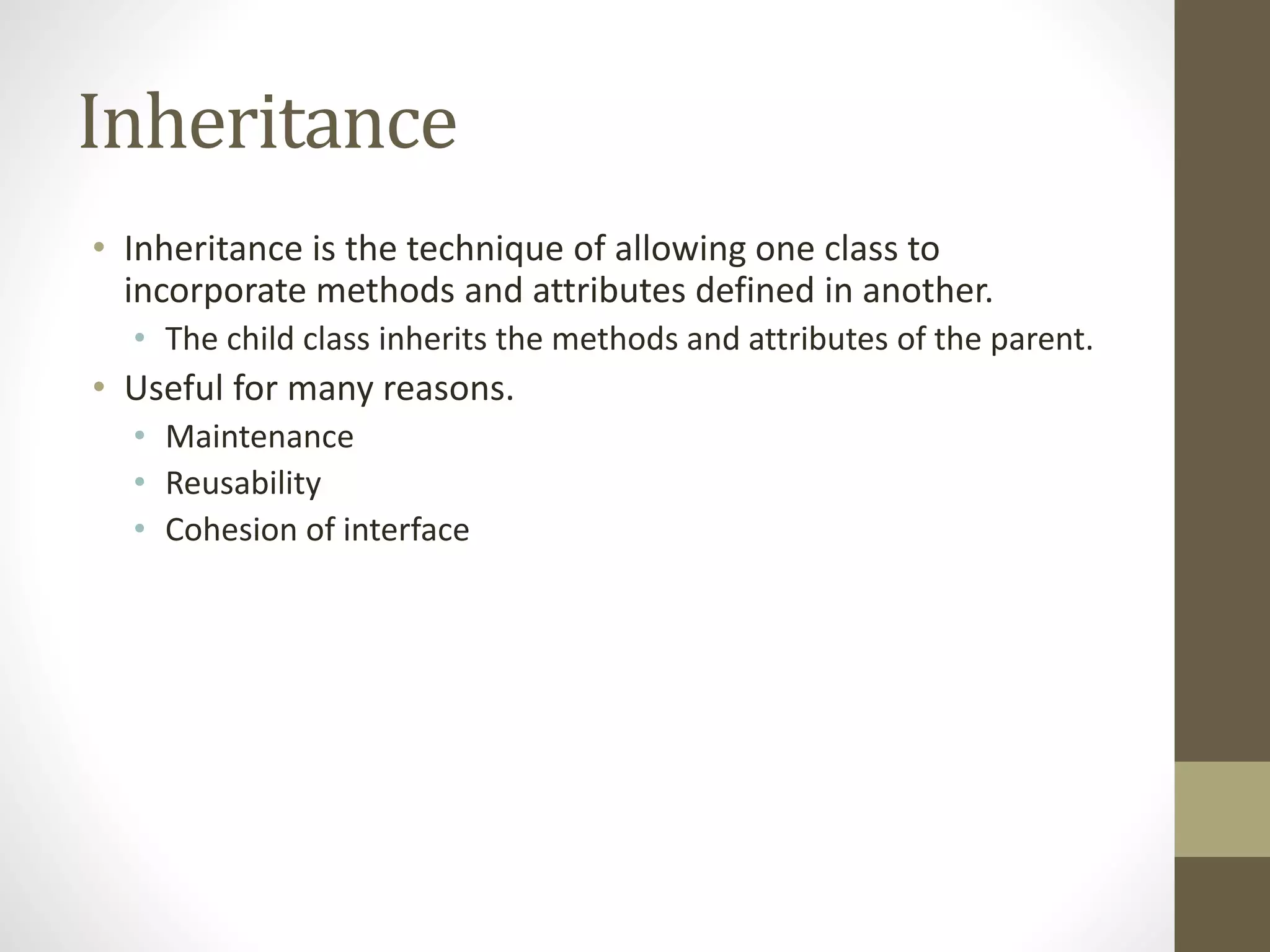
Inheritance
• Inheritance is the technique of allowing one class to
incorporate methods and attributes defined in another.
• The child class inherits the methods and attributes of the parent.
• Useful for many reasons.
• Maintenance
• Reusability
• Cohesion of interface
Object Design
• Hard to assess a particular object hierarchy.
• Some metrics exist
• Cohesion
• Coupling
• Impact of Change
• Important to create objects in the right way.
• Black box design
• Incorporate placeholders
• Compile early and often
File Handling
• Input and Output in C++ is handled via streams for the most
part.
• cout and cin are examples of streams.
• File I/O in C++ is handled as an extension of this idea.
• Create an appropriate object
• Manipulate it using << and >>
• Close it when you’re done
Stream I/O
• Streams in C++ are very versatile.
• They can be manipulated using stream manipulators.
• Techniques are shared between keyboard / monitor I/O and
file I/O
• What works for one will work for the other.
• This is powered by inheritance.
• They all inherit from the same basic structure.
Parsing
• Most of the data you pull into a system will not be in a format
suitable for processing.
• Necessary to parse data into a suitable format.
• Various parsing routines exist.
• Tokenization
• Object representation
• Data conversion
• Usually necessary to ‘roll your own’
• Data representation is too important to leave to ‘off the shelf’
solutions.
Summary
• Summarising a summary of the module is a crazy thing to do
• So instead I will put some jokes.
• Two fish are in a tank. One turns to the other and says ‘Do you
know how to drive this thing?’
• The other says ‘My word! A talking fish!’
• Have you heard about the new pirate movie? It’s rated
AaaaAaaaaAaarrrrRrr!

CPP19 - Revision

  • 1.
  • 2.
    Introduction • In today’slecture we are going to round off our discussion of programming with a revision of topics. • The theoretical side of these at least. • This relates to the examination portion of the module. • Important to understand the concepts for this. • Code of secondary importance.
  • 3.
    What Is AProgram? • A program is a series of statements to the computer. • Computers are stupid • Humans are clever • Need to ‘talk down’ to the computer • Process of arriving at a working program very complicated. • Involves the interaction of many skills.
  • 4.
    Representing Information • Informationin a computer program is represented by variables. • These are stored in the computer’s memory. • Variables stand in place of literal values. • We don’t know what they will be when we run the program. • Used to deal with ambiguity. • Can be many different types.
  • 5.
    Flow of Execution •All programs have a flow of execution. • This determines in what order the code statements are executed. • By default, flow of execution is sequential. • Statements are executed one after the other. • We have access to many flow control operations to change that. • These permit us to change the order in which code is executed.
  • 6.
    Flow of Execution •Repetition structures are used to repeat sections of code. • They fall into two categories. • Unbounded loops, when we don’t know how many times to iterate. • Bounded loops, when we do. • For loops are bounded loops. • While loops are unbounded loops. • Also exist a do-while loop, with more situational use.
  • 7.
    Flow of Execution •Selection structures allow us to choose between different paths of execution. • If lets us provide code that might be executed if conditions are met. • If-else lets us provide between two mutually exclusive course of action. • If-Else if allows for more fine-grained control. • Switch statement exists as a syntactic nicety. • It makes code more readable.
  • 8.
    Arrays • Representing dataas single variables very limited. • Many real world situations require something more comprehensive. • Arrays exist as a collection of related data. • A list of names, a list of ages, etc • Arrays are syntatically amenable to manipulation with other structures. • For loops in particular.
  • 9.
    Arrays • Arrays serveas the basis for more complicated data structures. • They can be 1D, 2D, or as many dimensions as we like. • Arrays are made up of elements which are identified by indices. • The number of indices is dependant on how many dimensions the array has. • It’s like a variable with many different compartments.
  • 10.
    Functions • Incorporating allprogram code into a single main function is very limited. • Hard to write • Hard to read • Hard to maintain • Functions allow us to split up the functionality between smaller units. • Functions, or methods • Same thing with different names.
  • 11.
    Functions • Functions areuniquely identified by their signatures. • Their name, and the order and type of their parameters. • Parameters get sent into functions as a way of providing information. • Functions can return a value to their calling function. • To give information back.
  • 12.
    Functions and Variables •Functions introduce a new issue with regards to variables. • That of Scope • In a program, variables have one of three kinds of scope. • Local • Global • Class-wide
  • 13.
    Pointers • Variables representan abstraction. • They are not the memory addresses, but the contents of the memory addresses. • Pointers allow us to access memory locations directly. • Useful for several reasons. • Works through the use of two operators • *, which is the dereference operator • &, which is the reference operator.
  • 14.
    Program Correctness • Mostprograms are not very correct. • They crash, or misbehave. • It’s very hard to create correct computer programs. • Beyond the ability of Mortal Ken • This a direct result of the way digital data is represented. • We can take a structured, systematic approach to this. • By creating and following a testing strategy
  • 15.
    Testing • Testing breaksdown into two key families. • Black box testing, which tests only inputs and outputs. • White box testing, which tests only the flow of execution through the program. • Testing based on the creation of test cases. • These stress ‘high risk’ parts of the system. • A good testing strategy is one designed to uncover flaws.
  • 16.
    Debugging • Getting aprogram running is the easy thing. • Getting it working is more difficult. • Debugging is a complex task requiring patience and a particular mindset. • It involves tracking down often complex misbehavior. • It is a process intricately linked to programming. • But a separate and distinct step.
  • 17.
    Objects • C++ isan object oriented language. • This introduces new difficulties in development. • Object oriented programming is built on two main structures. • The class, which is a blueprint • The object, which is a specific instance of a class. • Classes define our structural side of the program. • Objects define our dynamic side.
  • 18.
    Objects and Classes •Classes sit idle until we create objects from them. • This process is called instantiation. • The class defines the structure. • The attributes • The methods • The object defines the state. • The value each of the attributes has.
  • 19.
    Encapsulation • Good objectdesign is very difficult. • It takes years and years of practise and making mistakes. • Some principles exist to aid in design. • Encapsulation is the principle of tying data and the methods that act on that data together. • We can protect the delicate innards of an object using visibility modifiers on the data. • Private, Public, Protected • The set of public methods exposed defines the object’s interface.
  • 20.
    Inheritance • Inheritance isthe technique of allowing one class to incorporate methods and attributes defined in another. • The child class inherits the methods and attributes of the parent. • Useful for many reasons. • Maintenance • Reusability • Cohesion of interface
  • 21.
    Object Design • Hardto assess a particular object hierarchy. • Some metrics exist • Cohesion • Coupling • Impact of Change • Important to create objects in the right way. • Black box design • Incorporate placeholders • Compile early and often
  • 22.
    File Handling • Inputand Output in C++ is handled via streams for the most part. • cout and cin are examples of streams. • File I/O in C++ is handled as an extension of this idea. • Create an appropriate object • Manipulate it using << and >> • Close it when you’re done
  • 23.
    Stream I/O • Streamsin C++ are very versatile. • They can be manipulated using stream manipulators. • Techniques are shared between keyboard / monitor I/O and file I/O • What works for one will work for the other. • This is powered by inheritance. • They all inherit from the same basic structure.
  • 24.
    Parsing • Most ofthe data you pull into a system will not be in a format suitable for processing. • Necessary to parse data into a suitable format. • Various parsing routines exist. • Tokenization • Object representation • Data conversion • Usually necessary to ‘roll your own’ • Data representation is too important to leave to ‘off the shelf’ solutions.
  • 25.
    Summary • Summarising asummary of the module is a crazy thing to do • So instead I will put some jokes. • Two fish are in a tank. One turns to the other and says ‘Do you know how to drive this thing?’ • The other says ‘My word! A talking fish!’ • Have you heard about the new pirate movie? It’s rated AaaaAaaaaAaarrrrRrr!