1
Principles of object-oriented
programming
2Some of the features of object
oriented programming are:
 Emphasis is on data rather than procedure.
 Programs are divided into what are known as objects.
 Data structures are designed such that they characterize the
objects.
 Functions that operate on the data of an object are ties
together in the data structure.
3Some of the features of object
oriented programming are:
 Data is hidden and cannot be accessed by external function.
 Objects may communicate with each other through function.
 New data and functions can be easily added whenever necessary.
 Follows bottom up approach in program design.
4Basic Concepts of Object Oriented
Programming
It is necessary to understand some of the concepts used
extensively in object-oriented programming. These include:
 Objects
 Classes
 Data abstraction and encapsulation
 Inheritance
 Polymorphism
 Dynamic binding
 Message passing
5Objects
Objects are the basic run time entities in an object-oriented
system. They may represent a person, a place, a bank
account, a table of data or any item that the program has to
handle.
They may also represent user-defined data such as vectors, time
and lists. Programming problem is analyzed in term of objects
and the nature of communication between them.
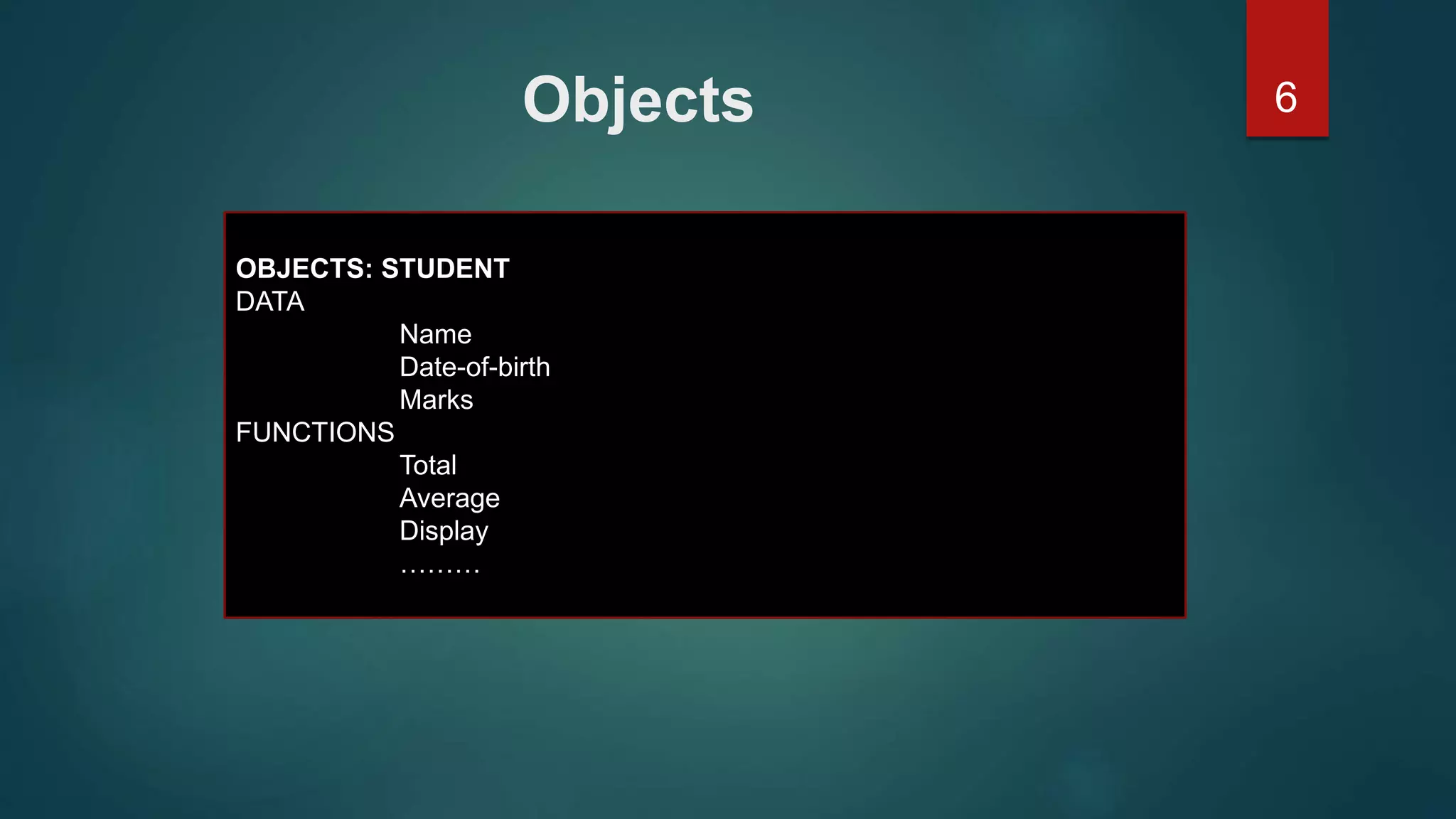
6Objects
OBJECTS: STUDENT
DATA
Name
Date-of-birth
Marks
FUNCTIONS
Total
Average
Display
………
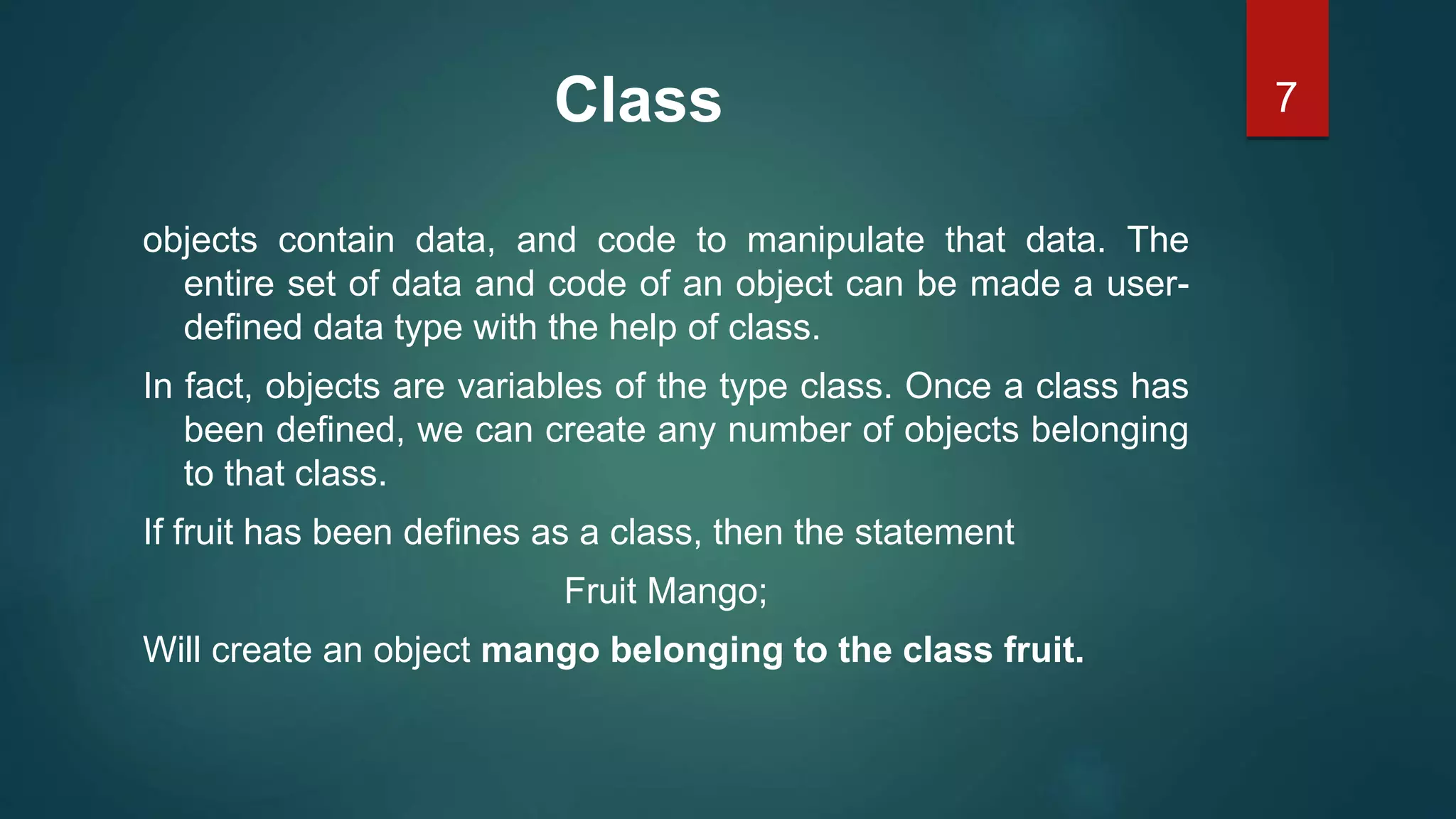
7Class
objects contain data, and code to manipulate that data. The
entire set of data and code of an object can be made a user-
defined data type with the help of class.
In fact, objects are variables of the type class. Once a class has
been defined, we can create any number of objects belonging
to that class.
If fruit has been defines as a class, then the statement
Fruit Mango;
Will create an object mango belonging to the class fruit.
8Data Abstraction and Encapsulation
The wrapping up of data and function into a single unit (called
class) is known as encapsulation.
Data encapsulation is the most striking feature of a class. The
data is not accessible to the outside world, and only those
functions which are wrapped in the class can access it.
9Data Abstraction and Encapsulation
Abstraction refers to the act of representing essential features
without including the background details or explanation.
Classes use the concept of abstraction and are defined as a list
of abstract attributes such as size, wait, and cost, and function
operate on these attributes.
10Polymorphism
Polymorphism is another important OOP concept.
Polymorphism, a Greek term, means the ability to take more
than on form. An operation may exhibit different behavior is
different instances.
The behavior depends upon the types of data used in the
operation.
For two numbers, the operation will generate a sum. If the
operands are strings, then the operation would produce a third
string by concatenation.
11Polymorphism
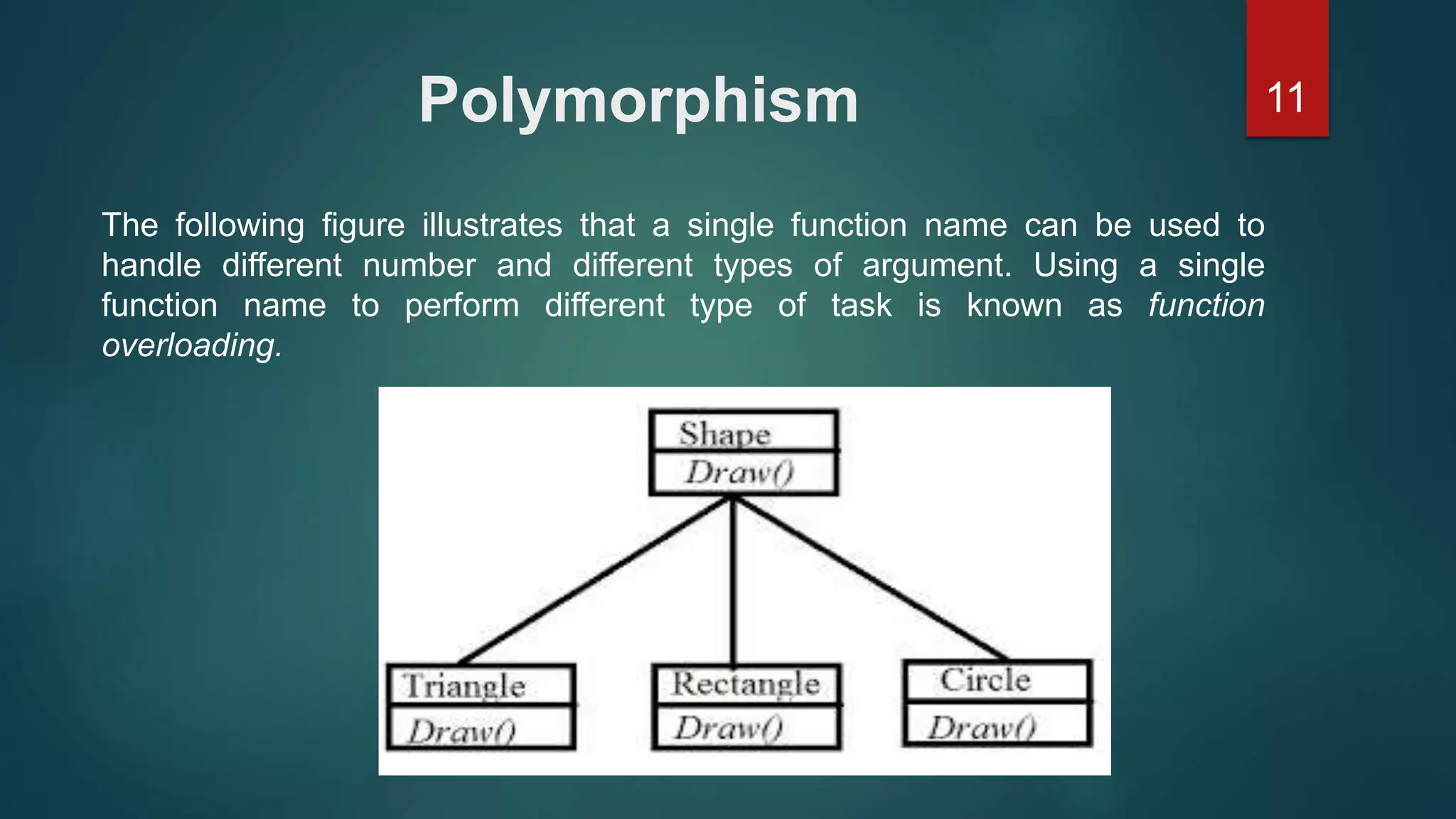
The following figure illustrates that a single function name can be used to
handle different number and different types of argument. Using a single
function name to perform different type of task is known as function
overloading.
12Dynamic Binding
Binding refers to the linking of a procedure call to the
code to be executed in response to the call. Dynamic
binding means that the code associated with a given
procedure call is not known until the time of the call
at run time.
13Message Passing
An object-oriented program consists of a set of objects that
communicate with each other. The process of programming in
an object-oriented language, involves the following basic
steps:
1. Creating classes that define object and their behavior,
2. Creating objects from class definitions, and
3. Establishing communication among objects.
Objects communicate with one another by sending and receiving
information much the same way as people pass messages to
one another.
14Message Passing
A Message for an object is a request for execution of a
procedure, and therefore will invoke a function (procedure) in
the receiving object that generates the desired results.
Message passing involves specifying the name of object, the
name of the function (message) and the information to be
sent.
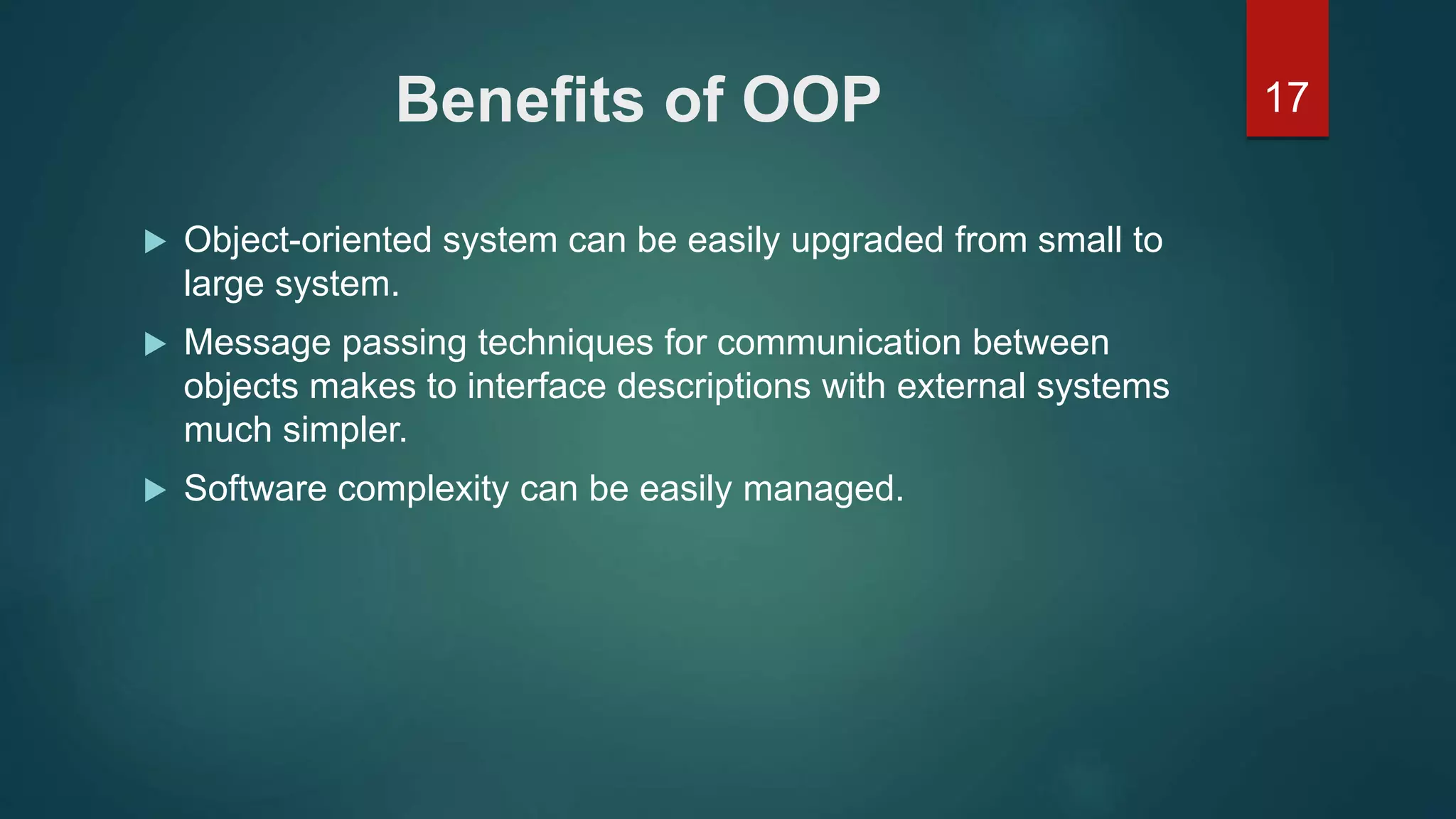
15Benefits of OOP
OOP offers several benefits to both the program designer and
the user. The principal advantages are:
 Through inheritance, we can eliminate redundant code extend
the use of existing Classes.
 We can build programs from the standard working modules
that communicate with one another, rather than having to start
writing the code from scratch.
 The principle of data hiding helps the programmer to build
secure program that can not be invaded by code in other parts
of a programs.
16Benefits of OOP
 It is possible to have multiple instances of an object to co-exist
without any interference.
 It is possible to map object in the problem domain to those in
the program.
 It is easy to partition the work in a project based on objects.
 The data-centered design approach enables us to capture
more detail of a model can implemental form.
17Benefits of OOP
 Object-oriented system can be easily upgraded from small to
large system.
 Message passing techniques for communication between
objects makes to interface descriptions with external systems
much simpler.
 Software complexity can be easily managed.
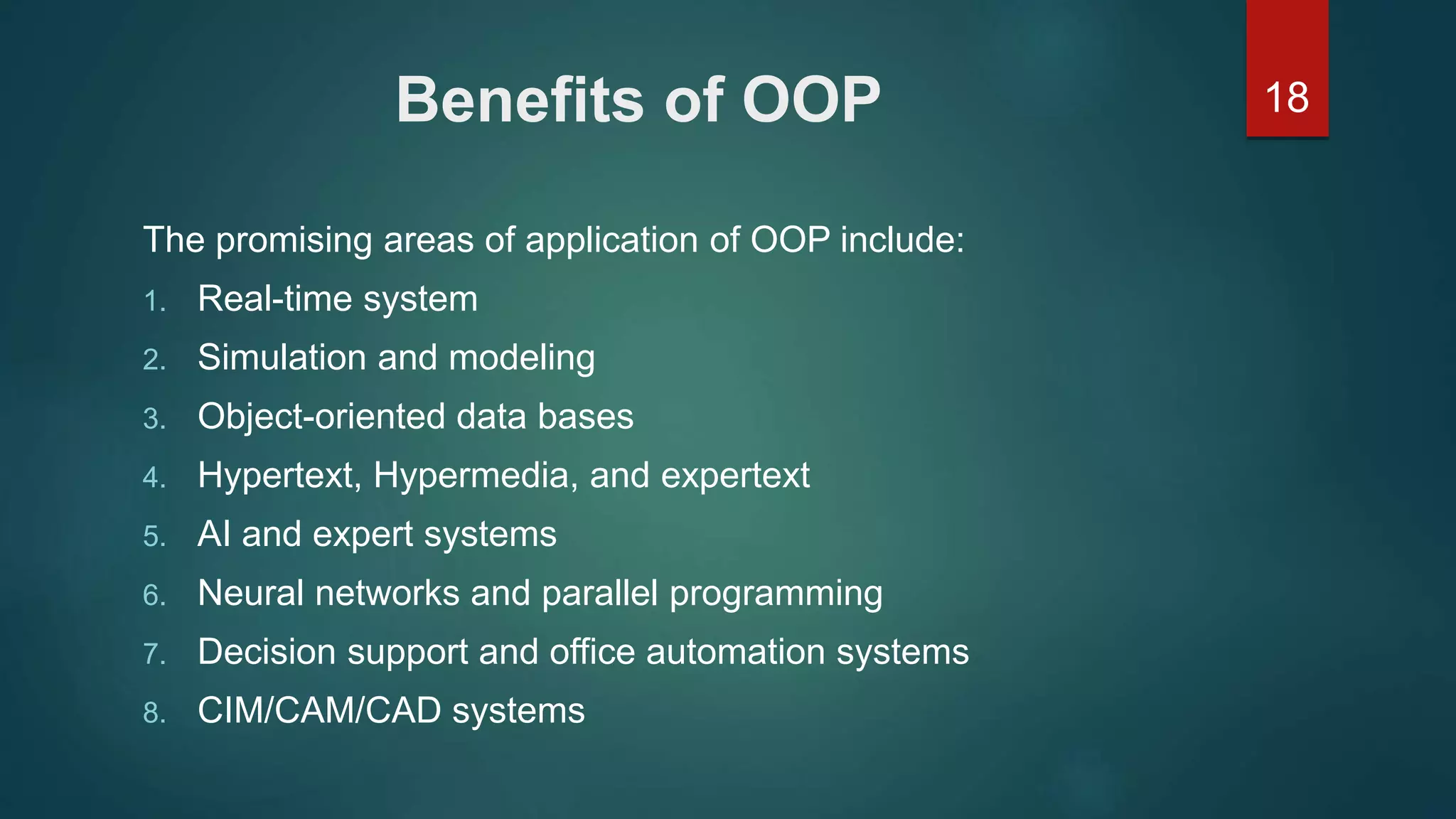
18Benefits of OOP
The promising areas of application of OOP include:
1. Real-time system
2. Simulation and modeling
3. Object-oriented data bases
4. Hypertext, Hypermedia, and expertext
5. AI and expert systems
6. Neural networks and parallel programming
7. Decision support and office automation systems
8. CIM/CAM/CAD systems
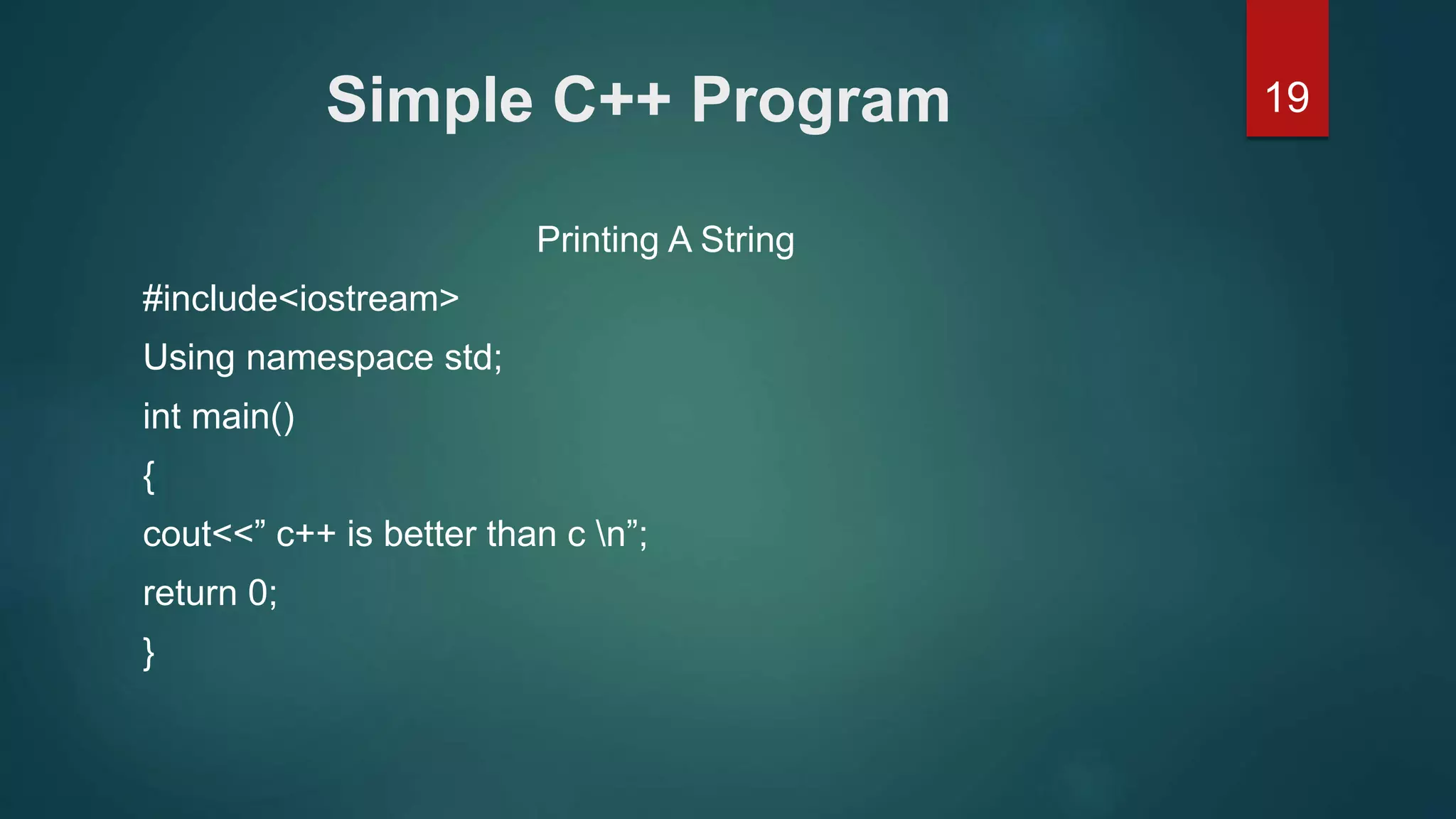
19Simple C++ Program
Printing A String
#include<iostream>
Using namespace std;
int main()
{
cout<<” c++ is better than c n”;
return 0;
}
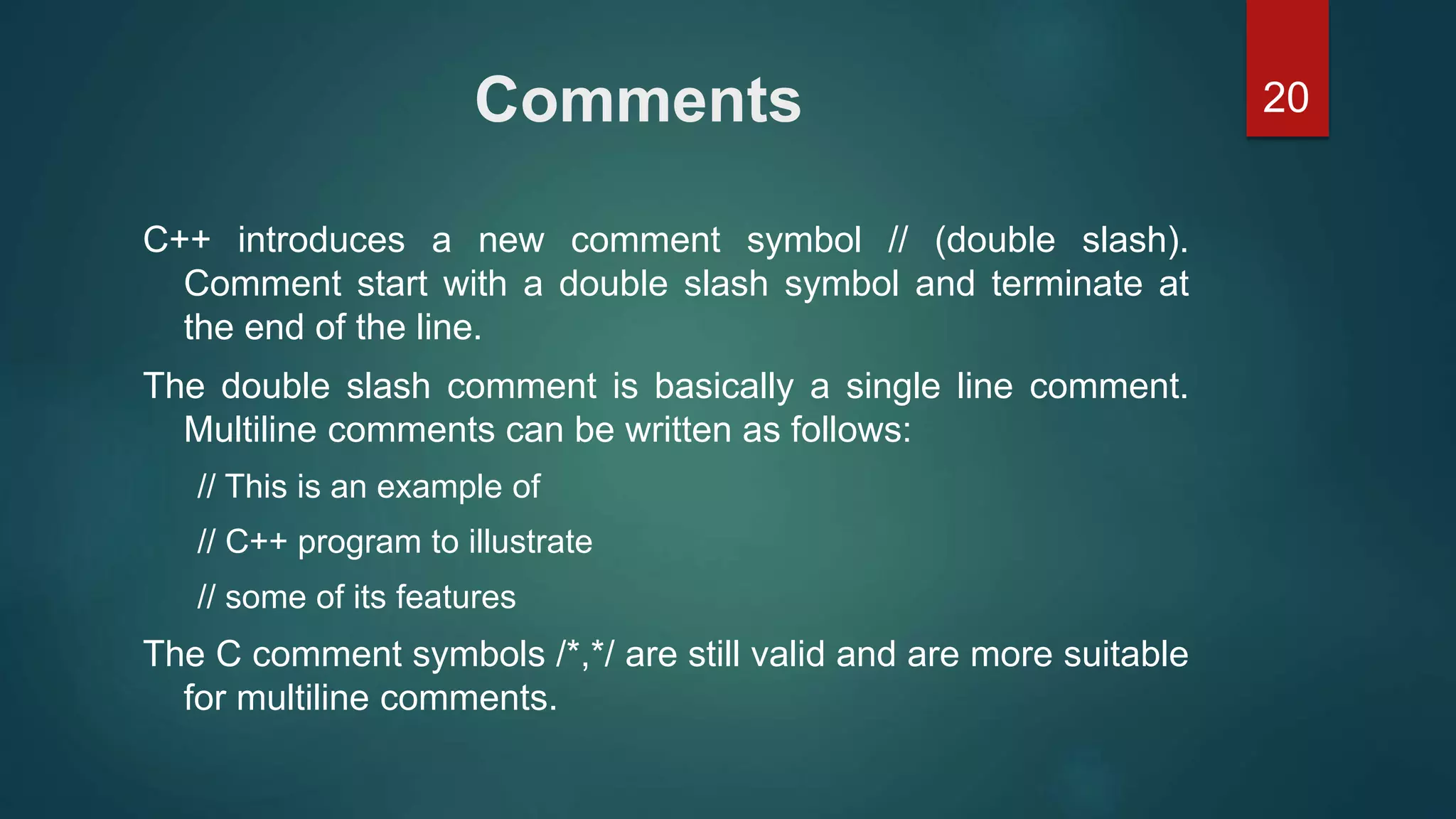
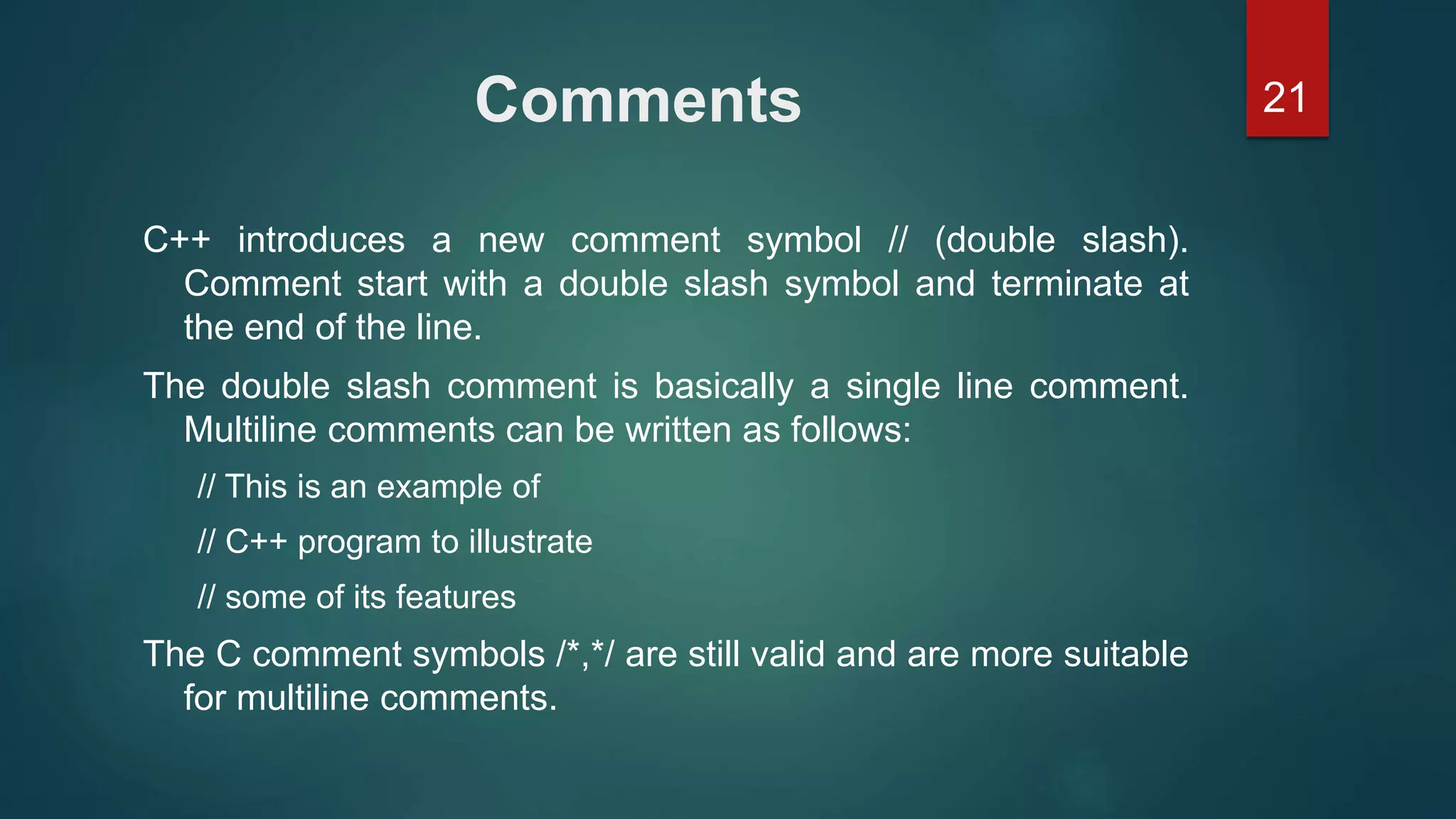
20Comments
C++ introduces a new comment symbol // (double slash).
Comment start with a double slash symbol and terminate at
the end of the line.
The double slash comment is basically a single line comment.
Multiline comments can be written as follows:
// This is an example of
// C++ program to illustrate
// some of its features
The C comment symbols /*,*/ are still valid and are more suitable
for multiline comments.
21Comments
C++ introduces a new comment symbol // (double slash).
Comment start with a double slash symbol and terminate at
the end of the line.
The double slash comment is basically a single line comment.
Multiline comments can be written as follows:
// This is an example of
// C++ program to illustrate
// some of its features
The C comment symbols /*,*/ are still valid and are more suitable
for multiline comments.
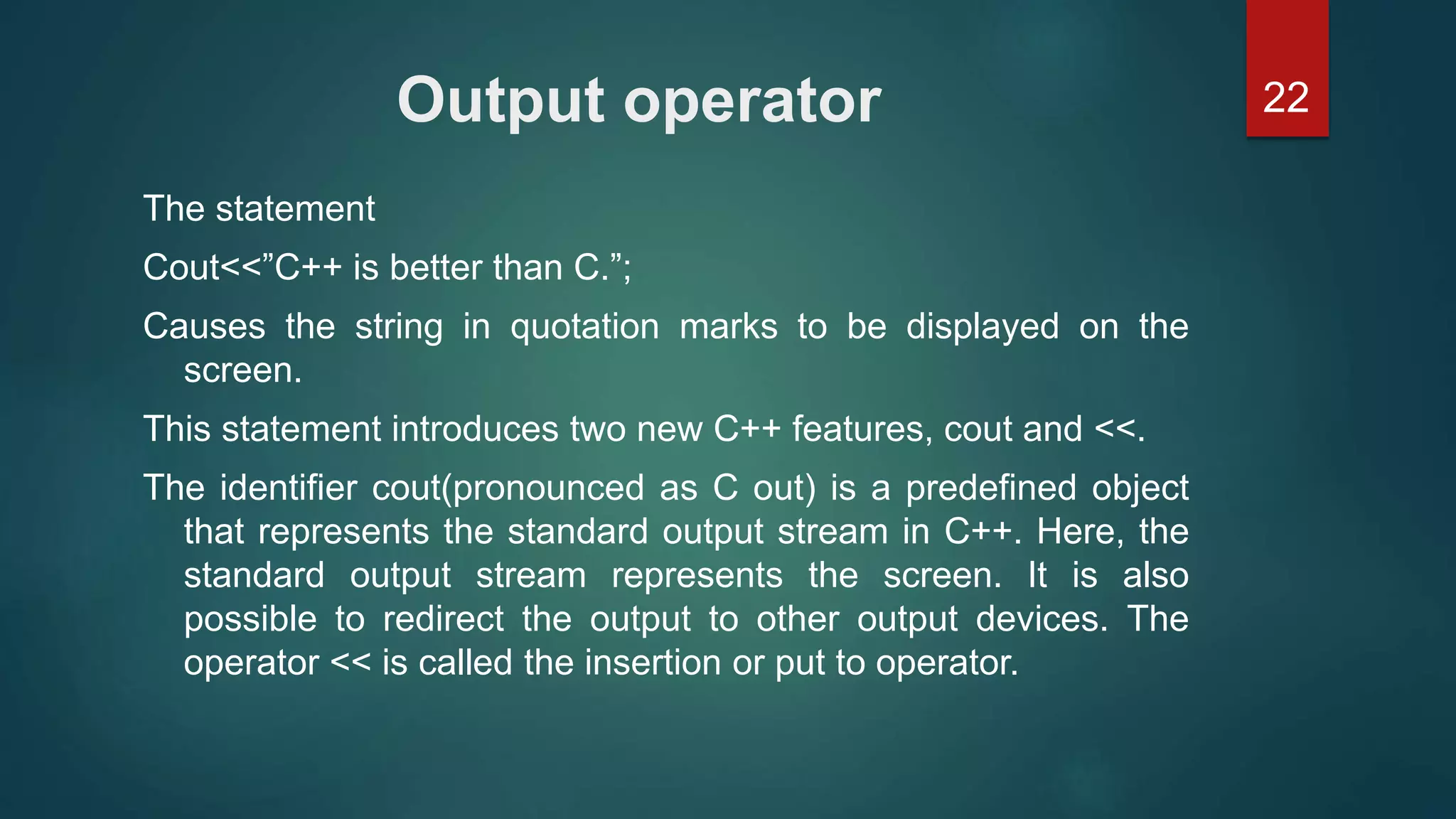
22Output operator
The statement
Cout<<”C++ is better than C.”;
Causes the string in quotation marks to be displayed on the
screen.
This statement introduces two new C++ features, cout and <<.
The identifier cout(pronounced as C out) is a predefined object
that represents the standard output stream in C++. Here, the
standard output stream represents the screen. It is also
possible to redirect the output to other output devices. The
operator << is called the insertion or put to operator.
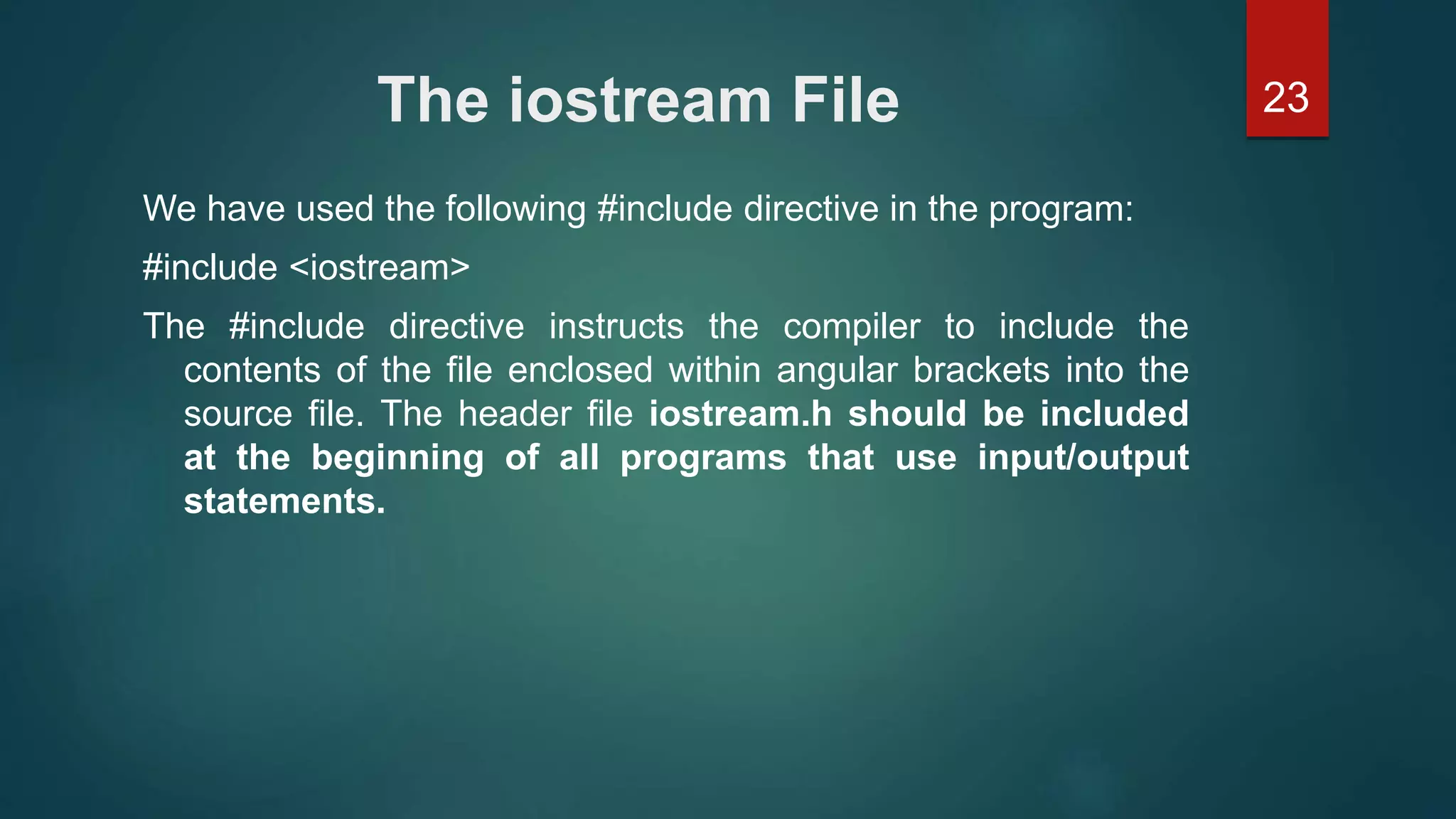
23The iostream File
We have used the following #include directive in the program:
#include <iostream>
The #include directive instructs the compiler to include the
contents of the file enclosed within angular brackets into the
source file. The header file iostream.h should be included
at the beginning of all programs that use input/output
statements.
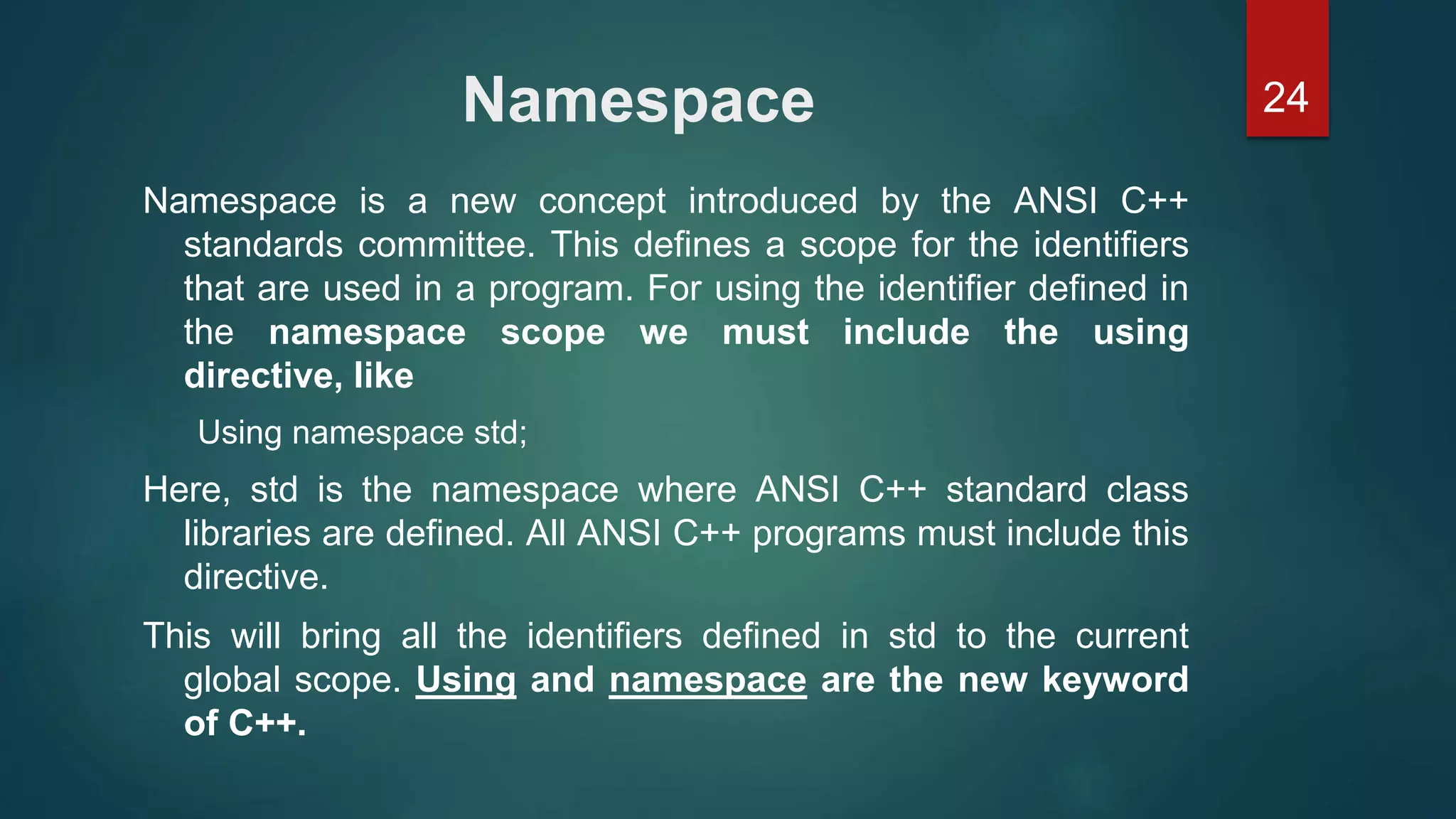
24Namespace
Namespace is a new concept introduced by the ANSI C++
standards committee. This defines a scope for the identifiers
that are used in a program. For using the identifier defined in
the namespace scope we must include the using
directive, like
Using namespace std;
Here, std is the namespace where ANSI C++ standard class
libraries are defined. All ANSI C++ programs must include this
directive.
This will bring all the identifiers defined in std to the current
global scope. Using and namespace are the new keyword
of C++.
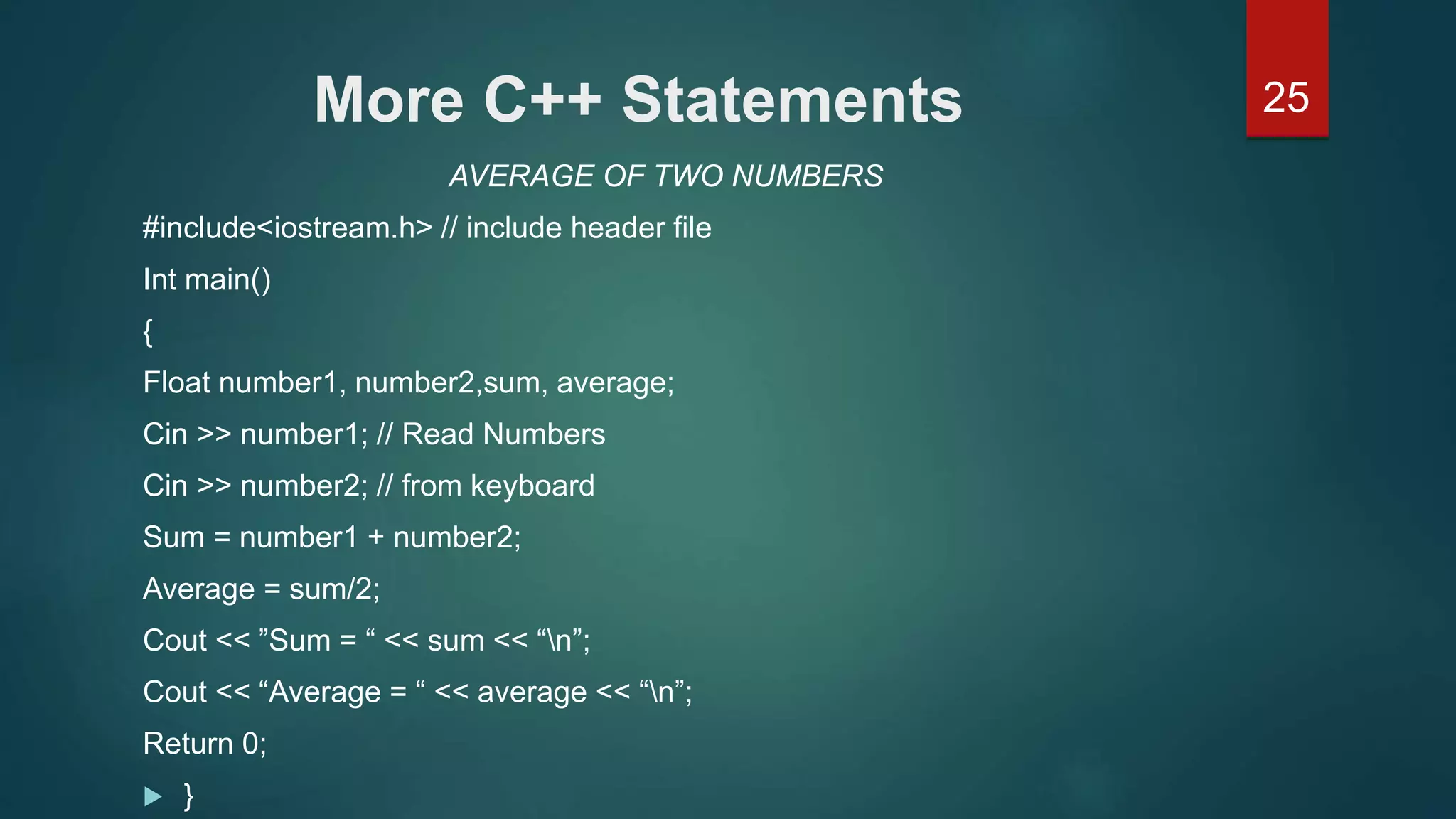
25More C++ Statements
AVERAGE OF TWO NUMBERS
#include<iostream.h> // include header file
Int main()
{
Float number1, number2,sum, average;
Cin >> number1; // Read Numbers
Cin >> number2; // from keyboard
Sum = number1 + number2;
Average = sum/2;
Cout << ”Sum = “ << sum << “n”;
Cout << “Average = “ << average << “n”;
Return 0;
 }
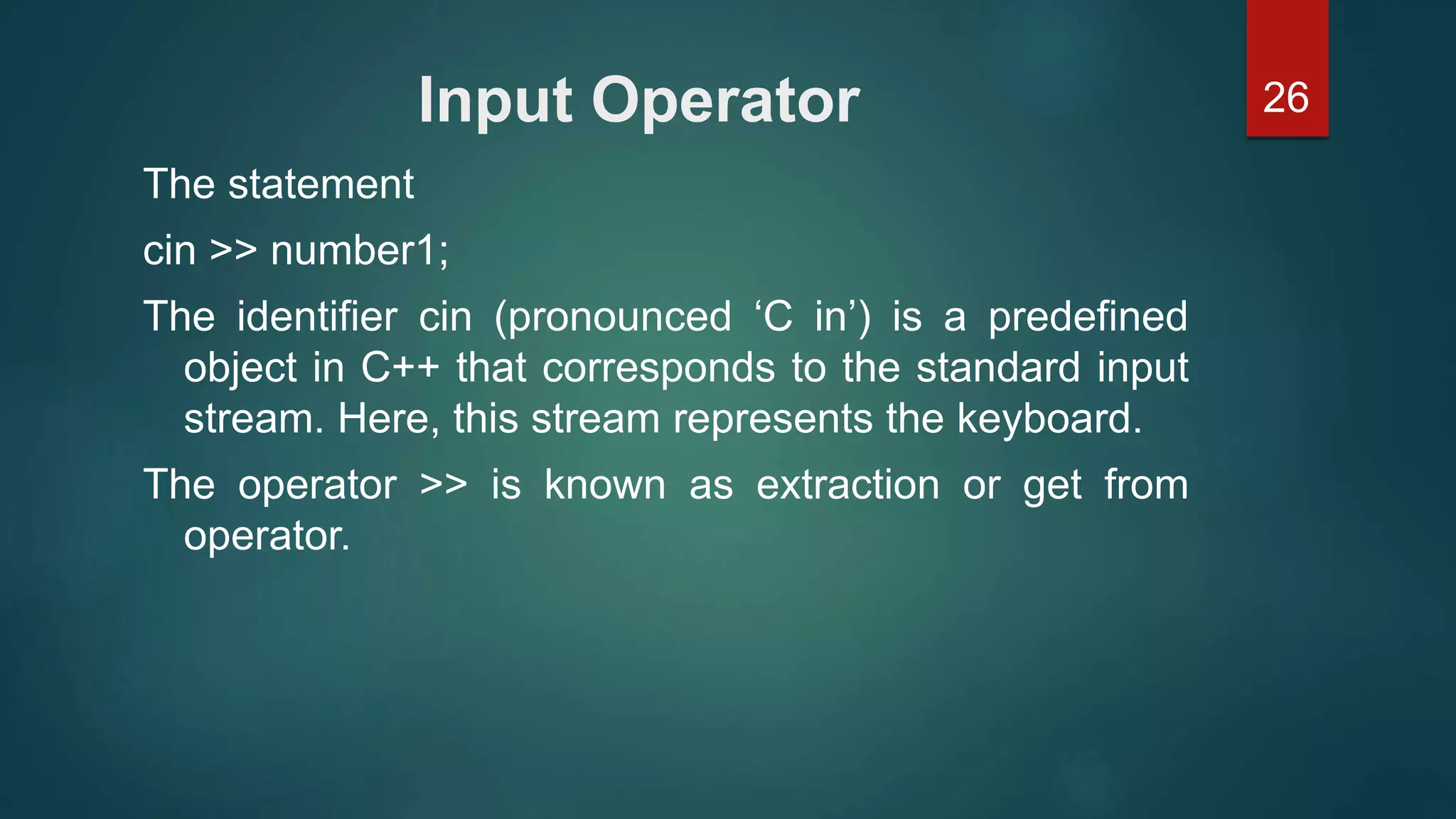
26Input Operator
The statement
cin >> number1;
The identifier cin (pronounced ‘C in’) is a predefined
object in C++ that corresponds to the standard input
stream. Here, this stream represents the keyboard.
The operator >> is known as extraction or get from
operator.
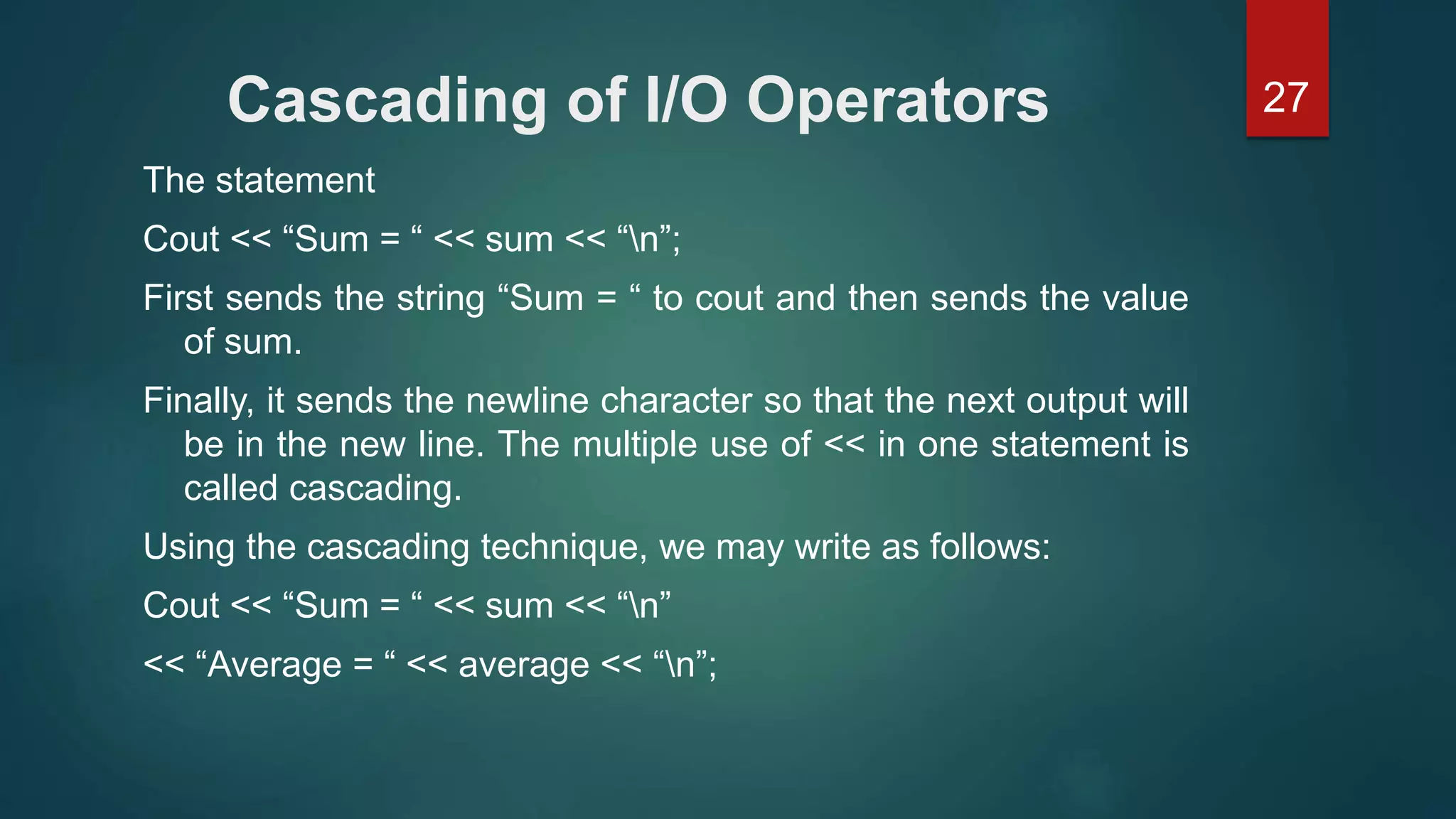
27Cascading of I/O Operators
The statement
Cout << “Sum = “ << sum << “n”;
First sends the string “Sum = “ to cout and then sends the value
of sum.
Finally, it sends the newline character so that the next output will
be in the new line. The multiple use of << in one statement is
called cascading.
Using the cascading technique, we may write as follows:
Cout << “Sum = “ << sum << “n”
<< “Average = “ << average << “n”;
28An Example with Class
#include<iostream.h> // include header file
using namespace std;
class person
{
char name[30];
Int age;
public:
void getdata(void);
void display(void);
};
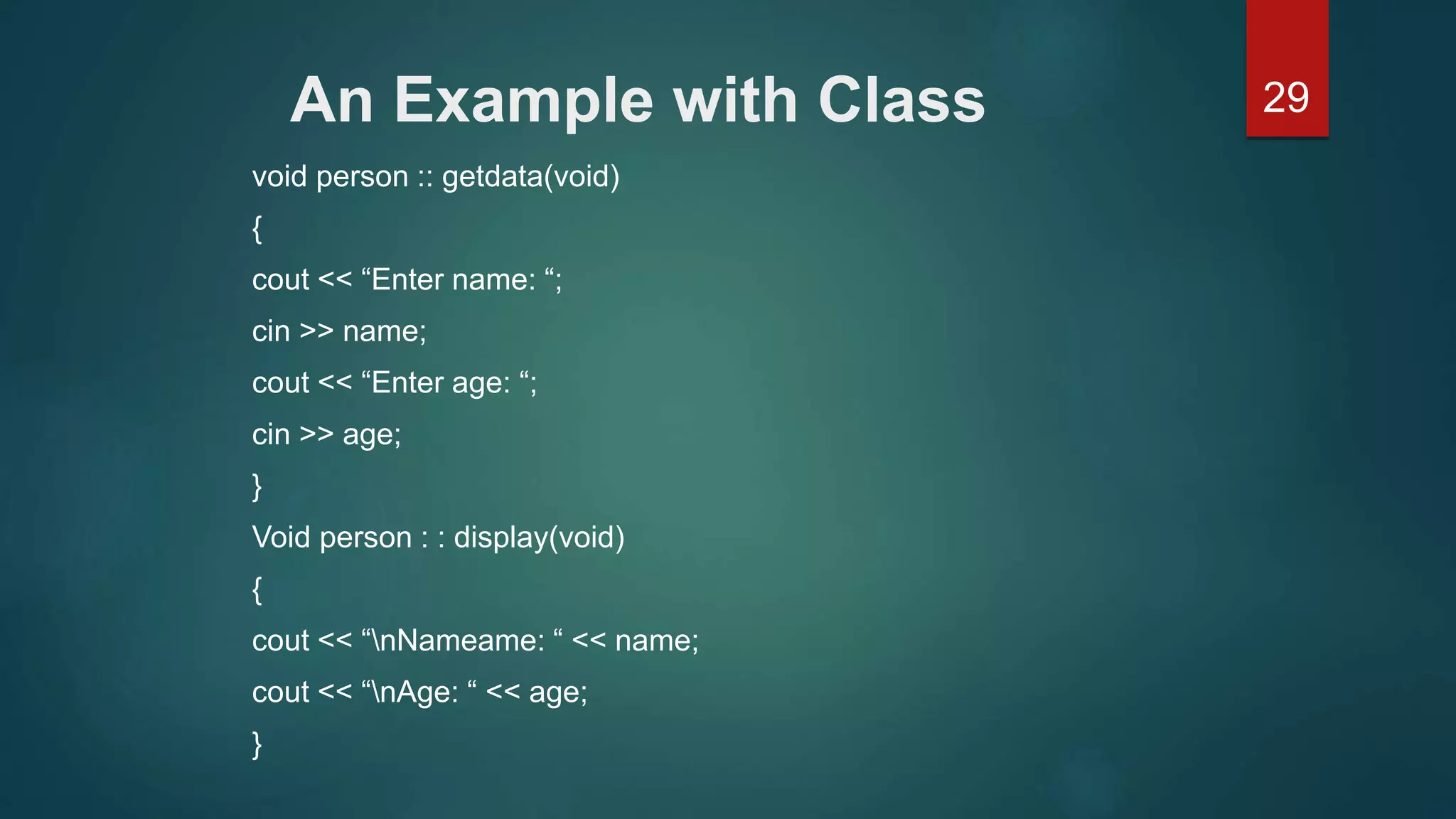
29An Example with Class
void person :: getdata(void)
{
cout << “Enter name: “;
cin >> name;
cout << “Enter age: “;
cin >> age;
}
Void person : : display(void)
{
cout << “nNameame: “ << name;
cout << “nAge: “ << age;
}
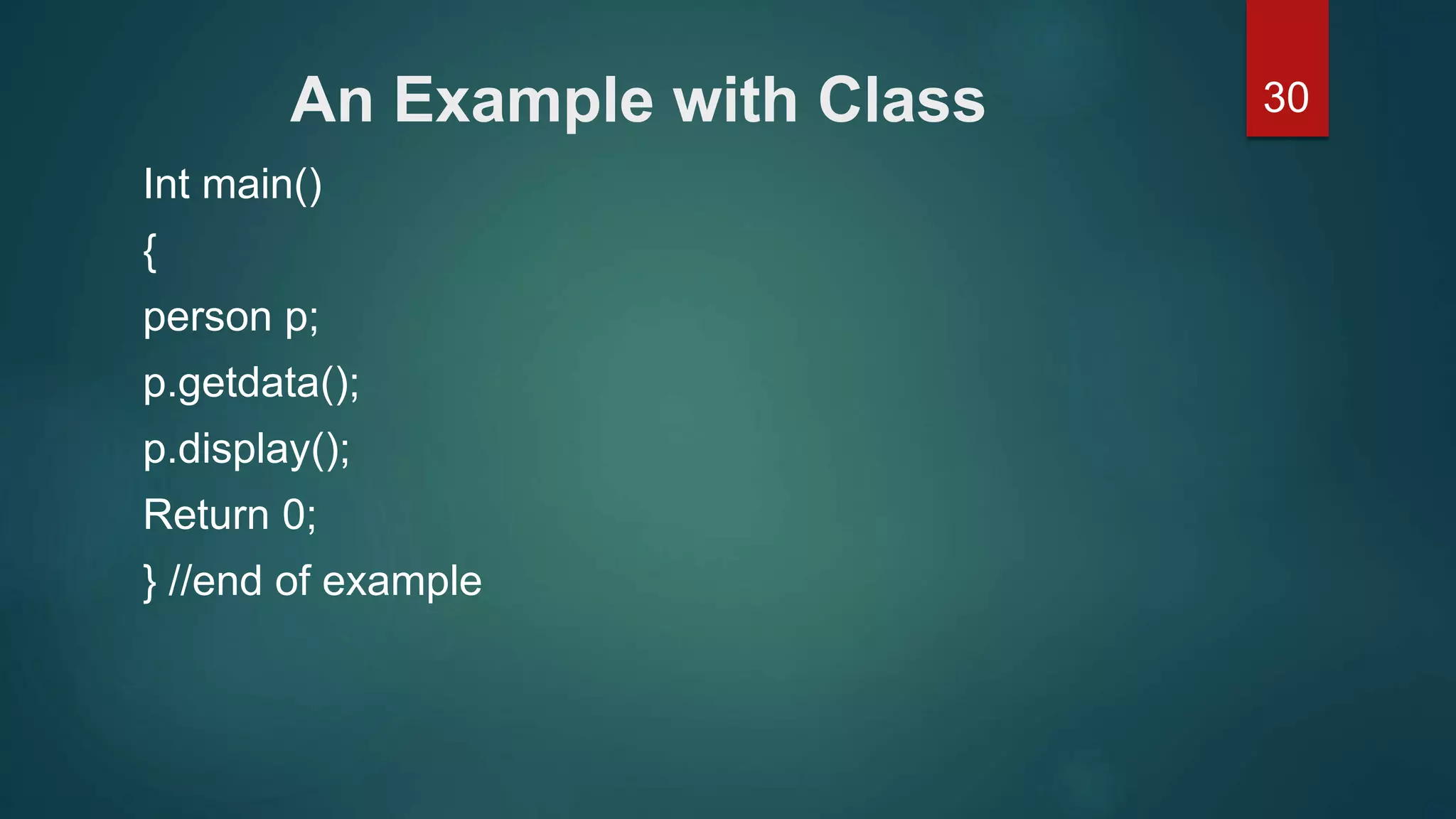
30An Example with Class
Int main()
{
person p;
p.getdata();
p.display();
Return 0;
} //end of example
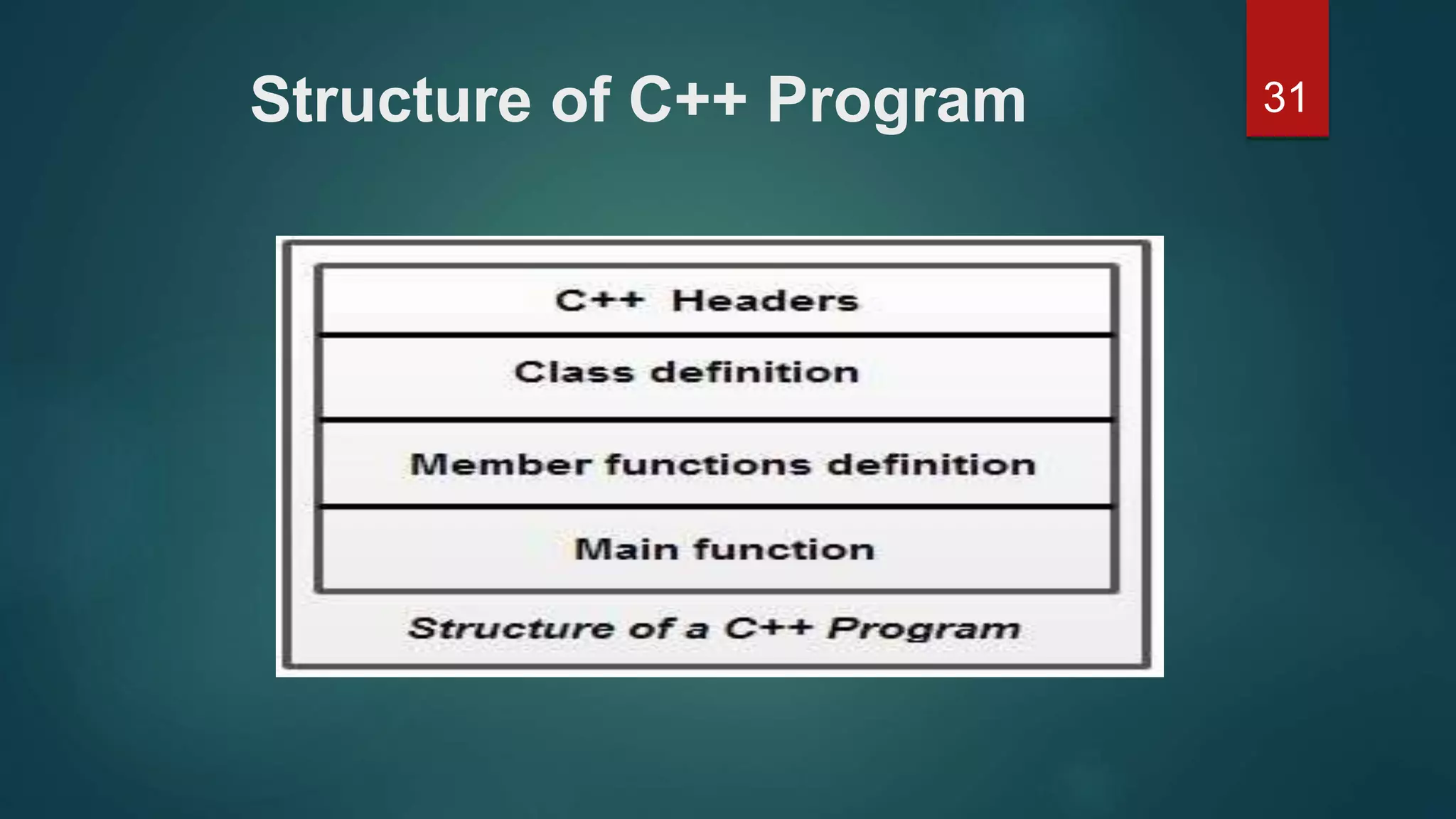
31Structure of C++ Program
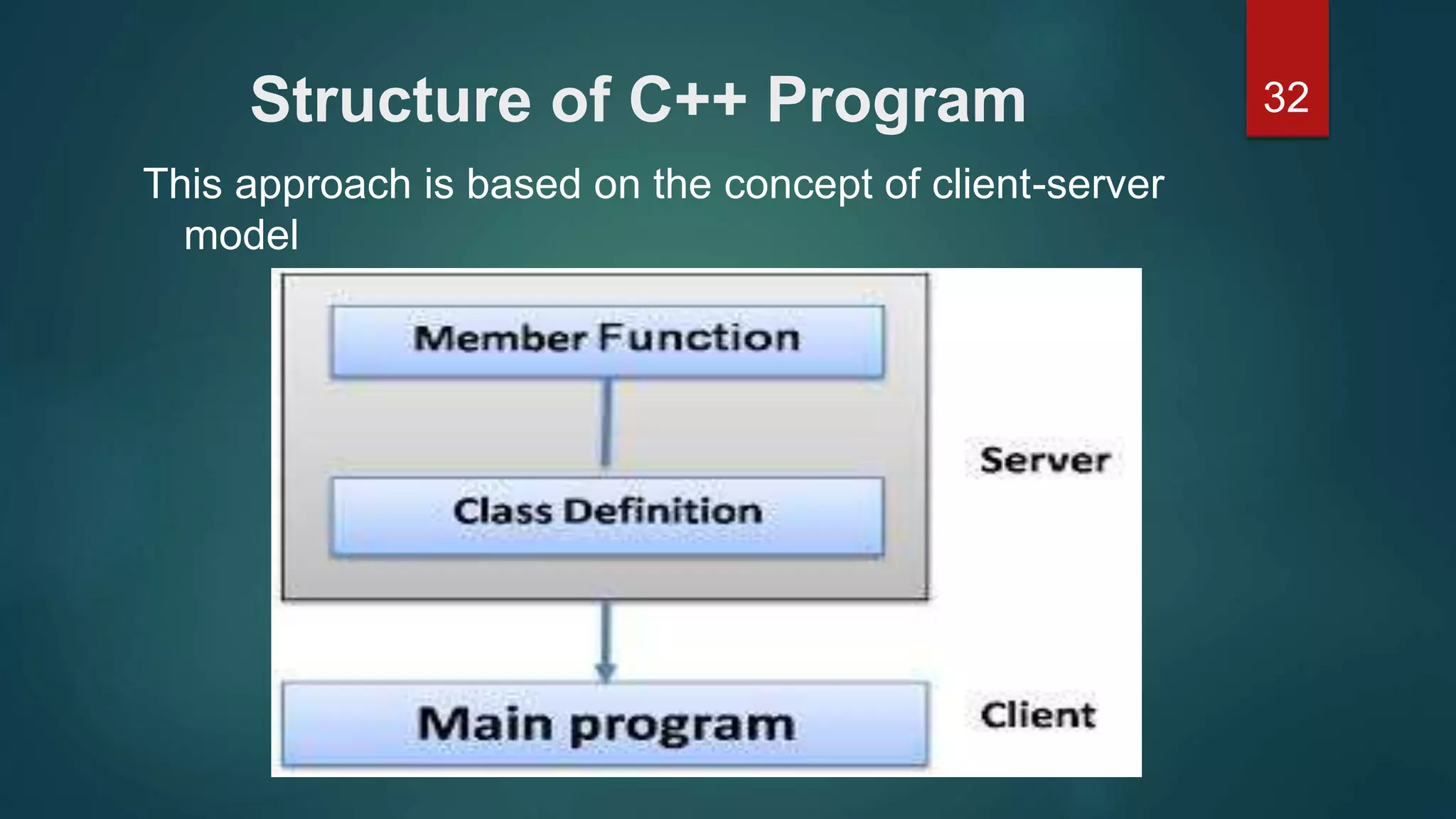
32Structure of C++ Program
This approach is based on the concept of client-server
model

Principal of objected oriented programming

  • 1.
  • 2.
    2Some of thefeatures of object oriented programming are:  Emphasis is on data rather than procedure.  Programs are divided into what are known as objects.  Data structures are designed such that they characterize the objects.  Functions that operate on the data of an object are ties together in the data structure.
  • 3.
    3Some of thefeatures of object oriented programming are:  Data is hidden and cannot be accessed by external function.  Objects may communicate with each other through function.  New data and functions can be easily added whenever necessary.  Follows bottom up approach in program design.
  • 4.
    4Basic Concepts ofObject Oriented Programming It is necessary to understand some of the concepts used extensively in object-oriented programming. These include:  Objects  Classes  Data abstraction and encapsulation  Inheritance  Polymorphism  Dynamic binding  Message passing
  • 5.
    5Objects Objects are thebasic run time entities in an object-oriented system. They may represent a person, a place, a bank account, a table of data or any item that the program has to handle. They may also represent user-defined data such as vectors, time and lists. Programming problem is analyzed in term of objects and the nature of communication between them.
  • 6.
  • 7.
    7Class objects contain data,and code to manipulate that data. The entire set of data and code of an object can be made a user- defined data type with the help of class. In fact, objects are variables of the type class. Once a class has been defined, we can create any number of objects belonging to that class. If fruit has been defines as a class, then the statement Fruit Mango; Will create an object mango belonging to the class fruit.
  • 8.
    8Data Abstraction andEncapsulation The wrapping up of data and function into a single unit (called class) is known as encapsulation. Data encapsulation is the most striking feature of a class. The data is not accessible to the outside world, and only those functions which are wrapped in the class can access it.
  • 9.
    9Data Abstraction andEncapsulation Abstraction refers to the act of representing essential features without including the background details or explanation. Classes use the concept of abstraction and are defined as a list of abstract attributes such as size, wait, and cost, and function operate on these attributes.
  • 10.
    10Polymorphism Polymorphism is anotherimportant OOP concept. Polymorphism, a Greek term, means the ability to take more than on form. An operation may exhibit different behavior is different instances. The behavior depends upon the types of data used in the operation. For two numbers, the operation will generate a sum. If the operands are strings, then the operation would produce a third string by concatenation.
  • 11.
    11Polymorphism The following figureillustrates that a single function name can be used to handle different number and different types of argument. Using a single function name to perform different type of task is known as function overloading.
  • 12.
    12Dynamic Binding Binding refersto the linking of a procedure call to the code to be executed in response to the call. Dynamic binding means that the code associated with a given procedure call is not known until the time of the call at run time.
  • 13.
    13Message Passing An object-orientedprogram consists of a set of objects that communicate with each other. The process of programming in an object-oriented language, involves the following basic steps: 1. Creating classes that define object and their behavior, 2. Creating objects from class definitions, and 3. Establishing communication among objects. Objects communicate with one another by sending and receiving information much the same way as people pass messages to one another.
  • 14.
    14Message Passing A Messagefor an object is a request for execution of a procedure, and therefore will invoke a function (procedure) in the receiving object that generates the desired results. Message passing involves specifying the name of object, the name of the function (message) and the information to be sent.
  • 15.
    15Benefits of OOP OOPoffers several benefits to both the program designer and the user. The principal advantages are:  Through inheritance, we can eliminate redundant code extend the use of existing Classes.  We can build programs from the standard working modules that communicate with one another, rather than having to start writing the code from scratch.  The principle of data hiding helps the programmer to build secure program that can not be invaded by code in other parts of a programs.
  • 16.
    16Benefits of OOP It is possible to have multiple instances of an object to co-exist without any interference.  It is possible to map object in the problem domain to those in the program.  It is easy to partition the work in a project based on objects.  The data-centered design approach enables us to capture more detail of a model can implemental form.
  • 17.
    17Benefits of OOP Object-oriented system can be easily upgraded from small to large system.  Message passing techniques for communication between objects makes to interface descriptions with external systems much simpler.  Software complexity can be easily managed.
  • 18.
    18Benefits of OOP Thepromising areas of application of OOP include: 1. Real-time system 2. Simulation and modeling 3. Object-oriented data bases 4. Hypertext, Hypermedia, and expertext 5. AI and expert systems 6. Neural networks and parallel programming 7. Decision support and office automation systems 8. CIM/CAM/CAD systems
  • 19.
    19Simple C++ Program PrintingA String #include<iostream> Using namespace std; int main() { cout<<” c++ is better than c n”; return 0; }
  • 20.
    20Comments C++ introduces anew comment symbol // (double slash). Comment start with a double slash symbol and terminate at the end of the line. The double slash comment is basically a single line comment. Multiline comments can be written as follows: // This is an example of // C++ program to illustrate // some of its features The C comment symbols /*,*/ are still valid and are more suitable for multiline comments.
  • 21.
    21Comments C++ introduces anew comment symbol // (double slash). Comment start with a double slash symbol and terminate at the end of the line. The double slash comment is basically a single line comment. Multiline comments can be written as follows: // This is an example of // C++ program to illustrate // some of its features The C comment symbols /*,*/ are still valid and are more suitable for multiline comments.
  • 22.
    22Output operator The statement Cout<<”C++is better than C.”; Causes the string in quotation marks to be displayed on the screen. This statement introduces two new C++ features, cout and <<. The identifier cout(pronounced as C out) is a predefined object that represents the standard output stream in C++. Here, the standard output stream represents the screen. It is also possible to redirect the output to other output devices. The operator << is called the insertion or put to operator.
  • 23.
    23The iostream File Wehave used the following #include directive in the program: #include <iostream> The #include directive instructs the compiler to include the contents of the file enclosed within angular brackets into the source file. The header file iostream.h should be included at the beginning of all programs that use input/output statements.
  • 24.
    24Namespace Namespace is anew concept introduced by the ANSI C++ standards committee. This defines a scope for the identifiers that are used in a program. For using the identifier defined in the namespace scope we must include the using directive, like Using namespace std; Here, std is the namespace where ANSI C++ standard class libraries are defined. All ANSI C++ programs must include this directive. This will bring all the identifiers defined in std to the current global scope. Using and namespace are the new keyword of C++.
  • 25.
    25More C++ Statements AVERAGEOF TWO NUMBERS #include<iostream.h> // include header file Int main() { Float number1, number2,sum, average; Cin >> number1; // Read Numbers Cin >> number2; // from keyboard Sum = number1 + number2; Average = sum/2; Cout << ”Sum = “ << sum << “n”; Cout << “Average = “ << average << “n”; Return 0;  }
  • 26.
    26Input Operator The statement cin>> number1; The identifier cin (pronounced ‘C in’) is a predefined object in C++ that corresponds to the standard input stream. Here, this stream represents the keyboard. The operator >> is known as extraction or get from operator.
  • 27.
    27Cascading of I/OOperators The statement Cout << “Sum = “ << sum << “n”; First sends the string “Sum = “ to cout and then sends the value of sum. Finally, it sends the newline character so that the next output will be in the new line. The multiple use of << in one statement is called cascading. Using the cascading technique, we may write as follows: Cout << “Sum = “ << sum << “n” << “Average = “ << average << “n”;
  • 28.
    28An Example withClass #include<iostream.h> // include header file using namespace std; class person { char name[30]; Int age; public: void getdata(void); void display(void); };
  • 29.
    29An Example withClass void person :: getdata(void) { cout << “Enter name: “; cin >> name; cout << “Enter age: “; cin >> age; } Void person : : display(void) { cout << “nNameame: “ << name; cout << “nAge: “ << age; }
  • 30.
    30An Example withClass Int main() { person p; p.getdata(); p.display(); Return 0; } //end of example
  • 31.
  • 32.
    32Structure of C++Program This approach is based on the concept of client-server model