The Structure of a
Program
Michael Heron
Introduction
• Computer programs in C++ are broken up into several parts.
• For various reasons, which we will discuss as we go through the
module.
• In this lecture, we’re going to look at the big picture of what
parts make up a program.
• We’ll get to the detail in later lectures.
• Some of this will be quite abstract at the moment.
A C++ Program
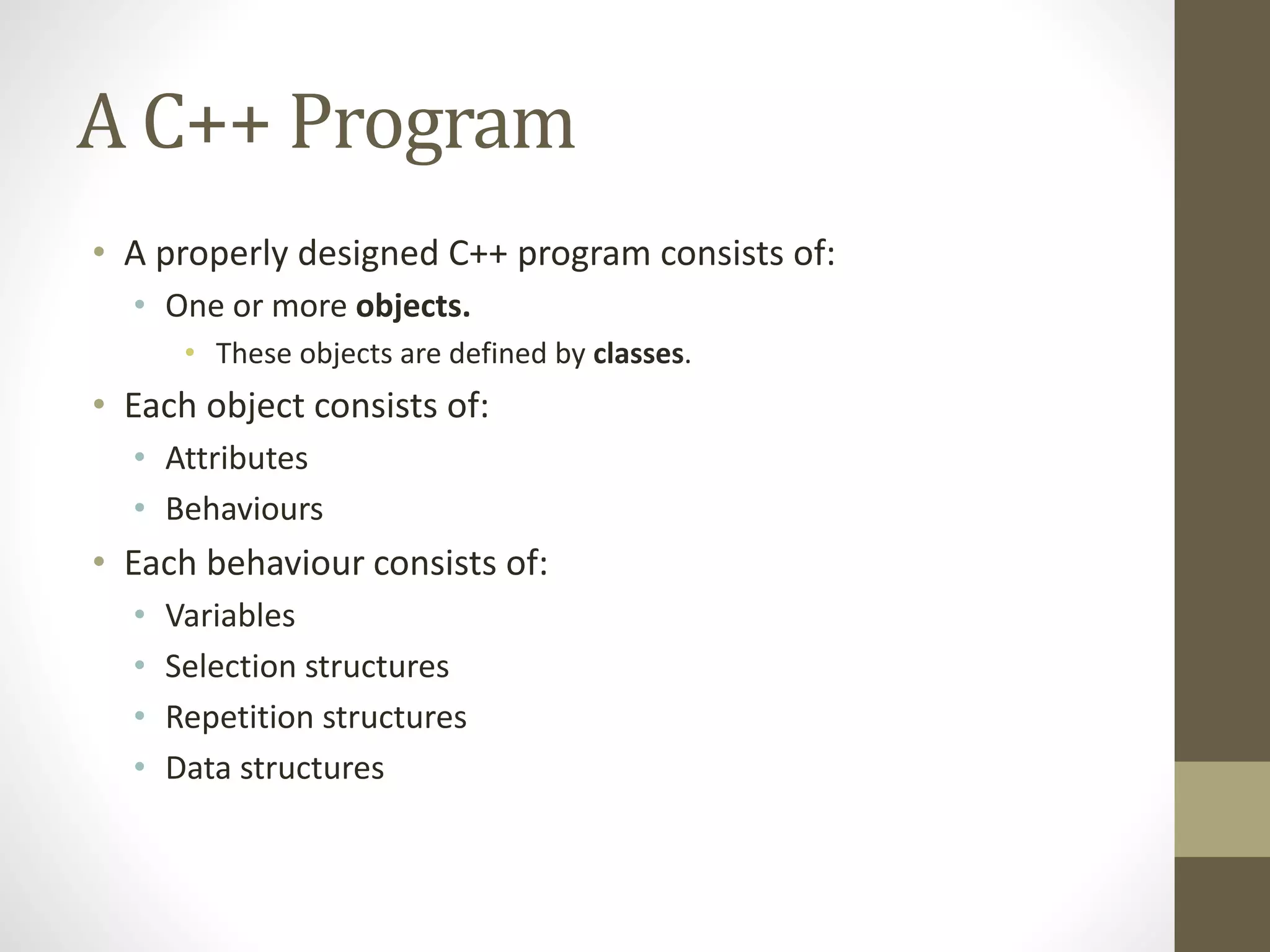
• A properly designed C++ program consists of:
• One or more objects.
• These objects are defined by classes.
• Each object consists of:
• Attributes
• Behaviours
• Each behaviour consists of:
• Variables
• Selection structures
• Repetition structures
• Data structures
Objects and Classes
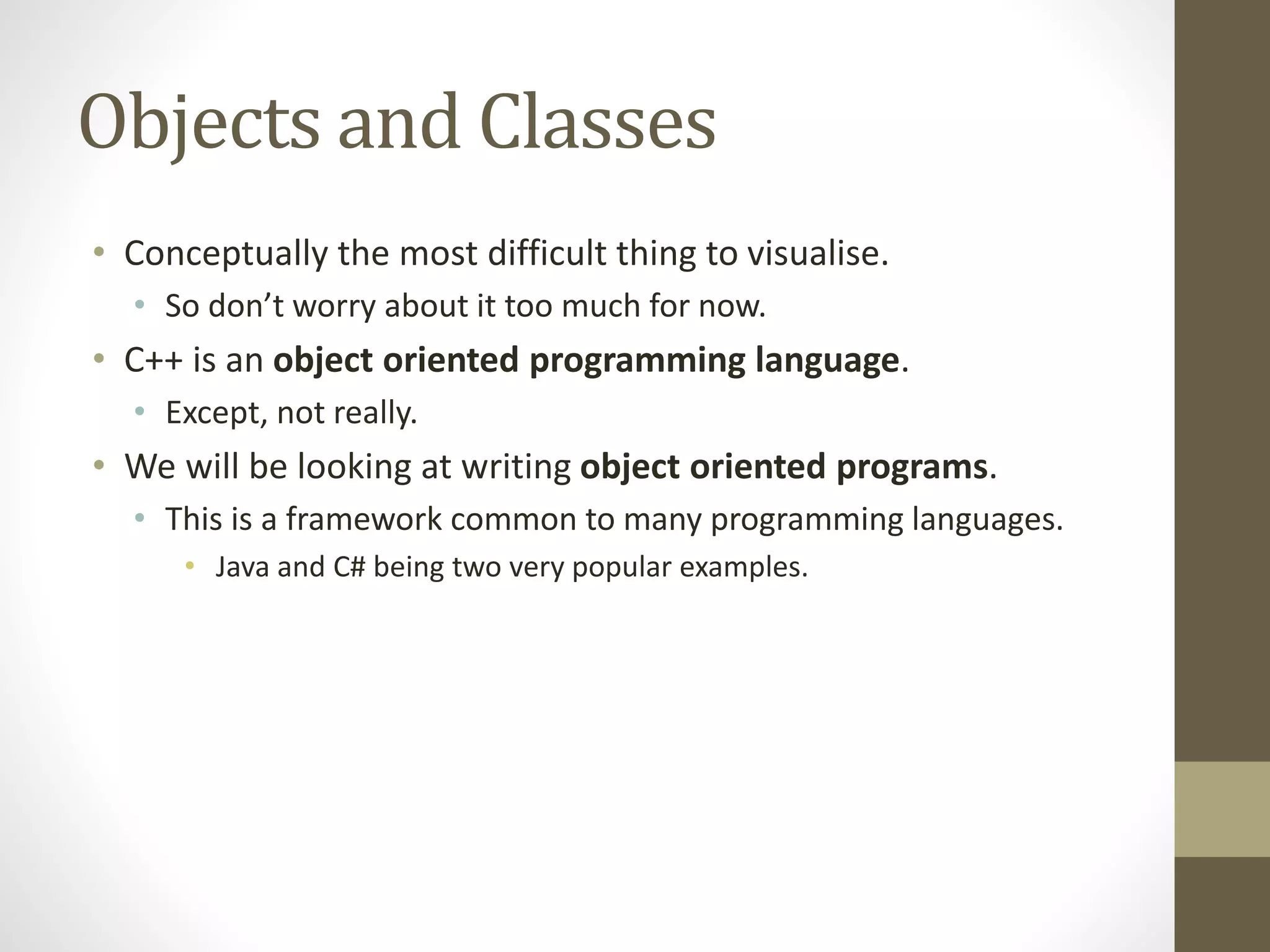
• Conceptually the most difficult thing to visualise.
• So don’t worry about it too much for now.
• C++ is an object oriented programming language.
• Except, not really.
• We will be looking at writing object oriented programs.
• This is a framework common to many programming languages.
• Java and C# being two very popular examples.
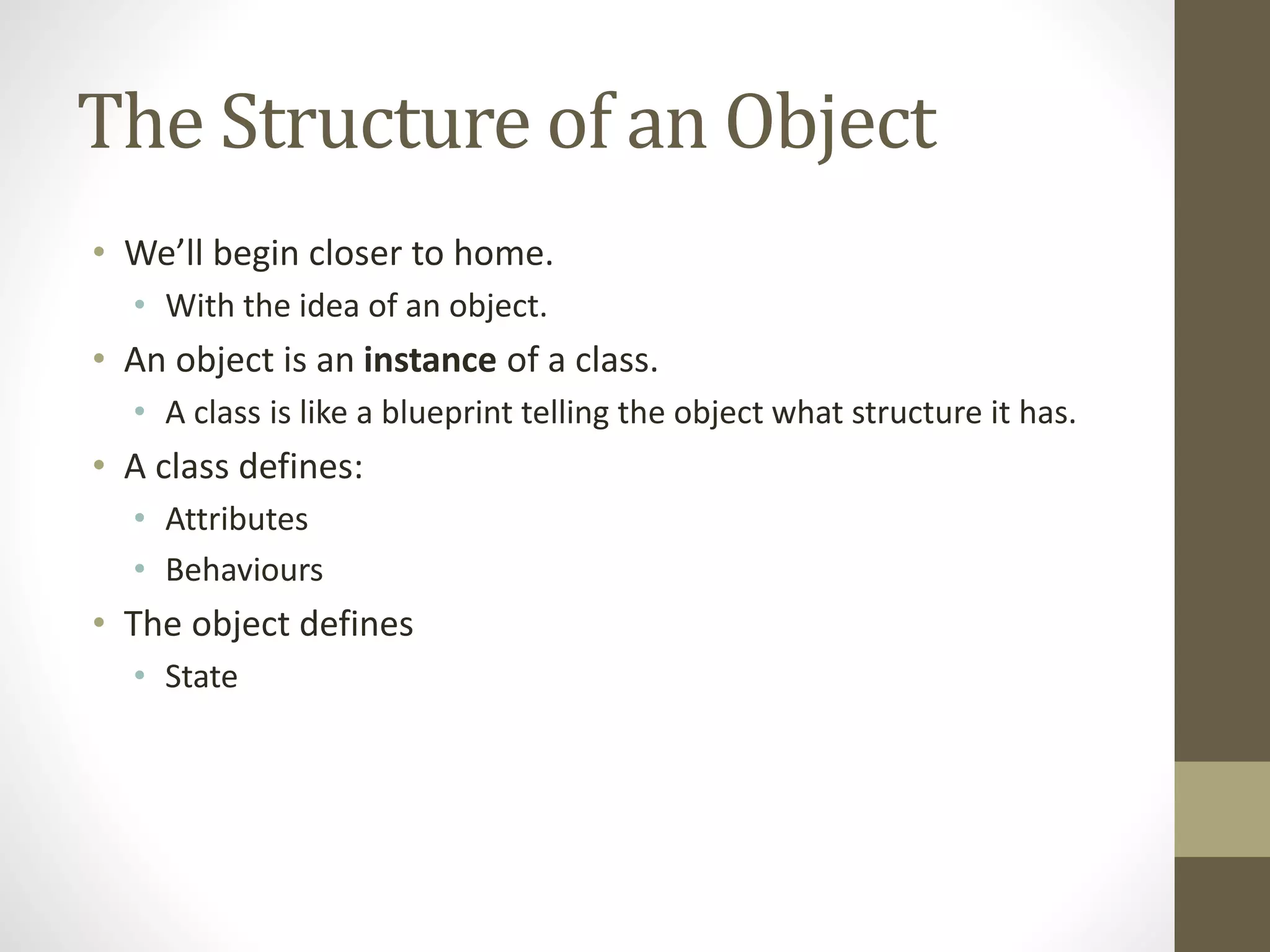
The Structure of an Object
• We’ll begin closer to home.
• With the idea of an object.
• An object is an instance of a class.
• A class is like a blueprint telling the object what structure it has.
• A class defines:
• Attributes
• Behaviours
• The object defines
• State
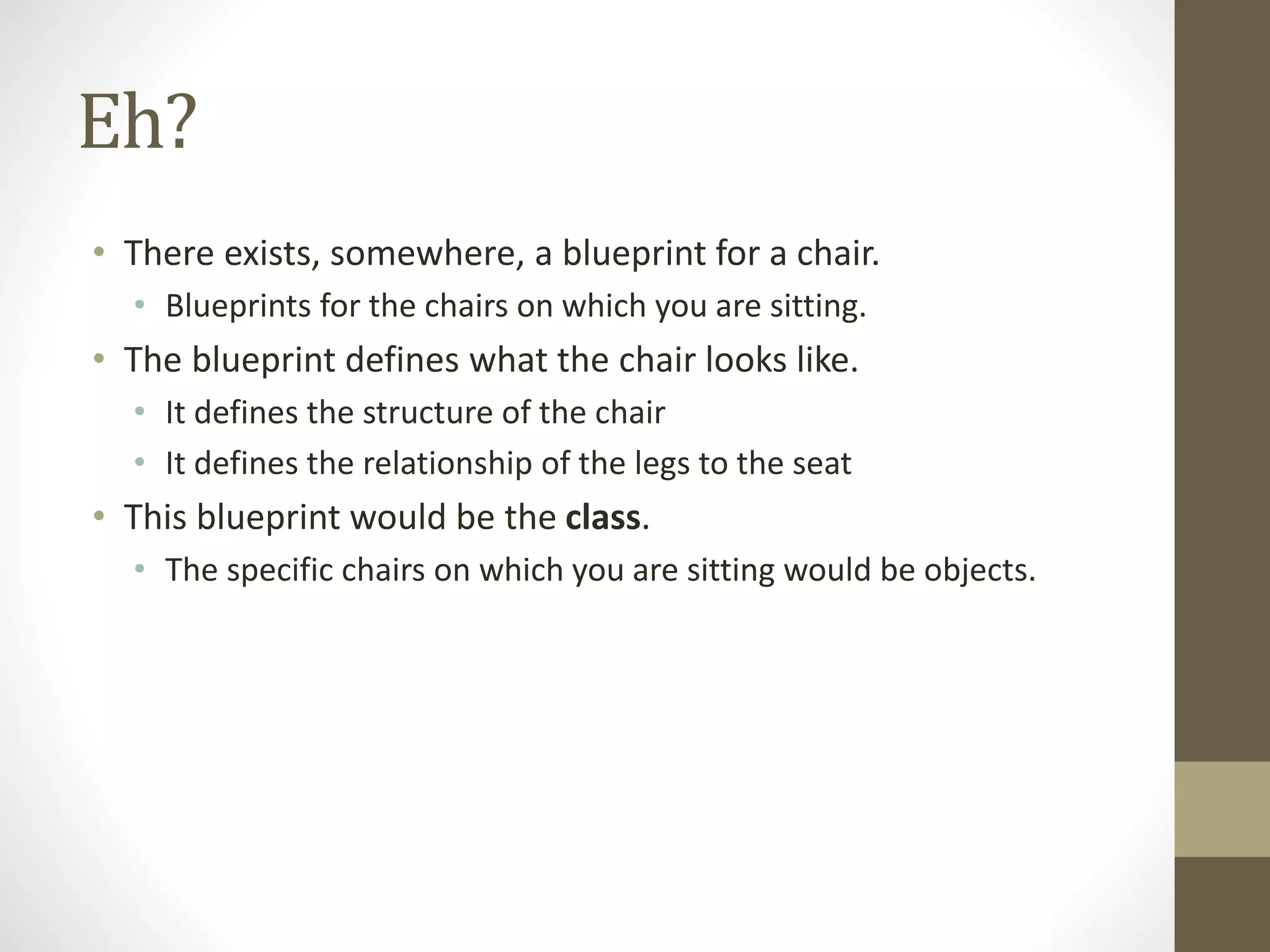
Eh?
• There exists, somewhere, a blueprint for a chair.
• Blueprints for the chairs on which you are sitting.
• The blueprint defines what the chair looks like.
• It defines the structure of the chair
• It defines the relationship of the legs to the seat
• This blueprint would be the class.
• The specific chairs on which you are sitting would be objects.
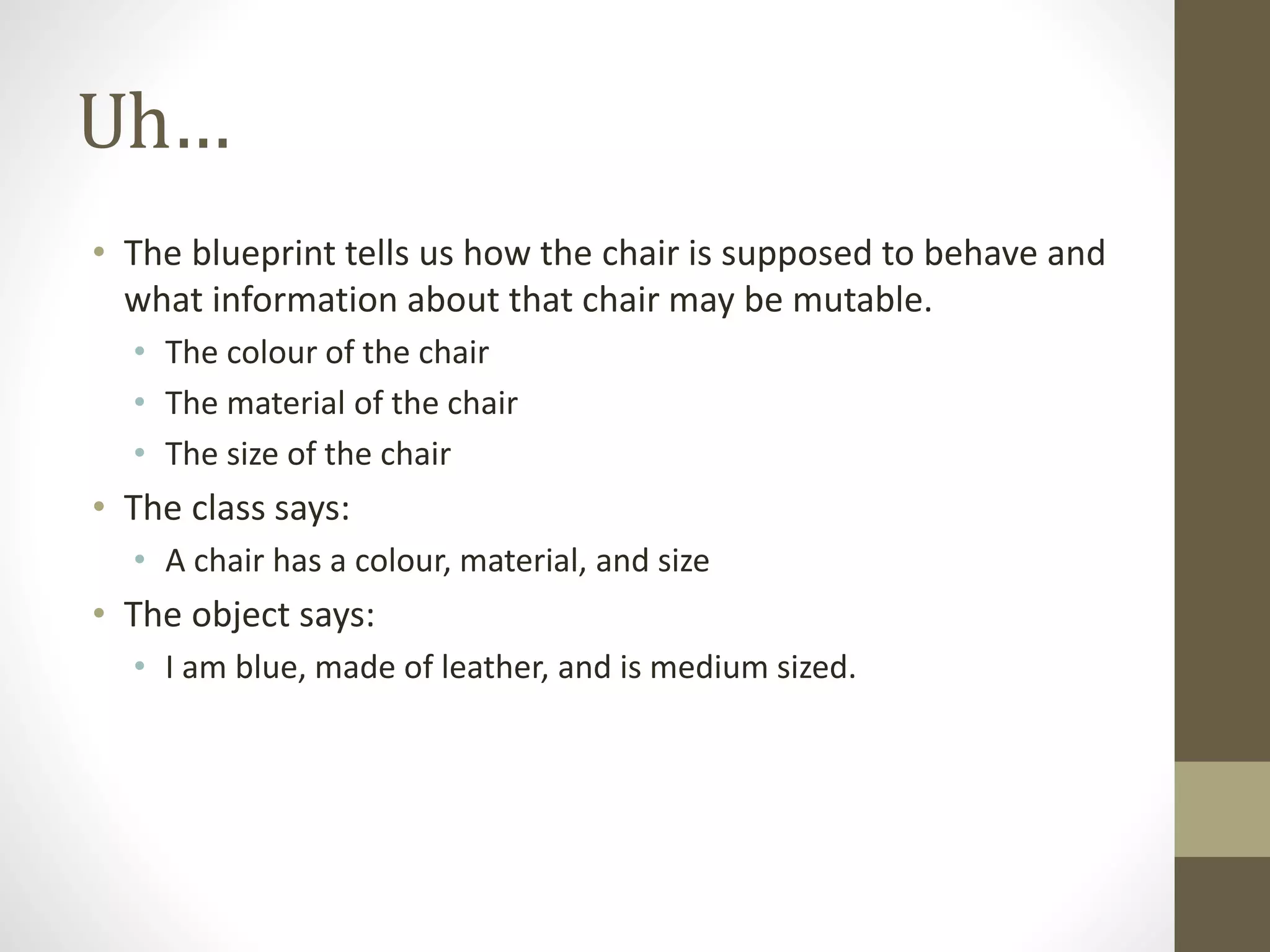
Uh…
• The blueprint tells us how the chair is supposed to behave and
what information about that chair may be mutable.
• The colour of the chair
• The material of the chair
• The size of the chair
• The class says:
• A chair has a colour, material, and size
• The object says:
• I am blue, made of leather, and is medium sized.
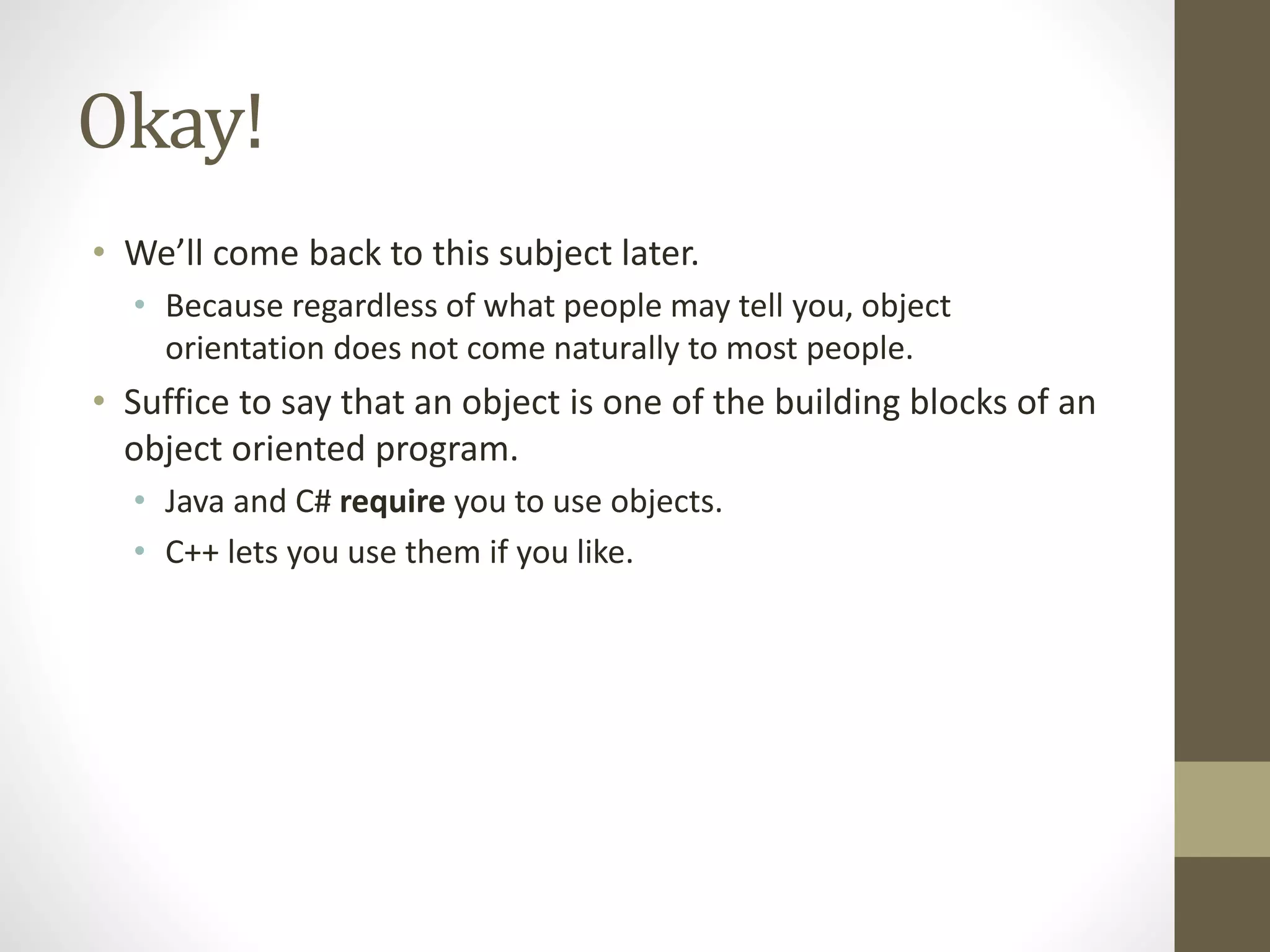
Okay!
• We’ll come back to this subject later.
• Because regardless of what people may tell you, object
orientation does not come naturally to most people.
• Suffice to say that an object is one of the building blocks of an
object oriented program.
• Java and C# require you to use objects.
• C++ lets you use them if you like.
Attributes
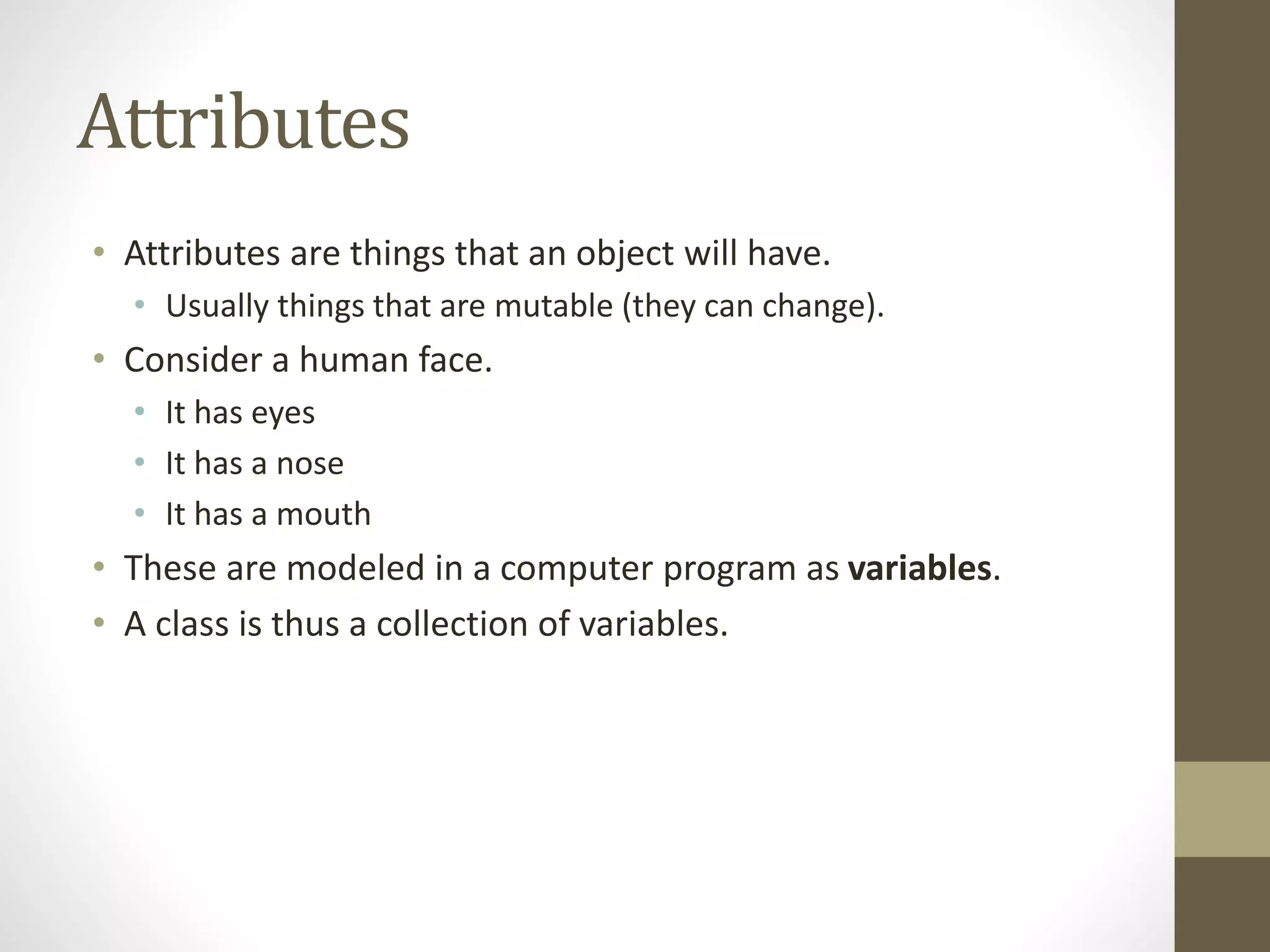
• Attributes are things that an object will have.
• Usually things that are mutable (they can change).
• Consider a human face.
• It has eyes
• It has a nose
• It has a mouth
• These are modeled in a computer program as variables.
• A class is thus a collection of variables.
Behaviours
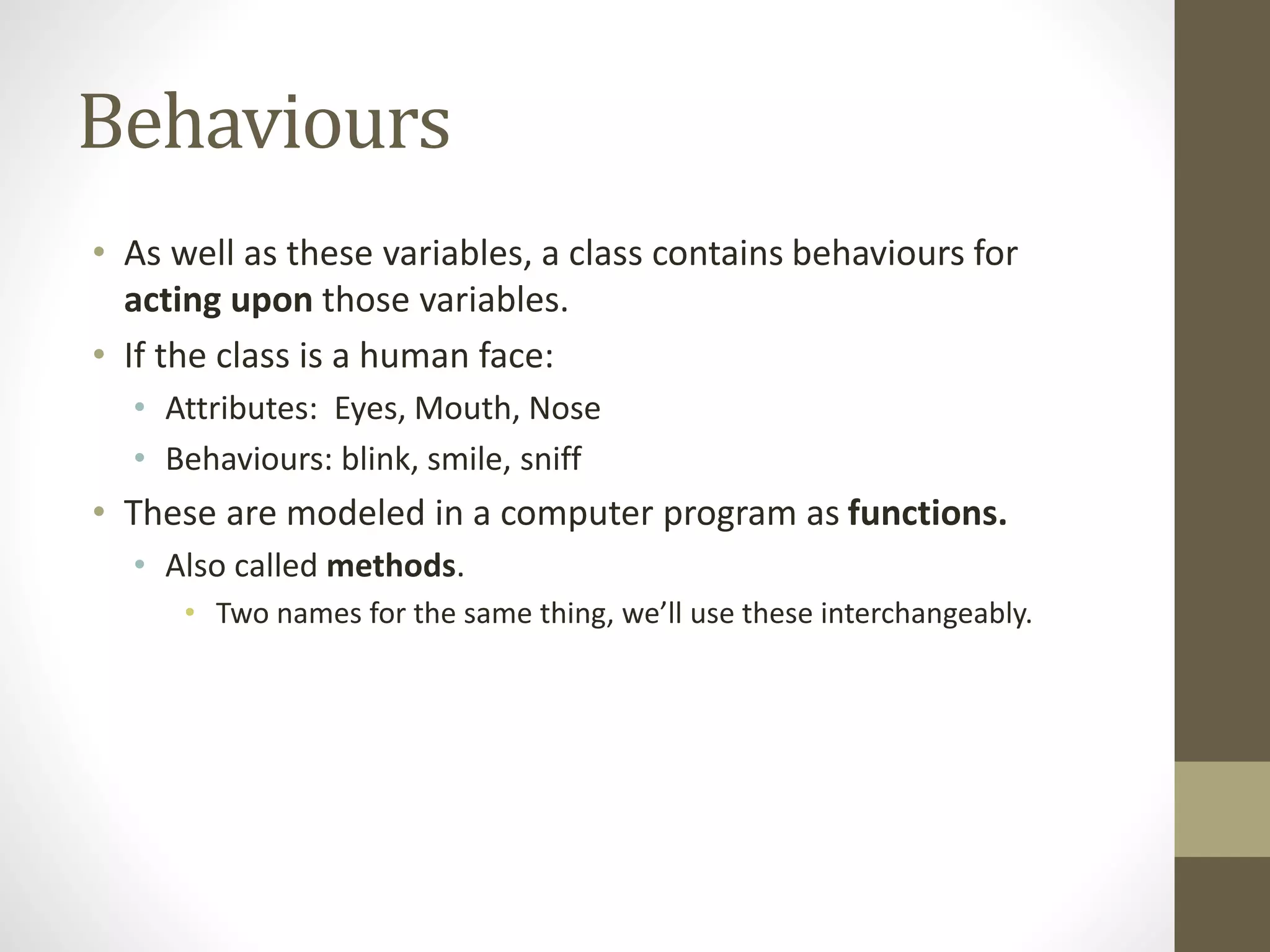
• As well as these variables, a class contains behaviours for
acting upon those variables.
• If the class is a human face:
• Attributes: Eyes, Mouth, Nose
• Behaviours: blink, smile, sniff
• These are modeled in a computer program as functions.
• Also called methods.
• Two names for the same thing, we’ll use these interchangeably.
Behaviours
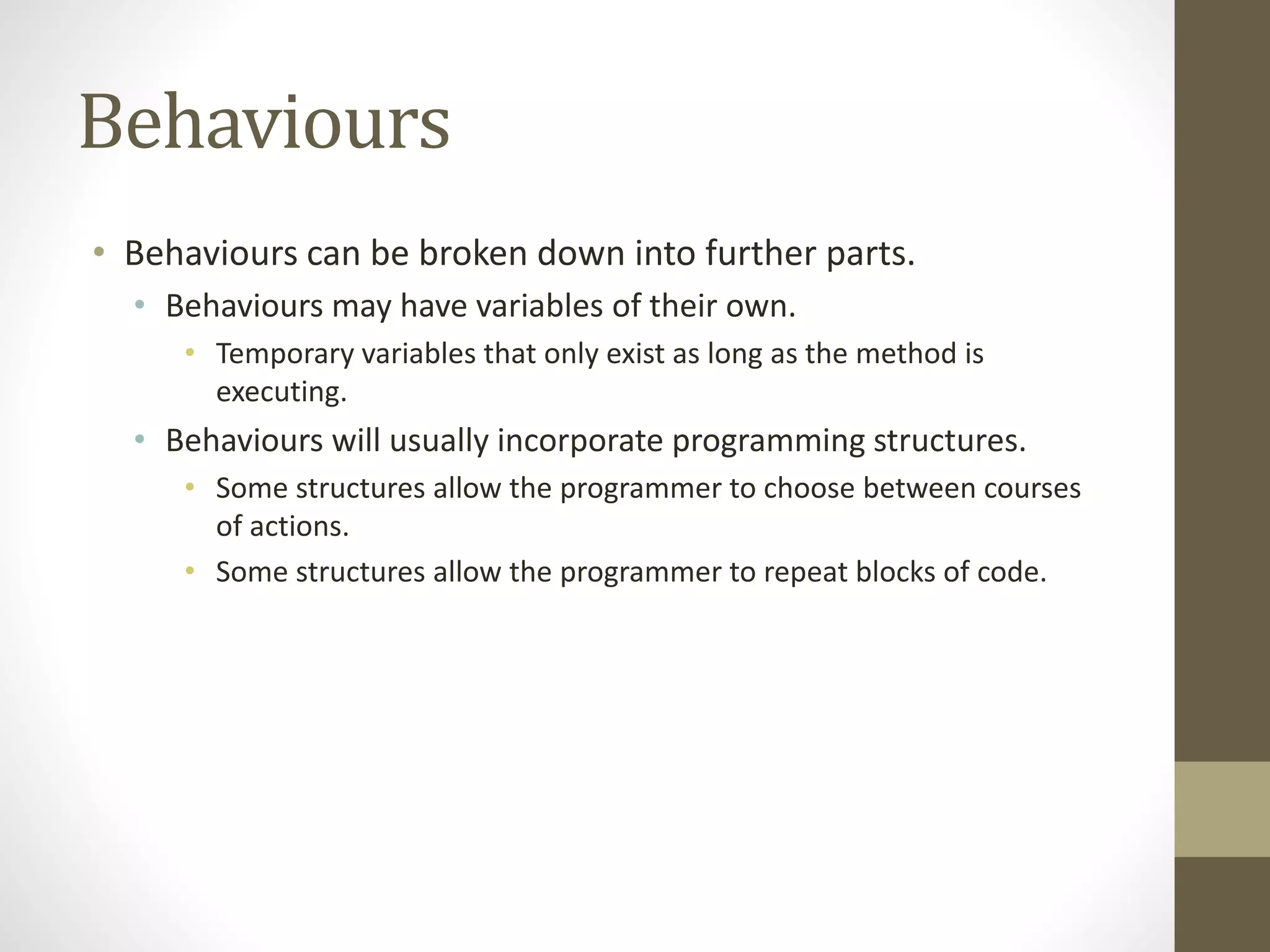
• Behaviours can be broken down into further parts.
• Behaviours may have variables of their own.
• Temporary variables that only exist as long as the method is
executing.
• Behaviours will usually incorporate programming structures.
• Some structures allow the programmer to choose between courses
of actions.
• Some structures allow the programmer to repeat blocks of code.
My First Program
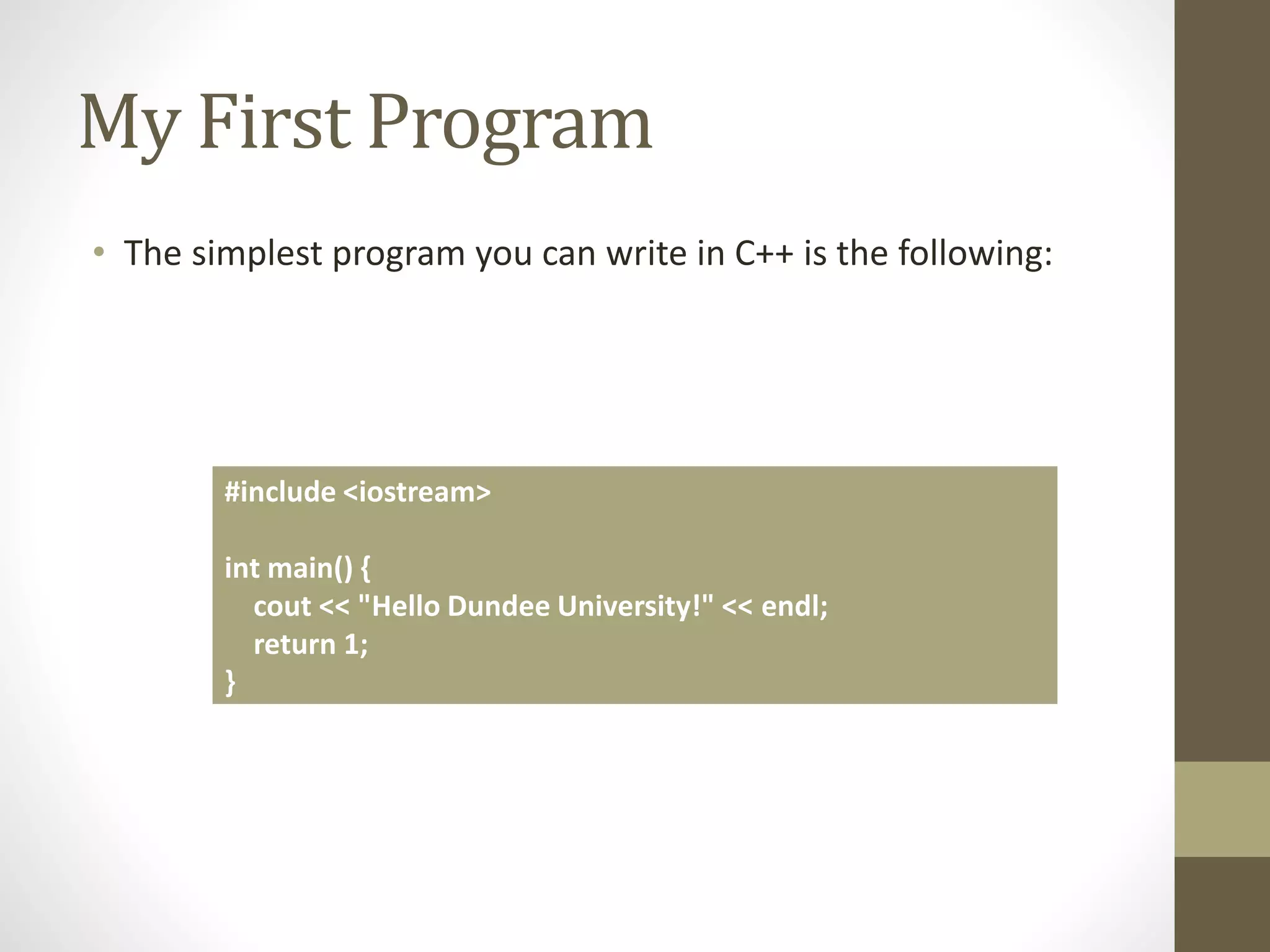
• The simplest program you can write in C++ is the following:
#include <iostream>
int main() {
cout << "Hello Dundee University!" << endl;
return 1;
}
The Program
• The first part is known as a preprocessor directive.
• More on this later.
• Main is the starting point of the program.
• It’s a function.
• C++ will look for this when you tell it to compile and execute a
program.
• cout is a special keyword in C++
• It refers to the standard output device.
The Program
• The << symbols are known as operators.
• These are a big part of C++, so we’ll come back to these.
• In this case, they mean ‘send the follow text to the standard
output device’
• endl is a special keyword.
• It means ‘a line end symbol’
• Return means very little in this context.
• We’ll come back to it in future lectures.
Experimentation
• The key to successful programming is experimentation.
• You have to be willing to play around with code to see what happens.
• One of the questions I am asked most often is ‘what happens when I
do this?’
• You don’t need to ask me.
• Make a backup of your code, and try it yourself.
• Your code is just plain text
• You can save it in notepad
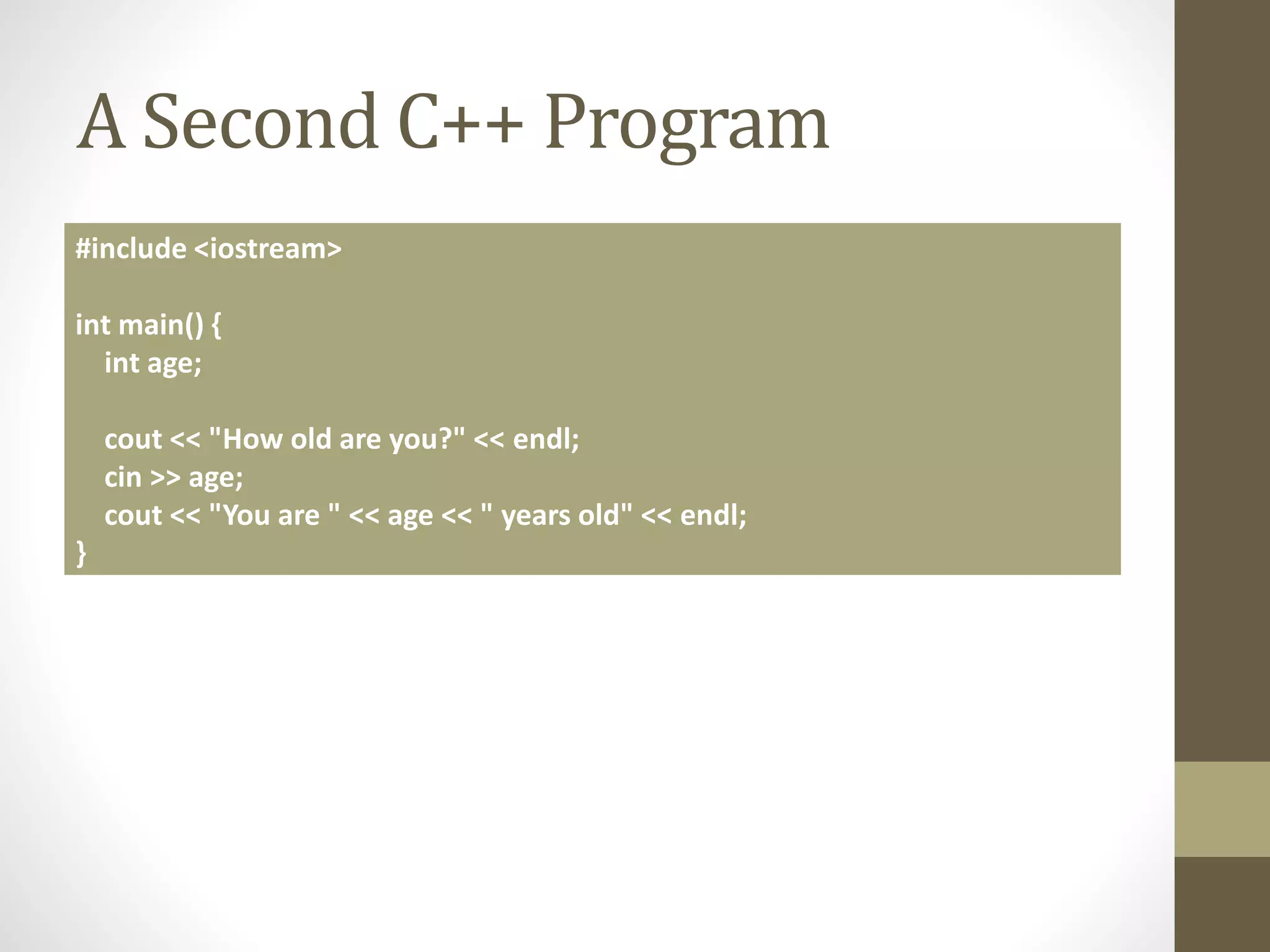
A Second C++ Program
#include <iostream>
int main() {
int age;
cout << "How old are you?" << endl;
cin >> age;
cout << "You are " << age << " years old" << endl;
}
New Features
• A variable!
• int age
• User input
• cin is keyboard input
• Notice that the >> goes the other way
• Display of the contents of a variable to the user
• Sending age to the standard output
Variables
• Variables are little boxes we use to hold data when we don’t
know in advance what’s going to go in them.
• Common when dealing with user input.
• Variables have two parts to them.
• A name
• A type
• The type we have used here is int
• Short for integer, which is a whole number.
Variables
• A variable has three parts to its lifecycle.
• It is created.
• Or declared.
• It is manipulated
• It has values assigned to it.
• We can set the variable to have certain values.
• age = 100;
• It has the value queried.
• It is destroyed.
• This is done automatically for this variable.
• Not so automatically for others.
Variables
• C++ offers support for different kinds of variable.
• float
• Floating point numbers
• char
• Single alphanumeric characters
• bool
• True or false
Variables
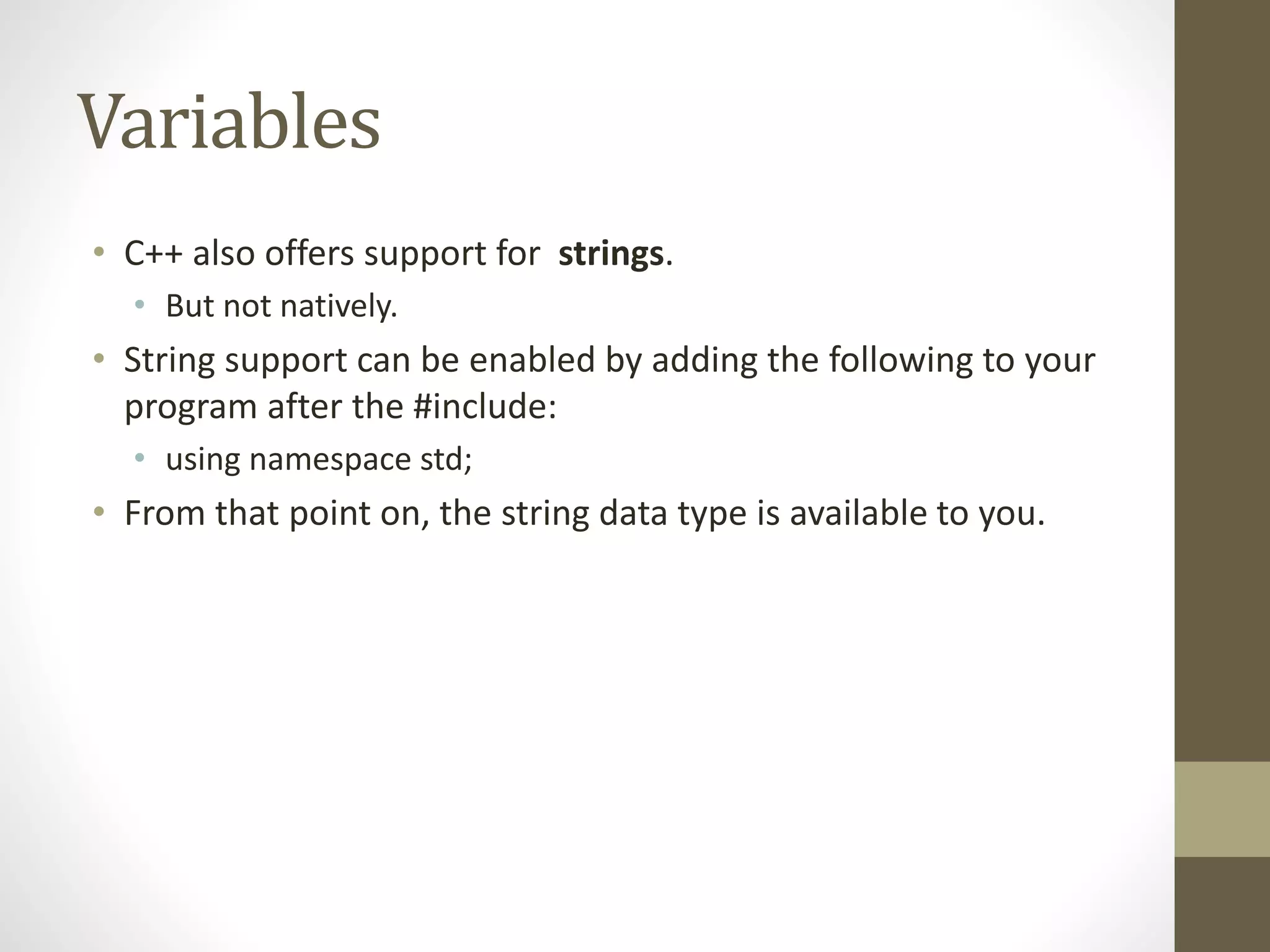
• C++ also offers support for strings.
• But not natively.
• String support can be enabled by adding the following to your
program after the #include:
• using namespace std;
• From that point on, the string data type is available to you.
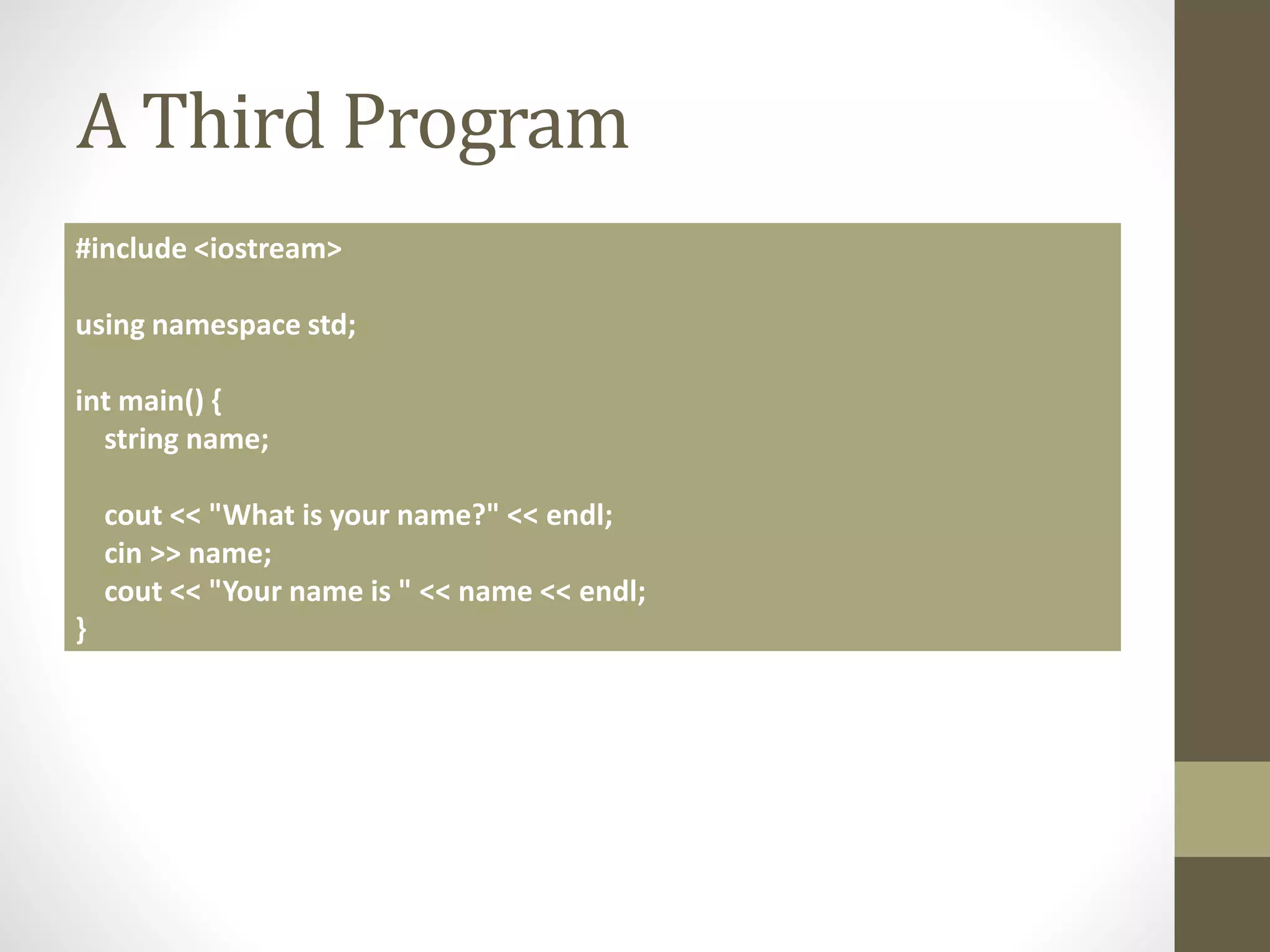
A Third Program
#include <iostream>
using namespace std;
int main() {
string name;
cout << "What is your name?" << endl;
cin >> name;
cout << "Your name is " << name << endl;
}
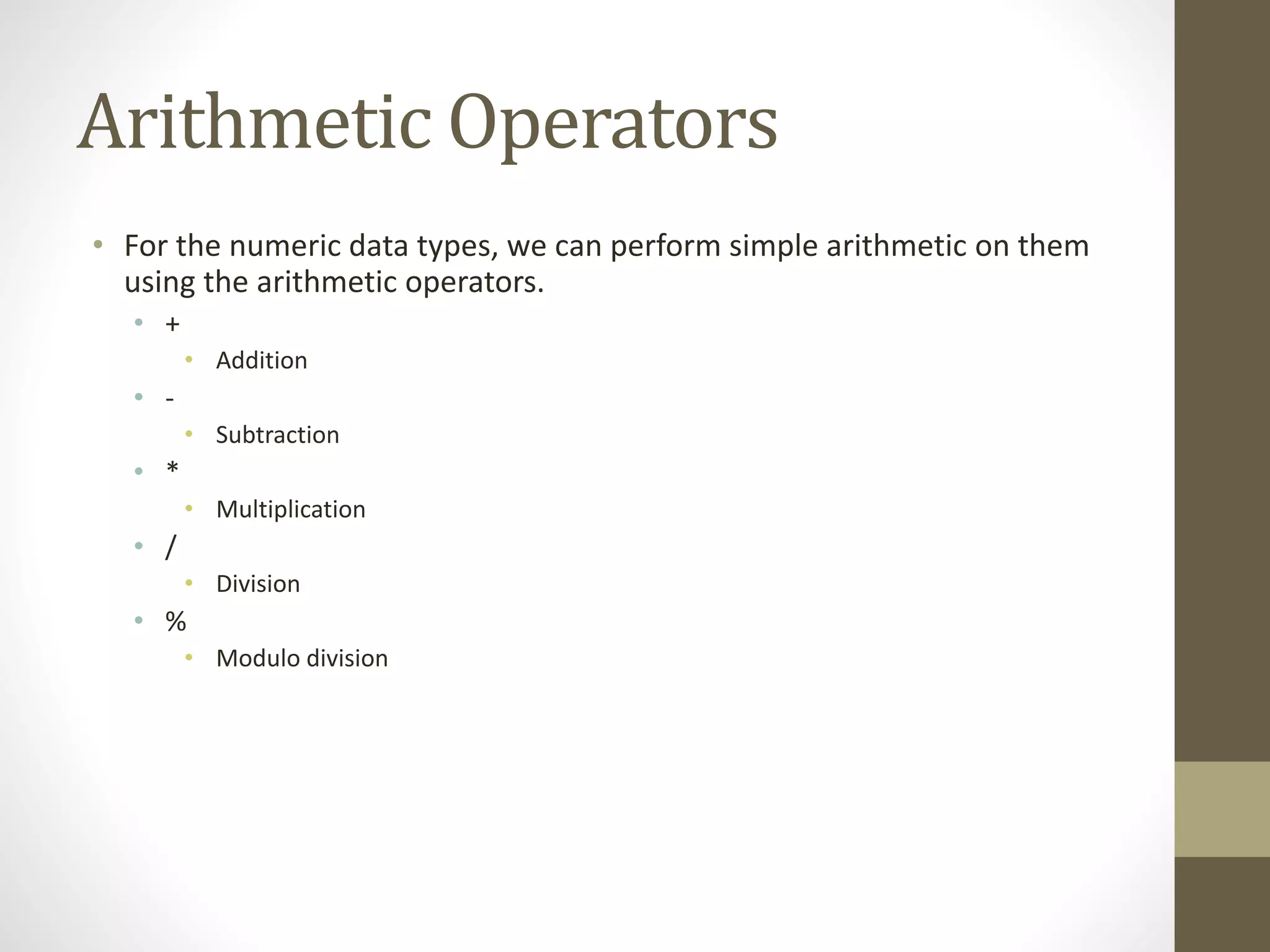
Arithmetic Operators
• For the numeric data types, we can perform simple arithmetic on them
using the arithmetic operators.
• +
• Addition
• -
• Subtraction
• *
• Multiplication
• /
• Division
• %
• Modulo division
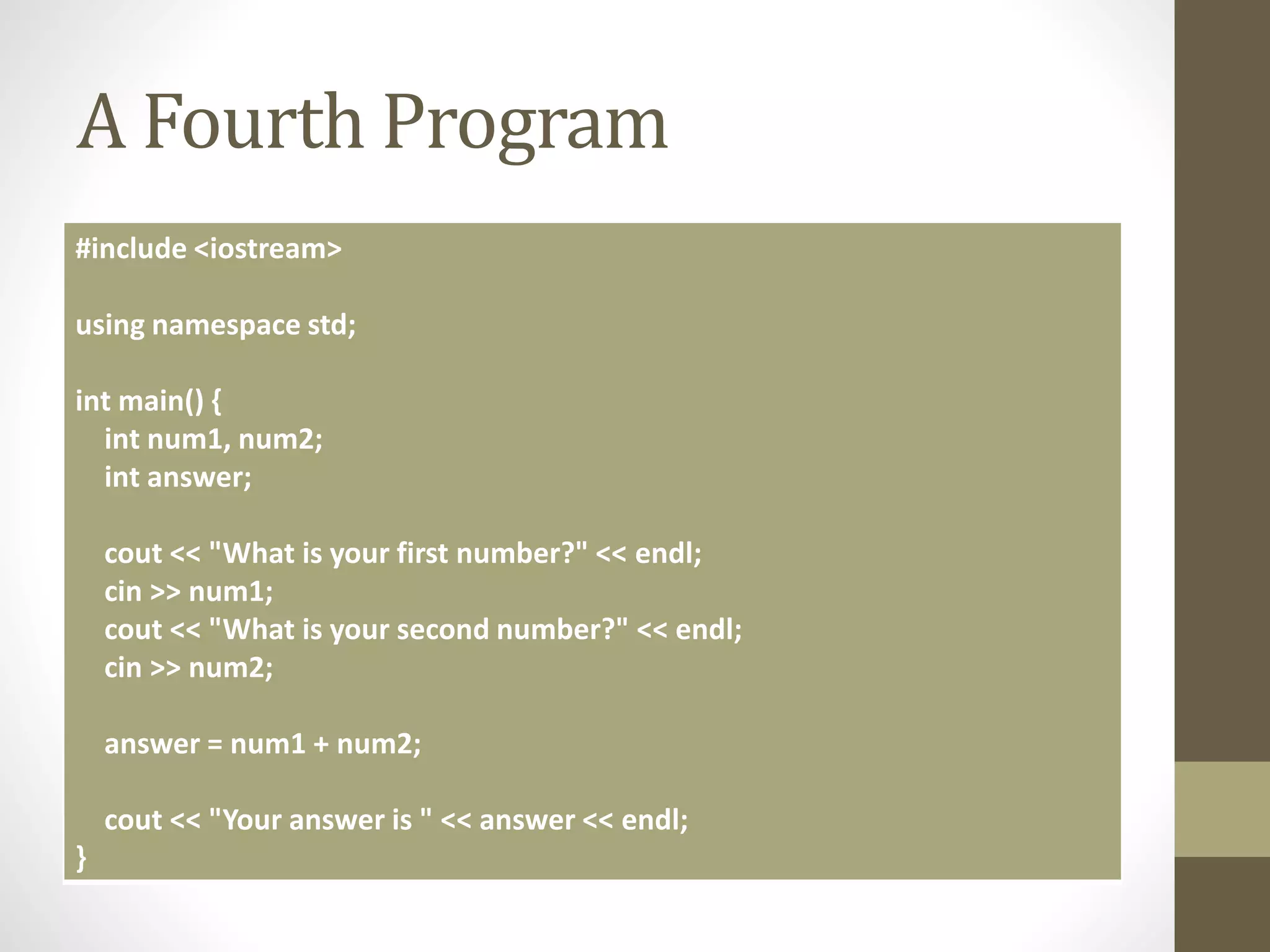
A Fourth Program
#include <iostream>
using namespace std;
int main() {
int num1, num2;
int answer;
cout << "What is your first number?" << endl;
cin >> num1;
cout << "What is your second number?" << endl;
cin >> num2;
answer = num1 + num2;
cout << "Your answer is " << answer << endl;
}
Summary
• C++ Programs are made up of many parts
• Objects, classes
• Variables and Structures
• We’ve looked at one of these today in any depth.
• The variable.
• Variables are the building blocks of a program.
• They let us deal with ambiguity, the unknown, and complexity.

CPP02 - The Structure of a Program

  • 1.
    The Structure ofa Program Michael Heron
  • 2.
    Introduction • Computer programsin C++ are broken up into several parts. • For various reasons, which we will discuss as we go through the module. • In this lecture, we’re going to look at the big picture of what parts make up a program. • We’ll get to the detail in later lectures. • Some of this will be quite abstract at the moment.
  • 3.
    A C++ Program •A properly designed C++ program consists of: • One or more objects. • These objects are defined by classes. • Each object consists of: • Attributes • Behaviours • Each behaviour consists of: • Variables • Selection structures • Repetition structures • Data structures
  • 4.
    Objects and Classes •Conceptually the most difficult thing to visualise. • So don’t worry about it too much for now. • C++ is an object oriented programming language. • Except, not really. • We will be looking at writing object oriented programs. • This is a framework common to many programming languages. • Java and C# being two very popular examples.
  • 5.
    The Structure ofan Object • We’ll begin closer to home. • With the idea of an object. • An object is an instance of a class. • A class is like a blueprint telling the object what structure it has. • A class defines: • Attributes • Behaviours • The object defines • State
  • 6.
    Eh? • There exists,somewhere, a blueprint for a chair. • Blueprints for the chairs on which you are sitting. • The blueprint defines what the chair looks like. • It defines the structure of the chair • It defines the relationship of the legs to the seat • This blueprint would be the class. • The specific chairs on which you are sitting would be objects.
  • 7.
    Uh… • The blueprinttells us how the chair is supposed to behave and what information about that chair may be mutable. • The colour of the chair • The material of the chair • The size of the chair • The class says: • A chair has a colour, material, and size • The object says: • I am blue, made of leather, and is medium sized.
  • 8.
    Okay! • We’ll comeback to this subject later. • Because regardless of what people may tell you, object orientation does not come naturally to most people. • Suffice to say that an object is one of the building blocks of an object oriented program. • Java and C# require you to use objects. • C++ lets you use them if you like.
  • 9.
    Attributes • Attributes arethings that an object will have. • Usually things that are mutable (they can change). • Consider a human face. • It has eyes • It has a nose • It has a mouth • These are modeled in a computer program as variables. • A class is thus a collection of variables.
  • 10.
    Behaviours • As wellas these variables, a class contains behaviours for acting upon those variables. • If the class is a human face: • Attributes: Eyes, Mouth, Nose • Behaviours: blink, smile, sniff • These are modeled in a computer program as functions. • Also called methods. • Two names for the same thing, we’ll use these interchangeably.
  • 11.
    Behaviours • Behaviours canbe broken down into further parts. • Behaviours may have variables of their own. • Temporary variables that only exist as long as the method is executing. • Behaviours will usually incorporate programming structures. • Some structures allow the programmer to choose between courses of actions. • Some structures allow the programmer to repeat blocks of code.
  • 12.
    My First Program •The simplest program you can write in C++ is the following: #include <iostream> int main() { cout << "Hello Dundee University!" << endl; return 1; }
  • 13.
    The Program • Thefirst part is known as a preprocessor directive. • More on this later. • Main is the starting point of the program. • It’s a function. • C++ will look for this when you tell it to compile and execute a program. • cout is a special keyword in C++ • It refers to the standard output device.
  • 14.
    The Program • The<< symbols are known as operators. • These are a big part of C++, so we’ll come back to these. • In this case, they mean ‘send the follow text to the standard output device’ • endl is a special keyword. • It means ‘a line end symbol’ • Return means very little in this context. • We’ll come back to it in future lectures.
  • 15.
    Experimentation • The keyto successful programming is experimentation. • You have to be willing to play around with code to see what happens. • One of the questions I am asked most often is ‘what happens when I do this?’ • You don’t need to ask me. • Make a backup of your code, and try it yourself. • Your code is just plain text • You can save it in notepad
  • 16.
    A Second C++Program #include <iostream> int main() { int age; cout << "How old are you?" << endl; cin >> age; cout << "You are " << age << " years old" << endl; }
  • 17.
    New Features • Avariable! • int age • User input • cin is keyboard input • Notice that the >> goes the other way • Display of the contents of a variable to the user • Sending age to the standard output
  • 18.
    Variables • Variables arelittle boxes we use to hold data when we don’t know in advance what’s going to go in them. • Common when dealing with user input. • Variables have two parts to them. • A name • A type • The type we have used here is int • Short for integer, which is a whole number.
  • 19.
    Variables • A variablehas three parts to its lifecycle. • It is created. • Or declared. • It is manipulated • It has values assigned to it. • We can set the variable to have certain values. • age = 100; • It has the value queried. • It is destroyed. • This is done automatically for this variable. • Not so automatically for others.
  • 20.
    Variables • C++ offerssupport for different kinds of variable. • float • Floating point numbers • char • Single alphanumeric characters • bool • True or false
  • 21.
    Variables • C++ alsooffers support for strings. • But not natively. • String support can be enabled by adding the following to your program after the #include: • using namespace std; • From that point on, the string data type is available to you.
  • 22.
    A Third Program #include<iostream> using namespace std; int main() { string name; cout << "What is your name?" << endl; cin >> name; cout << "Your name is " << name << endl; }
  • 23.
    Arithmetic Operators • Forthe numeric data types, we can perform simple arithmetic on them using the arithmetic operators. • + • Addition • - • Subtraction • * • Multiplication • / • Division • % • Modulo division
  • 24.
    A Fourth Program #include<iostream> using namespace std; int main() { int num1, num2; int answer; cout << "What is your first number?" << endl; cin >> num1; cout << "What is your second number?" << endl; cin >> num2; answer = num1 + num2; cout << "Your answer is " << answer << endl; }
  • 25.
    Summary • C++ Programsare made up of many parts • Objects, classes • Variables and Structures • We’ve looked at one of these today in any depth. • The variable. • Variables are the building blocks of a program. • They let us deal with ambiguity, the unknown, and complexity.