Download to read offline

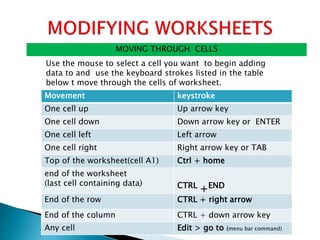
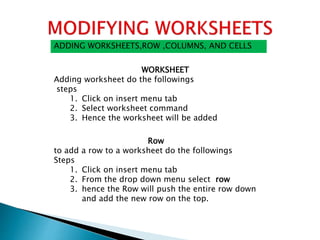
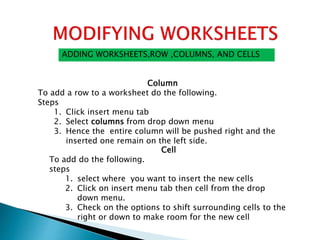

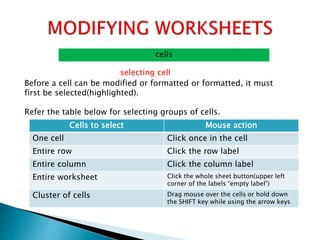


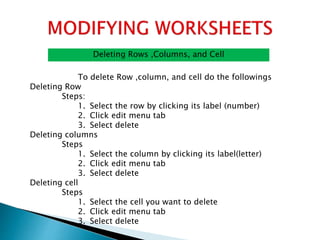


This document provides instructions for performing various actions in Microsoft Excel worksheets, including: 1) Moving between cells using arrow keys, keyboard shortcuts, or the mouse. 2) Adding, inserting, and deleting worksheets, rows, columns, and cells. 3) Resizing rows and columns by dragging borders or using format commands. 4) Selecting, activating, cutting, copying, and pasting cells. 5) Deleting rows, columns, and individual cells using edit menu commands. 6) Freezing panes to keep rows or columns visible while scrolling.


