DAZ Studio
Advanced 3D Graphics Empowered by Qt
DAZ 3D


         1
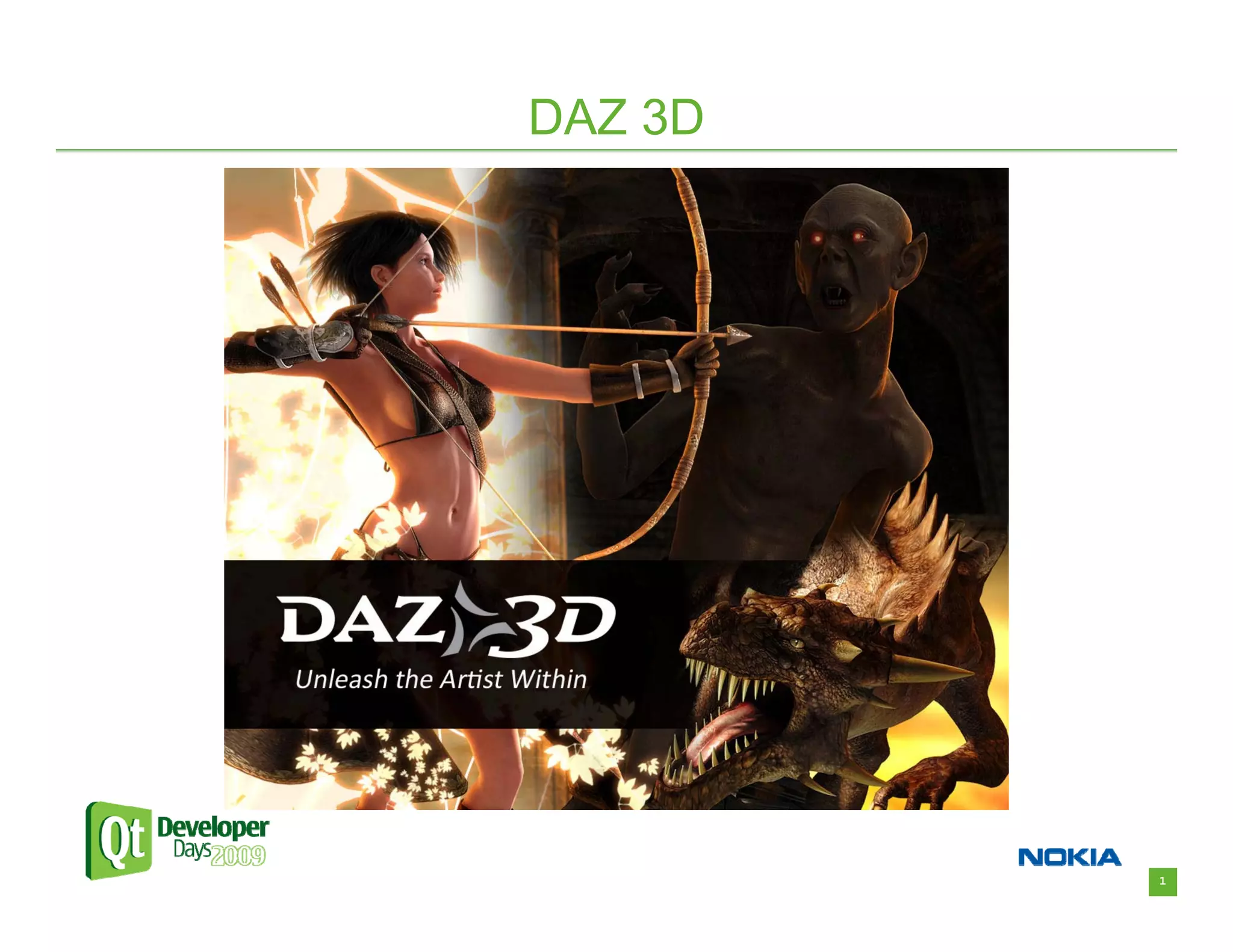
DAZ 3D


• DAZ 3D – What we’re all about
  – “Unleash the Artist Within”
     • Bring 3D art to the masses.
  – High quality virtual 3D figures and content.
  – Innovative software which enables anyone to create
    artistic images.
  – A synergistic community which learns, shares, and
    grows together.


                                                         2
DAZ 3D


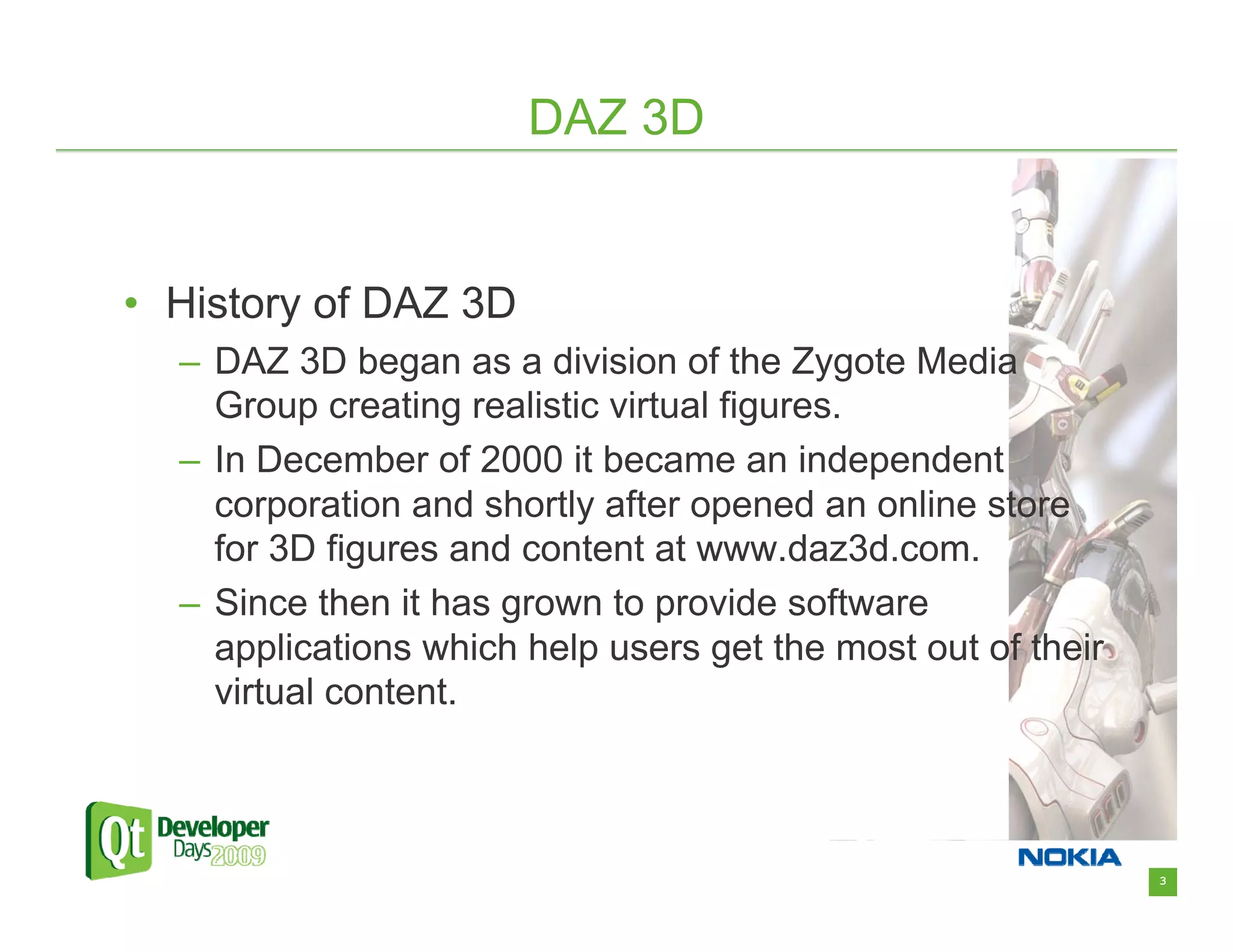
• History of DAZ 3D
  – DAZ 3D began as a division of the Zygote Media
    Group creating realistic virtual figures.
  – In December of 2000 it became an independent
    corporation and shortly after opened an online store
    for 3D figures and content at www.daz3d.com.
  – Since then it has grown to provide software
    applications which help users get the most out of their
    virtual content.


                                                              3
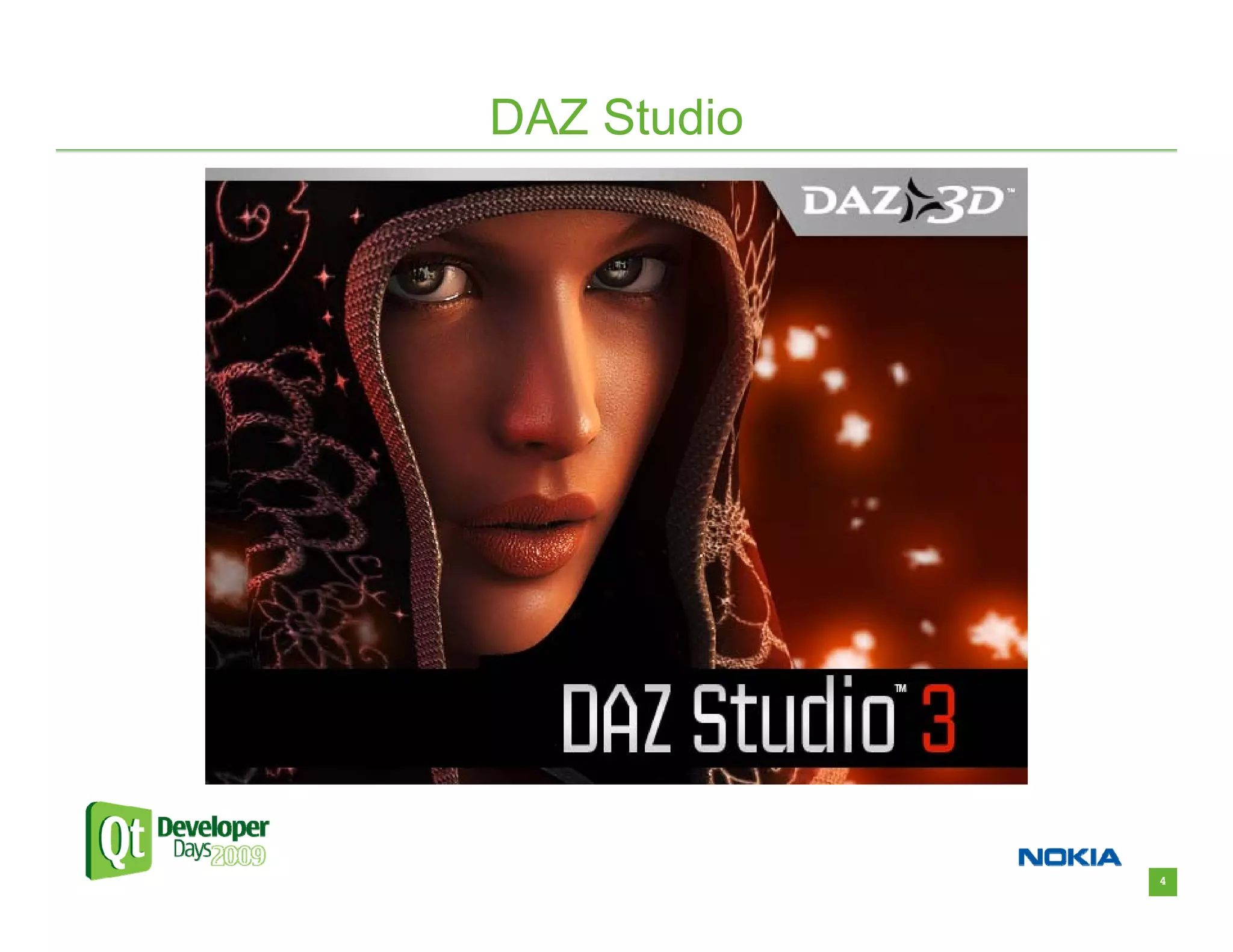
DAZ Studio


             4
DAZ Studio

• In the beginning DAZ 3D had some great 3D
  figures and content, but relied on another
  company’s software to display this content.
• We needed a way to showcase our content and
  remove our reliance on 3rd party applications.
• DAZ Studio was born.


                                                   5
DAZ Studio


• DAZ Studio is a feature rich 3D figure modeling,
  posing, and animation tool.
• It’s a vehicle for getting 3D content into the
  hands of users.
  – Get it into as many hands as possible.
  – It’s free!
• It pushes 3D content to new heights with new
  ideas and innovations.


                                                     6
DAZ Studio


• Designing DAZ Studio
   – We needed an app with a unique and custom look.
   – We needed an application framework that would give
     quick and flexible results.
   – We needed Windows and Mac versions.
   – We needed a scriptable application.
• Qt fit perfectly into our goals.


                                                          7
DAZ Studio


• Why Qt?
  –   Versatility of interface components
  –   Cross platform support
  –   Ease of development
  –   Integrated scripting capability
• Since DAZ Studio’s inception in 2002 we’ve
  relied heavily on Qt, and it has been a huge
  benefit.


                                                 8
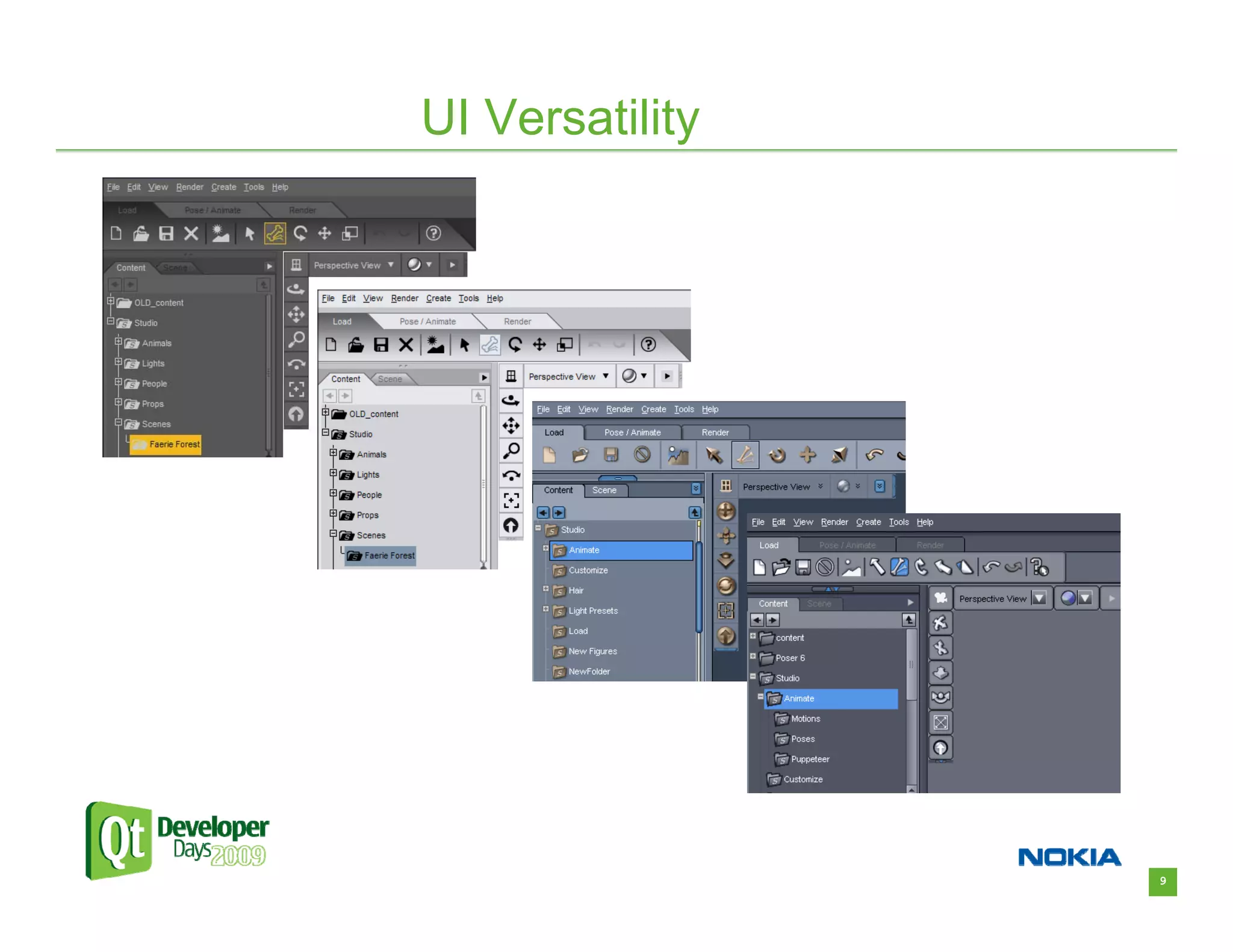
UI Versatility


                 9
UI Versatility


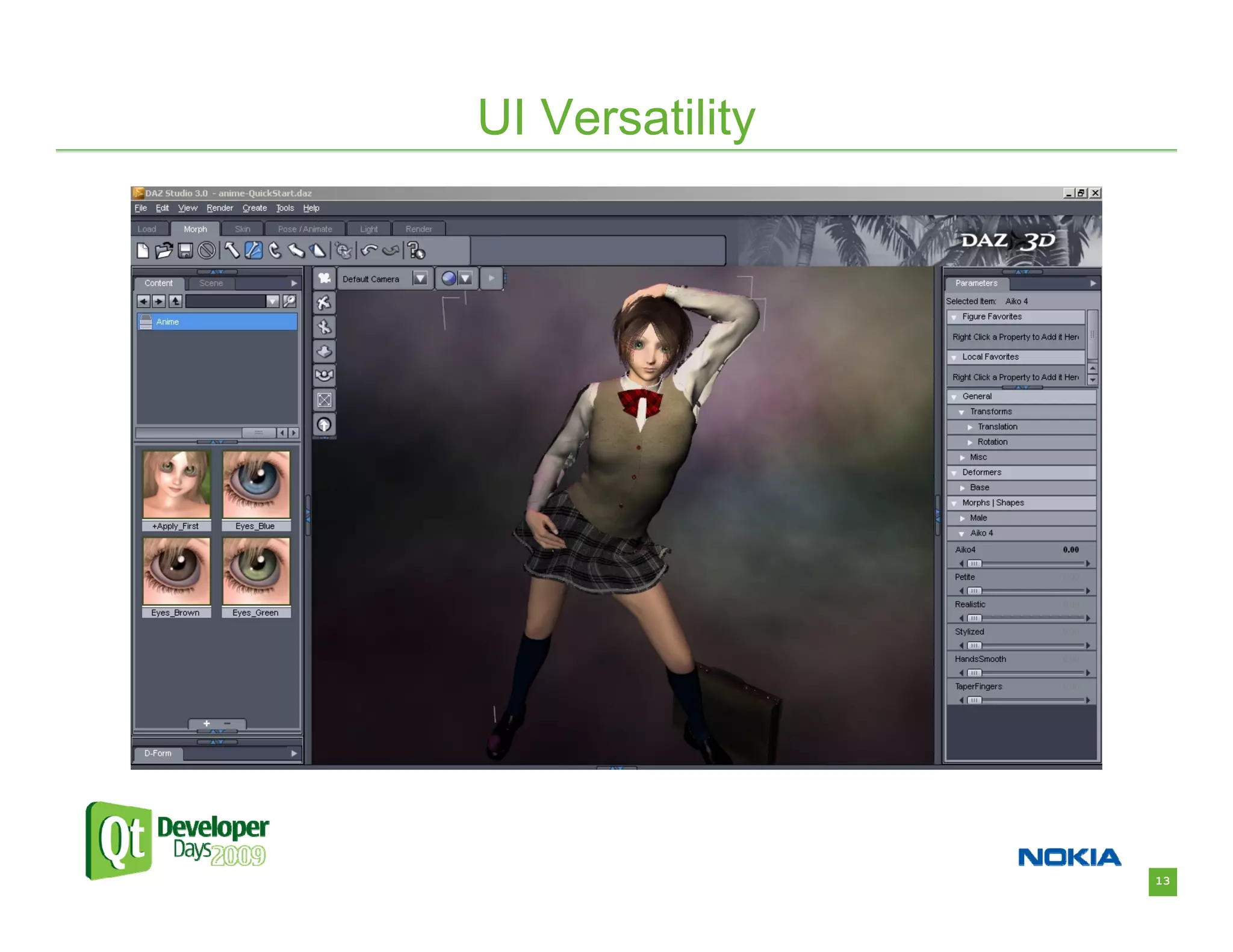
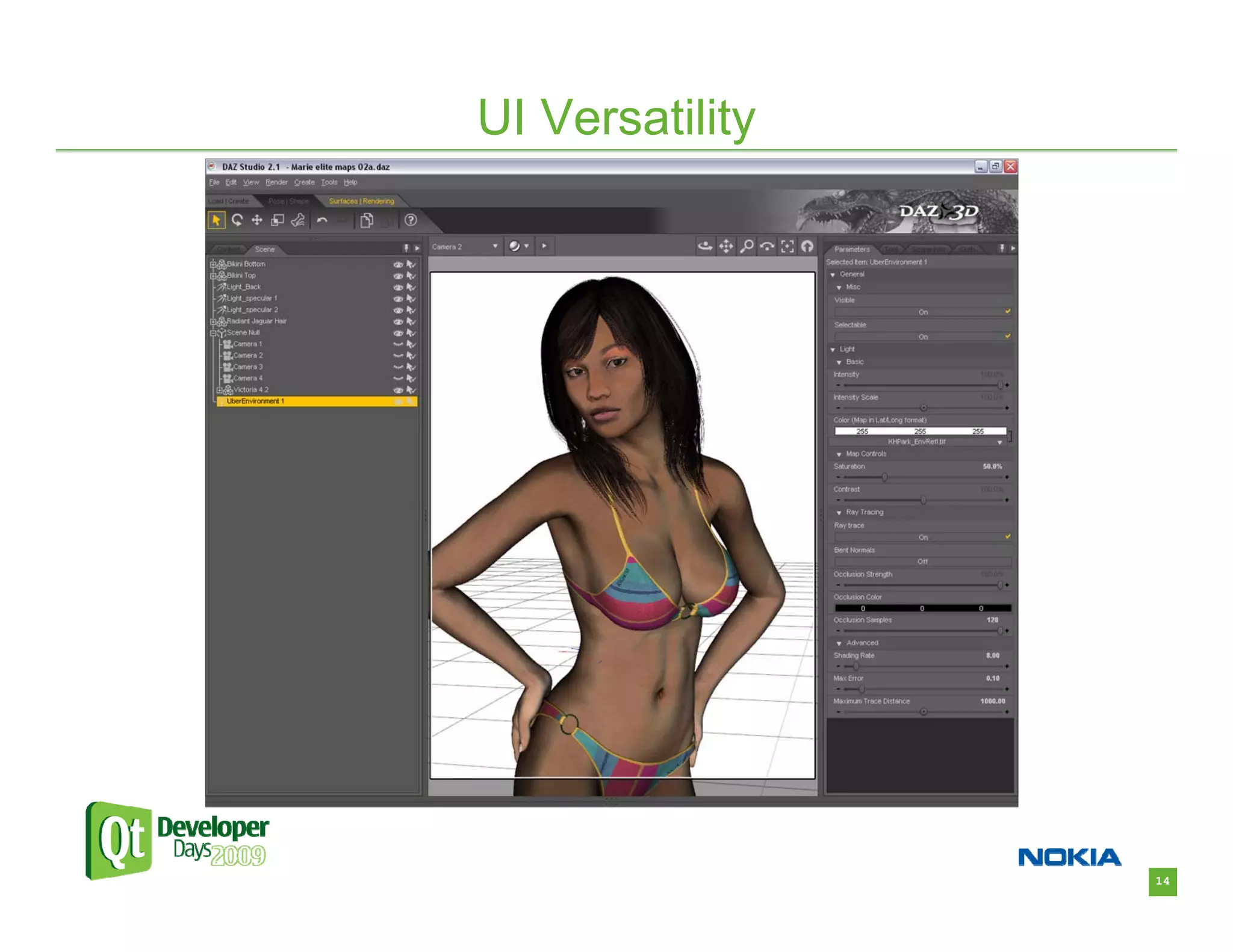
• Some applications need to look native to a
  specific platform – Qt does this well.
• With other applications, you often want a unique
  and eye-catching look. – Qt also does this well.
• We want anyone who sees DAZ Studio to be
  drawn in and have to try it.
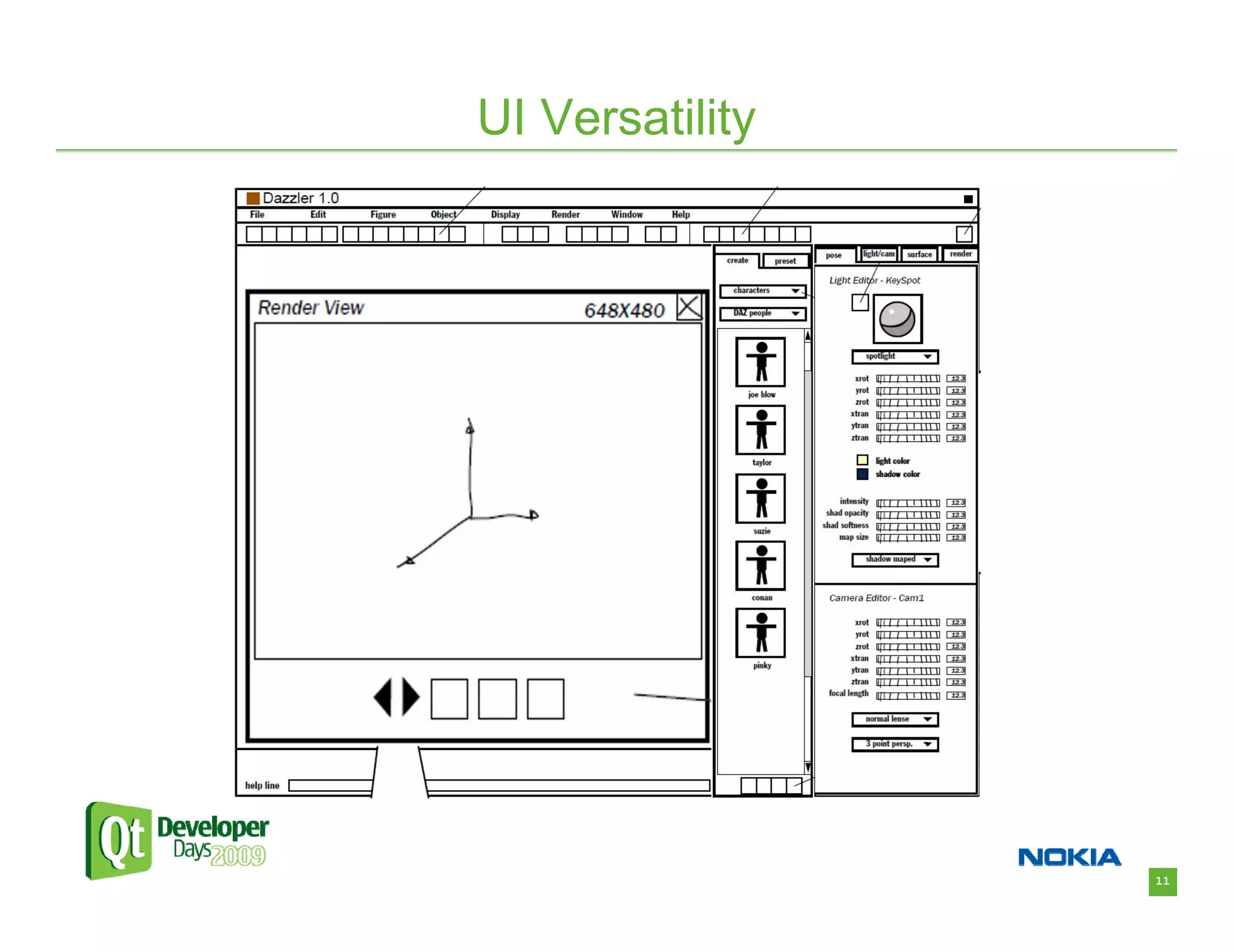
• Here’s what we came up with:


                                                     10
UI Versatility


                 11
Just Kidding!


                12
UI Versatility


                 13
UI Versatility


                 14
UI Versatility


                 15
UI Versatility


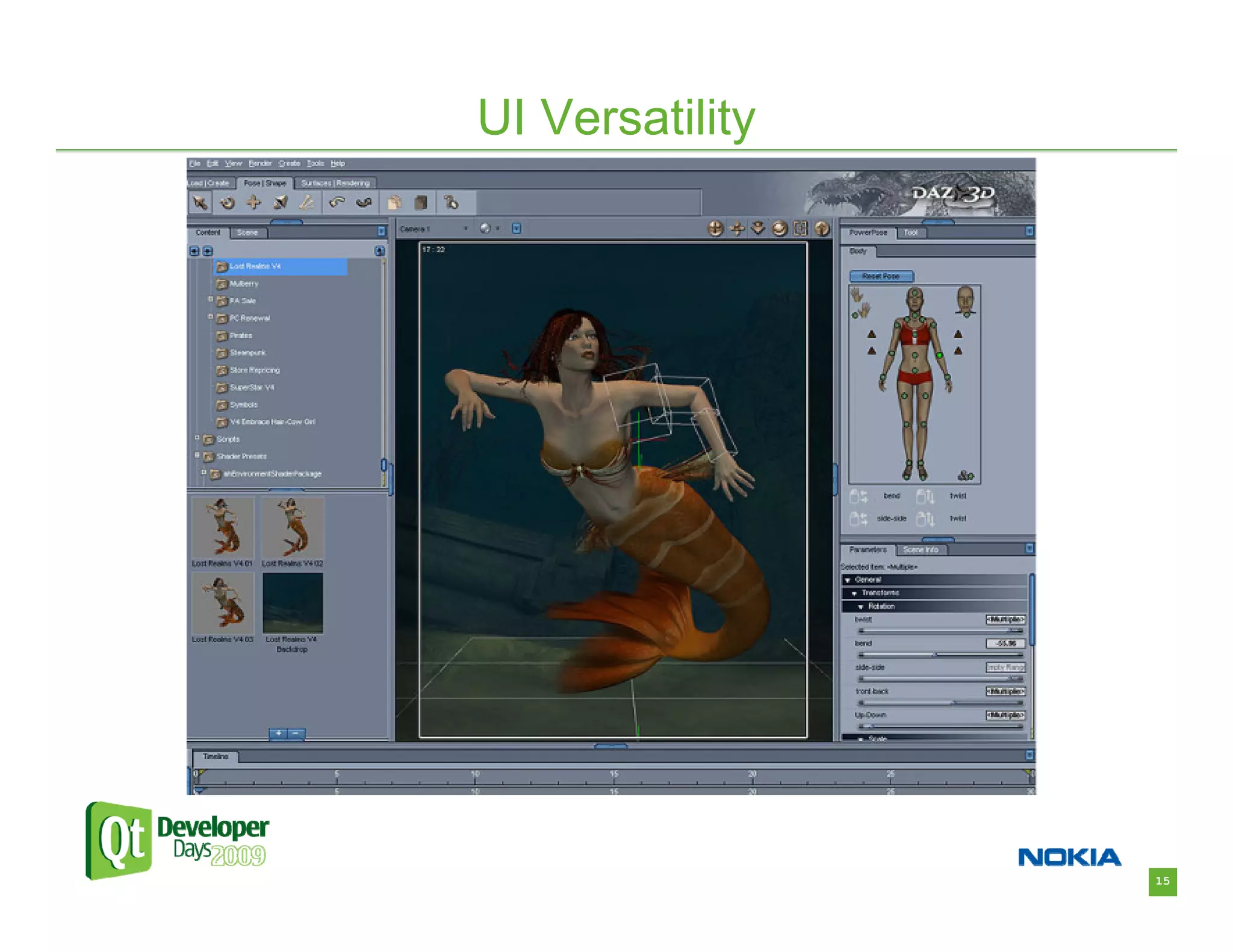
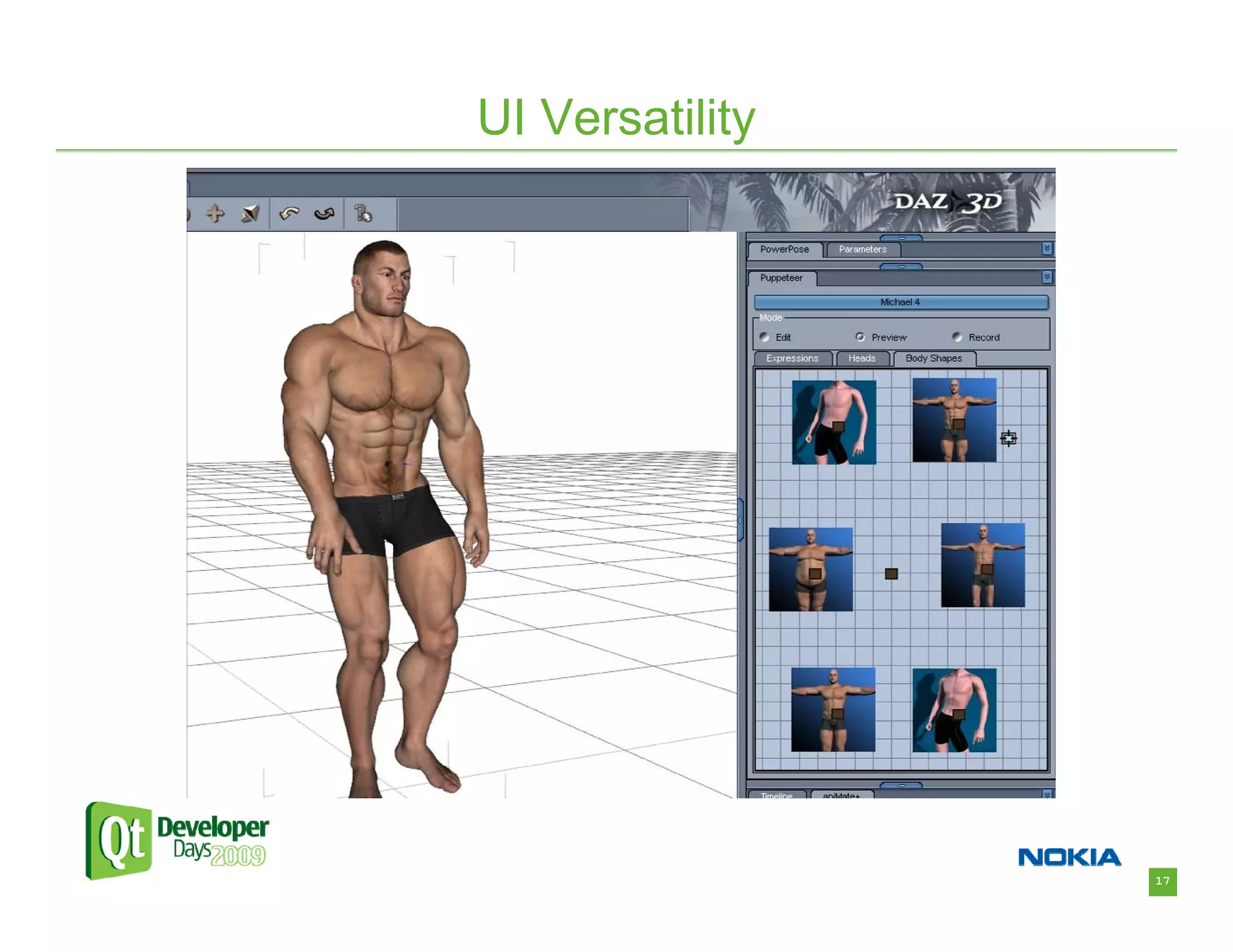
• Familiar widgets can still have unique style
  – Content pane using Model/View architecture
• Completely new widgets are also easy to create
  – Puppeteer – innovative user interface for posing and
    shaping figures
• OpenGL Widgets for real-time 3D displays


                                                           16
UI Versatility


                 17
UI Versatility


• Styles
  – We wanted a way to easily change the whole look of
    the application through “skins” or styles.
  – This was before CSS styles were introduced in Qt4.
  – We created an XML based style system which
    controls how widgets are drawn.
  – The style defines a set of drawing commands for how
    each widget should be drawn depending on its
    current state.
  – Supports images and basic drawing operations.


                                                          18
UI Versatility


• Styles
  – Savvy users are able to create their own styles.
  – We’re able to mimic the look of other applications in
    our lineup, so users can have more familiar and
    consistent experiences.
  – Most of this would have been very difficult without the
    powerful styling framework that Qt already had.
  – We’re currently exploring Qt Style sheets and are
    excited for the possibilities they’ll provide.


                                                              19
UI Versatility


• Layouts
  – Not all users have the same work flow.
  – Qt provides the flexibility to create completely
    customizable window layouts.
  – Layouts can be arranged by the user and saved for
    later use.
  – Users can quickly switch between multiple layouts
    based on the tasks at hand.


                                                        20
Cross Platform Support


                         21
Cross Platform Support


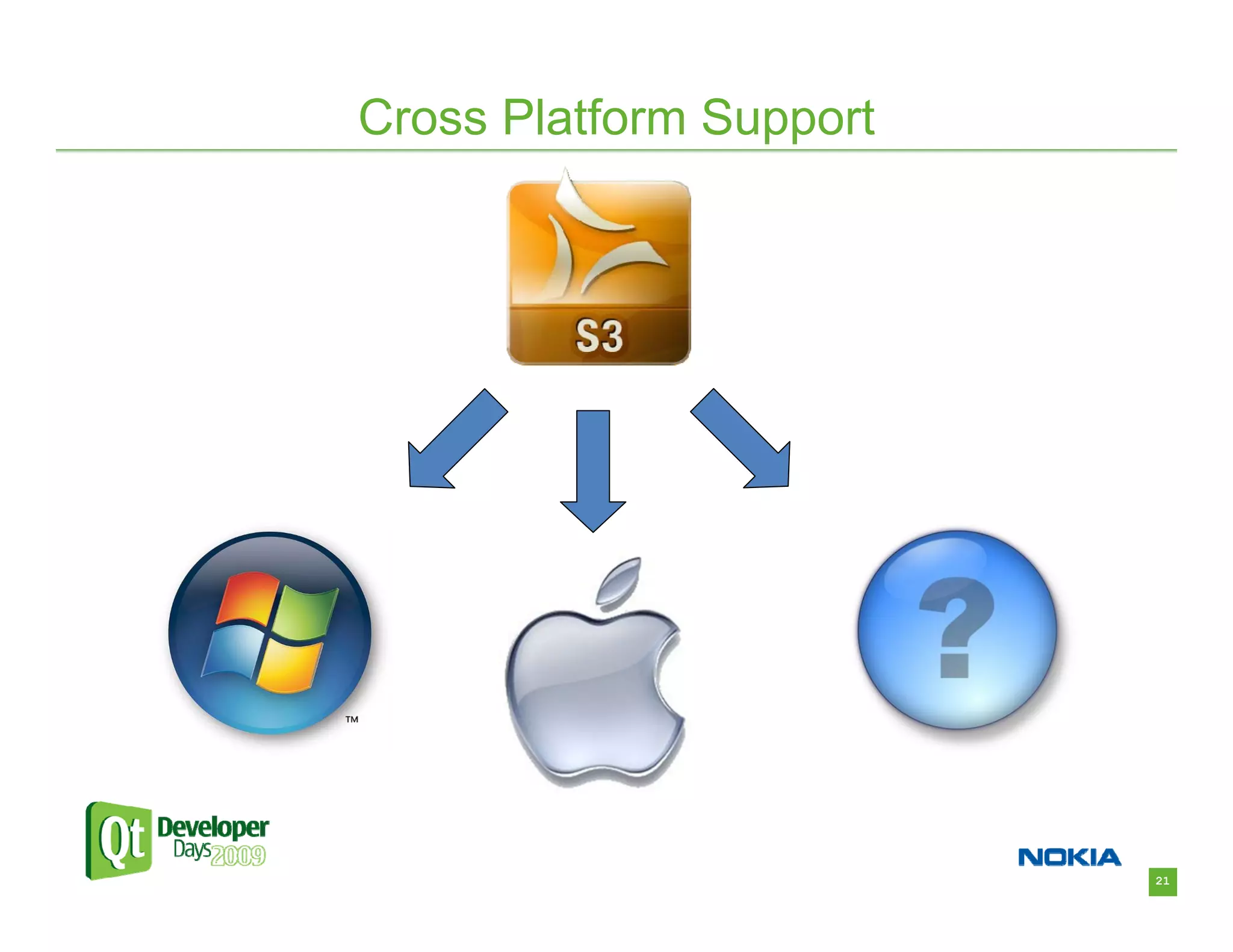
• Whether Windows, Mac OS X, Linux, or any
  other supported system, Qt makes it easy to
  support multiple platforms.
• Design interface elements once, and they just
  work on other platforms.
• No need to deal with often complicated setup for
  native windows, widgets, file IO, etc.
• Spend less time worrying about details and
  more time getting stuff done.


                                                     22
Cross Platform Support


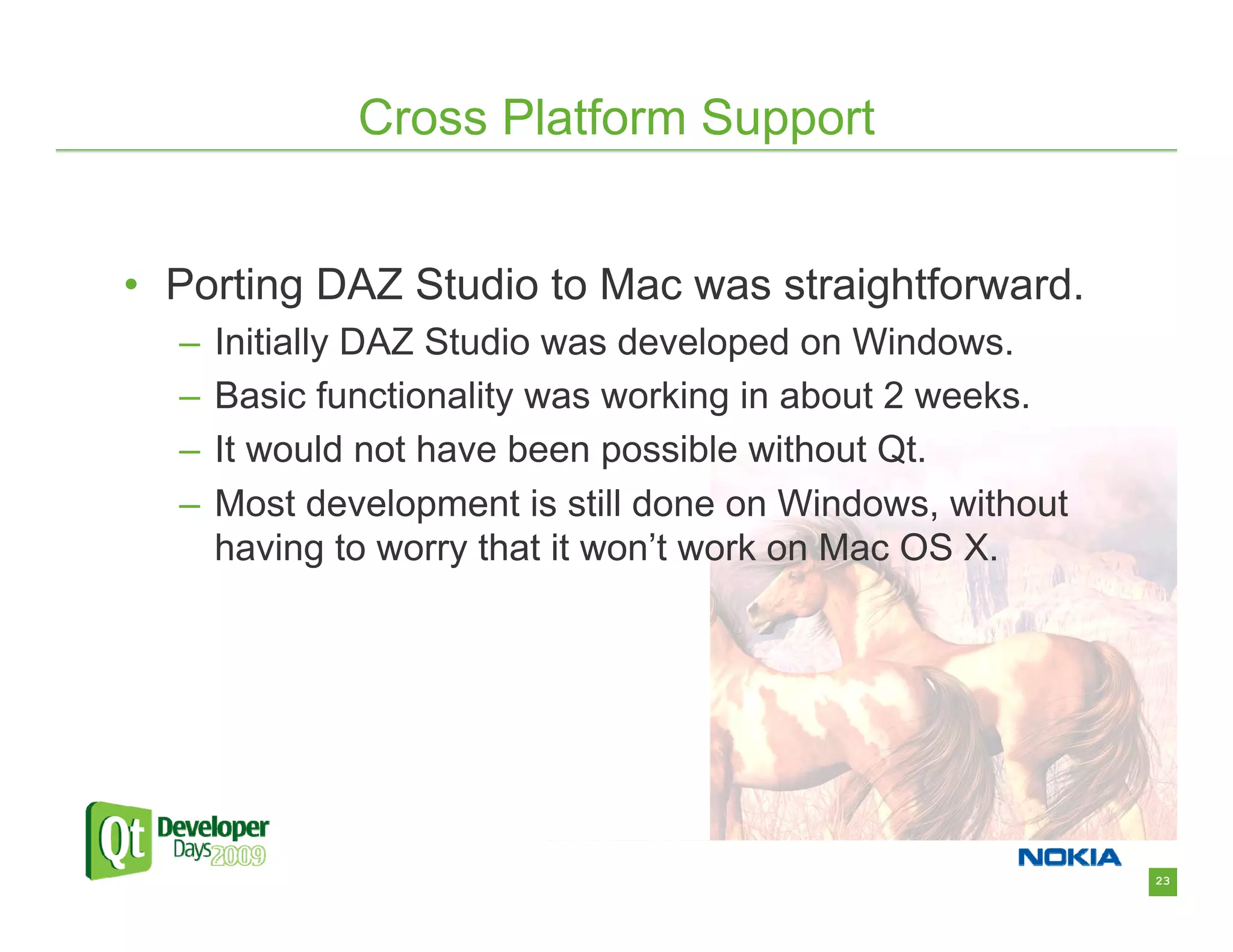
• Porting DAZ Studio to Mac was straightforward.
  –   Initially DAZ Studio was developed on Windows.
  –   Basic functionality was working in about 2 weeks.
  –   It would not have been possible without Qt.
  –   Most development is still done on Windows, without
      having to worry that it won’t work on Mac OS X.


                                                           23
Scripting Support


                    24
Scripting Support


• Scripting support in an application is something
  that may not seem very useful at first, but it
  provides a lot of flexibility and power.
   – Gives the end user the ability to add the functionality
     that they need.
   – Allows for features that may not be fully known at the
     time of release.
   – Gives developers tools for prototyping and testing.
• Qt makes it really easy to have full scripting
  capabilities.

                                                               25
Scripting Support


• A Scripting interface was an important design
  goal for DAZ Studio.
• Originally we used the open-source SWIG toolkit
  to generate Python Bindings.
• When QSA (Qt Script for Applications) was
  introduced for Qt 3, we were early adopters.
• QSA made a scripting interface for DAZ Studio
  much easier to create and maintain.
• The same classes that provide the plug-in SDK
  also provide the scripting interface.

                                                    26
Scripting Support


• In Qt 4, QSA has been replaced by QtScript.
• QtScript is now a part of the core Qt framework and is
  more standards compliant.
• Scripting provides many benefits to our users:
   – Many tasks in DAZ Studio have been automated with scripts
   – Content presets are provided as scripts – figure poses, material
     settings, animation data, etc.
   – Many 3rd party add-ons for DAZ Studio are available as scripts.
   – A Scripting language makes DAZ Studio very easy for the user
     to extend – only basic programming knowledge is required.


                                                                        27
Ease of Development


                      28
Ease of Development

• Qt provides a framework that makes new development
  for DAZ Studio relatively easy.
• New engineers, and even interns, have been able to
  make meaningful contributions in a relatively short time.
• The DAZ Studio plug-in SDK, which is rooted heavily in
  Qt, makes it easy to extend DAZ Studio with new
  functionality.
• A number of 3rd party plug-in developers have expressed
  that DAZ Studio is one of the easiest applications they’ve
  developed for – in part due to Qt.


                                                               29
Ease of Development


• Open Source benefits
  – In Qt 3, DAZ Studio plug-in developers were required
    to license the Qt framework.
  – This was cost-prohibitive to many.
  – In Qt 4.5, the addition of LGPL licensing enabled us
    to make the DAZ Studio SDK freely available, and
    has generated a lot of new interest.
  – There is no barrier to entry except knowledge.
  – This creates a rich and productive add-on community.


                                                           30
Ease of Development


•   Recently, we developed 64-bit versions of DAZ Studio and Carrara
    for Windows and Mac OS X.
•   The move to 64-bit for DAZ Studio was very smooth, thanks in large
    part to Qt.
•   The move to 64-bit for Carrara was more problematic.
•   On Mac OS X, the 64-bit move required us to change from using
    Apple’s Carbon framework to the new Cocoa framework.
•   After researching the required changes, it was decided to move to
    Qt instead, which can handle the Cocoa interface for us.
•   The application event loop and window system were moved onto Qt,
    and a 64-bit version of Carrara for OS X was running in less time
    than if we had made the change to Cocoa ourselves.


                                                                         31
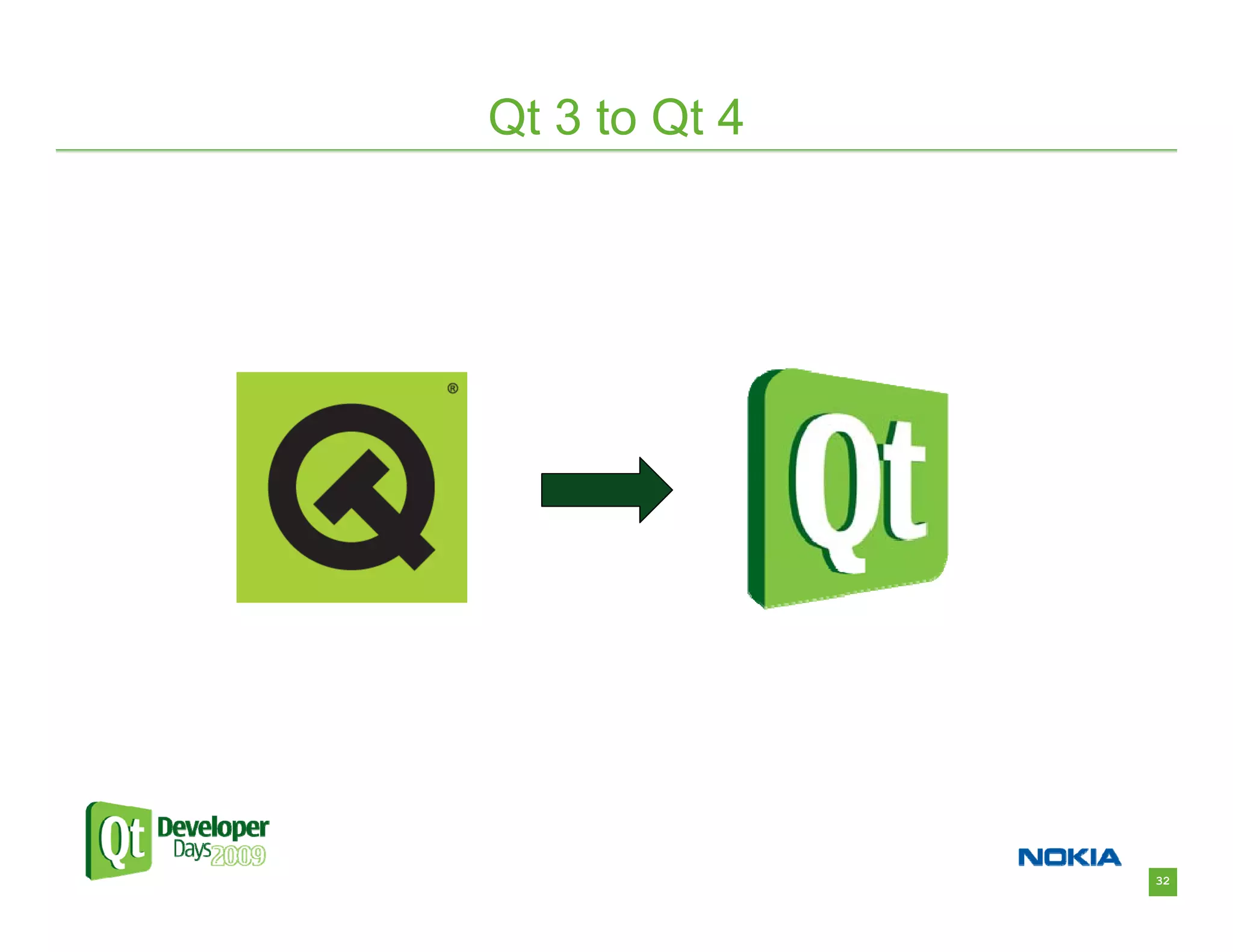
Qt 3 to Qt 4


               32
Qt 3 to Qt 4


• With all of our style customization and heavy use
  of scripting, porting from Qt 3 to Qt 4 was a
  worst-case-scenario.
• The qt3to4 utility gave us a good starting point
• Problem areas
  – Styles
  – Changes in widget and layout behavior
  – Scripting


                                                      33
Qt 3 to Qt 4


• QStyle changes were very problematic, and
  documentation was sometimes incomplete.
   – Access to the source code was very valuable.
   – We could examine exactly how different style aspects are
     handled and adjust accordingly.
• Qt3Support library is very useful, but some widgets and
  layouts still don’t behave quite the same.
   – Switching to Qt 4 counterparts was mostly straightforward.
• Moving from QSA to QtScript was very challenging.
   – Again, having source code was invaluable.
   – We were able to write a syntax translation tool that can
     automatically convert most of our QSA scripts to working
     QtScripts.


                                                                  34
Qt 3 to Qt 4


• What did we get with Qt 4?
  – Improved UI behavior and stability
  – Qt Style Sheets
  – Model-View type item views
  – Mac Cocoa support – important for 64-bit version
  – Script debugger
  – Scripts are now fully ECMAScript compatible
  – WebKit and other networking improvements for
    interactivity with our online store
  – LGPL licensing allowing us to distribute a free SDK

                                                          35
Conclusions

• Qt is an invaluable tool in the development of
  DAZ Studio.
• Qt gives us the flexibility to create an application
  with a flair and style all its own.
• Qt enables us to ignore many technical details
  and focus on building a better app.
• Qt helps us reduce development costs and
  decrease time-to-market.


                                                         36

Case Study: Using Qt to Develop Advanced GUIs & Advanced Visualization Software

  • 1.
    DAZ Studio Advanced 3DGraphics Empowered by Qt
  • 2.
  • 3.
    DAZ 3D • DAZ3D – What we’re all about – “Unleash the Artist Within” • Bring 3D art to the masses. – High quality virtual 3D figures and content. – Innovative software which enables anyone to create artistic images. – A synergistic community which learns, shares, and grows together. 2
  • 4.
    DAZ 3D • Historyof DAZ 3D – DAZ 3D began as a division of the Zygote Media Group creating realistic virtual figures. – In December of 2000 it became an independent corporation and shortly after opened an online store for 3D figures and content at www.daz3d.com. – Since then it has grown to provide software applications which help users get the most out of their virtual content. 3
  • 5.
  • 6.
    DAZ Studio • Inthe beginning DAZ 3D had some great 3D figures and content, but relied on another company’s software to display this content. • We needed a way to showcase our content and remove our reliance on 3rd party applications. • DAZ Studio was born. 5
  • 7.
    DAZ Studio • DAZStudio is a feature rich 3D figure modeling, posing, and animation tool. • It’s a vehicle for getting 3D content into the hands of users. – Get it into as many hands as possible. – It’s free! • It pushes 3D content to new heights with new ideas and innovations. 6
  • 8.
    DAZ Studio • DesigningDAZ Studio – We needed an app with a unique and custom look. – We needed an application framework that would give quick and flexible results. – We needed Windows and Mac versions. – We needed a scriptable application. • Qt fit perfectly into our goals. 7
  • 9.
    DAZ Studio • WhyQt? – Versatility of interface components – Cross platform support – Ease of development – Integrated scripting capability • Since DAZ Studio’s inception in 2002 we’ve relied heavily on Qt, and it has been a huge benefit. 8
  • 10.
  • 11.
    UI Versatility • Someapplications need to look native to a specific platform – Qt does this well. • With other applications, you often want a unique and eye-catching look. – Qt also does this well. • We want anyone who sees DAZ Studio to be drawn in and have to try it. • Here’s what we came up with: 10
  • 12.
  • 13.
  • 14.
  • 15.
  • 16.
  • 17.
    UI Versatility • Familiarwidgets can still have unique style – Content pane using Model/View architecture • Completely new widgets are also easy to create – Puppeteer – innovative user interface for posing and shaping figures • OpenGL Widgets for real-time 3D displays 16
  • 18.
  • 19.
    UI Versatility • Styles – We wanted a way to easily change the whole look of the application through “skins” or styles. – This was before CSS styles were introduced in Qt4. – We created an XML based style system which controls how widgets are drawn. – The style defines a set of drawing commands for how each widget should be drawn depending on its current state. – Supports images and basic drawing operations. 18
  • 20.
    UI Versatility • Styles – Savvy users are able to create their own styles. – We’re able to mimic the look of other applications in our lineup, so users can have more familiar and consistent experiences. – Most of this would have been very difficult without the powerful styling framework that Qt already had. – We’re currently exploring Qt Style sheets and are excited for the possibilities they’ll provide. 19
  • 21.
    UI Versatility • Layouts – Not all users have the same work flow. – Qt provides the flexibility to create completely customizable window layouts. – Layouts can be arranged by the user and saved for later use. – Users can quickly switch between multiple layouts based on the tasks at hand. 20
  • 22.
  • 23.
    Cross Platform Support •Whether Windows, Mac OS X, Linux, or any other supported system, Qt makes it easy to support multiple platforms. • Design interface elements once, and they just work on other platforms. • No need to deal with often complicated setup for native windows, widgets, file IO, etc. • Spend less time worrying about details and more time getting stuff done. 22
  • 24.
    Cross Platform Support •Porting DAZ Studio to Mac was straightforward. – Initially DAZ Studio was developed on Windows. – Basic functionality was working in about 2 weeks. – It would not have been possible without Qt. – Most development is still done on Windows, without having to worry that it won’t work on Mac OS X. 23
  • 25.
  • 26.
    Scripting Support • Scriptingsupport in an application is something that may not seem very useful at first, but it provides a lot of flexibility and power. – Gives the end user the ability to add the functionality that they need. – Allows for features that may not be fully known at the time of release. – Gives developers tools for prototyping and testing. • Qt makes it really easy to have full scripting capabilities. 25
  • 27.
    Scripting Support • AScripting interface was an important design goal for DAZ Studio. • Originally we used the open-source SWIG toolkit to generate Python Bindings. • When QSA (Qt Script for Applications) was introduced for Qt 3, we were early adopters. • QSA made a scripting interface for DAZ Studio much easier to create and maintain. • The same classes that provide the plug-in SDK also provide the scripting interface. 26
  • 28.
    Scripting Support • InQt 4, QSA has been replaced by QtScript. • QtScript is now a part of the core Qt framework and is more standards compliant. • Scripting provides many benefits to our users: – Many tasks in DAZ Studio have been automated with scripts – Content presets are provided as scripts – figure poses, material settings, animation data, etc. – Many 3rd party add-ons for DAZ Studio are available as scripts. – A Scripting language makes DAZ Studio very easy for the user to extend – only basic programming knowledge is required. 27
  • 29.
  • 30.
    Ease of Development •Qt provides a framework that makes new development for DAZ Studio relatively easy. • New engineers, and even interns, have been able to make meaningful contributions in a relatively short time. • The DAZ Studio plug-in SDK, which is rooted heavily in Qt, makes it easy to extend DAZ Studio with new functionality. • A number of 3rd party plug-in developers have expressed that DAZ Studio is one of the easiest applications they’ve developed for – in part due to Qt. 29
  • 31.
    Ease of Development •Open Source benefits – In Qt 3, DAZ Studio plug-in developers were required to license the Qt framework. – This was cost-prohibitive to many. – In Qt 4.5, the addition of LGPL licensing enabled us to make the DAZ Studio SDK freely available, and has generated a lot of new interest. – There is no barrier to entry except knowledge. – This creates a rich and productive add-on community. 30
  • 32.
    Ease of Development • Recently, we developed 64-bit versions of DAZ Studio and Carrara for Windows and Mac OS X. • The move to 64-bit for DAZ Studio was very smooth, thanks in large part to Qt. • The move to 64-bit for Carrara was more problematic. • On Mac OS X, the 64-bit move required us to change from using Apple’s Carbon framework to the new Cocoa framework. • After researching the required changes, it was decided to move to Qt instead, which can handle the Cocoa interface for us. • The application event loop and window system were moved onto Qt, and a 64-bit version of Carrara for OS X was running in less time than if we had made the change to Cocoa ourselves. 31
  • 33.
    Qt 3 toQt 4 32
  • 34.
    Qt 3 toQt 4 • With all of our style customization and heavy use of scripting, porting from Qt 3 to Qt 4 was a worst-case-scenario. • The qt3to4 utility gave us a good starting point • Problem areas – Styles – Changes in widget and layout behavior – Scripting 33
  • 35.
    Qt 3 toQt 4 • QStyle changes were very problematic, and documentation was sometimes incomplete. – Access to the source code was very valuable. – We could examine exactly how different style aspects are handled and adjust accordingly. • Qt3Support library is very useful, but some widgets and layouts still don’t behave quite the same. – Switching to Qt 4 counterparts was mostly straightforward. • Moving from QSA to QtScript was very challenging. – Again, having source code was invaluable. – We were able to write a syntax translation tool that can automatically convert most of our QSA scripts to working QtScripts. 34
  • 36.
    Qt 3 toQt 4 • What did we get with Qt 4? – Improved UI behavior and stability – Qt Style Sheets – Model-View type item views – Mac Cocoa support – important for 64-bit version – Script debugger – Scripts are now fully ECMAScript compatible – WebKit and other networking improvements for interactivity with our online store – LGPL licensing allowing us to distribute a free SDK 35
  • 37.
    Conclusions • Qt isan invaluable tool in the development of DAZ Studio. • Qt gives us the flexibility to create an application with a flair and style all its own. • Qt enables us to ignore many technical details and focus on building a better app. • Qt helps us reduce development costs and decrease time-to-market. 36