Mobile UX - the intricacies of designing for mobile devices

Loading...

Flash Player 9 (or above) is needed to view presentations.
We have detected that you do not have it on your computer. To install it, go here.

9 comments

Comments 1 - 9 of 9 previous next Post a comment

  • + ricferraro Ric Ferraro 3 months ago
    Very clear and insightful presentation-I thoroughly recommend it
  • + vadlamudi1986 vadlamudi1986 4 months ago
    Excellent.
  • + mychentw Michelle Chen 5 months ago
    Very interesting ppt. The research indicated PPT only contains 30% of information; therefore the 70% valuable information comes from the presenter himself/herself. soEZLecturing.com provides you a chance to record your voice with your PowerPoint presentation and upload to the website. It can share with more readers and also promote your presentation more effectively on soEZLecturing.com.

    www.soEZLecturing.com
  • + guest7a47f7 guest7a47f7 6 months ago
    فله
  • + maanping maanping 10 months ago
    Very Good!
  • + fls2001zz fls2001zz 10 months ago
    VERY GOOD
  • + andybudd Andy Budd 10 months ago
    Nice work Tosh :-)
  • + lokeuei lokeuei 10 months ago
    Excellent Deck Ribot! Love the colors.
  • + jaremfan Boon Chew 10 months ago
    Thanks for uploading these! It’s great to refer back to the slides after seeing the presentations.
Post a comment
Embed Video
Edit your comment Cancel

Notes on slide 1


move things along little by little


Note: Constraints make mobile interesting. A challenge.


If you're not aware of the constraints, the UX will be poor.


[Note - do mobile users have shorter attention spans?]


e.g. In SA, most people have very limited data connections. Mixit


Like a large bag of chocolate buttons


Motorola


Exit, Quit,


Miniaturisation (shrinking things down)


Mobilisation (process of selecting the features most important to the user given the mobile context) vs


minimising the number of subconscious questions the user needs to make


super simple, but so few design this


(all the time, we are building a relationship with the user)


36 Favorites & 5 Groups

Mobile UX - the intricacies of designing for mobile devices - Presentation Transcript

  1. MOBILE USER EXPERIENCE the intricacies of designing for mobile devices Antony Ribot, CEO, Ribot UX Corner - 08.01.2009 http://www.flickr.com/taraethers
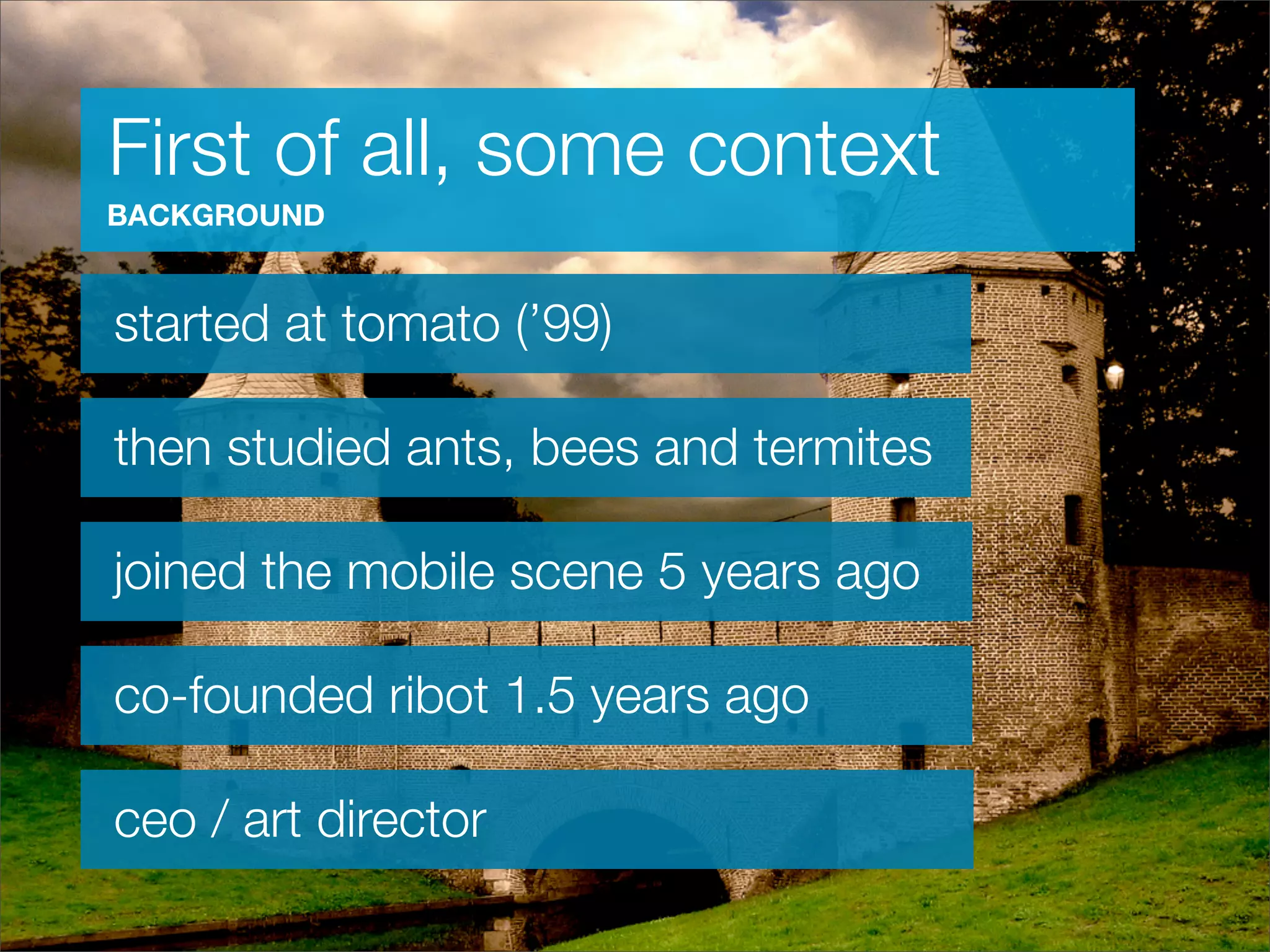
  2. First of all, some context BACKGROUND started at tomato (’99) then studied ants, bees and termites joined the mobile scene 5 years ago co-founded ribot 1.5 years ago ceo / art director
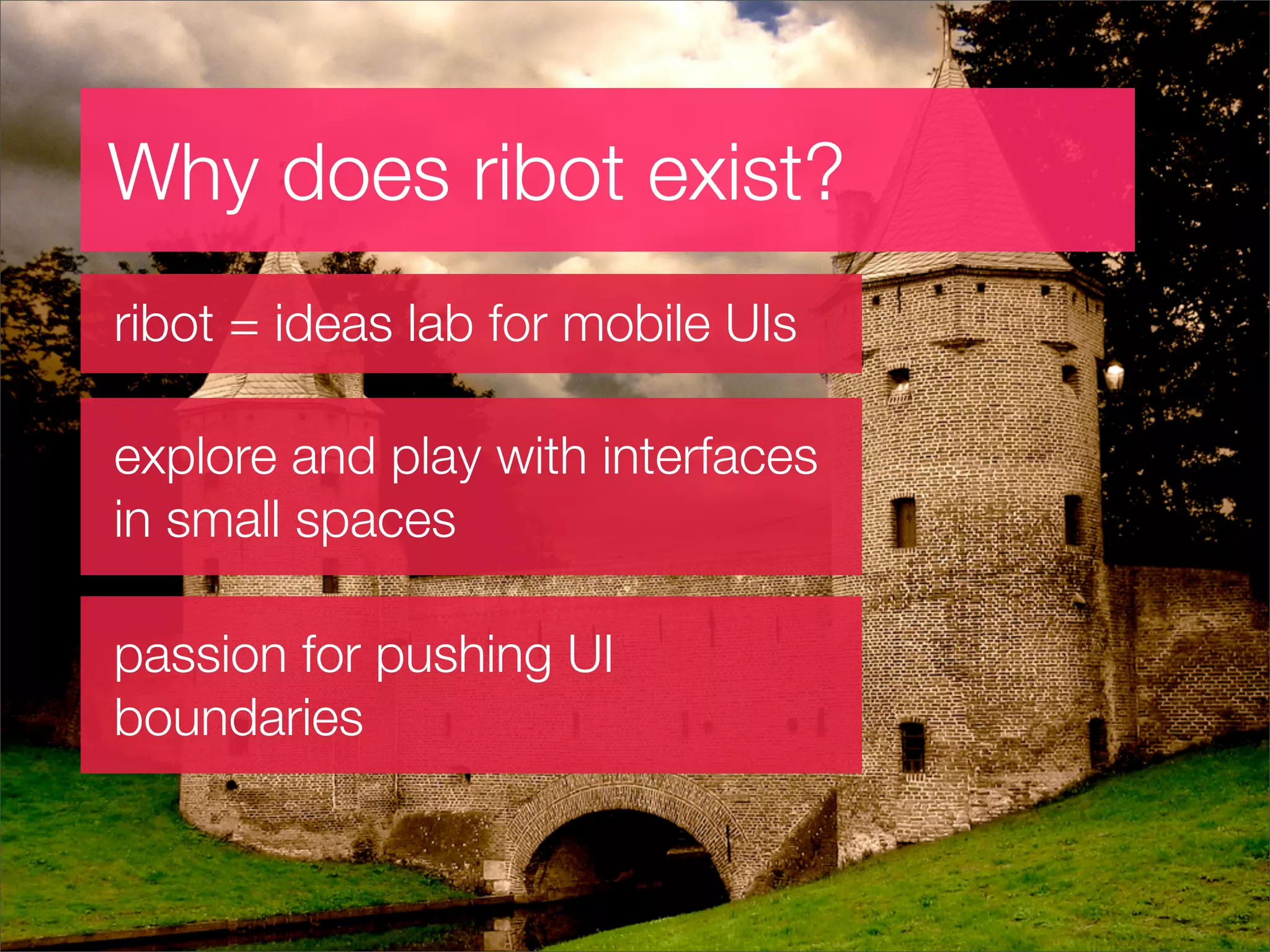
  3. Why does ribot exist? ribot = ideas lab for mobile UIs explore and play with interfaces in small spaces passion for pushing UI boundaries
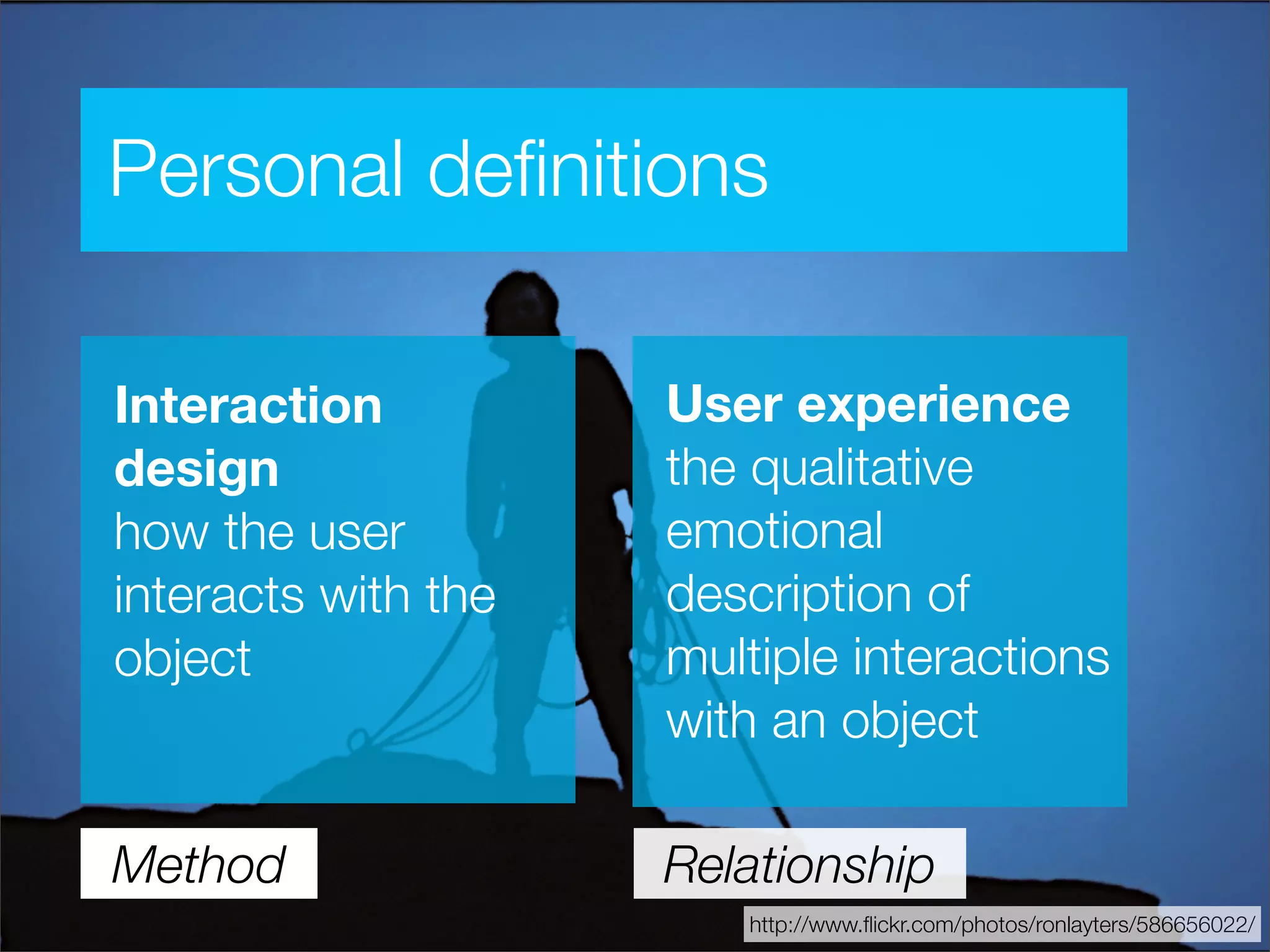
  4. Personal definitions User experience Interaction the qualitative design emotional how the user description of interacts with the multiple interactions object with an object Method Relationship http://www.flickr.com/photos/ronlayters/586656022/
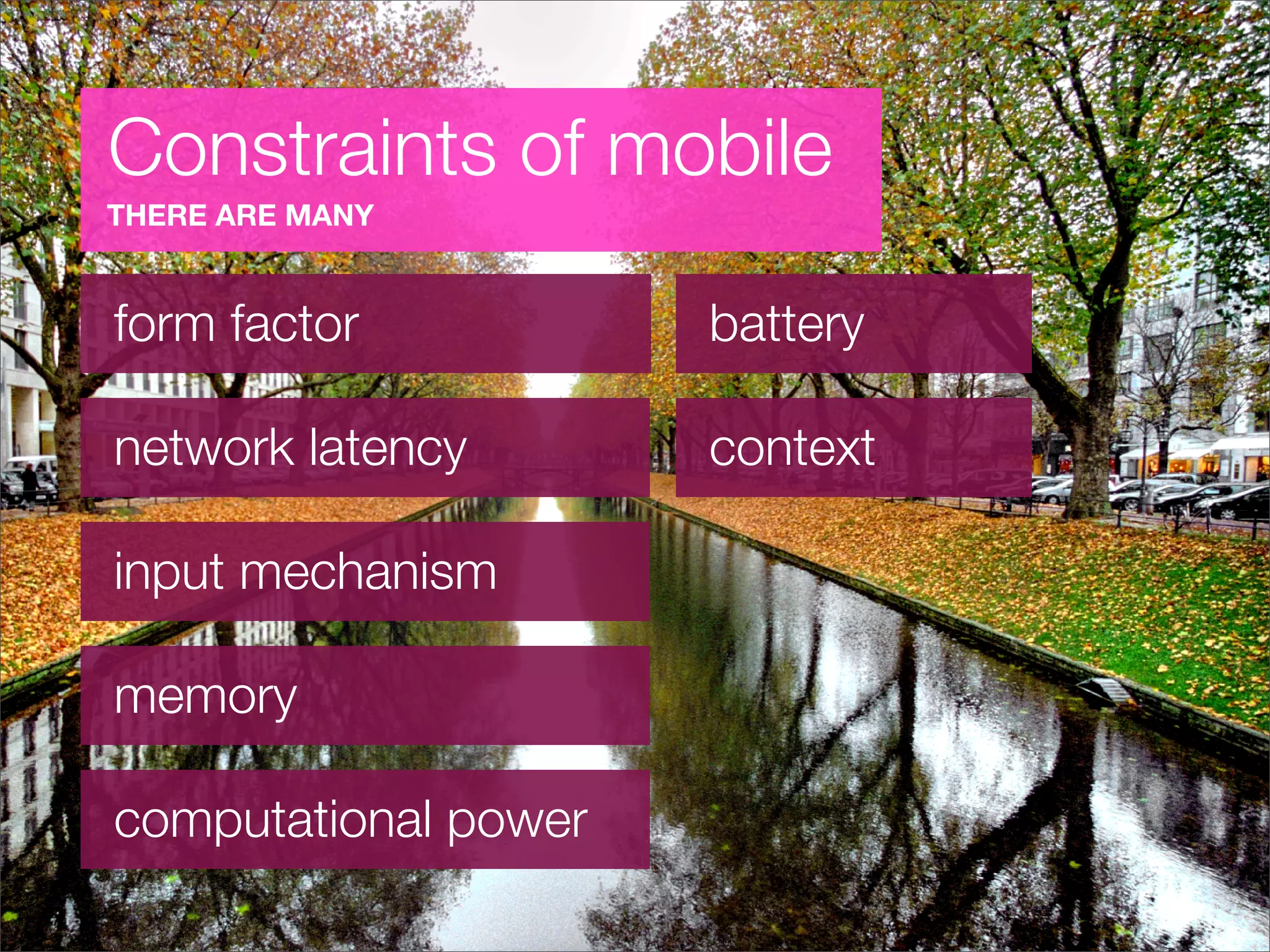
  5. Constraints of mobile THERE ARE MANY form factor battery network latency context input mechanism memory computational power
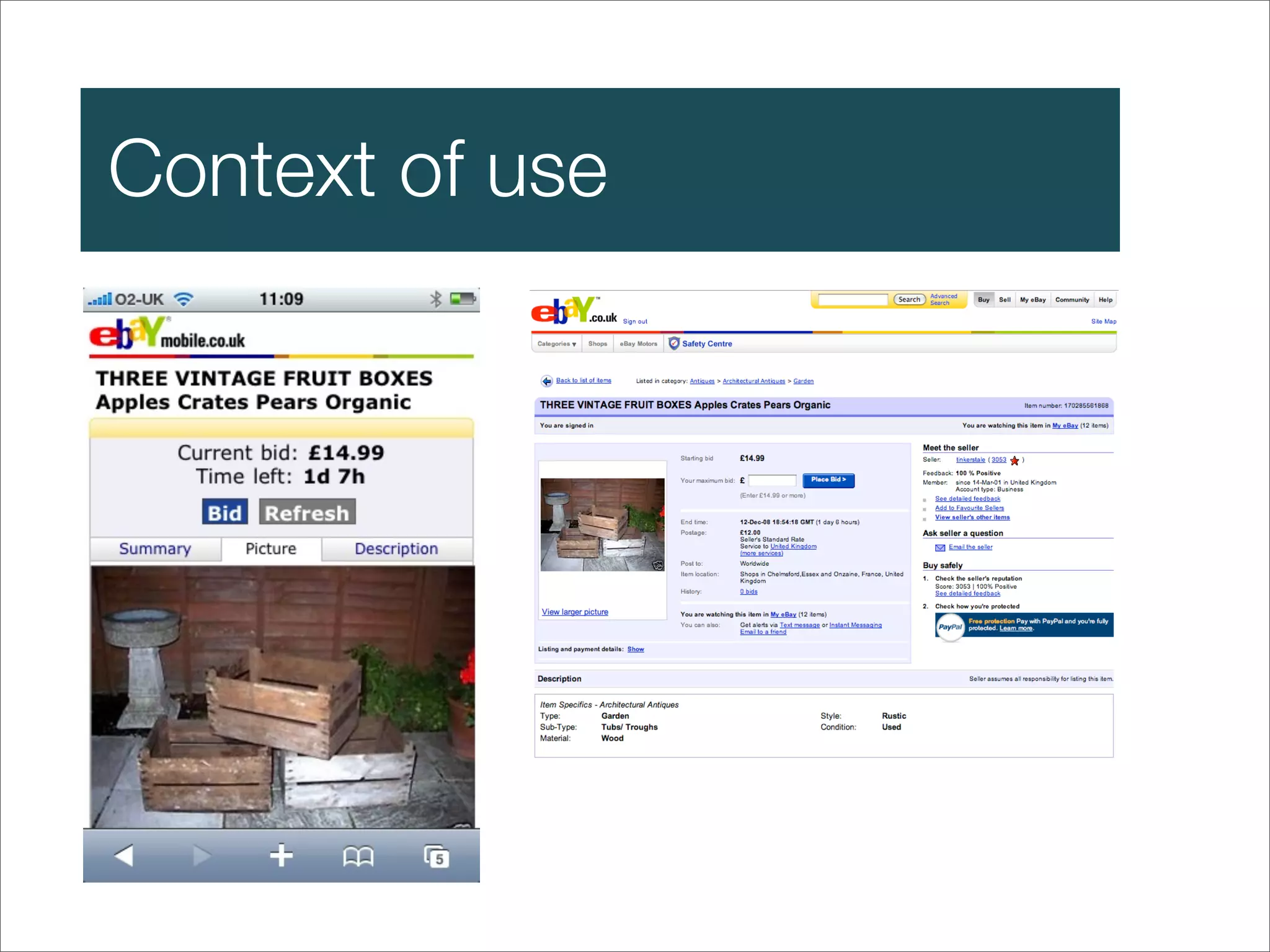
  6. Context of use
  7. Behaviours & usage
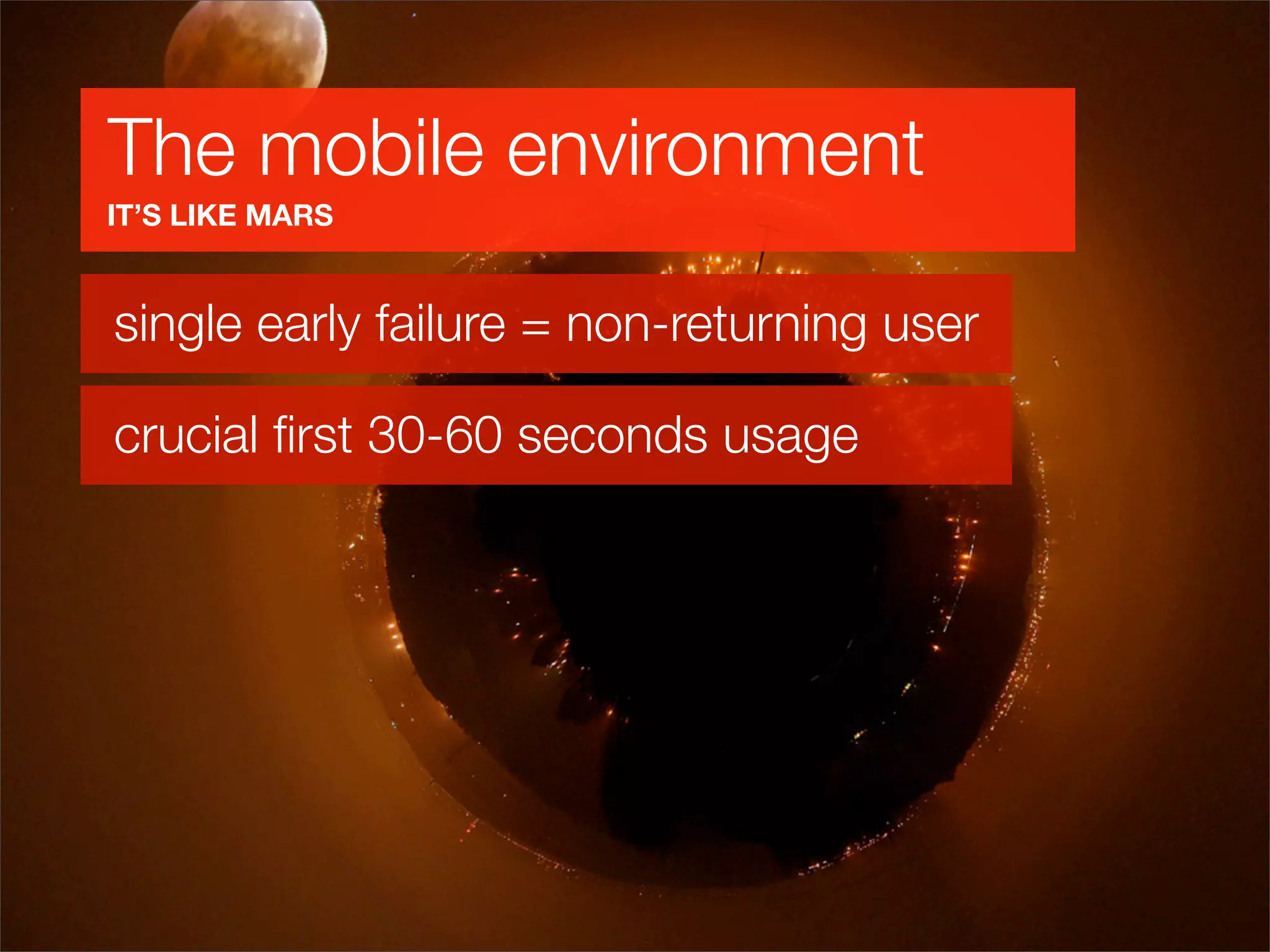
  8. The mobile environment IT’S LIKE MARS single early failure = non-returning user crucial first 30-60 seconds usage
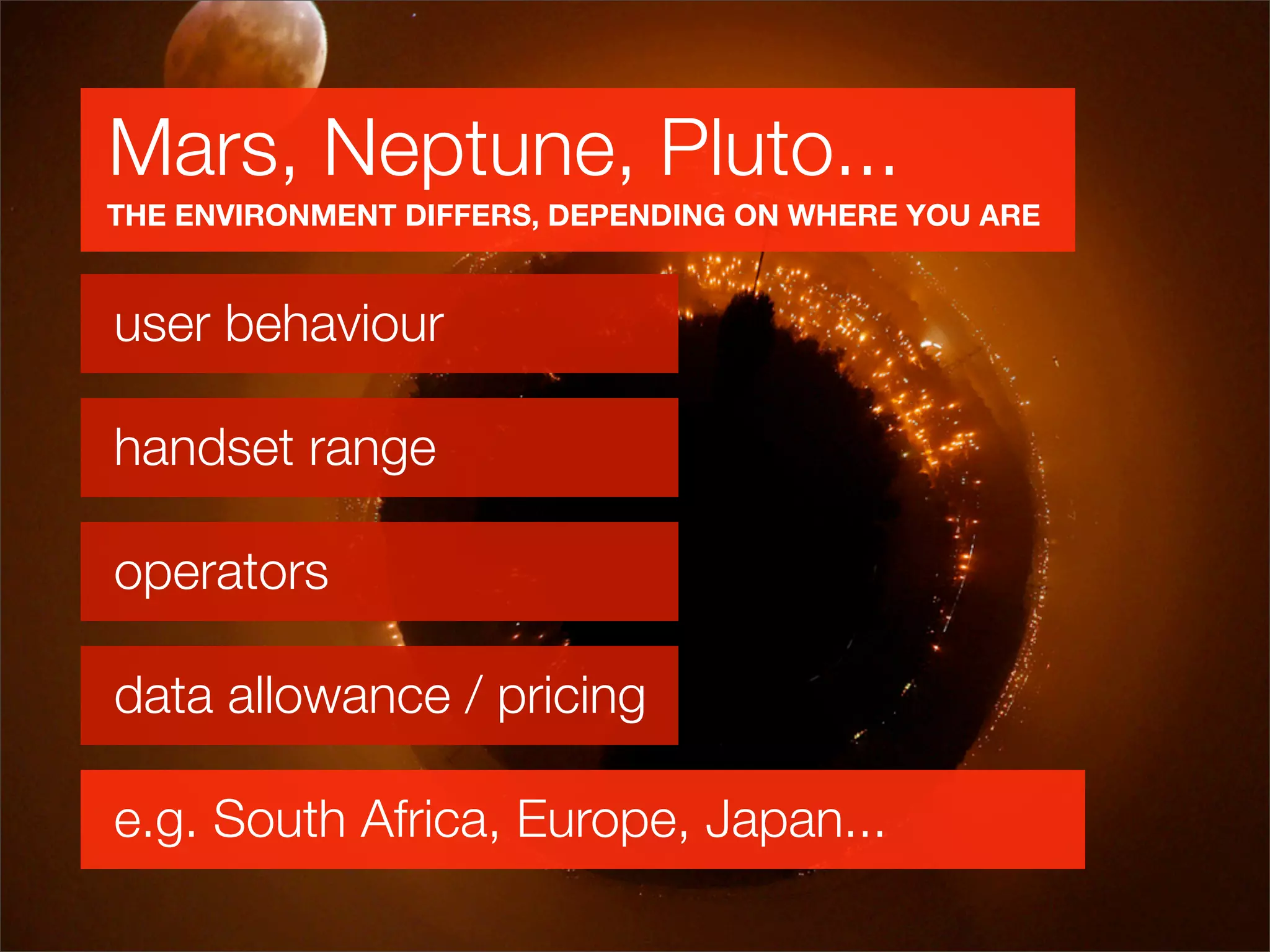
  9. Mars, Neptune, Pluto... THE ENVIRONMENT DIFFERS, DEPENDING ON WHERE YOU ARE user behaviour handset range operators data allowance / pricing e.g. South Africa, Europe, Japan...
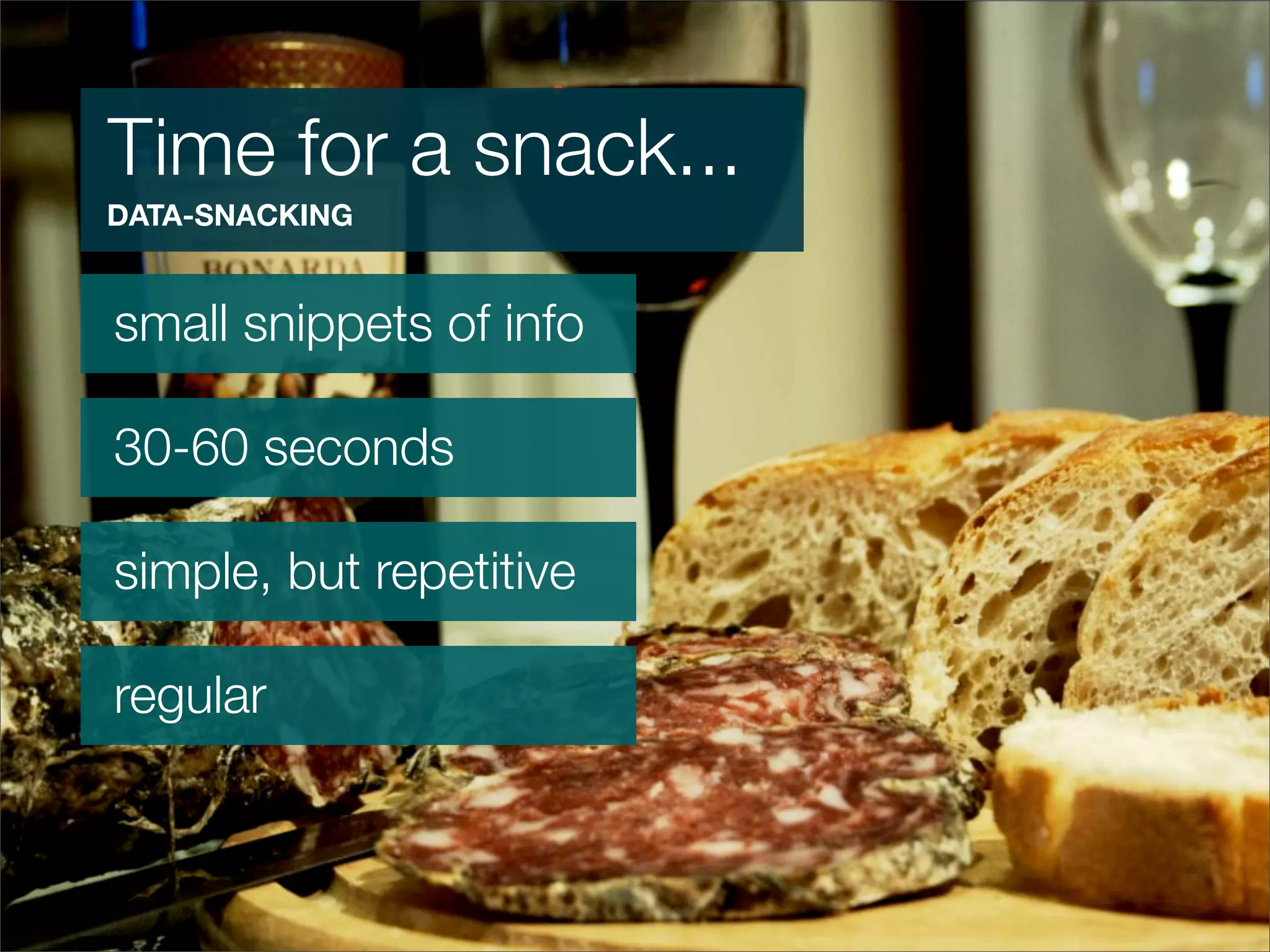
  10. Time for a snack... DATA-SNACKING small snippets of info 30-60 seconds simple, but repetitive regular
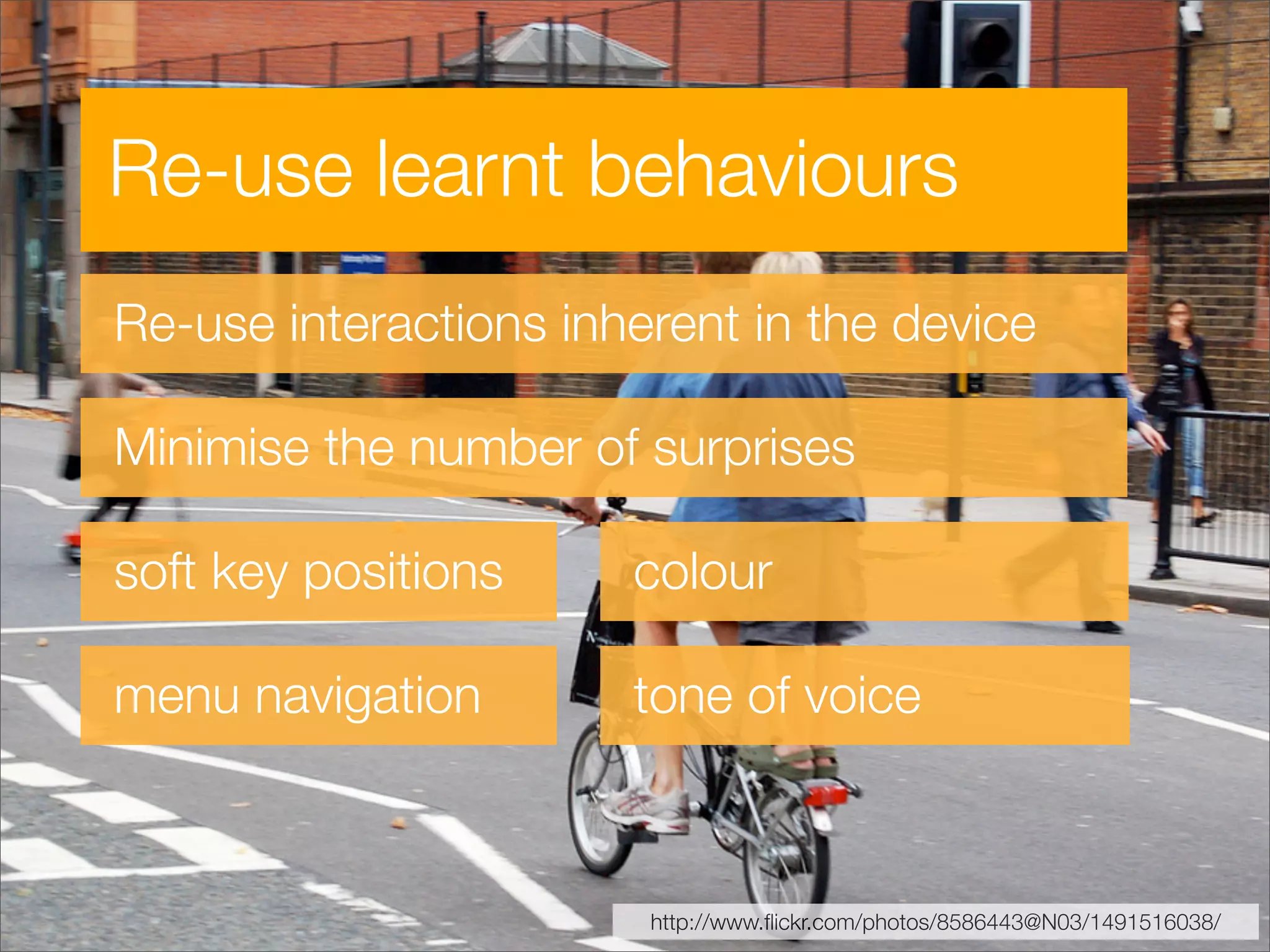
  11. Re-use learnt behaviours Re-use interactions inherent in the device Minimise the number of surprises soft key positions colour menu navigation tone of voice http://www.flickr.com/photos/8586443@N03/1491516038/
  12. Going into details...
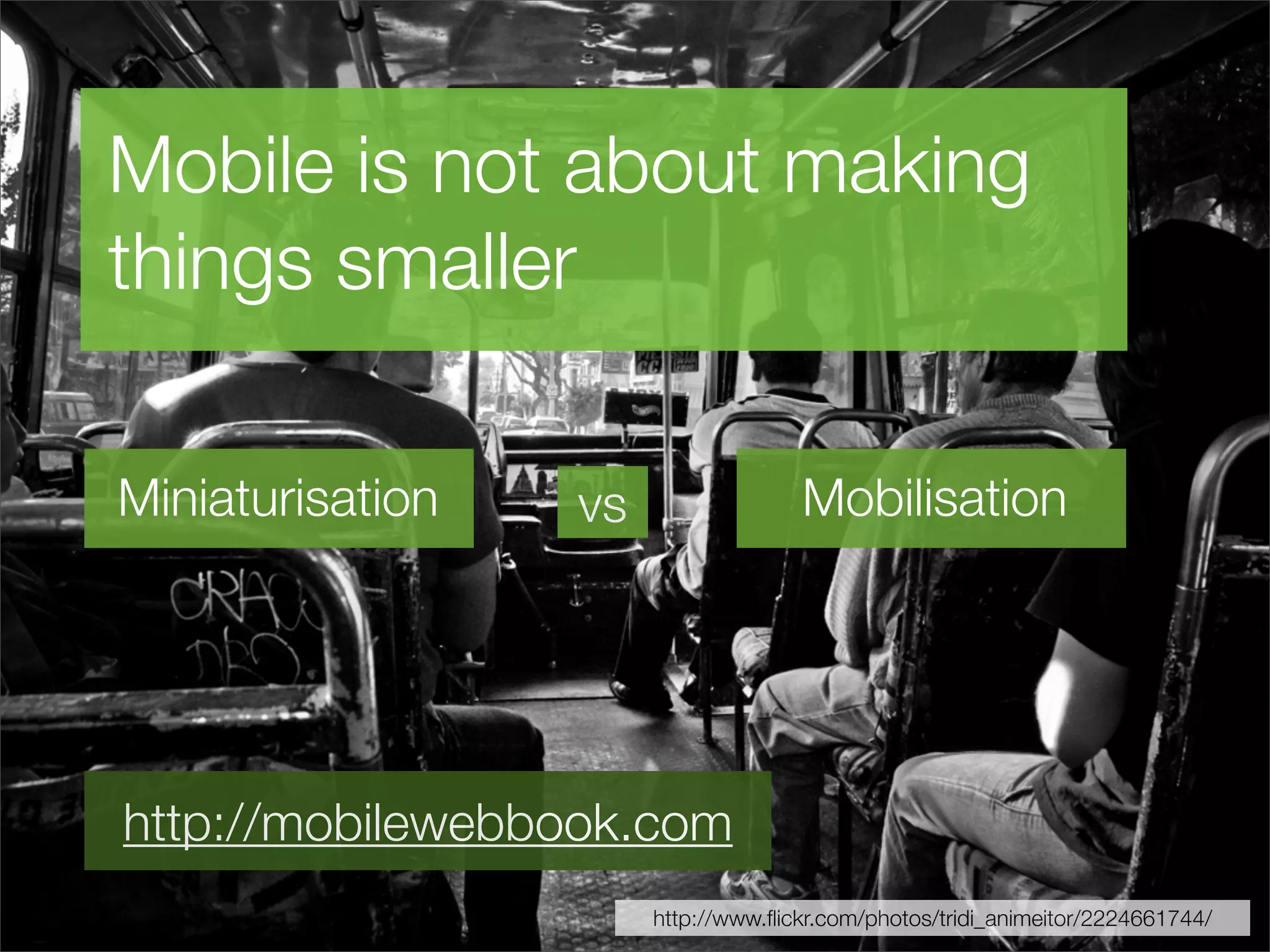
  13. Mobile is not about making things smaller Miniaturisation Mobilisation vs http://mobilewebbook.com http://www.flickr.com/photos/tridi_animeitor/2224661744/
  14. It’s all about the subtleties Fewer options = simple and more effective interface Polish makes the UX and app stand out
  15. Default states in a UI Grid menus and lists Most important function highlighted? Maximise number of options a click away http://flickr.com/photos/moonypics/2130645953/
  16. Faking it Low latency is key to the user experience... ...especially with touch devices Make immediate visual changes... ...whilst we wait for network/other process http://flickr.com/photos/rabataller/638250907/
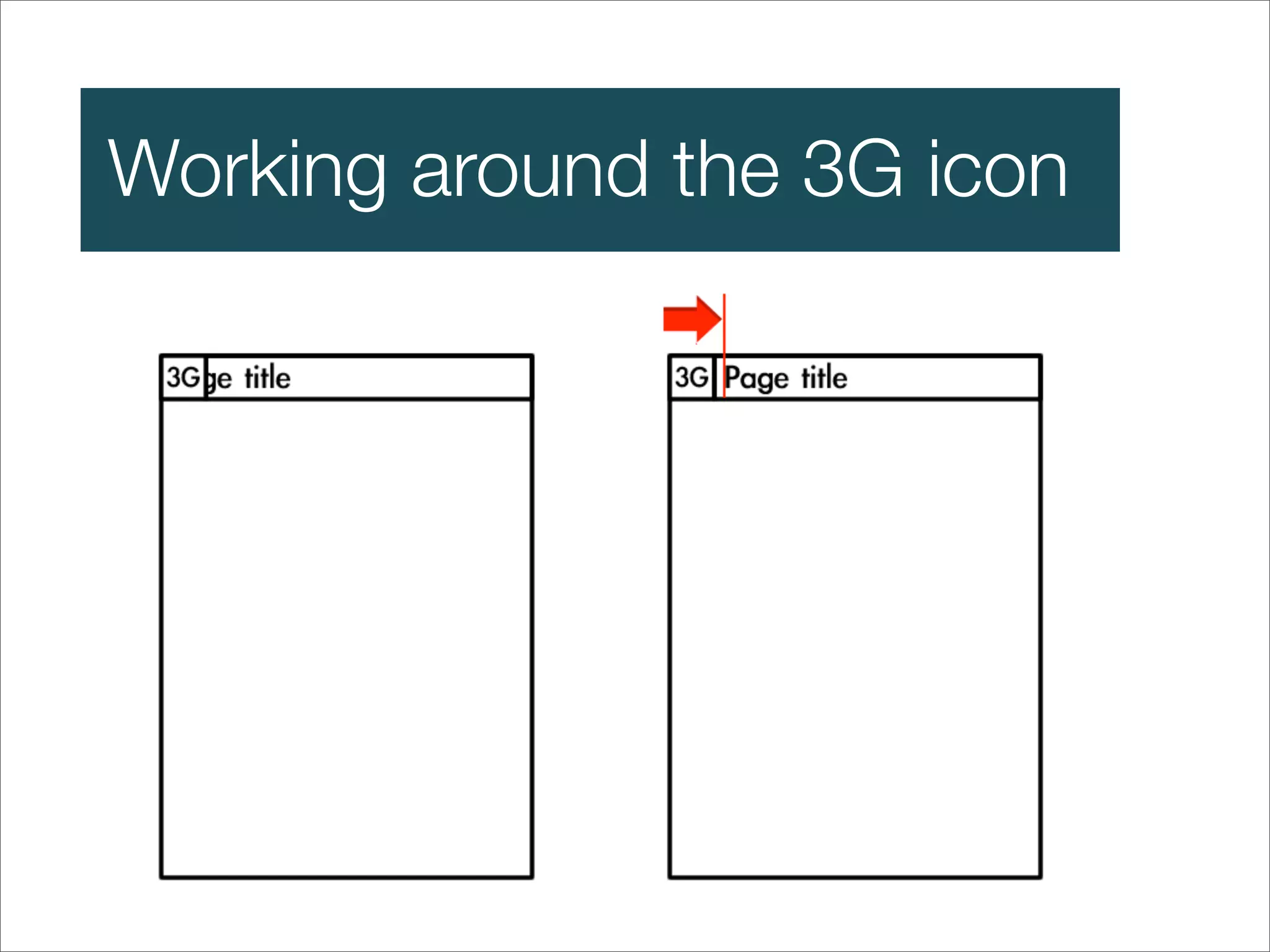
  17. Working around the 3G icon
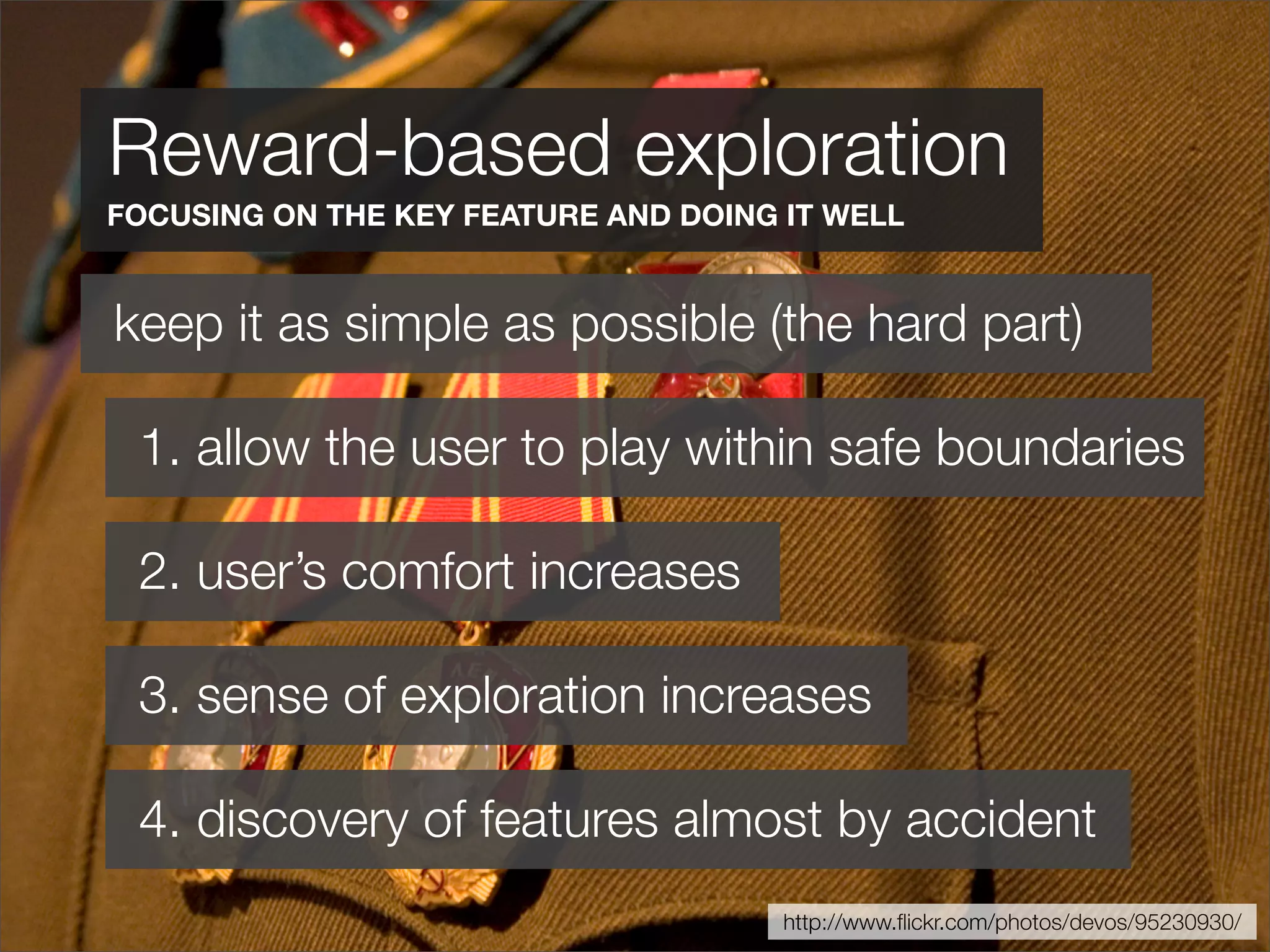
  18. Reward-based exploration FOCUSING ON THE KEY FEATURE AND DOING IT WELL keep it as simple as possible (the hard part) 1. allow the user to play within safe boundaries 2. user’s comfort increases 3. sense of exploration increases 4. discovery of features almost by accident http://www.flickr.com/photos/devos/95230930/
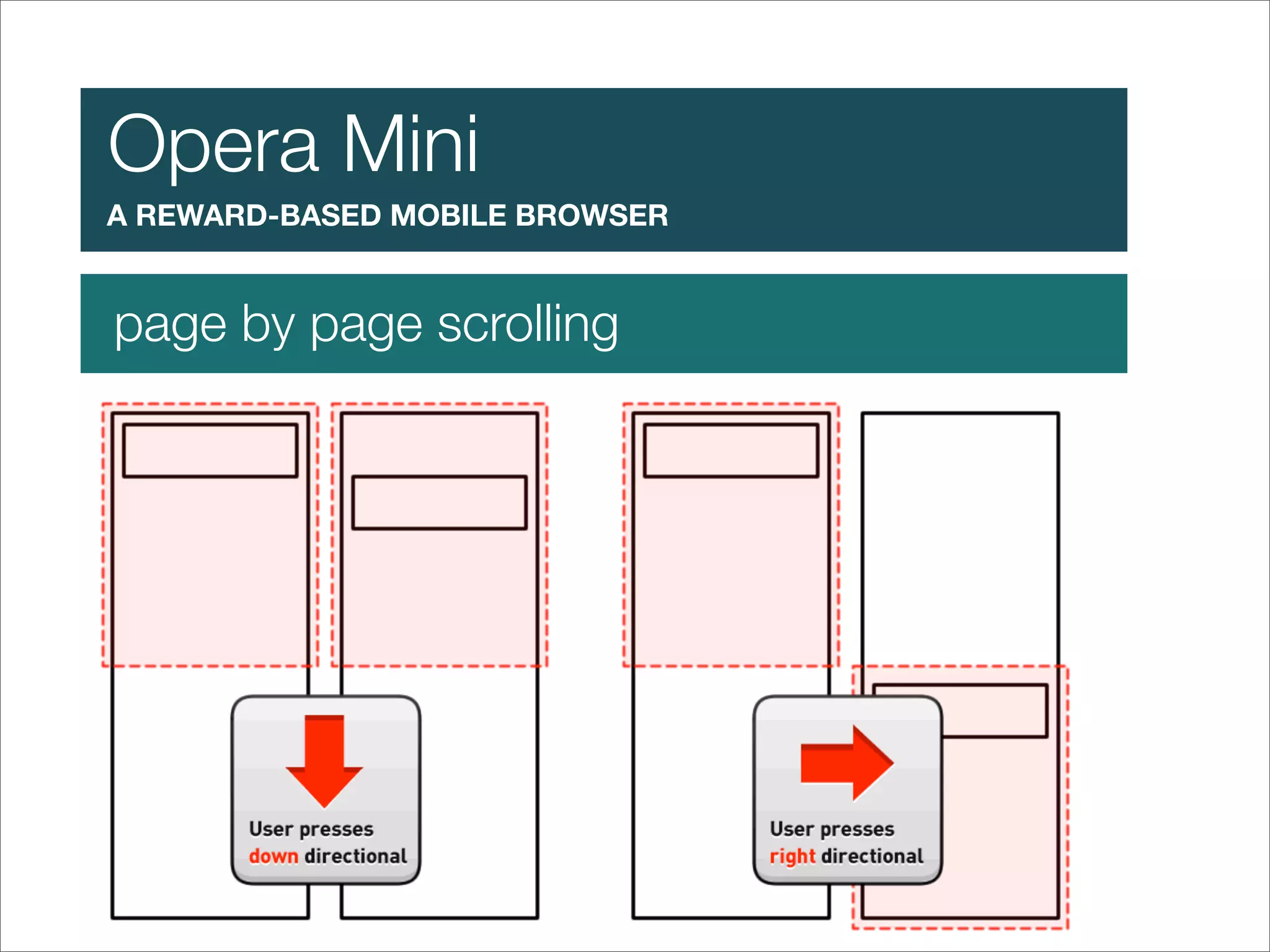
  19. Opera Mini A REWARD-BASED MOBILE BROWSER page by page scrolling
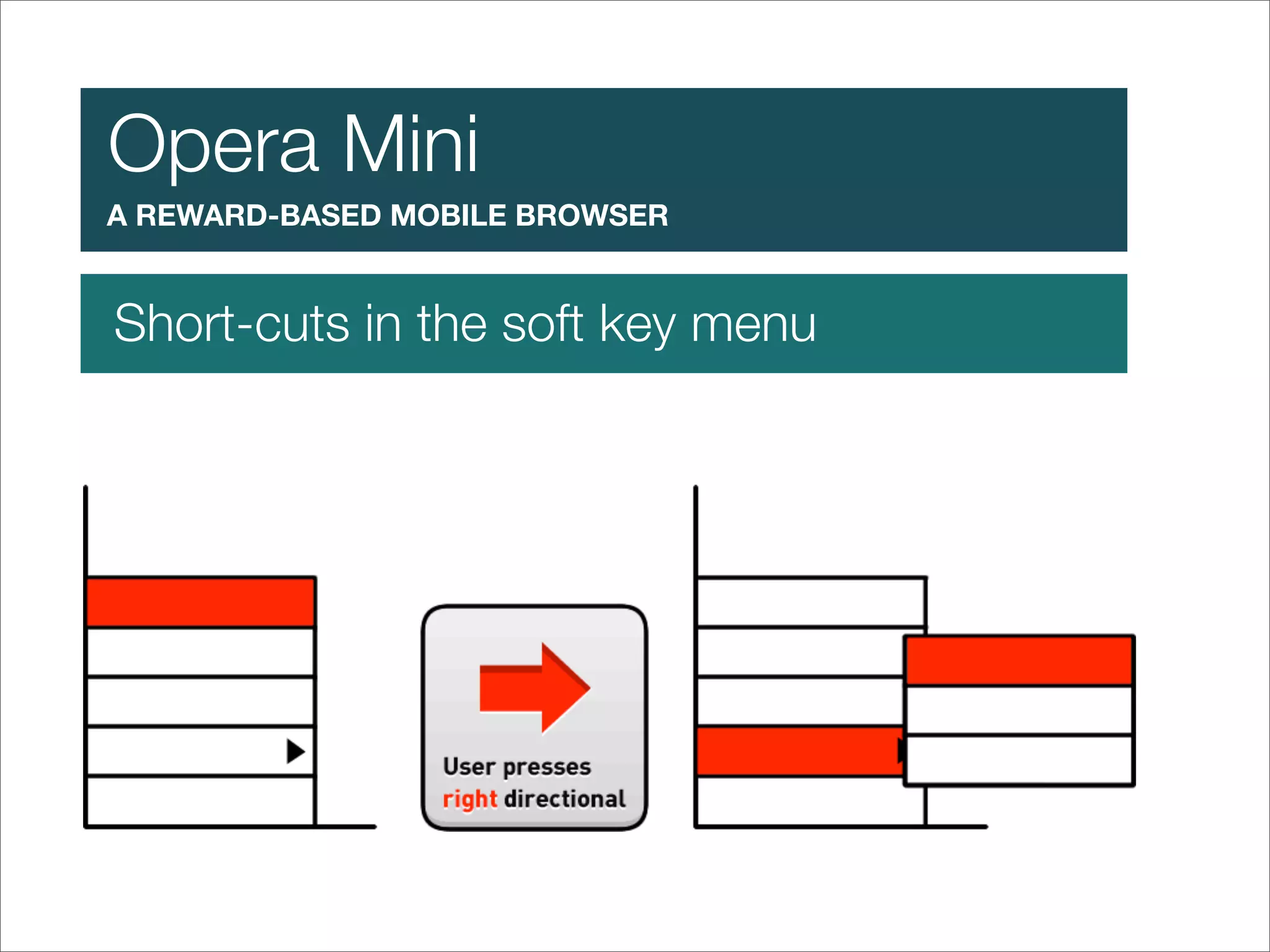
  20. Opera Mini A REWARD-BASED MOBILE BROWSER Short-cuts in the soft key menu
  21. Process
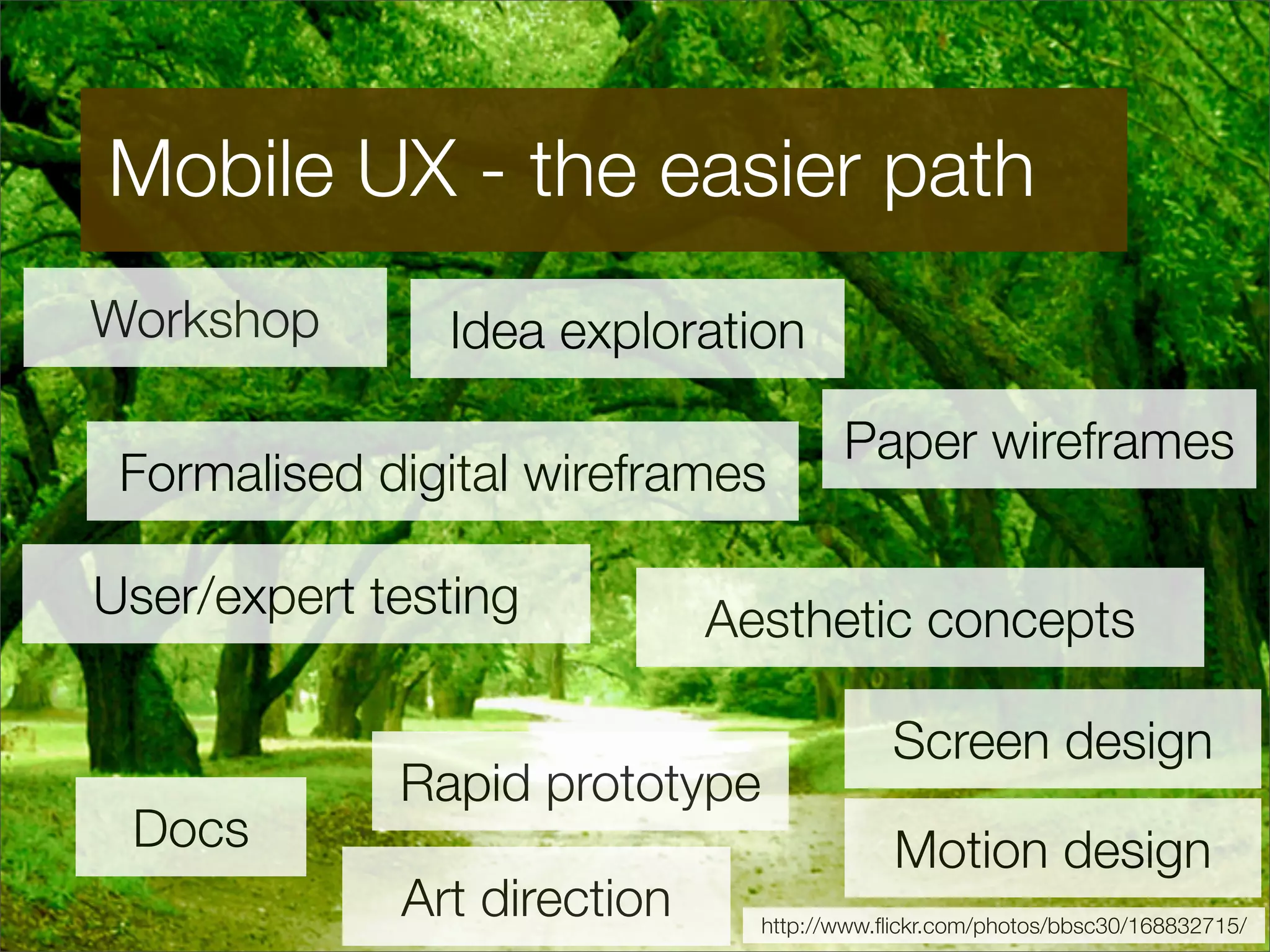
  22. Mobile UX - the easier path Workshop Idea exploration Paper wireframes Formalised digital wireframes User/expert testing Aesthetic concepts Screen design Rapid prototype Docs Motion design Art direction http://www.flickr.com/photos/bbsc30/168832715/
  23. How to deal with diversity select lead handsets for your target audience use the design process to tackle “graceful degradation” http://www.admob.com/ http://www.flickr.com/photos/joaomoura/2661761961/
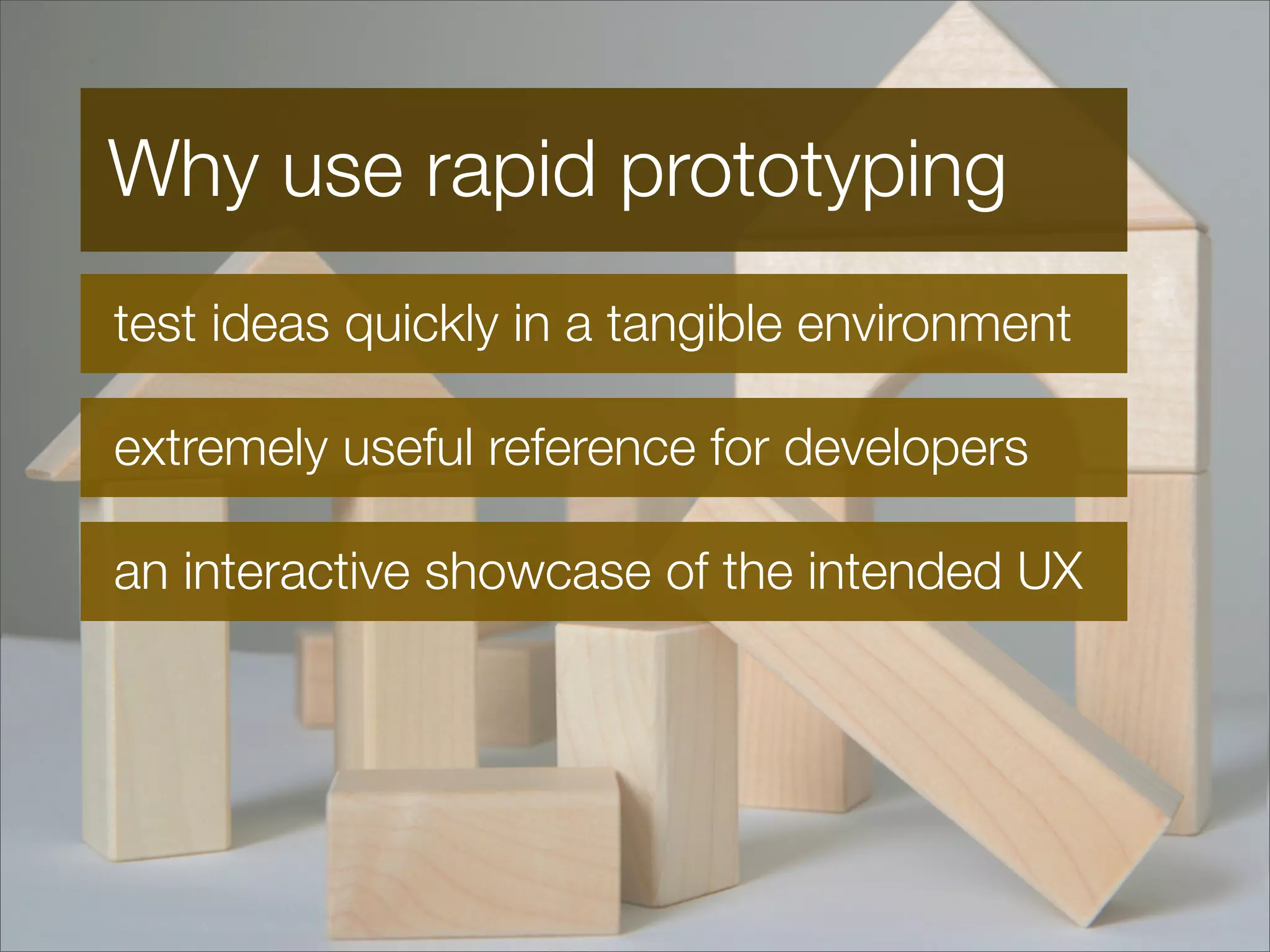
  24. Why use rapid prototyping test ideas quickly in a tangible environment extremely useful reference for developers an interactive showcase of the intended UX
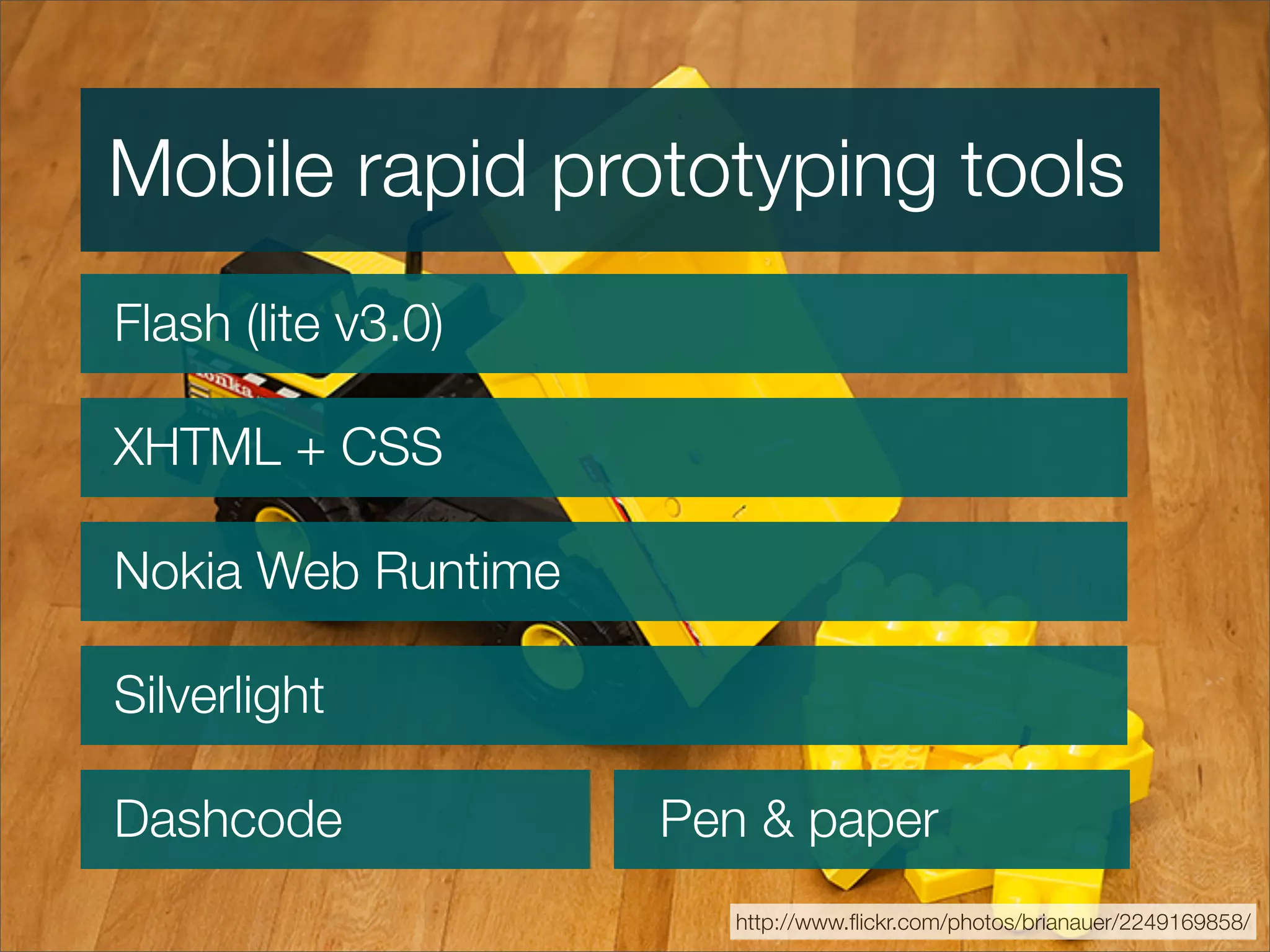
  25. Mobile rapid prototyping tools Flash (lite v3.0) XHTML + CSS Nokia Web Runtime Silverlight Dashcode Pen & paper http://www.flickr.com/photos/brianauer/2249169858/
  26. Questions Antony Ribot ribot.co.uk http://www.flickr.com/photos/ronlayters/2402199783/

+ Antony RibotAntony Ribot, 10 months ago

custom

3955 views, 36 favs, 5 embeds more stats

Covering mobile user experience in general and focu more

More info about this document

© All Rights Reserved

Go to text version

  • Total Views 3955
    • 3930 on SlideShare
    • 25 from embeds
  • Comments 9
  • Favorites 36
  • Downloads 452
Most viewed embeds
  • 12 views on http://msc-technology.wikispaces.com
  • 5 views on http://www.josuesierra.net
  • 5 views on http://www.infinita.co.jp
  • 2 views on https://msc-technology.wikispaces.com
  • 1 views on http://uxbits.com

more

All embeds
  • 12 views on http://msc-technology.wikispaces.com
  • 5 views on http://www.josuesierra.net
  • 5 views on http://www.infinita.co.jp
  • 2 views on https://msc-technology.wikispaces.com
  • 1 views on http://uxbits.com

less

Flagged as inappropriate Flag as inappropriate
Flag as inappropriate

Select your reason for flagging this presentation as inappropriate. If needed, use the feedback form to let us know more details.

Cancel
File a copyright complaint
Having problems? Go to our helpdesk?

Categories