UX Design for mobile apps
KAMIL ZIĘBA, Co-founder & Head of Product @ UXPin
KAMIL ZIĘBA
Co-founder & Head of Product @ UXPin
PREVIOUSLY: Freelancer & UI/UX Designer Grupa Nokaut S.A.
USER EXPERIENCE
USER
EXPERIENCE
Dr. Donald Norman
All the aspects of how people use an interactive
product: the way it feels in their hands, how well they
understand how it works, how they feel about it while
they’re using it, how well it serves their purposes, and
how well it fits into the entire context in which they are
using it.
User Experience
“App users have a big app appetite, downloading
about 10 apps per month on average, but they rarely
use these apps frequently or for long.”
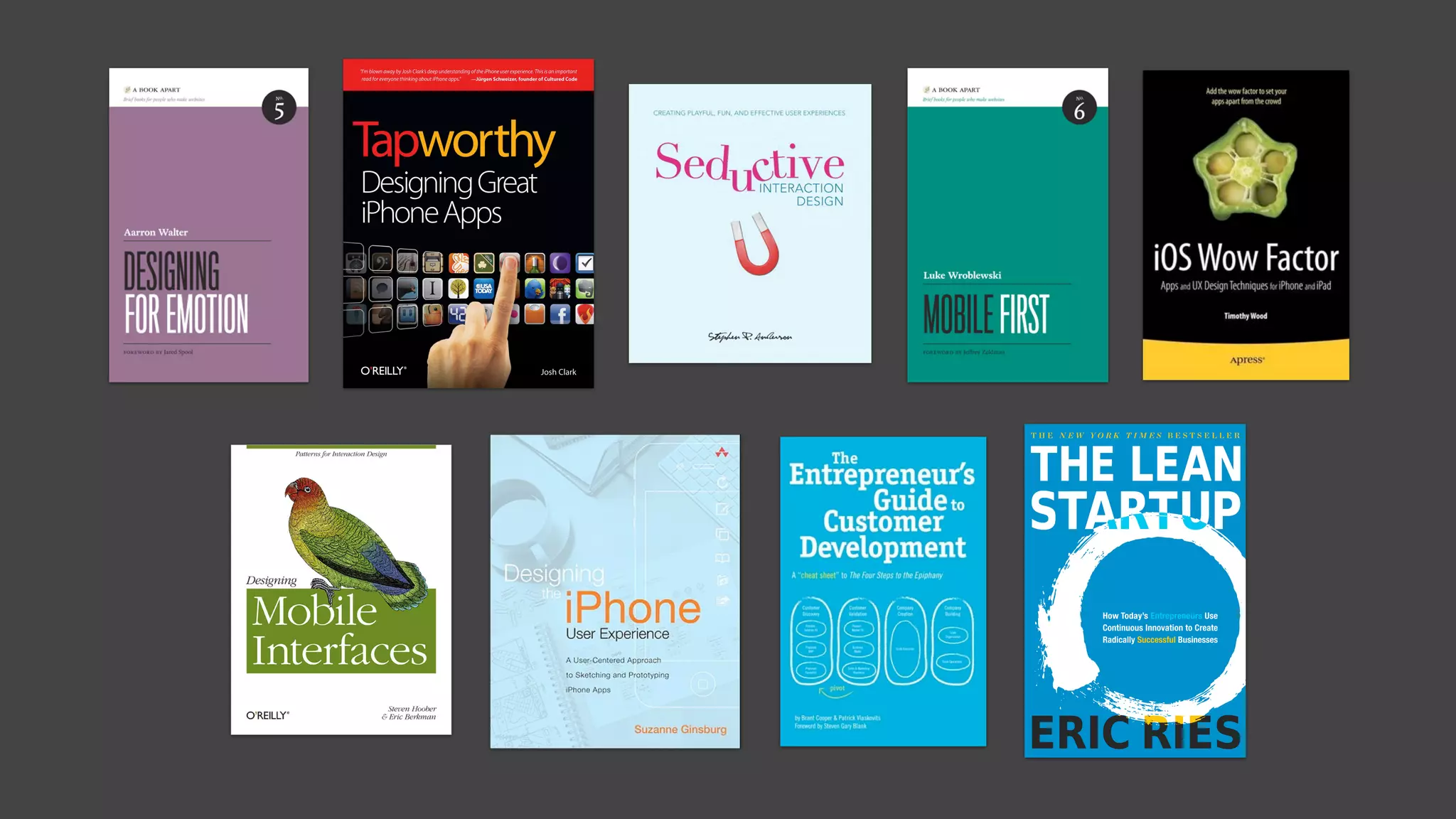
Josh Clark “Tapworthy: Designing Great iPhone Apps”
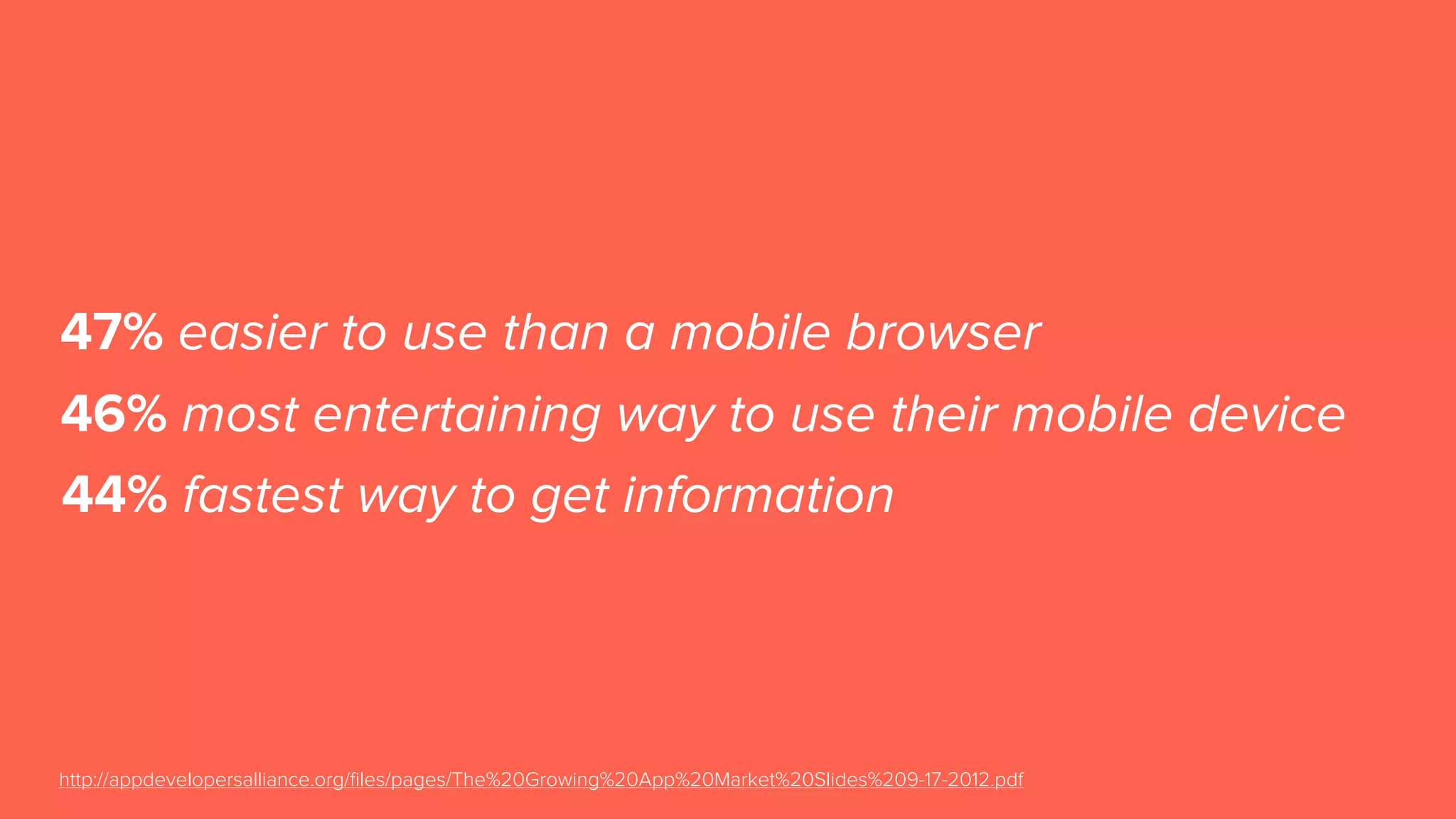
47% easier to use than a mobile browser
http://appdevelopersalliance.org/files/pages/The%20Growing%20App%20Market%20Slides%209-17-2012.pdf
46% most entertaining way to use their mobile device
44% fastest way to get information
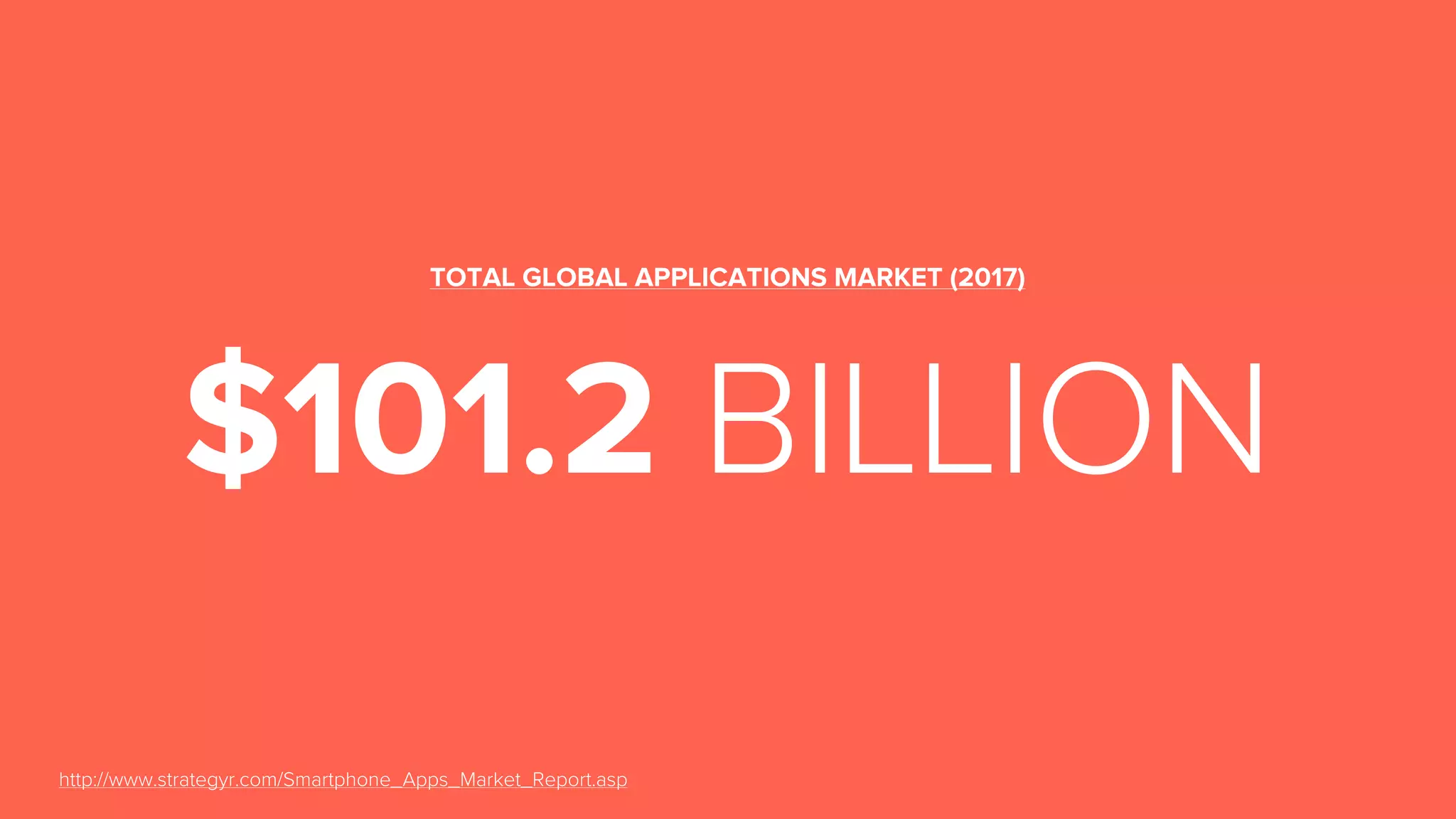
$101.2 BILLION
TOTAL GLOBAL APPLICATIONS MARKET (2017)
http://www.strategyr.com/Smartphone_Apps_Market_Report.asp
THINGS TO REMEMBER
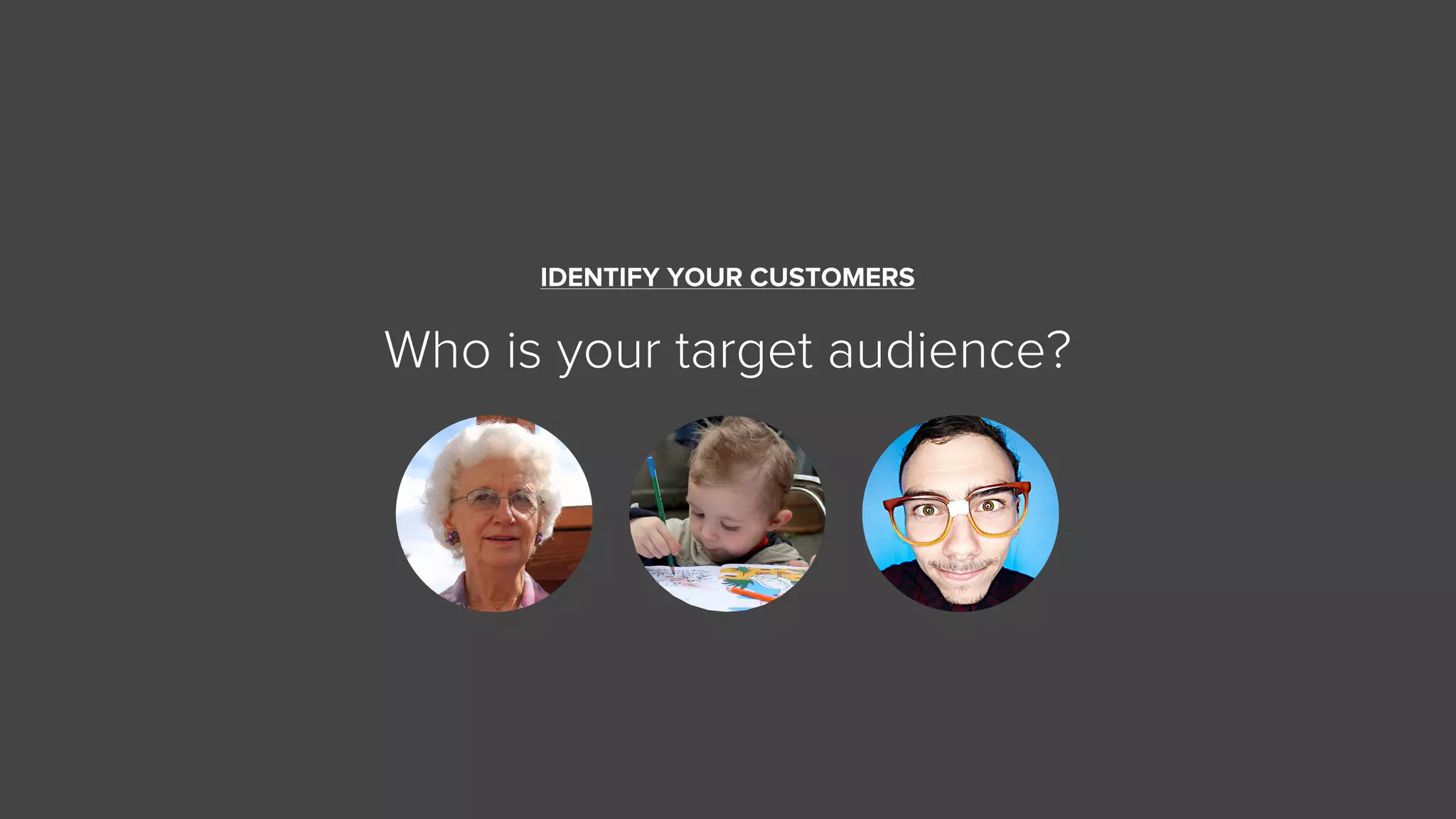
IDENTIFY YOUR CUSTOMERS
Who is your target audience?
THINK ABOUT THE CONTEXT OF USE
A mobile device can be used at anytime, anywhere.
Context affects the interaction between the people
and the interface.
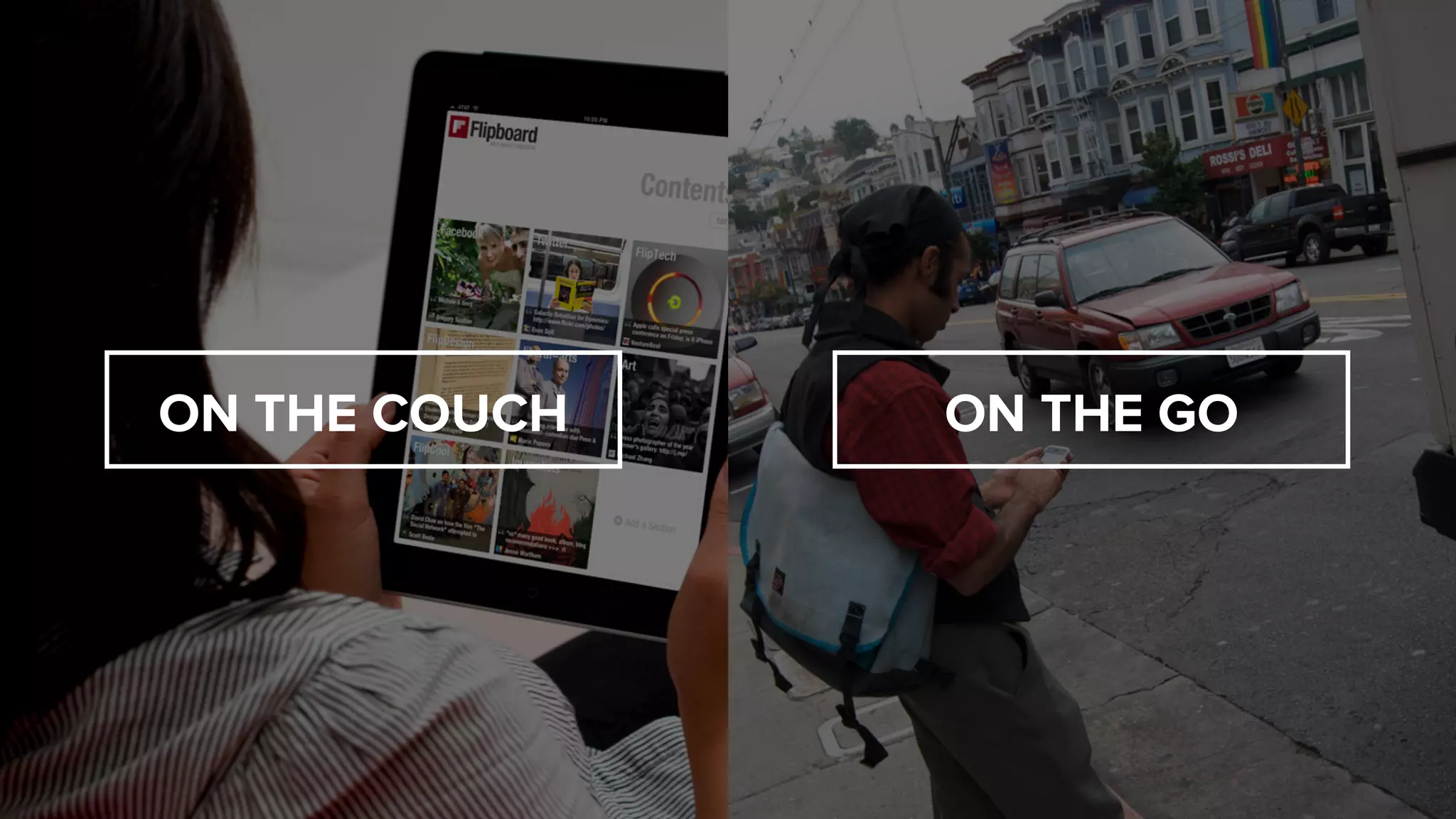
ON THE GOON THE COUCH
This request couldn’t be completed.
AVOID “ENGINEERSPEAK”
This request couldn’t be completed.
WTF?
AVOID “ENGINEERSPEAK”
KEEP IT SIMPLE
If your UI requires instructions - it’s badly designed.
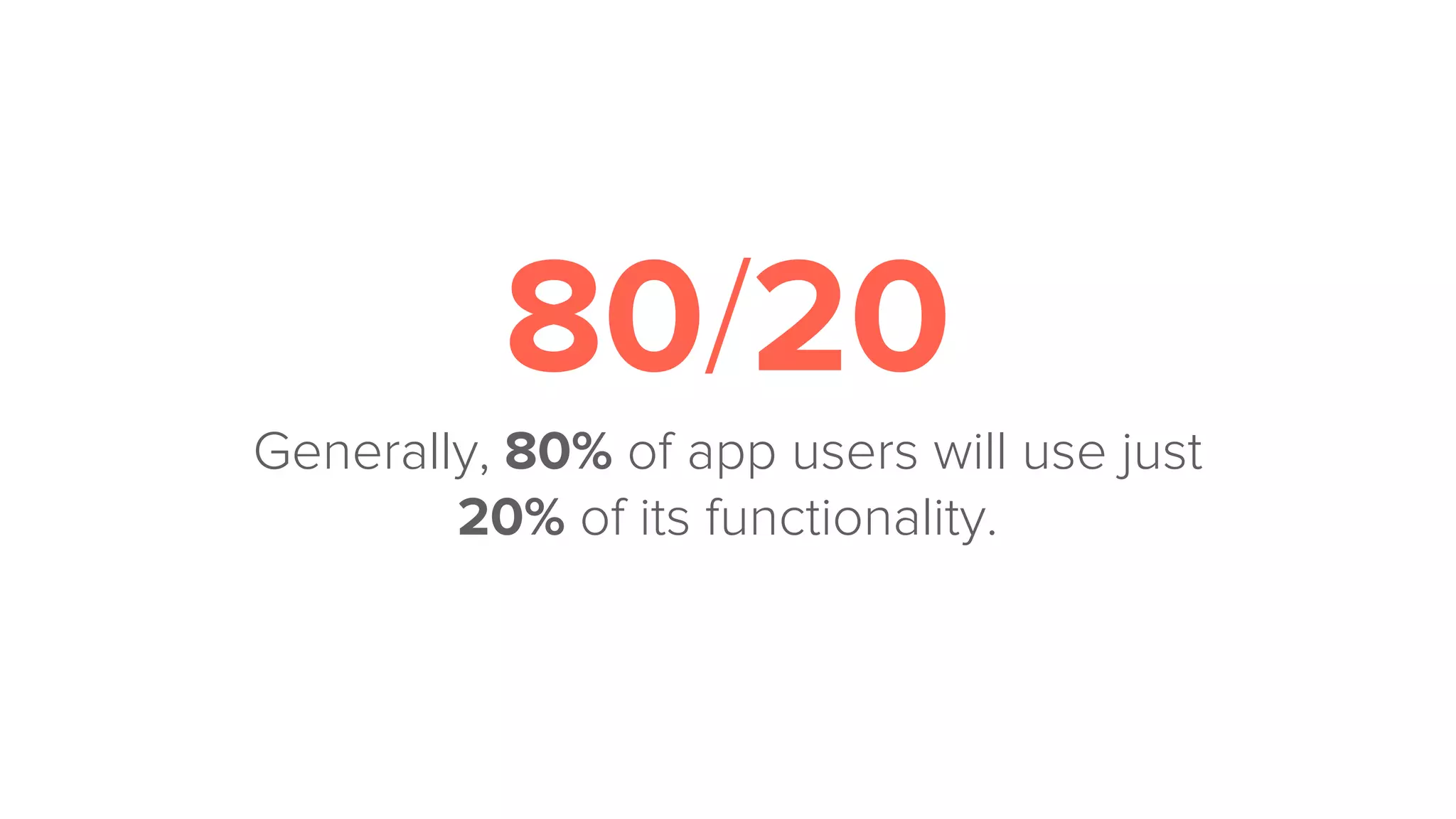
80/20
Generally, 80% of app users will use just
20% of its functionality.
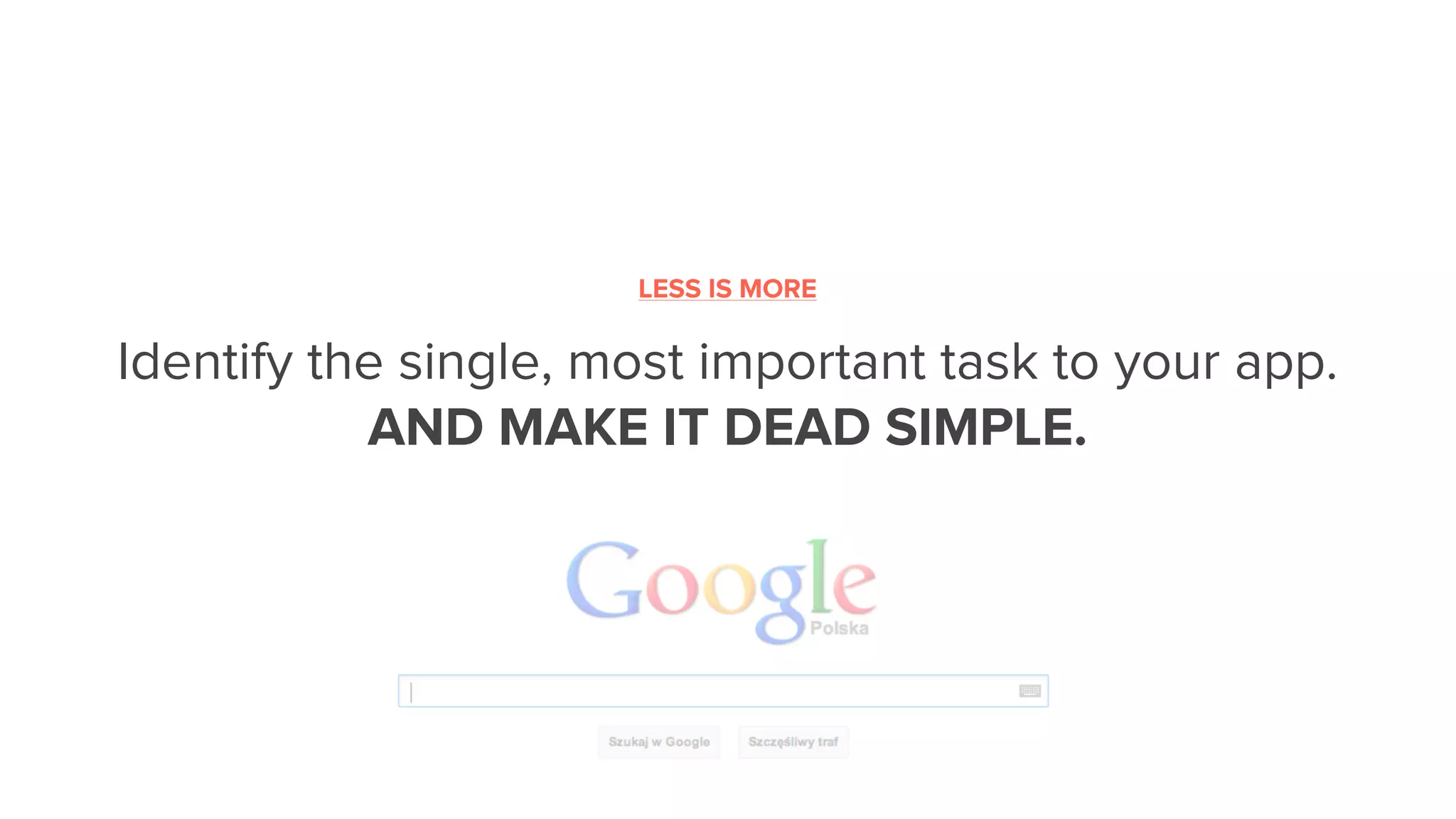
Identify the single, most important task to your app.
AND MAKE IT DEAD SIMPLE.
LESS IS MORE
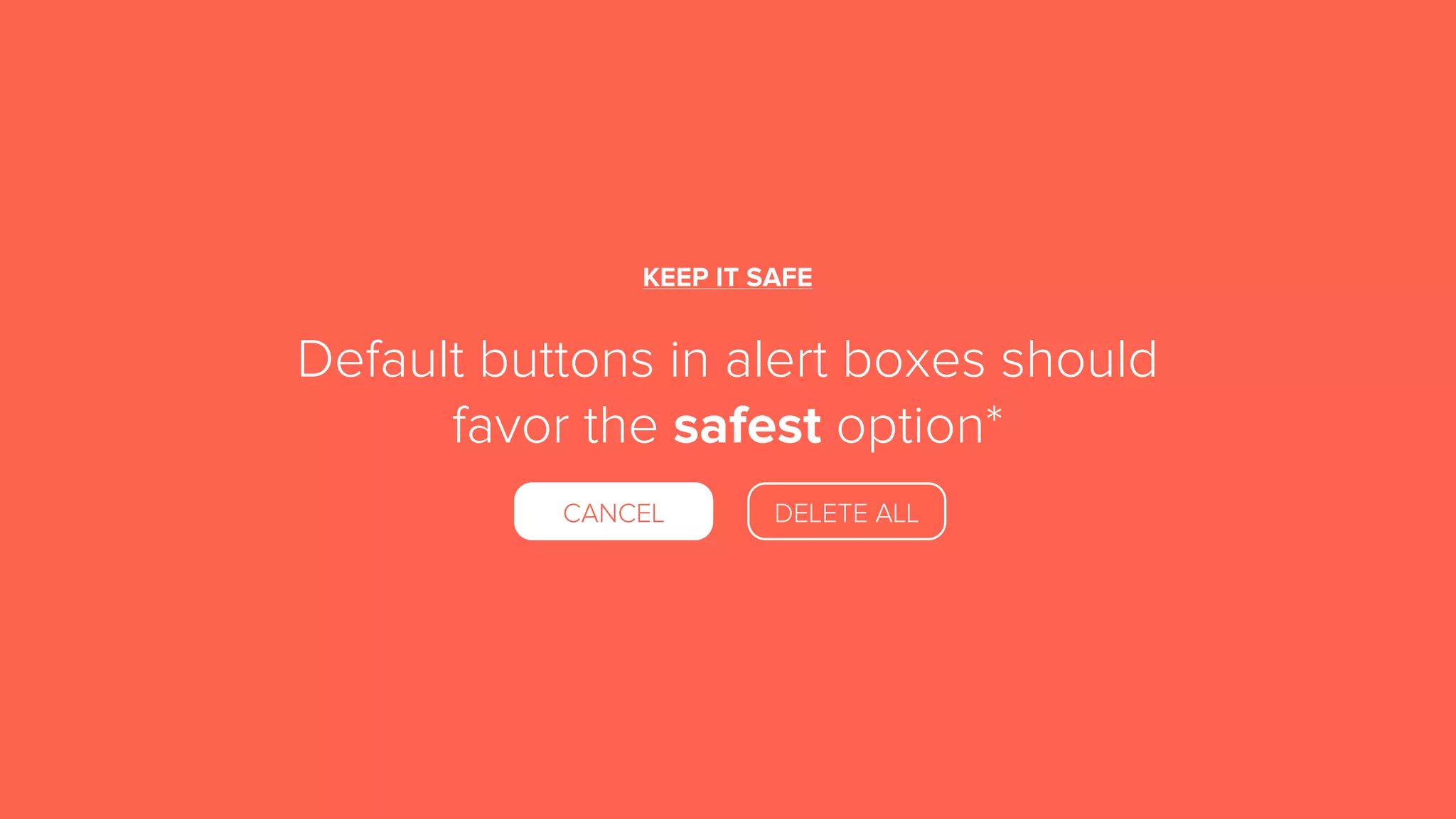
KEEP IT SAFE
Default buttons in alert boxes should
favor the safest option*
CANCEL DELETE ALL
MAKE IT BRIEF AND CLEAR
Keep alerts brief and clear, explain them what
happened and what they can do next.
Role-Playing the Interaction by Stephen Anderson (http://www.youtube.com/watch?v=hkAFdIrTR00)
USE DESIGN PATTERNS
Follow conventions and patterns to reduce the
learning curve and to make the experience more
intuitive.
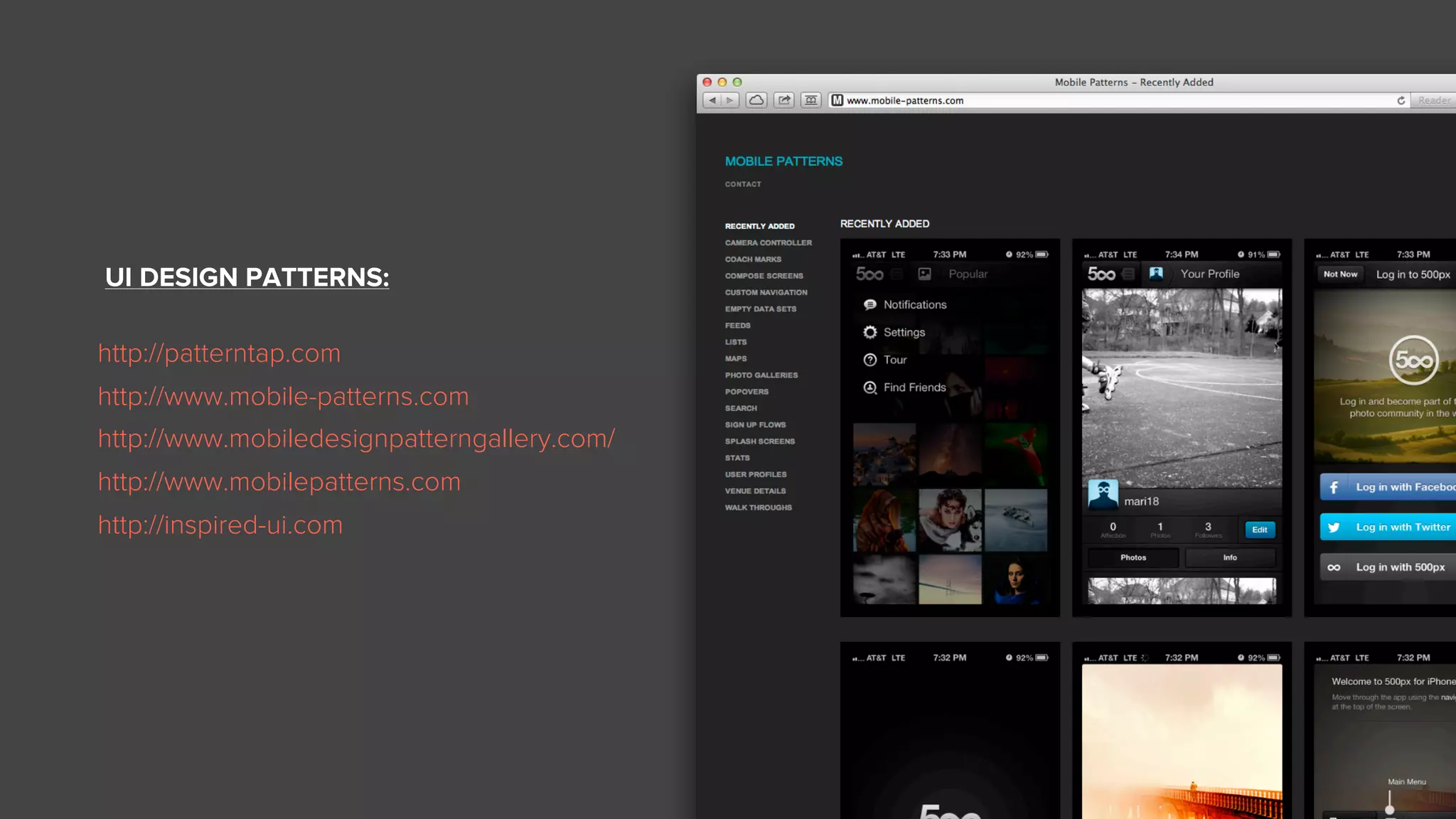
UI DESIGN PATTERNS:
http://patterntap.com
http://www.mobile-patterns.com
http://www.mobiledesignpatterngallery.com/
http://www.mobilepatterns.com
http://inspired-ui.com
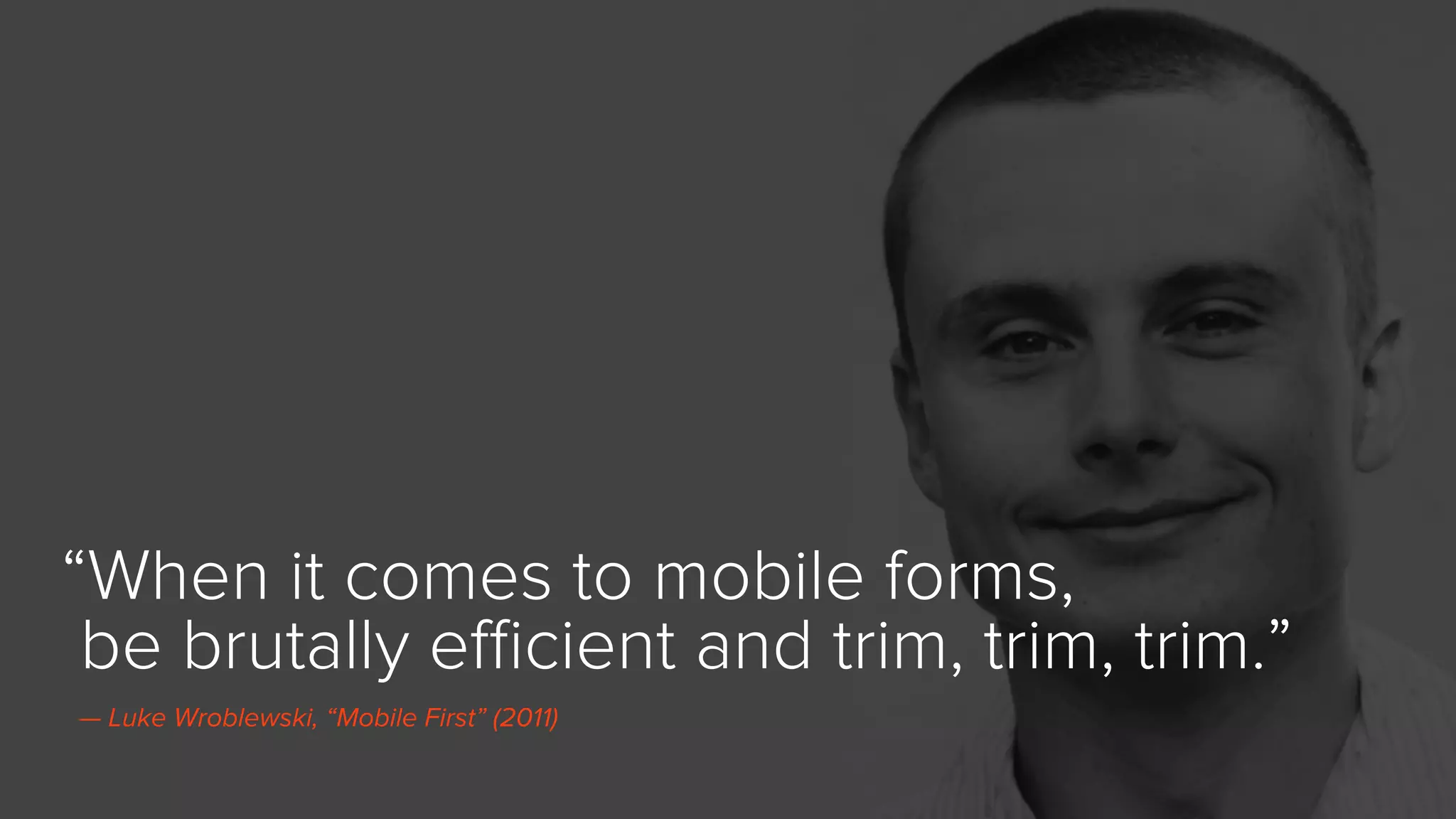
“When it comes to mobile forms,
be brutally efficient and trim, trim, trim.”
— Luke Wroblewski, “Mobile First” (2011)
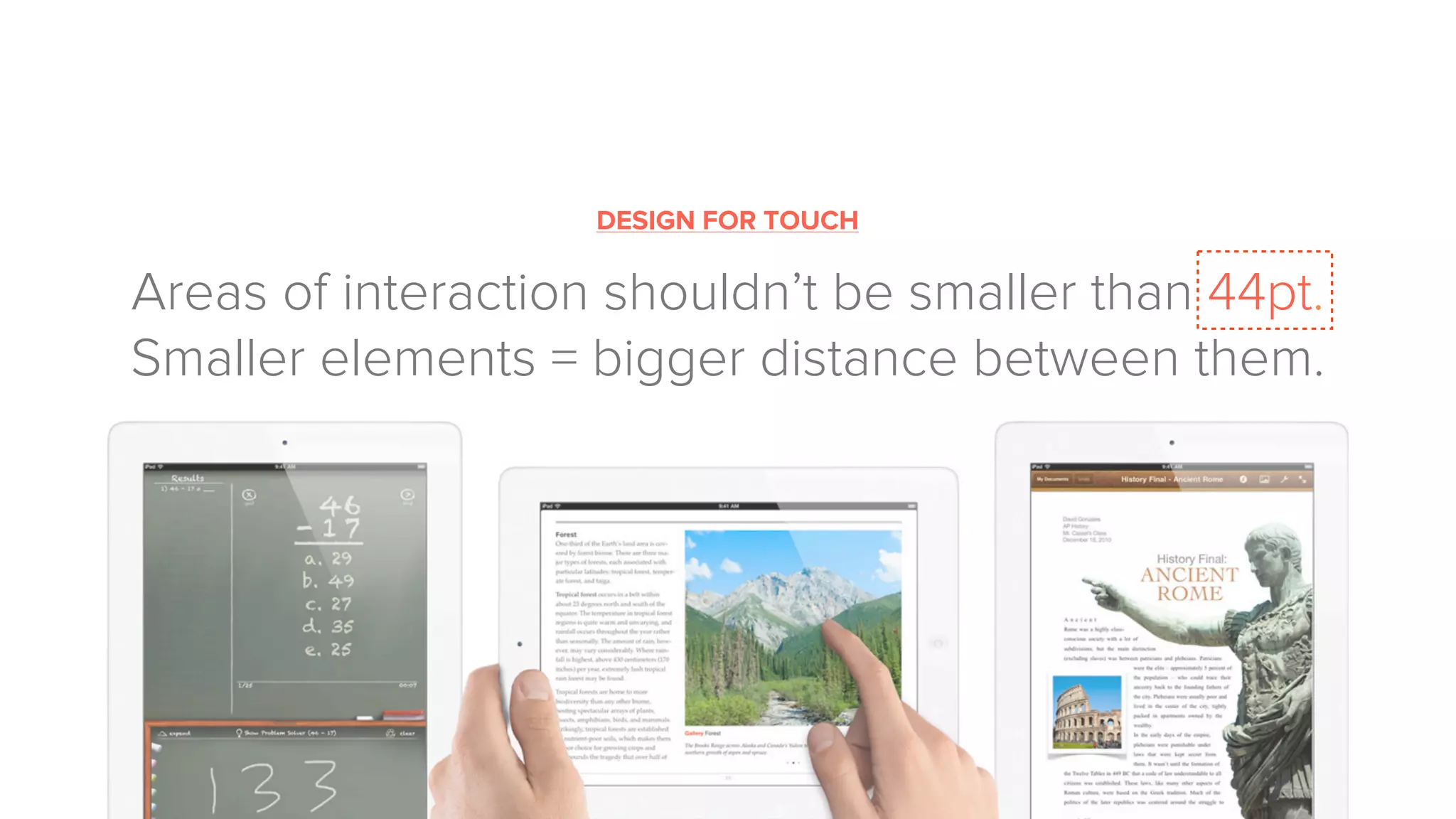
DESIGN FOR TOUCH
Areas of interaction shouldn’t be smaller than 44pt.
Smaller elements = bigger distance between them.
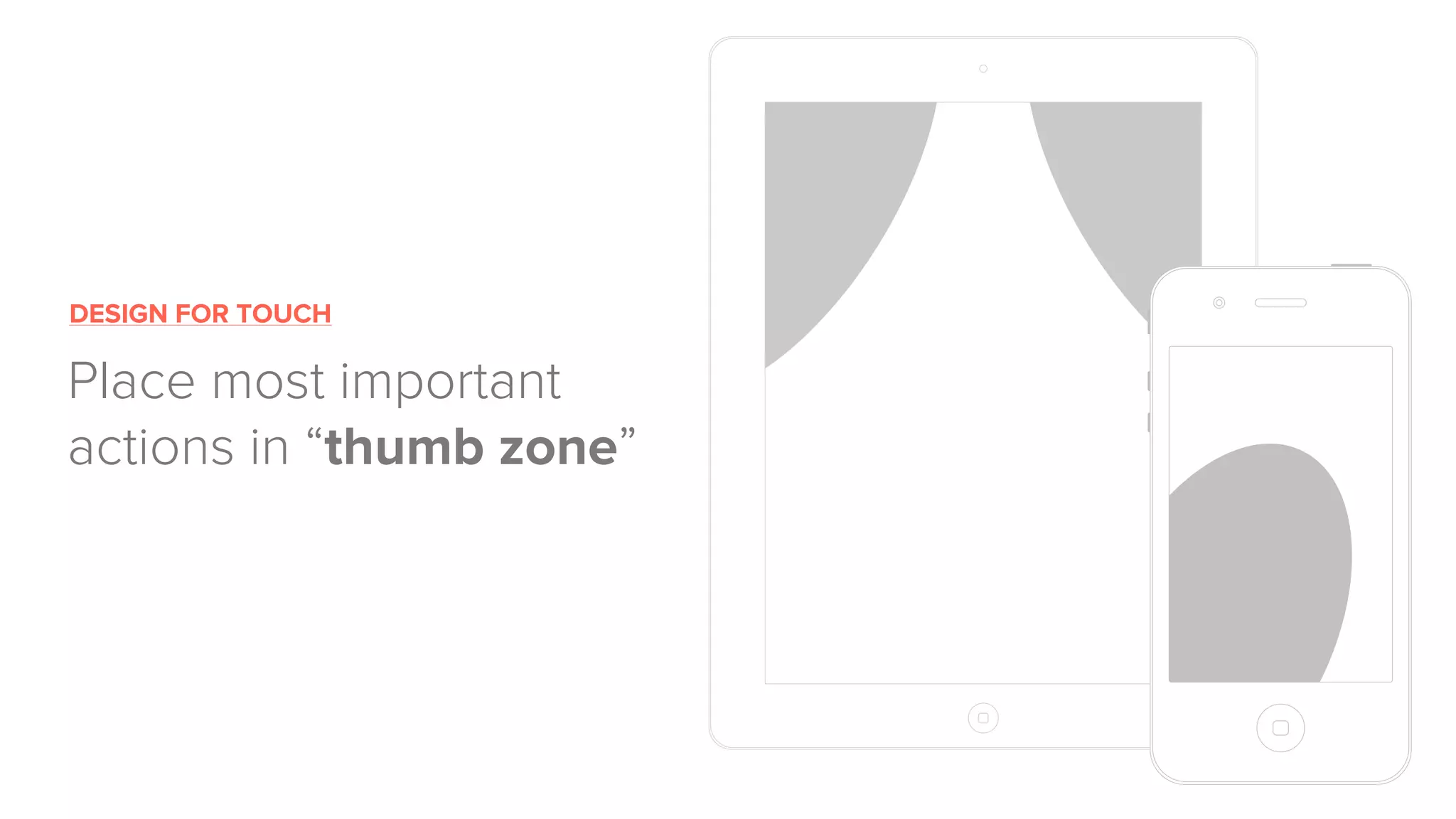
DESIGN FOR TOUCH
Place most important
actions in “thumb zone”
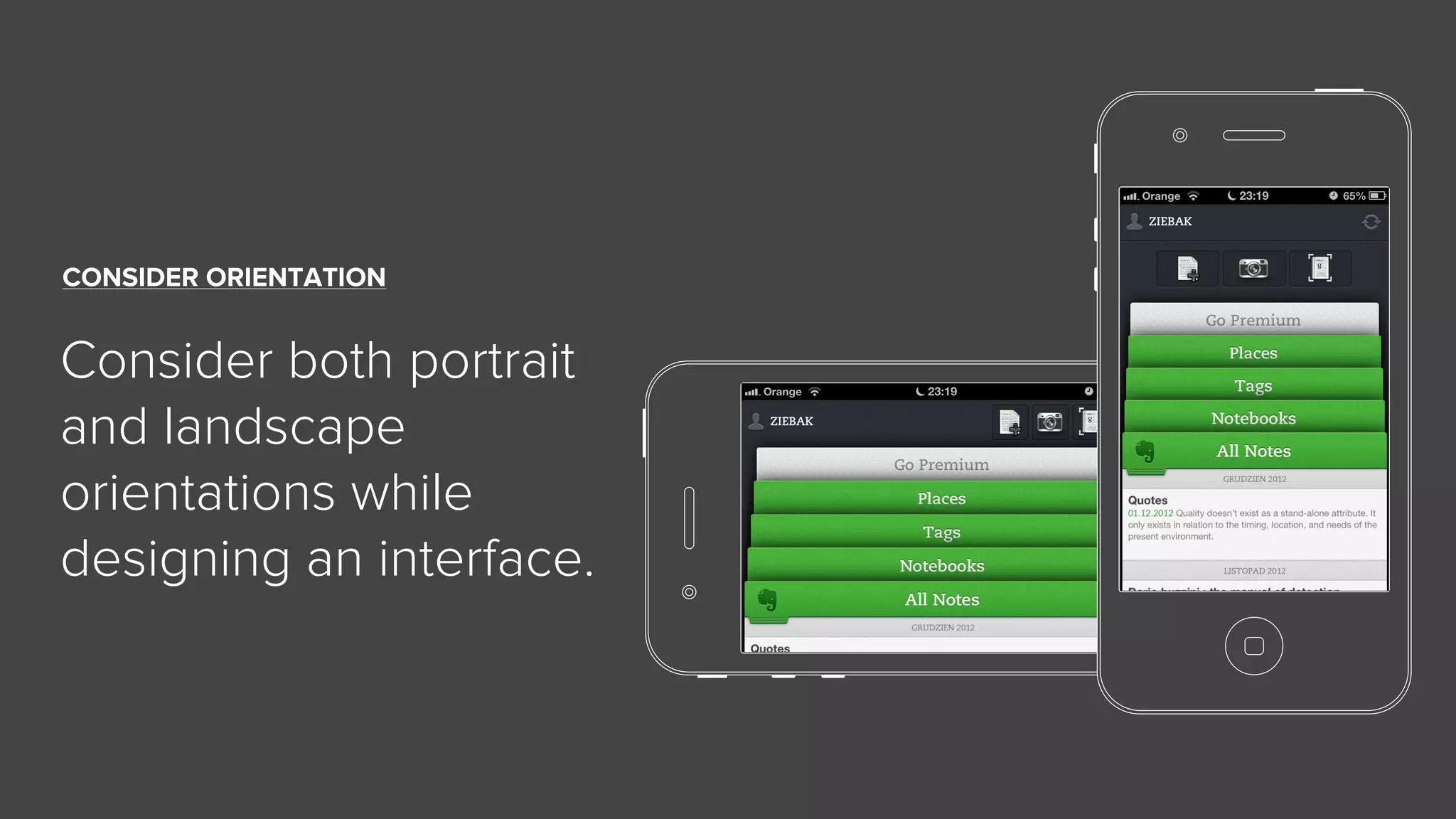
CONSIDER ORIENTATION
Consider both portrait
and landscape
orientations while
designing an interface.
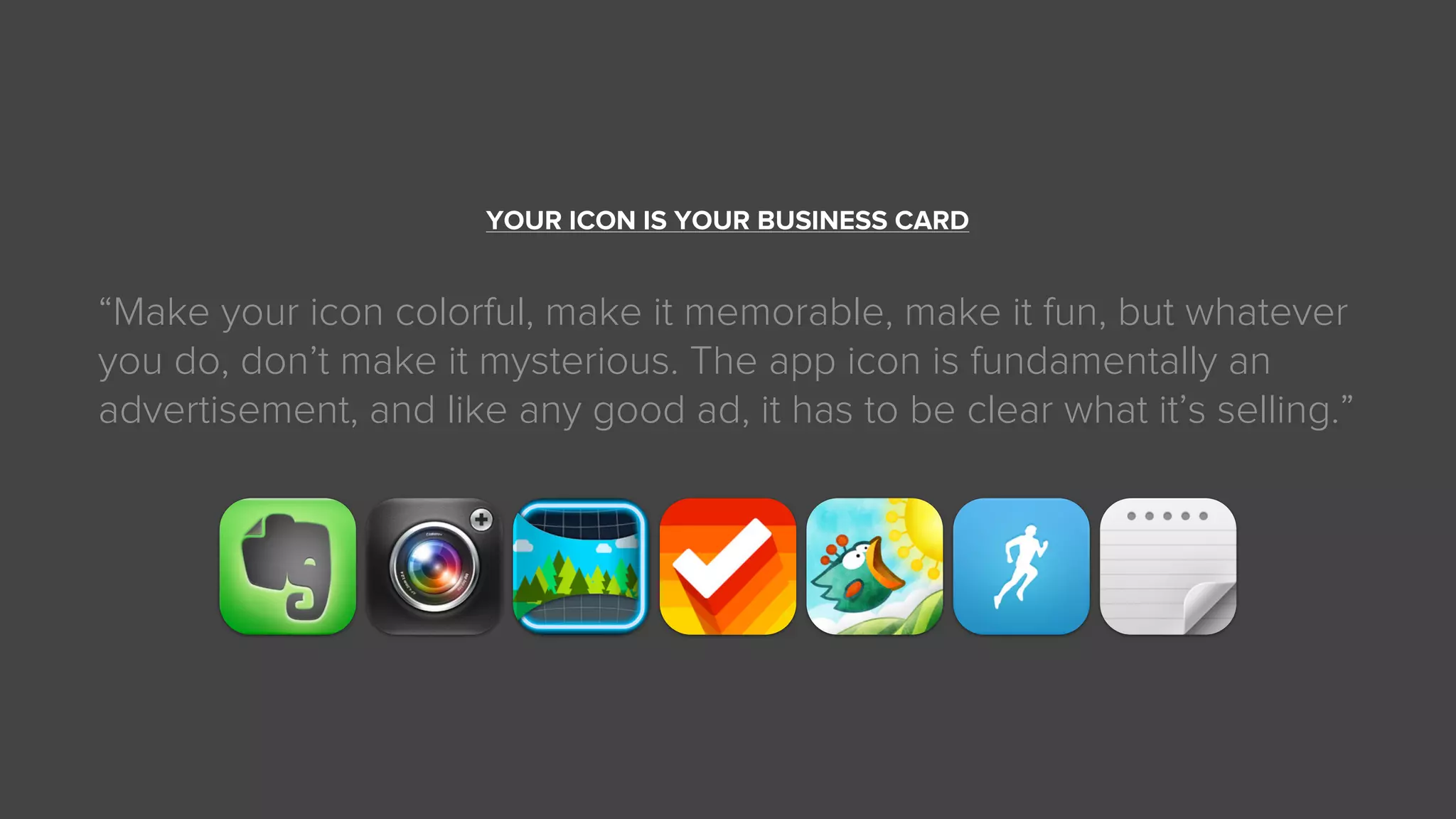
YOUR ICON IS YOUR BUSINESS CARD
“Make your icon colorful, make it memorable, make it fun, but whatever
you do, don’t make it mysterious. The app icon is fundamentally an
advertisement, and like any good ad, it has to be clear what it’s selling.”
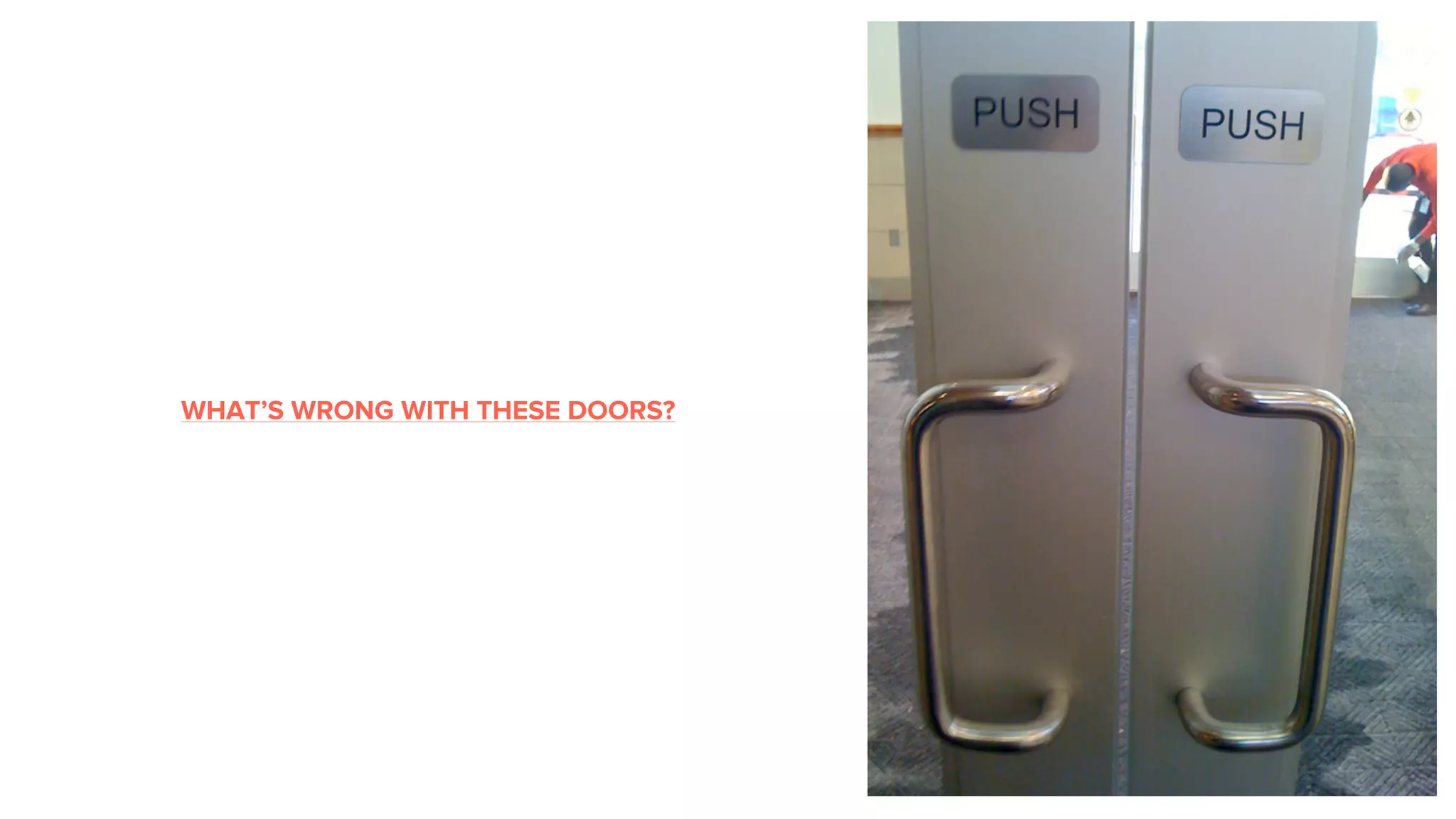
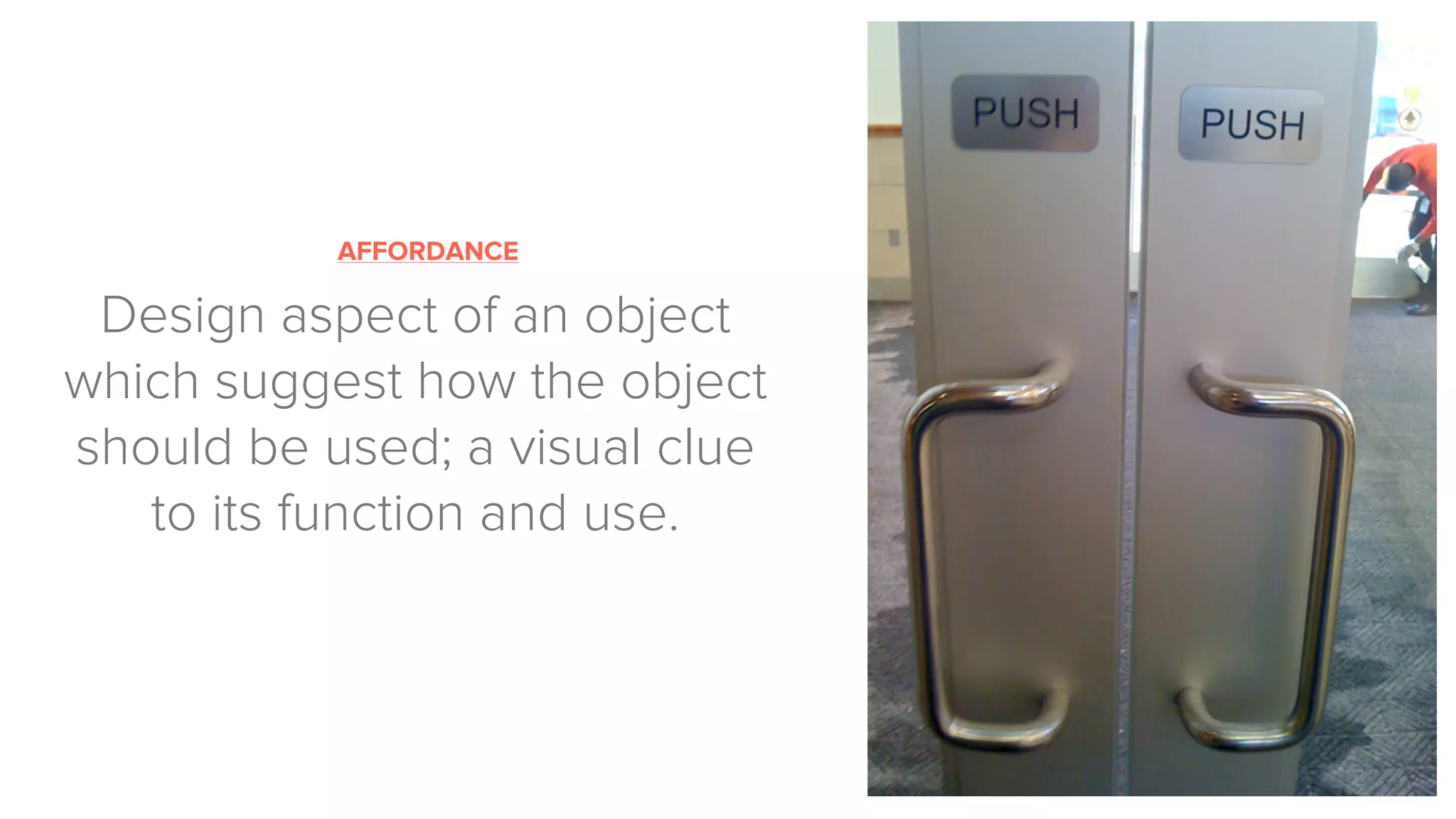
WHAT’S WRONG WITH THESE DOORS?
AFFORDANCE
Design aspect of an object
which suggest how the object
should be used; a visual clue
to its function and use.
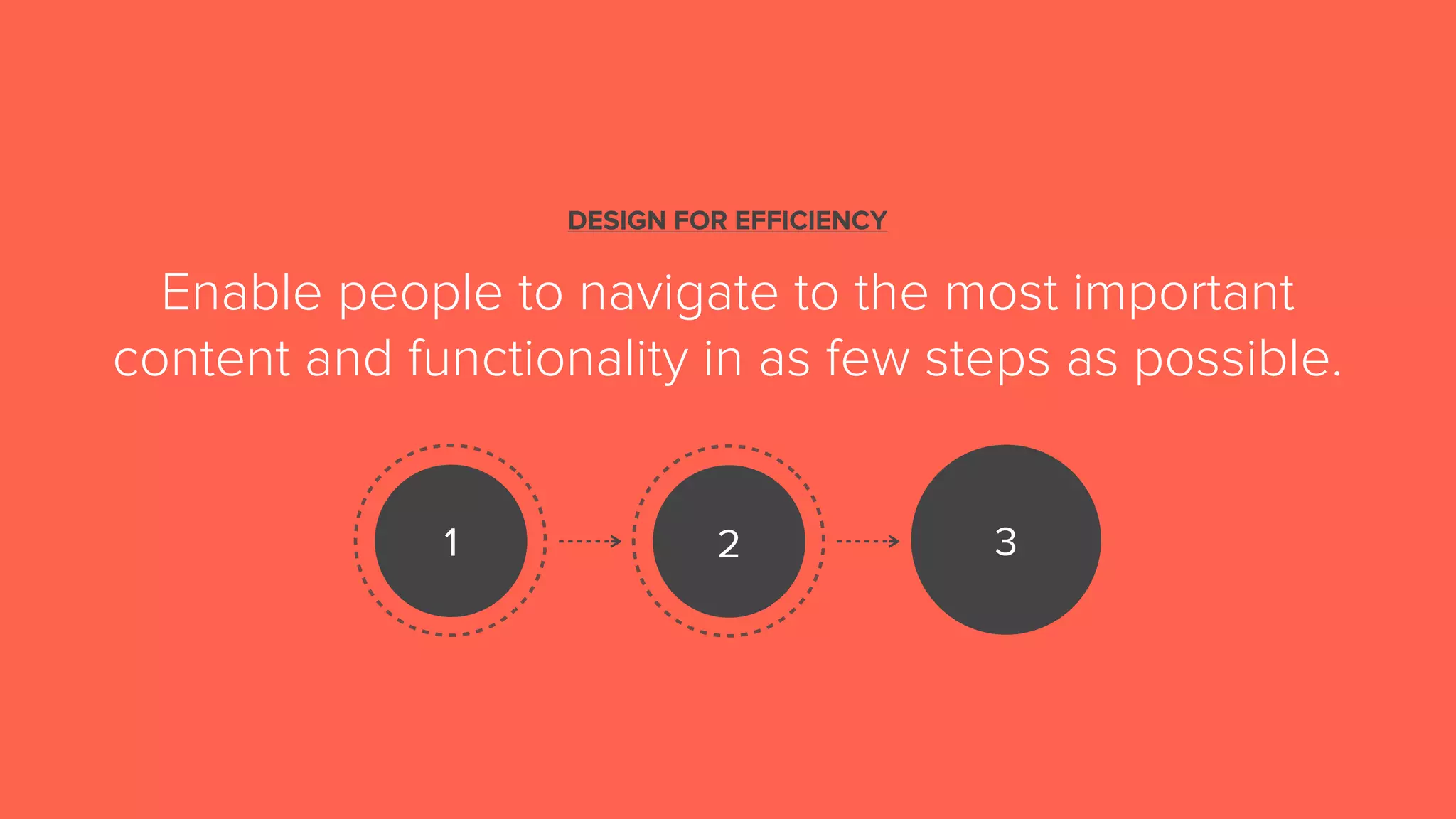
DESIGN FOR EFFICIENCY
Enable people to navigate to the most important
content and functionality in as few steps as possible.
1 2 3
DESIGN FOR EMOTION
“It is not enough that we build products that function,
that are understandable and usable, we also need to
build products that bring joy and excitement,
pleasure and fun, and, yes, beauty to people’s lives.”
— Don Norman
♥ ♥
Customers care about their problems -
not your solution.
— Dave McClure
Don’t try to solve a problem if there isn’t one.
WHAT’S THE PROBLEM
WE’RE TRYING TO SOLVE?
Get out of the Building
Talk with people, ask questions
Build landing page*
HOW?
Build your “MVP” and test it!
IS IT WORKING?
Sketch it
HOW?
Create prototype
Build working demo
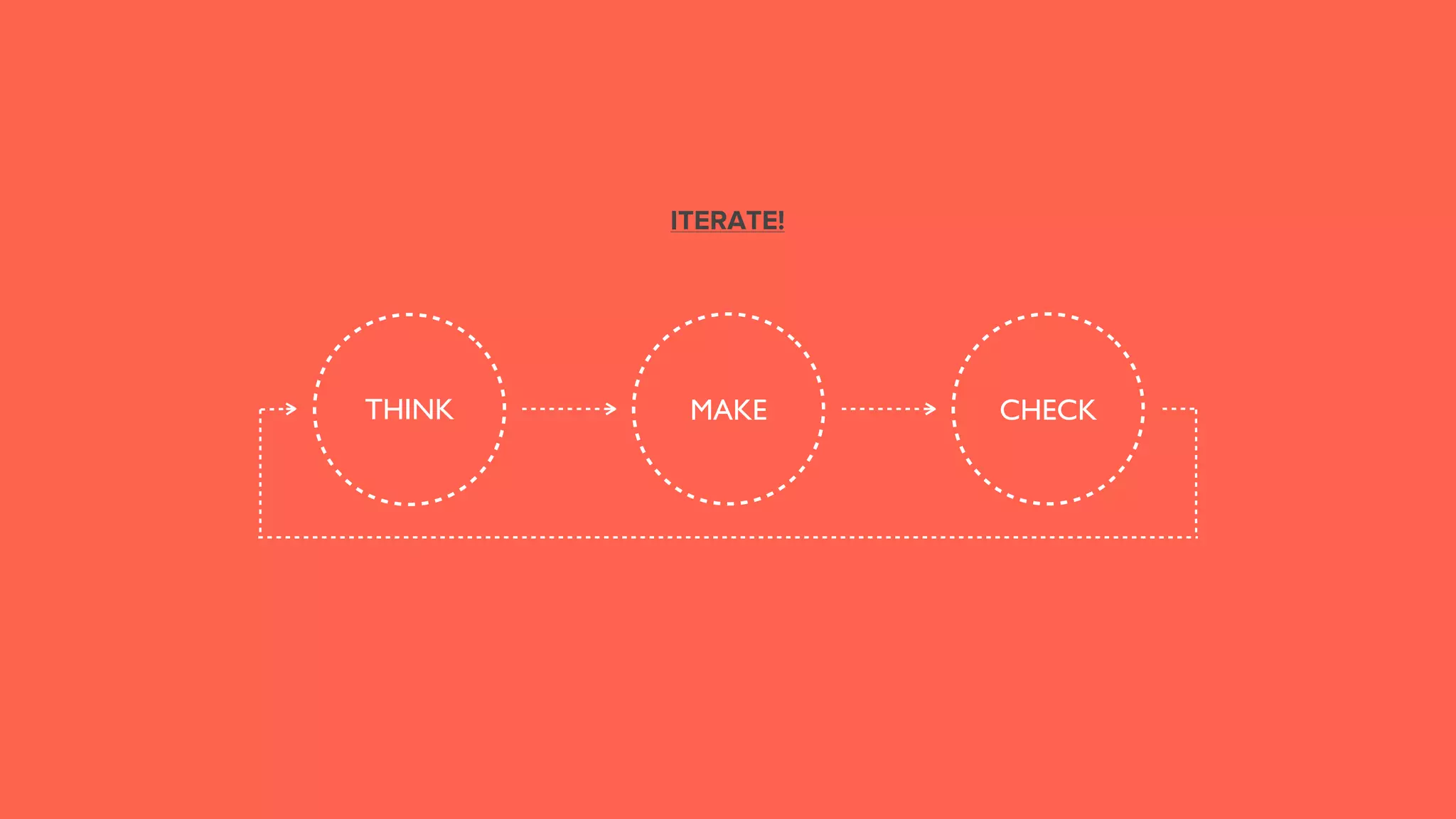
THINK CHECKMAKE
ITERATE!
THANK YOU!
ANY QUESTIONS?
kamil@uxpin.com
@ziebak
2013-02-05 UX design for mobile apps

2013-02-05 UX design for mobile apps