


MAKING A PRESENTATION
Workplace Communications
‘Making a presentation’s by English Online Inc.
is licensed under a Creative Commons Attribution-ShareAlike 4.0 International License
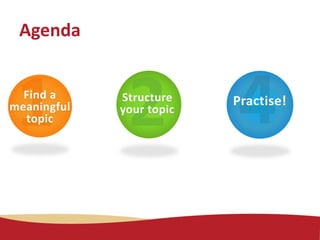
Find a
meaningful
topic
Structure
your topic
Practise!
Agenda
Some topic suggestions:
•Your home country (history, current situation,
how different it is from Canada)
•A profession you want to pursue
(requirements, description of a job )
• Share your job search experiences: how you
found a job in Manitoba.
Find a Meaningful Topic
Find a
meaningful
topic
Some topic suggestions:
•Have you ever volunteered? What are your
experiences? What are the advantages and
disadvantages of volunteering?
• How to get through the winter in Manitoba.
• Raising children as an immigrant: what are
the challenges and opportunities?
Find a
meaningful
topic
Find a Meaningful Topic
If you need help, feel free to contact your
e-facilitator for this course to discuss your
topic.
Find a
meaningful
topic
Find a Meaningful Topic
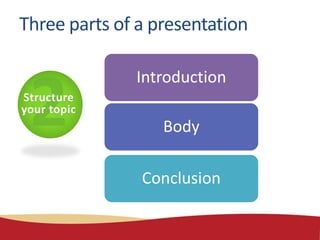
Structure
your topic
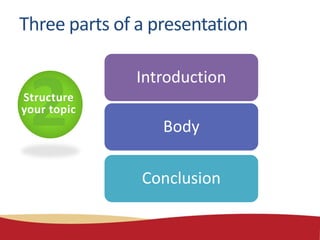
Introduction
Body
Conclusion
Three parts of a presentation
Make some
notes
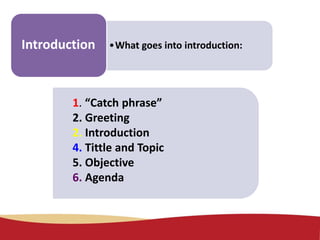
•What goes into introduction:Introduction
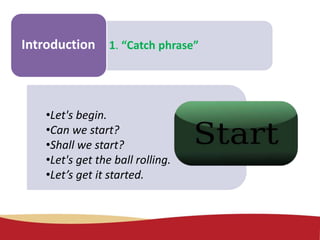
1. “Catch phrase”
2. Greeting
2. Introduction
4. Tittle and Topic
5. Objective
6. Agenda
Make some
notes
1. “Catch phrase”Introduction
•Let's begin.
•Can we start?
•Shall we start?
•Let's get the ball rolling.
•Let’s get it started.
Make some
notes
2. GreetingIntroduction
•Hello everyone.
•Good morning/afternoon/evening
•Marie/John, thank you for your kind
introduction..
Make some
notes
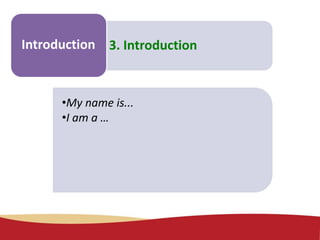
3. IntroductionIntroduction
•My name is...
•I am a …
Make some
notes
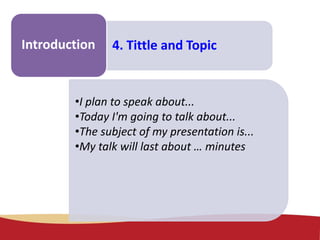
4. Tittle and TopicIntroduction
•I plan to speak about...
•Today I'm going to talk about...
•The subject of my presentation is...
•My talk will last about … minutes
Make some
notes
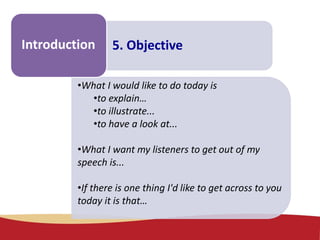
5. ObjectiveIntroduction
•What I would like to do today is
•to explain…
•to illustrate...
•to have a look at...
•What I want my listeners to get out of my
speech is...
•If there is one thing I'd like to get across to you
today it is that…
Make some
notes
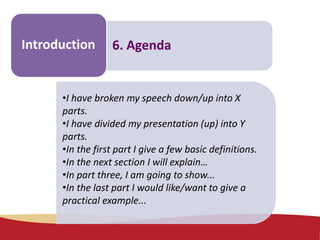
6. AgendaIntroduction
•I have broken my speech down/up into X
parts.
•I have divided my presentation (up) into Y
parts.
•In the first part I give a few basic definitions.
•In the next section I will explain…
•In part three, I am going to show...
•In the last part I would like/want to give a
practical example...
Structure
your topic
Introduction
Body
Conclusion
Three parts of a presentation
Structure
your topic
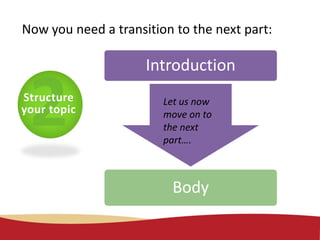
Now you need a transition to the next part:
Introduction
Body
Let us now
move on to
the next
part….
Make some
notes
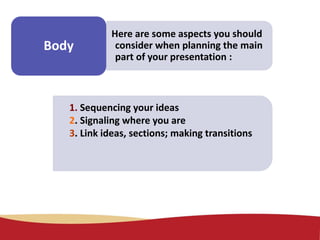
Body
Here are some aspects you should
consider when planning the main
part of your presentation :
1. Sequencing your ideas
2. Signaling where you are
3. Link ideas, sections; making transitions
Make some
notes
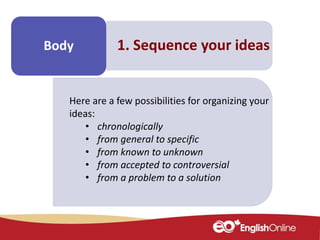
Body 1. Sequence your ideas
Here are a few possibilities for organizing your
ideas:
• chronologically
• from general to specific
• from known to unknown
• from accepted to controversial
• from a problem to a solution
Make some
notes
Body
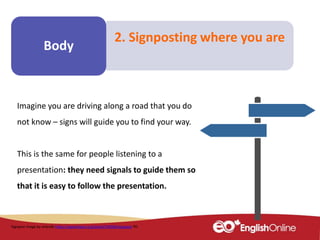
2. Signposting where you are
Imagine you are driving along a road that you do
not know – signs will guide you to find your way.
This is the same for people listening to a
presentation: they need signals to guide them so
that it is easy to follow the presentation.
Signpost image by erlandh https://openclipart.org/detail/194589/signpost PD
Make some
notes
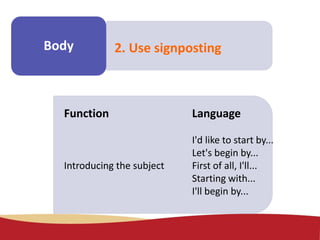
Body 2. Use signposting
Function Language
I'd like to start by...
Let's begin by...
Introducing the subject First of all, I'll...
Starting with...
I'll begin by...
Make some
notes
Body 2. Use signposting
Function Language
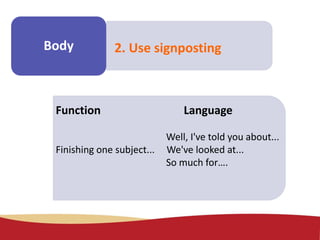
Well, I've told you about...
Finishing one subject... We've looked at...
So much for….
Make some
notes
Body 2. Use signposting
Function Language
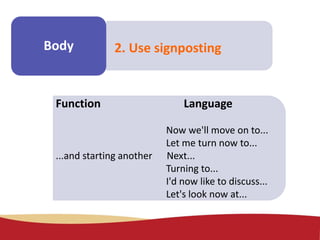
Now we'll move on to...
Let me turn now to...
...and starting another Next...
Turning to...
I'd now like to discuss...
Let's look now at...
Make some
notes
Body 2. Use signposting
Function Language
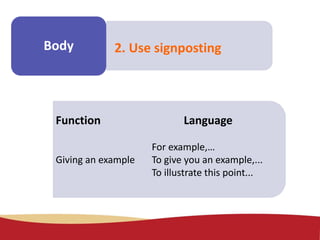
For example,…
Giving an example To give you an example,...
To illustrate this point...
Make some
notes
Body 2. Use signposting
Function Language
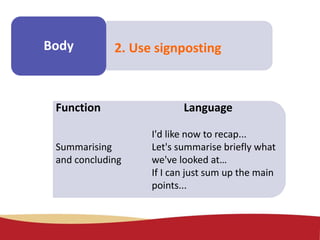
I'd like now to recap...
Summarising Let's summarise briefly what
and concluding we've looked at…
If I can just sum up the main
points...
Structure
your topic
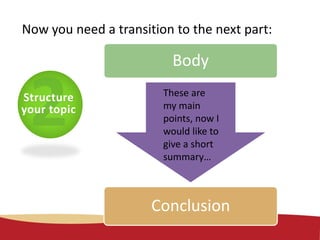
Now you need a transition to the next part:
Body
Conclusion
These are
my main
points, now I
would like to
give a short
summary…
Structure
your topic
Introduction
Body
Conclusion
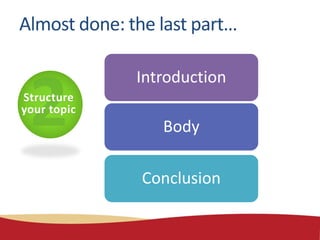
Almost done: the last part…
Make some
notes
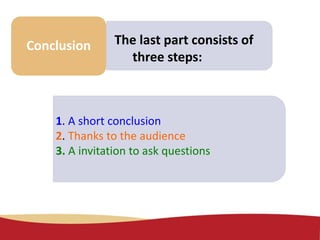
Conclusion The last part consists of
three steps:
1. A short conclusion
2. Thanks to the audience
3. A invitation to ask questions
Make some
notes
Conclusion 1. Short conclusion
•I'd like now to recap...
•Let's summarise briefly whatwe've looked at…
•If I can just sum up the main points...
•In conclusion I would like to say that...
•My final comments concern...
•I would like to finish by reminding everyone that...
Make some
notes
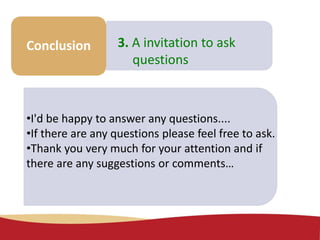
Conclusion 3. A invitation to ask
questions
•I'd be happy to answer any questions....
•If there are any questions please feel free to ask.
•Thank you very much for your attention and if
there are any suggestions or comments…
Structure
your topic
Prepare your
presentation step by
step.
Use the following
overview to check if
you’ve done everything.
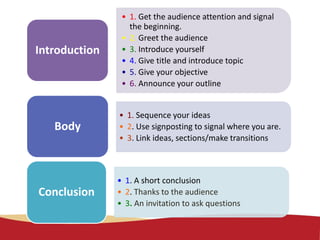
• 1. Get the audience attention and signal
the beginning.
• 2. Greet the audience
• 3. Introduce yourself
• 4. Give title and introduce topic
• 5. Give your objective
• 6. Announce your outline
Introduction
• 1. Sequence your ideas
• 2. Use signposting to signal where you are.
• 3. Link ideas, sections/make transitions
Body
• 1. A short conclusion
• 2. Thanks to the audience
• 3. An invitation to ask questions
Conclusion
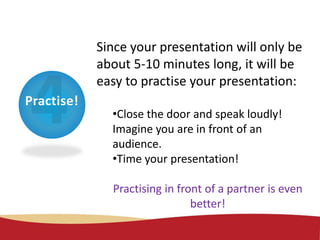
Practise!
Since your presentation will only be
about 5-10 minutes long, it will be
easy to practise your presentation:
•Close the door and speak loudly!
Imagine you are in front of an
audience.
•Time your presentation!
Practising in front of a partner is even
better!
Practise!
Don't read your presentation. You
can use short notes, but reading a presentation
is unnatural; also, it makes it very difficult for
your audience to follow.
Don't try to cover too much
material. Remember you only have 5-10
minutes.
Important Don’ts
Practice!
Important Do’s
Be organized!
The more organized and focused your
presentation is, the more relaxed you'll feel.
Breathe! (It helps you relax.)
Speak clearly, slowly and at an
appropriate level for your audience.
Use vocabulary that is appropriate
for your audience.
Your instructor and classmates look forward to
listening to your presentation during the last virtual
class.
Make sure that you contact your instructor if you have
a PowerPoint slide show to accompany your
presentation.
Ready to go?
The End 
‘Making a presentation’s by English Online Inc.
is licensed under a Creative Commons Attribution-ShareAlike 4.0 International License

Workplace Communications - Making a presentation

  • 1.
    MAKING A PRESENTATION WorkplaceCommunications ‘Making a presentation’s by English Online Inc. is licensed under a Creative Commons Attribution-ShareAlike 4.0 International License
  • 2.
  • 3.
    Some topic suggestions: •Yourhome country (history, current situation, how different it is from Canada) •A profession you want to pursue (requirements, description of a job ) • Share your job search experiences: how you found a job in Manitoba. Find a Meaningful Topic Find a meaningful topic
  • 4.
    Some topic suggestions: •Haveyou ever volunteered? What are your experiences? What are the advantages and disadvantages of volunteering? • How to get through the winter in Manitoba. • Raising children as an immigrant: what are the challenges and opportunities? Find a meaningful topic Find a Meaningful Topic
  • 5.
    If you needhelp, feel free to contact your e-facilitator for this course to discuss your topic. Find a meaningful topic Find a Meaningful Topic
  • 6.
  • 7.
    Make some notes •What goesinto introduction:Introduction 1. “Catch phrase” 2. Greeting 2. Introduction 4. Tittle and Topic 5. Objective 6. Agenda
  • 8.
    Make some notes 1. “Catchphrase”Introduction •Let's begin. •Can we start? •Shall we start? •Let's get the ball rolling. •Let’s get it started.
  • 9.
    Make some notes 2. GreetingIntroduction •Helloeveryone. •Good morning/afternoon/evening •Marie/John, thank you for your kind introduction..
  • 10.
  • 11.
    Make some notes 4. Tittleand TopicIntroduction •I plan to speak about... •Today I'm going to talk about... •The subject of my presentation is... •My talk will last about … minutes
  • 12.
    Make some notes 5. ObjectiveIntroduction •WhatI would like to do today is •to explain… •to illustrate... •to have a look at... •What I want my listeners to get out of my speech is... •If there is one thing I'd like to get across to you today it is that…
  • 13.
    Make some notes 6. AgendaIntroduction •Ihave broken my speech down/up into X parts. •I have divided my presentation (up) into Y parts. •In the first part I give a few basic definitions. •In the next section I will explain… •In part three, I am going to show... •In the last part I would like/want to give a practical example...
  • 14.
  • 15.
    Structure your topic Now youneed a transition to the next part: Introduction Body Let us now move on to the next part….
  • 16.
    Make some notes Body Here aresome aspects you should consider when planning the main part of your presentation : 1. Sequencing your ideas 2. Signaling where you are 3. Link ideas, sections; making transitions
  • 17.
    Make some notes Body 1.Sequence your ideas Here are a few possibilities for organizing your ideas: • chronologically • from general to specific • from known to unknown • from accepted to controversial • from a problem to a solution
  • 18.
    Make some notes Body 2. Signpostingwhere you are Imagine you are driving along a road that you do not know – signs will guide you to find your way. This is the same for people listening to a presentation: they need signals to guide them so that it is easy to follow the presentation. Signpost image by erlandh https://openclipart.org/detail/194589/signpost PD
  • 19.
    Make some notes Body 2.Use signposting Function Language I'd like to start by... Let's begin by... Introducing the subject First of all, I'll... Starting with... I'll begin by...
  • 20.
    Make some notes Body 2.Use signposting Function Language Well, I've told you about... Finishing one subject... We've looked at... So much for….
  • 21.
    Make some notes Body 2.Use signposting Function Language Now we'll move on to... Let me turn now to... ...and starting another Next... Turning to... I'd now like to discuss... Let's look now at...
  • 22.
    Make some notes Body 2.Use signposting Function Language For example,… Giving an example To give you an example,... To illustrate this point...
  • 23.
    Make some notes Body 2.Use signposting Function Language I'd like now to recap... Summarising Let's summarise briefly what and concluding we've looked at… If I can just sum up the main points...
  • 24.
    Structure your topic Now youneed a transition to the next part: Body Conclusion These are my main points, now I would like to give a short summary…
  • 25.
  • 26.
    Make some notes Conclusion Thelast part consists of three steps: 1. A short conclusion 2. Thanks to the audience 3. A invitation to ask questions
  • 27.
    Make some notes Conclusion 1.Short conclusion •I'd like now to recap... •Let's summarise briefly whatwe've looked at… •If I can just sum up the main points... •In conclusion I would like to say that... •My final comments concern... •I would like to finish by reminding everyone that...
  • 28.
    Make some notes Conclusion 3.A invitation to ask questions •I'd be happy to answer any questions.... •If there are any questions please feel free to ask. •Thank you very much for your attention and if there are any suggestions or comments…
  • 29.
    Structure your topic Prepare your presentationstep by step. Use the following overview to check if you’ve done everything.
  • 30.
    • 1. Getthe audience attention and signal the beginning. • 2. Greet the audience • 3. Introduce yourself • 4. Give title and introduce topic • 5. Give your objective • 6. Announce your outline Introduction • 1. Sequence your ideas • 2. Use signposting to signal where you are. • 3. Link ideas, sections/make transitions Body • 1. A short conclusion • 2. Thanks to the audience • 3. An invitation to ask questions Conclusion
  • 31.
    Practise! Since your presentationwill only be about 5-10 minutes long, it will be easy to practise your presentation: •Close the door and speak loudly! Imagine you are in front of an audience. •Time your presentation! Practising in front of a partner is even better!
  • 32.
    Practise! Don't read yourpresentation. You can use short notes, but reading a presentation is unnatural; also, it makes it very difficult for your audience to follow. Don't try to cover too much material. Remember you only have 5-10 minutes. Important Don’ts
  • 33.
    Practice! Important Do’s Be organized! Themore organized and focused your presentation is, the more relaxed you'll feel. Breathe! (It helps you relax.) Speak clearly, slowly and at an appropriate level for your audience. Use vocabulary that is appropriate for your audience.
  • 34.
    Your instructor andclassmates look forward to listening to your presentation during the last virtual class. Make sure that you contact your instructor if you have a PowerPoint slide show to accompany your presentation. Ready to go?
  • 35.
    The End  ‘Makinga presentation’s by English Online Inc. is licensed under a Creative Commons Attribution-ShareAlike 4.0 International License

Editor's Notes

  • #33 http://www.eslpartyland.com/teachers/listening/presentations1.htm
  • #34 http://www.eslpartyland.com/teachers/listening/presentations1.htm