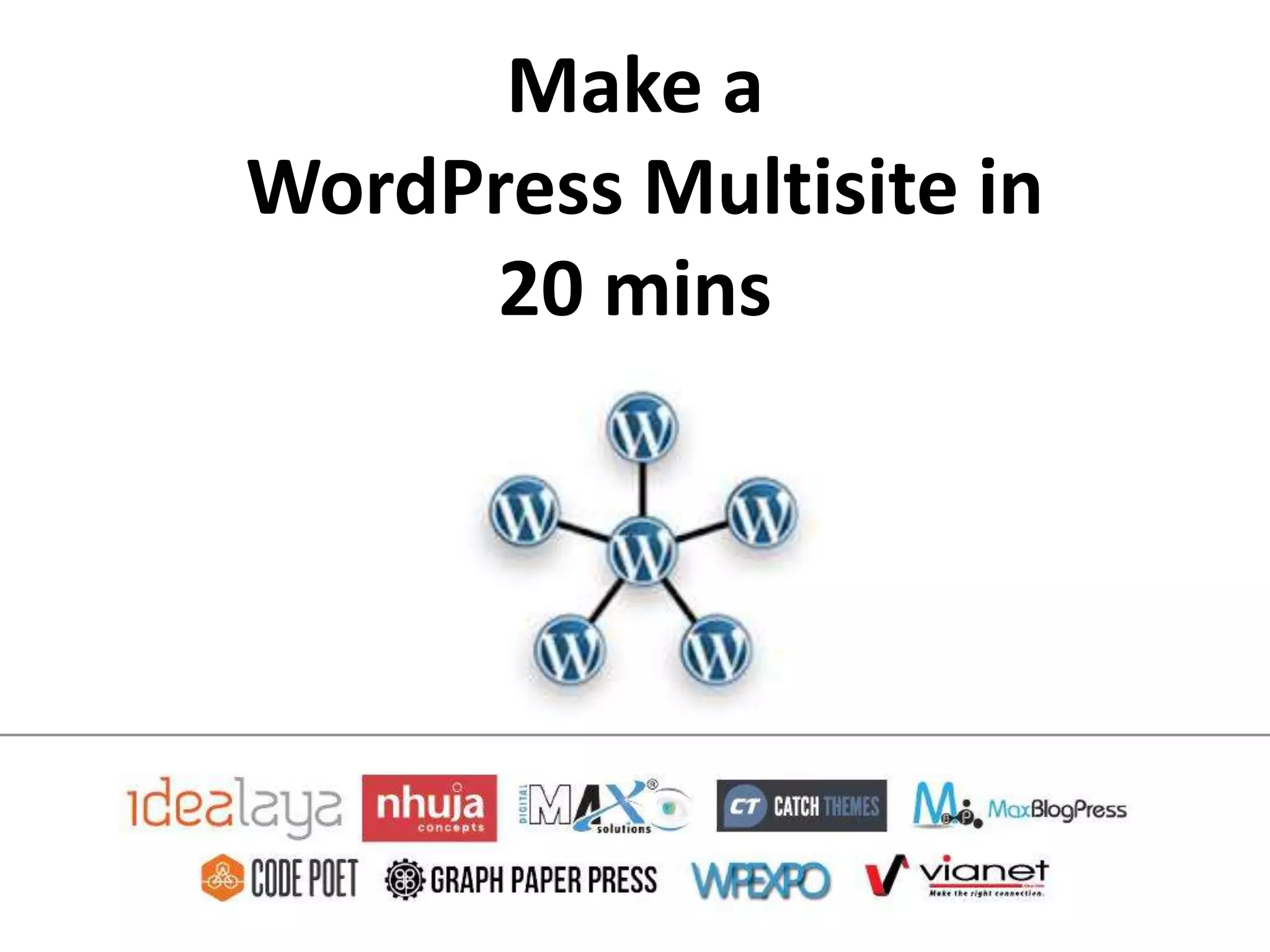

Make a
WordPress Multisite in
     20 mins
About Me
Chandra Prakash Thapa
Project Manager/ Developer E-Port International
   @cpthapa
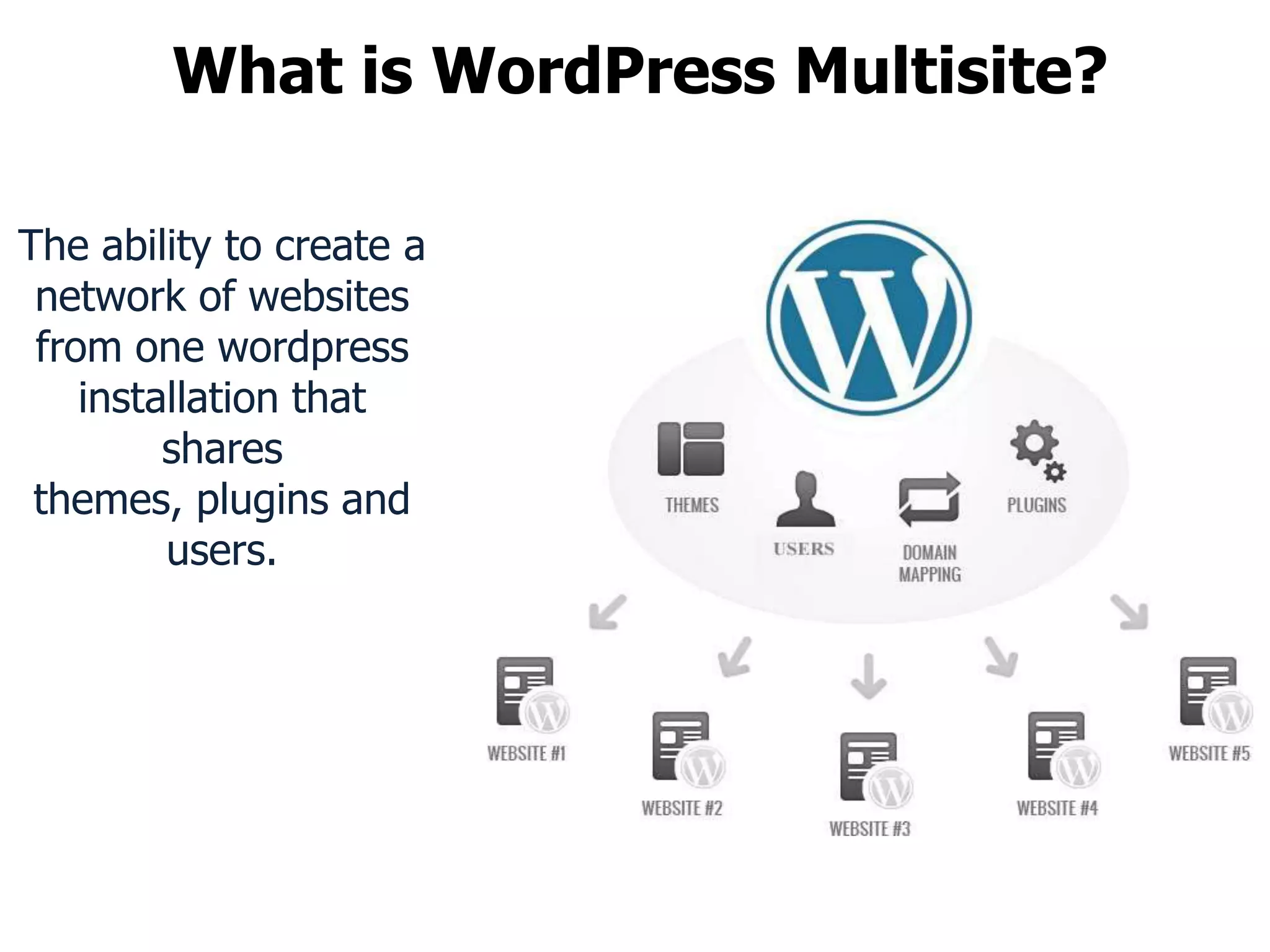
What is WordPress Multisite?

The ability to create a
 network of websites
 from one wordpress
    installation that
         shares
 themes, plugins and
         users.
Why use Multisite?
• Run unlimited website from one web account
  and one database.
Why use Multisite?
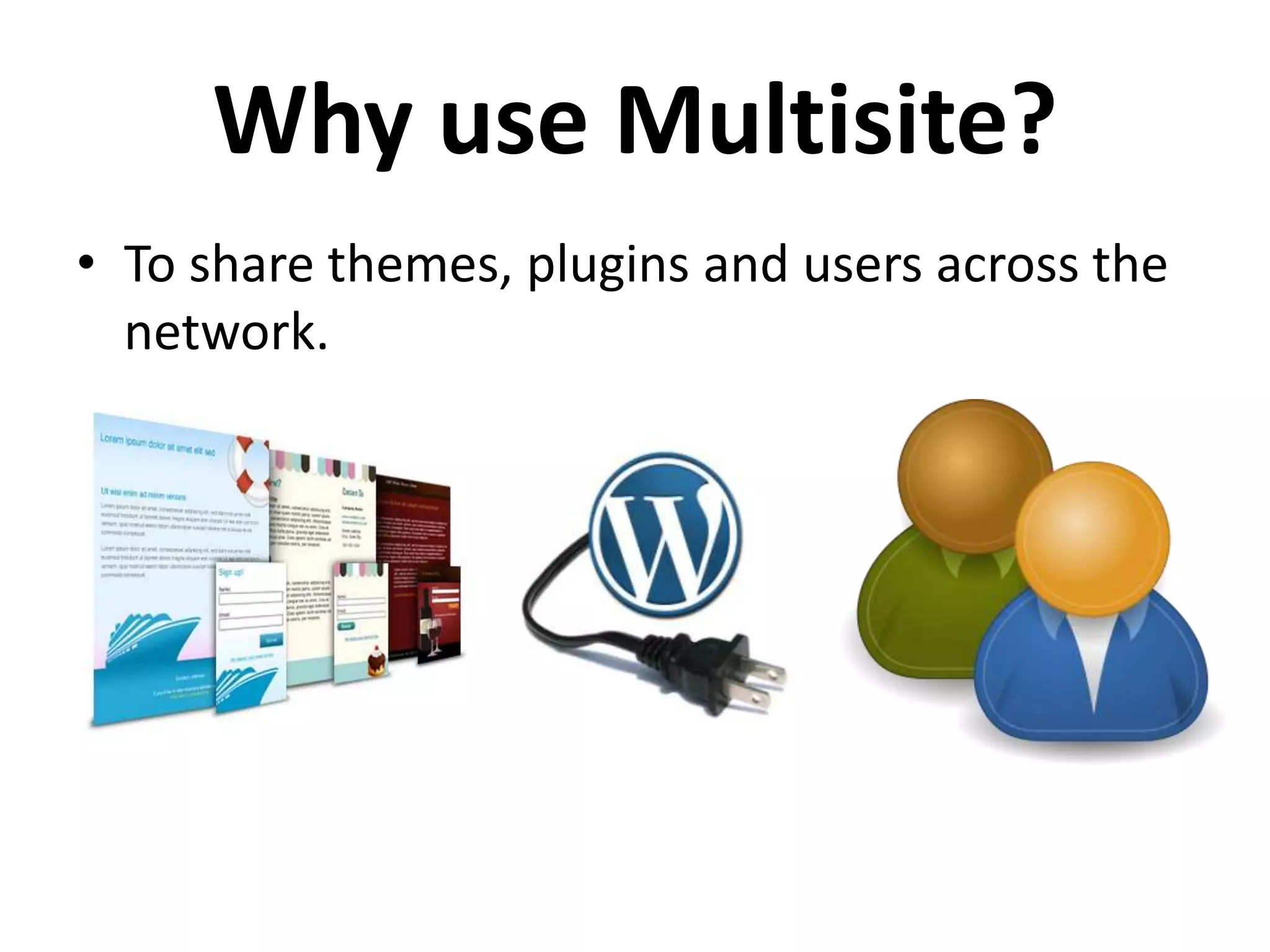
• To share themes, plugins and users across the
  network.
Why use Multisite?
• Manage
  multiple
  websites
  from one
  dashboard
  .
Why use Multisite?
• Save time upgrading multiple sites with one
  action.
Who are using?


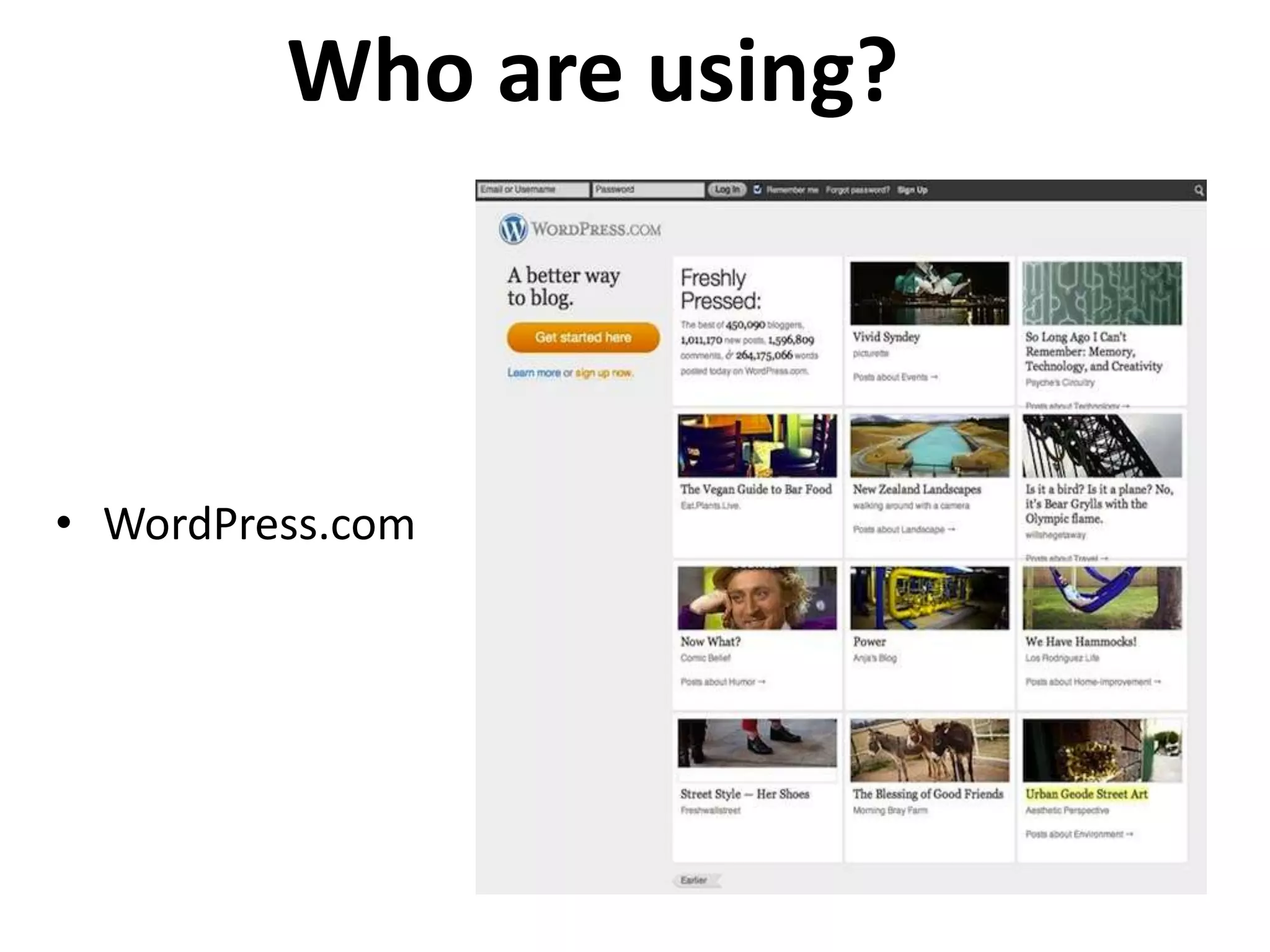
• WordPress.com
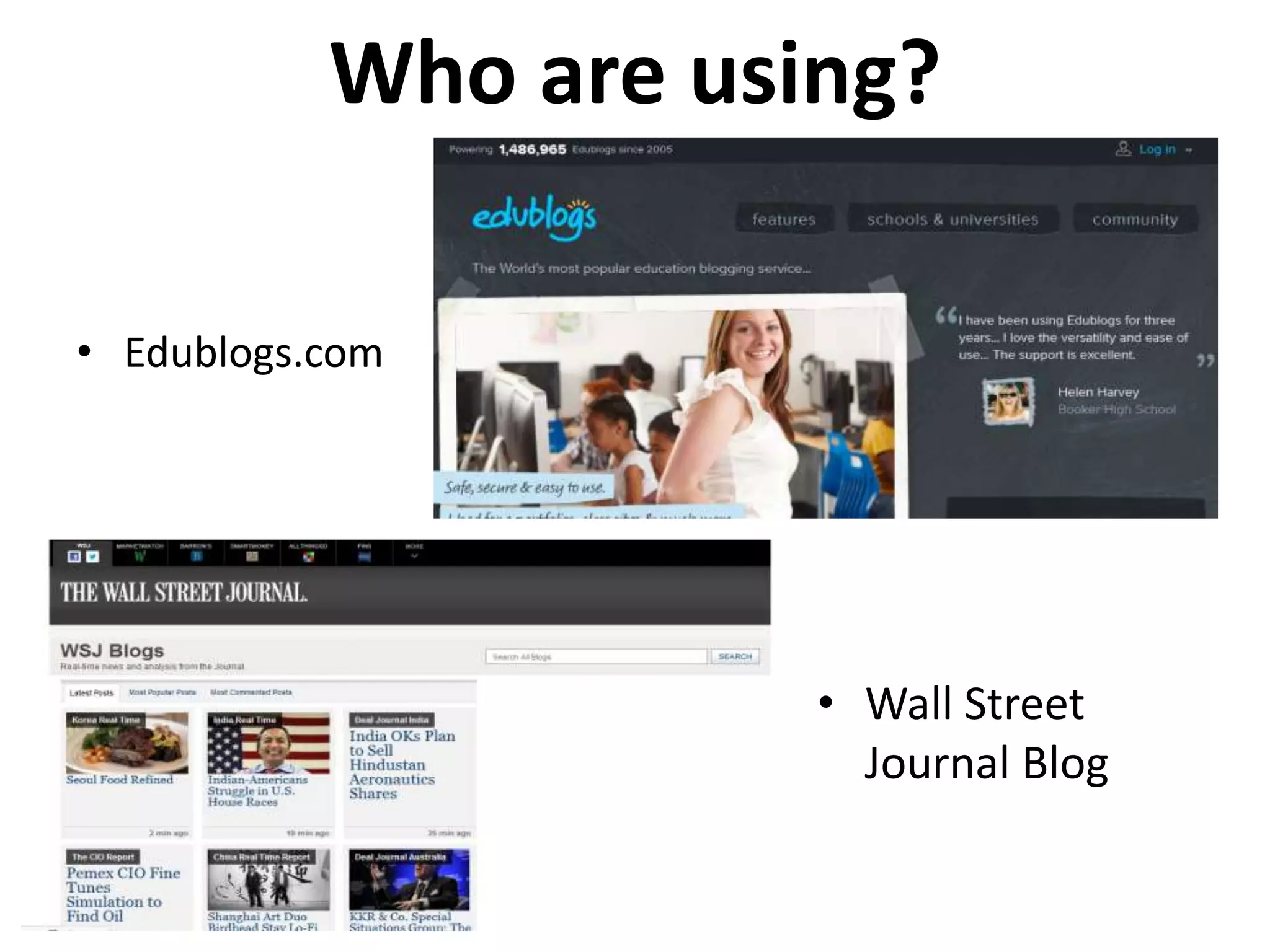
Who are using?

• Edublogs.com


                      • Wall Street
                        Journal Blog
History

WordPress Standard WordPress Multisite
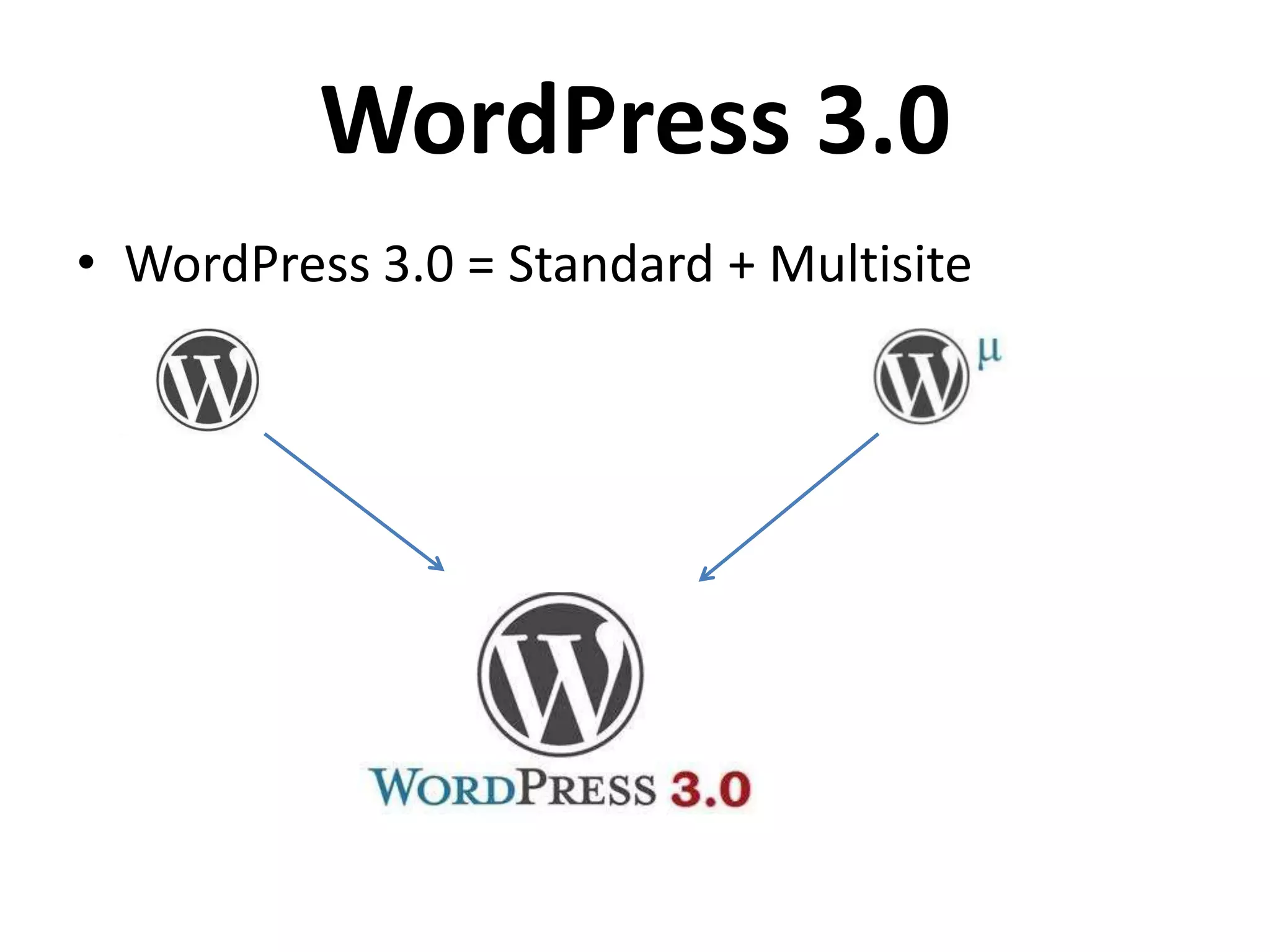
WordPress 3.0
• WordPress 3.0 = Standard + Multisite
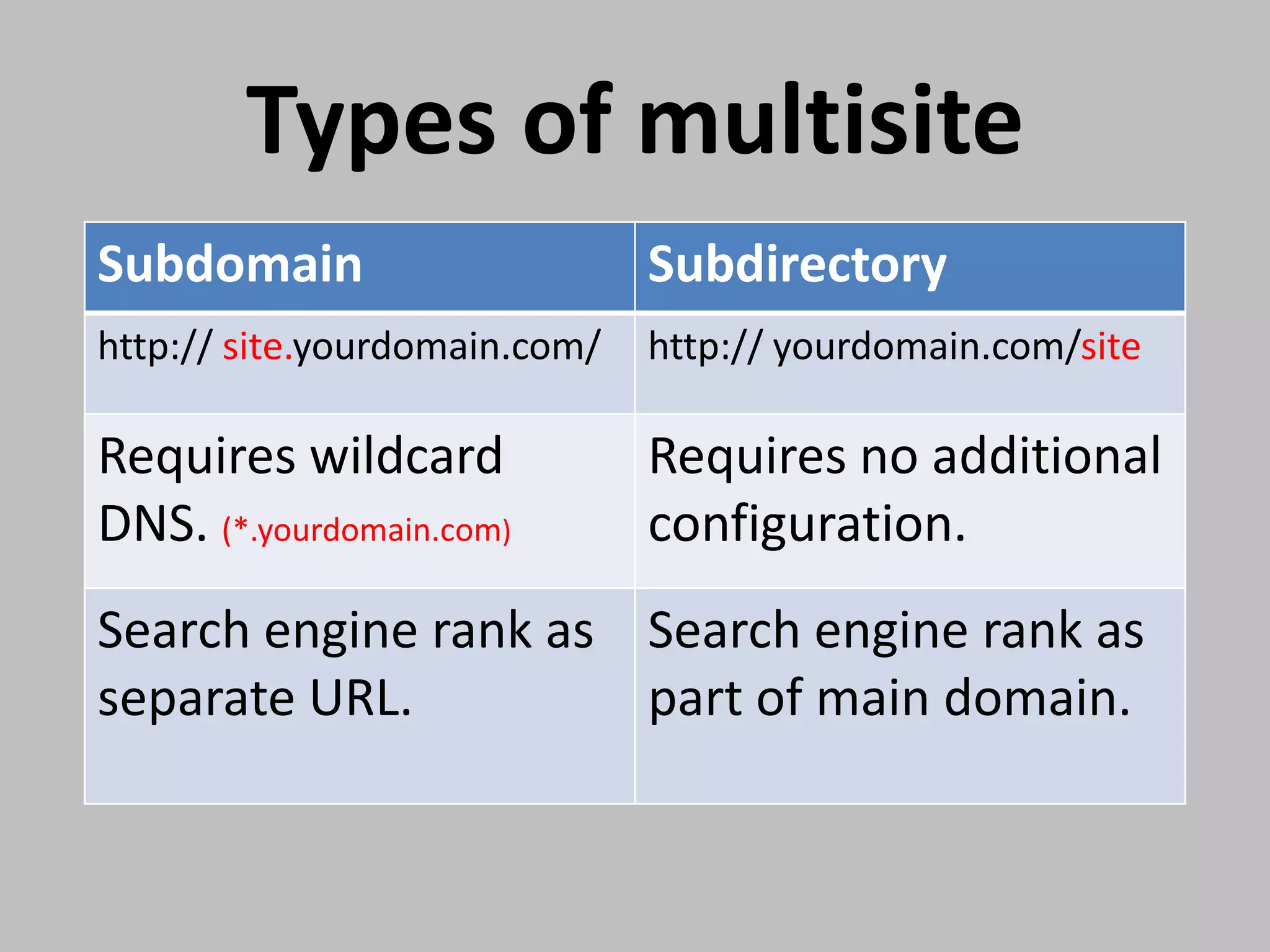
Types of multisite
Subdomain                      Subdirectory
http:// site.yourdomain.com/   http:// yourdomain.com/site

Requires wildcard              Requires no additional
DNS. (*.yourdomain.com)        configuration.
Search engine rank as Search engine rank as
separate URL.         part of main domain.
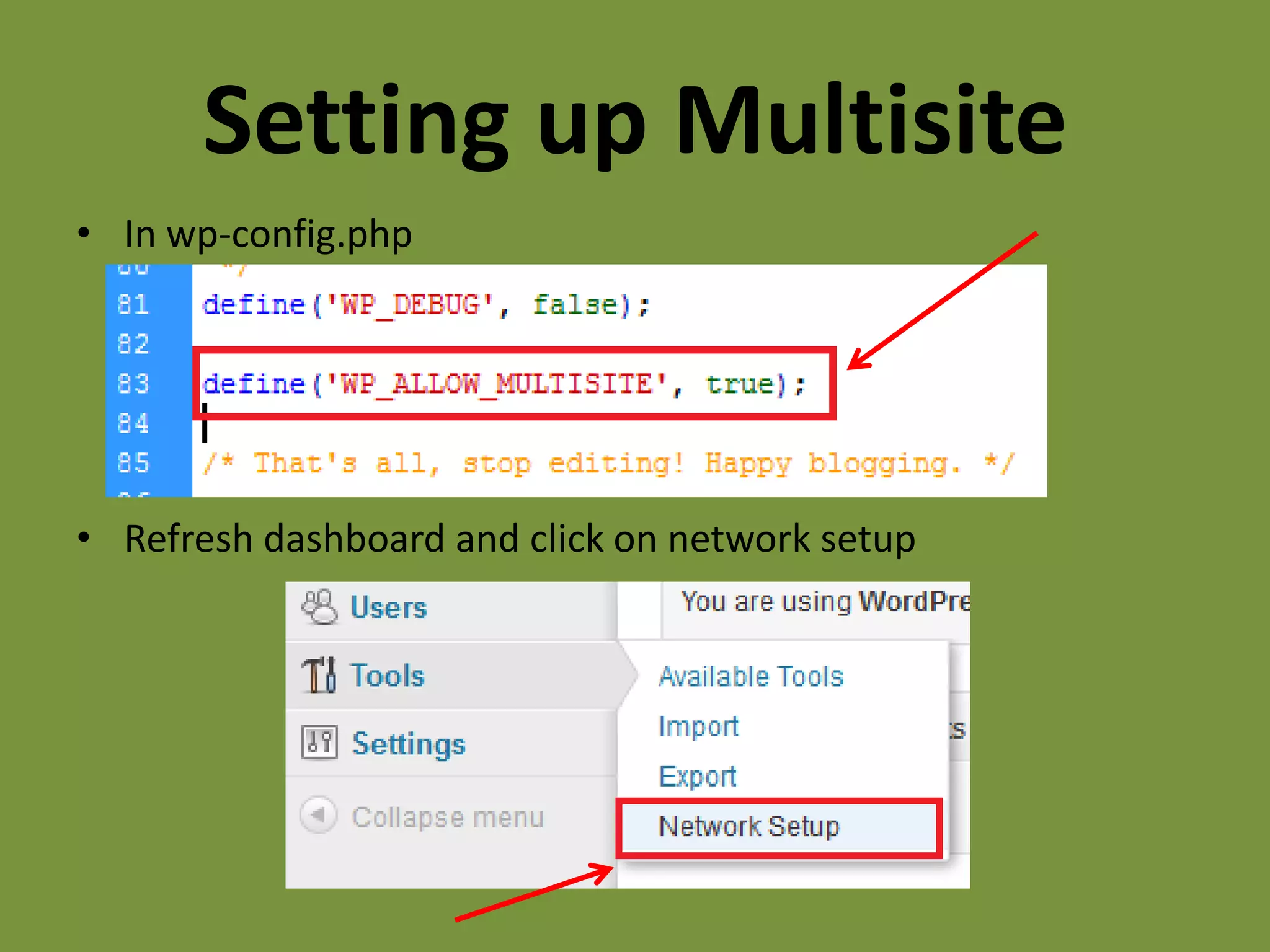
Setting up Multisite
• In wp-config.php


• Refresh dashboard and click on network setup
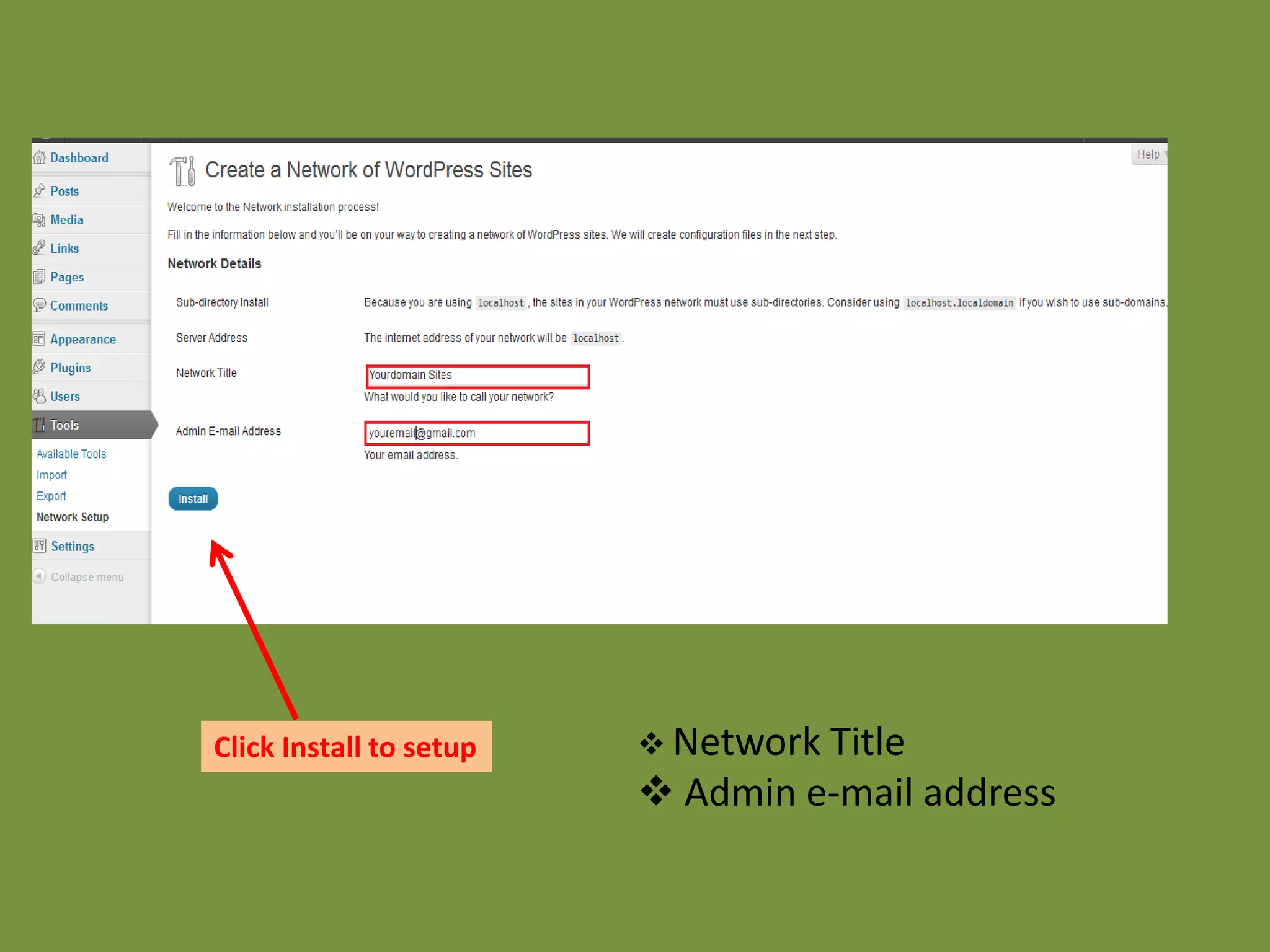
Click Install to setup    Network Title
                          Admin e-mail address
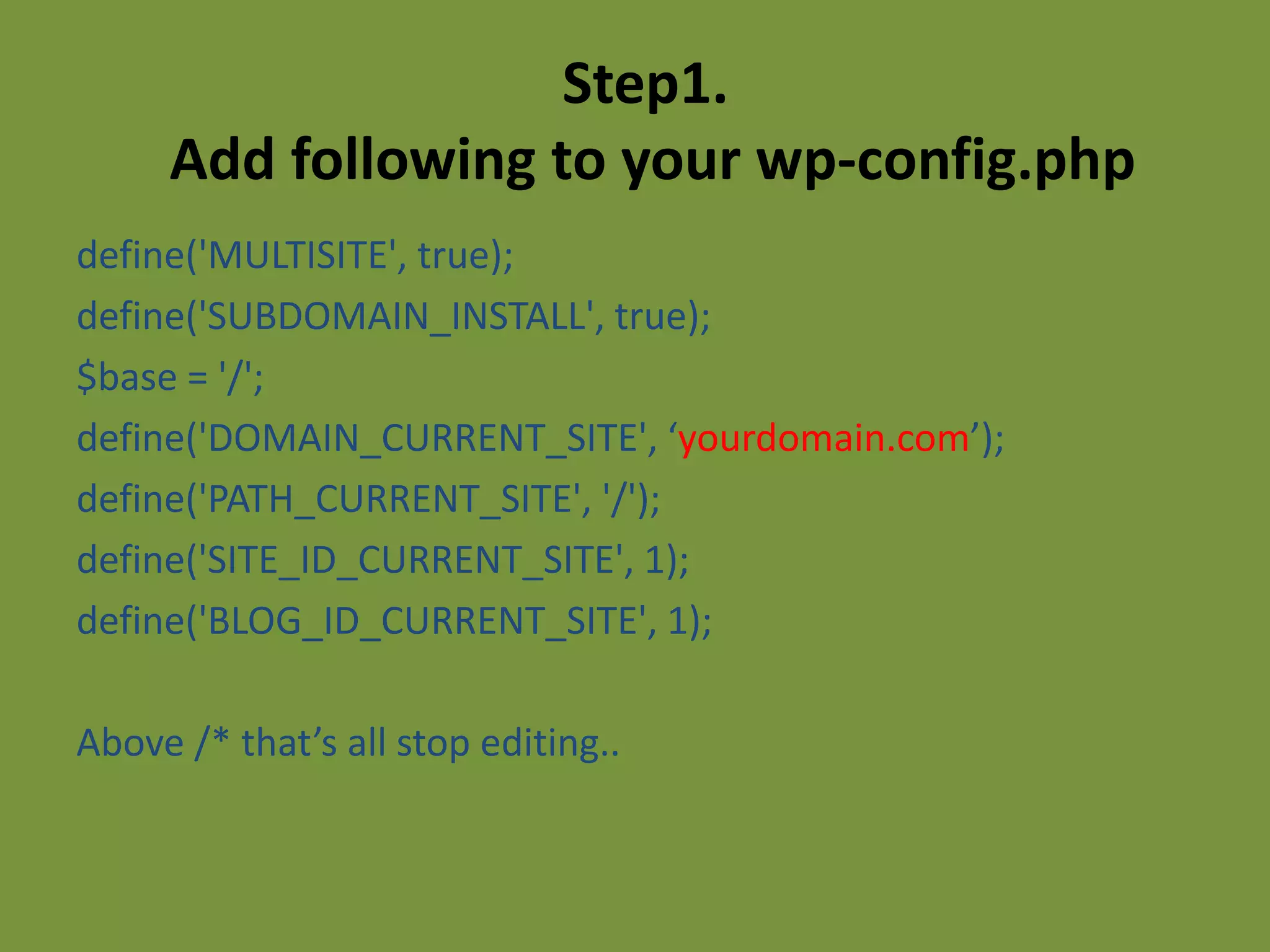
Step1.
     Add following to your wp-config.php
define('MULTISITE', true);
define('SUBDOMAIN_INSTALL', true);
$base = '/';
define('DOMAIN_CURRENT_SITE', ‘yourdomain.com’);
define('PATH_CURRENT_SITE', '/');
define('SITE_ID_CURRENT_SITE', 1);
define('BLOG_ID_CURRENT_SITE', 1);

Above /* that’s all stop editing..
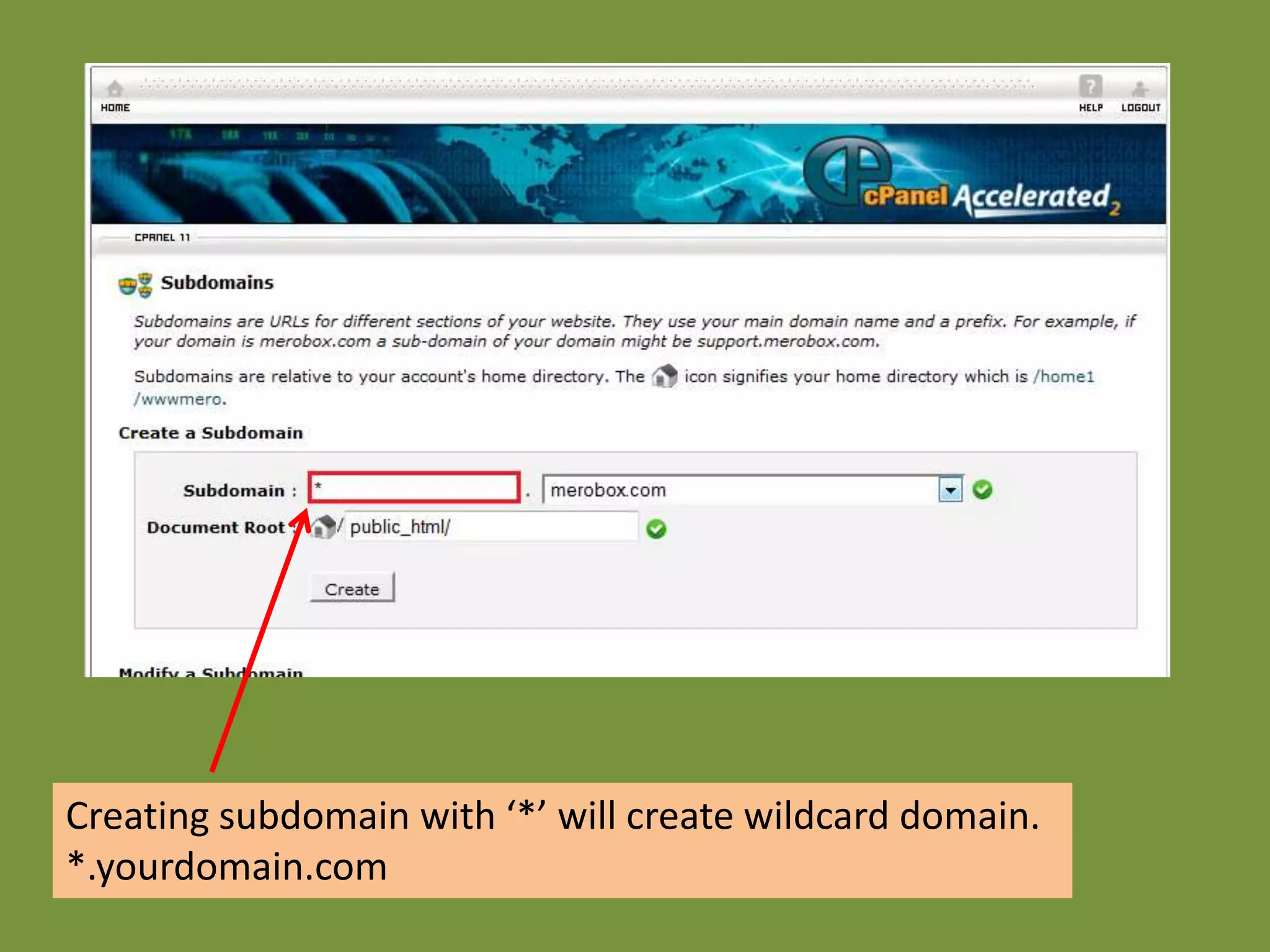
Creating subdomain with ‘*’ will create wildcard domain.
*.yourdomain.com
Step2.
    Replace your current .htaccess file
RewriteEngine On
RewriteBase /
RewriteRule ^index.php$ - [L]

# uploaded files
RewriteRule ^([_0-9a-zA-Z-]+/)?files/(.+) wp-includes/ms-files.php?file=$2 [L]

# add a trailing slash to /wp-admin
RewriteRule ^([_0-9a-zA-Z-]+/)?wp-admin$ $1wp-admin/ [R=301,L]

RewriteCond %{REQUEST_FILENAME} -f [OR]
RewriteCond %{REQUEST_FILENAME} -d
RewriteRule ^ - [L]
RewriteRule ^[_0-9a-zA-Z-]+/(wp-(content|admin|includes).*) $1 [L]
RewriteRule ^[_0-9a-zA-Z-]+/(.*.php)$ $1 [L]
RewriteRule . index.php [L]
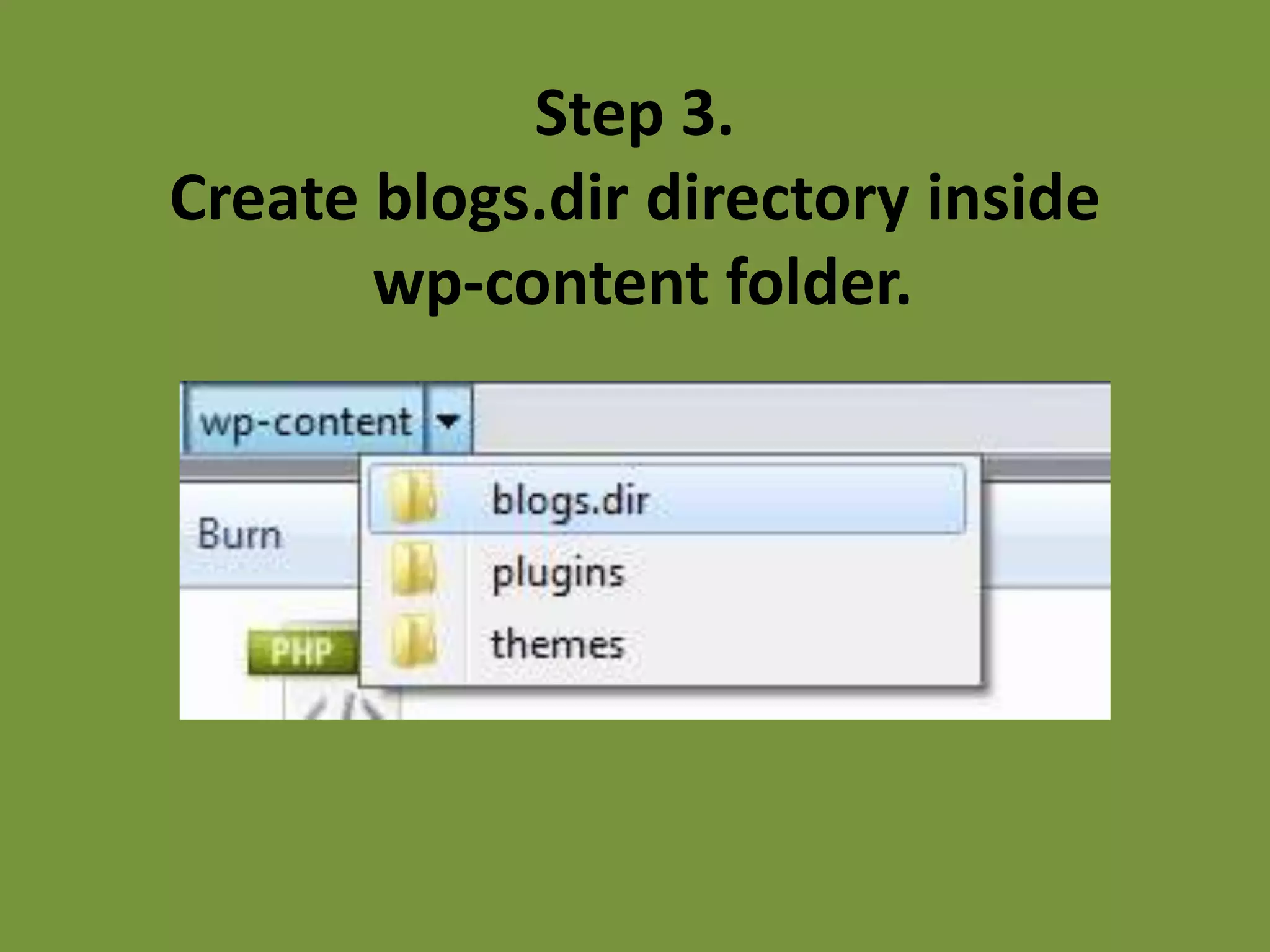
Step 3.
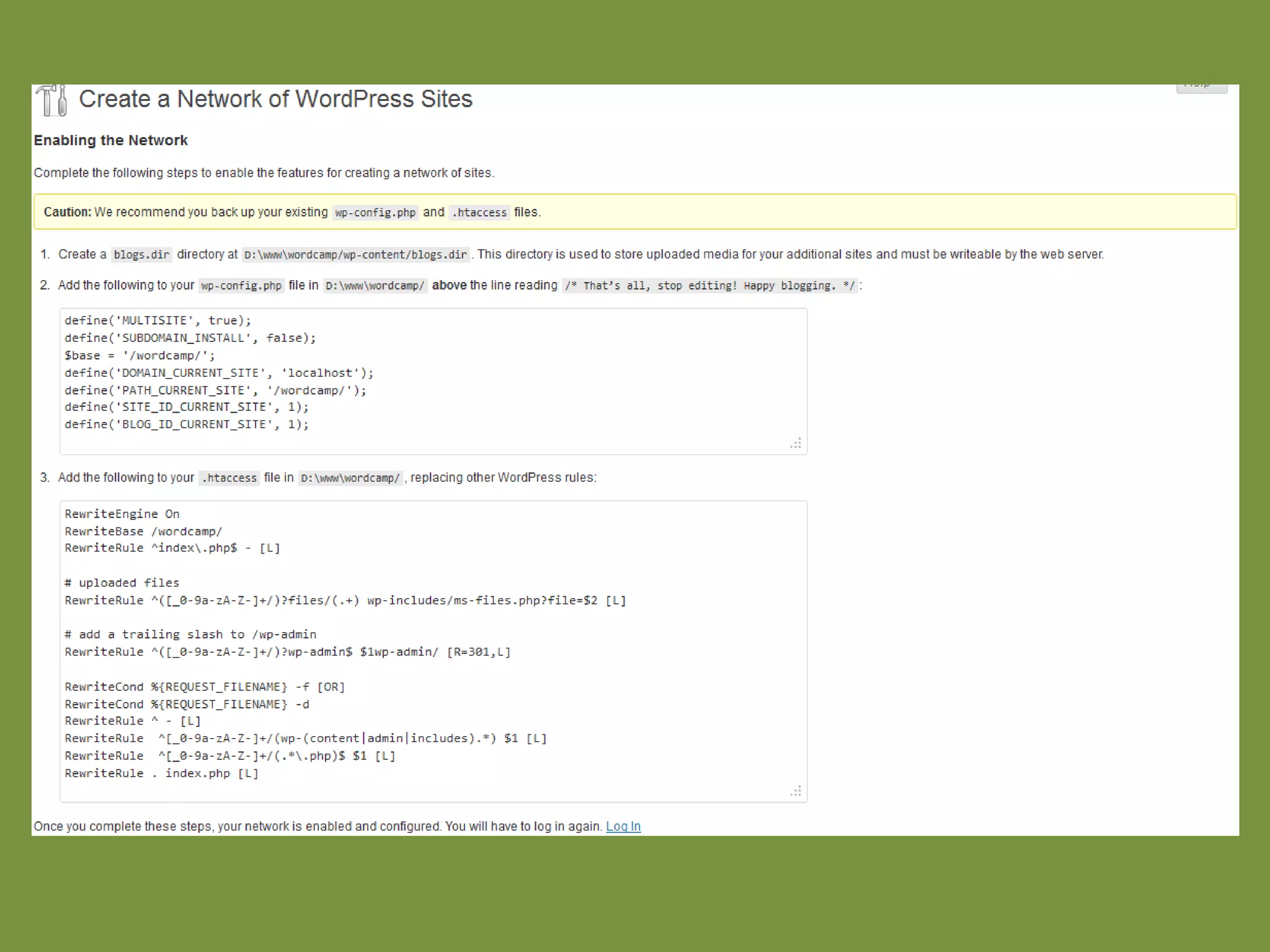
Create blogs.dir directory inside
       wp-content folder.
LOG-in Back


  That’s it! You’re Done
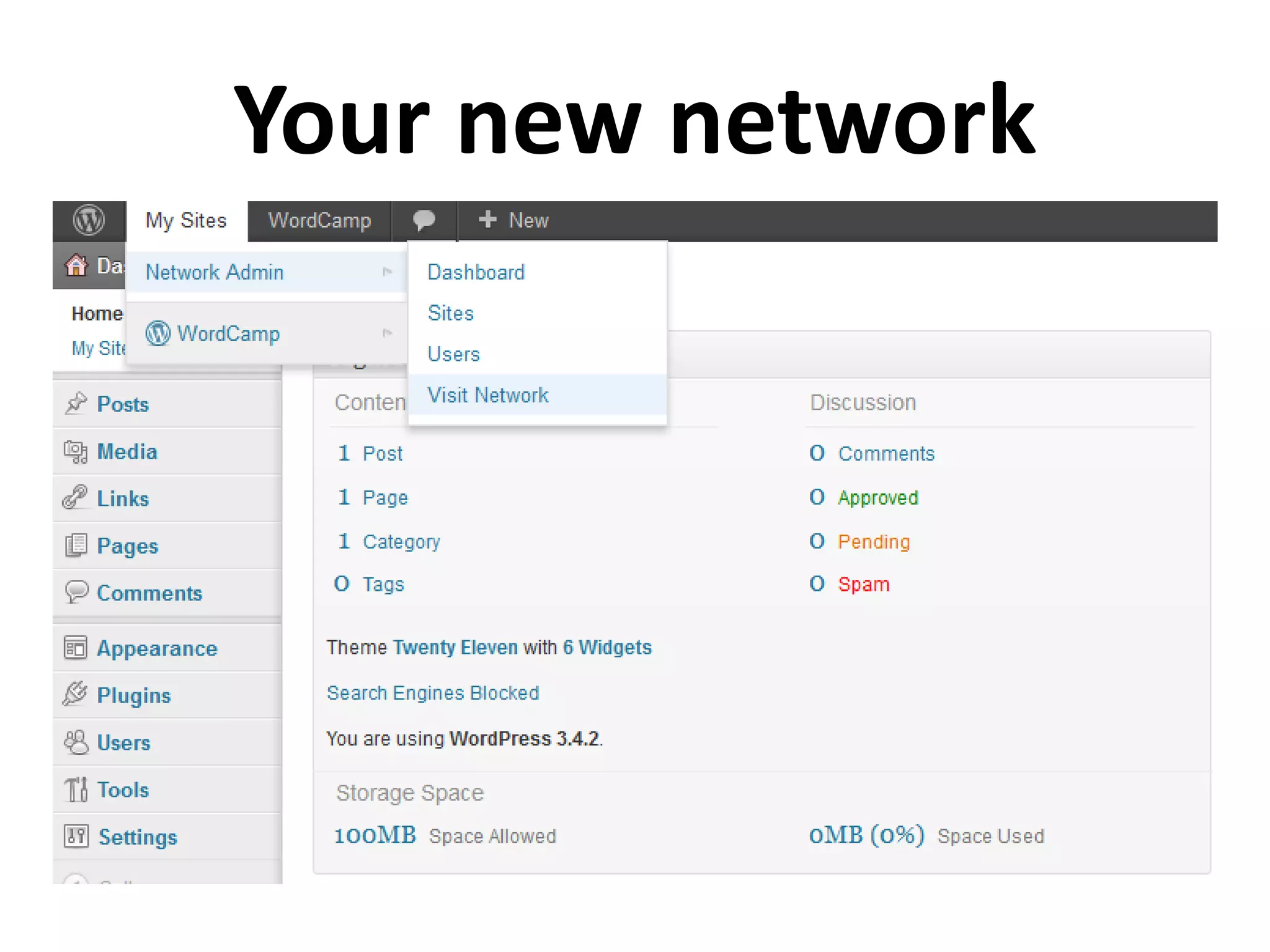
Your new network
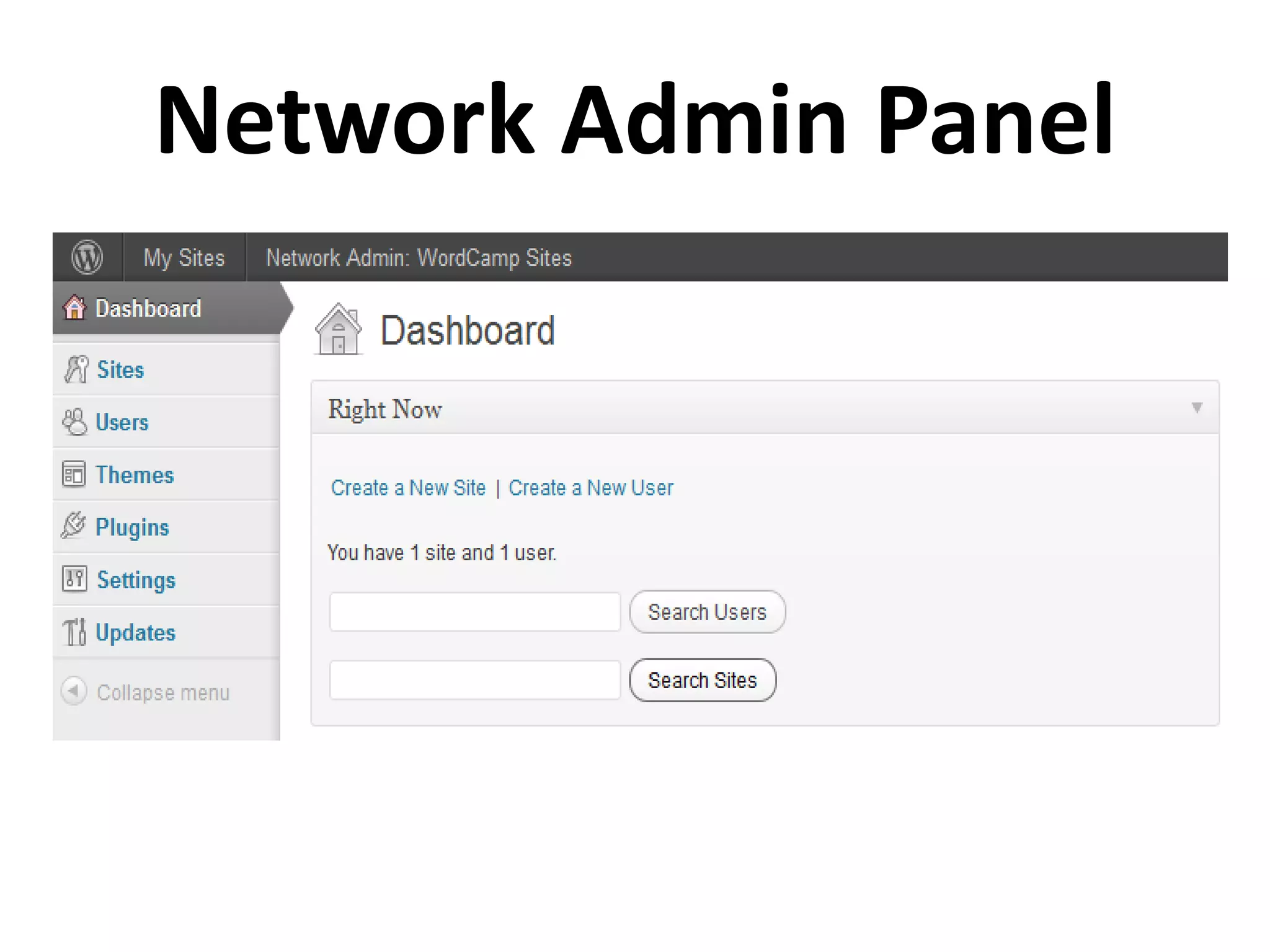
Network Admin Panel
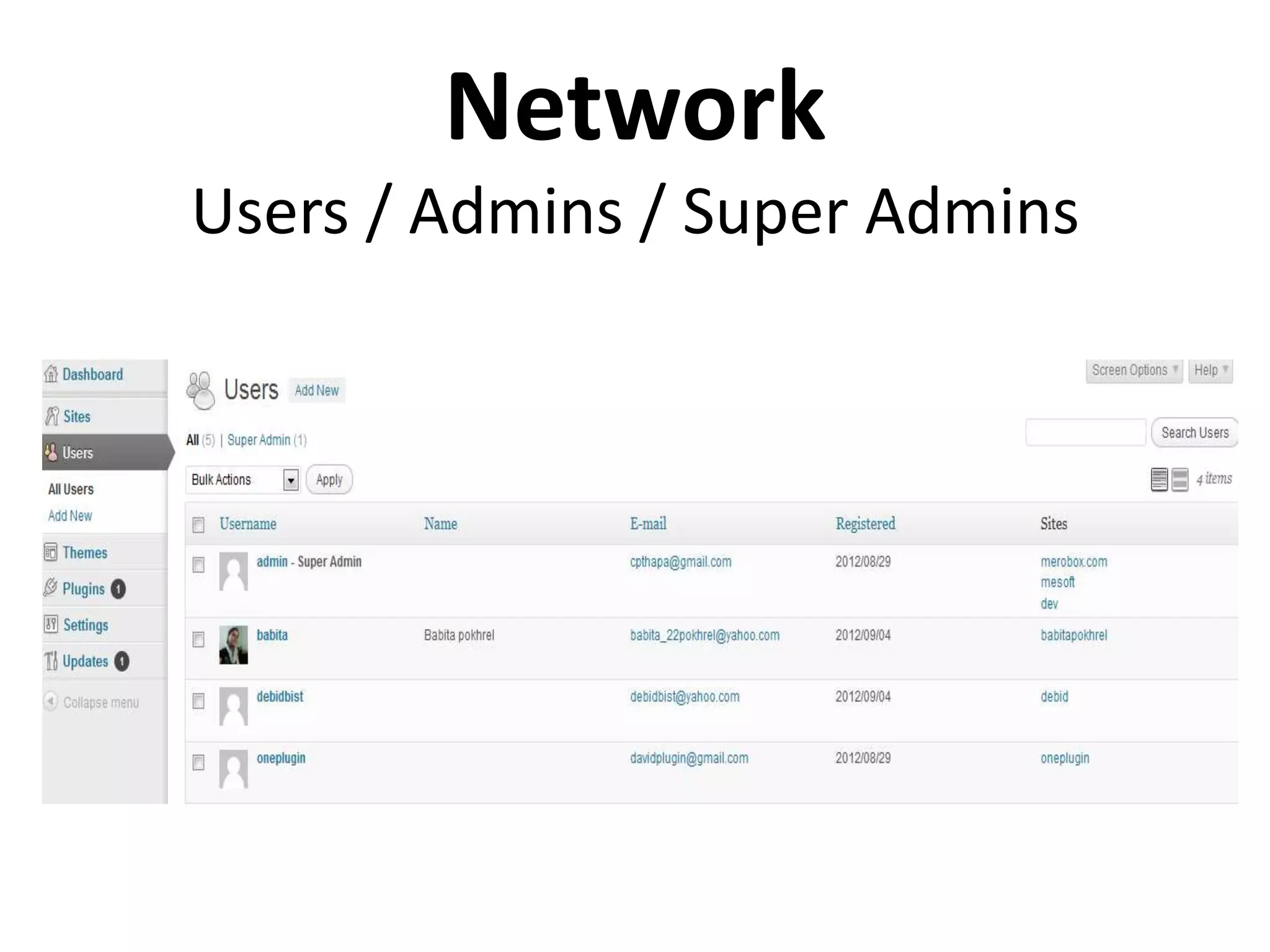
Network
Users / Admins / Super Admins
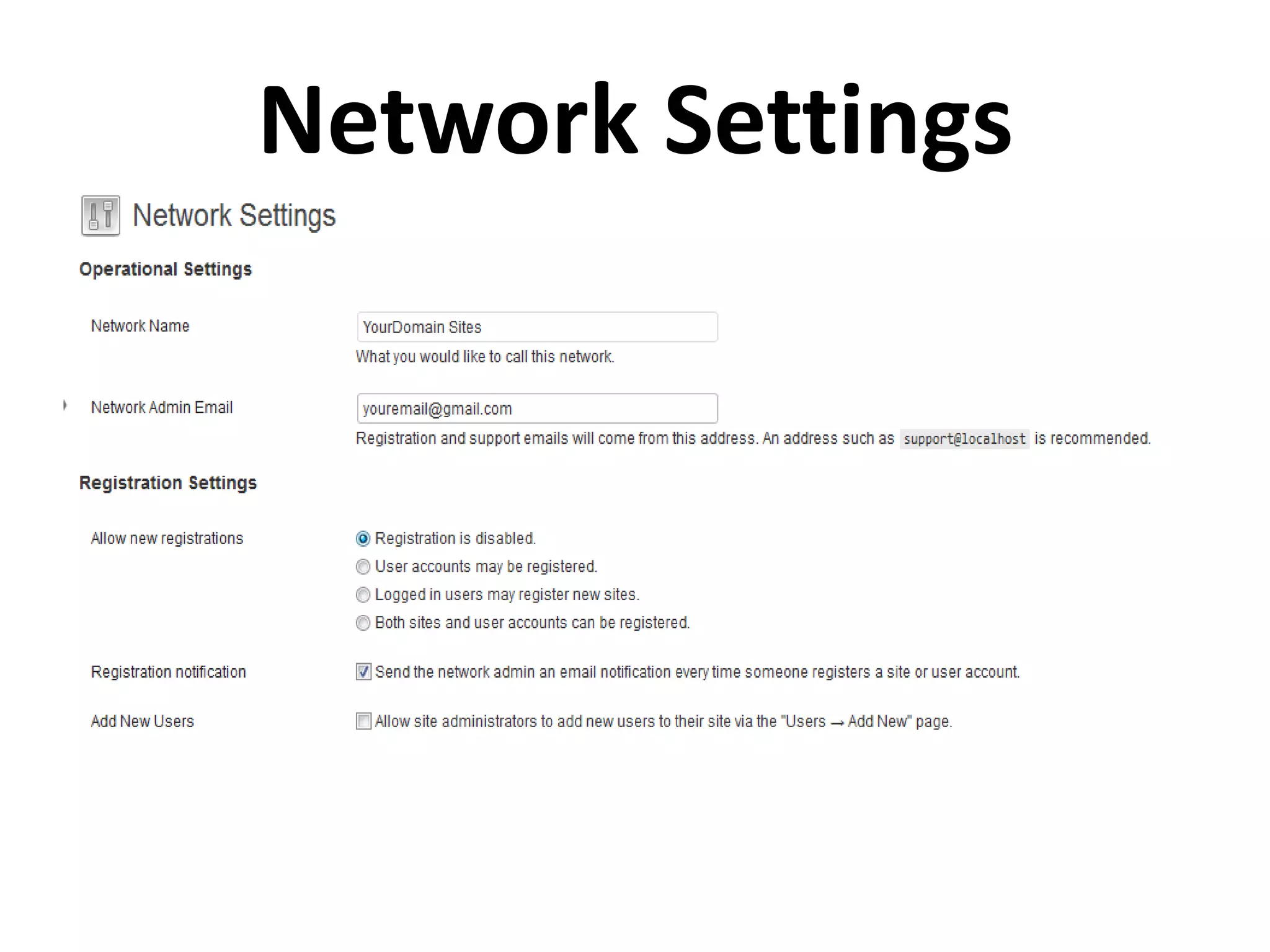
Network Settings
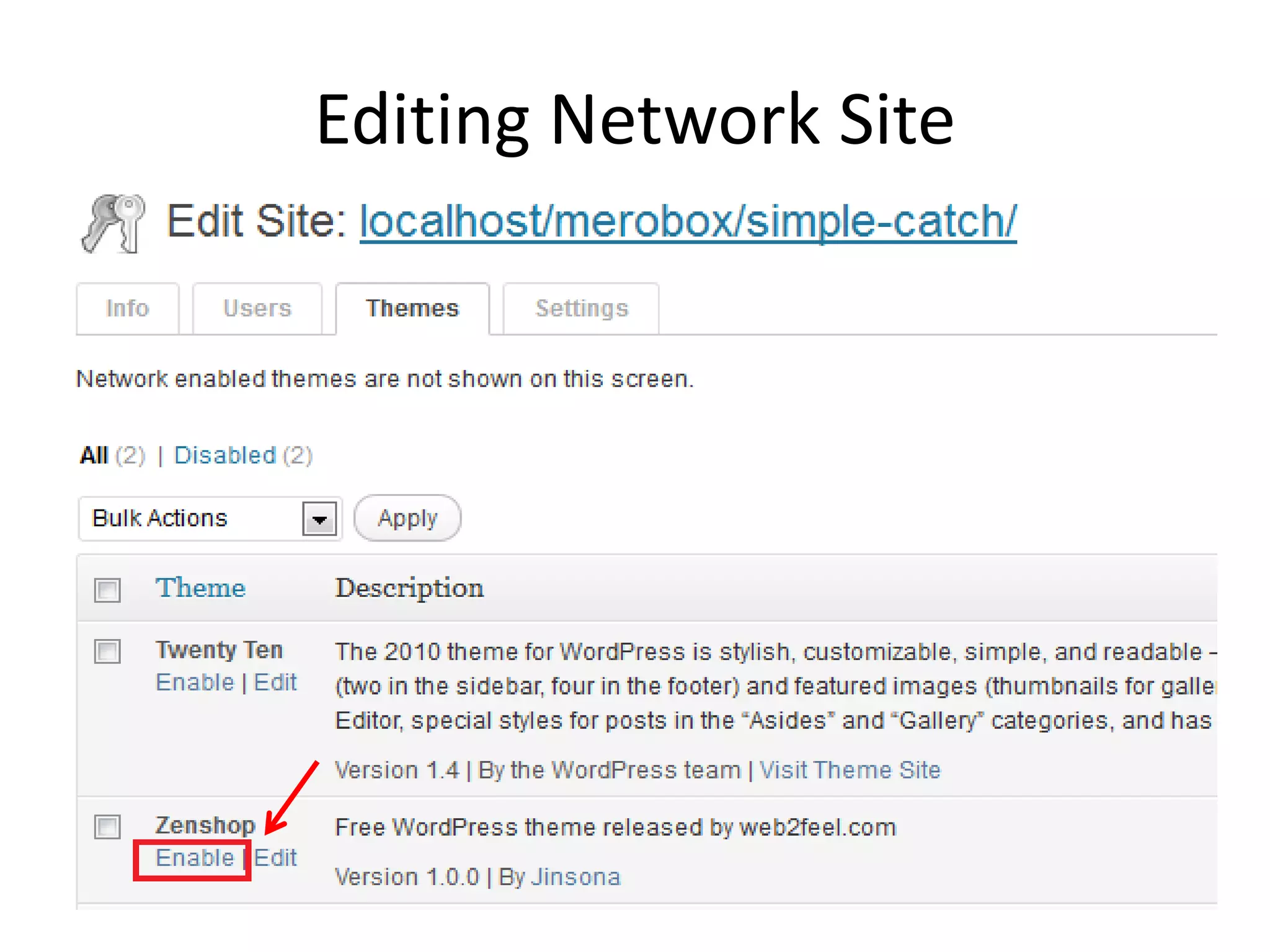
Editing Network Site
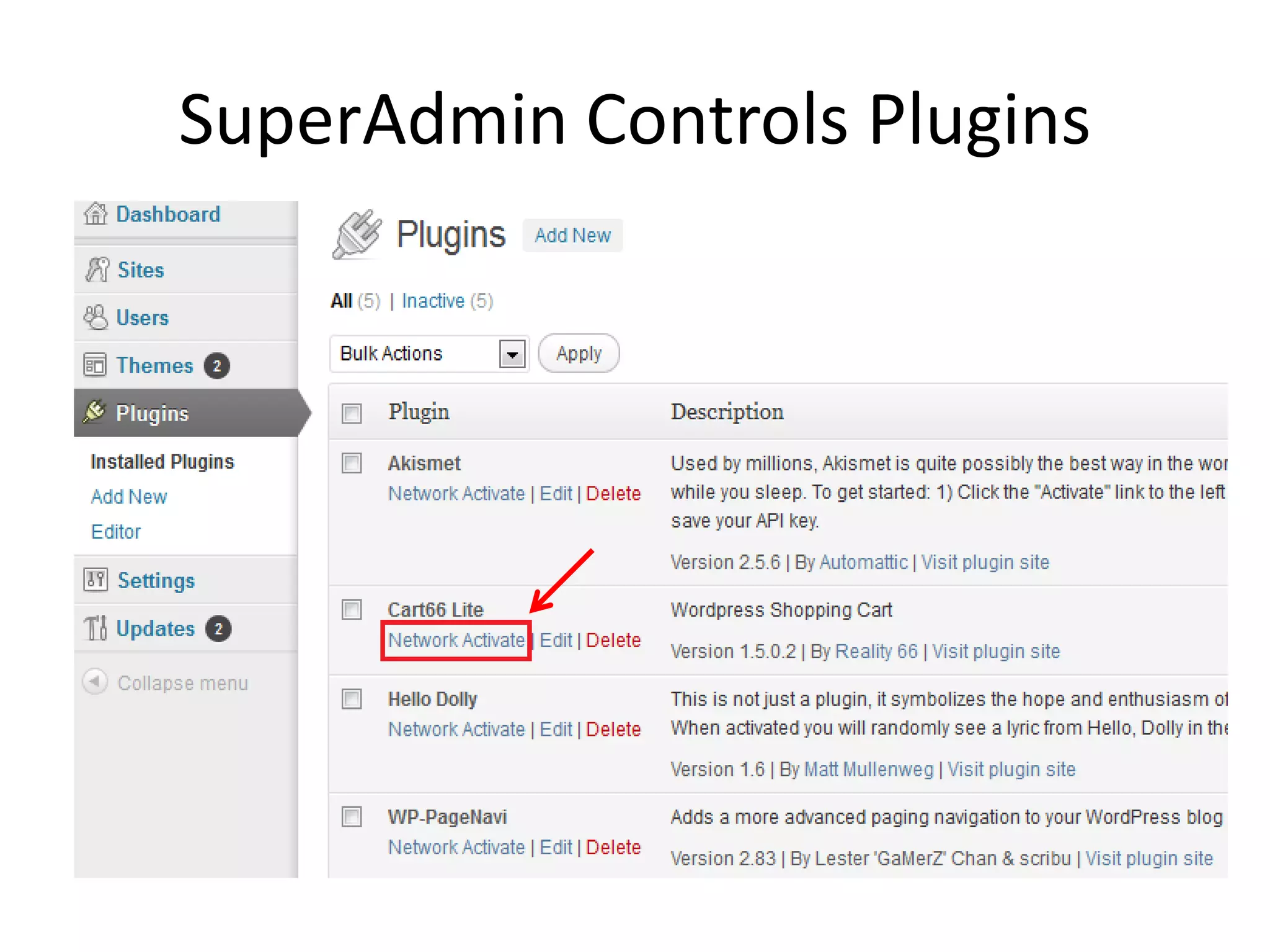
SuperAdmin Controls Plugins
Plugins for WordPress MS
• WordPress MU domain mapping
  This plugin allows users of a WordPress 3.0 network to map their blog/site to another
  domain or top level domain.
  http://wordpress.org/extend/plugins/wordpress-mu-domain-mapping/

• WordPress MU Sitewide Tags Pages
  A central area where all the posts on a WordPress MU or WordPress MS site can
  be collected.
  http://wordpress.org/extend/plugins/wordpress-mu-sitewide-tags/
Reference…
• http://codex.wordpress.org/Create_A_Network

• http://mashable.com/2012/07/26/beginner-guide-wordpress-
  multisite/

• http://wp.tutsplus.com/tutorials/using-wordpress-multisite-a-
  network-of-websites-at-your-fingertips/
Questions?

Worcamp2012 make a wordpress multisite in 20mins