

Drupal on your Desktop
   Running a webserver and database locally
Drupal on your Desktop
        Running a webserver and database locally

• Fast
• Easy
• Safe
• Eliminates network issues in debugging
Things you’ll need
Things you’ll need
  Several easy packages available
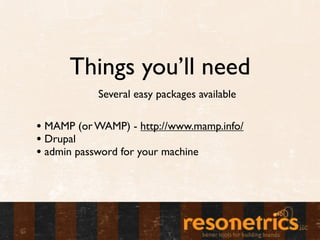
Things you’ll need
           Several easy packages available

• MAMP (or WAMP) - http://www.mamp.info/
• Drupal
• admin password for your machine
Things you may want
Things you may want
       Recommended
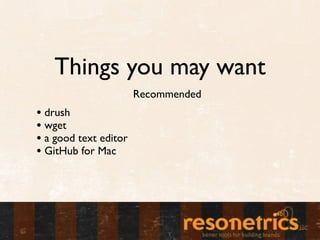
Things you may want
                       Recommended
• drush
• wget
• a good text editor
• GitHub for Mac
MAMP
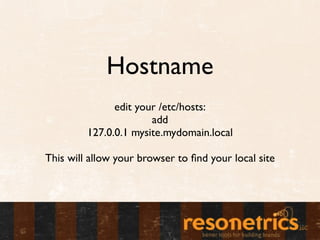
Hostname
               edit your /etc/hosts:
                       add
         127.0.0.1 mysite.mydomain.local

This will allow your browser to find your local site
Drupal
Unpack Drupal into your htdocs
 /Applications/MAMP/htdocs
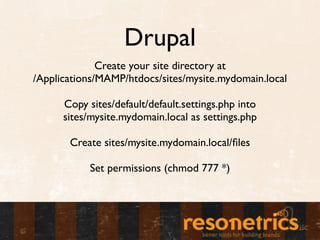
Drupal
              Create your site directory at
/Applications/MAMP/htdocs/sites/mysite.mydomain.local

      Copy sites/default/default.settings.php into
      sites/mysite.mydomain.local as settings.php

       Create sites/mysite.mydomain.local/files

            Set permissions (chmod 777 *)
MySQL
                 Visit phpMyAdmin
                Set a root password
Create an empty database and a user/password set with
                     access to it
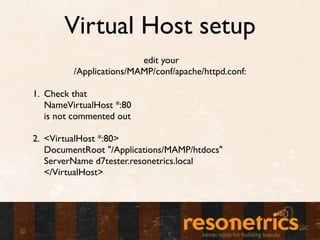
Virtual Host setup
                         edit your
         /Applications/MAMP/conf/apache/httpd.conf:

1. Check that
   NameVirtualHost *:80
   is not commented out

2. <VirtualHost *:80>
   DocumentRoot "/Applications/MAMP/htdocs"
   ServerName d7tester.resonetrics.local
   </VirtualHost>
Install Drupal
    Visit mysite.myserver.local
Go through standard install process
Install Drush
  Get drush from drupal.org/project/drush

       Unpack wherever it’s convenient

        Add drush to your $PATH
or make an alias in /usr/bin, /usr/local/bin, etc.
Use Drush
Navigate to sites/mysite.myserver.local in your terminal
          type “drush” for a list of commands

drush up - updates your modules and runs update.php
               drush cc - clears cache
   drush dl <project_name> - downloads a module
drush en <project_name> - enables the module for the
                  current site only
Git and GitHub
                     Go to
         github.com and make an account

                 Generating ssh keys:
https://help.github.com/articles/generating-ssh-keys

              http://mac.github.com/